


- Why It Matters: A strong thumbnail grabs attention and significantly improves click-through rates for videos.
- Key Features: The best thumbnail tools offer templates, customization options, and high-resolution export for professional results.
- Tool Options: Platforms like Canva, VEED, and AI tools provide different approaches for creating thumbnails efficiently.
- Efficient Solution: Wondershare UniConverter allows you to extract and customize thumbnails directly from video frames with ease.
Struggling to get more clicks on your videos despite creating great content? A weak or unappealing thumbnail is often the reason viewers scroll past your videos without a second glance. Many creators also struggle with making thumbnails that look professional without advanced design skills. Others waste time experimenting with tools that don't deliver the desired results. This is where a reliable video thumbnail generator becomes essential, helping you create eye-catching visuals that instantly grab attention. Many creators face challenges like lack of design skills, limited time, or not knowing which tools to use. Choosing the right video thumbnail generator can solve these problems and improve your video's click-through rate. With the right approach and tools, you can design thumbnails that stand out in crowded feeds. This article will guide you through the best options, tips, and strategies to create thumbnails that truly convert.
In this article
Part 1: How We Choose the Best Video Thumbnail Generator
Now let's explore the key factors that define a reliable and efficient video thumbnail generator. Understanding these criteria will help you choose a tool that fits your needs and creates high-quality thumbnails:
Ease of Use
A good video thumbnail generator should have a simple and intuitive interface that beginners can easily navigate. Tools with drag-and-drop functionality make the design process faster and more convenient. Clear menus and guided editing options reduce the learning curve significantly. Overall, ease of use ensures you can create thumbnails quickly without technical skills.
Template Library
A strong template library provides ready-made designs for different niches and styles. These templates help users save time and maintain a professional look across videos. Variety in templates allows more creative flexibility and better audience targeting. A well-stocked library is especially useful for beginners who need quick design solutions.
Customization Options
Customization features allow users to modify text, colors, fonts, and images according to their branding. Advanced tools offer layers, effects, and filters for more creative control. The ability to personalize thumbnails helps in building a unique visual identity. More customization means better chances of creating eye-catching thumbnails.
Export Quality
High-resolution export is crucial for maintaining thumbnail clarity across platforms. A good tool should support HD or 4K image downloads without quality loss. Clear and sharp thumbnails improve visual appeal and professionalism. Export options like different formats and sizes add extra flexibility.
Free vs Paid Plans
Many tools offer free versions with basic features suitable for beginners. Paid plans usually unlock advanced templates, premium assets, and higher export quality. Choosing between free and paid depends on your needs and budget. Evaluating both options helps you get the best value from a video thumbnail generator.
Part 2: 10 Best Video Thumbnail Generator Tools
Let's explore the top tools that can help you create eye-catching thumbnails quickly and efficiently. These tools are selected based on usability, features, and overall performance.
1. Wondershare UniConverter
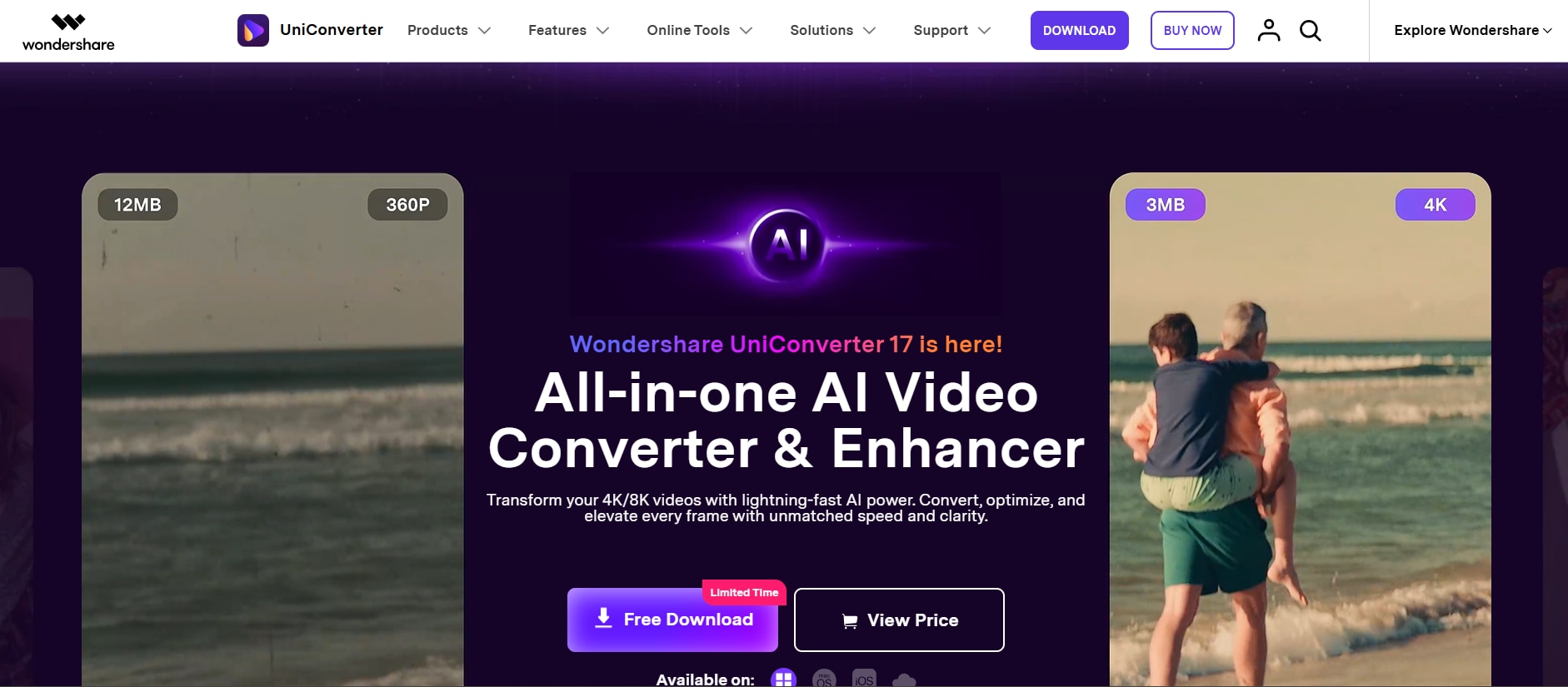
Wondershare UniConverter is a powerful all-in-one tool that not only converts videos but also helps generate thumbnails directly from video frames. It is ideal for creators who want a simple workflow without switching between multiple tools. Users can easily select the best frame from a video timeline for more precise thumbnail creation. Its clean interface makes it beginner-friendly while still offering useful controls for professionals. You can quickly preview and export thumbnails in high resolution. It works well for batch processing and saving time. Overall, it's a practical choice for video-first creators. It is especially useful when you want thumbnails directly from your content, and it also works as a video thumbnail generator. UniConverter also supports batch resizing images, which can help you easily batch resize thumbnails for YouTube. You can also utilize the image enhancer for the thumbnali generated.
Key Features:
Extract thumbnails from video frames
Built-in editing tools
Batch processing support
High-resolution export
Multi-format compatibility

Video Thumbnail Generator for Eye-Catching Covers
2. Canva
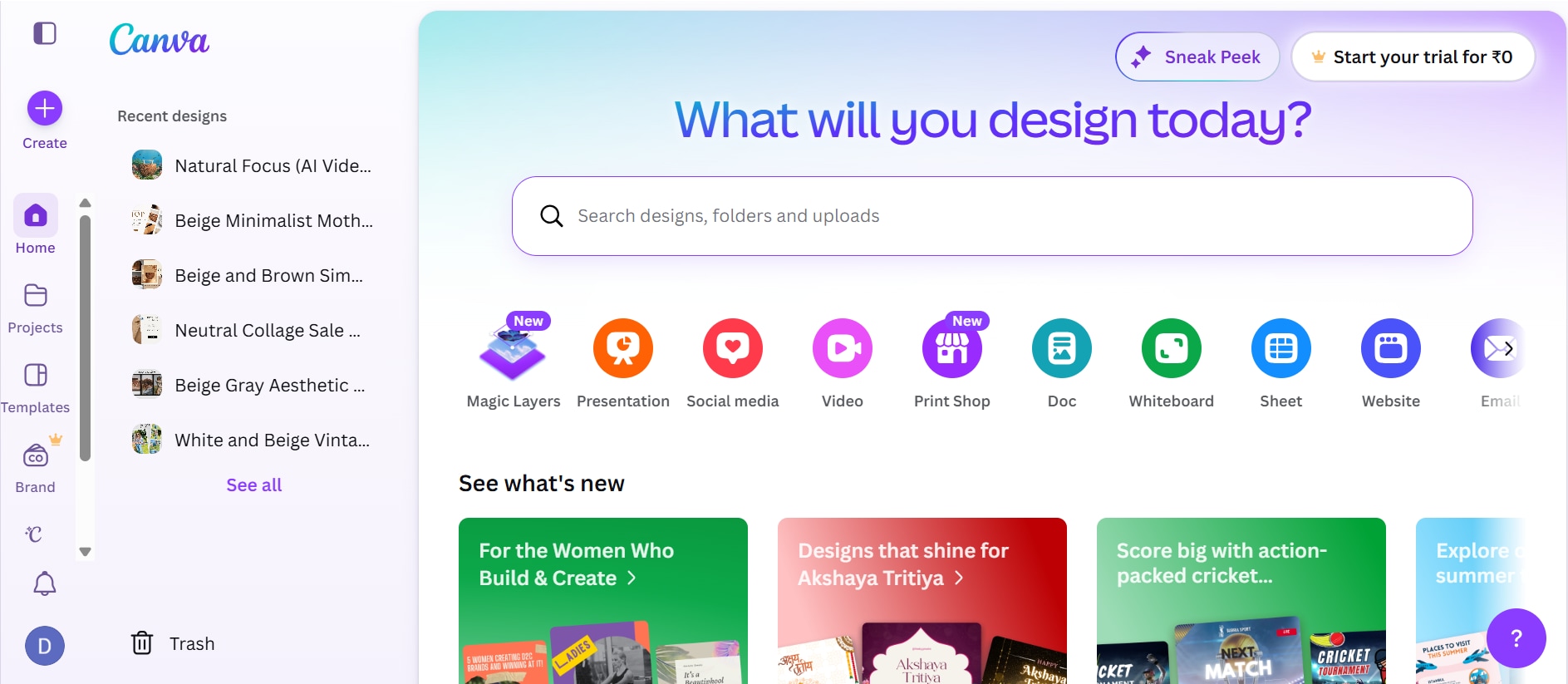
Canva is one of the most popular design tools for creating video thumbnails, especially for beginners. It offers a drag-and-drop interface with thousands of ready-made templates. Users can customize every element including text, colors, and images. It also provides a vast library of stock photos, icons, and fonts to enhance designs. The platform includes pre-sized YouTube thumbnail layouts, saving time during setup. Real-time collaboration features allow teams to work together on designs easily. Canva also includes AI-powered features to enhance designs. It works across devices, making it highly accessible. While it's not purely a thumbnail tool, it excels in flexibility. Many creators rely on it for quick and professional-looking thumbnails. It is perfect for those who prefer templates over manual design.
Key Features:
Thousands of thumbnail templates
Drag-and-drop editor
AI image generation tools
Background remover
Brand kit support
3. Adobe Express
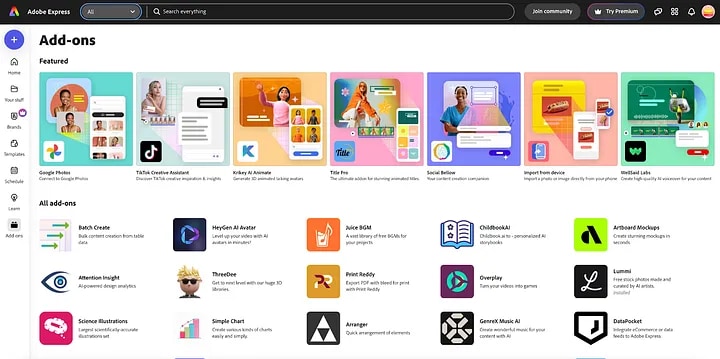
Adobe Express is a simplified design tool from Adobe, perfect for creating thumbnails quickly. It offers professional templates and customization features similar to Photoshop but easier to use. Users can access stock images, fonts, and icons. It also includes built-in branding tools to maintain consistent visuals across projects. Quick actions like background removal and resizing make the design process faster. The platform supports seamless sharing and exporting in multiple formats. The tool integrates well with other Adobe products. It provides a clean interface for fast editing. It is ideal for users who want professional results without complexity. The cloud-based system allows easy access anywhere. It's a strong alternative to Canva.
Key Features:
Professional templates
Adobe stock assets
Easy customization tools
Cloud-based editing
Quick export options
4. VEED
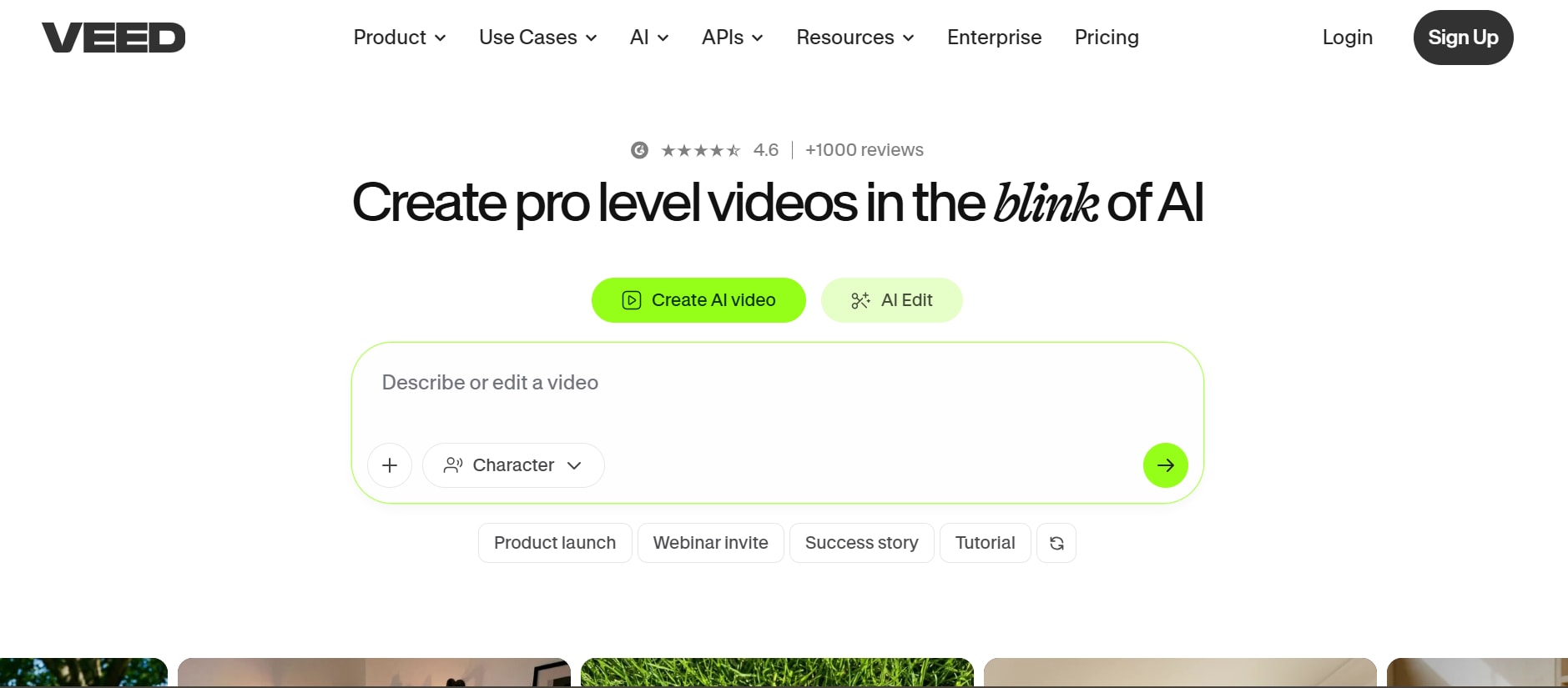
VEED is primarily a video editor but also includes a thumbnail generator feature. It allows users to create thumbnails directly from video content. The tool is known for its simplicity and speed. It also provides automatic frame selection to quickly pick the most engaging moments from a video. Users can enhance thumbnails with built-in design elements without needing external software. Its cloud-based system ensures smooth performance without installation. AI features help automate design processes. It is great for creators who want quick results. VEED also supports adding text, filters, and effects. The interface is modern and easy to navigate. It's especially useful for social media creators. It also enables easy export and direct sharing to major platforms.
Key Features:
AI thumbnail generation
Video frame capture
Text and effects tools
Online editing
Quick export
5. vidIQ
vidIQ offers an AI-powered thumbnail generator designed for YouTube creators. It can analyze your video and generate thumbnails automatically. The tool focuses on improving click-through rates with optimized visuals. It also provides keyword and SEO insights. Users can customize thumbnails using prompts. It additionally suggests high-performing design elements based on trending content data. This helps creators align thumbnails with audience behavior and search intent. It also allows A/B testing ideas to compare which thumbnail performs better. The tool integrates directly with YouTube for smoother workflow management. It's a smart choice for creators focused on growth. The platform is widely used by YouTubers. It simplifies thumbnail creation significantly.

Key Features:
AI thumbnail generator
Video analysis
Prompt-based editing
SEO tools integration
Template suggestions
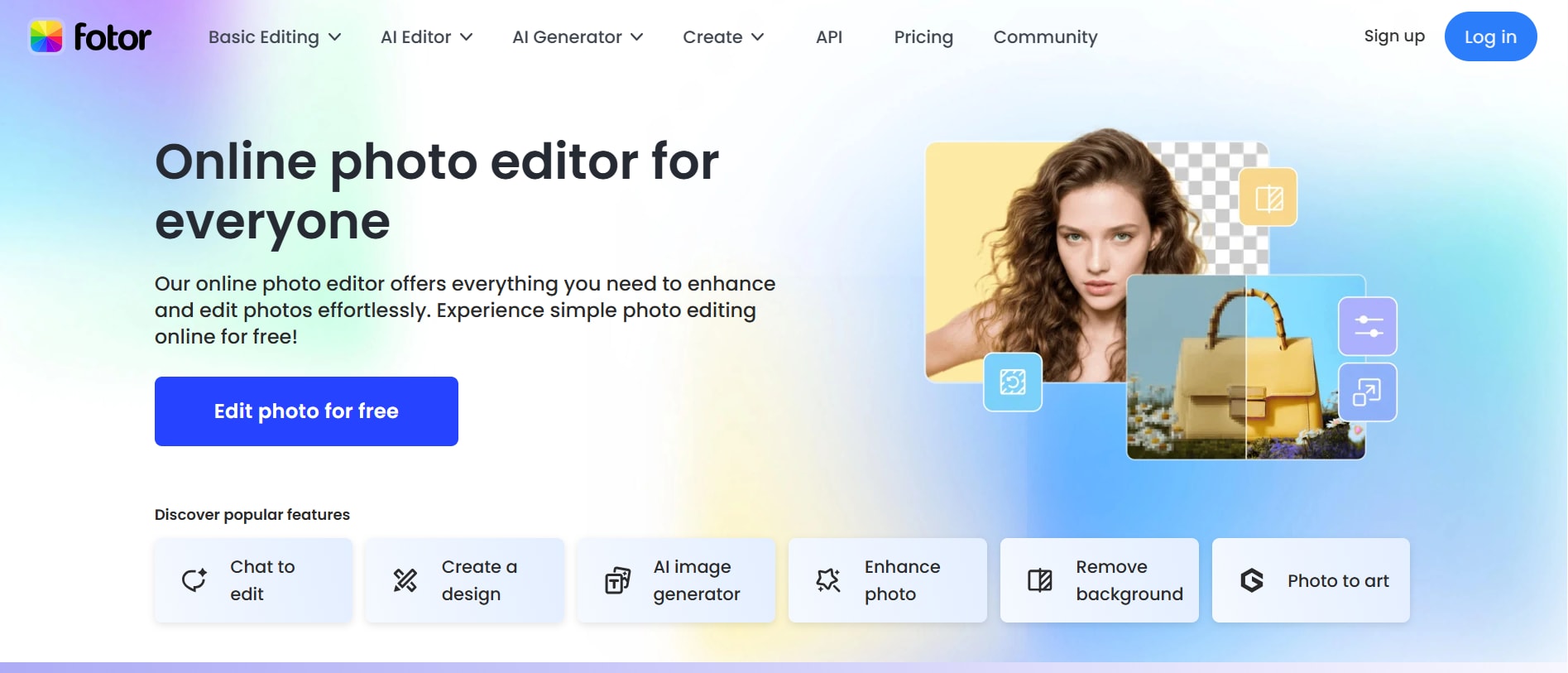
6. Fotor
Fotor is a versatile online design tool that includes thumbnail creation features. It offers templates and AI-powered editing tools. Users can enhance images with filters and effects. The platform is beginner-friendly and works online. It also includes one-click enhancement tools that quickly improve image quality. Users can easily remove backgrounds and adjust lighting for more professional results. It provides a balance between simplicity and functionality. Fotor is ideal for quick edits and creative designs. It also supports batch processing. It allows users to export thumbnails in multiple formats suitable for different platforms. The tool also includes collage-making features for creative layouts. Its AI-driven tools help speed up the editing process significantly. It's a good alternative for casual users.
Key Features:
AI image editing
Ready-made templates
Photo enhancement tools
Online access
Batch editing
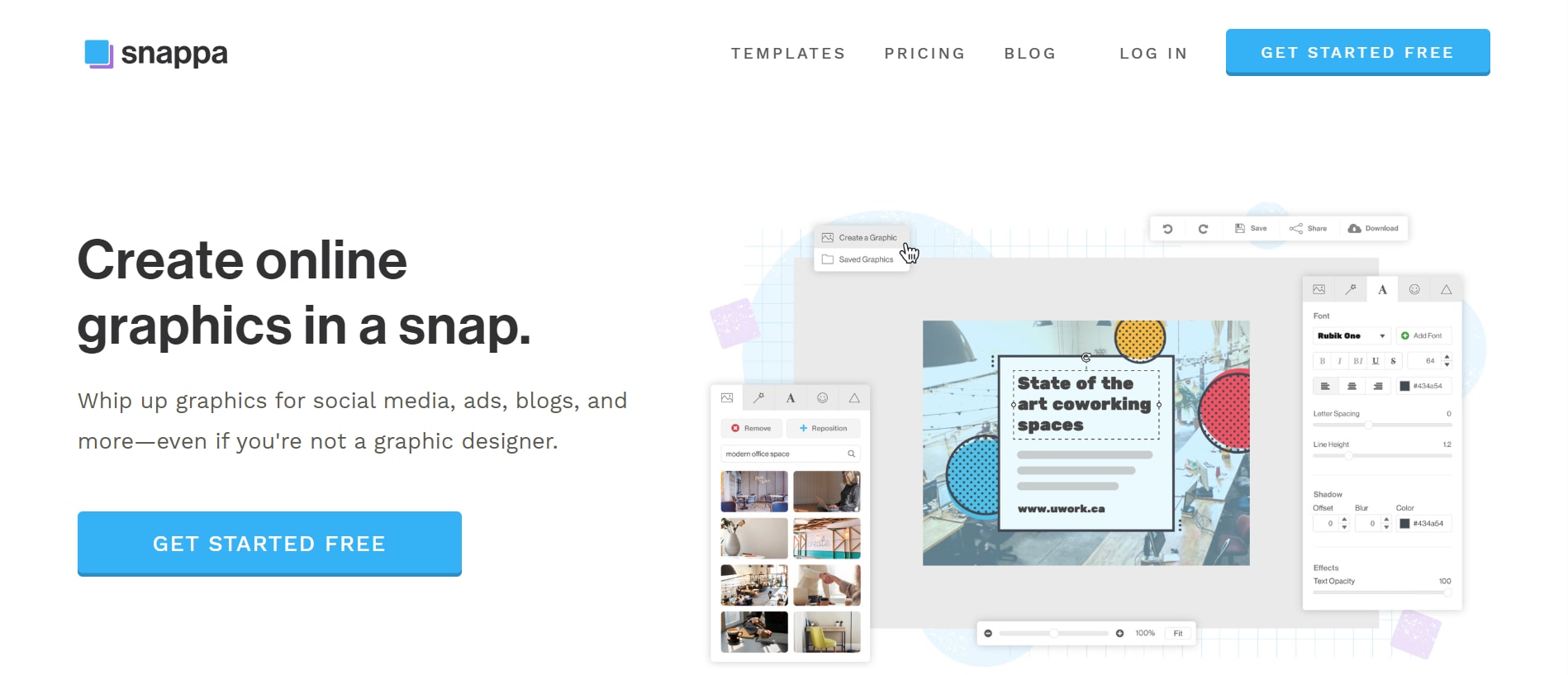
7. Snappa
Snappa is a lightweight design tool focused on creating online graphics like thumbnails. It offers pre-sized templates for YouTube thumbnails. The interface is clean and easy to navigate. Users can quickly add text, images, and effects. It also includes stock photos. Snappa is ideal for quick designs without complexity. It is perfect for beginners and marketers. The tool focuses on speed and simplicity. It also allows users to export designs in multiple optimized sizes for different platforms. Collaboration features make it easier for teams to work on thumbnail projects together. Its drag-and-drop workflow ensures fast creation even for users with no design experience. It also provides built-in branding tools to maintain consistency across designs. Users can save templates for repeated use, improving workflow efficiency. Overall, it is a fast and practical solution for creating professional thumbnails.
Key Features:
Pre-sized templates
Drag-and-drop editor
Stock photo library
Quick customization
Cloud-based access
8. FotoJet
FotoJet is an easy-to-use online tool for creating thumbnails and social media graphics. It offers customizable templates and editing tools. Users can design thumbnails quickly without experience. The platform is web-based, so no download is required. It also provides a wide range of layout options to suit different content styles. Users can easily adjust image positioning and text alignment for better visual appeal. It includes fonts, icons, and clipart. FotoJet is suitable for beginners. It focuses on simplicity rather than advanced features. It's a reliable option for quick designs. It also allows users to save and reuse their designs for future projects. The tool supports basic photo enhancement features to improve image quality. Its lightweight interface ensures smooth performance even on low-end devices.
Key Features:
Template-based design
Easy editing tools
Web-based platform
Built-in assets
Quick export
9. Picmaker
Picmaker is an AI-powered design tool specifically built for thumbnails and social media graphics. It offers smart suggestions for layouts and styles. The tool includes AI background removal and text effects. Users can also access ready-made design templates tailored for different platforms. Its AI engine helps automatically align elements for a more balanced and professional look. It supports real-time preview so users can instantly see design changes. It also allows easy resizing of designs for different social media formats without starting from scratch. Collaboration features make it useful for teams working on branding projects. Users can create professional thumbnails quickly. It is designed for marketers and creators. The interface is modern and intuitive. Picmaker helps improve engagement with better visuals. It's a strong AI-based option.
Key Features:
AI design suggestions
Background remover
Text effects
Template library
Brand kit
10. Ideogram
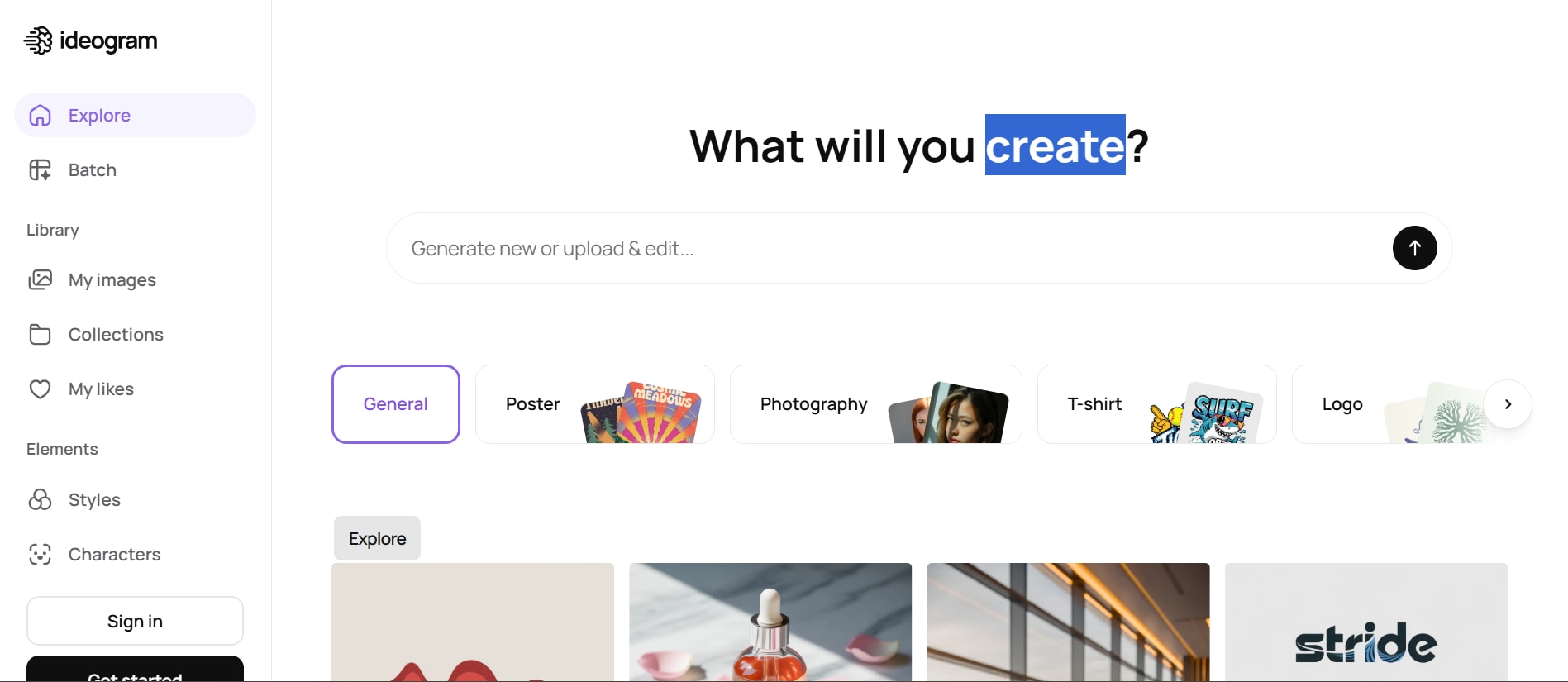
Ideogram is an advanced AI tool known for generating thumbnails with accurate text rendering. It is especially useful for thumbnails that rely heavily on text. The tool can generate complete thumbnail designs from prompts. It also allows users to refine outputs by adjusting style, layout, and composition through detailed prompts. Its strong text-handling capability ensures titles and captions remain clear and readable in designs. Users can experiment with multiple variations quickly to find the best-performing thumbnail. It is ideal for faceless or educational channels. Users can create unique designs quickly. It stands out for text clarity in AI images. It is a modern solution for thumbnail creation. It also supports high-resolution outputs suitable for professional use. The AI generates visually consistent designs that match the prompt intent closely. Users can iterate designs rapidly to improve engagement potential.
Key Features:
AI text-to-image generation
High-quality text rendering
Prompt-based design
Unique visual outputs
Fast generation
Part 3: Step by Step Guide to Create Thumbnail Using Unoconverter
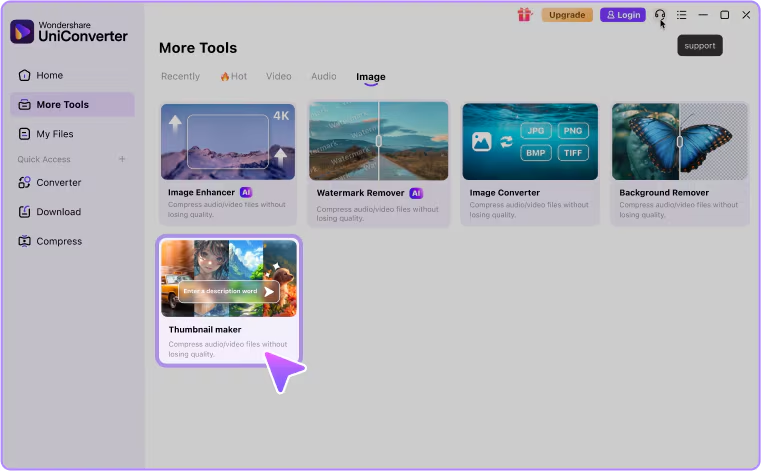
Step 1: Click AI Thumbnail Maker under "Image" tab
You can find the AI Thumbnail Maker under the "Image" tab on the homepage or in "More Tools." Open it to access all thumbnail creation features in one place and begin your design process.
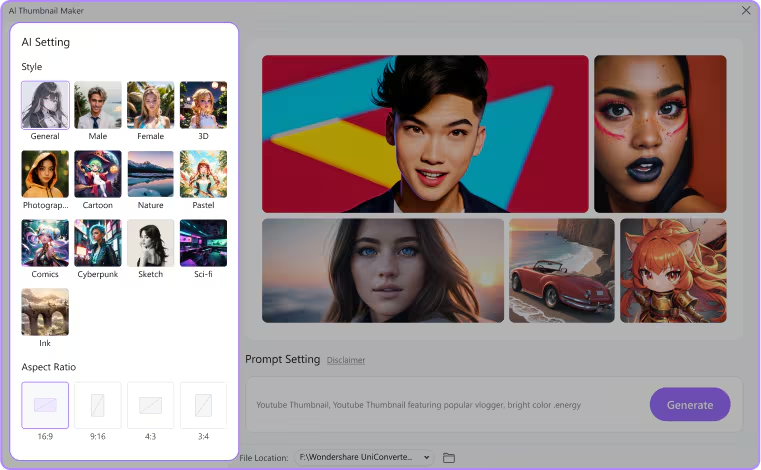
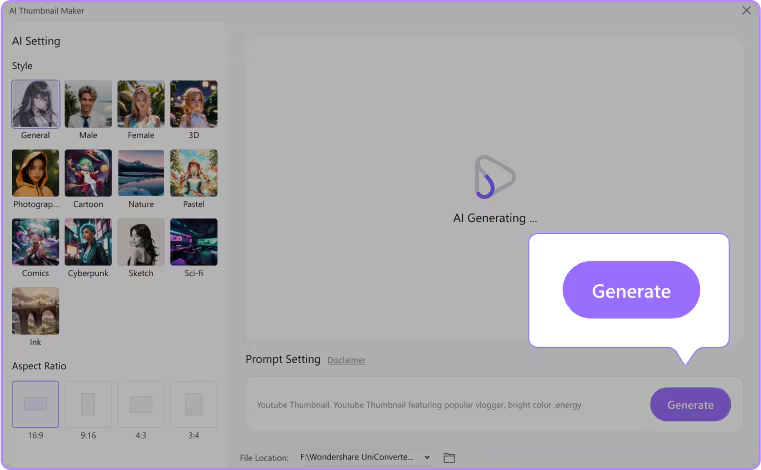
Step 2: Customize Your AI Settings
Select your preferred thumbnail style and choose the correct aspect ratio for your platform. These settings ensure your thumbnail fits properly and matches your creative requirements.
Step 3: Enter Prompt for Cover Image Description
Enter a clear prompt describing your thumbnail idea, including subject, background, and mood. A detailed prompt helps the AI generate more accurate and visually appealing results.
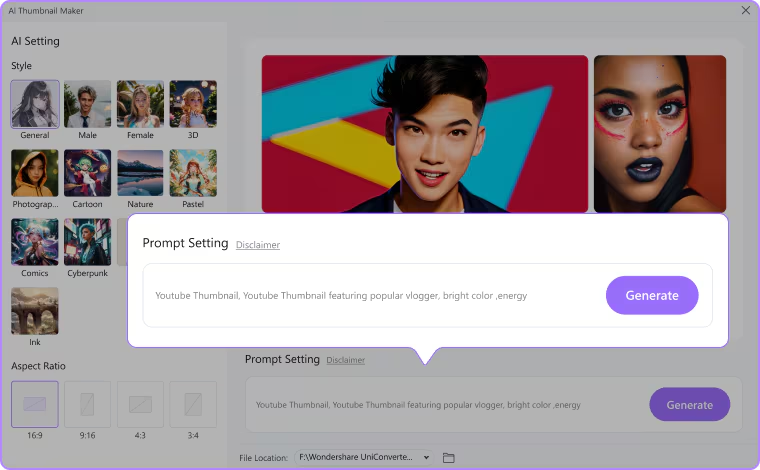
Step 4: Generate Your Thumbnail with a Single Click
Click the "Generate" button to create your thumbnail instantly. Preview the result and tweak the prompt if needed to generate a better version.
Part 4: Comparison Table
| Tool | Type | Ease of Use | AI Features | Template Support | Customization | Best For |
| Wondershare UniConverter | Video tool + thumbnail extractor | High | Basic AI frame selection | Low | Possible | Video creators |
| Canva | Design platform | Very High | AI design tools | Very High | Possible | Beginners |
| Adobe Express | Design tool | High | AI background removal | High | Possible | Professionals |
| VEED | Video editor + AI tool | High | AI thumbnail generator | Medium | Possible | Fast creators |
| vidIQ | YouTube AI tool | Medium | AI + SEO insights | Medium | Possible | YouTubers |
| Fotor | Photo editor | High | AI enhancement tools | Medium | Possible | Quick edits |
| Snappa | Thumbnail tool | Medium | Limited AI | High | Possible | Beginners |
| FotoJet | Graphic design tool | High | Basic tools | Medium | Possible | Simple designs |
| Picmaker | AI design tool | High | Strong AI suggestions | High | Possible | Marketers |
| Ideogram | AI image | Medium | Advanced AI generation | Low | Possible | AI creators |
Part 5: Tips to Create High-Converting Video Thumbnails
Creating an effective thumbnail is not just about design, but also about attracting clicks and improving engagement. Below are some essential tips to help you design high-converting video thumbnails that stand out:
Use Bold and Readable Text
Make sure your thumbnail text is large, bold, and easy to read even on small screens. Avoid overly decorative fonts that reduce clarity. Simple and strong typography helps grab attention instantly. This improves visibility and click-through rates.
Highlight Emotions and Expressions
Using strong facial expressions or emotional visuals makes thumbnails more engaging. Viewers are naturally drawn to human emotions like surprise, excitement, or curiosity. This creates an instant connection with your audience. Emotion-driven thumbnails often perform better in clicks.
Maintain Strong Contrast and Colors
Use contrasting colors to make important elements stand out clearly. Bright and balanced color combinations help your thumbnail pop on crowded feeds. Avoid dull or similar shades that reduce visibility. Strong contrast improves overall visual impact.
Keep the Design Simple
Avoid cluttering your thumbnail with too many elements. A clean and focused design makes it easier for viewers to understand the message quickly. Simplicity helps highlight the main subject effectively. Less is often more in thumbnail design.
Add Branding Elements
Include consistent branding elements like logos, colors, or fonts in your thumbnails. This helps build recognition and trust among your audience. Branding also ensures your videos look professional and consistent. Over time, it strengthens your channel identity.
Part 6: Conclusion
Video thumbnails are essential for attracting clicks and improving overall video performance. Using the right video thumbnail generator makes the process faster and more efficient, even for beginners. Tools like Wondershare UniConverter help creators easily extract frames and design professional-looking thumbnails. Modern tools combine AI and templates to simplify the design process. Applying basic design principles like bold text, contrast, and emotional visuals can greatly improve engagement. By choosing the right tool and strategy, you can increase visibility and boost click-through rates. A strong thumbnail ultimately plays a key role in the success of any video.
Part 7: FAQs
-
1. What is a video thumbnail generator?
A video thumbnail generator is a tool that helps you create attractive preview images for your videos. It allows users to design or extract thumbnails that improve click-through rates and audience engagement. These tools often come with templates or AI features to simplify the design process. -
2. Why are video thumbnails important?
Thumbnails are the first thing viewers notice before clicking a video. A well-designed thumbnail helps grab attention, increase views, and improve overall video performance on platforms like YouTube. They also help communicate the video's topic instantly. -
3. Which is the best tool for beginners to create thumbnails?
Beginner-friendly tools like Canva, Fotor, and Snappa are great because they offer templates and easy editing options. They require no design experience and allow quick thumbnail creation. Most of them also include drag-and-drop functionality for convenience. -
4. Can I create thumbnails directly from my video?
Yes, you can create thumbnails directly from video frames using tools like Wondershare UniConverter. It lets you extract high-quality frames and customize them into professional thumbnails. This saves time compared to designing from scratch. -
5. What makes a thumbnail high-converting?
A high-converting thumbnail uses bold text, strong contrast, emotional visuals, and a simple layout. It should clearly represent the video content while grabbing attention instantly. Consistency in style also helps build audience trust over time.

