


Tossing your mortarboard is a milestone—but in 2026, without high-res proof, did it even happen? A blurry, poorly lit graduation cap picture simply will not cut it when you want to impress recruiters or family. To stand out online, you need more than a basic phone snap. From elegant design templates on Canva to professional stock assets, the right software defines your legacy. This guide explores 6 top tools—headlined by the AI-powered Wondershare UniConverter—to perfect your graduation picture background and secure your digital future. Let us explore how you can upgrade your digital assets today.
Table of Contents
Part 1. The Rise of the "Digital Milestone": Graduation Trends in 2026
The way graduates celebrate and share their achievements has shifted. In 2026, a physical diploma is only half the story. Your digital presence matters just as much. Let us look at the top trends shaping how students document their big day.
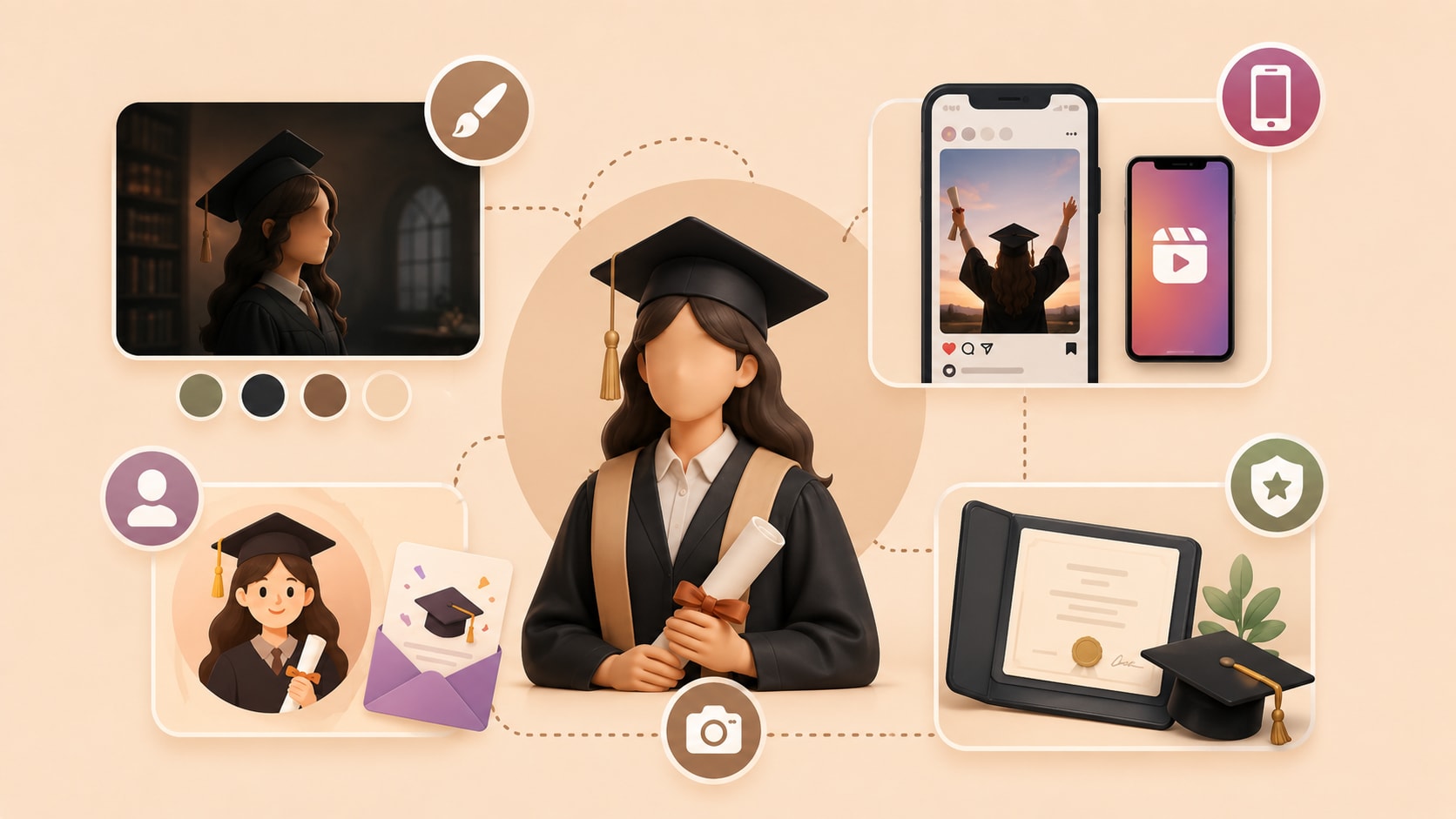
Aesthetic Overhaul: Minimalist and "dark academia" styles dominate the graduation cap picture scene this year. You will see fewer overly bright, saturated photos. Instead, graduates prefer moody, intellectual tones. This aesthetic highlights the seriousness of your academic journey. It creates a polished look that appeals to professional networks like LinkedIn.
The Social Media Factor: You must optimize your graduation templates for vertical formats. Platforms like Reels and TikTok prioritize 9:16 aspect ratios. Traditional horizontal photos often get cropped poorly on these apps. By choosing templates designed for vertical viewing, you keep your audience engaged. Your announcements will look native to the platforms where your friends and family spend their time.
Creative Assets: The growing popularity of cartoon graduation images allows for personalized avatars. You can use these illustrated assets for digital "thank you" cards or profile pictures. They add a fun, approachable element to your professional announcements. Many graduates use them to showcase their personality while maintaining a celebratory theme.
The Pro-Blogger Approach: High-quality visuals of your images of degree build instant credibility. Blurry scans look unprofessional. When you share clear, high-resolution photos of your diploma, you establish a strong foundation for your early-career portfolio. Employers appreciate candidates who present their achievements with care and attention to detail.
Part 2. Essential Elements of a High-Impact Graduation Visual
Capturing a great photo is only the first step. To make your graduation cap picture truly stand out, you need to refine its technical and visual elements. Here are the crucial components you need to consider.

Crystal Clear Clarity: Your graduation cap picture needs AI-driven upscaling to maintain 4K resolution. Social media platforms often compress uploaded images, which reduces their quality. By starting with an ultra-high-resolution file, you ensure your photo remains sharp. AI upscaling tools can restore lost details in older or zoomed-in shots, giving you professional results without expensive camera gear.
Background Mastery: A cluttered ceremony hall distracts from your achievement. You must know how to swap a busy environment for a professional graduation picture background. A clean, neutral backdrop keeps the focus entirely on you. You can choose solid colors, subtle gradients, or even premium campus scenery to elevate the mood of your photo.
The Template Choice: Selecting the right graduation templates balances modern typography with traditional academic flair. Your announcement should reflect your personal brand. Clean fonts paired with classic serif headers offer a timeless look. You should avoid overly busy designs that pull attention away from your main portrait and text.
File Optimization: You must ensure your images of degree are saved in lossless formats. Formats like PNG or TIFF preserve every pixel. This is vital for professional printing. If you plan to frame your digital diploma or include it in a printed portfolio, lossless compression guarantees the text remains crisp and readable.
Part 3. Comparison: Top 2026 Tools for Graduation Photo Enhancement
| Tool | Best Use Case | Background Tool | Output Quality | Speed |
| UniConverter | Batch media processing & AI enhancements | Advanced AI Removal | Excellent (Up to 8K) | Extremely Fast |
| Canva | Social media layouts and announcements | Built-in (Pro version) | Good (Web standard) | Fast |
| Shutterstock | Sourcing stock diplomas and campus scenes | Basic web tools | High (Depends on plan) | Moderate |
| Adobe Express | Quick creative design and typography | AI-powered | High | Moderate |
| Getty Images | Premium editorial and vector assets | None | Exceptional | N/A |
| Remove.bg | Quick, single-image background swaps | Specialized AI | Good (HD requires paid) | Very Fast |

All-in-One Multimedia Processing Tool

Part 4. Top 6 Tools to Perfect Your Graduation Imagery
1.Wondershare UniConverter (The Ultimate Professional Choice)
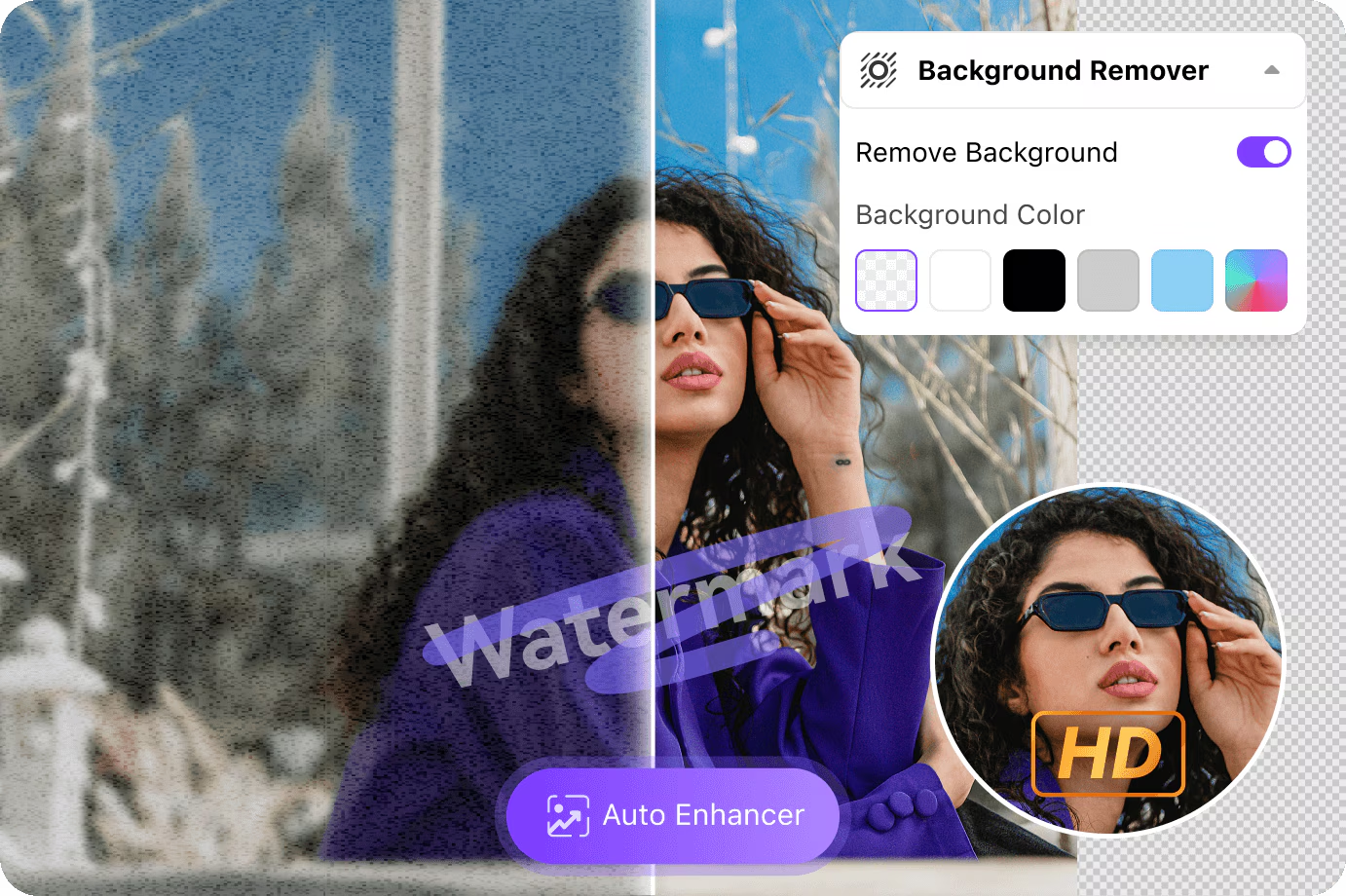
Wondershare UniConverter serves as a robust media toolbox for anyone needing fast, high-quality file processing. It features a powerful AI Image Enhancer that easily upgrades your graduation cap picture to professional standards. You can clean up noise, upscale resolution, and remove or swap your graduation picture background in seconds. It handles heavy files efficiently, making it ideal for large batches of event photos.
Supported Devices: Windows, macOS.
2.Canva (Best for Quick Graduation Templates)
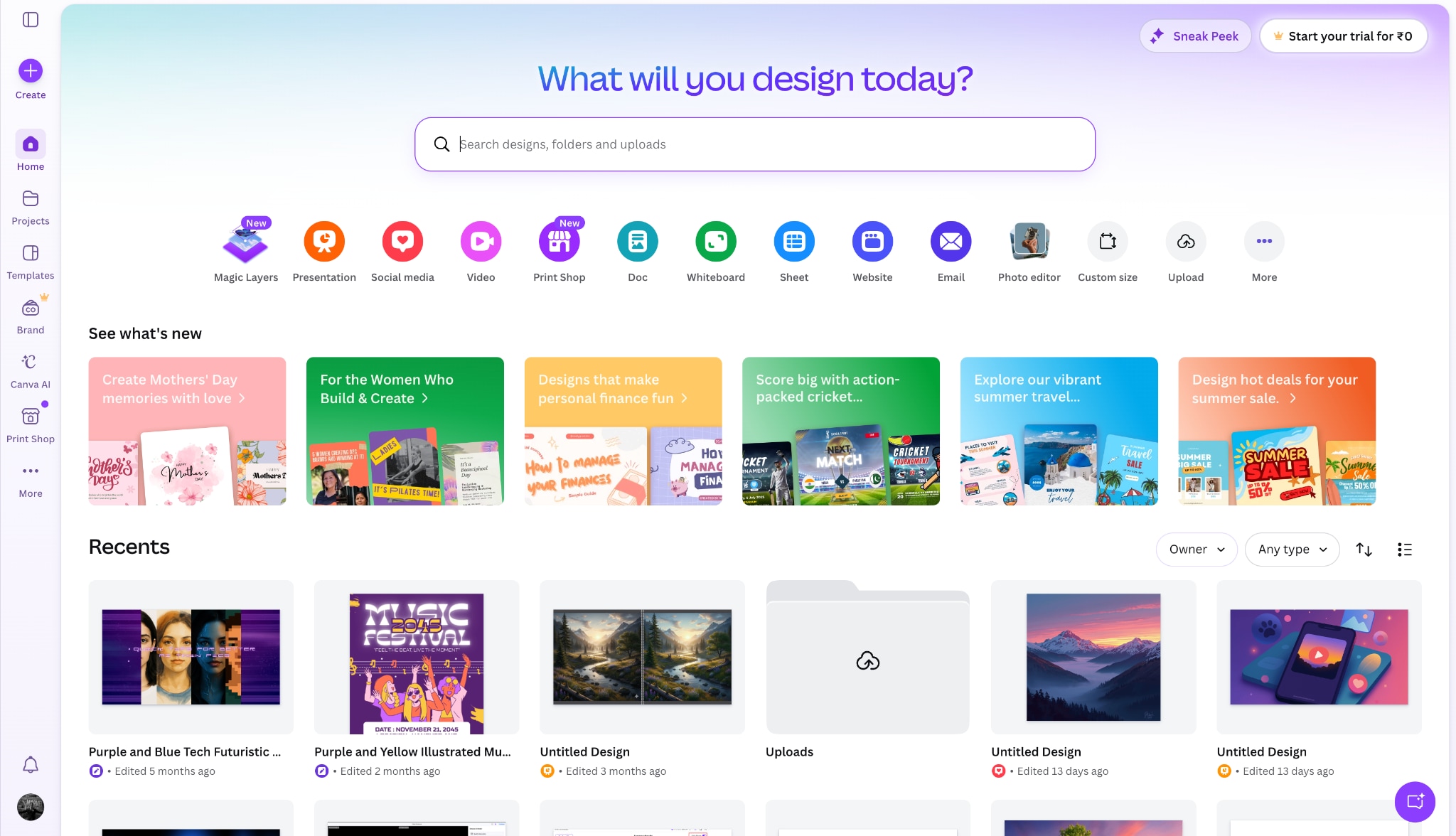
Canva provides an accessible, web-based platform for graphic design. You can easily drag and drop your photos into thousands of pre-made graduation templates. It is highly effective for students who need to create social media posts, invitations, or thank-you cards quickly. The platform continually updates its library to match 2026 design trends.
Supported Devices: Web browser, iOS, Android, Windows, macOS.
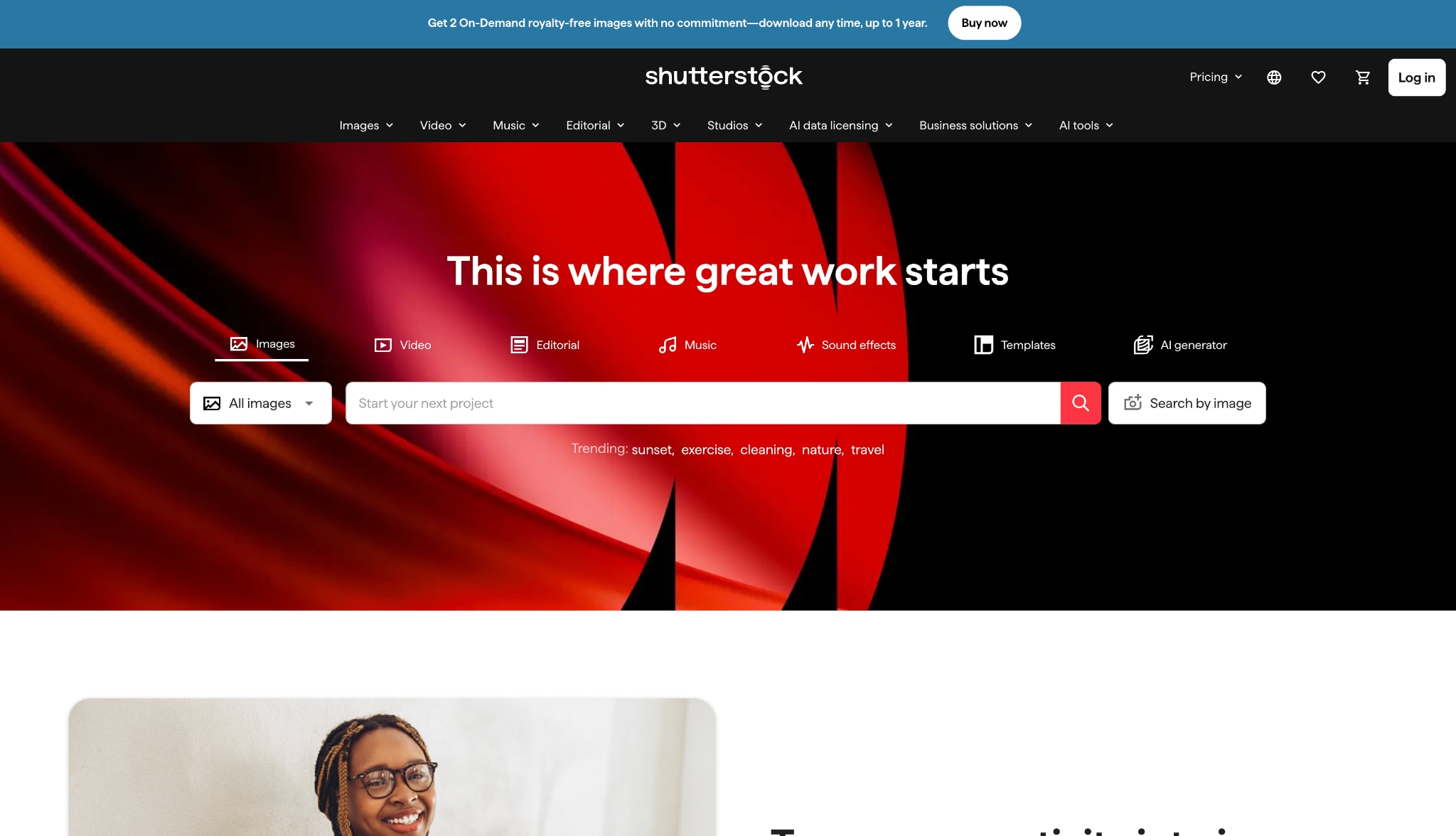
3.Shutterstock (Best for Images of Degree & Stock Assets)
Shutterstock is a massive digital library offering premium stock photography and vectors. If you need high-resolution images of degree for a presentation or placeholder graphics, this platform delivers. You can also find high-quality texture backgrounds to use behind your cut-out portraits.
Supported Devices: Web browser, iOS, Android.
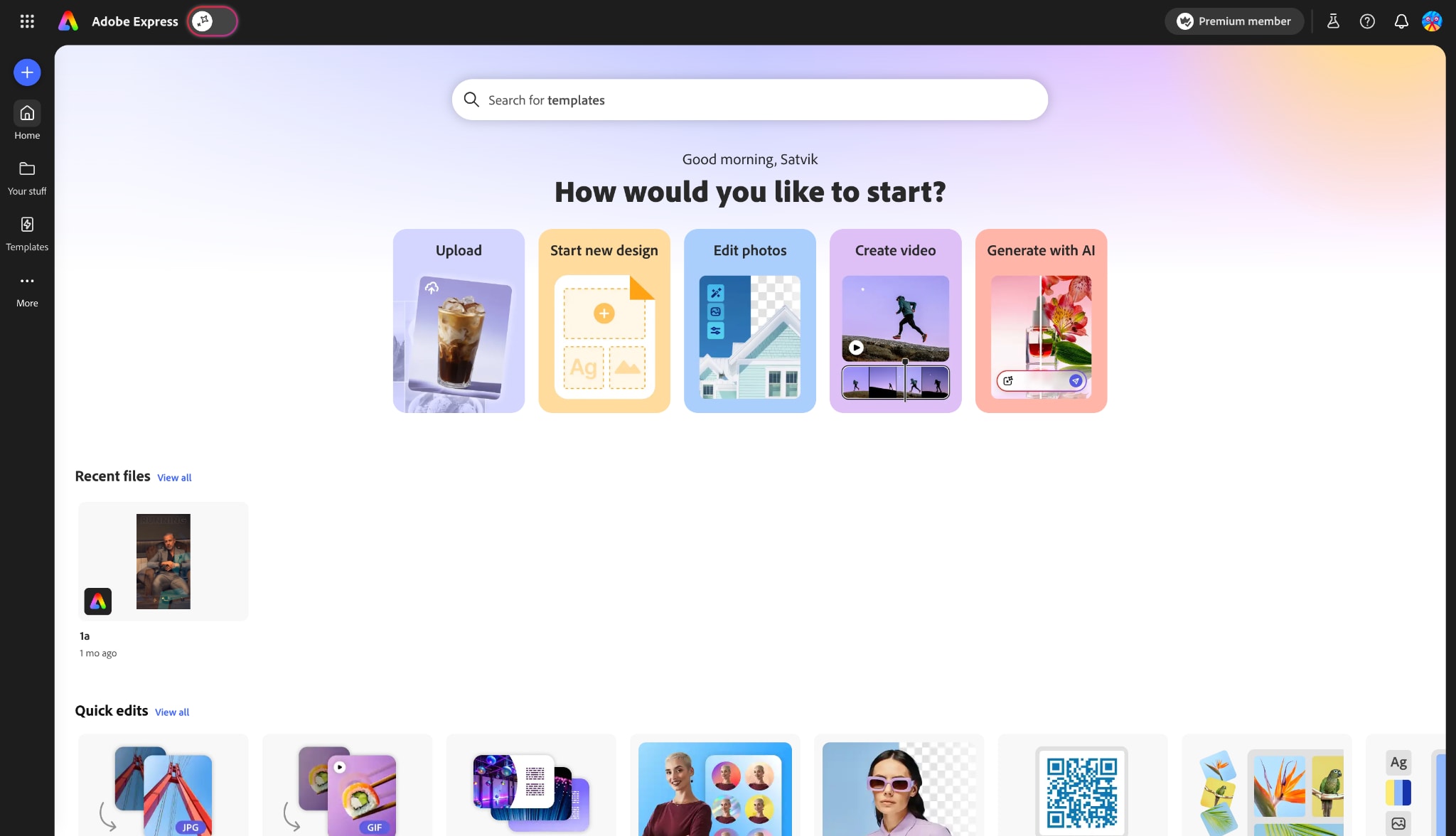
4.Adobe Express (Best for Creative Design)
Adobe Express brings Adobe's powerful design engine into a simplified, user-friendly web app. You can enhance your graduation cap picture using their generative AI tools. It is ideal for adding sleek typography and creating modern layouts without needing to learn complex software like Photoshop.
Supported Devices: Web browser, iOS, Android.
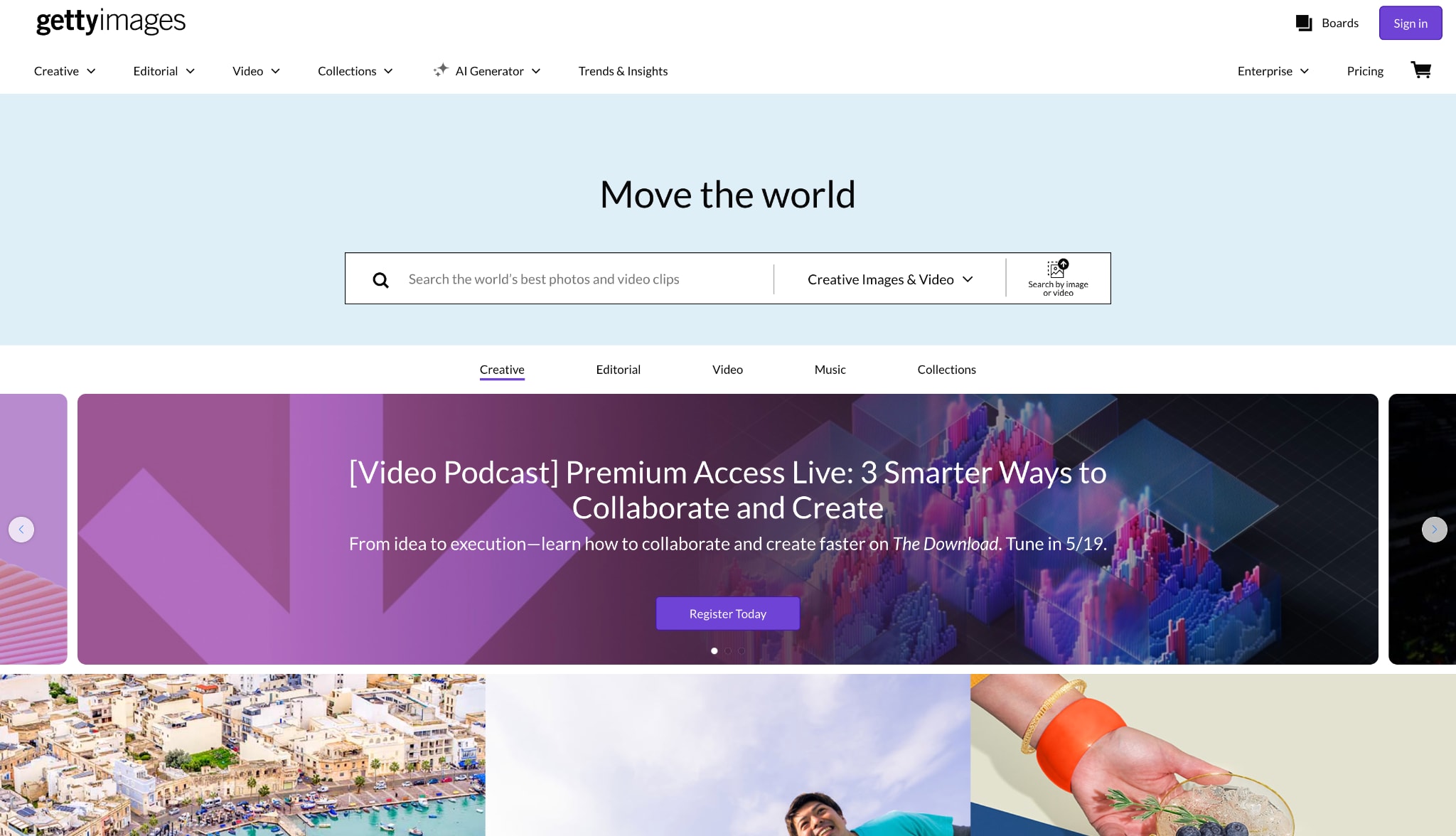
5.Getty Images (Best for High-End Cartoon Graduation Images)
Getty Images stands out for its premium, editorial-grade content. When you need top-tier cartoon graduation images or exclusive academic vectors, Getty offers assets you will not find elsewhere. It is often utilized by professional bloggers and universities for high-end digital publishing.
Supported Devices: Web browser, iOS, Android.
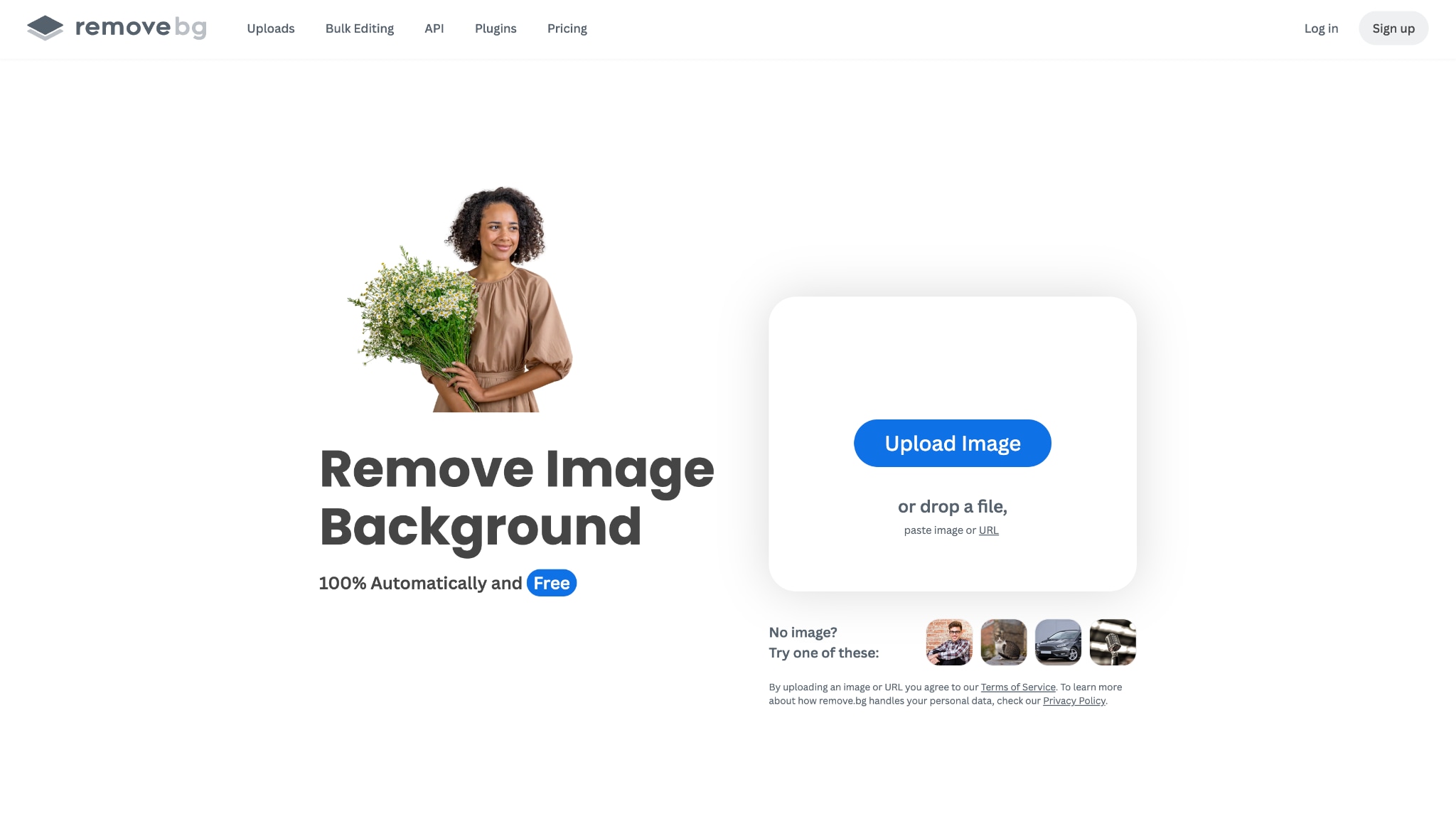
6.Remove.bg (The Niche Specialist)
Remove.bg does one thing and does it exceptionally well: it removes backgrounds. If you have a great graduation cap picture but hate the crowded auditorium behind you, this tool strips it away instantly. You can then drop your portrait onto any graduation picture background you prefer.
Supported Devices: Web browser, Windows, macOS, Linux, Android.
Part 5. Step-by-Step: How to Refine Your Graduation Assets in UniConverter
You can easily refine your graduation memories using Wondershare UniConverter. The software simplifies complex edits, letting you focus on sharing your milestone. Here is how you can enhance your photos and fix a messy graduation picture background efficiently.
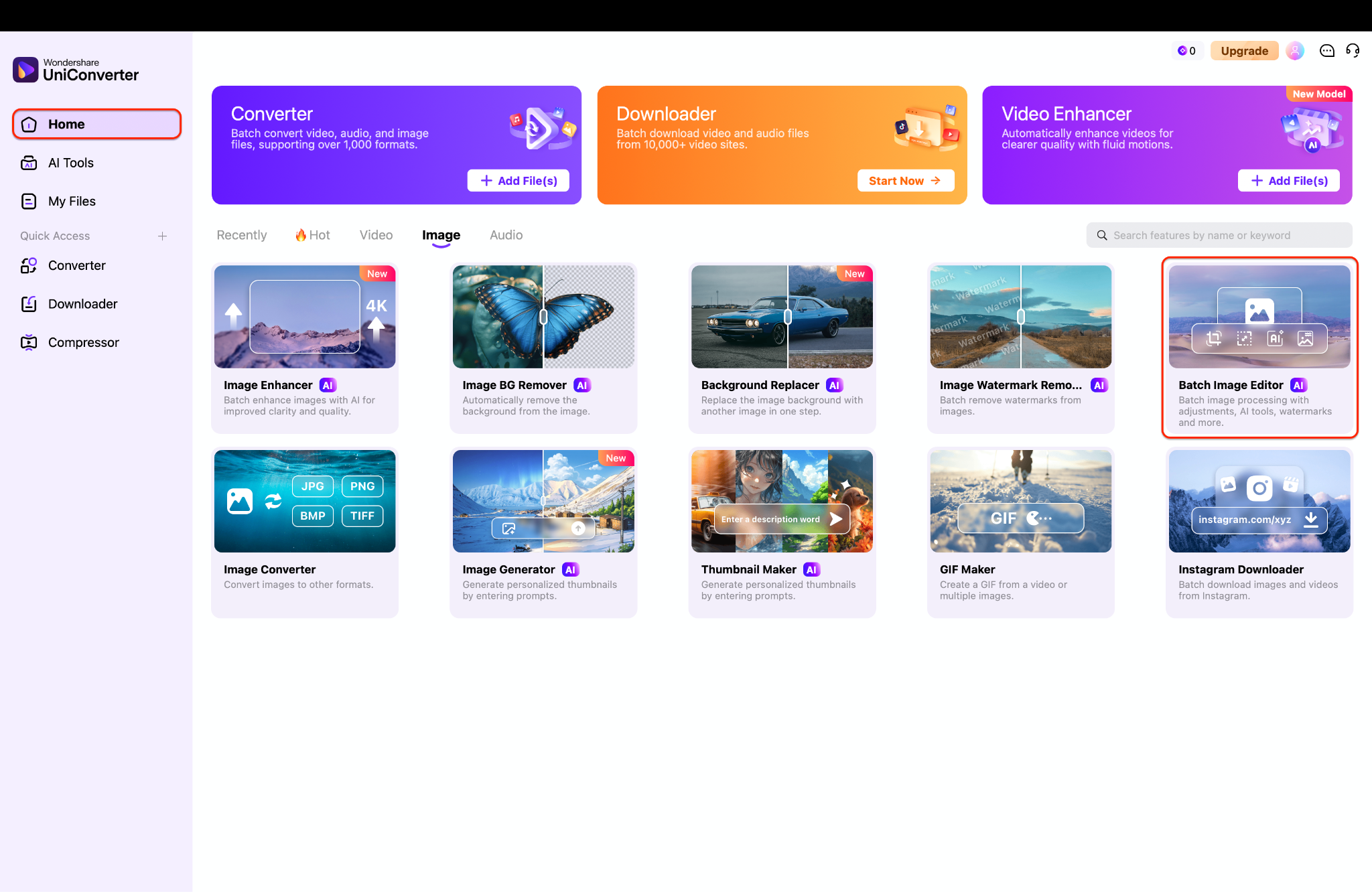
Step 1: Launch the Batch Image Editor
Open Wondershare UniConverter and navigate to the main home dashboard. Locate the "Image" tab under the central tool categories. Click on the "Batch Image Editor" module to launch your dedicated editing workspace.
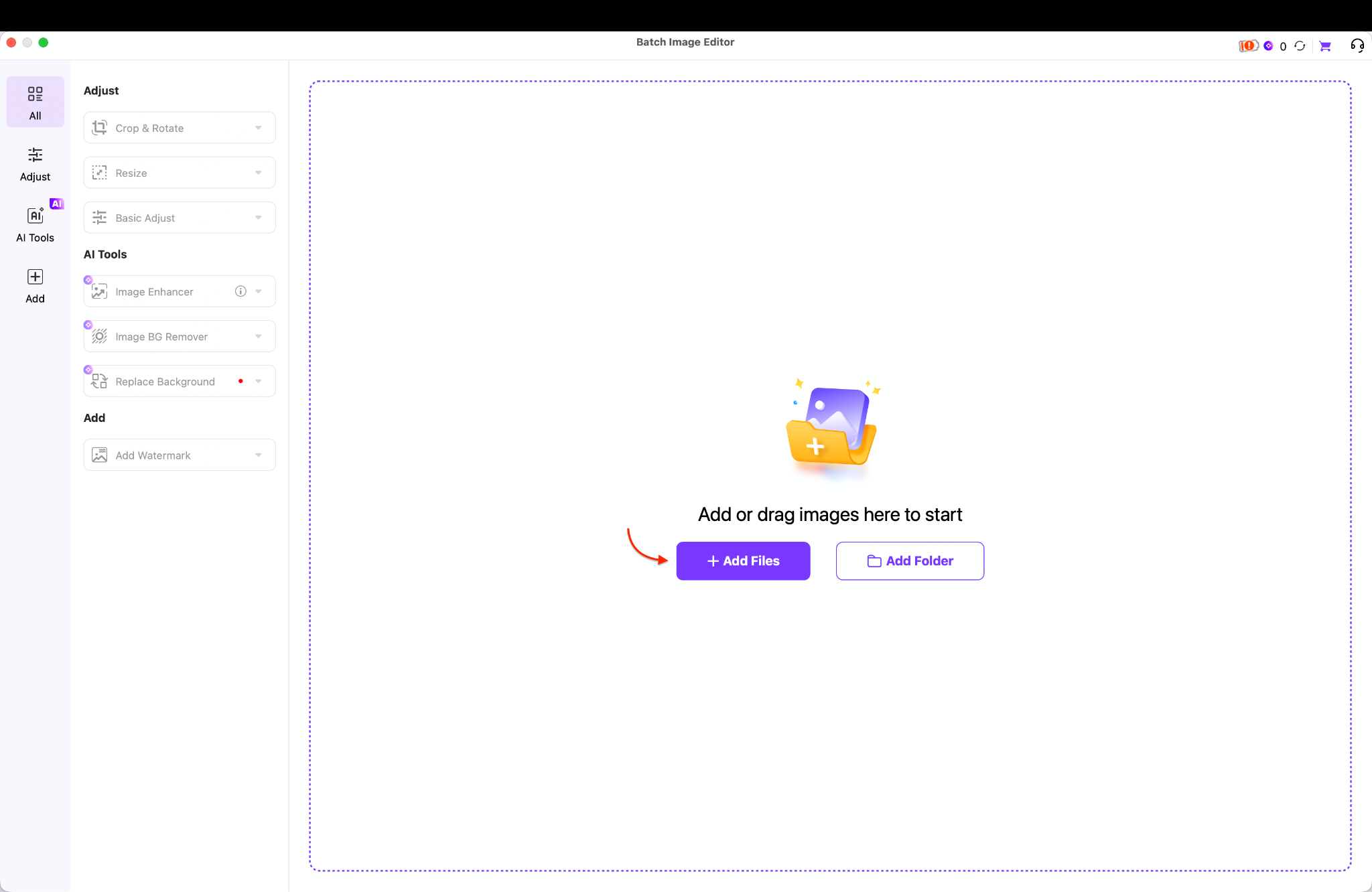
Step 2: Upload Your Graduation Photos
Upload your graduation cap picture by dragging it directly into the blank workspace. You can also click the purple "Add Files" button to browse your local computer folders. Add a single portrait or load an entire folder to process multiple files simultaneously.
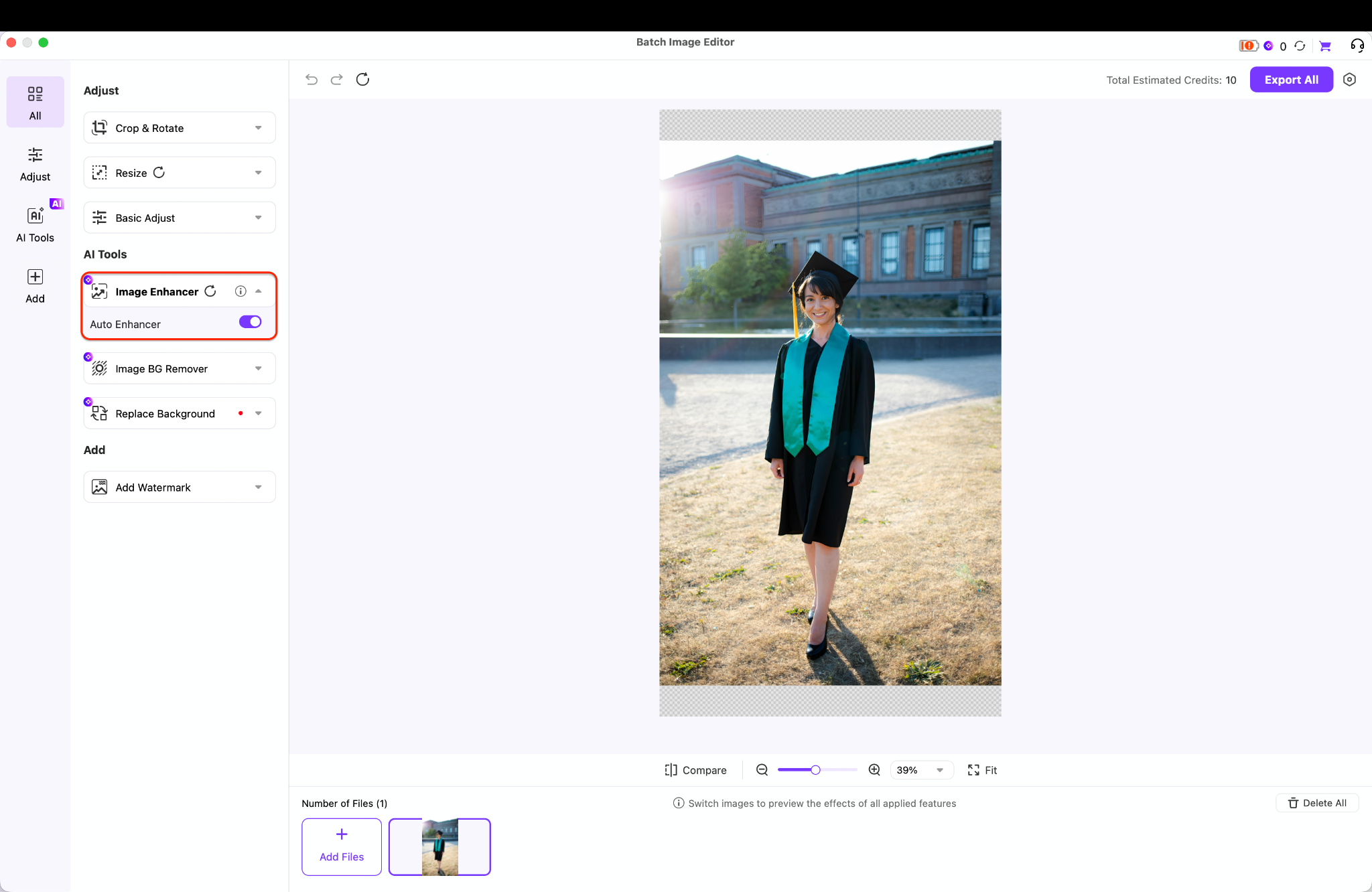
Step 3: Enhance Details and Lighting
Locate the "Image Enhancer" menu under the AI Tools section on the left sidebar. Toggle the "Auto Enhancer" switch to fix minor blurriness and improve your portrait's clarity instantly.
Expand the "Basic Adjust" panel to fine-tune brightness, contrast, and saturation manually.
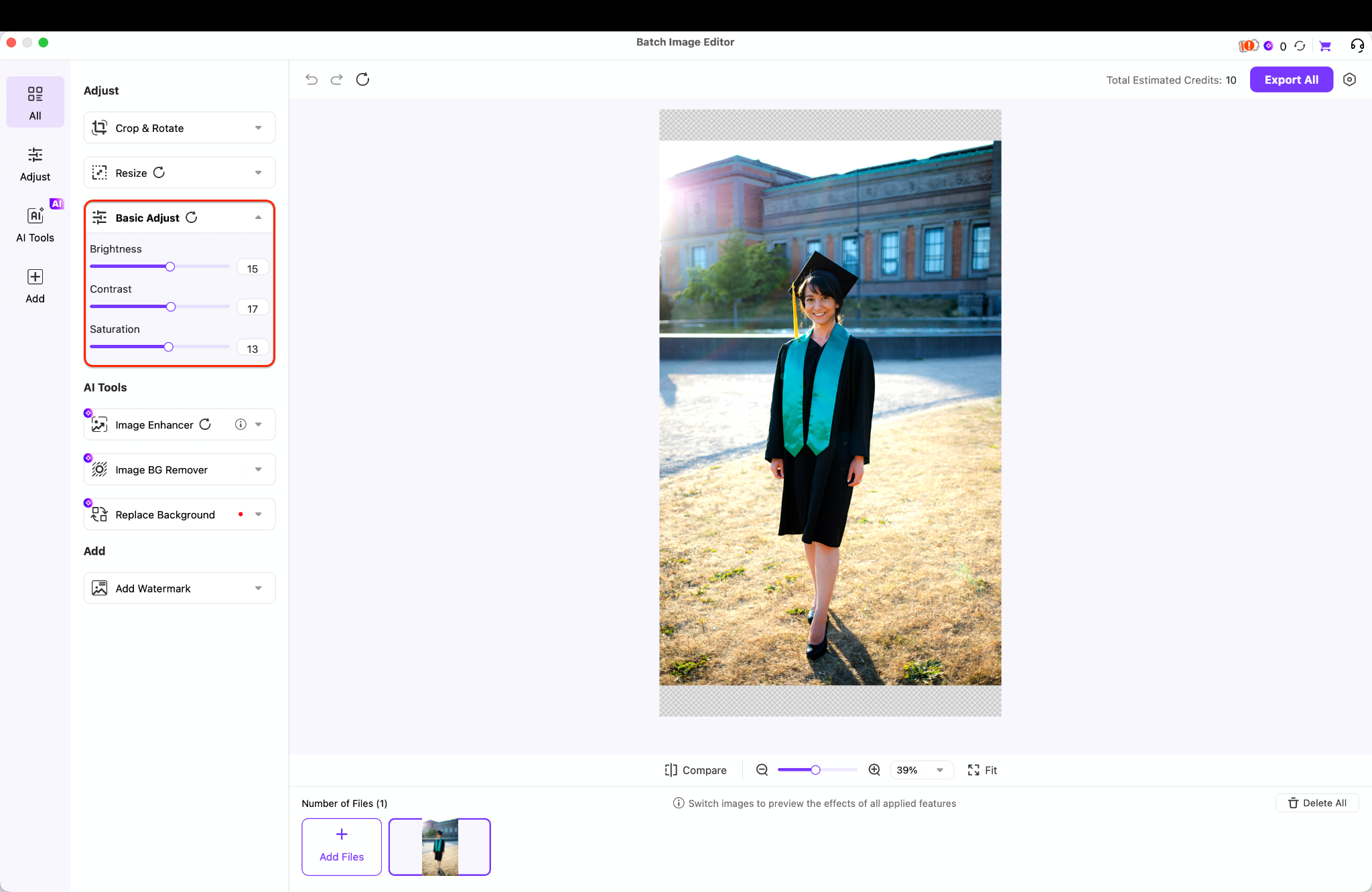
Pro Tip: Lower the contrast slightly to soften harsh shadows from bright outdoor sunlight.
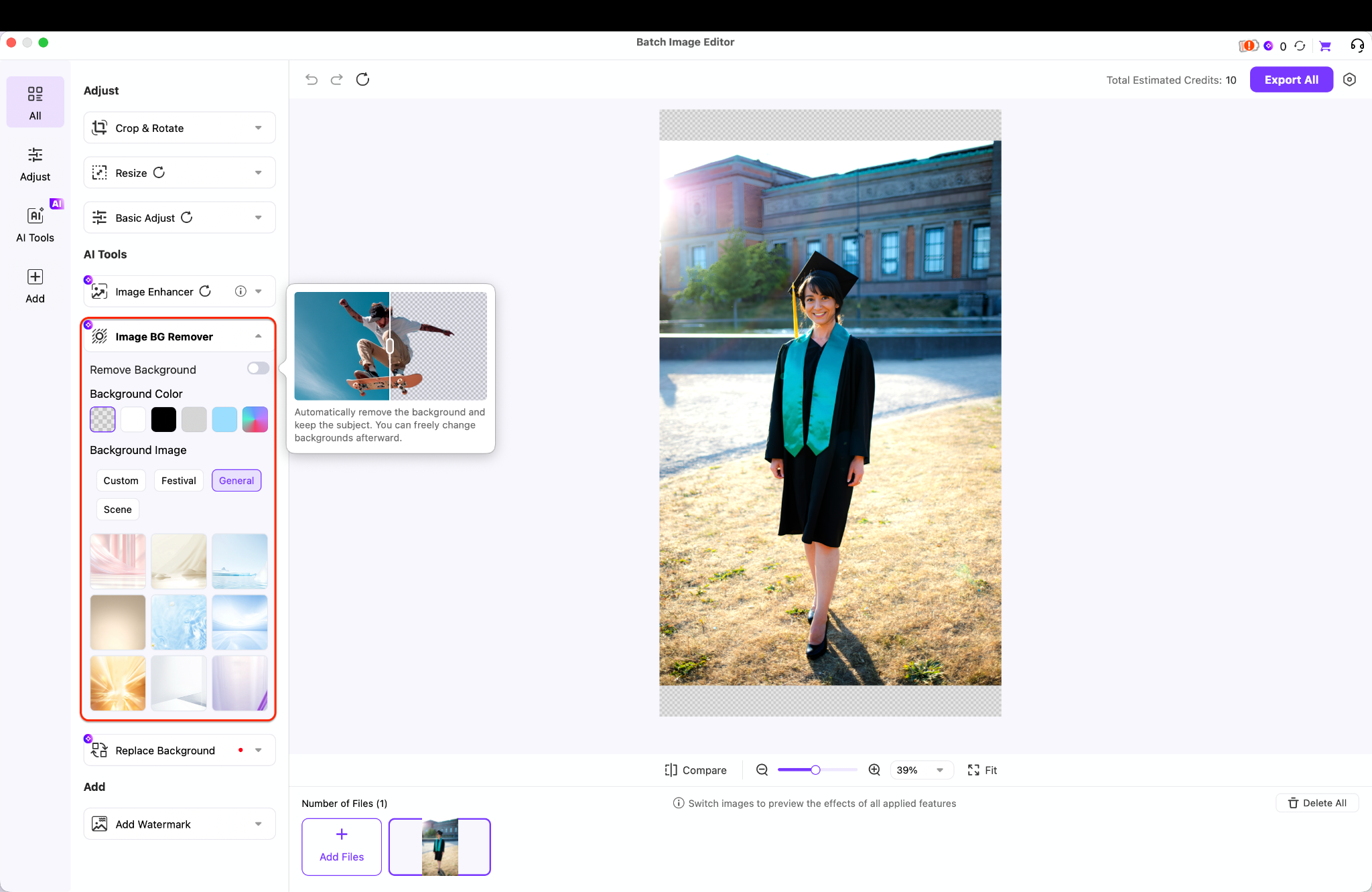
Step 4: Customize Your Background
Click on the "Image BG Remover" tab to replace a distracting graduation picture background. Toggle the "Remove Background" switch to isolate your portrait from the original environment. You can maintain a transparent backdrop or select a solid color to complete your professional look.
Step 5: Export Your High-Resolution Assets
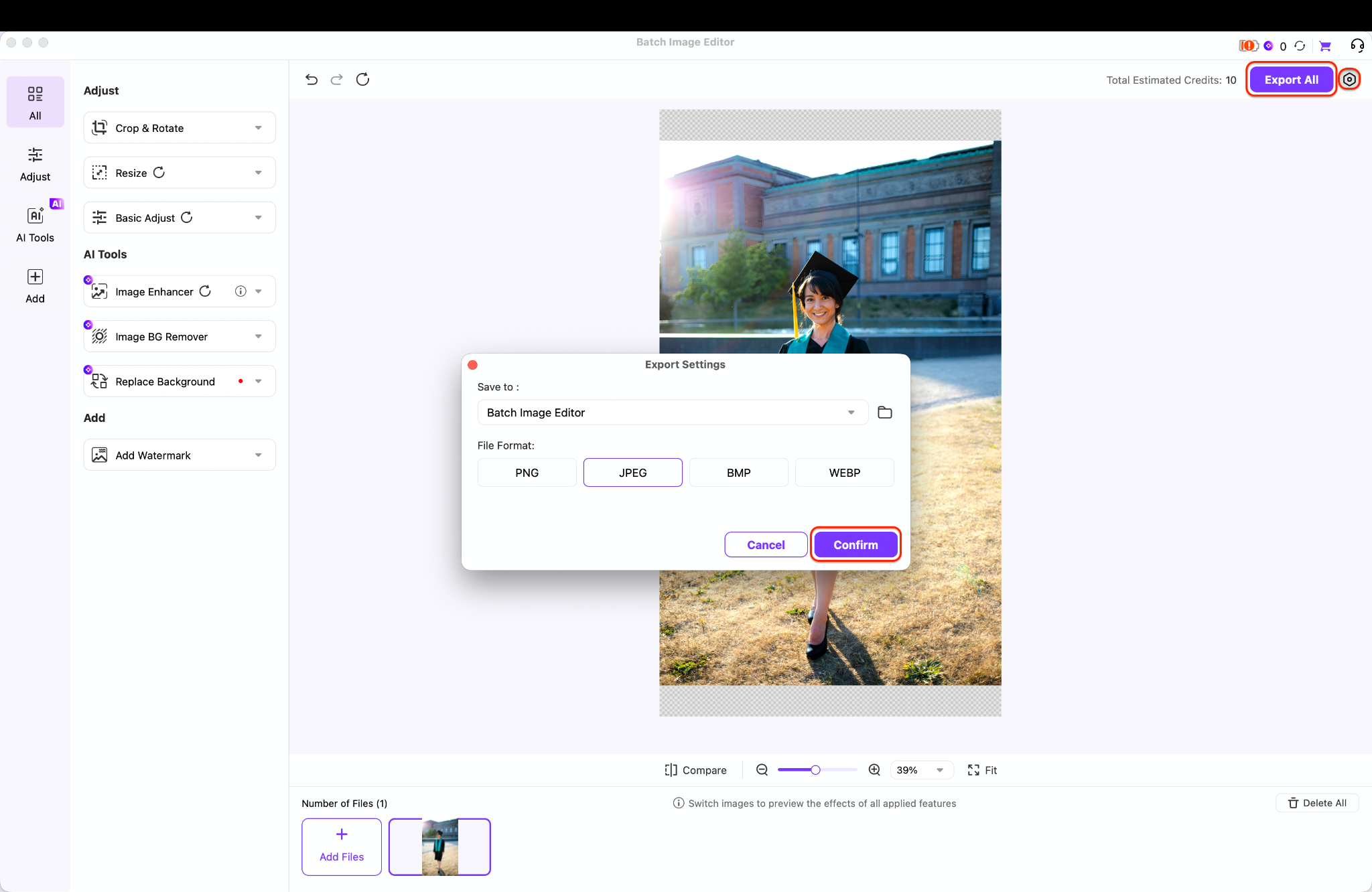
Review your final edits, then click the purple "Export All" button in the top-right corner. Choose a lossless file format like PNG to preserve the quality and transparency of your portrait. Click "Confirm" to save your high-resolution files locally for your customized graduation templates.
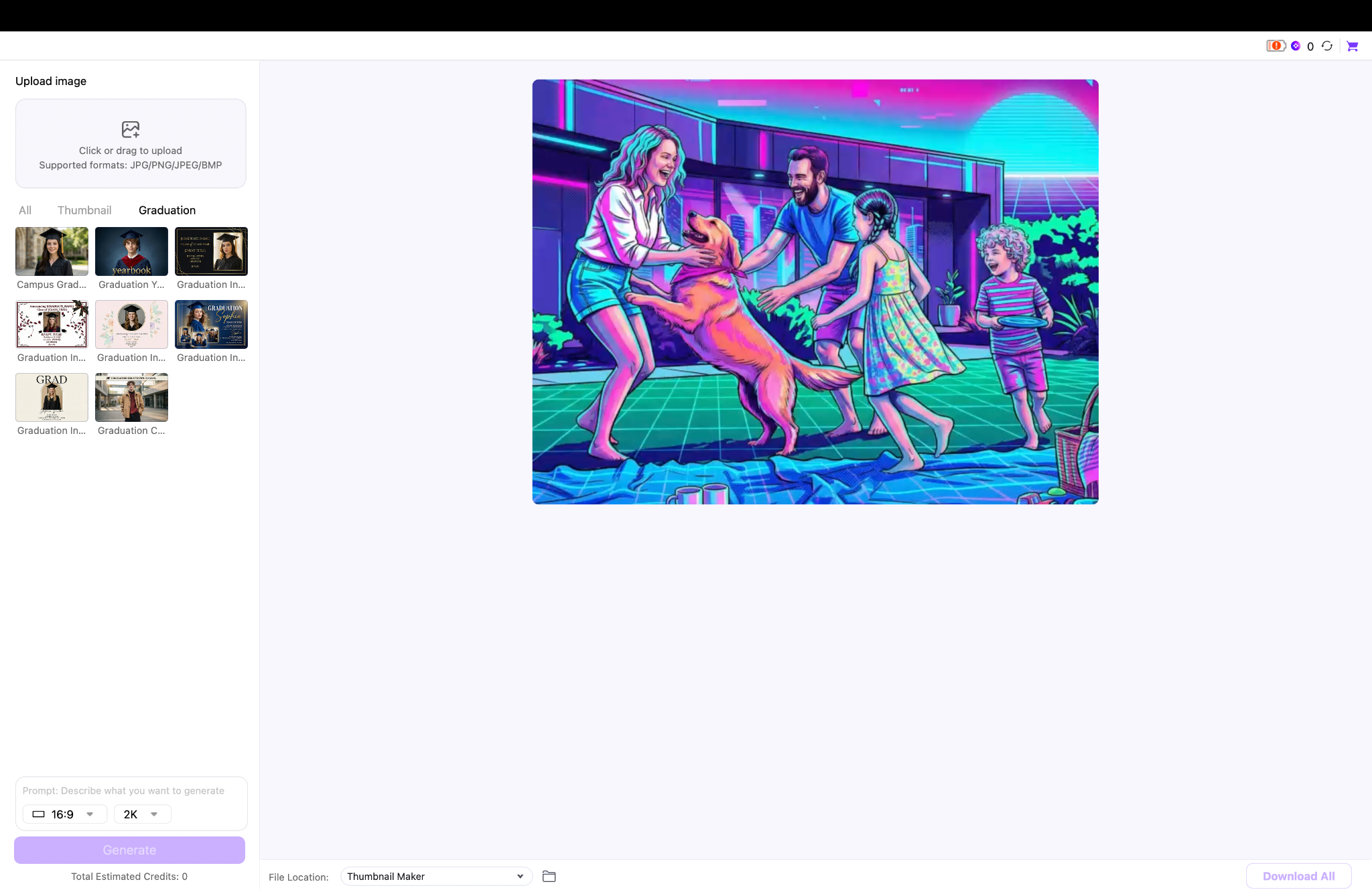
For Further Refining: Discover New Graduation Function Templates
Explore newly added function templates designed specifically for graduation events in Wondershare UniConverter's recent update. This dedicated section offers a range of pre-designed layouts suitable for customized graduation templates and professional yearbook formatting. Use these quick starting points to place your refined graduation cap picture into elegant digital announcements instantly.
Part 6. Conclusion
Preparing for graduation in 2026 requires a smart digital strategy to ensure your memories last. By combining creative assets like cartoon graduation images and high-quality images of degree, you build a professional online presence. You must prioritize clarity and presentation for your graduation cap picture. To achieve the best results, you should use Wondershare UniConverter. Its powerful AI tools make it simple to enhance resolution and swap out a messy graduation picture background. Do not settle for average photos. Explore Wondershare UniConverter today and seamlessly integrate your portraits into stunning graduation templates.

