


As an author, not creating audiobooks means you might be missing out on a major audience! The popularity of audiobooks is higher than ever, as most people prefer them over printed books. The idea of creating one may sound intimidating, but technology has made things simpler. And the process can be enjoyable with the right tools and guidance.
This guide details how to make an audiobook from scratch. Here, you’ll learn tools and methods that you can use irrespective of the genre and length. The guide also shares some valuable tips, which, paired with your creativity, can create something memorable.
In this article
Part 1. Refine Your Script
The story is the basis and the most critical aspect of an audiobook. You must select a story or write out one that sticks with your audience’s minds. Once you’re done with story writing, consolidate it into a single manuscript. This not only streamlines your audiobook recording process but also helps maintain a coherent flow throughout.
Next, refine the script beforehand rather than making changes to the story when recording the audiobook. Remove non-essential elements or rework sentences that don’t translate well in narrations. It includes hyperlinks, captions, and any sentences that contain a call to action, like “click here.”
Once you’re done with that, read the script out loud before you record an audiobook. It helps you detect any awkwardness or difficulty in certain parts, as well as large chunks that might sound confusing. Rewrite these to make them sound as natural as possible.
Part 2. Audiobook Narrator Options
If you’re looking at the next steps of how to create an audiobook, you should decide how you want to narrate your script. You can hire a professional narrator, use an AI tool, or narrate yourself, if you’re confident enough.
Invite a Professional Narrator
Authors typically prefer to hire a professional narrator to record audiobooks. While they incur higher costs, they are trained in vocal performance and can bring the characters to life. They understand how to use tone, pacing, and emphasis to keep the audience engaged. Also, they can deliver a consistent narration that’s free of filler words, vocal tics, and uneven pacing.
Use AI Tools
Modern technology has made audiobook narration much simpler and more affordable. Many AI tools can convert your written script into an audiobook within seconds. The right tool captures the tone, emotions, and essence of the story to create a captivating audiobook.
Regardless of the AI tool, the voice might not sound very natural. To fix it, choose from the available AI voices, accents, and characters. Some tools even let you control individual words for precise pronunciation and add emotions like anger, excitement, happiness, and others.
Record It Yourself
If the script is close to your heart, and you desire to add a personal touch to your audiobook, you can narrate it yourself. It's not only a way to create free MP3 audiobooks, but it also offers creative freedom to make the audiobooks sound the way you desire. This approach is particularly fitting for biographies, family stories, or nonfiction content, where a professional narrator or an AI might lack a genuine voice.
To do it right, however, make sure that you’ve the necessary audio recording equipment. Additionally, the process can be time-consuming, so it is essential to be patient.
Here’s a comparison table of the audio narration types to help you make a better decision:
| Feature | Professional Narrator | AI Narration | Record it Yourself |
| Voice Quality | High-quality and expressive | Consistent but lacks naturalness | Depends on your skills and equipment |
| Cost | High | Low to Moderate | Minimal (Equipment costs) |
| Customization | Fully customized | Moderate | Fully customizable and unique |
| Consistency | High | Very high | Variable |
| Editing/Mastering | Included in services | Basic editing | Depends on your skills |
| Speed | Slow | Very fast | Slow |

Easy to Use Batch Noice Reducer
Part 3. Tips and Tools for Recording an Audiobook Yourself
Recording an audiobook is not rocket science. All you need is the right tools and a little persistence, and you can create an audio that appeals to the right audience. Here are a few tips and tools that can help you with that.
Tools to Record an Audiobook
If you’re wondering how to make an audiobook, the answer is to have the right tools. It includes ones you use to record and voice enhancement software. There are two kinds of ways you can go about it:
Use a Recording Device: Unlike professional narrators or audiophiles, you don’t need a premium audio-recording setup. It would be smart to take a minimalist approach. That is, get a computer or a laptop, a good-quality USB microphone, and headphones. Additionally, you can get a pop filter. It reduces or eliminates the popping sounds in audio recordings.
Use a Voice Enhancement Software: When you don’t have the budget to invest in a professional setup, professional voice enhancement software becomes more critical. The next section details some of the best voice enhancement tools.
1. Wondershare Uniconverter
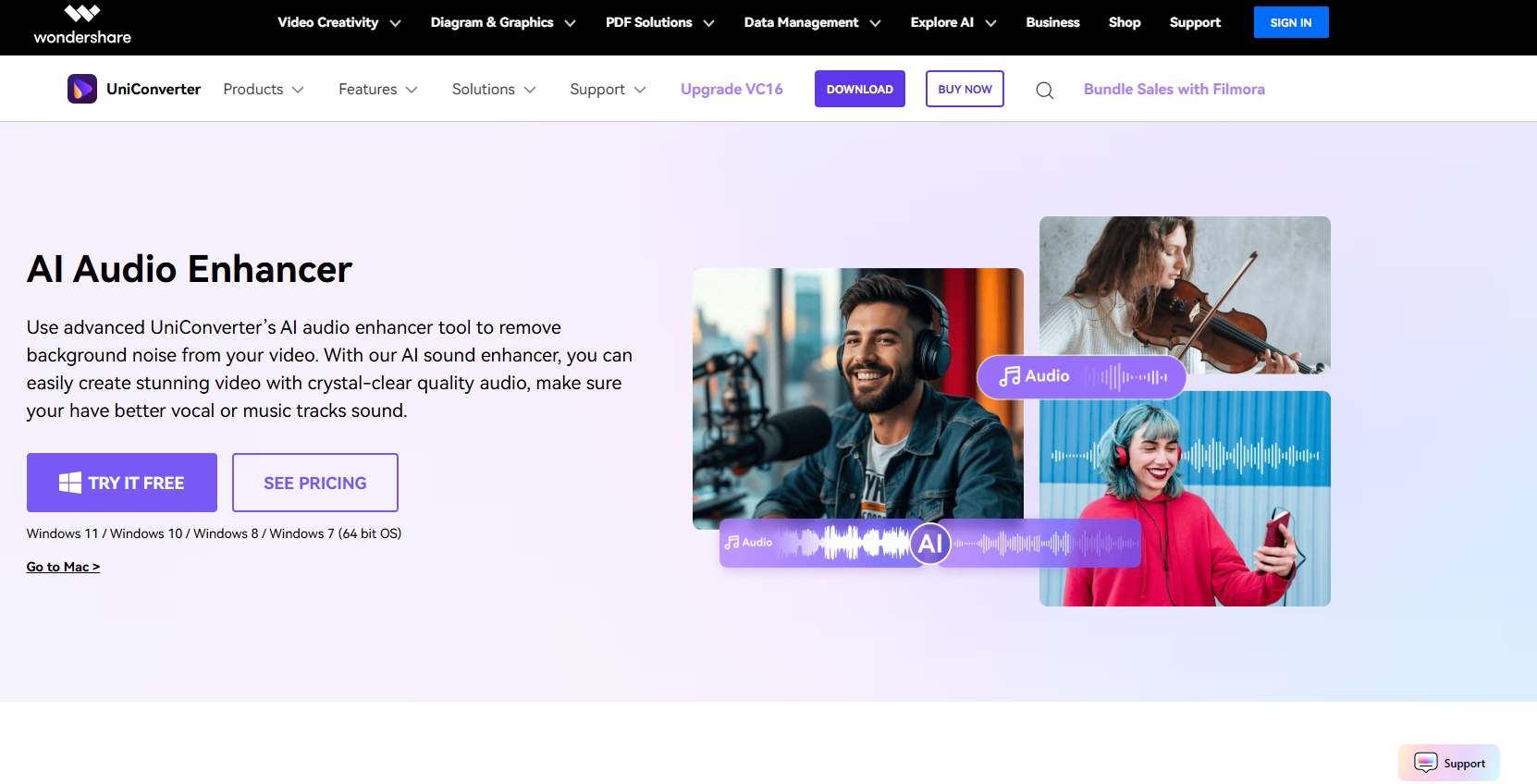
Wondershare UniConverter is one of the best tools for creating high-quality, free audiobooks in MP3, WAV, and other audio formats. Its advanced AI audio enhancer tool can deliver crystal-clear, studio-quality audio to ensure vocals are great.
Any background noises or ambient sounds can distract a listener and thereby affect their listening experience. Here, its noise remover feature comes in handy. Aside from noise, it removes any reverbs or echoes to produce a clear sound within seconds. Or, if you want to extract the vocals, its AI vocal remover feature is excellent as well.
Key Features
- Works with multiple audio formats like MP3, WAV, AVI, and M4A.
- Removes all kinds of background noises, including hissing sounds.
- Batch converts any popular audio format to high-quality.
- Voice changer feature converts human voices to male, female, child, robot, and more.
2. Podcastle
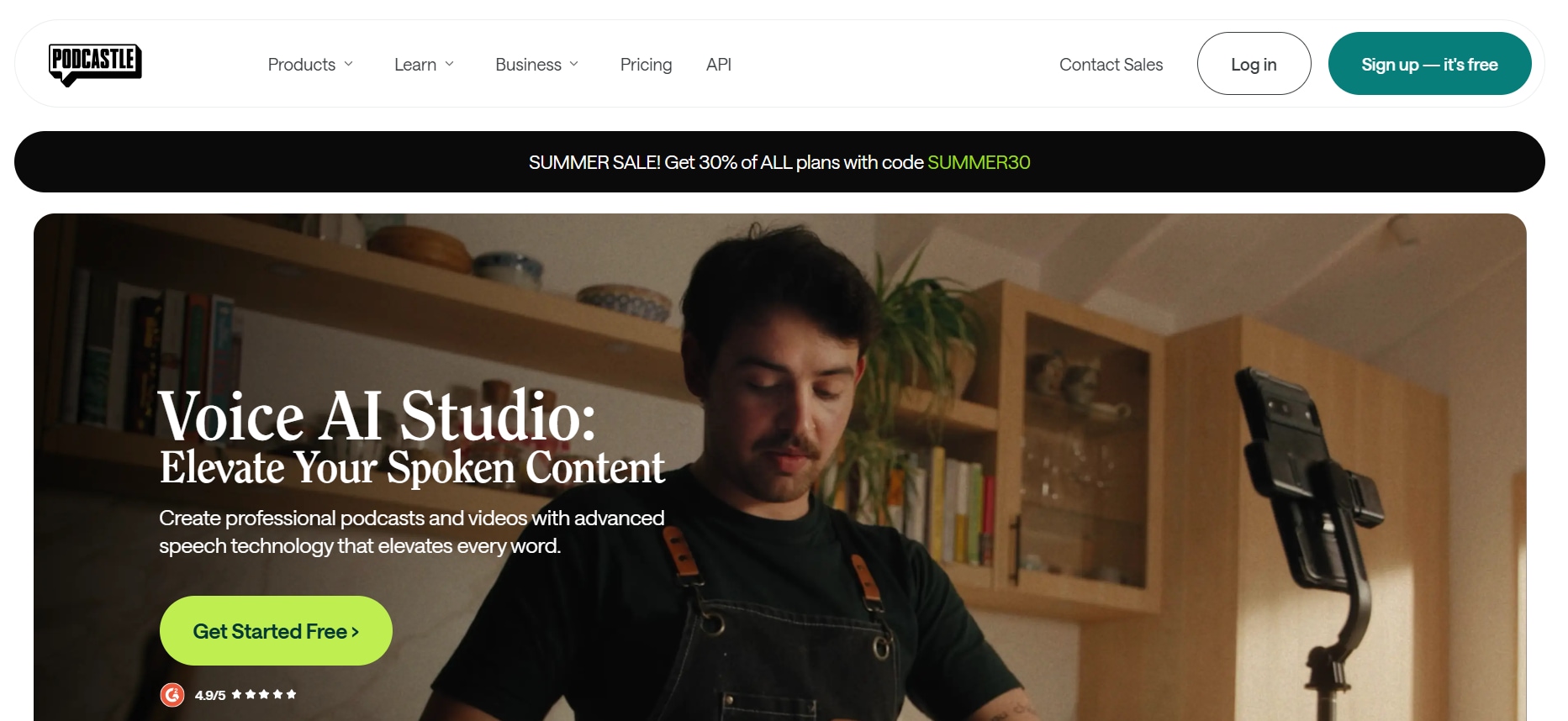
Podcastle is a great tool for enhancing the low-quality audio of podcasts into studio-quality. Not only is it an audio enhancement tool, but it also offers tools to record, edit, and publish your podcasts, audiobooks, and videos. You can also use its noise removal and transcription features to improve the vocal quality of audiobooks. All of these are packed in a simple interface, making it suitable for beginners and professionals.
Key Features
- The text-to-speech feature transforms written content into an audio format.
- Access to unlimited multi-track audio recording.
- A Magic Dust feature automatically enhances the audio quality.
- One-click silence removal and auto-leveling features.
- However, some users have reported issues regarding audio glitches and limitations on editing large audio files.
3. Auphonic
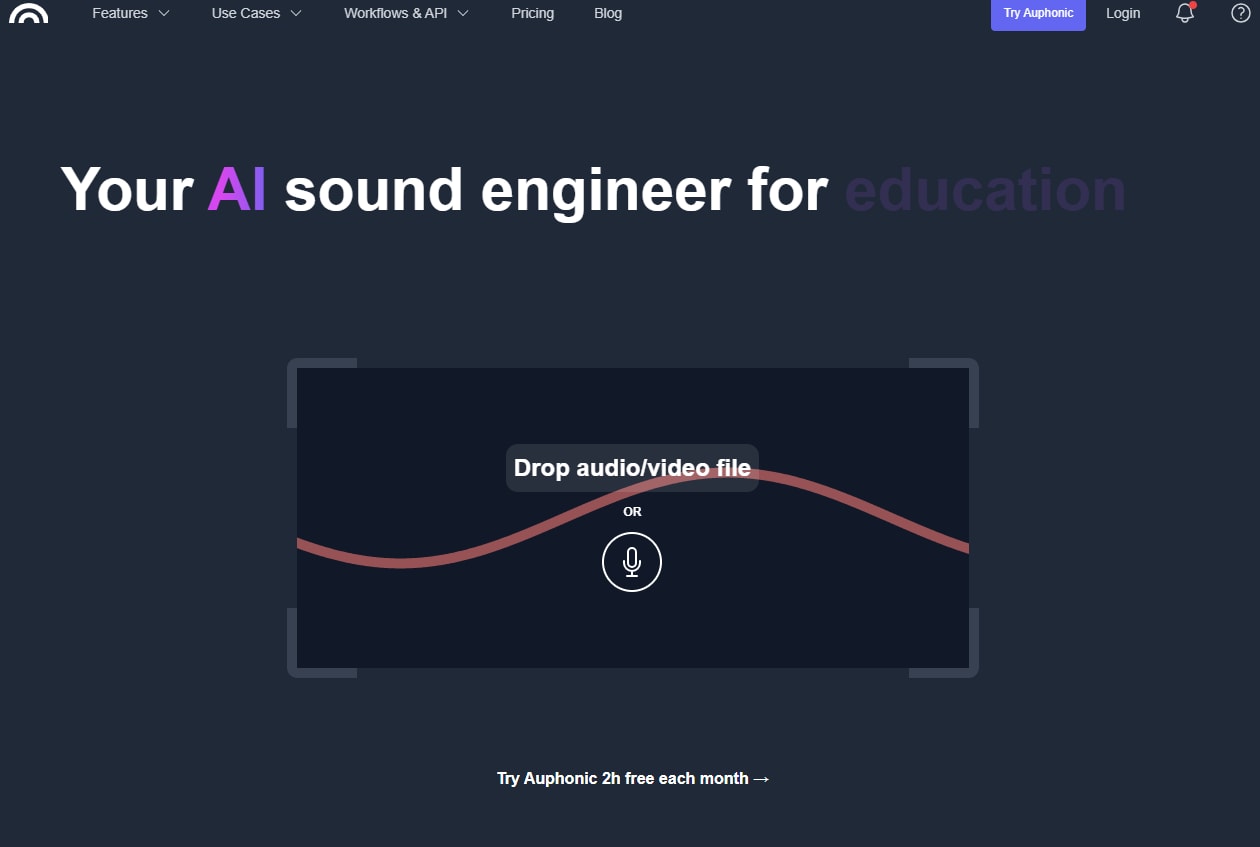
Auphonic is another popular platform that helps create better-sounding audiobooks and podcasts. Its AI algorithms are powerful enough to analyze the audio and remove any background noises, filler words, hissing, or breathing sounds. The interface is simple, but in some instances, you might not be pleased with the output.
Key Features
- Adaptive Leveler corrects the pitch and volume differences between speakers, speech, and music.
- Lets you adjust the amount of breath, reverb, and noise reduction to achieve.
- Automatically adjusts the frequency spectrum to generate a clear voice.
- Removes pauses and filler words to avoid any awkward silence.
Tips to Record an Audiobook
Now that you’ve a brief idea about the equipment and software you need, it’s time to start recording. Here are a few tips to keep in mind:
Adjust Recording Devices Correctly
Before pressing the record button and speaking, consider a few key points. To start, check that your microphone is positioned well away from your face. Ideally, a 6- to 8-inch distance would be sufficient, but you can adjust it as needed. Bring the microphone close when you’re whispering and keep it away when you have to scream or shout.
Keep Moving on
When recording audiobooks, ensure that you speak clearly and minimize errors as much as possible. If the mistake is minor, pause for a moment, take a deep breath, and then start recording. Meanwhile, in the event of a larger mistake, stop the recording, delete the affected part, and restart.
Besides these, try to maintain a consistent pace, avoid loud breath sounds, tongue clicks, or other distracting sounds, and keep the characters' voices consistent.
Select the Right Recording Software
Aside from the recording tools, selecting the right software is essential when making an audiobook. Ensure the tool is easy to use, affordable, and rich in editing capabilities. It must include features like noise reduction, metadata editing, and audio normalization. Additionally, features such as audio file compression and format conversion are useful when publishing audiobooks across multiple platforms.
Wondershare UniConverter is a tool that offers all the mentioned features and more. Its interface is intuitive, and its advanced AI algorithms consistently deliver high-quality output.
Easy to Use Batch Noice Reducer
Part 4. Platforms to Publish Your Audio Book
Now that you’ve created a high-quality and polished audiobook, the question is where to publish it. Some of the top platforms include Audible, Kobo, and Google Play Books & Audiobooks. Here’s a comparison table of such tools:
| Platform | Royalty Rules | Distribution Reach | Ease of Use | Best For |
| Audible (via ACX) | 40% (exclusive) and 25% (non-exclusive) | Global (through Audible, Amazon, and Apple Books) | Moderate | Extended reach through Amazon/Audible |
| Kobo | 70% royalty on books priced 99/$2.99 or more | Global (Online Kobo bookstore) and partnerships with retailers across 190 countries | Very easy | Authors who want to distribute their work beyond the Amazon bubble |
| Google Play Books & Audiobooks | 70% (standard rate) and 52% (default for those who don’t accept the updated TOS) | Over 75 countries | Easy to moderate | Those who value non-exclusive distribution and strong royalty rates |
Conclusion
In brief, if you’re wondering how to make an audiobook by yourself, the answer is simple. You need a written script, quality recording equipment, and the right narrator. Additionally, an audio editing and production software like Wondershare UniConverter is essential. Its tools enable you to enhance, remove noise, compress, and convert the audiobook format, ensuring it meets professional standards. Use it now and create your first memorable audiobook!
FAQs
-
1. Can I make my audiobook?
Yes, it’s possible to make your audiobook. All you need is a good script, a good narrator, or you can narrate by yourself, and efficient audio enhancement software. -
2. Can I use AI to make an audiobook?
Yes, many AI-based tools can be used to create an audiobook. All you need to do is input your script, and it generates its narration. A few tools can create audiobooks from scratch. -
3. Does Amazon Audible pay you?
Yes, you can make money using the Amazon Audible platform for publishing your audiobooks, either through royalties or upfront fees for narration. -
4. Is it legal to sell audiobooks?
Yes, it is legal to sell audiobooks as long as you have written them or obtained permission from the author for that purpose. If not, you’re liable to a range of legal implications.

