Ever since content creation has become a major source of income for Gen Z and millennials, vlogging has taken center stage. But if you are just starting, it’s easy to feel overwhelmed, and you might wonder how to start a vlog or what platform to choose, which camera to buy, how to edit your clips, and most importantly, how to attract views.
Vlogging has become one of the most engaging forms of content creation, where personal stories are blended with visual expression. In this extensive guide, we will take a deep dive into how AI-powered tools can help you stabilize shaky videos so your vlogs look more professional, even without a studio setup.
In this article
Part 1. 5 Popular Types of Vlogs to Try in 2025
Before you hit record and start creating vlogs for your community and audience, it is highly recommended that you know what kind of vlogger you want to be. Each vlog style attracts a different audience and requires a slightly different approach to filming, editing, and storytelling.
Types of Vlogs in 2025
Travel Vlogs: Travel vloggers take viewers along with them as they explore new cities, cultures, and experiences. These vlogs rely heavily on visuals, storytelling, and background music to create an immersive experience.
Daily Vlogs: As the name suggests, these are personal, diary-style videos that document your everyday life. What makes daily vlogs a challenge for new users is consistency, as audiences connect with your personality and routine more than with high production values.
Mukbang Vlogs: These vlogs originated from Korea and involve eating large quantities of food on camera while interacting with viewers. It’s a popular niche on platforms like YouTube and TikTok.
Reaction Vlogs: Reaction vlogs are extremely popular on YouTube, with some channels even garnering over 100 million views. In the reaction vlogs, you react to trending videos, music, trailers, or viral content. This type of vlogging is easy to get started with and requires minimal setup.
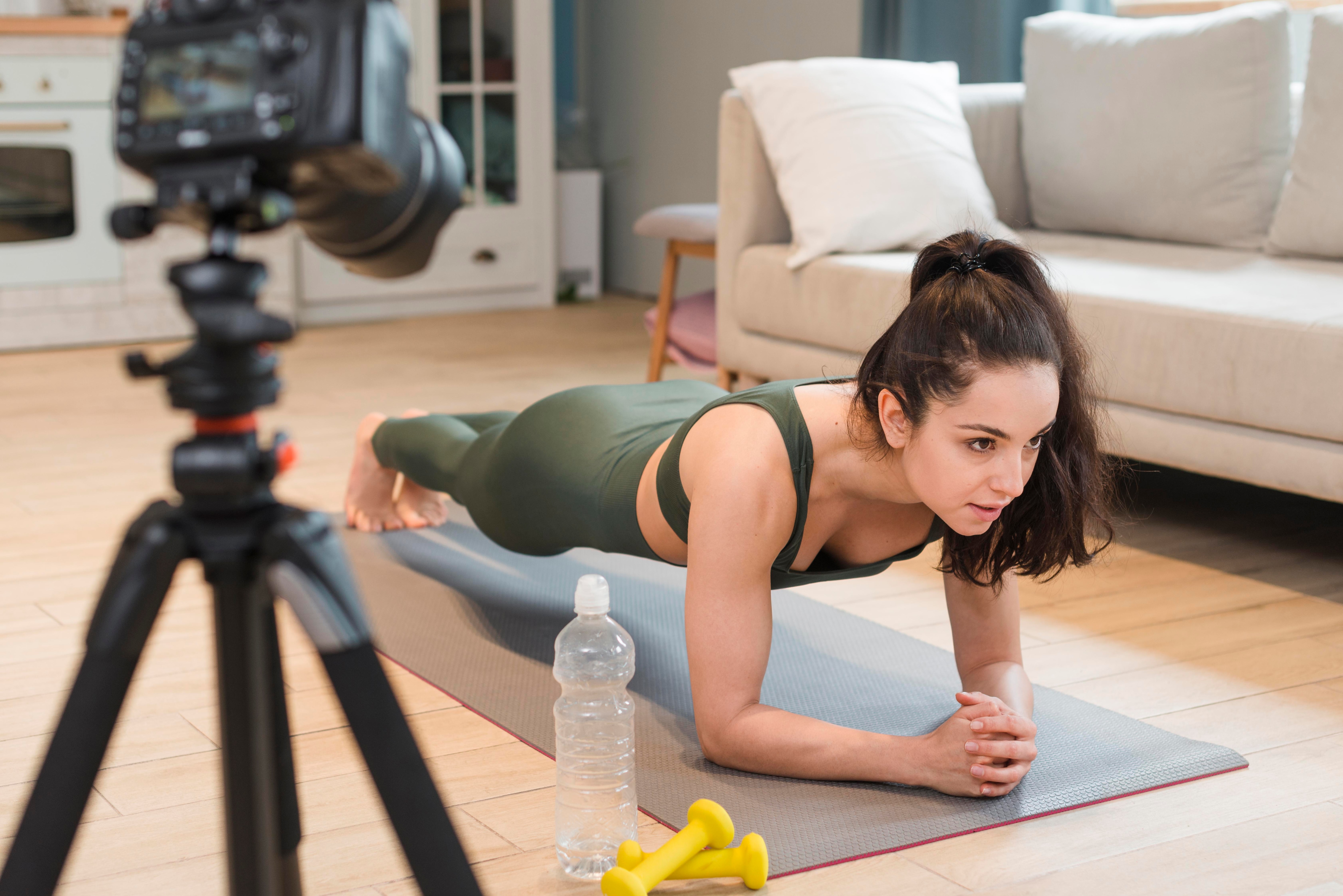
Fitness Vlogs: These are ideal for individuals interested in health and wellness. These daily or bi-weekly vlogs include workout routines, diet tips, transformation journeys, or fitness challenges.
Part 2: How to Choose a Suitable Platform to Start a Vlog
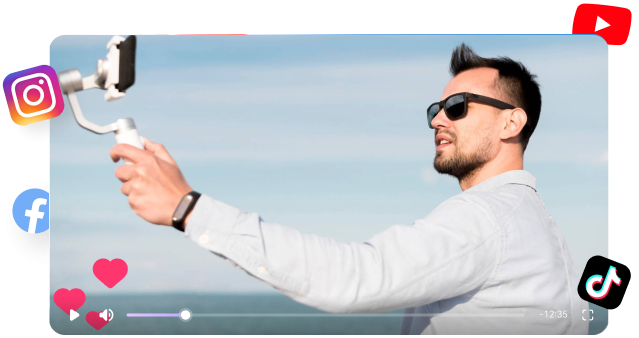
Before you start your vlogging journey and learn how to start a vlog, and become a niche-based content creator, you also need to finalize the right platform for you. You will also need to understand that not all audiences will resonate with your content, so it's essential to create your vlogs with your target audience in mind.
Furthermore, not every platform serves the same purpose, and your choice should depend on your content style, target audience, and the amount of time you are willing to invest in editing and community building.
Common Vlogging Platforms
YouTube: YouTube is best for building a long-term brand. The audience primarily ranges from 18 to 44 years old, and viewers expect detailed, well-edited content. It is ideal for travel, tutorials, reaction-based videos, and storytelling-based vlogs.
Instagram: Instagram reels are ideal for fashion, beauty, and lifestyle creators. On this Meta platform, one can use Reels and Stories for quick updates. At the same time, vloggers can share curated posts to maintain a strong aesthetic and influencer-style appeal.
TikTok: It is highly popular among Gen Z and younger Millennials. On TikTok, you need to create short-form, trend-driven, and fast-paced content that engages your audience and drives virality. If you want to create short-form, spontaneous content that has humor or niche topics, then TikTok is a suitable platform for you.
Facebook: Since most viewers have shifted to Instagram, Facebook’s target audience is now primarily regionally focused. It works well for community-driven content, family vlogs, or any topic where shareability and local engagement matter.
Part 3. Equipment You May Need for Vlog Recording
Everyone these days has a good megapixel mobile phone, which is enough to start vlogging. So, if you have a good phone and know basic editing, then you don’t need a full studio setup to start vlogging. That being said, the right gear can dramatically improve your video and audio quality.
Vlogging with a Camera: It is recommended to use a Tripod or GorillaPod for stable shots, especially outdoors. You can also purchase softboxes or ring lights that are ideal for indoor or low-light settings. Once you are done with the placement, consider using an external microphone to capture clear audio. If you live in an area that experiences frequent power outages, consider investing in extra camera batteries or a portable power station.
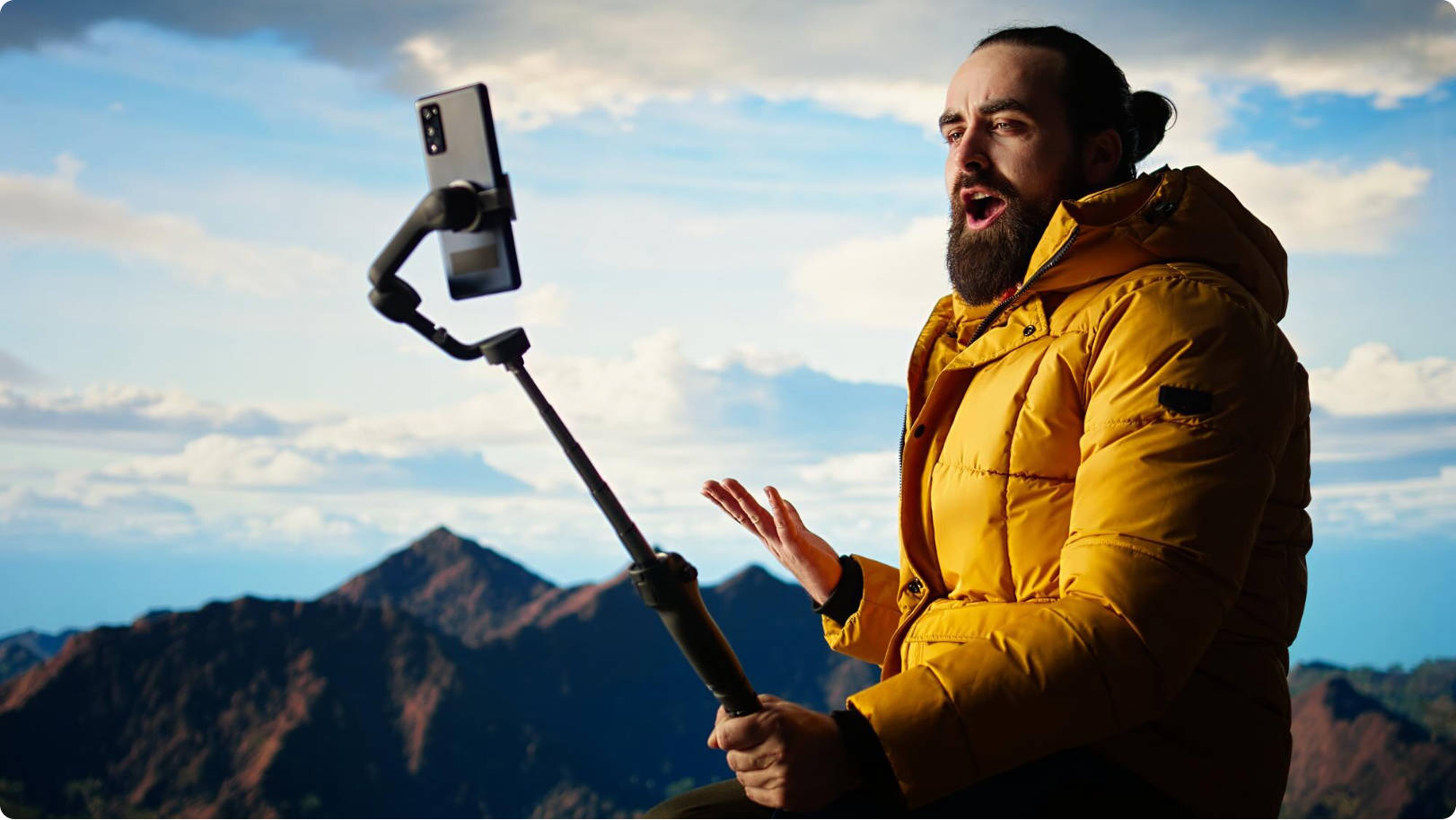
Vlogging with a Mobile: If you are just starting, consider investing in a selfie stick or gimbal to help you record smooth, handheld footage. For optimal sound quality, use a clip-on microphone or a wireless microphone compatible with your phone. You can even get a 5,000W power bank that will keep your phone charged on the go, along with a portable mount that provides steady, hands-free recording.

Batch Video Stabilizer and Enhancer
Part 4. Tips to Get More Views on Your Vlog
Creating content is only half the battle, but the main question in how to start a vlog is how to get people actually to watch the videos. There are a few tried-and-tested tips that can help you boost your visibility and grow your audience organically:
Quick Tips to Grow Your Vlog
Optimize Video Titles, Descriptions, and Tags: Always use clear, keyword-rich titles when uploading videos. These days, hashtags may not serve much purpose, but you can never go wrong with relevant tags and informative descriptions on YouTube, TikTok, and Instagram Reels.
Try Collaborating with Other Creators: If you know an already popular vlogger from your region, try partnering with them to tap into their audience and cross-promote each other’s content. It’s a quick way to build credibility and reach a wider audience.
Create Compelling Thumbnails: An eye-catching thumbnail can significantly increase click-through rates. Use expressive visuals, bold text, and contrast to grab attention at first glance. You can even use AI-powered tools to create thumbnails quickly.
Engage with Your Audience: Do not forget to reply to comments on your videos, ask questions in your stories, and create polls or Q&As. Viewers are more likely to return when they feel seen and heard.
Set Up Anticipation for Future Videos: Try ending your new video with a teaser or a sneak peek to build excitement for your next vlog. This encourages viewers to subscribe and stay tuned.
Capitalize on Trends and Timely Topics: Don’t be afraid of riding the wave of trending topics. If you see some TikTok filters trending, capitalize on them while they are hot; just make sure to put your twist on them.
Part 5. How to Stabilize Your Vlog Videos for a Professional Look
Even if your content is excellent, your audience will feel disconnected if you upload shaky footage. For this, you can always check out Wondershare UniConverter’s AI-powered Video Stabilizer feature, which offers an easy fix that requires no complex editing.
Wondershare UniConverter is a powerful offline tool designed for creators, especially vloggers, who want professional-quality videos without a full studio setup. The AI-powered tool is backed by advanced AI models, which offer multiple video enhancement features. Whether you are vlogging on the go or editing at home, UniConverter's video stabilizer helps you smooth out shaky clips, making your content more polished and engaging with minimal effort.
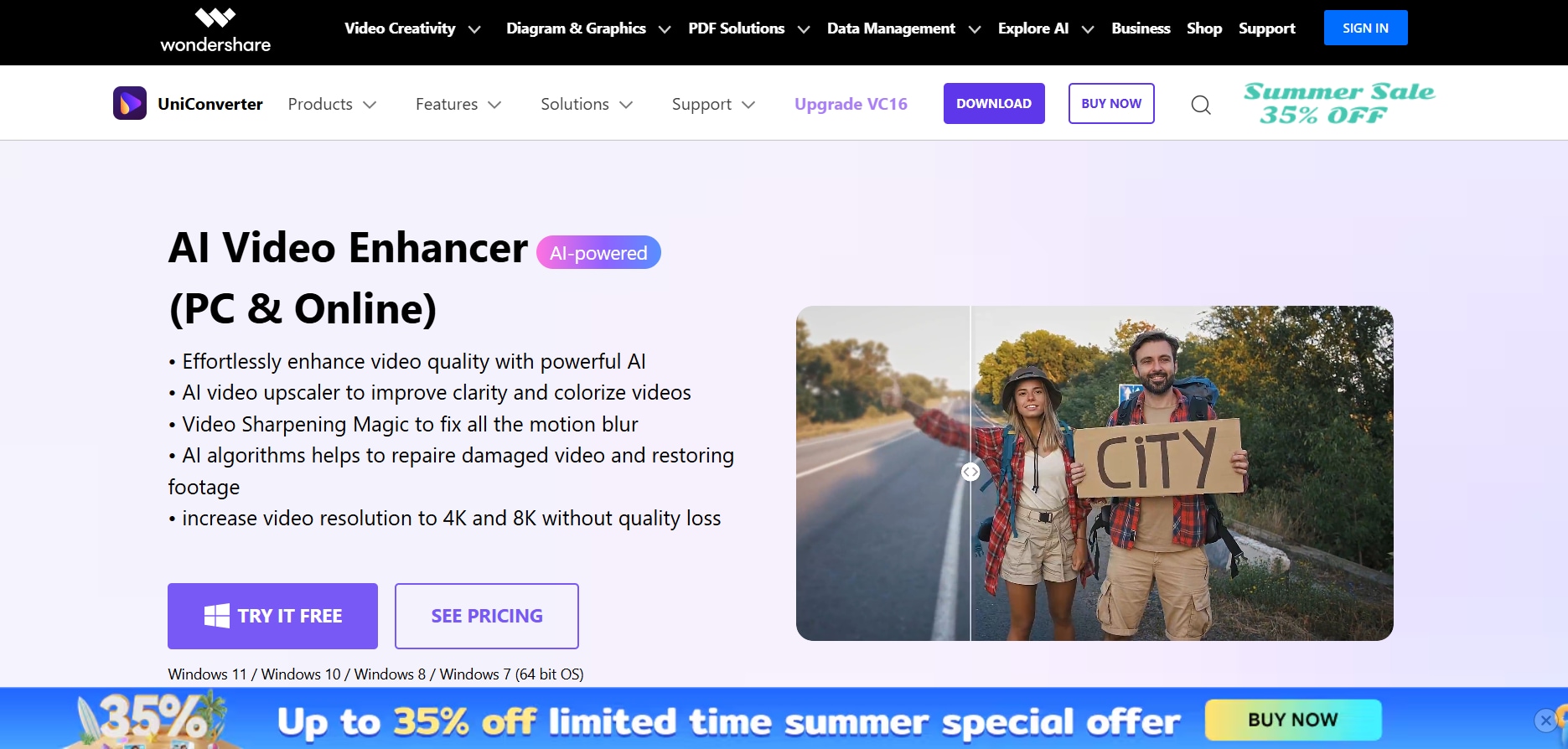
Here’s how you can stabilize your vlog videos for a professional look with Wondershare UniConverter:
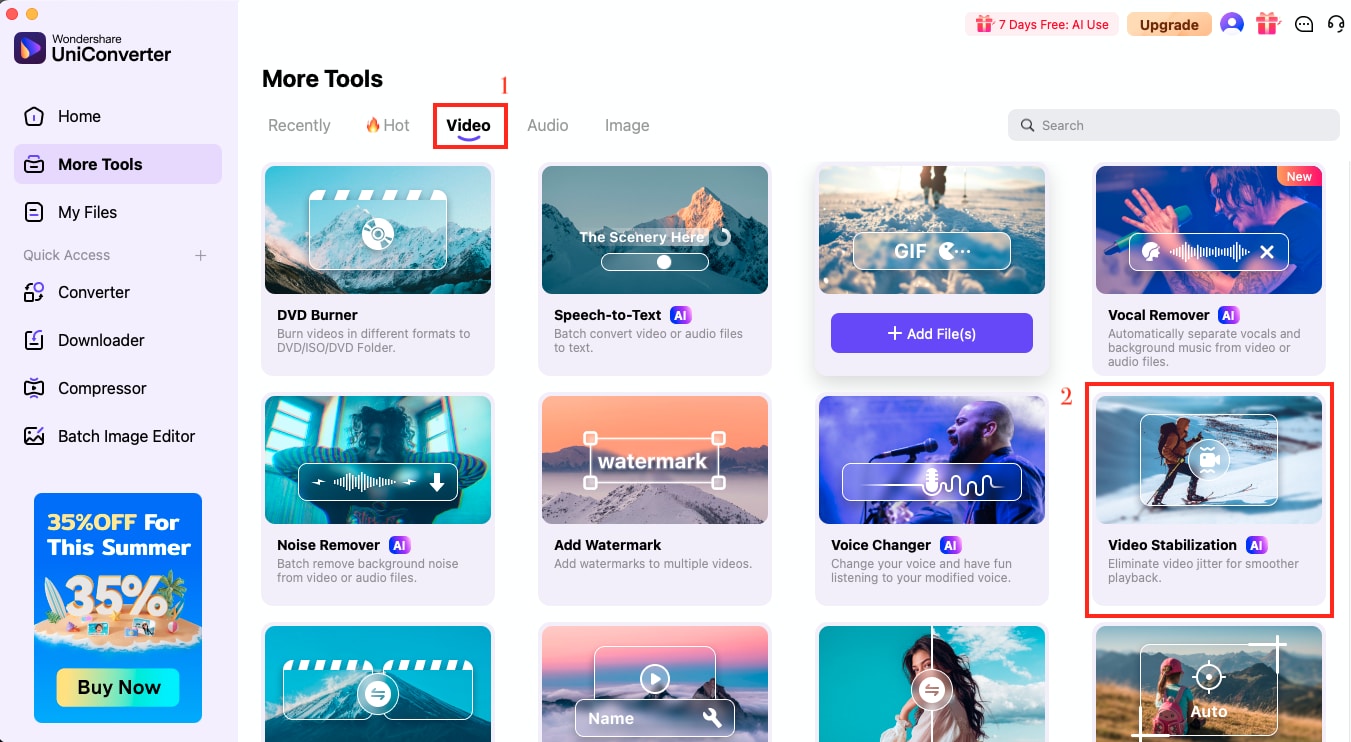
Step 1
Go to the “Video Stabilization” tool under the “Video” category. From here, upload the vlog clip you want to enhance.
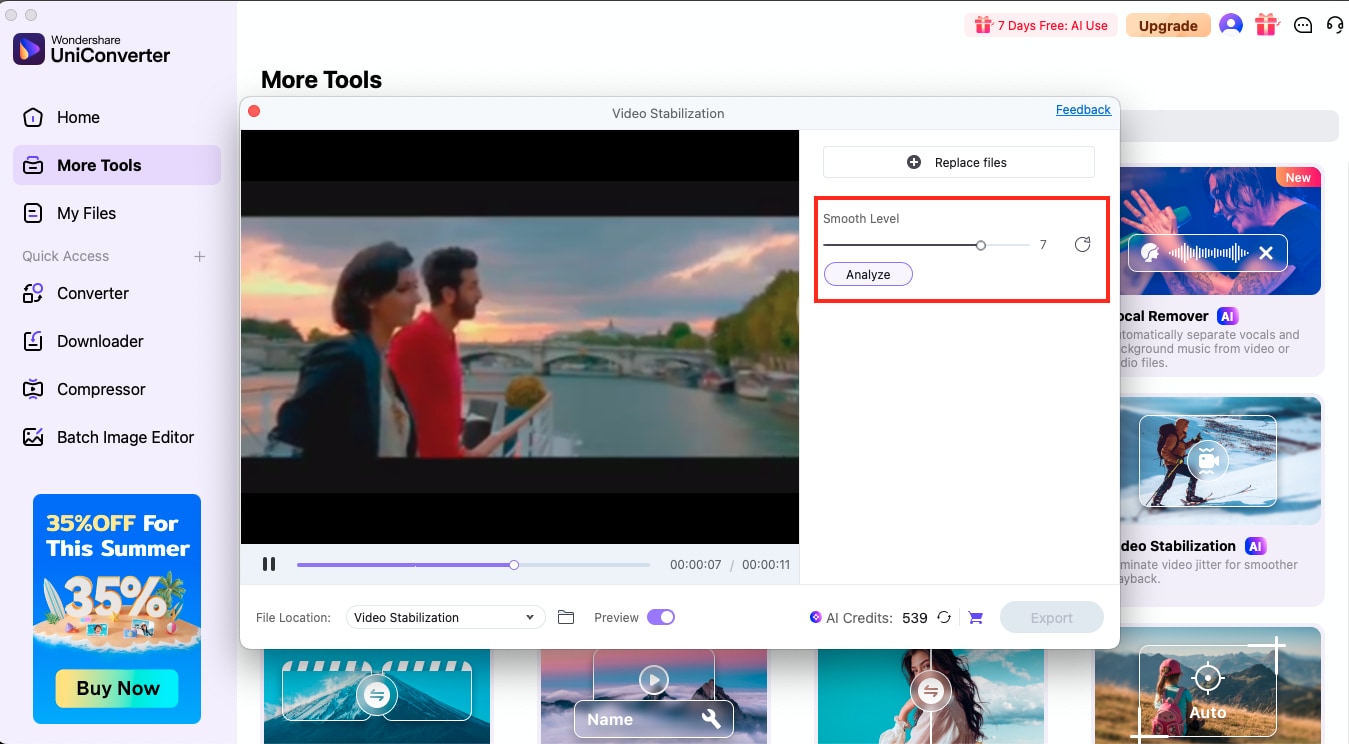
Step 2
Once the file is loaded, UniConverter will open a preview window. Here, you can adjust the “Smooth Level” to control the amount of stabilization applied. Click “Analyze” to let the AI detect jittery frames and suggest the optimal settings.
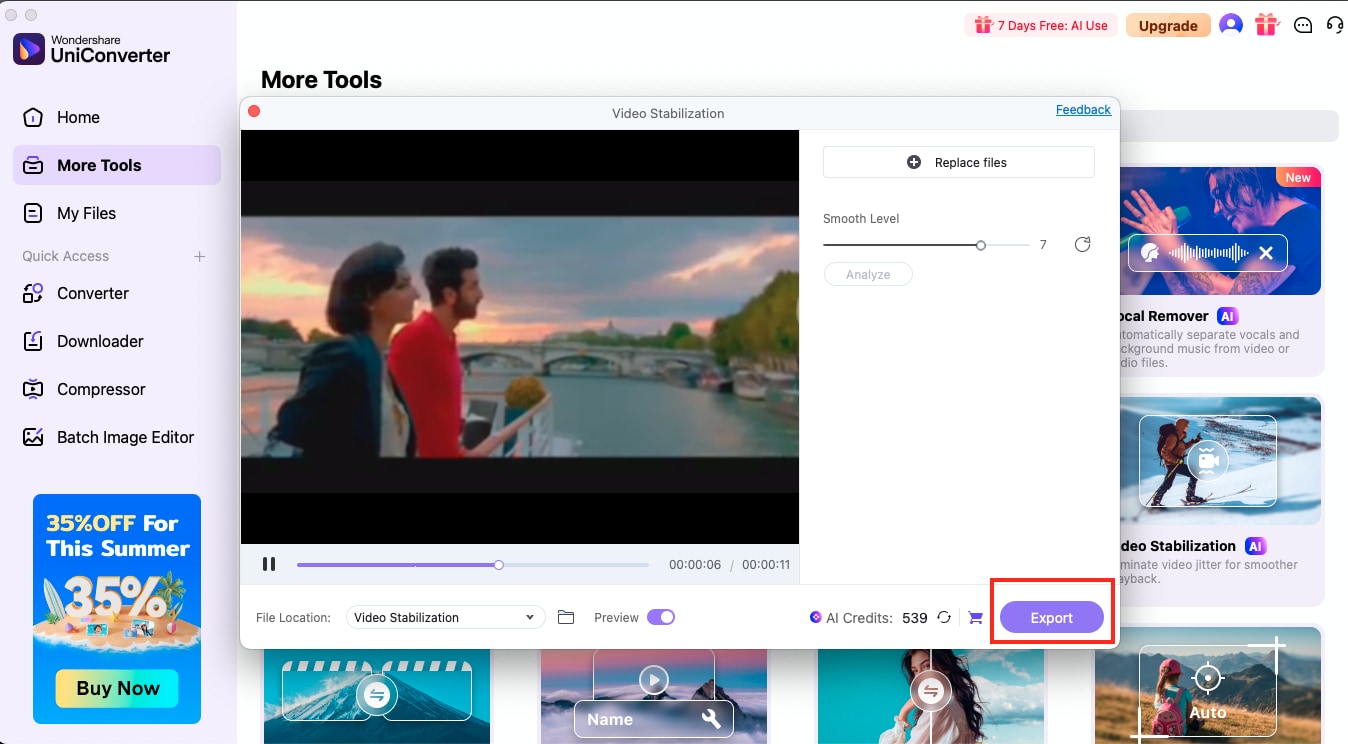
Step 3
Finally, you can fine-tune the smoothness further if needed before clicking on “Export” to download your stabilized vlog.
Conclusion
Starting a vlog may seem overwhelming at first, but with the right mindset, platform, equipment, and strategy, you can build a strong foundation and grow your audience over time. If you have ever wondered how to start a vlog with an iPhone or even with basic gear, then you need to understand that you need to stay consistent, be authentic, and let your unique voice guide your journey.
If you have learned how to make a vlog with a phone and found your videos shaky, then you can always check out UniConverter’s Video Stabilization feature. Additionally, you can explore other AI features that assist with noise removal and vocal separation, as well as upscale a 2K video to 4K.
Batch Video Stabilizer and Enhancer
FAQs
-
1. How do beginners start vlogging?
If you are learning how to start a vlog, you first need to choose a niche you enjoy, such as travel, food, or lifestyle. You can use your phone or camera, create a simple video, and upload it to a platform like YouTube, TikTok, or Instagram. -
2. Do vloggers make money?
Yes, many vloggers earn through YouTube ads, sponsorships, affiliate marketing, product placements, or selling merchandise. However, earnings through vlogging depend on content quality, niche, audience size, and engagement, and may take time. -
3. How do I write my first vlog?
Before you shoot a vlog, you need to structure your vlog like a story. For instance, start with a hook, introduce the topic, and end with a takeaway or next step. You can even write a short script or outline to stay on track while filming. -
4. What is a good vlog name?
A good vlog name is short, catchy, easy to remember, and reflects your niche or personality. That said, try to avoid using numbers or complex spellings. Consider using your name, a phrase, or wordplay related to your vlog theme. -
5. What equipment do you need to start vlogging?
If you are learning how to start a vlog on YouTube, you'll need basic gear, including a camera or smartphone, a tripod or gimbal for stability, and a good microphone for clear audio.