A XNXX video downloader turns an eligible video link into a local file. UniConverter offers a Windows and Mac workflow for this task, with a download list and tools for managing the saved file. Start with the video’s own download option when the creator or platform provides one.
Online Tool, Browser Extension or Desktop App: Which Should You Choose?
Web tools can process a single link without installing an application. Extensions operate in a browser and request site permissions. Desktop software requires installation but can keep multiple tasks and local files together. Check the provider and permissions for any method you select.
| Method | Practical fit | Before you choose |
|---|---|---|
| Online tool | A single link from a browser | Review the site's privacy policy and any redirects. |
| Browser extension | Controls within the browser | Inspect its requested access to websites. |
| UniConverter desktop | Windows or Mac tasks with a download list and local conversion tools | Install the application and review current trial and plan terms. |
Choose the media quality that the source makes available and your chosen tool can retrieve. An installed app does not unlock a higher source resolution.
What to Check Before You Download
An XNXX search page can contain many videos, while a downloader needs the address of the individual video you intend to save. Check the page and destination before starting the desktop workflow.
| Check | What to do |
|---|---|
| Permission | Use a video you own or are authorized to save. |
| Source option | Check the video page for an available creator- or platform-provided download. |
| Device | This UniConverter workflow runs on Windows or Mac. Phone-only users need a source-provided mobile option. |
| Link | Copy the complete address of the individual video page. |
| Storage and destination | Leave enough disk space and note the folder shown under Save to. |
How to Download an XNXX Video with UniConverter
UniConverter Downloader accepts video URLs and organizes active and finished tasks. The interface examples below come from Wondershare’s published product materials and illustrate the controls, not an XNXX-specific test.
Quick List: XNXX video download on Windows or Mac
- Install UniConverter and open Downloader. Install and open UniConverter on Windows or Mac. Choose Downloader on the Home screen or from the navigation. Verify that the Downloader URL input is visible.
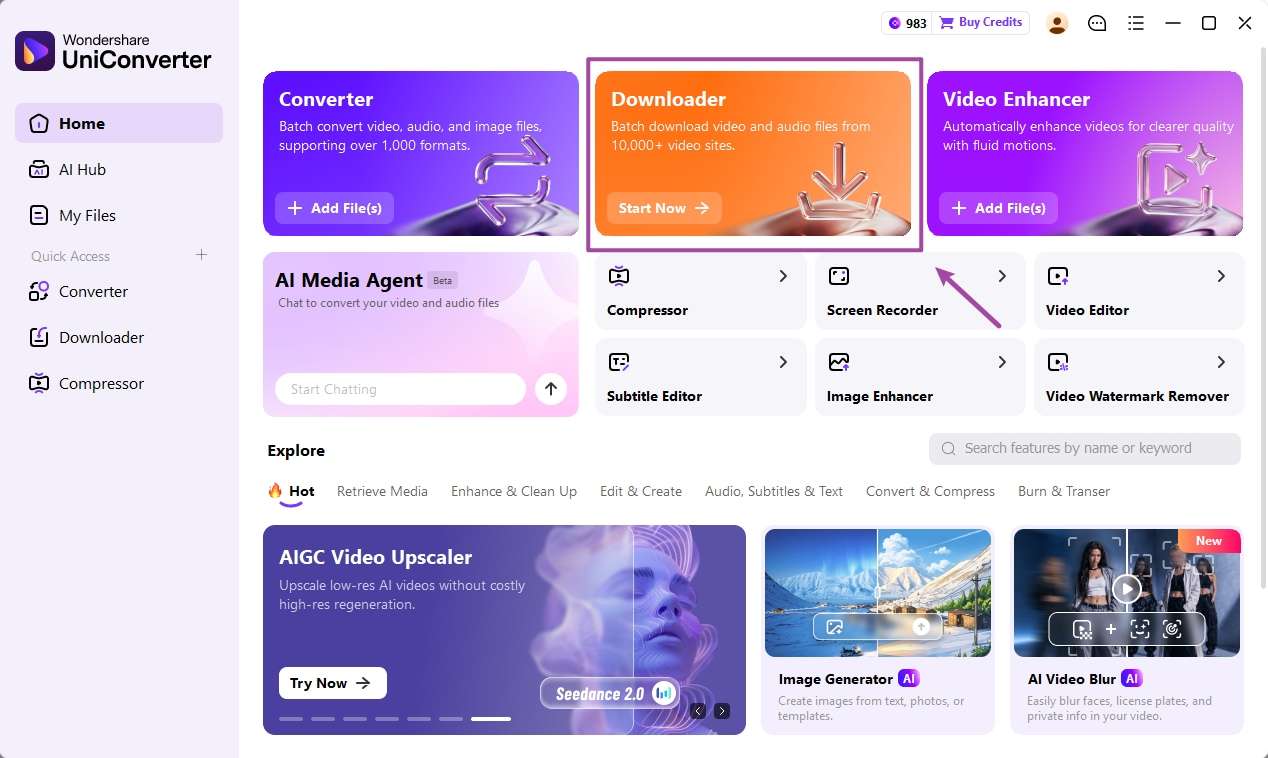
Official UniConverter Windows guide: select Downloader on the Home screen; this is a general interface example. - Copy the individual video link. Open the XNXX video you are authorized to save. Copy its full address from the browser. Verify that the address opens the intended video, rather than a profile or search page.
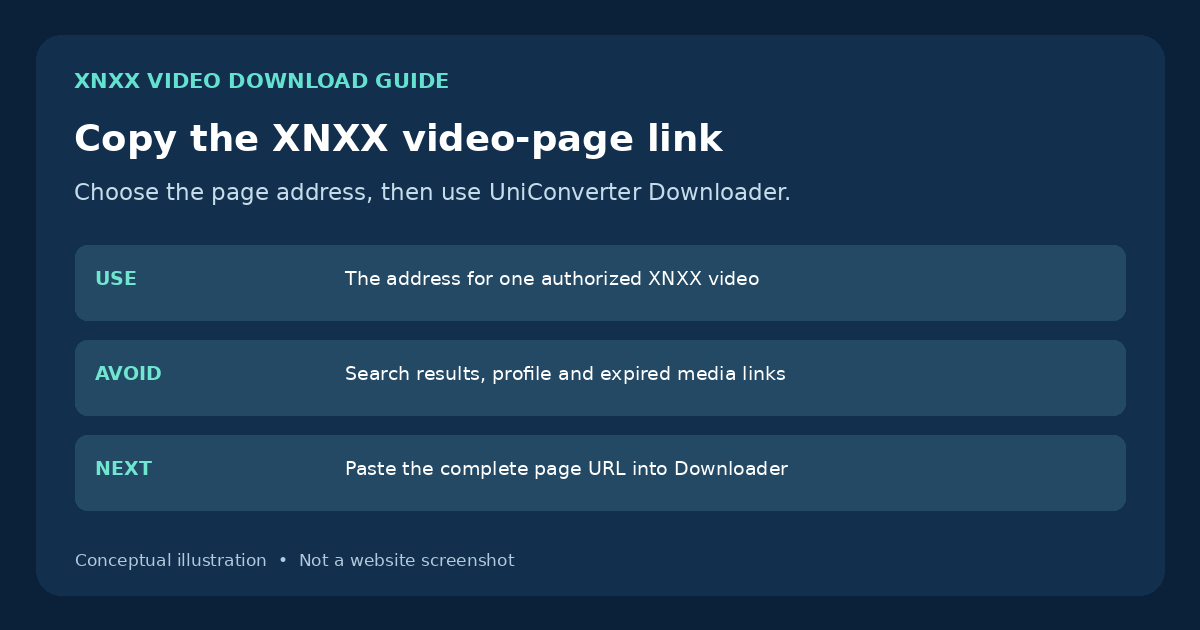
XNXX link checklist: use the address of an individual authorized video. This is an original illustration, not a screenshot of the XNXX website. Check: The browser address belongs to the individual video page you want to save.
- Paste the link and set the destination. Paste the URL into Downloader, keep the video download type selected, and choose the destination under Save to. Verify that the complete link appears in the input field.
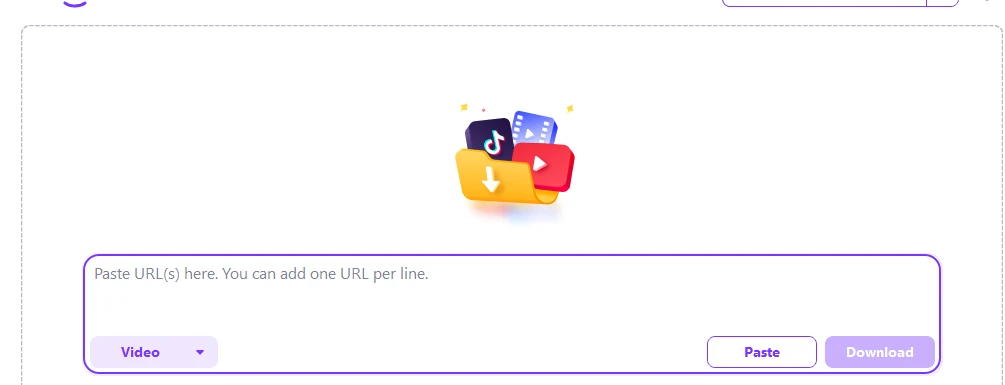
UniConverter Downloader URL field, shown with a general example. 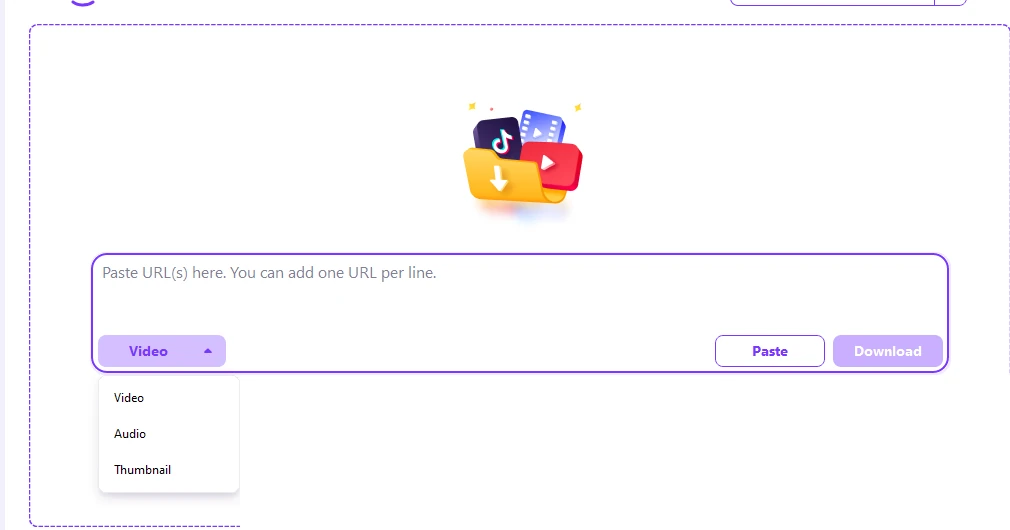
The media type menu lets you select a video task; the screenshot shows the generic UniConverter interface. - Start the download and check its progress. Click Download and watch the task in Downloading. Review any quality options presented by the app for that link. Verify that a task appears in the list.
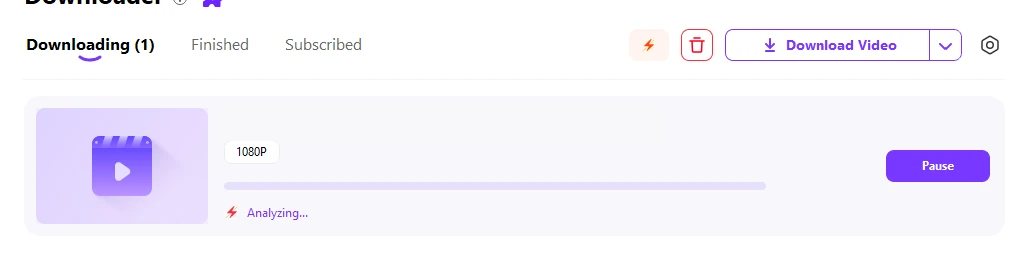
Downloading displays a task and its status; this screenshot uses an example source. - Find and play the finished file. Open Finished and use the file or folder control to find the saved video. Play it and check its duration, picture and sound.
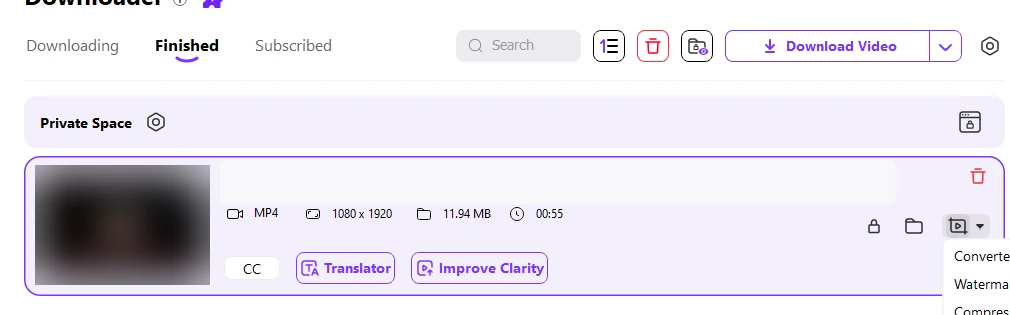
Finished lists completed tasks; this screenshot uses an example source.
Understanding Quality and File Size
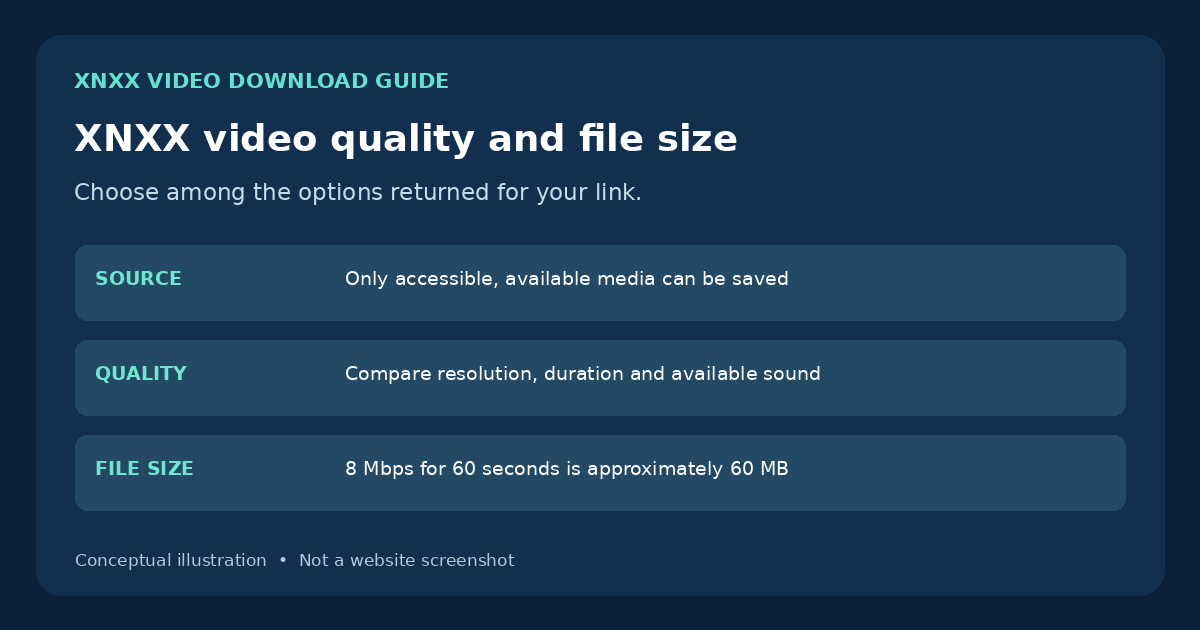
A downloader can retrieve only media the source makes accessible and the app can process. Choose from any options actually shown for the link. A higher resolution label cannot restore source detail that is not present.
| Illustrative total bitrate | Estimated size for one minute | How to use the estimate |
|---|---|---|
| 4 Mbps | About 30 MB | Allow extra space for file overhead. |
| 8 Mbps | About 60 MB | A longer video requires proportionally more space. |
These figures use bitrate × 60 seconds ÷ 8; they are arithmetic, not download benchmarks. Resolution alone does not determine bitrate or file size.
Why an XNXX Video Download Fails
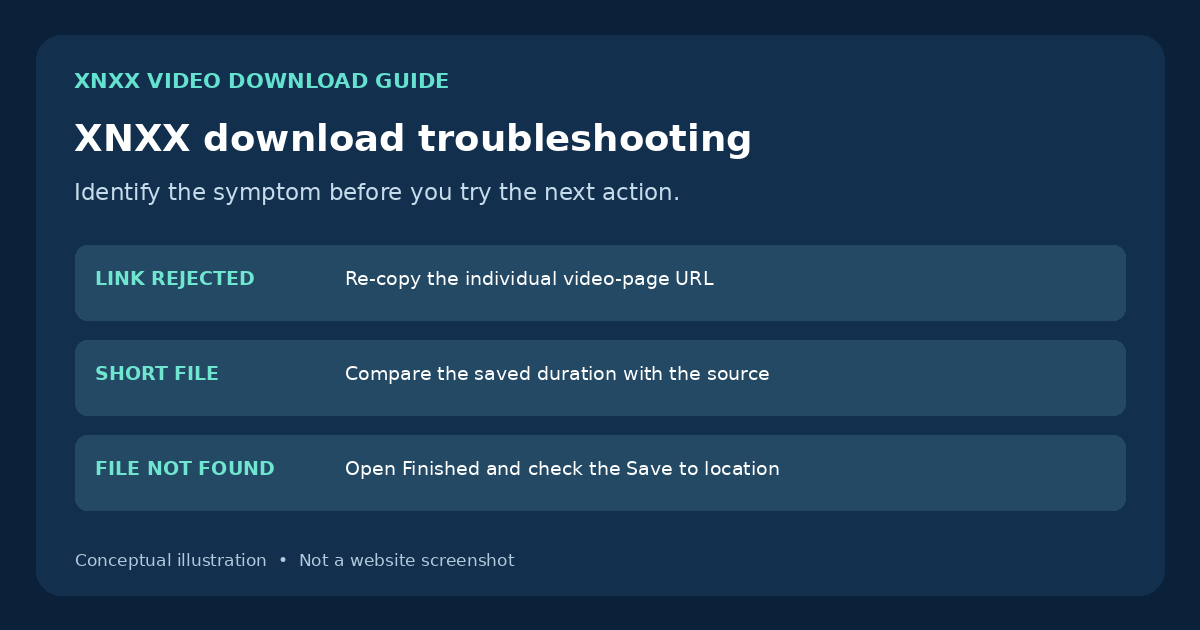
The address, source availability, transfer and local playback are separate checks. A page loading in a browser does not by itself show which downloadable media a particular link will provide.
| What you see | What to check | Next action |
|---|---|---|
| Link is rejected | Is it the complete address of an individual video, rather than a search or profile page? | Copy the individual page URL again. |
| A different domain is rejected | Read the domain in the browser address. A similarly named domain is not proof of affiliation or support. | Check the source's own information and use an authorized, supported video-page link. Do not rewrite the URL or bypass restrictions. |
| Only a few seconds were saved | Compare file duration with the authorized source and check whether the source exposes a preview. | Check the intended link and repeat an authorized download. If it remains short, report the link and version to product support; an incomplete transfer or incomplete segment handling are possibilities, not established diagnoses. |
| The source asks for sign-in or age verification | Determine whether the source makes an authorized download available to you. | Use the source-provided option where available; do not bypass access controls. |
| Only a lower resolution is available | Compare the returned choice with source availability. | Select an offered option; converting to a larger frame size does not restore missing detail. |
| Task stops or file will not play | Check the connection and whether the task completed. | Resume an interrupted transfer or test the completed file in another player. |
For a broader explanation of source links and task states, see the download video from link guide.
Rights, Terms and Permitted Use
Download only videos you own or have permission to save. Check the platform’s applicable terms and the rights holder’s authorization before sharing, modifying, or using a file commercially. Do not bypass access controls or DRM. This information is not legal advice.
When UniConverter Is Not the Right Choice
- The video page already provides an authorized download: Use that direct option if it meets your needs.
- You only have a phone: This guide’s app requires Windows or Mac. Look for an authorized source-provided mobile option.
- The link is inaccessible or unsupported: A desktop task cannot establish permission or bypass the source’s access restrictions. Contact the rights holder or use an available authorized copy.
FAQs About XNXX Video Download
-
How do I complete an XNXX video download?
Copy the individual video URL you have permission to save, open UniConverter Downloader on Windows or Mac, paste the URL, and start the task. Find the completed file in Finished.
-
Is UniConverter free to use as an XNXX downloader?
The Windows and Mac installers are available through the download buttons. Installer availability does not mean every download is free or unlimited; check the current trial and plan terms before relying on a specific allowance.
-
Is it legal to download an XNXX video?
Save videos you own or have permission to download. Check the relevant platform terms and applicable law for your location and intended use; watching a video does not itself establish a right to save or redistribute it.
-
Is an XNXX video downloader safe?
Safety depends on the particular product and how it is distributed. Use an official download source, inspect browser-extension permissions, and avoid unexpected installers or requests for account credentials.
-
Can I download XNXX videos as MP4?
If MP4 is offered for the link, select it. Otherwise, a compatible downloaded local file can be converted to MP4 in UniConverter; converting a file does not recover detail absent from the source.
-
Can I download a video without installing software?
If the video page or creator provides an authorized download option, use that option. Browser-based services also exist, but their terms, privacy practices and supported links must be assessed individually.
-
Can I use UniConverter Downloader on an iPhone or Android phone?
The workflow in this guide uses UniConverter desktop software for Windows or Mac. On a phone, check the source for an authorized save or export option.
-
Why did I get only a preview clip?
The returned file may be a preview rather than the full video. Compare its duration with the source, confirm you copied the intended video page, and use an authorized full-file option if available.
-
Where are my XNXX downloads saved?
Open Finished in UniConverter and use the folder control for the completed task. The Save to setting determines the destination before downloading.
-
Does “XNXX download” mean downloading the app or a video?
The phrase can refer to either. This guide covers saving an authorized video file from an individual link, not installing an XNXX app.
Explore related downloader guides: Learn how to download a video from a link, or explore the EroMe video download, PlayVids downloader, ThisVid downloader, and Eporner video downloader guides.
Product interface reference: Wondershare UniConverter Downloader guide.