
An Eporner video downloader can be a desktop app, a browser-based tool, or a desktop extension. If you only have one video, a native download option (when offered) or online tool may be enough. For several links, UniConverter brings URLs, progress and finished files together instead of making you repeat the same browser steps.
In this article
- Part 1. How to Download Eporner Videos with Wondershare UniConverter
- Part 2. Can You Download Videos Directly from Eporner?
- Part 3. How to Download Eporner Videos with Online Tools
- Part 4. Download Eporner Videos with a Browser Extension
- Part 5. Why Is My Eporner Download Not Working?
- Part 6. Convert or Compress a Downloaded Video
- FAQs about Eporner Video Downloading
Part 1. How to Download Eporner Videos with Wondershare UniConverter
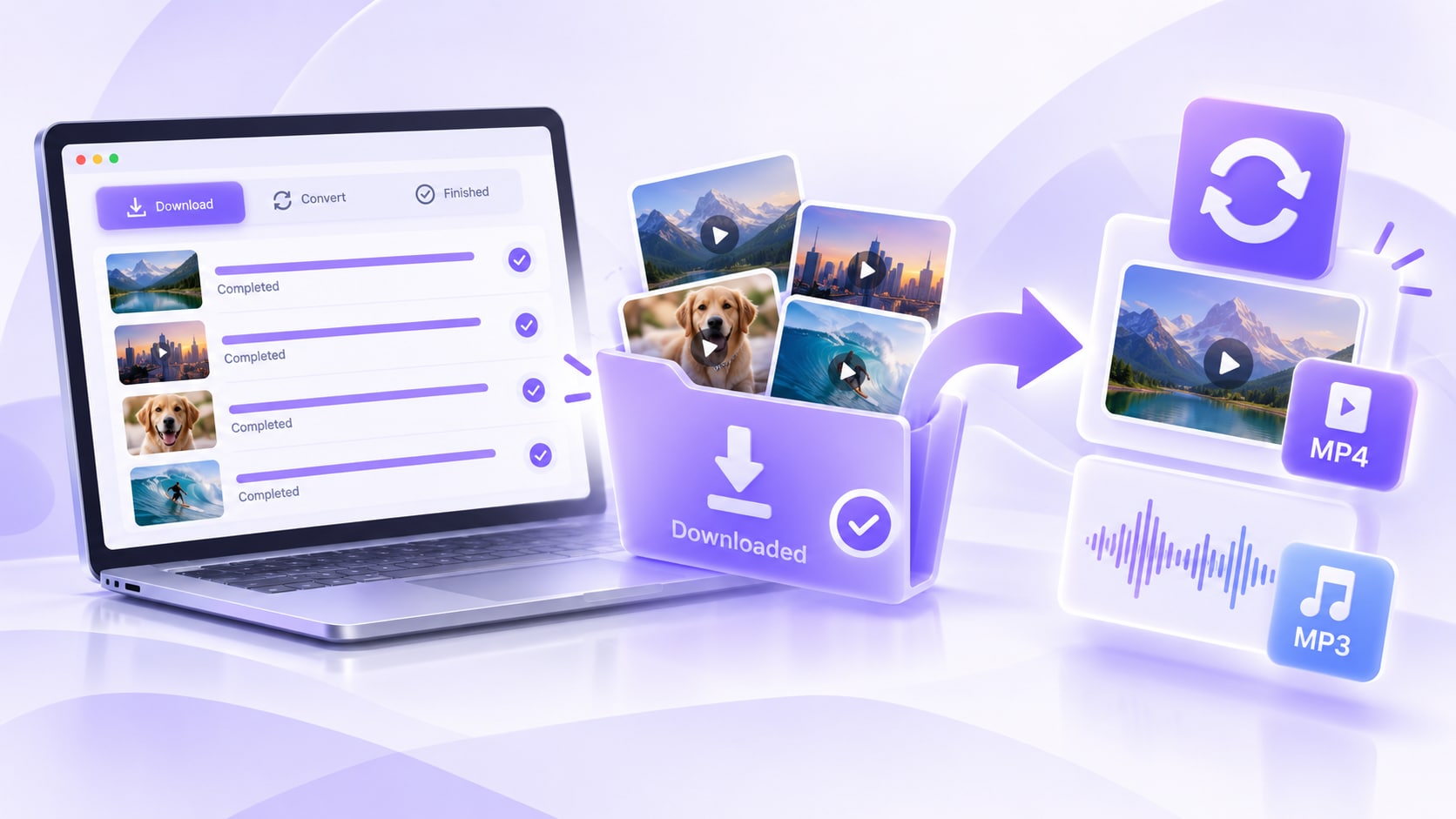
Wondershare UniConverter is a Windows and Mac desktop app with a built-in Downloader. When you have more than one authorized Eporner link, its URL-to-task-list workflow is more practical than clicking through each page. Active items appear in Downloading and completed files in Finished. For multi-link jobs, the current Batch Video Downloader supports multiple URLs and up to 10 simultaneous tasks.
| Need | Why UniConverter fits |
| Several video URLs | Add multiple supported URLs and keep them in a managed desktop queue. |
| Download control | View progress and use pause, resume, priority, Pause All, or Resume All controls when available. |
| Find completed files | Open completed items from the Finished tab or File Location. |
| Work with the file afterward | Continue with local conversion or compression after the download is complete. |
UniConverter provides a Windows-and-Mac Downloader workflow for adding media URLs. Available formats and downloads can differ by video page and software version.
Step 1. Open Downloader
Launch UniConverter on Windows or Mac and open Downloader. If you want the current official desktop instructions beside this Eporner-specific guide, see the UniConverter online-video download guide.

Step 2. Paste the Eporner video URL and choose the task type
Open the permitted Eporner video page, copy its URL from the browser address bar, and paste it into the Downloader action box. Select Video for the complete clip; the menu may also offer Audio or Thumbnail for other tasks. For multiple videos, paste supported links as separate items in the queue.

Step 3. Analyze the URL and select an available output
Use Analyze or the available download action in your version to have UniConverter inspect the link. Where a settings dialog appears, choose an available output and quality and confirm Download. The available formats and resolution depend on the source; downloading does not improve its quality.
Step 4. Start and manage the download
Start the download and monitor the queue. For batch jobs, add the authorized URLs you need. UniConverter documents up to 10 simultaneous downloads; this is an active-task limit, not a 10-URL queue limit.

Step 5. Open the Finished file
Once a task completes, switch to Finished. Open the completed file or use File Location to reveal its containing folder. You can review several results without having to remember where every browser download went.
Result check: Check the saved file before further processing: confirm it opens, the expected duration is present, and the output folder is correct.

Part 2. Can You Download Videos Directly from Eporner?
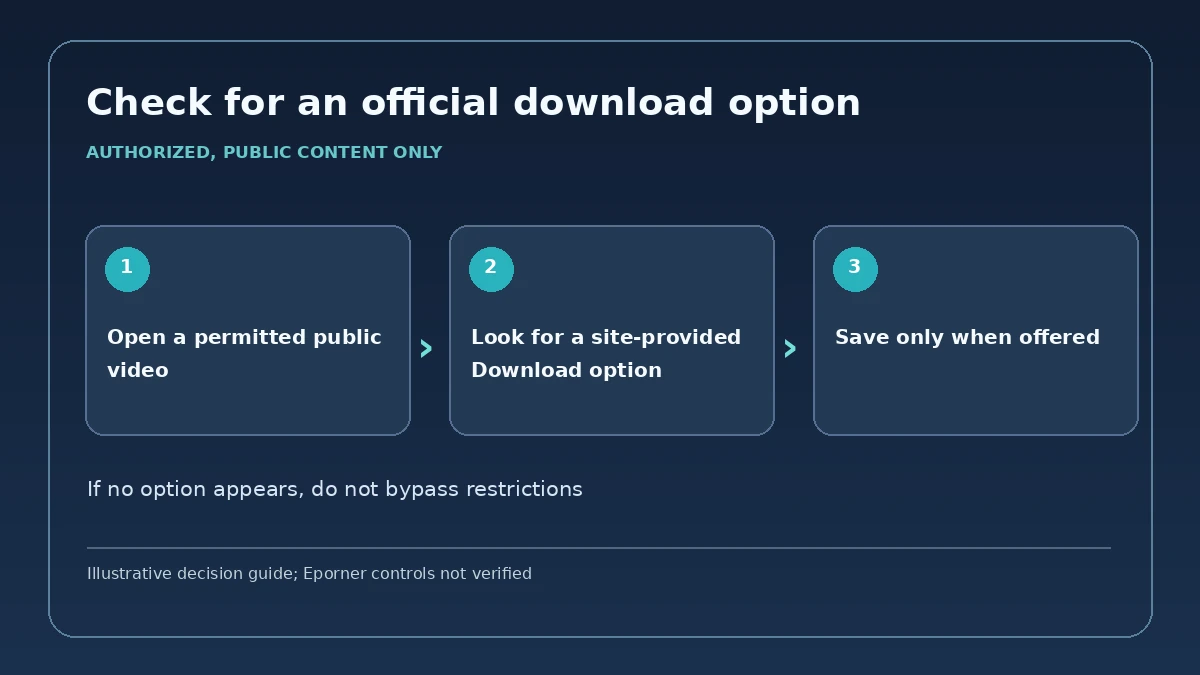
If a video page itself visibly offers a permitted Download option, that is the simplest route: use the platform-provided control and save the available file. A native method is enough when you only need one video and do not need queue management or post-download processing.
The position and availability of any native download control can differ by video and current site design. If no authorized download option is available for your video, do not attempt to override a disabled control or restricted access.
Part 3. How to Download Eporner Videos with Online Tools
An Eporner downloader online suits an occasional public URL without installing a desktop program. Both services below currently maintain Eporner-specific pages. Their live results and available qualities can change.
Option 1. Locoloader
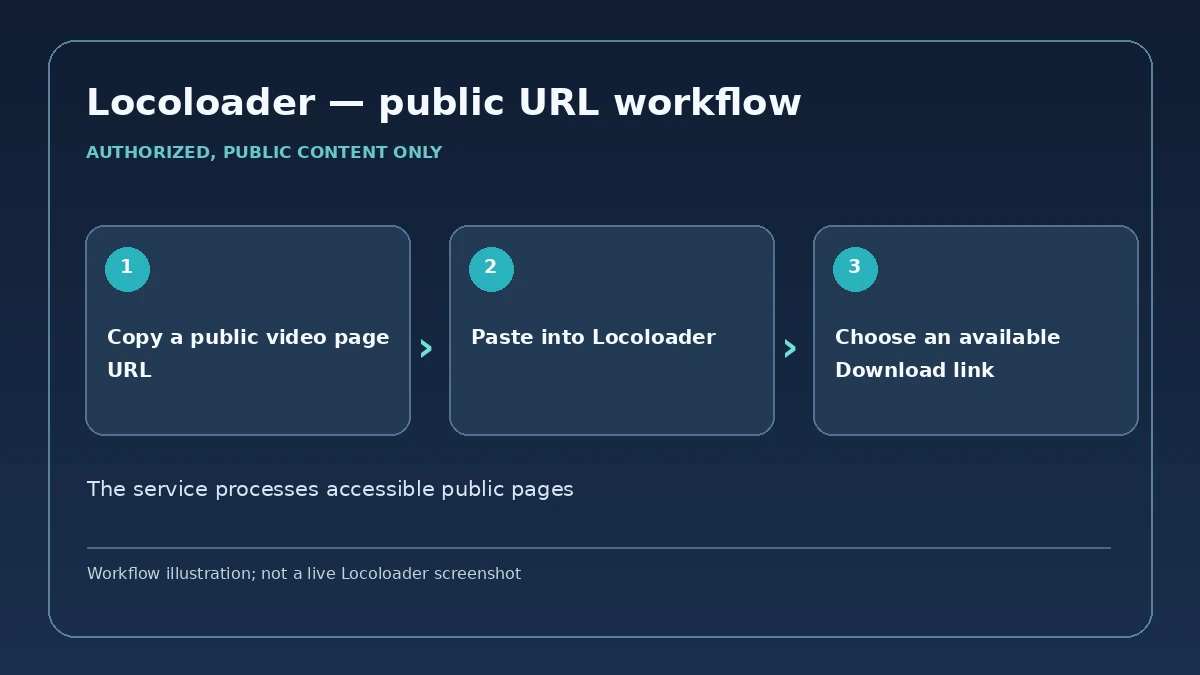
Locoloader publishes an Eporner-specific guide and an Eporner URL-input page. It explicitly covers only public pages that do not need a login.
- Copy the link to the authorized Eporner video page.
- Paste it in the field labeled Paste a Eporner link here.
- Let the page process the URL. When Download options appear, choose an available result; Locoloader's guide instructs desktop users to right-click a Download button and choose Save Link As.
- Direct public-video URL workflow, with a dedicated Eporner page.
- No desktop installation for a one-off link.
- Separate videos require repeating the web workflow.
- Quality choices depend on the URL and the service's current extraction.
Option 2. TubeOffline
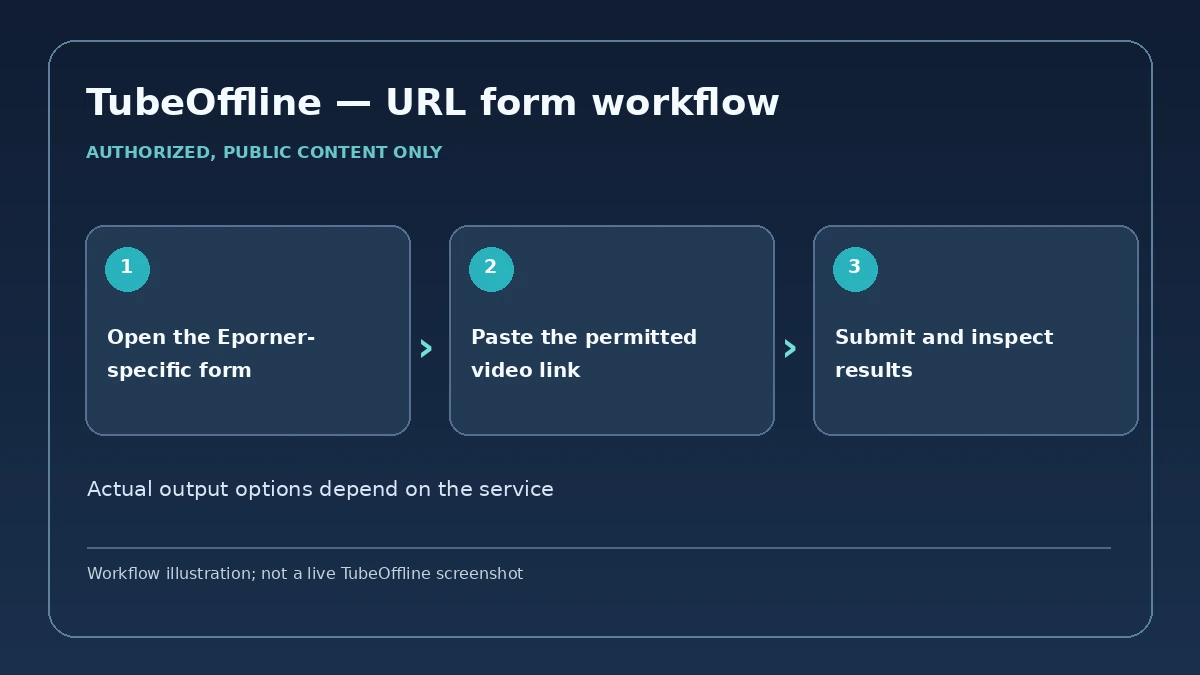
TubeOffline's Eporner page provides an Eporner video-URL field plus a conversion-format selector. It is an alternative when you prefer a simple browser form.
- Open its Eporner-specific page.
- Paste an authorized public video-page URL into the URL field.
- Choose only the output the page actually offers, submit the form, and save the resulting file if the service returns one.
- A live Eporner-specific browser form with URL input.
- Output depends on what the current service returns.
- No UniConverter-style task list and Finished-file workspace.
Part 4. Download Eporner Videos with a Browser Extension
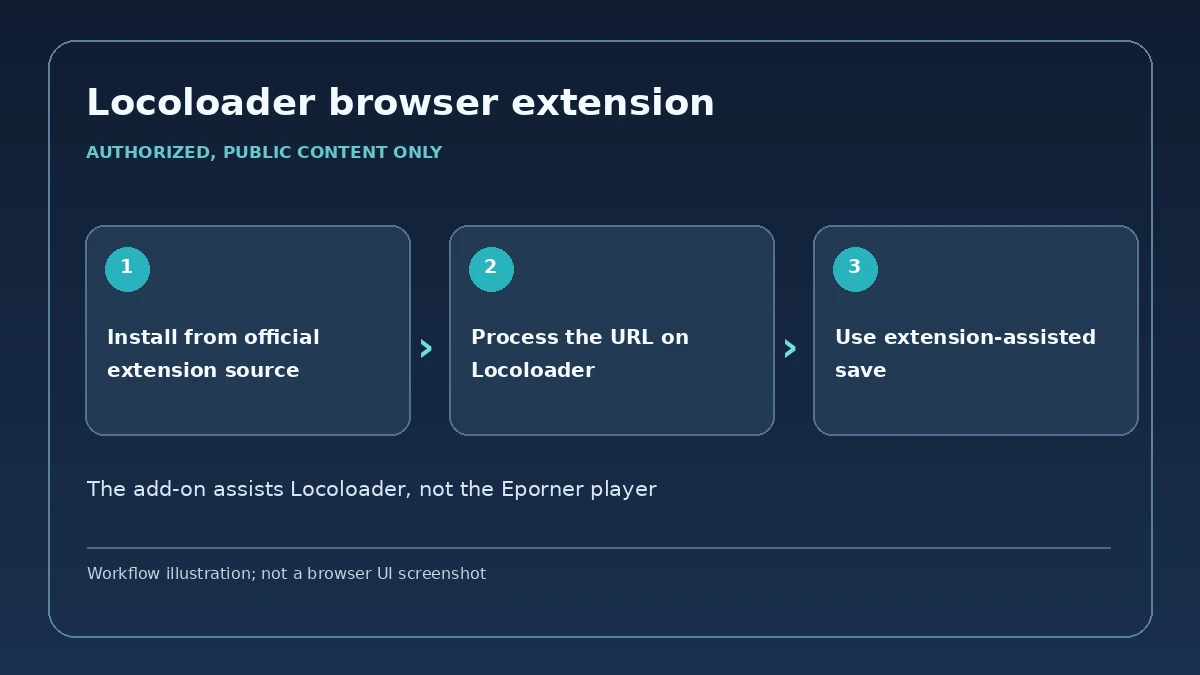
For Chrome or Firefox on desktop, the Locoloader browser extension is a companion to its web downloader. The developer describes single-click saving and file naming. It helps with Locoloader results; do not assume that installing it adds a native Download button to every Eporner video player.
- Visit the Locoloader extension page and follow the current Chrome or Firefox installation link.
- Open the authorized Eporner video link, copy its page URL and paste it into Locoloader as in Part 3.
- After results appear, use the extension-assisted Download control and save the permitted file.
- Convenient saving from Locoloader results.
- Optional automatic filename handling described by the developer.
- Relies on the Locoloader service processing the public link.
- Desktop browser workflow, not a universal mobile-browser downloader.

Part 5. Why Is My Eporner Download Not Working?
| What you see | Likely cause | What to do |
| The link is not detected | You copied a listing, search, gallery, redirect, or another URL type the current tool does not parse. | Open the individual authorized video page and copy its direct page URL. If the public page is accessible but one service cannot parse it, try a different currently verified method rather than altering access controls. |
| The page no longer opens | The video was removed, the URL changed, or access is no longer public. | Confirm the page is still legitimately accessible. Do not use private/login/geo/age/DRM bypass instructions. |
| An online downloader returns no file | The service's extractor may not match the source site's current delivery method. | Reload the public page, recopy the URL, and retry. If it still fails, use a maintained desktop downloader or extension with a current Eporner-specific workflow. |
| A download stops midway | Network interruption or the source connection ended. | In UniConverter, use the available pause/resume controls or retry the task on a stable connection. For several links, keep the remaining items in the queue instead of restarting every job. |
| You cannot find the downloaded file | The save folder is different from the one you expected. | Open UniConverter's Finished tab or File Location. On Mac, the Downloader also exposes a Save to location control. |
| The saved video will not play on another device | The local file's codec/container is not compatible with the target device. | After the download is complete, convert the local authorized file to a compatible format such as MP4 when supported. |
Part 6. Convert or Compress a Downloaded Eporner Video
If the video is already saved locally, downloading is finished. Only then move to file processing. To change the local file to MP4 or another supported output, use the UniConverter Converter guide. If the file is too large for storage or sharing, use the Video Compressor guide. Conversion and compression are separate from URL downloading and do not create detail that was not present in the source.
FAQs about Eporner Video Downloading
-
How do I download videos from Eporner?
For an authorized public video, copy its page URL and use a downloader that currently supports Eporner. On desktop, Wondershare UniConverter Downloader lets you paste supported media URLs, manage the download queue, and open completed files from the Finished tab. -
Does Eporner have a download button?
Availability can vary. If Eporner visibly offers a Download option for a video and you are allowed to save it, that is the most direct method. This review could not independently verify a current universal native-download control because the official public access path presented age and account verification before video pages. -
Can I download Eporner videos on Windows and Mac?
Yes, a desktop URL-downloader workflow is available on both Windows and Mac through Wondershare UniConverter. The exact downloadable options depend on what the source exposes and on the current app version. -
Can I download multiple Eporner videos?
For supported URLs, UniConverter can add multiple links to a managed queue and run up to 10 simultaneous download tasks. The 10-task figure is a concurrency limit, not a statement that only 10 URLs can be added in total. -
Is there an online Eporner video downloader?
Yes. Locoloader currently publishes an Eporner-specific online download page. Use it only for content you are authorized to save, and expect availability or limits to change over time. -
Why is my Eporner download not working?
Common causes include an unavailable or removed page, a URL type the tool cannot parse, source-site changes, an interrupted connection, or a file saved to an unexpected location. Recheck the public video URL, retry with the current tool version, and use the downloader's queue or file-location controls before changing methods. -
How do I convert a downloaded Eporner video to MP4?
After you have legally saved the video as a local file, add it to UniConverter Converter, choose MP4 as the output when supported, and convert the local file. Conversion is a separate post-download step and does not increase the source quality.
Conclusion
For one authorized Eporner video, a native option—when visibly offered—or an online downloader can be enough. For multiple URLs, queue controls, and post-download file work, Wondershare UniConverter Downloader provides the more organized Windows/Mac workflow.