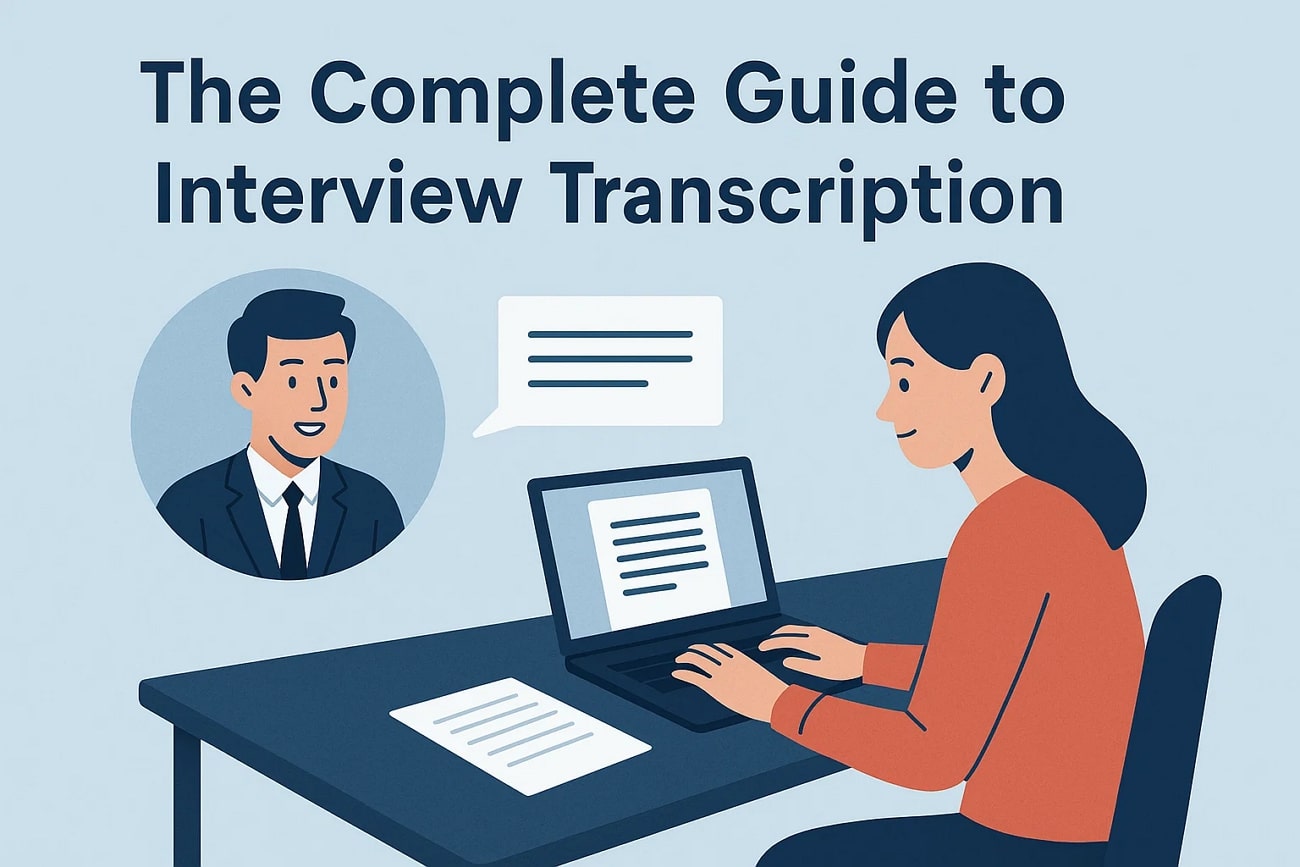
In this modern world, interview transcription has become a necessary component of our professional lives. Regardless of whether you are a scholarly individual or a journalist, recorded conversations can be made accessible with accurate transcripts. As interviews are increasingly being conducted through virtual meetings, there has been a necessity to have a trustworthy transcription.
To get it done, everyone is using transcription tools to streamline their workflow. In this article, we have provided you with the 5 best interview transcription tools to consider, while narrowing down the relevant use cases for better utility.
In this article
Part 1. From Words to Records: The Essential Role of Interview Transcription
The importance of interview transcription tools lies in the fact that they transcribe an interview into a written format. With the integration of AI, it has enhanced the accuracy of data and its accessibility to team members. Usually, the tools permit uploading audio or videos, which the system transcribes as a written transcript. Before discovering such tools, it is important to get an idea of their role in making transcriptions easier:
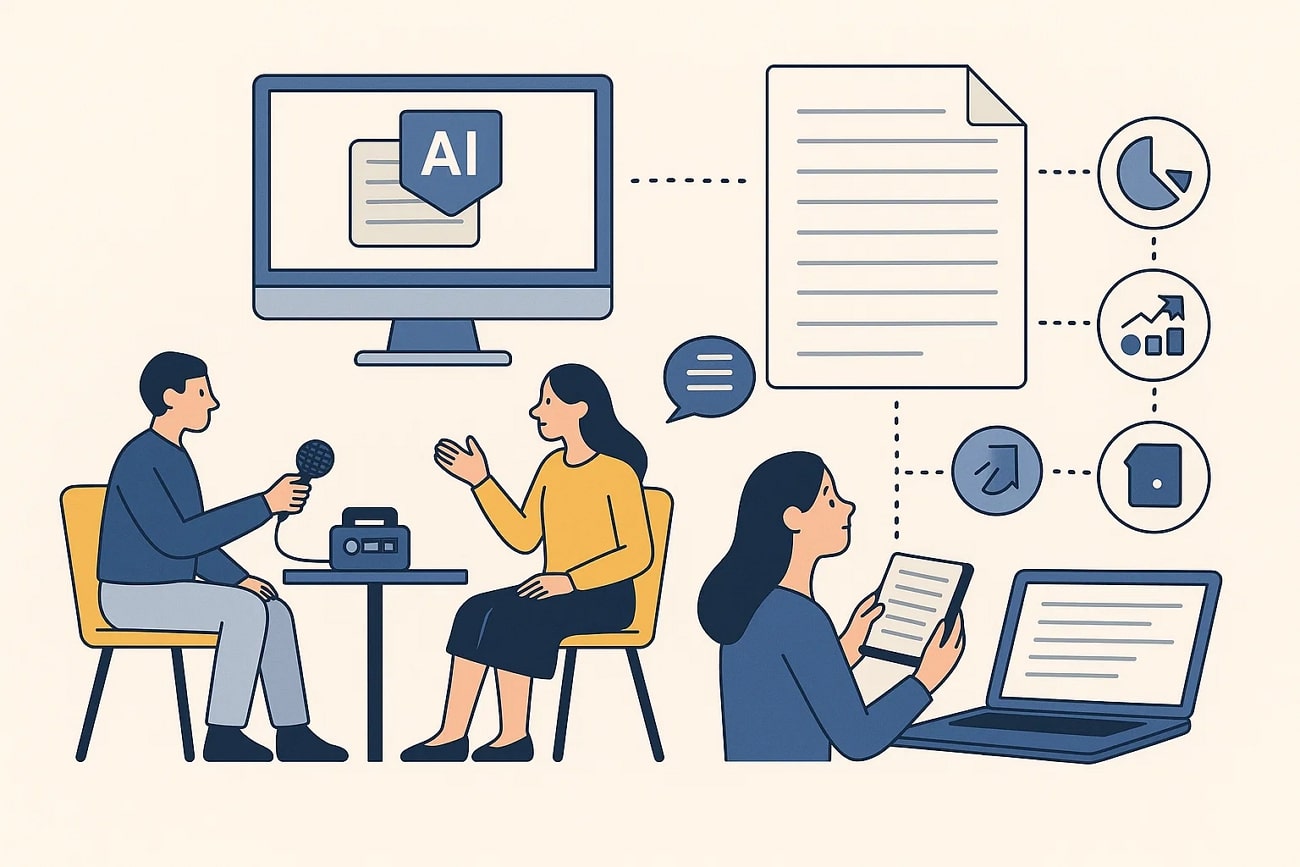
Time and Effort Saving: The utilization of these tools has drastically decreased the number of hours spent in writing notes manually, with professionals able to invest in other areas.
Enhanced Workflow: The text that is transcribed can be easily found and shared, and the overall communication process across the teams is facilitated.
Better Understanding and Analysis: AI-powered transcription tools enable locating areas of pain and lessons learned in conversations, which has eased the ability to track research work.
Content Repurposing and SEO: The text that has been transcribed can be easily utilized in blogs, reports, and publications, which also increases SEO.
Improved Portability: Transcriptions are more readable compared to audio interviews and are simple to access in the future.
Part 2. Where and Why Interview Transcribers Are Most Commonly Needed
After learning the basics of transcribing qualitative interviews, let's explore where you can utilize such tools in your real lives:
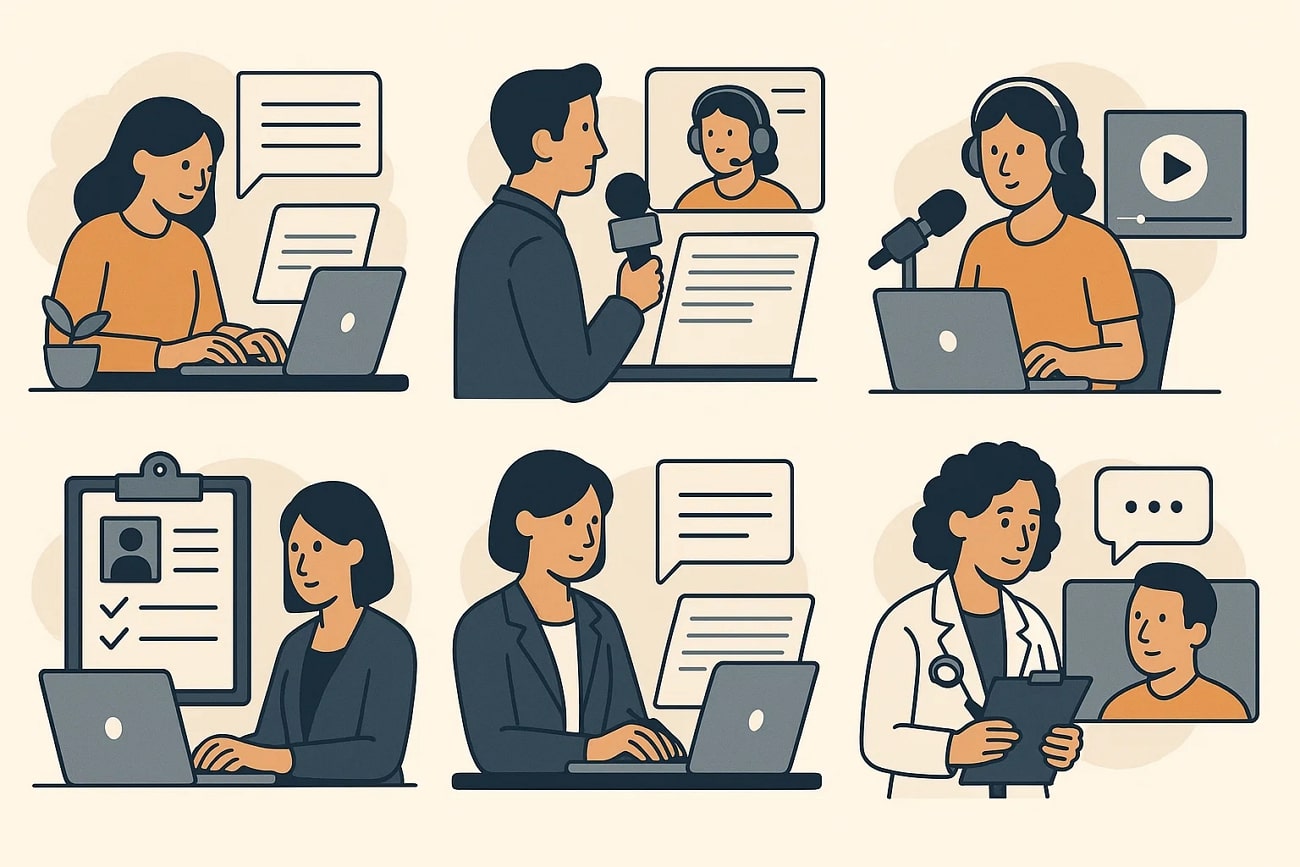
Academic/Market Qualitative Research: Transcription tools are commonly applied, in both educational research and market research, to encode interviews and field work into a searchable text to analyze qualitative data. It is easy for the researchers to extract the critical elements of the transcript, and the chances of overlooking any important insights are diminished.
Investigative Journalism: Journalists use the tools to convert interviews and source recordings into publishable and correct text, which assists in fact-checking. It allows easy recognition of the quotable moments and makes the archive searchable to simplify the process.
Podcast Production & Content Repurposing: After the podcast, these tools help users create show notes and produce captions or subtitles in post-production. This also allows them to reuse their content by uploading it to social media websites.
Human Resources & Corporate Compliance: Within a corporate environment, HRs use these tools to document interviews, meetings, and employee feedback sessions. An accurate record leads to unbiased hiring decisions, thorough investigations, and accurate legal documentation.
Medical and Healthcare Research: It is widely used in healthcare departments to transcribe patient interviews for use in research related to their medical procedures. This procedure also helps maintain privacy and ethical standards, which are crucial in health research.
Part 3. How to Choose the Right Interview Transcriber for Your Needs?
Here, we have listed some essential points that you should consider when choosing the best interview transcription service:
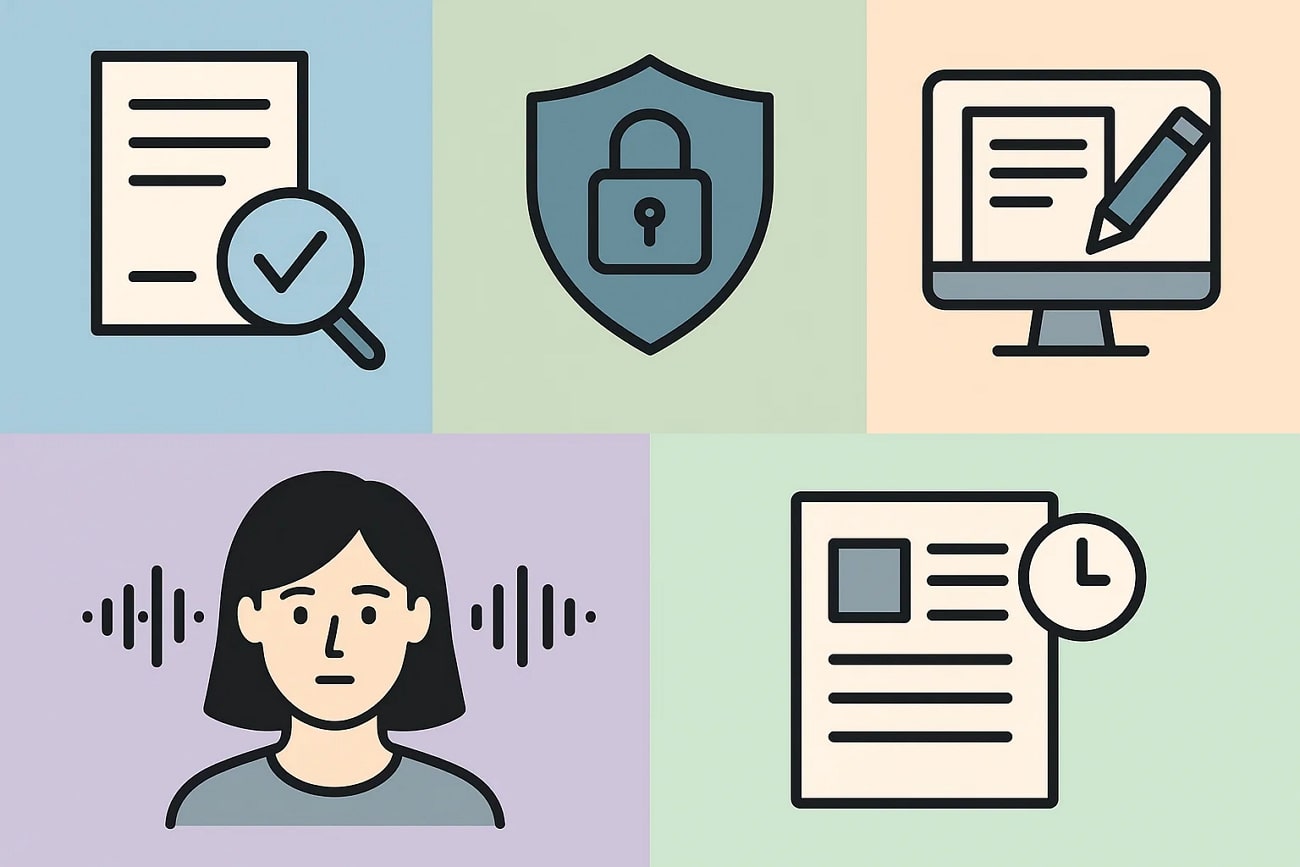
Accuracy Guarantee: When choosing a tool, make sure that it has a quality assurance process that involves initial transcription, proofreading, and ultimate validation.
Security & Confidentiality: Always seek a tool that offers end-to-end encryption and complies with laws like GDPR, HIPAA, or industry specifications.
Add-on Features: Do check that the transcription tool has superior capabilities, including real-time editing, search, and multiple format export.
Speaker Identification: To ensure the proper transcriptions, one should adopt a tool that makes use of advanced speaker recognition methods to distinguish various speakers.
Customization and Formatting Choice: Choose a transcription tool with customization and flexible formatting, e.g., templates, timestamps, or cleaning of transcripts.
Part 4. The 5 Best Interview Transcribers in 2025: Ranked & Reviewed
Transcribing interviews for qualitative research is essential for those who work on extended interviews. So, we have listed down some of the best Interview transcribers for you below:
1. UniConverter
Suppose you are a researcher and want to extract key details from a very lengthy interview. We recommend using UniConverter, which converts your speech into text within seconds. It utilizes Automatic Speech Recognition technology for the efficient transcription of both audio and video files. Furthermore, it allows you to transcribe your interview in up to 20 languages, making it suitable for everyone.
Unlike other tools, it offers a drag-and-drop facility for uploading files to enhance the user’s experience. This tool also allows you to change the saving location of the transcribed file to be generated according to your preference. Moreover, it produces efficient results with an accuracy rate of up to 95%, making this tool ideal for everyone.
Key Features
- Format Support: UniConverter has a broader compatibility with many audio and video formats, such as MP3 and MP4, among others.
- Screen Recorder: The tool provides a complete screen recording environment with a variety of options, along with definitive settings for control.
- Subtitle Generator: It allows you to create subtitles and captions based on transcribed speech in order to sync the text with the video.
- Add Captions: Once you have created subtitles, you are given the opportunity to edit them to the font and color of your preference.
- Batch Processing: The batch processing system allows users to have many audio and video files transcribed simultaneously.
Complete Stepwise Guide on How to Use UniConverter for Transcription
After understanding the key features of this tool, go through the following guide to learn the procedure to transcribe interview audio to text:
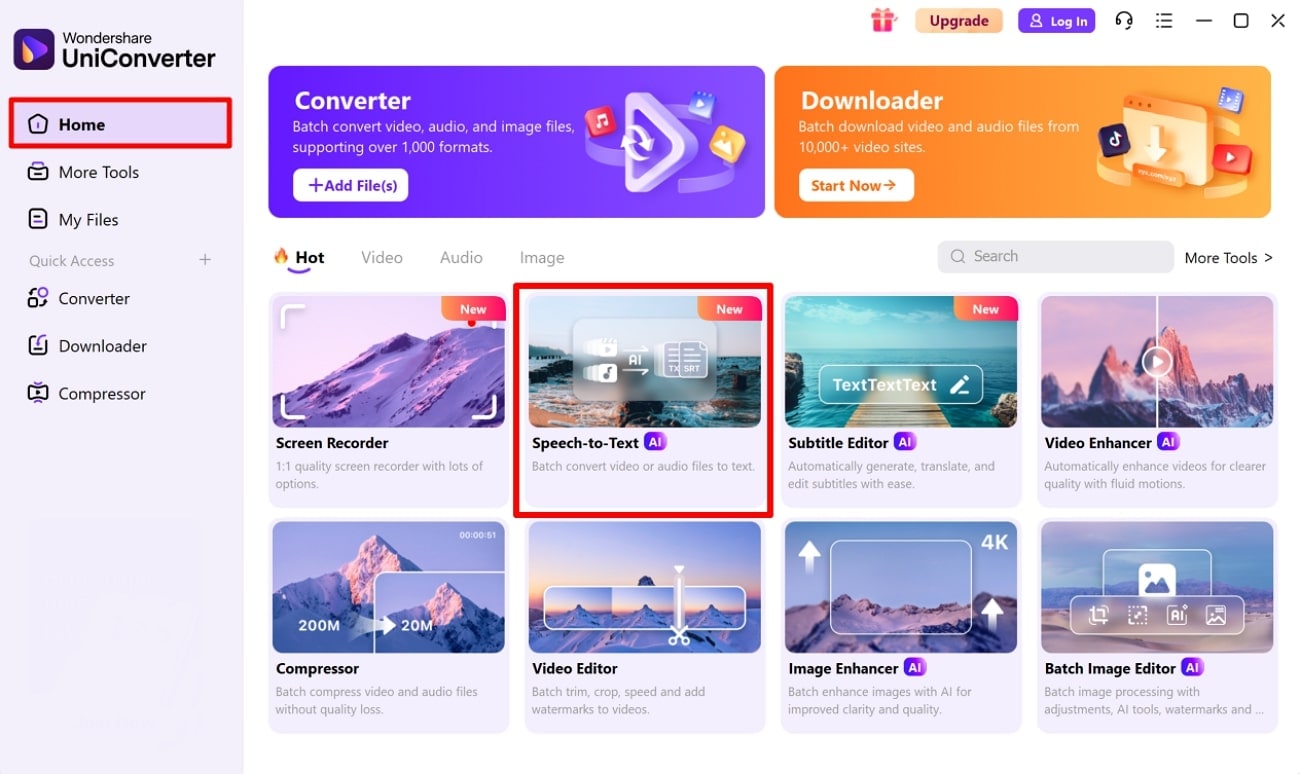
Step 1. Click on the Home Tab and Select the Speech to Text
As you enter the UniConverter tool, click on the “Home” tab, located on the left side. Navigate to the “Video” tab and select the “Speech to Text” feature.
Step 2. Insert the Interview You Want to Transcribe
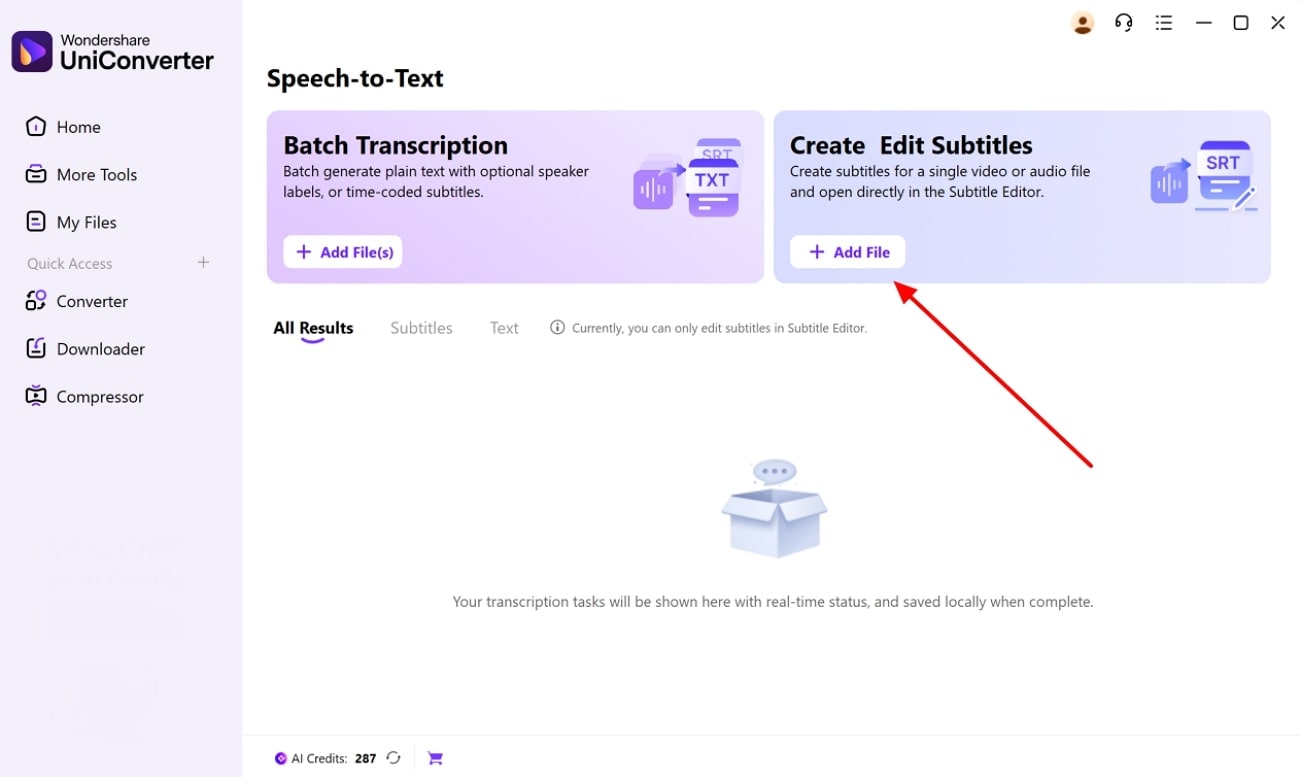
Continue onto the next screen to select the "+Add File" button across the "Create Edit Subtitles" or "Batch Transcription" tabs.
Step 3. Select STT Parameters and Generate Transcript
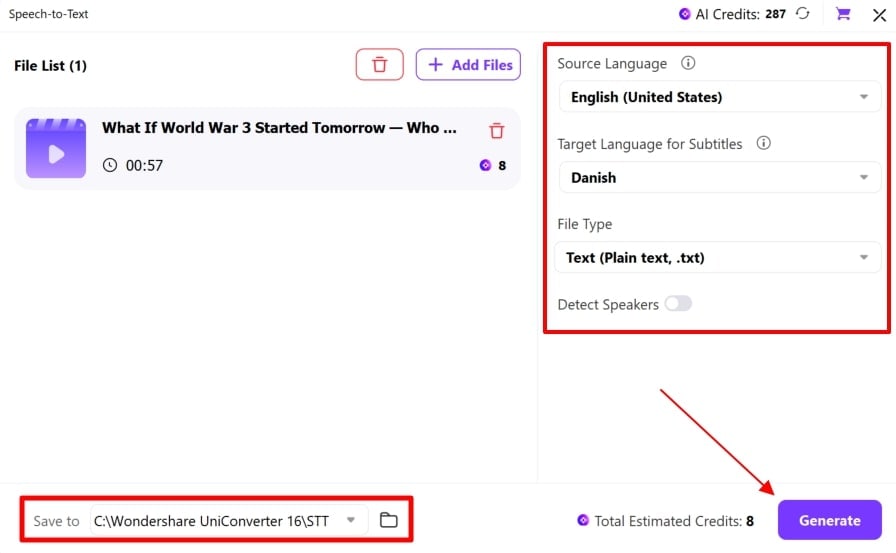
With the file imported, choose your “Source Language” and the “Target Language for Subtitles” according to your choice. Define your “File Type,” and enable the “Detect Speakers” option if needed. After setting the file location for the transcription file, click the “Generate” button to execute the process.
2. Insight7
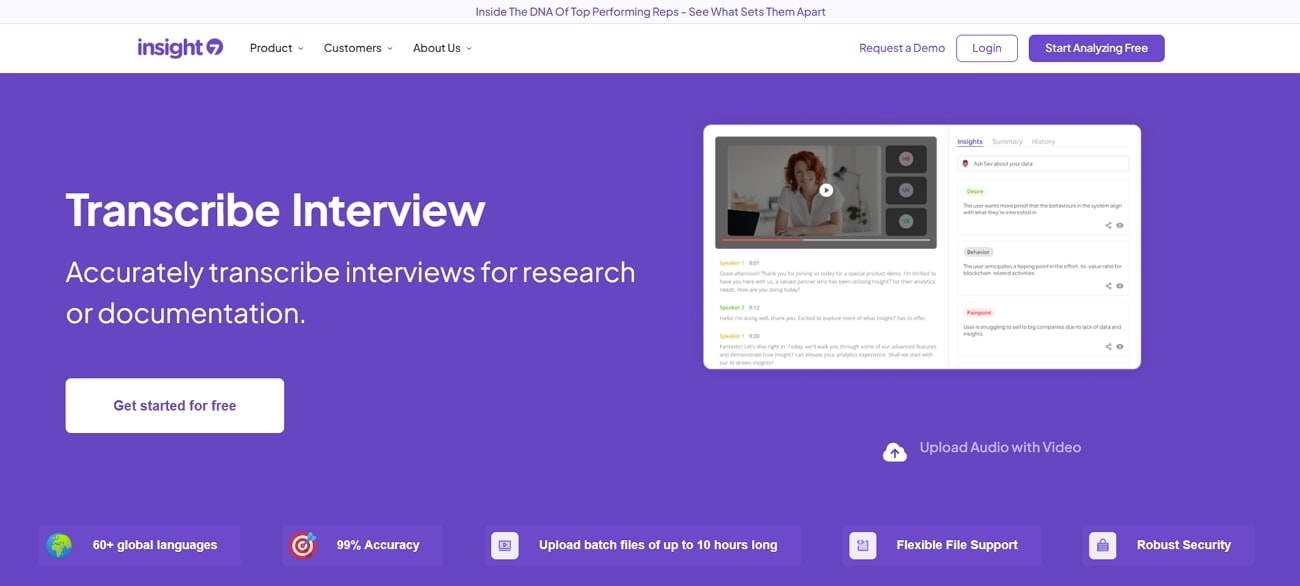
Insight7 offers advanced features for interview transcription, streamlining research and business processes. Powered by AI, its transcription instantly generates transcription of audio/video files within minutes. This tool lets you transcribe your interview into more than 98 languages, making it ideal for global users. Furthermore, it can efficiently handle files of up to 1 GB in size and playback times of up to 10 hours.
3. Transcribo
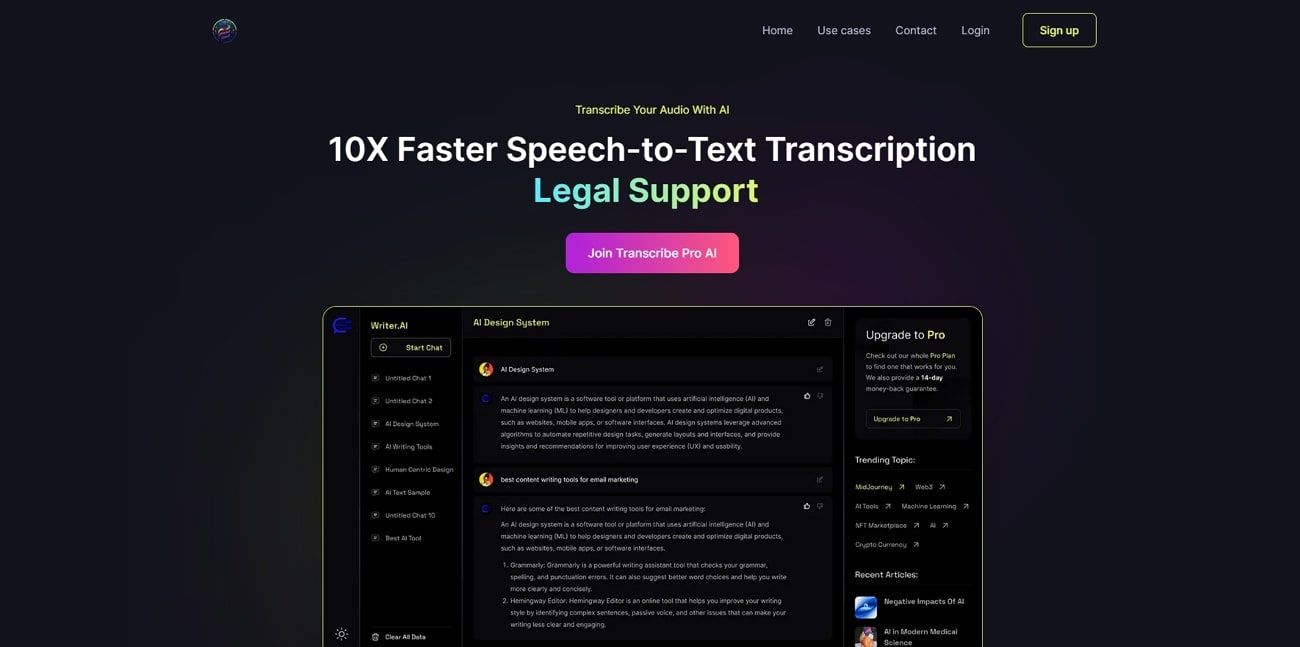
This tool transcribes speech up to 10 times faster to provide the most accurate results, driven by powerful AI models. It structures transcriptions to support the professional and creative needs of the users and creates multilingual transcriptions of audio files. TranscriberPro enables users to store files on the dashboard with ease or share and reuse files across other projects readily in the future.
4. AudioTextify
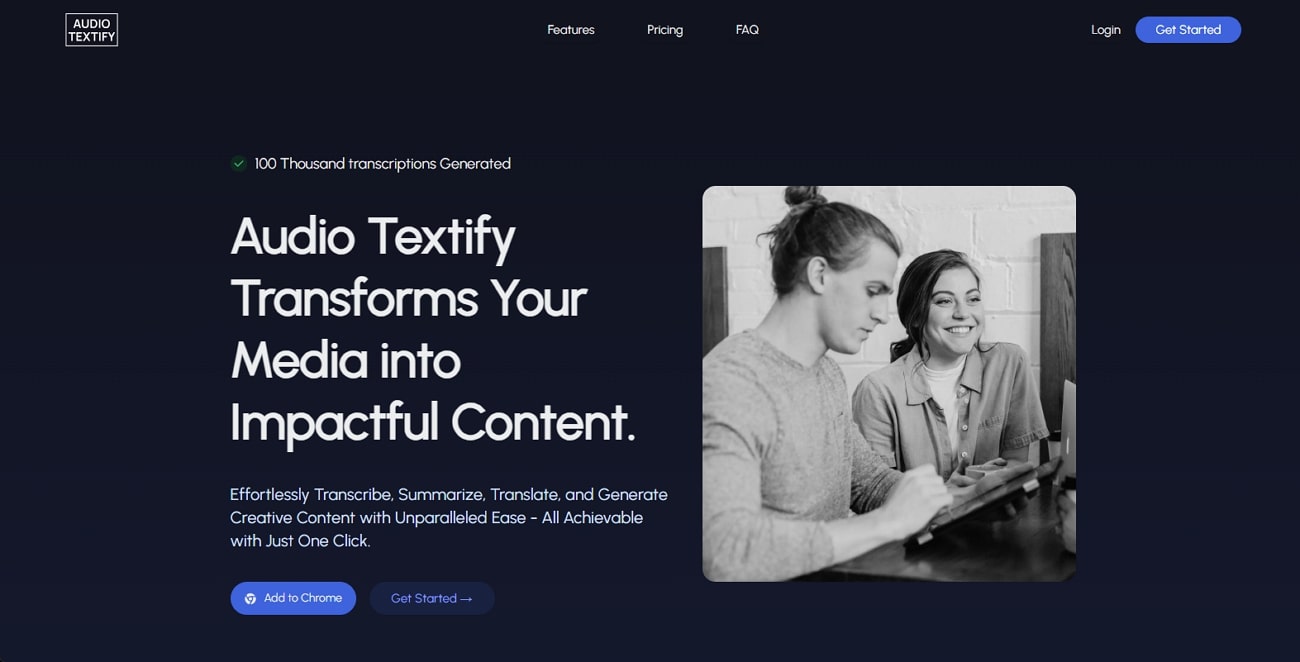
This interview transcription service is mainly designed to cater for interviews, meetings, and podcasts. It transcribes audio and video texts into highly accurate and clean text suitable for a diverse range of users. Textify enables users to insert multiple images at once to streamline and boost the overall workflow. Furthermore, it provides an intuitive interface to provide a hassle-free file uploading system for transcribing text.
5. Speechnotes
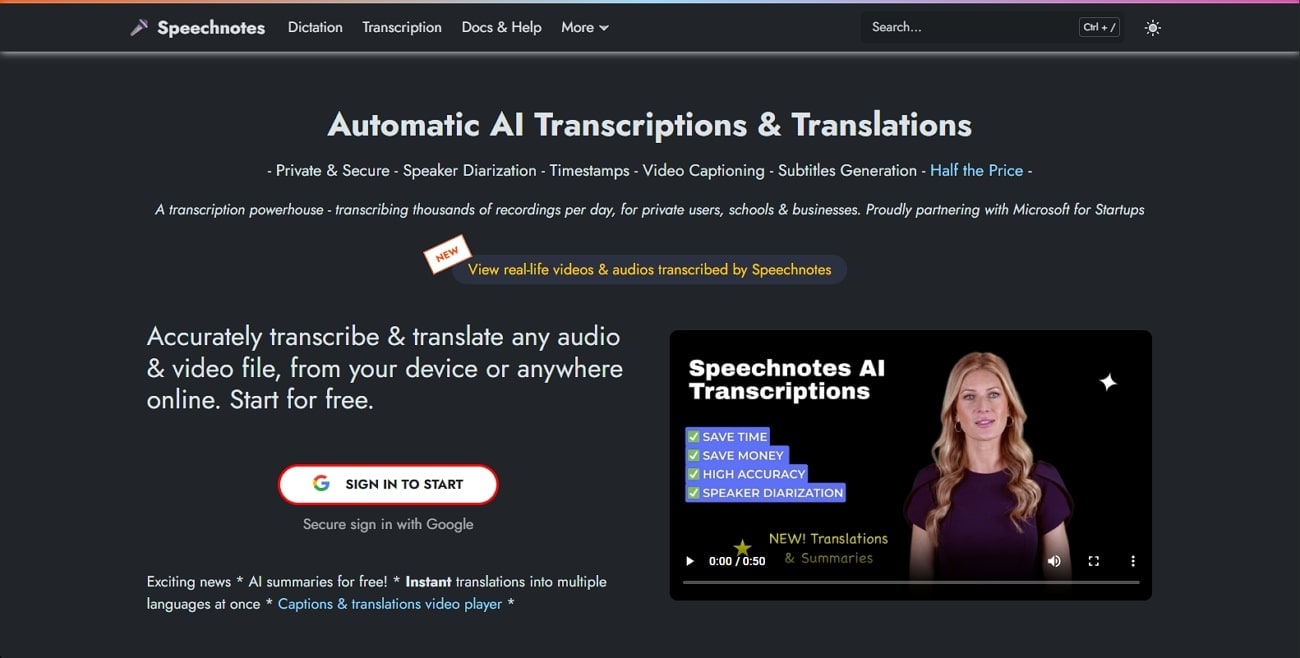
As a versatile tool, Speechnotes, an interview transcription company, offers real-time speech-to-text transcription of conversations. Users are allowed to batch process their multiple files into transcribed data within a time span of minutes. This tool utilizes leading AI engines, such as those from Microsoft and Google, to maximize capacity. Furthermore, it supports up to 100 languages and also provides a built-in translation tool to cater to a global audience.
Conclusion
Summing up, interview transcription is essential as it saves a significant amount of time by transcribing lengthy interviews into text. So, in this article, we have provided you with the 5 most advanced yet beginner-friendly tools along with their features. However, we recommend using UniConverter, which lets you transcribe in more than 20 languages through AI functionality.
FAQ
-
1. Describe the difference between a Verbatim and a non-Verbatim transcript?
Both are used for interview transcription, as Verbatim transcription transcribes your overall data, including filler and pauses. Whereas non-verbatim transcription is the process of transcribing audio, focusing on meaning and omitting repeated words. -
2. What can I do to maximize the accuracy of transcription?
When recording audio, make sure you use quality audio records and record it in a noisy atmosphere. In addition, one must always select an interview transcribing tool that offers the best accuracy rate and one that is able to support standard export formats. -
3. Is it possible to label speakers in transcripts with transcription tools?
Mostly advanced AI tools provide auto speaker diarization for multi-person conversations. Moreover, you can edit the transcription by clearly labeling each speaker, using titles, full names, or initials. -
4. Is your confidential data secure in your Transcription tools?
The security criteria for your data depend on the interview transcription tool you are using. Primarily, the tool provides explicit instructions, so it is essential to check the tool beforehand.