


Downloading and saving Snapchat stories can be tricky—but whether you're archiving memories, creating content, or backing up, the right tool makes all the difference. In this guide, we’ll explore desktop software for Windows and Mac, browser-based savers, mobile apps, and provide a handy comparison to help you pick the best tool to download & save Snapchat story easily and safely.
Quick Answer: The best Snapchat story downloader depends on your device and goal. For your own content, use Snapchat's official export feature. For public story links, use an online Snapchat story saver for speed, or a desktop downloader if you want HD/4K quality, better stability, and extra editing features.
Table of Content
Quick Answer: Best Snapchat Story Saver by Device
The best Snapchat story saver depends on your goal: use Snapchat Memories for your own stories, desktop software for better control, web tools for speed, and mobile apps for quick on-phone saving.
- Official: Snapchat Memories export
- Desktop: Wondershare UniConverter
- Online: Browser-based story savers for public links
- Mobile: Android/iPhone story saver apps
Part 1. Official Solution to Download Snapchat Story

Snapchat offers official way to download its story videos, which is applicable to authorized content when you need to download them:
How to Download a Snap from Your Memories
Want to save a Snap from your Memories to your phone's gallery? It's a simple process. Here’s how:
-
Access Memories:From the main Camera screen, swipe up. This opens your Memories gallery.
-
Select Your Snap:Find the Snap you want to save. Press and hold on it until a menu appears.
-
Export:Tap the 'Export' button from the menu.
-
Choose Destination:Select where you want to save the Snap (e.g., to your device's camera roll or to a "Snapchat" folder).
To Download Multiple Snaps at Once:
-
In Memories, tap the selection icon (it looks like a circle or checkmark) at the top of the screen.
-
Tap on all the Snaps you want to download. You'll see them get selected.
-
Once you've made your choices, tap the 'Export 'button that appears at the bottom of the screen.
Part 2. Why You Should Think Twice Before Using Snapchat Downloaders
Before you use a third-party tool to save a Snap, it's crucial to understand the risks you're taking with your own account and your relationship with other users. This isn't just about rules; it's about protecting your digital presence.
1. The Quickest Way to Lose Your Account
Snapchat's systems are designed to detect unusual activity, and logging into an unapproved third-party app is a major red flag. Think of it from their perspective: a strange service accessing their servers on your behalf looks like a security breach or an automated bot.
-
The Bottom Line:Snapchat can and will lock or ban your account for this. Losing access to your streaks, memories, and friend connections is a high price to pay for a single video.
2. It's Not Just a Rule, It's a Matter of Trust and Law
Beyond Snapchat's rules, you're stepping into serious ethical and legal territory.
-
For Your Own Snaps:You're free to save your own memories, but breaking Snapchat's Terms of Service to do so is like taking a forbidden shortcut—you might get the prize, but you risk getting caught and penalized.
-
For Someone Else's Snaps:This is the critical part. Downloading and sharing a snap without the creator's "OK" is a breach of their trust and privacy. In many places, this can be illegal, falling under privacy violation or copyright infringement laws. You are legally responsible for the content you save and distribute.
Part 3. Top 3 Tools to Download Snapchat Story on Win & Mac
1. Wondershare UniConverter
If you're looking to download Story from Snapchat, Wondershare UniConverter provides a seamless solution for both Windows and Mac users. It functions as a reliable Snapchat story downloader, allowing you to capture stories in high quality without requiring a login or adding a watermark. With batch download, conversion, and transfer options, it covers all your media needs. It also doubles as a savvy Snapchat story saver, supporting various formats. Whether you're a beginner or a pro, it's clean UI ensures effortless downloads for anyone learning how to download Snapchat stories or how to download a story from Snapchat.
It even works for those wondering how to save Story from Snapchat directly to desktop or need a professional-level snap story saver with editing tools. You can also save a story on Snapchat using screen recording features.
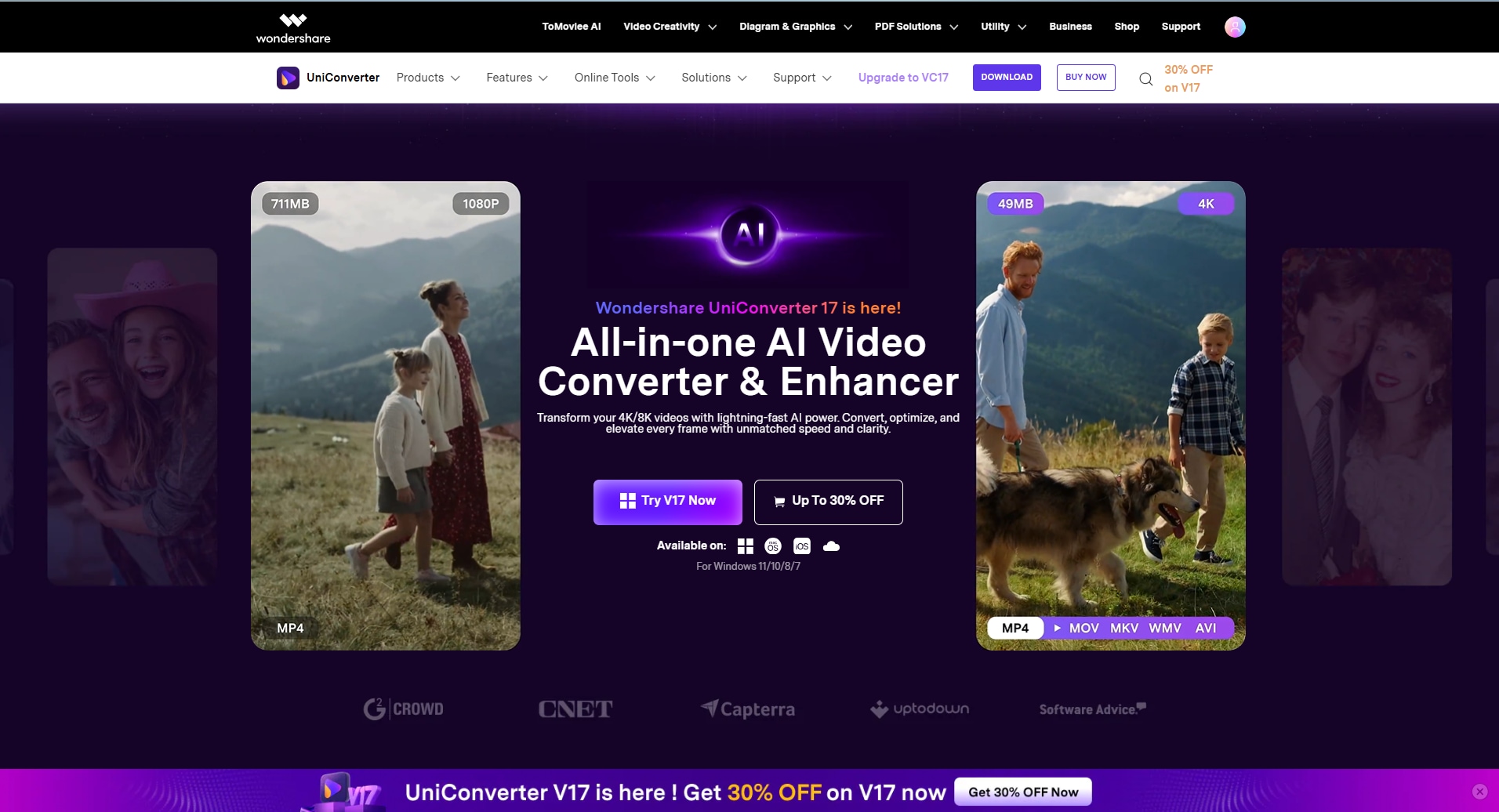
Features:
- Auto-detects and downloads Snapchat story download by link
- Saves videos in HD/4K
- Converts to 1,000+ formats including MP4, MOV, AVI
- Built-in screen recorder with audio (perfect for save from Snapchat story options)
- Batch downloads and scheduled processing

Easy to Use Snapchat Story Downloader
2. AnyDownloader.com
If you prefer a web-based tool to download Story from Snapchat without installing software, AnyDownloader.com is a fast and accessible choice. This Snapchat downloader story tool supports downloading stories and Spotlight videos using direct URLs. Whether you're on Windows or Mac, a browser and internet connection are all you need. It’s ideal if you’re trying to figure out how to download stories from Snapchat quickly.
It works great for those searching for a snapstory downloader, or who want to save stories on Snapchat anonymously using links.
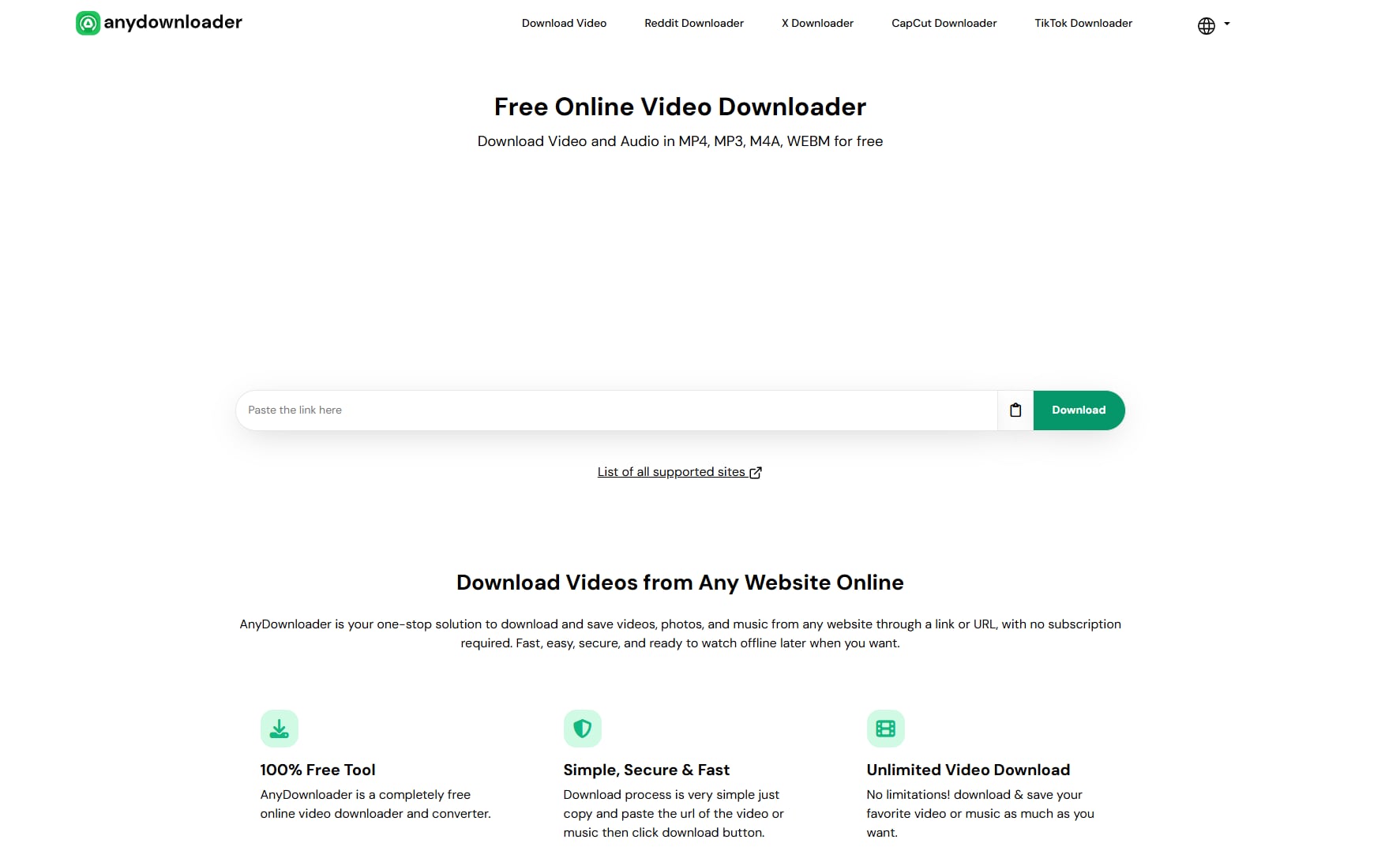
Features:
- Supports Snapchat, Instagram, TikTok, and more
- High-speed downloads in HD (excellent for how to save Story Snapchat needs)
- Batch download and multi-link support
- Converts to various video/audio formats
- Works on both Windows & Mac
3. YTD Video Downloader
YTD Video Downloader is a no-fuss solution for users who want to save stories on Snapchat quickly and easily. It’s especially great for beginners looking for a minimalist interface with essential functionality. You can paste a Snapchat story download by link directly and convert it into a popular format. This is especially helpful for users asking how do you save a Snapchat story or looking for a light snap story downloader option.
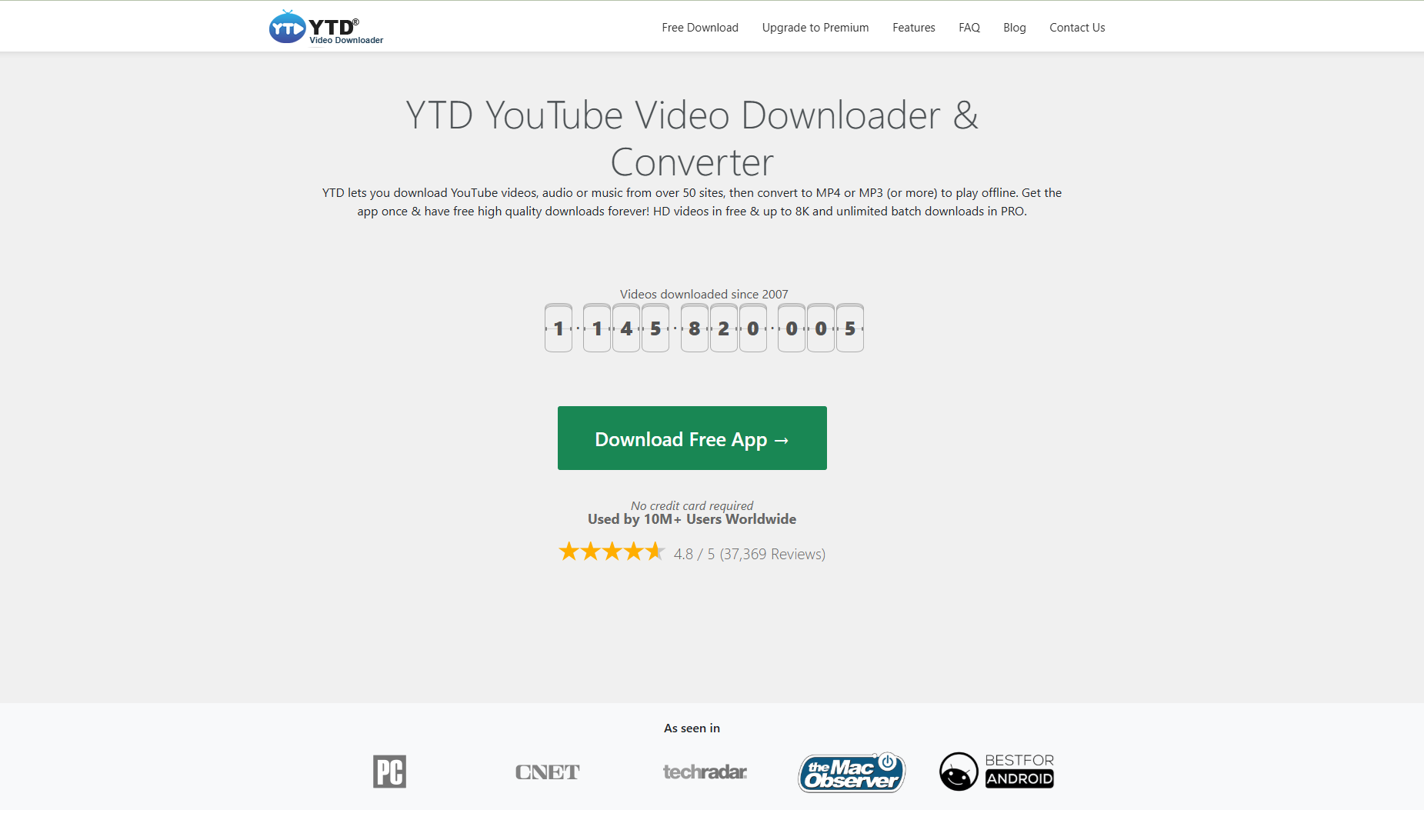
Features:
- Paste-and-download Snapchat video support
- Converts videos to MP4, MP3, and other formats
- Saves in original resolution, helping you save Story from Snapchat in full quality
- Minimalist and beginner-friendly UI
- Works on Windows, Mac, and some mobile OS
Part 4. Best 3 Webs to Save Snapchat Story Online
1. SnapSaver.cc
SnapSaver.cc is a dedicated tool for saving Snapchat content, including stories, chats, and videos. It's available for Windows and Mac, offering a streamlined way to download Story from Snapchat in high quality. Initially built for screen capturing, it now also supports downloading Snapchat story download by link. SnapSaver is ideal for users seeking a powerful yet simple Snapchat story downloader.
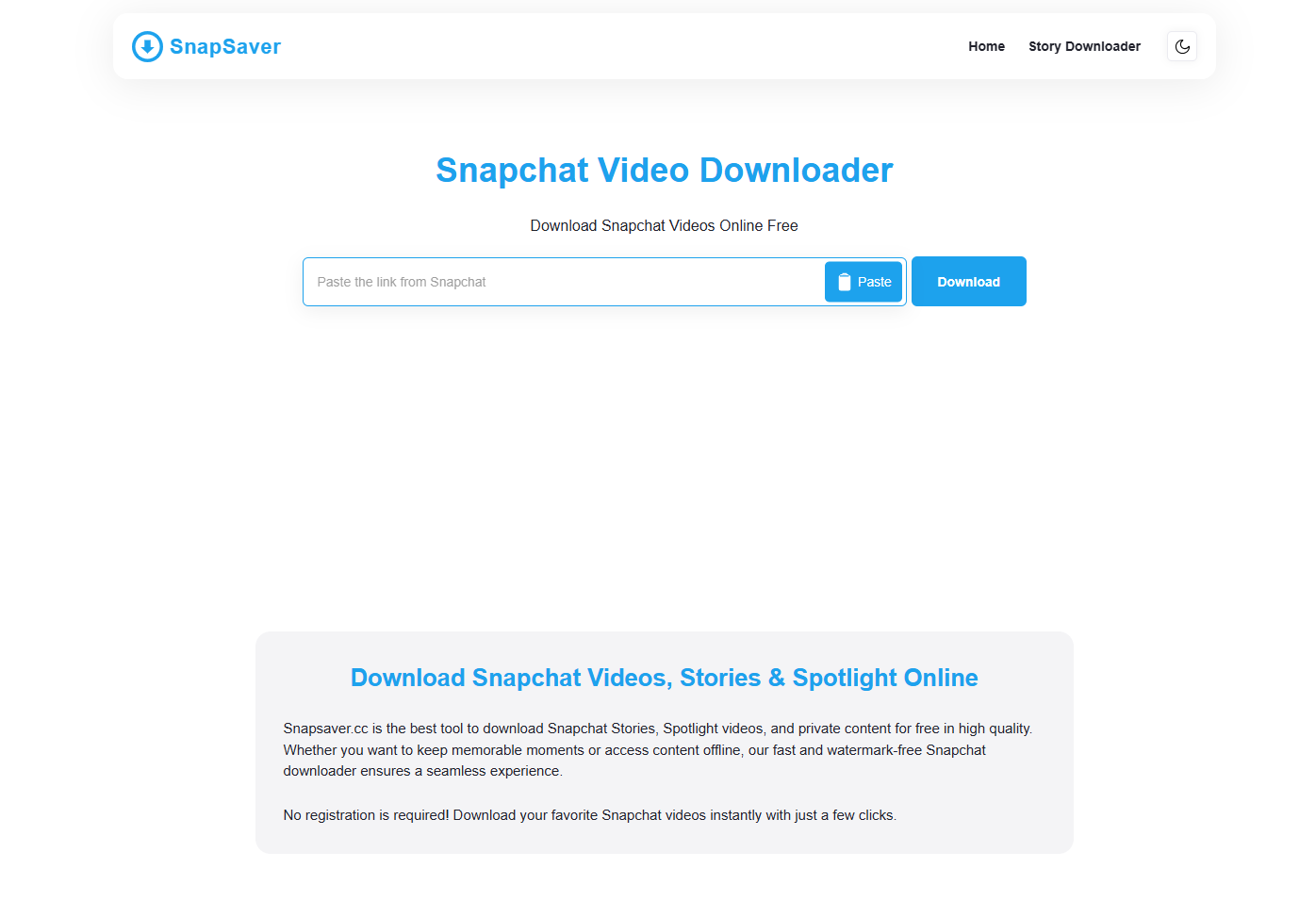
Features:
- Explicitly built for capturing Snaps and stories for users asking how do you save stories on Snapchat
- Record stories with native sound
- Quick-start capture without on-screen clicks (great for how to save Story Snapchat scenarios)
- Captures without sending screenshot notifications
- Choose resolution, format, and audio preferences
2. Snapchat Video Downloader
Snapchat doesn't provide a built-in option to save videos posted by others, but third-party tools make it possible to download Snapchat stories and videos quickly. A Snapchat video downloader enables users to save stories from friends, influencers, or their uploads on Snapchat for offline viewing. Whether you're wondering how to save a story from Snapchat or need a fast grab, this tool works.
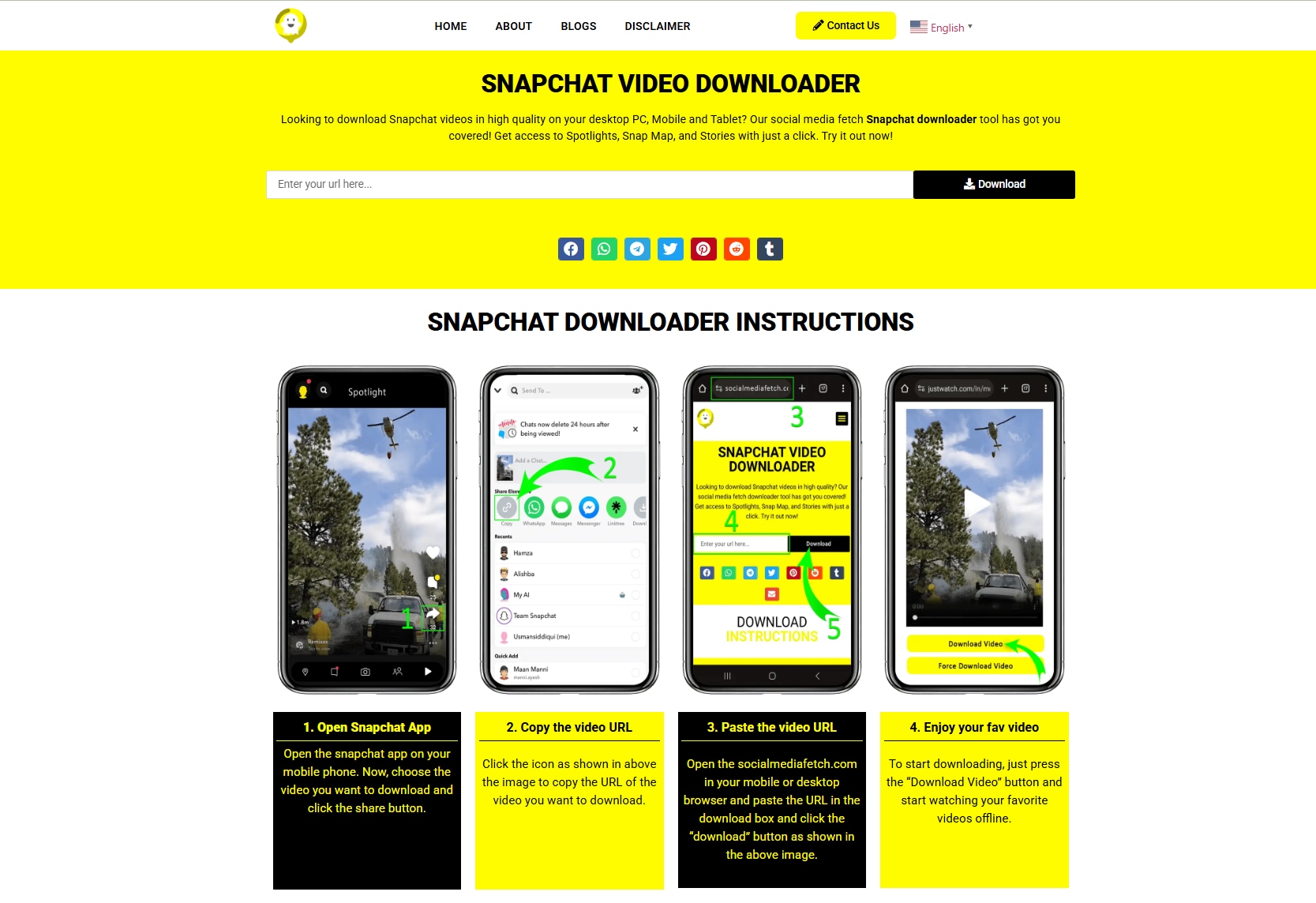
Features:
- Save videos from Snapchat in high-definition without pixelation or quality loss
- Download videos shared in Stories or private chats seamlessly
- Works on standard Android and iOS devices
- Grab your video content within seconds using stable links
- Automatically stores videos in hidden folders for added privacy
3. NicheProwler
Wondering how to download Snapchat stories or how do you save a Snapchat story without complications? NicheProwler is a hassle-free web tool that allows you to grab Snapchat stories, Discover videos, and Spotlight clips via direct links. It’s 100% free and doesn’t require an account, making it a strong snapstory downloader for users on the go.
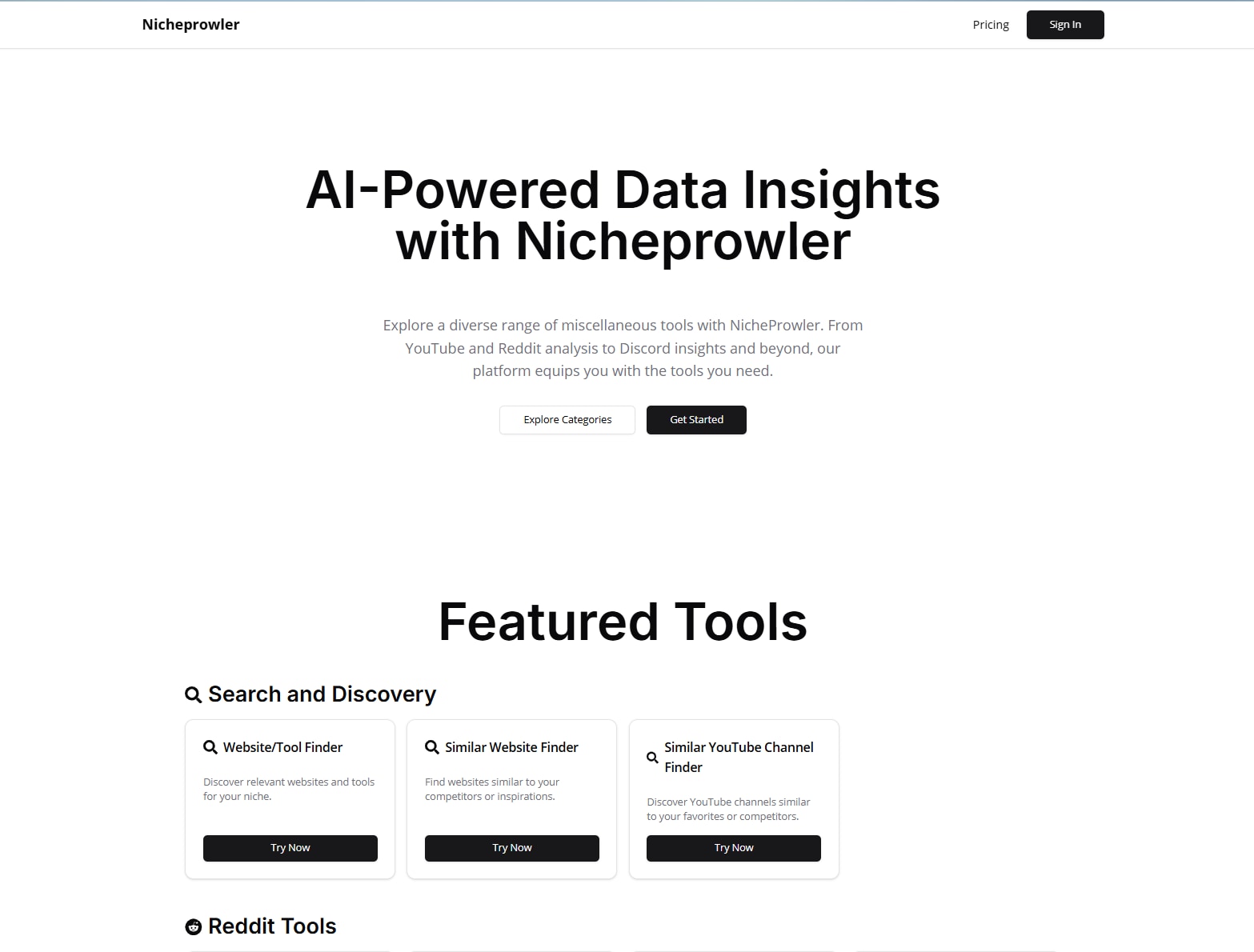
Features:
- Downloads stories, Spotlight, and Discover videos
- Auto-preview before download
- Supports MP4 output, helping save from Snapchat Story in common formats
- No login or installation required
- Fast and clean web interface
Part 5. Most Popular Apps to Download Snapchat Story on Mobile
1. SnapSaver (Android)
If you're searching for a reliable Snapchat downloader story app for Android, SnapSaver is a top pick. This handy app lets you save Snapchat stories, snaps, and Spotlight content effortlessly. It’s designed for users who want a simple way to download Snapchat stories and photos without alerting the sender. Ideal for anyone wondering how to download Snapchat stories or how to save Story from Snapchat, this app covers it all.
Whether you need to save stories on Snapchat or use it as your go-to snap story saver, SnapSaver’s built-in tools offer flexibility for casual and power users alike.
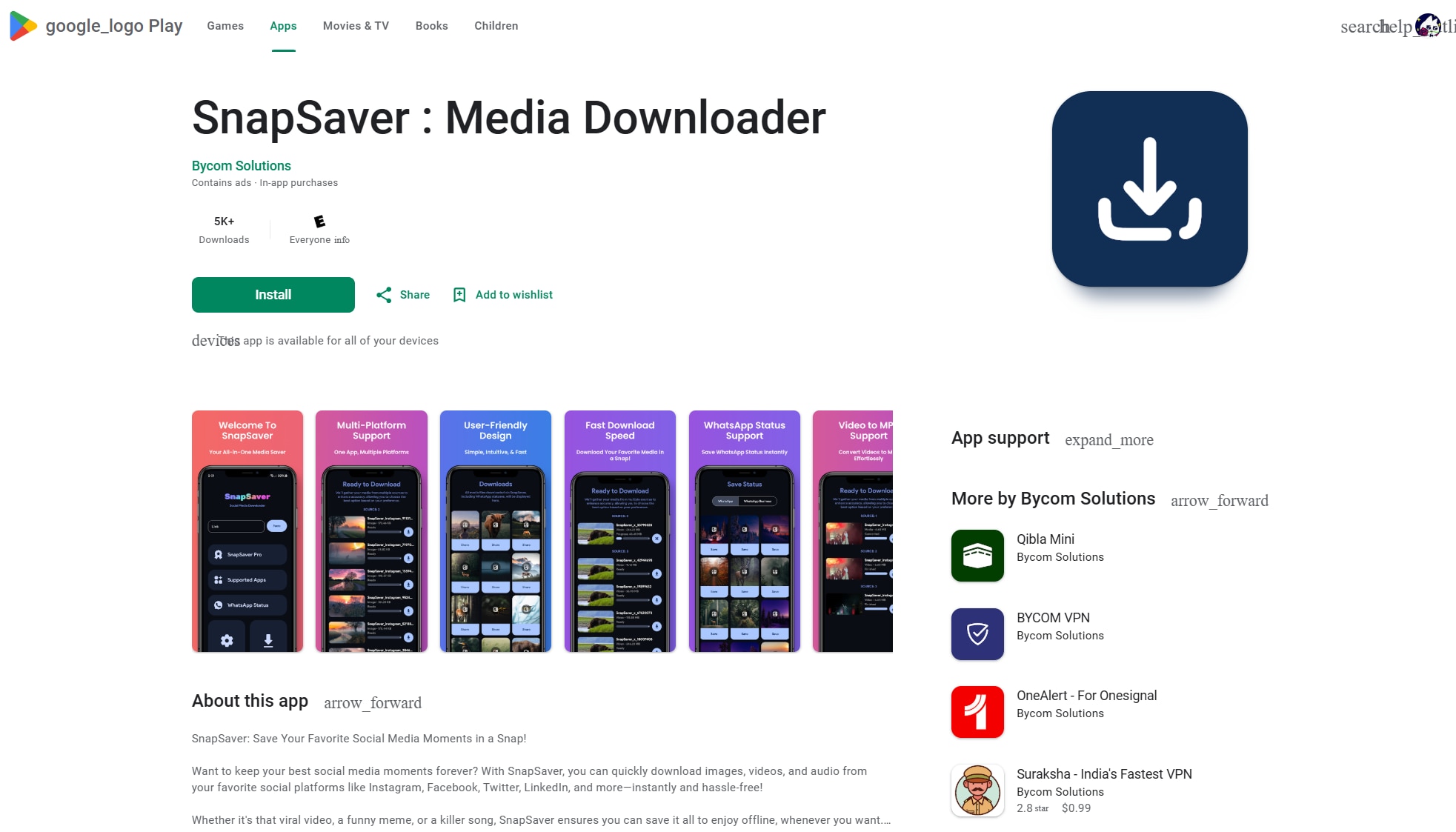
Features:
- Capture Snapchat stories via screenshot or screen recording
- Stealth mode without alerting the sender
- Auto-save multiple snaps in one session
- Built-in gallery to manage saved stories
- Easy-to-use floating button for instant saving
2. Video Downloader & Story Saver
Need a simple way to save stories on Snapchat or catch videos from social media for later? The “Video Downloader & Story Saver” app provides a comprehensive solution for both Android and iOS devices. Whether you’re archiving a friend’s Story or need to download Story from Snapchat, this app has you covered.
It’s beneficial for people who frequently ask how to save stories on Snapchat or need a reliable snap story downloader without watermarks.
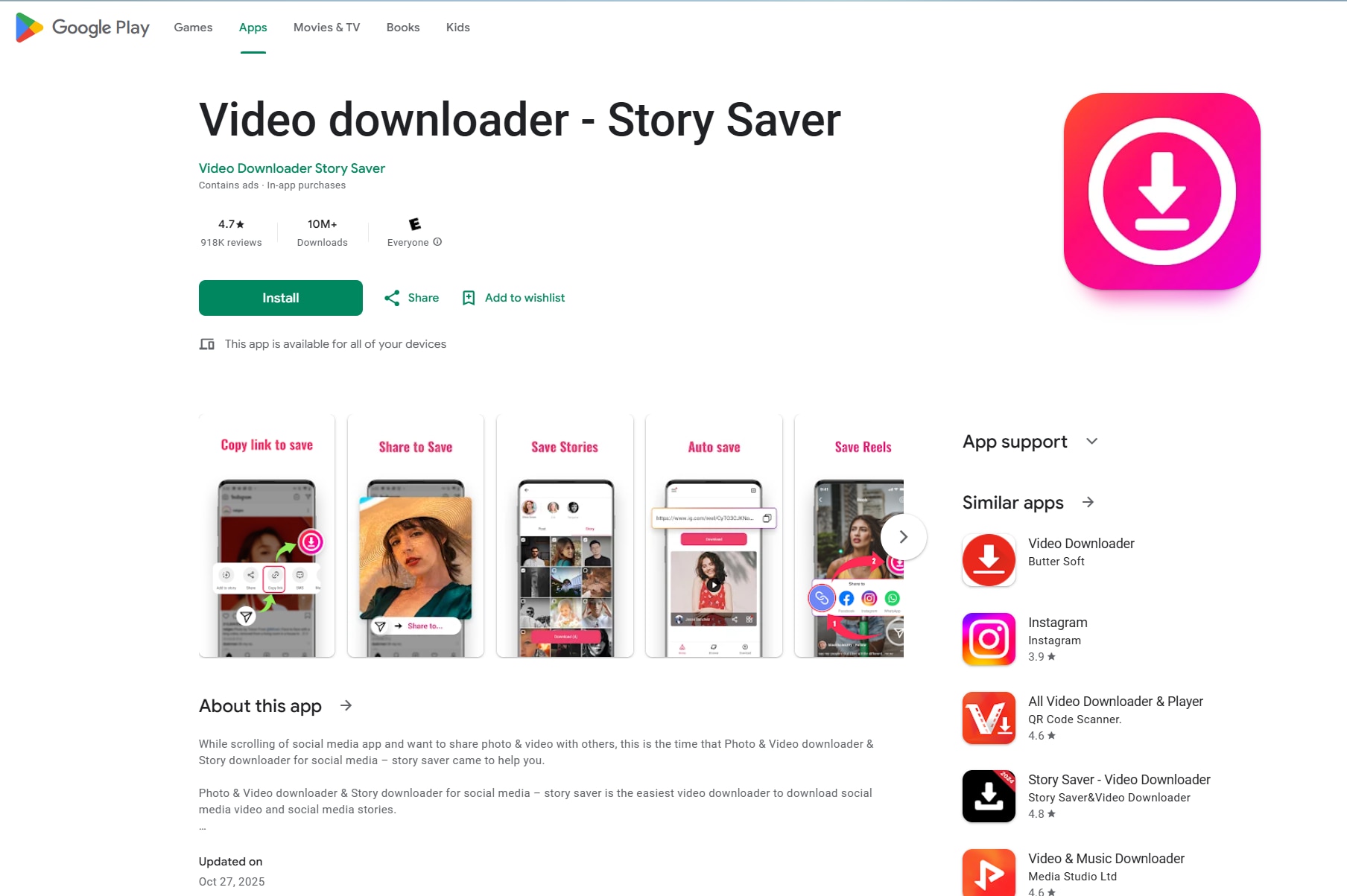
Features:
- Download stories or live videos via the link
- Saves videos in HD and Full HD, ideal for Snapchat story download by link
- Download runs in the background
- Videos and stories are saved in neatly organized folders
- Preview and play downloaded media without leaving the app
3. SnapKeep (iOS)
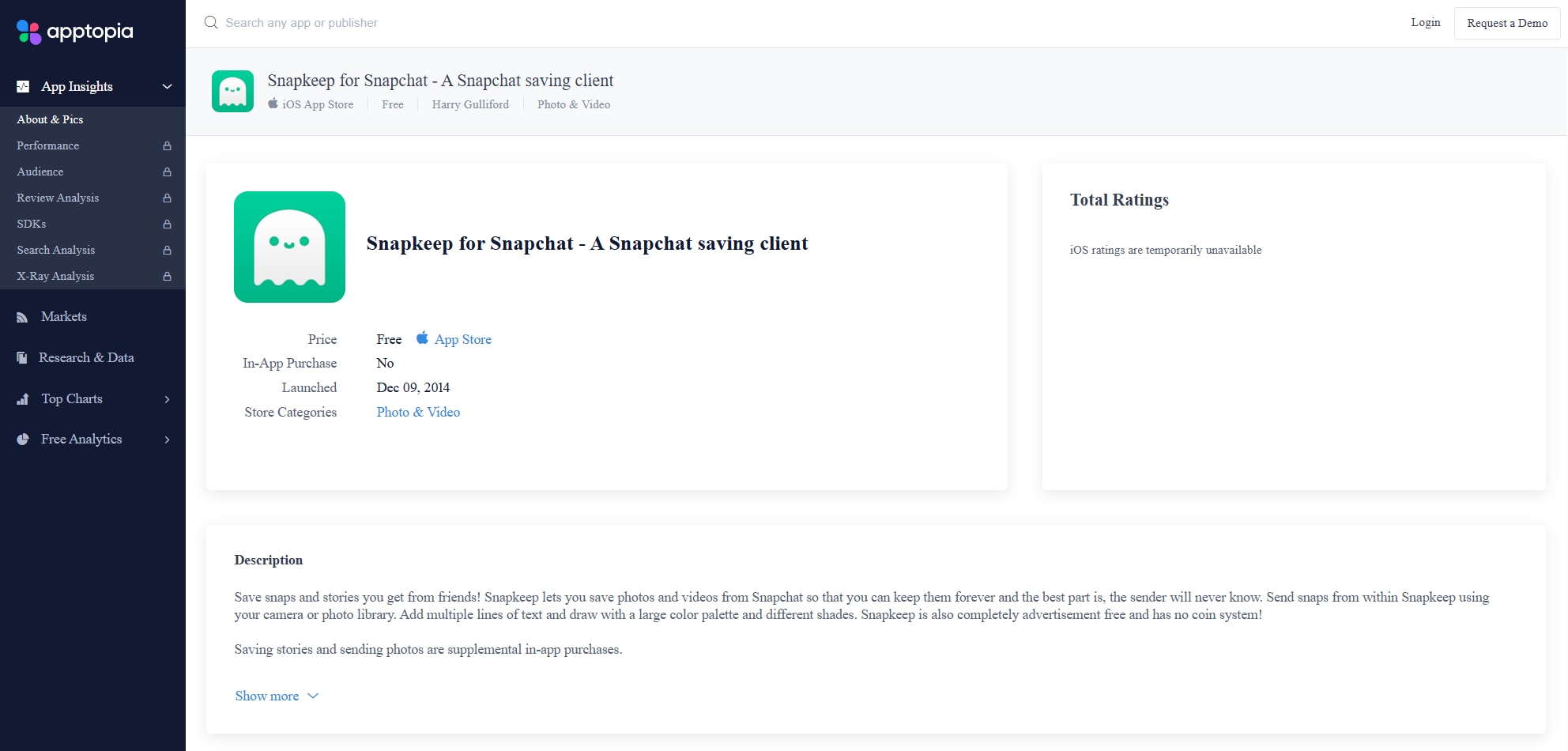
SnapKeep is a popular Snapchat story saver for iPhone that lets you download snaps, stories, and chat content without notifying the sender. It's the perfect answer to how do you save Snapchat stories on iOS without jailbreaking your device.
If you’ve been wondering how to save a story in Snapchat without limits, SnapKeep++ is a sleek, private solution. It also supports Snapchat story download by username when links or usernames are available.
Features:
- Download Snapchat stories without detection.
- Supports snaps, stories, and chat saving
- Disable screenshot notification
- Clean interface tailored for iOS
- No jailbreak required
Part 6. Which Snapchat story downloader is best for your device
Here’s an authentic comparison table of the nine tools you provided, highlighting their pricing, batch download support, and watermark usage. This is helpful if you’re comparing multiple ways how to download Snapchat stories or how do you save a Snapchat story across platforms.
| Tool | Pricing | Batch Process Support | Watermark |
|---|---|---|---|
| Wondershare UniConverter | Paid (free trial adds watermark) | Yes | Yes (trial) / No (paid) |
| AnyDownloader.com | Free, web-based | Yes | No |
| YTD Video Downloader | Free, paid for batch | No (free) / Yes (paid) | No |
| SnapSaver.cc | Free tier, paid upgrades | No | No |
| Snapchat Video Downloader (APK) | Free APK-based | Depends on APK | No (varies by source) |
| NicheProwler | Free, web-based | No | No |
| SnapSaver (Android) | Free with upgrades | Yes | No |
| Video Downloader & Story Saver | Free | No | No |
| SnapKeep (iOS) | Free (via third-party) | Yes | No |
Quick Answer: Best Snapchat Story Saver by Device
The best Snapchat story saver depends on your goal: use Snapchat Memories for your own stories, desktop software for better control, web tools for speed, and mobile apps for quick on-phone saving.
- Official: Snapchat Memories export
- Desktop: Wondershare UniConverter
- Online: Browser-based story savers for public links
- Mobile: Android/iPhone story saver apps
Conclusion
This guide covered the top 9 tools to help you download Snapchat stories on any device, from desktop software to mobile apps and online platforms. Whether you're using Windows, Mac, Android, or iOS, there’s a solution tailored to your needs—ranging from free, web-based tools to more powerful options like Wondershare UniConverter.
If you value speed, format flexibility, and high-quality downloads without watermarks, UniConverter stands out with its batch downloading, format conversion, and editing features. It’s ideal for users learning how to download stories from Snapchat or those asking how do you download Snapchat stories with full resolution.
FAQs
-
Can I use a Snapchat story downloader without logging into my Snapchat account?
Yes, many Snapchat story downloader tools work without requiring your Snapchat login, especially web-based options that support public story links. This is usually more convenient for users who want a faster workflow, but availability depends on whether the story is still public and accessible. -
Which Snapchat story downloader is better for HD or 4K quality?
If high output quality matters, desktop tools are usually a better choice than lightweight browser tools. A Snapchat story downloader with video conversion or recording support may give you more control over export quality, especially when you want HD or 4K results for offline viewing or editing. -
Is there a Snapchat story downloader online that works on both desktop and mobile browsers?
Yes, some online Snapchat story downloader services can run in a browser on Windows, Mac, Android, and iPhone. They are often the simplest option for users who want quick access without installation, although speed, file quality, and download stability may vary from tool to tool. -
Can a snap story saver download content without a watermark?
Some snap story saver tools can keep the original file clean, while others may add branding, reduce quality, or limit export options in free versions. If no-watermark output is important, check the tool’s export behavior, free-plan limits, and final file quality before choosing it. -
What should I check before choosing a Snapchat story saver for long-term use?
Look at device compatibility, output quality, file format support, speed, privacy risks, and whether the tool works for your typical use case. A good Snapchat story saver should match how you save content most often, whether that means quick browser downloads, desktop editing, or mobile backup convenience.

