


Suppose you are rushing back from an important client meeting and realize you forgot to take notes during the crucial discussion about budget approval, or missed the key quotes because you were too concentrated on taking notes. These scenarios happen more often, and that’s where call transcription comes in as a lifesaver.
If you are a busy professional or a student recording study sessions with classmates, having video call transcription will be a game-changer. In this guide, we have listed the top 10 tools to transcribe phone calls. First, let’s understand what you should consider when picking call transcription tools.
In this article
Part 1. Elements to Consider for Picking the Best Call Transcriber
While choosing the right call transcription tool, you should consider the accuracy rate, real-time transcription feature, integration, and ease of use. Here are the details of each key factor you should evaluate:
Accuracy and Speaker Recognition
Accurate transcription and speaker labeling are essential to ensure you do not misunderstand any information and know who was discussing the point, especially in team meetings.
Real-Time Transcription and Summarization
Real-time transcription and summaries determine how quickly you can access the information. Choose call recording transcription tools with real-time and summarization features.
Integration and Workflow Compatibility
Integration ensures that tools fit seamlessly into your existing setup. Consider whether it works with your preferred video conferencing platforms (Zoom, Teams, Meet), syncs with your CRM, or connects to cloud storage services you already use.
Ease of Use
The interface should be intuitive enough that team members can start using it immediately without extensive training.
Pricing Structure and Value
Some charge per minute, others offer monthly subscriptions, and a few provide unlimited transcription. Consider your usage patterns. Occasional users might prefer pay-as-you-go models, while heavy users benefit from subscription plans with bulk minutes or unlimited access.
Part 2. 10 Best Call Transcribers 2025
If you often miss important details from meetings or interviews, choosing the right tool to transcribe phone calls can save hours of manual note-taking. Here’s a detailed look at the top 10 call transcription tools in 2025 that help you capture, organize, and review every conversation effortlessly.
1. Wondershare UniConverter
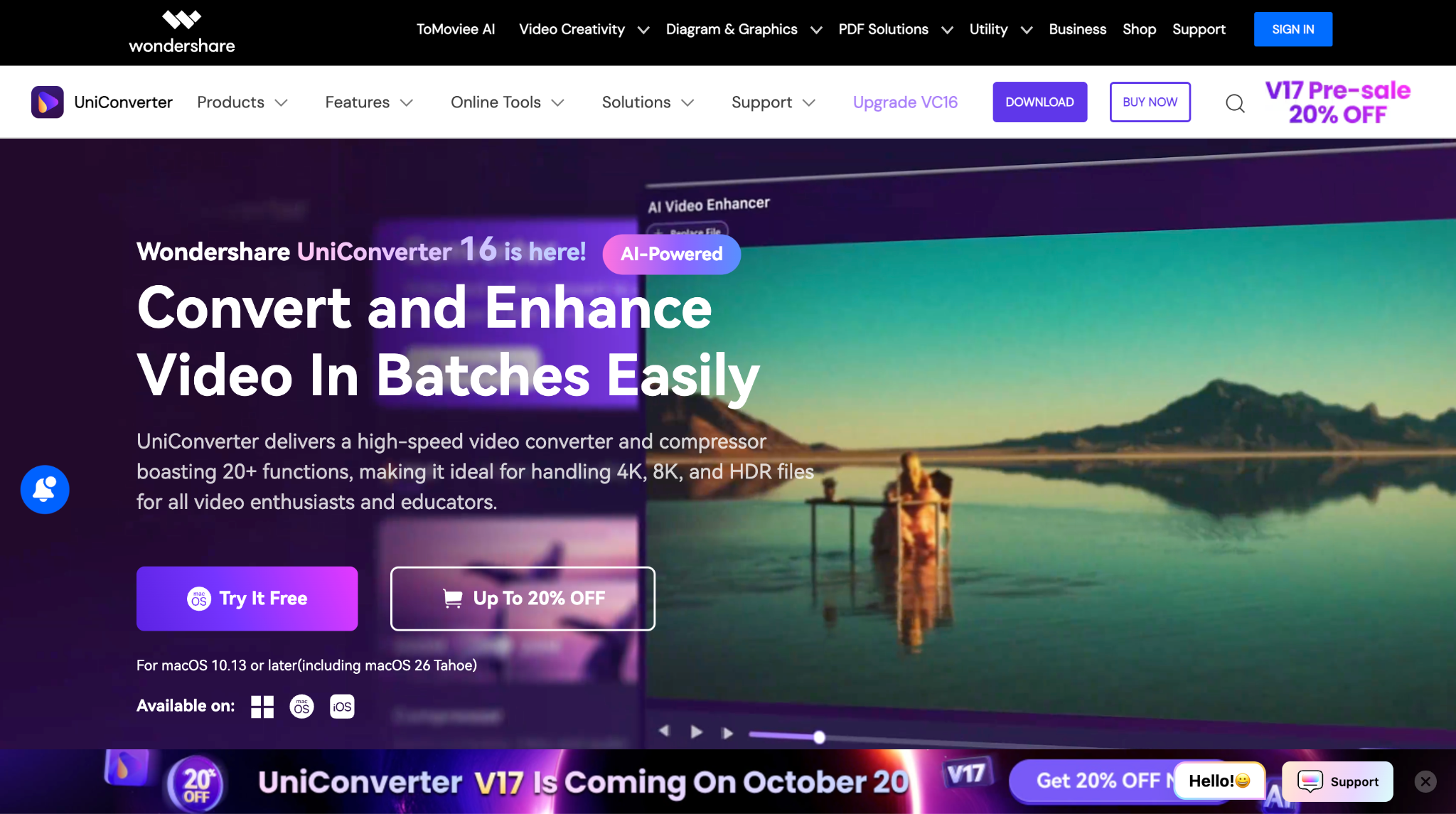
Wondershare UniConverter offers call transcription in 20+ languages to enhance your global reach and understand cross-border languages for your personal or professional needs. When you have a call with your team, instead of taking notes, record the conversation and upload it to UniConverter. Unlike other transcription tools, Wondershare UniConverter offers instant transcription; you don't have to wait for an email to receive transcription notes. What makes it stand out among video call transcription tools is that it supports batch conversion with 95% accuracy.
Real-time Transcription Support: No - focuses on pre-recorded file transcription
Speaker Tag Edition Support: No- only timestamps for each transcribed section
Key Features
- Time-coded output suitable for subtitles
- Noise removal cuts the noise from the audio and makes it clear
- Vocal remover lets you separate the music or sound from the vocals with one click
- Batch processing with multiple files streamlines the work

Easy to Use Batch Call Transcribers
2. Otter ai
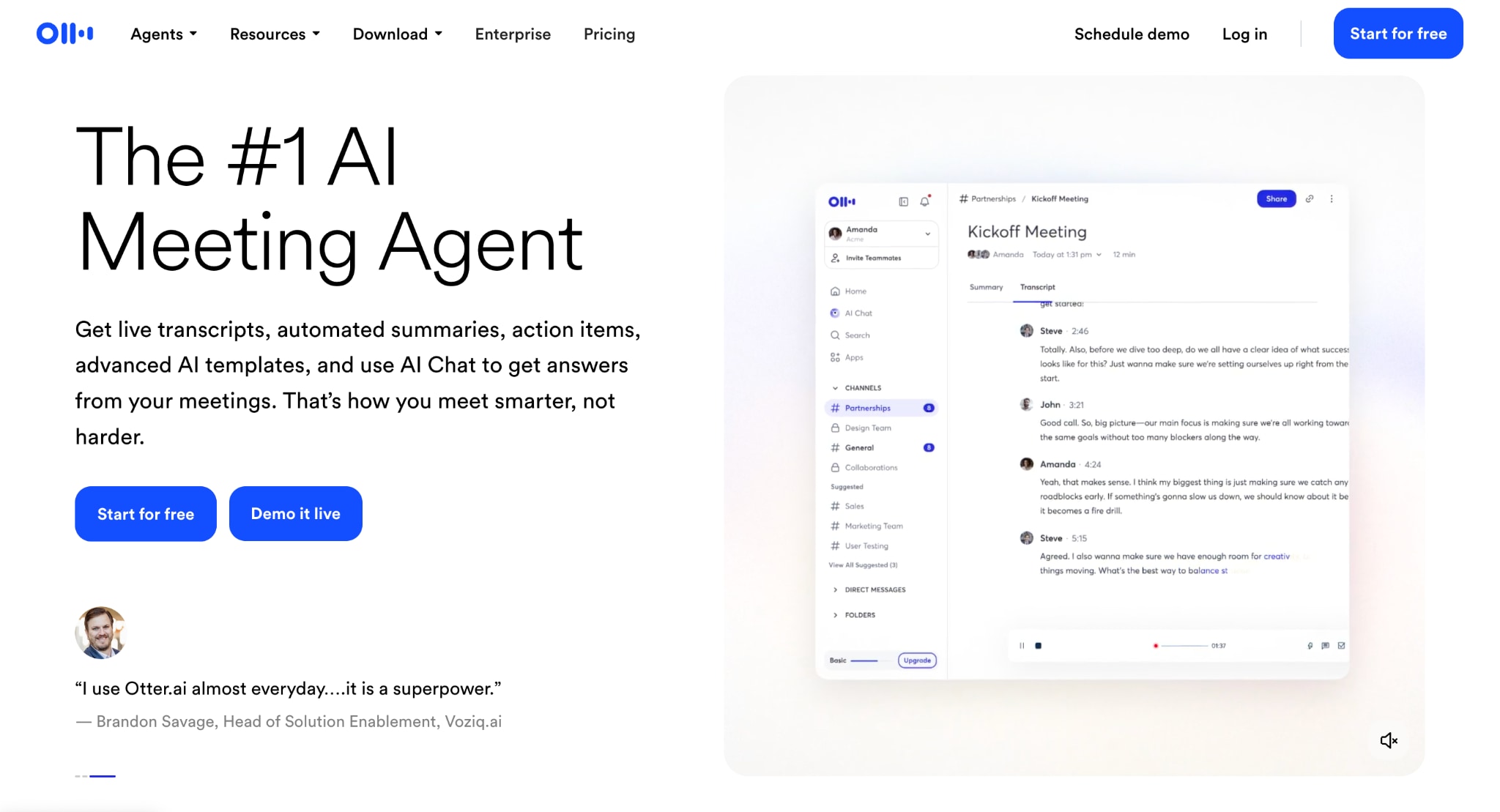
Otter.ai is a go-to solution for meeting transcription and note-taking, particularly during live conversations. The platform automatically joins your scheduled meetings through calendar integration, providing live transcription that participants can follow along with in real-time. Its AI chat feature allows you to ask questions about the transcript content, making it easier to extract specific information without reading through entire conversations.
However, the transcription accuracy can struggle with background noise and overlapping speakers, and the speaker identification sometimes fails to automatically detect names.
Real-time Transcription Support: Yes - live transcription during meetings
Speaker Tag Edition Support: Limited - manual speaker name assignment required
Key Features
- AI chat for querying transcript content
- Automatic meeting summaries and action items
- Integration with Zoom, Teams, and Google Meet
- Mobile apps for iOS and Android
Reddit Review: "I can't believe it took me so long to use Otter.ai. They use it to transcribe, but anyone who uses Otter knows it's not perfect. Always check your quotes."
3. Rev
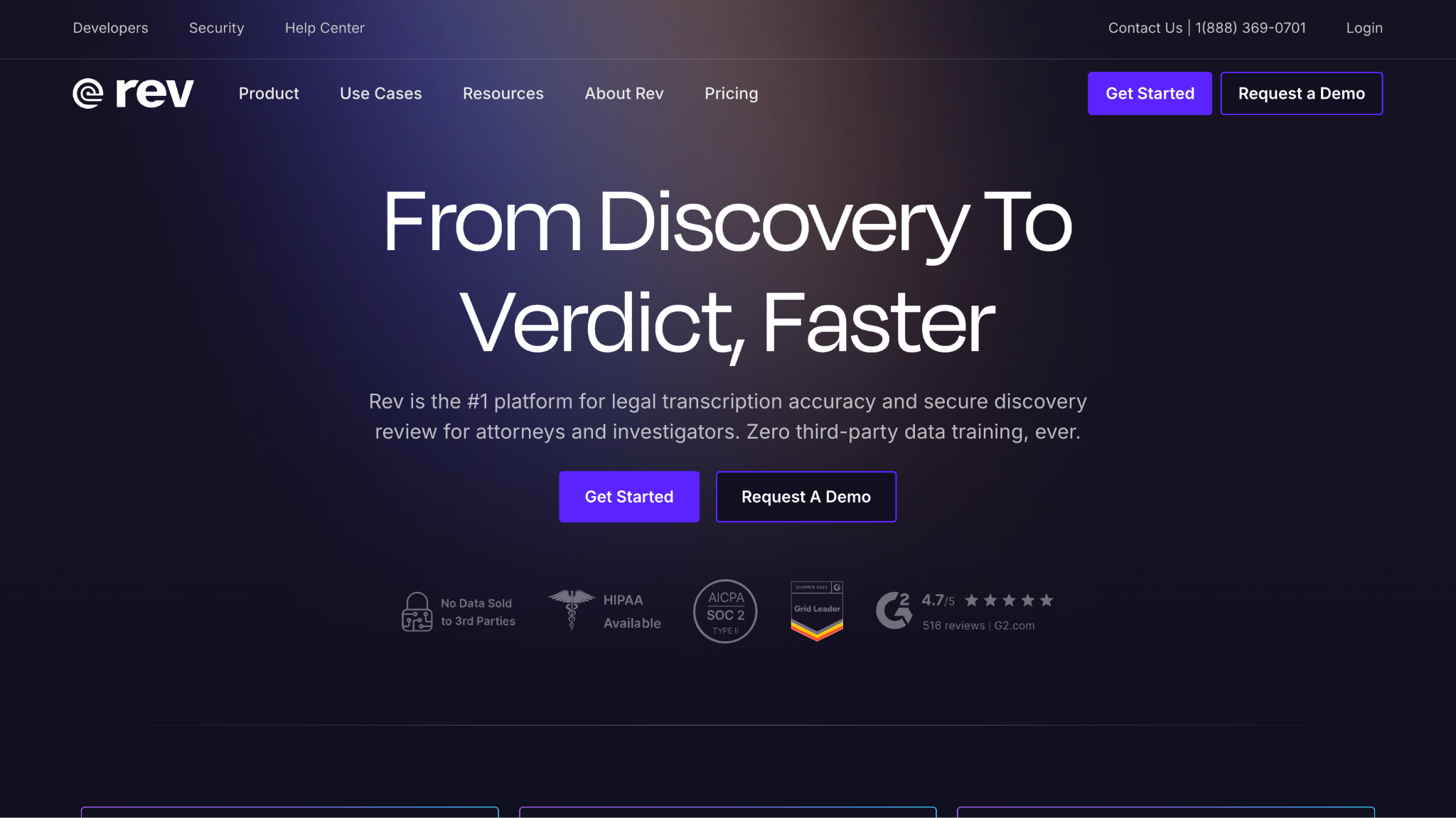
Rev offers a unique dual approach with both AI-powered automated transcription at $0.25 per minute and human transcription services at $1.70 per minute. This flexibility allows users to choose between speed and accuracy based on their specific needs. The platform has built a reputation for reliability among journalists and professionals who require high-quality transcripts for legal or publication purposes.
However, sometimes, with noisy video or audio, Rev might make mistakes, so it would be better to thoroughly read the transcription.
Real-time Transcription Support: No - post-recording transcription only
Speaker Tag Edition Support: Yes - both automatic (AI) and manual (human) options
Key Features
- AI and human transcription are available
- Mobile app for iOS and Android recording
- Custom glossary for specialized terminology
- Integration with a popular cloud storage service
Reddit Review: "I've used Rev for more than 5 years. I only use the service's human transcribers... and I find the transcription quality to be pretty good for the price and speed.”
4. Transcriptor
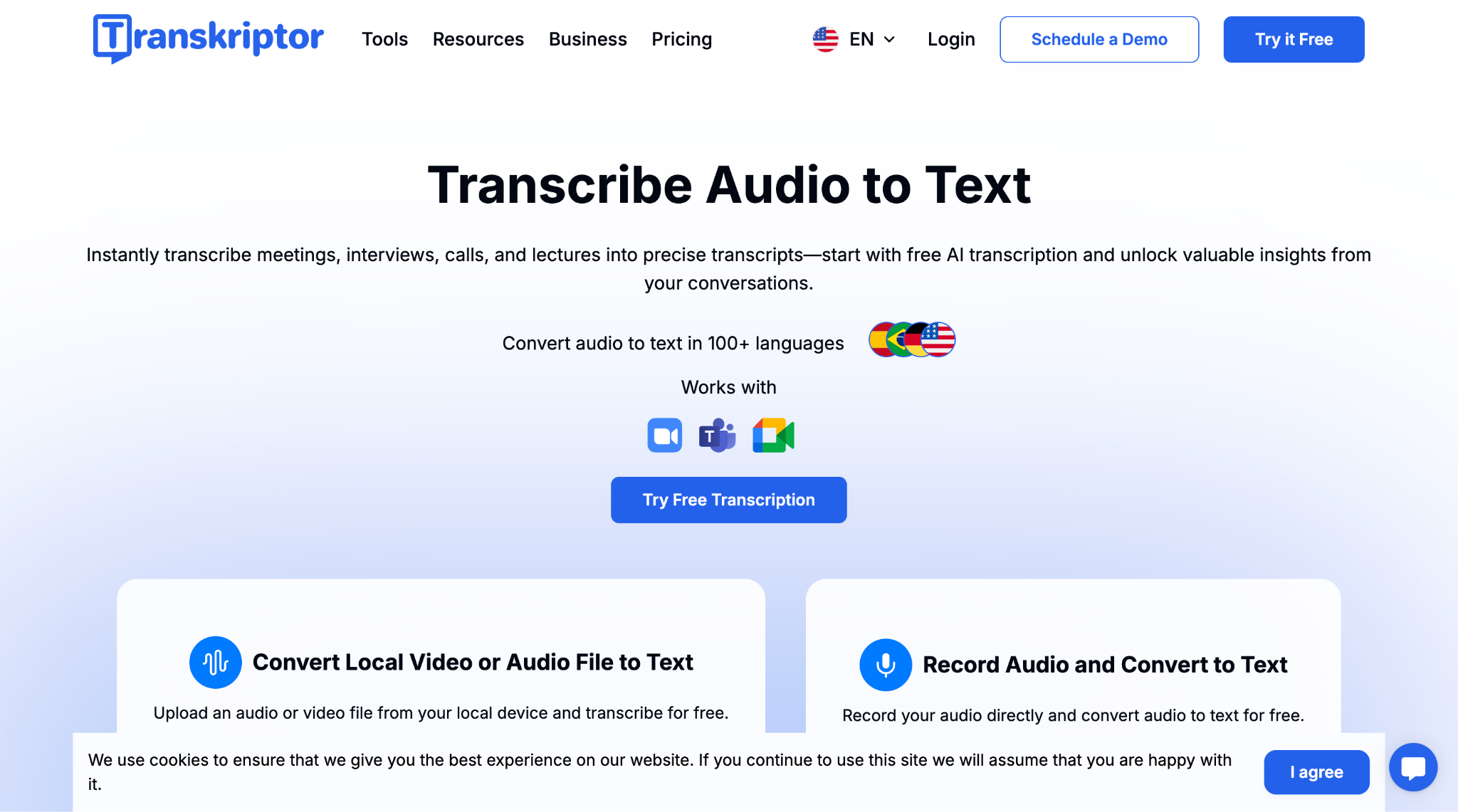
Transkriptor is an AI-powered transcription solution supporting over 100 languages, making it particularly attractive for international teams and multilingual content creators. The platform offers automatic meeting capture through calendar integration and provides AI-generated summaries highlighting key points and action items. Recent user reviews consistently praise its accuracy and speed, particularly with diverse accents.
Real-time Transcription Support: Yes - live transcription and recording
Speaker Tag Edition Support: Yes - automatic speaker identification with manual editing
Key Features
- Support for 100+ languages and regional dialects
- AI meeting assistant with calendar integration
- Automatic subtitle generation with timing
- YouTube video transcription capability
Reddit Review: "The only really good transcription app I've found is Transkriptor for the iPhone. I've used it by calling into Teams meetings on my phone and letting the app transcribe everything it hears, and it does a good job."
5. Jotme
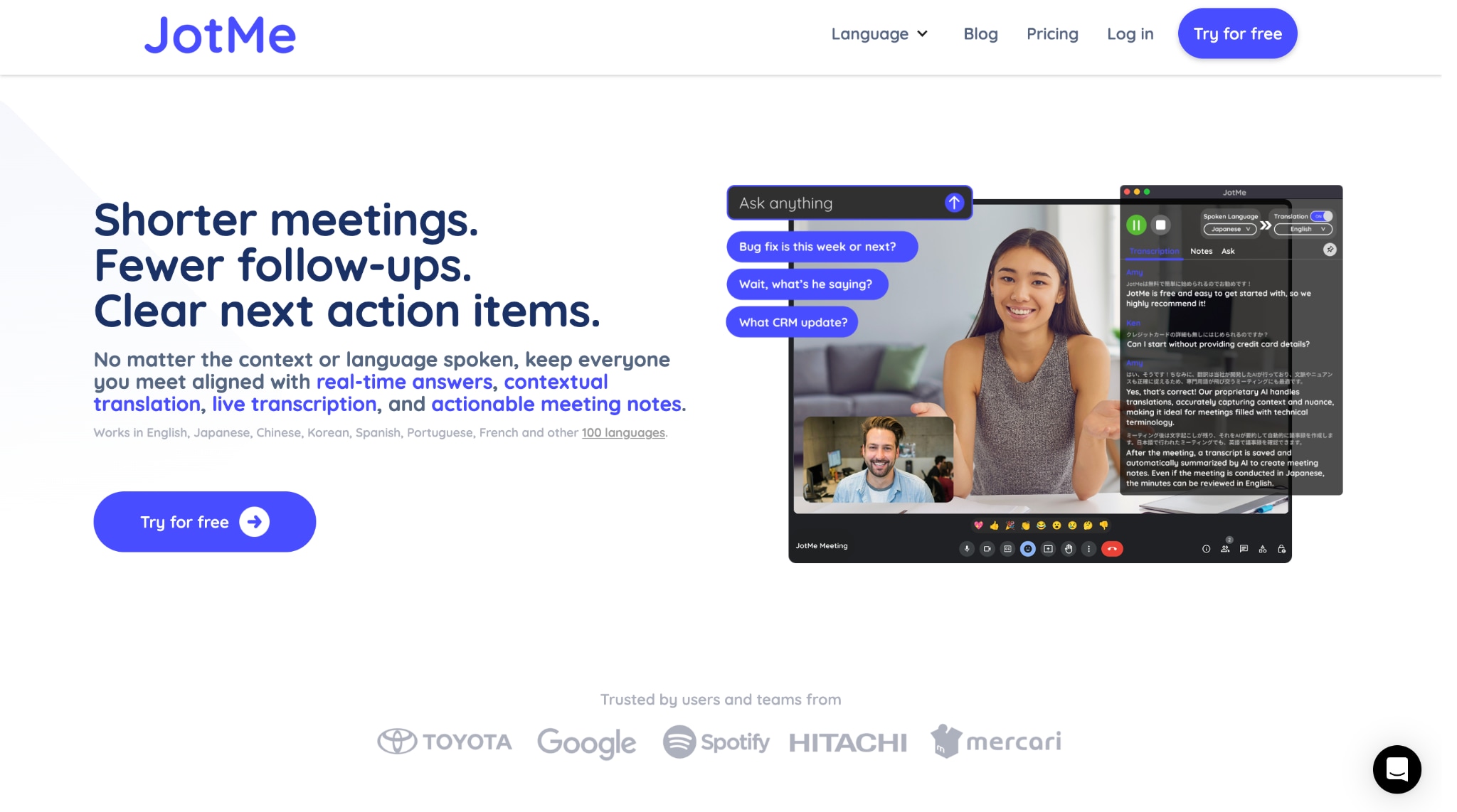
JotMe is an AI meeting assistant that goes beyond basic transcription to solve the multilingual communication challenges that slow down global teams. Think about those frustrating moments when you're in a cross-cultural meeting, struggling to understand technical jargon in another language, or missing crucial context because of language barriers. JotMe tackles this by providing contextual translation that considers industry knowledge and cultural nuances, not just word-for-word conversion.
Real-time Transcription Support: Yes - live transcription and translation simultaneously
Speaker Tag Edition Support: Yes - automatic speaker identification with manual editing capabilities
Key Features
- Live transcription with no meeting bots required
- AI-powered real-time question answering during meetings
- Automatic meeting summaries with action items
- Cross-platform support (Mac, Windows, Chrome extension)
Easy to Use Batch Call Transcribers
6. Trint
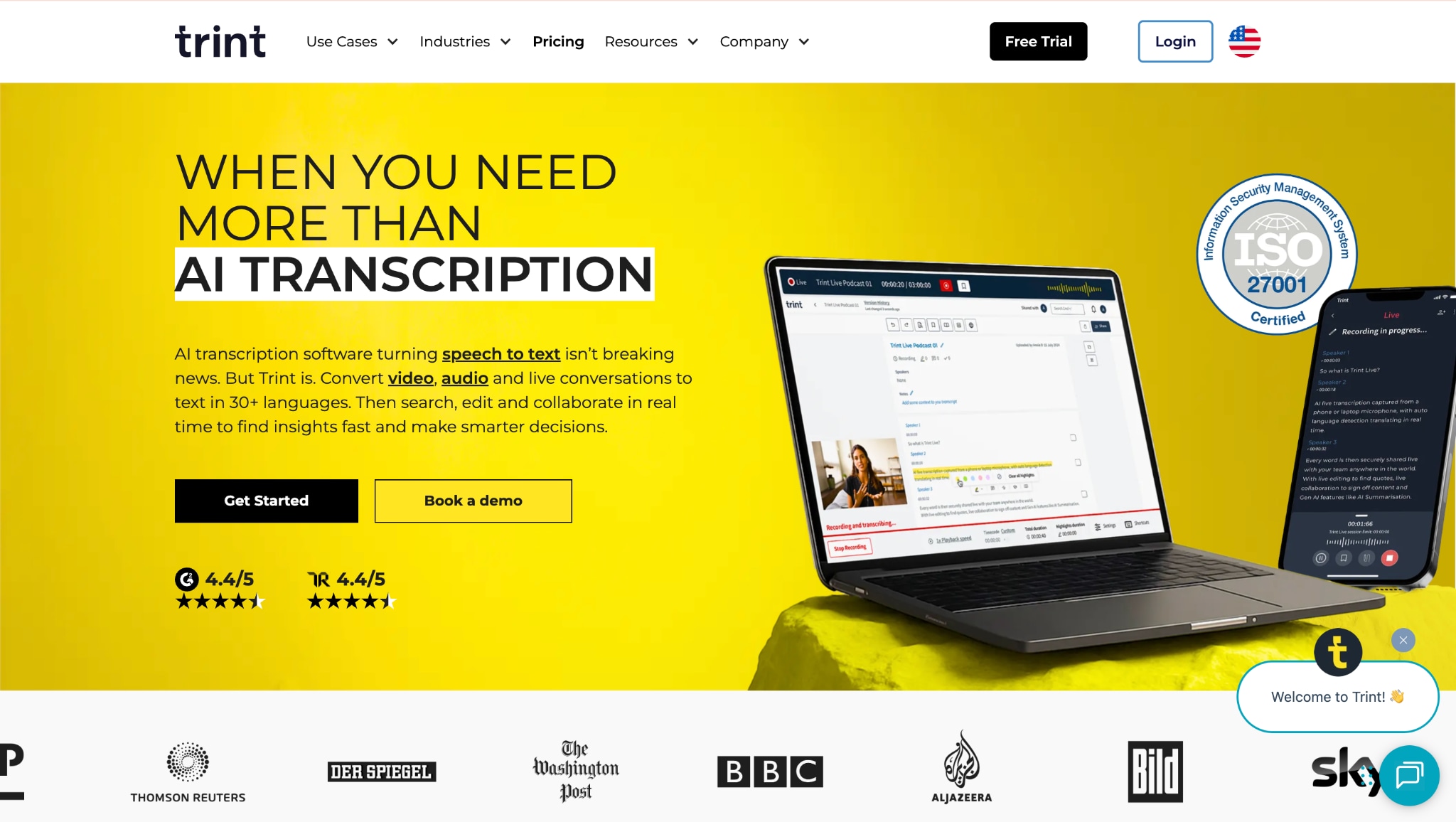
Trint is designed mainly for media professionals and content creators. Trint offers transcription in 40+ languages with automatic language detection, plus the ability to translate transcripts into 50+ languages. You can also build stories by combining clips from multiple transcripts, which proves valuable for documentary filmmakers and journalists working with multimedia source materials.
Real-time Transcription Support: Limited - English-only live transcription, enterprise plans only.
Speaker Tag Edition Support: Yes - automatic detection with manual refinement options
Key Features
- Story-building with multi-transcript clip combination
- Transcription in 46+ languages with auto-detection
- Translation capabilities for 50+ languages
- Create a Caption feature for video subtitle generation
Reddit Review: "We use Trint extensively at the company where I work. I've been at my current job for about 3 years and have used Trint the entire time. Both work better than the Adobe version.”
7. Sonix
Sonix, with multilingual capabilities, supports automated transcription in 53+ languages with fast processing time. Sonix includes interactive media player transcripts, allowing users to click on any word to jump to that exact moment in the audio. This feature appeals to podcasters and language learning content creators. You also get automated translation in 54+ languages, AI analysis, team collaboration, and subtitle generation.
Real-time Transcription Support: No - focuses on post-recording transcription
Speaker Tag Edition Support: Yes - automatic speaker identification and labeling
Key Features
- Interactive transcript with click-to-play functionality
- AI-powered summaries and topic detection
- Audio realignment feature for edited content
- Custom dictionary for specialized terminology
Reddit Review: "Have used Sonix more, and it did a great job with some Ukrainian interviews I needed both transcribed and translated."
Easy to Use Batch Call Transcribers
8. HappyScribe
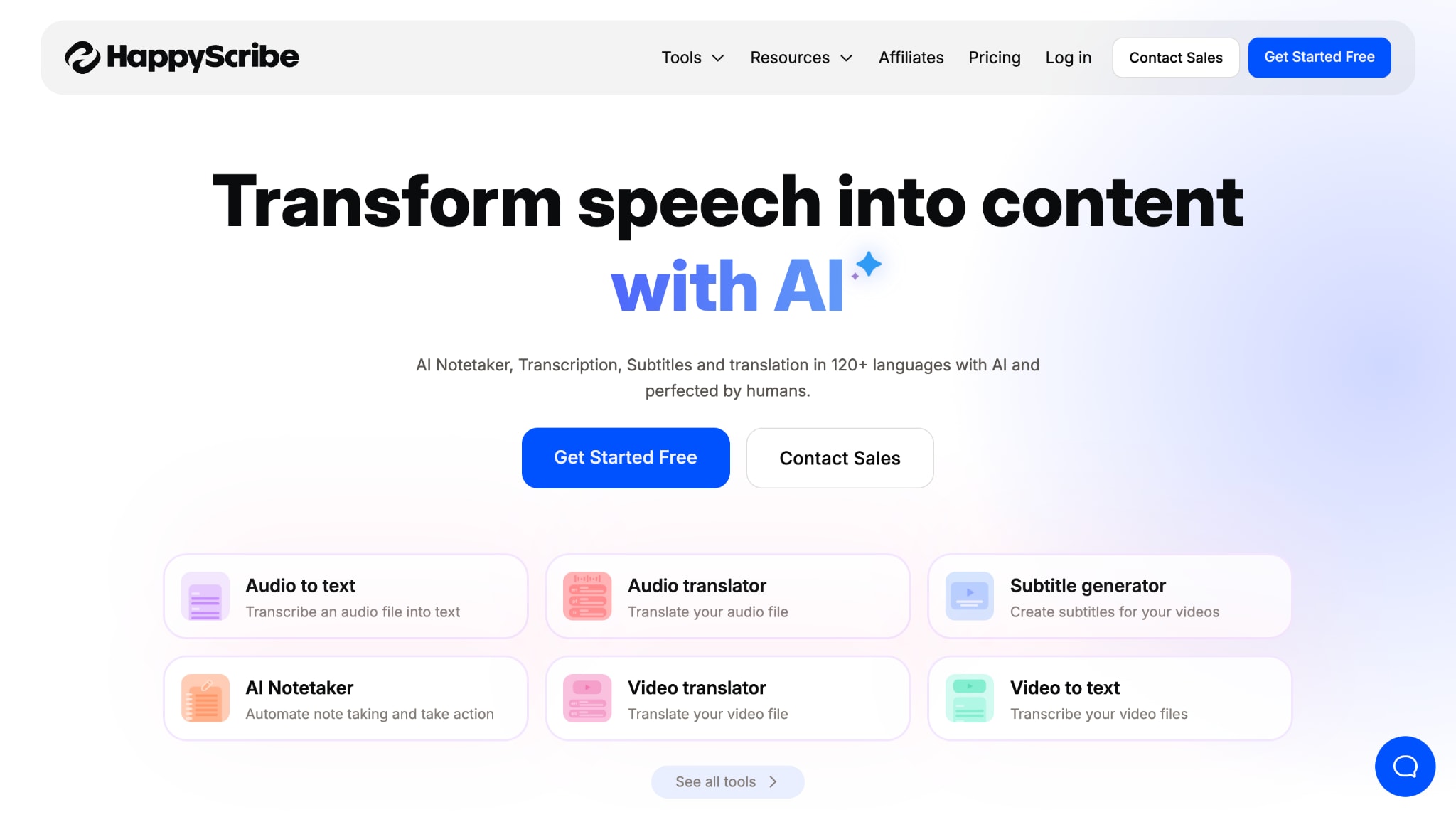
HappyScribe is one tool that offers transcription in 120+ languages, subtitle generation, translation, an AI notetaker, and a video translator. It integrates with Teams, Google Meet, and Zoom, offering a smoother workflow. You need to connect Google Calendar or Microsoft Outlook so it can join the meeting and take notes. Human and AI transcription is mostly available in multiple European languages; however, for beginner-level users, the cost may seem high.
Real-time Transcription Support: No - post-recording transcription focus
Speaker Tag Edition Support: Yes - both automated and human-reviewed options
Key Features
- Both AI and human transcription options
- Strong European data privacy compliance
- Multi-language support with a focus on European languages
- Collaborative editing features
Reddit Review: "They pay $0.25 per audio minute... but the idea they're going to have that much available for you is doubtful at best... Their prices have gone down a bit in recent years.”
9. Descript
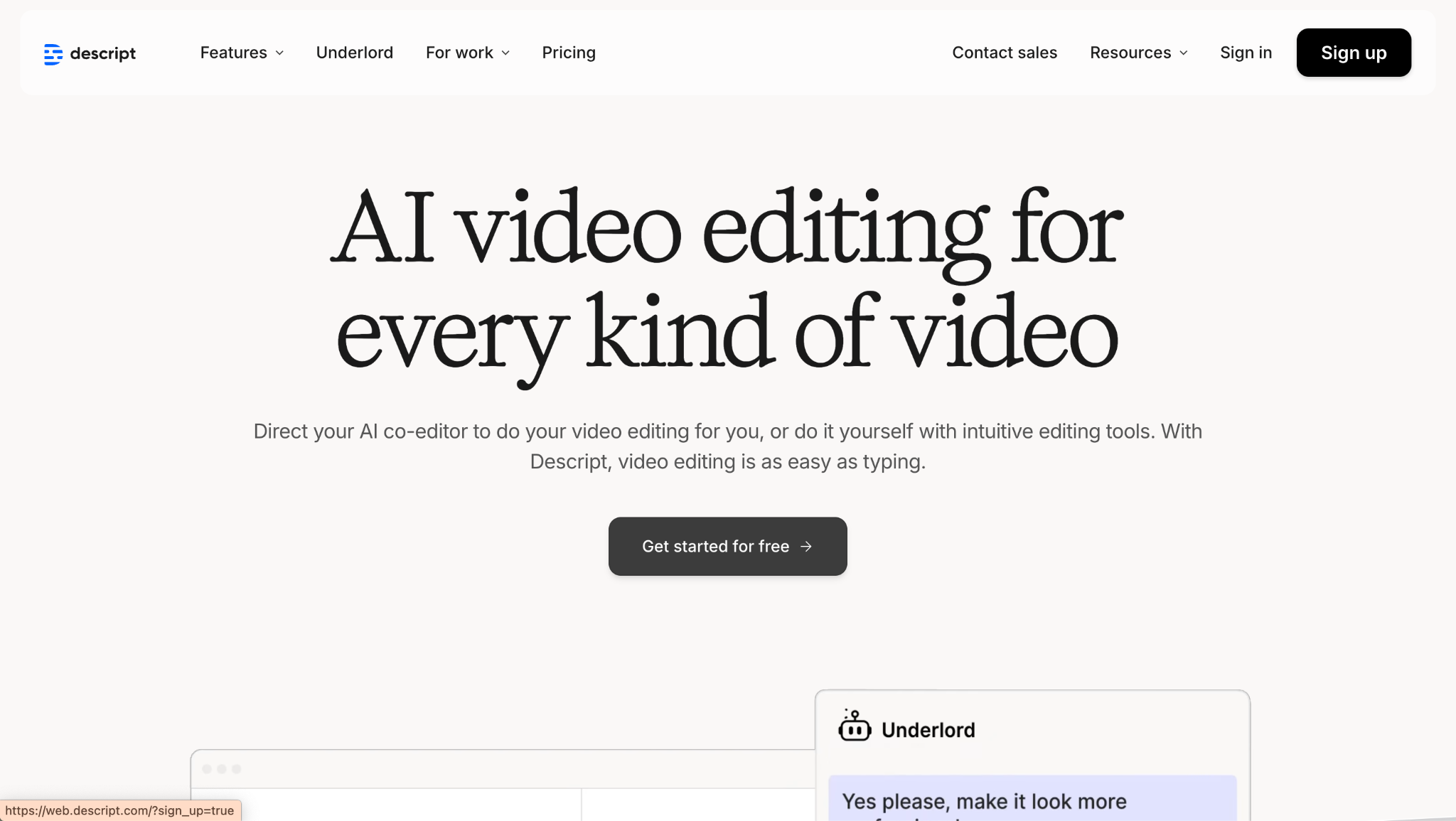
Descript combines transcription with audio and video editing capabilities, allowing users to edit media files by editing the transcript text. This text-based editing approach appeals to podcasters and video creators who need both transcription and editing functionality. The platform offers up to 95% transcription accuracy across 25 languages. However, there are some challenges with transcription quality and interface stability.
Real-time Transcription Support: Yes - live transcription during recording
Speaker Tag Edition Support: Yes - automatic speaker detection with editing tools
Key Features
- Text-based audio and video editing
- AI voice cloning and overdub capabilities
- Filler word removal with one-click cleanup
- Screen recording with automatic transcription
Reddit Review: "Editing from the transcript is great. The AI edits are pretty good, but the AI clips things a little too short, so many of its edits require slight adjustments... The transcription had inaccuracies, and the editing interface was not user-friendly... This caused the process to be less efficient than expected."
https://www.temi.com/
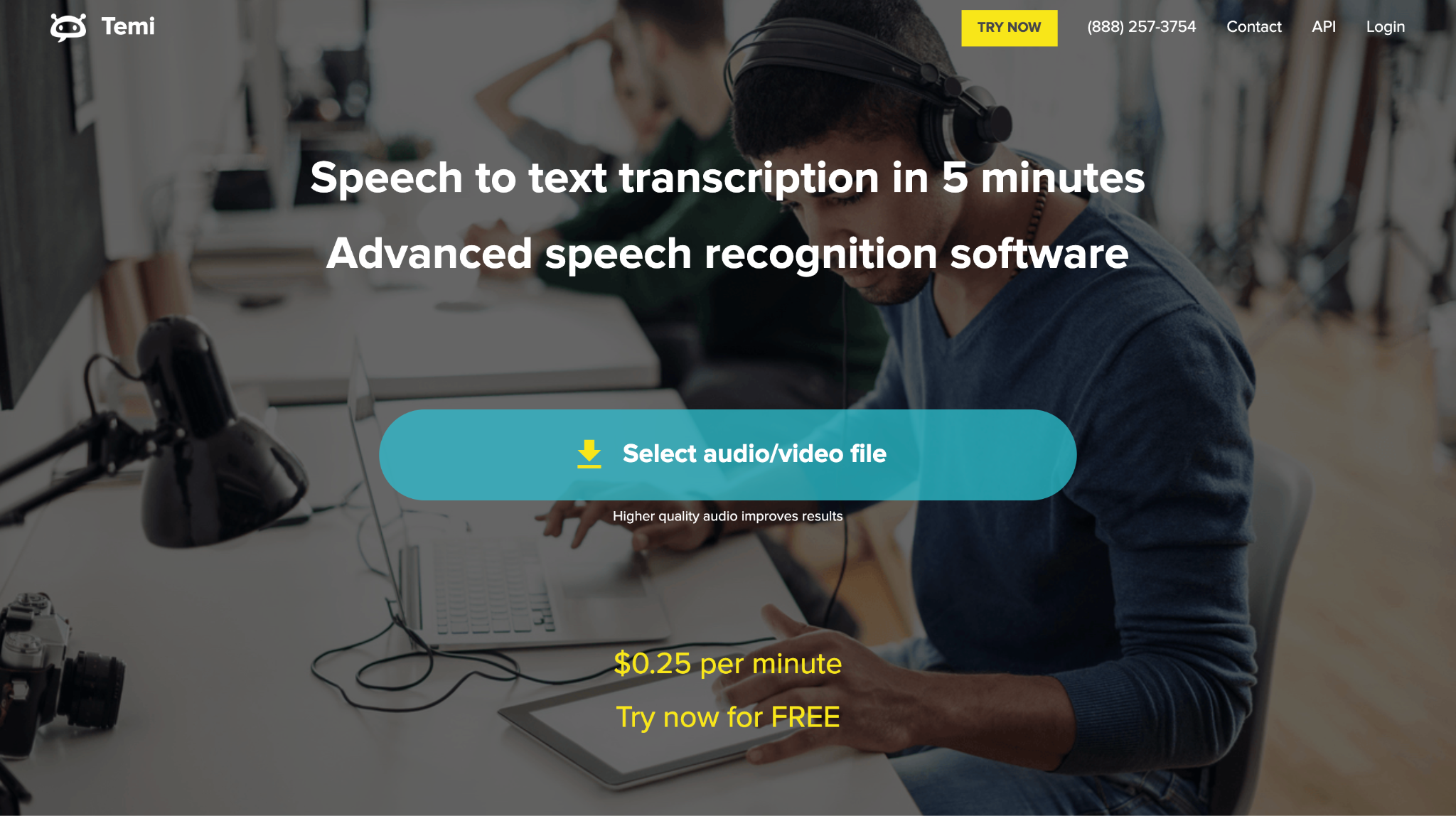
Temi offers AI-powered transcription at a flat rate of $0.25 per audio minute, with no subscription requirements or bulk pricing tiers. Owned by the same company as Rev, Temi focuses on simplicity and accessibility through both web and mobile applications. The service provides a 45-minute free trial for first-time users without requiring credit card information. But if your video or audio has noise, it may drastically affect transcription accuracy.
Real-time Transcription Support: No - upload-based transcription only
Speaker Tag Edition Support: Limited - basic speaker identification
Key Features
- Mobile apps for iOS and Android
- Simple web-based editor with playback controls
- No credit card required for free trial
- Basic export options (DOCX, PDF, TXT)
Reddit Review: "When I need a podcast transcribed so that I can reproduce it on my blog, we use a service called Temi.com... not a great user interface, but it works well and is reasonably priced."
Part 3. Comparison Table of 10 Best Call Transcribers 2025
Here is the comparison table comparing call transcription tools based on pricing, product type, safety review, and multilingual support:
| Tool | Pricing | Product Type | Safety Review | Multilingual Support |
|---|---|---|---|---|
| Wondershare UniConverter | Perpetual Plan: $39.99 Monthly: $9.99/month Yearly: $29.99 |
Desktop (Windows, Mac) | ISO compliant, local processing | Yes |
| Otter.ai | Pro: $8.33/month Business: $19.99/month Enterprise: Custom |
Desktop, Web, Mobile App | SOC 2, GDPR compliant | No |
| Rev | Basic: $9.99/month Pro: $20.99/month Enterprise: Custom |
Web, Mobile App | SOC 2, secure file handling | Yes |
| Transkriptor | Pro: $19.99/month Team: $30/month |
Web, Mobile App | GDPR, HIPAA, SOC 2 compliant | Yes |
| JotMe | Pro: $15/month Premium: $25/month Enterprise: Custom |
Desktop App, Chrome Extension | Enterprise security standards | Yes |
| Trint | Starter: $80/month Advanced: $100/month Enterprise: Custom |
Web, Mobile App | Enterprise-grade security, GDPR | Yes |
| Sonix | Pay as you go | Web Platform | SOC 2, GDPR | Yes |
| HappyScribe | Starter: Pay as you go Lite: $9/month Pro: $29/month Business: $89/month |
Web Platform | GDPR compliant, EU servers | Yes |
| Descript | Hobbyist: $24/month Creator: $35/month Business: $65/month |
Desktop App, Web | SOC 2, enterprise security | Yes |
| Temi | $0.25 per audio minute | Web, Mobile App | Standard encryption, secure upload | Yes |
Conclusion
Choosing the right call recording transcription tool in 2025 depends on your workflow and accuracy needs. Otter.ai supports real-time collaboration, while Trint serves journalists with strong editorial features. Choose the right tool based on your demand and use cases. Try free plans first to see which tool best fits your audio and integration needs!
Easy to Use Batch Call Transcribers
FAQs
-
How can I transcribe a phone call?
You can transcribe a phone call by recording it using a phone app or call recorder (with all-party consent). Tools like Wondershare UniConverter let you upload the recording for accurate, automated transcription and easy text export. -
What are the benefits of a call transcription service?
Call transcription captures conversations in text, making it easy to search, review, and share discussions. It ensures compliance, improves accessibility, and helps with meeting notes, documentation, and customer service quality. -
Can I automatically record all calls?
Android phones provide built-in options for automatic call recording through the default Phone app or settings menu. Simply enable the feature (where available) to record calls without extra apps. iPhone users need approved third-party apps or hardware, and must always comply with local call recording laws before recording any calls. -
How to transcribe a phone call on an iPhone?
First, record the call using an approved app that meets your local legal requirements. Afterward, upload the audio file to a transcription tool like Wondershare UniConverter, choose the language, and your transcription will be ready. -
Is call transcription secure and private?
Reputable call transcription services use encryption, secure storage, and often comply with standards like GDPR or SOC 2. Always choose a provider with strong privacy protections and review their privacy policy before uploading sensitive conversations.

