


Many individuals struggle to remember every detail from extended interviews and meetings. An interview summary helps capture key points and save time or effort. It makes comparing candidates easier and ensures fair evaluations across applicants.
Teams can share insights fast without missing essential discussions or decisions. Using the right summarization tools improves hiring workflow and reduces mistakes. This guide lists the top 10 tools to simplify and speed summarizing work.
In this article

Part 1. Why Interview Summaries Matter
Clear summaries create a smooth link between long talks and useful hiring insights. Below are factors that help teams recall facts and make quicker and fairer decisions:

Fair Comparison: A strong tool to summarize interviews supports equal evaluation across applicants. It gives teams clear evidence to compare candidates without bias or memory issues.
Detailed Recording: Good notes keep key details safe when memories fade after busy interviews. They preserve names, actions, examples, and context that might otherwise disappear.
Clear Combination: Summarizes plain facts with honest impressions for balanced and fair views. This mix helps teams judge candidates using shared evidence rather than instincts.
Better Decisions: Structured notes guide teams toward choices supported by clear written evidence. They reduce confusion and help everyone stay aligned during every hiring stage.
Legal Proof: Accurate summaries show interviews followed rules and respected fair hiring standards. They protect organizations by recording exactly what was asked and answered correctly.
Team Alignment: Shared notes help teams understand key insights even without attending interviews. They prevent misunderstandings and keep all members focused on shared goals.
Part 2. Best 10 Interview Summarizers 2025
Interview summaries help by turning long conversations into clear notes for quicker decisions. The following tools help you create a summary for interview notes with clear, quick steps.
1. UniConverter
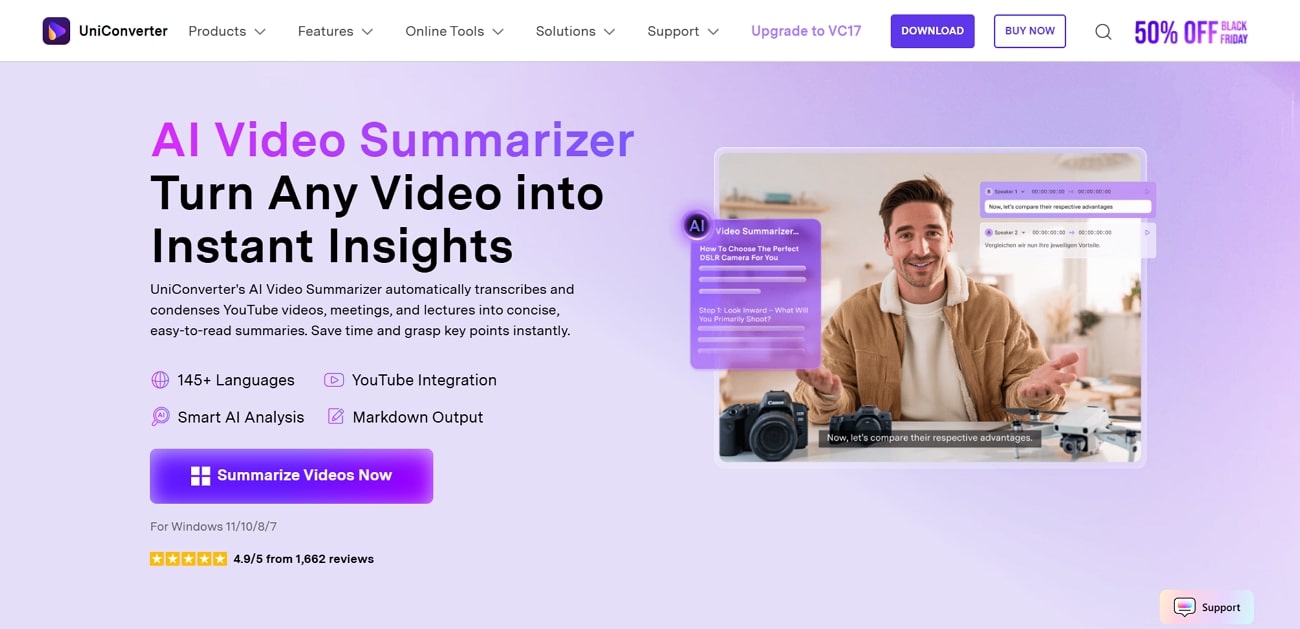
The top choice for creating an interview summary video is UniConverter AI Video Summarizer. This great tool supports 145+ languages for summarizing global content without language barriers. Plus, it accepts YouTube links, local files, and cloud sources for user flexibility. You can even often summarize a 1-hour video within 2-5 minutes. Moreover, its AI runs at 10x the usual speed for faster completion of heavy video tasks. Simply paste the YouTube Link and it can help summarize YouTube videos at any length. For students, it can also serves as a lecture summarizer to take instant note in case of ignored keynotes.
It also handles big video files without slowing down or creating processing issues. Furthermore, UniConverter reduces background noise and making the transcript clear. Users can even jump to exact video moments using timestamped sections generated inside your summary. Not only this, but the tool automatically converts spoken audio into readable text with strong accuracy.
Key Features
One-Click Summary: Generates fast YouTube summaries using a single click without complex settings.
Broad Formats: Accepts MP4, AVI, and MOV, as well as other major video formats.
Unlimited Length: Supports summarizing videos without length limits, even very long recordings.
Easy Sharing: Export summaries to Slack, Teams, or email for team collaboration.
Batch Process Support: Yes
Starting Price: $9.99/month
Supported Device: Windows and macOS
Offline Support: Yes

AI Interview Summarizer for Key Insights
2. WhisperAI
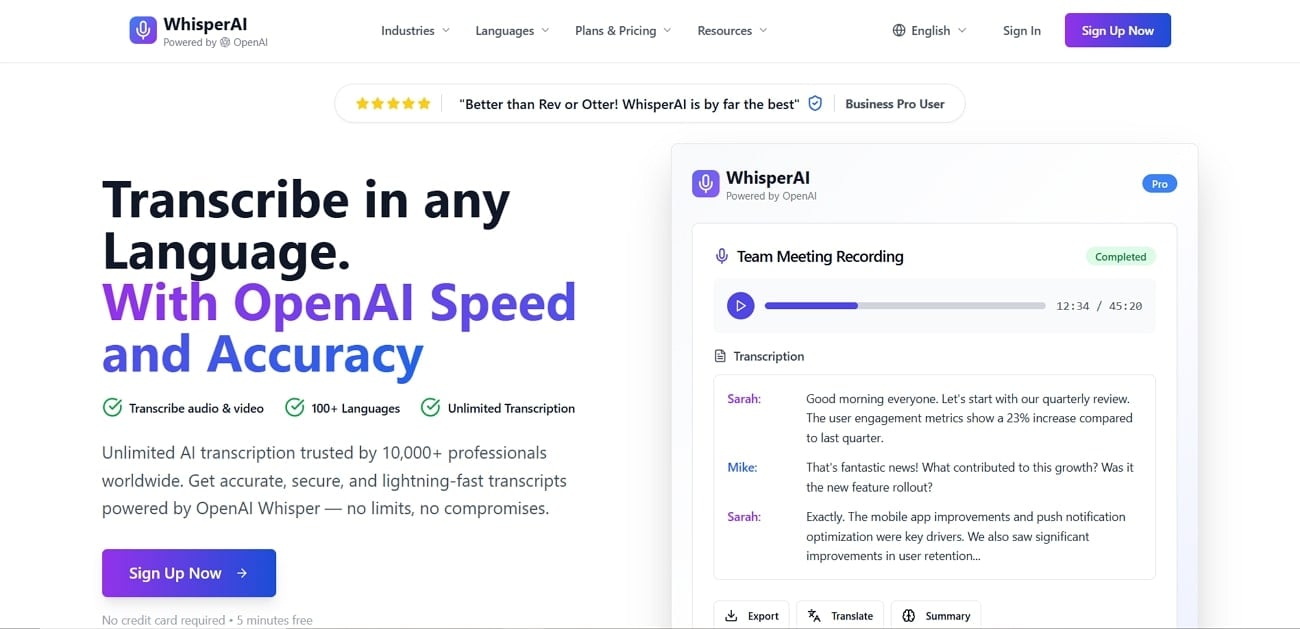
WhisperAI converts your audio and video recordings into accurate text for easy review. It lets you upload audio files in formats like MP3 and WEBM. Moreover, you can upload large audio or video files up to 500MB for fast transcription. It even supports transcription in 100+ languages with automatic detection and translation. Users can edit transcripts as they generate to save time and create a perfect interview summary sample.
Batch Process Support: No
Starting Price: $14.99/month
Supported Device: Web-Based
Offline Support: No
3. Transkriptor
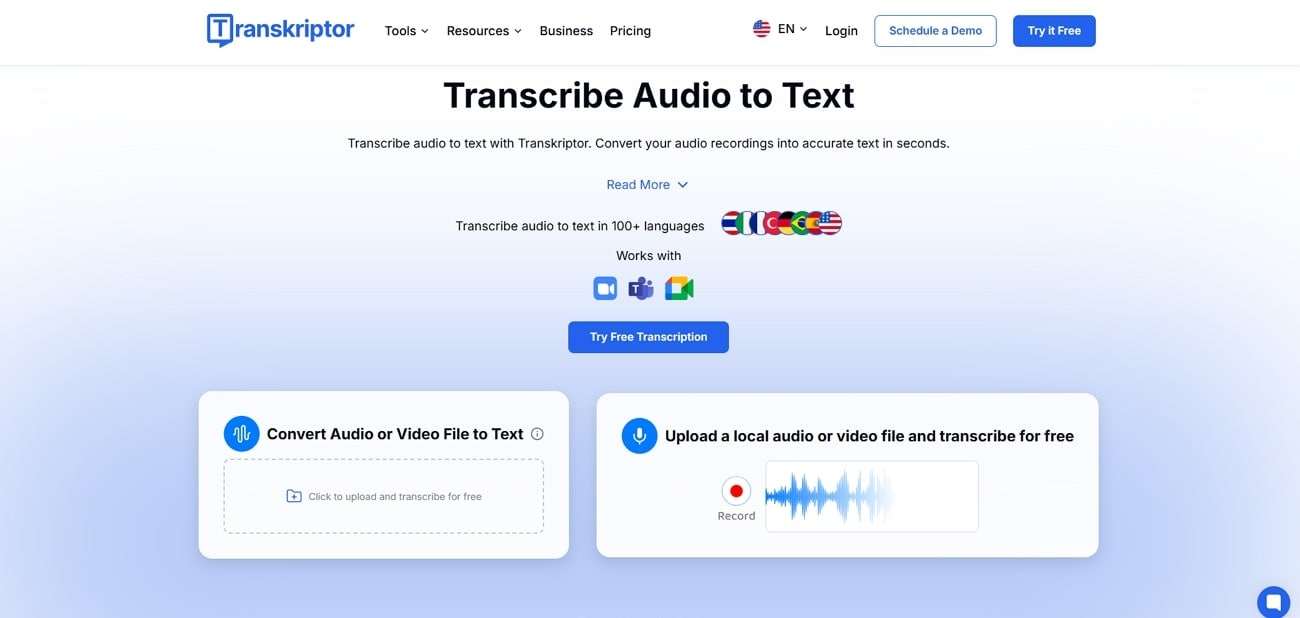
This tool converts video recordings into text within seconds using AI transcription technology. It also supports MP3, MP4, and WAV formats for easy audio and video transcription. You can create an interview summary or convert videos into content in 100+ languages. Users can capture live meetings or lectures and transcribe with AI-powered speech recognition, which is securely backed up in the cloud.
Batch Process Support: No
Starting Price: $9.99/month
Supported Device: Windows, macOS, Android, iOS
Offline Support: No
4. Notta [Android/iOS]
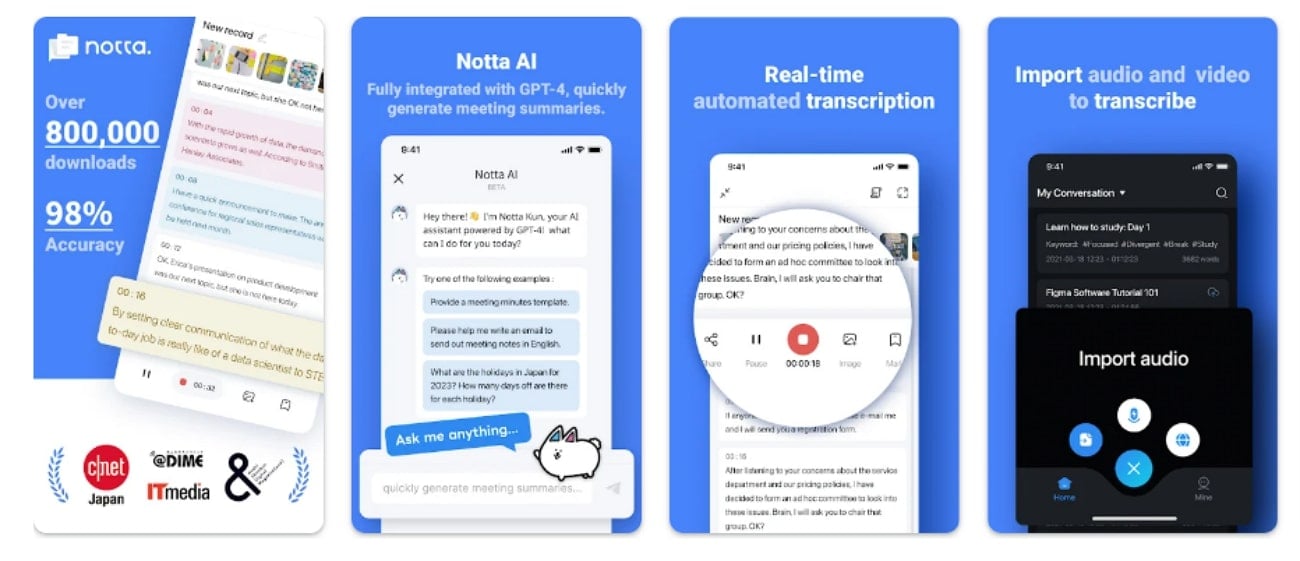
You can also use Notta, which supports transcription in 58 languages for global conversations. It automatically syncs across multiple devices, keeping all transcription data updated and accessible. You can save transcripts in TXT, Word, PDF, Excel, or SRT formats for easy sharing. It allows editing transcripts as they are generated to ensure accuracy. The real-time transcription provides up to 3 minutes per recording for fast interview summary capture.
Batch Process Support:No
Starting Price: $0.99 per item
Supported Device: iOS, Android, Online
Offline Support: Limited
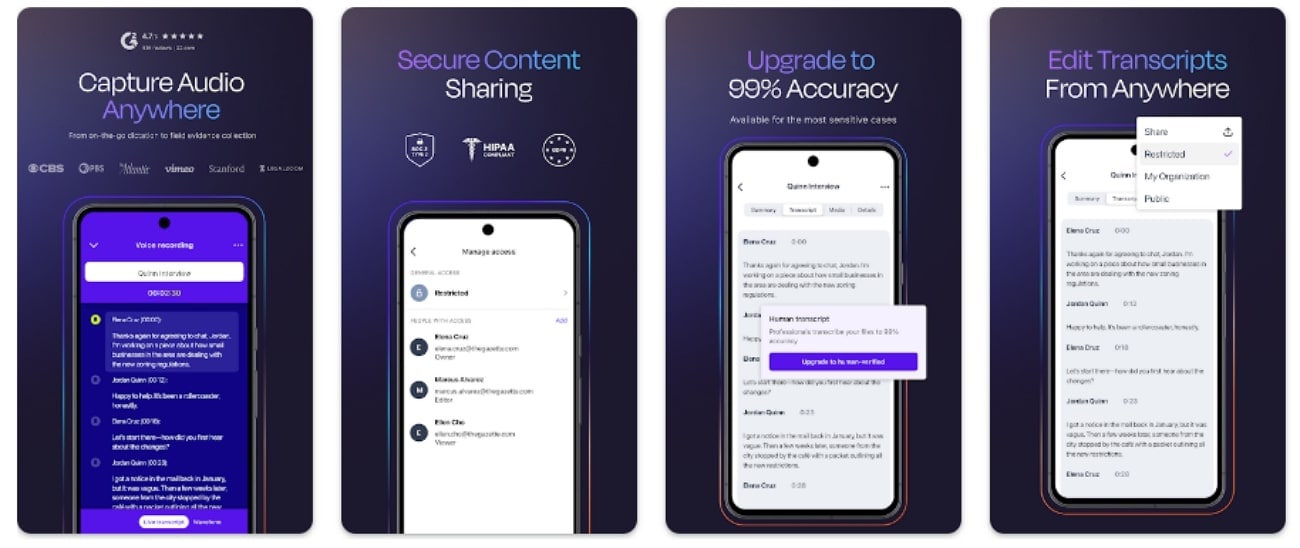
5. Rev [Android/iOS]
Rev predicts the primary spoken language in uploaded audio or video recordings. It allows ordering 99% accurate human transcripts when maximum precision is often required. You can export transcripts in several formats for professional content workflows. Plus, users can locate negative text parts for feedback analysis and customer evaluation and help teams create a clearer interview summary.
Batch Process Support: No
Starting Price: $1.99/item
Supported Device: Android, iOS, Online
Offline Support: No
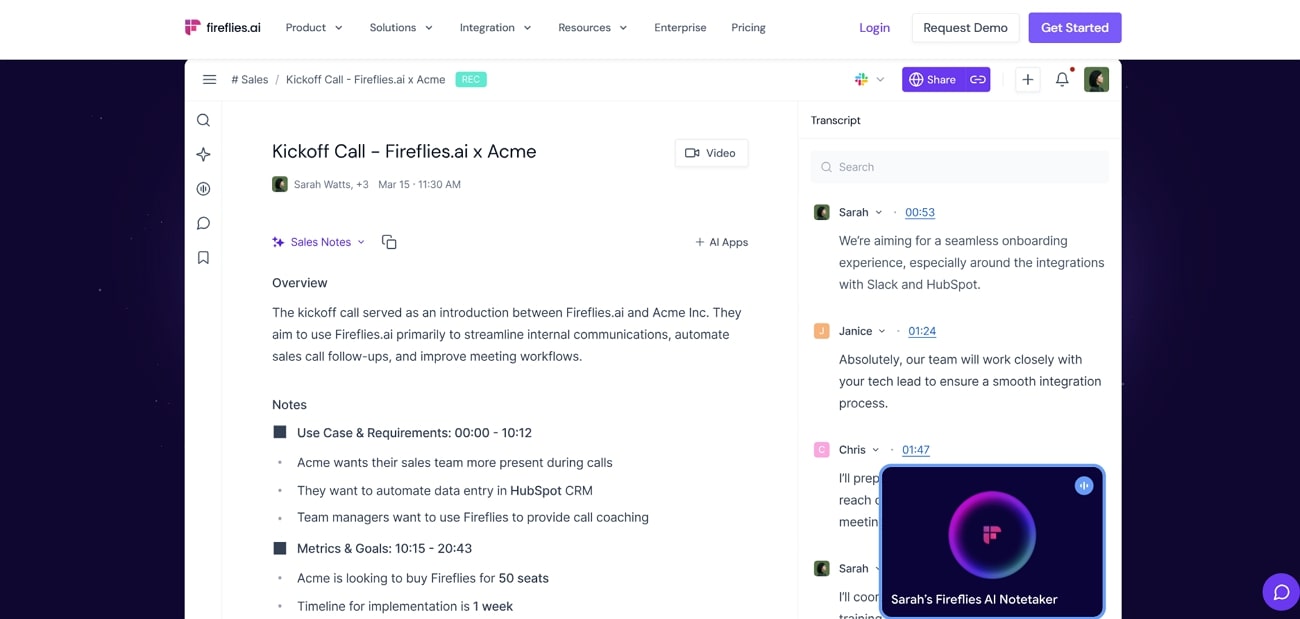
6. FireFlies
This platform removes noise to improve clarity and transcription accuracy across difficult environments. Moreover, it handles lengthy multi-hour recordings without reducing processing speed or accuracy much. FireFlies uses encryption to protect all stored and transferred meeting data. Also, it supports 100+ languages for transcribing meetings and conversations well. You can capture live calls or meetings with real-time transcription, creating an accurate interview summary as the conversation happens.
Batch Process Support: No
Starting Price: $18/month
Supported Device: Online
Offline Support: No
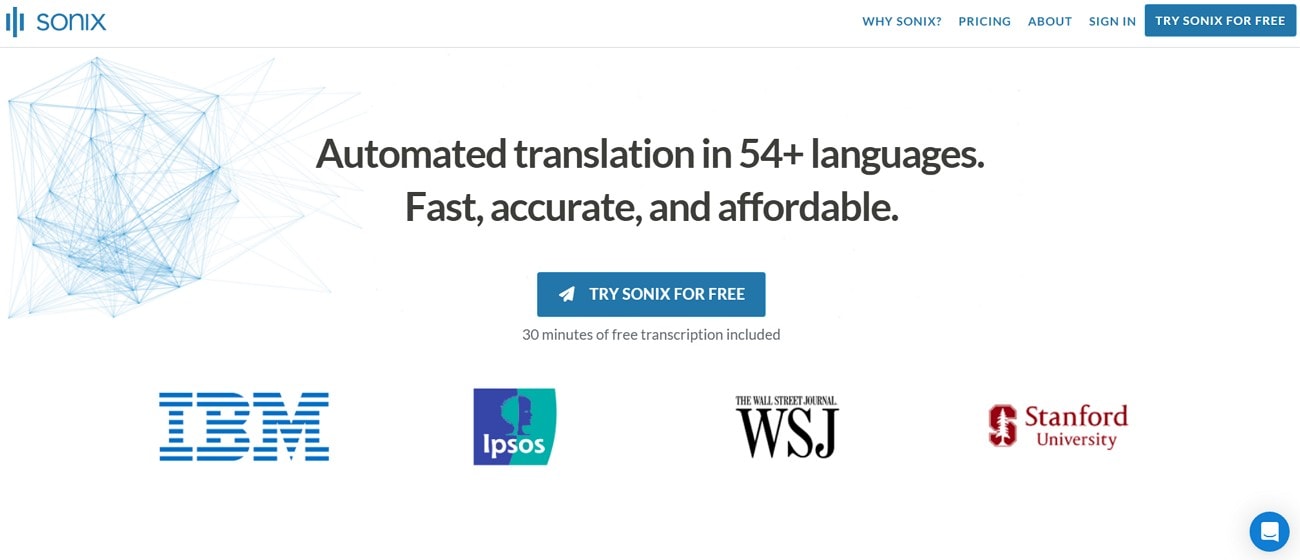
7. Sonix
Users also use Sonix, which helps to convert spoken audio into clean text in 53 languages with high accuracy. It also searches every transcript using simple keywords for faster reviewing and organization. This can handle large audio and video files ably and make transcription simple. You can even create a clear interview summary and share transcript clips at once with teammates for quick review.
Batch Process Support: Yes
Starting Price: $10/hour
Supported Device: Online
Offline Support: No
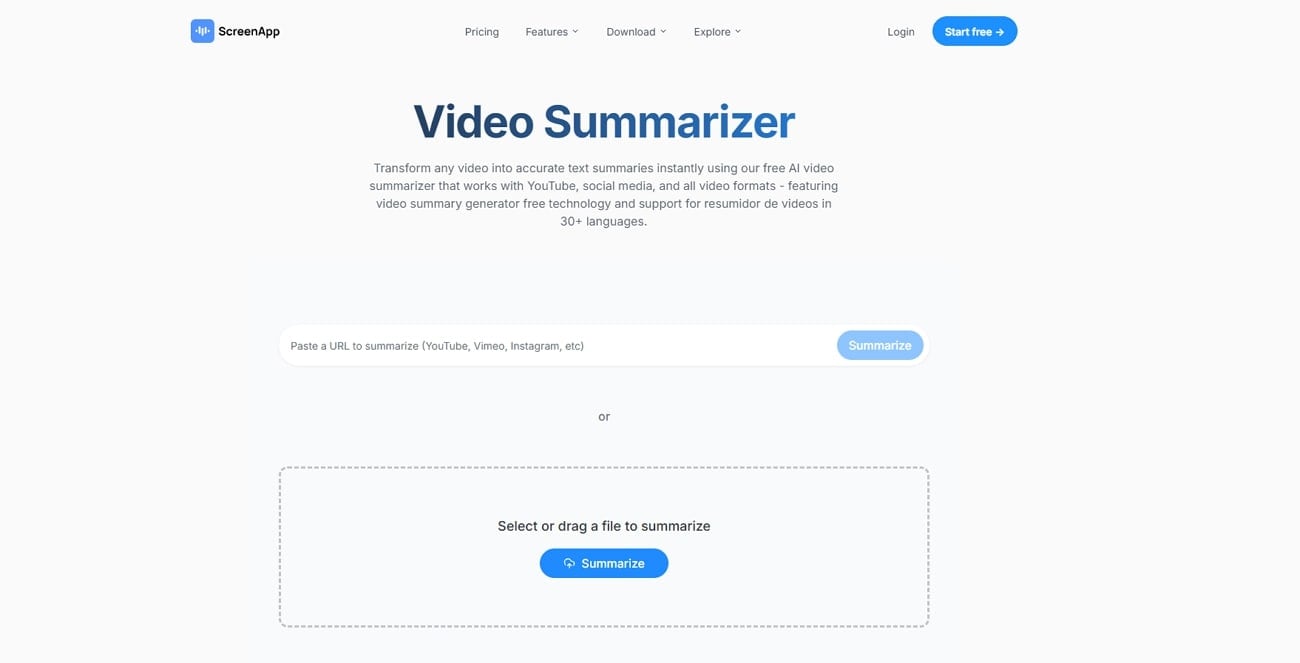
8. ScreenApp
ScreenApp accepts pasted video links from YouTube, Facebook, Instagram, and other platforms. You can also upload MP4, AVI, and MOV files straight for quick processing headlong. It generates an interview summary within 30-60 seconds, depending on the video length. Moreover, the tool supports 30 languages for global accessibility needs. Users can filter irrelevant segments to produce only meaningful and helpful summary sections.
Batch Process Support: No
Starting Price: $30/month
Supported Device: Mac, Android, iOS, Chrome Extension
Offline Support: Yes
9. NoteGPT
This tool can batch-summarize YouTube videos and playlists in seconds for detailed insights. Moreover, it summarizes videos up to 150 minutes even without subtitle availability. All uploaded documents are treated with care, protecting user data privacy. Its drag-and-drop uploader simplifies interaction and reduces the effort required for each upload. Plus, it supports individual video uploads up to 1GB without slowing performance, creating an accurate interview summary.
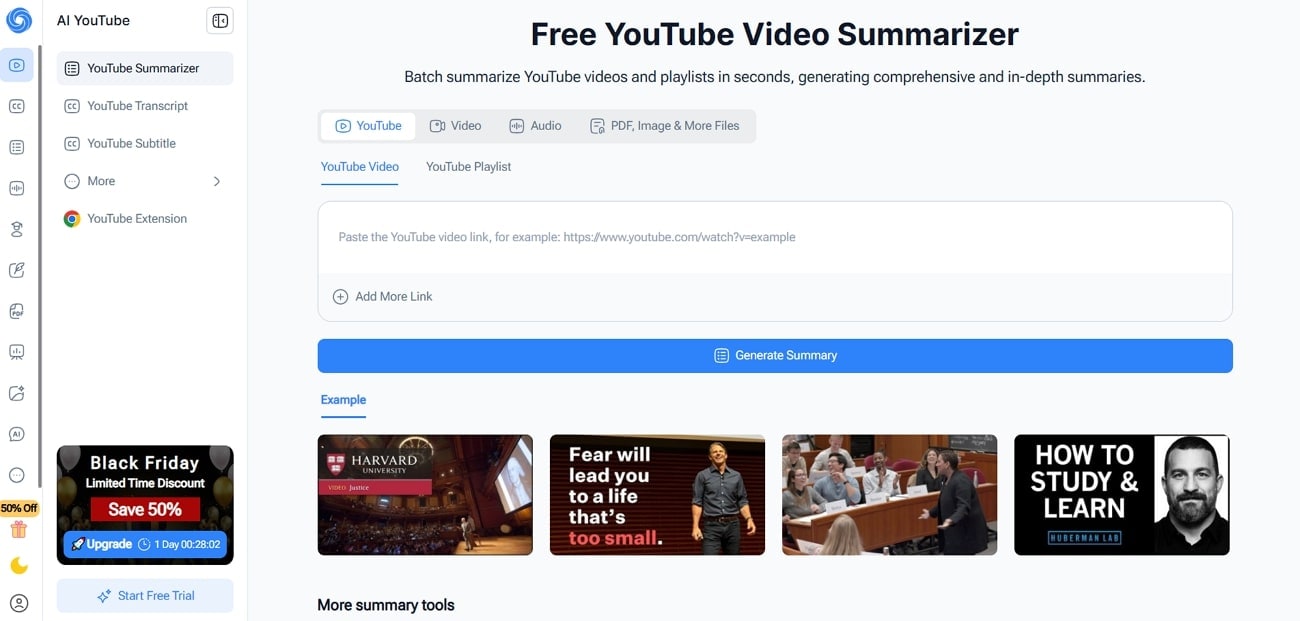
Batch Process Support: Yes
Starting Price: $49.5/month
Supported Device: Web-based, Chrome Extension
Offline Support: No
10. Eightify
This platform provides accurate transcriptions that outperform standard YouTube subtitle features. You can even extract key ideas from any YouTube video using smart AI for quick understanding. It allows for receiving a clear, concise interview summary using advanced AI trained on video data. Plus, users can jump straight to important video sections using clear timestamps for faster viewing.
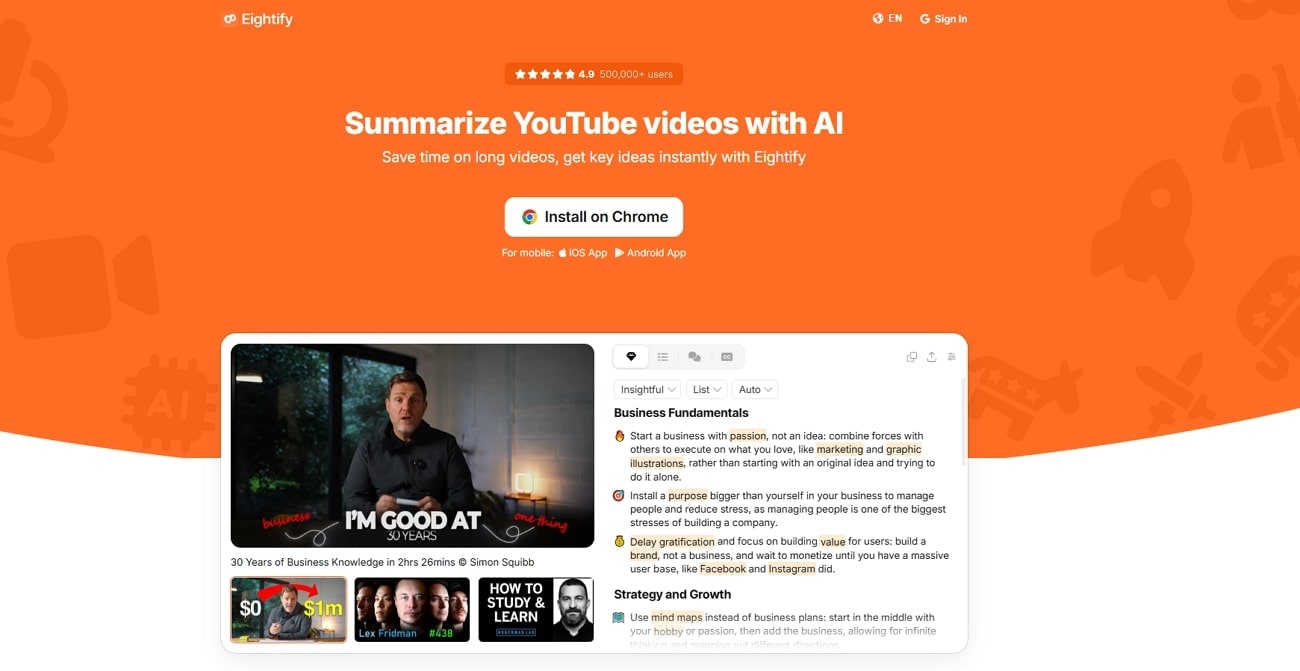
Batch Process Support: No
Starting Price: $9.99 per month
Supported Device: Android, iOS, Chrome Extension
Offline Support: No
Part 3. At-a-Glance Comparison Table for Interview Summarizers
Before diving into the detailed features, a quick summary about myself for job can help me relate. Below is a table comparing the capabilities of top interview summarizers:
| App Name | Use Case | Supported Input Format | Unique Edge | Best For | Languages |
| UniConverter | Video interview summarizing | MP4, MOV, AVI, WebM, YouTube links | 10x faster AI video summaries | Long interview videos | 145+ |
| WhisperAI | Audio/Video transcription | MP3, WAV, WEBM, MP4 | High accuracy with multilingual support | Clear audio interviews | 100+ |
| Transkriptor | Meeting & lecture transcription | MP3, MP4, WAV | Speaker detection with cloud backup | Live meetings & classes | 100+ |
| Notta | Mobile transcription | TXT, PDF, DOCX, Excel, SRT | Multi-device syncing & editing | Mobile note-taking | 58 |
| Rev | Human and AI transcription | Audio & video uploads | 99% accurate human transcripts | Professional-level accuracy | 58+ |
| FireFlies | Team meeting summaries | Real-time Transcript | Strong analytics with AI insights | Auto-Language Detection | 100+ |
| Sonix | Global language transcription | Audio & video formats | Automatic subtitles & keyword search | Share video clips in seconds | 53+ |
| ScreenApp | Quick online video summaries | MP4, AVI, MOV, URLs | 30–60 second video summaries | Fast YouTube breakdowns | 30+ |
| NoteGPT | Playlist batch summaries | YouTube links & files | Summarizes without subtitles | Bulk video processing | Multiple |
| Eightify | YouTube video summarizer | YouTube URLs | Instant TLDR with timestamps | Quick content browsing | 40+ |
Part 4. How to Easily Batch-Generate AI Interviews with Speaker Tags
If you need to process large interview recording videos and need to summarize interview, UniConverter can be your ideal choice with multiple languages supported and easy to use interface design for new users. This section provides you with an easy guide to generate an interview summary with tags using UniConverter:
Steps Guide to Summarize Video Using UniConverter
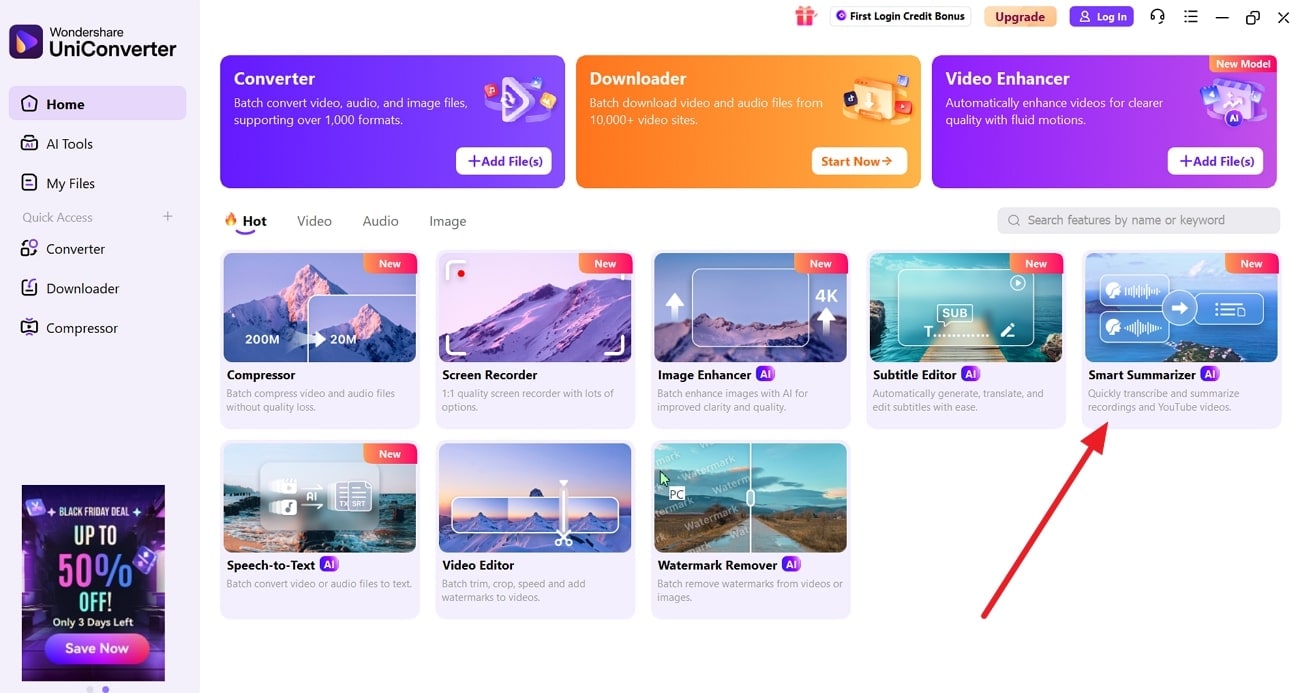
Step 1. Access Video Summarizer Interface
Go to the main screen of the tool and click on the “Start Summarizer” section.
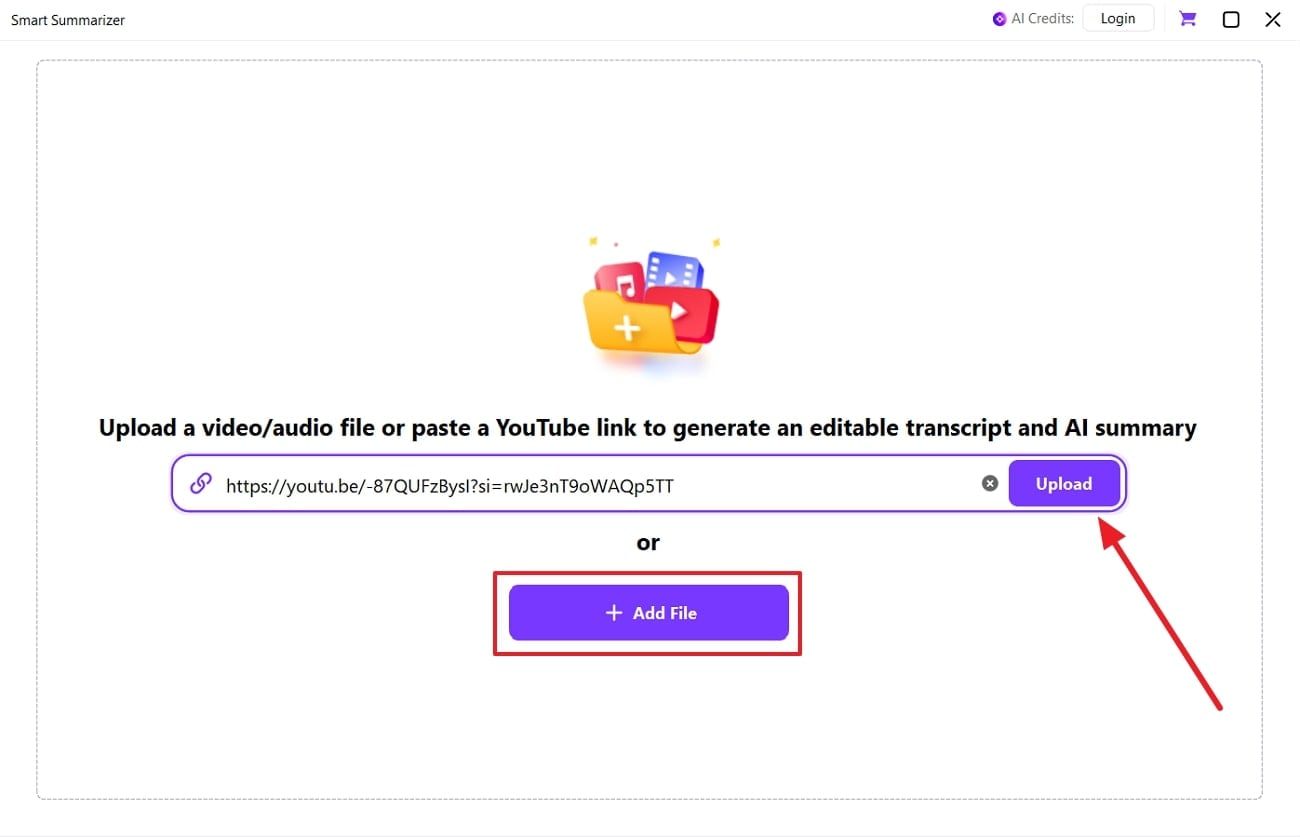
Step 2. Upload Your Interview Video
On the next screen, either click “+Add File” or paste the video link into the textbox. Next, hit the “Upload” button and wait for the process.
Step 3. Choose Language and Preset
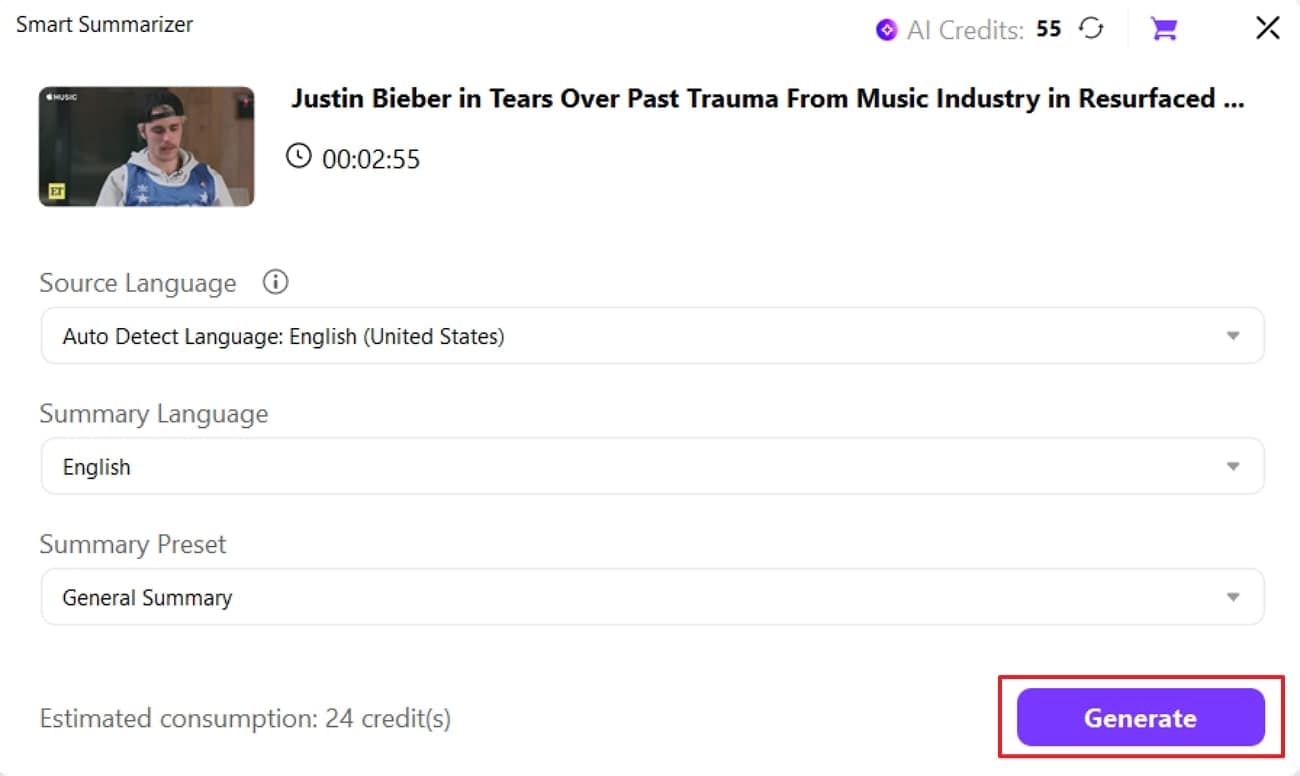
Now select a language or preset and then click the “Generate” button to summarize the video.
Step 4. Download Your Summary
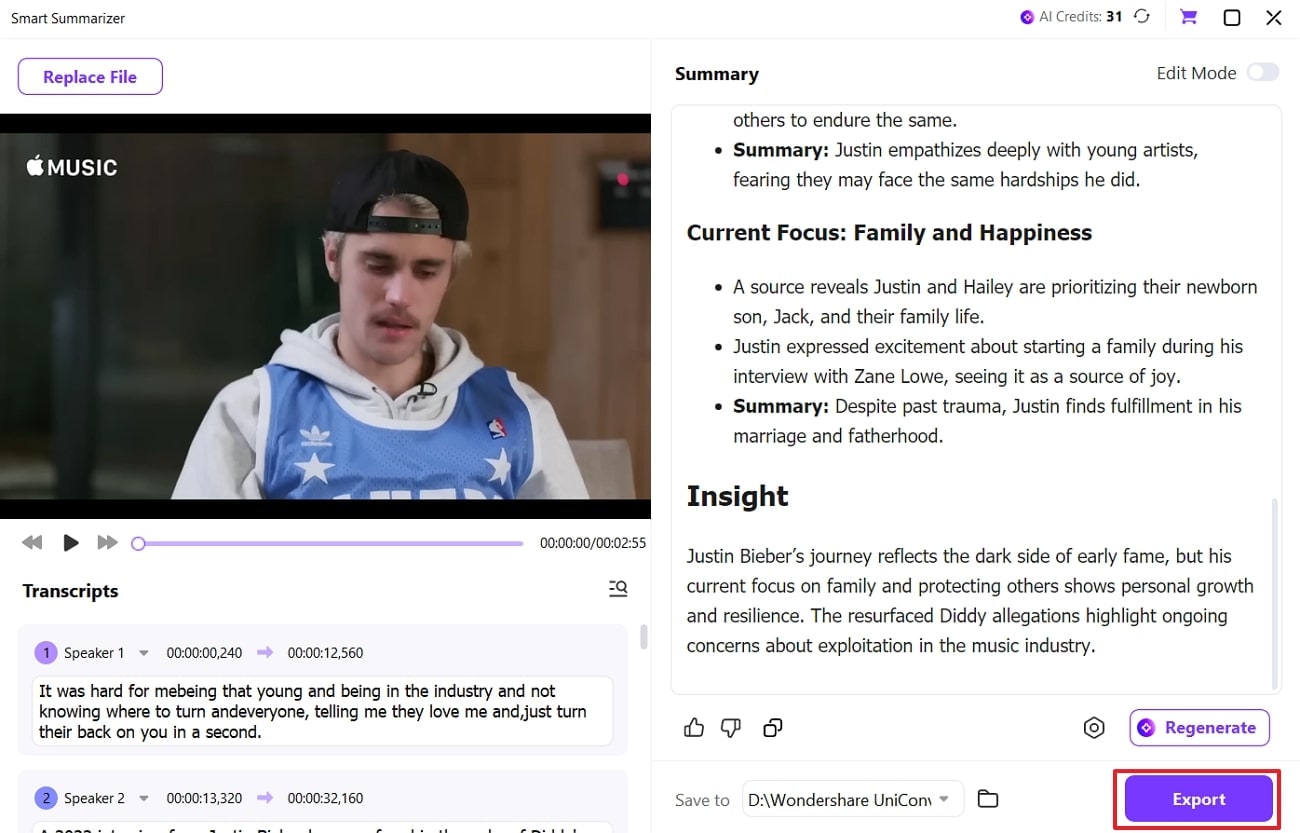
Once the summary is generated, click the “Export” button to save it to your device.
Conclusion
In short, a clear interview summary helps speed up hiring and ensures fair decisions. Using the right summarizer saves time, improves accuracy, and supports fair candidate reviews. Many recruiters struggle to capture key points from long interviews correctly and quickly. When you use UniConverter, it offers fast AI video summarization with timestamps for easier understanding.
FAQs
-
1. Can I compress videos without losing quality?
Yes. By using modern codecs, adjusting bitrate and resolution appropriately, and choosing reliable tools like Wondershare UniConverter, you can reduce file size with little to no noticeable quality loss. -
2. What is the best tool to compress large MP4 files?
For large MP4 files, UniConverter is a strong choice because it supports batch compression, advanced compression modes, and maintains high visual quality. -
3. Are online video compressors safe to use?
Many reputable online compressors are safe, but it’s important to use trusted services. For sensitive or very large files, desktop software like UniConverter provides better security and offline processing. -
4. Can I compress videos on my phone?
Yes. Some online video compressors work directly in mobile browsers, and certain desktop tools also offer companion mobile apps for convenient compression on the go. -
5. How much can a video be compressed without losing quality?
Depending on the resolution, codec, and video content, file sizes can often be reduced by 30% to 70% without visible quality loss when using advanced compression tools.

