


A strong, professional logo leaves a lasting impression—but blurry or low-resolution designs can damage your brand’s credibility. Whether you're refreshing an old logo or optimizing a new one, using the right logo enhancer can make all the difference. In today’s digital landscape, several free online tools promise to boost logo clarity with ease.
This guide compares the best free logo enhancers online so you can find the right tool to elevate your brand visuals effortlessly.
In this article
Part 1: How to Measure a Good Logo Enhancer
Not all logo enhancers deliver the same results—so it's essential to evaluate them using key performance criteria. A strong tool should not only improve visual quality but also align with your workflow and branding needs. Let’s explore what defines a reliable logo enhancer:
Image Quality Improvement
The primary function of any logo enhancer is to upgrade the visual fidelity of your logo. Look for tools that use AI upscaling or smart sharpening to increase resolution and restore clarity without pixelation. A good enhancer should preserve original logo elements while improving definition for both print and digital usage.
Ease of Use
An intuitive interface matters, especially for non-designers. A good logo enhancer should offer drag-and-drop simplicity, clear navigation, and preview capabilities—making enhancement fast and frustration-free. This ensures you can make professional-grade edits without relying on complex design software.
Supported File Formats
Versatility in file handling is key. Ensure the enhancer supports common formats like PNG for transparency, JPG for quick web use, and SVG for scalable vector graphics. Wider format support also means smoother integration with design tools and brand templates.
Watermark
Some free tools add watermarks to the final output, which can ruin a polished logo. Choose enhancers that offer clean exports without branding interference, or clearly state when watermark-free downloads are allowed. Avoiding watermarks ensures your logo remains professional, clean, and client-ready.
Batch Processing
If you're working with multiple logos or branded assets, batch processing can save time. Although not essential for everyone, this feature is a major plus for agencies or content-heavy users. It allows you to enhance an entire logo collection at once, boosting productivity significantly.
Export Options
A quality enhancer should let you control export settings—like file size, resolution, or transparent backgrounds. This flexibility ensures your final logo fits different use cases: websites, packaging, social media, and beyond. Custom export options also support better visual consistency across brand assets.

Part 2: Best 5 Free Logo Enhancers Online 2025
1. ImageUpscaler
ImageUpscaler is a free online AI tool focused on boosting image resolution, especially for icons, logos, and low-res assets. The interface is clean and easy to use, and the tool supports instant uploads without registration. While the free version limits the number of enhancements per day, it maintains strong output quality with clear lines and minimal noise—ideal for minimalist or text-based logos.
Key Features:
- AI-based image upscaling up to 4×
- Instant enhancement with no sign-up
- Supports JPG and PNG logos
- Clean and straightforward UI
- Free plan includes limited daily usage
2. Let’s Enhance
Let’s Enhance is a web-based platform that uses AI algorithms to upscale and enhance image quality. It excels at increasing resolution while maintaining design accuracy, which makes it ideal for refining logos with low visual fidelity. While free users are limited to a few monthly credits, the export quality remains consistently high. Its automatic enhancement settings are optimized for logos, ensuring crisp edges and balanced color retention.
Key Features:
- Upscaling up to 4× or 8×
- Preserves sharp lines and brand colors
- Supports JPG and PNG formats
- Transparent background support
- Clean output with no watermark
3. Fotor Logo Enhancer
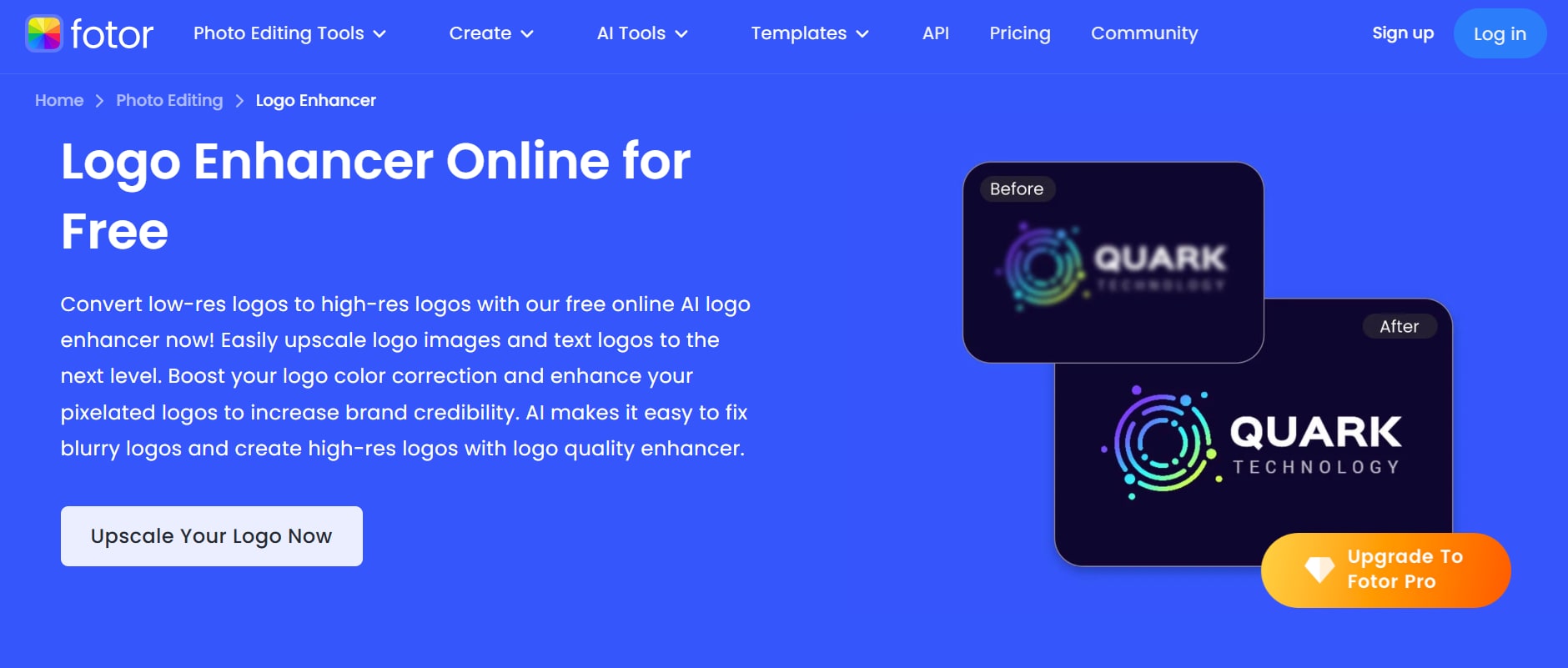
Fotor offers an intuitive online editing suite, and its image enhancer tool is perfect for quick logo touch-ups. It enhances sharpness, contrast, and brightness with just one click. While it’s not built specifically for logos, it handles common logo file types well and delivers fast, clean results suitable for digital branding. It's especially helpful for creators who need quick, no-fuss improvements without diving into advanced editing tools.
Key Features:
- One-click image enhancement
- Supports PNG, JPG, BMP, and more
- No watermark in free downloads
- Real-time preview feature
- Also available as a mobile app
4. VanceAI Image Enhancer
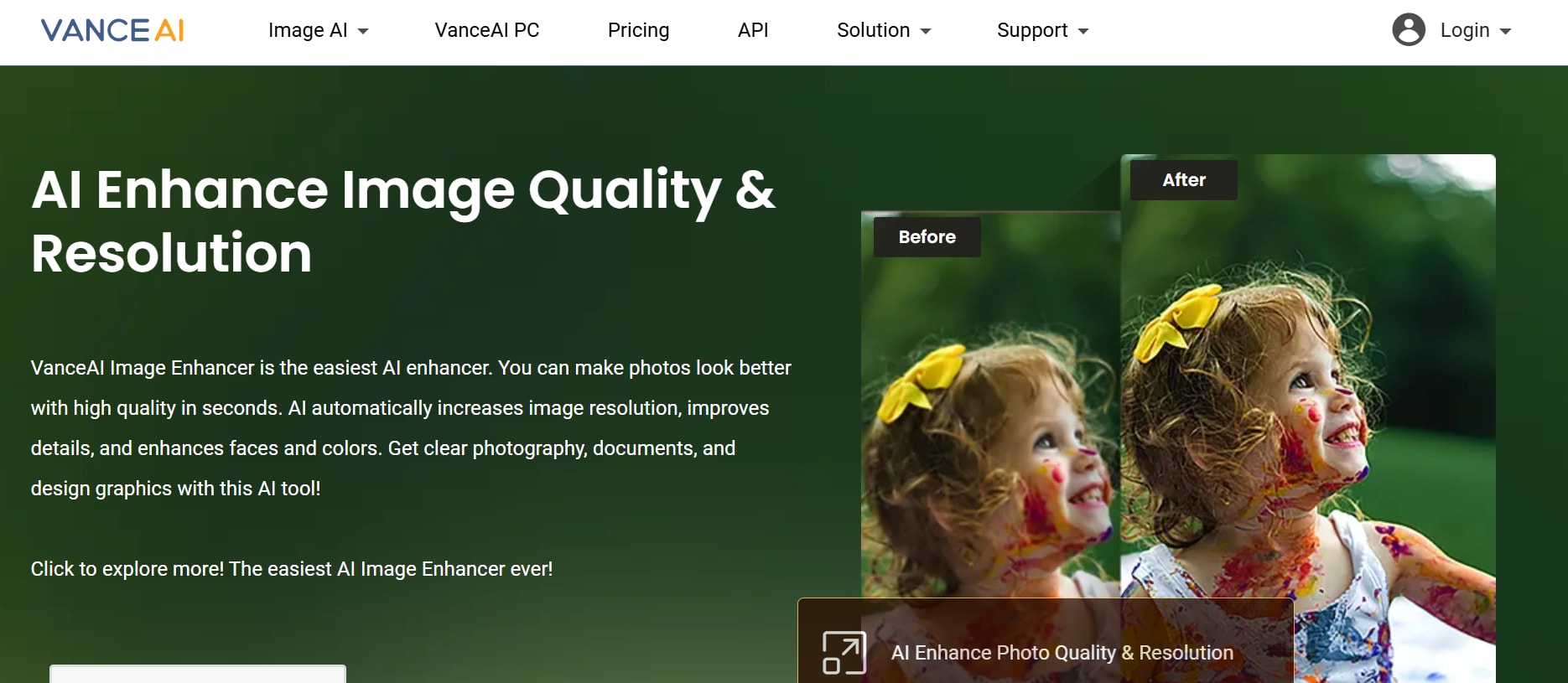
VanceAI specializes in noise reduction and clarity enhancement for low-quality images. Its AI-powered engine is particularly effective for reviving old or compressed logos, boosting both resolution and vibrancy. Although free use is limited, the output maintains brand consistency and clean design elements. It’s a great choice for preparing logos for high-resolution print or professional presentation.
Key Features:
- AI upscaling and noise removal
- Works with PNG and JPG logos
- Watermark-free downloads (3 credits/month)
- Batch processing available on premium
- Online interface, no software needed
5. Upscale.media
Upscale.media is a quick and accessible online tool for enhancing logos without sign-up or downloads. It offers AI-based upscaling and works well for transparent logos or those intended for web use. Users can choose from 2× or 4× enhancement with clean, sharp results. It retains the original look and feel of the logo while improving its visual quality for better display on websites and social media. The tool is completely browser-based, making it ideal for quick edits on any device.
Key Features:
- AI image enhancement and upscaling
- Supports PNG, JPG, WebP formats
- Completely free, no watermarks
- No login or software installation required
- Preserves transparent backgrounds
Part 3: Detailed Comparison Table of the Best Free Logo Enhancers
| Tool | Format Support | Ease of Use | Free Plan Limits | Watermark-Free | Best For |
| Image Upscaler | JPG, PNG | Clean and minimal interface | Limited free uses per day | Yes | Sharpening basic logos, icons, or low-res graphics |
| Let’s Enhance | JPG, PNG | Simple, web-based with auto settings | 5 free images/month | Yes | Web-based upscaling of low-res or pixelated logos |
| Fotor Logo Enhancer | PNG, JPG, BMP | Beginner-friendly and instant | Unlimited access to basic tools | Yes | Quick touch-ups for digital branding and social media |
| VanceAI Image Enhancer | PNG, JPG | Straightforward with guided steps | 3 credits/month on free plan | Yes | Enhancing old, blurry, or compressed logos |
| Upscale.media | PNG, JPG, WebP | Extremely easy with no login required | Unlimited usage, no sign-up | Yes | Fast web-based upscaling with transparency support |
Part 4: Bonus: How to Easily Batch Enhance Logo Pics to 8x with UniConverter
Wondershare UniConverter includes a powerful AI-based image enhancer that improves resolution and sharpness, especially for logos and branded visuals. The tool supports all major image formats and ensures high-quality output without visible distortion. It's available as a desktop app and works smoothly across both Windows and macOS, even on the free version. Its AI engine is optimized for preserving detail, making it ideal for restoring older or low-res logos with clarity.
Key Features:
- AI-powered logo sharpening and resolution enhancement
- Supports PNG, JPG, and WebP formats
- Watermark-free exports in free version
- User-friendly desktop interface
- Works smoothly with low network on Windows and macOS
Step-by-Step: How to Batch Enhance Logos with UniConverter
Follow the simple 3 step guide below:
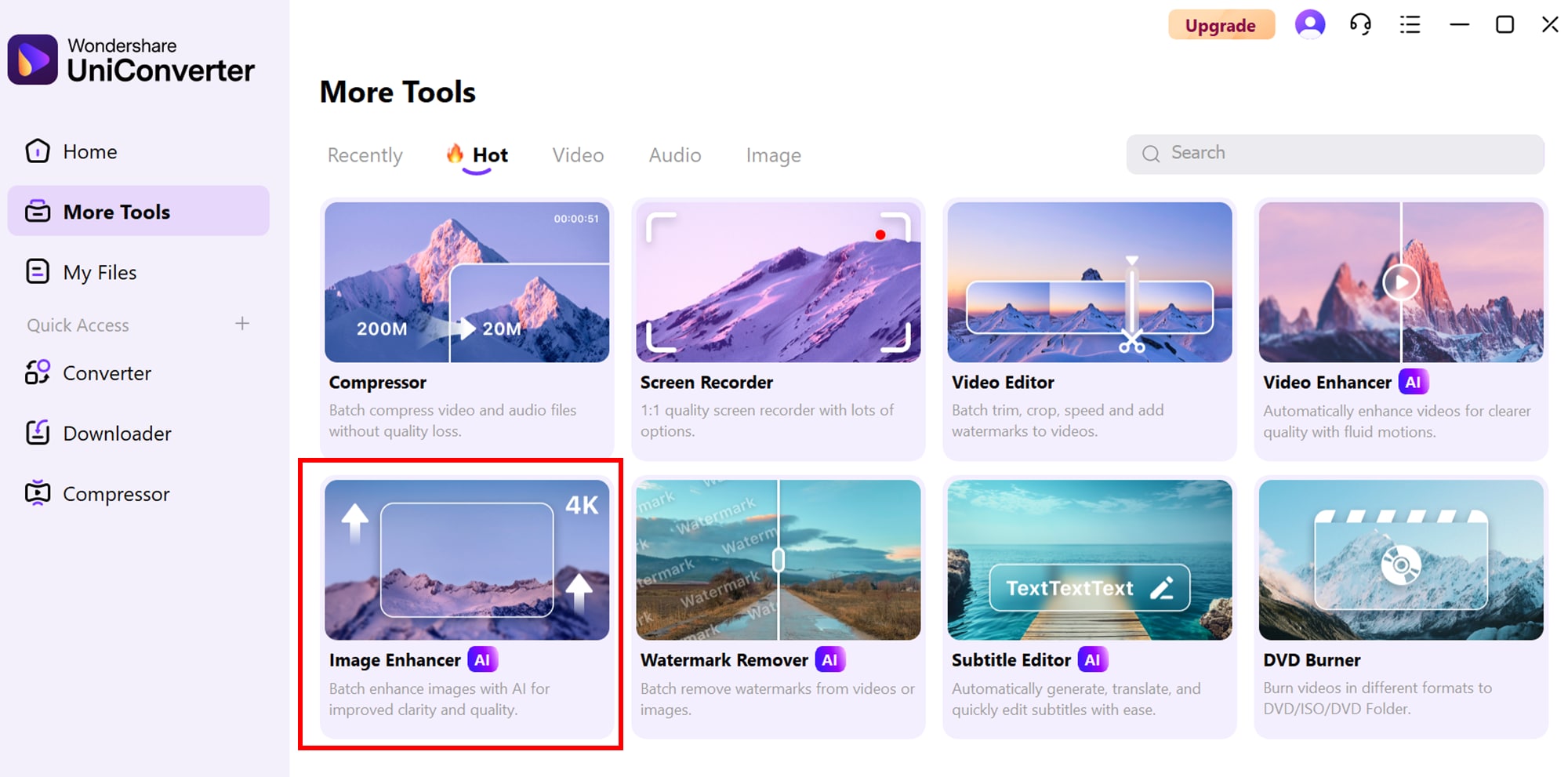
Step 1: Enter AI Image Enhancer
Go to the official Wondershare UniConverter homepage and navigate to the AI Lab section. Click on AI Image Enhancer to launch the feature. This section is dedicated to intelligent image upgrades and supports both single and batch processing for logos and visuals. Once inside, you’re ready to begin enhancing with precision.
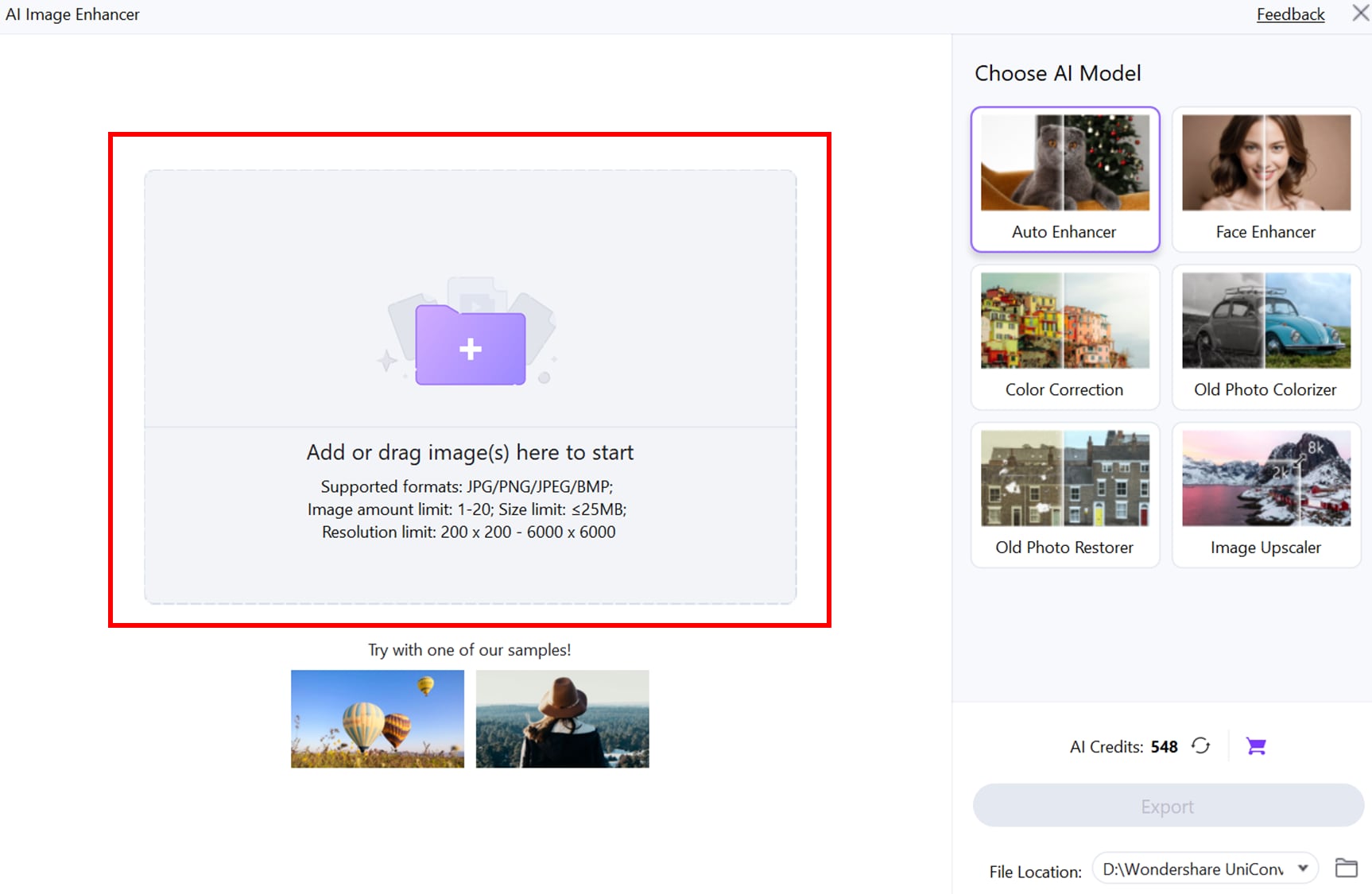
Step 2: Upload Images
Click the “Add Files” button and select one or more logo images (PNG, JPG, or WebP formats). UniConverter’s AI engine will automatically assess and upscale the resolution while preserving fine details like curves, fonts, and transparency. You can enhance logos up to 8× without pixelation, distortion, or loss of branding elements.
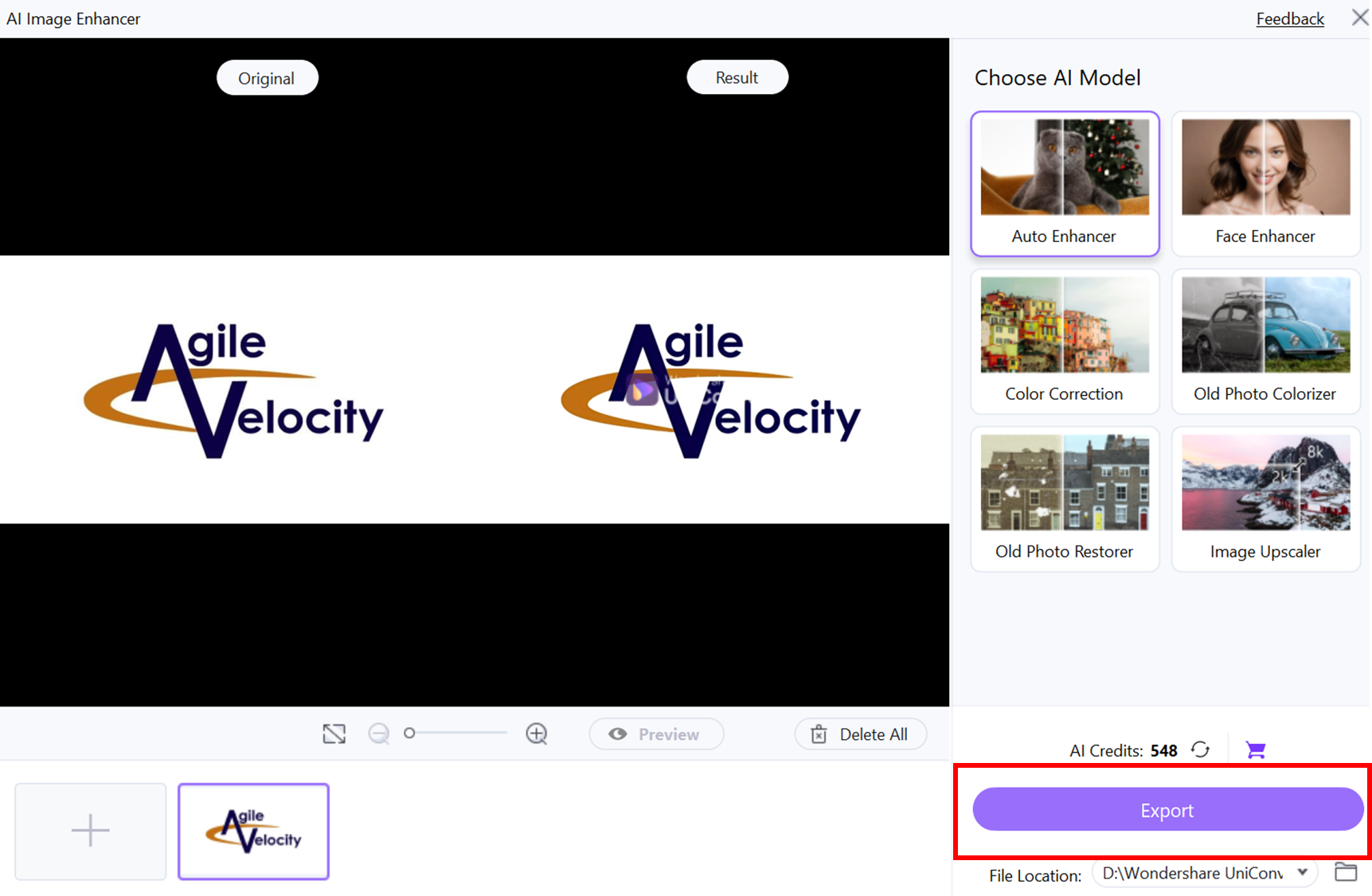
Step 3: Export Results
After enhancement, preview the output and compare it with the original. UniConverter allows you to toggle options like keeping transparency or changing output formats. Once you’re satisfied, click “Export” or “Start All” to save your batch of professionally enhanced, watermark-free logo files. Your logos are now high-resolution and ready for print, web, or packaging.
Final Thought
Enhancing your logo doesn't have to require costly design software or complex tools. The free logo enhancers reviewed above offer powerful AI capabilities, clean exports, and flexible format support—making them perfect for creators, marketers, and brands looking to upgrade visual quality. From fast online tools like Upscale.media to AI-driven platforms like Let’s Enhance and VanceAI, there’s a solution for every use case.
Among them, Wondershare Uniconverter stands out for its desktop-based AI Image Enhancer, offering high-quality, watermark-free logo improvements with support for multiple file formats. Ready to sharpen your brand identity? Start with Uniconverter Logo Enhancer and elevate your logo in seconds!
FAQs
-
1. What is a logo enhancer and how does it work?
A logo enhancer is a tool—often powered by AI—that improves the quality of logos by increasing resolution, sharpness, and overall clarity. These tools analyze pixel patterns and upscale images without blurring, making logos look crisp across digital and print platforms. -
2. Are free logo enhancers safe to use online?
Yes, most popular free logo enhancers like Let’s Enhance, Upscale.media, and Fotor are secure and don’t store your images permanently. Still, it’s best to use trusted tools and avoid uploading sensitive brand assets to unfamiliar platforms. -
3. Does Uniconverter support transparent PNG logos for enhancement?
Yes. maintains transparency when enhancing PNG logos, making it suitable for refining branding elements without losing background transparency. -
4. Do these tools support transparent backgrounds in logos?
Yes, most tools in the list—including Upscale.media, Let’s Enhance, and VanceAI—support PNG format and preserve transparent backgrounds during enhancement, which is essential for maintaining logo flexibility across different designs. -
5. Can I enhance multiple logos at once using these tools?
Some tools like VanceAI and offer batch processing capabilities, especially in premium versions. For free users, most tools allow one logo at a time, but they still deliver fast and efficient enhancement for individual assets.

