

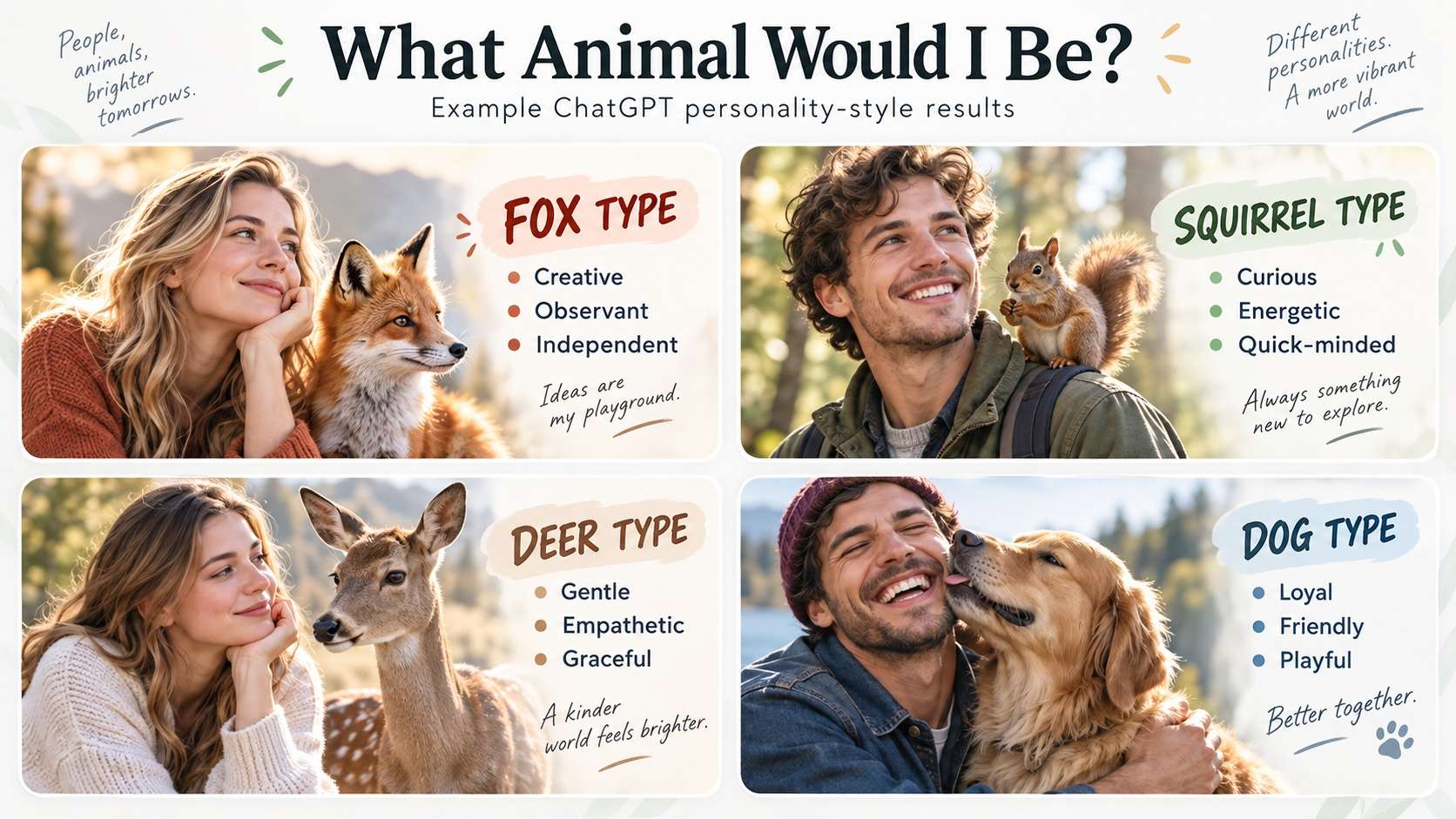
“What animal would I be?” can be answered in two very different ways. A traditional animal personality test uses predefined questions and scoring rules. A ChatGPT prompt is more conversational: you give the model details about yourself, ask it to compare those traits with animal metaphors, and then challenge the reasoning if the first answer feels too generic.
For better prompt results, it helps to be clear, specific, and willing to refine the request after the first response. That matches OpenAI's current guidance on prompt engineering for ChatGPT: provide enough context and iterate when the first output needs improvement.
Part 1. What Animal Would I Be? Copy This ChatGPT Prompt
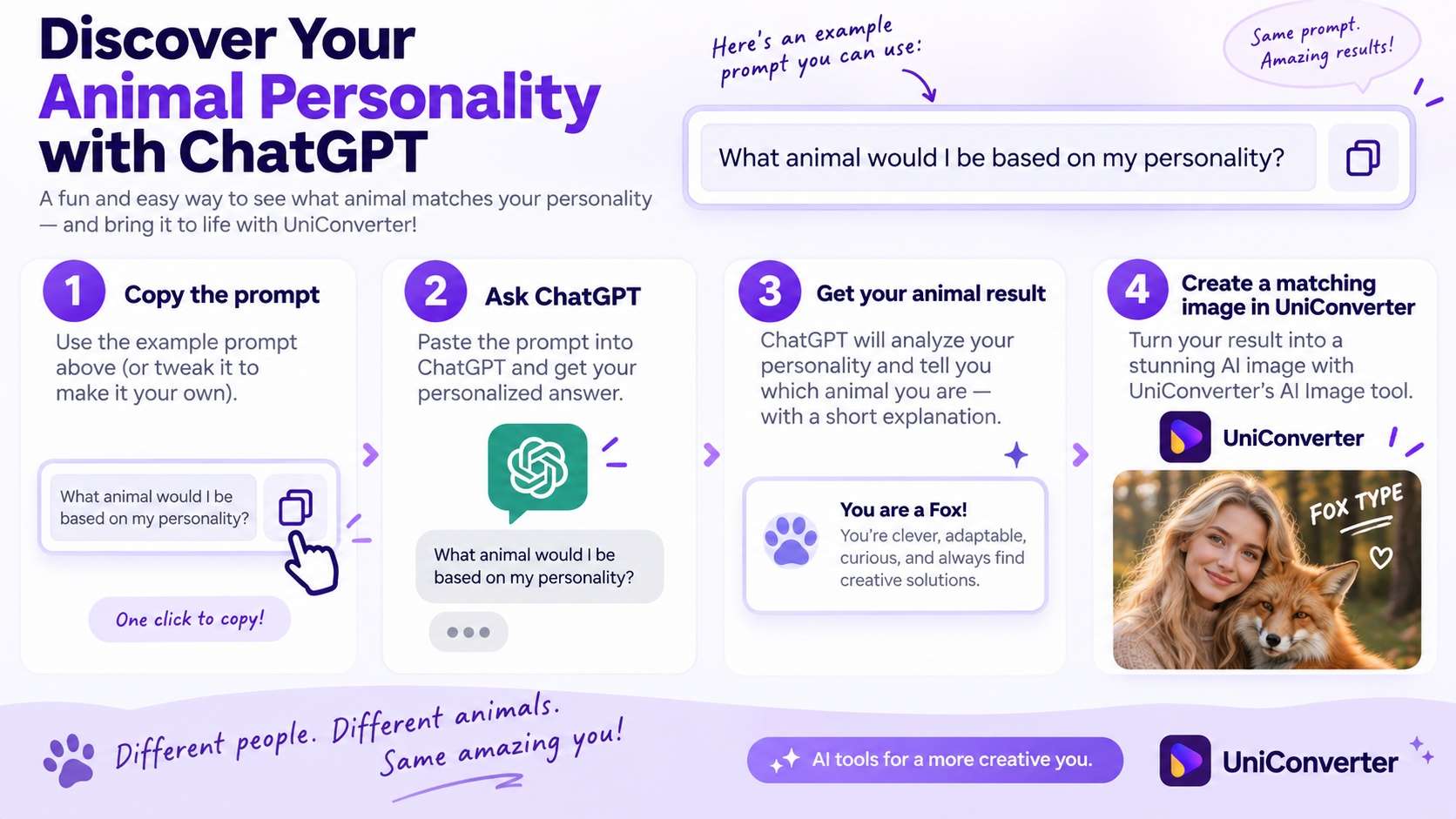
The best version of this question does more than ask for a random animal. It gives ChatGPT something concrete to compare and asks for evidence. Start with this prompt:
Based only on the personality traits, habits, communication style, strengths, weaknesses, and preferences I have shared in this conversation, which animal am I most like?

Choose one main animal and explain at least five specific similarities. Include one trait that does not fit perfectly so the answer is not generic. End with a short explanation of what this animal metaphor suggests about the way I approach people, work, and challenges.
This is a stronger starting point than asking only “what animal am I?” because the model has to connect the answer to evidence. If the current conversation does not contain enough detail about you, add a few traits or ask ChatGPT to interview you first.
Three useful ChatGPT animal prompt variations
1. Personality-first prompt
What animal matches my personality best? Ask me 8 short questions about my habits, social energy, decision-making, risk tolerance, strengths, and weaknesses. Then choose one animal and explain why it fits.2. “What animal represents me?” prompt
If my personality were represented by one animal, which animal would it be? Base the answer on the details I provide, explain the symbolism, and give three examples of how those traits might show up in everyday life.3. “What animal does ChatGPT think I am?” prompt
Using only what you can reasonably infer from this conversation, what animal do you think I am most similar to? Separate observations from guesses, then explain why you chose that animal.
Part 2. Animal Personality Test vs ChatGPT: Which Fits Your Goal?
An animal personality test or animal personality quiz usually gives you a fixed set of questions and a scoring system. A ChatGPT prompt is less standardized, but it can use the context and examples you provide and explain the result in a more conversational way. Neither approach is a scientific diagnosis unless it is tied to a validated psychological instrument.
| Method | How it works | Best for | Main limitation |
|---|---|---|---|
| Animal personality quiz | Uses predefined questions and scoring rules. | People who want a fast, repeatable result. | The result is limited to the quiz's categories and scoring design. |
| ChatGPT animal prompt | Uses the traits, examples, and context you provide, then explains a metaphorical match. | People who want a personalized explanation or follow-up conversation. | The answer can change with wording, context, and the details you choose to share. |
| Use both | Take a quiz first, then ask ChatGPT to compare the quiz result with your own examples. | People who want a second perspective rather than one final label. | The two methods may disagree because they use different evidence. |
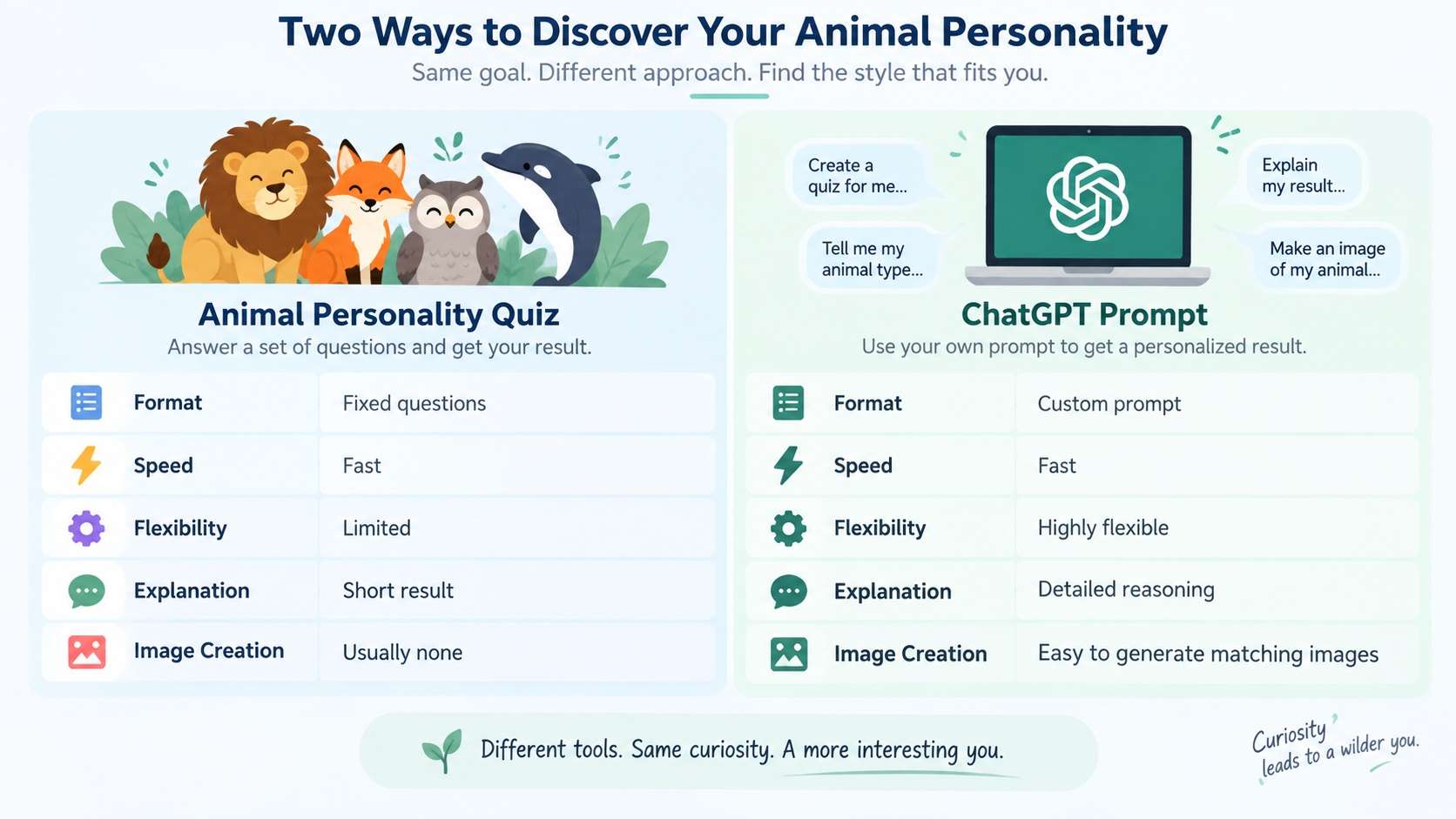
If your goal is simply “tell me what animal I am right now,” an interactive quiz has the faster format. If you want to explore why an animal matches your personality or how two possible animals differ, the conversational approach is more flexible.
Part 3. Animals to Describe People: Common Meanings
Using animals to describe people is metaphorical, not literal. The same animal can carry different meanings across cultures, stories, internet communities, and personality quizzes. Use the table below as a set of common associations, not a universal answer key.
| Animal | Common personality association | Why an AI might choose it |
|---|---|---|
| Fox | Curious, adaptable, observant | You notice patterns quickly and change tactics when a plan stops working. |
| Wolf | Loyal, independent, protective | You value trusted relationships but still want room to act on your own judgment. |
| Owl | Reflective, analytical, calm | You tend to watch, think, and understand before acting. |
| Deer | Sensitive, gentle, perceptive | You pick up subtle social cues and prefer lower-conflict ways of handling tension. |
| Cat | Independent, selective, curious | You protect your personal space and invest deeply in people or interests you choose. |
| Dolphin | Social, expressive, playful | You gain energy from communication, creativity, and shared experiences. |
| Lion | Decisive, confident, protective | You are comfortable taking responsibility or stepping forward when direction is needed. |
| Bear | Grounded, dependable, self-contained | You may come across as steady, practical, and protective of your time and people. |
Part 4. Turn Your Animal Match Into an AI Image with UniConverter
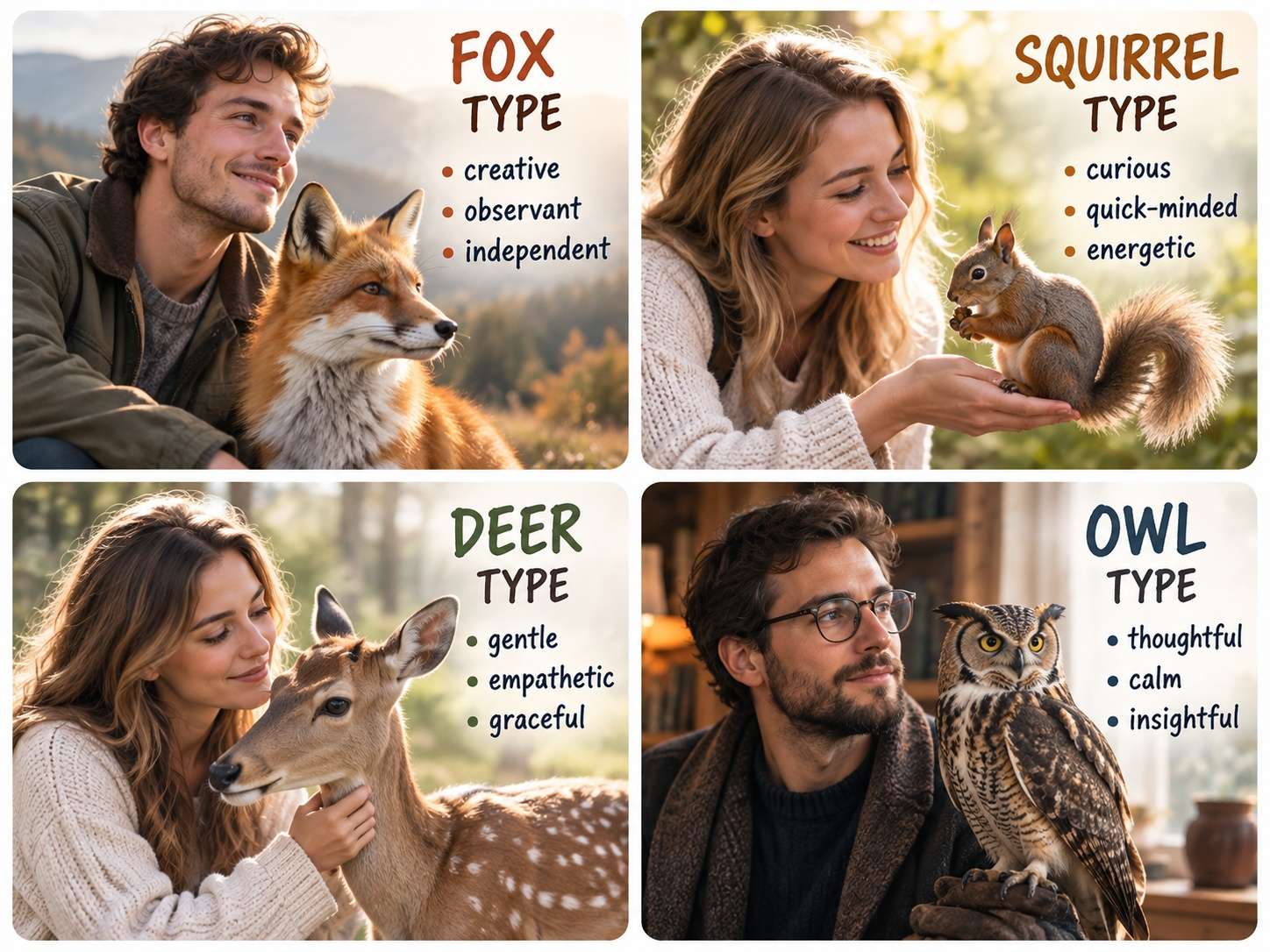
Once you have an animal match, you can turn the result into a visual instead of leaving it as text. UniConverter currently provides two useful routes: an online AI Image Generator for quick text-based creation, and the desktop Image Generator for text generation plus reference-image workflows. Wondershare's feature page describes the reference-photo route as image-to-image AI; in the current desktop interface supplied for this article, that workflow is accessed through Image Generator.
| Starting point | Use | Why |
|---|---|---|
| You only have an animal result and a visual idea | Online AI Image Generator | Start from text in a browser without needing a source portrait. |
| You want the result based on your own portrait | Desktop Image Generator | Add a reference image, then describe the animal, composition, and style you want. |
Option A: Create from text with the online AI Image Generator
The current online AI Image Generator page supports a browser-based text workflow. In the supplied current interface, the embedded panel starts with an Add Text control. Use this route when you do not need to preserve a specific person's appearance.
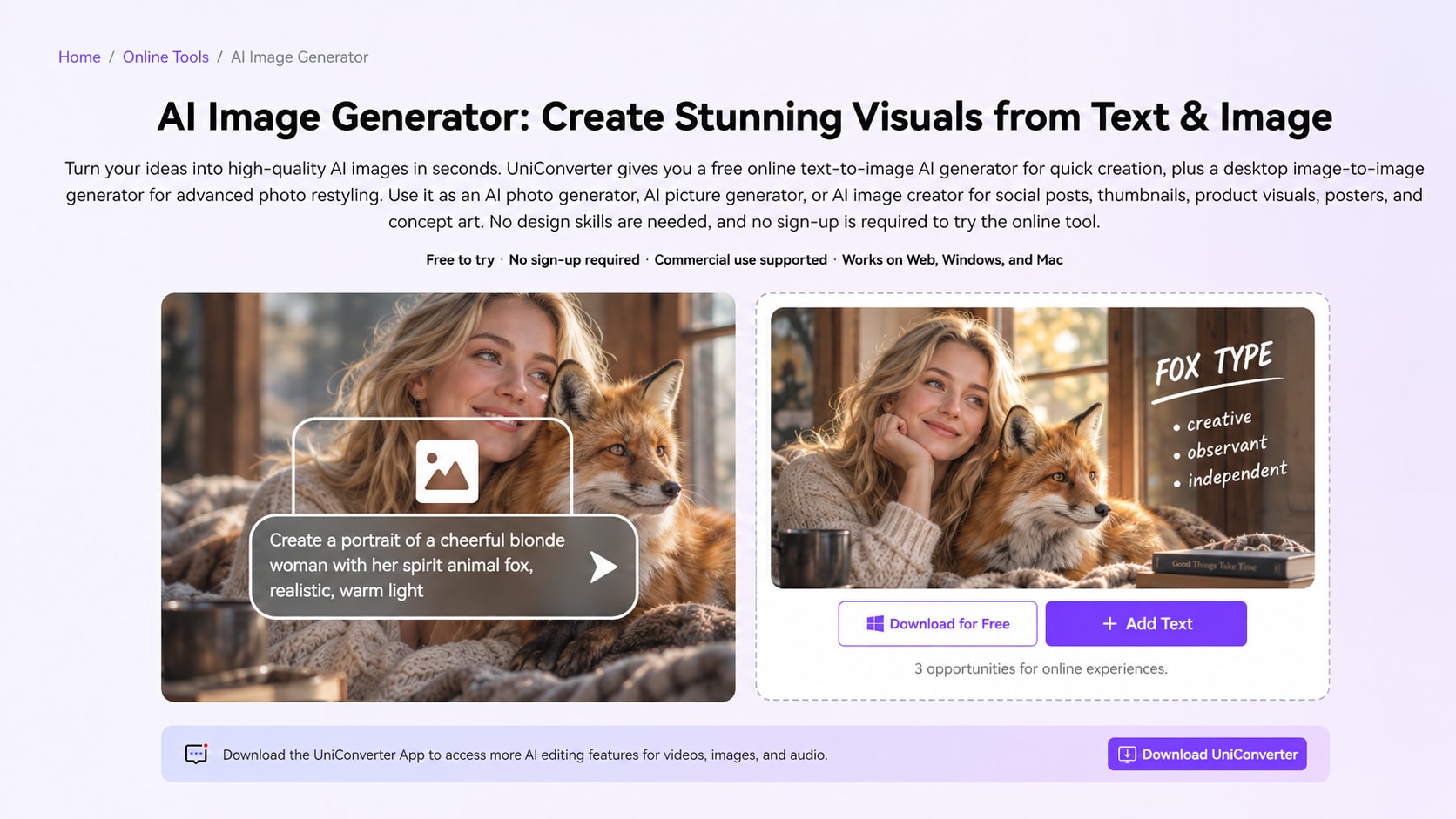
- Open the online AI Image Generator. Use the Add Text control to begin the text-based creation flow.
- Enter the animal portrait prompt. Describe the person, animal, composition, lighting, mood, and visual style. If you need a particular format, include the intended social or banner use in the prompt and choose the available format controls shown by the tool.
- Generate and review the image. Download the result when the composition and animal details look right. Account, credit, or remaining-use indicators can change, so check the current tool panel rather than relying on a fixed number in this article.
Example text-only prompt:
Create a realistic editorial portrait of a thoughtful young adult standing beside a calm red fox. The person and fox should be separate subjects, both facing the camera naturally. Use soft late-afternoon light, realistic fur, an understated outdoor background, and a warm but not overly dramatic mood. The image should feel like a personality portrait, not a fantasy transformation.Option B: Use your own portrait in UniConverter Desktop Image Generator
Use the desktop route when the person in the result should be based on a real reference photo. The current interface supplied for this article shows the entry point under the Image category on Home and the working module named Image Generator.
Step 1. Open Image Generator from the Image category
Launch UniConverter. On the Home screen, choose the Image category, then open Image Generator.
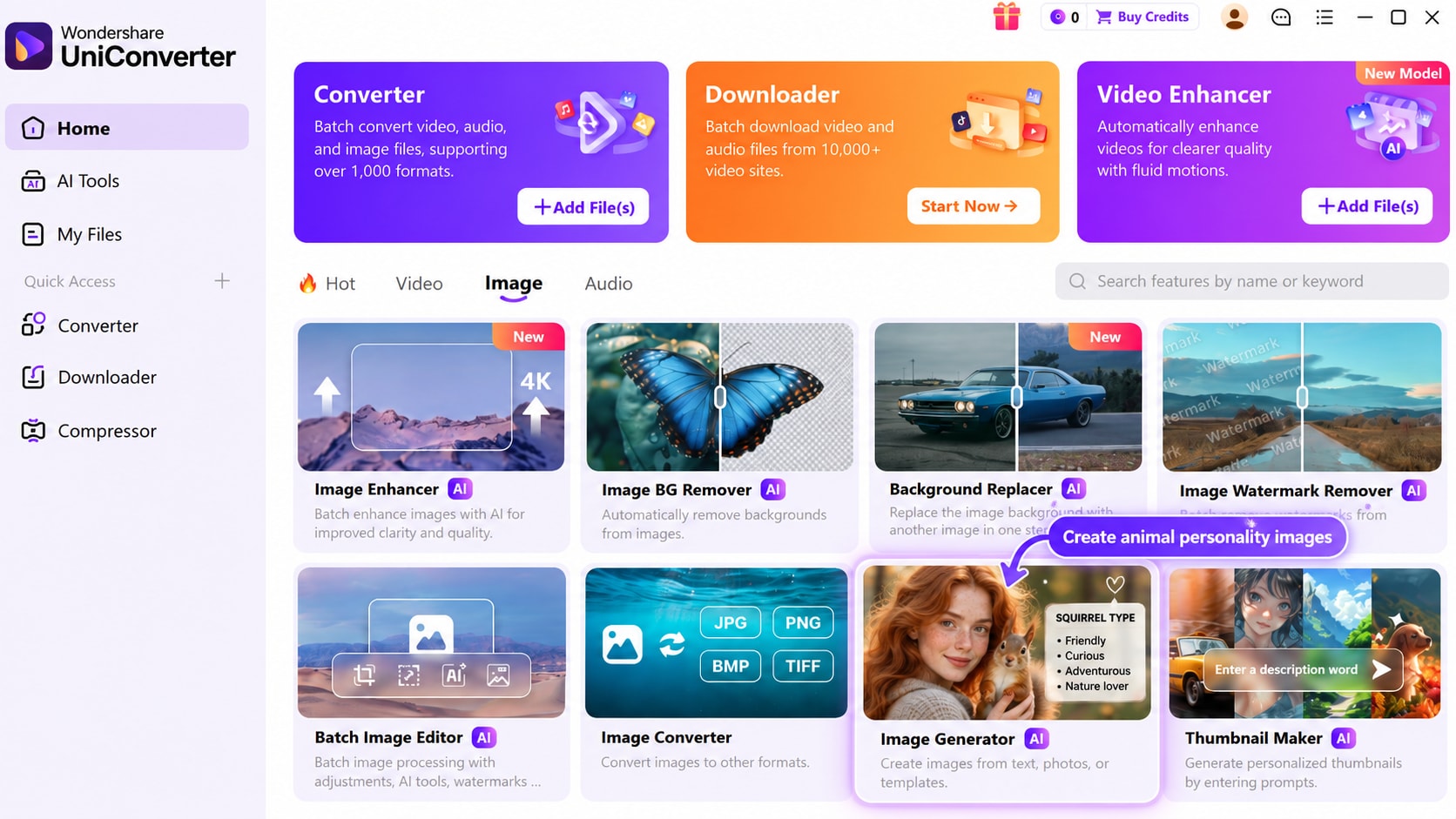
Step 2. Add the reference portrait, prompt, and output settings
Inside Image Generator, choose an available model from the model menu. Click the + reference-image area when you want to use your own portrait, then enter the request in the field labeled Describe what you want to generate. Choose the available aspect-ratio and resolution options for the output. In the supplied current screenshot, the interface shows 16:9 and 2K, while the model menu shows Nano Banana 2; model and output options can change with product updates.
Reference-photo prompt example:
Use this portrait as the person reference. Create a realistic editorial scene with a calm red fox beside the person at shoulder height. Keep the person's recognizable overall appearance and natural proportions. Do not merge the face with the animal. Use soft natural light, realistic fur, a simple outdoor background, and a balanced composition suitable for a social post.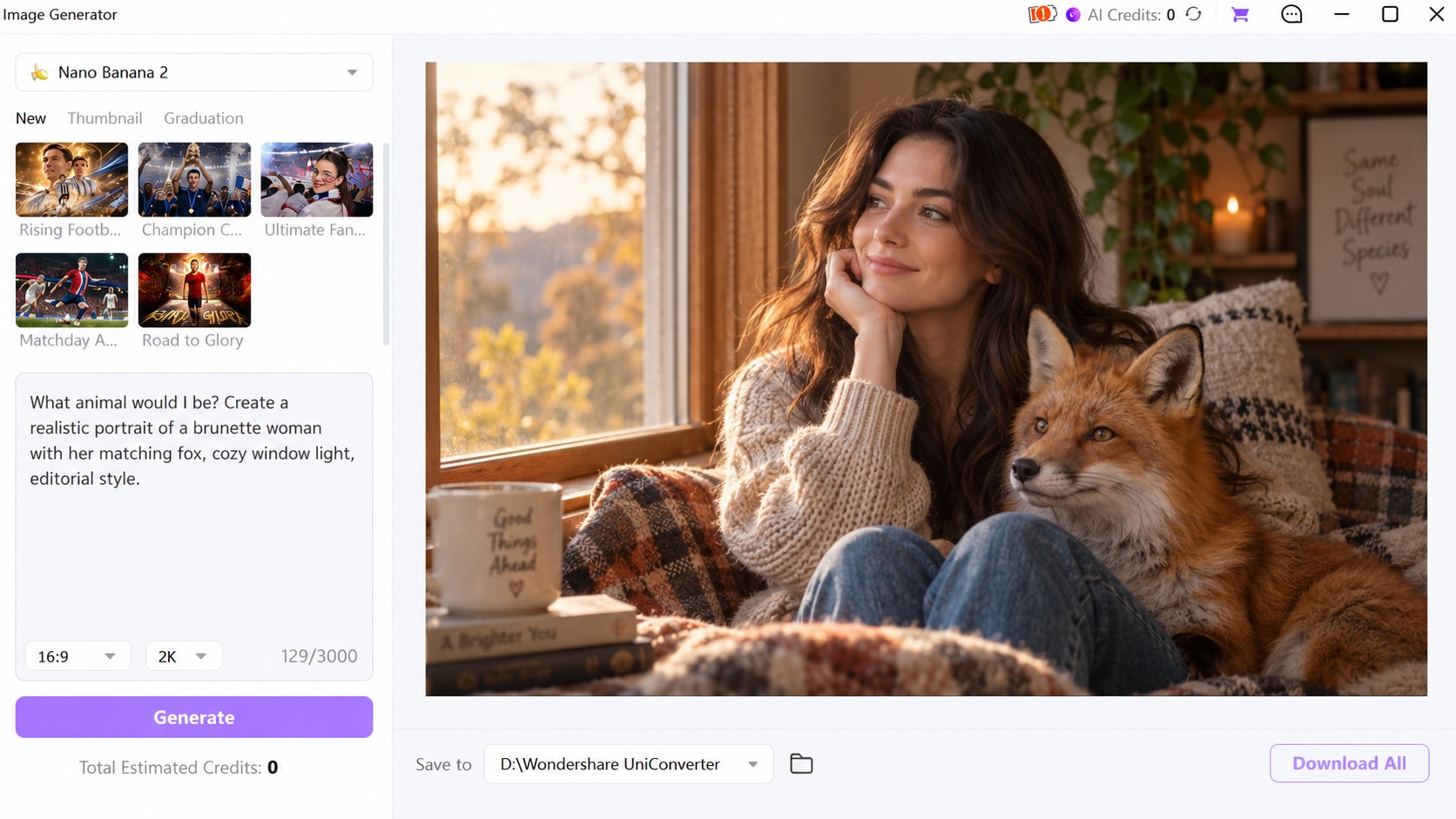
Step 3. Generate, check the result, and download
Click Generate, then inspect the result before saving it. When you are satisfied, use Download All to save the generated image. If the face changes too much, the animal overlaps awkwardly, or the scene looks like a human-animal hybrid when you wanted two separate subjects, revise the prompt and reference image and generate again.
Turn an Animal Match Into a Shareable Portrait
Part 5. Get a Better Result Instead of a Generic One
Whether you use an animal personality quiz or a ChatGPT animal prompt, vague input tends to produce vague output. Before accepting the first answer or image, use this checklist:
- Give concrete traits: “I recharge alone after social events” is more useful than “I am introverted.”
- Ask for evidence: Request specific similarities and one mismatch so the answer is not pure flattery.
- Compare two animals: Ask why fox fits better than cat, or owl better than wolf.
- Separate personality from appearance: “What animal matches my personality?” is a different question from “What animal do I look like?”
- Keep the image prompt grounded: Describe the person and animal as two subjects in one scene unless you specifically want a fantasy hybrid.
- Check the generated face and animal anatomy: AI generation can change facial details, paws, eyes, fur, scale, or object boundaries. Regenerate when those details look wrong.
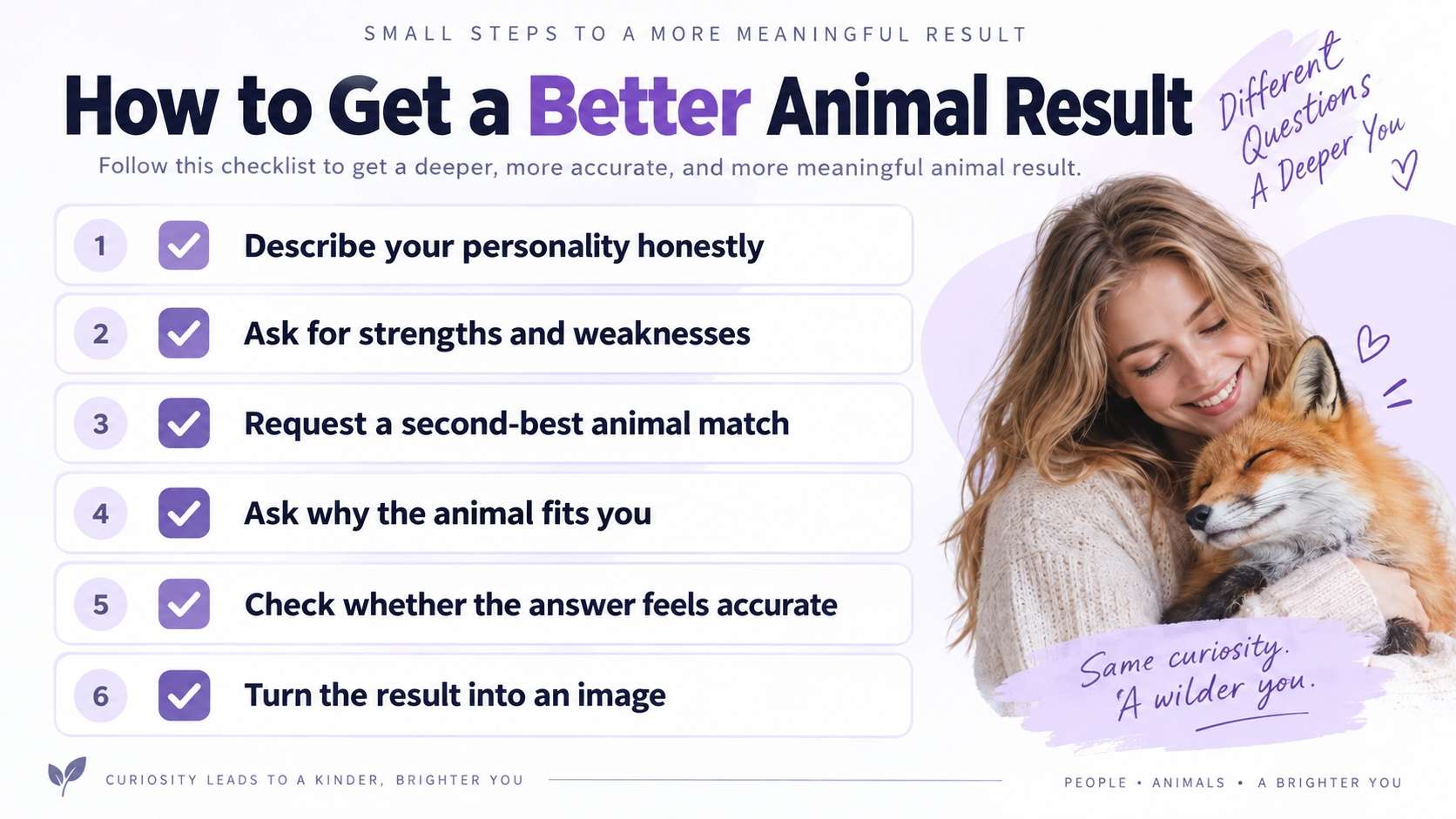
The useful part is not the animal name by itself. It is the explanation: which traits were used, which traits do not fit, and whether the metaphor actually helps you notice a pattern in how you behave. If the reasoning does not fit, revise the context and ask again.
Conclusion
If you are asking “what animal would I be?”, start with a prompt that gives ChatGPT real traits to compare instead of asking for a random label. Use a quiz when you want fixed scoring, use ChatGPT when you want a conversational explanation, and compare the reasoning rather than treating either result as a fact. Once you have an animal match you like, the UniConverter AI Image Generator can turn the idea into a visual, while the UniConverter AI Tools hub provides related image and media workflows.

