
How to Download XVideos Videos: Methods, Tools, and Precautions
Can you download XVideos videos, and which method should you use?
If you want an authorized offline copy, start by checking the options available for the individual video.
Some videos and tools offer free download options, but availability and permissions vary.
This guide explains how to download XVideos videos and compares desktop and mobile options for saving XVideos videos at the available source quality. It also covers the settings and checks that matter before you save a file.
Note: Personal use does not automatically authorize a download. Check the creator’s permission, the platform’s terms, and applicable law. Publishing or sharing a saved video may require separate permission.
Part 1. How to Use XVideos’ Own Download Option
XVideos is an adult video-sharing platform. An authorized offline copy can be useful when you have limited internet access or want to keep a video that its creator permits you to save. Before downloading, check the individual page and any conditions attached to the file.
Saving a permitted copy also lets you watch on your own device without repeatedly streaming it. However, the ability to play a video does not establish permission to download it, and a video’s later removal does not grant additional rights to keep or distribute it.
When the video page provides an official download option, use the following workflow. The controls and available qualities can vary by page and account.

Step 1: Open XVideos and play the video you are authorized to save.
Step 2: If a Download control appears below the player, open it and review the available file or quality options.
Step 3: Select an offered option and save the video through your browser.
The site may require an account for its download controls. Check the current page rather than assuming that every video is downloadable.
Tip: The original guide refers to a 640 × 360 download option, but this should not be treated as a universal current limit. Review the actual options for your video. A third-party tool cannot guarantee a higher-quality source than the platform makes available.
UniConverter: Desktop Video Downloading and File Processing
• Manage supported video URLs in a desktop Downloader; compatibility varies by site and video.
• Review available video quality and manage download progress.
• Install the trial and check current feature and usage limits before starting.
Part 2. How to Download XVideos Videos on a Computer
Start with the desktop workflow if you prefer managing video URLs and saved files on Windows or Mac.
For supported video links, UniConverter provides a desktop Downloader alongside tools for processing local media.
UniConverter brings URL input, task progress, and finished-file management into one workspace. Its layout can make the workflow easier to follow, but no software guarantees that every source URL will work or that every downloaded file is safe. Install from the official source and keep your security software active.
What Is UniConverter?
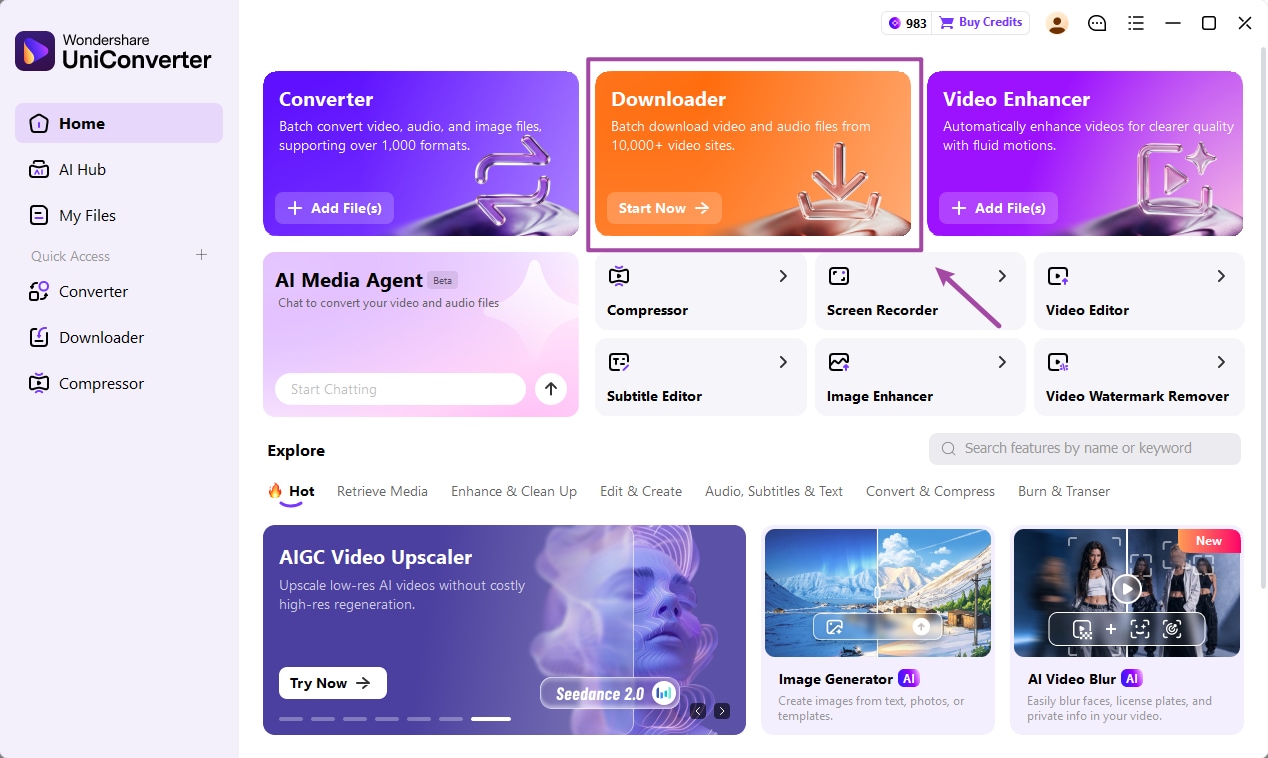 Generic English UniConverter interface; not a tested download from this article’s platform.
|
Operating systems |
Windows:11/10/8/7/Vista macOS:12/11/10.1.14/10.13/10.12/10.11 |
|
Features |
A visual interface for common media tasks Managed download tasks for supported URLs Available source-quality options for eligible videos Convert supported local video files to audio formats |
|
Limitations |
Some features require payment; URL compatibility and trial limits vary |
UniConverter is a desktop media toolkit that combines a Downloader with conversion, editing, and screen-recording tools. That makes it useful when you want to manage an eligible download and then prepare the saved file for another device or project.
The Downloader starts with a supported video-page URL. Paste the address, review the options actually returned, and start the task. Available resolution and speed depend on the source, connection, and task settings; this guide does not claim an independently tested XVideos download.
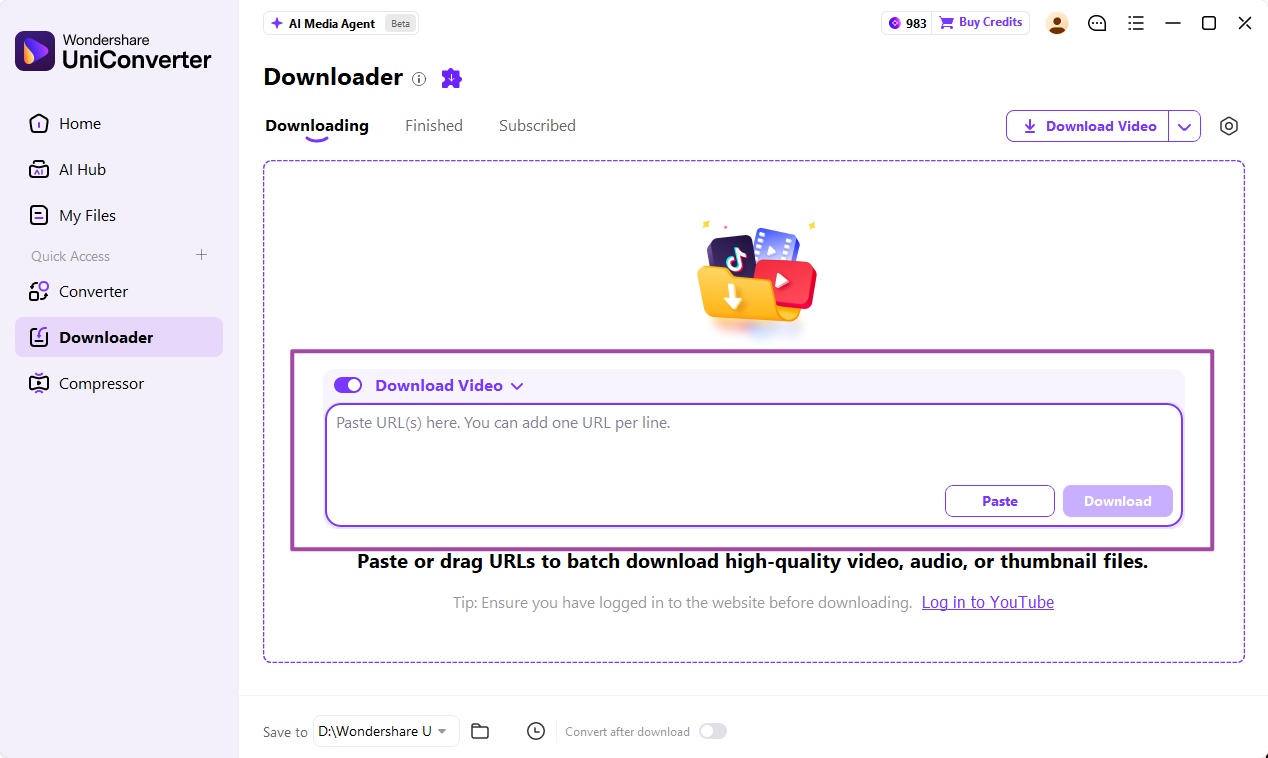 Generic English UniConverter interface; not a tested download from this article’s platform.
The Converter can extract audio from a supported local video. Add the file, choose an available audio output format, and review the settings before conversion. This is a separate task from downloading the original video.
UniConverter also includes editing tools for supported local files. Choose the relevant editing function, import the saved video, and check the preview before exporting your changes.
The visual controls help you find the operation you need, although available tools and their placement can differ between versions.
Generic English UniConverter interface; not a tested download from this article’s platform.
You can therefore keep supported downloading, conversion, and editing tasks within the same desktop application.
Consider UniConverter when your task extends beyond saving a link and includes preparing a compatible local media file.
How to Download XVideos Videos with UniConverter
The following steps describe UniConverter’s supported-URL workflow. Whether an individual XVideos page works must be checked in the application.
Download and install UniConverter from the official source, then check the current trial conditions before proceeding.
Step 1: Copy the XVideos Video URL
Open the individual video page you are authorized to save and copy its complete browser address. Avoid copying a category, search result, or advertisement URL.

Step 2: Launch UniConverter and Open Downloader
After copying the address, launch UniConverter and select Downloader from Home or the navigation menu.
Generic English UniConverter interface; not a tested download from this article’s platform.
Free Download for WindowsFree Download
Step 3: Submit the URL and Download the Video
Paste the copied link into the Downloader URL input field. Check the save location and select Video as the download type when that choice is shown.
Generic English UniConverter interface; not a tested download from this article’s platform.
Review the information returned for the URL, then click Download if the video is supported and you are authorized to save it.
Before starting, check the Save to location in your version of Downloader. Choose a folder you can find easily and make sure that it has sufficient free space.
Generic English UniConverter interface; not a tested download from this article’s platform.
Once processing completes, open Finished and locate the saved file in the destination folder.
Play the file to check its duration, picture, and audio. A completed task should be verified before you convert, edit, or move the video.
Part 3. Options for Downloading XVideos Videos on a Phone
You may also want to Download XVideos Videos on a phone. Start with an authorized download option on the video page; a separate app is not always required.
The original article uses the Japanese mobile app Torumiru as an example. It is retained here for readers who already use that app; current availability, interface language, and XVideos compatibility need to be checked in its official listing.
Do not assume that a Japanese app or its historical instructions are available unchanged in every English-language market.
Step 1: Open the Video in Torumiru’s Browser
If your installed version provides the documented browser workflow, open its Browser or tabbed-browser area and navigate to the authorized video page. These are English descriptions of the source controls, not verified current English UI labels for Torumiru.

Step 2: Check the Available Save Controls
The source article describes the following sequence. Follow it only if the same controls are present and the app permits saving the video.
- Select the + control at the bottom of the screen
- Select OK if the app displays that confirmation
- Select Are you ok? if that prompt appears

If the app accepts the video, it may begin saving it in its own library. Check the completed file within the app and use its permitted export options if you need a copy elsewhere.
If the controls are absent or the URL is unsupported, do not assume that repeated confirmation will fix the problem. Use the source’s authorized option or another documented compatible method.
Part 4. Precautions Before Downloading XVideos Videos
Before saving an XVideos video, consider both content permissions and device security. A working download button does not establish that a file may be copied or redistributed.
There are two main areas to check:
- Copyright and download permissions
- Malware, deceptive advertisements, and file safety
The following checks apply whether you use a website, desktop application, or phone app.
Copyright and Download Permissions
An account or subscription does not automatically authorize every download. Check the video’s permitted download options, the platform’s terms, and the rights holder’s conditions before saving it.
Do not repost, sell, or distribute a saved video without the required rights. Personal viewing also remains subject to applicable law and the service’s rules.
Malware and Deceptive Download Prompts
Untrusted download sites, extensions, or installers can expose your device to unwanted software. Price alone does not determine safety: check the provider, permissions, file type, and download source rather than treating every free tool as unsafe or every paid tool as safe.
Avoid misleading advertisement buttons and requests to disable protection. Keep your browser and security software updated, and scan unfamiliar files before opening them.
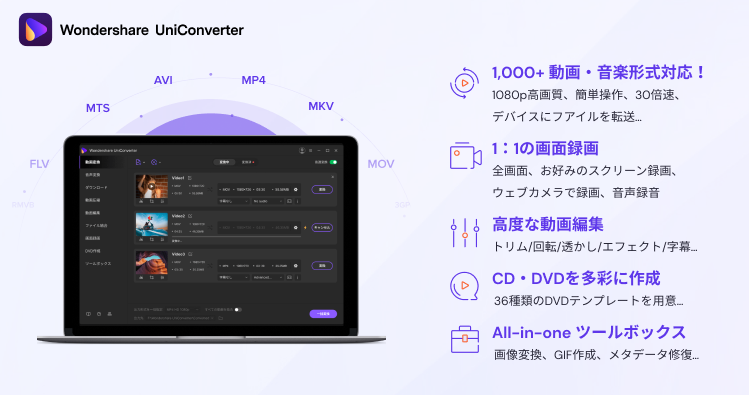
Conclusion: Choose an Authorized XVideos Download Workflow
XVideos may offer an account-based option to download a video directly. Check that first. For supported links, UniConverter offers a desktop workflow with task management and optional local conversion or editing afterward; compatibility with an individual XVideos URL is not guaranteed.
Install UniConverter from the official source if its desktop workflow fits your needs, check the current trial limits, and verify the completed file before further processing.