


Ever spent hours replaying recordings just to jot down key details from a meeting or interview? You’re not alone. Manual transcription can be time-consuming, error-prone, and mentally exhausting — especially when handling multiple audio files. That’s where modern conversation transcribers step in to save the day.
In this Ultimate 2025 Guide, you’ll discover when transcription tools help most, what features truly matter, and which software stands out for different needs. Plus, you’ll learn how to batch transcribe conversations effortlessly with UniConverter, turning hours of work into minutes of precision.
In this article
Part 1: What Cases Do Conversation Transcriber Help Most
In today’s fast-paced, communication-driven world, conversation transcribers have become indispensable tools across various industries. Whether you’re a corporate professional, educator, journalist, or healthcare provider, accurate transcription ensures that no valuable information slips through the cracks.
Meeting Documentation: Business professionals rely on transcribers to capture every detail from meetings, brainstorming sessions, and conferences. These transcripts provide searchable, shareable records that boost productivity and accountability. They also help teams stay aligned on goals and decisions without missing critical points discussed during sessions.
Call Center and Customer Support: In customer service, transcriptions of support calls are essential for training, compliance, and performance analysis. They help identify customer pain points and improve service quality. By reviewing transcripts, managers can pinpoint communication gaps and refine support scripts for more consistent customer experiences.
Legal Record-Keeping: For lawyers and paralegals, transcribers simplify the process of recording depositions, client conversations, and courtroom proceedings, ensuring accuracy and legal compliance. These records also make it easier to reference testimony or evidence when preparing for hearings or appeals.
Medical Documentation: Doctors, nurses, and healthcare administrators use transcribers to create precise records of patient consultations and medical conferences, which is vital for both care continuity and regulatory adherence. Transcriptions allow medical teams to reduce manual note-taking and focus more on patient interaction.
Education and Accessibility: Students benefit from transcribed lectures and discussions, especially those who are hearing-impaired or non-native speakers, allowing better comprehension and note review. Transcripts also enable quick revision and keyword search, enhancing study efficiency and long-term retention.
Media and Journalism: Reporters and content creators use transcription to convert interviews, podcasts, and press events into editable text, enabling faster article drafting and wider accessibility through captions or subtitles. Having transcripts on hand also helps verify quotes accurately and repurpose content across different platforms.
In essence, conversation transcribers bridge the gap between spoken communication and actionable information across countless professional fields.
Part 2: What to Look for in a Good Conversation Transcriber
Choosing the right conversation transcriber can make all the difference in efficiency and output quality. Whether you’re handling meetings, interviews, or podcasts, a reliable transcriber should combine accuracy, versatility, and usability. Here are the key features to consider:
1. Transcription Accuracy: Look for tools with high speech recognition precision that can handle diverse accents, background noise, and multiple speakers without frequent corrections. Accurate transcriptions save time on manual edits and ensure that important information isn’t lost in translation.
2. Speaker Identification: A good transcriber should automatically differentiate between speakers, labeling each segment to make discussions easier to follow and analyze. This feature is especially useful for panel discussions, group interviews, and team meetings where multiple voices overlap.
3. Multi-Language Support: For global teams and diverse users, language flexibility is crucial. The best transcribers support multiple languages and dialects for broader accessibility. This enables professionals and educators to reach multilingual audiences without needing separate tools.
4. Batch Processing and Speed: Efficiency matters when transcribing multiple recordings. Choose software that allows batch uploads and fast transcription without compromising quality. This functionality is perfect for content creators, call centers, and researchers managing large audio libraries.
5. Editing and Export Options: Post-transcription editing tools and varied export formats (TXT, DOCX, SRT, etc.) streamline workflow and make integration with other platforms seamless. The ability to quickly review, correct, and export transcripts enhances productivity and collaboration across teams.
In short, a top-tier conversation transcriber should deliver speed, precision, and convenience, empowering users across industries to turn spoken words into actionable insights effortlessly.

Subtitle Extractor & Generator
Part 3: Most Recommended Conversation Transcriber for Different Uses
1. Wondershare UniConverter
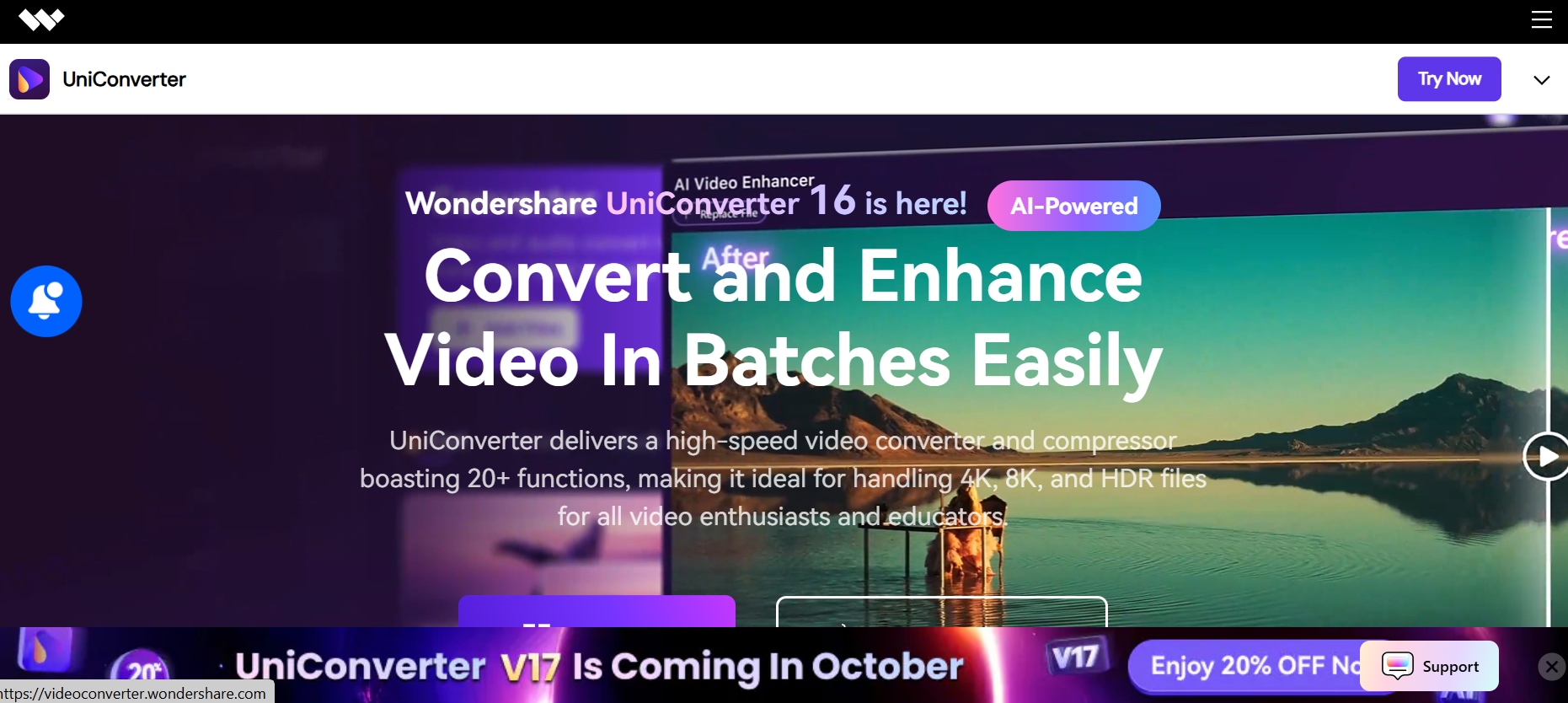
Wondershare UniConverter is a versatile multimedia toolkit that goes beyond simple video conversion, offering a powerful AI-based transcription feature for both audio and video files. Users can upload recordings from meetings, interviews, lectures, or podcasts and quickly generate accurate text transcripts.
The built-in subtitle generation and editing tools allow for seamless integration of captions into video content, making it ideal for content creators, educators, and trainers. Its batch processing functionality lets users transcribe multiple files simultaneously, saving hours of manual effort. The software also supports multiple languages and export formats, ensuring that transcripts can be used across platforms. While primarily desktop-based, UniConverter offers a smooth, intuitive interface that requires minimal learning time, making it suitable for beginners and professionals alike.
Key Features:
- AI-powered speech recognition for accurate transcription.
- Supports over 15 languages, including English, Spanish, and Chinese.
- Batch processing for multiple files simultaneously.
- Subtitle generation and editing capabilities.
- Integration with video editing tools for seamless workflow.
- High-speed transcription processing.
- User-friendly interface suitable for beginners.
Supported Import Formats: MP3, WAV, MP4, AVI, MOV, and other common audio/video formats.
Best For: Content creators, educators, and professionals needing both transcription and media conversion tools.
2. Otter.ai
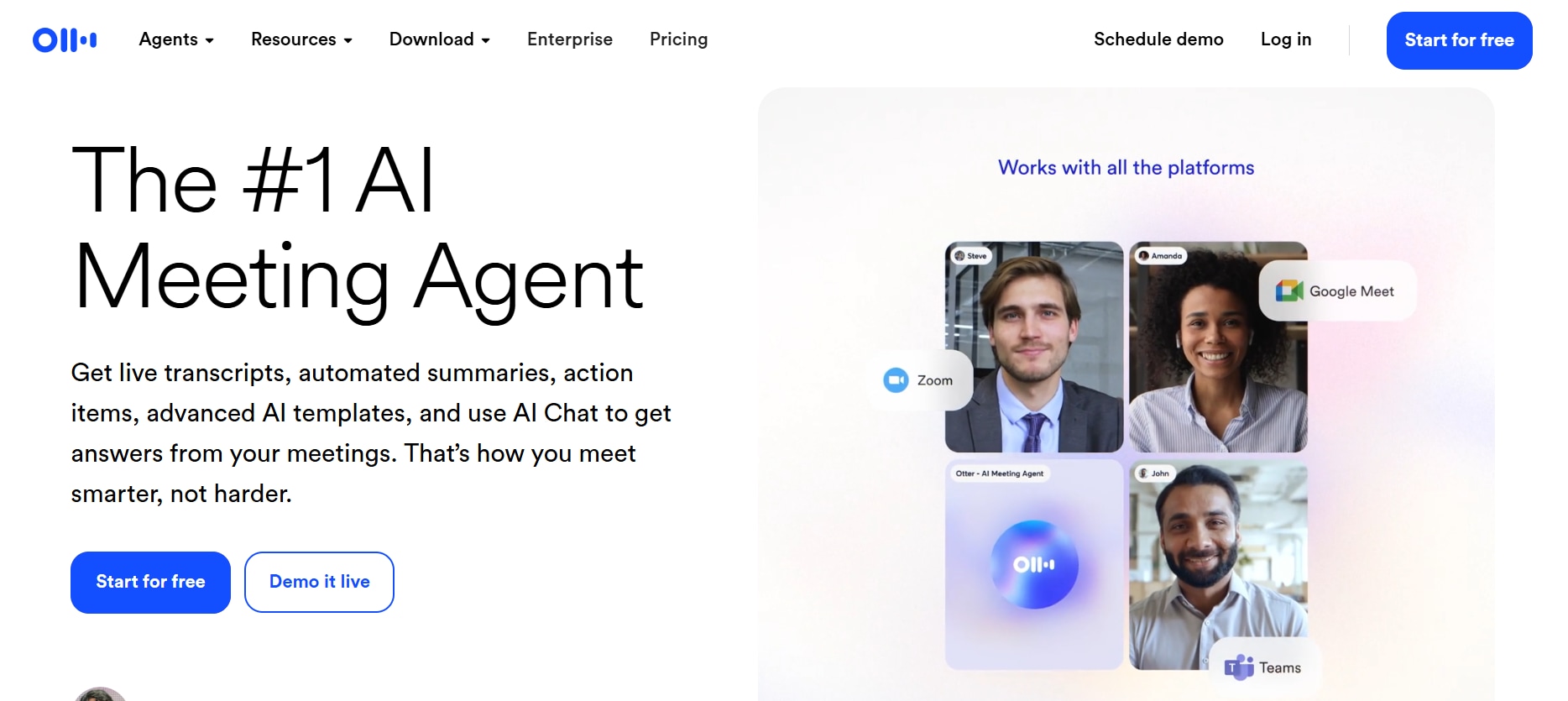
Otter.ai is a cloud-based transcription service widely used for business meetings, lectures, and interviews. It offers real-time transcription, speaker identification, and collaboration features that make it highly effective for teams. Otter.ai can also automatically generate summaries, highlight key points, and extract action items, helping teams stay organized and productive. It integrates seamlessly with conferencing tools like Zoom, Google Meet, and Microsoft Teams, making it ideal for remote work. Its mobile and web apps allow access to transcripts anytime, and the custom vocabulary feature improves accuracy for technical terms or industry-specific language. Otter.ai also provides searchable transcripts, so users can quickly find critical information without re-listening to entire recordings.
Key Features:
- Real-time transcription with speaker identification.
- Integration with Zoom, Google Meet, and Microsoft Teams.
- Searchable transcripts with keyword highlights.
- Collaboration tools for team editing and sharing.
- Mobile app support for on-the-go access.
Supported Import Formats: MP3, WAV, MP4, and other audio/video formats.
Best For: Business professionals, educators, and teams requiring real-time transcription and collaboration.
Subtitle Extractor & Generator
3. Descript
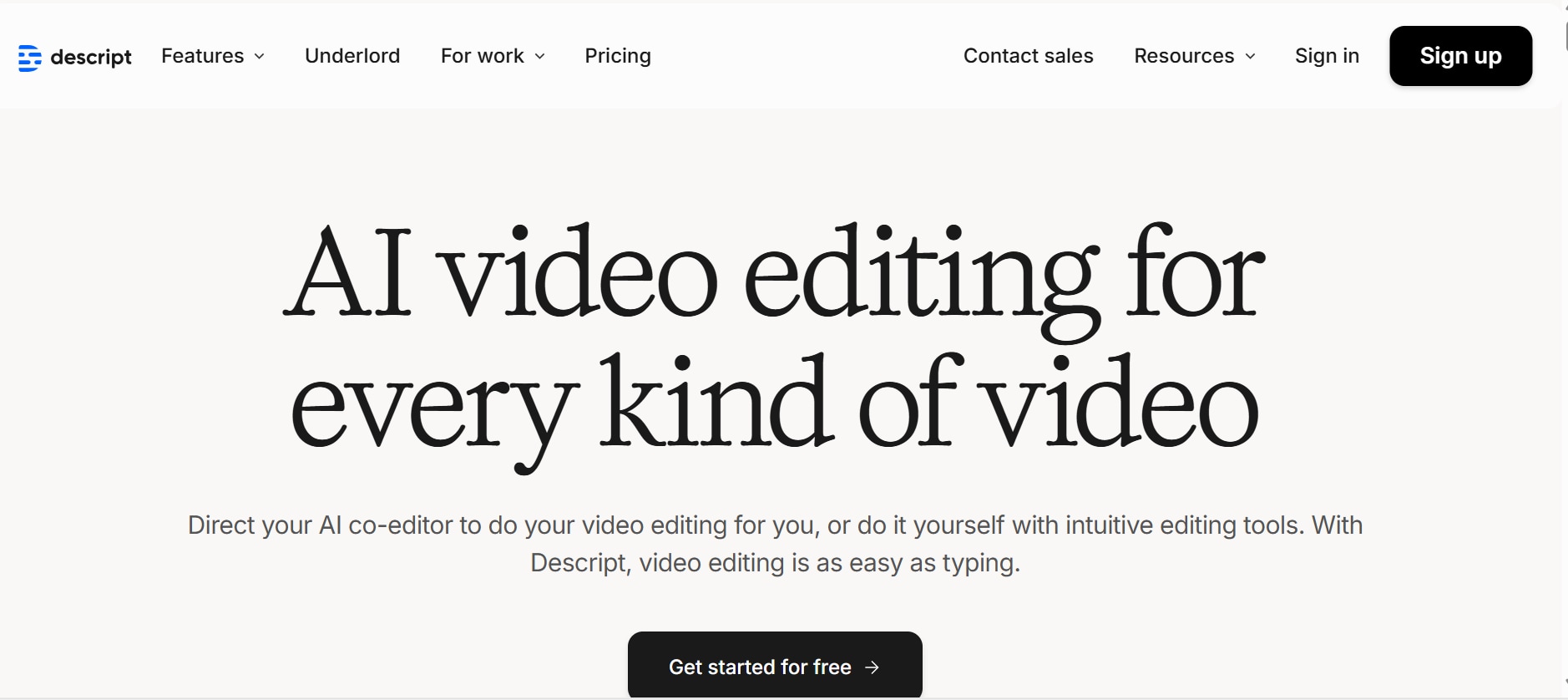
Descript is an innovative audio and video editing platform with built-in transcription capabilities that allow users to edit audio by editing text. This unique approach makes it ideal for podcasters, video editors, and content creators who want to streamline production workflows. Descript supports multiple languages and allows users to generate subtitles, captions, and transcripts in editable formats. Features like Overdub (AI voice cloning) let creators replace or correct audio without re-recording, saving valuable time. Its collaborative workspace enables teams to review, comment, and edit transcripts in real time. Users can export transcripts in multiple formats and integrate them with other media tools, making Descript a complete content production ecosystem.
Key Features:
- Transcript-based audio/video editing.
- Overdub feature for voice cloning.
- Multi-language support for transcription.
- Screen recording capabilities.
- Collaboration tools for team projects.
Supported Import Formats: MP3, WAV, MP4, MOV, and other common audio/video formats.
Best For: Podcasters, video editors, and content creators seeking integrated transcription and editing tools.
4. Rev
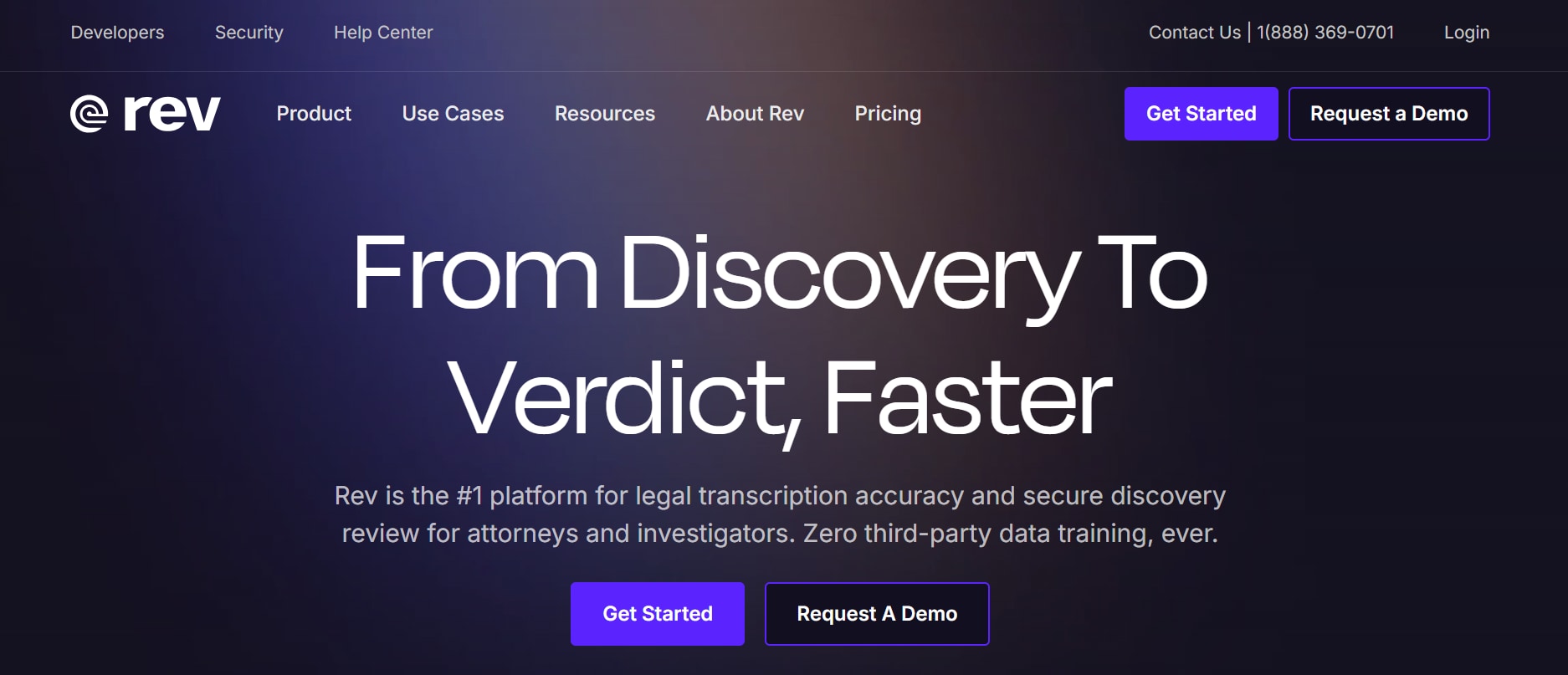
Rev provides both AI-based and human-reviewed transcription services, making it a go-to solution for high-accuracy needs. The human transcription option delivers nearly 99% accuracy, which is critical for legal, academic, or professional recordings. Rev offers time-stamped transcripts for easy navigation and integrates with cloud platforms for smooth workflow. Users can submit files via mobile apps or desktop, and the service supports both audio and video formats.
Additionally, Rev provides captioning and subtitling services, enhancing content accessibility. Custom vocabulary and specialized terminology support make it suitable for industry-specific applications. Its combination of speed, reliability, and accuracy has made Rev a trusted choice for professionals globally.
Key Features:
- AI-generated and human-reviewed transcription options.
- 99% accuracy with human-reviewed transcripts.
- Time-stamped transcripts for easy reference.
- Integration with various platforms for workflow.
- Mobile app support for recording and editing.
Supported Import Formats: MP3, WAV, MP4, MOV, and other audio/video formats.
Best For: Professionals in legal, medical, and media fields requiring high-accuracy transcripts.
5. Sonix
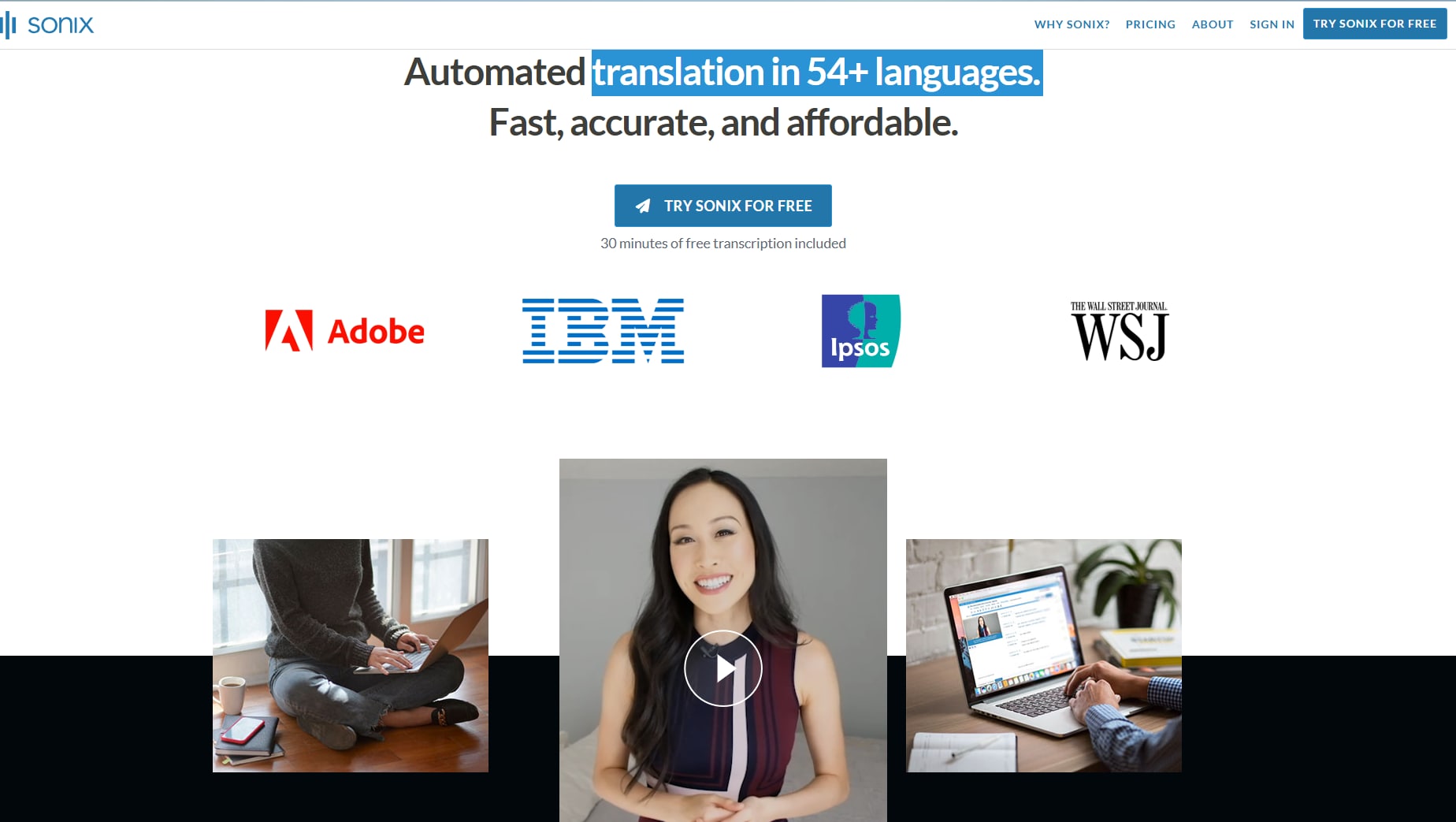
Sonix is an AI-powered transcription service designed for fast, automated, and accurate transcription of audio and video files. It supports over 53 languages and provides features such as speaker labeling, in-browser editing, and automated summaries. Users can export transcripts in multiple formats and integrate Sonix with cloud storage and collaboration tools, making it ideal for journalists, researchers, and content creators. Its web-based interface allows easy access without the need for heavy installations.
Sonix also offers automated summaries that help users quickly identify key points, saving time when reviewing long recordings. Its combination of speed, flexibility, and usability makes it a popular choice for both individuals and teams.
Key Features:
- Automated transcription with high accuracy.
- Support for over 53 languages.
- Speaker labeling for multi-speaker recordings.
- In-browser editing tools for transcript refinement.
- Export options in various formats.
- Integration with cloud storage services.
- Automated summaries for quick content overview.
Supported Import Formats: MP3, WAV, MP4, and other audio/video formats.
Best For: Journalists, researchers, and content creators needing fast and accurate transcription services.
Subtitle Extractor & Generator
Part 4: How to Easily Batch Transcribe Conversations with UniConverter
Batch transcribing multiple conversations doesn’t have to be time-consuming or complicated. Let’s explore how to quickly convert your audio and video files into accurate text using UniConverter.
Step 1: Upload Files
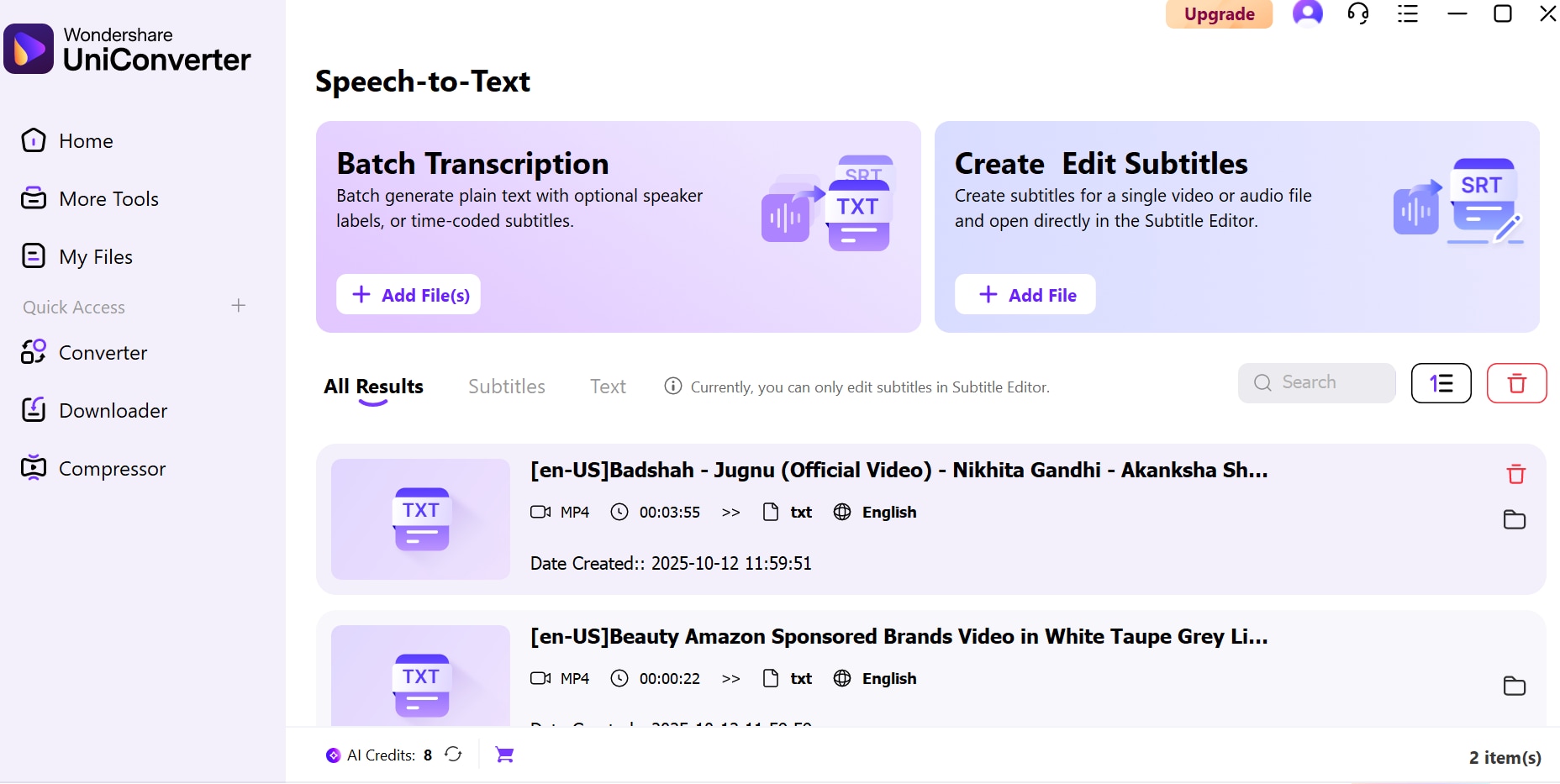
Open UniConverter and go to ‘Speech to Text’. Click the ‘+’ icon to import multiple audio or video files at once, supporting various formats. This batch upload saves time and makes handling large recordings effortless. You can organize your files into folders or playlists for easier management before transcription.
Step 2: Customize Settings
Click on the AI batch transcription model and choose the correct language from over 20 options. Once files are uploaded, select source language, target language for subtitle to Arabic, Japanese, Chinese. There are multiple language options to choose from. Next, select the file type and click on generate.
Step 3: Transcribe and Export
Review and edit the generated transcripts as needed. Once satisfied, click ‘Export’ to save them in TXT, SRT, or DOCX formats. This gives you professional-ready text ready for sharing, editing, or further use. The exported transcripts can also be used for creating subtitles, meeting notes, or searchable records.
Conclusion
In conclusion, batch transcribing conversations is now simpler and more efficient. Tools like UniConverter make it easy to convert multiple audio or video files into accurate, editable text quickly. Whether for meetings, interviews, or lectures, this workflow ensures your content is organized, accessible, and ready for sharing or review, this approach reduces manual effort and minimizes errors, making transcription much more reliable.
FAQs
-
1. Why should I transcribe my conversations instead of just taking notes?
Transcribing captures every word, nuance, and detail from a conversation, unlike traditional note-taking, which can miss important points. It creates a verifiable, searchable record that you can reference anytime, making meetings, interviews, or lectures more productive and actionable. -
2. Is it possible to transcribe multiple conversations at the same time?
Absolutely! With modern transcription tools, you can batch process several audio or video files at once, turning hours of recordings into organized text in minutes. This is perfect for busy professionals, educators, or content creators who handle large volumes of conversations. -
3. Which languages are supported in transcription tools?
Most transcription tools now support multiple languages, including English, Spanish, French, Chinese, and more. Some tools also recognize different accents and dialects for more accurate results. -
4. How accurate is automated transcription?
Accuracy depends on audio quality, background noise, and speaker clarity. High-quality recordings with clear speech usually result in very accurate transcripts, though minor edits may still be required. -
5. What is a good tool for batch transcription?
Tools like offer batch transcription with AI-powered accuracy, multiple language support, and easy export options. It’s ideal for quickly converting meetings, lectures, or interviews into editable text without spending hours typing.

