


Struggling to type long Hindi paragraphs or subtitles manually? Hindi voice typing is your game-changer. Whether you're a content creator, educator, office worker, or student, converting speech to text in Hindi can save hours of effort and boost productivity.
This comprehensive guide explores the top use cases and reviews the 9 best free and accurate Hindi voice typing tools for desktop, mobile, and web. Let's dive into the power of Hindi speech-to-text tools that let your voice do the typing—smartly, quickly, and fluently.
Table of Content
Part 1: Use Cases of Hindi Voice Typing
Hindi voice typing has revolutionized how people create, convert, and communicate in the digital world. From content creators and educators to office workers and students, this technology has enabled smoother, faster, and more accurate input across platforms and enhance productivity in every domain.

1. Audio and Video Repurposing
One of the most valuable use cases of speech to text Hindi is transcribing audio or video content. YouTube creators, educators, and marketers can use tools like UniConverter’s Hindi voice typing feature to convert spoken content into clean, editable text. This allows effortless repurposing into blogs, subtitles, or social captions—saving time and maximizing content reach.
2. Generating Accurate Hindi Subtitles
Video creators using Hindi as the primary language often struggle with generating Hindi speech to text subtitles manually. But with Hindi voice to text software, creators can automatically generate subtitle files (.srt or .txt) to make content accessible and SEO-friendly. Whether you're working with tutorials, interviews, or webinars, adding subtitles enhances viewer engagement and accessibility.
3. Creating Meeting Memos and Notes
In corporate or academic settings, Hindi speech typing can be used to convert live meeting discussions or lectures into accurate, organized notes. Instead of manually taking down long conversations, voice typing software like UniConverter can automatically convert Hindi speech into readable summaries—ideal for creating reports or records.
4. Real-Time Speak and Type in Hindi
For users who prefer speaking over typing or face challenges with keyboard input, speak and type in Hindi is a game-changer. Whether you're sending emails, writing blog posts, or chatting in real-time, voice typing apps and tools convert your speech into editable Hindi text on the fly.
5. Journalistic and Field Research Documentation
Field journalists or researchers working in rural India can record Hindi interviews and convert them using Hindi voice typing online for faster documentation and reporting. It reduces manual work and ensures accurate transcription of native dialects and accents.
Part 2: Best 3 Free Accurate Hindi Speech to Text Software on Desktop
If you're looking to boost productivity or simplify content creation in Hindi, desktop-based speech-to-text tools offer robust solutions—especially for longer sessions and offline use. Here are three of the best free and accurate Hindi voice typing software for desktops, starting with the most recommended tool.
1. Wondershare UniConverter – Best All-in-One Hindi STT (Recommended)
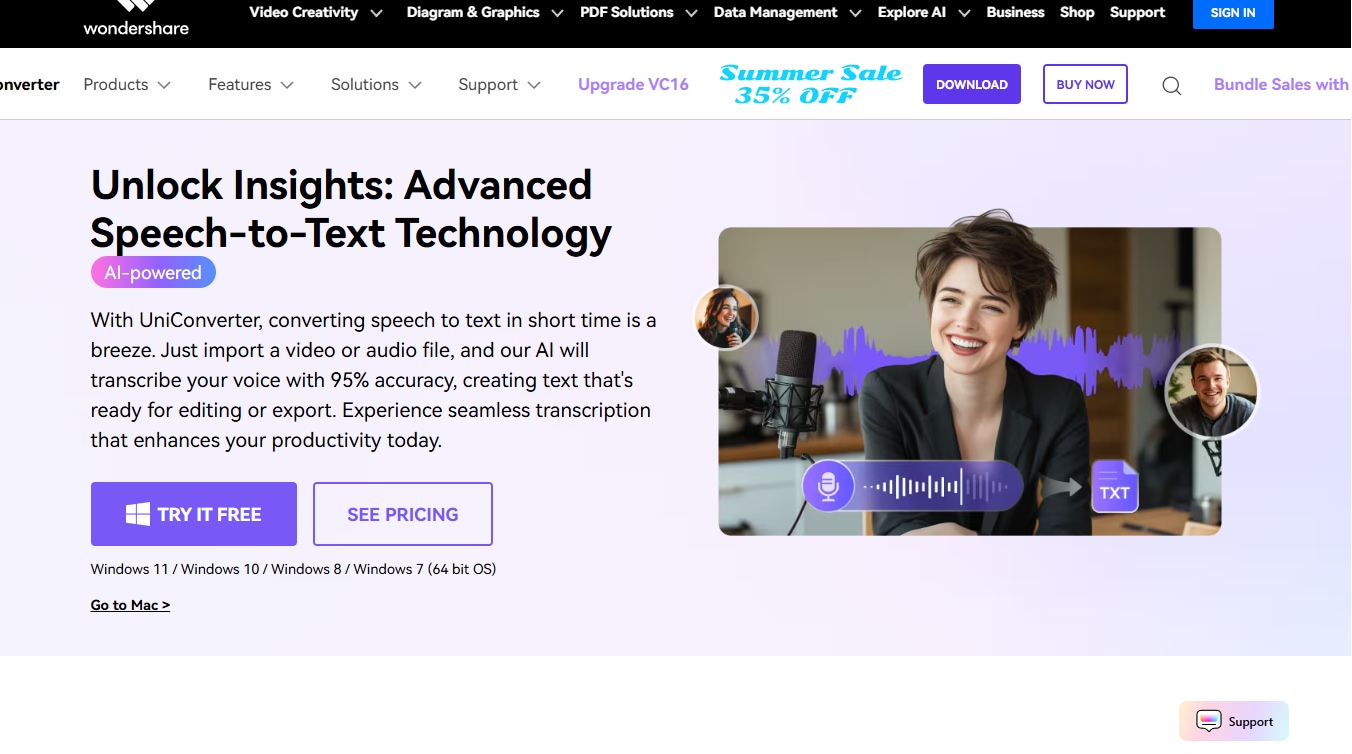
Wondershare UniConverter stands out as the most powerful all-in-one desktop tool for Hindi speech-to-text. Designed for creators, educators, and professionals, it not only converts Hindi audio/video into text with high accuracy but also allows you to clean up, batch process, and export subtitles. With offline support, AI-driven transcription, and integrated editing tools, UniConverter is far more than just a Hindi voice typing app—it’s a complete productivity suite.
Key Features
- Supports accurate Hindi speech to text conversion.
- Works offline on Windows and macOS.
- AI-powered transcription for audio and video files.
- Supports exporting subtitles or notes in .txt or .srt format.
- Part of a broader media toolkit, including audio/video editing.
Best For:
Professionals, podcasters, and video editors who want an all-in-one desktop tool with Hindi voice typing and editing capabilities. It’s not just a speech to text Hindi solution—it’s a complete Hindi dictation software suite with subtitle generation and audio cleanup built in.
2. IBM Watson Speech to Text (via Desktop Client or API)
IBM Watson’s Speech to Text platform offers advanced Hindi speech recognition via API integration or through third-party desktop interfaces. While it’s geared more toward developers and enterprise users, it provides accurate results powered by AI and machine learning. You can plug it into custom transcription workflows or use it to power large-scale Hindi voice typing projects.
Key Features
- Supports Hindi voice to text via cloud-based or local API integration.
- Offers high accuracy using machine learning.
- It can be integrated into desktop workflows via APIs or third-party UIs.
Best For:
Developers, researchers, and teams needing flexible speech-to-text pipelines, including Hindi speech typing.
3. Microsoft Dictate (Windows Add-in)
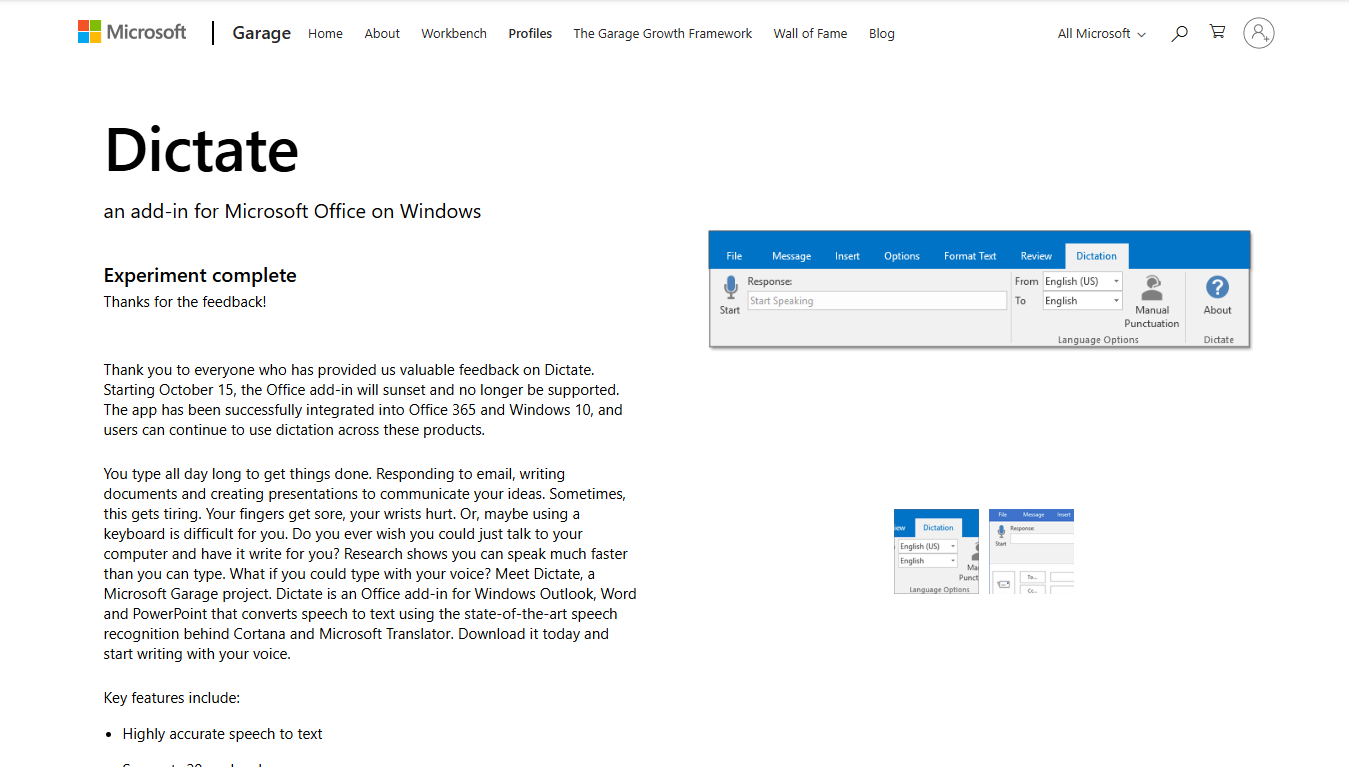
Microsoft Dictate is a handy add-in for Microsoft 365 users, developed as a Microsoft Garage project. It brings Hindi speech-to-text functionality right into Word, Outlook, and PowerPoint—making it ideal for those who regularly work inside the Microsoft Office ecosystem. While it lacks deep customizations, it’s excellent for quick dictation in standard Hindi.
Key Features
- A Microsoft Garage project that integrates Hindi voice typing directly into Microsoft Word, Outlook, and PowerPoint.
- Real-time dictation with auto-punctuation.
- Requires Microsoft 365 for full functionality.
Best For:
Students and office professionals who work within the Microsoft Office ecosystem and need introductory Hindi speech to text features.
Part 3: Best 3 Free Accurate Hindi Speech to Text Software on Mobile
Smartphones are becoming the go-to platform for quick content creation and communication. For those looking to speak and type in Hindi while on the move, mobile apps offer an efficient and accessible solution. Whether you’re dictating notes, writing WhatsApp messages, or creating Hindi subtitles, the following free mobile speech-to-text tools stand out for their accuracy, ease of use, and support for Hindi voice typing online.
1. Google Keyboard (Gboard)
Gboard is Google’s official keyboard app, pre-installed on most Android devices and available for iOS as well. Beyond being a solid typing tool, it offers powerful Hindi voice typing that works across apps like WhatsApp, Gmail, and Notes. With offline capability and seamless integration, it’s one of the most accessible ways to start using speech-to-text in Hindi.
Key Features
- Built-in Hindi voice typing with real-time transcription.
- Supports voice to text converter in Hindi and auto punctuation.
- Allows switching between English, Hindi, and other Indian languages.
- Works seamlessly across all apps (WhatsApp, Gmail, Notes, etc.).
- No internet is required after the language pack download.
Best For:
Everyday smartphone users look for Hindi typing by speaking via chat apps, emails, or social media. For users who prefer voice input Hindi style interaction, Gboard’s simple voice interface makes it one of the most intuitive tools in speak to Hindi typing on the go.
2. Hindi Speech to Text
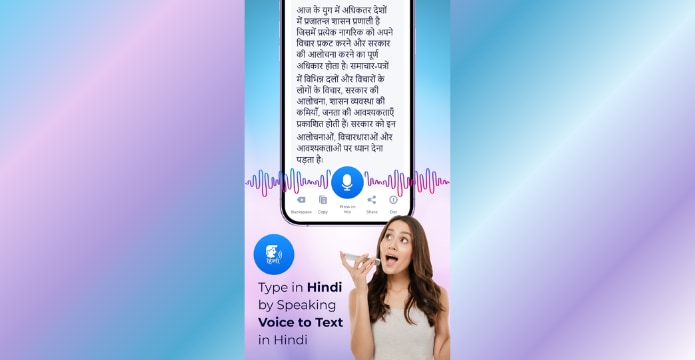
This Android-exclusive app focuses solely on Hindi voice typing with a simple, no-frills interface. Designed for quick dictation, it provides one-tap recording and real-time speech-to-text conversion. It’s ideal for users who want a standalone Hindi voice typing app that’s easy to use and gets the job done without distractions.
Key Features
- Converts spoken Hindi to text in real time using built-in speech recognition.
- Supports direct sharing of transcribed text via apps like SMS, WhatsApp, and email.
- Clean, minimal interface with one-tap voice recording and text generation.
- Allows you to copy, share, or delete text output from within the app.
- Designed for both casual messaging and longer dictation sessions.
Best For:
Users are looking for a basic, free Hindi voice typing solution for everyday use like composing messages, typing short paragraphs, or dictating notes directly from their Android phone.
3. Hindi Voice Typing
Key Features
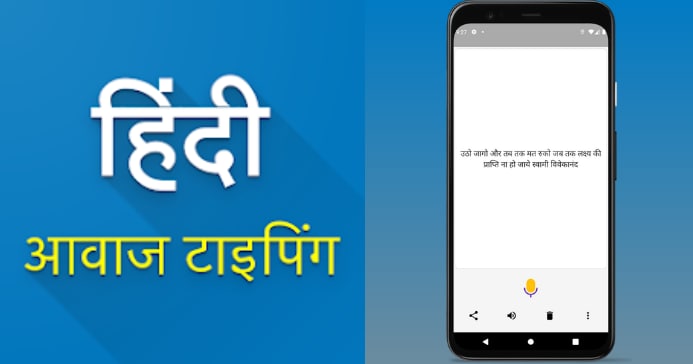
- Real-time Hindi speech-to-text conversion using Google’s voice recognition.
- Offers Hindi typing by speaking with automatic punctuation.
- Supports saving transcriptions in text format for later editing or sharing.
- Language switch support, including English, Hindi, and other regional dialects.
- Optimized for low-memory usage and smooth mobile performance.
Best For:
Casual users, students, and daily mobile typists who want a simple, free way to speak and type in Hindi for notes, chats, or short content on Android.
Part 4: Best 3 Free Accurate Hindi Speech to Text Software on Web Page
Web-based Hindi speech to text tools are perfect for users who prefer not to install apps or software. These platforms run directly in your browser and are ideal for Hindi voice typing online, note-taking, transcription, and content drafting—whether for personal use, academic work, or professional content.
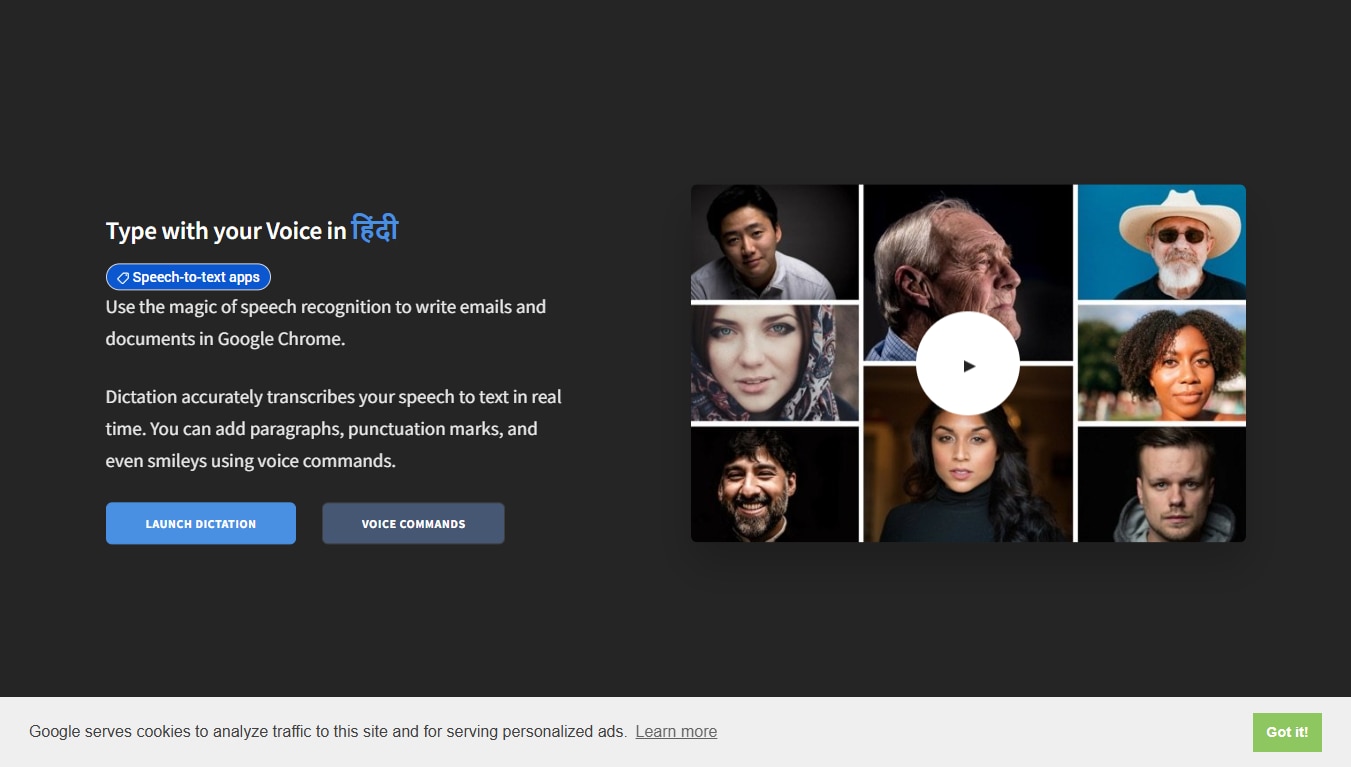
1. Dictation.io
Key Features
- It supports Hindi speech typing online using Google’s speech recognition technology.
- Real-time Hindi voice to text directly in the browser.
- Built-in voice commands like “comma,” “new line,” and more
- Simple export and copy options to use your transcribed text elsewhere
- No installation, no sign-up, and completely web-based
Best For:
Writers, students, and educators who want a lightweight, free tool to type in Hindi by speaking directly on their browser.
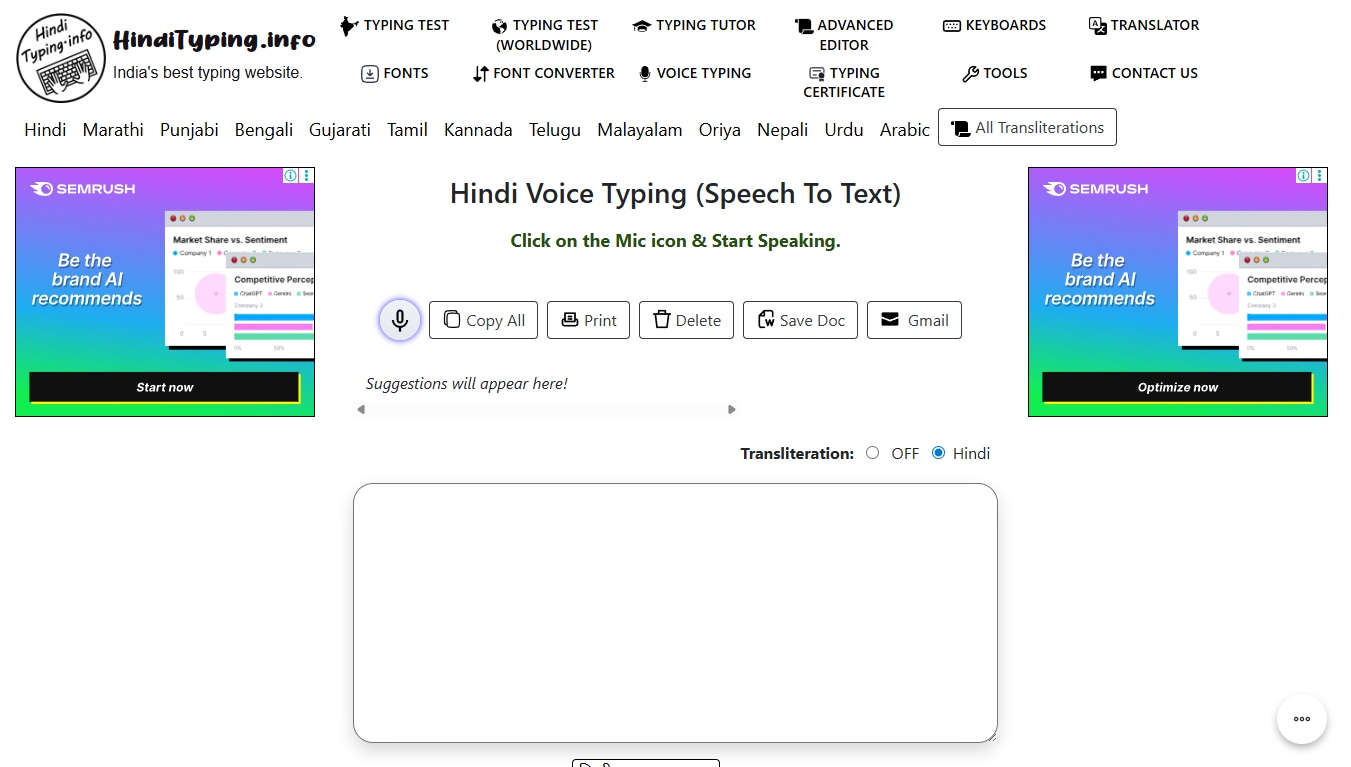
2. HindiTyping.info
Key Features
- Real-time Hindi speech-to-text using Google’s API
- Works directly in the browser (Chrome recommended)
- Built-in commands for punctuation (comma, new line, etc.)
- Instant copy and clear options for typed content
- Supports both desktop and mobile browsers
Best For:
Students, bloggers, and everyday users who want a quick and easy Hindi voice
3. Clideo
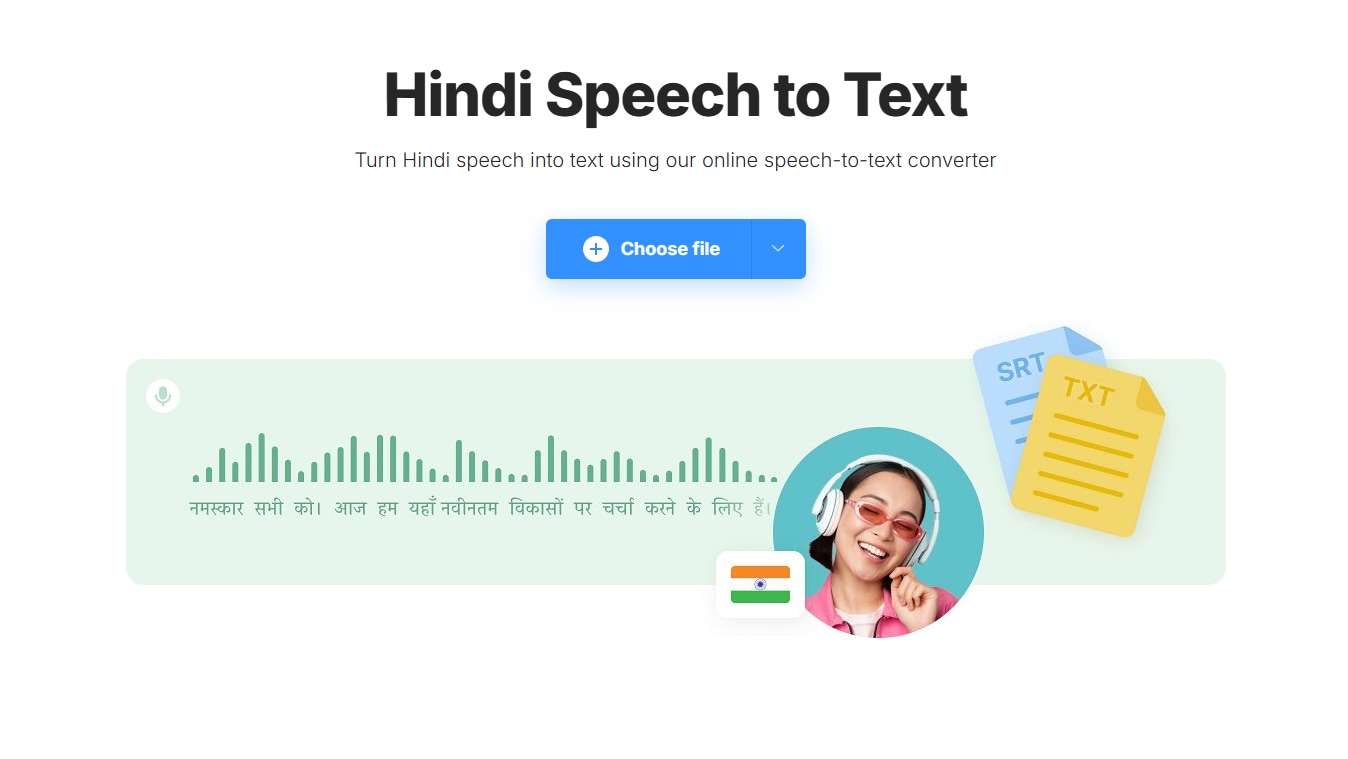
Clideo is a powerful browser-based tool designed for converting pre-recorded Hindi audio or video files into editable text. Without requiring any software installation, Clideo offers an accessible and efficient solution for creators, educators, and journalists working with Hindi content.
Key Features
- Converts spoken Hindi from uploaded audio/video files into written text.
- Supports major audio formats like MP3, WAV, M4A and video formats like MP4.
- Online-based—no need to install any software.
- Uses AI speech recognition technology for transcription.
- Allows users to preview, trim, and edit files before processing.
Best For:
This browser-based tool allows creators to transcribe Hindi audio and generate subtitles—ideal for video documentation and social content workflows.
Part 5: Quick Comparison of 9 Hindi Voice Typing Software
Whether you're replying to a WhatsApp message, repurposing a video with subtitles, or preparing academic transcripts, choosing the right Hindi speech-to-text tool can significantly improve your efficiency. Below is a comprehensive comparison of the 9 best free and accurate Hindi voice typing software, based only on the tools you’ve provided—covering desktop, mobile, and web platforms. Use this table to find the ideal match for your platform, accuracy needs, and usage style.
Comparison Table
| Tool | Platform | Pricing | Accuracy in Hindi |
Offline Support |
Ease of Use | Best For |
| UniConverter | Windows, macOS | Free Trial + Paid Plan | Excellent (≈95–98%) | Yes | Excellent | Video editors, podcasters, content creators |
| IBM Watson STT | Desktop/API | Free Tier + Paid Plan | Very Good (≈90–94%) | No | Moderate | Developers, researchers, automation setups |
| Microsoft Dictate | Windows + MS 365 | Free (w/ MS 365) | Good (≈85–90%) | No | Good | Office users, students |
| Gboard (Google Keyboard) | Android, iOS | Free | Very Good (≈90–94%) | Yes* | Excellent | Mobile chats, casual writing |
| Hindi Speech to Text App | Android | Free | Good (≈85–89%) | No | Very Good | Notes, messaging, multitasking |
| Hindi Voice Typing – Speech to Text | Android | Free | Good (≈85–89%) | No | Very Good | Voice journaling, social media |
| Dictation.io | Web (Chrome) | Free | Good (≈85–89%) | No | Very Good | Writers, educators, quick browser typing |
| HindiTyping.info | Web | Free | Good (≈85–89%) | No | Very Good | Bloggers, students, paragraph writing |
| Clideo Hindi STT Tool | Web | Free + Paid Plan | Good (≈85–89%) | No | Very Good | Transcribing pre-recorded Hindi video/audio |
Note: “Offline support” indicates the ability to function without an internet connection after setup. Accuracy varies based on clarity, noise, and speaker fluency.
Top Performer Highlights: Best Tools by Category
Selecting the right Hindi voice typing software depends heavily on your specific workflow needs—be it offline transcription, mobile convenience, or browser-based speed. Based on accuracy, versatility, and user experience, here are the top tools that genuinely stand out from the list:
🔹 Best Overall Desktop Tool: Wondershare UniConverter UniConverter leads the pack for professionals handling large audio/video files. Its AI-powered Hindi speech-to-text feature supports batch processing, noise reduction, and export to text or subtitle formats—making it ideal for YouTubers, podcasters, educators, and video editors. Unlike most tools, it works entirely offline, ensuring data privacy and uninterrupted productivity.
🔹 Best Mobile Hindi Voice Typing App: Gboard (Google Keyboard) Gboard offers a seamless, intuitive mobile typing experience. With real-time Hindi voice recognition, easy language switching, and offline support after downloading the Hindi pack, it’s the go-to choice for anyone typing in Hindi on WhatsApp, Gmail, or Notes. Its integration across Android/iOS apps makes it unmatched in day-to-day usability.
🔹 Best Web-Based Tool: Dictation.io For users who prefer working directly in a browser without installing software, Dictation.io delivers reliable Hindi voice typing using Google’s speech engine. While it lacks advanced editing and subtitle support, it's excellent for quickly drafting notes, blog content, or educational material online with ease.
🔹 Best Developer Integration: IBM Watson Speech to Text If you need to embed Hindi voice typing into your product, automate transcriptions, or build AI applications, IBM Watson’s cloud/API setup is your best bet. It offers robust accuracy, supports multiple formats, and gives developers complete flexibility via API integration.
Conclusion
From simplifying day-to-day typing tasks to streamlining professional workflows, Hindi voice typing software is transforming how we interact with technology. Whether you're a student jotting quick notes, a journalist transcribing interviews, or a video editor creating subtitles—there’s a reliable Hindi speech-to-text tool tailored for your platform and purpose.
For professionals dealing with longer audio files or video content, desktop solutions like UniConverter stand out with their offline capabilities and advanced transcription accuracy. Let your voice do the typing—faster, smarter, and in perfect Hindi.
FAQs
-
1. Can I use Hindi voice typing offline?
Yes, but only with select tools. Gboard offers limited offline support on mobile if the Hindi language pack is pre-downloaded. However, for fully-featured offline usage, is the best option—it runs natively on Windows/macOS and doesn't require internet access for transcribing Hindi audio or video. -
2. Which free tool is best for quick Hindi typing in the browser?
For casual users, Dictation.io and SpeechTyping.com are great browser-based solutions. They offer instant Hindi voice typing without any setup. However, these tools don’t support audio uploads, editing, or long-format transcription—features you’d find in desktop tools like UniConverter. -
3. Is there a mobile app that works well for Hindi voice typing?
Yes. Gboard (Google Keyboard) is widely considered the most accurate and convenient mobile option, working seamlessly across apps like WhatsApp, Gmail, and Notes. That said, if you're looking to transcribe media files on mobile, a desktop tool like UniConverter offers far more control and export flexibility. -
4. Can I generate subtitles in Hindi using voice typing tools?
Absolutely. Some tools allow you to generate basic subtitles, but for accurate, exportable subtitles (.srt or .txt), leads the pack. It’s especially effective for YouTubers, educators, and marketers who want fast, automated subtitle creation in Hindi from pre-recorded audio or video. -
5. What are the limitations of free Hindi voice typing tools?
Most free tools come with trade-offs—limited offline use, lower accuracy, ads, or no subtitle/export features. While apps like Gboard are perfect for texting or notes, UniConverter bridges the gap between free convenience and pro-level functionality for Hindi voice typing and transcription.

