


Ever replayed a meeting or podcast and wondered who was speaking? That's precisely where speaker identification comes in. It helps you know "who said what" by tagging different voices across your recording. With the rise of AI diarization, tools like Wondershare UniConverter now make it easy to transcribe and label speakers automatically.
Whether you're a podcaster, journalist, or educator, this guide breaks down how speaker tags work and the best tools to use in 2025. Get ready to turn cluttered conversations into clean, structured transcripts — all with the power of smart AI technology.
Table of Contents
Part 1: What is a Speaker Tag? Understanding Both Contexts
In simple terms, a speaker tag—also called a speaker label or speaker ID—answers one essential question: "Who spoke when?" In conversations, meetings, or podcasts, these tags mark each speaker's voice across an audio file, allowing systems to organize dialogues into readable, structured text.
In technical terms, this process is known as speaker identification or speaker diarization. AI-driven diarization systems detect unique voice patterns, generate speaker embeddings, and assign distinct labels like "Speaker A" or "Speaker B." This technology helps convert unstructured speech into organized, searchable transcripts.
For transcription services, this means no more guessing who said what. Whether it's whisper speaker identification in a boardroom or identifying multiple voices in a podcast, modern AI solutions are now accurate enough to handle both. The result? Smarter meeting notes, cleaner captions, and better accessibility for audio content.
Part 2: Top Speaker Tagging Tools and Platforms (2025)
Below are the leading speaker identification tools and platforms redefining transcription and diarization in 2025.
Most Easy-to-Use Solution
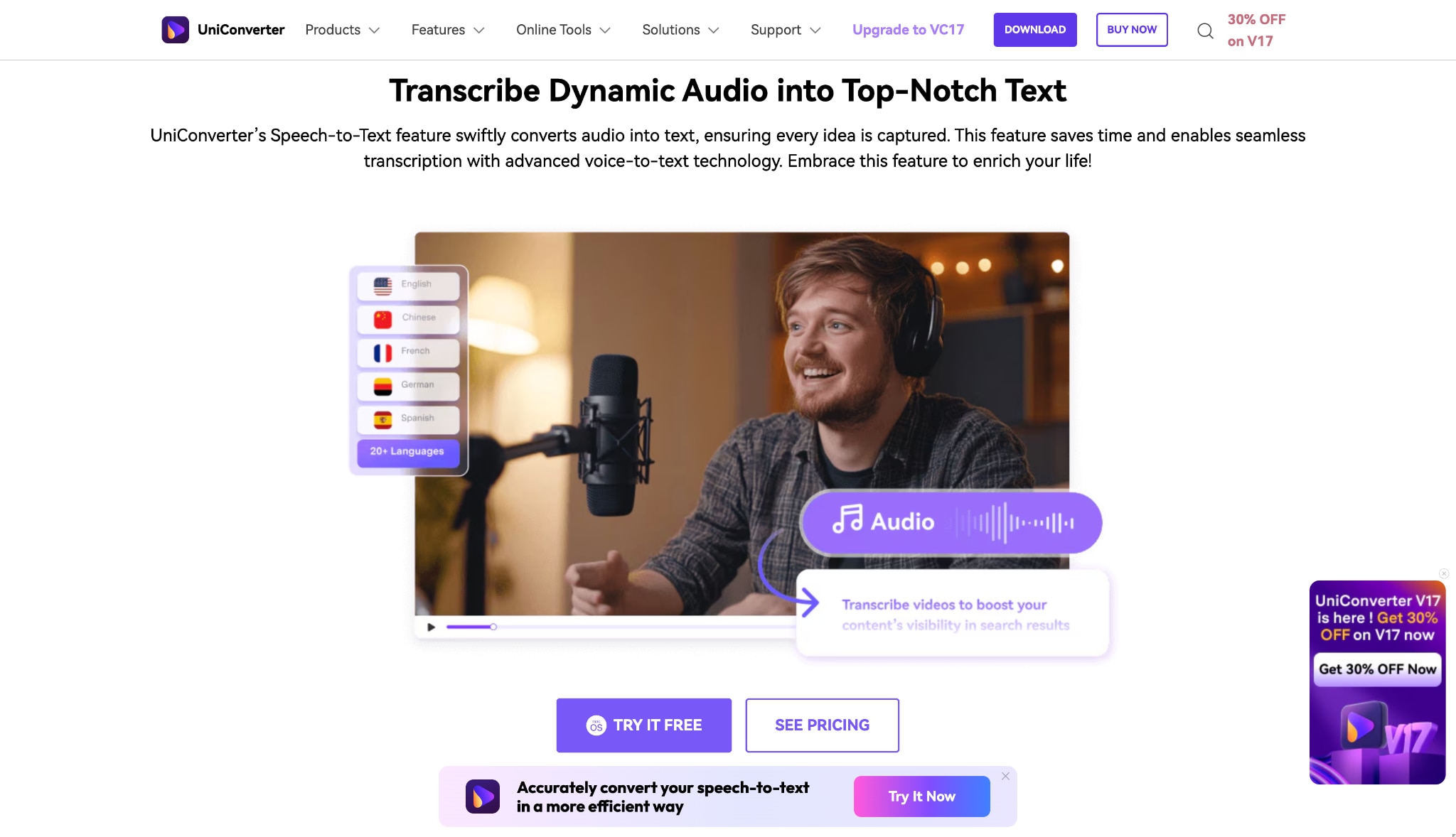
UniConverter Speech to Text - Simplifying Speaker Identification for Everyone
If you're looking for a user-friendly tool that blends transcription with automation, Wondershare UniConverter is the perfect starting point. Known for its versatility in video, audio, and AI processing, UniConverter now offers AI-powered transcription and speaker tagging features ideal for creators, educators, and professionals.
You can easily import multiple recordings, let the AI detect speaker IDs, and transcribe speech into text automatically. Whether you're analyzing interviews, virtual meetings, or podcasts, UniConverter delivers fast, accurate, and structured results.
Features:
- AI transcription with automatic speaker identification
- Batch transcribe multiple recordings simultaneously
- Adjustable audio enhancement for clearer diarization results
- Built-in audio tools like Noise Remover and Voice Changer
Product Type: Desktop Application with AI Cloud Processing
Best For: Students, content creators, journalists, and professionals looking for an all-in-one speaker diarization and transcription tool.

Easy to Use Audio Transcriber with Speaker Tags
Business Solutions
1. AssemblyAI
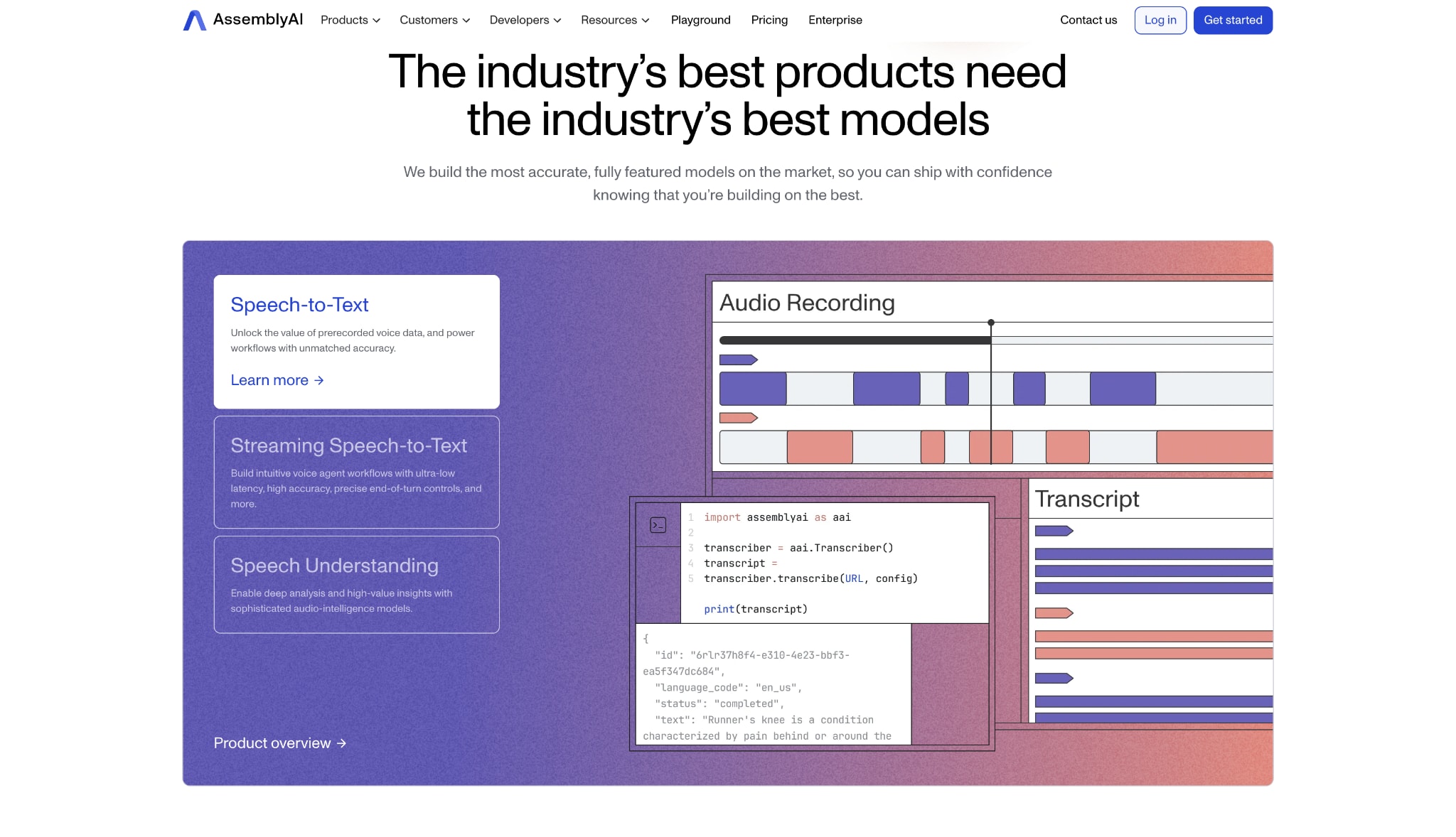
AssemblyAI is an advanced speech-to-text and conversation intelligence API trusted by developers and enterprises alike. Its cutting-edge Speaker Diarization API accurately tracks multiple speakers — even in noisy or overlapping audio. Built for scale, it supports up to 16 languages. It provides features like sentiment analysis, entity detection, and whisper speaker identification, making it one of the most powerful tools for business-grade speaker identification and analytics.
Feature:
- Industry-leading speaker diarization accuracy for up to 16 languages.
- Handles overlapping speech with near-human precision.
- Offers advanced analytics like summarization and entity extraction.
- Works seamlessly with both real-time and batch audio streams.
Product Type: Cloud API / Business Solution
Best For: Developers and large organizations focused on conversation analytics and AI transcription.
2. Speechmatics
Speechmatics delivers enterprise-grade speaker identification and ASR (Automatic Speech Recognition) through its Unified Engine, supporting more than 30 languages and dialects. It's built for global teams that demand accuracy and compliance — offering both cloud and on-premise deployment. With reliable diarization, accent adaptability, and flexible scaling, it's perfect for call centers, compliance monitoring, and media companies handling high volumes of multilingual content.
Feature:
- Unified Engine with 30+ languages and accents.
- Cloud or on-premise deployment for data-sensitive operations.
- Handles real-time and batch transcription.
- Delivers robust speaker diarization under diverse conditions.
Product Type: Cloud API / Business Solution
Best For: Global enterprises managing multilingual speaker diarization and compliance-heavy projects.
3. Otter.ai
Otter.ai remains one of the most accessible tools for real-time speaker tagging in virtual meetings. Its AI assistant automatically identifies, transcribes, and labels speakers during live sessions on platforms like Zoom, Teams, or Google Meet. You can assign names, highlight action items, and share transcripts in real time — making it a favorite for teams that rely on searchable meeting notes and quick collaboration.
Feature:
- Real-time transcription with automatic speaker labeling.
- Integrates with Zoom, Google Meet, and Teams.
- Shared transcripts, highlights, and collaborative comments.
- Supports manual speaker identification refinement for accuracy.
Product Type: SaaS (AI Meeting Assistant)
Best For: Teams, students, and educators needing real-time meeting transcription with speaker labels.
4. NVIDIA
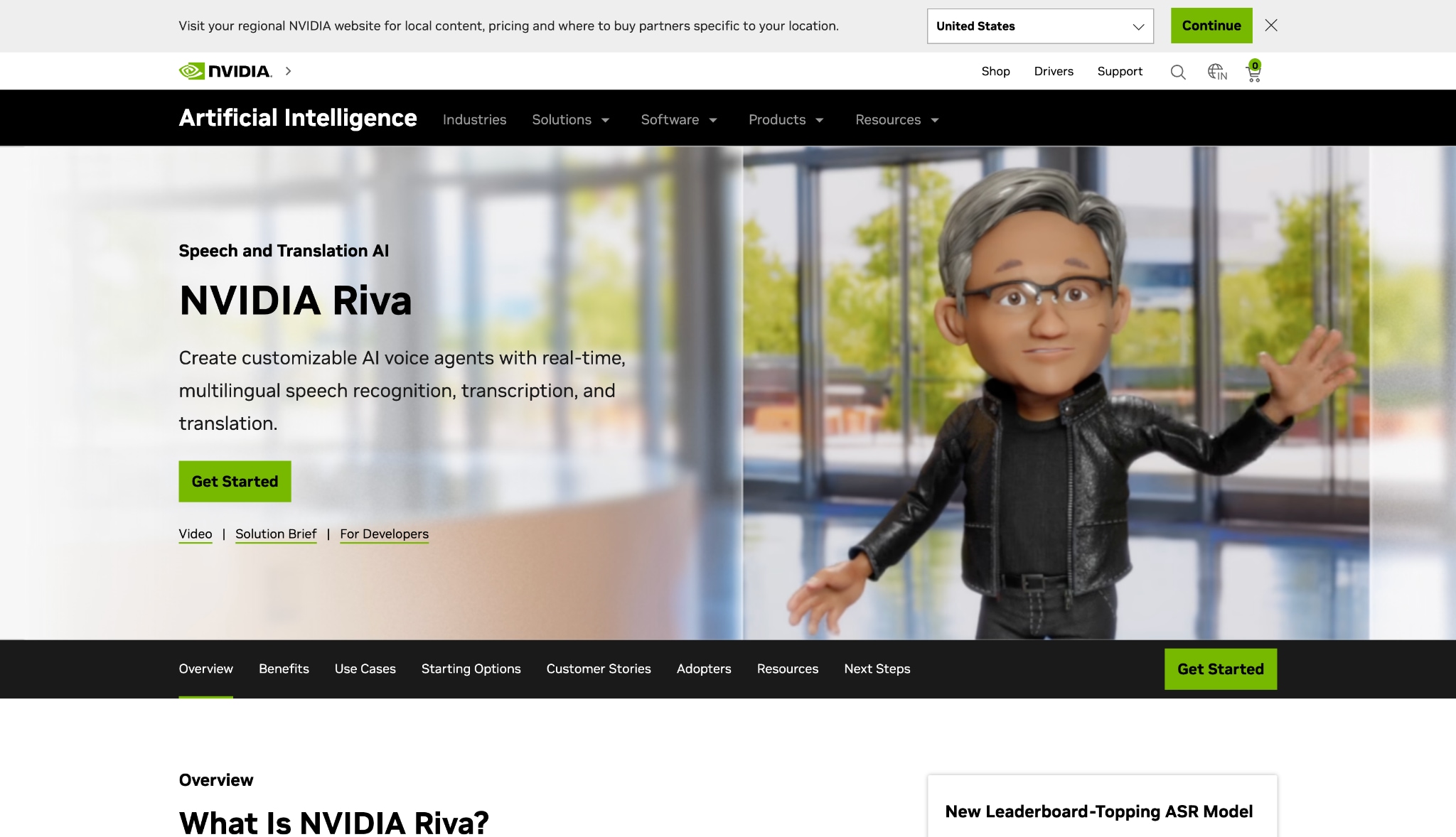
NVIDIA Riva offers a developer SDK designed for building real-time speaker identification pipelines. Using GPU acceleration, Riva enables ultra-low latency speaker diarization and ASR with enterprise-grade precision. Built for developers and researchers, it's ideal for custom AI projects like virtual assistants or call analytics that require both control and performance.
Feature:
- GPU-optimized for high-speed, real-time performance.
- Fully customizable AI speech pipeline using the NVIDIA NeMo toolkit.
- Deployable across cloud, on-premises, or edge devices.
- Supports ASR, TTS, and speaker recognition modules.
Product Type: Developer SDK / AI Framework
Best For: Developers building real-time diarization systems or AI assistants at scale.
Open Source Frameworks
1. PyAnnote Audio
PyAnnote Audio is a widely recognized open-source Python toolkit for speaker diarization and segmentation. Powered by PyTorch, it provides a modular pipeline for detecting, embedding, and clustering voices to determine who spoke when. Frequently used in research and production prototypes, PyAnnote also integrates seamlessly with whisper diarization models, offering a flexible framework for custom speaker identification Python implementations.
Feature:
- Modular pipeline for speech activity detection and clustering.
- Compatible with Whisper-based diarization for end-to-end workflows.
- Robust speaker segmentation and tagging tools.
- Actively supported by the open-source community.
Product Type: Open Source Python Framework
Best For: Researchers and developers creating custom speaker diarization workflows or experimental setups.
2. SpeechBrain
SpeechBrain is an open-source PyTorch-based speech AI toolkit offering building blocks for speaker identification, recognition, and diarization. It includes pre-trained models like ECAPA-TDNN for speaker embeddings, allowing quick experimentation and integration into research or educational projects. Its strong academic roots make it ideal for anyone exploring speaker ID Python implementations or creating end-to-end diarization systems.
Feature:
- Pre-trained models for speaker recognition and embedding extraction.
- Modular and extensible PyTorch codebase.
- Tutorials for training and fine-tuning custom models.
- Compatible with PyAnnote for diarization tasks.
Product Type: Open Source Python Framework
Best For: ML engineers and researchers building custom speaker ID systems.
3. Simple Diarizer
Simple Diarizer lives up to its name — it's a lightweight open-source Python tool for quick and easy speaker diarization. It's ideal for smaller projects or first-time developers looking to tag speakers without a heavy setup. Using Silero VAD and SpeechBrain embeddings, it offers a minimal yet effective solution for fast speaker identification testing.
Feature:
- Simple Python interface for fast diarization.
- Integrates Silero VAD and SpeechBrain embeddings.
- Minimal setup with pre-trained models.
- Great starting point for speaker tagging experiments.
Product Type: Open Source Python Toolkit
Best For: Hobbyists and beginners exploring basic speaker identification Python prototypes.
Easy to Use Audio Transcriber with Speaker Tags
Part 3: Comparison Table of Top Speaker Tagging Tools
To have a better overview for comparison of tools listed above, here we summarize a comparison table and give supplemented elements for you to make deeper measurement of which tool fits your demand better.
| Tool / Platform | Real-Time Processing | Batch Processing | Ease of Use | Pricing | Languages (Diarization/Transcription) |
|---|---|---|---|---|---|
| Wondershare UniConverter | No (mainly post-processing) | Yes | Very High (Desktop UI) | One-time or Subscription | Primarily English (Basic tagging) |
| Otter.ai | Yes (live meetings) | Yes (upload support) | Very High (Simple SaaS interface) | Free tier / Subscription (per user) | English only |
| AssemblyAI | Yes (low-latency API) | Yes | Medium (developer API) | Pay-as-you-go (per minute) | 16+ languages (high accuracy) |
| Speechmatics | Yes (real-time API) | Yes | Medium (requires setup) | Pay-as-you-go (per hour) | 30+ languages (global coverage) |
| NVIDIA Riva | Yes (GPU-accelerated SDK) | Yes | Low (requires ML expertise) | Hardware + license cost | Customizable multilingual via NeMo |
| PyAnnote Audio | Possible (manual setup) | Yes | Low (Python-based) | Free / Open Source | Language agnostic (segmentation) |
| SpeechBrain | Possible (via recipes) | Yes | Low (developer-focused) | Free / Open Source | Customizable (200+ model recipes) |
Part 4: How to Easily Batch Transcribe Recordings with Automatic Speaker Tagging Software
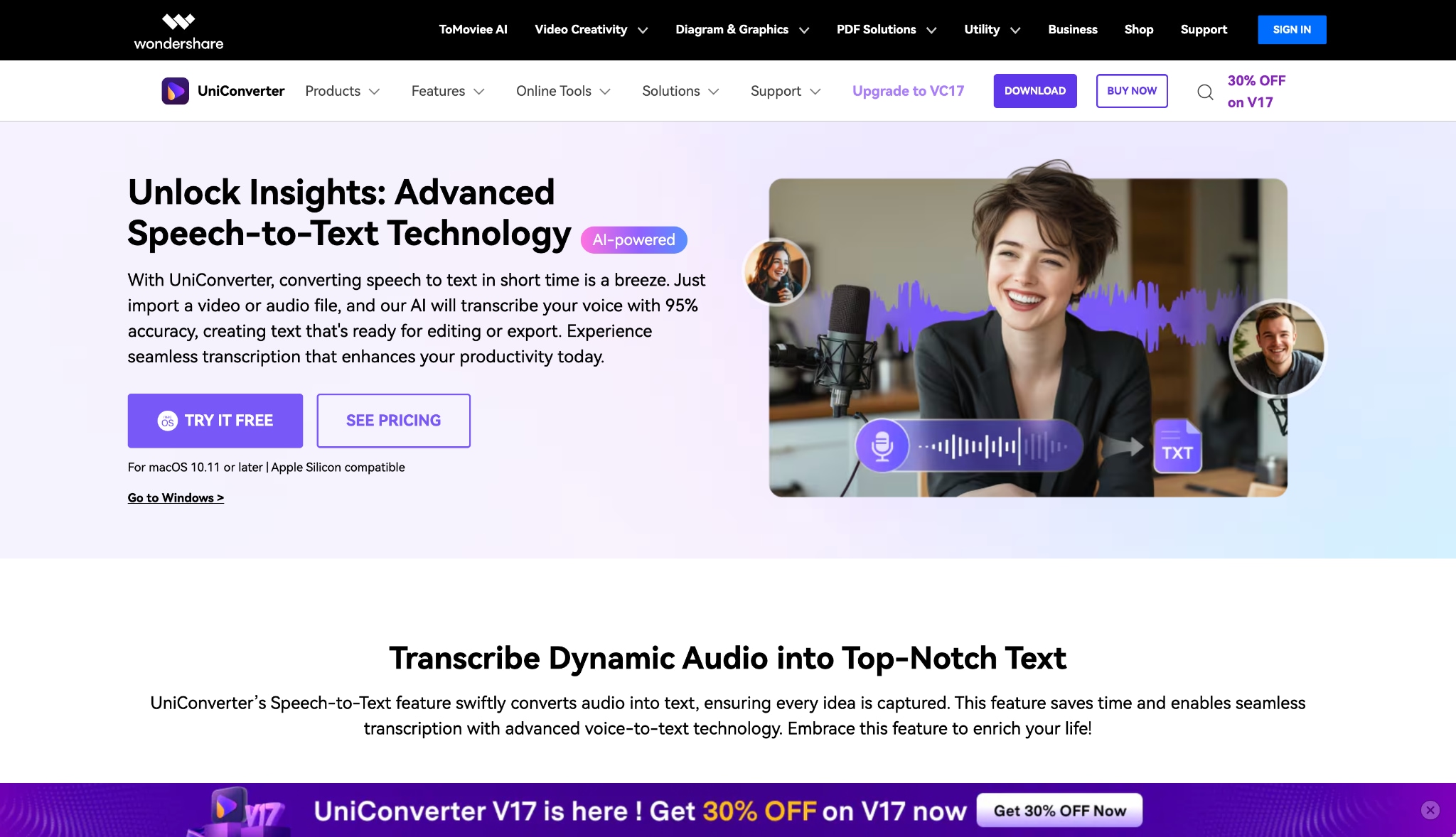
Wondershare UniConverter's Speech to Text feature is your all-in-one solution for processing large volumes of multi-speaker audio and video. This tool transforms time-consuming manual transcription into a single, automated batch conversion job powered by sophisticated AI. Follow these three streamlined steps to generate accurate, labeled transcripts and save hours of work.
Step 1: Gather Media and Launch the Batch Transcription Feature
Begin by opening Wondershare UniConverter and locating the powerful Speech to Text tool, which is typically housed under the Audio section of the interface. Use the + Add Files function to import all the audio or video recordings you wish to process in one go, thereby eliminating the tedious chore of handling each file individually. This crucial first step queues your entire media library for an efficient batch processing job that is ready to begin at your command.

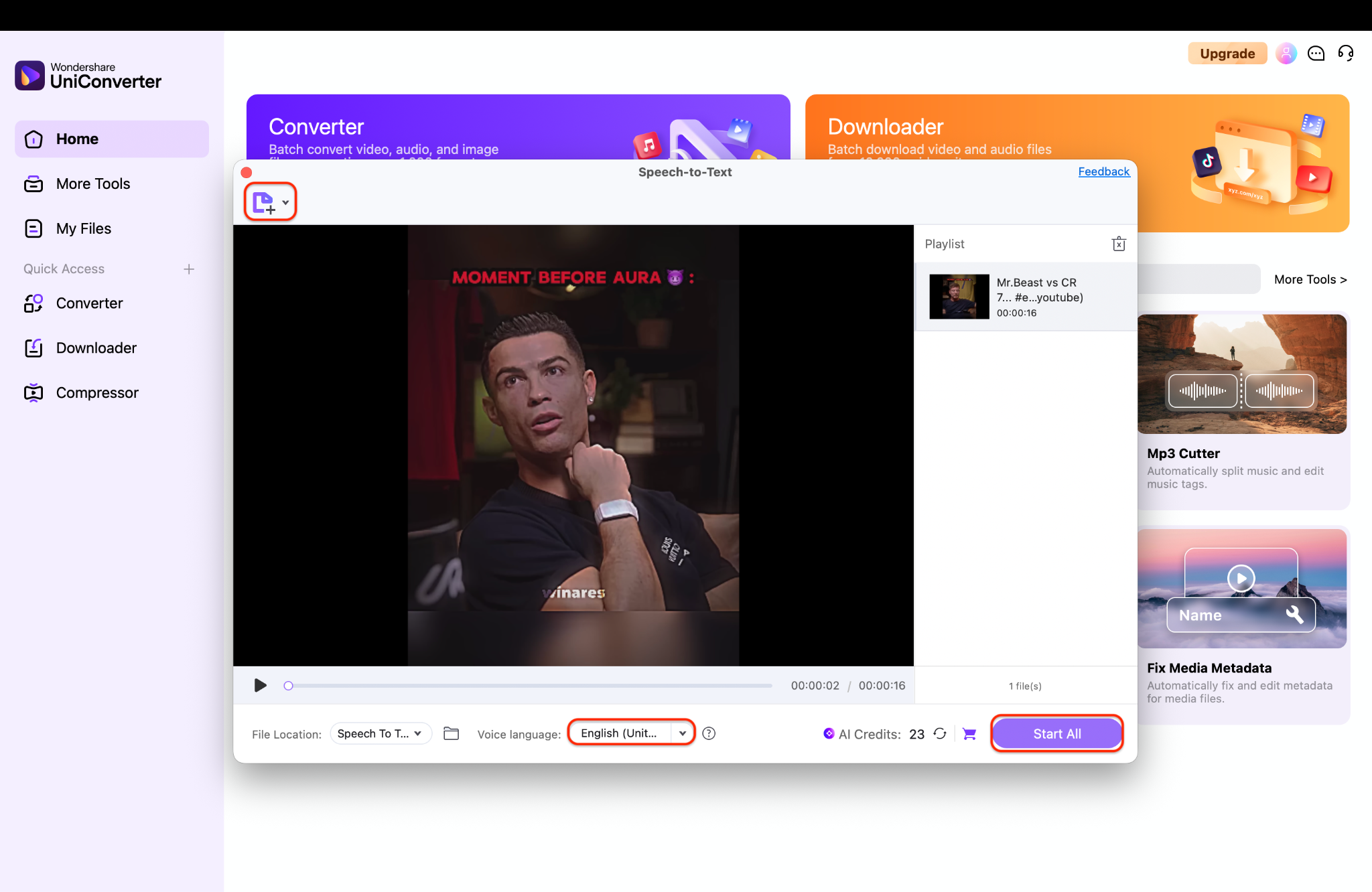
Step 2: Set The Source Language And Start Batch AI Transcription
Next, you must specify the source language of your media from the corresponding dropdown menu to ensure maximum accuracy from the underlying speech recognition engine. Add file(s) either from device or camcorder by navigating to the top left "+add file" icon. Once added, click the Start All button to unleash the AI engine and begin the batch export process across all your queued recordings and it will be saved into the desired file location.
Step 3: Review And Edit Speaker Tags For Accuracy
You can manually add Speaker A, Speaker B, and other tags if they aren't automatically detected. Take a moment to review the transcript and correct any mismatched captions to ensure authenticity and clarity. Once verified, repeat the process for other recordings — your captions will now be perfectly tagged and ready without any hassle.
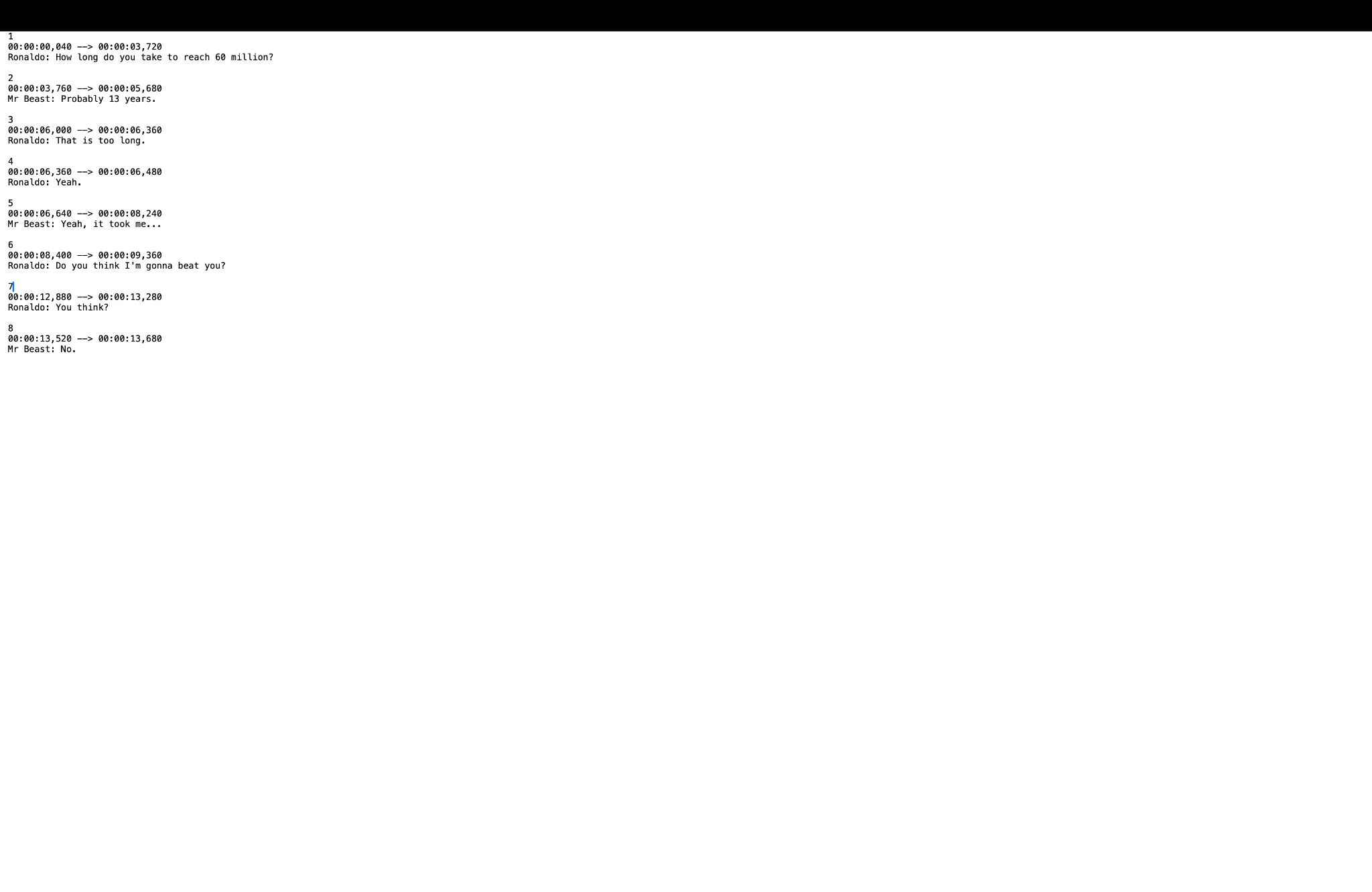
Tip: Always save your text file right after making edits to prevent losing any speaker tags or error corrections. A quick save ensures your hard work stays intact and your transcript remains clean and accurate.
Part 5: Speaker Tag Implementation Best Practices
Getting accurate speaker tagging and speaker identification isn't just about using good tools — it's about setting the right foundation. The more precise your audio and setup, the brighter your AI's results. Here's a quick guide to getting it right.
Audio Quality Optimization
Great results start with great audio. Try to record in a quiet space and use noise reduction to clean up background hums. If you can, use multi-channel audio (one mic per speaker) — it helps the model separate voices easily. Keep your files in WAV or FLAC format at a 16kHz sample rate for the best balance between clarity and performance.
Configuration Optimization
Before running diarization, let your tool estimate the number of speakers — this gives it a solid head start. Adjust the confidence settings to decide how sensitive the model should be to new voices. For industry projects, add custom vocabulary so your tool understands specific terms and keeps transcriptions accurate.
Post-Processing and Quality Assurance
Even the best AI can miss a few details. Review the transcript to fix any speaker mix-ups or timing overlaps. For high-stakes content, use metrics like Diarization Error Rate (DER) to check accuracy and ensure every speaker tag is correct where it should be.
Conclusion
Speaker identification has evolved from a niche research tool into an essential asset for creators, educators, and enterprises. Modern diarization and speaker tagging systems make it easier than ever to organize complex conversations, meetings, and interviews with clarity.
If you're looking for an easy, fast, and affordable way to identify speakers and transcribe in batches — Wondershare UniConverter is your best ally. It combines AI transcription, noise reduction, and speaker ID tagging in one streamlined suite.
Try UniConverter Speech to Text today and transform how you manage, edit, and transcribe your audio content — faster, smarter, and professionally polished.
FAQs
-
1. How does speaker identification work?
Speaker identification uses AI to analyze vocal patterns like tone, pitch, and energy, assigning tags to each distinct voice. This process—called speaker diarization—automatically segments and labels speech into structured transcripts. -
2. Can UniConverter perform speaker identification?
Yes. UniConverter's AI Transcription feature includes automatic speaker tagging, powered by modern diarization algorithms that recognize and label individual voices. -
3. What is whisper diarization?
Whisper diarization is the ability to detect and label speakers who speak softly or at low volumes. This advanced feature helps capture accurate transcripts even during hushed conversations. -
4. Can I tag speakers in videos too?
Absolutely. With UniConverter, you can tag speakers from both audio and video recordings. The tool identifies unique voices and synchronizes them with timestamps. -
5. What's the best speaker identification tool for beginners?
For beginners, UniConverter is the most user-friendly option. It's simple, intuitive, and requires no coding—unlike speaker identification python libraries like PyAnnote or SpeechBrain.

