


Old photos are more than just images—they're fragments of your history. But over time, those cherished memories can become blurred, scratched, or even unreadable due to damage or digital file corruption. Whether you're staring at a faded family portrait or clicking on a digital image that won't open, the question is always the same: can it be saved?
The good news? Yes, it can. With today's AI-powered restoration tools, you repair corrupted photos online—all without needing any technical expertise.
In this guide, we'll walk you through the 10 best tools for corrupted photo recovery, including platforms that help you repair corrupted images online free. These curated tools offer fast, reliable fixes for bringing your damaged memories back to life.
You can click here to directly view the comparison of output collage from 10 tools.
Table of Contents
Part 1. Best 10 Tools to Fix Corrupted Photos
Restoring damaged old photos is easier than ever with modern AI-powered tools. Whether it's due to file corruption, formatting errors, or transfer glitches, the tools listed below help you fix and recover corrupted images in just a few clicks.
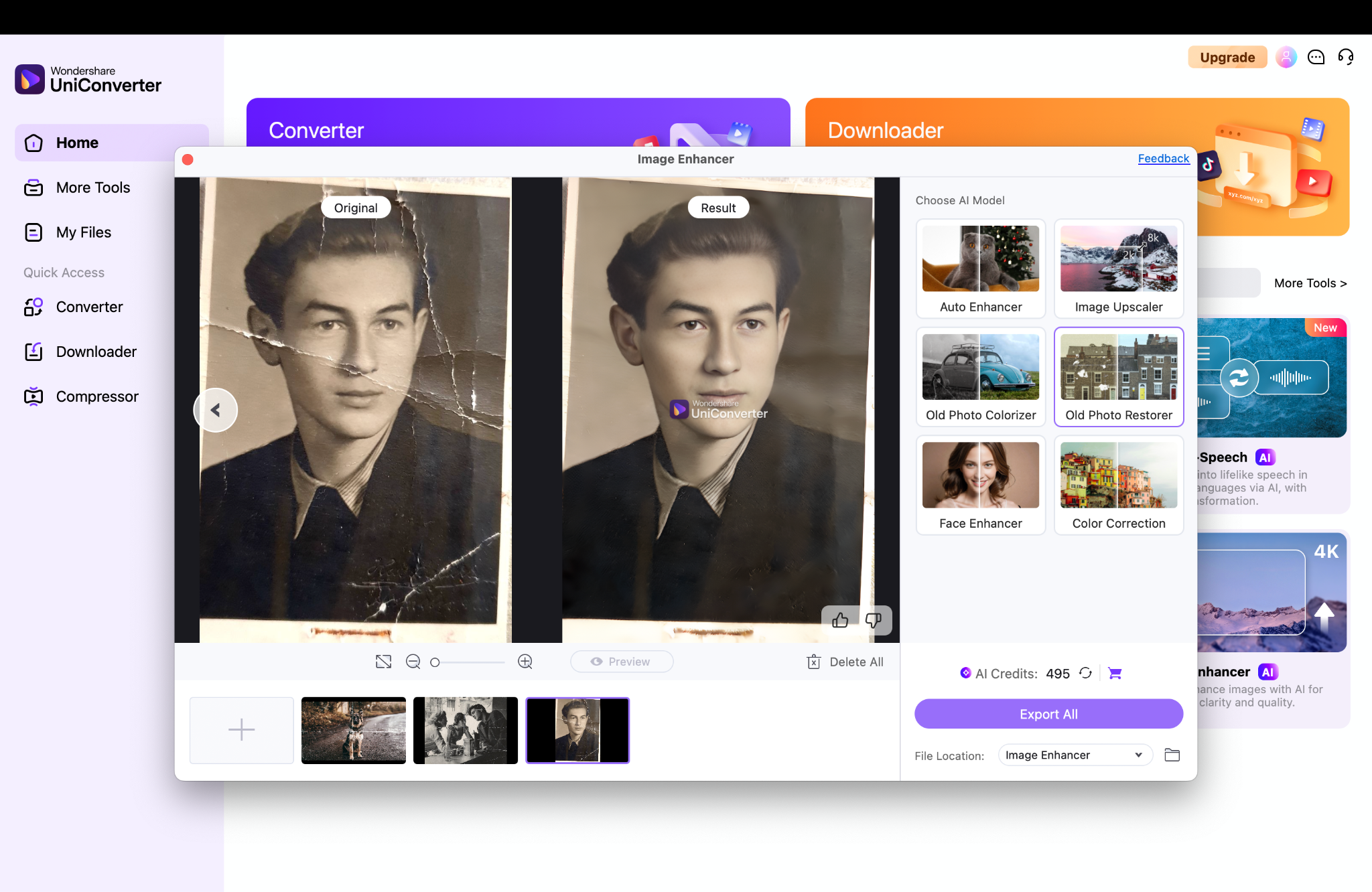
1. UniConverter – Top Pick
UniConverter provides an excellent repair corrupted images online free solution to fix corrupted images and recover corrupted videos. Its AI-driven tools restore detail in blurry or damaged pictures and even repair frames from videos. With an intuitive workflow, it simplifies corrupted photo recovery, making it effortless to recover corrupted photos online.
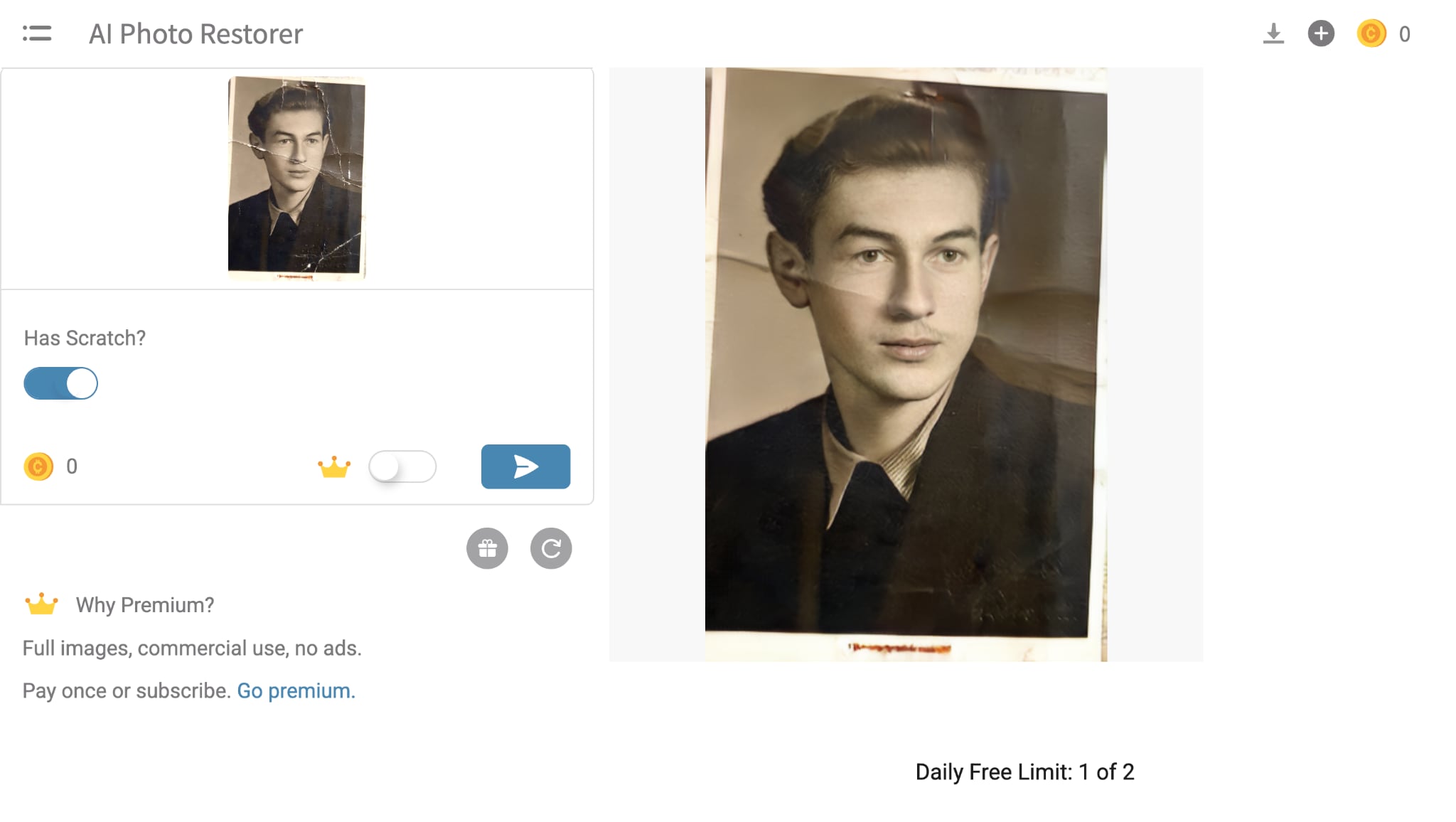
2. Hotpot AI
Hotpot AI provides a beginner-friendly photo repair online tool focused on restoring old, scratched, or faded images. AI enhancement removes imperfections, sharpens details, and raises resolution with ease. It's a solid option to repair corrupted images online for archival or nostalgic photos.
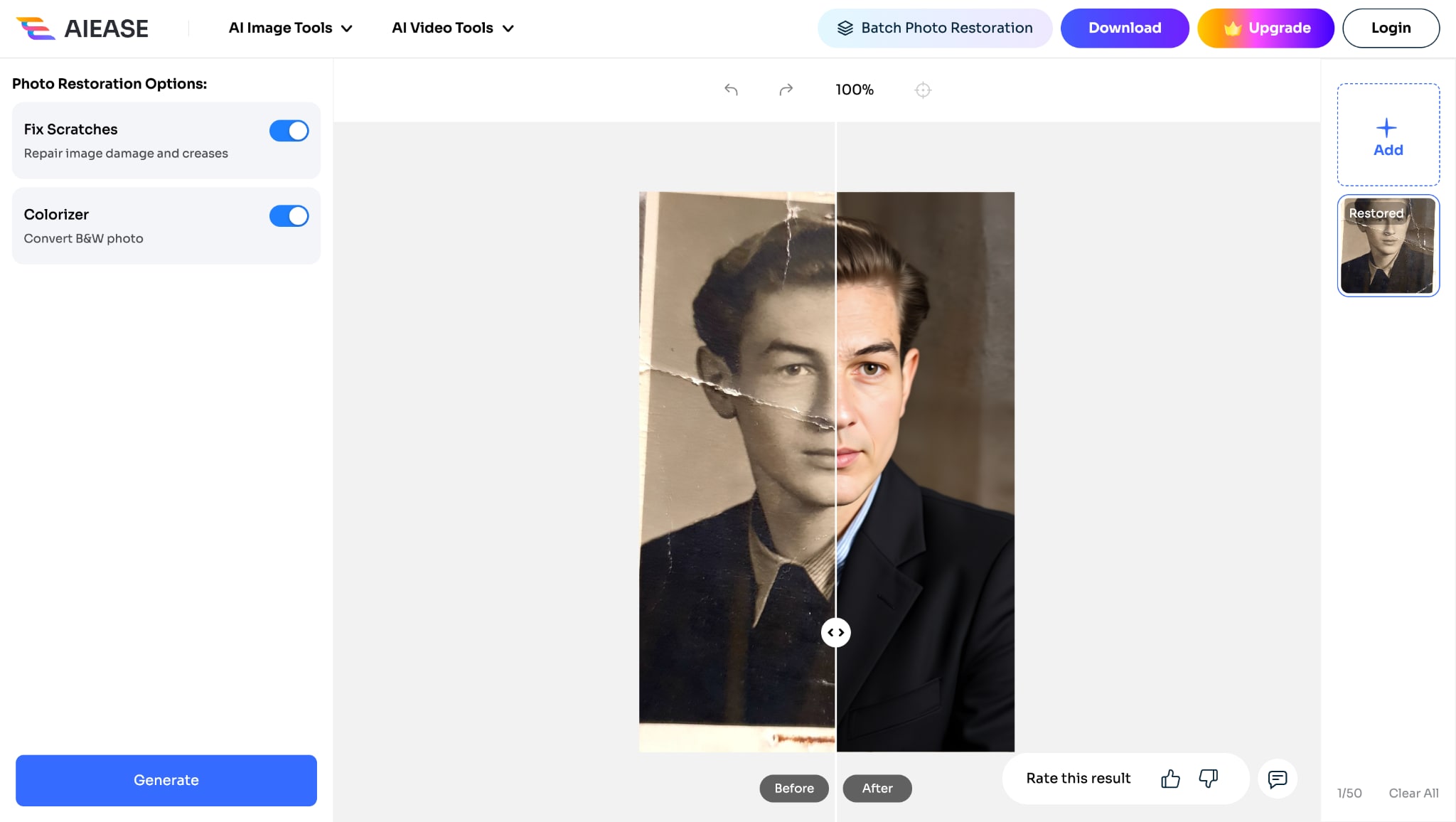
3. AIEase Photo Restoration
AIEase offers a smart repair corrupted images online free platform that excels at restoring heavily damaged or faded photos. Its AI engine removes blur and noise while restoring lost clarity and resolution. With support for high-resolution exports, it's a go‑to for quality corrupted photo recovery.
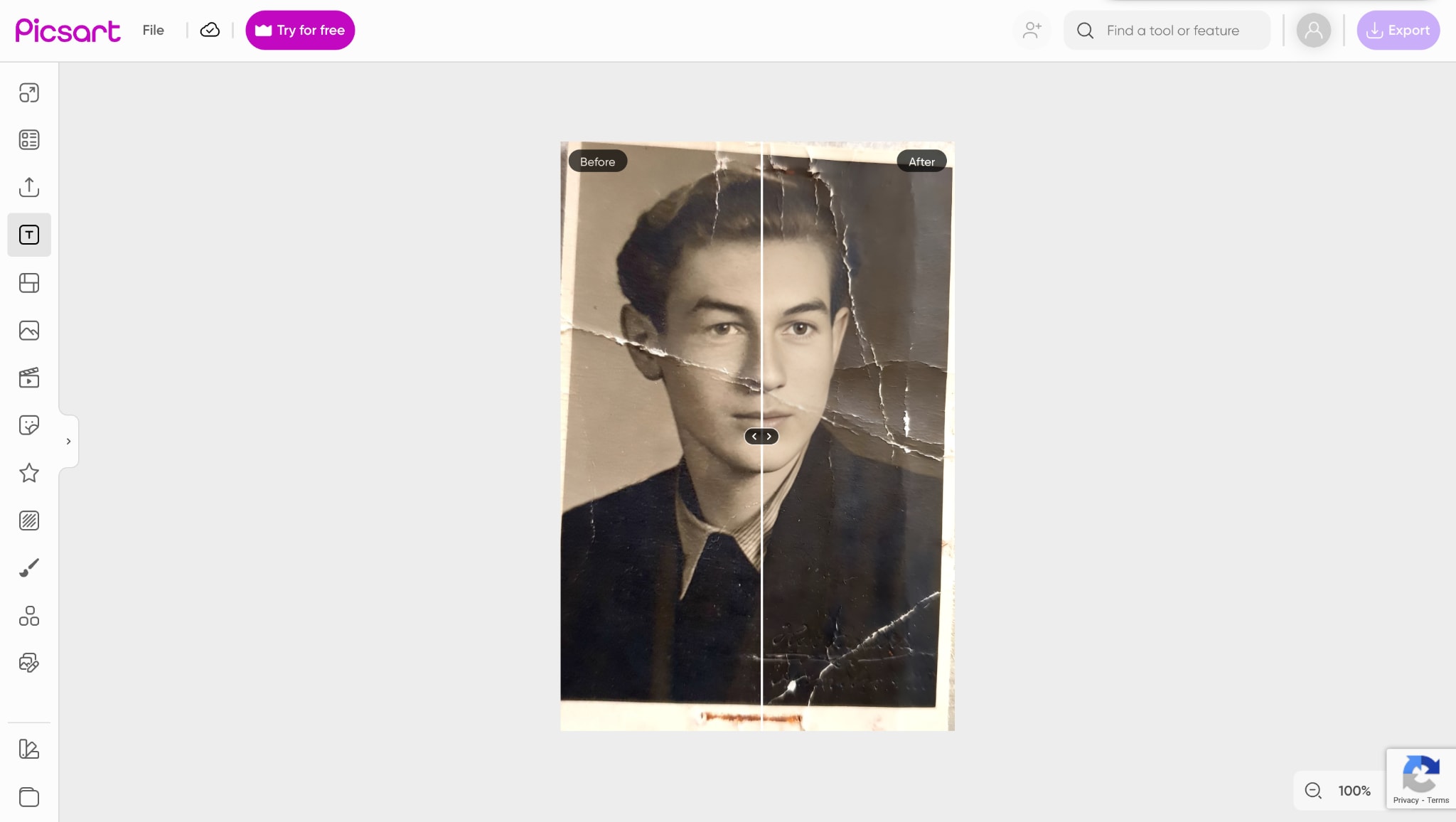
4. Picsart
Picsart offers light photo repair online features fused with creative editing tools, allowing you to repair corrupted photos and then stylize them in one go. AI enhancements correct minor blur, color fade, and small blemishes before you add effects. It's a fun all‑in‑one tool for those who want to recover corrupted images and get creative.
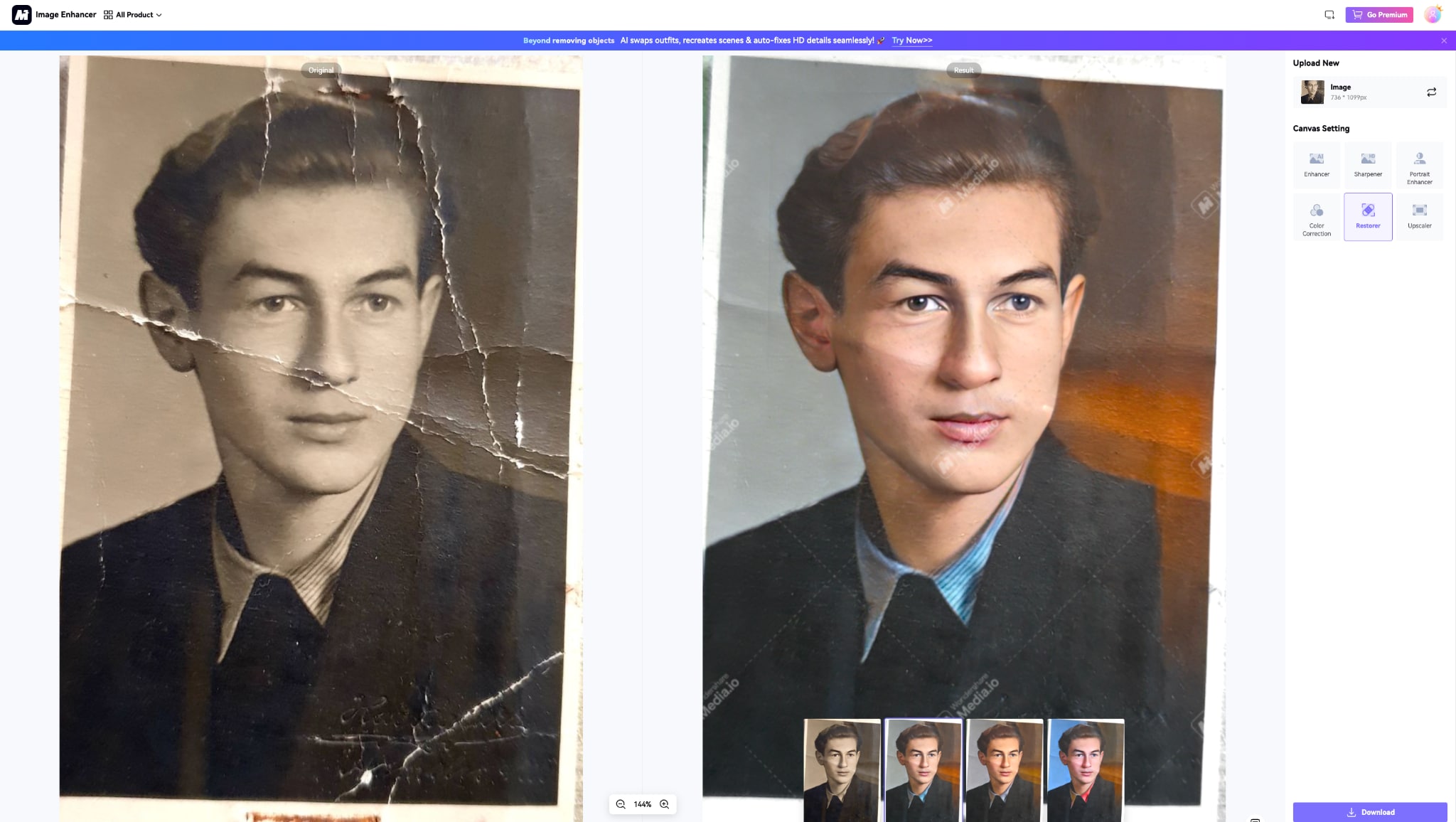
5. Media.io – Image Restorer
Media.io Image Restorer is a reliable photo repair online service aimed at fixing old, blurry, or pixelated photos. Its AI enhancement recovers lost contrast and sharpness while smoothing out damage or noise. This browser-based option is perfect for simple tasks to fix corrupted photos without installing.

Easy to Use Batch Corrupted Photo Repairing Tool
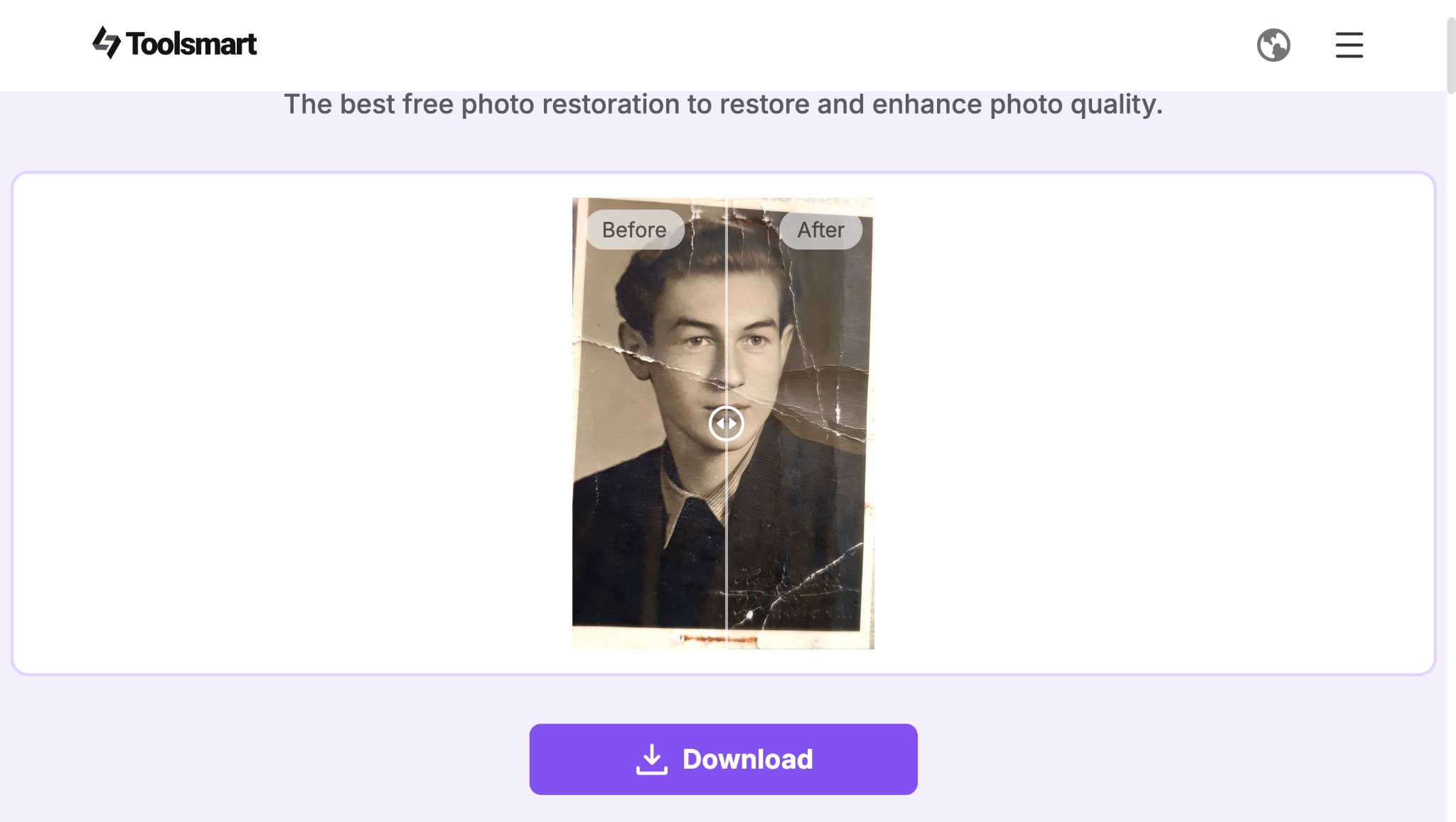
6. Toolsmart's Photo Restoration
Toolsmart's Photo Restoration is an advanced photo repair online service offering nine different AI restoration styles to recover corrupted images with style. It provides sliders to control how closely results match the original, perfect for scanned or faded photos. Ideal for users who want both control and corrupted photo recovery online free.
7. Phot.AI
Phot.AI is a comprehensive photo repair online platform that combines robust recovery with personalization tools. It removes blemishes, fades, and resolution issues, while offering clarity and upscale features. Whether you need to recover corrupted images or creatively enhance your photo, Phot.AI delivers both in one solution.
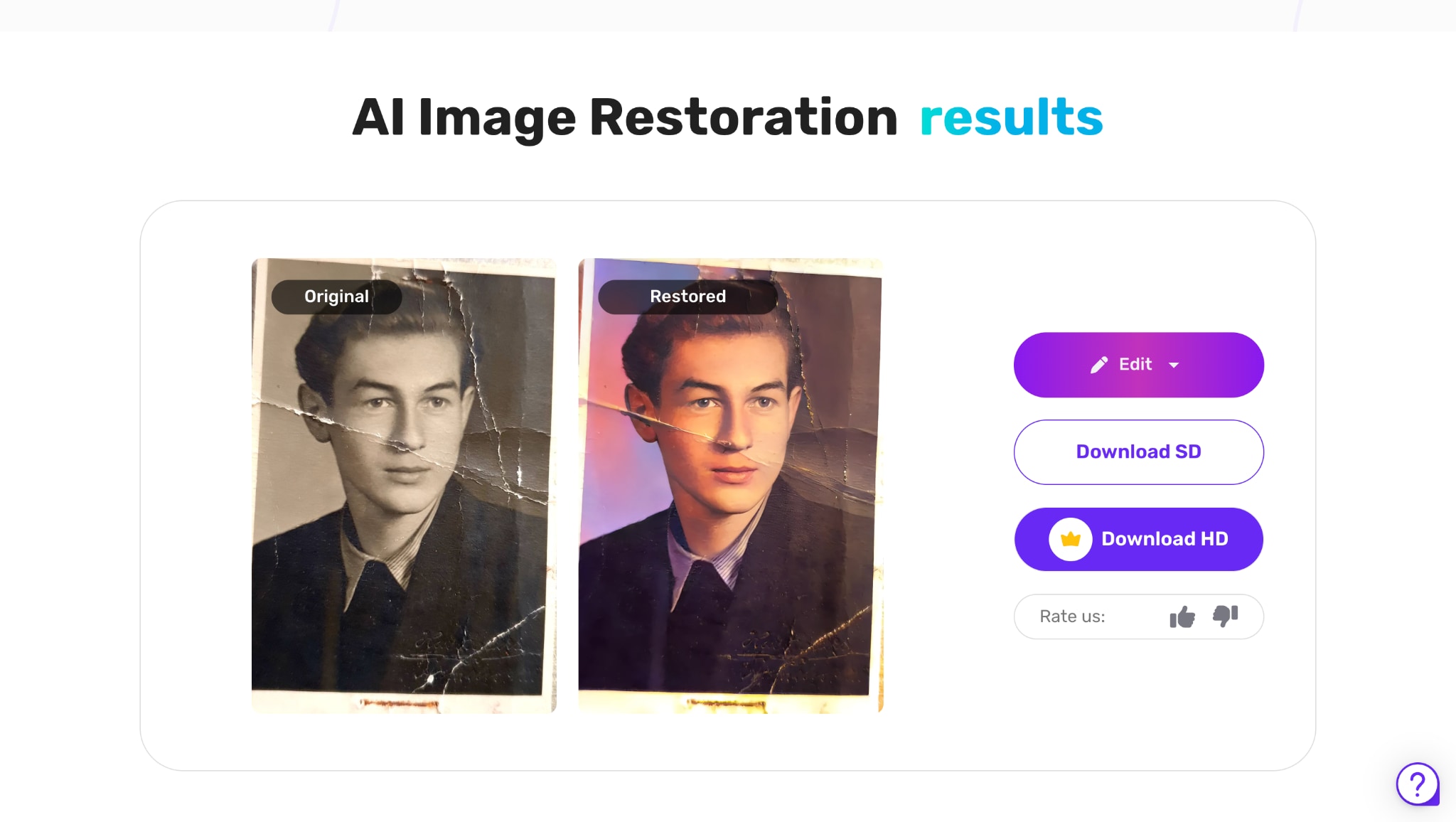
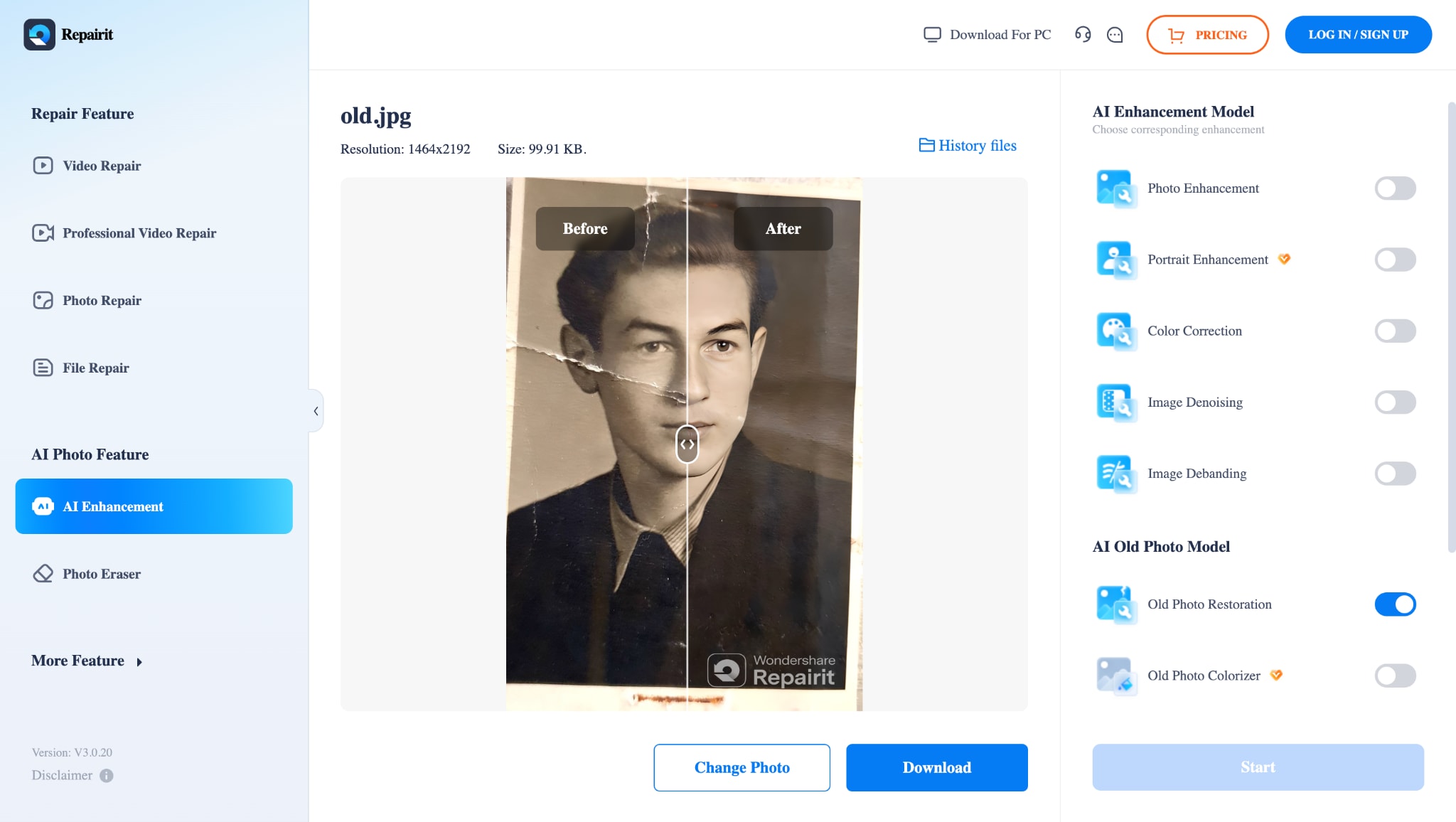
8. Repairit Online AI Old Photo Restoration
Wondershare Repairit Online delivers an effective way to recover corrupted images and repair corrupted photos online using AI-based cloud processing. It removes scratches, restores color, and enhances facial details with precision. You can preview the results before downloading to ensure successful corrupted photo recovery online free.
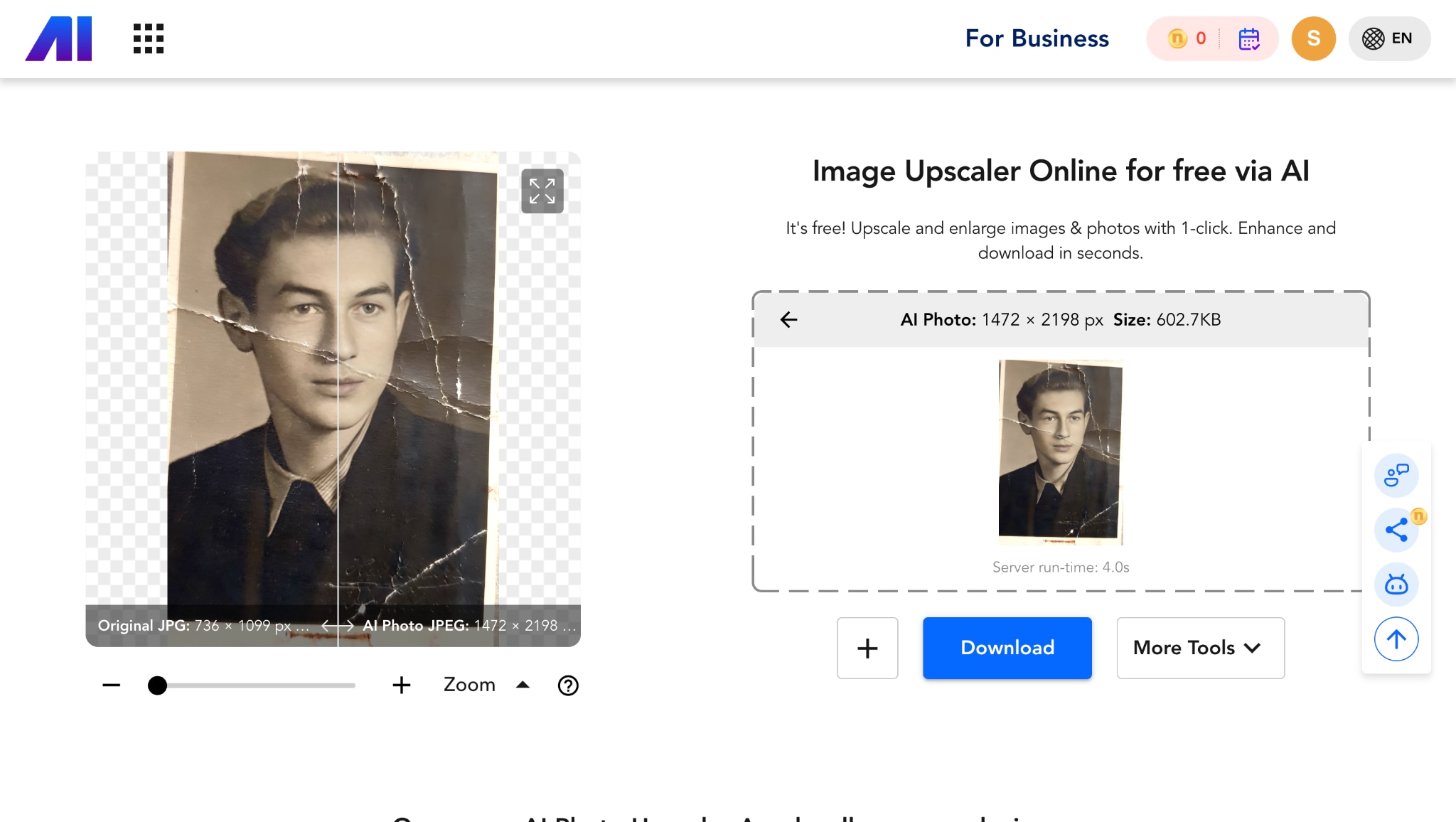
9. Nero AI Photo Enhancer
Nero AI Photo Enhancer is a streamlined repair corrupted images online free tool designed to correct faded or yellowed photos quickly. Its one-click interface restores color balance and clarity efficiently with minimal effort. Perfect for fast corrupted photo recovery when ease of use matters.
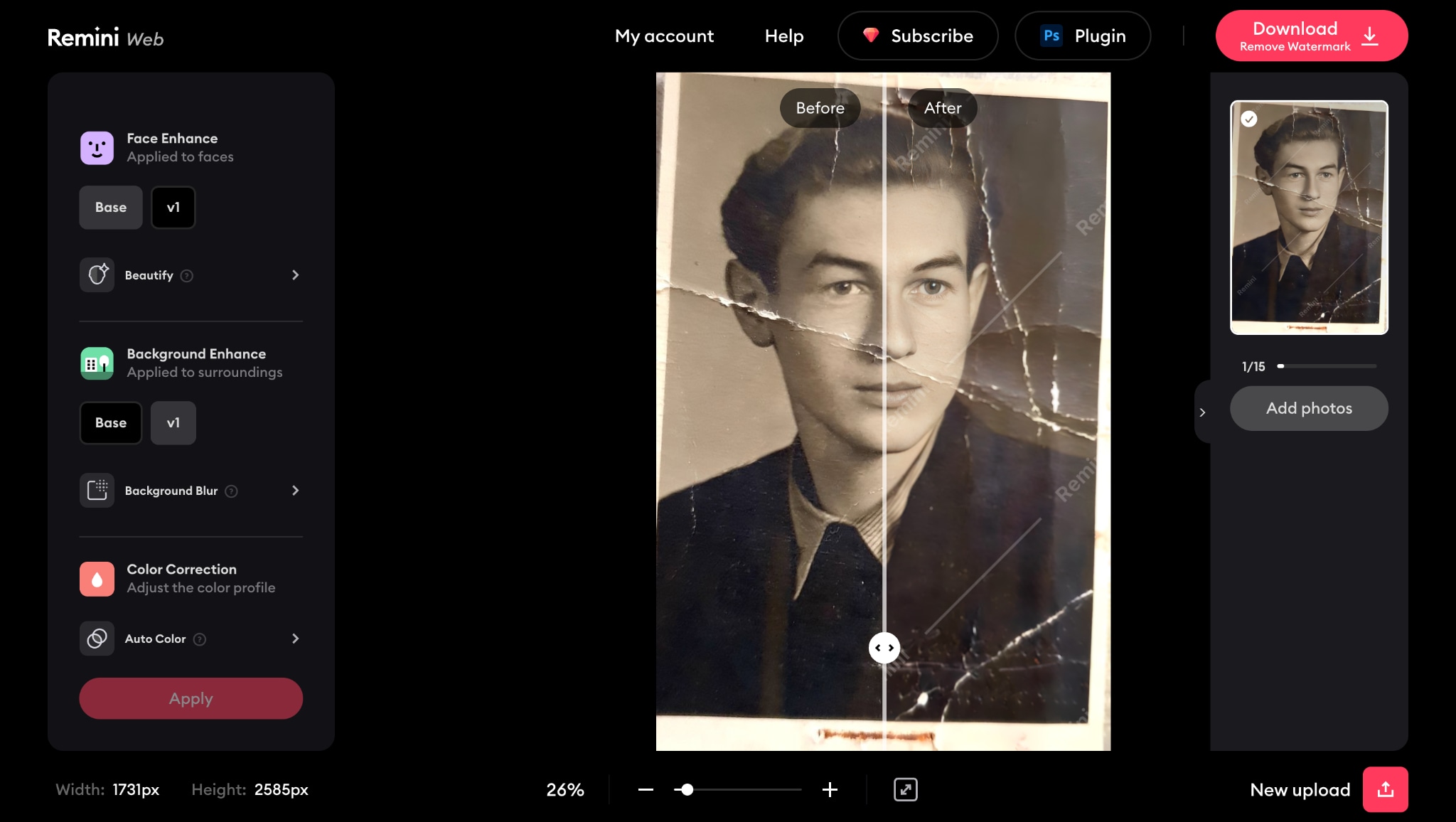
10. Remini Old Photo Enhancer
Remini is a trusted photo repair online tool for recovering corrupted or low-quality images into HD clarity. Its AI restoration sharpens faces, revives background detail, and enhances color in faded photos. Users can fix corrupted photos quickly via its simple online interface.
Easy to Use Batch Corrupted Photo Repairing Tool
Part 2. Quick Overview of 10 Corrupted Photo Fixer Tools
Below is adetailed side-by-side comparison of the top 10 tools that help repair corrupted images online free tools vary in terms of pricing, speed, file size handling, and supported formats—so choosing the right one depends on your specific needs.
Pro Tip: Scroll below to the collage showing the same damaged photo processed through all 10 tools. This real-world visual comparison lets you see which software delivers the cleanest recovery and sharpest results.
| Tool Name | Pricing (Free Tier) | Processing Speed | Max File Size (Free) | Supported Formats (Free) |
| UniConverter | Limited free, paid upgrades | Fast | 5MB | JPG, PNG, BMP |
| Hotpot AI | Free with daily limit, subscription for full | Medium | 10MB | JPG, PNG |
| AIEase Photo Restoration | Free basic, paid for full | Medium-Fast | 15MB | JPG, PNG |
| Picsart | Free with paid features | Fast | 20MB | JPG, PNG |
| Media.io | Free basic, premium available | Fast | 5MB | JPG, PNG, RAW |
| Toolsmart's | Completely free | Medium | 25MB | JPG, PNG |
| Phot.AI | Free basic, paid pro | Slow-Medium | 30MB | JPG, PNG |
| Repairit Online | Free with limits | Fast | 30MB | JPG, PNG, BMP |
| Nero AI | Free basic | Fast | 10MB | JPG, PNG |
| Remini | Free with ads/sign-up | Medium | 15MB | JPG, PNG |
Visual Test: Comparing Real Results from All 10 Tools
Before choosing a tool to fix corrupted photos, it's critical to see how each performs on the same damaged image. We tested all 10 tools with a heavily corrupted JPEG (broken pixels, color distortion, and missing sections) and compared their outputs side by side.
click here to the quick comparison table click here to the detailed tool list
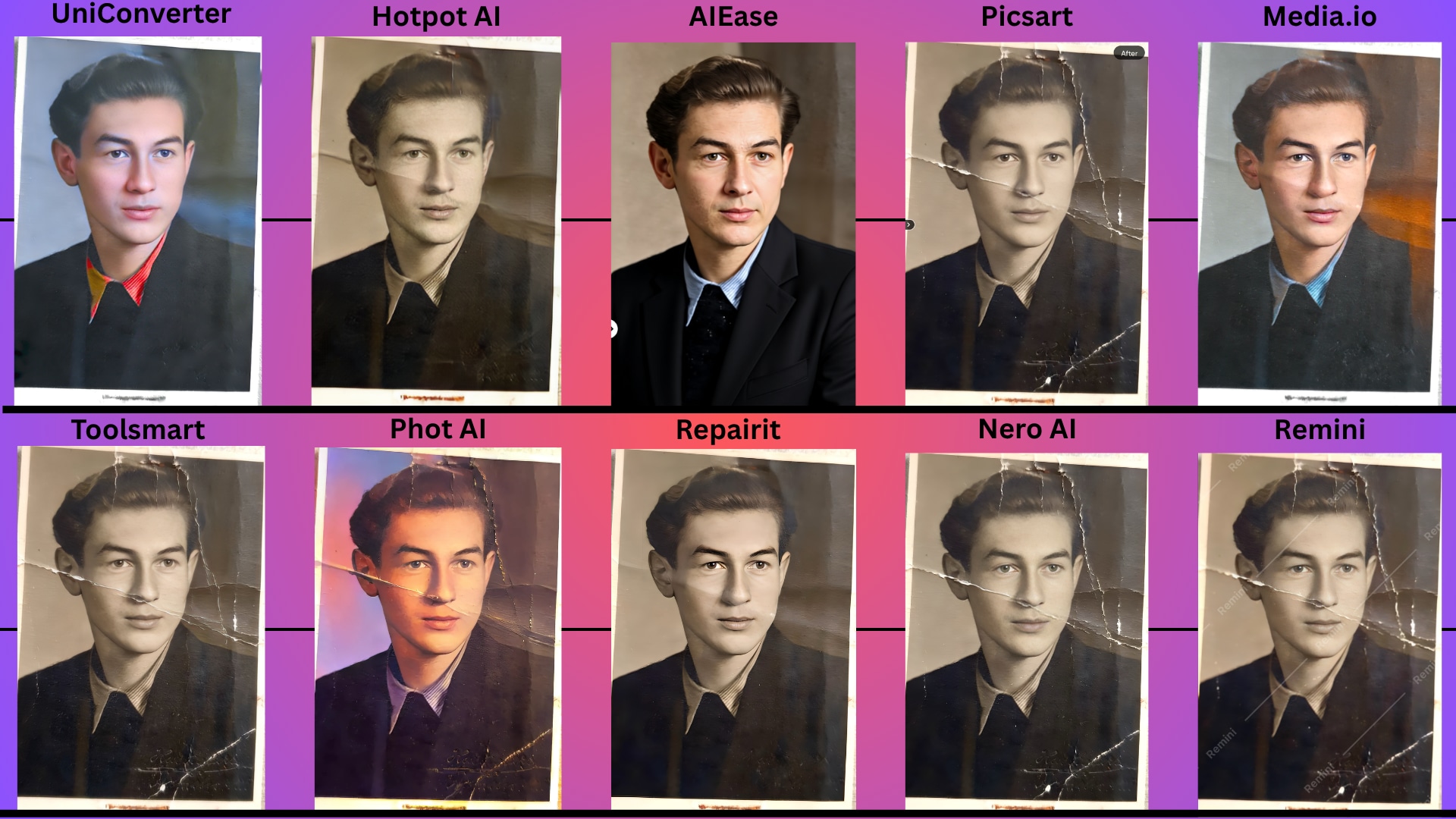
The side-by-side comparison above highlights how each tool works to fix corrupted photos, but some outperform others in detail, tone, and realism.
UniConverter stands out with vibrant, clean restorations—removing scratches, sharpening facial features, and reviving natural tones. Suppose you're wondering how to recover corrupted photos with high accuracy. Beyond photos, UniConverter also helps users who need to recover, repair, or open corrupted videos in one place.
Why Does UniConverter Stand Out? Try its Unique Approach
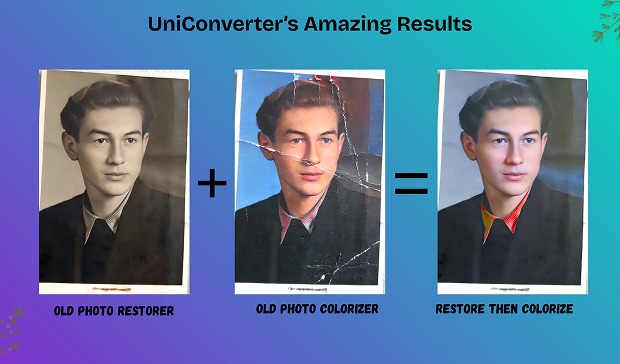
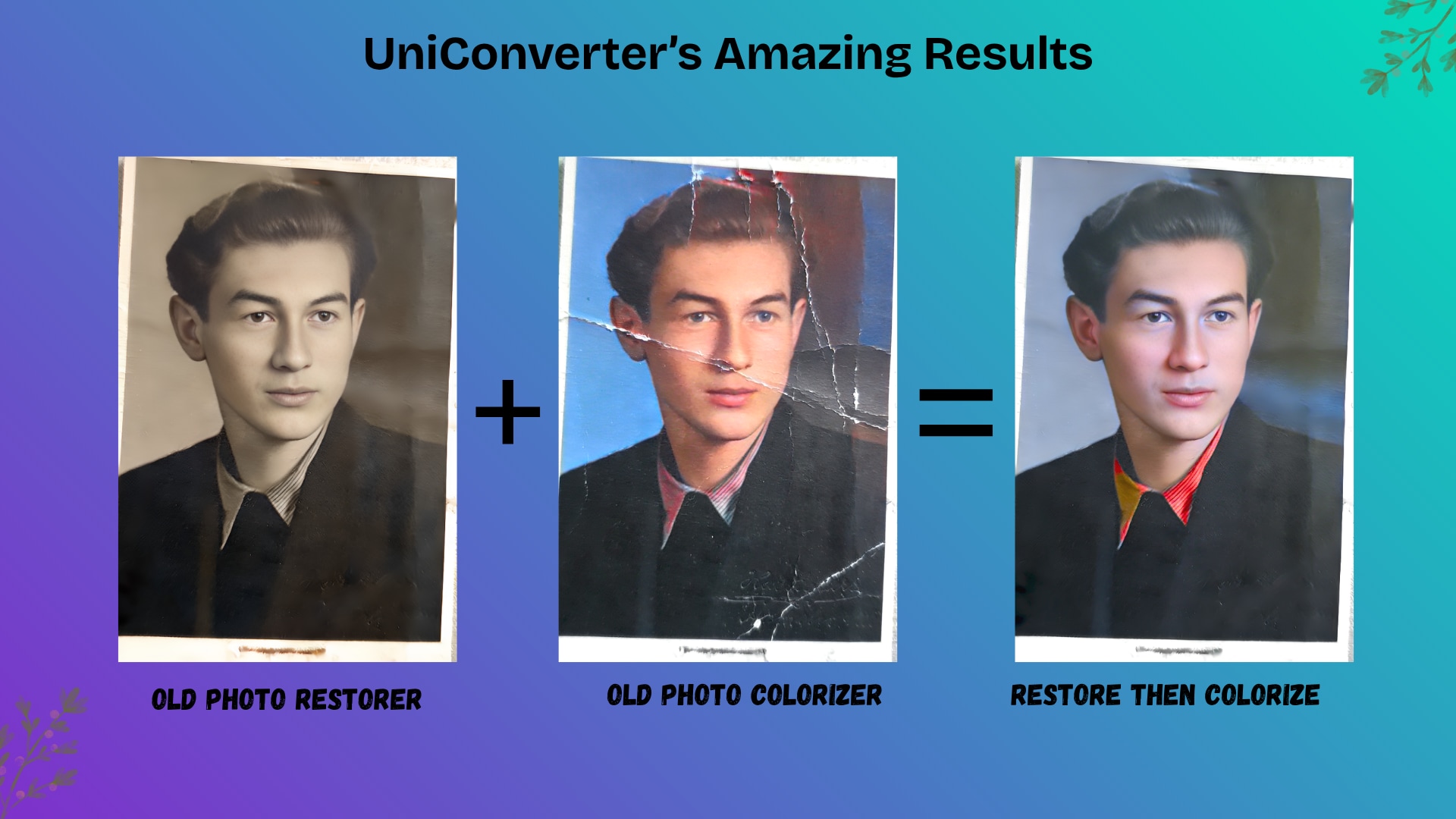
Old Photo Restorer = Clarity: Restoring alone gives you a cleaner, sharper image by removing scratches, stains, and folds from old prints.
Old Photo Colorizer = Life: Colorizing alone brings vintage images to life—especially black-and-white photos—with realistic, vibrant tones.
But Combine the Two? Game-Changer. When you first restore the photo and then apply colorization, the result is next-level. It doesn't just fix corrupted photos—it rebuilds memories in full detail and color.
Fix & Color in One Tool: UniConverter lets you do both in one go. You can repair corrupted images online free, then enhance them with color—all without switching tools.
Perfect for Preserving Legacy: Whether you're looking to recover corrupted photos or breathe life into family history, UniConverter delivers results that feel fresh, real, and unforgettable.
Conclusion
Corrupted or damaged photos don't have to mean lost memories forever. Thanks to modern AI-powered technology, you can now recover corrupted images with just a few clicks. Whether you're trying to open corrupted images that won't load, looking for tools to repair corrupted images online free, there's a solution that fits your needs.
UniConverter leads the pack as an all-in-one tool that not only helps you repair corrupted images but also supports complete media conversion, editing, and recovery. Suppose you're facing errors and don't know how to fix corrupted photos. In that case, UniConverter simplifies the process with its intuitive interface and fast, high-quality results.
Easy to Use Batch Corrupted Photo Repairing Tool
FAQs
-
1. How do I fix corrupted photos without using advanced software?
You can fix corrupted photos easily using online tools like UniConverter, Media.io, or Repairit Online. These platforms offer repair corrupted photos online solutions without needing technical skills—just upload your image and let the AI handle the restoration. They're perfect if you're wondering how to fix corrupted photos quickly and efficiently. -
2. What's the best way to recover corrupted images from my device?
To recover corrupted images, try tools like AIEase, Toolsmart, or Nero AI. These services specialize in corrupted photo recovery by removing scratches, blur, or distortion. You can restore everything from old family photos to recent image files lost due to file corruption. -
3. Can I repair corrupted images online free of cost?
Yes! Several tools in our list, including Toolsmart's and Nero AI, offer repair corrupted images online free services. While some features may be limited in the free version, you can still recover and preview your images without paying, making them excellent options for basic fixes. -
4. How can I open corrupted images that won't load on my device?
If you're wondering how to open corrupted images, the first step is to upload them to a photo repair tool like Hotpot AI or UniConverter. These platforms analyze the file structure and restore visual data, allowing you to preview and export working images even when your system can't display them. -
5. Do any of these tools support document recovery, like Word files?
While this guide focuses on image tools, Repairit also offers options for users looking for how to recover corrupted Word files or how to repair corrupted Word files. These multi-format tools make it easy to handle both media and document restoration within a single platform.

