


You've spent an hour crafting the perfect prompt, and Gemini has finally delivered a stunning image—but there it is, in the corner: the "AI" watermark. Your first thought is to find a Gemini watermark remover. You're not alone. As AI-generated content becomes increasingly integrated into our creative workflows, the desire for a clean, unmarked image is a common source of frustration.
But before moving forward in how to remove the Gemini watermark section, there are critical legal, ethical, and practical questions to consider. Is it allowed? Is there a paid plan that eliminates it? And what are the best, safest, and most effective ways to get the watermark-free AI images you need for your projects in 2025? This guide explores 5 easy methods, from official policies to powerful alternatives.
Table of Contents
Quick Guide: Best Option for Gemini Watermark Problems by Real Need
Part 1. Is It Legal to Remove the Gemini Watermark?
This is the most important question to ask first. The simple answer is no, it is almost certainly a violation of Google's Terms of Service. While it's not a "crime" in the traditional sense, violating a platform's terms can lead to account suspension or other penalties.

Interpreting Google's AI Principles and Terms of Service
Google's Generative AI Prohibited Use Policy is the key document in this regard. It explicitly states that users must not engage in:
"Circumvention of abuse protections or safety filters." The watermark is a safety filter. Its purpose is to ensure transparency and provenance, letting viewers know that the content is AI-generated. Attempting to remove the Gemini logo is a direct circumvention of this protection.
"Misrepresenting the provenance of generated content..." Provenance refers to a clear record of the origin of something. Removing the watermark is the first step in misrepresenting the image's origin—for example, passing it off as a human photograph or your own original, non-AI artwork.
By using Gemini, you agree to these terms. Therefore, any attempt to remove the Gemini AI watermark for public or commercial use is a clear violation.
The "Gray Area" vs. Clear Violations
Personal or Internal Use (The Gray Area): If you remove the Gemini logo from an image that will only be used on your personal desktop as wallpaper, you are in a gray area. While technically still a violation, it's not public and not for commercial gain.
Commercial Use or Redistribution (The Clear Violation): This is the red line. Using any Gemini watermark remover on an image intended for use on your blog, in a client's project, for marketing, or on social media is a direct and serious violation of your user agreement.
The Ethical Implications of Removing AI Attribution
Beyond the legal terms, there's a vital ethical component. That watermark serves a purpose in an age of rampant misinformation. It's a small but important signal of transparency that helps viewers distinguish between synthetic and real-world content. Removing it erodes that trust and makes it easier for bad actors to use AI for deceptive purposes.
Disclaimer: A Warning on Commercial Use
Removing the watermark for commercial purposes may violate Google's Terms of Service. You are responsible for understanding and complying with the rules and regulations. This article is for educational purposes.

Easy to Use Instagram Highlight Downloader
Part 2. Method 1 - The Official Way: Does Gemini Pro Remove Watermarks?
This is the first place most users look. If you pay for the premium version, surely Google will remove the watermark.
The Short Answer: No
Upgrading to Gemini Advanced (part of the Google One AI Premium plan) does not remove the "AI" watermark from generated images.
This approach is a deliberate policy choice by Google. The watermark is not a penalty for free users; it is a universal safety and attribution feature that applies to all images generated by their tool, regardless of your subscription tier.
The reason to pay for Gemini Advanced isn't to get watermark-free assets. The value proposition is about raw power and advanced features.
As of 2025, a Gemini Advanced subscription gives you:
- Access to Flagship Models: Use of Google's top-tier models, like Gemini 2.5 Pro or newer, for superior reasoning, coding, and creativity.
- Massive Context Window: The ability to analyze and understand huge amounts of information at once (e.g., a 1-million-token context window).
- Advanced Features: Access to powerful tools like Deep Research, AI video generation (Veo), and deep integration with the Google Workspace (Docs, Sheets, Gmail).
You are paying for a more powerful engine, not for a cosmetic change to the output.
Part 3. Method 2 - Automatic Removal with Dedicated Software
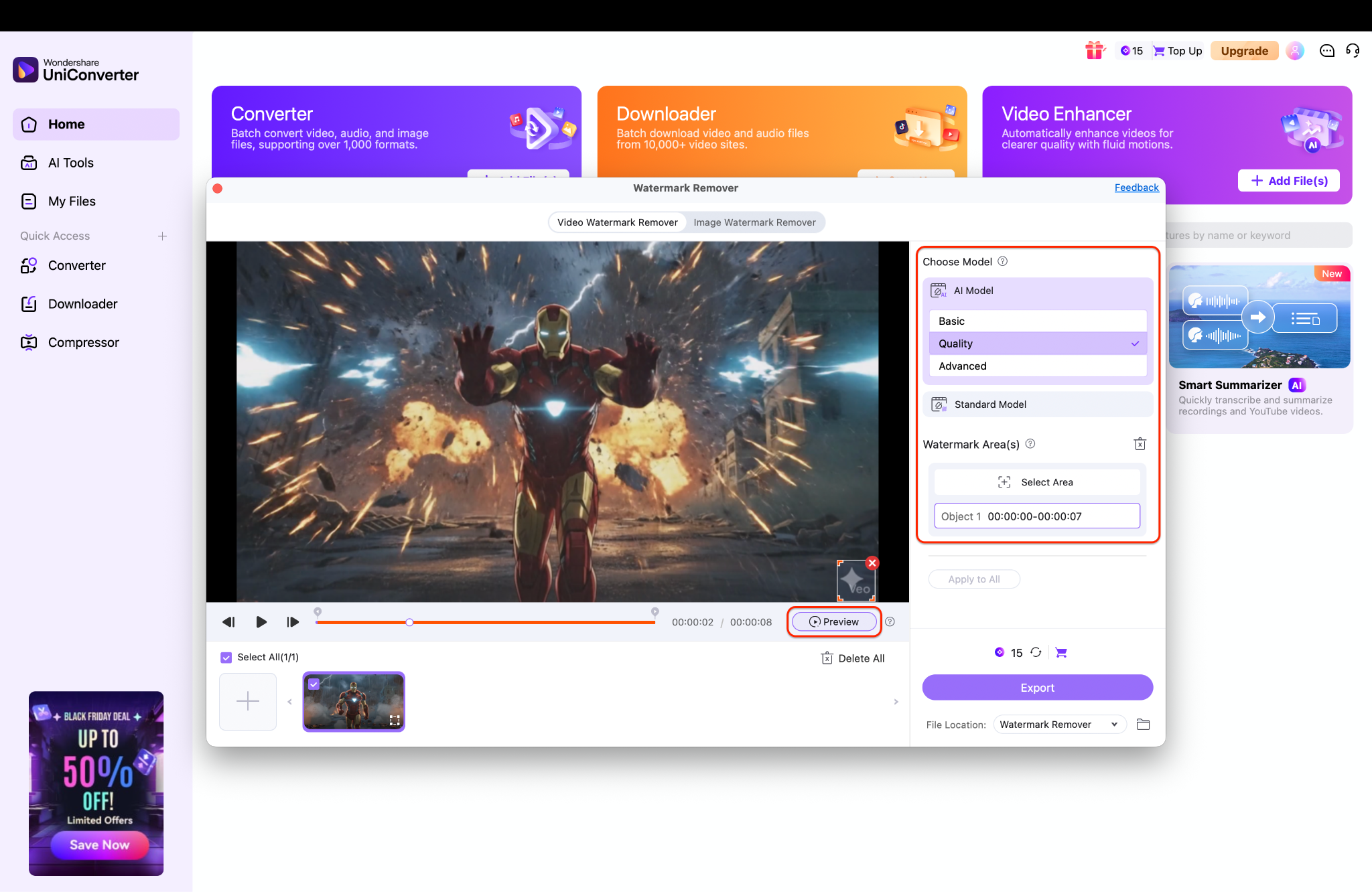
When you need a fast, automated way to clean unwanted marks from your videos — whether you're trying to remove Gemini watermark from AI-generated clips or dealing with other branded overlays — Wondershare UniConverter's Watermark Remover is one of the most dependable tools available. It's perfect for creators who want clean results without having to switch between multiple apps. Just remember: watermark removal should only be done on content you own or have permission to modify, even if you're trying to remove Gemini logo or erase a subtle branding mark.
Why UniConverter Works So Well for Watermark Cleanup
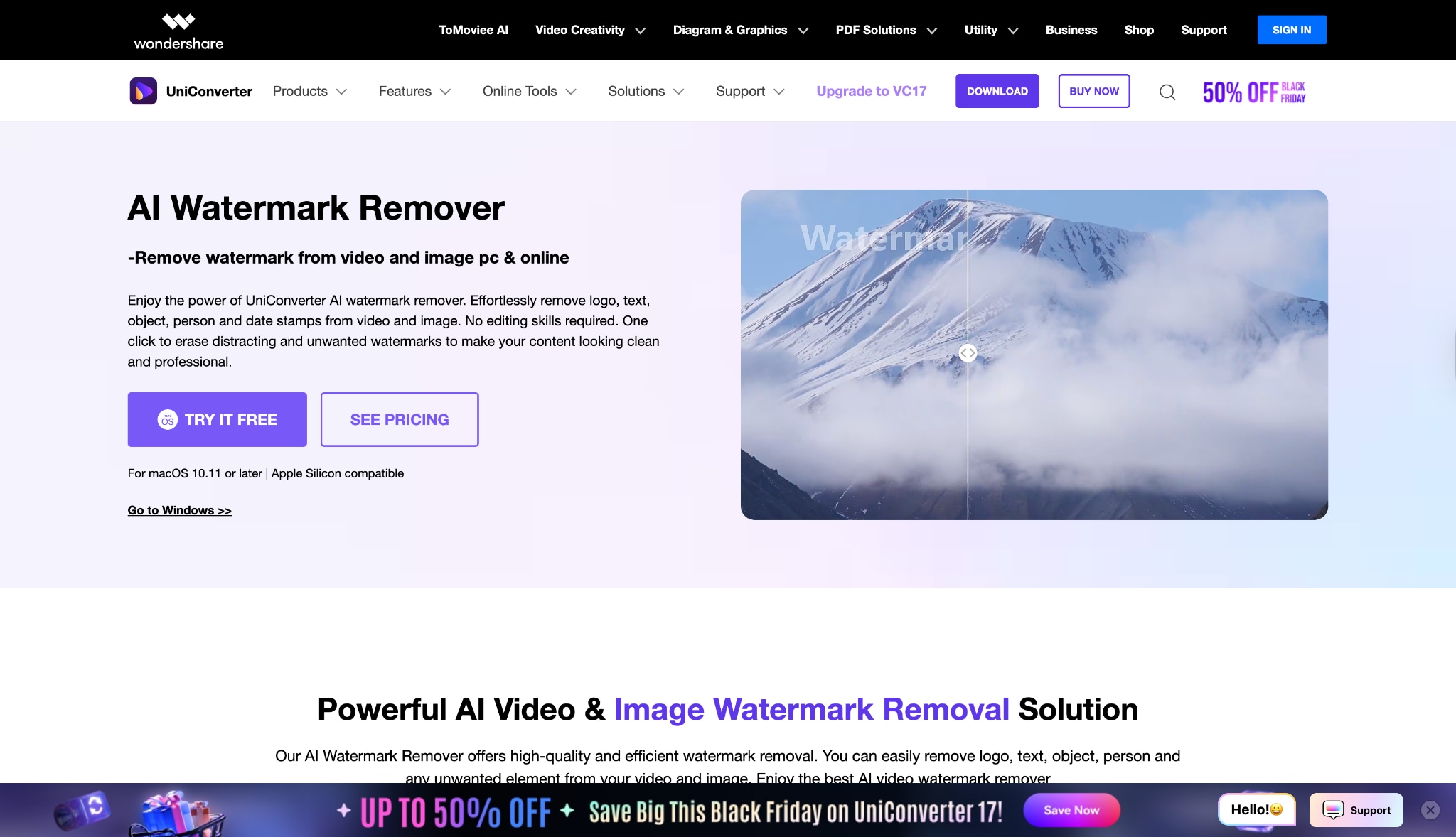
Key features helpful when you want to remove Gemini watermark
- AI Watermark Remover: Efficiently clears logos, branding, or text overlays — ideal for removing the Gemini watermark or other similar marks.
- Video Enhancer: Sharpens soft scenes often produced by AI tools, helping content look cleaner after removing the Gemini logo from an image or video.
- Essential editing tools for trimming, cropping, correcting noise, and prepping videos for final output.
- Batch processing enables handling multiple clips, which is particularly useful for creators working with AI-generated content.
Simple Guide to Remove Watermark on Videos with UniConverter
Step 1: Open the tool and add your video
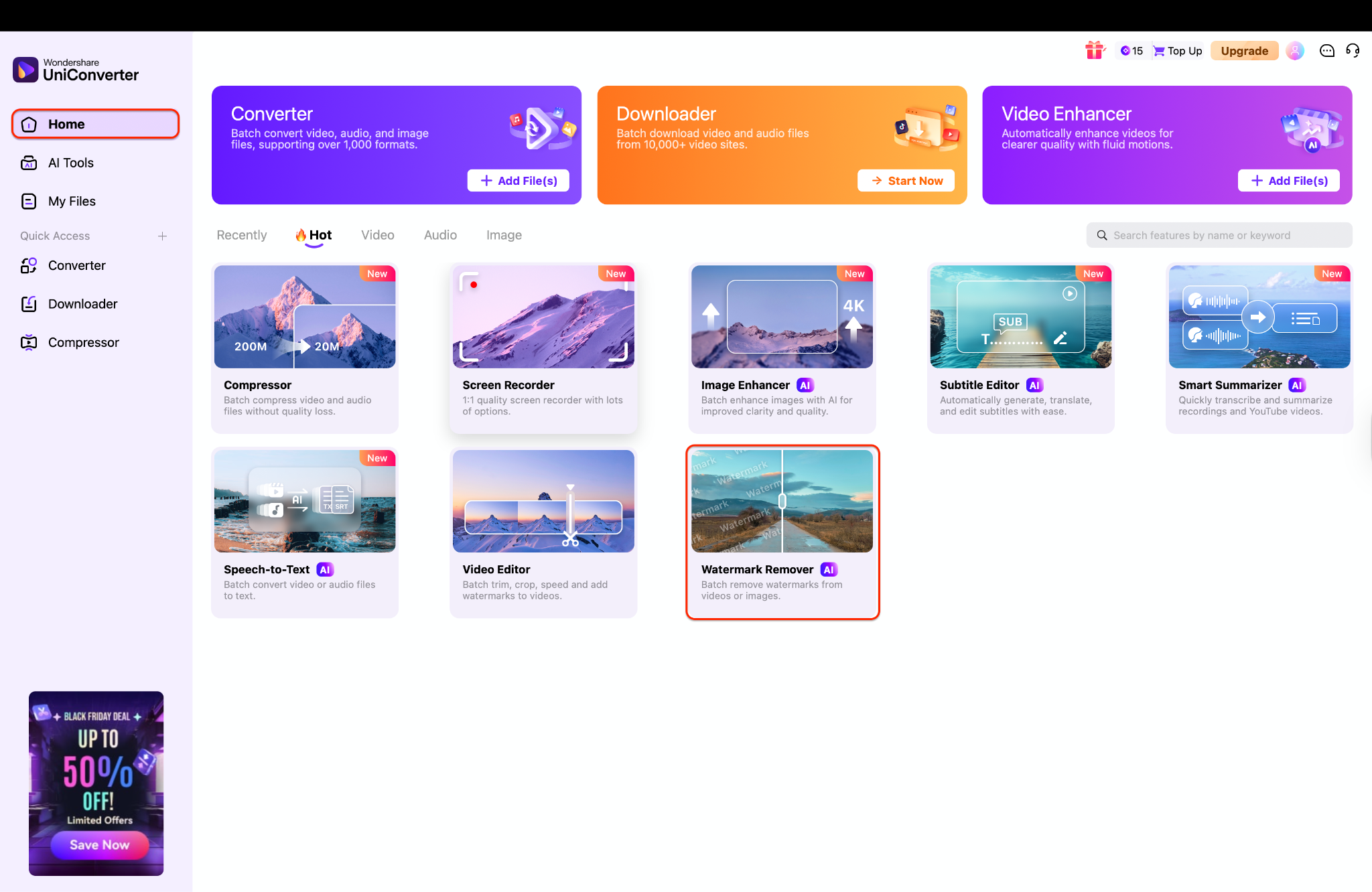
Pro Tip: If you're working on multiple videos, keep them in one folder so you can easily drag them in.
Step 2: Select your model and mark the watermark area
Pro Tip: If the result doesn't look right the first time, adjust the box size or position — a tighter selection usually gives cleaner results.
Step 3: Export your clean video
Once you're satisfied with the preview, choose your output folder using the File Location dropdown at the bottom. This helps you keep all your processed clips organized, eliminating the need for later searching. Finally, click the Export button to process the video, and UniConverter will remove the watermark, saving your polished version instantly.
Pro Tip: Keep an eye on your credits before exporting — each operation uses a small amount, so planning batches helps stretch them further.
Easy to Use Instagram Highlight Downloader
Part 4. Method 3 - Remove gemini watermark free online
Sometimes you need a quick fix without downloading heavy software, and that's where online tools come in handy. While dedicated software offers the most control, online removers like EzRemove.ai provide a fast, browser-based solution for casual users who need to clean up a video on the go. Just remember that uploading files to the cloud always carries some privacy trade-offs, so it's best used for non-sensitive, personal projects where speed is the priority.
Simple Guide to Remove Watermark on Videos with EzRemove
Step 1: Upload Your Video
Start by navigating to the EzRemove website and locating the "Free Video Watermark Remover" tool. Click the large teal "Upload Video" button in the center of the page to select your file from your device. Alternatively, you can drag and drop your video file directly into the upload box to begin.

Step 2: Highlight the Watermark Area
Once your video is loaded, use the brush tool at the top of the editor to paint over the watermark you want to remove. You can adjust the "Brush Size" slider to make the tool larger or smaller for precise selection. Ensure the entire watermark is covered by the teal highlight before proceeding to the next step.

Step 3: Remove and Download
After highlighting the unwanted area, click the "Remove Watermark" button in the top right corner to let the AI process your video. The tool will automatically erase the selected watermark, leaving a clean background in its place. Finally, click the download icon (the arrow pointing down) to save your new, watermark-free video to your device.

Part 5. Method 4 - Choose Gemini Alternatives Without Watermarks
This is, without a doubt, the best and safest method to get high-quality, watermark-free AI images. Instead of fighting Google's rules, use a tool that is designed from the ground up to provide the assets you need.
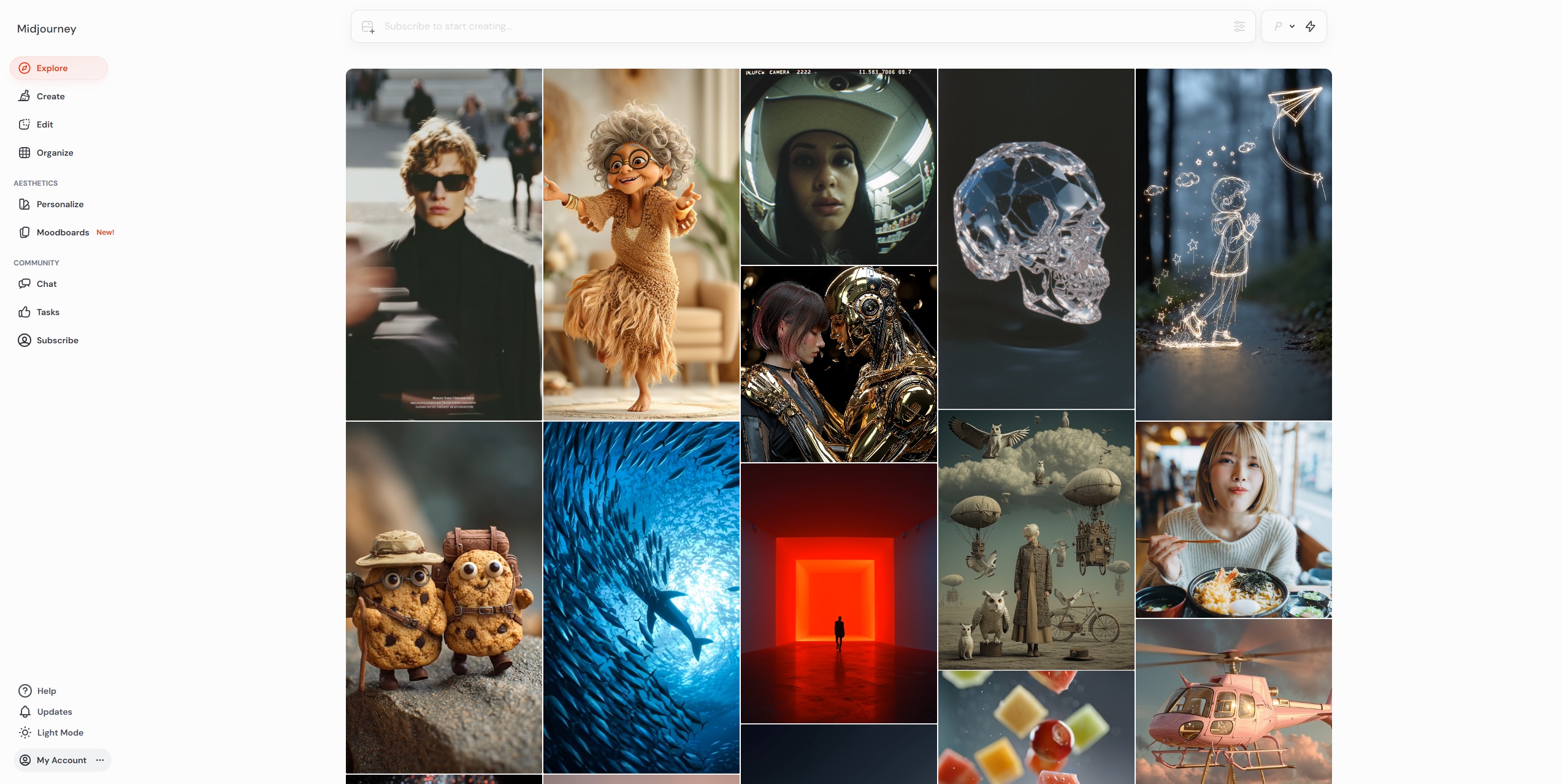
Midjourney is the industry leader for artistic, stylized, and hyper-realistic images. It operates through Discord.
Policy: Free trials are rare, and images are watermarked. However, all paid subscription plans provide images with no watermark.
2. DALL-E 3 (via ChatGPT)
DALL-E 3 is OpenAI's flagship model, integrated directly into the paid ChatGPT Plus subscription.
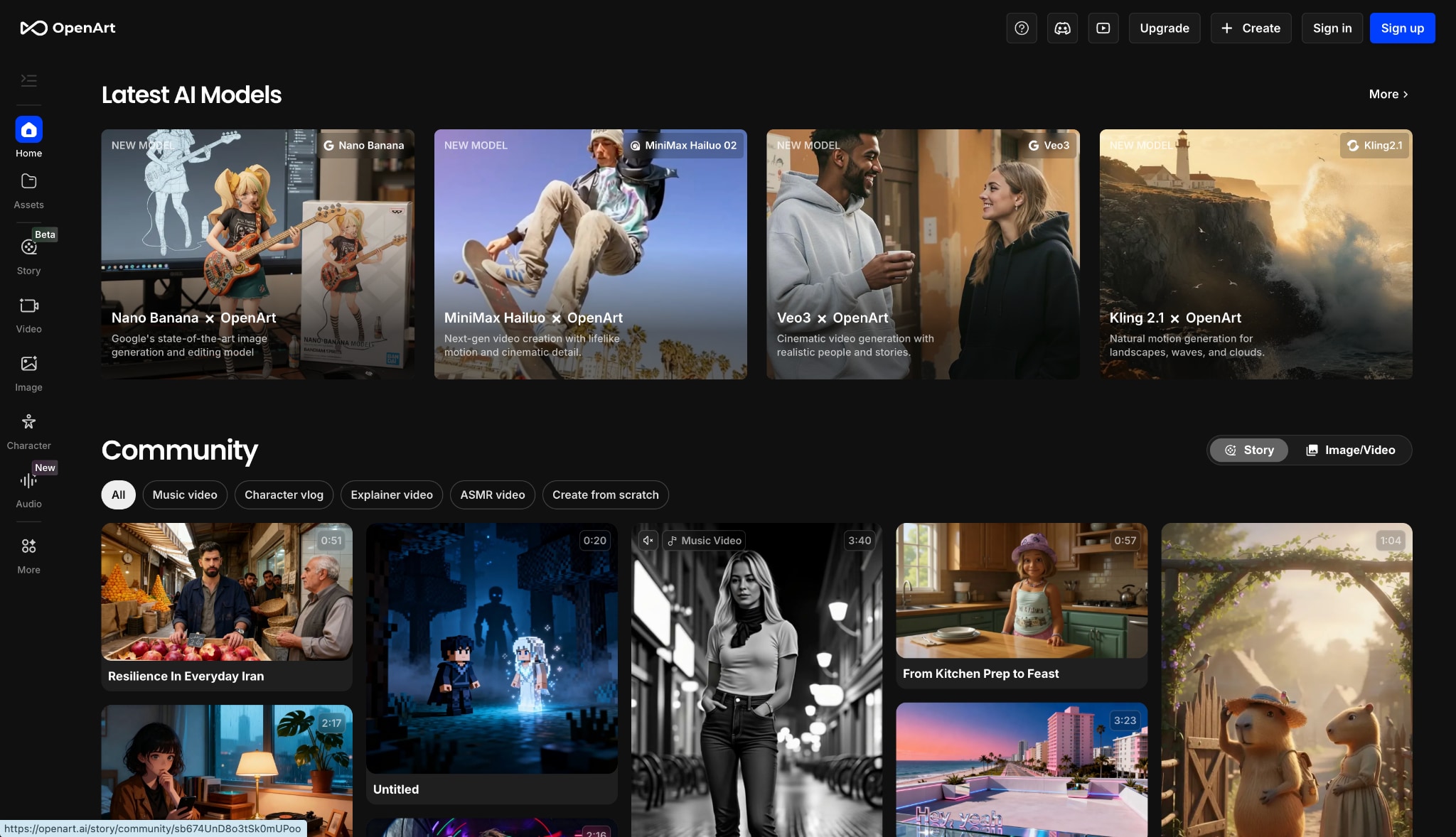
3. Adobe Firefly
Built by Adobe and integrated into Photoshop, Illustrator, and Adobe Express.
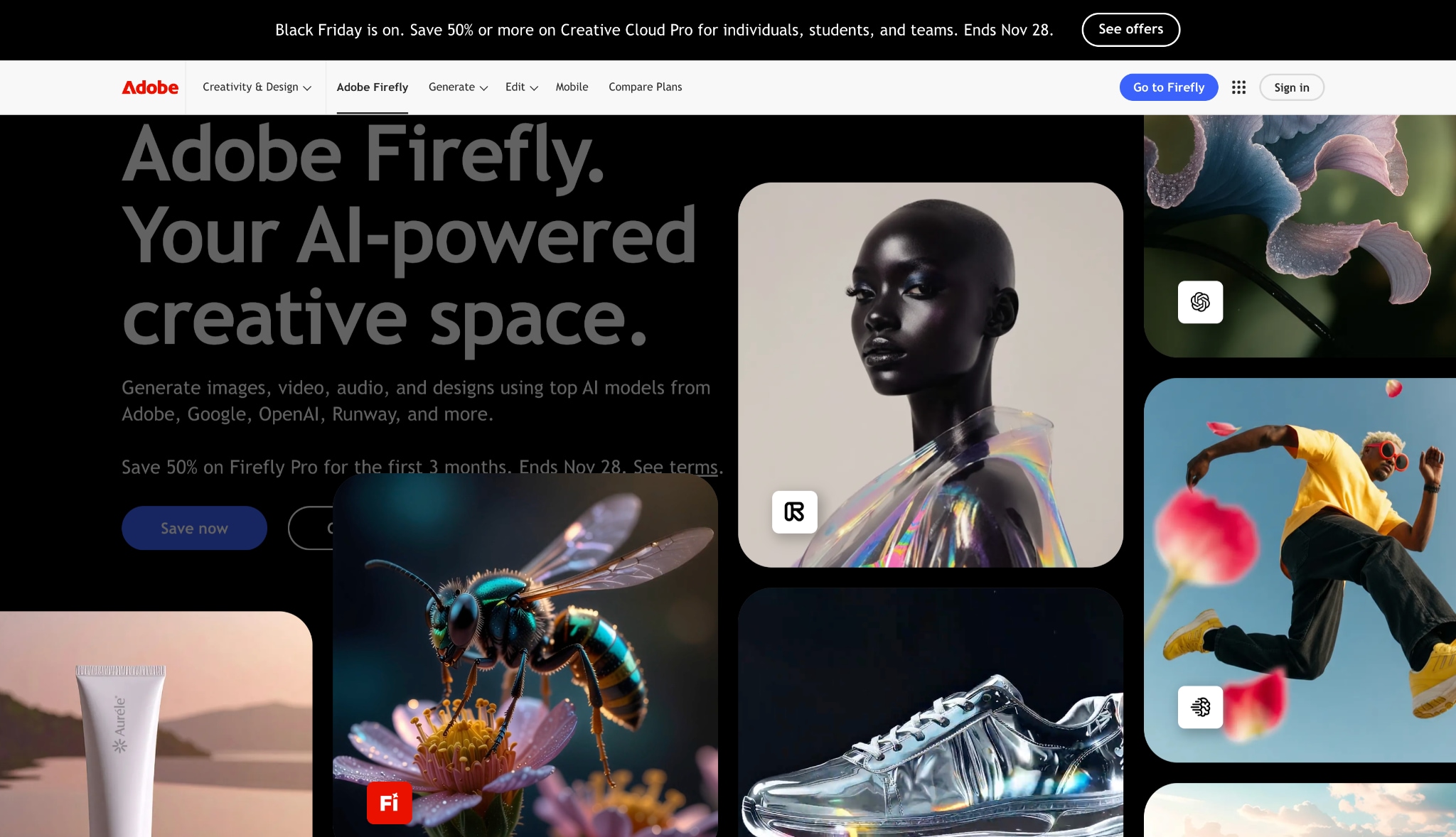
4. Leonardo.Ai
A powerful and user-friendly platform with a huge range of fine-tuned models.
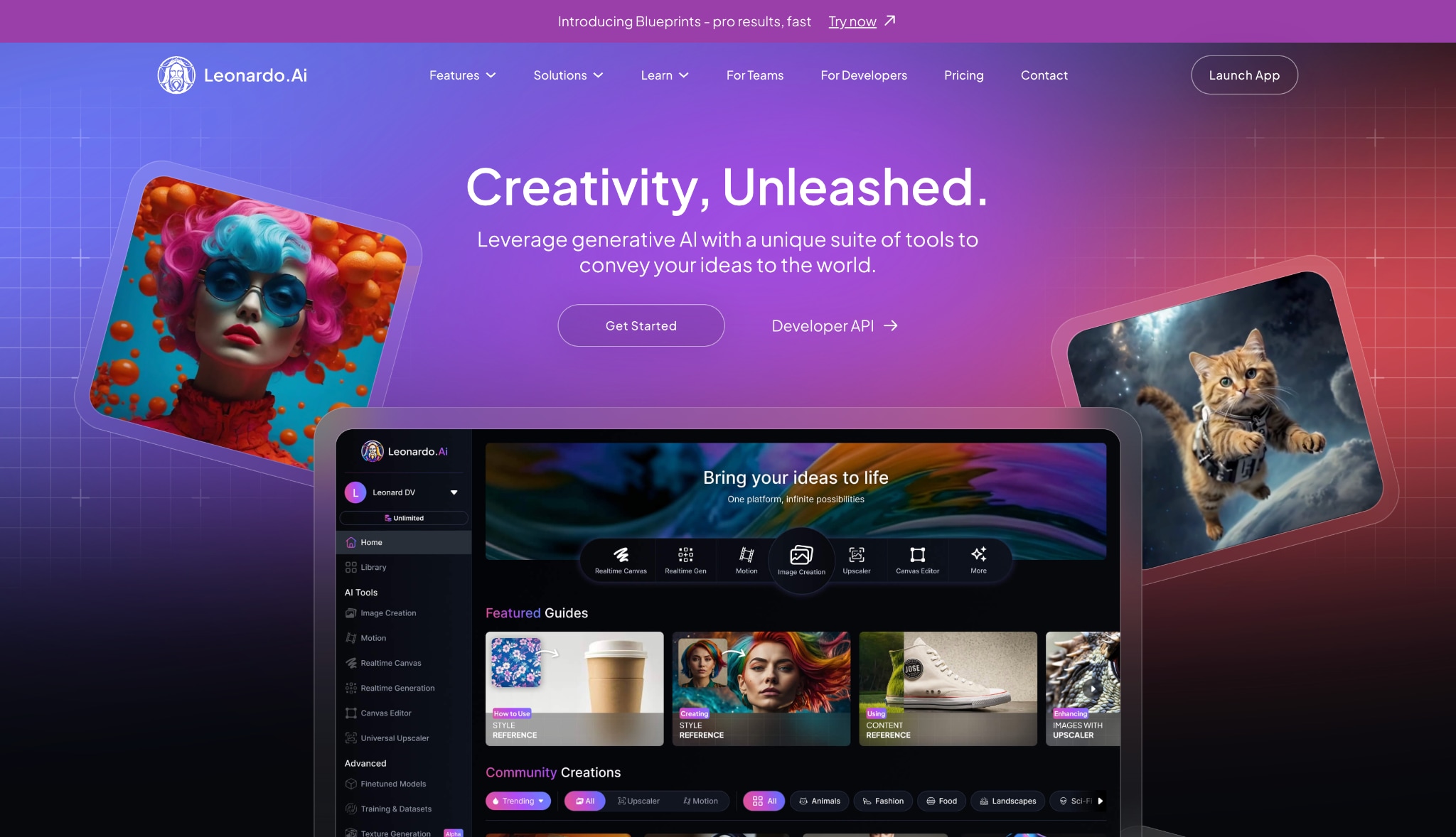
5. Stable Diffusion
This is not a service, but an open-source model you run on your own computer.
Part 6. Method 5 - Manual Editing
This is the "brute force" method: taking the watermarked image into a photo editor like Photoshop and trying to remove it yourself.
The Cropping and Content-Aware Fill Method
Cropping: The simplest method is to crop the image and remove the watermark. This only works if the watermark is near an edge and you're willing to ruin your image's composition.
Content-Aware Fill: You can use a selection tool to circle the Gemini logo and then use the "Content-Aware Fill" or "Generative Fill" tool to have the software guess what's behind it.
Why This Is the Worst Option
- It's Still a ToS Violation: Just because you did it manually doesn't change the fact that you are misrepresenting the image's origin.
- It's Time-Consuming: This is a tedious, manual process for every single image.
- It Looks Bad: Just like the automatic tools, this method often leaves behind a blurry, smudged, or unnatural-looking patch. It screams "amateur edit."
Easy to Use Instagram Highlight Downloader
Conclusion
In this article, you've discovered that the best way to get a watermark-free image isn't to remove the Gemini logo, but to choose the right creative tool from the start. We've observed that Gemini Advanced prioritizes model power over watermark removal, and that manual editing is a flawed and time-consuming process.
The smartest path for creators is to use alternatives like Midjourney or Leonardo.Ai for still images. For those expanding into video, a professional suite like Wondershare UniConverter stands out, not for altering content, but for creating it with powerful AI tools, such as the Video Enhancer, AI Frame Interpolator, and audio editors.
FAQ
-
1. Is it illegal to remove the Gemini watermark?
It's not "illegal" in a criminal sense, but it is a direct violation of Google's Generative AI Prohibited Use Policy, which you agree to when using the service. This can result in penalties, such as account suspension. -
2. If I pay for Gemini Advanced, will the watermark be removed?
No. The Gemini Advanced subscription gives you access to more powerful models and features, but does not remove the "AI" watermark from generated images. -
3. Why does Google add the Gemini AI watermark?
Google adds the watermark to ensure transparency and provenance. It's a safety feature that clearly identifies the content as AI-generated, which helps combat misinformation and deepfakes. -
4. What is the best alternative for watermark-free AI images?
For the highest artistic quality, a paid Midjourney plan is the top choice. For a powerful and generous free option for still images, Leonardo.Ai is fantastic (though your free images are public). -
5. What is a C2PA watermark?
This is an invisible watermark used by tools like DALL-E 3 and Adobe Firefly. It embeds "Content Credentials" into the image's metadata, proving its origin as AI-generated. It's not visible to the naked eye but can be read by specific software.

