How to Remove Gemini Watermark from Image in 3 Steps
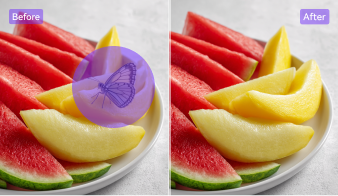
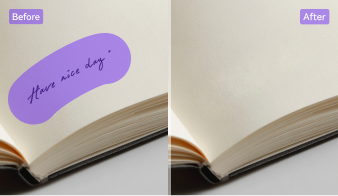
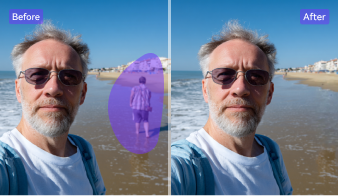
Choose the workflow that fits your image cleanup needs best. Use the online remover for fast one-off edits, or use the desktop app when you need stronger control, batch processing, AI detection, and higher-quality export.

Open the online tool and upload the image you want to edit.

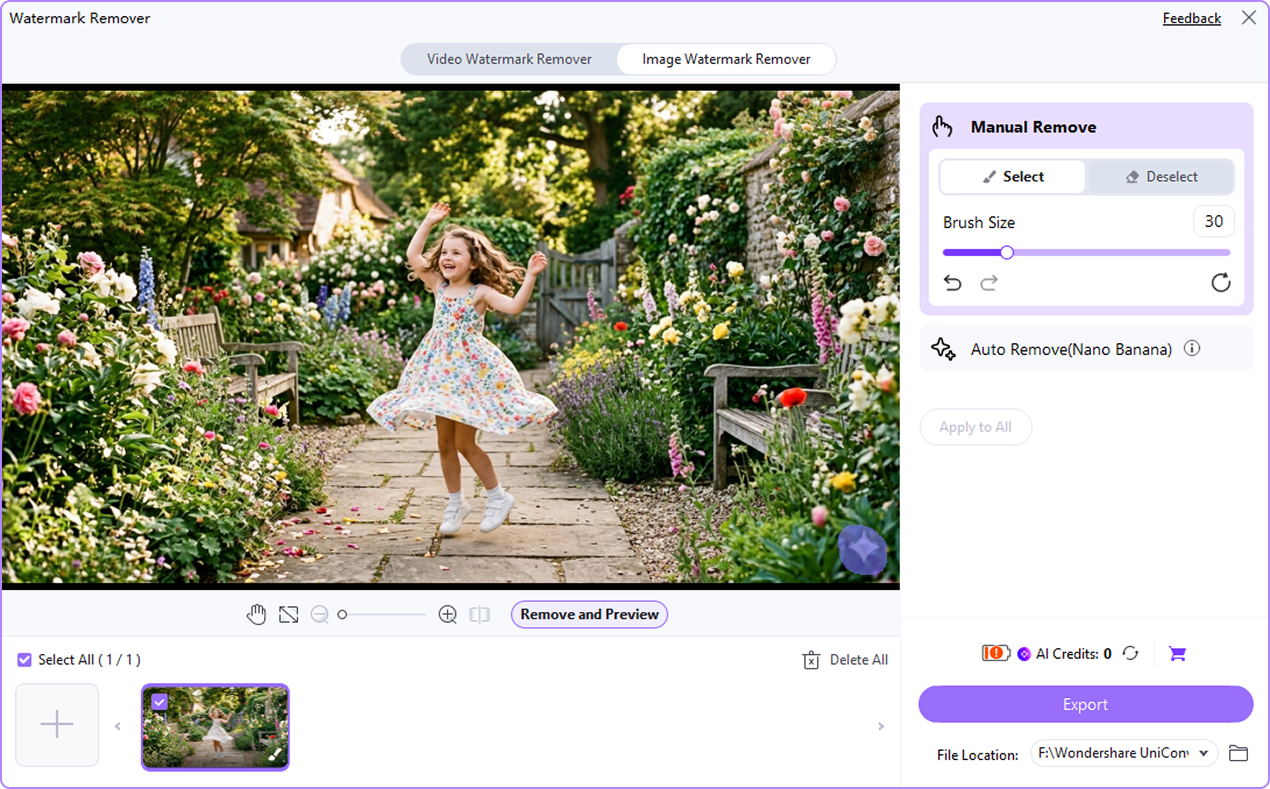
Use the manual selection tool to highlight the Gemini watermark or logo. The online version supports manual area selection for precise cleanup.

Check the result, then export the edited image for sharing, publishing, or presentation use.



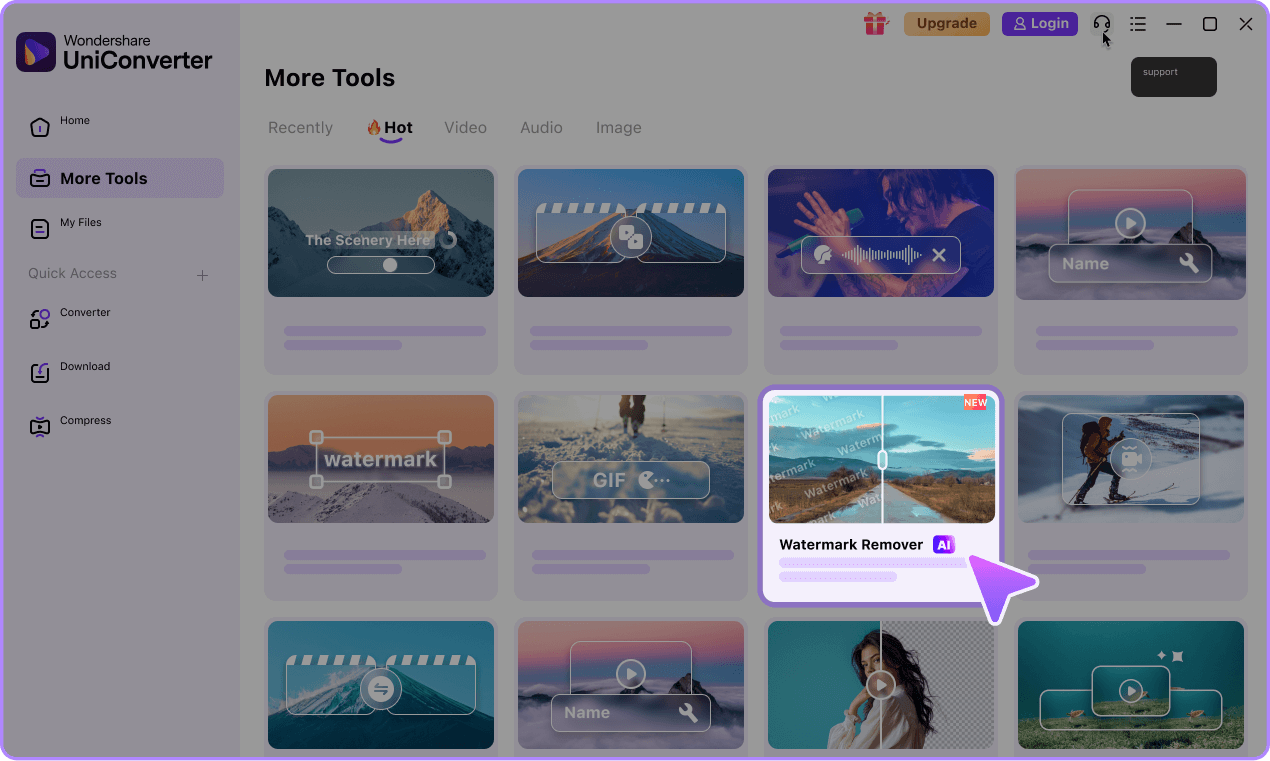
Launch UniConverter desktop, head to Watermark Rmover, and add the Gemini images you want to edit.
Let AI detect the visible Gemini watermark automatically, or refine the area yourself for more accurate removal.
Preview the cleaned images and save them in the format you need, including JPG, PNG, or WebP.

Why Use UniConverter as Your Gemini Logo Remover
UniConverter gives you a more flexible way to remove visible Gemini watermark and logo elements from your own AI-generated images. You can choose a fast online workflow for one-image edits or switch to desktop for batch removal, AI detection, and stronger export control.
AI-Powered Gemini Watermark Removal
UniConverter helps you remove visible Gemini watermark elements with an AI-assisted workflow that feels simple and direct. Instead of relying only on rough manual edits, you can clean up visible Gemini logos more naturally. This makes it easier to use UniConverter as a Gemini watermark remover for your own AI-generated images when you want cleaner results with less effort.

Fast Online Fix for One-Image Edits
When you only need to remove Gemini watermark marks from a single image, the online tool offers a faster path. You can upload your file, select the visible logo area, and export the cleaned image in a few steps. This makes the online Gemini watermark remover a practical choice for quick revisions, social posts, or presentation visuals.

Batch Gemini Watermark Remover for PC
The desktop version is built for users who need more than a one-time fix. You can batch remove Gemini watermark overlays from multiple images, which saves time in larger workflows. This is especially useful if you create image sets, thumbnails, mockups, or campaign assets and need a Google Gemini watermark remover that works efficiently across many files.

AI Detect and Manual Brush for Better Control
Some images need more precision than a basic one-click cleanup can offer. UniConverter combines AI detect tools with manual brush controls, so you can target the Gemini logo or watermark area more accurately. That balance makes it a more flexible Gemini image watermark remover, especially when the visible mark sits near detailed edges, textures, or important design elements.

HD Output Without Heavy Quality Loss
Image cleanup only helps if the final result still looks usable. UniConverter is designed to remove Gemini watermark elements while keeping the image clear and presentable. This matters when you want HD output for slides, thumbnails, mockups, or online publishing. You can clean up the visible Gemini watermark without relying on aggressive cropping that reduces composition quality.

More Than a Gemini Watermark Remover
UniConverter does more than remove Gemini watermark marks from images. After cleanup, you can continue editing with tools for image enhancement, upscaling, format conversion, compression, and other media tasks. This gives you a more complete workflow in one place, especially if you want to improve image quality after using a Gemini logo remover or prepare files for different platforms.

Online vs Desktop Gemini Watermark Remover
Not every workflow needs the same tool. If you only want to remove a Gemini watermark from one image, the online version is a convenient choice. If you need batch processing, stronger editing control, or a more efficient PC workflow, the desktop app gives you more flexibility.
| Need | Online | Desktop |
|---|---|---|
| Quick one-image cleanup | Yes | Yes |
| No installation required | Yes | No |
| Batch Gemini watermark removal | Limited | Yes |
| Higher-volume workflow | No | Yes |
| Manual control | Basic | Stronger |
| AI detect for visible watermark removal | No | Yes |
| Best for creators and teams | Moderate | Best |
| HD export workflow | Basic | Stronger |
Use the online Gemini watermark remover for fast single-image edits, or choose desktop for batch removal, AI detect tools, and stronger control on PC.
Use UniConverter for Real Gemini Watermark Removal Scenarios




Remove Gemini Watermark for Presentations and Pitch Decks
If you use AI-generated visuals in slides, a visible Gemini watermark can make the image look unfinished or distracting. UniConverter helps you remove Gemini watermark marks from images before you place them into presentations, reports, or client decks. This gives you a cleaner visual result without forcing you to crop out useful parts of the image, which is important when layout space is already limited.
Clean Up Gemini Images for Social Media and Thumbnails
Social posts and thumbnails need to look sharp at a glance. A visible Gemini logo can pull attention away from your message, product, or design. With UniConverter, you can use a Gemini watermark remover to clean up your own AI images before posting them on social platforms, video channels, or community pages. The result is a more polished image that fits better into fast-moving content workflows.
Remove Gemini Logo from Product Concepts and Mockups
When you create concept visuals, ads, or product mockups, even a small Gemini watermark can reduce clarity and make the image feel less ready for review. UniConverter works as a Gemini logo remover for these practical design cases. You can remove Gemini watermark areas from your own working images, then continue refining the file for internal review, creative discussion, or asset preparation.
Batch Remove Gemini Watermarks for Creator Workflows
Content creators often work with multiple images at once, not just one file. If you need to clean up a full set of Gemini-generated visuals, the desktop app makes batch Gemini watermark removal much easier. You can process more images in one workflow, keep output quality more consistent, and reduce repetitive editing time. This is especially useful for creators managing thumbnails, social packs, campaign visuals, or recurring content.
Why Users Choose
UniConverter as a Gemini Watermark Remover
FAQs About Removing Gemini Watermarks
How do I remove a Gemini watermark from an image?
Can I remove a Gemini watermark without cropping the image?
Will removing the Gemini watermark reduce image quality?
Can I remove Gemini watermarks online for free?
Do I need to upload my image, or is it processed privately?
Does UniConverter work as a Gemini logo remover too?
Can I batch remove Gemini watermarks on PC?
What image formats are supported?
What's the difference between a visible Gemini watermark and SynthID?
Can UniConverter remove invisible SynthID watermark or C2PA metadata?
Can I use a Gemini image after removing the visible watermark?