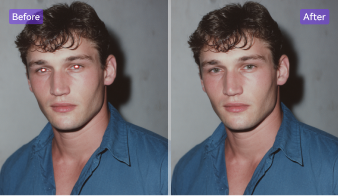
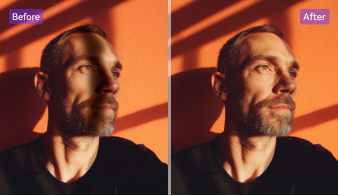
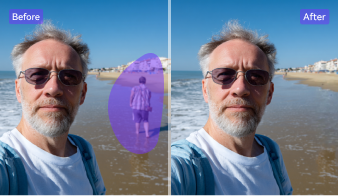
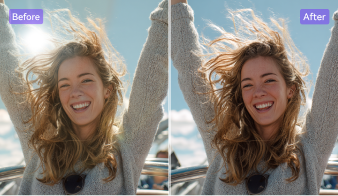
Why Choose UniConverter to Remove People from Photos
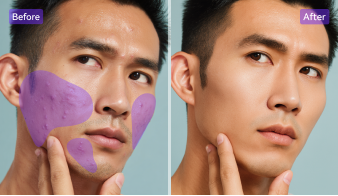
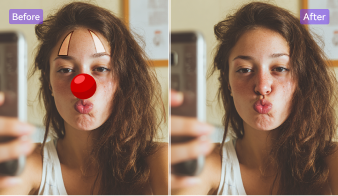
UniConverter’s AI-powered people remover makes it easy to clean up your photos in seconds. Whether it’s a stranger, reflection, or background distraction, you can remove people from photos quickly and keep only what matters.
AI-Powered and Manual Tools to Remove People from Photos
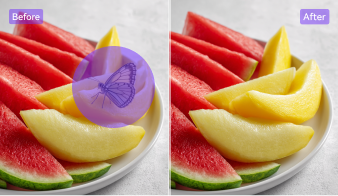
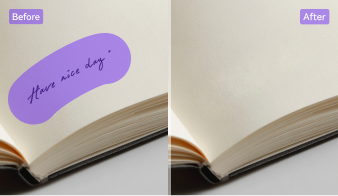
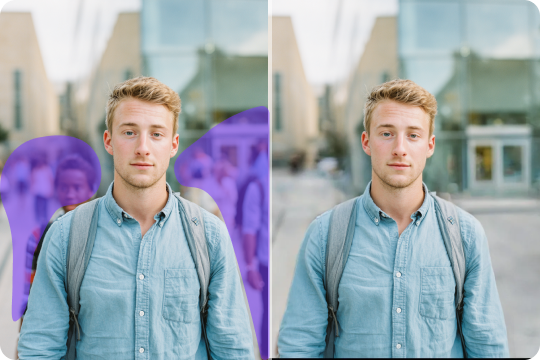
With UniConverter, you stay in control. Simply brush over the person or object you want to remove, and the AI person remover will intelligently reconstruct the background for a natural look. You decide what to erase — the AI handles the cleanup. This gives you precision and flexibility to remove people from photos easily, without visible traces.
Remove Person from Photo Online Free or on Any Device
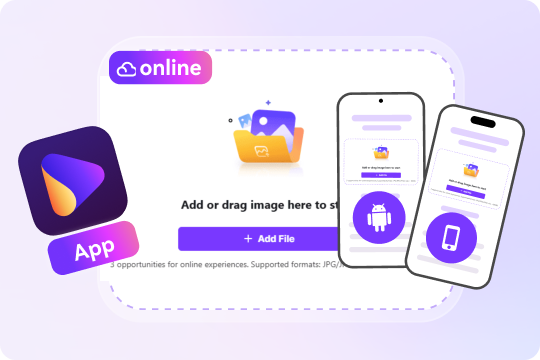
Whether you’re editing on your browser, computer, or mobile phone, UniConverter makes it simple to remove people from photos anywhere. Use the online tool for quick fixes or the desktop app for offline batch editing. The iOS and Android apps let you edit on the go, ensuring smooth, consistent, and high-quality results across every device.
Erase People from Photos Fast and with Clean Results
No one likes waiting for edits to finish. UniConverter’s AI removes people from photos in just seconds while keeping every detail sharp. The smart engine restores the background naturally and keeps original colors intact. You’ll get flawless, ready-to-share images instantly, without compromising on quality or spending hours editing by hand.
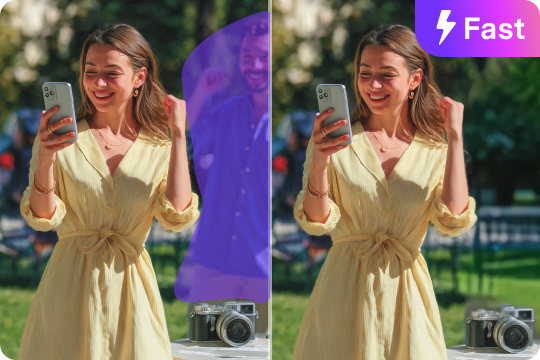
Batch Remove People from Background at Once
Speed up your workflow with UniConverter's batch people remover. Upload several photos at once, select unwanted people and let AI clean them automatically. Each image is processed quickly and accurately, saving you time without lowering quality. It’s perfect for photographers, sellers, or anyone managing large photo collections.
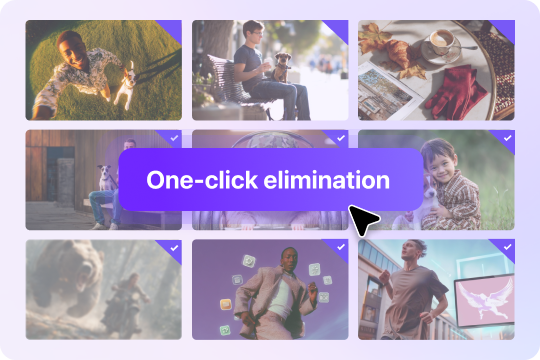
AI Person Remover with Guaranteed Privacy & Security
Your privacy matters. UniConverter processes every photo securely, with encrypted uploads and local editing options to keep your files safe. No images are stored or shared online. Whether you remove people from personal pictures or professional photos, you can work confidently knowing your data remains completely private and protected.
All-in-One Creative Suite Beyond a People Remover
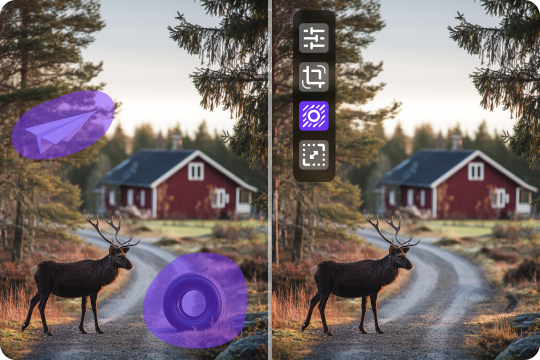
UniConverter is more than an AI tool to remove people from photos — it’s an all-in-one creative editor. You can enhance image quality, remove backgrounds, compress files, and even adjust colors for a polished look. With all these features in one place, it’s the easiest way to perfect your pictures before sharing or publishing them.
How to Remove People from Photos in 3 Easy Steps

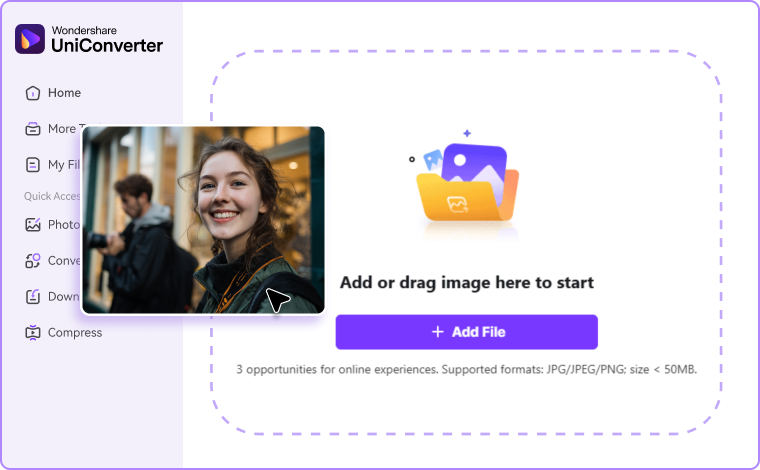
Click on "Add File" to import your image from your computer or mobile device. The AI people remover loads your photo instantly. The PC version supports up to 20 images batch processing.

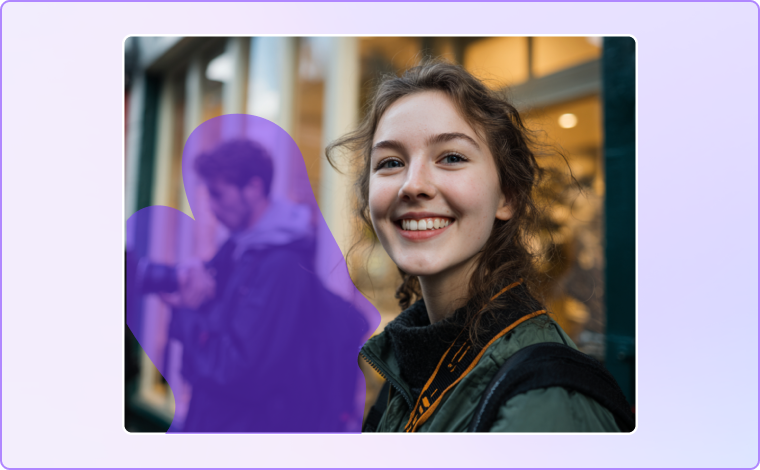
Use the brush tool to mark unwanted people — the AI will detect and remove them automatically. You can adjust brush size for precision and zoom in on details. The people removal system detects edges automatically, making sure only the marked area is affected.

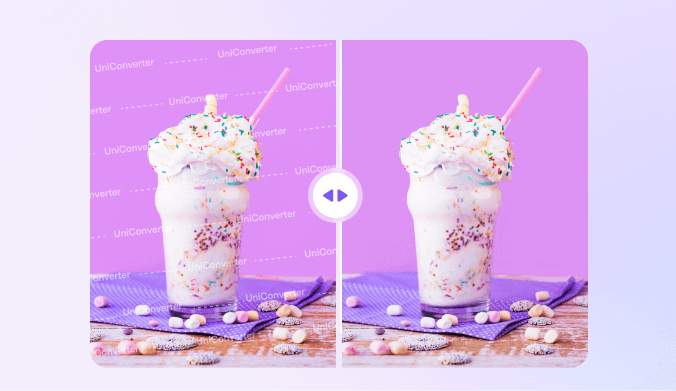
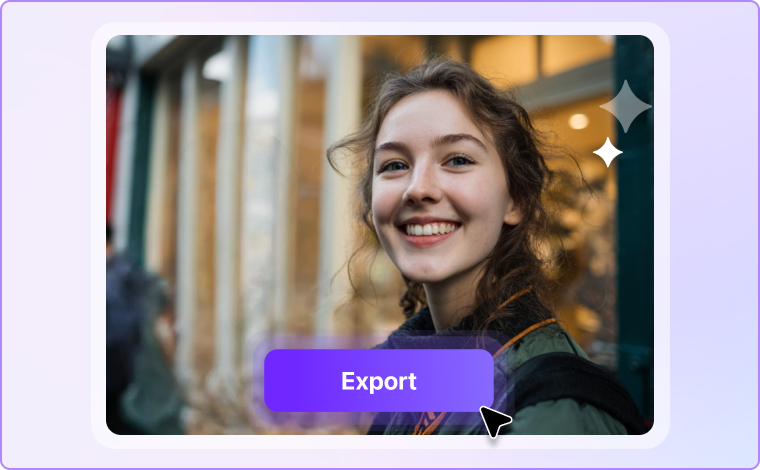
Hit “Preview” or "Watermark Removal" to let the AI clean up your photo in seconds. Once you’re happy, preview the result and download your new HD image instantly.
When to Erase People from Photos — Perfect for Every Scenario
Whether you're cleaning up a travel shot or preparing a product image, UniConverter’s AI makes it easy to remove people from photos for any purpose.
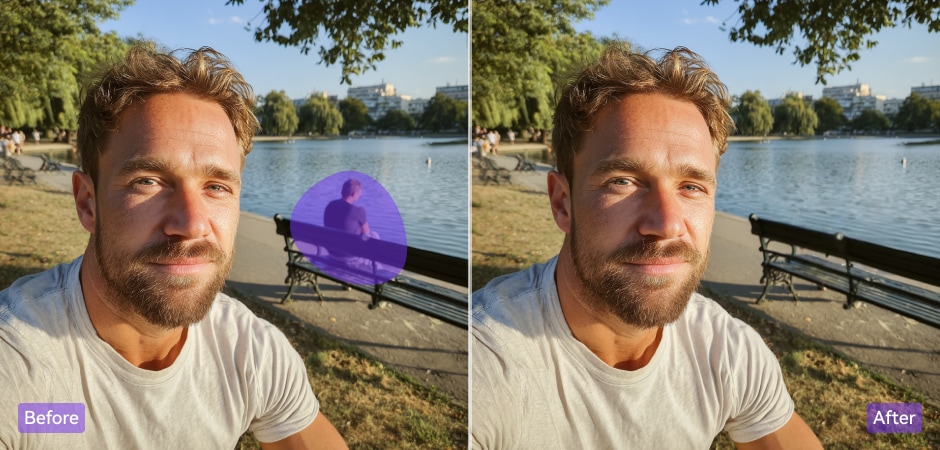
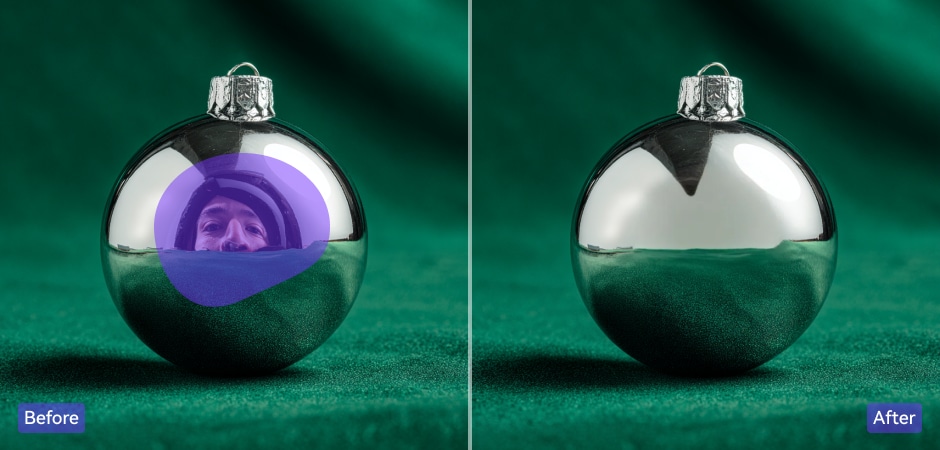
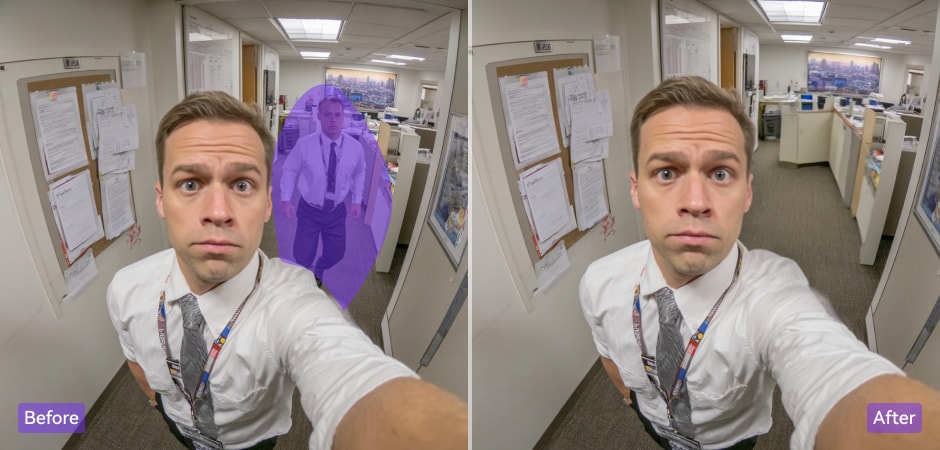
Remove Unwanted People from Everyday Photos Instantly
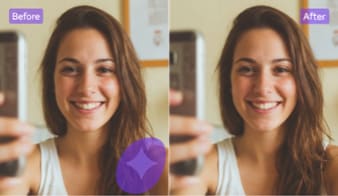
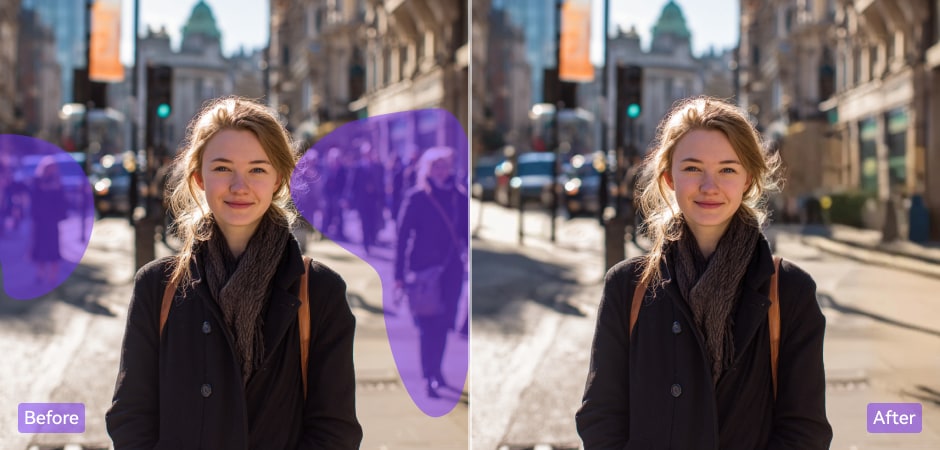
We’ve all had the perfect shot ruined by a random passerby or an unexpected reflection. With UniConverter, you can quickly remove people from photos to keep only your best moments. Simply brush over the unwanted person, and the tool will restore your background seamlessly. Whether it’s a family gathering, a scenic selfie, or a travel picture, you’ll get a clean, beautiful image in seconds — no complex editing required.
Edit People Out of Photos for Professional-Looking Shots
When capturing landscapes or portraits, even one extra person can throw off your composition. UniConverter helps you edit people out of photos easily while keeping textures and lighting intact. It’s ideal for creators who want a clean, professional finish without spending hours retouching. Use it to enhance travel photos, social media content, or portfolio images — your shots will look natural, focused, and ready to share.
Erase People from Product Photos for a Clean & Clear Look
If you run an online store, presentation matters. UniConverter lets you remove people from product photos and focus entirely on what you’re selling. Clean, distraction-free images make your listings look more professional and attract more buyers. Whether you’re editing clothing, accessories, or lifestyle shots, UniConverter ensures every photo highlights your product — not the background or the people in it.
Remove People from Photos to Protect Privacy and Compliance
Sometimes, photos capture individuals who shouldn't appear online or in marketing materials. With UniConverter, you can remove someone from photos to protect privacy and meet compliance rules easily. This is especially useful for schools, events, or corporate use where consent matters. Every edit is processed securely, ensuring your photos stay private while maintaining professional, polished visuals suitable for public sharing.
FAQs about Deleting People from Photos
How do I remove people from a photo online?
Can I remove someone from a photo without ruining the background?
Is it free to remove people from photos on mobile?
What image formats are supported when erasing someone from a photo?
What if the background is complex or overlapping?
How is my privacy protected while using the AI person remover?