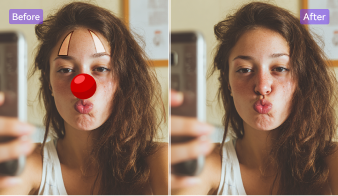
How to Remove Glare from Photos in 3 Simple Steps

Drag and drop your picture in JPG, PNG, or WEBP format to Image Watermark Remover online or on pc. You can also paste an image directly from your clipboard.

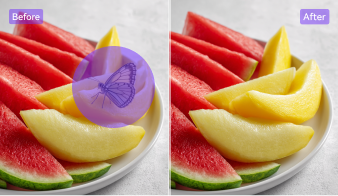
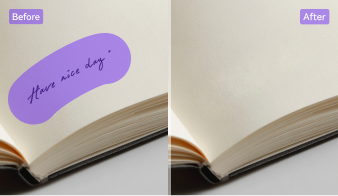
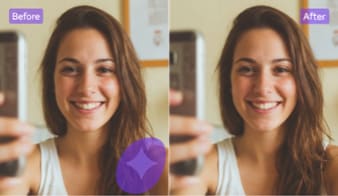
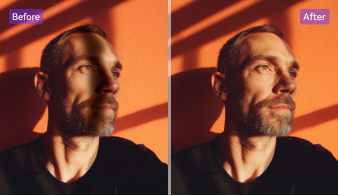
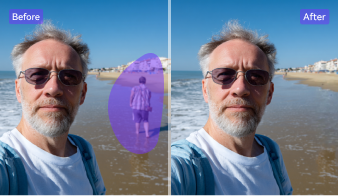
Manually select the bright or shiny part you want to fix. UniConverter’s AI glare removal system analyzes nearby pixels to remove reflections and restore texture, ensuring smooth and realistic results.

Preview your glare-free photo instantly. Download it without watermarks — your image will look clean, balanced, and professional, with no loss of detail or over-smoothing.
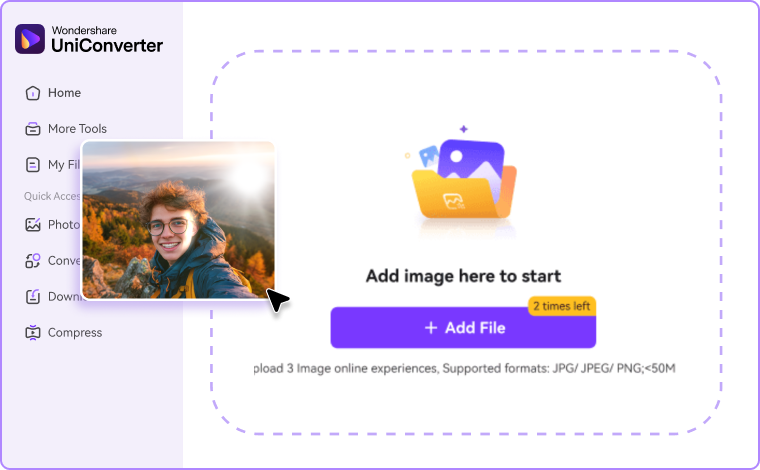


Why Choose UniConverter to Remove Glare from Photos
AI-Powered Precision for Photo Glare Removal
UniConverter’s advanced AI makes it easy to remove glare from photos with pinpoint accuracy. Whether you’re fixing flash glare or reflections, the tool analyzes surrounding pixels to restore natural tones, ensuring your images stay sharp, clean, and realistic without any over-editing.
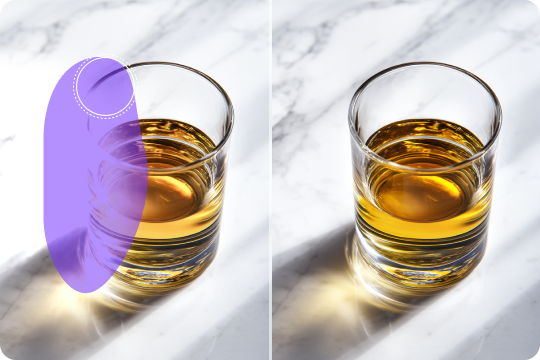
Keep Every Detail When You Take Glare Out of Pictures
Unlike filters that blur the entire image, UniConverter only edits the glare zone to take glare out of pictures while preserving textures and lighting. The result is crystal-clear photos that retain their original sharpness, contrast, and color depth — perfect for portraits or product shots.
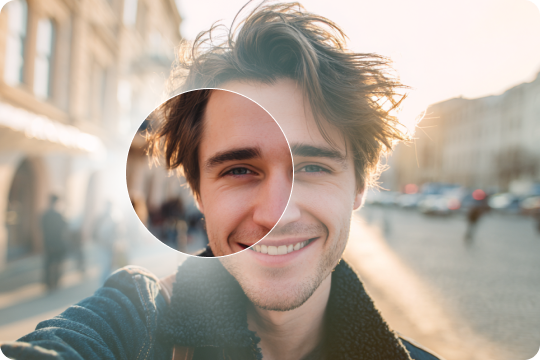
Remove Glare from Photo Online, on Desktop, or Mobile
Whether you want to remove glare from photo online free or edit offline, UniConverter offers seamless options. The web tool is perfect for instant results, while the desktop version handles batch edits. On mobile, AniEraser lets you remove photo glare anytime, anywhere with ease.

All-in-One AI Toolkit for Glare and Reflection Removal
Beyond glare correction, UniConverter helps you remove reflections from photos, enhance image clarity, and restore old pictures. Its built-in AI photo tools create a full editing workspace, giving you everything you need to clean, refine, and perfect your visuals in one place.
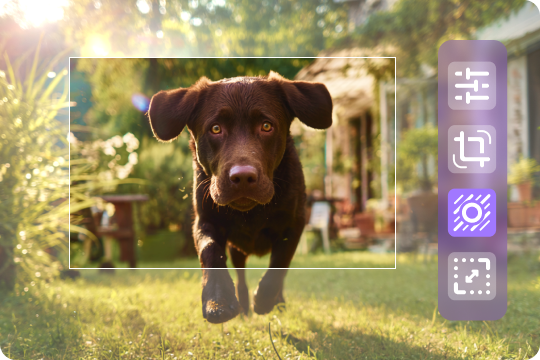
Safe, Fast, and Private Photo Glare Removal
Your privacy is our priority. All images processed through UniConverter’s AI glare removal system are handled securely and deleted automatically after use. You can confidently remove glare or reflections online knowing your files remain private, protected, and never stored permanently.

Remove Every Type of Photo Glare Easily
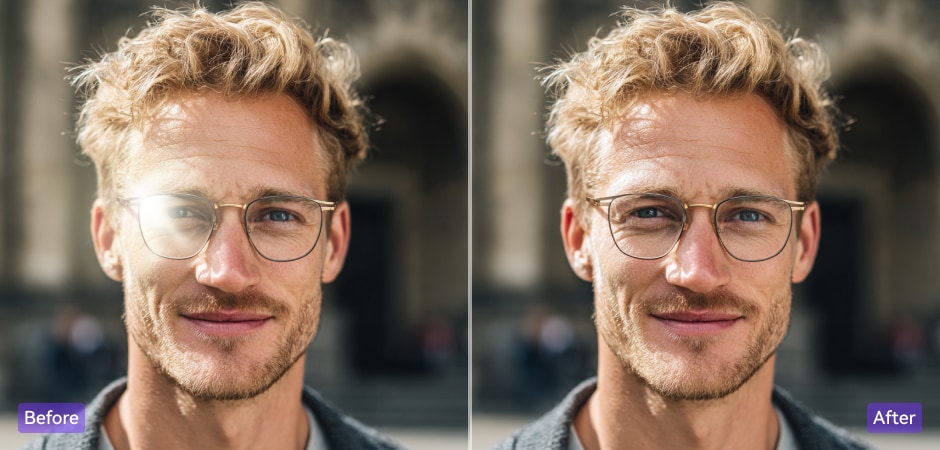


Remove Glasses Glare from Photos
Glare on eyeglasses can easily ruin a great portrait by hiding your eyes or distorting facial details. With UniConverter’s AI eyeglass glare removal tool, you can quickly remove glare from glasses in photos while keeping your eyes, skin tone, and background completely natural. Simply highlight the reflective lenses, and our AI will intelligently fill in missing details to restore clarity and balance to your photo.
Fix Flash Glare on Faces or Objects
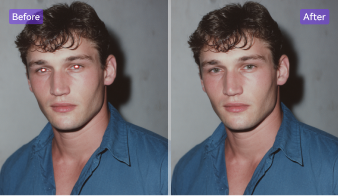
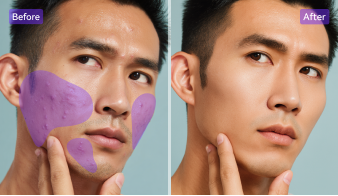
Flash glare often leaves bright white patches on faces or shiny surfaces that make your photos look harsh and uneven. UniConverter’s AI glare removal tool detects these overexposed areas and restores the original color and lighting naturally. Whether you need to remove light glare from photos or fix overexposed skin, the tool ensures smooth, realistic results ideal for portraits, product images, and event photography.
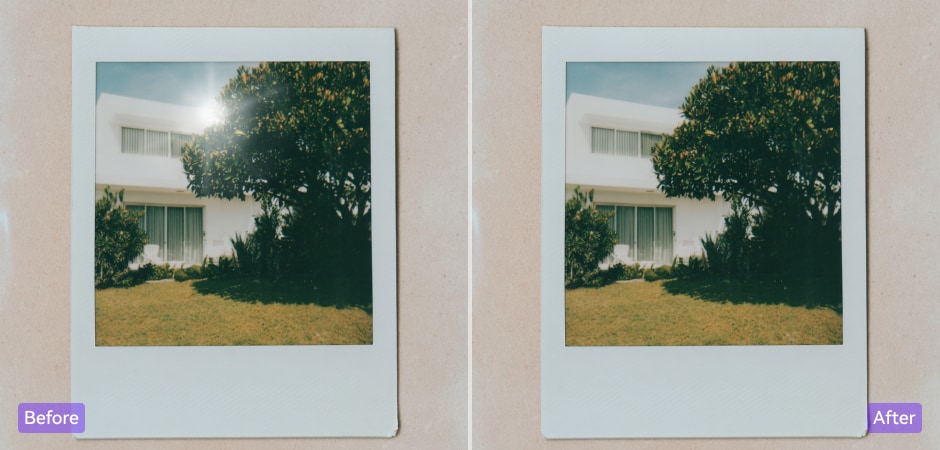
Remove Sun Glare from Outdoor Photos
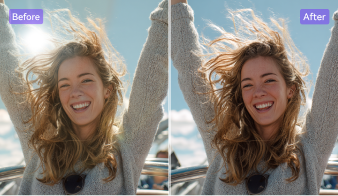
When sunlight glare washes out colors or creates harsh reflections, UniConverter helps you take glare out of pictures effortlessly. Simply mark the overexposed spots, and AI restores natural tones and textures without dulling your image. Perfect for travel, landscape, and outdoor lifestyle photography, this tool brings back vivid colors and detail, giving your photos a bright yet balanced look under natural light.
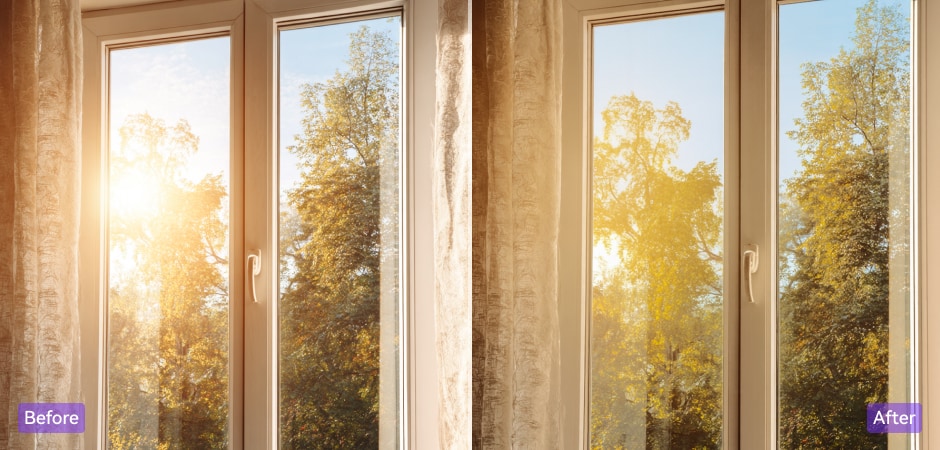
Erase Window and Glass Reflections from Photos
Bring cherished memories back to life. UniConverter’s AI restoration technology unpixelates pictures of family moments, old prints, and scanned images. It intelligently removes pixelation and enhances faded colors, making your photos look naturally sharp and vivid again. Perfect for preserving sentimental images and important documents while maintaining authenticity and emotional value through high-fidelity restoration.
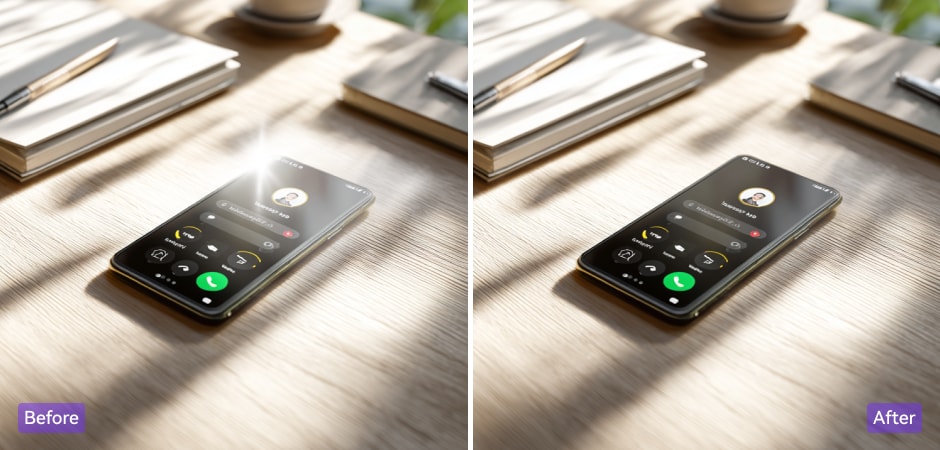
Remove Screen and Device Glare from Pictures
Ensure every visual asset meets professional design standards. UniConverter’s AI-powered enhancer removes pixels from image elements like logos, banners, and marketing graphics. It smooths jagged lines, boosts resolution, and maintains color consistency across formats. Whether for print, web, or digital ads, your designs stay crisp, clear, and ready for any professional campaign or creative project.
Remove Glare from Scanned or Printed Photos
When scanning glossy prints or restoring old photos, glare from the scanner light can obscure faces and important details. UniConverter’s AI glare removal function helps you remove glare from scanned photos automatically, restoring lost contrast and texture. It’s perfect for photographers, archivists, and families digitizing old photo collections — ensuring every memory looks crisp, clear, and glare-free.
FAQs About Glare Removal
How do you remove glare from a photo without losing quality?
How to get glare out of photos covering large areas?
Can I remove glare from glasses in Photoshop?
Does removing glare change lighting or skin tone?
What types of glare can UniConverter handle?
- Eyeglass glare and reflections
- Flash glare on skin or objects
- Sunlight glare outdoors
- Window reflections and mirror glare
- Screen glare from phones or monitors
Can you remove glare from an iPhone photo?