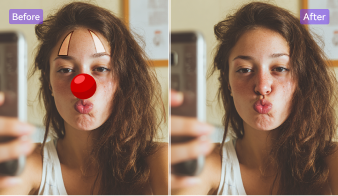
AI-Powered Text Remover for Seamless Image Cleanup
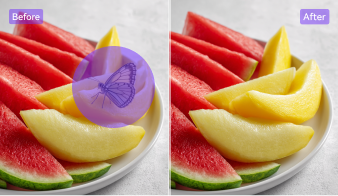
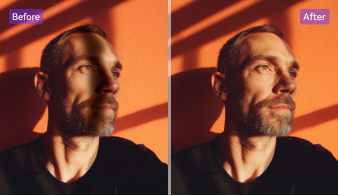
Remove unwanted text, captions, or watermarks from your images in seconds. UniConverter’s AI-powered text remover intelligently fills in the background while preserving the original quality, so every photo looks natural and clean.
AI-Powered Text Remover & Seamless Background Fill
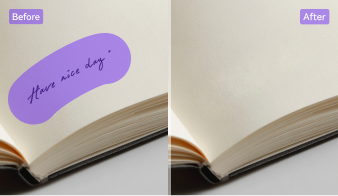
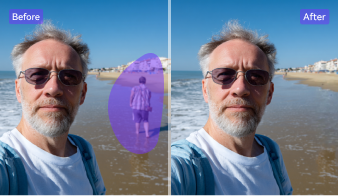
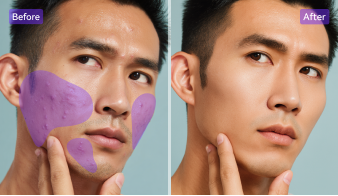
Let AI handle the heavy lifting. Simply brush over the unwanted text area, and UniConverter’s AI text remover automatically deletes the words and reconstructs the missing background. Whether you need to remove text from image or erase writing from a picture, it restores perfect details for a clean, realistic result — no manual editing needed.
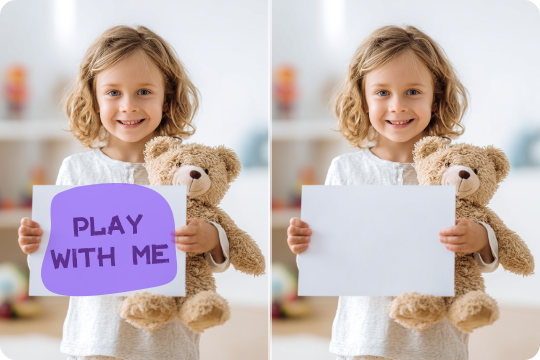
Remove Text from Image Online for Free
Remove text from image online free, directly in your browser — no software download required. UniConverter’s online AI text remover quickly detects and removes text from photos, leaving backgrounds smooth and natural. It’s perfect for casual users who want a simple, fast, and secure way to delete text from image while keeping quality intact.
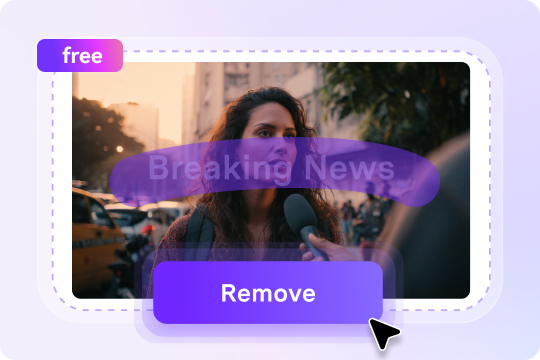
Batch Text Removal on Desktop and Mobile
Speed up your workflow with UniConverter’s desktop app, which allows you to remove text from multiple images at once. Whether on PC, Mac, or mobile, batch text removal helps creators and businesses process entire photo sets effortlessly. It’s the most efficient text remover image solution for high-volume projects and on-the-go editing.

Multi-Type Text Removal: Logos, Captions & Dates
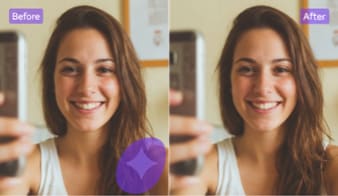
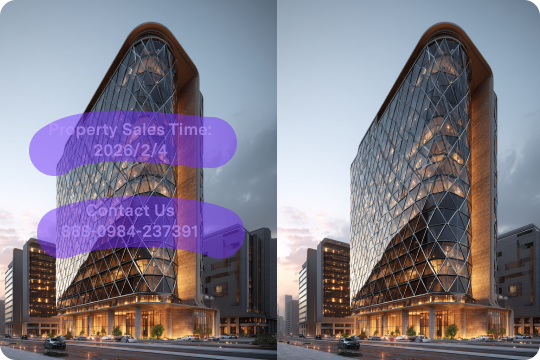
Easily remove all types of text, from logos and captions to timestamps and watermarks. The AI system identifies and deletes each element precisely while filling the background seamlessly. Whether you’re cleaning photos, product images, or social media visuals, UniConverter helps you remove writing from photos and restore professional-quality results.
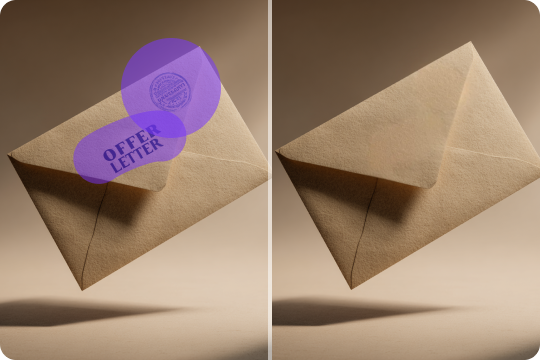
Delete Text from Image While Preserving Image Quality
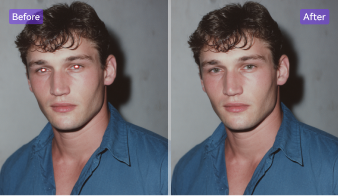
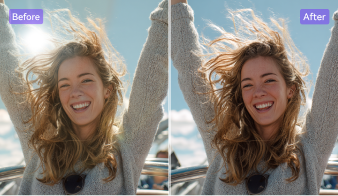
Worried about quality loss? UniConverter’s AI remove text from image feature uses advanced image reconstruction to match colors, lighting, and texture. Even after text removal, your images stay sharp, detailed, and natural. It’s the ideal choice for users who want to delete text from image without affecting resolution or visual quality.
More than a Text Remover: All-in-One Image Editing Suite
UniConverter is more than an AI text remover — it’s your complete photo editing solution. Alongside removing text from image, you can crop, enhance, and restore pictures effortlessly. Combine the AI text remover with built-in watermark removal and photo enhancer tools to polish visuals and achieve studio-quality results in minutes.

How to Remove Text from Image in 3 Simple Steps

Upload your photo in JPG, PNG, or BMP format — online or via the UniConverter desktop app.

Brush over the unwanted text area, and you can zoom in and out to make subtle refinement.

Hit "Preview", and the AI will automatically erase text and fill the background seamlessly. Once you’re happy, download your new HD image instantly.



Who Can Benefit from UniConverter Image Text Remover?
UniConverter’s AI text remover is designed for everyone — from marketing teams and online sellers to photographers and designers. Whether for rebranding, social media, or e-commerce visuals, you can effortlessly remove text from images while keeping every photo clear, natural, and professional.



Remove Old Logos and Text from Images for Rebranding
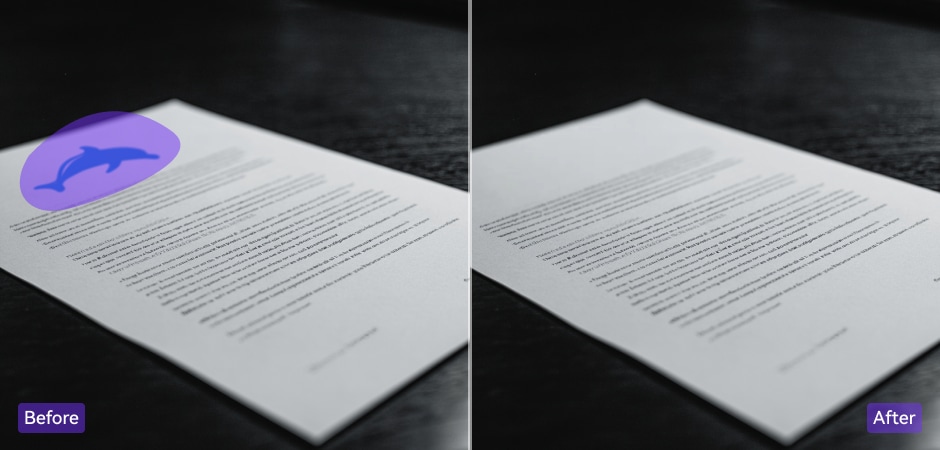
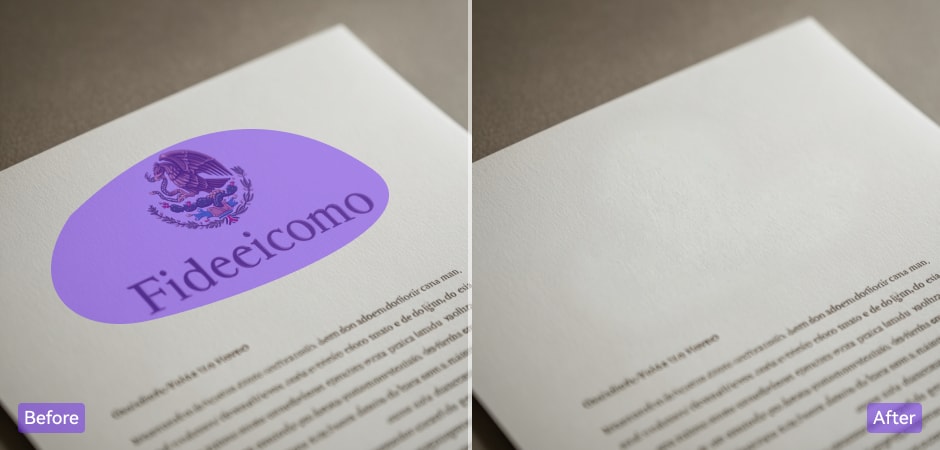
Maketing managers can easily remove old logos, slogans, or brand taglines from their existing visual assets using UniConverter’s AI text remover. During rebranding campaigns, this helps maintain a fresh, consistent, and updated look across all content. With precise AI reconstruction, every image stays natural and clean, allowing creators to refresh their brand identity effortlessly without spending hours on manual editing or expensive software.
Remove Text Labels from Product Images for a Clean E-Commerce Look
Online sellers can quickly erase pricing tags, promotional text, or brand labels from their product photos using UniConverter. Clean, text-free visuals help products look more professional and trustworthy on e-commerce platforms like Amazon, Etsy, and Shopify. By removing text from image online free, sellers can create consistent listings that attract more clicks, improve user experience, and boost conversion rates — all while maintaining the original product photo quality.
Remove Watermarks and Captions from Photos for Social Media Sharing
Social media creators can remove watermarks, captions, or overlay text from their photos before reposting or repurposing content for different platforms. With UniConverter’s online AI text remover, you can make images look natural, clean, and ready for Instagram, TikTok, or YouTube posts. It’s fast, intuitive, and perfect for creators who want to share high-quality visuals that stand out, without visible editing marks or quality loss.
Delete Timestamps and Camera Text from Photos with AI Precision
Professional and hobby photographers can rely on UniConverter to remove timestamps, camera settings text, or signature overlays from their photos. The AI algorithm detects text precisely and reconstructs the background texture seamlessly. Whether restoring old photographs or preparing client images, photographers can delete text from image while maintaining sharpness, tone, and depth — achieving flawless, professional results that look untouched.
Clean Text and Logos from Design Assets for Creative Projects
Graphic designers can streamline their workflow by using UniConverter to remove embedded text, watermarks, or logos from stock images and client-provided visuals. The AI text remover helps prepare clean, editable assets for new designs, layouts, and marketing materials in seconds. With batch processing available on desktop, designers can handle multiple files efficiently, ensuring polished, high-quality images that fit seamlessly into creative projects.
FAQs about Deleting Text from Image
How to remove text from image in Photoshop?
How to remove text from image without removing background?
How do I remove text from an AI-generated image?
Can I remove handwritten text, logos, captions, or timestamps?
Does removing text lower image quality?
Can I remove text from image using my iPhone, Android, or desktop?