Powerful Features of UniConverter Shadow Remover for Photos
Smart AI Shadow Remover for Photos Online
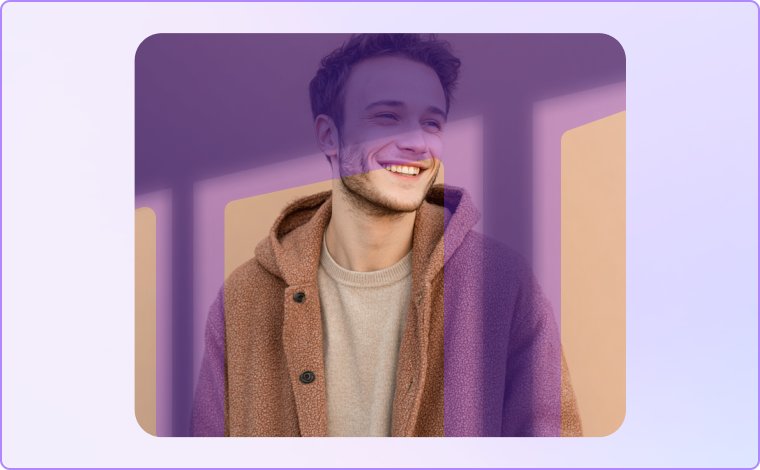
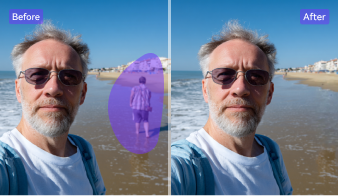
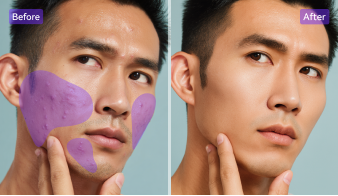
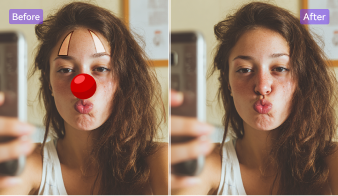
UniConverter’s AI shadow remover for photos online lets you manually mark the shadow areas for precise editing. Once selected, the tool uses AI to clean those parts seamlessly while preserving lighting and color balance. It gives users full control to remove shadow from photo naturally, achieving realistic and professional results in seconds.
Remove All Types of Shadows from Pictures
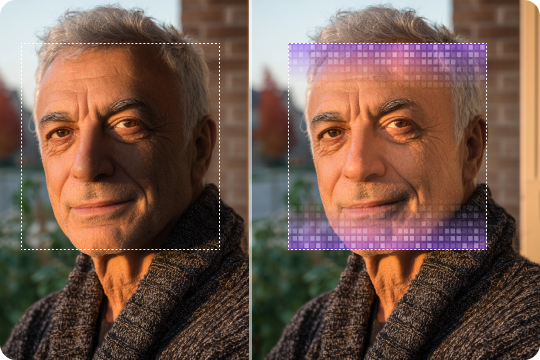
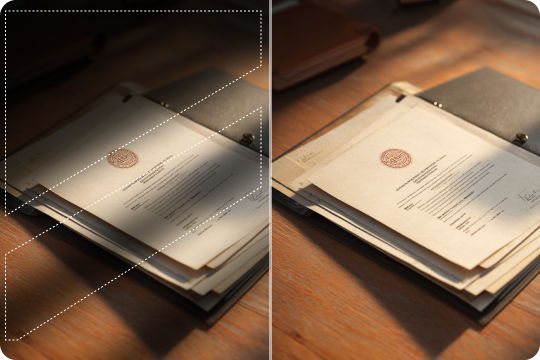
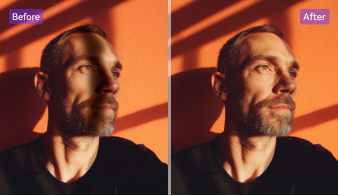
Easily remove shadows from pictures caused by uneven lighting or strong sunlight. Simply highlight the shadowed regions, and UniConverter’s photo shadow remover refines those areas to restore brightness and detail. It works for faces, backgrounds, and documents — ensuring every shadow-free photo looks natural and well-balanced.
Online and Desktop Shadow Remover for Photos
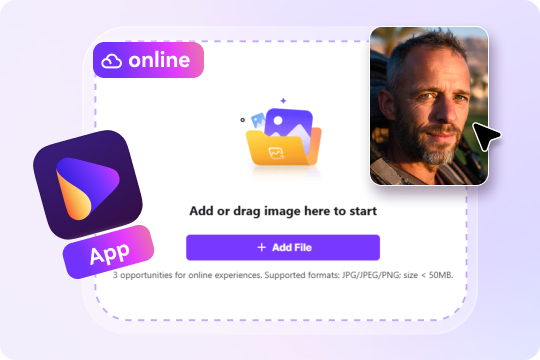
UniConverter offers both an online shadow remover and a desktop version. The online tool helps you remove shadow from photo online free directly in your browser, while the desktop app supports offline use and batch photo editing. Both deliver flexible, high-quality shadow removal for photos on Windows or Mac.
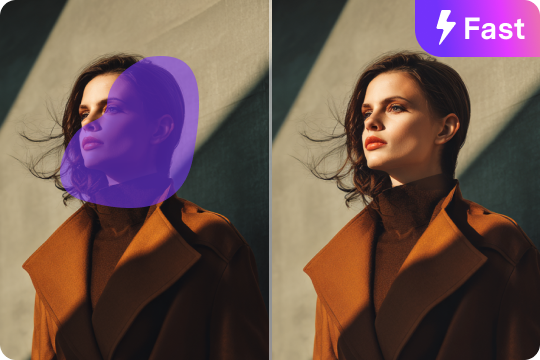
Fast and Controlled Shadow Removal from Photo
Experience quick and precise shadow removal from photo with UniConverter’s smart workflow. You select the shadowed parts manually, and our system processes them in 5–10 seconds. This interactive approach ensures you control the editing scope while getting fast, shadow-free picture results without complex tools.
High-Quality & Shadow-Free Results
UniConverter ensures every edited image keeps its original resolution and natural tone. When you remove shadow from image, the AI fills and corrects lighting smoothly — avoiding blurring or pixel loss. It’s perfect for portraits, product shots, or scanned files needing a clean, shadow-free finish.
Free and Easy Shadow Remover Online
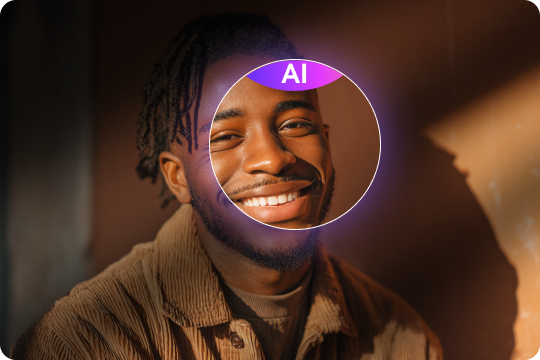
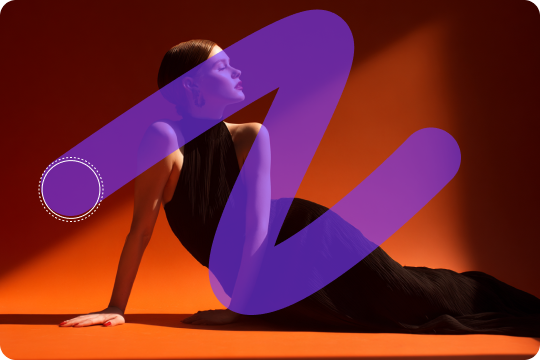
Enjoy UniConverter’s free online shadow remover with no downloads or sign-up. Just upload your picture, brush over shadowed sections, and download a clean result instantly. It’s the simplest way to remove shadow from photo online free, offering watermark-free output and effortless usability for everyone.
Perfect Use Cases for Removing Shadows from Pictures
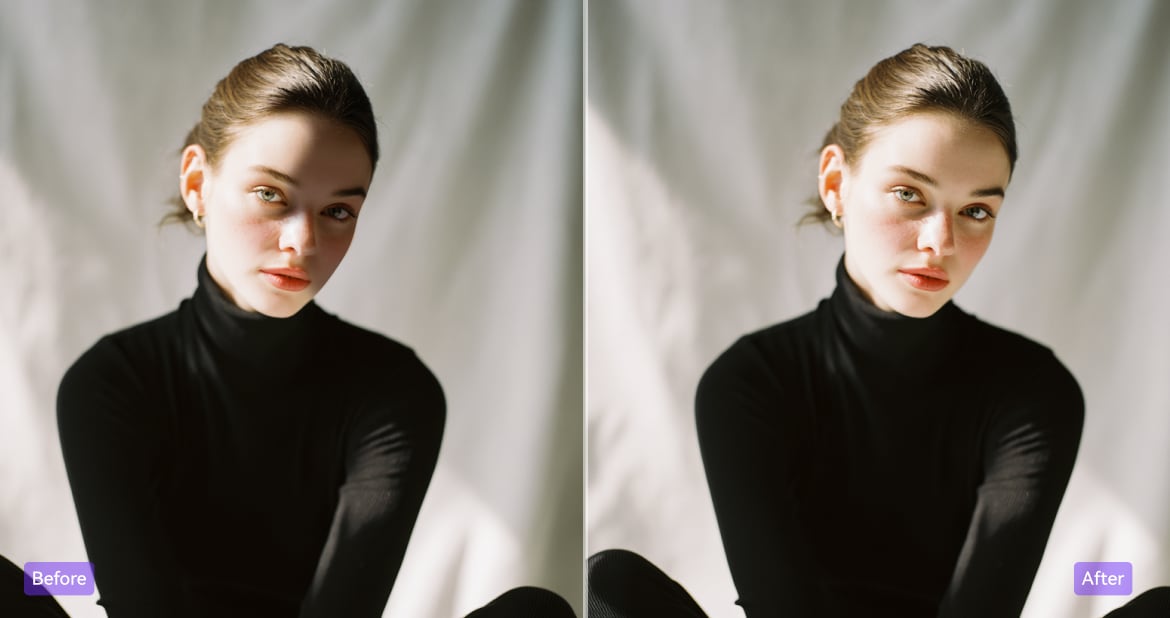
Remove Face Shadows in Portrait Photos
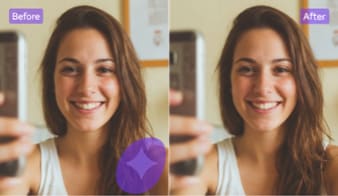
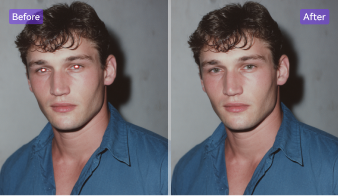
Harsh lighting often creates unflattering face shadows in selfies or portraits. UniConverter’s shadow remover for photos online allows you to manually select these shadowed areas and clean them with precision. It brightens faces while preserving natural tones, making your images look balanced, radiant, and professional. Whether for profile pictures, headshots, or group photos, this tool helps you achieve natural lighting without needing advanced editing skills.
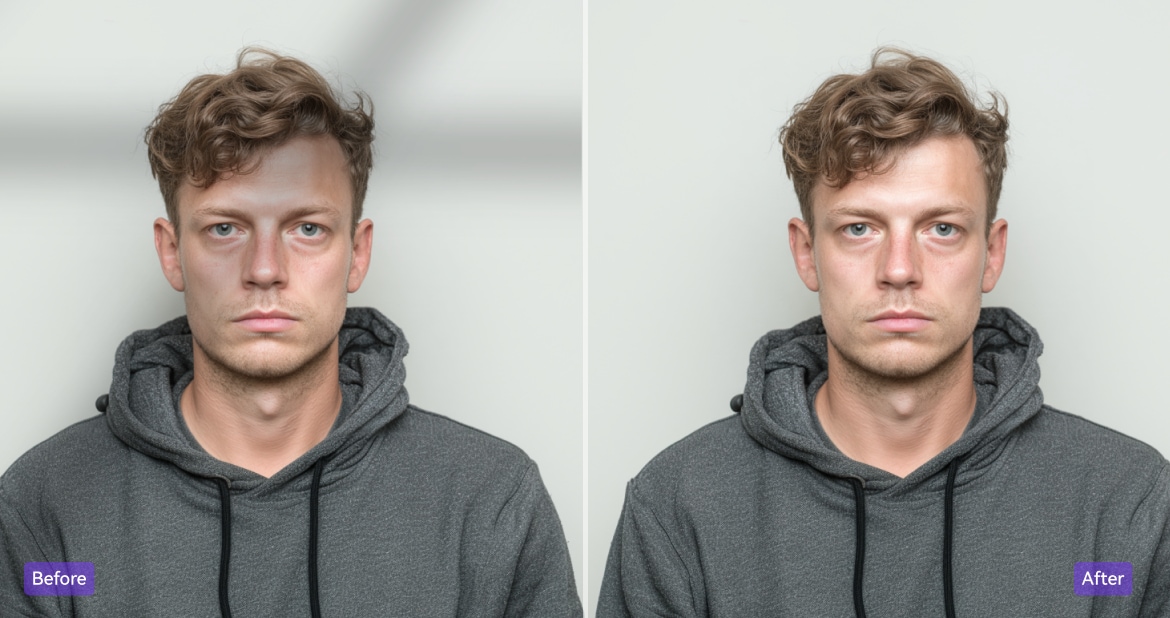
Clean Shadows from Passport or ID Photos
Passport or visa photos often fail to meet standards due to uneven lighting or dark shadows on faces. With UniConverter’s online shadow remover, you can manually highlight and erase unwanted shadowed parts to achieve a bright, uniform background. The processed image meets official photo requirements while maintaining natural facial detail. It’s the simplest way to remove shadow from photo online free for passport, ID, or visa applications.
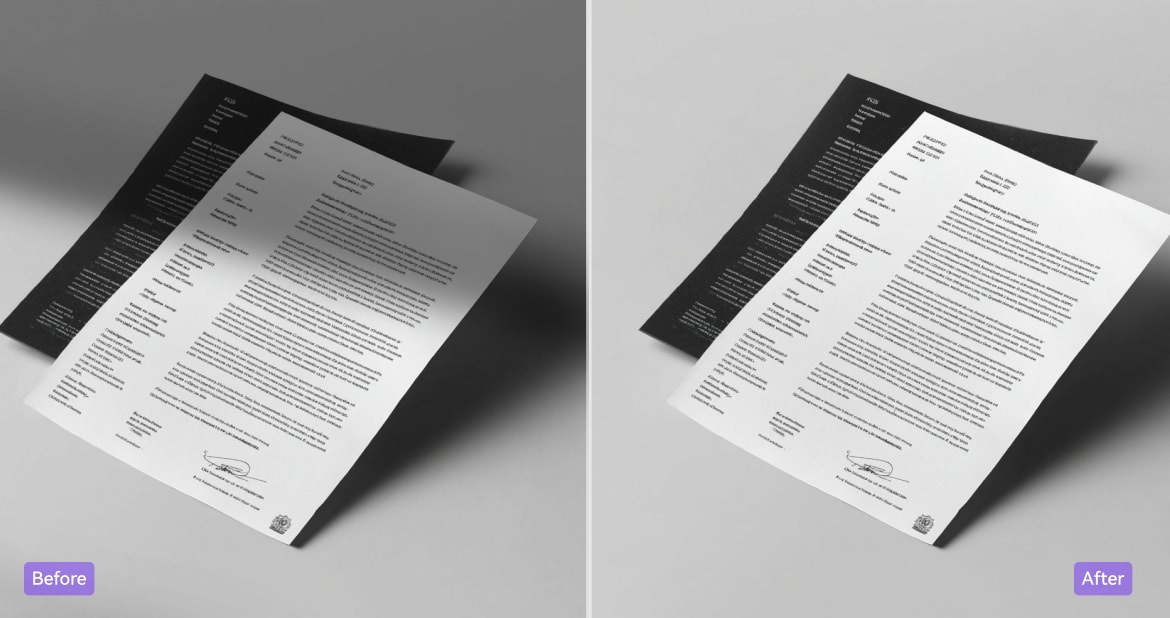
Remove Shadows from Scanned Documents
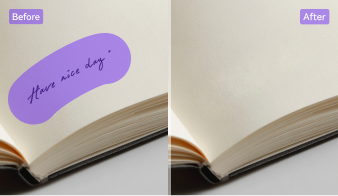
When scanning papers, receipts, or contracts, unwanted edge shadows often reduce readability. Using UniConverter’s photo shadow remover online, you can easily select and remove those dark regions while keeping text crisp and clear. The AI intelligently adjusts lighting to ensure even exposure. Ideal for business, legal, or academic documents, this shadow remover for photos enhances your scanned files for archiving, printing, or digital sharing.
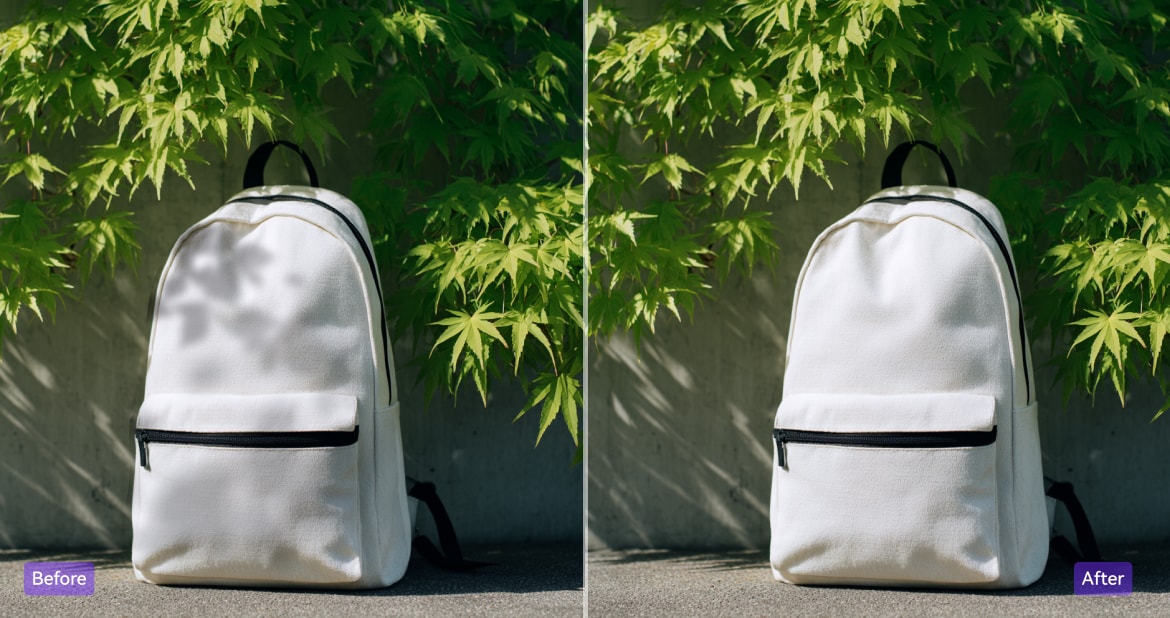
Eliminate Background Shadows in Product Photos
E-commerce product images with visible shadows can look dull and unprofessional. UniConverter’s AI shadow remover for photos helps you manually select and erase background shadows while keeping product edges sharp. The result is a clean, bright product image ready for listings or ads. With natural lighting restored, your shadow-free product photos look more attractive and drive higher engagement and sales.
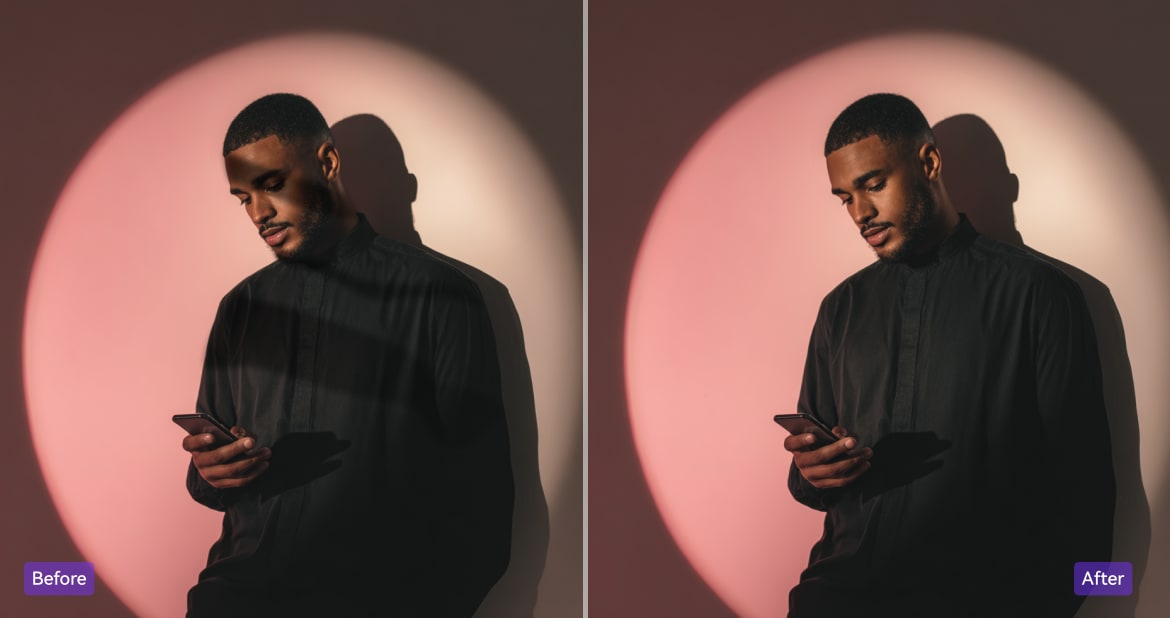
Create Shadow-Free Social Media Photos
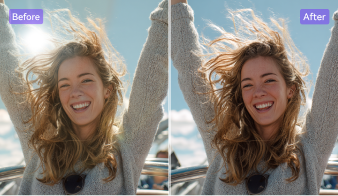
Strong sunlight or poor lighting can leave dark patches in lifestyle or travel photos. With UniConverter’s remove shadow from photo online tool, you can brush over unwanted shadows and let AI refine the lighting smoothly. This gives your pictures a fresh, vibrant look perfect for Instagram, TikTok, or any social platform. Consistent, shadow-free visuals help your content look polished, professional, and more eye-catching.
How to Remove Shadow from Photo with Simple Steps

Step 1. Upload Your Photo
Click to upload or drag and drop your image. Supported formats: JPG, PNG, and WEBP (up to 30MB).

Step 2. Select Shadow Areas
Use the brush to highlight shadowed parts. Our AI removes the selected areas precisely while keeping the rest of your photo intact.

Step 3. Preview and Download Your Result
Preview the clean, shadow-free photo. Then download it instantly in high quality.


What our customers are
saying about our shadow remover
FAQs About Shadow Removal
Can I remove all types of shadows from a photo?
Is this shadow remover free?
What image formats are supported?
How long does it take to remove shadows?
Will my image lose quality after removing shadows?
How to get rid of a shadow in Photoshop?
Can you remove shadow from an iPhone photo?
Can I remove a shadow from a passport photo?




Try Our Online Shadow Remover for Free!
Remove shadow from photo online free or download the desktop app for bulk shadow removal!