High-Quality MOV Compressor For Large Files
UniConverter decreases MOV file size to the minimum possible size with minimum quality loss.
Original
73MB
Basic
51MB(-30%)
Strong
29MB(-60%)
AI Mode
10MB(-85%)
Reduce MOV File Size with Minial Quality Loss
Oversized MOV files can interrupt sharing, slow down editing and create uploading failures across platforms. UniConverter provides a MOV compressor that compresses video online effectively with minimum loss for resolution and sound quality. With batch processing, you can compress multiple files simultaneously, which saves storage and helps to get faster transfers. UniConverter ensures that MOV files are compressed with speed and precision, offering smaller file sizes without affecting the quality. After reducing MOV file size, you can also compress videos for email, WhatsApp, or Discord.
How to Shrink MOV Files with 3 Steps

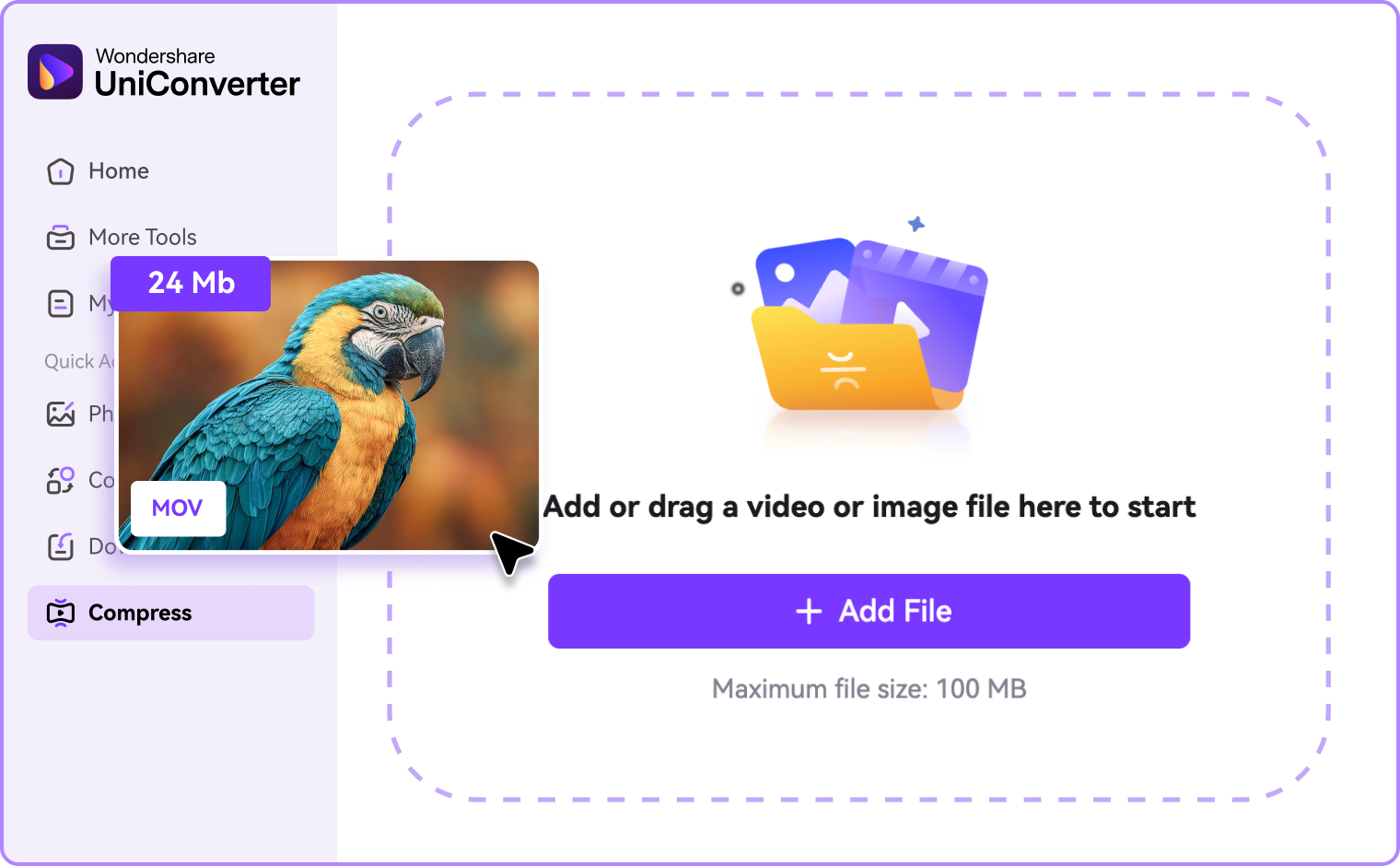
Step 1: Add MOV Files
Upload your MOV file online or on PC version to import it. You can get both single and batch conversion, which saves time and streamlines the workflow

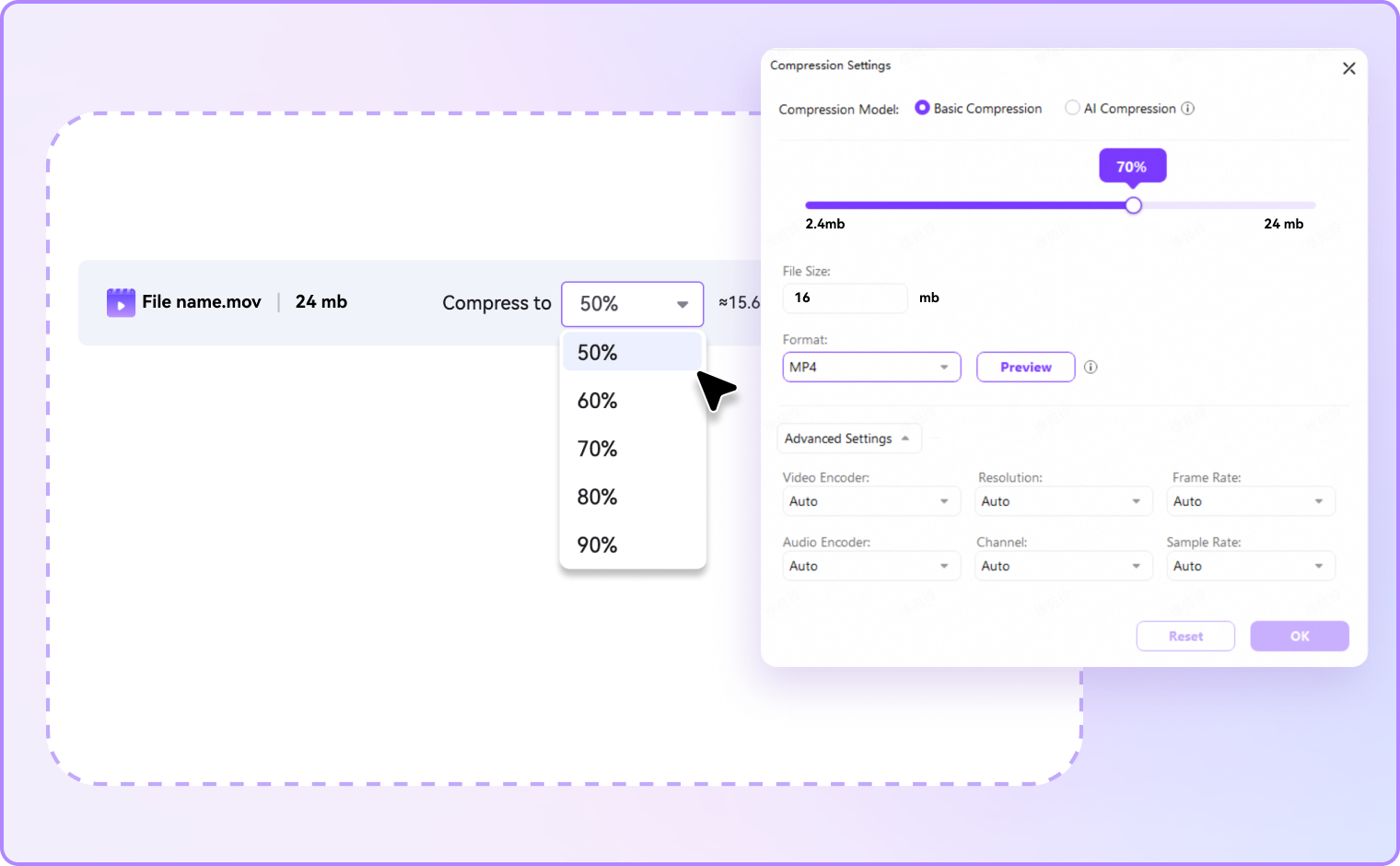
Step 2: Choose Compression Settings
Select the desired compression ratio. The online tool offers quick percentage-based compression, while the PC version allows for advanced settings customization like resolution, format, and bitrate adjustment for precise control.

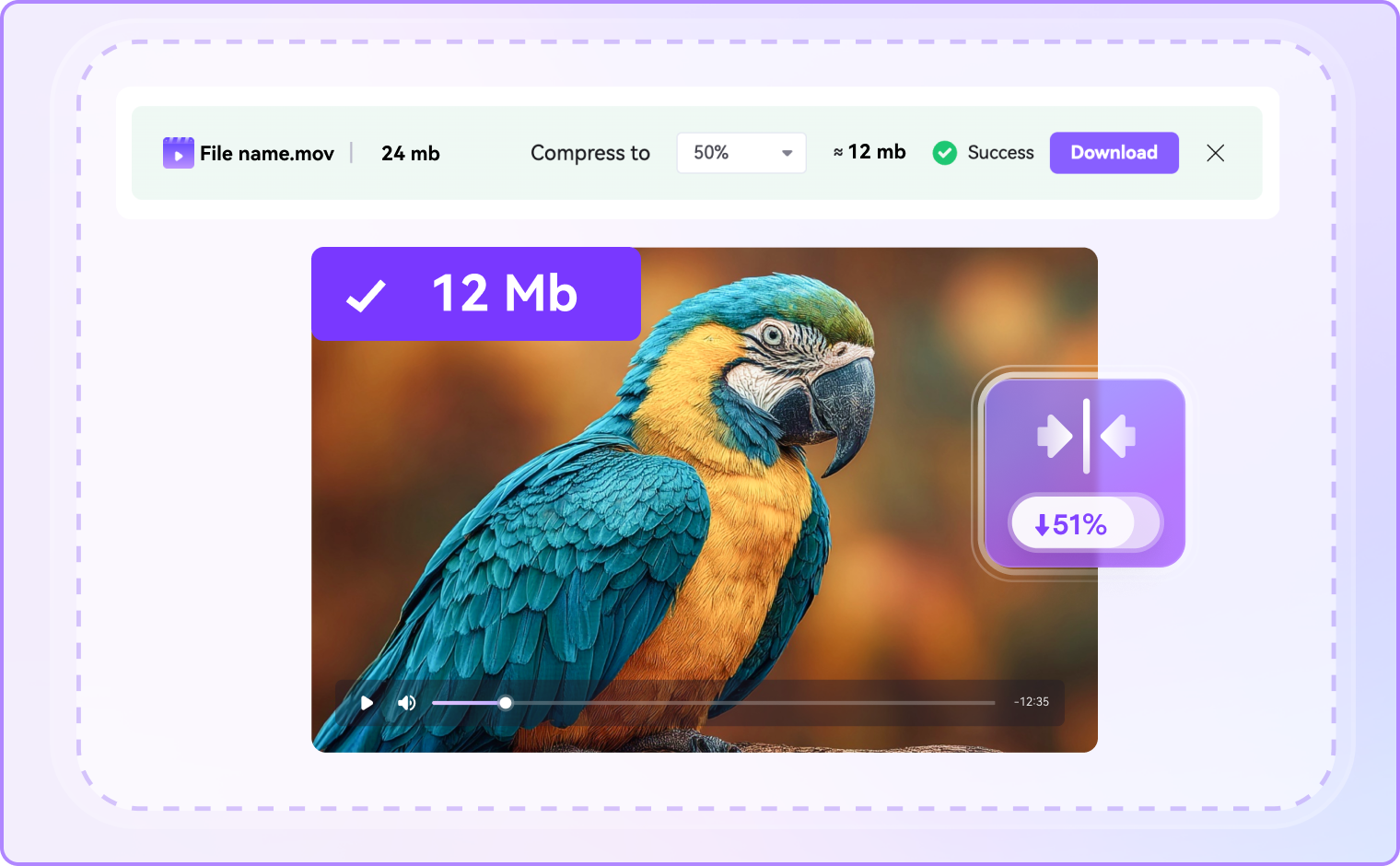
Step 3: Compress and Save
Click “Compress” to shrink MOV files instantly. Save the compressed file on your computer for quick sharing and storage.
Why Choose UniConverter to Compress MOV Files
UniConverter is a professional MOV compressor that combines speed, flexibility, and clarity. From free online compression to advanced desktop controls, it makes reducing MOV file sizes simple, predictable, and efficient.
Compress MOV Files Online with Ease
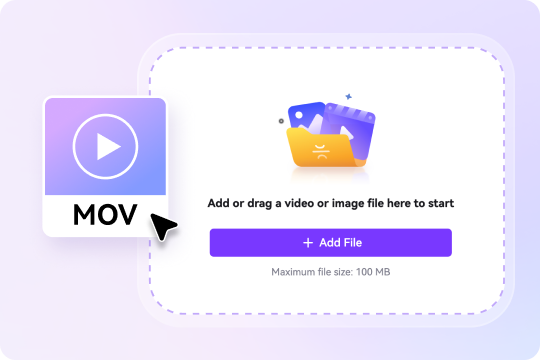
Start with UniConverter's online MOV file compressor for quick jobs or switch to the desktop version for longer videos and large queues. Both options reduce MOV file size in a three-step process. Drag-and-drop simplicity online pairs with offline privacy and stable performance on desktop, helping you make MOV files smaller.
AI MOV Compressor for High-Quality Size Reduction
Powered by advanced algorithms, UniConverter reduces MOV file size by up to 90 percent while maintaining sharp visuals and clear audio. The AI mode automatically adjusts resolution and bitrate to make MOV files smaller with the minimal quality loss. This online and offline compressor is ideal for anyone searching for a way to compress an MOV file online or offline.
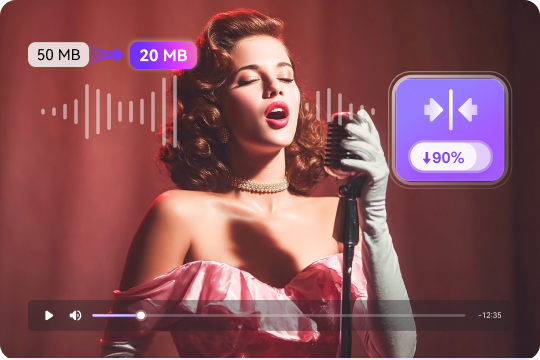
Ultra-Fast MOV Compression
UniConverter’s MOV compressor is built for speed. For the online MOV file compressor, you can get fast uploads and instant results. On the desktop version, hardware acceleration and unparalleled processing speed ensures to compress MOV files in seconds. A one-minute 1080p clip can be reduced quickly, ensuring smooth workflows for iPhone recordings, ProRes footage, or any MOV file you need to shrink.
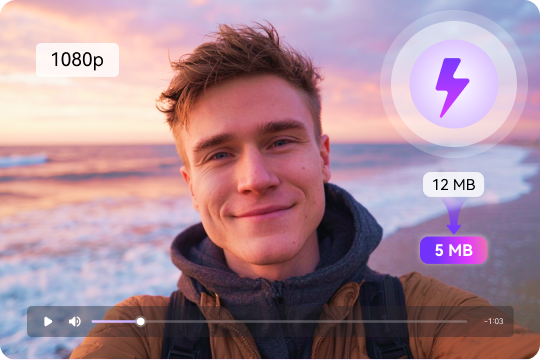
More than a MOV Compressor with Multiple Formats Supported
UniConverter compresses MOV files and dozens of other formats. You can import screen captures, camera footage, or iPhone MOV files, then export in MP4 format for universal compatibility, or keep MOV format if needed. Some of the presets simplify tasks like compressing MOV for email, social media, or Discord. It ensures compatibility without compromising efficiency or quality.
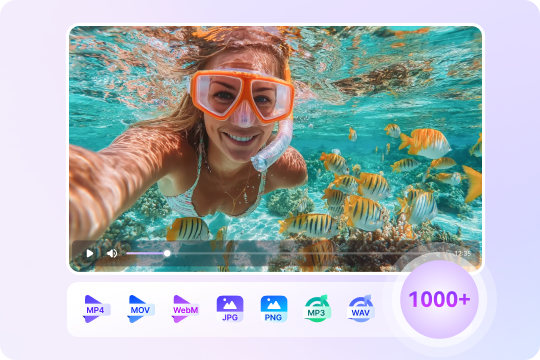
Shrink MOV Files with Pro Controls
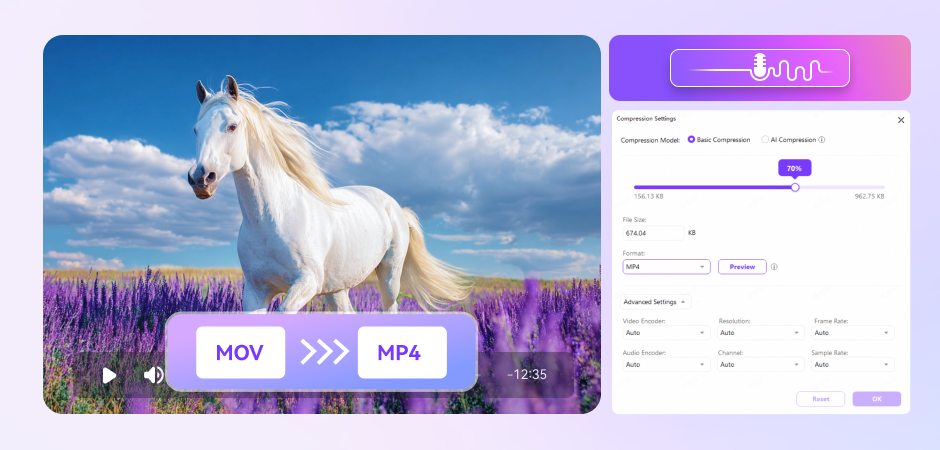
UniConverter allows you to set the target file size to 10MB, 50MB, or any size you want, and customize output formats. By using the size-first slider or advanced settings control, you can adjust video encoder, frame rate, and resolution. This flexibility makes it easy to compress MOV to MP4 or other file formats easily and professionally as well.
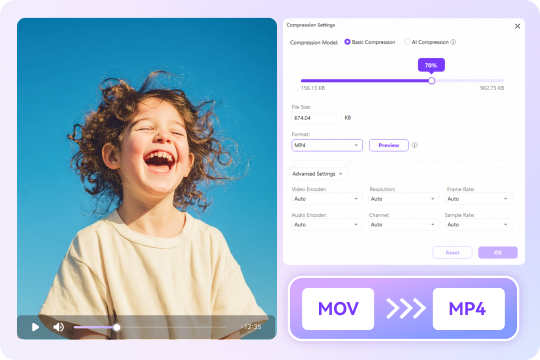
All-in-One Media Processing – Edit, Convert, Enhance and More
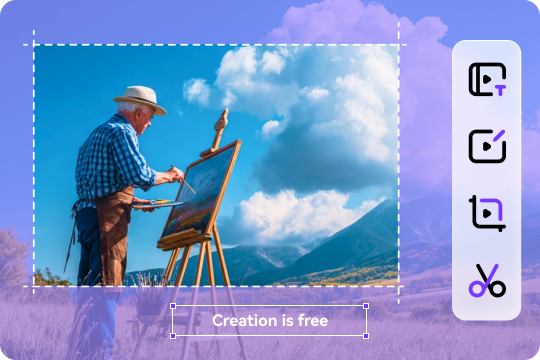
UniConverter saves time by combining editing and compression. You can trim clips, normalize the audio, crop frames, mute unwanted sections, or add subtitles before or after shrinking MOV files. It works as both a MOV compressor and a full multimedia processing solution.
Popular Scenarios to Use UniConverter MOV Compressor
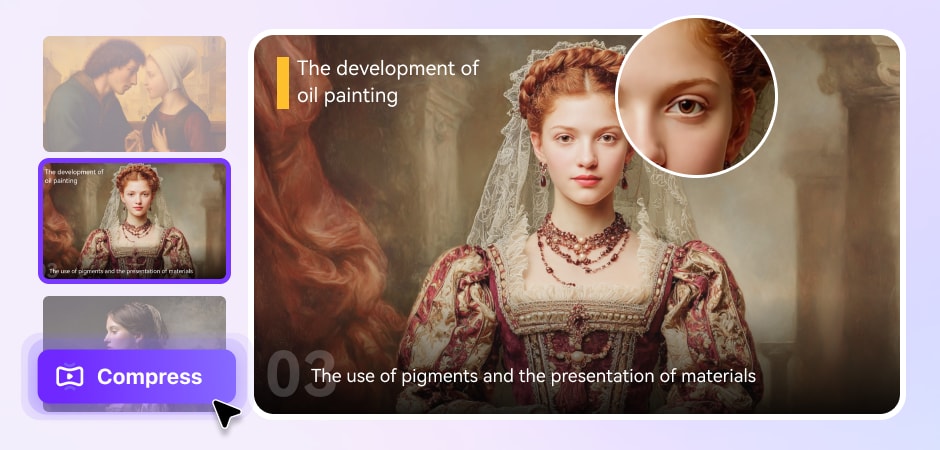
Email & Discord Limits: Compress MOV File Online to Reduce Size Fast
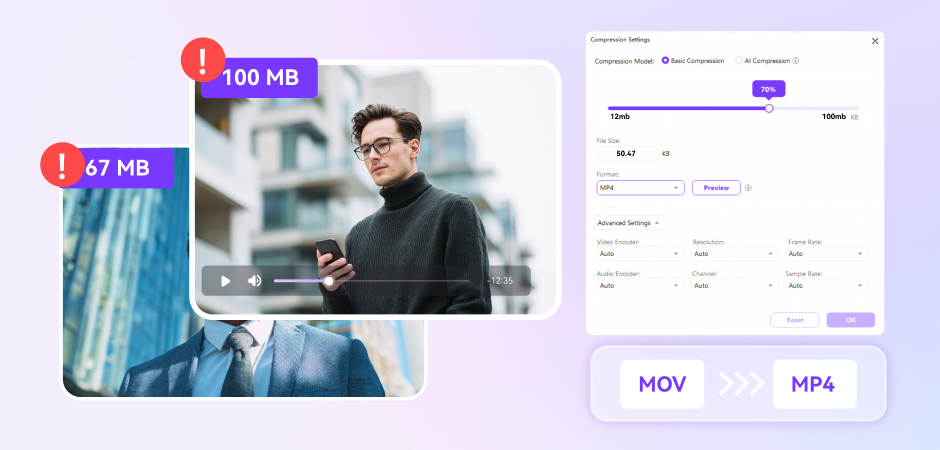
Large MOV files often outdo email and chat uploading limits, making it hard to transfer files. UniConverter’s online MOV file compressor helps you compress video for Discord, WhatsApp or email. All you need to do is to set the required file size, like 25 MB or 50 MB, and export in MP4 or other formats. For quick one-time tasks, the online tool works instantly. For larger files or multiple MOV clips, the desktop version ensures stable performance and precise size control.
Social Publishing: Compress MOV to MP4 for Quick, Compatible Uploads
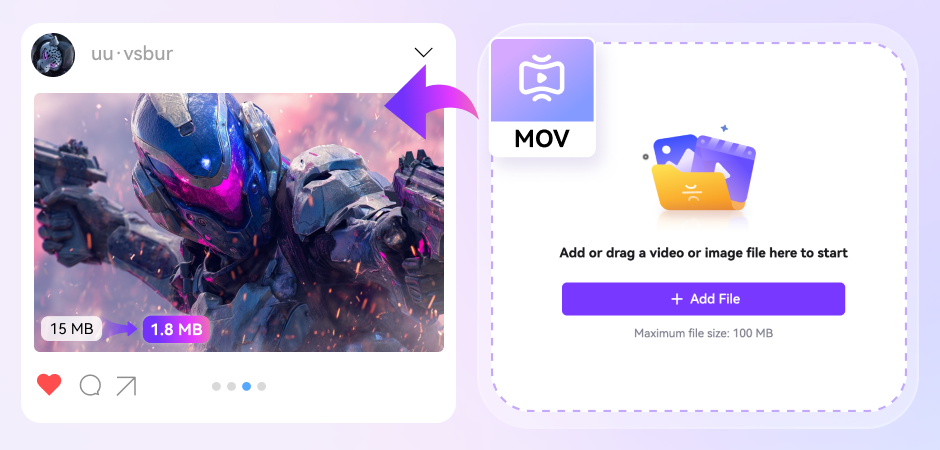
Content creators can reduce the size of MOV files with UniConverter to get fast uploads on TikTok, Instagram, X, or YouTube. They can use video editing feature for square, vertical, or landscape layouts and then compress MOV files to MP4 for better compatibility. They are also allowed to adjust resolution and bitrate to reduce the size of the MOV file while maintaining the clarity and keeping the minimum quality loss. The online MOV compressor is ideal for short videos, while the desktop app is perfect for long-form content with more flexibility.
Apple/Pro Workflows: Compress QuickTime Video on Mac
iPhone recordings, professional camera footage, and ProRes files are large in size, making sharing and storing difficult. With UniConverter’s MOV compressor, you can compress QuickTime video effortlessly for sharing or storage. For further editing or sharing needs, you can export to MP4 using H.264, so that the videos will work on any device or platform. If you want a smaller size, try HEVC or AV1 (not all devices support these yet).
Reduce MOV File Size for Lectures & Tutorials
Education-related video materials need smooth playback on a range of devices, from laptops in classrooms to mobile phones used for self-study. UniConverter helps reduce MOV file size with clarity: 720p resolution for slides or code demonstrations, maintained bitrates for clear text, and 96 to 160 kbps audio for clear speech. Moreover, UniConverter allows for trimming the intro and outro or segment longer sessions to make MOV files smaller and easier to share. You can also add captions, which offer accessibility, and compress MOV to MP4 (H.264/AAC) for compatibility with older devices.
FAQs about MOV Compression
How can I make a .MOV file smaller?
How do I shrink a .MOV file to email?
How do I send a big MOV file?
How to compress an MOV file on Mac?
How do I compress multiple MOV files at once?

Explore More Scenarios for Video Compressor
Tips & Tricks for Compressing MOV or Other Files



Convert and Enhance Videos in Batches Easily
Meet all your needs for getting, editing, enjoying, and sharing