High-Quality WebM Compressor
UniConverter compresses WebM file size to the minimum possible size with minimum quality loss.
Original
73MB
Basic
51MB(-30%)
Strong
29MB(-60%)
AI Mode
10MB(-85%)
Reliable WebM Compression for Easy Sharing
Uploading or sharing WebM videos can become a challenge for you when the file size is too large. It results in longer wait times and storage concerns. UniConverter offers a WebM compressor that helps streamline workflow. You can reduce file sizes while preserving clarity, compress multiple videos simultaneously, and enjoy faster conversions optimized for modern workflows.
How to Compress WebM Videos with 3 Steps

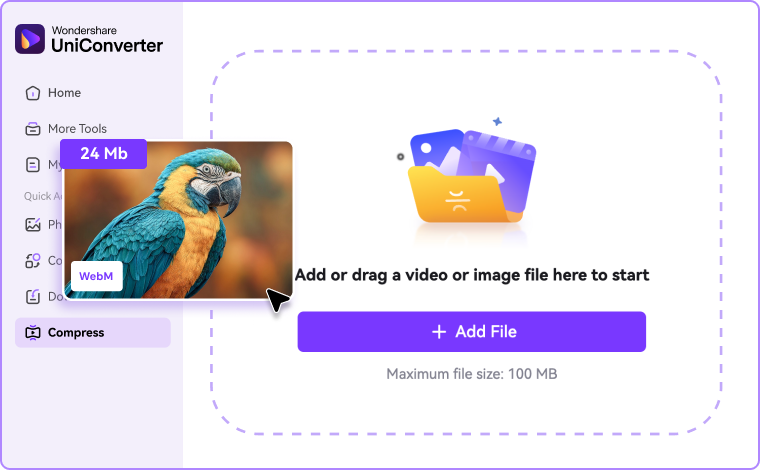
Step 1: Add Your WebM Files
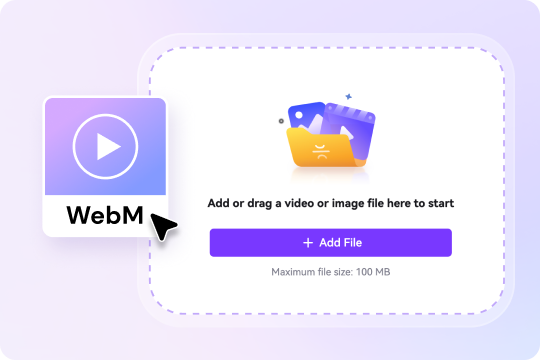
While using an online tool, click “Choose Files” option or simply drag and drop your WebM video. On the desktop app, import one or multiple files directly for batch processing.

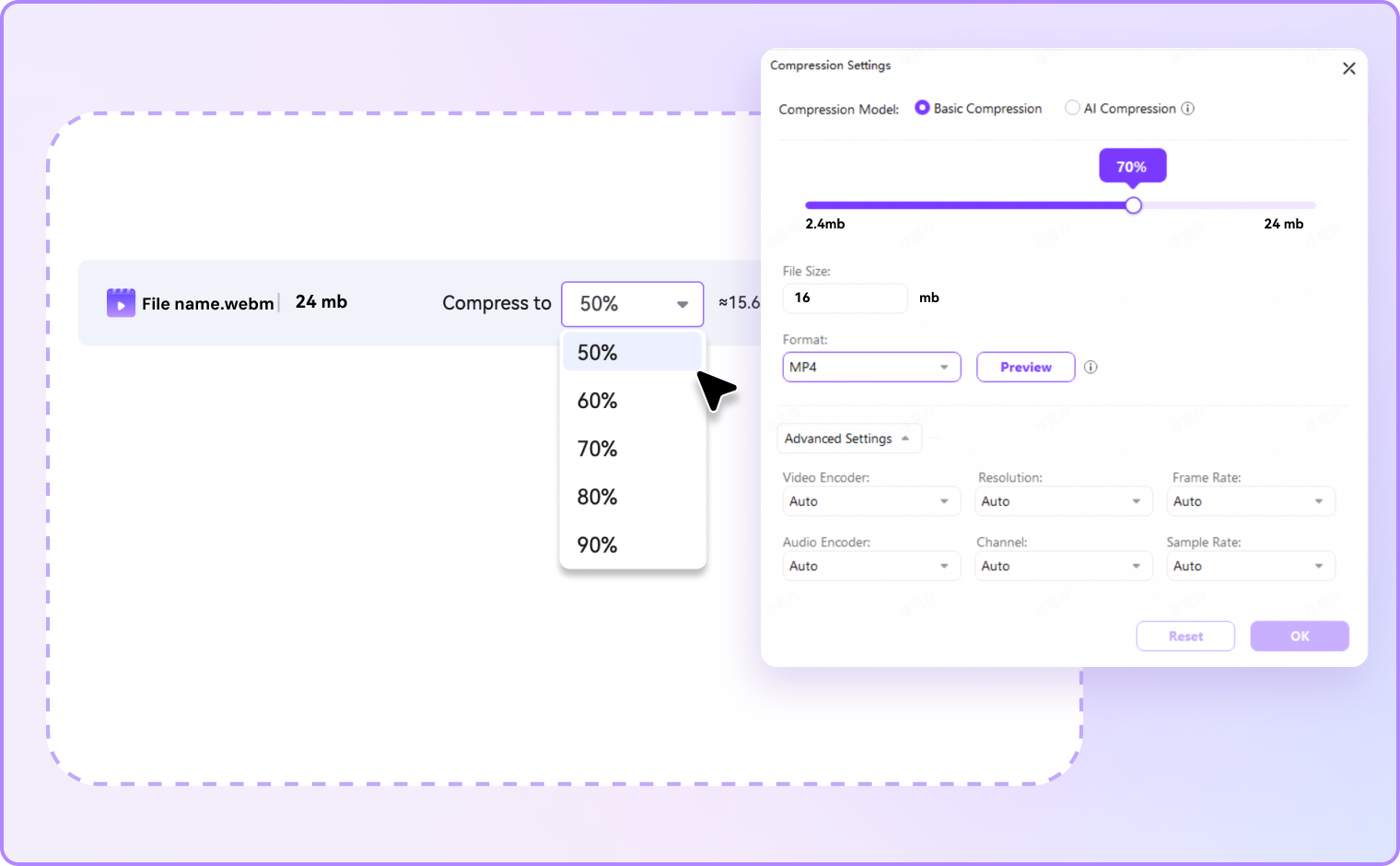
Step 2: Select Compression Preferences
Online users can select a straightforward compression level to reduce the file size. On desktop, you can refine the final output with adjustable bitrate, format settings, or resolution. This way, it becomes easy to compress the WebM file size while maintaining clarity.

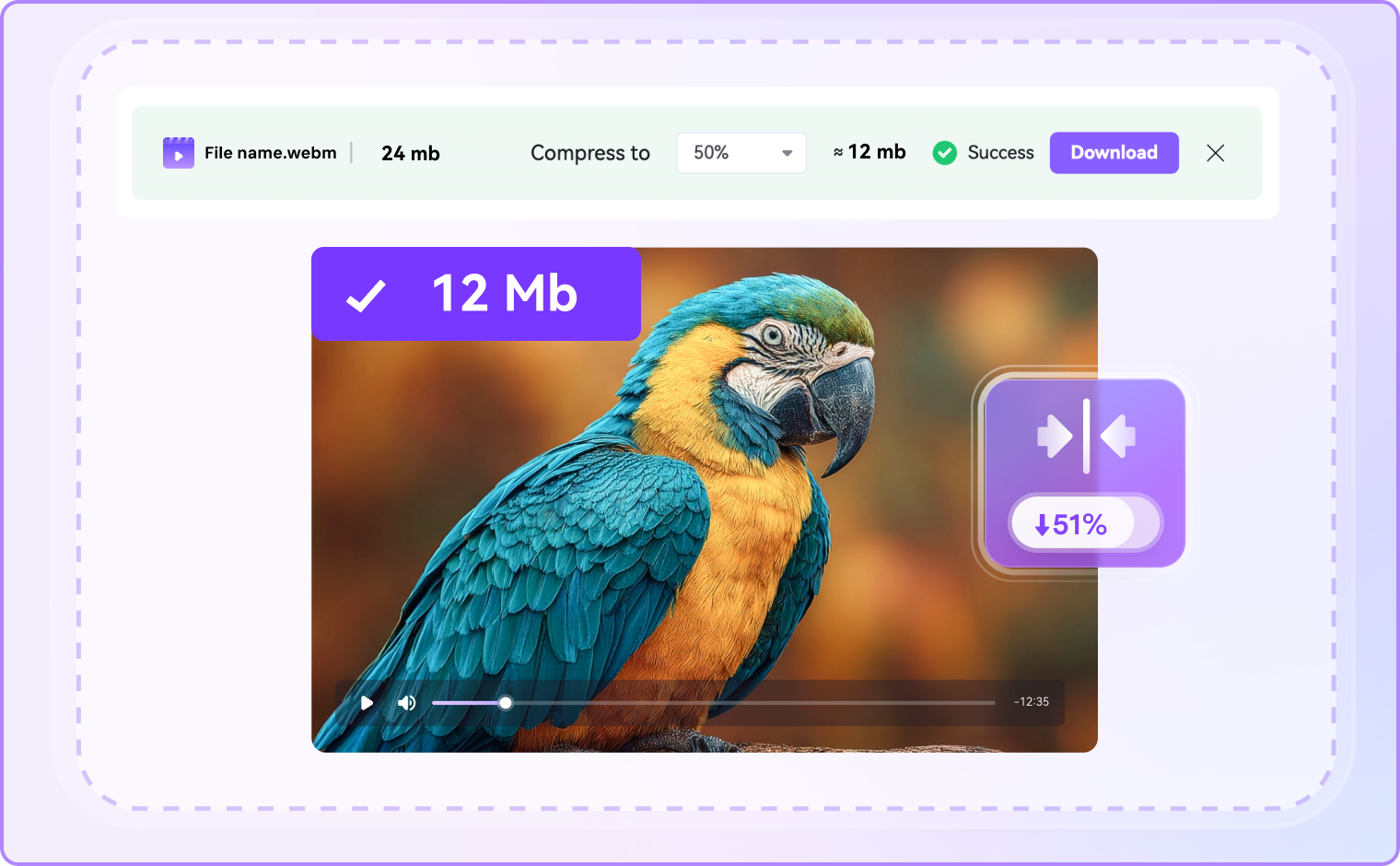
Step 3: Compress and Save
Click Compress to begin. Online users receive a smaller WebM video ready to download instantly. On a desktop, you can manage multiple files at once, export in WebM, or convert WebM to MP4.
Why Choose UniConverter to Compress WebM
UniConverter simplifies the process of compressing WebM files. The tools offer streamlined compression that balances both efficiency and quality. From advanced desktop options to online access, it adapts to different workflows.
Compress WebM Online with Speed and Ease
With UniConverter’s WebM video compressor, you can easily reduce file size. It works smoothly across browsers and devices. Drag and drop your WebM files, adjust settings, and export final results. Cloud-powered processing provides responsive performance even on low-spec machines, making it ideal for one-off tasks of smaller videos. For larger and multiple files, the desktop version works smoothly. It handles batch processing effectively while maintaining the quality.
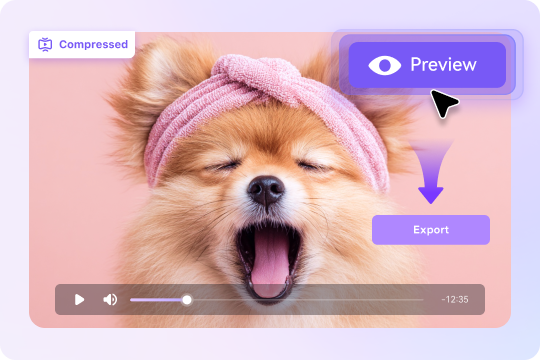
Preview Compressed File Size Before Export
Guesswork is eliminated with UniConverter’s built-in file size estimator. As you adjust compression settings, the tool displays the expected output size and percentage saved before finalizing the export. This feature helps when you need to compress WebM files to meet email or Discord upload limits, reducing the need for repeated attempts. With accurate projections, UniConverter offers predictable results every time.
Reduce WebM Size While Maintaining Quality
File reduction is not equal to poor playback. UniConverter utilizes advanced compression techniques to maintain sharp edges, readable text, and fluid motion even after size reduction. Users who compress WebM files online will find presets helpful, while desktop users can fine-tune for specific needs. The balance between size reduction and visual clarity ensures compressed WebM videos look great without unnecessary loss in detail.

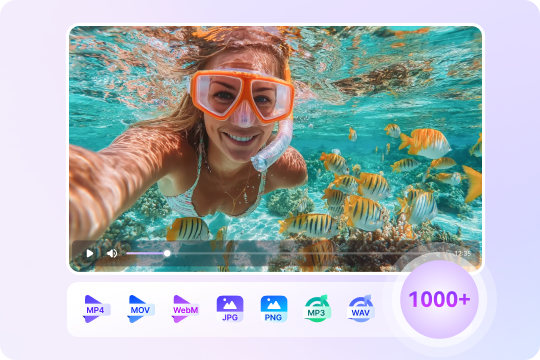
Multi-Format Support - Compress WebM, MP4, MOV, AVI & More
UniConverter is beyond a simple WebM compressor. It adapts to any workflow according to the required flexibility. You can import WebM, MOV, AVI, or MP4 files and export them in your required formats. You can even convert WebM to MP4 for smoother playback with one click on browsers, devices, and social apps. On the desktop, you can choose from presets like YouTube 1080p, TikTok vertical, or Email 25 MB. It ensures your WebM files are optimized for the specific platform.
More Than a Compressor – Edit, Enhance, Convert and More
Beyond simply reducing the file size, UniConverter is also a lightweight editing tool. You can trim unwanted sections, add captions, or translate subtitles to expand global reach. You can normalize audio and merge multiple clips before compressing. This workflow reduces your need to switch between different apps. For creators who want their videos ready to publish directly after compression, these built-in features save time.

Security & Privacy – Encrypted Processing with Clear Data Controls
Online WebM compressors often raise privacy concerns, but UniConverter addresses these concerns with a strict private policy. Its uploading process is secure, and files will be deleted immediately after completion. If you require full control, the desktop version enables you to compress WebM files offline, eliminating the need to upload videos to browsers. This dual approach offers flexibility, so that you can perform convenient WebM compression online for daily tasks and offline for sensitive content.
Where UniConverter’s WebM Compressor Makes a Difference
Large video files often cause delays in sharing, storage, or publishing. UniConverter WebM video compressor adapts to different needs, like smooth uploads on social platforms, lighter attachments for email or Discord, or efficient storage for longer projects.

Email & Discord: Compress WebM File Size Fast
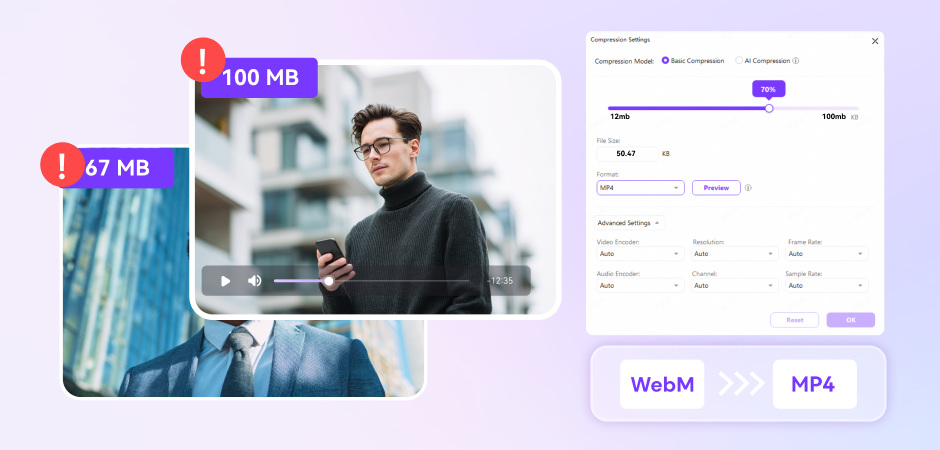
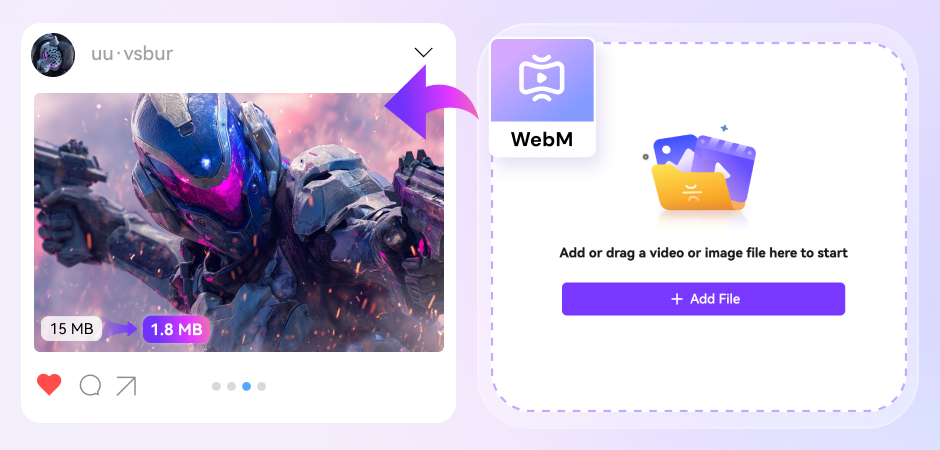
Oversized videos often fail to send through email or chat platforms like Discord. With UniConverter's WebM video compressor, you can shrink file sizes to fit 10 MB, 25 MB, 50 MB, or 90 MB caps in seconds. Upload, adjust, and export with size-first presets and a live estimate that shows savings before you click save. If recipients cannot play WebM, you can simply convert WebM to MP4 for maximum compatibility.
Social Publishing: Compress WebM Video for Faster Uploads
When you upload high-resolution clips, it can slow down posting on forums, portfolios, or niche communities. UniConverter simplified the process by compressing WebM videos into smaller sizes with the minimal quality loss. Moreover, you can also edit the video aspect ratio into square, vertical, or landscape before sharing, so that your memes, reels, or teasers fit perfectly. Creators can keep WebM for lightweight loops or convert WebM to MP4 when a platform demands it. The result is predictable file sizes and cleaner edges, which makes uploads efficient and posts visually engaging across any feed or timeline.
Web Performance: WebM Size Reducer for Faster Pages & Better UX
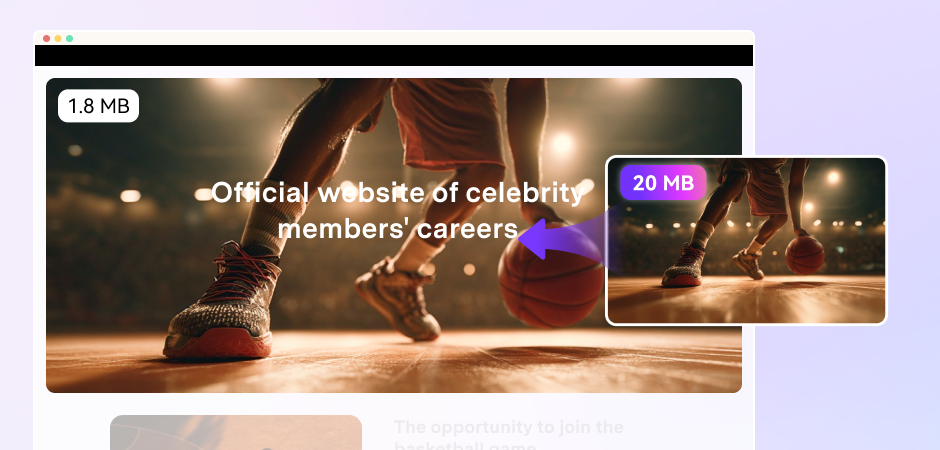
Heavy video files can slow down page load speeds, damaging user experience and SEO. UniConverter functions as a web-based video compressor to reduce video size for improved website performance, such as downscaling from 8K or 4K HDR to 1080p or 720p, which intelligently reduces bitrate. It also supports WebM to MP4 or AVI conversion for smaller yet high-quality outputs. Designers and professionals can batch compress multiple video clips, and make entire media libraries lighter. The outcome is a faster, more responsive site where compressed WebM files enhance engagement without hurting speed or search visibility.
Education & How-Tos: Compress WebM to Keep Text Crisp
Teaching materials must stay legible while streaming smoothly on school networks and older laptops. UniConverter’s WebM video compressor lets you compress WebM while keeping slide text, code, or annotations crisp. Select from 720p-1080p at 30fps, moderate video bitrate, and 96-160 kbps audio for better clarity. Trim out the silence, crop, and add captions. Smaller, optimized files ensure smoother playback on LMS portals, making your tutorials more effective, accessible, and easier to distribute across various devices and platforms.
FAQs about WebM Compressor
How do I reduce the size of a WebM file?
Are WebM files compressed?
Is WebM heavier than MP4?
Is WebM or MP4 more compressed?
What is the best web video compressor?

Explore More Scenarios for Video Compressor
Tips & Tricks for Compressing WebM or Other Files



Convert and Enhance Videos in Batches Easily
Meet all your needs for getting, editing, enjoying, and sharing