The Smart Way to Compress and Email Video
Stop struggling with oversized videos. UniConverter helps you condense video for email while keeping every detail crisp and professional.
Original
73MB
Basic
51MB(-30%)
Strong
29MB(-60%)
AI Mode
10MB(-85%)
Make Email Attachments Smaller Without Sacrificing Quality
Most email platforms set an attachment limit of around 20–25MB, so that sending large videos via email is hard. With UniConverter, you’ll never wonder how to make a video file size smaller for email again. Upload any video format, preview the estimated size instantly, and export the downsized videos for Gmail, Outlook, or any other service. Whether you’re shrinking a tutorial, presentation, or family video, our tool ensures smooth playback and smaller files that are ready for sharing via email.
How to Downsize a Video to Email in 3 Steps

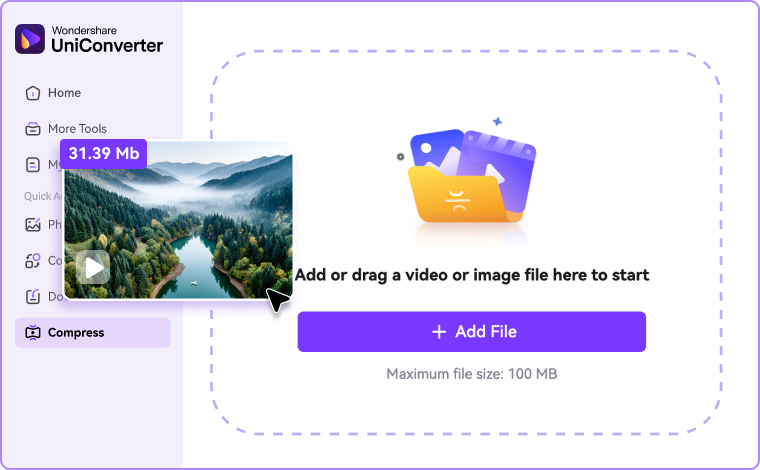
Step 1: Upload Your Video
Drag and drop your file into our online video compressor for email, or add multiple clips in the desktop version. It supports wide formats, such as MP4, MOV, AVI, WebM, and more.

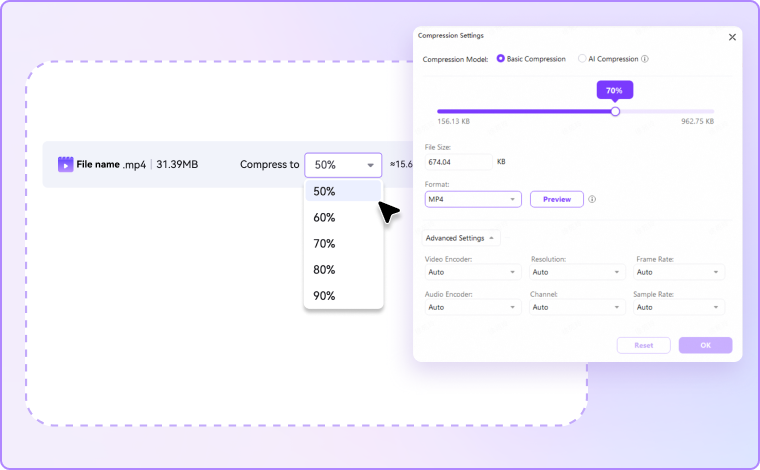
Step 2: Customize Size & Settings
For online version, choose a compression rate and preview the size to make sure it is under the email limit. On desktop version, use the slider to downsize video for email or directly tap in the output size you prefer, and customize the advanced settings like encoder, resolution, frame rate, and more.

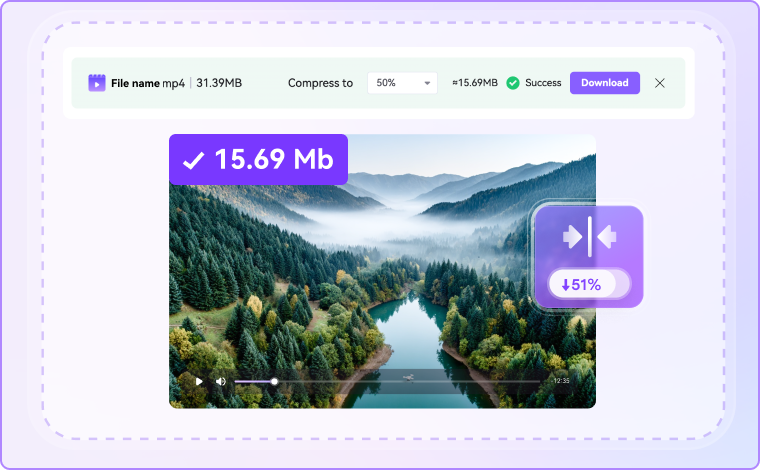
Step 3: Compress & Export to Share
Click “Compress” and download your compressed videos. Online users get instant results, while desktop users can batch process larger videos. After that, attach them directly to Gmail, Outlook, or Yahoo to share.
Why Choose UniConverter Video Compressor for Email
Real-Time Size Preview – Compress Video for Email With Accuracy
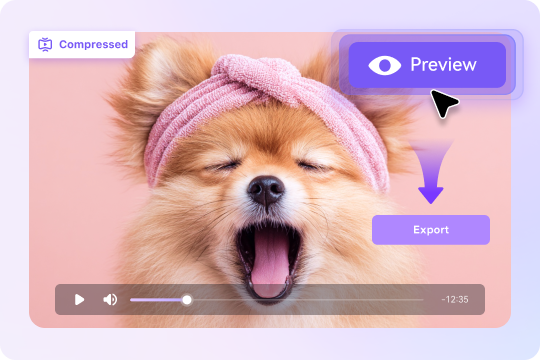
No more trial and error when you need to compress and email video. Our tool provides a live preview of estimated output size, savings percentage, and playback quality. By adjusting sliders for resolution, bitrate, or target MB, you can quickly find the right balance. This ensures your video fits strict Gmail, Outlook, or Yahoo limits without wasted attempts or quality loss.
Multi-Format Support & Maximum Compatibility – From MP4 to WebM
UniConverter video compressor for email supports MP4, MOV, AVI, WebM, and many other formats. Every file is exported in MP4 (H.264) by default, guaranteeing universal compatibility. That means recipients can play your video smoothly across devices, browsers, and mail clients. But if you prefer certain output format, you can customize it as you want. Compress once, share everywhere—simple, practical, and worry-free.
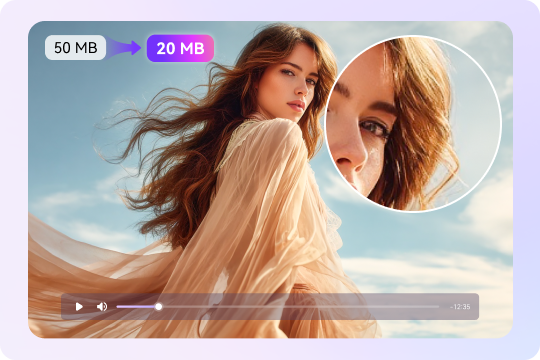
Preserve Quality & Clarity – Shrink Video Files for Email with Minimal Loss
Shrinking video files for email doesn’t have to mean blurry playback. With smart encoding and AI compression mode, our tool preserves more details like edges, subtitles, and text overlays. Whether you’re sending tutorials, demos, or screen recordings, every element remains crisp. This feature is ideal for professionals who want to make a video file size smaller for email while maintaining clarity in UI walkthroughs, captions, and educational content.
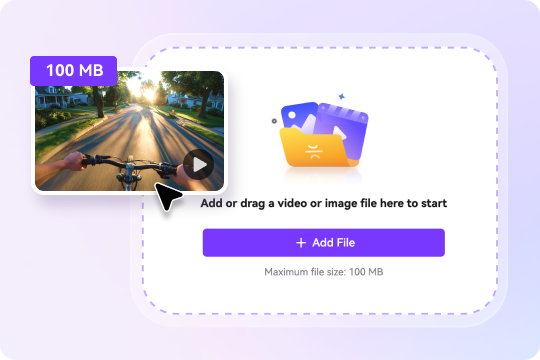
Fast Online Compression for Quick Tasks – Compress Video File for Email Instantly
Sometimes you need to send a file right away. Our online video compressor for email is built for speed: upload your video, select a preset like 20MB or 25MB, and download within seconds. No installation or technical knowledge required. If you’re asking how to downsize a video to email quickly, this feature ensures instant results for Gmail, Outlook, and Yahoo attachments.
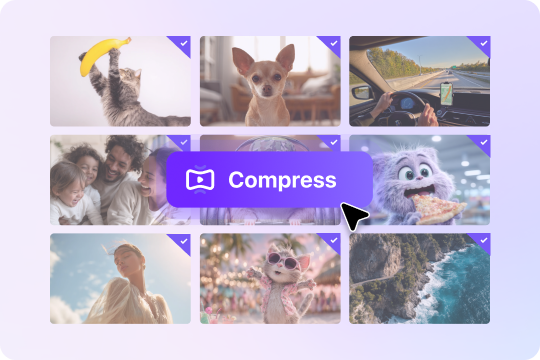
Batch Processing on Desktop – Condense Video for Email at Scale
For frequent users, the desktop version of our video compressor for email makes bulk video compression simple. You can apply custom presets and compress multiple long clips in one session, avoiding repetitive tasks. This batch feature is perfect for marketers, educators, or businesses who regularly need to condense video for email campaigns or training. Save hours while ensuring every file stays under email limits.
Secure and Privacy Guaranteed – Compress a Video to Send via Email Safely
Email often contains sensitive content, so privacy matters. Our tool encrypts every upload and deletes files automatically after online processing. Prefer full control? Use the desktop app, which keeps everything offline. Whether you’re learning how to compress a video to send via email securely or just want peace of mind, our solution makes safety simple and stress-free.

All-in-One Toolkit – Trim, Add Subtitles, Convert, Enhance & More
More than just compression, our video compressor for email includes editing extras. You can trim unnecessary parts, add subtitles for accessibility, convert formats for compatibility, or enhance video and audio quality before sharing. This all-in-one toolkit saves time by preparing a professional, polished video before you hit send. Instead of juggling multiple apps, you can optimize and condense videos for email in one place.

FAQs About Condensing Video for Email
How do I reduce a video file size to email it?
How do I email a video that is too big?
1. Compress the video with a compressor to make its size under the limit, but it may cause inevitable quality loss.
2. Generate a shareable link like Google Drive instead of sending via attachment.
How to make video size smaller for email?
How to keep video quality when emailing?
What is the best format to compress a video for email?

Explore More Scenarios for Video Compressor
Tips & Tricks for Compressing Videos



Convert and Enhance Videos in Batches Easily
Meet all your needs for getting, editing, enjoying, and sharing