Discord Video Compression Made Simple
UniConverter Video Compressor for Discord empowers you to compress multiple video files to the minimum possible size with minimum quality loss.
Original
73MB
Basic
51MB(-30%)
Strong
29MB(-60%)
AI Mode
10MB(-85%)
Share Bigger, Clearer Videos on Discord
Sharing videos on Discord can be frustrating when large files exceed upload limits or lose quality after heavy compression. UniConverter's advanced Discord video compressor solves this by offering fast, batch, and high-quality processing.
With this reliable file compressor for Discord, users can reduce video size to meet Discord's 25MB, or even 50MB Nitro limits, making MP4s and other formats ready for instant sharing. Whether you need to send gameplay clips, memes, or tutorials, UniConverter ensures high-speed performance and consistent results.
Need to share videos on other platforms? You can also compress videos for WhatsApp or make videos smaller for email in just a few clicks.
How to Compress a Video for Discord in 3 Easy Steps

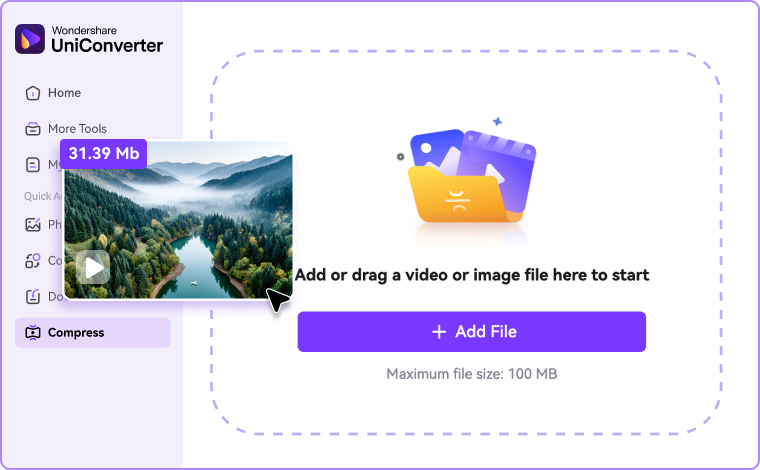
Step 1: Upload Your Video
Drag and drop your file directly into the online Discord video compressor, or open the UniConverter desktop app, head to Compressor and click “Add Files” to import your video.

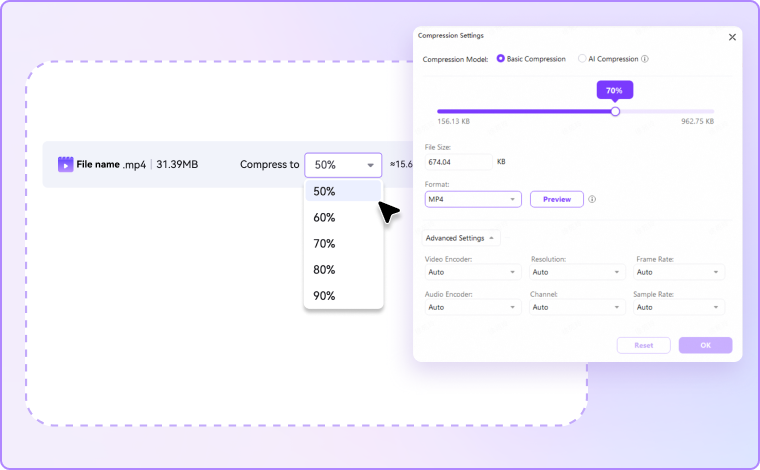
Step 2: Choose Compression Settings
Select your preferred compression level or output size. The online tool offers quick percentage-based compression, while the PC version allows for advanced settings customization like resolution, format, and bitrate adjustment for precise control.

Step 3: Compress, Save & Share on Discord
Click "Compress" to start, and save your compressed video instantly, then drag and drop it into Discord. For PC version, you can now review the compressed videos by going to the Finished tab.
Why Choose UniConverter Video Compressor for Discord
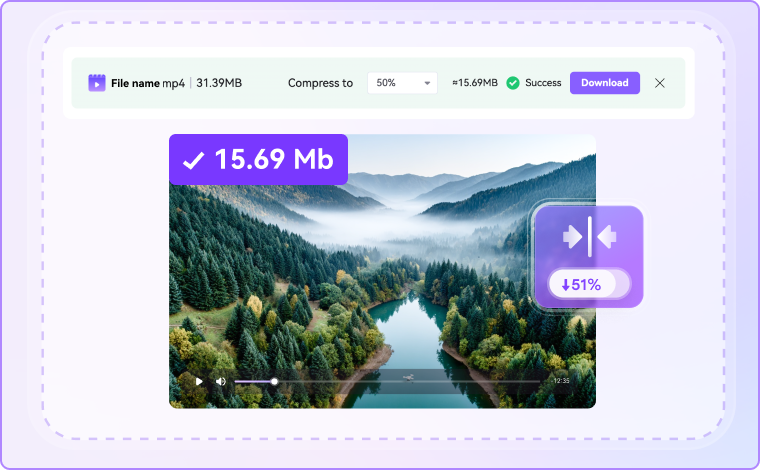
Fast Discord Video Compressor to Share Clips Instantly
UniConverter offers a slick solution to compress for Discord within seconds. It saves time while ensuring compatibility with the platform's file size limits. UniConverter's optimized processing engine is designed to handle both single and multiple videos at once. By using this easy-to-use video compressor, Discord users can get sharing-ready videos within a short time. It keeps the upload process smooth and easy for gaming clips, tutorials, and personal recordings.
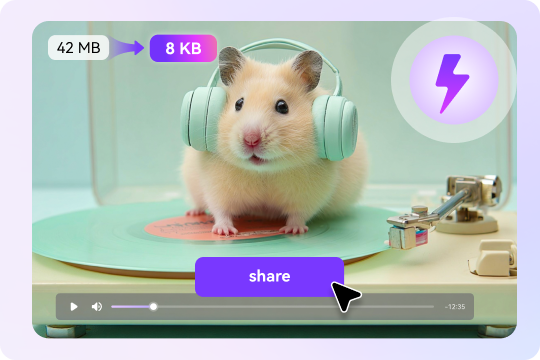
High Quality MP4 Compressor for Discord - No Blurry Results
Unlike other online tools, UniConverter is a high-quality MP4 compressor for Discord that keeps the sharp visuals and clear audio intact after compression. Advanced algorithms keep a balance between compression and output quality. It ensures that even large HD videos remain clear and crisp after processing. This feature is super easy and useful for sharing gameplay highlights, recorded streams, or community videos, where having clarity and maintaining details are essential, even after significant file reduction.
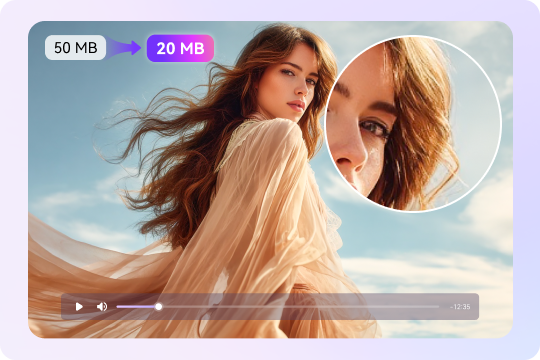
Free Online Discord File Compressor – Compress Without Cost
For users who prefer accessible solutions, UniConverter provides a free video compression for Discord option directly online. This feature lets you do quick optimization without requiring downloads or subscriptions. With multiple file support, it makes the uploading, compression, and file sharing process simple and quick. It is perfect for occasional users or those looking for small file compression. This free video compressor for Discord ensures everyone can get files that meet Discord's upload requirements.
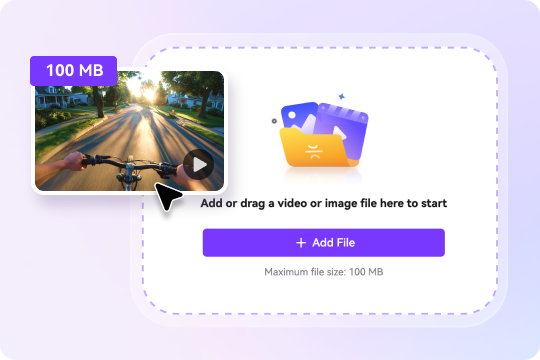
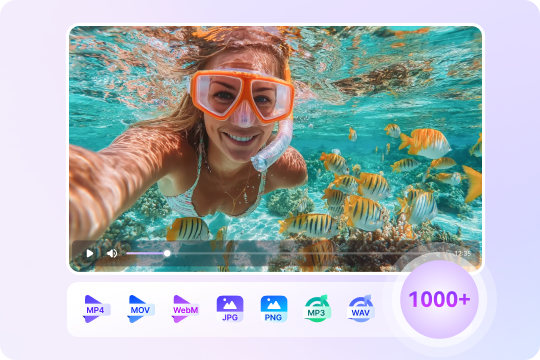
Multi-Format Video Compression for Discord – Supports 1000+ Formats
Since Discord works best with MP4, UniConverter doubles as a powerful MP4 compressor for Discord. But it doesn’t stop there — the tool supports over 1,000 formats, including MOV compression, MKV compression, WebM compression, and more. UniConverter allows you to convert and compress files into Discord-friendly formats, ensuring smooth uploads every time. Moreover, the advanced settings let you adjust resolution, codec, and size for total control.
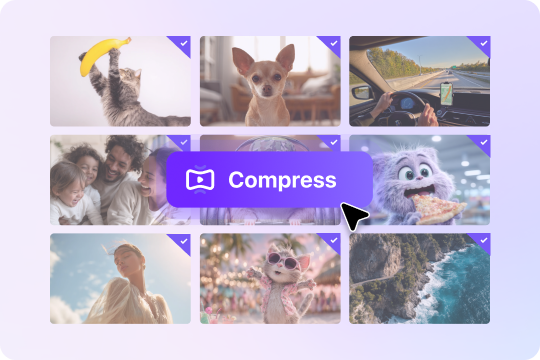
Batch Discord Video Compressor – Compress Multiple Files With Just One Click
UniConverter's batch processing feature makes managing multiple videos simultaneously simple. Instead of giving more time to one-by-one compression, you can apply settings to the entire video playlist and compress them all at once with a single click. Moreover, batch compression saves time while ensuring consistency across every file, making Discord's file-sharing quick and easy.
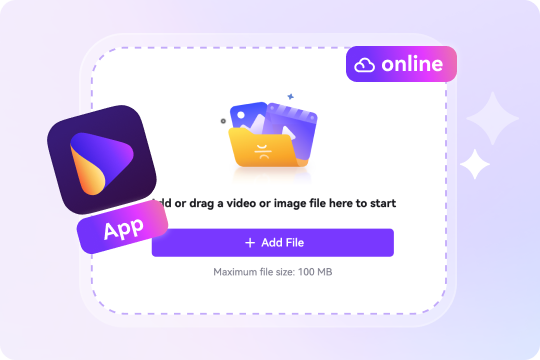
Online & Desktop Discord Compressor – Flexible for Every Workflow
UniConverter offers both an online video compressor for Discord and a desktop version for advanced control over features. For lightweight and quick tasks, use an online tool, and for professional features like format flexibility, higher compression ratios, and different AI models, use the Desktop app. With both online and offline options, it becomes a versatile solution for those who want the convenience of the web and more control of a PC application.
More than a Video Compressor for Discord – All-in-One Media Toolkit
Beyond just video compression for Discord, UniConverter gives you a complete creative and technical toolkit. You can edit your videos, convert files across dozens of formats, turn clips into GIFs, pull out or add subtitles, and fine-tune audio settings. This way, it is not only a Discord compression solution but also a multimedia platform. By offering multiple tools in one place, UniConverter saves time and streamlines workflows for both casual and professional users.

FAQs about Discord Video Compression
What are Discord’s current file upload limits?
Why does my video look more blurred on mobile after upload?
What formats/codecs play best on Discord?
Can I batch-compress multiple clips for Discord?
How do I send long videos without Nitro?
How do I keep quality while hitting 10/50/500 MB?

Explore More Scenarios for Video Compressor
Tips & Tricks for Compressing Videos



Convert and Enhance Videos in Batches Easily
Meet all your needs for getting, editing, enjoying, and sharing