Why You Need a WhatsApp Video Compressor
UniConverter Video Compressor for WhatsApp empowers you to compress multiple video files to the minimum possible size with minimum quality loss.
Original
73MB
Basic
51MB(-30%)
Strong
29MB(-60%)
AI Mode
10MB(-85%)
Send Large Videos on WhatsApp Without Auto-Compression
WhatsApp automatically compresses videos, often making them blurry, and you have to compress WhatsApp video or reduce video length to meet strict video size limits. This is frustrating when you want to share important clips, memories, or status updates. UniConverter fixes this problem by letting you compress videos for WhatsApp while minimizing the quality loss of original videos.
Whether you're sending long videos, reducing size for faster uploads, or customizing formats, UniConverter ensures the smooth and success uploads with the minimum quality loss.
How to Compress a Video for WhatsApp in 3 Simple Steps

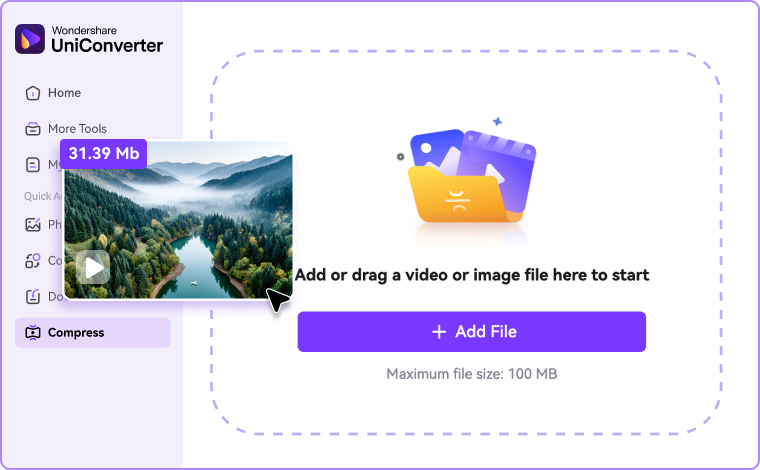
Step 1: Upload Your Video
Open UniConverter online compressor or head to Compressor on desktop version and drag in your video. It supports wide formats like MP4, MOV, MKV, etc.

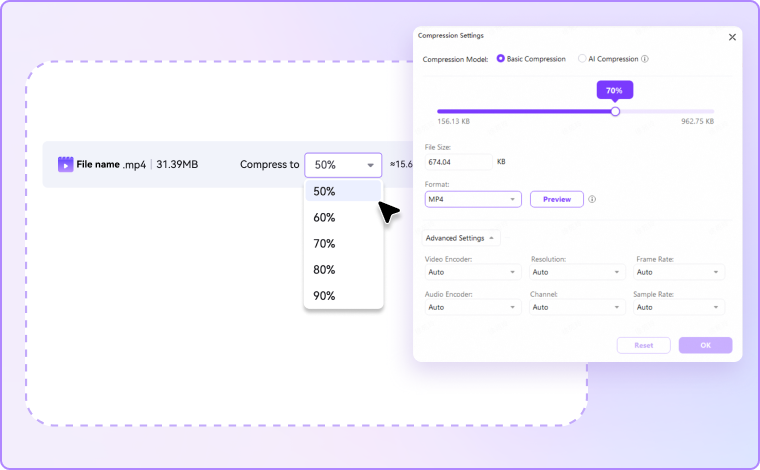
Step 2: Customize Compression Settings
Customize the output size and compression ratio, or adjust resolution, bitrate, and size manually. UniConverter balances small file size with high quality, ensuring videos meet WhatsApp’s requirements.

Step 3: Export & Share on WhatsApp
Download your compressed video in seconds and share it directly to chats or status. No errors, no pixelation — just smooth playback on every device.
Why Choose UniConverter to Compress WhatsApp Videos
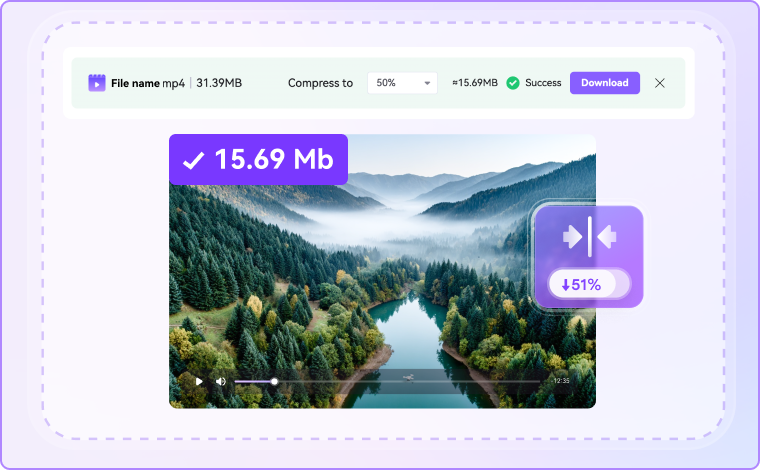
Fast WhatsApp Video Compression - Share Clips Instantly
UniConverter's fast WhatsApp video compressor reduces file size in just seconds, so you never wait long to share. Whether you’re sending family memories, business updates, or quick status videos, compression is lightning fast and smooth. With just a few clicks, your video becomes WhatsApp-ready without lengthy processing delays, helping you stay connected with friends, customers, and groups in real time.
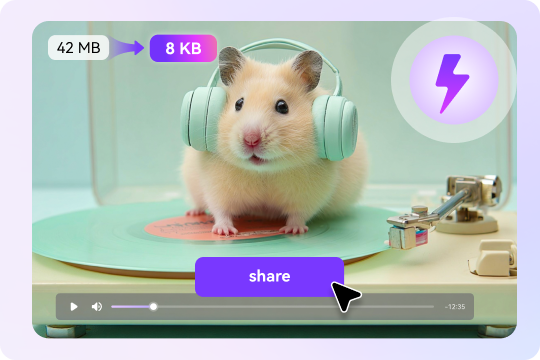
High Quality Video Compressor for WhatsApp - Keep Every Detail Clear
Most free tools reduce size but damage quality. With UniConverter, every video compressed for WhatsApp stays sharp, smooth, and vibrant. Our advanced compression technology shrinks file size without blurring or pixelation. Whether you’re sharing HD holiday videos or professional product demos, UniConverter ensures your clips look just as good on WhatsApp as they do on your device.
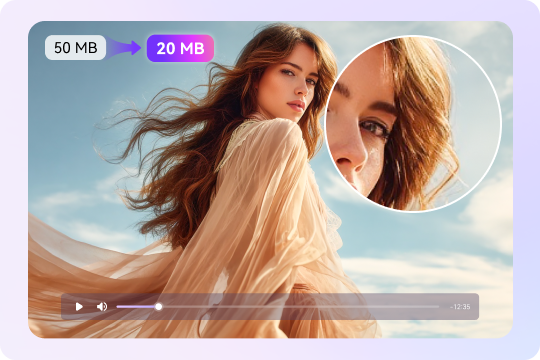
Free Online WhatsApp Video Compressor – Compress Without Cost
Not ready to download software? UniConverter’s free online WhatsApp video compressor works directly in your browser. It lets you compress videos online for WhatsApp instantly and securely, with no fees, no hidden limits, and no watermarks. Ideal for users who want a quick fixes, the online tool helps reduce video size for WhatsApp messages or status updates while maintaining clarity — perfect for personal or professional sharing.
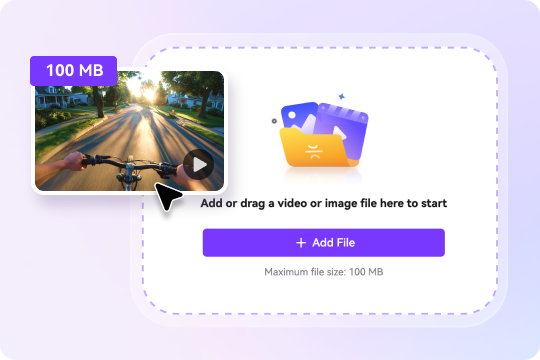
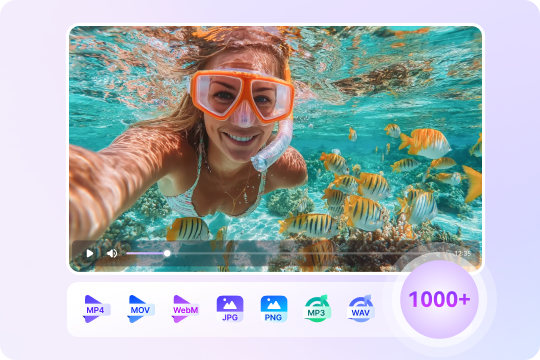
Reduce Any Video Size for WhatsApp - Supports 1000+ Formats
WhatsApp supports MP4 and MOV best, and UniConverter is a powerful video compressor for WhatsApp that also handles over 1,000 other formats, so that you can compress MOV files for sharing or compress WebM videos online. You can easily convert and compress any file into a WhatsApp-friendly format. With customizable resolution, bitrate, and codec options, you get full control to make sure your videos can be uploaded to WhatsApp successfully while looking crisp on any device.
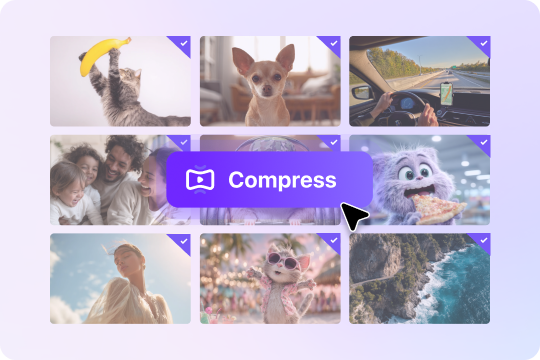
Batch Video Compressor – Compress Multiple Files at Once
If you need to send several clips on WhatsApp, UniConverter’s batch video compressor saves hours of time. You are allowed to compress multiple videos at once with one click. Batch compression simply meets the requirements of users like a teacher preparing lessons, a marketer sharing campaign videos, or a regular user simply organizing family footage, making WhatsApp video uploads effortless.
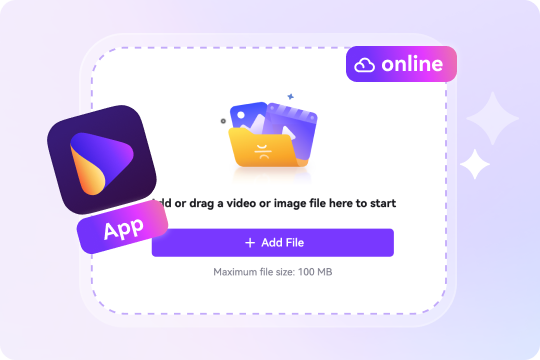
Online & Desktop WhatsApp Compressor – Flexible for Any Need
UniConverter supports compressing videos online or through the desktop app. Therefore, it is perfect either for quick and one-off tasks, or for tasks that need faster compression speed, batch processing and more control over settings. Whichever you choose, both versions guarantee smooth, lossless video compression tailored to WhatsApp’s size requirements — so you always share without stress.
All-in-One Media Toolkit – More Than a Video Compressor for WhatsApp
UniConverter isn't just a video compressor for WhatsApp. It offers more video-related features like converting, trimming, cropping, editing videos. Moreover, UniConverter boasts audio and image files processing capabilities, which makes it ideal for anyone who wants more than simple compression. With UniConverter, you don’t just reduce video size for WhatsApp — you also process multi-media files to share for any platforms.

FAQs about Video Compressor for WhatsApp
How can I send long videos on WhatsApp?
1. Send long videos on WhatsApp as a document: Tap on “Attach” icon, choose “Document”, select “From Gallery”, select your video, and finally tap “Share”.
2. Share it via cloud link like Google Drive
3. Compress the long videos under 16 MB first before sending using video compressor like UniConverter.
How to reduce file size to send in WhatsApp?
How to send a large video on WhatsApp without losing quality?
Do videos get compressed on WhatsApp?
How to make WhatsApp not compress video?

Explore More Scenarios for Video Compressor
Tips & Tricks for Compressing Videos



Convert and Enhance Videos in Batches Easily
Meet all your needs for getting, editing, enjoying, and sharing