Understand Your 10MB Budget Before You Compress
A 10MB budget is shared by video, audio and container data. Duration matters more than the original file size. The examples below illustrate bitrate budgets, not measured compression results.
Illustrative Target
10MB budget
Short clip
30 seconds
Medium clip
60 seconds
Longer clip
120 seconds
Compress to 10MB, Then Check the Result
To compress video to 10MB, reduce its total bitrate until the exported file fits the limit. Start with the online video compressor, then check the downloaded file. Set a target size such as 10MB or 50MB, then review the estimated output before compression. Desktop controls provide additional options for tuning the result. For email attachments, check the receiving service's actual limit and leave some headroom.
How to Compress a Video to 10MB

Step 1: Choose Your Video
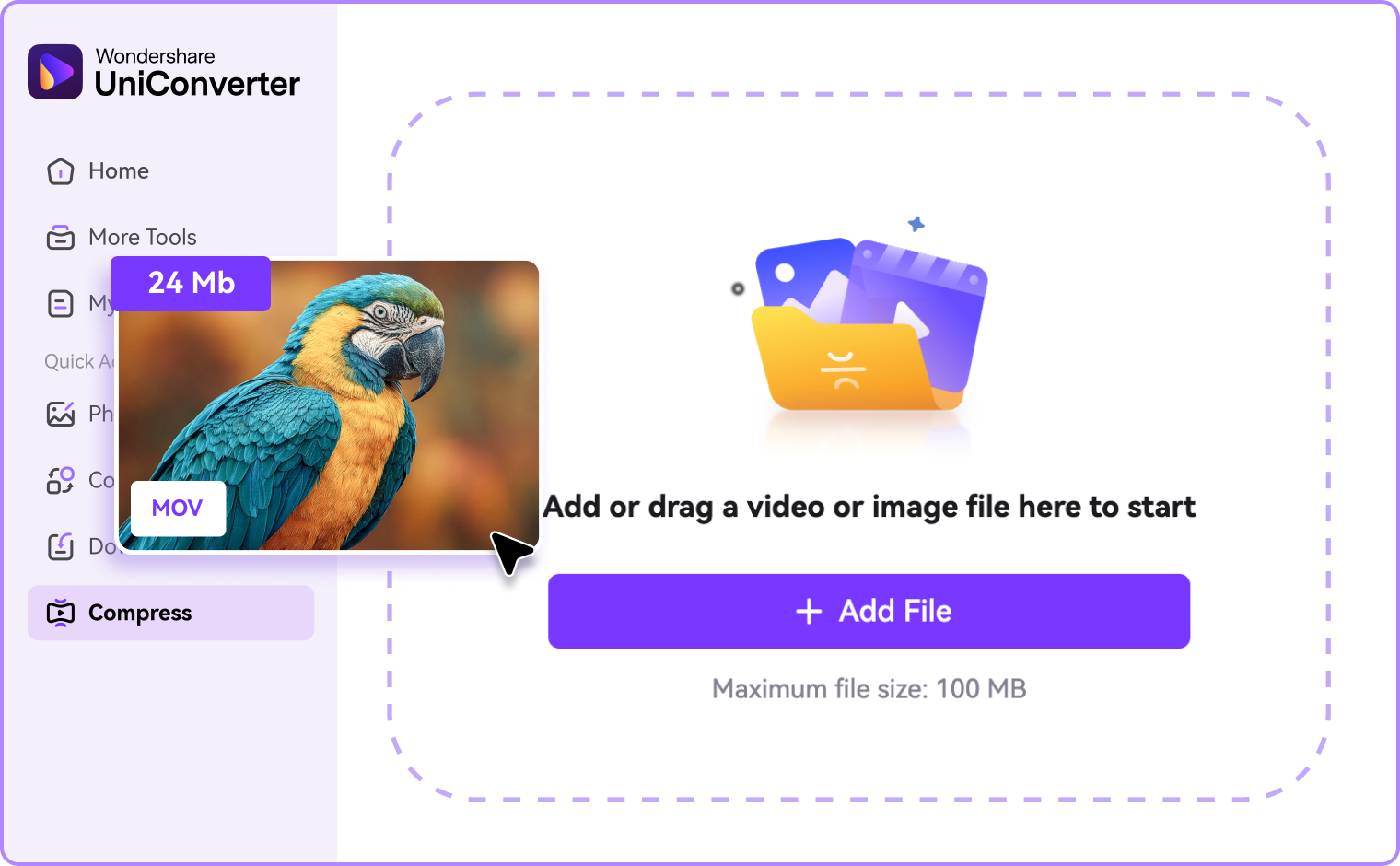
Choose a supported video in the online uploader. Keep the original file so you can retry without repeatedly encoding a compressed copy. For desktop processing, open Compressor and add your source file.

Step 2: Adjust the Size Settings
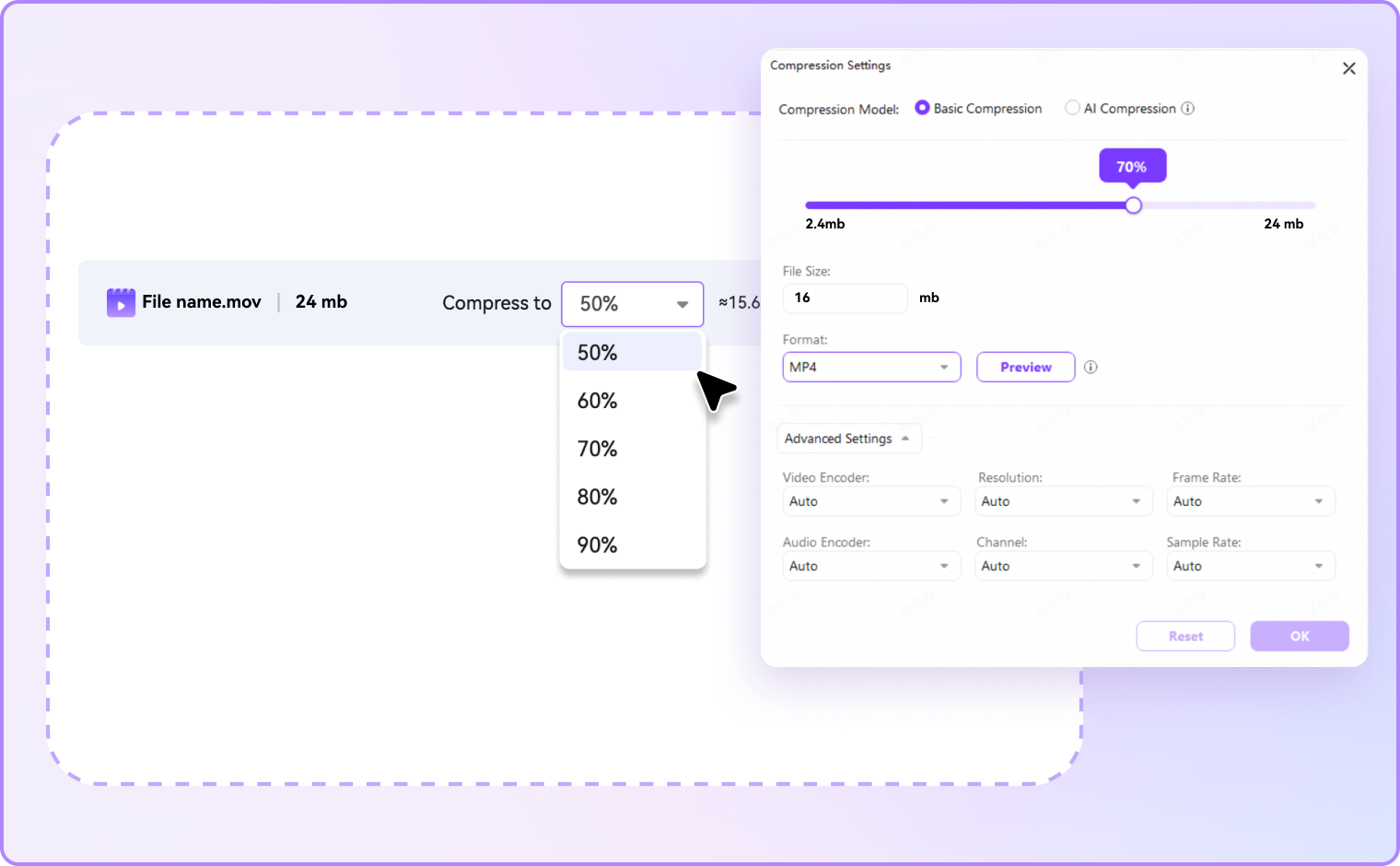
Set the target file size to 10MB, or change it to 50MB or another supported value. Review the estimated output and adjust quality settings as needed. On Windows desktop, the size control is named Max. File Size. Leave some headroom below a strict upload limit.

Step 3: Export and Verify
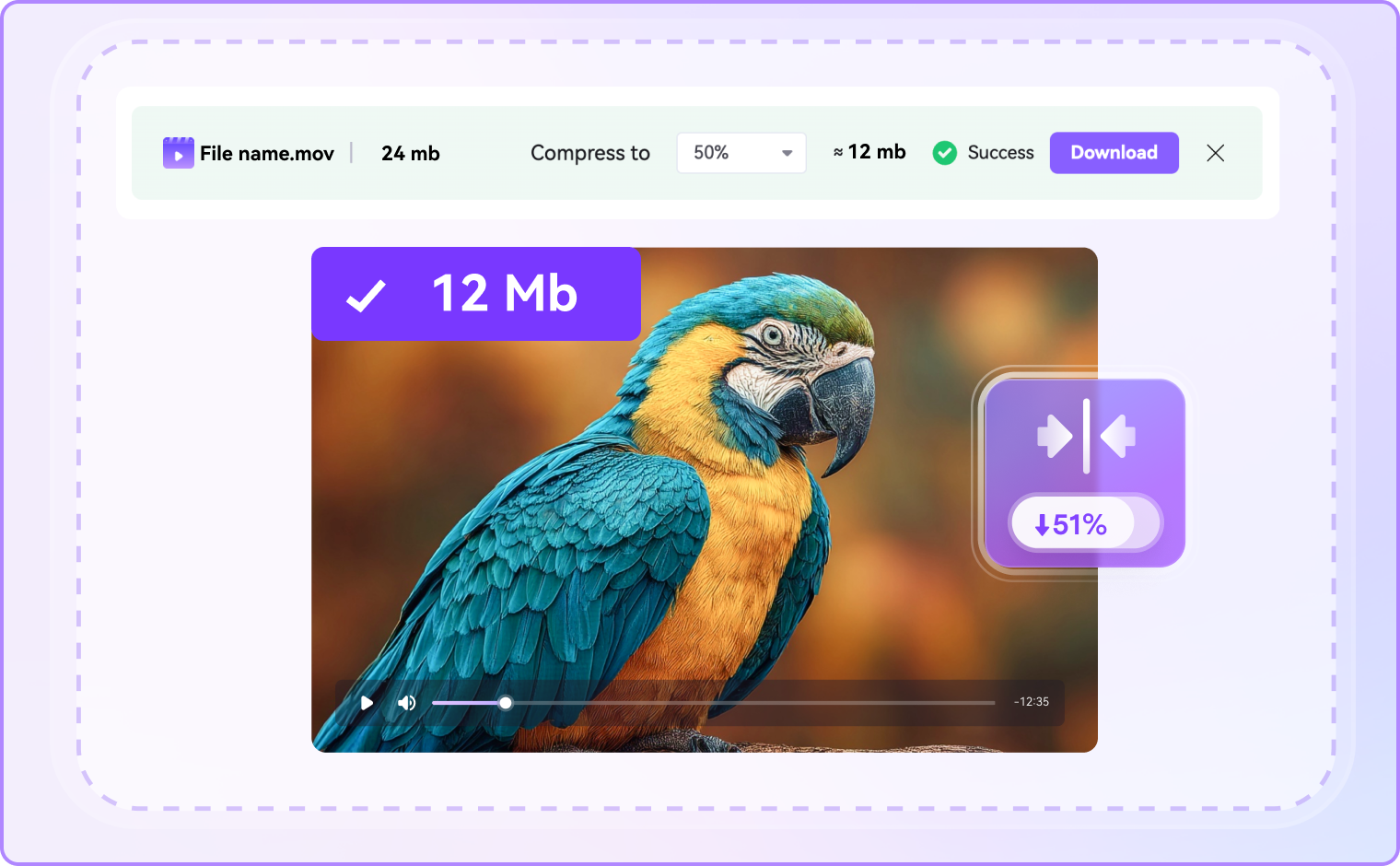
Run compression, save the output and inspect its actual size. Play the result to check speech, motion and small text. If it exceeds 10MB, reduce the target or trim unnecessary footage and export again from the original.
Practical Controls to Help You Reach a 10MB Target
Set a 10MB target for a short sharing copy, or choose 50MB when your destination allows a larger file. Both targets use the same compression workflow. Desktop options are useful for additional output control and repeated tasks.
Start with Online Compression for a One-Off File
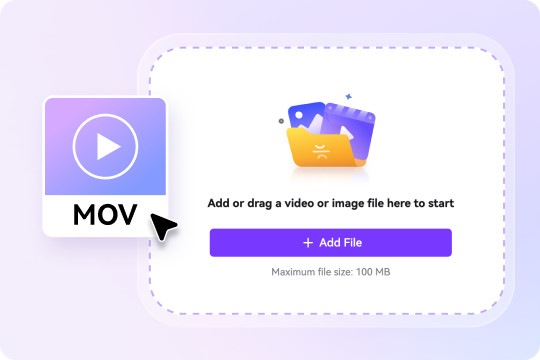
To compress video to 10MB online, add a supported file and set your target size. You can also choose 50MB or another size instead of using a fixed compression percentage. Run compression, download the result and confirm its actual size before sharing. Check the uploader for current free-use conditions and input restrictions.
Balance Size and Quality Without Lossless Promises
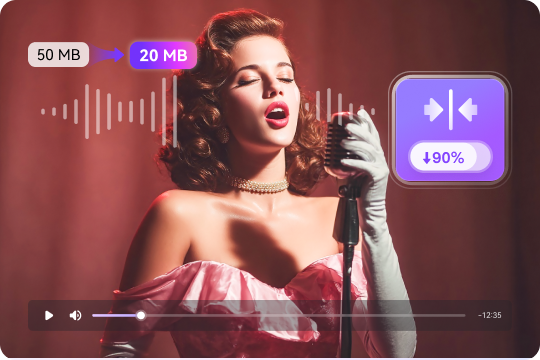
For a short reaction clip, 10MB may leave enough room for useful detail. For a long recording, the same budget can make faces, motion or slide text harder to read. Lower resolution when necessary, but inspect the output at its intended viewing size. Compression that removes encoded information is not lossless, even when the difference is difficult to notice.
Estimate Your Bitrate from Video Duration
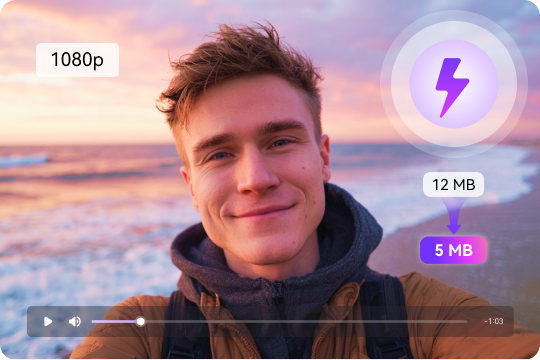
A practical starting point is total bitrate in kbps ≈ target MB × 8,000 ÷ duration in seconds, using decimal MB. At 10MB, that is about 2,667 kbps for 30 seconds, 1,333 kbps for 60 seconds or 667 kbps for 120 seconds. These are upper budgets before container overhead; audio also consumes part of each budget. They are calculations, not quality guarantees or measured product results.
Work with Your Source Video and a Compatible Output
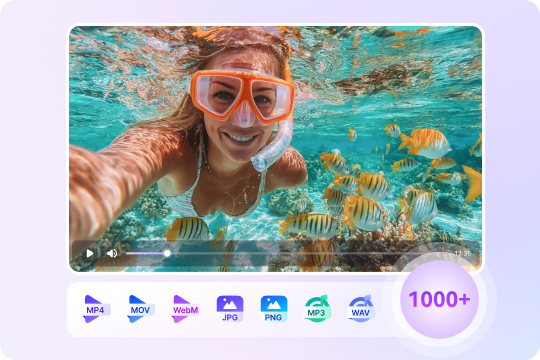
MP4, MOV and WebM describe containers, not a fixed file size. The video and audio codecs, bitrate and duration determine how much space the file needs. Choose a supported input in the uploader and an output your recipient can play. Renaming a file extension does not compress it. Changing format alone may also leave the size similar unless the encoding settings change.
Set a Maximum File Size in UniConverter Desktop
UniConverter 18 for Windows documents a Max. File Size setting for an explicit MB target. Its Precise Mode uses two-pass encoding for closer size control, while Fast Mode prioritizes processing speed. Preview, apply the settings and inspect the saved result rather than assuming that an estimate is an exact measurement. See the official compression guide for the current interface.
Need Another Size? Use the Same Workflow
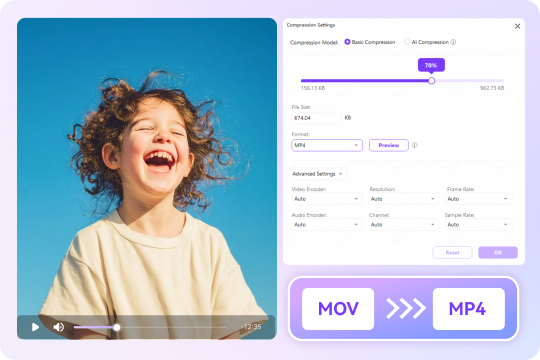
Use the same workflow to compress video to 5MB, 20MB, 25MB, 50MB or 100MB. For the same clip, a 50MB target provides five times the file-size budget of 10MB, though perceived quality does not increase by a fixed multiple. Choose the largest size your destination permits when detail matters. Smaller targets may require a shorter duration or lower resolution.

When You Need a Video Under 10MB

Email & Discord Limits: Prepare a Smaller Attachment
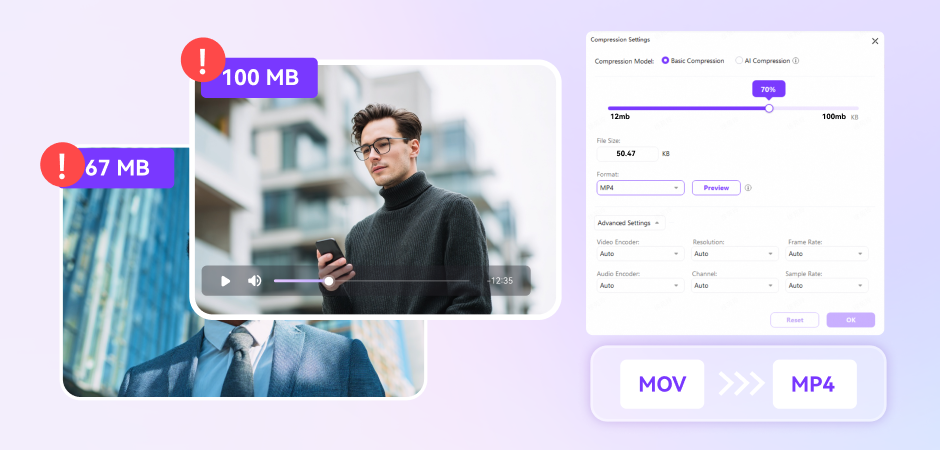
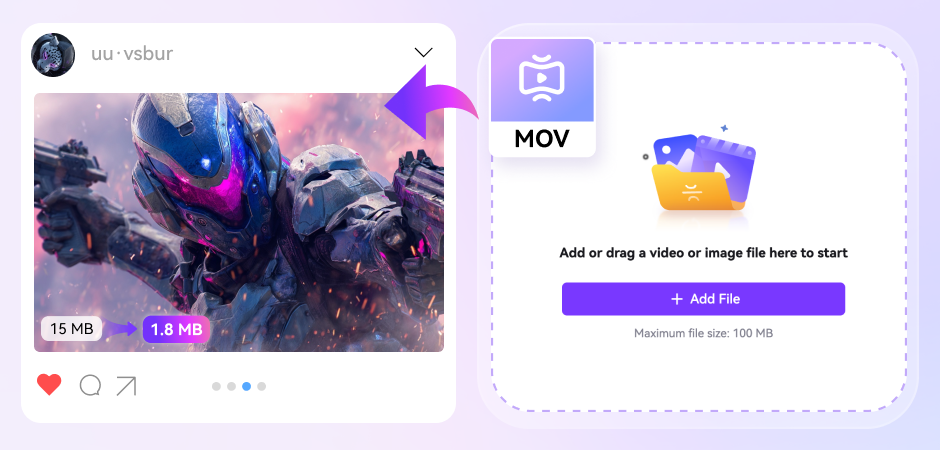
Before you compress video to 10MB for Discord or email, check the current allowance shown for your account, destination or submission form. A 10MB target is a useful requirement when explicitly requested, not a universal platform rule. Use the general compressor for flexible reduction, or follow the Discord compression guide for that sharing task. Leave a margin below a strict ceiling and test the actual upload.
Assignment Uploads: Keep Essential Details Readable
For school submissions, keep the teacher's instructions or upload form in view. A 10MB file may work for a short answer, but a lengthy lecture often needs a larger allowance or an approved sharing link. Do not sacrifice readable slide text just to reach a number. If your requirement is 25MB, use the dedicated 25MB compression guide instead.
Apple Device Workflows: Compress an iPhone or Mac Recording
On iPhone or Mac, begin with the original recording. Use an available browser uploader for online compression, or transfer the source to a desktop workflow. Desktop processing requires installed software; it is not the same as the online tool above. For the Mac interface, follow the Mac compression guide. Windows button names should not be assumed to match every Mac release.
Still Over 10MB? Check These Settings
If a video is still over 10MB, check the size of the newly exported file rather than the source. Retry with a lower target, reduce resolution if appropriate, or shorten the clip. If it fits but looks poor, fewer seconds may help more than another encoding pass. For the separate problem of an extremely large source, read compressing a 1GB video to 10MB. A dramatic reduction is not a promise of unchanged quality.
FAQs About Compressing Video to 10MB
How do I compress a video to 10MB or less?
Can I compress video to 10MB without losing quality?
Can I compress a 1GB video to 10MB?
How can I compress video to under 10MB on Mac or iPhone?
Can I compress video to 50MB instead of 10MB?

Explore More Scenarios for Video Compressor
More Video Compression Guides



Need More Control Over Video Compression?
Choose a smaller delivery copy while keeping your original video safe.