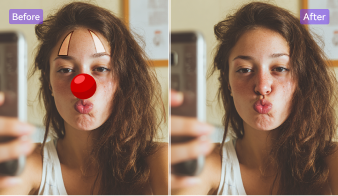
How to Remove Red Eye from Pictures

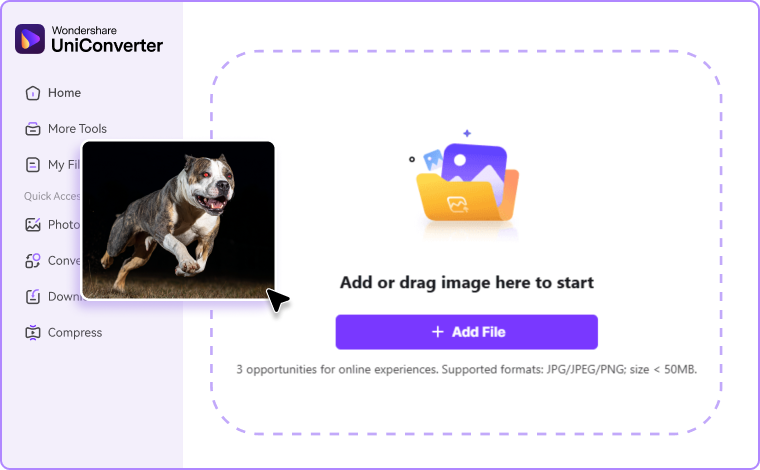
Drag and drop your picture to Image Watermark Remover online or on pc. You can also paste an image directly from your clipboard.

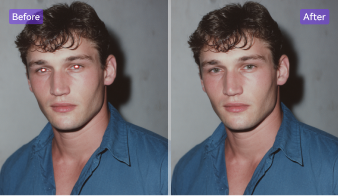
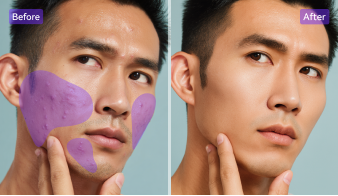
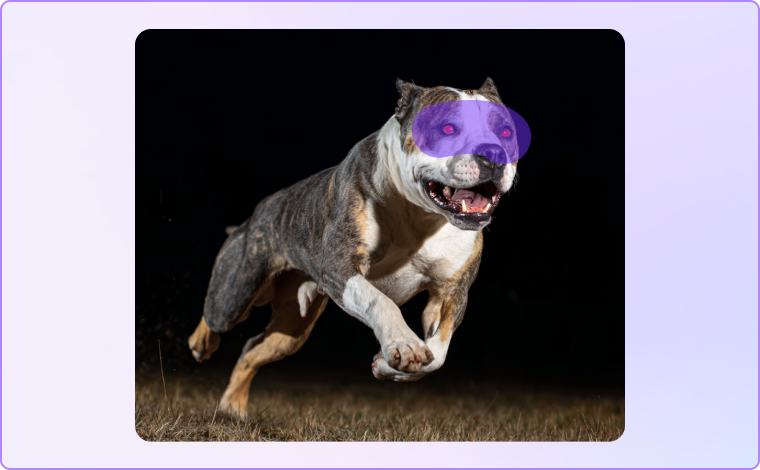
Brush over each red pupil. Adjust brush size for precision. Click “Remove” to instantly fix red eye and restore natural tones.

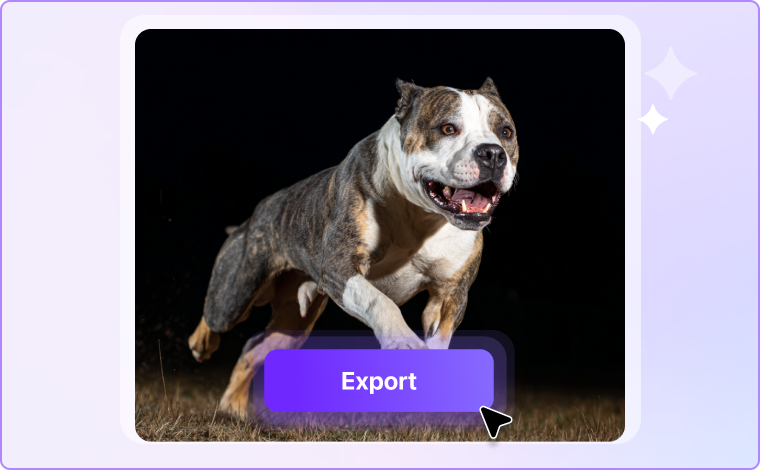
Preview the results, refine if needed, and download your clean, high-quality, red-eye-free image.
Powerful Features of UniConverter’s Red Eye Remover
Discover UniConverter’s powerful online red eye remover tool that combines AI precision with manual control. Easily fix, correct, and edit out red eye from photos while preserving eye texture and natural light — perfect for both portraits and pet images.
AI-Powered Manual Red Eye Removal for Precise Fixes
The manual red eye remover feature lets you brush over red pupils for pixel-perfect control. Select only the affected areas to let AI remove red eye from pictures without changing skin tone or facial details. With one click, eliminate unwanted red tones and achieve lifelike, natural results every time.
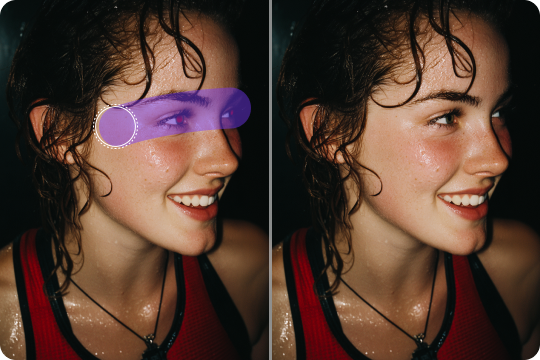
Natural, High-Quality Red Eye Correction Online
Using advanced AI, UniConverter’s red eye correction online tool delivers smooth and realistic fixes. It intelligently detects and removes red or glowing eyes while maintaining the iris texture and natural sparkle. Get crystal-clear photos that look untouched — ideal for professionals and casual users alike.
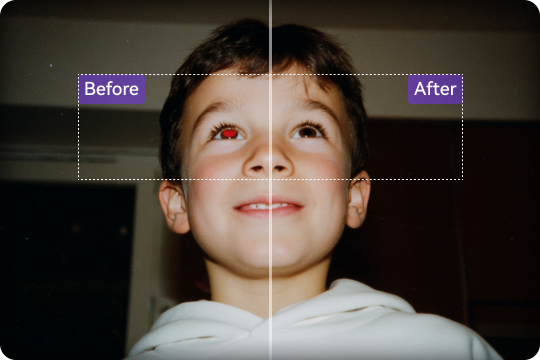
Red Eye Remover Online, Desktop & Mobile App
Enjoy flexibility with the red eye remover online free, desktop software, and red eye remover app for iPhone and Android - Anieraser. Each version provides consistent accuracy and fast editing performance, whether you need to fix red eye on your laptop, mobile device, or directly in your browser.

Fast Red Eye Removal Process with Instant Preview
Experience a quick and seamless workflow with UniConverter’s online red eye removal tool. Upload your photo, brush the red pupil, and preview instant results — no lag or waiting. It’s the fastest way to get rid of red eye in photos before sharing, printing, or submitting them online.
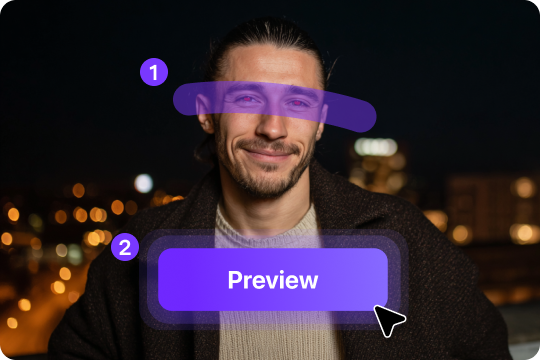
Get rid of Red Eye in All Photo Types Easily
Whether it’s portraits, selfies, or pet images, this photo red eye remover works on every kind of picture. Manually target red or green pupils and instantly restore a natural look. Perfect for those who want to eliminate red eye in photos while preserving detail and authentic expression.
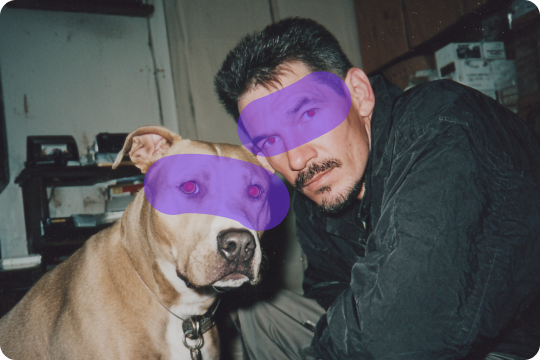
Perfect Use Cases for Online Red Eye Correction
Discover how UniConverter’s online red eye remover tool helps you fix red eyes in any situation. Whether it’s portraits, passports, pets, or scanned photos, you can easily edit out red eye and restore natural eyes with just a few clicks.

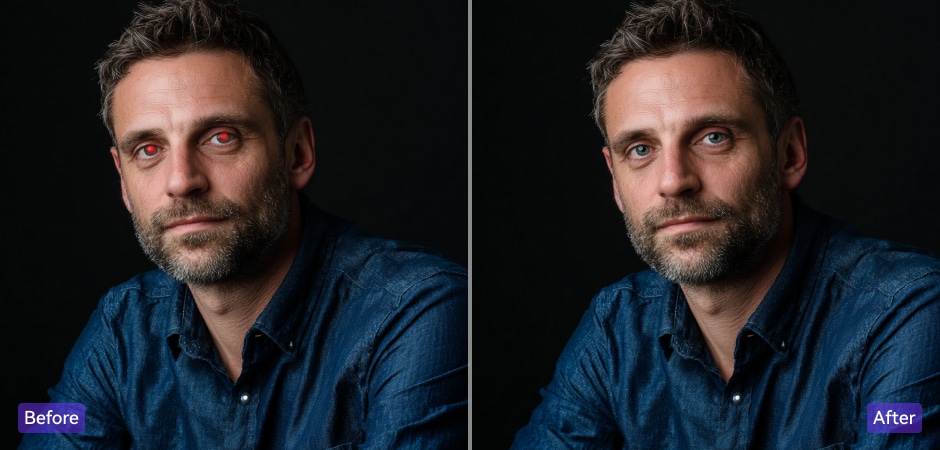
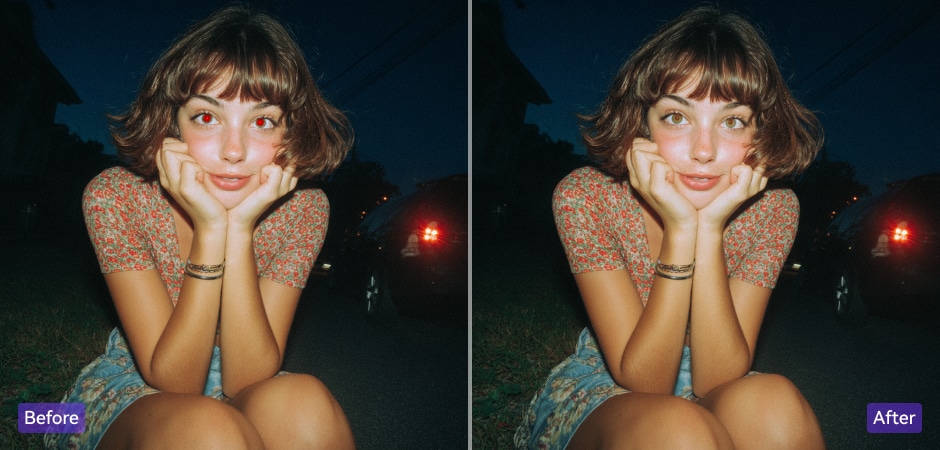

Remove Red Eye from Portraits and Selfies Online
Use UniConverter’s red eye remover tool online to instantly fix flash glare and glowing pupils in selfies or portraits. The brush tool lets you get rid of red eyes in pictures while keeping makeup, skin tone, and lighting untouched. Perfect for profile photos, social media, or professional headshots that require clear, natural, and expressive eyes.
Red Eye Correction for Passport and ID Photos
Meet official photo requirements with UniConverter’s red eye correction online tool. Upload your passport or ID picture, highlight the affected area, and instantly remove red eye effect while maintaining natural shadows and neutral tones. Achieve precise, document-ready results that comply with standards for passports, licenses, and visas—all within seconds and without Photoshop.
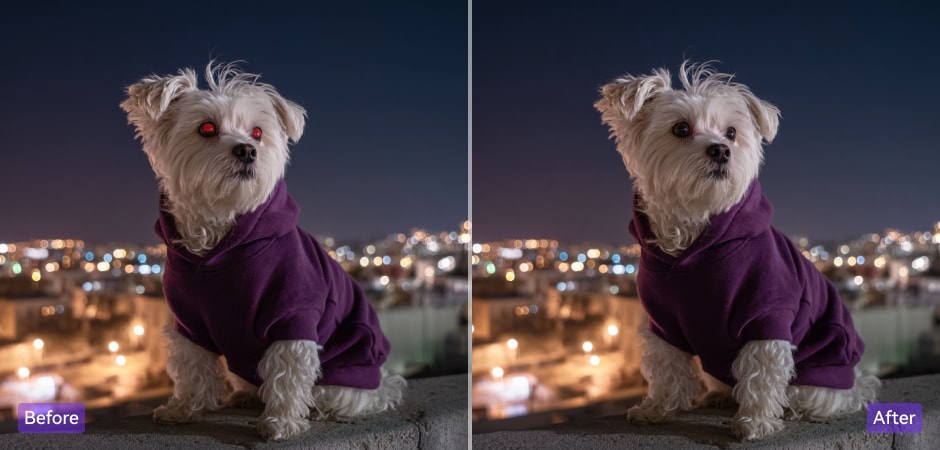
Fix Pet Red Eye in Flash Photos
Pets often show strong red or green reflections from camera flashes. With UniConverter’s photo red eye remover, you can easily eliminate red eye in photos of dogs, cats, or other animals. The tool restores natural fur detail and expressive eyes, giving your pet portraits a warm, lifelike appearance that looks perfect for sharing or printing.
Remove Red Eye for Social Media and Marketing Photos
Enhance your professional or personal brand with this online red eye removal tool. It helps you take away red eye from photos used in ads, campaigns, and social posts. Get polished, high-resolution results that make your content look trustworthy, consistent, and visually appealing across Instagram, Facebook, or digital marketing platforms.
Restore Scanned Prints and Old Photos by Removing Red Eye Effect
Bring vintage and scanned photos back to life with UniConverter’s red eye reduction online feature. The tool carefully detects and corrects red pupils caused by old flash cameras while preserving film grain and color tone. Perfect for restoring family portraits, album memories, or printed images that deserve a clear, authentic look once more.
FAQs about Editing Out Red Eye
How do I get rid of red eyes in pictures online?
Is this red eye remover free?
Can I fix red eyes in pet photos?
How can I remove red eye on iPhone?
How to correct red eye in Photoshop?
💡 Or, try UniConverter’s online red eye remover for a quicker, one-click fix.
Can I remove red eye from multiple photos at once?