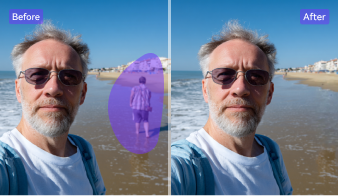
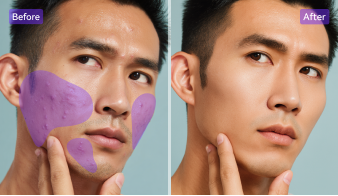
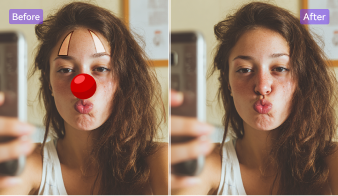
Powerful Object Removal — Smart, Fast & Cross-Platform
Clean up any picture in seconds. Use AI object remover online, on mobile, or desktop to remove object from photo without quality loss. Simple controls, pro-looking results, and a smooth workflow across devices.
AI + Manual Brush: Accurate AI Object Removal & Background Fill
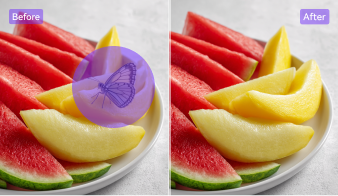
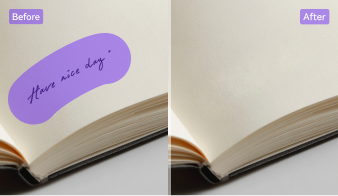
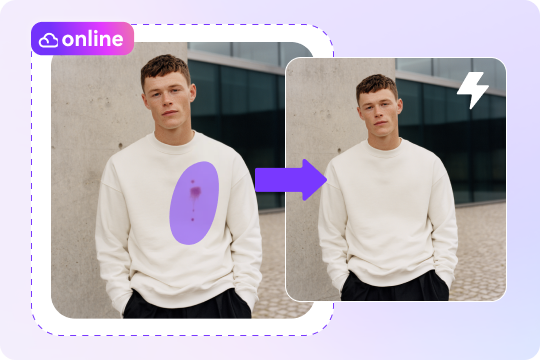
Stay in control while AI does the heavy lifting. Brush over what you want to erase object from photo, and content-aware fill rebuilds textures, lines, and patterns naturally. Adjust brush size for edges, zoom for precision, and quickly remove object from image like people, wires, or signs. The photo eraser tool keeps backgrounds clean and realistic.
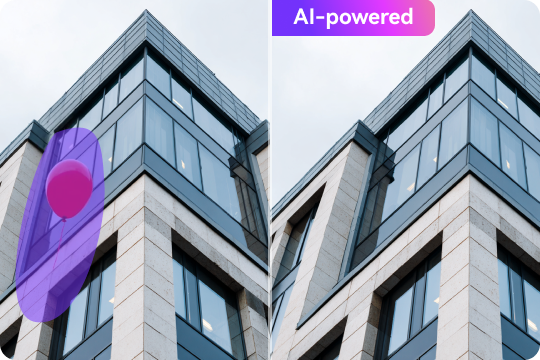
Fast & Free Online Photo Object Remover
Use the remove object from photo online free workflow to fix pictures in a few clicks. Upload, mark the area, and the AI object remover cleans it up instantly—no installs needed. The magic eraser online experience is simple: refine the mask, preview changes, then export. It’s the quickest way to delete object from photo for sharing.
Remove Object from Photo on iPhone & Android
On the go? Remove object from photo iPhone/Android with a tap. Open your image, highlight the distraction, and let the mobile image object remover rebuild the background. Great for trips, daily snaps, and quick product shots. The magic eraser workflow is friendly for beginners, yet accurate enough to remove unwanted object from photo fast.

Remove Unwanted Object from Photo with HD Results
Get flawless HD results every time you remove object from photo. The AI object remover blends colors and patterns naturally, ensuring you can erase object from photo without ruining the background. Whether it’s skies, walls, or people, the photo cleanup tool restores a seamless finish so your images look clean, sharp, and share-ready.

Batch Processing for Desktop: Erase Objects from Photos at Once
Need to handle many images? The desktop version lets you remove unwanted object from photo in bulk. Upload dozens of pictures in JPG, PNG, or BMP and use the AI object removal engine to erase things from photos fast. It’s perfect for ecommerce, photography, or social media—keeping your workflow quick and your photos consistently clear.

All-in-One Creative Suite: More Than Just an AI Object Remover
UniConverter is more than an AI object remover — it’s a complete creative toolkit. Beyond letting you remove object from image, it also includes a background remover, photo enhancer, and image editor. You can even edit or convert videos and audio for a full creative workflow. This all-in-one photo eraser tool helps you clean, enhance, and produce polished visuals in one place.
How to Remove Objects from Photos in 3 Easy Steps

Click “Add File” or drag your image directly into the tool. You can upload common formats like JPG, PNG, or JPEG. The AI object remover loads your photo instantly, ready for editing — no sign-up or installation needed.

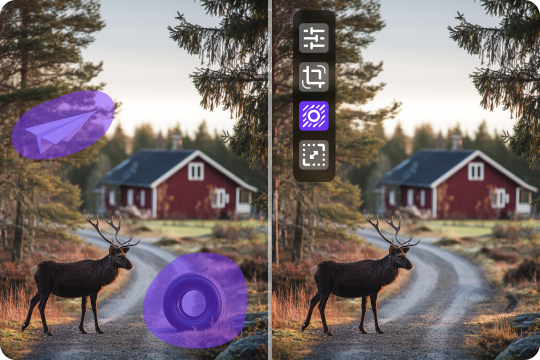
Use the brush to highlight anything you want to erase — people, power lines, or unwanted clutter. Adjust brush size for precision and zoom in on details. The AI object removal system detects edges automatically, making sure only the marked area is affected.

Hit “Remove” to let the AI clean up your photo in seconds. Watch as the photo cleanup tool seamlessly fills in the background, keeping natural lighting and texture. Once you’re happy, preview the result and download your new HD image instantly.



Where You'll Love Using the Object Remover
Easily remove object from photo in any scenario — from travel shots to product images. Whether for social posts or listings, get spotless results and clean backgrounds with AI precision.



Remove Unwanted Objects for Perfect Shots
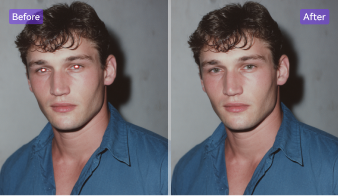
Use UniConverter’s red eye remover tool online to instantly fix flash glare and glowing pupils in selfies or portraits. The brush tool lets you get rid of red eyes in pictures while keeping makeup, skin tone, and lighting untouched. Perfect for profile photos, social media, or professional headshots that require clear, natural, and expressive eyes.
Erase Object from Photo for Clean Backgrounds
Showcase your products at their best by removing props, reflections, or clutter. The AI object removal feature helps you erase object from photo quickly, creating clear and consistent visuals for online listings. From fashion accessories to tech gadgets, the photo eraser tool blends every detail perfectly so your products stand out. Clean backgrounds mean more clicks and professional-looking stores.
Remove Object from Image for Polished Listings
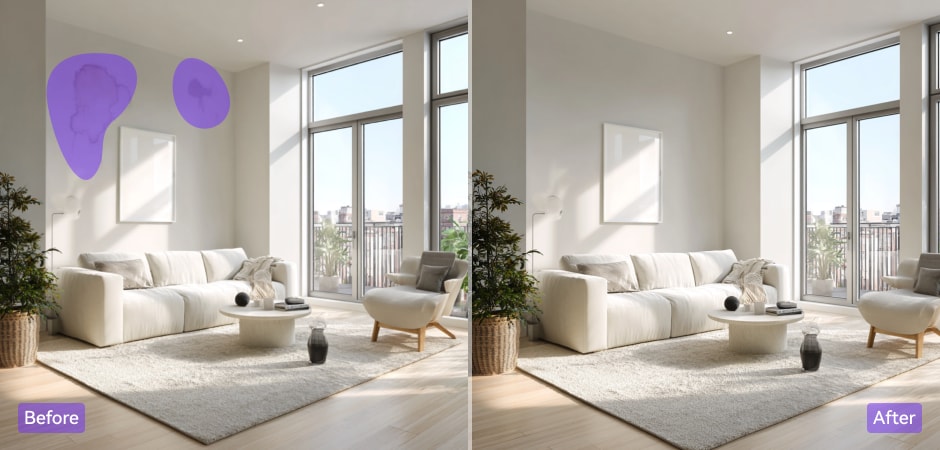
Present flawless property photos with ease. Use the remove object from photo feature to erase wires, furniture, or tools from interior and exterior shots. The AI object remover reconstructs walls, floors, and lighting naturally, helping you create listings that look bright and clutter-free. A few clicks can turn ordinary spaces into elegant, inviting visuals that attract more potential buyers.
Erase Things from Photos for a Clean Look
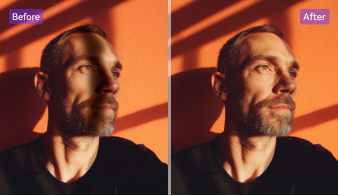
Keep the focus on you by deleting unwanted background elements. The AI object removal tool makes it easy to erase things from photos—from strangers in the background to random shadows. Perfect for selfies, portraits, or group shots, this remove object from photo feature keeps your image natural and refined, ready to post on social media or share with friends.
FAQs about AI Object Removal
How to remove an object from a photo online?
Can I remove an object without ruining the background?
Is it free to remove objects via the mobile app?
How to edit out objects in Photoshop?
What if the background is complex or has overlapping elements?
How is my image privacy protected?