


Many people want Arabic voices that sound clear, warm, and easy to follow. In addition, modern tools help users turn short scripts into sharp audio for daily tasks. These options give a steady tone, clean words, and smooth flow across each line.
Moreover, the best text-to-speech Arabic tools give fast output that suits many projects. Users pick voices that fit the mood and style for their planned work. Each tool offers helpful sliders that shape tone and clarity with ease.
In this article
Part 1. Use Cases of Arabic Text-to-Speec Tools
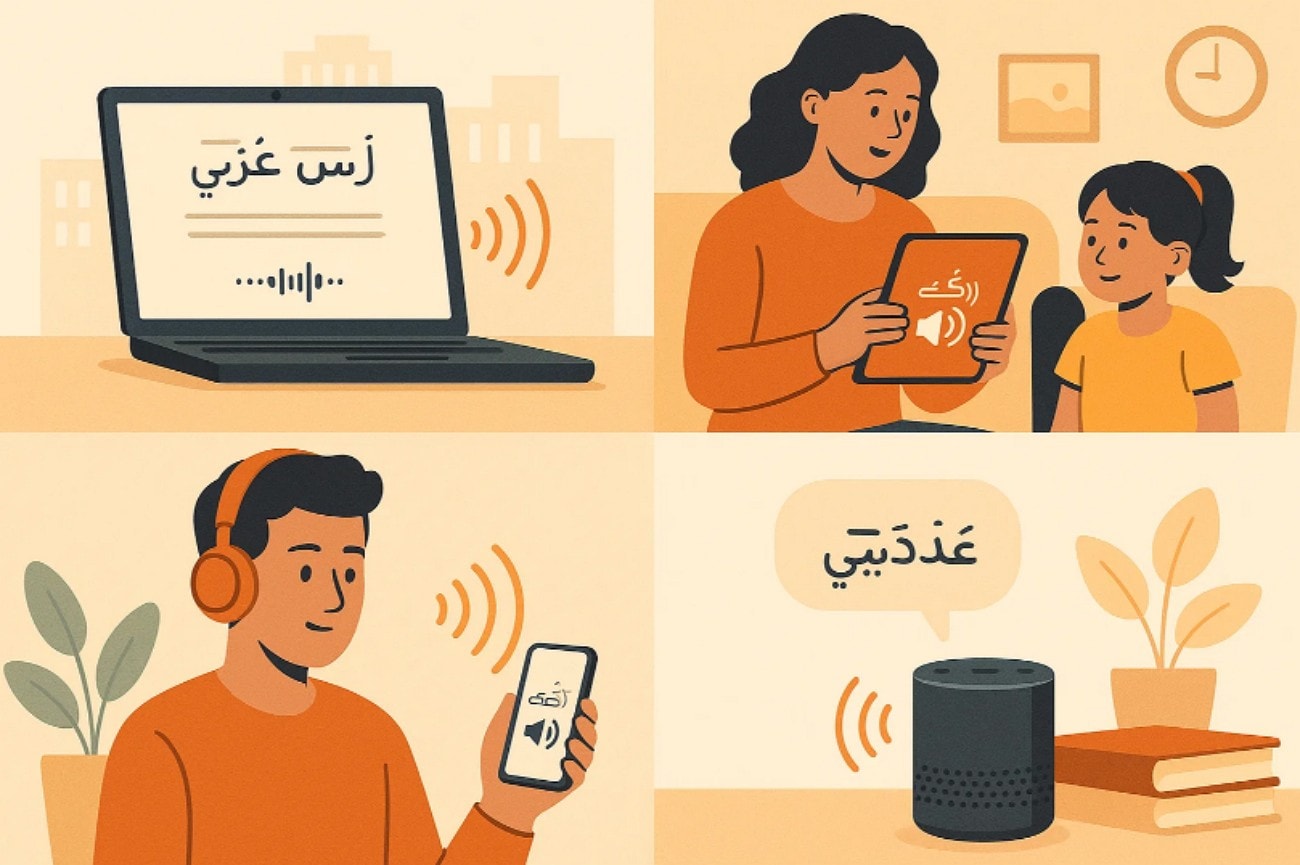
Arabic users now rely on text-to-voice Arabic tools for many daily tasks. They let people in classrooms, studios, and offices generate crisp voice clips without recording on their own. The use cases below show how this technology improves work, learning, and access:
Content Creation & Social Media
Creators use Arabic TTS to make short voiceovers that match fast online trends. It allows creators to drop clear voice tracks into TikTok posts, Instagram Reels, and YouTube Shorts. Furthermore, many creators also use it to tell stories, explain ideas, and guide viewers.
Education & Language Learning
Teachers use Arabic TTS to turn lessons into spoken guides that students can replay easily. Moreover, it helps learners hear correct words and build strong listening skills. Many students also use free text-to-speech Arabic tools to check notes and fix mistakes.
Accessibility & Inclusion
Arabic TTS helps people who have trouble reading long pages or small text. Besides, it speaks news, emails, and forms in a clear, easy-to-follow voice. This support helps individuals navigate daily tasks confidently without depending on others.
Business & Productivity
Companies use Arabic TTS to create simple audio guides for apps and online tools. In addition to it, this helps customer teams make quick messages for support lines and training clips. Developers also use it for smart devices that must speak clear Arabic.
Part 2. Key Features to Look for in an Arabic TTS Tool
Choosing the right Arabic text-to-speech tool becomes easier when you know what matters most. These key features help you pick a tool that fits your goals and workflow:
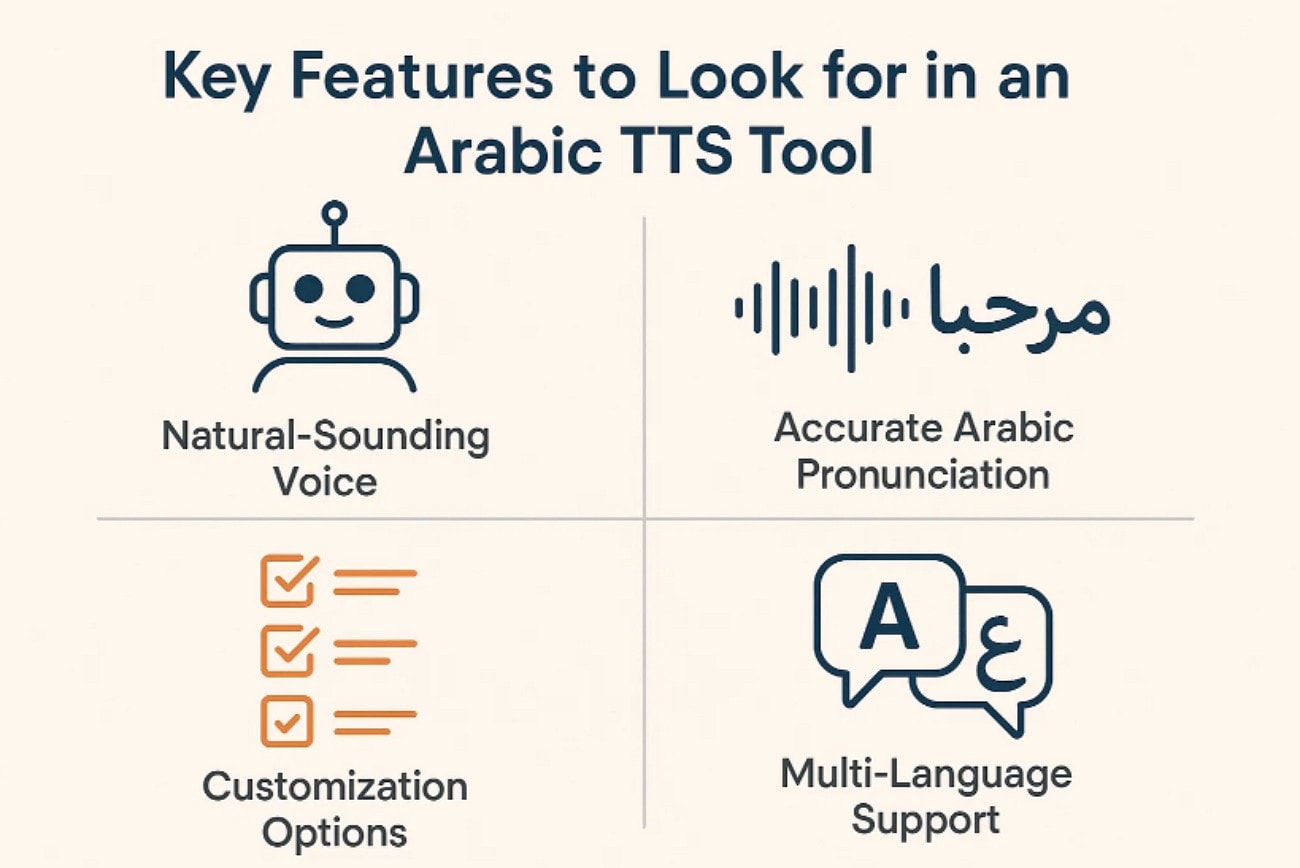
Voice Quality & Naturalness: High-grade solutions produce clear, polished speech that maintains a smooth and professional quality. Strong clarity helps listeners understand every word without strain or confusion.
Dialect Support: Some tools offer MSA for formal work, while others support regional dialects. Egyptian and Gulf options help creators match tone for real audience needs.
Customization Options: Good tools let you change speech rate, pitch, and pauses with simple sliders. These settings help creators match tone for different scenes and project styles.
Output Formats: Many tools let users export audio as MP3, WAV, or other common files. Flexible formats help creators use audio across apps, timelines, and devices.
Ease of Use: A clean interface helps users work fast without learning complex instructions first. Simple menus keep tasks smooth and make each step easy to follow.
Cost: Free plans help users test voices, but paid plans unlock longer clips. Premium tiers also offer better voices and useful rights for commercial use.
Part 3. The Best 10 Arabic TTS Tools for All Devices (2025)
Arabic TTS tools now serve different needs across devices, projects, and skill levels. The options below show how each platform helps creators, students, and developers build strong Arabic audio in 2025:
1. UniConverter
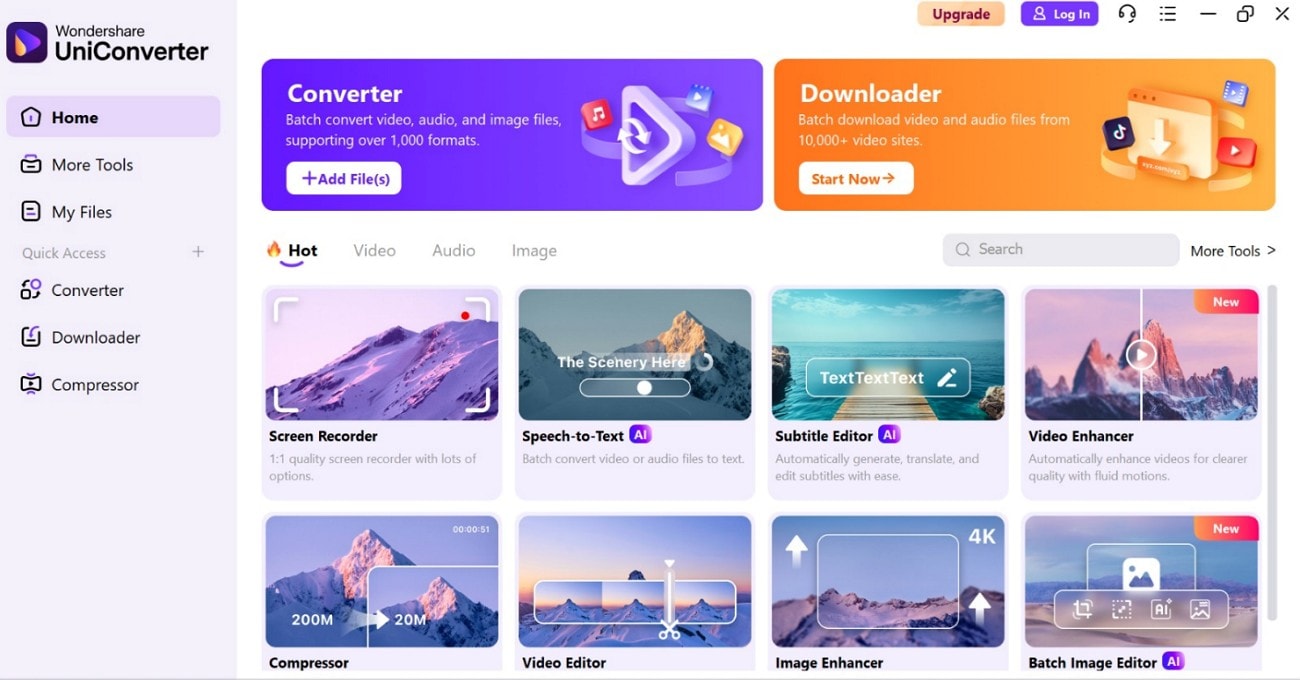
UniConverter lets users turn text into clear audio with easy steps. It gives many AI voices and simple sliders for tone, speed, and style. This helps people make voiceovers for short videos, schoolwork, and guides. Not only this, UniConverter text to speech tool supports 9+ languages with 130+ types of voices. The tool is also suitable for mixed projects, which require quick edits and clean audio. The AI-assistive features makes users produce refined voiceovers of lessons, clips, stories, and guides without additional setup and complicated procedures.

Easy to Use Arabic Text-to-Speech Tools
2. Narakeet
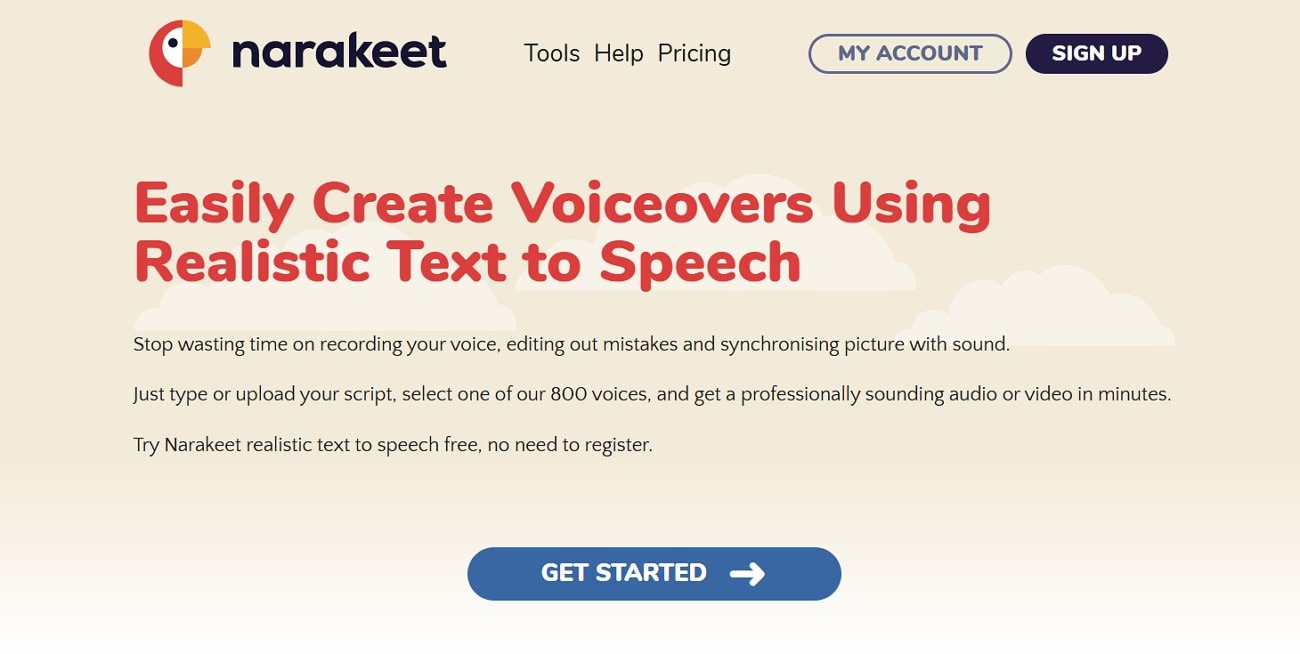
Narakeet helps users turn scripts into clear audio for lessons, guides, and short videos. Additionally, it reads slides, notes, and talks with a steady tone and simple pacing. Many teachers like it because it works fast and needs no complex setup. While providing assist for daily social clips, Narakeet supports text-to-speech Arabic for mixed projects that need quick audio.
3. Google Cloud TTS
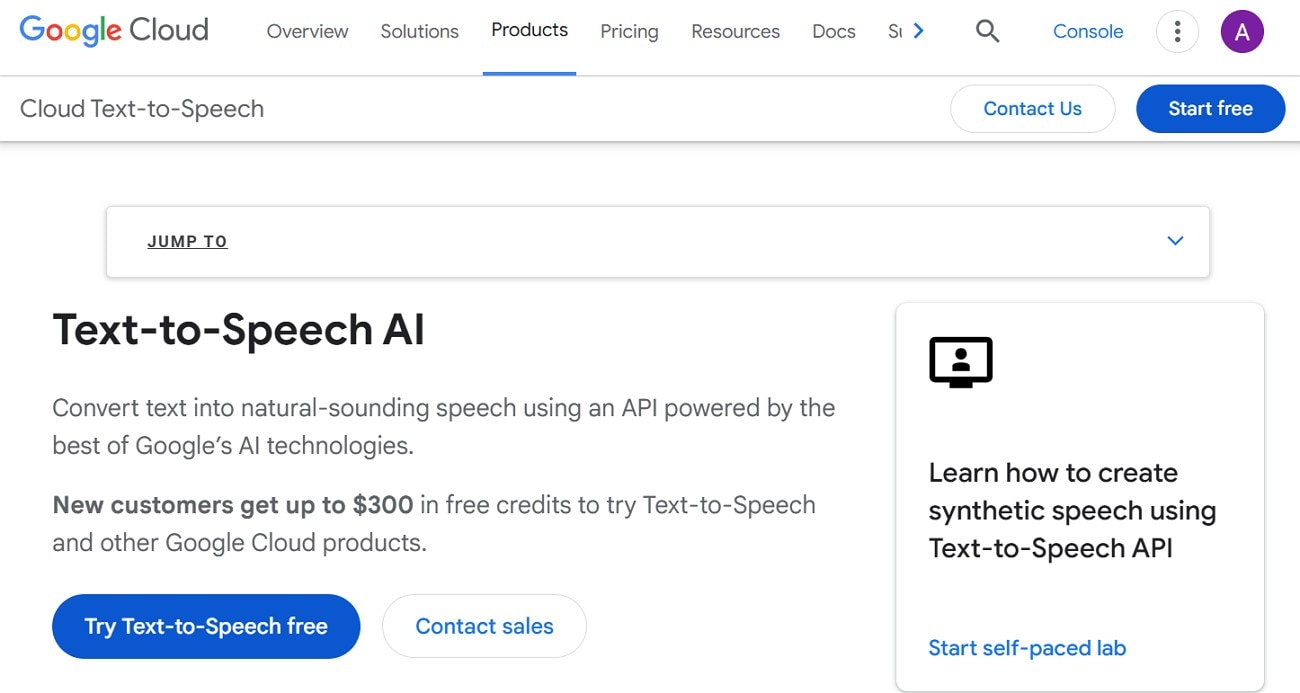
Google Cloud TTS helps developers add strong voices to apps, websites, and smart tools. Users can change speed, rhythm, and pauses with simple settings. What makes it better is its ability to fit teams that need stable output for many platforms. The tool offers text-to-voice Arabic services to the apps that will operate on a broad platform of users.
4. Azure TTS
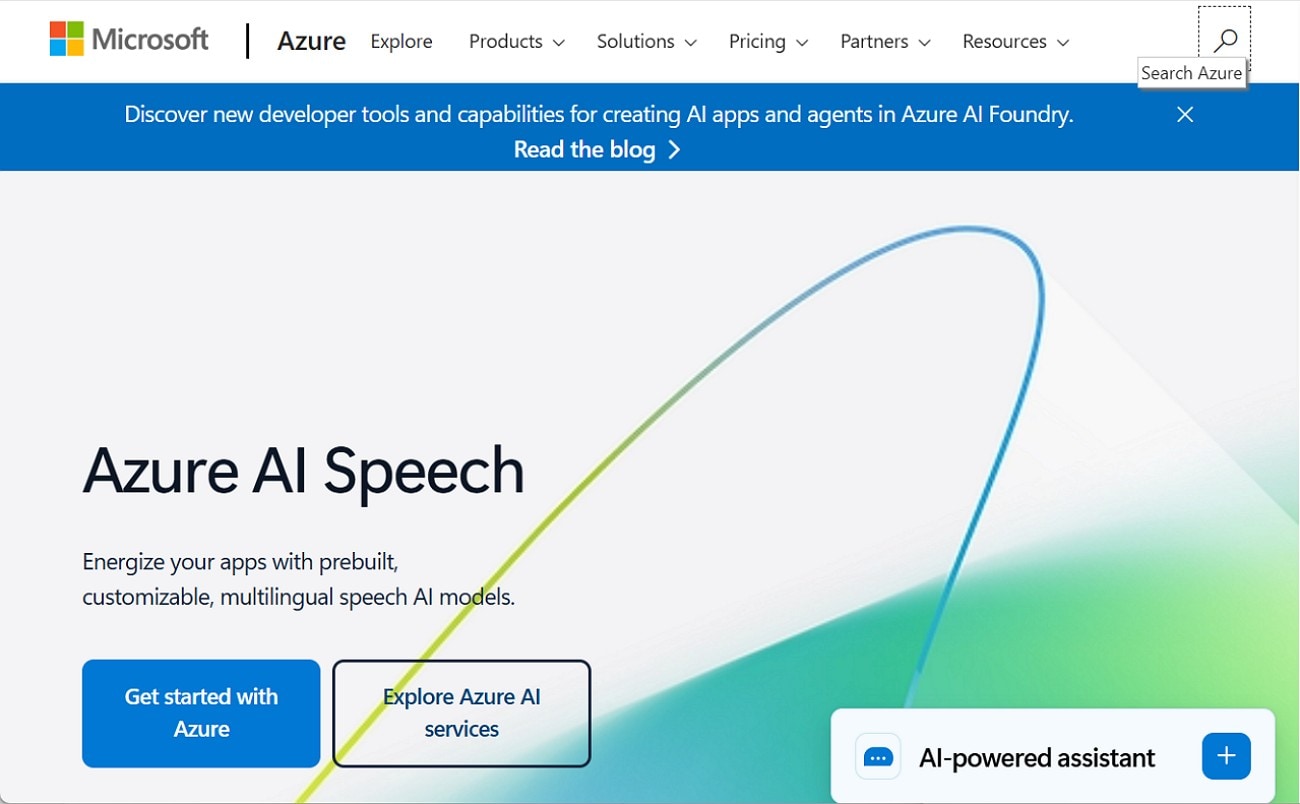
Azure TTS gives clear voices for support bots, e-learning, guides, and help pages. Teams use its tuning tools to shape tone and timing for each script. Furthermore, it works well for business tasks that need strong output every day. While many developers use it for apps and online systems, Azure also supports Arabic text-to-voice for training and service content.
5. PlayAI
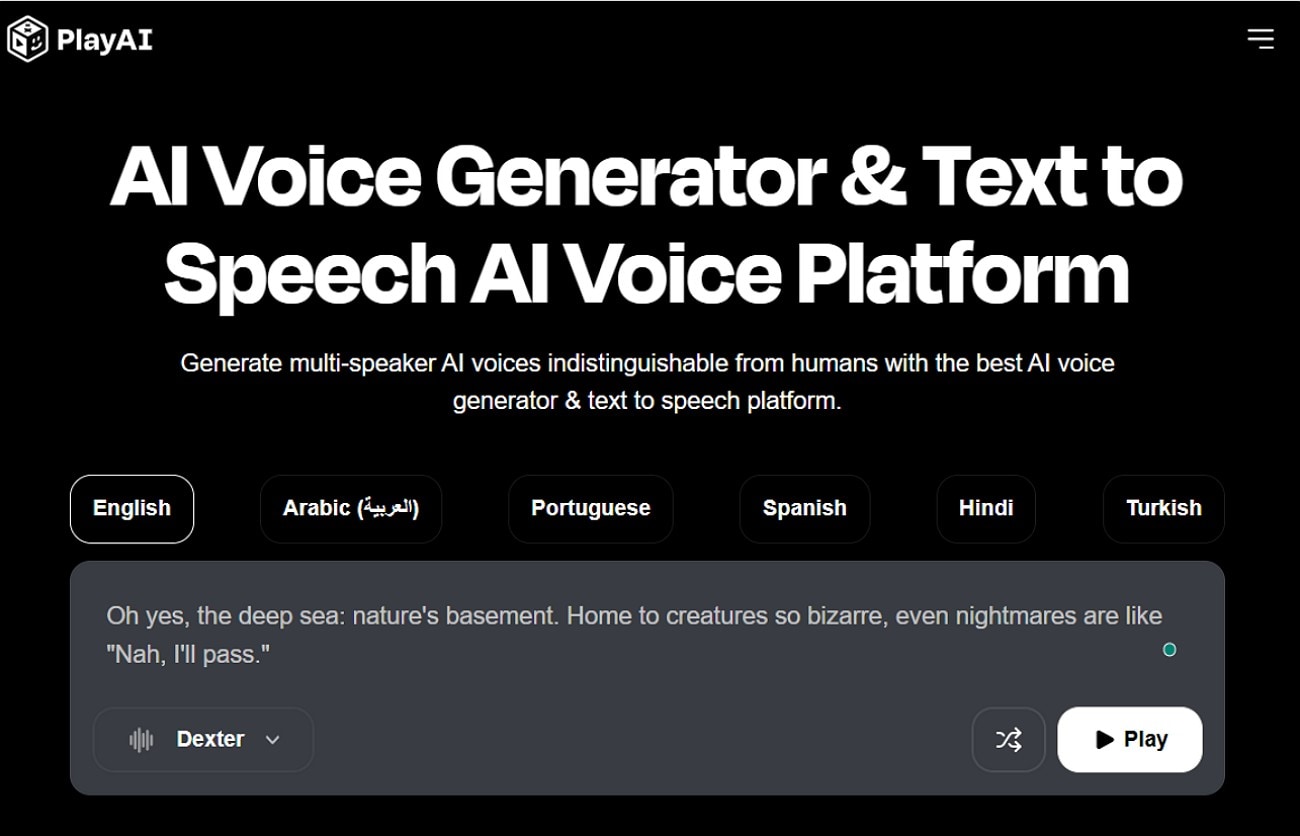
It gives creators many voices with simple controls for speed, tone, and breaks. The platform also helps influencers make quick audio for TikTok, Reels, and explainers. Teachers also use it for steady sound generation and convenient editing platform. Furthermore, Play.ht supports “text speech Arabic” for anyone making short online clips.
6. Murf.AI
Murf AI offers smooth voices for ads, lessons, and online training. Its timeline editor helps users adjust scenes with simple drag-and-drop steps. Many creators like it because it keeps sound clean across long scripts. It also works well for business teams that need strong output. The platform supports Arabic text-to-speech for polished and steady narration.

Easy to Use Arabic Text-to-Speech Tools
7. ElevenLabs
ElevenLabs gives very natural voices that carry tone and emotion well. Creators use it for stories, characters, long talks, and clear guides. The tool lets users shape style, timing, and flow with simple sliders, while many writers like it for its clean, human narration. New users can try a limited text-to-speech Arabic free output to test the sound.
8. TTSMP3
This text-to-speech converter helps users turn short lines into quick audio without stress. It fits students, teachers, and anyone who needs fast sound for notes or guides. Users pick a voice, adjust speed, and save the file in seconds, making it a picture-perfect tool for small tasks. The tool also offers free Arabic text-to-speech for daily user conveniences.
9. Notevibes
Notevibes helps users make clear narration for training clips, explainers, and school work. Its editor offers easy pacing tools and steady timing for smoother sound. Many teams like the simple export options for different devices. Teachers use it for reading support and short lesson audio. Users can test Arabic text-to-speech for free before starting larger tasks.
10. Filme
This tool gives basic voice tools with simple recording and light editing. It works well for short lessons, easy guides, and practice lines. Users can add small effects, trim errors, and save final files quickly. Being an offline tool, VoxBox also offers free text-to-speech Arabic for new users to test the features.
Part 4. At-a-Glance Comparison Table for Top Arabic TTS Tools (2025)
Many users want clear choices when picking an Arabic voice tool. A quick view makes it easy to see what each option offers. The table below also helps anyone working with “text-to-speech free Arabic” find the right fit:
| Tool | Supported Format | Unique Edge | Best For |
|---|---|---|---|
| UniConverter | MP3, WAV, and many more. | Wide voices, AI tools, strong editing controls | Creators, teachers, business teams |
| Narakeet | MP3, WAV | Slide narration and simple workflow | Lessons, guides, quick presentations |
| Google Cloud TTS | Multiple incl. MP3, WAV | WaveNet voices with deep API control | Apps, smart tools, and large platforms |
| Microsoft Azure TTS | MP3, Ogg, WAV | Expressive styles and strong enterprise support | Chatbots, training, service systems |
| Play.ht | MP3, WAV | Many creator-friendly voices and easy editing | Social videos, explainers, short clips |
| Murf AI | MP3, WAV | Timeline editor for syncing scenes | Ads, demos, training content |
| ElevenLabs | MP3, WAV | Ultra-realistic emotional voices | Stories, characters, long narration |
| TTSMP3 | MP3 | Simple, fast conversions without signup | Students, teachers, basic tasks |
| Notevibes | MP3, WAV, ULAW | Easy export and clear narration tools | Tutorials, guides, small teams |
| iMyFone VoxBox | MP3, WAV, others | TTS + recording + effects in one tool | School projects, simple voice tasks |
Conclusion
To conclude, Arabic text-to-speech tools now help creators, teachers, and developers produce sharp audio for videos, lessons, and digital platforms. In this article, you explored real use cases, key features, and trusted tools that support clear narration, including Arabic text-to-speech online options for quick projects. For easy controls, strong AI voices, and smooth editing, UniConverter stands out as a reliable choice for most users.
Easy to Use Arabic Text-to-Speech Tools
FAQ
-
1. What is Arabic text-to-speech used for?
Arabic text-to-speech helps creators, teachers, and developers produce clear narration for many different project needs. It supports videos, lessons, apps, guides, and accessibility tasks that require smooth audio without manual recording. -
2. Can businesses use Arabic TTS for their platforms?
Companies use Arabic text-to-speech to build strong voice guides for apps, portals, and smart devices. These tools help teams deliver clear messages, support instructions, and product information with smooth Arabic audio. -
3. What makes a good Arabic TTS tool?
A good tool offers clear audio, steady pacing, and flexible controls for Arabic text-to-speech projects. Many users choose UniConverter because it provides smooth voices with simple options that support quick narration needs. -
4. Are there free Arabic TTS options?
Several platforms offer limited free plans with basic voices, short clips, and simple exporting tools. These plans help users test voices, explore features, and create small projects before upgrading paid plans. -
5. Does Arabic TTS support different accents?
Some tools use Arabic text-to-speech with support for MSA and several common regional dialect options. These choices help creators match audience tone and deliver narration that feels natural for specific regions.

