


The Arabic voice typing tool has become a necessity for users who require efficiency and accessibility. Regardless of whether it is digital communications or creating content, these tools apply AI for transcription. These applications eliminate the obstacles for both native speakers and students, by offering features like auto-correction and translation.
This guide highlights the top 10 Arabic speech-to-text tools, including the most reliable ones to use, making it easier to pick the best one. Moreover, you will also be given some useful tips on how to use these Arabic voice typing tools.
In this article
Part 1. Top Use Cases for Arabic Voice-to-Text
Here, let's look at the most common use cases for Arabic voice typing technology to know its worth:
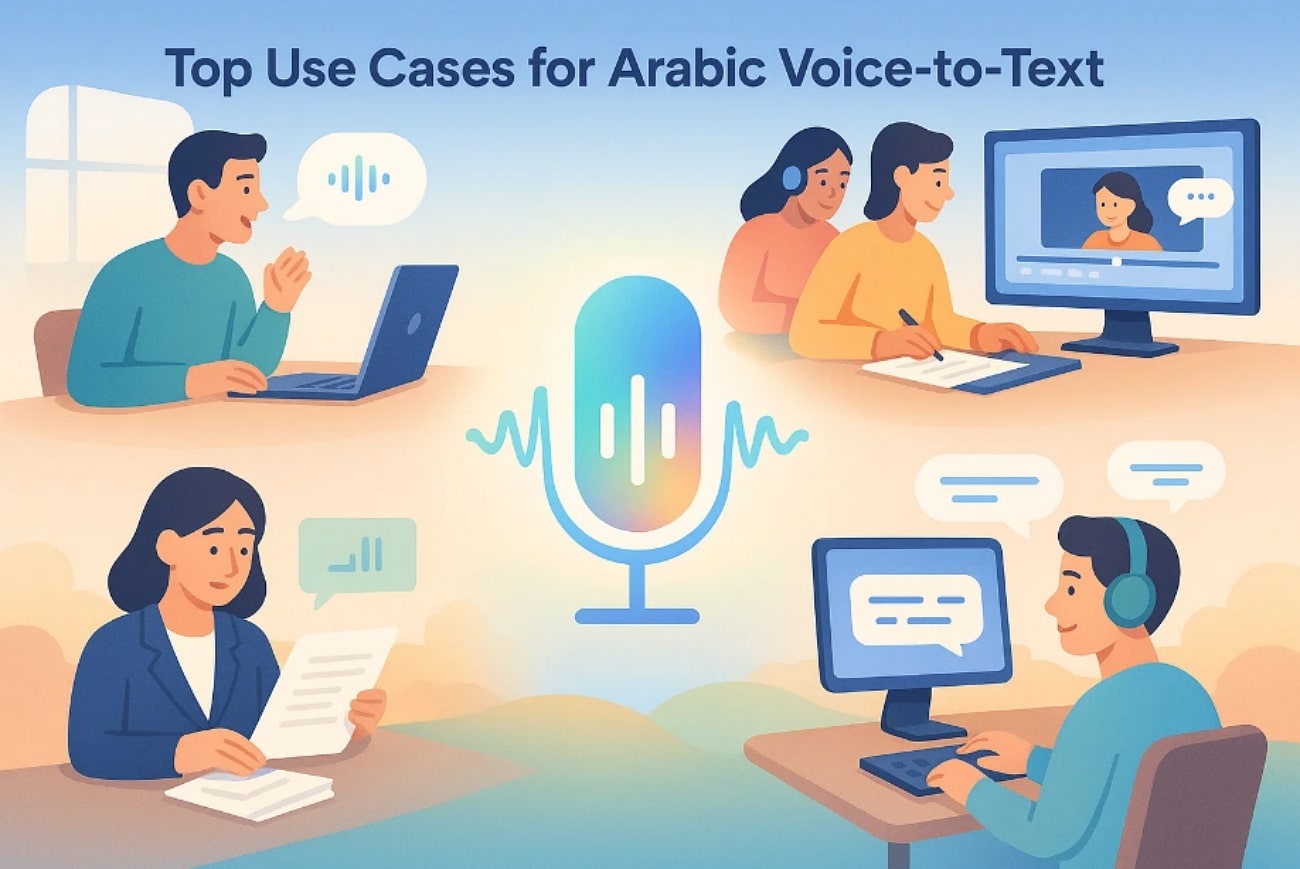
Effortless Dictation: These tools empower users to write documents, emails, and messages hands-free, boosting productivity and reducing manual typing.
Academic & Research Transcription: Students and researchers can quickly and accurately transcribe interviews, allowing them to focus on group discussions.
Content Creator Tool: For content creators, this generator can automatically generate subtitles for YouTube videos and social media clips to reach a wider audience.
Professional Services: Professional workers, journalists, lawyers, and healthcare professionals’ benefit from transcribing legal notices and medical reports.
Accessibility: Arabic voice-to-text tools deliver real-time captions during webinars and live video streams, making it easier for non-native speakers.
Part 2. The Best 10 Arabic Speech-to-Text Tools for All Devices 2025
Now that you understand the basics, let’s explore the best Arabic speech-to-text tools that you can opt for high-quality results:
1. Wondershare UniConverter
Imagine you are an Arabic-speaking content creator who creates appealing content on current trending topics. However, you want to transcribe the video to cater to a diverse audience from all over the world. In this situation, we recommend using UniConverter, which provides Speech-to-Text features to generate video transcriptions into various languages instantly.
Users simply add their Arabic video or audio, select the source and target languages, and let it start processing. Furthermore, users can even access its other advanced features like Smart Summarizer, Subtitle Editor, and much more.
Key Features
Batch Processing: UniConverter lets you transcribe multiple videos simultaneously to avoid extra hustle.
File Type: This tool enables you to choose the output format between a plain text file and a subtitle file according to your requirements.
Wider Compatibility: You can easily access it online or via the desktop tool, depending on your accessibility.
Detailed Guide to Use UniConverter Speech-To-Text Functionality
Upon exploring its key features, let's explore its detailed guide to use this voice-to-text Arabic generator:
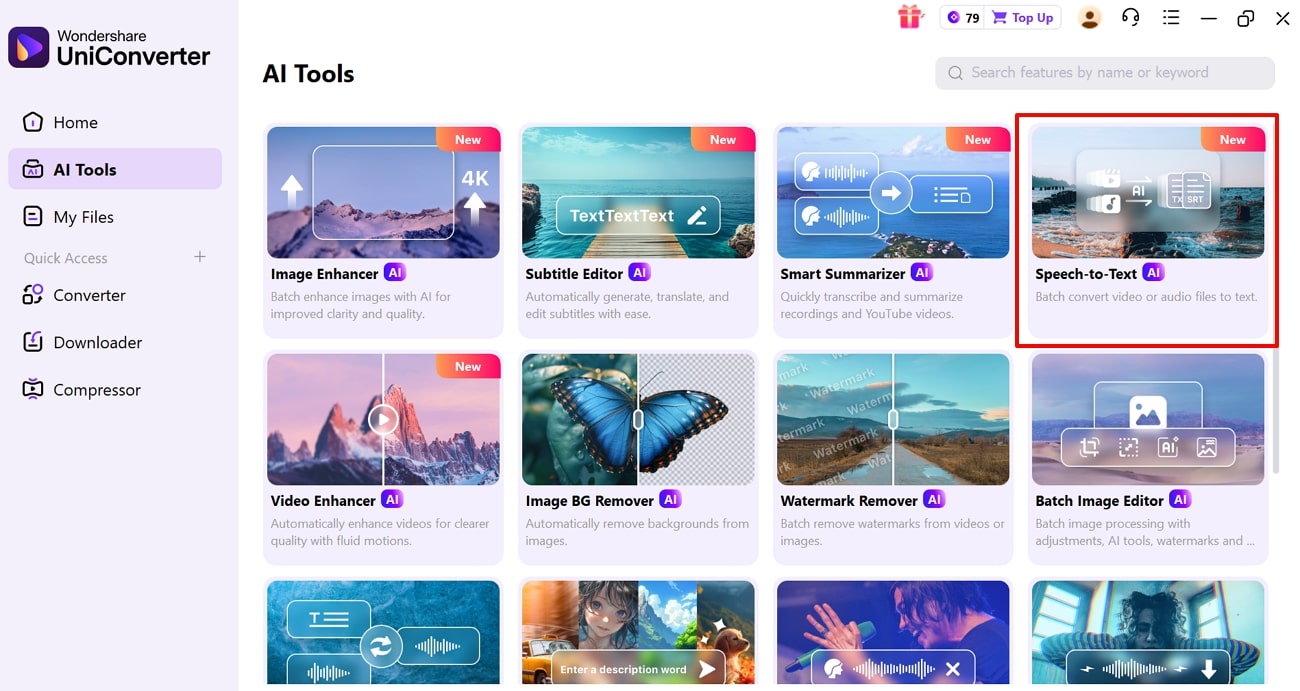
Step 1. Choose AI Tools and Select Speech-to-Text Feature
Upon entering the UniConverter tool, hit the AI tools option from the left tab. Following this, choose the “Speech-to-Text” feature to insert the desired video.
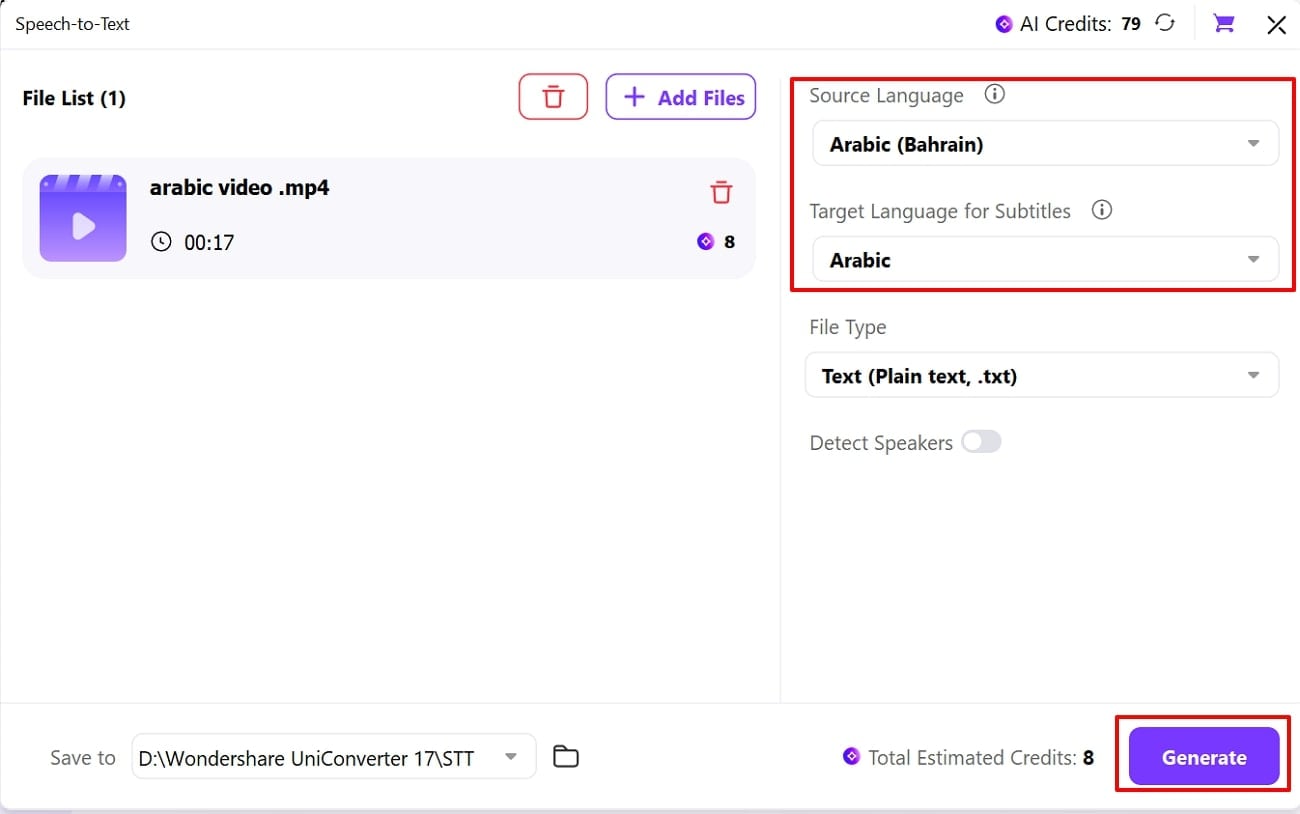
Step 2. Choose Languages and Hit the Generate Button
Here, select the source and target languages and tap on the "Generate" button to initiate the transcribing process.
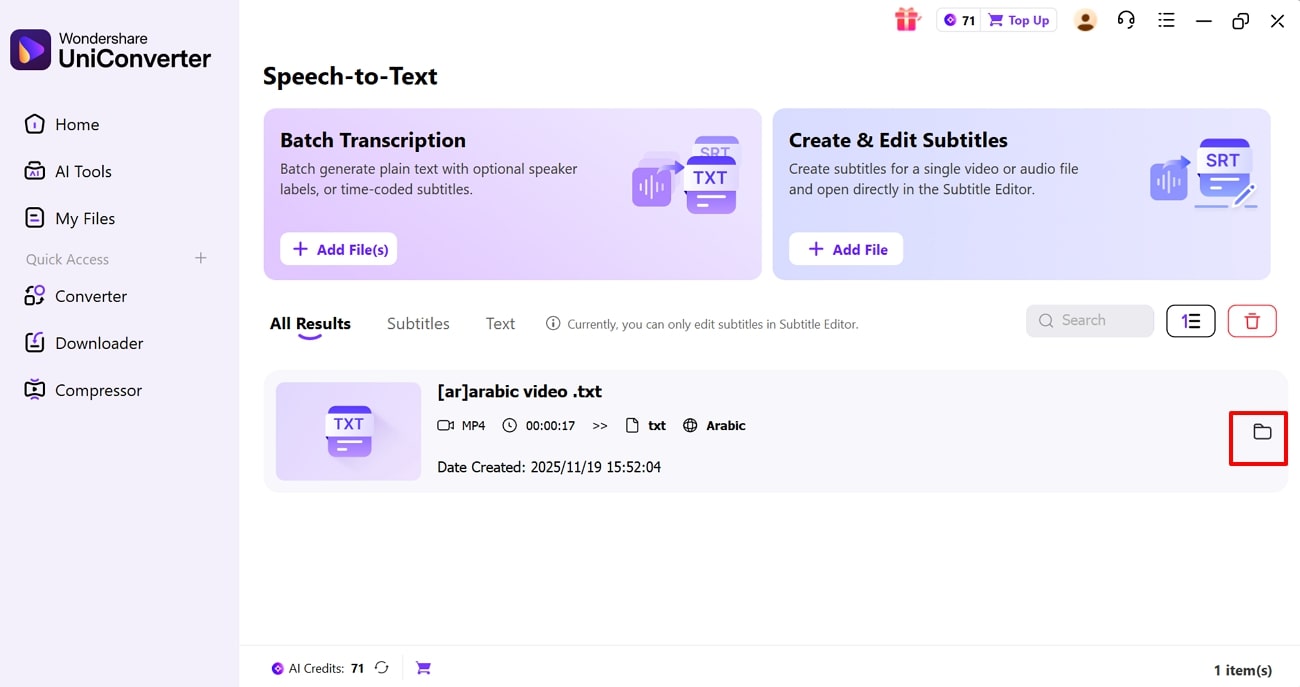
Step 3. Locate the Downloaded Files on the Device
Finally, the transcribed file is generated, click on the "File" icon to locate it in the "File Explorer".
Dialects Support: 32 dialects, including Egyptian, Gulf, Levantine, and Maghrebi.
Live or File-Based STT: Both recorded files and real-time speech-to-text
Starting Price: Free & 9.99/month
Supported Device: Available for Windows and Mac

Easy to Use Arabic Speech-to-Text Converter
2. Notta.ai
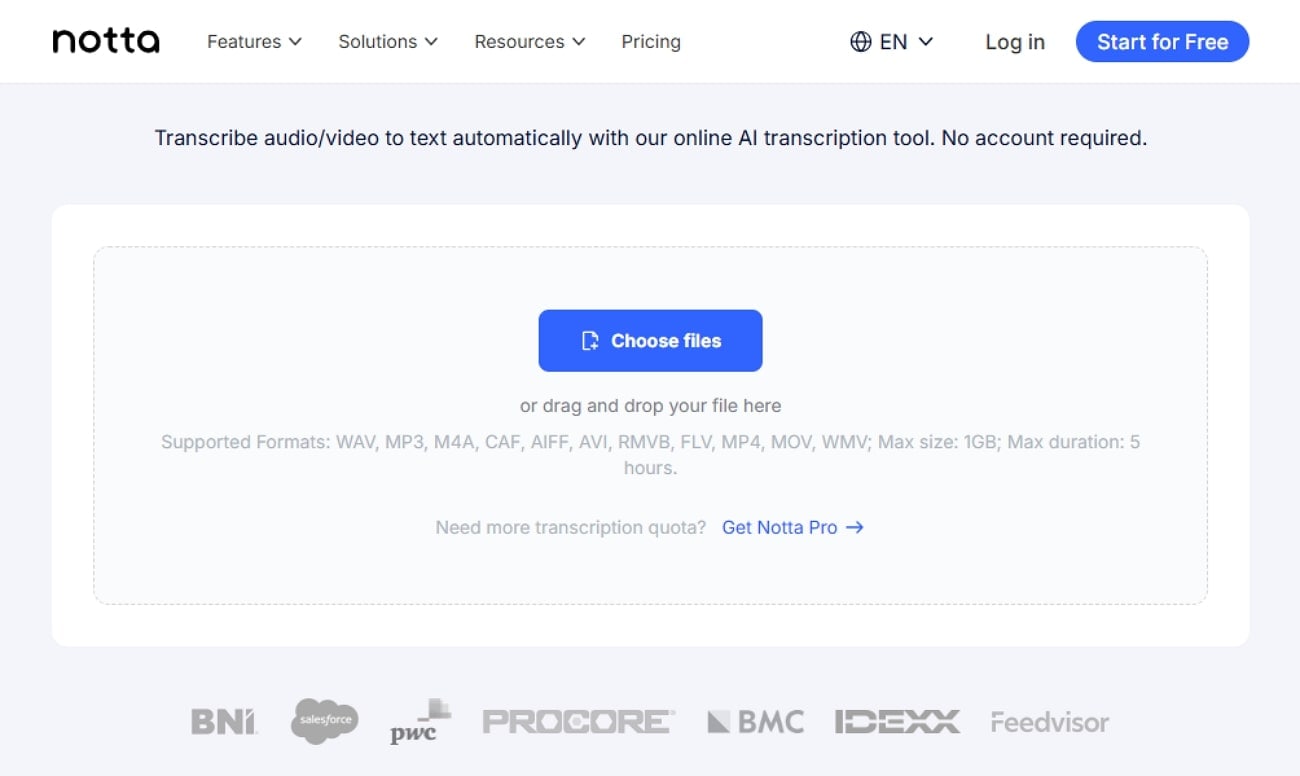
Being an efficient Arabic AI voice tool, it provides high transcription accuracy. This tool offers wide support to 58+ languages, including Arabic, English, German, etc. Users can even translate their audio into various languages up to 42 formats. Furthermore, it allows for easy transcript review and editing before exporting it.
Dialects Support: Modern Standard Arabic and major dialects
Live or File-Based STT: Both live transcription and file-based
Starting Price: From $8.17/month
Supported Device: Online
4. Eleven Labs
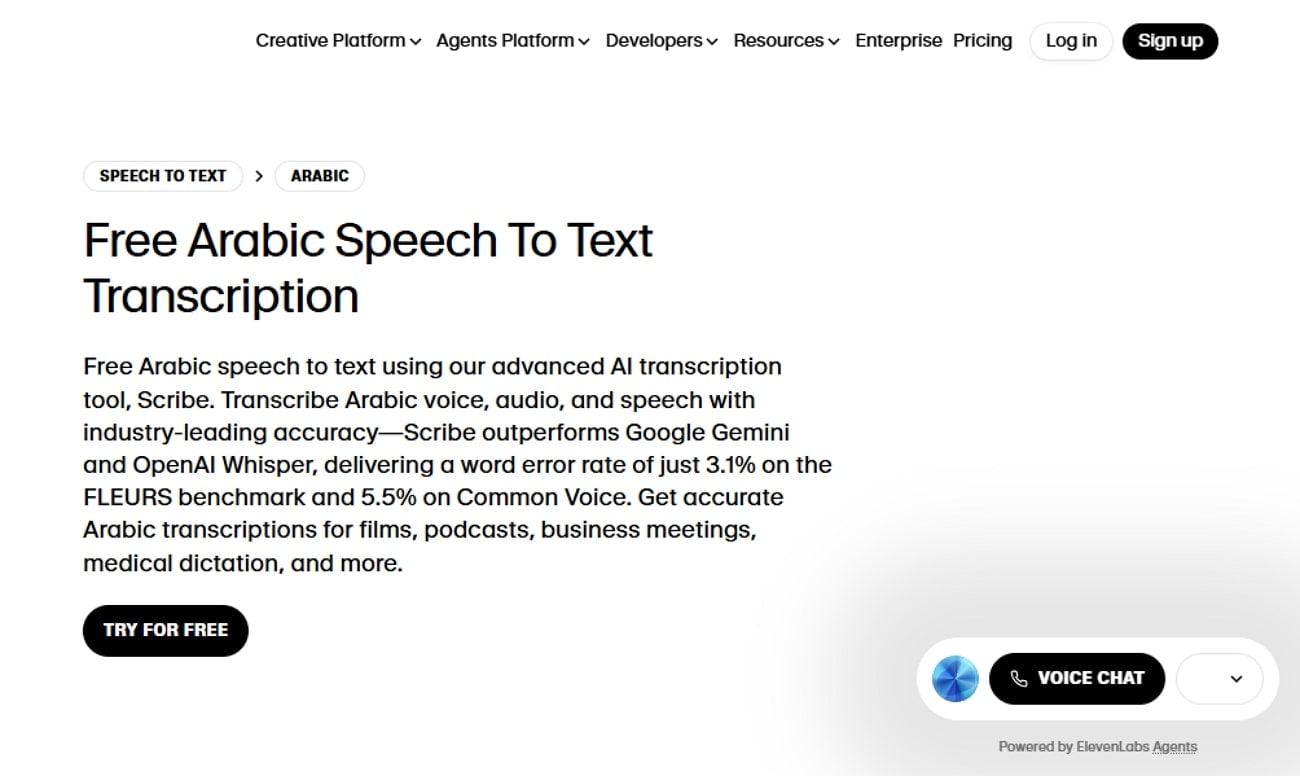
Eleven Labs' Arabic speech-to-text converter provides wide support for different Arabic accents. It recognizes speech in 99 languages with advanced automatic speech recognition. This tool tracks exactly when each word is spoken, useful for subtitles and the editing phase. Moreover, it offers a developer-friendly API for seamless embedding into automation.
Dialects Support: Modern standard Arabic, Egyptian, Levantine, Gulf, Maghrebi, etc.
Live or File-Based STT: Both live and uploaded recordings
Starting Price: From $5/month
Supported Device: Accessible via any web browser
5. Google Speech to Text
Owned by Google itself, it provides extensive support to 125+ languages and variants, including Arabic dialects. This Arabic voice typing tool automatically detects accents and lets you access its batch modes to convert various videos and audios simultaneously. Furthermore, it allows you to choose and customize transcription models for specific environments.
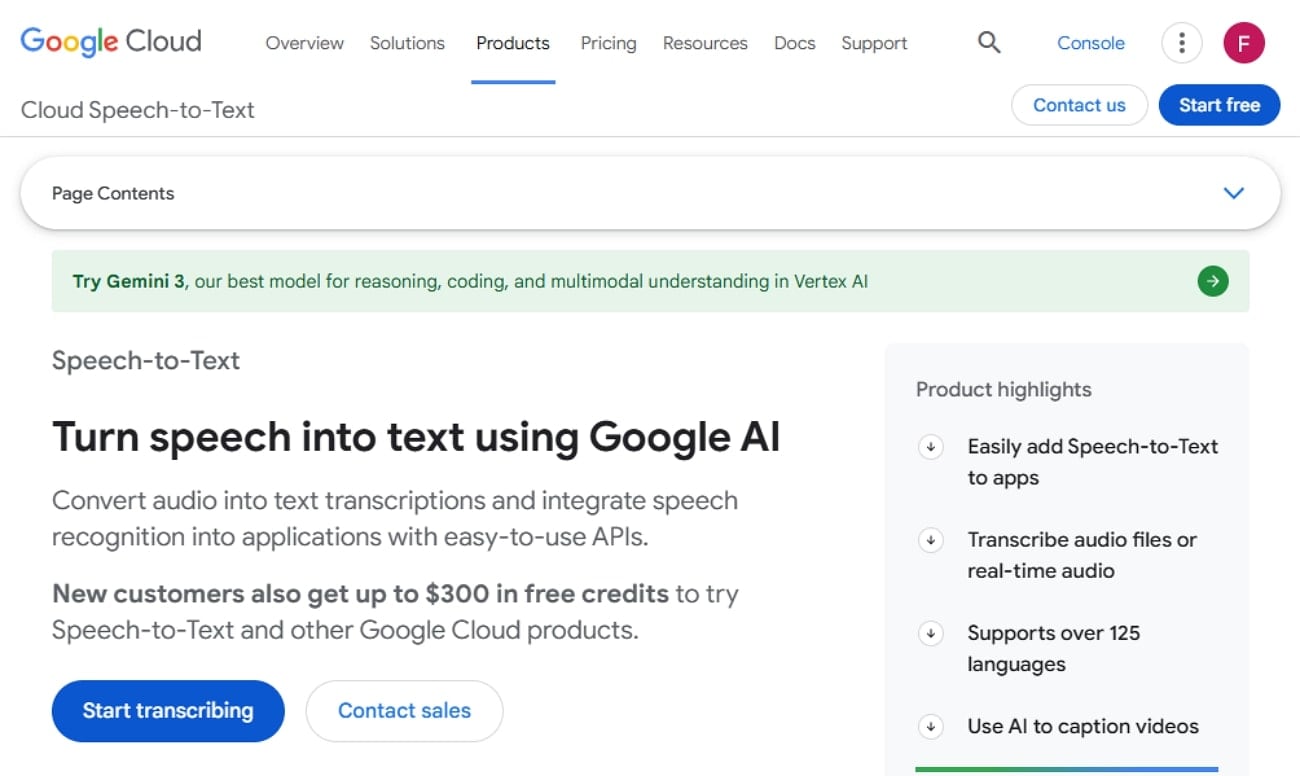
Dialects Support: 125+ languages and dialects, including major Arabic variants
Live or File-Based STT: Both real-time transcription and file-based
Starting Price: $0.016 per audio minute
Supported Device: Web, desktop, mobile, and cloud apps
6. Arabic AI Voice
This Arabic AI voice transcriber is capable of recognizing modern standard Arabic dialects, including Egyptian, Saudi, and Emirati. It offers real-time speech-to-text for streaming/live audio, as well as batch/file-based transcription. Moreover, it is compatible with all major platforms, including Windows, Mac, and Linux.
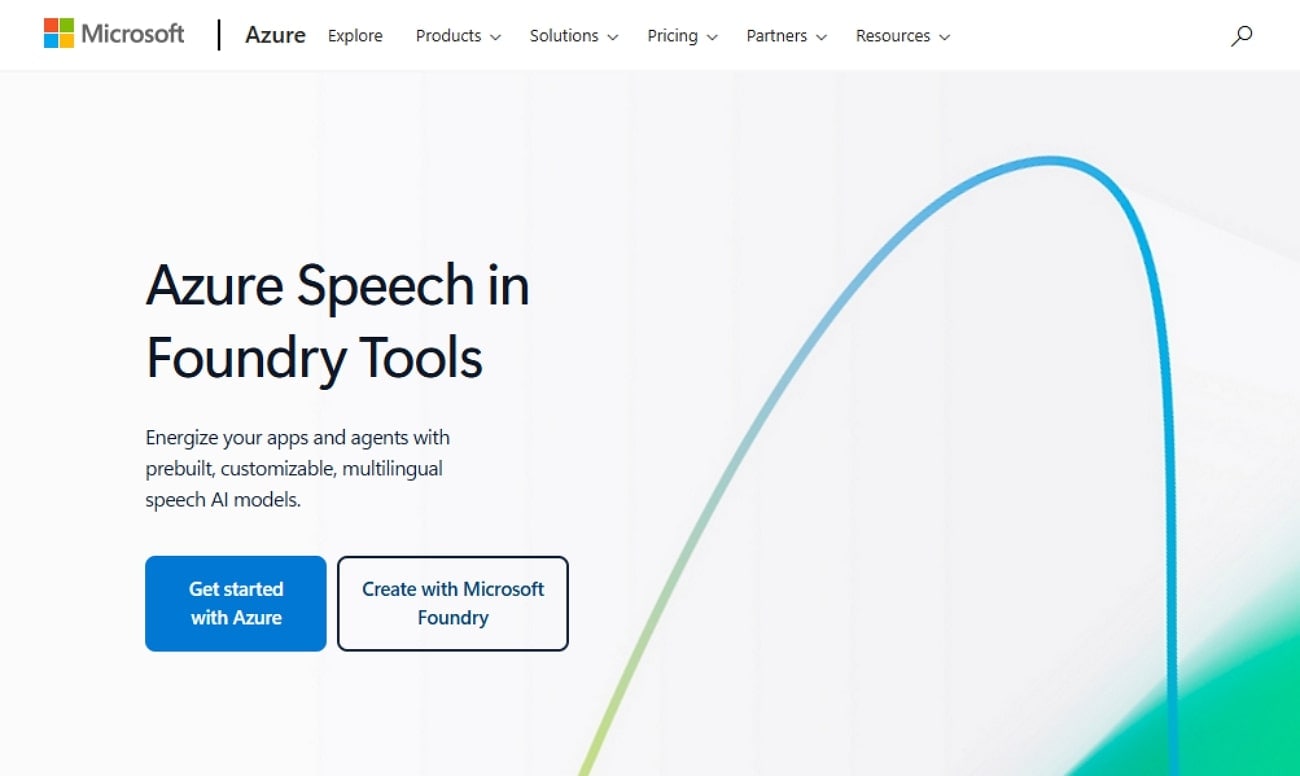
Dialects Support: Standard Arabic, Egyptian (ar-EG), Saudi (ar-SA), and Emirati (ar-AE)
Live or File-Based STT: Both real-time (live/streaming) and batch (file-based) speech-to-text
Starting Price: From $9.49/month
Supported Device: Windows, Mac, web browsers, Linux, mobile, and cloud platforms
7. Clideo
Being a browser-based Arabic voice typing tool, it converts Arabic audio or video directly to text online for free. Furthermore, it supports major audio formats, including MP3, WAV, M4A, and AAC, for easier uploading and transcription. This tool auto-generates timestamps throughout transcriptions to help in text navigation.
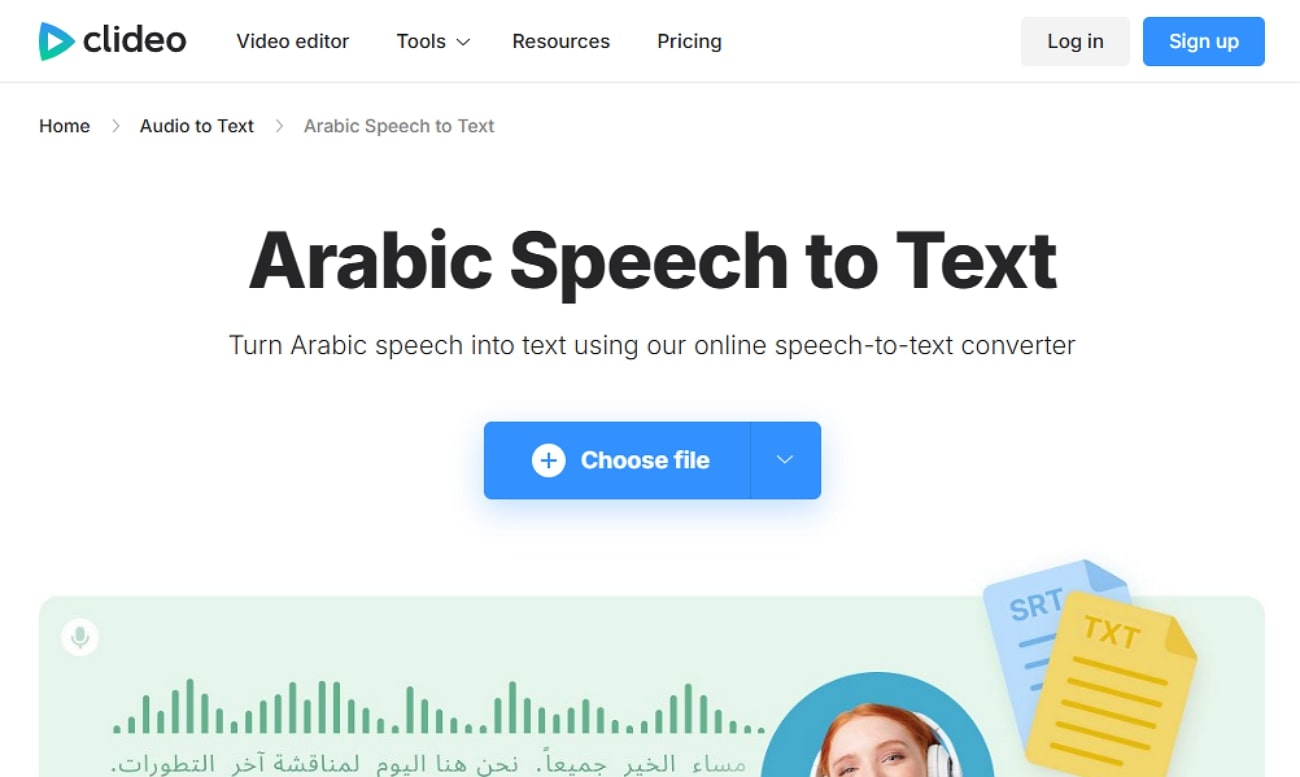
Dialects Support: Supports standard Arabic dialects.
Live or File-Based STT: Provides file-based speech-to-text uploads.
Starting Price: Free
Supported Device: Browser-based and iPhone app available
Easy to Use Arabic Speech-to-Text Converter
8. IBM Speech to Text
It uses advanced neural networks to achieve high accuracy even in noisy environments or with varied accents. IBM voice-to-text Arabic tool recognizes dozens of languages and regional dialects, including Arabic variants. Moreover, users can enhance accuracy for specific industries, jargon, or regional accents by training with custom data sets.
Dialects Support: Modern Standard Arabic, along with regional Arabic dialects
Live or File-Based STT: Provides both real-time and batch transcription
Starting Price: From $0.02/minute
Supported Device: Windows, Mac, Linux, and mobile apps
9. Rapid Speech to Text
This speech-to-text Arabic generator tool is designed specifically for Arabic speech-to-text conversion. It provides accurate transcription results along with time offsets for each segment. Moreover, the outcome can be exported as text for further use or integration into applications. Users do not require platform-specific installation, making it usable from anywhere.
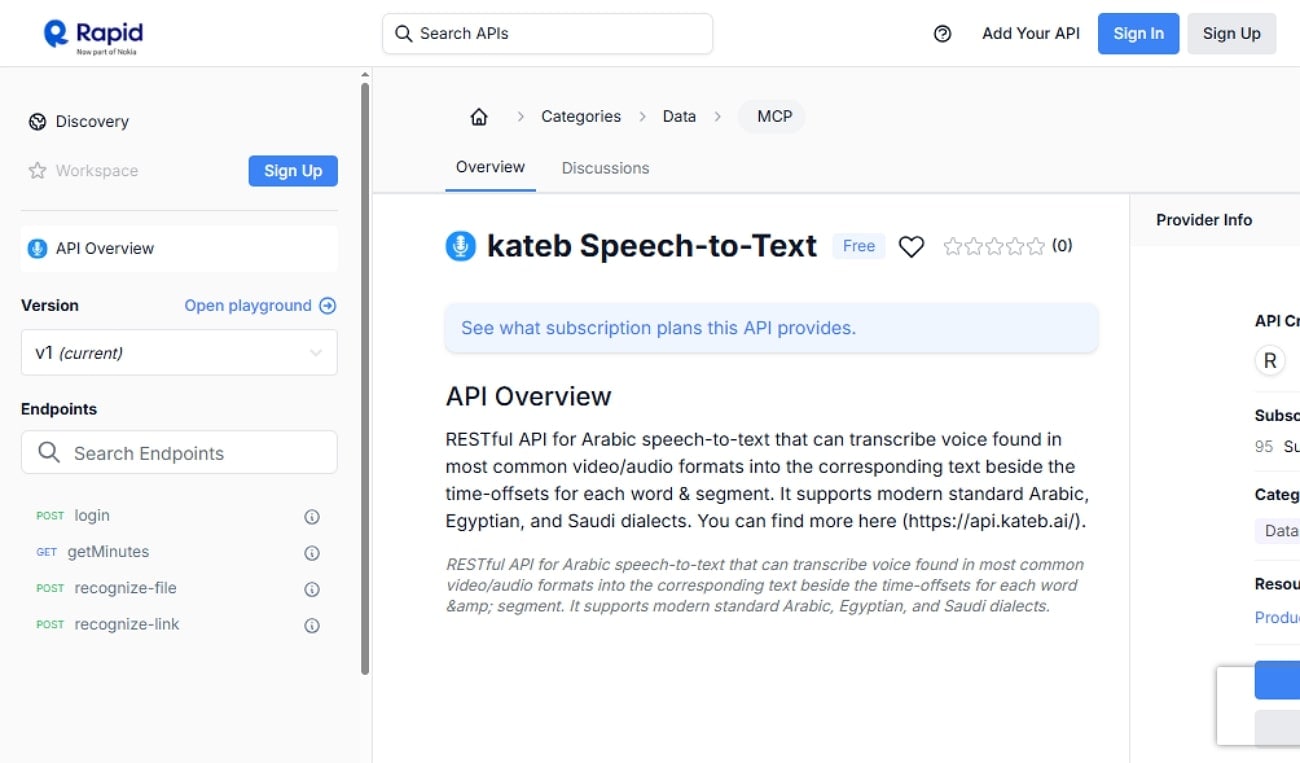
Dialects Support: All modern standard Arabic dialects
Live or File-Based STT: Provides file-based transcription
Starting Price: Free tier
Supported Device: Windows, Mac, Linux, cloud servers, or web apps
9.Gboard
Users can access this efficient tool through online websites or apps. It provides a wide support to hundreds of languages, including Arabic, without changing keyboard settings. Furthermore, it lets you “Delete” or “Clear” the text by using your voice command. You can also instantly translate typed or dictated Arabic text within the keyboard.
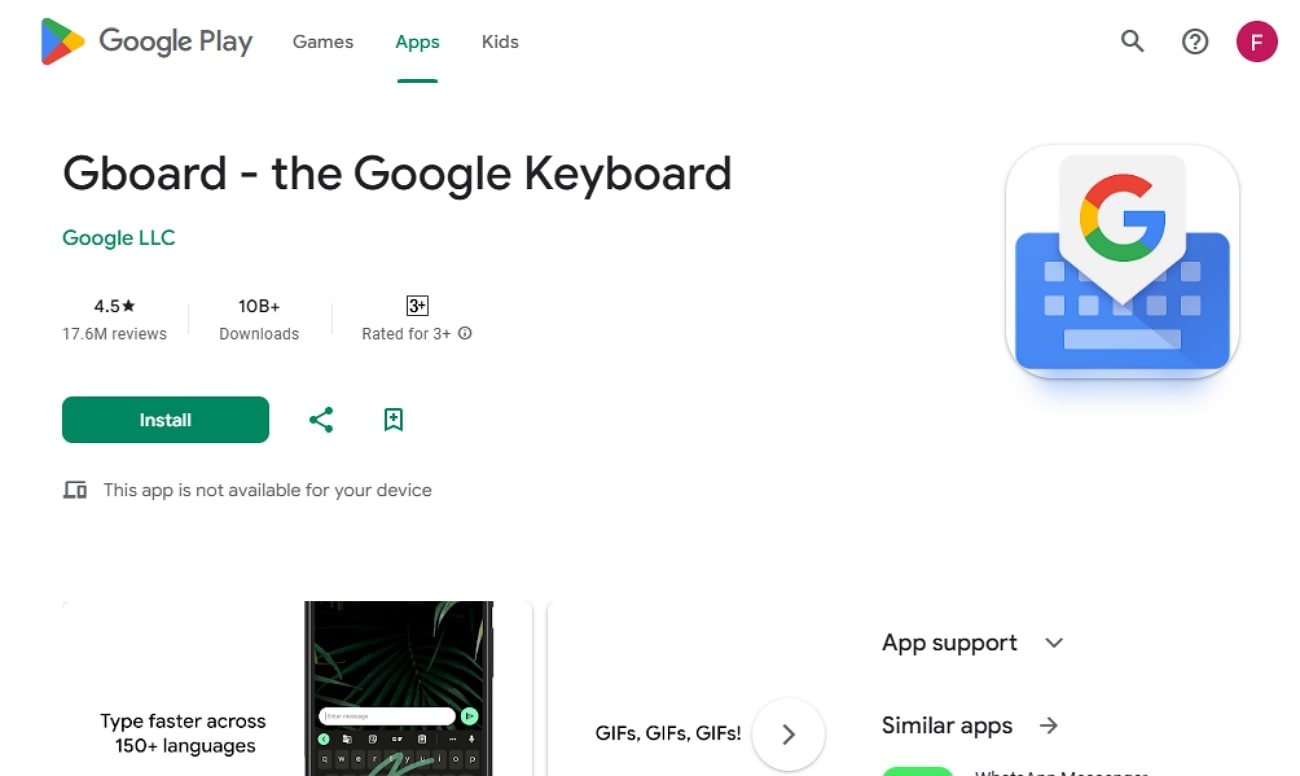
Dialects Support: Modern Standard Arabic and major dialect variants
Live or File-Based STT: Provides live voice typing
Starting Price: Free
Supported Device: Android phones, tablets, Chromebooks, Wear OS watches, and iOS devices.
10. HappyScribe
This Arabic AI voice generator supports AI-generated Arabic transcriptions with approximately 85% accuracy and human-verified transcriptions with 99% accuracy. To upload files, it lets you choose the options between multiple device storage, including Vimeo and YouTube. Furthermore, it supports a wide range of formats, including MP3, MP4, and WAV. Overall, it provides the fastest way to generate quick Arabic transcriptions.
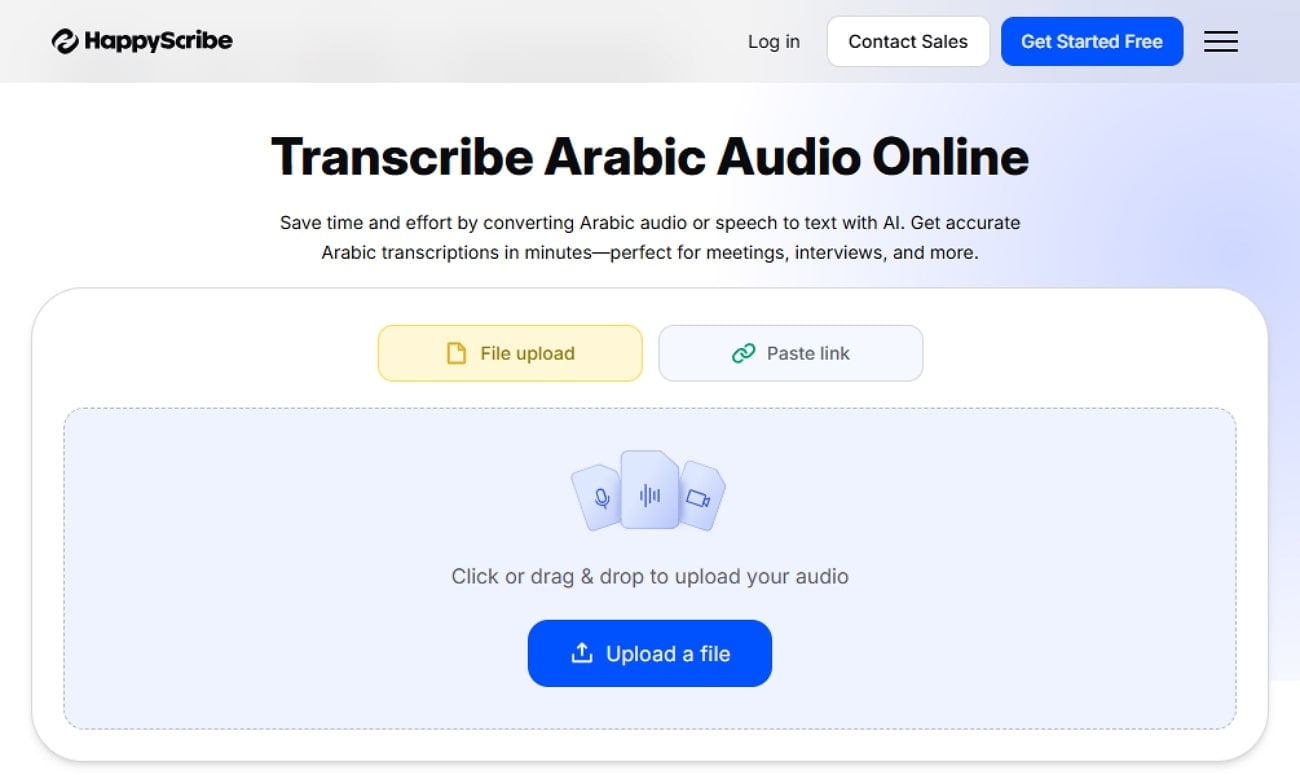
Dialects Support: Modern Standard Arabic dialects
Live or File-Based STT: Both File-based speech-to-text
Starting Price: From $17/month
Supported Device: Online
Part 3. At-a-Glance Comparison Table for Top 10 Arabic Voice Typing Tools
To help you decide more easily, the following table offers a quick comparison of the top Arabic voice typing tools:
| App Name | Supported Formats | Unique Edge | Best For |
|---|---|---|---|
| UniConverter | Audio/Video (MP3, MP4, WAV, more) | Batch conversion, subtitle generation, and video editing | Content creators, educators, and social media |
| Notta | Audio/Video (WAV, MP3, MP4, M4A, CAF, more) | High accuracy, team collaboration, and AI summaries | Meetings, transcription teams, academics |
| ElevenLabs Scribe | Audio/Video, streaming | Industry-leading accuracy, diarization, speaker tags | Enterprise, pro transcription, live/recorded events |
| Google Cloud Speech-to-Text | Audio/Video, streaming | Model adaptation, 125+ languages, scalable APIs | Developers, global enterprise, real-time integration |
| Microsoft Azure Speech Services | Audio/Video, streaming | Dialect locale settings, enterprise security | Businesses with compliance and multi-lingual needs |
| Clideo | Audio/Video (MP3, WAV, M4A, AAC), TXT/SRT export | Subtitle editing for video, mobile app sync | Subtitle creators, quick online projects |
| IBM Watson Speech-to-Text | Audio/Video, streaming | Customizable models, enterprise security | Enterprise, healthcare, multi-speakers |
| Kateb Speech-to-Text | Audio/Video REST API | Arabic focus, fast API returns, developer-first | Integrators, developers |
| Gboard Voice Typing | Live voice input | Multilingual keyboard, free, mobile handwriting | Mobile users, quick messaging |
| HappyScribe | Audio/Video (MP3, MP4, WAV, MOV, FLAC) | Human transcription option, collaborative editing | Media, research, large, diverse teams |
Part 4. Tips for Maximum Accuracy of Arabic Transcription
For even better performance, consider these practical tips to achieve maximum accuracy in the Arabic voice generator:
Speak Clearly: Ensure the voice is clear and accurate in a silent environment to ensure the software recognizes each word correctly.
Quality Microphone Equipment: Always invest in good-quality equipment, including a microphone, to get a clear voice quality, reducing transcription errors.
Choose Quiet Environments: Minimize background noise and interruptions to keep the recording focused on your voice.
Practice With the Software: Regularly use and test the speech-to-text tool to learn its strengths and weaknesses for better and accurate results.
Use Modern Standard Arabic Accent: Make sure you use the الفصحى modern standard Arabic accent transcription tools that are trained to recognize accurately.
Conclusion
Summing up, now you can easily transcribe your Arabic voices using Arabic speech-to-text with complete accuracy. In this article, we have listed the 10 best Arabic voice typing tools with their pros and cons. Among these tools, we recommend using Wondershare UniConverter, which lets you transcribe multiple Arabic videos and audios simultaneously.
Easy to Use Arabic Speech-to-Text Converter
Frequently Asked Questions
-
1. What Arabic dialects are supported?
Most tools support all modern Standard Arabic dialects for the best accuracy. However, make sure to choose wisely, as some tools only support limited Arabic dialects. -
2. Are free Arabic voice typing apps really free?
Yes, major web-based tools offer free transcription services, including UniConverter. However, these free tools do show non-spontaneous ads, which can be a bit irritating. -
3. Can I use voice typing without an internet connection?
For offline transcriptions, you can opt for desktop Arabic voice typing tools like UniConverter. This tool lets you transcribe unlimited videos and audios simultaneously. -
4. What’s the best app for beginners?
Among numerous tools, we found Wondershare UniConverter to be the best tool, which offers a built-in speech-to-text converter. Overall, it is a complete tool that offers numerous other advanced features like Video editing, Watermark removal, and a Downloader.

