

Your gallery might have some blurry pictures that you wish could have been captured with sharper details. But no worries, there's an abundance of image upscalers online that you can use for upscaling images. But how do you actually find the best one from all the ones available online? Not all image upscalers are going to be worthwhile.
In this guide, we will walk you through the nine best image upscalers that will not only give you premium results but also feel like they are super-intuitive to use.
In this article
Part 1. What to Consider When Picking an Online Image Upscaler?
The right image upscaler may be found after you consider some important factors. Before choosing any image upscaler, you need to look beyond just flashy websites. The tool must actually enhance your image without complicating the process. Here are the key things to check:
Image Quality Improvement
You must choose a tool that actually works on upscaling. Look for tools that boost both resolution and sharpness. A good upscaler should reduce blurriness and bring out lost details in the image.
Ease of Use
A minimalist interface can make a huge impact on the whole process. You can understand things easily when the UI is intuitive.
Supported File Formats
The most common file formats are JPG, PNG, and SVG. If the tool you want to try supports these formats, you can go forward with it.
Watermark
The upscaled image should not have a watermark, because it may be difficult for you to use the new image on social media and other websites if they have watermarks.
Batch Processing
This feature is optional, but if you have multiple images that need to be upscaled, it could be essential for you. Batch processing allows you to upscale multiple images at once, so that you don't have to go through the entire process repeatedly.
Export Options
Some tools let you export in different sizes or keep transparency intact. This is crucial if you're enhancing logos, product images, or graphics for design work.
You've now got the checklist. Next comes the part where you see which tools actually meet the mark. We've tested dozens of online image upscalers and narrowed them down to the most reliable ones for 2026. These tools are free to use, require no downloads, and deliver impressive results for casual users and content creators alike.
Part 2: Best 9 Image Upscalers Online 2026
The internet is flooded with image upscalers that claim to sharpen photos and boost resolution. But not all of them deliver clean, crisp results. Here are the ones that actually lead the industry:
1. Nero Software
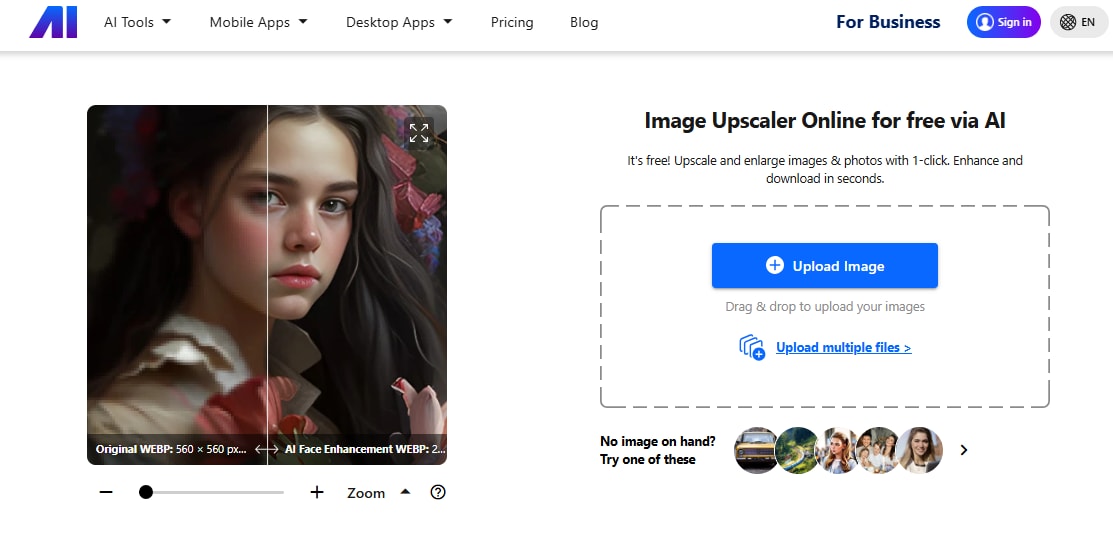
Nero AI Image Upscaler uses deep learning to capture fine details that most tools miss. It's great for portraits and landscapes. The interface is clean and simple. Just drag and drop your image, click upscale, and wait a few seconds. No ads and no confusing settings.
Batch processing is not available in the free version. The free version also adds a watermark to every image. To remove watermarks and get higher resolution output, you need the paid version. Pricing starts at around $39.95 per year. What makes Nero better than most is how it balances speed and detail. It upscales fast and sharp and doesn't over-sharpen the final image.
2. PixelCut
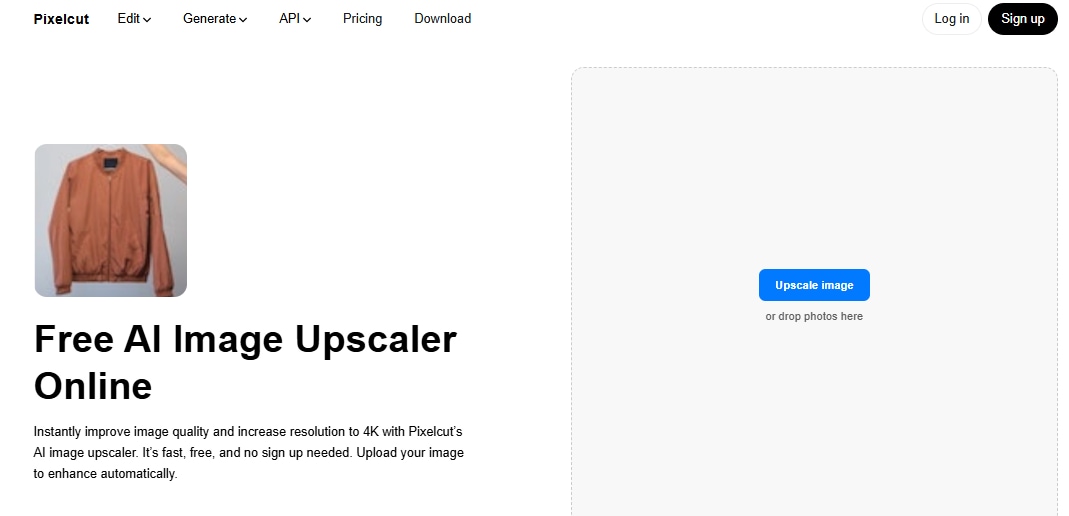
Pixelcut stands out for its one-click enhancement that sharpens blurry images without losing natural texture. It uses AI to boost resolution and detail while keeping the image clean and real. The interface is modern and beginner-friendly. You upload your image with one click and get a preview in seconds. No extra buttons or distractions.
You get 3 high-resolution upscales per day with no watermarks in the free plan. To remove limits and batch processing, you'll need the paid version. The Pro plan is about $8 per month when billed yearly. What makes Pixelcut better than most is speed. It delivers sharp results in seconds and is great for users who want a hassle-free process with clean outputs.
3. AI Image Upscaler
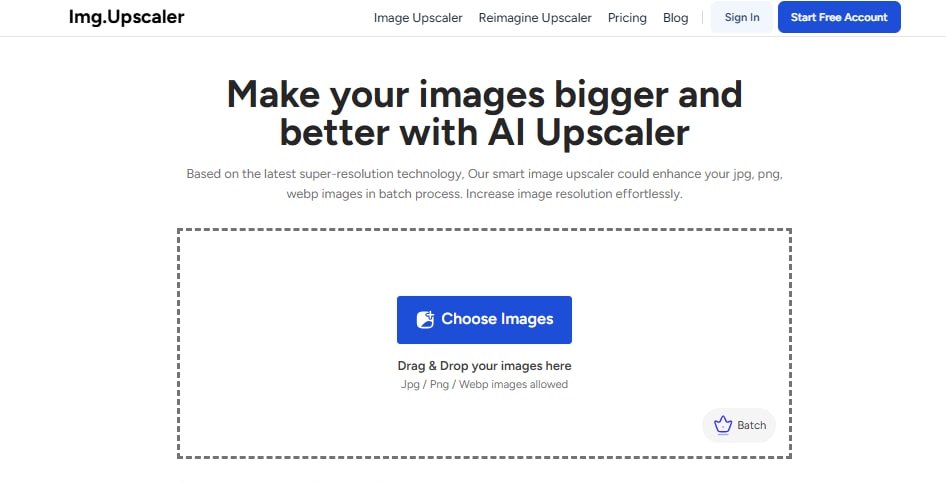
ImgUpscaler makes online upscaling easy and fast with AI to enlarge images up to 4x while keeping clarity. It uses simple ratio steps like 2x or 4x to boost resolution. The interface is minimal and clean. You drag and drop your file or click to upload. Then you choose a scale and go. Results appear in seconds with no clutter or ads.
Batch processing is locked behind paid tiers. Free users can only upscale one image at a time. Pro plans allow up to 8 images at once. The free tier gives 20 credits per month (one credit per image). Results are watermark-free. Paid plans start at $19 per year and go up to $69 for unlimited credits. The Starter tier includes batch tools and removes ads.
4. Cloudinary
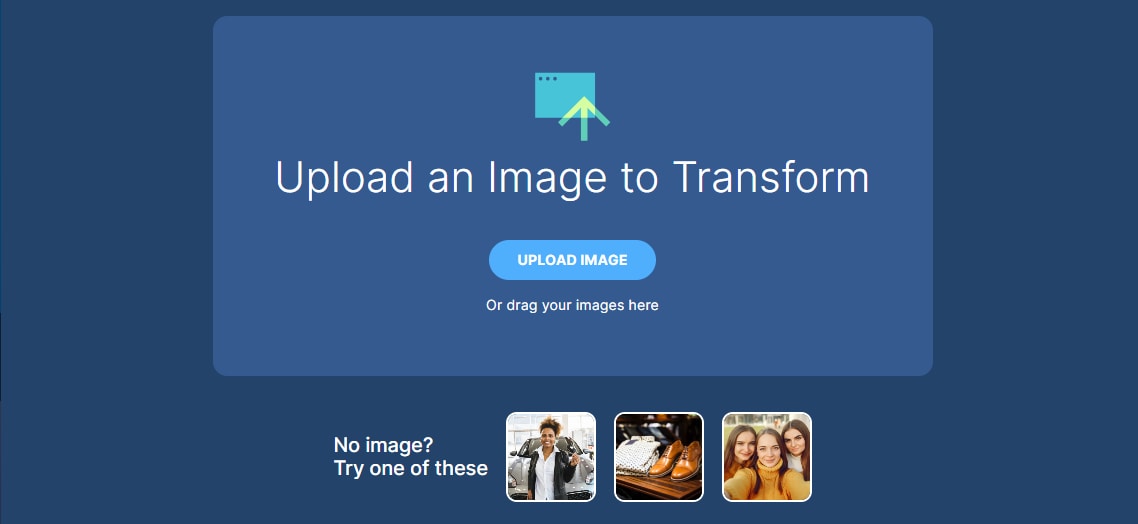
Cloudinary stands out with its full media workflow platform that handles AI‑driven upscaling on the fly. It isn't just a single tool. It works in a browser and via API to upscale images seamlessly. The interface is minimal and focused. Drag and drop an image or use the free web tool. The result appears instantly. No ads, no clutter.
Cloudinary outperforms most tools with its seamless automation potential. It integrates into web workflows using APIs. That lets creators scale up images live on websites or apps without manual upload. The tool optimizes resolution and size intelligently while handling batch, format conversion, and generation in one platform.
5. Freepik
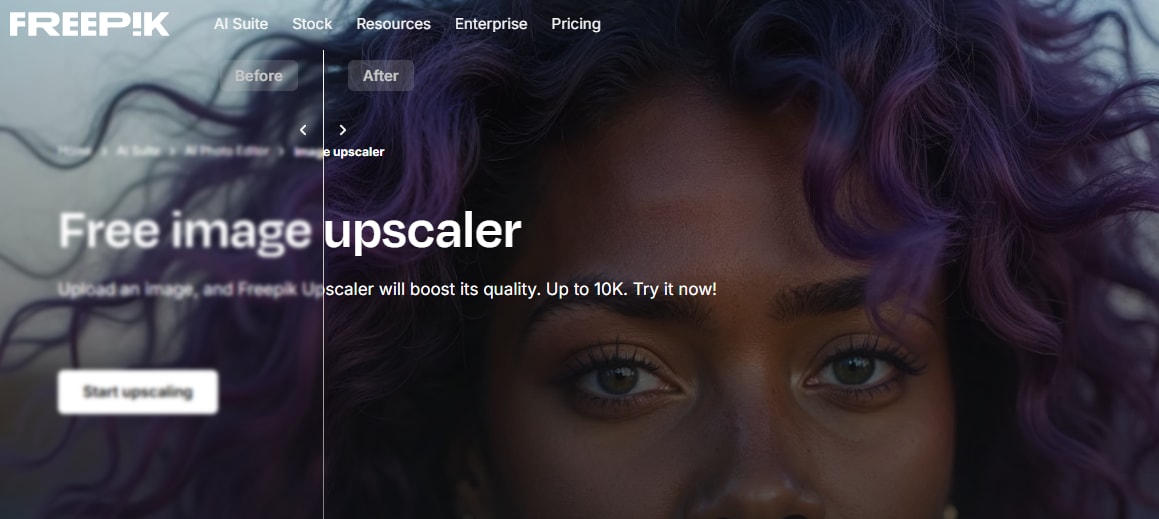
Freepik offers two AI modes for image enhancement. The Classic mode improves resolution and sharpness without changing the original look. The Magnific mode adds extra detail, making it useful for artwork and textures. The interface is clean and focused. You upload the image, choose the mode, and let the AI do the rest. It works directly in the browser and loads quickly.
The Classic mode is free to use. It also offers watermark-free downloads. Magnific mode requires a Premium or Pro plan. What makes Freepik different is the creative flexibility. You can use the Classic mode for quick upscaling or the Magnific mode for enhanced artistic detail. This balance works well for both everyday images and advanced design needs.
6. I Love IMG
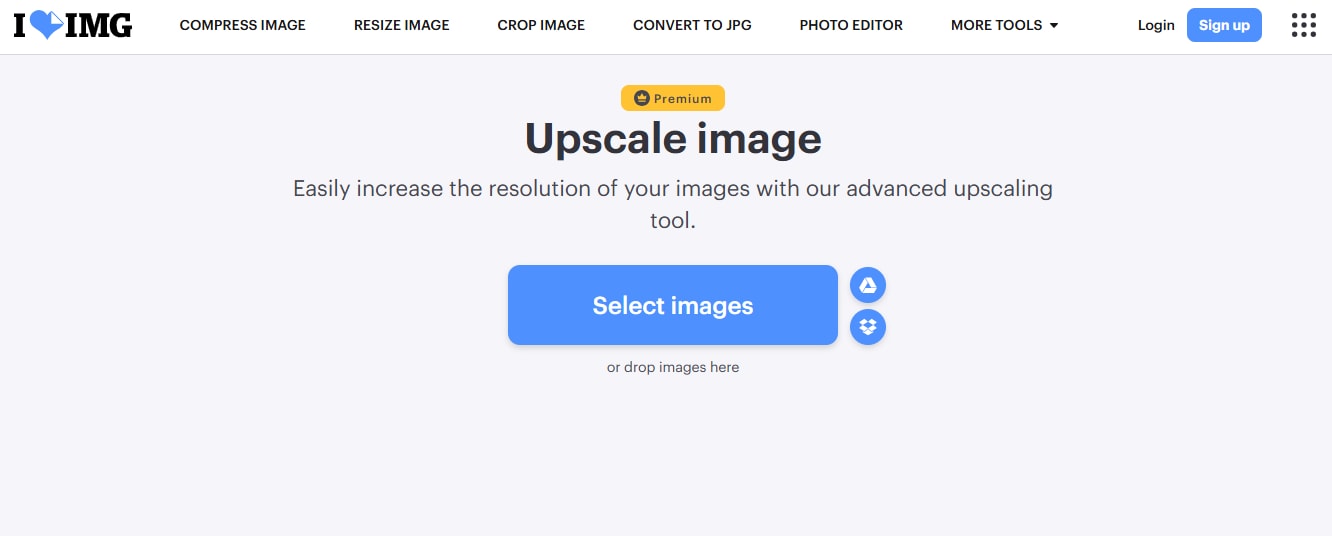
I love IMG keeps it simple. It only does one thing: make your images bigger and clearer with AI. Works in your browser and up to 4x. No fuss. Upload the file, hit the upscale button, and wait a few seconds. Everything is labeled so even a first timer can use it.
No batch processing. One image at a time. Free upscales are watermark-free, which is perfect for basic use. Supports JPG and PNG formats, which is great for general users. No advanced modes or AI settings. Just a quick and clean result without signing up or tweaking too many options. I love IMG is the way to go.
7. Clipdrop by Jasper
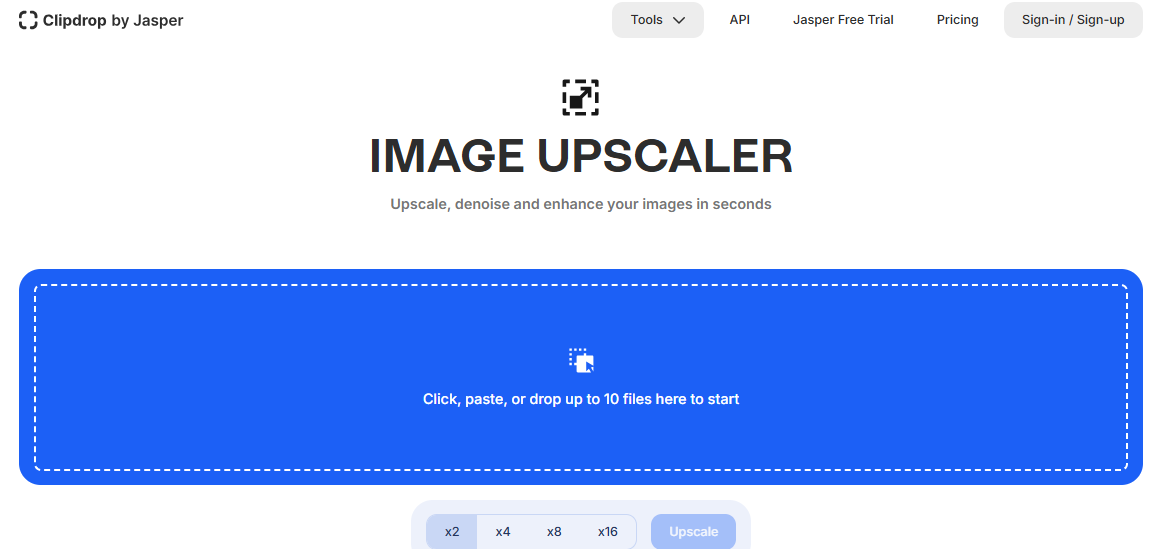
Clipdrop's AI Image Upscaler is fast and clean. It uses smart AI to boost resolution while keeping textures natural, especially on faces and product photos. It runs in the browser and has a modern, minimal interface. Just drag, drop, and upscale, that's it.
Free users can upscale 2x or 4x, but the output will have a watermark. To remove watermarks and get higher quality processing, you'll need the Pro plan. Batch uploads are only available for premium users, but Clipdrop is great for quick fixes. It's perfect for creators who want fast and high-quality previews before committing to a paid plan.
8. Upscale Image by Pixelbin.io
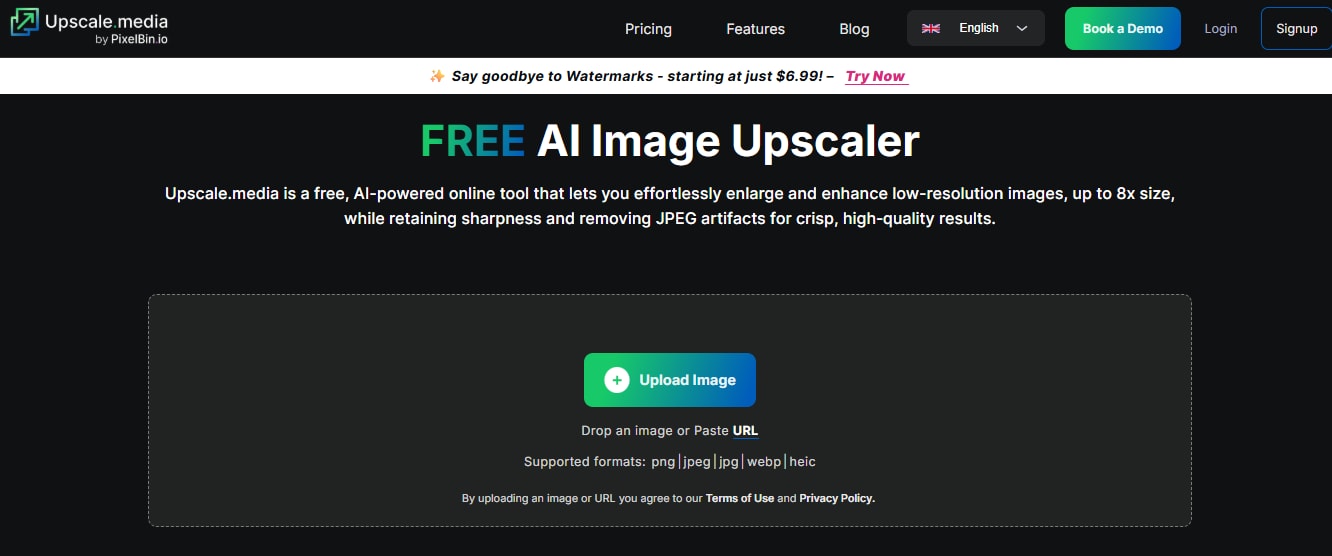
Upscale.media by Pixelbin is an online upscaler that upscales images up to 4x or 8x using AI. The interface is super simple: upload your image, choose the scale, and get an instant result. No ads or unnecessary steps, perfect for casual users and pros.
One of the best parts is that watermark-free downloads are available in the free version. But if you need bulk upscaling or advanced settings, you'll need a premium plan. Pricing starts at $6.99/month. Overall, Upscale.media stands out for clean output with minimal effort and is great if you want quality without the clutter.
9. Let's Enhance
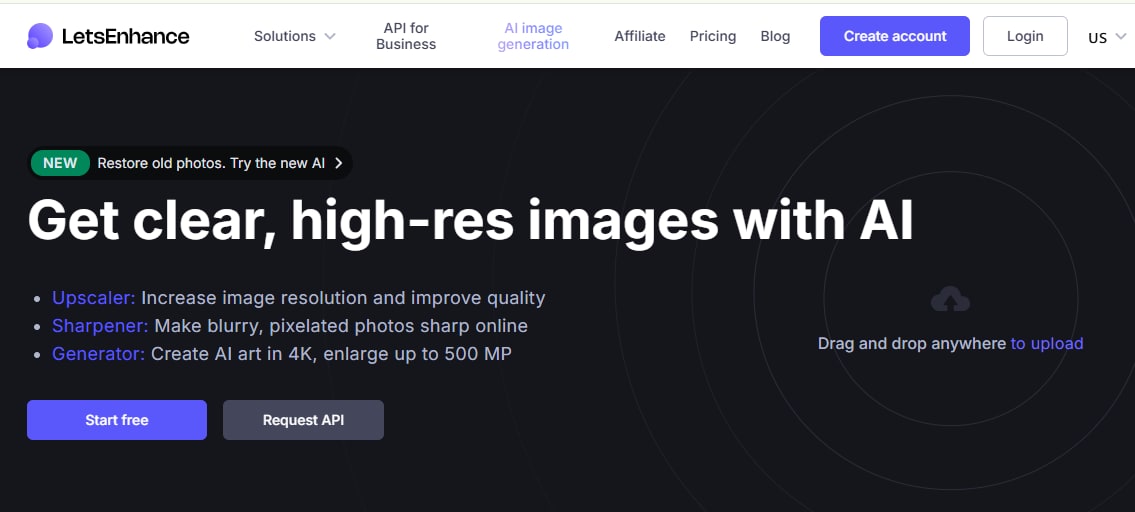
Let's Enhance is known for its detailed upscaling that goes beyond just enlarging the image. It restores lost textures, balances lighting, and even adjusts colors depending on the mode you choose. The tool has several enhancement options like Photo, Art, and Digital, so you can fine-tune the results to your needs.
Free plan includes 10 watermark-free credits per month. To access batch tools, higher output resolution, and more control, you'll need a paid subscription starting at $9/ month. With its creative flexibility and high-end results, Let's Enhance is perfect for designers, marketers, and anyone who wants pro-level enhancements without diving into Photoshop.
Part 3: Detailed Comparison of 9 Free Logo Enhancers
Here's a clear comparison of the nine top tools. We've reviewed each based on supported file types, ease of use, what's included in the free plan, watermark rules, and which use cases they suit best.
| Tool |
Supported Formats |
Ease of Use | Free Plan Limits | Watermark-Free | Best For |
| Nero Ai Upscaler | JPG, PNG | Easy to use with a clean interface | Free version adds a watermark to all exports | No | Ideal for quick personal use where watermarks don’t matter |
| Pixelcut | JPG, PNG | Very user-friendly, especially for beginners | Allows three high-resolution upscales per day | Yes | Great for mobile users and creators on the go |
| ImgUpscaler | JPG, PNG | Minimalist and straightforward UI | Twenty free images per month, one at a time | Yes | Good for quick resolution, boost, and clarity fixes |
| Cloudinary | JPG, PNG, SVG, GIF | Slight learning curve due to developer tools | API-based free usage with limits | Yes | Best for developers integrating into websites or apps |
| Freepik | JPF, PNG | Simple process with mode options | Classic mode is free, Magnific mode requires a premium | Yes (in Classic mode) | Suitable for designers working on artistic or detailed visuals |
| I Love IMG | JPG, PNG | Very simple, no sign-up needed | Unlimited single-image upscales | Yes | Perfect for casual or one-time users |
| Clipdrop | JPG, PNG | Smooth workflow and instant previews | Free up-scales include a watermark | No | Works well for product shots and social content |
| Upscale.media | JPG, PNG, WebP | Polished and easy to navigate | Free version offers upscaling with limited batch access | Yes | Recommended for logo enhancement without complexity |
| Let’s Enhance | JPG, PNG | Clean design and flexible enhancement options | Ten free credits each month | Yes | Best for users needing more creative control and custom modes |
- Best for quick and easy upscaling: Pixelcut, Upscale.media
- Best for product photos and eCommerce images: Pixelcut, Let's Enhance
- Best for logos and transparent PNG files: Cloudinary, Upscale.media
- Best for artwork and texture-rich images: Freepik
- Best for automated workflows and developers: Cloudinary
Part 4: Bonus: How to Easily Batch Enhance Images to 8x on Desktop
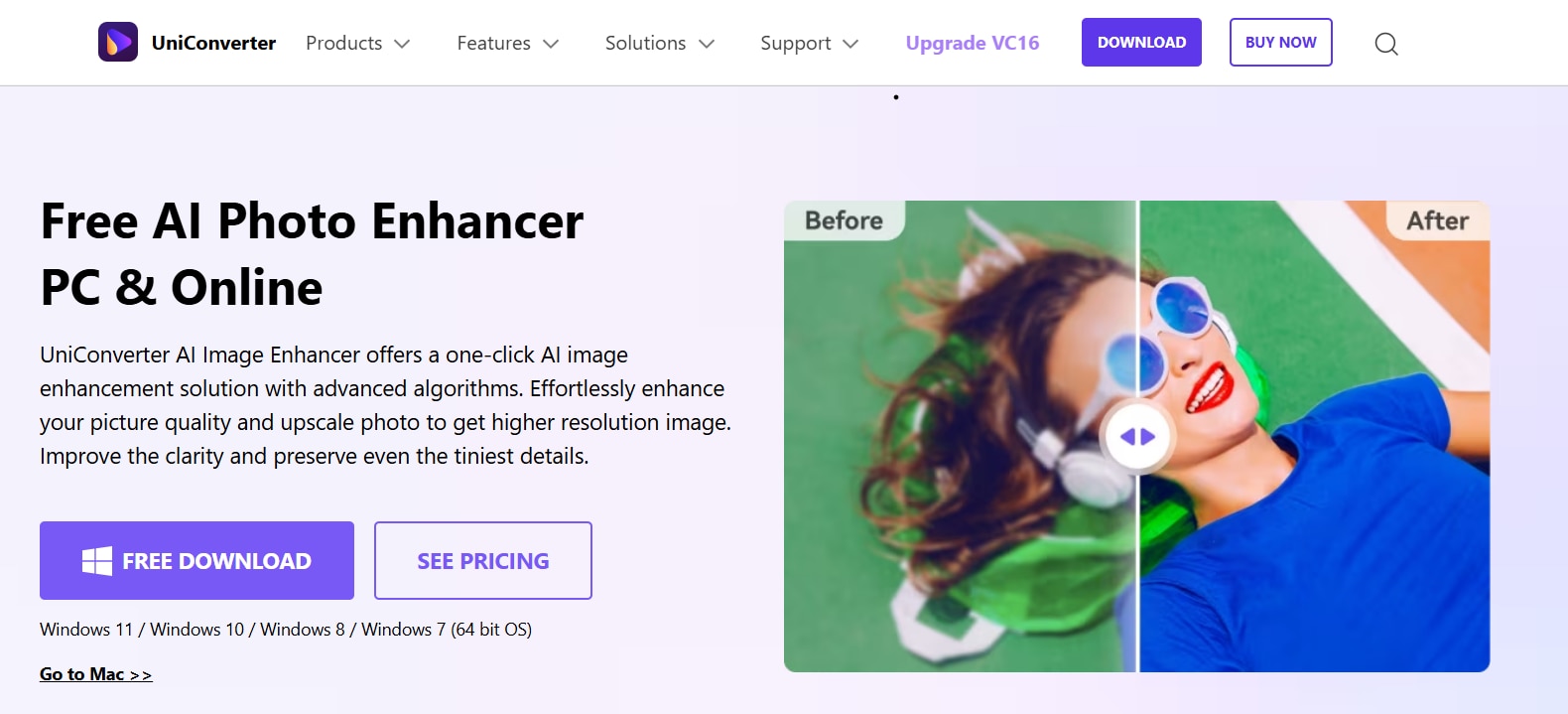
Online tools are good for quick fixes but fall short when you need to upscale multiple images at once or go beyond 4×. That's where Wondershare UniConverter comes in, a desktop solution that lets you batch upscale images up to 8× with AI. UniConverter is more than just a video tool . It's built-in AI Image Enhancer upscales photos while preserving natural textures and sharpness. It's perfect for product catalogs, design assets, or large sets of images.
Once installed, it works offline and includes a full suite of multimedia features for editing videos, converting file formats, and more. Here's what makes it stand out:
- Batch processing for multiple image files at once
- AI-powered upscaling up to 8x resolution
- Built-in tools for video, audio, and format conversion
- No internet needed after installation
- Intuitive, beginner-friendly interface
Now, let's have a look at how Unicoverter can enhance images to 8x resolution.
Step 1: Download UniConverter from the official Wondershare website and install the latest version on your PC or Mac.

Easy to Use Batch 8x Image Enhancer
Step 2: Open UniConverter, go to the More Tools section, and click Image Enhancer under the Image category.
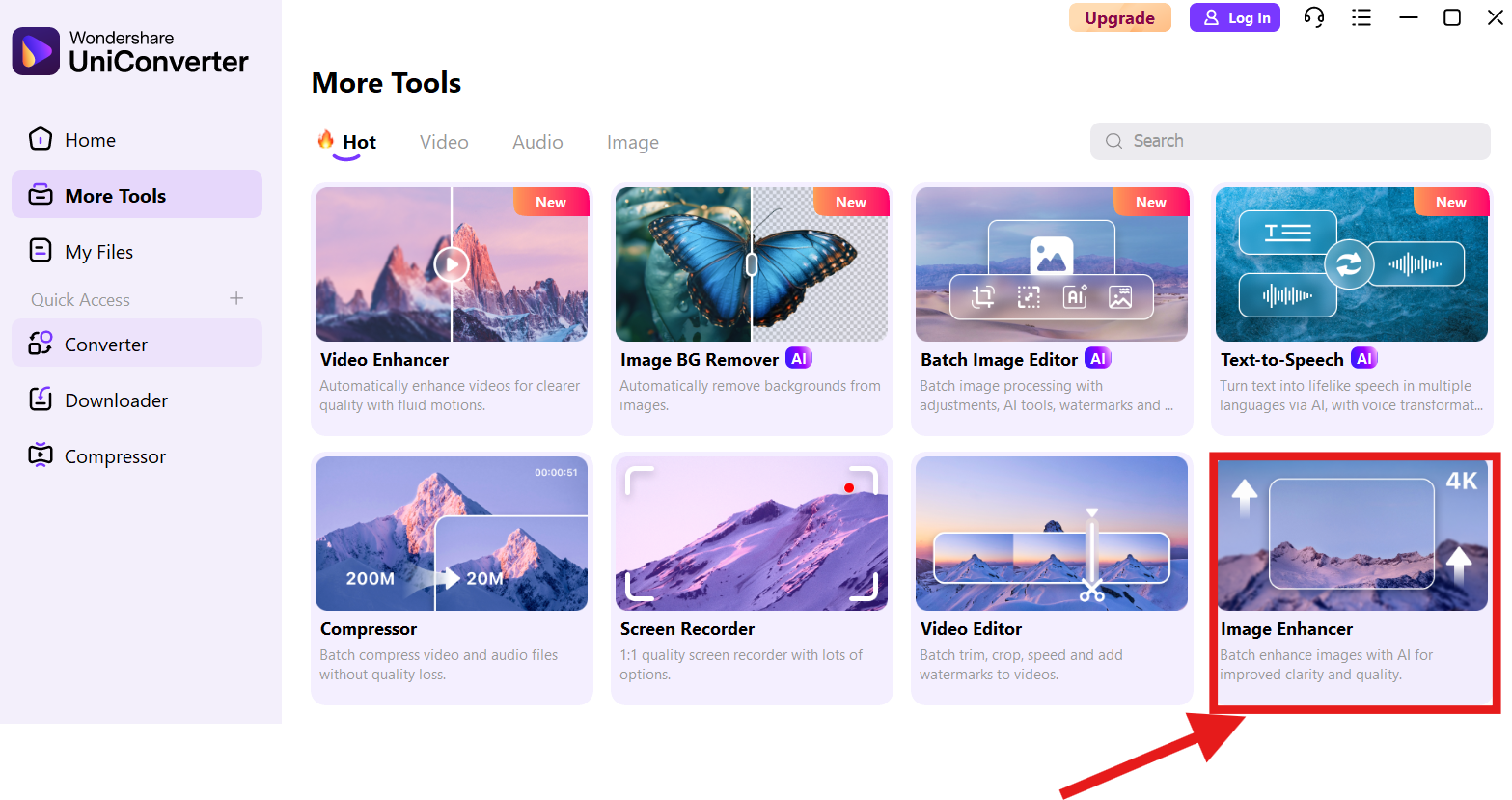
Step 3: From the enhancement tools, choose the Image Upscaler.
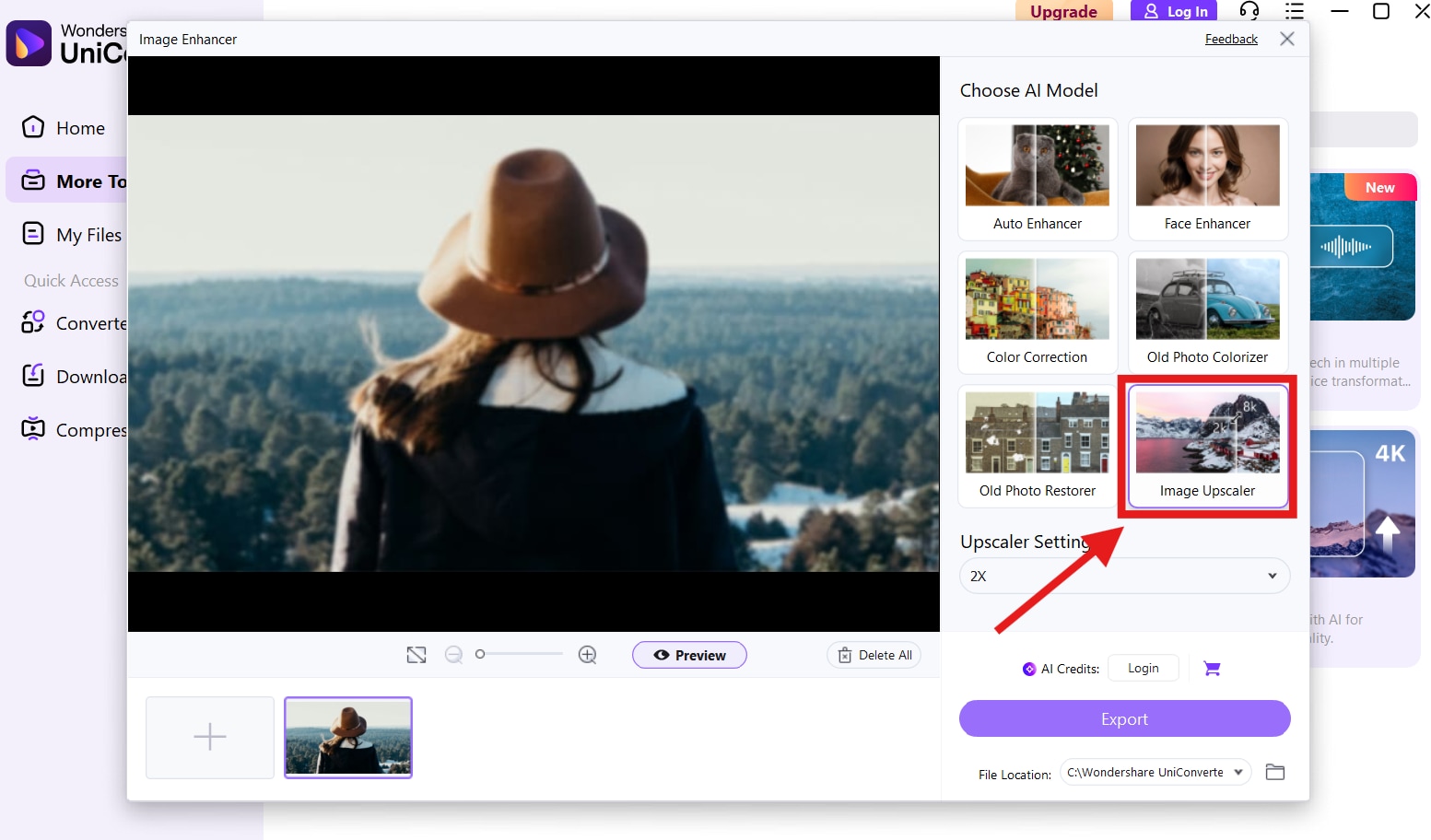
Step 4: Select the upscaling ratio you need, such as 2x, 4x, or 8x, preview the result, and click Export to save the enhanced image.
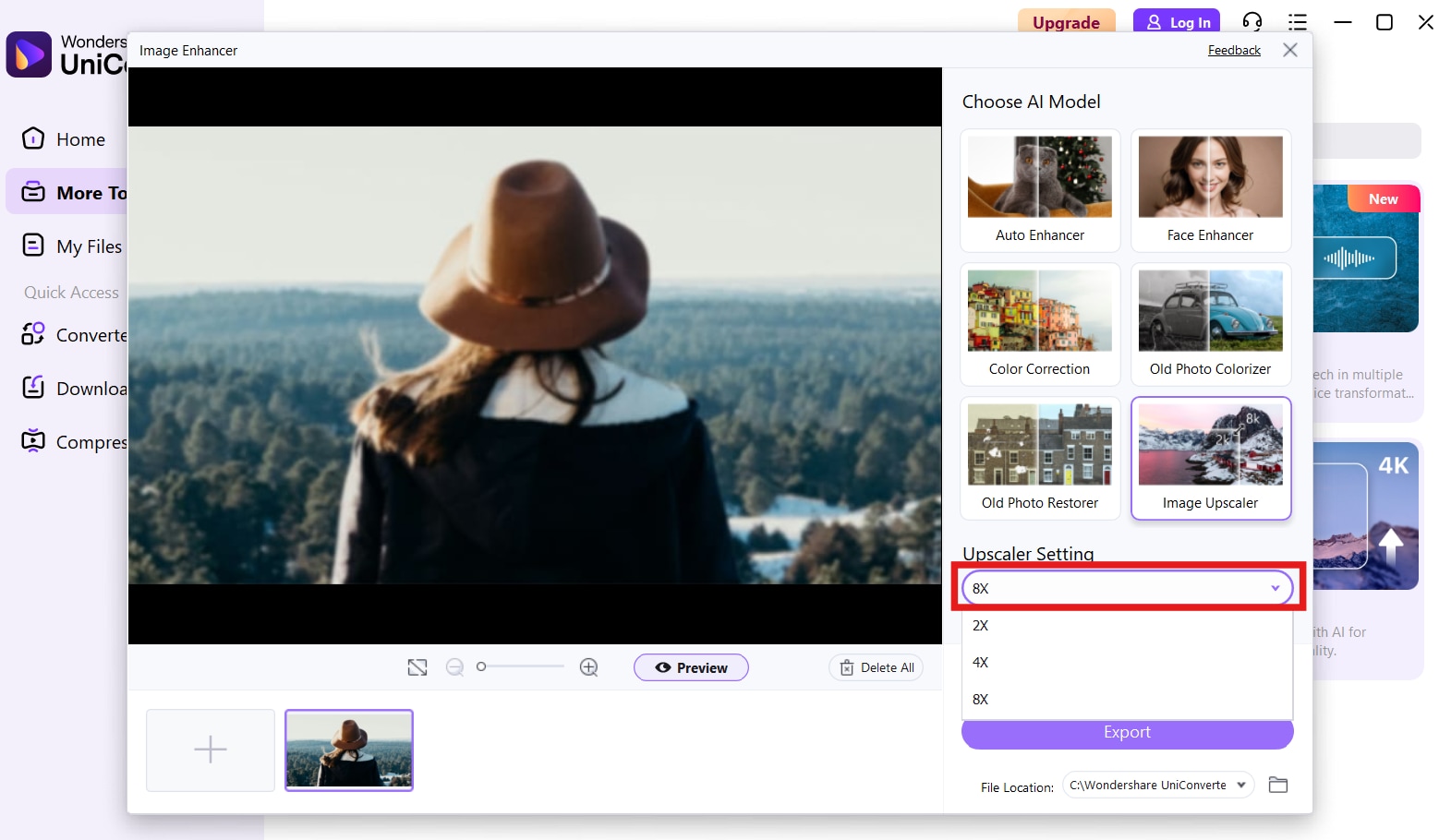
With everything clearly labeled and accessible in one dashboard, the process feels smooth and frustration-free. Whether you're working on product shots, social content, or personal photos, UniConverter helps you get professional results without complex steps.
Final Note
Image quality matters whether you're sharing on social media, designing a website, or enhancing product photos. The good news is you don't need expensive software to get high-resolution results. With the right online upscaler, you can get clarity and sharpness and give your images a pro look in just a few clicks. And if you're working with large batches or need more power, UniConverter is a great desktop option that takes care of everything.
Try a few of these out and see which one fits your workflow. Whether you're editing logos, portraits, or graphics, these upscalers will turn low-quality images into crisp, clean visuals, no design background required.
FAQs
Can online AI image upscalers really improve old or low-resolution photos?
Yes, online AI image upscalers can often make old or low-resolution photos look clearer by increasing resolution and recovering some lost detail. The final result still depends on the original image quality, so heavily blurred or highly compressed photos may improve only to a certain extent.
Do I need to install software to use an online image upscaler?
No, most online image upscalers work directly in your browser. You usually just upload an image, wait for processing, and download the result. This makes them convenient for quick edits without using desktop software.
Are online image upscalers suitable for logos and graphics?
They can be, especially when you need to enlarge simple graphics for presentations, websites, or product listings. However, results may vary depending on whether the tool preserves clean edges, text sharpness, and transparent backgrounds.
Is there a size limit when using online AI upscalers?
In many cases, yes. Online tools often limit upload size, output resolution, or the number of free credits available each day or month. If you work with very large files or many images at once, those limits can become a practical issue.
Are online photo enhancer tools safe for personal images?
Most well-known tools are generally safe for normal use, but it is still smart to check the platform’s privacy policy before uploading sensitive images. If your files contain private, commercial, or client-related content, you may want to use a more trusted service or an offline alternative.

