


You know the feeling; you leave the meeting or lecture and realize half of your notes are incomplete, or worse, you missed an important detail while trying to keep up. An AI note taker helps solve exactly that. Instead of splitting your focus between listening and typing, it captures the conversation for you and turns it into clear and searchable notes. From quick transcripts to clean summaries, the right AI note-taking app saves time and reduces stress.
In this guide, you will find the best free and paid AI note takers in 2025 and where they can make the most sense for your work, study, and personal use.
In this article
Part 1. Where an AI Note Taker Helps
AI note takers increase productivity across six critical scenarios where capturing accurate word-to-word information with a traditional note-taking method may split your attention:
Business and Professional Meetings: When you stay engaged in meetings, AI automatically captures decisions, assigns action items, and tracks follow-ups. Now you can maintain eye contact and lead conversations instead of keeping attention on making notes.
Lectures and Academic Classes: Instead of listening to recorded lectures on repeat for any specific point, you can upload to record audio to an AI note taker, and it will automatically generate summaries, key concept extractions, and study materials. This way, AI improves comprehension and retention through written study guides.
Interviews and Journalistic Work: You can capture verbatim quotes with precise timestamps for easy reference and fact-checking. AI transcription achieves up to 90% accuracy while extracting key themes and generating searchable notes.
Creative Sessions: You can document every idea without interrupting creative flow, then use AI to identify patterns, connections, and actionable insights across multiple sessions.
Medical and Legal Consultations: AI generates compliance-ready transcripts with speaker identification and timestamp accuracy for patient records or legal documentation.
Personal Productivity and Lifelong Learning: AI can turn voice memos, meeting notes, and research materials into organized knowledge bases that surface relevant information when needed. AI connects related concepts across different sessions as well.

Easy to Use AI Note Taker
Part 2. Best 10 AI Note Takers For Different Use Cases
Here is the list of the best 10 AI note takers that you can use for recorded lectures, meetings, conferences, or even sales calls.
1. Wondershare UniConverter
Sometimes, when the meeting organizer forgets to add the AI bot to the meeting to take notes in real-time, do not worry; you can record the whole meeting, and instead of taking notes manually, upload that recorded file to Wondershare UniConverter. It will turn your speech into text in 13 different languages. All you need to upload the pre-recorded lectures, meetings, and interview recordings to UniConverter, choose the language, and it will turn into readable notes in minutes. This way, it also overcomes the language barrier.
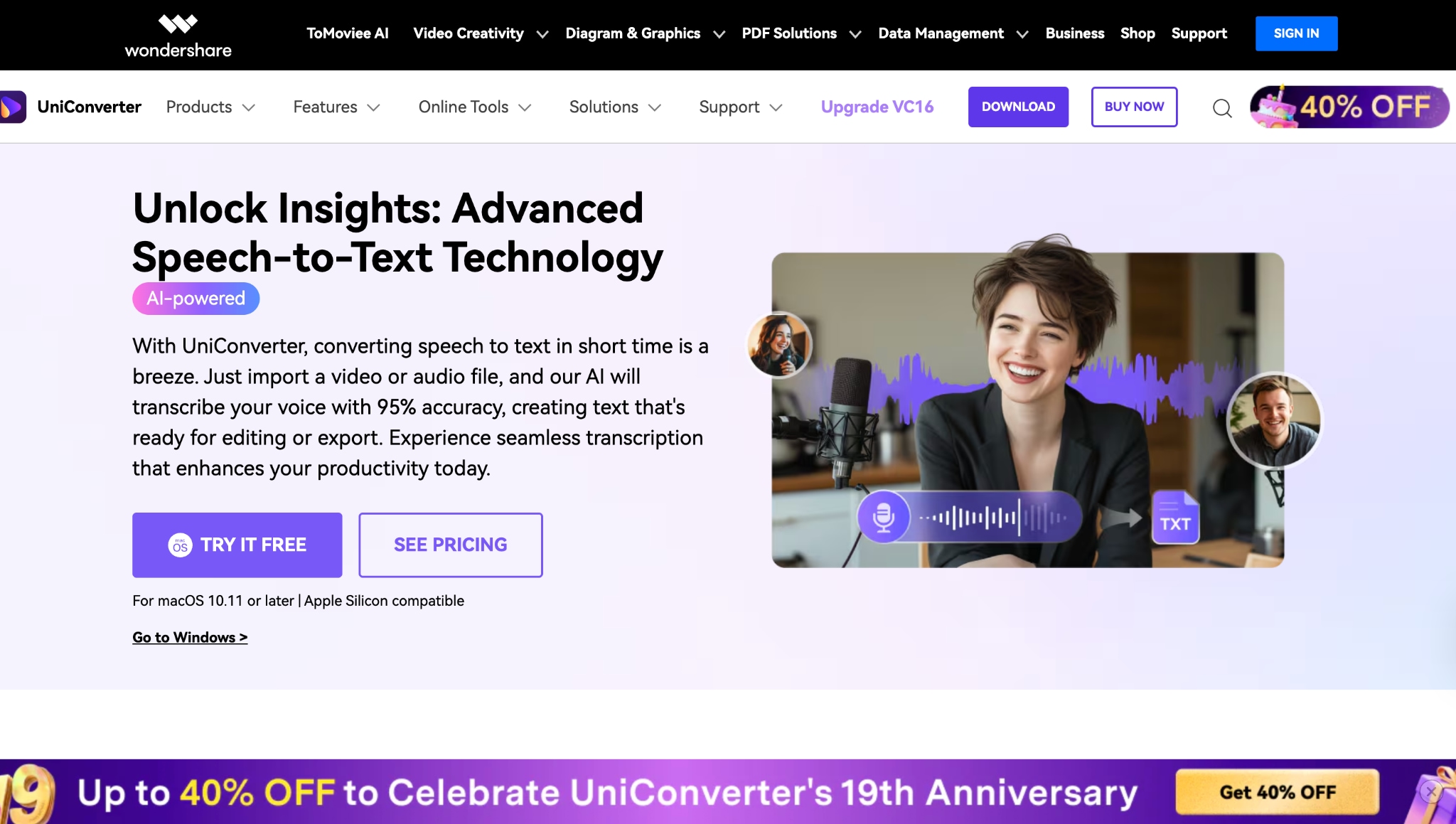
Best for: Content creators, podcasters, businesses, students, and video professionals who need transcription while converting media files.
"Wondershare UniConverter makes converting 4K and 8K video files a breeze, ensuring high-speed performance. Additionally, it simplifies video compression, all while offering an intuitive and user-friendly interface for seamless navigation." (G2)
2. JotMe
JotMe offers multilingual meetings with contextual AI translation, meeting notes, and transcription in over 70 languages. Unlike traditional word-for-word translators, JotMe understands industry context, nuance, and domain knowledge to deliver accurate meaning rather than literal translations. The platform works directly through system audio on Mac and Windows without requiring meeting bots to join calls.
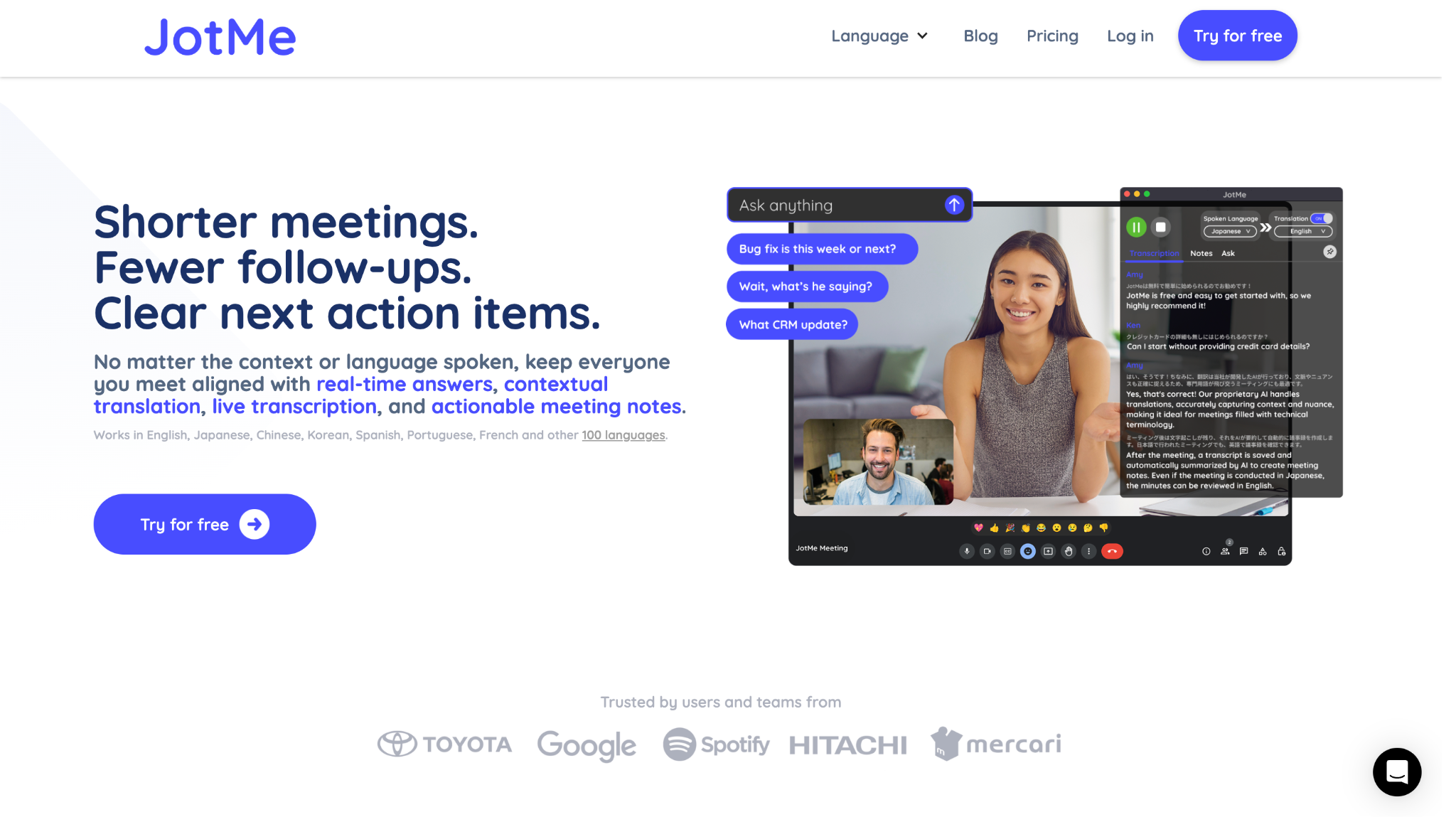
Best for: International teams, sales professionals, and customer success managers conducting multilingual business meetings requiring contextual understanding.
3. Notta
Notta delivers comprehensive AI transcription services across mobile, desktop, and web platforms with 98.8% accuracy in 58 languages. The platform combines real-time meeting transcription with powerful AI analysis tools for generating summaries, action items, and searchable meeting archives.
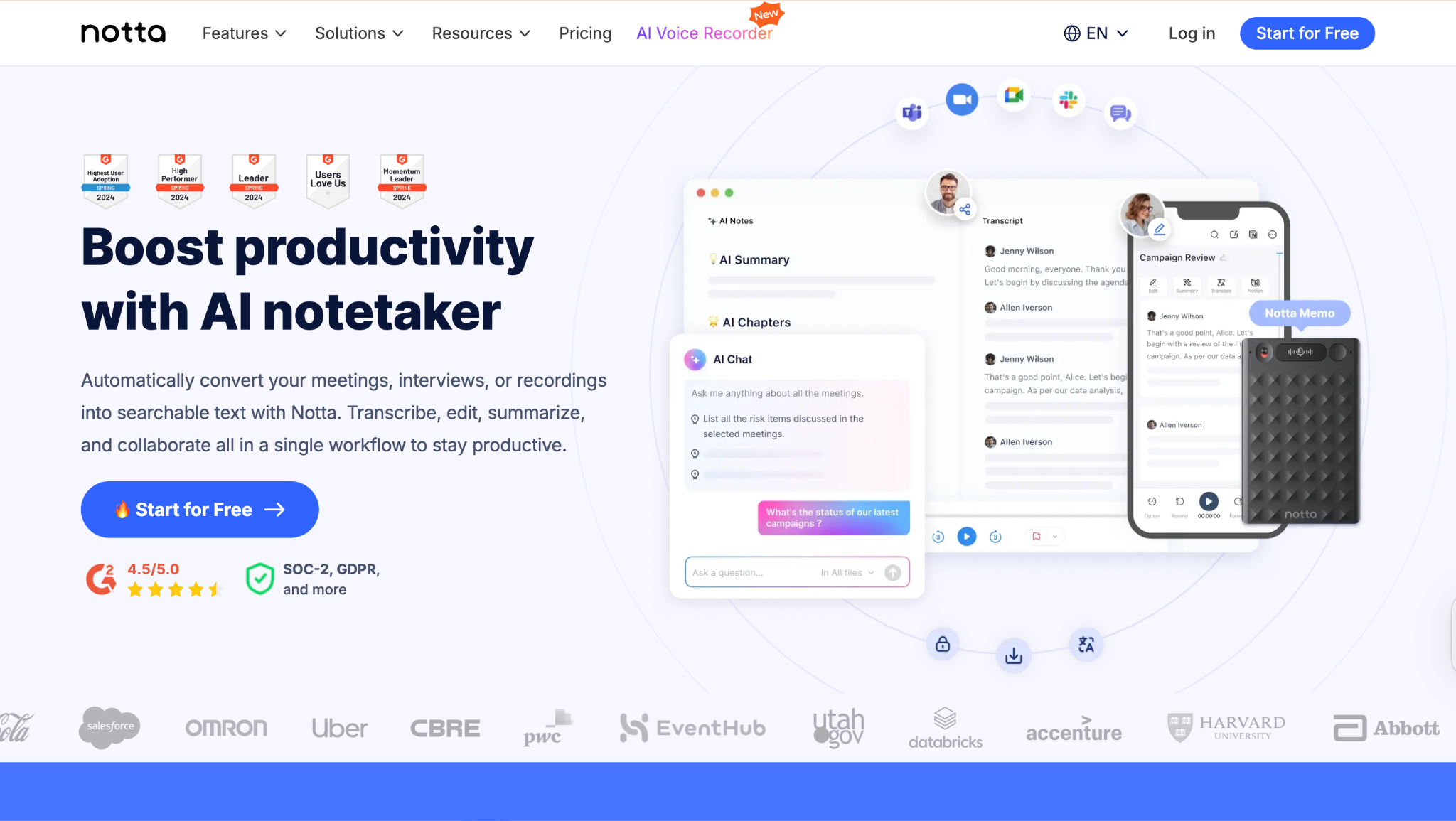
Best for: Sales teams and students who need flexible transcription access across multiple devices and platforms.
"The cross-platform sync is game-changing for remote work. I start recordings on mobile and finish reviewing summaries on desktop seamlessly." (Reddit)
4. Otter.ai
Otter.ai fits into your workflow when searching for the best AI note-taking experience: you simply schedule your Zoom, Teams, or Google Meet, and OtterPilot automatically joins and starts transcribing every word as it happens. With 95% accuracy in speaker identification and instant keyword extraction, Otter.ai, an AI note taker, makes it easy to generate actionable meeting notes and summaries for any type of discussion—no more juggling sticky notes or scrambling after meetings.
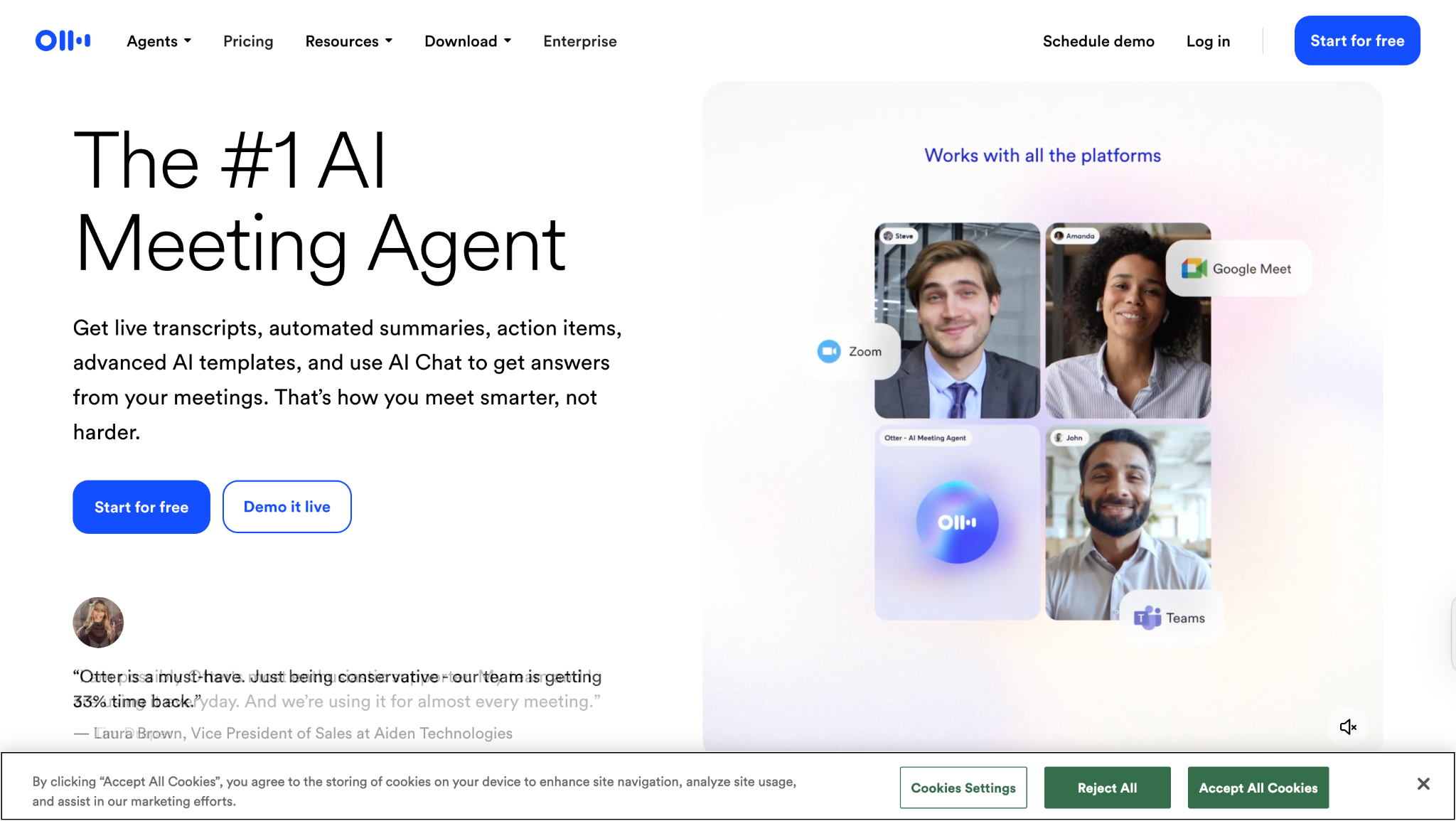
Best for: Project managers and team leads who want all their conversations, action items, and follow-ups organized in one searchable place by their AI note-taking app.
"The automatic CRM updates save hours of manual data entry, but I wish the bot joining meetings was more customizable for sensitive client calls." (Reddit)
Easy to Use AI Note Taker
5. Rev
Rev provides dual-option transcription services combining instant AI transcription with 99% accurate human-verified transcripts through a single platform. The service specializes in professional-grade transcription with advanced security features and custom workflow integrations for enterprise clients.
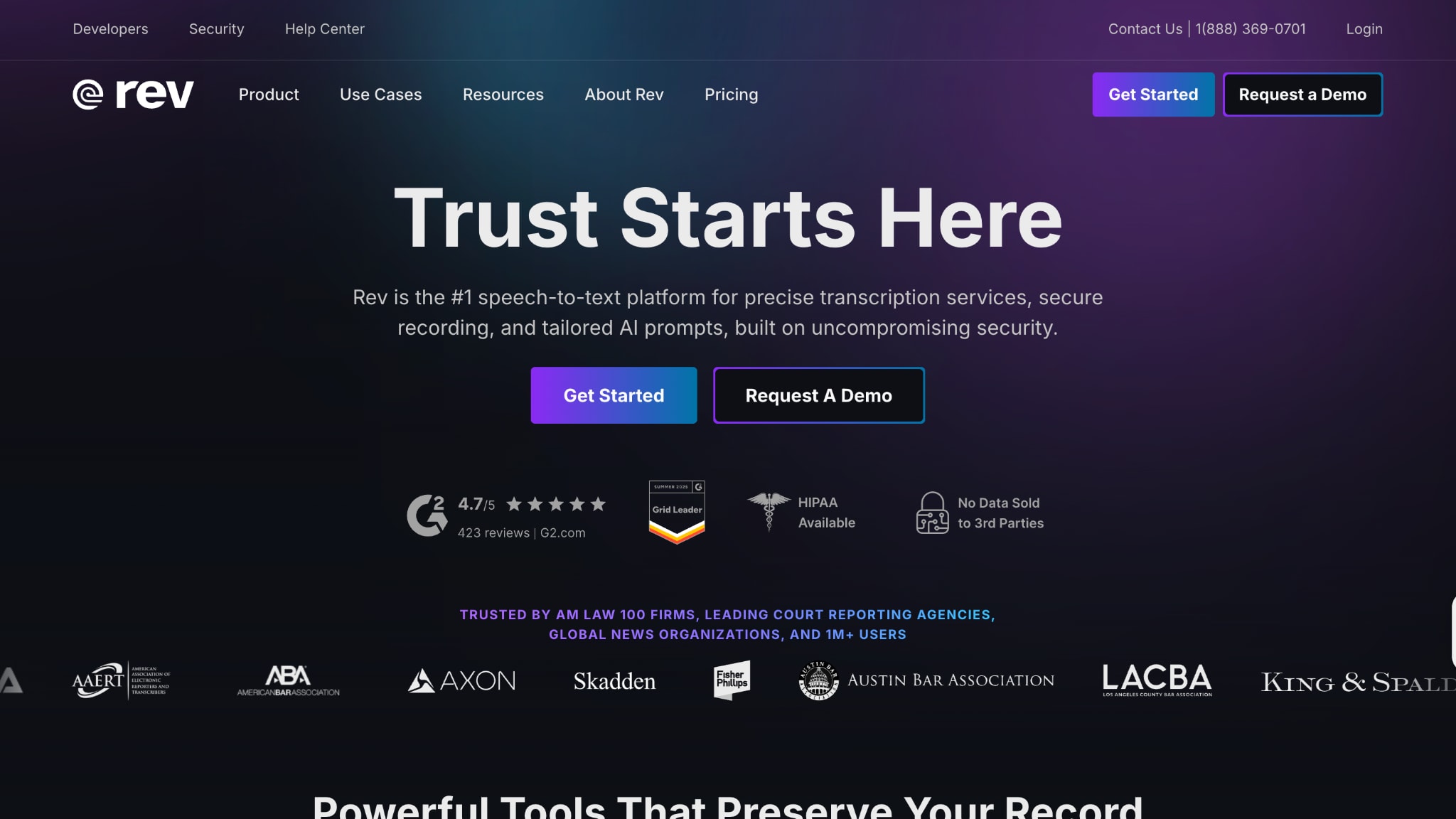
Best for: Legal professionals, researchers, and media companies requiring highly accurate transcripts with human verification options.
"Rev's human verification option is essential for legal depositions – AI draft comes in 5 minutes, then human-polished accuracy when court deadlines demand perfection." (G2)
6. Notion AI
Notion AI Meeting Notes integrates directly into Notion workspaces, allowing teams to record audio, generate transcriptions, and create actionable meeting summaries without leaving their existing project management environment. The feature combines local recording with AI analysis to maintain data privacy while leveraging powerful summarization capabilities.
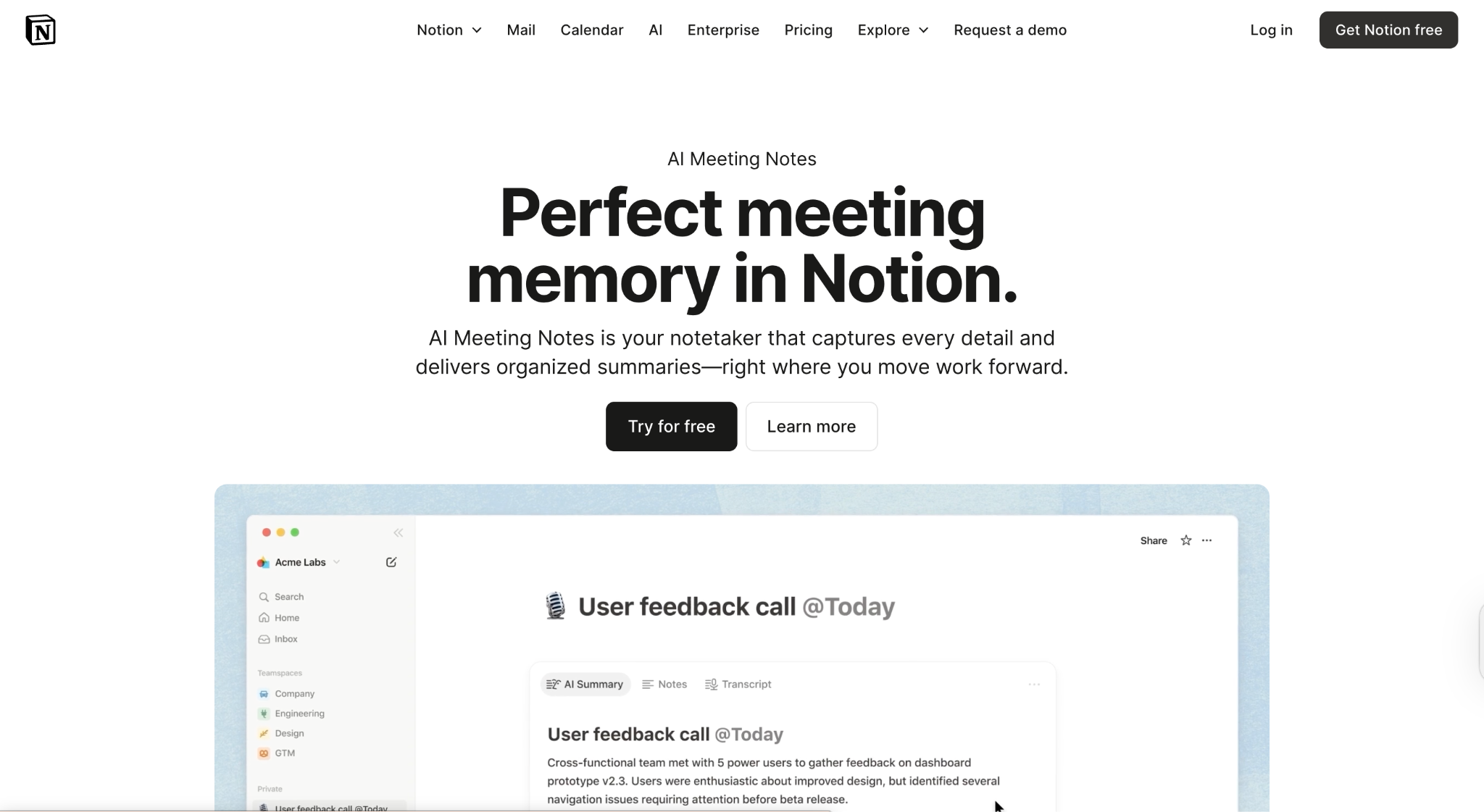
Best for: Project managers who want integrated meeting documentation without switching platforms.
"The local recording approach gives us complete control over sensitive client discussions while still getting AI-powered summaries." (Reddit)
7. tl;dv
tl;dv specializes in meeting video analysis and insight extraction, automatically recording Zoom, Google Meet, and Microsoft Teams calls while generating timestamped highlights and searchable transcripts. The platform excels at identifying key moments and creating shareable video clips for team collaboration and training purposes.
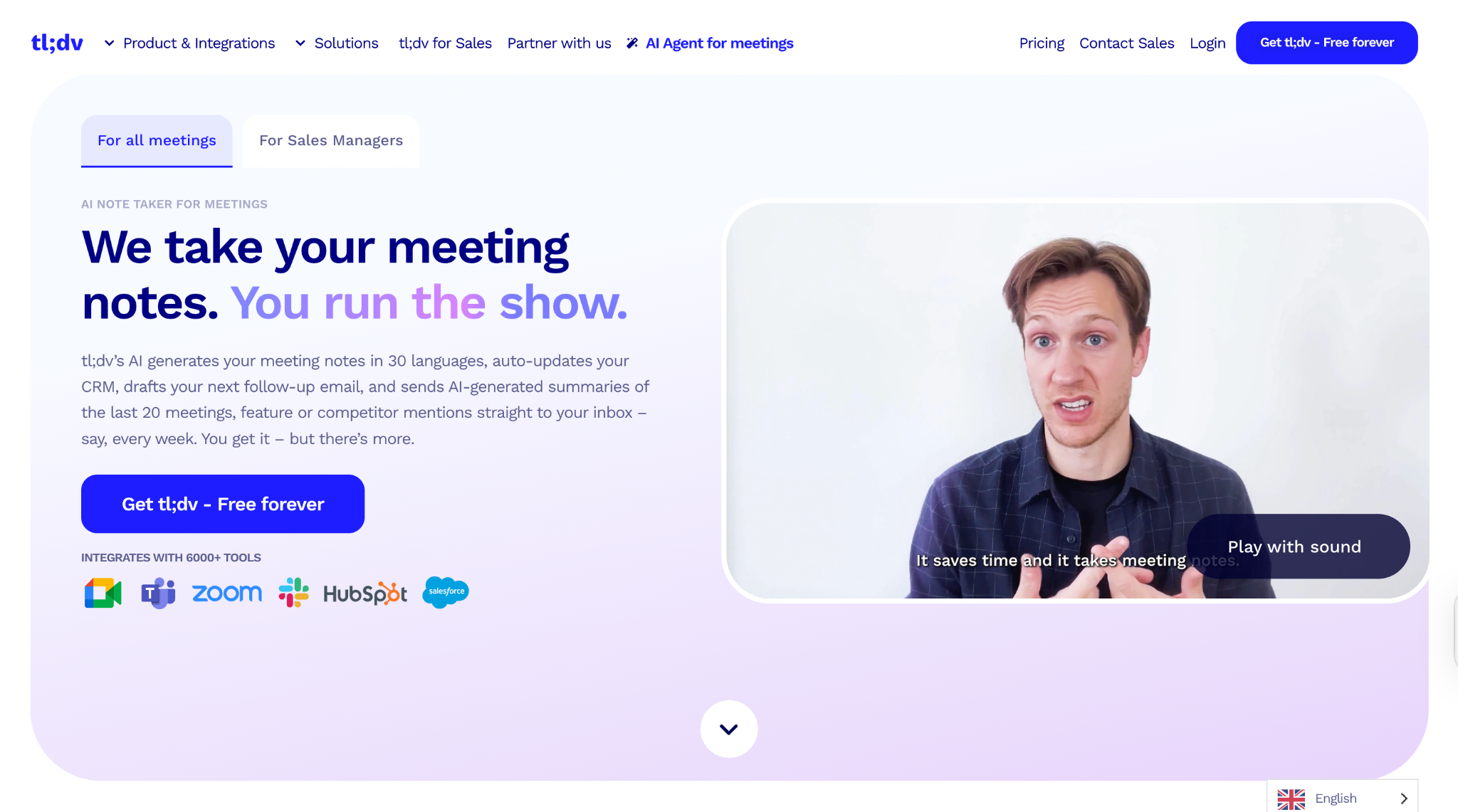
Best for: Product managers, UX researchers, and sales teams who need to analyze meeting content and extract actionable insights from customer feedback.
"tl;dv transformed our user research process – I can ask the AI about specific features mentioned across 20 customer interviews and get timestamped answers instantly." (G2)
8. Fellow
Fellow provides enterprise-grade meeting intelligence, combining pre-meeting preparation with post-call action item management and CRM synchronization. The platform offers comprehensive meeting analytics and team collaboration features designed for revenue teams and professional service organizations.
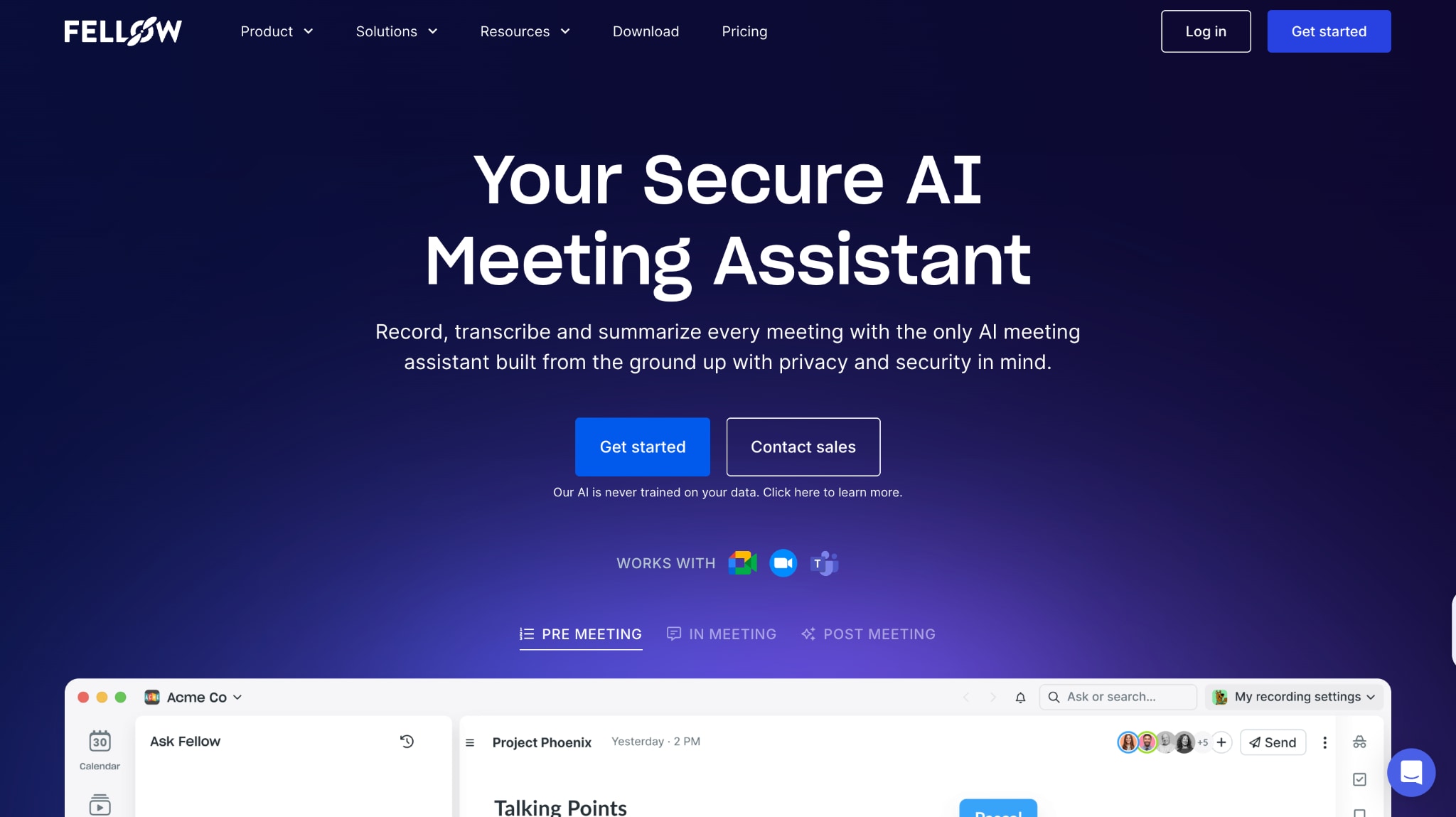
Best for: Revenue teams, account managers, and consultants who need detailed meeting intelligence integrated with sales workflows and client management systems.
"Fellow's CRM integration eliminated manual meeting follow-up work – deal stages update automatically, and action items sync perfectly with our sales process." (G2)
9. Fathom AI
Fathom AI note taker offers free meeting recording and transcription with instant AI summarization for Zoom, Google Meet, and Microsoft Teams. The platform focuses on simplicity and immediate value, providing comprehensive meeting intelligence without subscription limitations or feature restrictions.
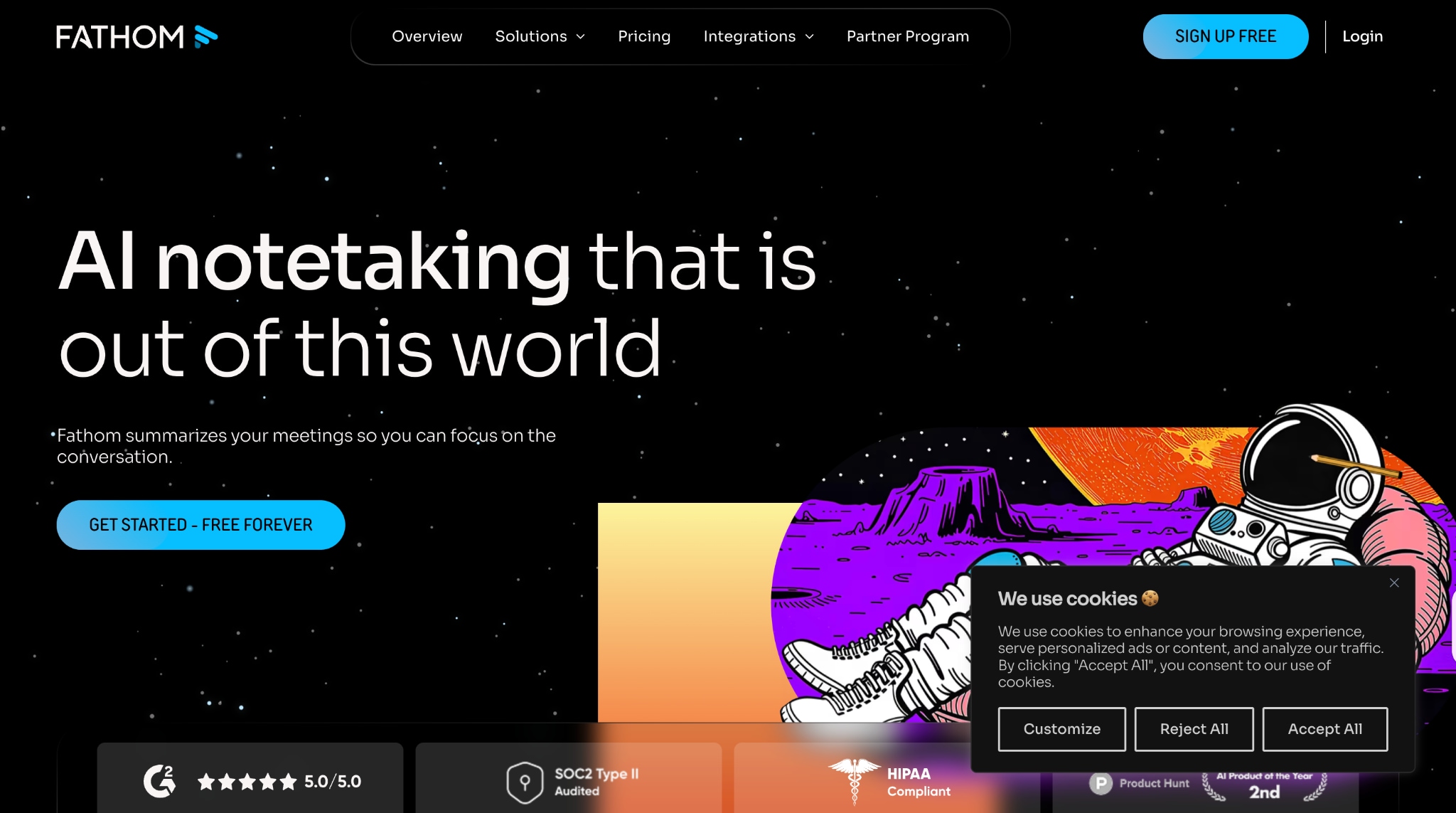
Best for: Consultants, freelancers, and startup teams who need comprehensive meeting documentation without ongoing subscription costs or usage limitations.
"The automatic follow-up email generation is brilliant – clients are impressed by the immediate professional summaries they receive." Capterra
Easy to Use AI Note Taker
10. Mem
Mem functions as an AI-powered "second brain" that organizes notes, meetings, emails, and voice memos while automatically creating connections between related information. The platform utilizes advanced AI to surface relevant context and generate insights from your entire knowledge base, rather than focusing solely on meeting transcription needs.
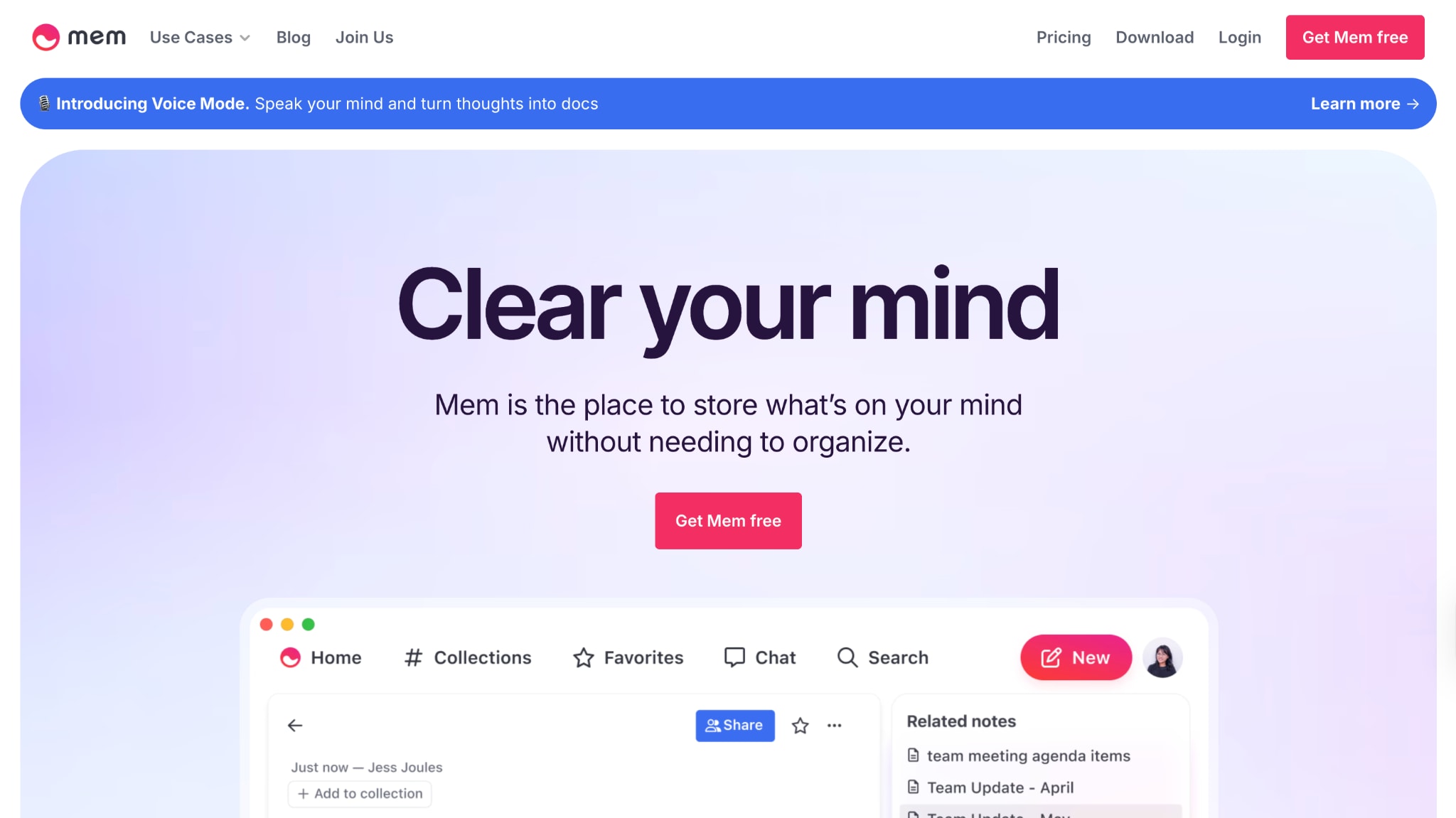
Best for: researchers and executives who need comprehensive information management.
I've heard many people, including mem.ai users, complaining about the software. Some say it's impractical, others say development has stopped, and it lacks necessary features. Is this true? Can anyone share their experience using mem.ai? Reddit
Part 3. Quick Comparison Table for the Best 10 AI Note Takers
Here is the comparison table of the best AI note takers, so you can make the right choice:
| Tool | Multiple Language Support | Batch Process Support | Media Format Support | Product Type |
|---|---|---|---|---|
| Wondershare UniConverter | Yes | Up to 20 files | Audio, Image & Video | Desktop Software |
| JotMe | Yes | – | Live meeting audio only | Chrome Extension / Desktop |
| Notta | Yes | Multiple file uploads | Audio, Video & Live meetings | Web / Mobile / Extension |
| Otter.ai | Yes (3 languages) | – | Live meeting audio only | Web / Mobile / Bot |
| Rev | Yes | Bulk file uploads | Audio & Video files | Web Platform |
| Notion AI | Yes | – | System & mic audio | Web / Mobile / Desktop |
| tl;dv | Yes | – | Zoom / Meet / Teams video | Web / Extension |
| Fellow | Yes | – | Zoom / Meet / Teams video | Web / Extension |
| Fathom | Yes | – | Zoom / Meet / Teams video | Desktop / Extension |
| Mem | No | Auto-organize | Text / Voice / Email | Web / Mobile / Desktop |
Conclusion
Choosing the right AI note taker in 2025 means finding the one that fits exactly how you work. Whether you want a media-friendly tool like Wondershare UniConverter, powerful live meeting capture with Otter.ai, or free unlimited transcription with Fathom, there's an option made for your workflow. You get features like multilingual support, seamless CRM syncing, and smart summaries without sacrificing accuracy or breaking the bank.
Think about your team size, security needs, and integrations, then pick your match. The right AI note taker can transform your meetings and help you never miss a thing again.
Easy to Use AI Note Taker
FAQs
-
1. Which AI note taker is completely free with unlimited usage?
Fathom offers unlimited meeting recordings and AI summaries with no usage restrictions on its free plan, making it ideal for small teams and freelancers. -
2. Can I batch process old audio files for transcription?
Yes. Wondershare UniConverter supports batch transcription of up to 20 files simultaneously, and services like Rev and Notta also offer bulk upload capabilities for archived content. -
3. Which AI note taker works best for multilingual teams?
JotMe excels with real-time translation across 77 languages during live meetings, while Wondershare UniConverter supports 130+ languages for file-based transcription. -
4. What's the best mobile-first AI note-taking solution?
Notta provides comprehensive iOS and Android apps with full transcription features, while Mem offers excellent mobile sync for broader knowledge management beyond meetings. -
5. Can AI note takers integrate with my existing CRM system?
Yes. Fellow, Fathom, and Otter.ai offer robust integrations with Salesforce and HubSpot for automatic meeting data sync and deal progression tracking.

