


Imagine you are a fan of action and love creating videos that sync your favorite music tracks with scenes from various shows. You have probably come across the term "AMV" but might be unsure about what exactly it means or how it works. It is a fan-made video format that originated as a way to combine clips from action TV shows.
However, users might need to convert the format to make their video accessible universally. If you are new to this genre and want to know more about this file format, read this article till the end. In this article, we will take you through everything you need to know about what is AMV and how you can convert it into other formats.
In this article
Part 1. What is AMV Video Format?
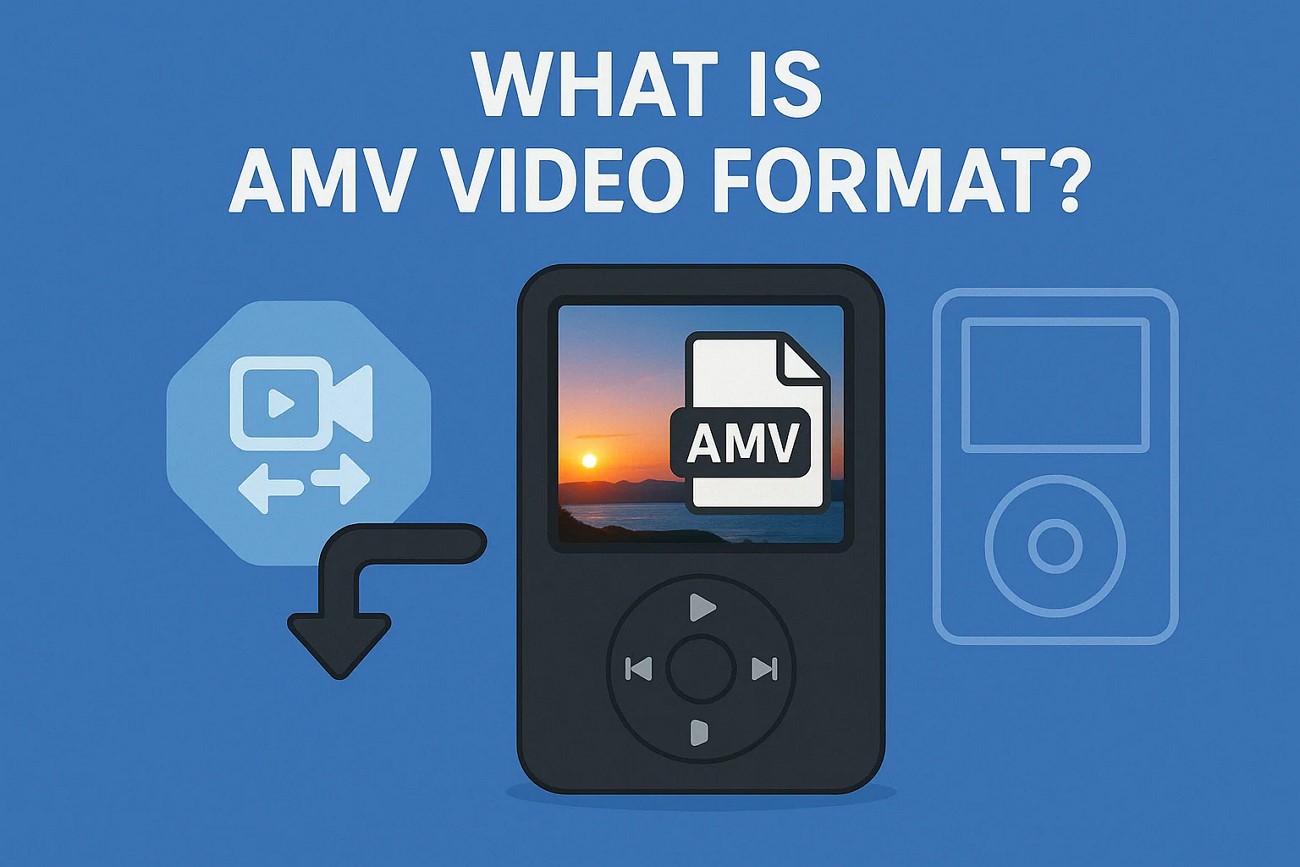
AMV stands for Actions Media Video, which is a video file format designed for Chinese portable media players. It was developed to cater to devices with limited processing power and storage, so it compresses video into low-resolution files.
AMV is most commonly used as a video format on affordable Chinese-made portable devices, which usually don't support mainstream formats like MP4 or AVI due to hardware constraints. These devices often come bundled with AMV video format converters, making it easy for users to convert their favorite media for on-the-go viewing.
Popular Use Cases of AMV Video Format
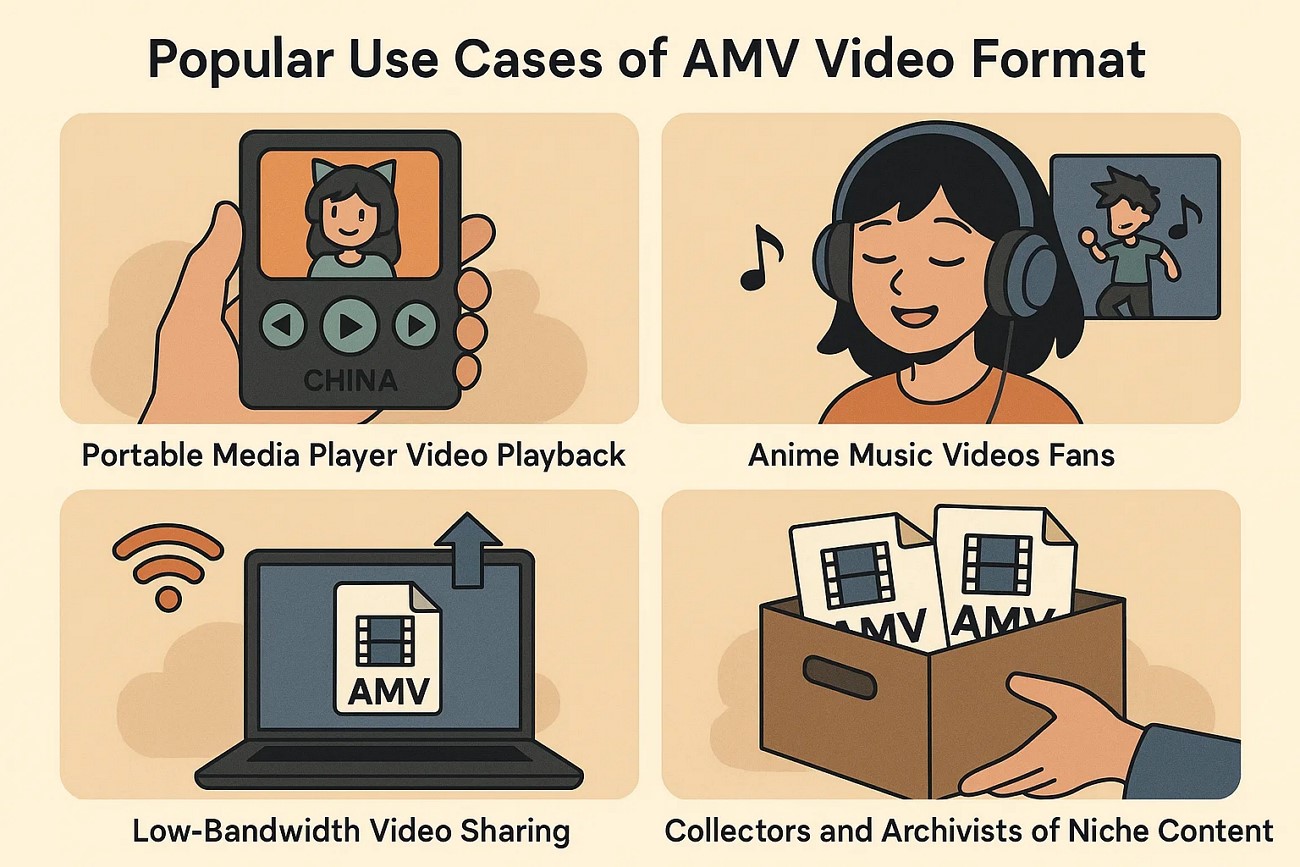
Here are several key use cases for the AMV video format, each catering to specific needs and user groups:
Portable Media Player Video Playback
One of the foremost use cases for AMV files is video playback on low-cost, Chinese-manufactured portable media players. Users who own these players rely on AMV to watch animated content without overwhelming their device’s hardware capabilities.
Anime Music Videos Fans
Anime fans often produce AMVs as tributes or creative expressions, syncing anime scenes to musical tracks. The AMV file format helps in compressing these edited videos to easily share or view on portable media players.
Low-Bandwidth Video Sharing
For users needing to distribute videos in environments with limited internet connectivity or storage, AMV offers a viable compressed format. Its lower resolution and simpler encoding mean that files are smaller and faster to upload or download.
Collectors and Archivists of Niche Content
Some collectors who focus on preserving digital media related to portable devices or retro formats keep AMVs as part of their archives. Due to its technical uniqueness and association with a specific type of hardware, AMVs hold value for enthusiasts.
Part 2. Comparing AMV vs Standard Video Formats Comparison
When choosing a video format for your projects, understanding the differences between AMV and other video formats helps you select the best option for your needs. Below is a comparison table of the popular video formats that will aid in making an informed choice:
| Feature | AMV | AVI | MP4 |
|---|---|---|---|
| Device Compatibility | Limited to low-end Chinese portable media players | Broad, mainly Windows-based devices and software | Universal, widely supported across almost all devices |
| Codec Flexibility | Fixed codec (Motion JPEG variant); minimal codec support | Supports multiple codecs (DivX, XviD, etc.), giving more flexibility | H.264, HEVC, AAC, and many others |
| Industry Adoption | Niche use in low-cost portable players | Older format, used in legacy systems and some professional contexts | Industry standard for streaming, recording, and online distribution |
| Quality Preservation | Basic quality due to high compression and low resolution | Good quality, depending on codec; potentially large file sizes | High-quality compression, especially for H.264 and HEVC |
| Compatible Hardware & Software | Very limited, mainly inexpensive handheld players | Widely supported by Windows OS and some editing software | Supported by nearly all modern media players and devices |
Part 3. Best 5 AMV Video Converters 2025
As you now know, the AMV format is not one of the versatile and universally accessible video formats. Thus, you might need a good format converter to make your video usable across various platforms. Mentioned below are some of the top AMV video converters that are best in the business:
1. Wondershare UniConverter
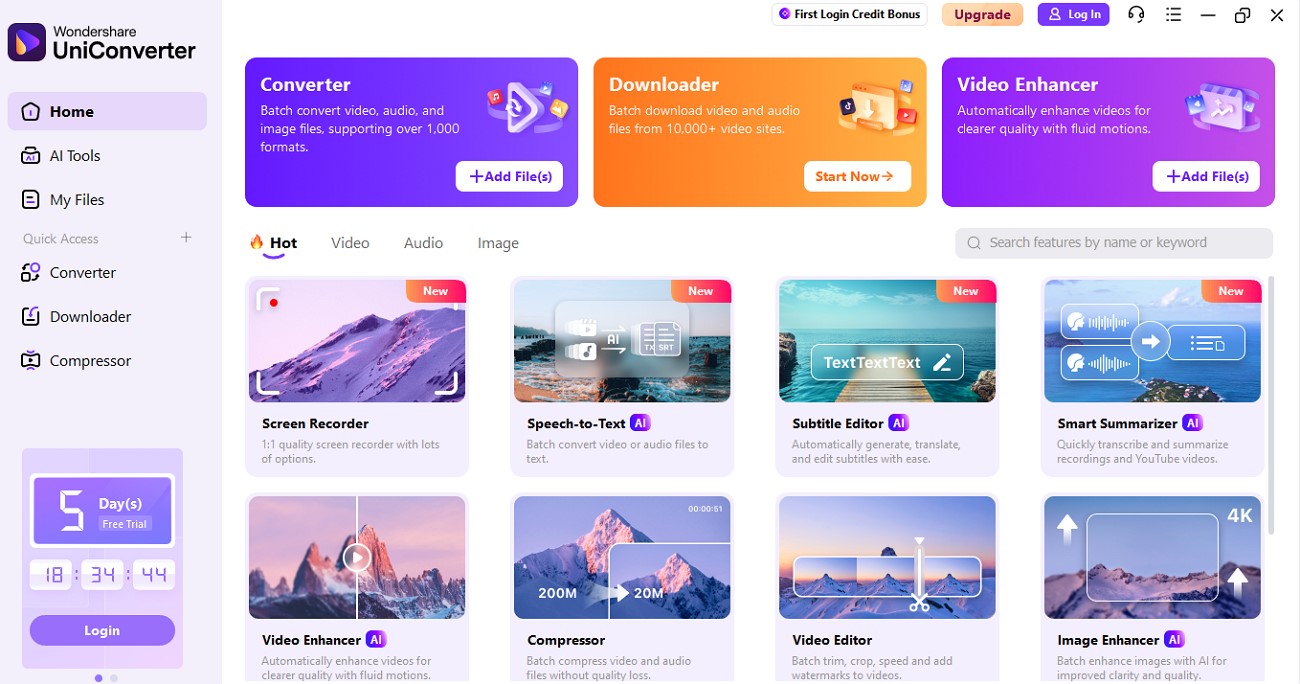
The tool that tops the list of top AMV video converters is UniConverter. This AI-powered multimedia converter allows users to seamlessly switch formats using AI. It supports a vast array of formats, including high-resolution 4K and 8K videos, making it suitable for both professional creators and casual users. The software integrates AI-powered enhancements that elevate video quality effortlessly.
It supports over 1000 video and audio formats, including niche types like AMV, enabling users to convert files at high speed. Leveraging GPU acceleration, UniConverter delivers lightning-fast batch conversions, allowing multiple files to be processed simultaneously without loss of detail.
Product Type: Offline

Easy to Use AMV Video Converter
2. MConverter
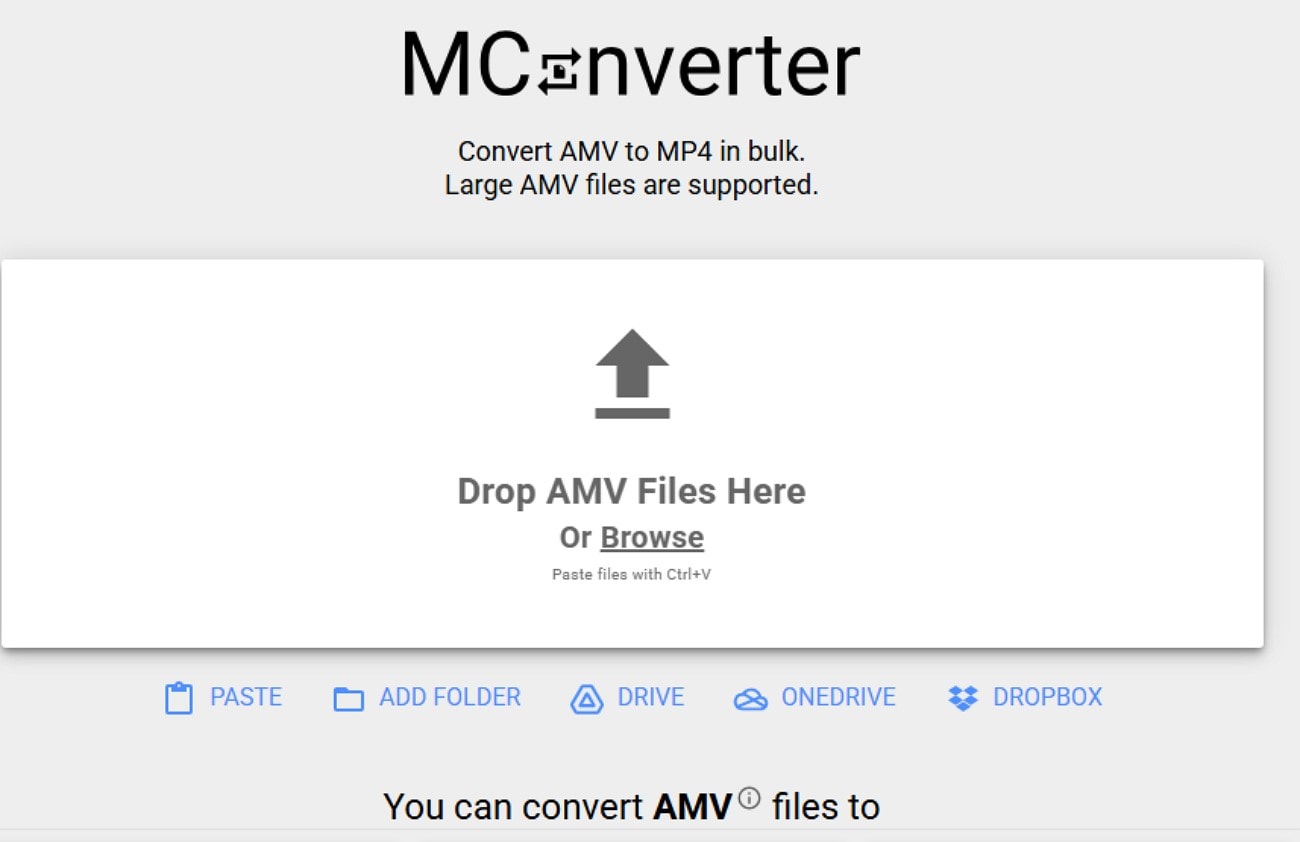
MConverter’s AMV to MP4 converter is a user-friendly online tool designed to efficiently convert AMV video files into the widely compatible MP4 format. It supports batch processing, allowing users to convert multiple AMV files simultaneously or entire folders with a simple drag-and-drop interface. This feature is especially convenient for users dealing with large video collections or those who want to quickly make their AMV videos accessible.
Product Type: Online
3. Movavi
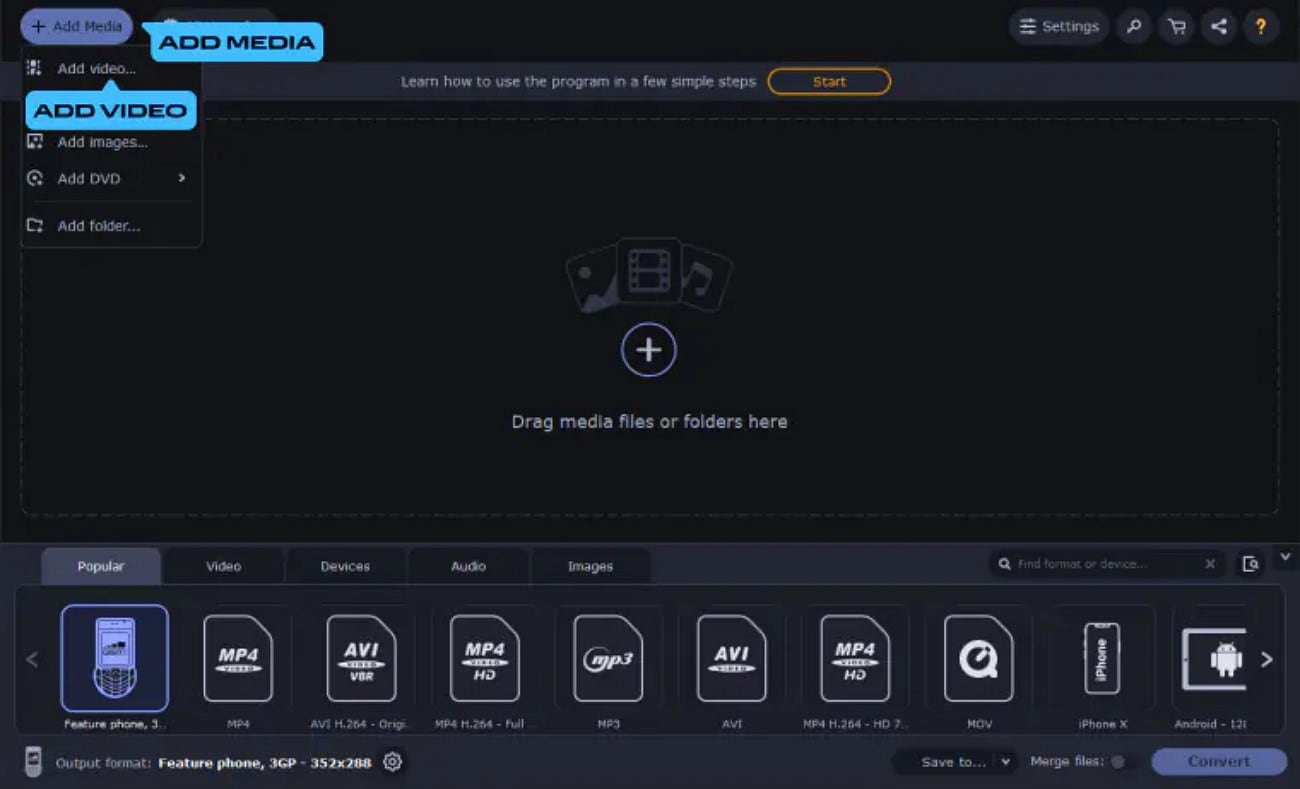
Another offline converter that provides the utility of converting AMV files into other formats is Movavi. With this tool, users get the ability to convert more than one file simultaneously into their desired format. This video editing tool is available on Mac as well as Windows, making it easier for users to change the format on any device. The number of file formats supported by this is 180+, making it a versatile conversion tool.
Product Type: Offline
4. AnyConv
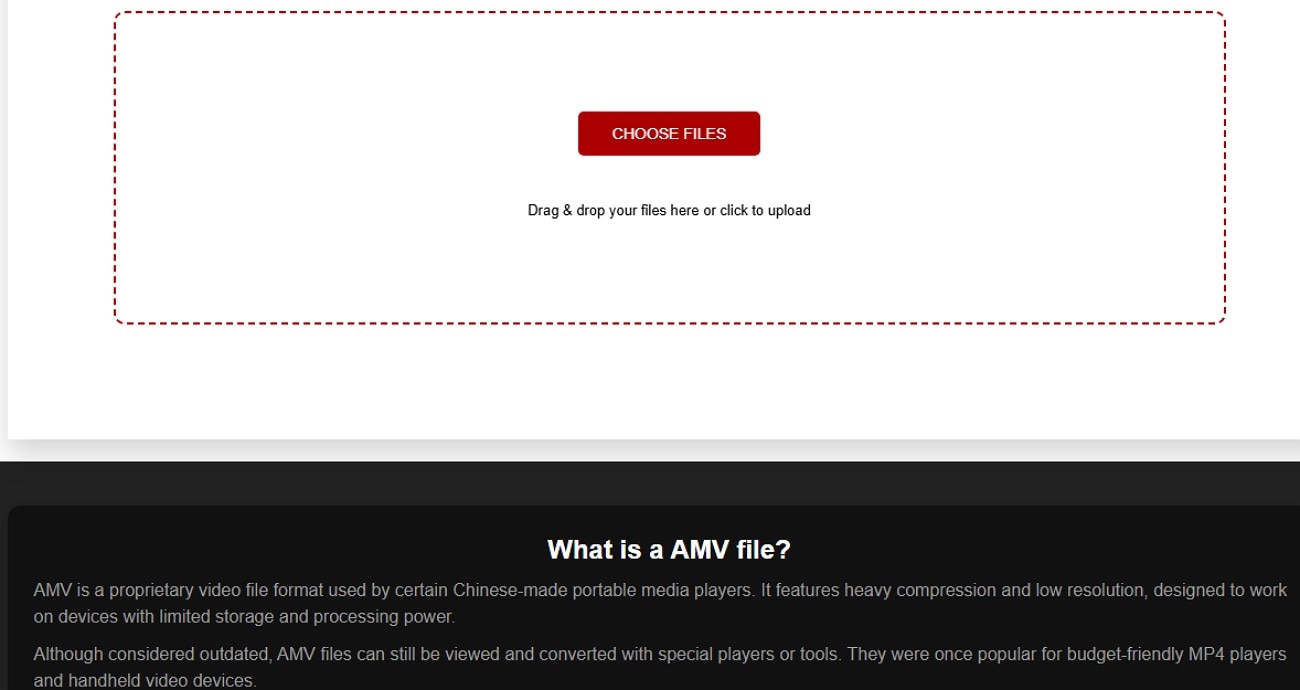
AnyConv’s AMV Converter is a user-friendly online tool designed for fast and efficient conversion of video files to and from the AMV format. One of the standout features of AnyConv’s AMV Converter is its simplicity. Users can easily drag and drop files or select them manually to initiate a quick conversion. The online platform supports multiple formats as input and output, allowing flexibility when dealing with different video types.
Product Type: Online
5. FreeConvert
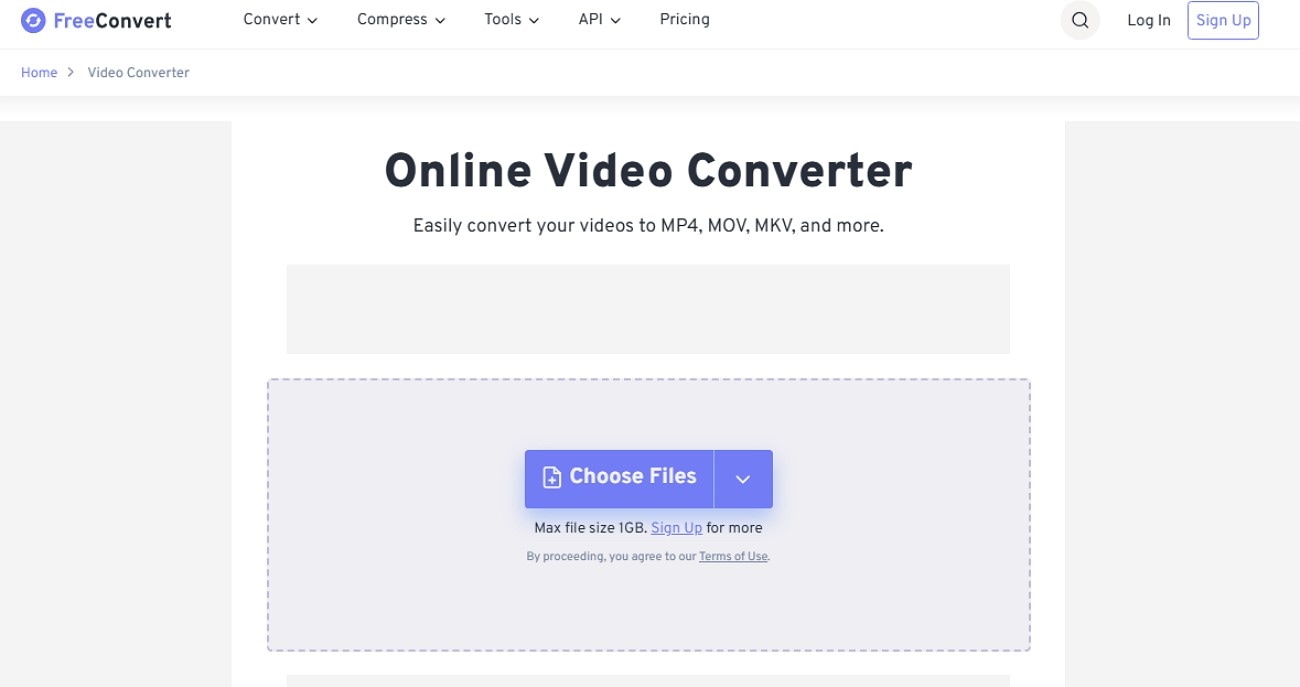
It is a comprehensive online file conversion platform supporting over 1500 file formats, ranging from videos to images. The service stands out with advanced customization options, allowing users to adjust parameters like bitrate and resolution. The easy-to-use interface allows users to simply drag and drop files for file conversion. Users can also change the frame rate before performing the conversion.
Product Type: Online
Easy to Use AMV Video Converter
Part 4. How to Easily Batch Convert AMV Files at Lossless Quality
Having discussed the top AMV file format converters, let us have a look at the step-by-step guide to convert AMV video into another format using UniConverter:
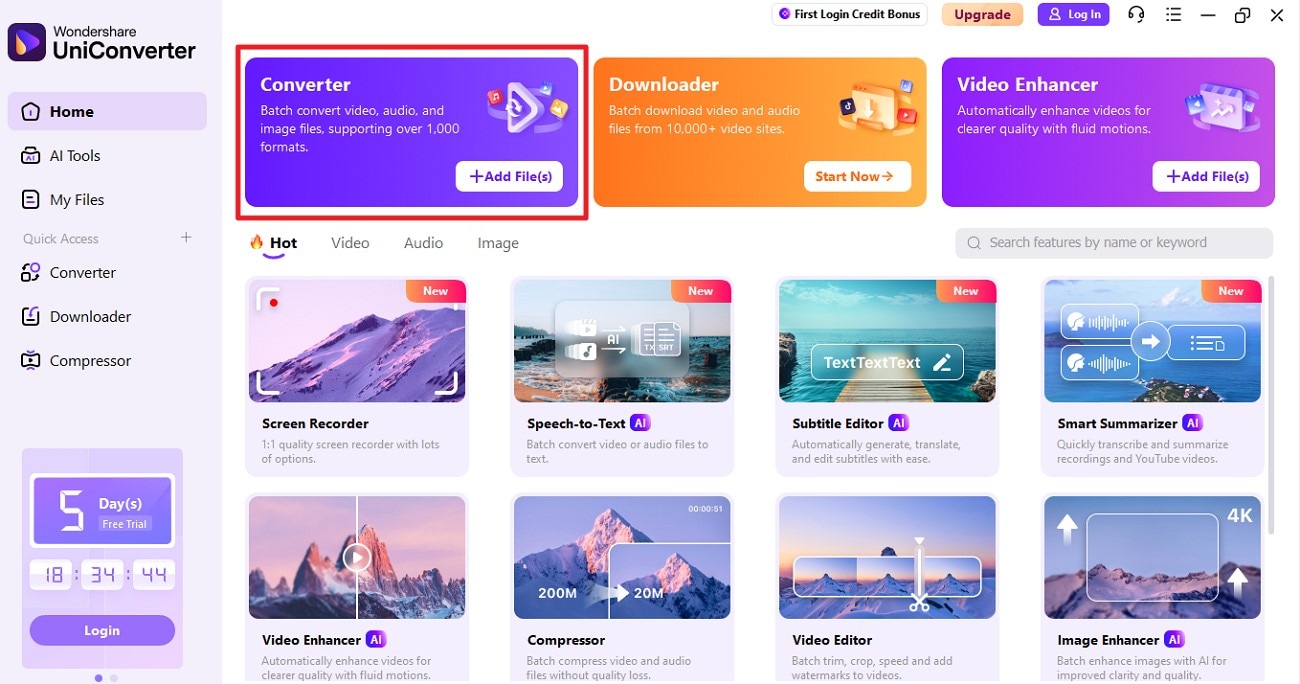
Step 1. Start By Accessing the Tools Converter
Launch UniConverter on your device and head to its homepage to click the “Converter” option. Next, import your AMV file to the tool’s interface to proceed with the conversion.
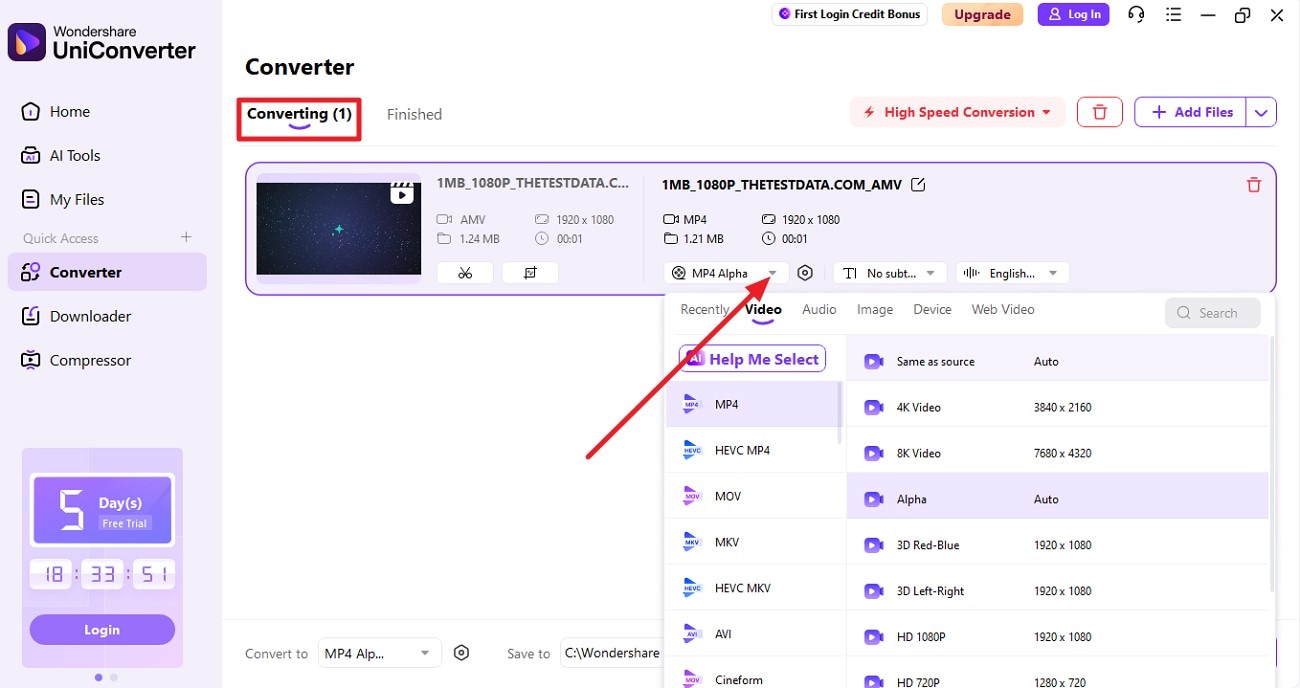
Step 2. Select the Output Format and Other Settings
Once the video is added under the “Converting” section, choose the format for the output by expanding the respective drop-down menu. Next, configure other settings such as output location and resolution.
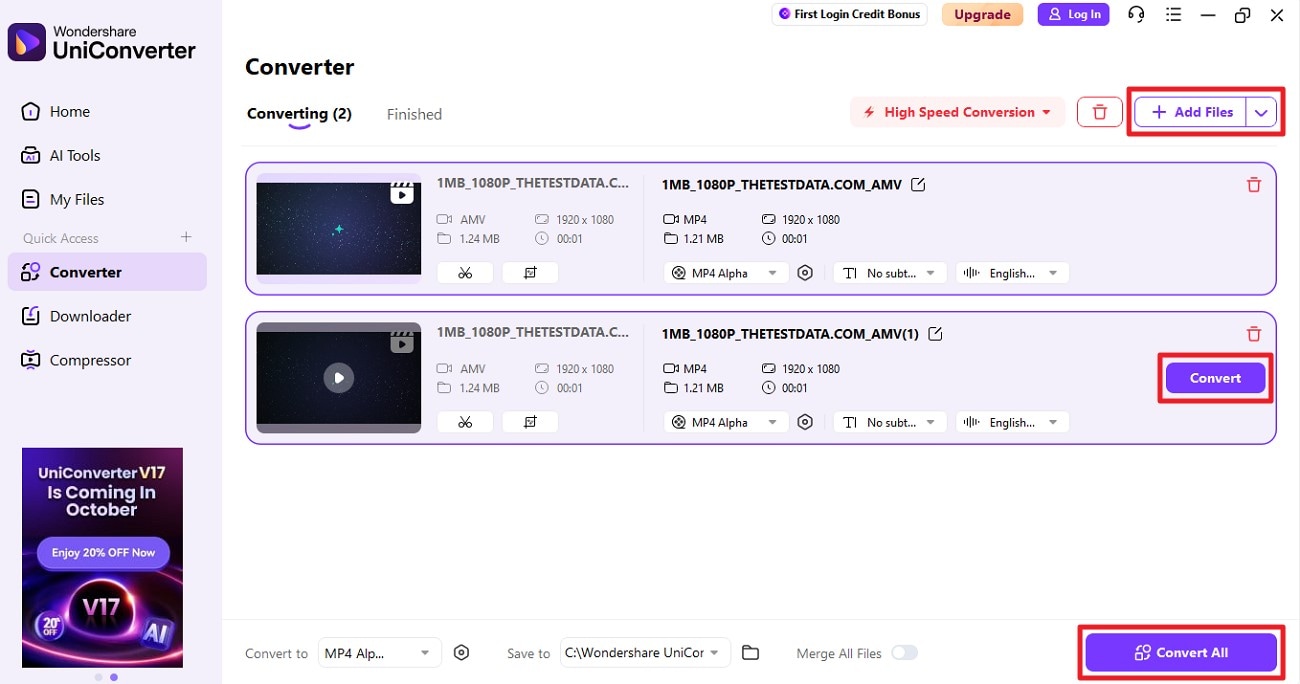
Step 3. Press Convert to Begin Process
When the configurations are successfully made, press the “Convert” button to begin the process. To add multiple AVM files and convert them simultaneously, use the “Add Files” button and then the “Convert All” button.
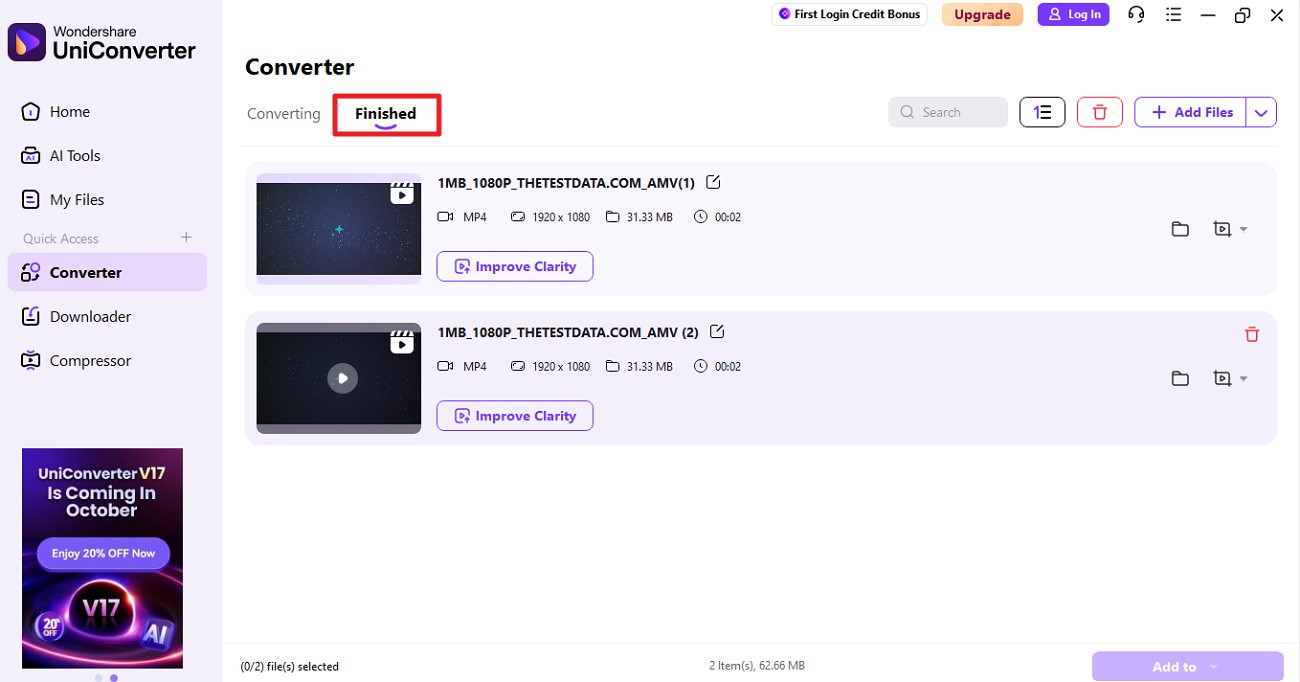
Step 4. Review the Converted Format
After the conversion is successfully completed, you can find the output file under the “Finished” section. You can access the file by clicking on the output folder located within the interface.
Easy to Use AMV Video Converter
Part 5. Technical Troubleshooting Guide
Mentioned below are some of the handy troubleshooting ways you can utilize to troubleshoot issues during AMV video format conversion:
Common AMV Playback Problems and Their Solution
Codec Errors: Codec errors occur when the required decoder for AMV files is missing. Installing codec packs like K-Lite or using media players like VLC can fix this.
Audio Synchronization Issues: These problems happen when the audio is out of sync with the video. Adjusting audio delay settings or re-encoding the file corrects the timing.
Quality Degradation: Quality degradation shows as pixelation or artifacts during playback. Using a higher bitrate and lossless encoding minimizes this.
File Corruption: File corruption results from incomplete transfers or storage issues. Recovery tools and practicing safe storage prevent data loss.
Container Repair: Damaged AMV headers cause playback failure. Container repair tools reconstruct the file’s header to restore functionality.
Quality Recovery: This tackles compression damage by choosing high-quality codecs and encoding with optimal settings.
Batch Processing Errors: Batch processing errors arise from inconsistent file formats in automated conversions. Using uniform sources and updated software solves this.
Cross-Platform Issues: The issues occur because AMV isn't widely supported. Converting to formats like MP4 ensures compatibility across devices.
Conclusion
To wrap it up, this article discussed in detail what is AMV and everything you need to know about this file format. The article also explored some of the top AMV video format converters available on the internet. However, one of the most reliable tools that offers lossless format conversion while keeping the quality intact is Wondershare UniConverter.
Frequently Asked Questions
-
1. What exactly is the AMV file format?
The AMV file format is a compressed video format created mainly for Chinese portable media players. It uses a modified AVI container with low resolution and frame rate for efficient playback on low-end devices. -
2. Is AMV suitable for high-quality videos?
No, AMV is designed for low-resolution and highly compressed content. It is ideal for small screens and limited hardware but does not support high-definition quality. -
3. Which media players can open AMV Files?
Most mainstream media players like VLC or Windows Media Player can open AMV files, especially on Windows or Mac. However, tools like Wondershare UniConverter are recommended for converting AMV to more common formats if needed. -
4. How do I convert AMV to MP4 or other formats?
Wondershare UniConverter offers a simple solution to convert AMV files into popular formats like MP4, AVI, or MOV quickly and with minimal quality loss. Its batch processing ensures efficient conversion for multiple files at once.

