

A Shutterstock downloader is a term frequently searched by people looking to download images or videos for offline use. The phrase can refer either to Shutterstock’s official licensed download process or to third‑party tools that promise watermark‑free files. The distinction between these approaches is critical. Licensed downloads comply with copyright law and platform policies, whereas unofficial tools often scrape preview files or bypass payment systems, creating legal exposure and potential security risks.
The guide below explains what a Shutterstock downloader means in 2026, clarifies the legal boundaries, and outlines the safest way to obtain high‑resolution, watermark‑free images and videos through legitimate subscriptions, packs, and approved discount programs.

Best Shutterstock Image Enhancer & Editor
In this article
- Part 1. What is a Shutterstock Downloader?
- Part 2. Are Shutterstock Downloaders Legal?
- Part 3. Popular Shutterstock Downloader Tools
- Part 4. How to Download Shutterstock Images and Videos Without a Watermark (Legal Methods)?
- Part 5. Best Free Alternatives to Shutterstock Downloader
- Part 6. Comparison: Shutterstock Image/Video Downloader Tools vs. Legal Alternatives
- FAQs about Shutterstock Image Downloader
Part 1. What is a Shutterstock Downloader?
A Shutterstock downloader refers to any method or tool used to download images or videos from Shutterstock for offline use. It can mean the official download process through a paid license, or unofficial third‑party tools that attempt to extract preview files without authorization.
How do Shutterstock Downloader Tools Work?
Most unofficial third-party Shutterstock Downloader tools use technical methods like URL parsing or scraping preview files. For images, the Shutterstock Downloader tools pick up the basic watermarked preview files and then remove the watermark. These images are then upscaled to give you the illusion of true HD image quality.
When it comes to videos, they extract low-resolution preview streams and upscale the files or try to intercept download links. Shutterstock downloaders are commonly marketed with terms such as “batch download,” “support for both image and video,” and “no watermark” claims.
Why People Search for Shutterstock Downloaders?
People search for Shutterstock downloaders because the subscription costs can feel high, especially if you are a freelancer or a small business owner. There are also possibilities where you just need one high-quality image urgently and do not have time to go through the entire account setup process. Further, the "royalty-free" term used by Shutterstock misleads people into thinking that those images and videos are free download options.
Part 2. Are Shutterstock Downloaders Legal?
Unauthorized Shutterstock downloaders are not legal because they bypass licensing payments and violate copyright law. Only downloads obtained through official licenses comply with platform terms and intellectual property regulations.
Understanding Shutterstock's Copyright Terms
Shutterstock offers Standard and Enhanced licenses. A Standard License covers websites, social media, and ads, while an Enhanced License allows large-scale prints and resale use. “Royalty-free” means pay once and reuse within license limits, not free of cost. Usage limits and redistribution rules apply to both images and 4K footage.
Legal Risk of Using Unauthorized Downloaders
Using unauthorized downloaders to remove watermarks or bypass payment can result in copyright claims and financial penalties. Shutterstock monitors misuse through digital tracking and reverse image search systems, which may lead to legal disputes and reputational damage.
Part 3. Popular Shutterstock Downloader Tools
1. Steptodown.com
Site: https://steptodown.com/
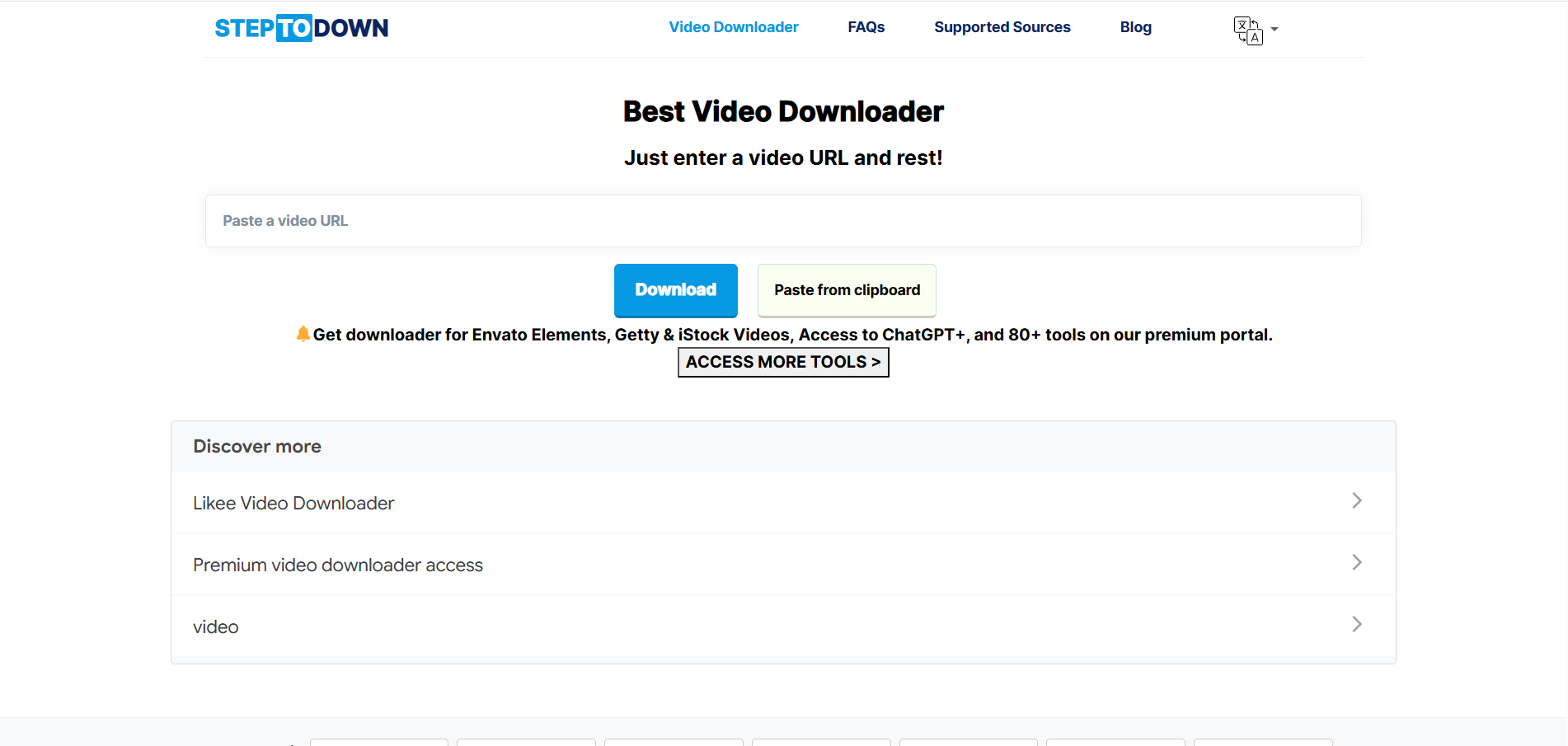
Steptodown.com claims to offer free, watermark-free downloads of Shutterstock images, but in reality, most files downloaded through the site are low-resolution and unsuitable for social media or professional use. The website is also cluttered with numerous ads and pop-ups, which can lead to accidental clicks and redirection to suspicious links. Beyond violating Shutterstock’s licensing and copyright laws, using the site poses serious risks to privacy, as visitors may be exposed to tracking scripts, malware, or other malicious activity.
2. Downloader.la
Site: https://downloader.la/
Downloader.la advertises fast, high-resolution downloads for both images and videos from Shutterstock, but in practice, the images are low-resolution and the videos often have playback issues. The site contains scam-like elements that compromise privacy and track cookies, and users are frequently bombarded with ads and pop-ups that redirect to suspicious websites. Using Downloader.la not only risks copyright violations but also exposes personal data and online activity to potential security threats.
3. Fetchpik
Site: https://fetchpik.com/
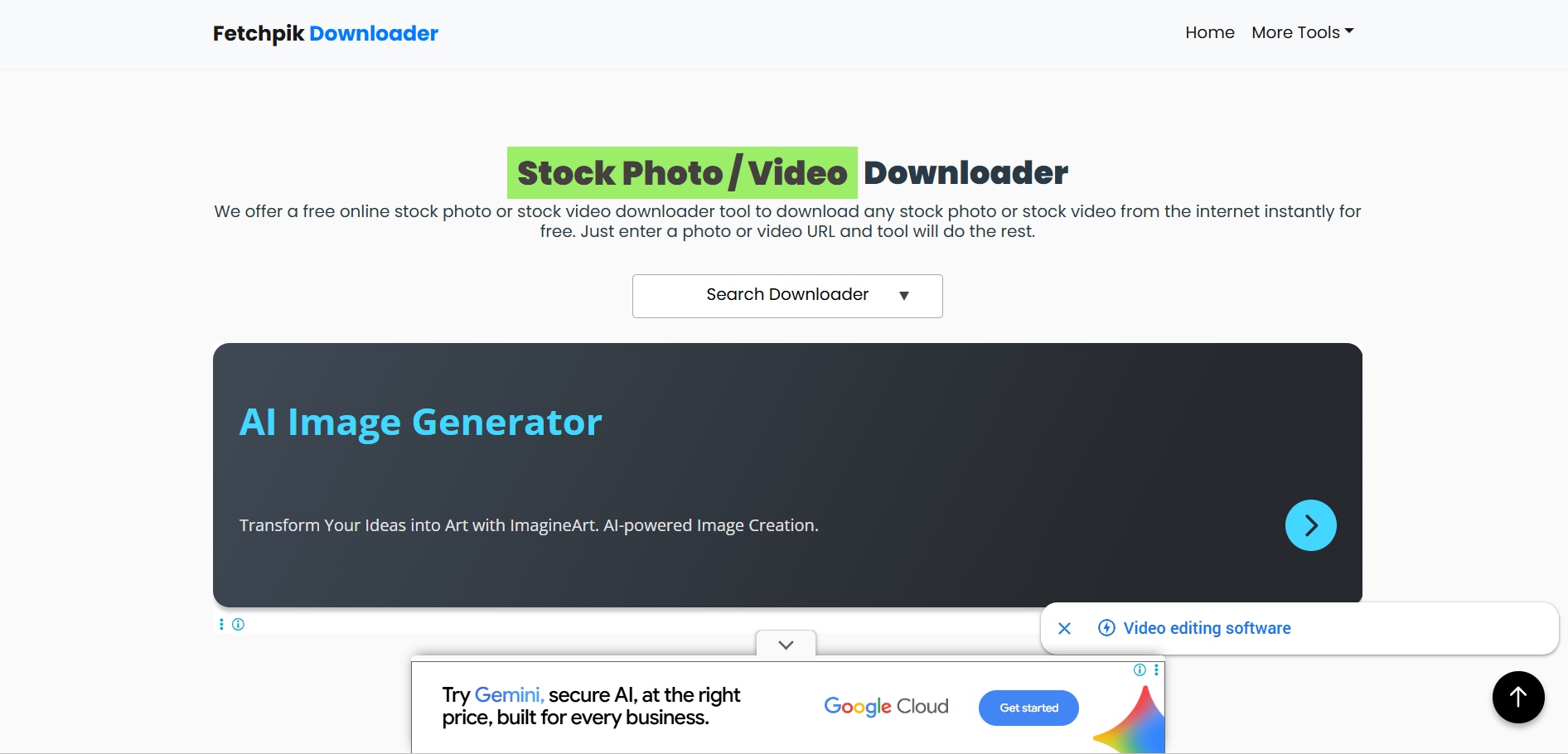
Fetchpik claims to offer an easy and quick way to download images or videos from Shutterstock, but in reality, most downloads fail due to broken links and retrieval errors. The website’s interface is inconsistent, and video download options are very limited. Additionally, Fetchpik lacks transparency regarding data handling and cookie usage, putting personal information and privacy at significant risk.
4. 7xm.xyz
Site: https://7xm.xyz/
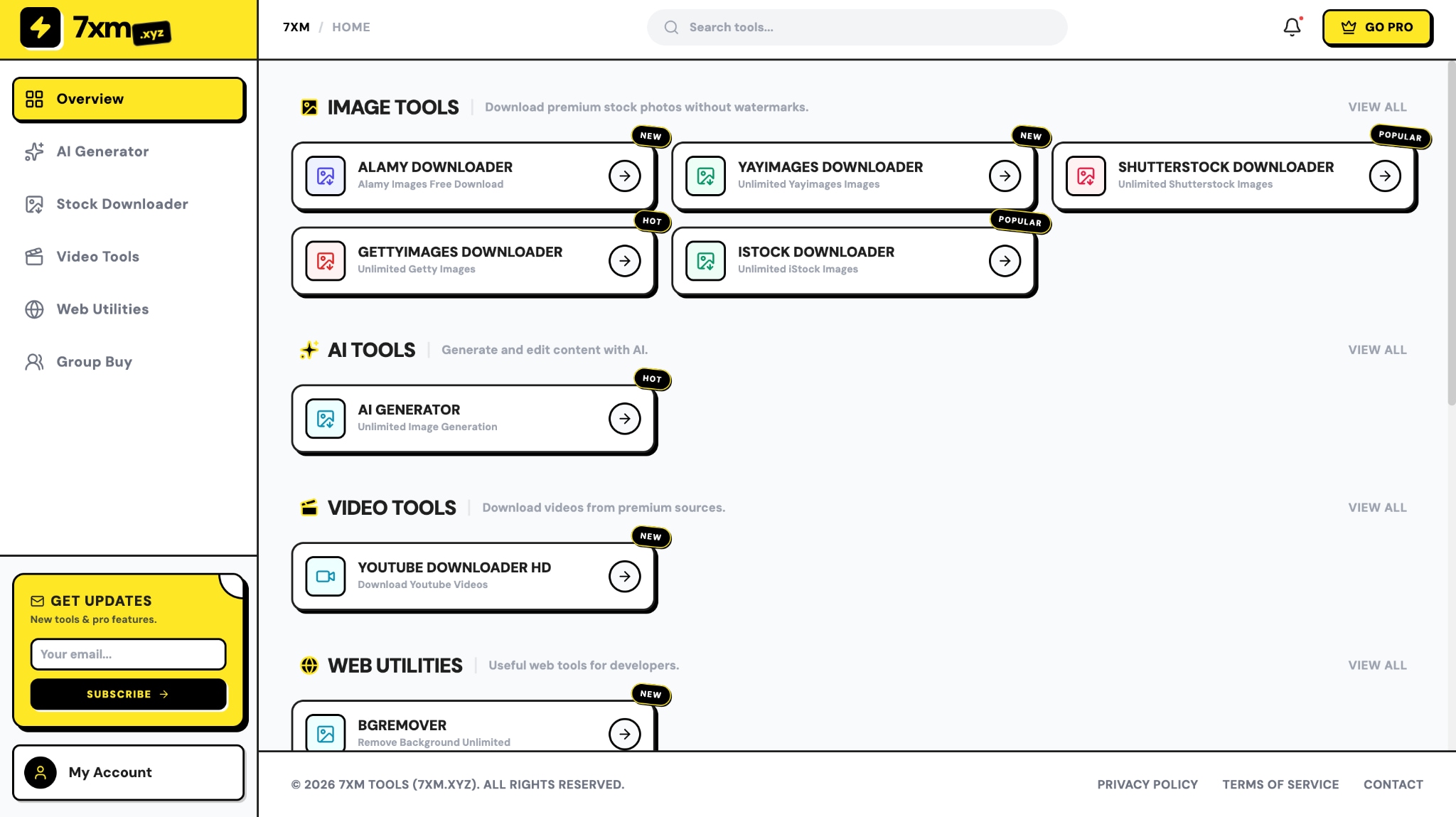
7xm.xyz advertises itself as a simple Shutterstock image downloader that lets you paste an image URL and quickly get high‑quality downloads, claiming secure, fast service with original quality preserved. In reality, it operates outside Shutterstock’s licensing and merely provides a basic scraper interface with no proof of true licensed access or watermark removal and results vary widely, often not delivering genuine high‑resolution files.
The site uses iframed content, low traffic, and hidden WHOIS details, raising transparency and safety concerns. Because it’s not affiliated with Shutterstock, using it carries legal and privacy risks, including possible redirects, unwanted ads, and exposure to unsecured scripts.
5. Nohat.cc
Site: https://nohat.cc/
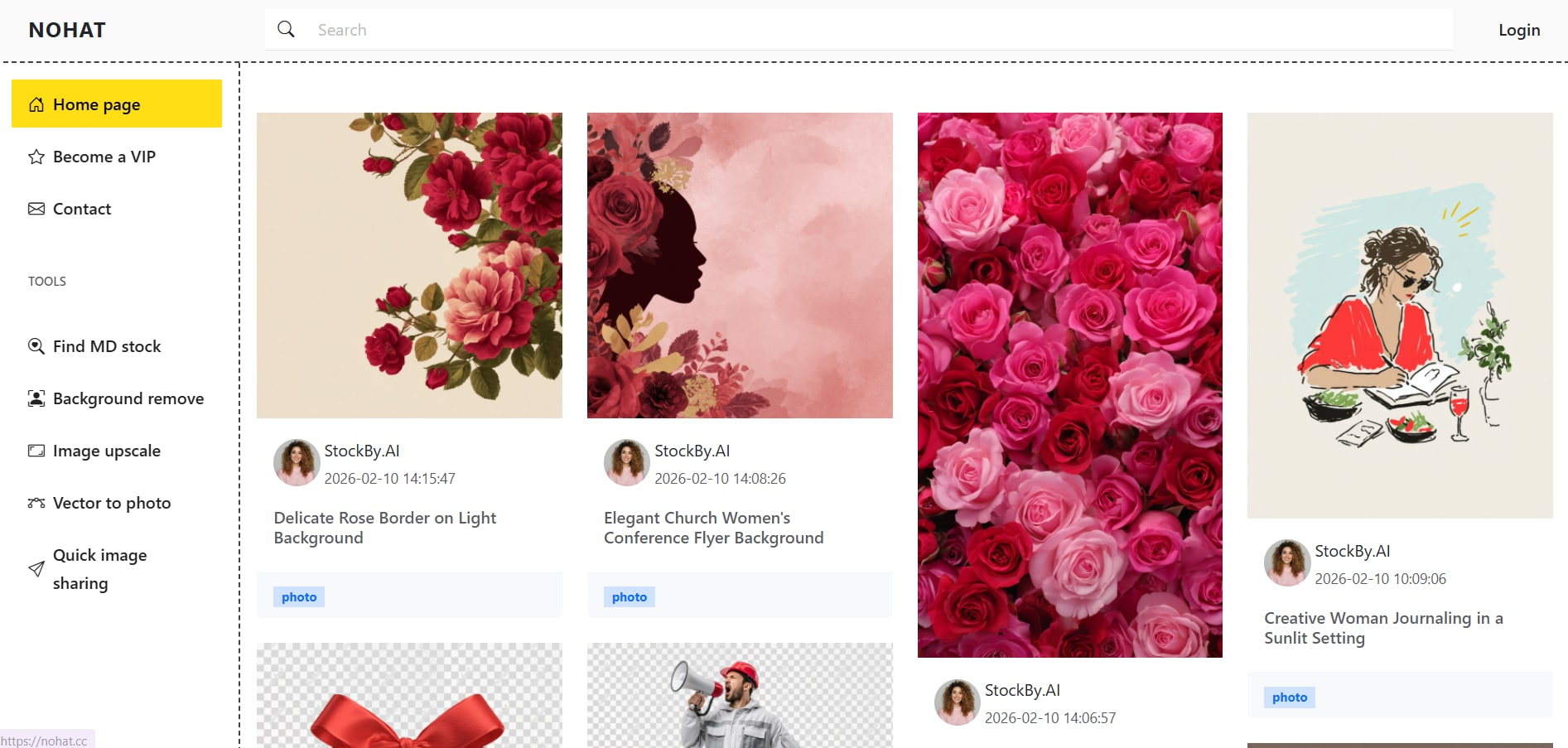
Nohat.cc markets itself as a place to download free Shutterstock images, but in reality, the site functions more like a general file‑sharing hub with no official connection to Shutterstock and no guarantee that downloaded assets are licensed or compliant.
Attempts to get an image or videos often lead to redirects, inconsistent results, and sometimes requests for personal details to proceed. Because the site’s licensing and content sourcing are unclear, and user data practices aren’t transparent, relying on Nohat.cc carries privacy concerns and legal exposure when used as a Shutterstock downloader.
6. Fotoget.org
Site: https://fotoget.org/en/
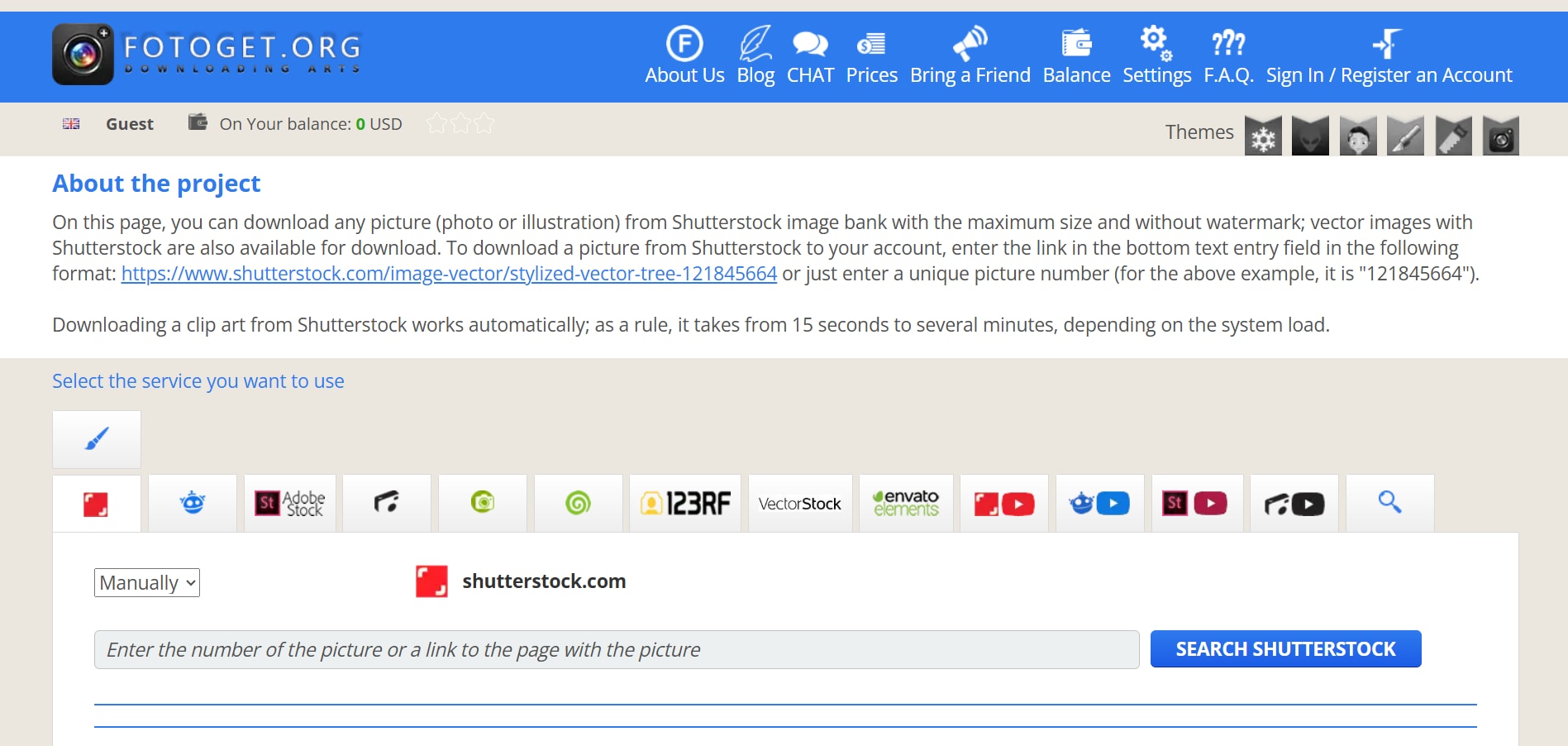
Fotoget promotes itself as a tool that enables broad download capabilities from Shutterstock and other stock libraries, suggesting easy access to premium media. In practice, download results are inconsistent, with frequent failures caused by broken links and incomplete retrievals. Since the platform bypasses official licensing channels, using Fotoget exposes you to copyright violations and breaches of Shutterstock’s terms, creating both legal and compliance risks.

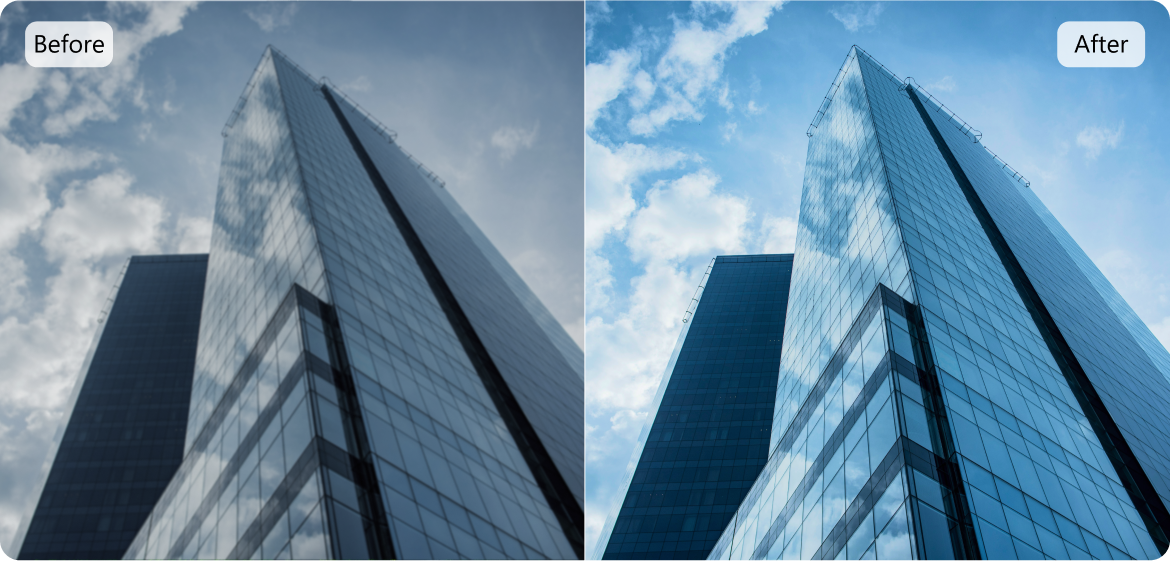
Best Shutterstock Image Enhancer & Editor
Part 4. How to Download Shutterstock Images and Videos Without a Watermark (Legal Methods)?
Method 1: Official Shutterstock Subscription Plans
To start, Shutterstock does not offer any free trials. However, you will subscribe to the "Packs" plan, which lets you download 2 images for $29 with no further commitments. This is suitable for you if you are looking to download images for a one-off project or want to explore how Shutterstock works.
The Image subscription starts from $24.92 for 10 image downloads per month, $81.58 for 50 image downloads per month, $137.42 for 350 image downloads per month, and $166.58 for 750 image downloads per month. The "Packs" plan starts at $29 for 2 image downloads, $49 for 5 image downloads, and $229 for 25 image downloads, with no further commitments.
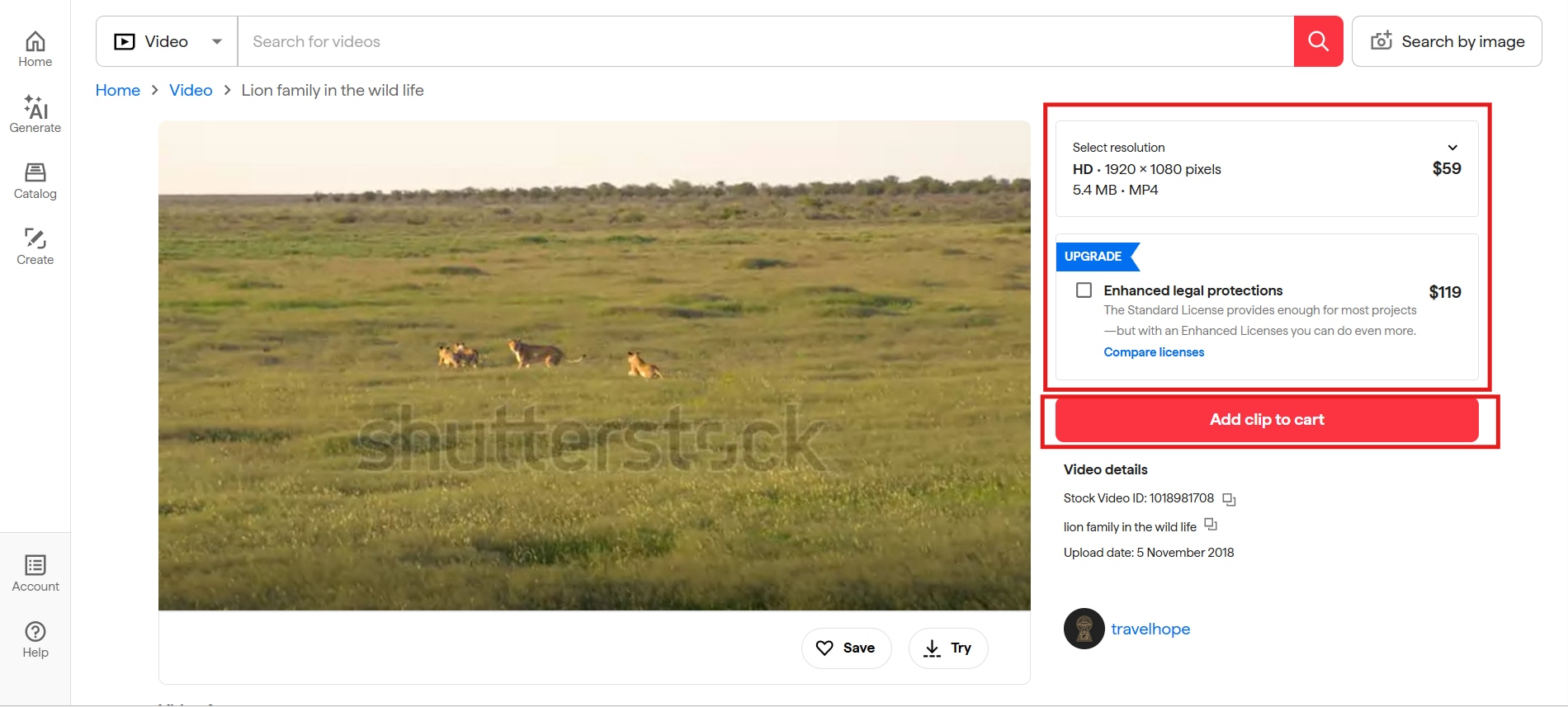
Video subscriptions start at $59 for 5 video downloads per month, $75 for 10, and $119 for 20. The "Packs" plan starts at $275 for 5 video downloads, $669 for 10, and $1249 for 25, with no further commitments.
Based on the pricing plan above, your subscriptions are much more cost-effective than the "Packs" plan. However, if you are looking to download a one-off image or video for a specific project, then you should go ahead with the "Packs" plan.
How to Download an Image from Shutterstock?
Follow these steps to download licensed images from Shutterstock:
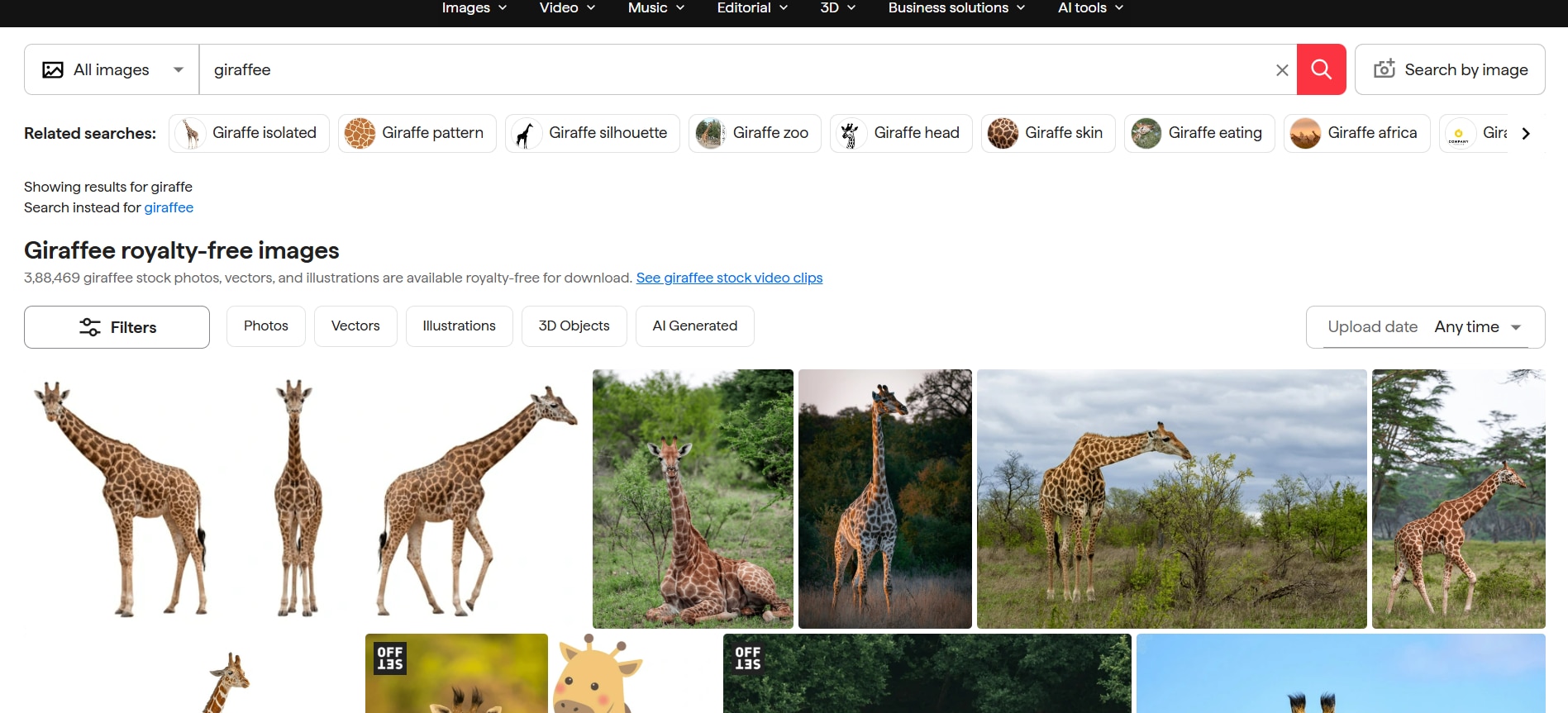
Step 1. On the Shutterstock homepage, input the keywords for the image you are looking to download and press Enter.
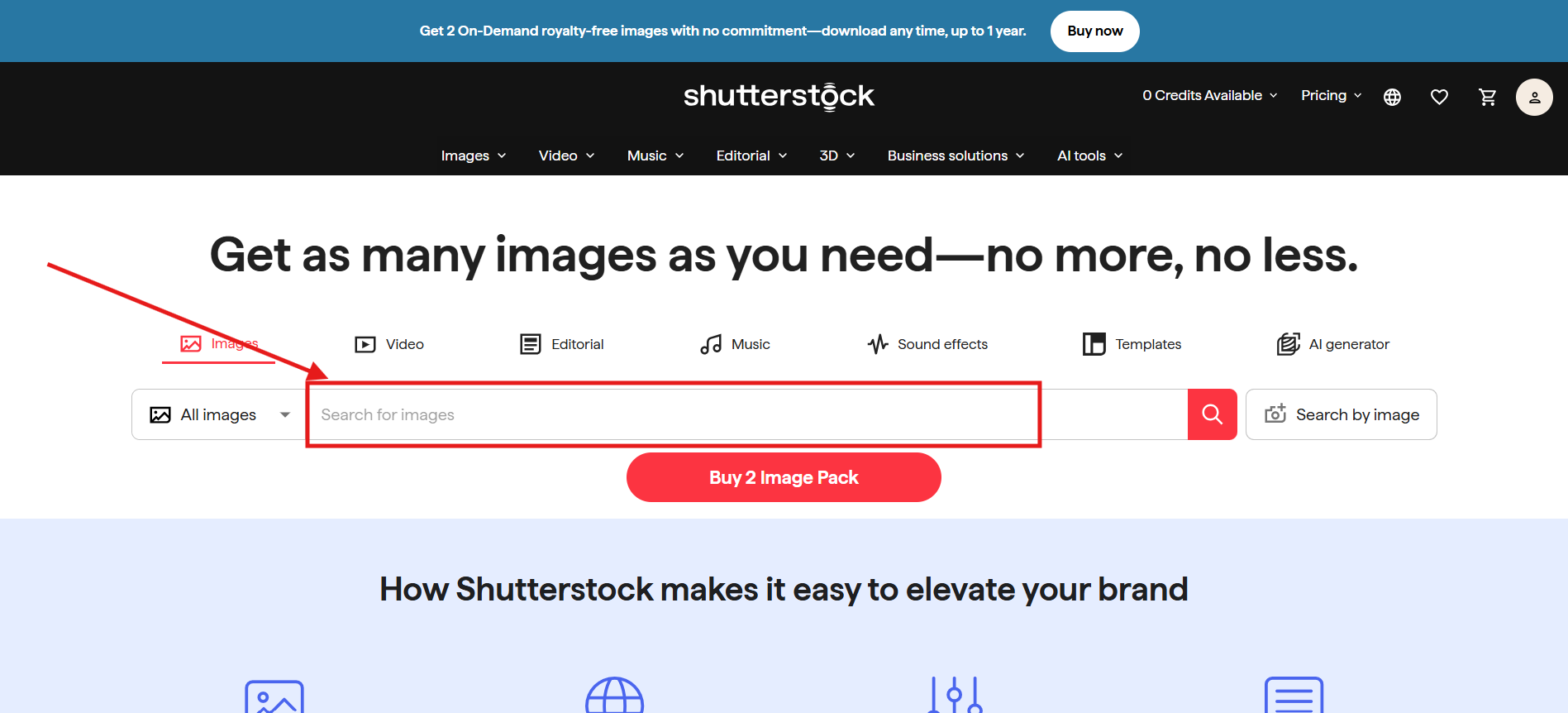
Step 2. You will get multiple options to choose from. You can scroll through the page until you find the image you like. Once you like an image, click it.
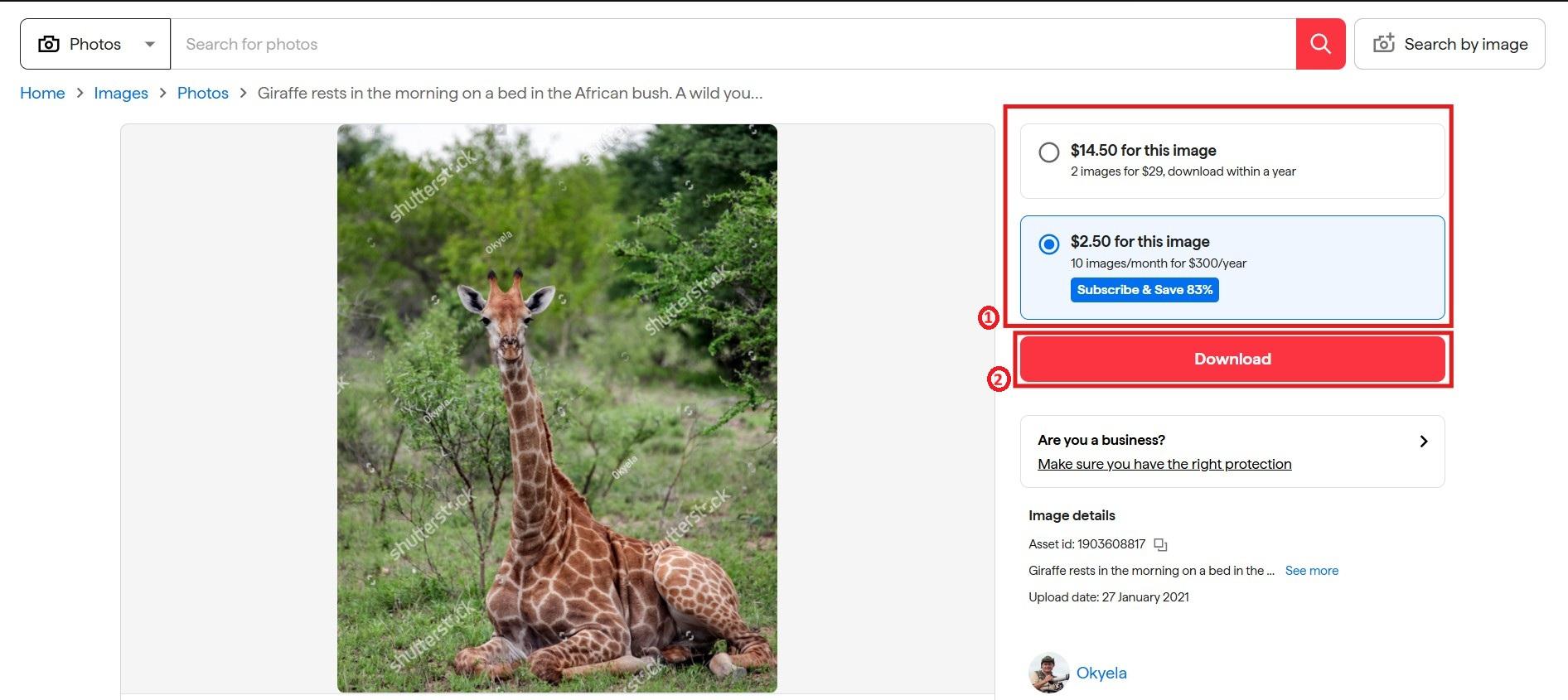
Step 3. Choose the plan you want to proceed with, then click the "Download" button. This will take you to the checkout page, where you'll make payment, and the high-resolution image will be saved to your device.
How to Use Shutterstock Video Downloader?
Follow these steps to download videos from Shutterstock:
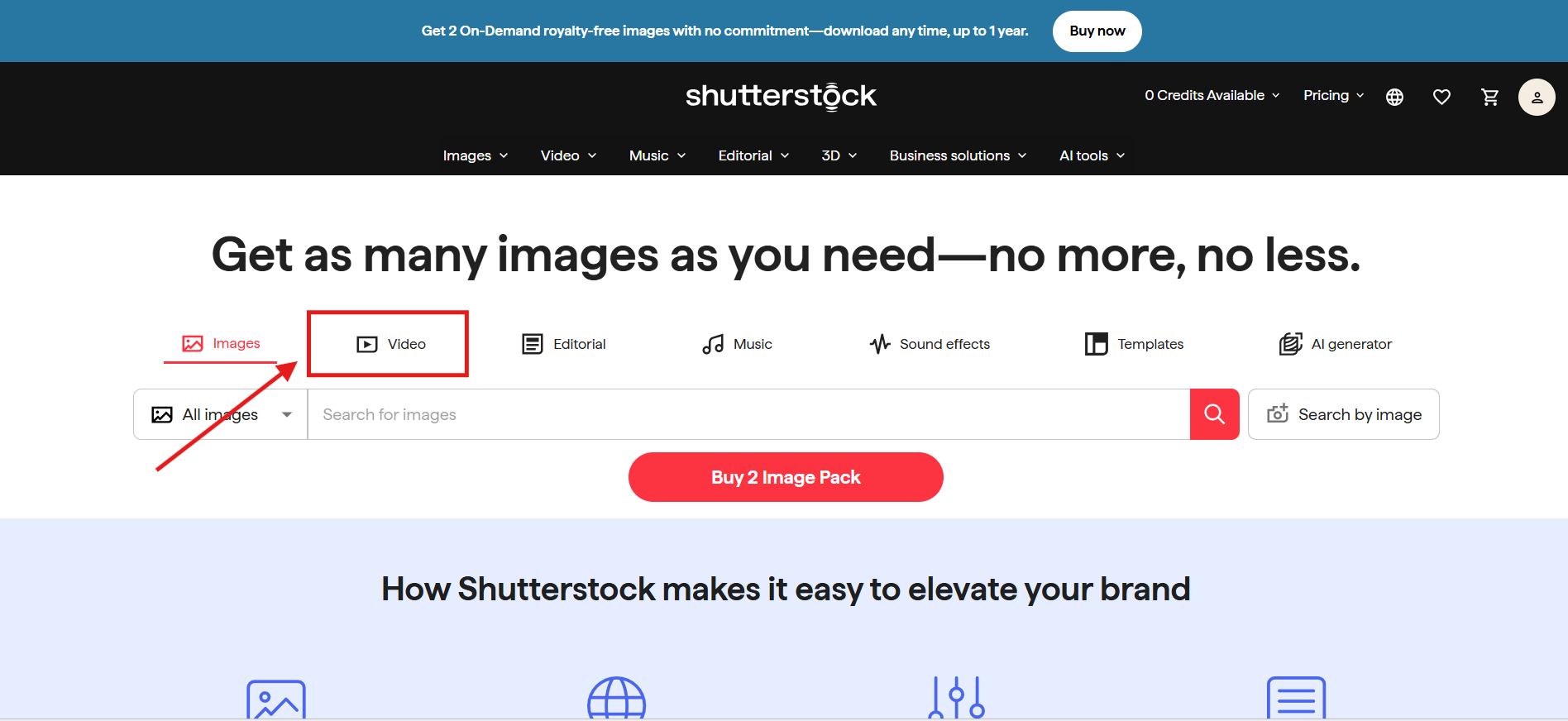
Step 1. On the Shutterstock homepage, click on the “Video” button.
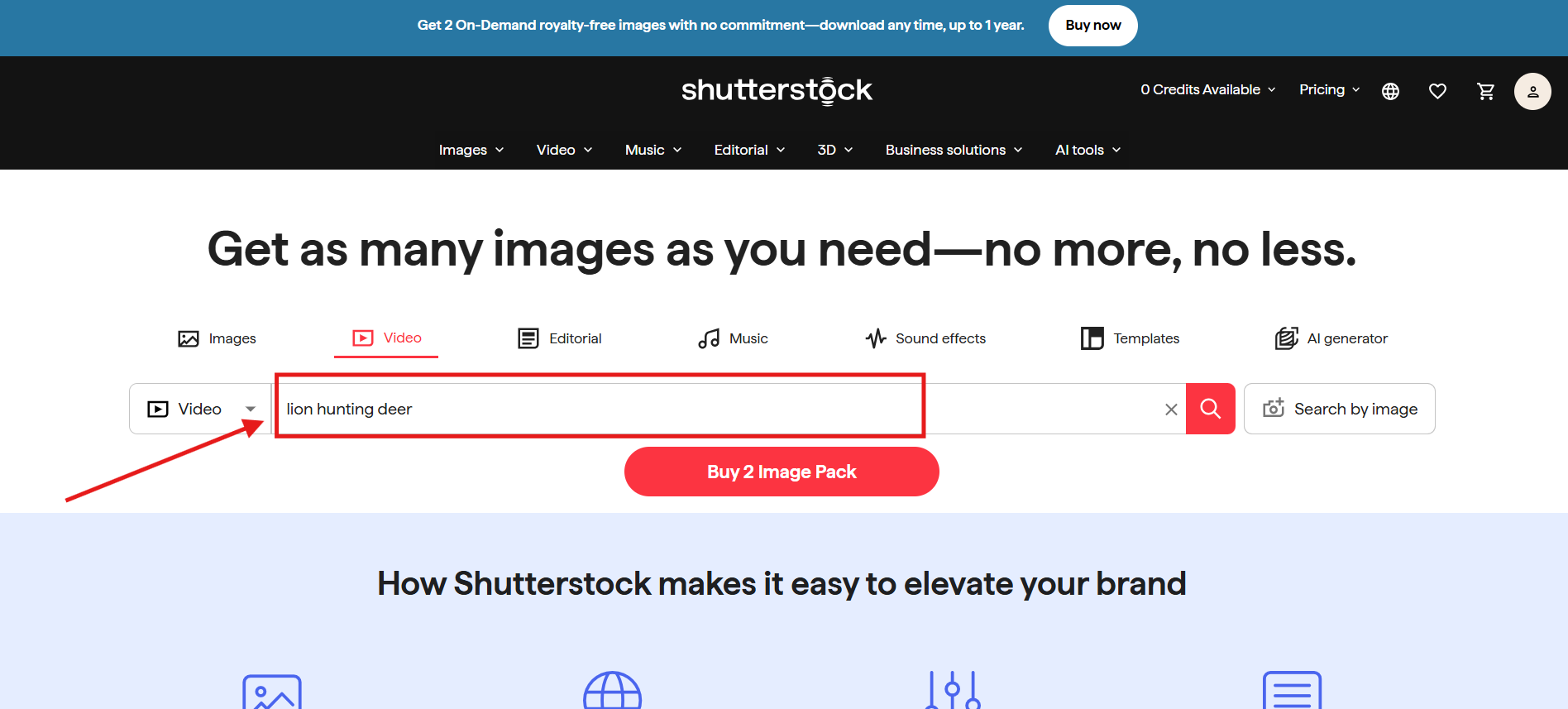
Step 2. Enter the prompt describing the video you want to download, then press Enter.
Step 3. You will be shown different options to choose from. Hover your mouse over the thumbnail to preview the video. Once you like a video clip, click its thumbnail.
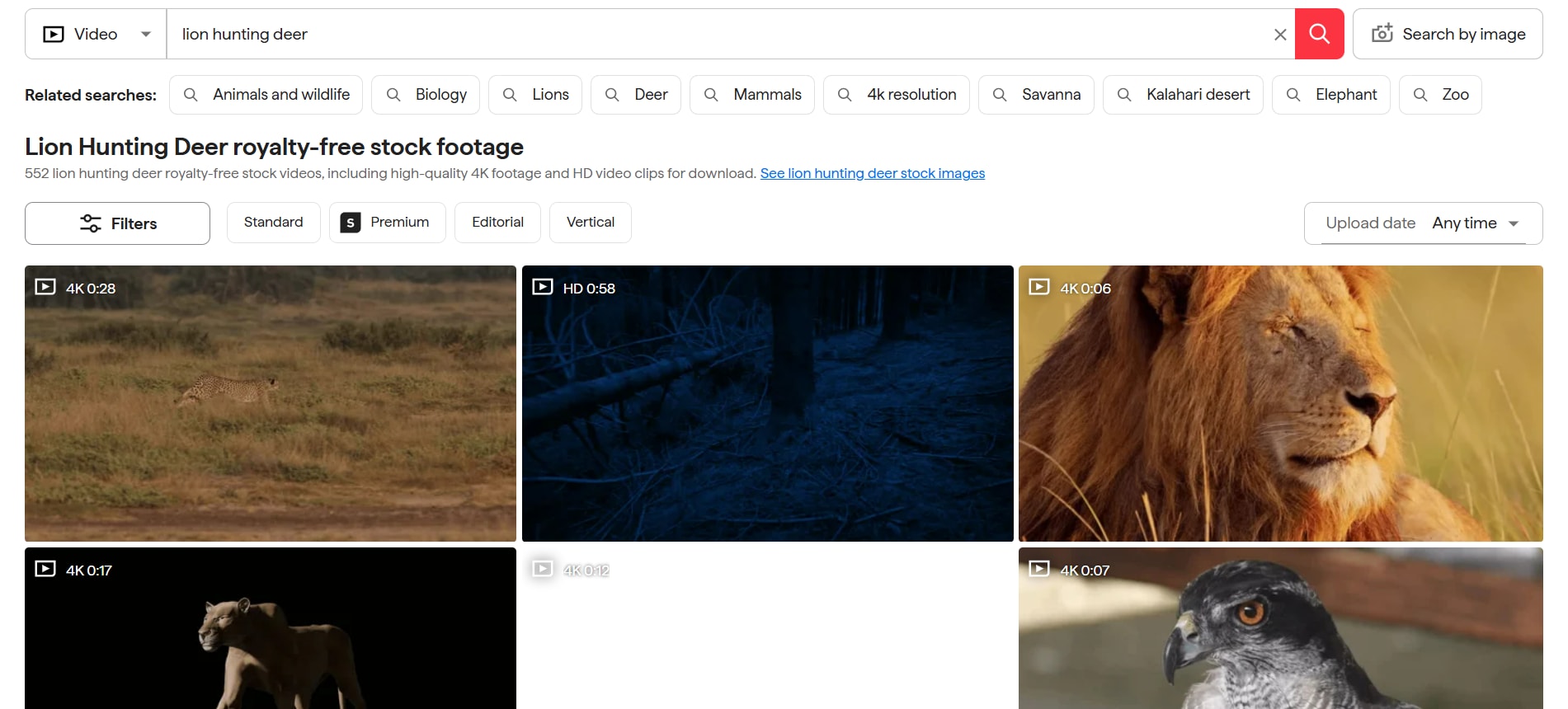
Step 4. Choose a plan based on your future requirements, then click the "Add Clip to Cart" button. This will take you to the payment gateway page. Once you complete the payment, the high-resolution watermark-free video will be saved to your device.
Method 2: Shutterstock Free Collection
Shutterstock provides “royalty-free” images and videos that allow multiple uses of these media files. The free collection does not literally mean “free-of-cost” image or video downloads. You will have to follow the Shutterstock policies and copyright regulations even when accessing royalty-free images.
Method 3: Educational and Non-Profit Discounts
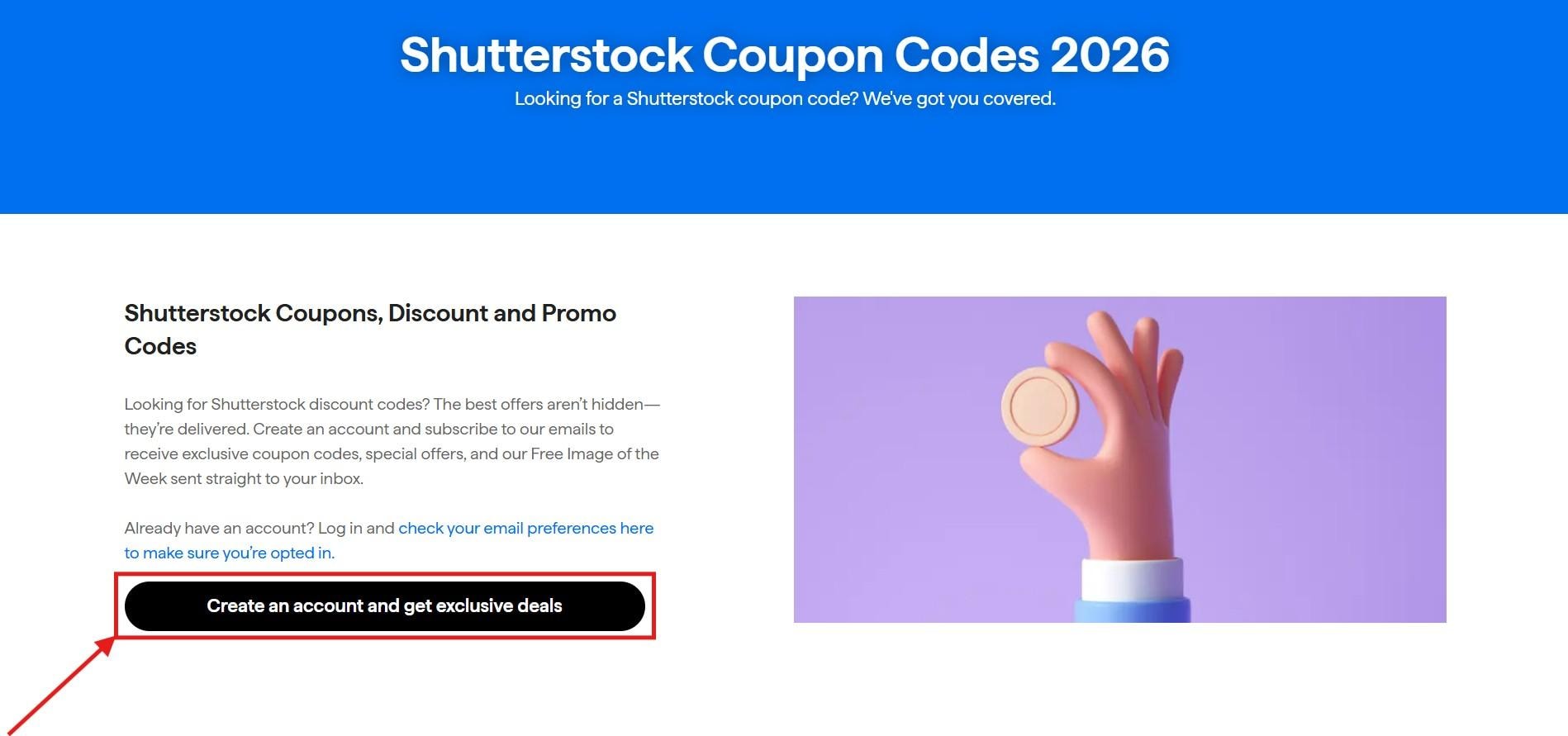
Shutterstock does not offer specific educational or non-profit discounts based on its official pricing and coupons pages. No eligibility requirements or application processes exist for such programs on the official website. Shutterstock provides standard subscription plans, on-demand packs, and team/enterprise options without mentions of discounts for educational institutions or non-profits.
The coupons page confirms no active promo codes for special groups like students or non-profits; general coupons may appear occasionally but require entry at checkout.
Follow these steps to enroll for the educational and non-profit discounts:
Step 1. On the Shutterstock coupons page, click on the “Create an Account” button.
Step 2. Enter your details to create an account on Shutterstock.
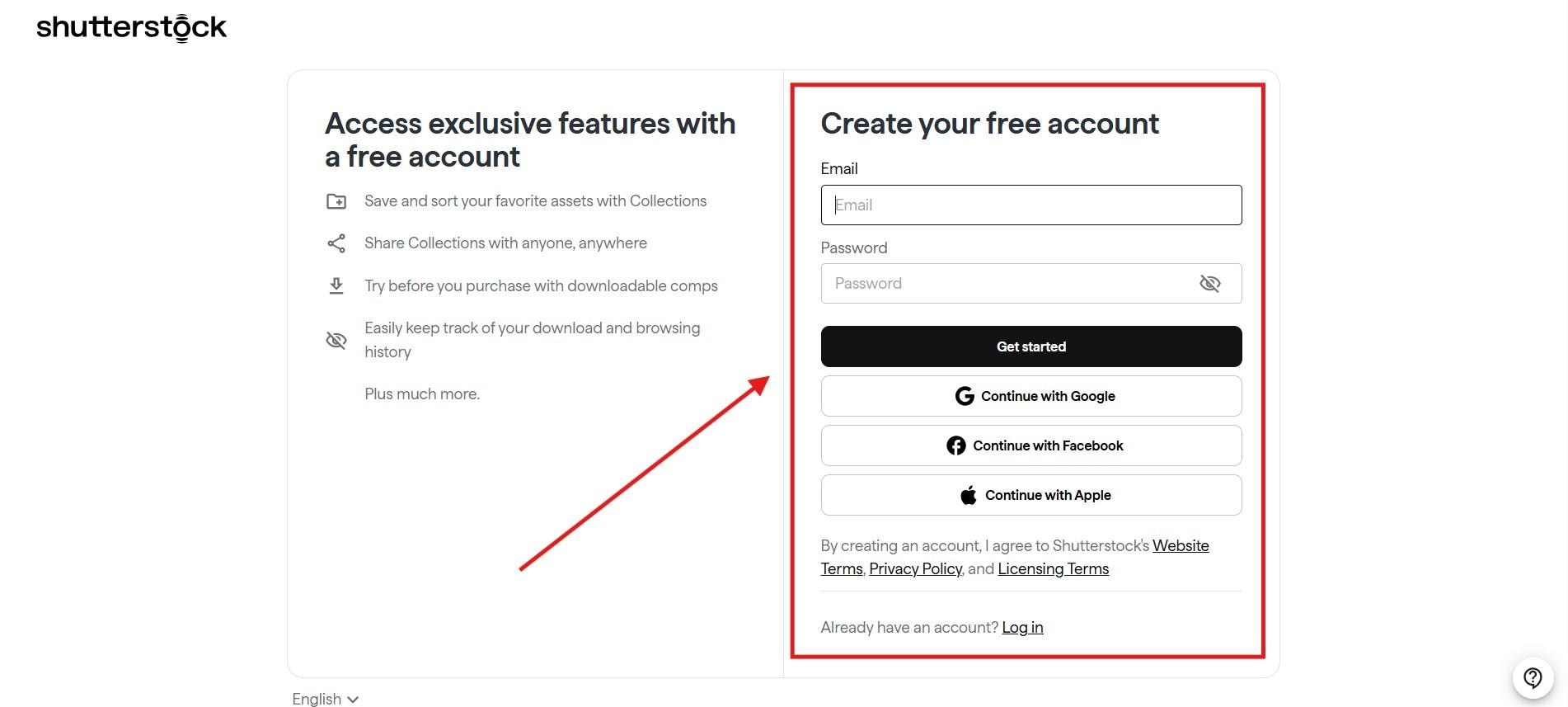
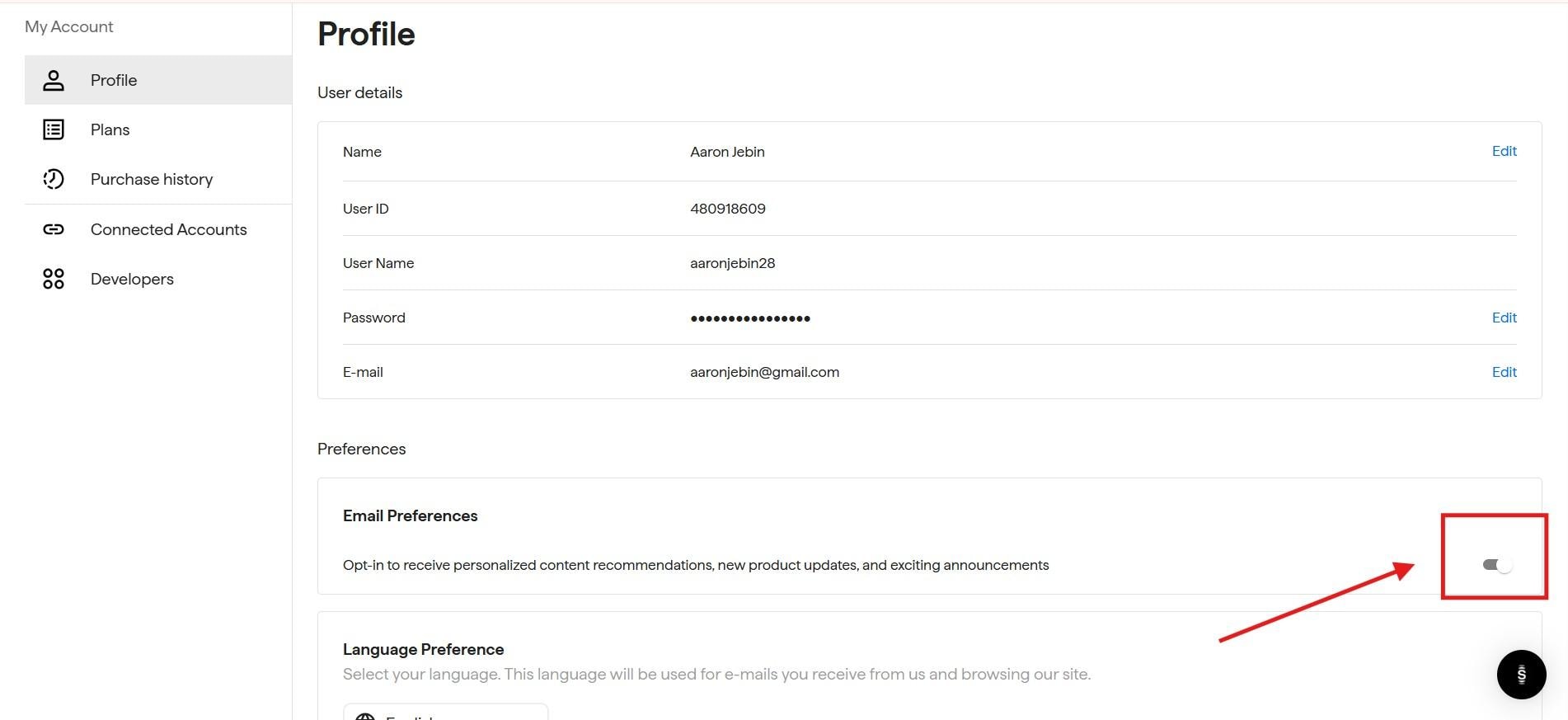
Step 3. Once your account is created, check the "Opt-in" toggle to ensure you receive emails from Shutterstock. Keep an eye on your emails for the discount coupon for an educational or non-profit subscription.
Part 5. Best Free Alternatives to Shutterstock Downloader
1. Unsplash
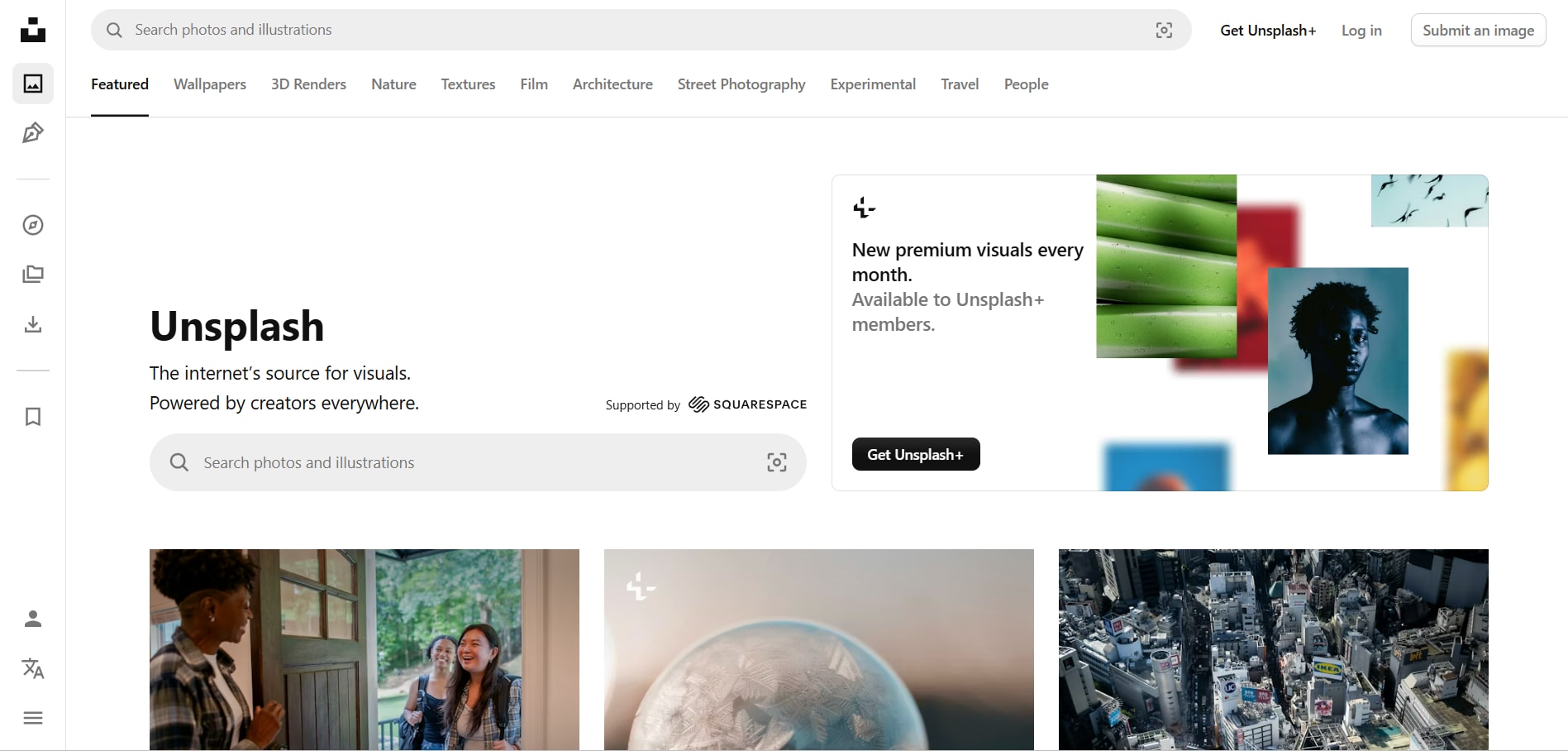
Unsplash is a popular free stock photo platform and one of the most widely used copyright-free alternatives to premium stock content. It offers high-resolution, artistic photographs contributed by a global community of creators, with collections that lean toward lifestyle, aesthetics, and editorial-style visuals.
Key Features
- Curated collections with trending categories
- Large library of high-resolution photos
- The primary focus is only on the image library
License Details
Unsplash provides you with a free trial for 3 months, where you can download premium content with an ad-free experience. The Unsplash + is priced at $12 per month.
Best For
Unsplash is suited for bloggers, startups, and content creators who want appealing lifestyle photos.
2. Pexels
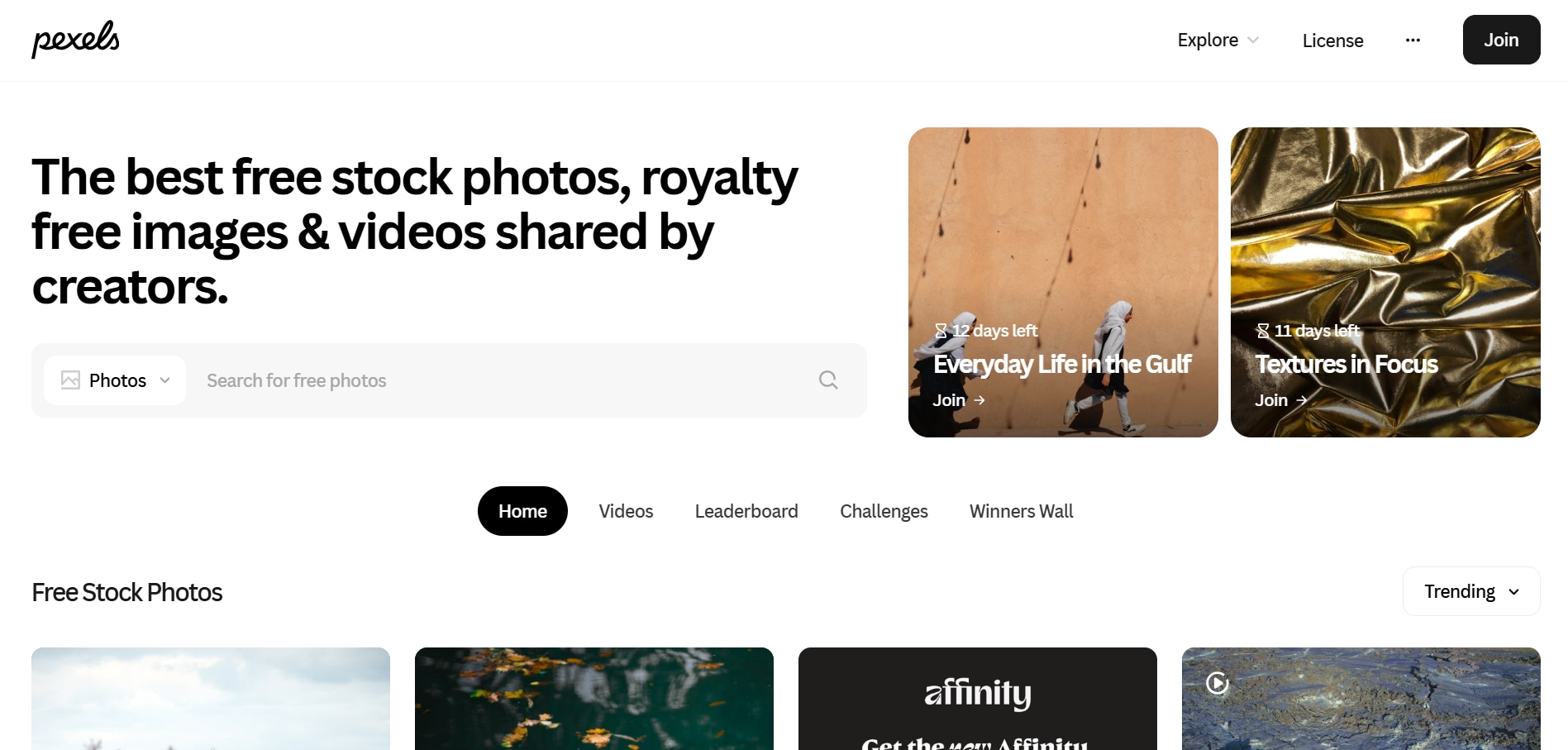
Pexels is a free stock media platform offering a vast collection of high-quality photos and videos contributed by talented creators worldwide. All content is royalty-free and available for personal or commercial use, with no attribution required. Pexels makes it easy for creators, marketers, and designers to find visually stunning assets for any project or campaign.
Key Features
- High-resolution image downloads with no watermarks
- Pexels has a mobile app with a clean user interface
- Advanced search filters with curated collections
License Details
Pexels is a completely free platform for both commercial and personal use. However, you cannot resell or redistribute raw files.
Best For
Suited for social media creators and YouTube creators who need stock content for publishing and content creation.
3. Pixabay
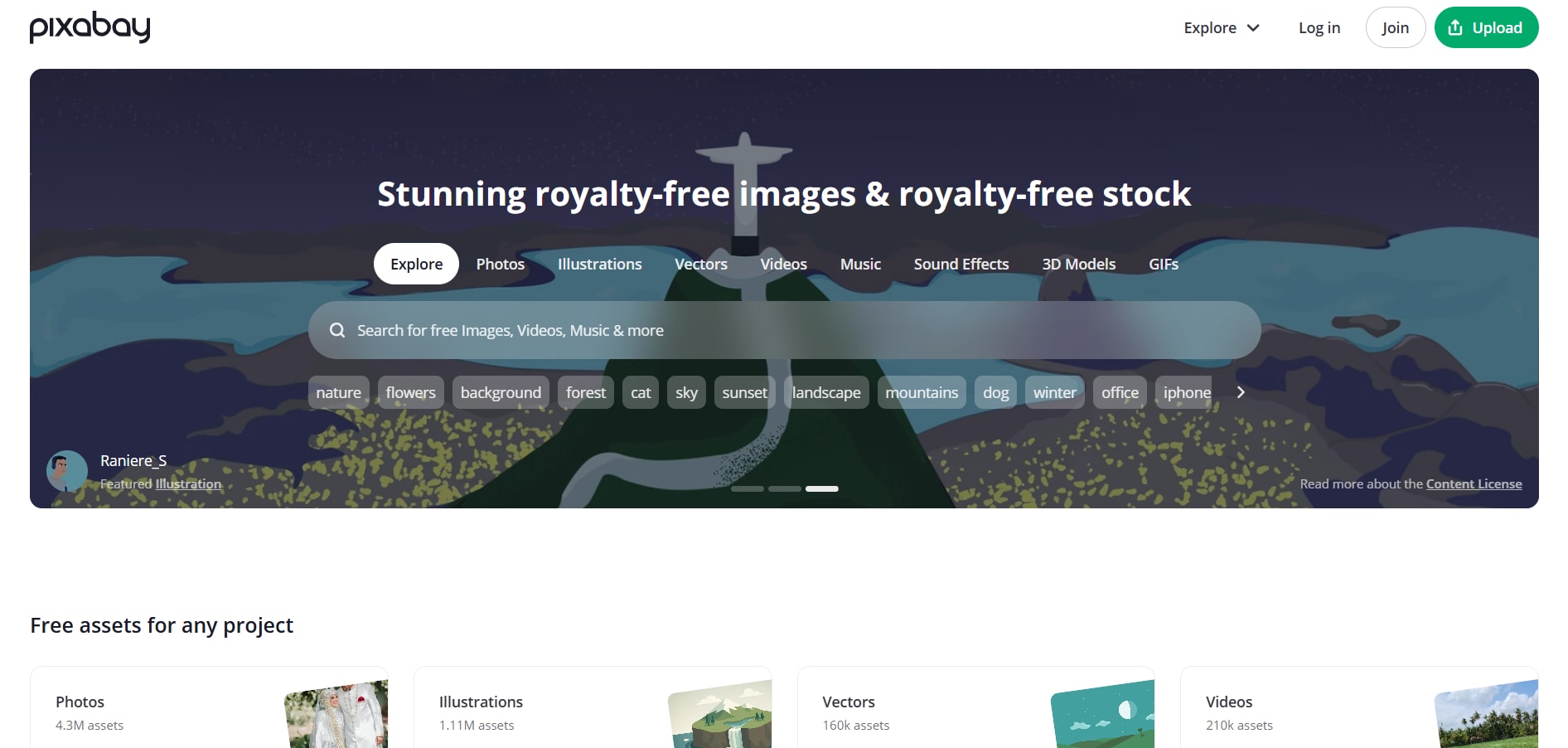
Pixabay is a free stock media platform offering over 6 million high-quality images, videos, music tracks, illustrations, vectors, and 3D models, all shared by a vibrant community of creators. With content curated for personal and commercial use, Pixabay provides royalty-free assets with no attribution required, making it a reliable and versatile resource for creative projects of all kinds.
Key Features
- Community-contributed content for photos, videos, illustrations, and vector graphics.
- HD and 4K video options with no watermark downloads.
- Advanced search options for finding the content you need.
License Details
Pixabay is a free platform that allows you to use media for commercial use. However, you should not use that content for redistribution or in a misleading way.
Best For
Designers and artists who want mixed media assets with professional-grade quality.
4. Coverr
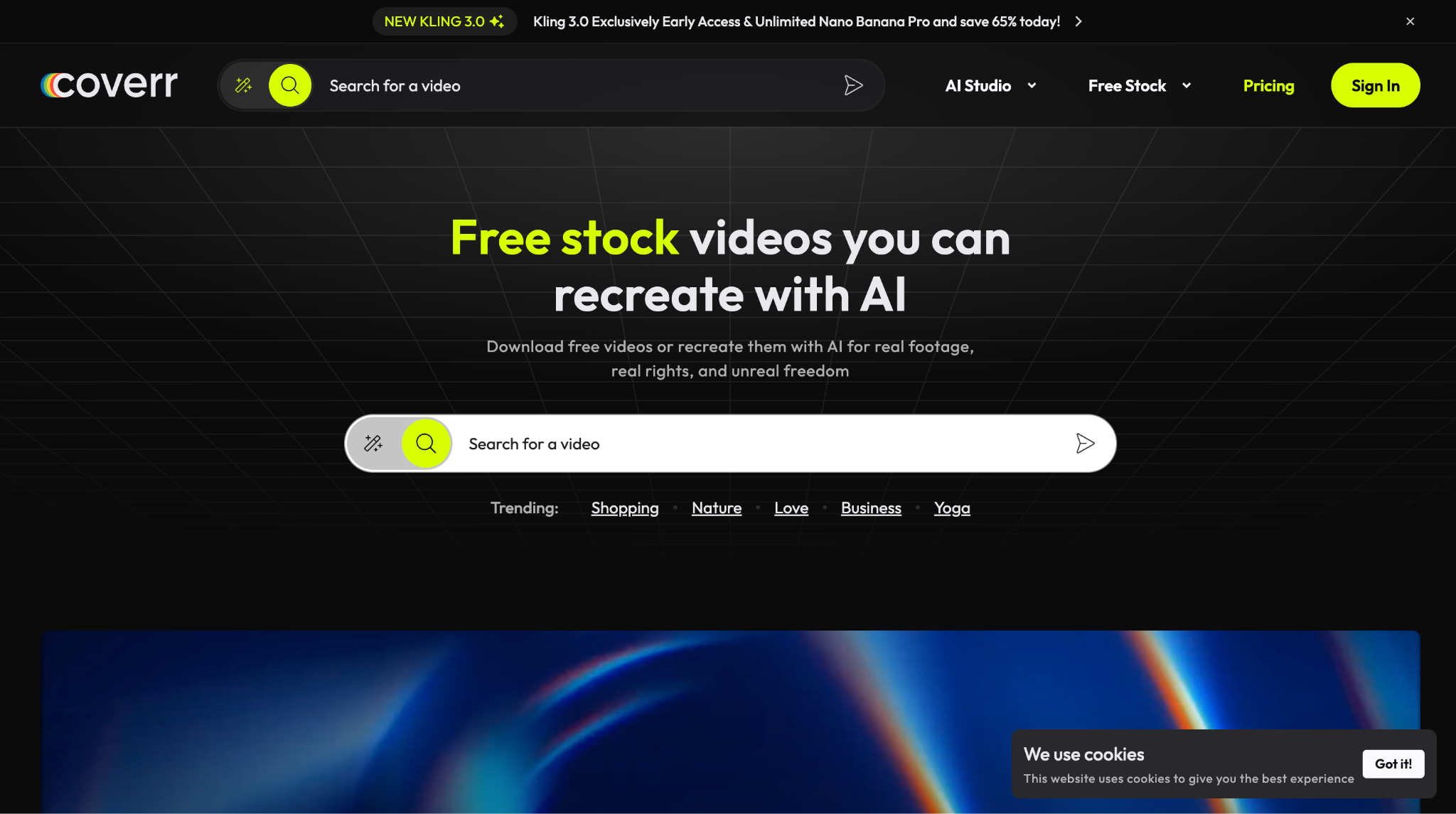
Coverr is a free stock video platform offering high-quality HD and 4K footage that can be downloaded or recreated using AI tools. It provides features like AI video generation, upscaling, and auto-subtitles, giving creators the flexibility to customize and enhance videos while ensuring royalty-free usage for personal and commercial projects.
Key Features
- Free HD and 4K stock videos with no attribution required
- AI video and image generation powered by models like Kling 3.0 and other advanced engines
- Built‑in tools such as video upscaler, auto subtitles, AI voiceover, music, and SFX generation
License Details
Coverr provides completely free stock videos for personal and commercial use without attribution. Paid plans start at $5/month, scaling to $42/month (billed yearly) for higher AI credit limits, premium stock content, advanced models, and concurrent generation tasks.
Best For
Ideal for content creators, marketers, and AI-driven video producers who need free stock footage plus built‑in AI generation tools in one platform.
5. Mixkit
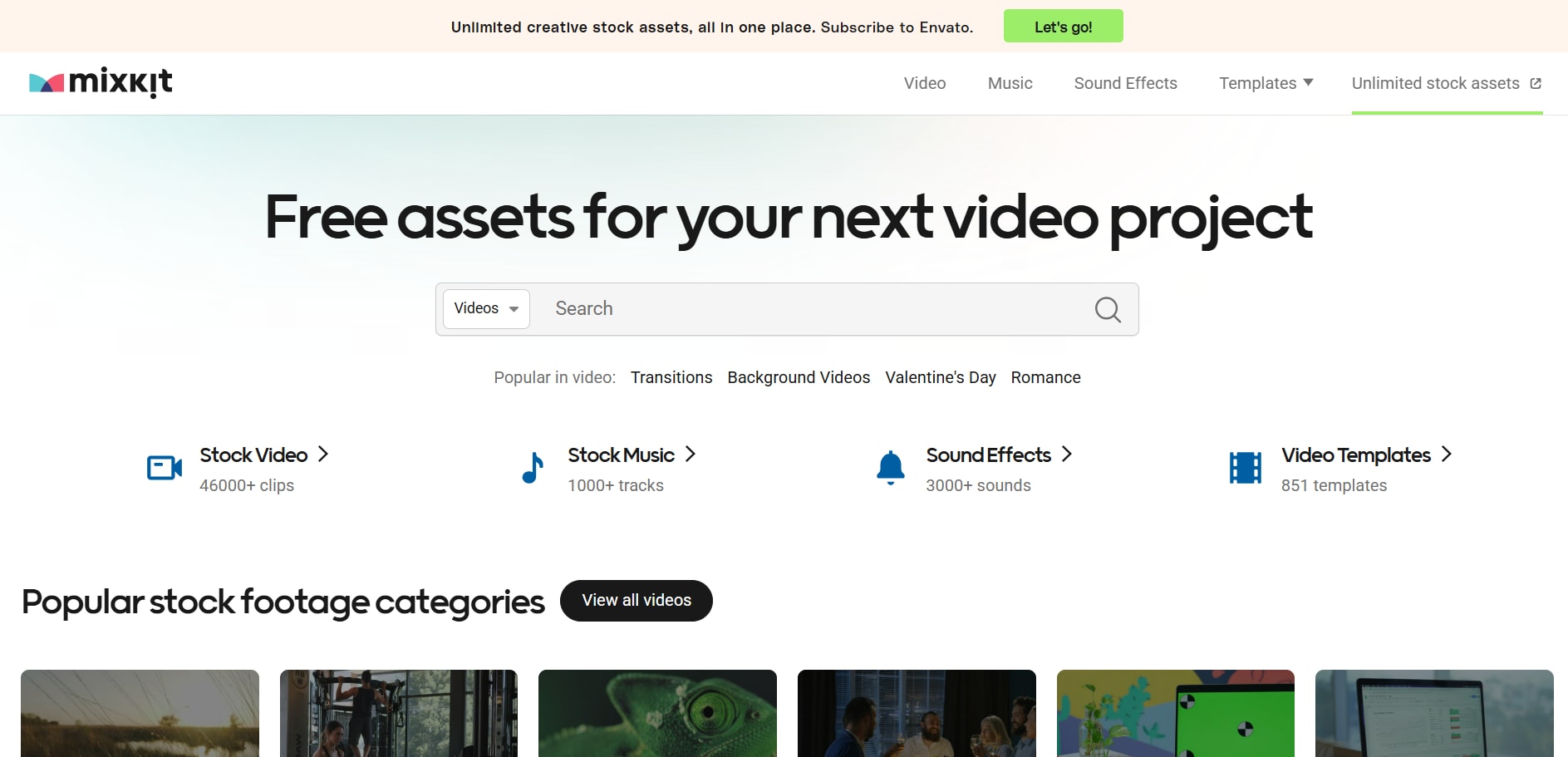
Mixkit is a free stock media platform by Envato offering high-quality videos, music tracks, sound effects, and video templates. All assets are curated from talented creators and updated weekly, allowing creators to access professional-grade content without watermarks, sign-ups, or attribution requirements.
Key Features
- Free HD and 4K stock videos, music, and sound effects with no attribution required
- Ready-to-use video templates for Premiere Pro, After Effects, Final Cut Pro, and DaVinci Resolve
- Easy search and filtering for categories like lifestyle, nature, business, and vertical formats
License Details
Assets under the Mixkit Free License can be used for both personal and commercial projects with no cost, attribution, or hidden restrictions.
Best For
Ideal for video creators, social media marketers, and hobbyists seeking high-quality free media assets for creative projects.
6. Freepik
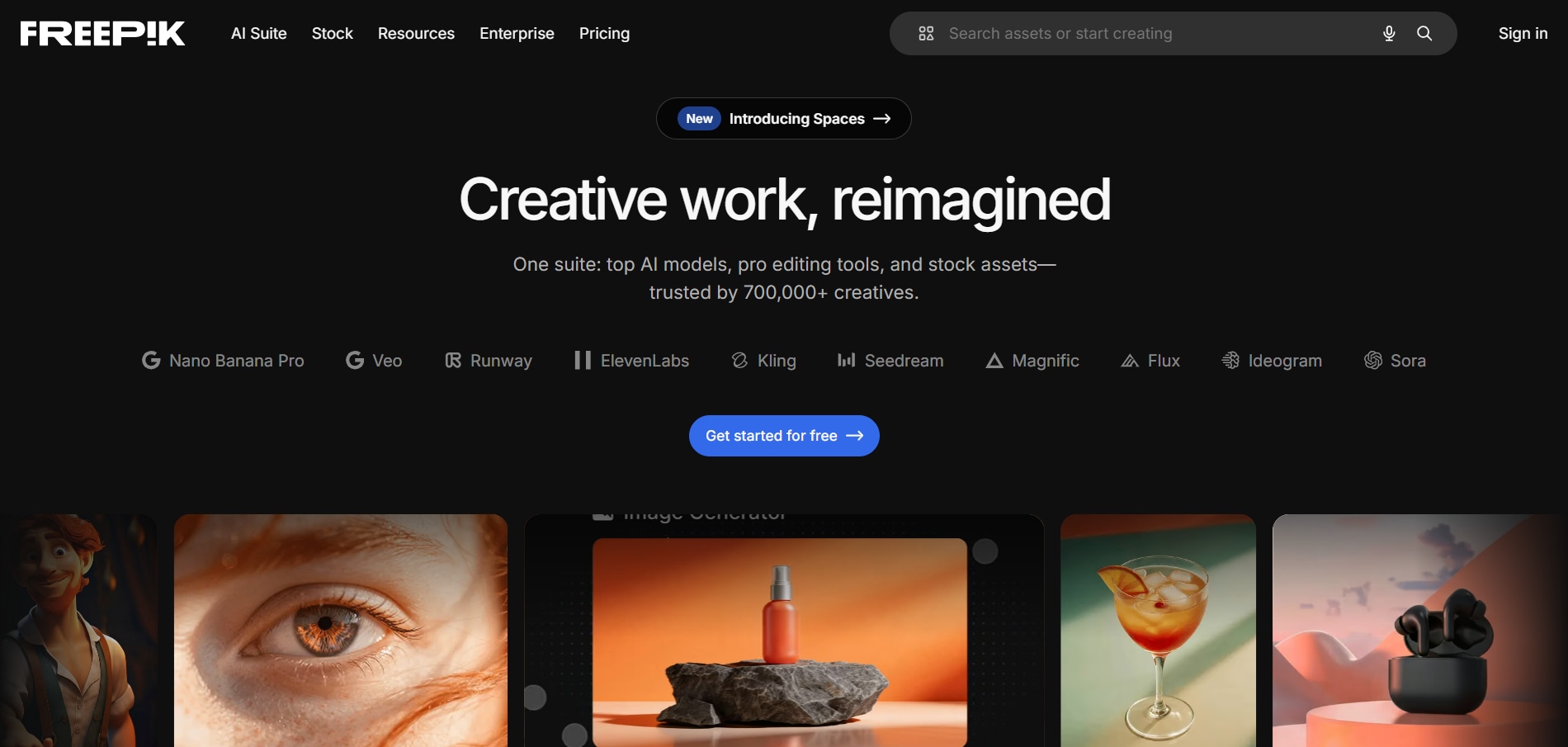
Freepik is a comprehensive design resource platform offering vectors, illustrations, PSD files, icons, and high‑quality photos. It combines free and premium content, supporting web design, marketing, and creative projects. With advanced search filters and multiple file formats, Freepik enables designers and content creators to access professional visuals efficiently and cost‑effectively.
Key Features
- Strong vector graphics and illustration library.
- PSD templates and design-ready files.
- Can be integrated with different products and design workflows
License Details
Freepik offers a free plan. The paid pricing starts from $5.75/month. The Premium plan costs $12/month, the Premium + $24.50/ month, and the Pro plan costs $158.33/month.
Best For
Suited for graphic designers with editable vectors and templates that have scalable design assets and creative mockups.
Part 6. Comparison: Shutterstock Image/Video Downloader Tools vs. Legal Alternatives
The table below compares unofficial Shutterstock downloader tools with licensed platforms and free stock alternatives, highlighting differences in image quality, video support, legal protection, reliability, and long‑term commercial safety.
| Feature | Steptodown | Downloader.la | Fetchpik | 7xm.xyz | Nohat.cc | Fotoget.org | Official Shutterstock | Unsplash | Pexels | Pixabay | Coverr and Mixkit | Freepik |
| Cost | Free | Free | Free | Free | Free | Free | Paid (subscription or single asset plan) | Free | Free | Free | Free | Free + paid plans |
| Image quality | Low-resolution previews | Inconsistent HD | Unreliable low-quality resolution | Scraped previews | Mixed reliability | Inconsistent download quality | High-resolution, print-ready downloads | High-quality artistic images | Good quality for general everyday use | Mixed and a wide variety of collections | Limited focus on images | Good vectors & photos |
| Video Quality | Unsupported | Unreliable HD support | Very low quality | Limited support for videos | Minimal support for videos | Unsupported | HD, full HD, 4K licensed footage | Limited | Free HD library | HD and 4K | HD and full HD | Limited focus on videos |
| Legal Protection | None | None | None | None | None | None | Full commercial license | Free commercial license | Free commercial license | Free commercial license | Free commercial license | Free + License-based |
| Support | None | None | None | None | None | None | Dedicated customer support | Minimal | Minimal | Minimal | Minimal | Help center and paid support |
| Batch Download | Unreliable | Limited | No | No | No | No | Available | No | Limited | No | No | Available only in paid plans |
FAQs about Shutterstock Image Downloader
Can I download Shutterstock images for free legally?
You cannot download Shutterstock images for free. You can exclusively obtain royalty-free, reusable images from Shutterstock with a single subscription.
Is using a Shutterstock downloader illegal?
Yes, using the Shutterstock downloader is unlawful because it violates Shutterstock's copyright and privacy policies. You can encounter legal problems and financial penalties by using Shutterstock downloaders.
How do I remove the Shutterstock watermark legally?
The only legal way to remove the Shutterstock watermark is to use a subscription plan that gives you the original HD file, free of any watermark.
Can I download Shutterstock videos without watermarks for free?
No. You cannot download free Shutterstock videos without a watermark. You will require a paid subscription plan for downloading media from Shutterstock legally.
What happens if I use Shutterstock images or videos without a license?
Installing unlicensed content may result in a copyright claim, retrospective licensing charges, or fines. Companies can face negative publicity for using images or videos in their business without permission.
Are there safe alternatives to Shutterstock downloaders?
Yes, all photos and video files offered by sites such as Unsplash, Pexels, Freepik, and Pixabay are covered by safe, legal licenses.
How does Shutterstock detect unauthorized downloads?
Shutterstock used digital tracking tools, such as reverse image search and automated web crawlers, to identify unlicensed use.
What's the difference between Shutterstock image and video subscriptions?
Image subscriptions are typically required to download photos from the Shutterstock platform, while a video subscription is required to download video footage.
Conclusion
Shutterstock downloaders carry more risk than advantages. These downloader tools deliver low-quality files and raise potential security concerns. When you subscribe to the Shutterstock plans, you can download images or videos with peace of mind. The licensing also allows you to reuse this content with certain regulations.
Free alternatives to Shutterstock also offer watermark-free content for commercial use. Once you have licensed media, you can use Wondershare UniConverter to further edit, convert, compress, or upscale the media file as needed. Try safer alternatives to Shutterstock and use UniConverter to enhance media file resolution with ease.

