


Bollywood karaoke tracks are now more accessible than ever, thanks to a range of online platforms offering both free and premium options. From timeless classics to trending hits, there's something for every music lover. Tools like UniConverter also make it easy to convert and manage these tracks across formats and devices.
In this guide, we explore the top 10 trusted Hindi karaoke websites where you can easily find and download high-quality Bollywood karaoke tracks for your next jam session or performance.
In this article
Part 1: Best 10 Free Sites to Download Hindi Song Karaoke Track
Ready to sing your heart out with high-quality karaoke tracks? These karaoke websites offer free and reliable Hindi song instrumentals, perfect for performances or practice:
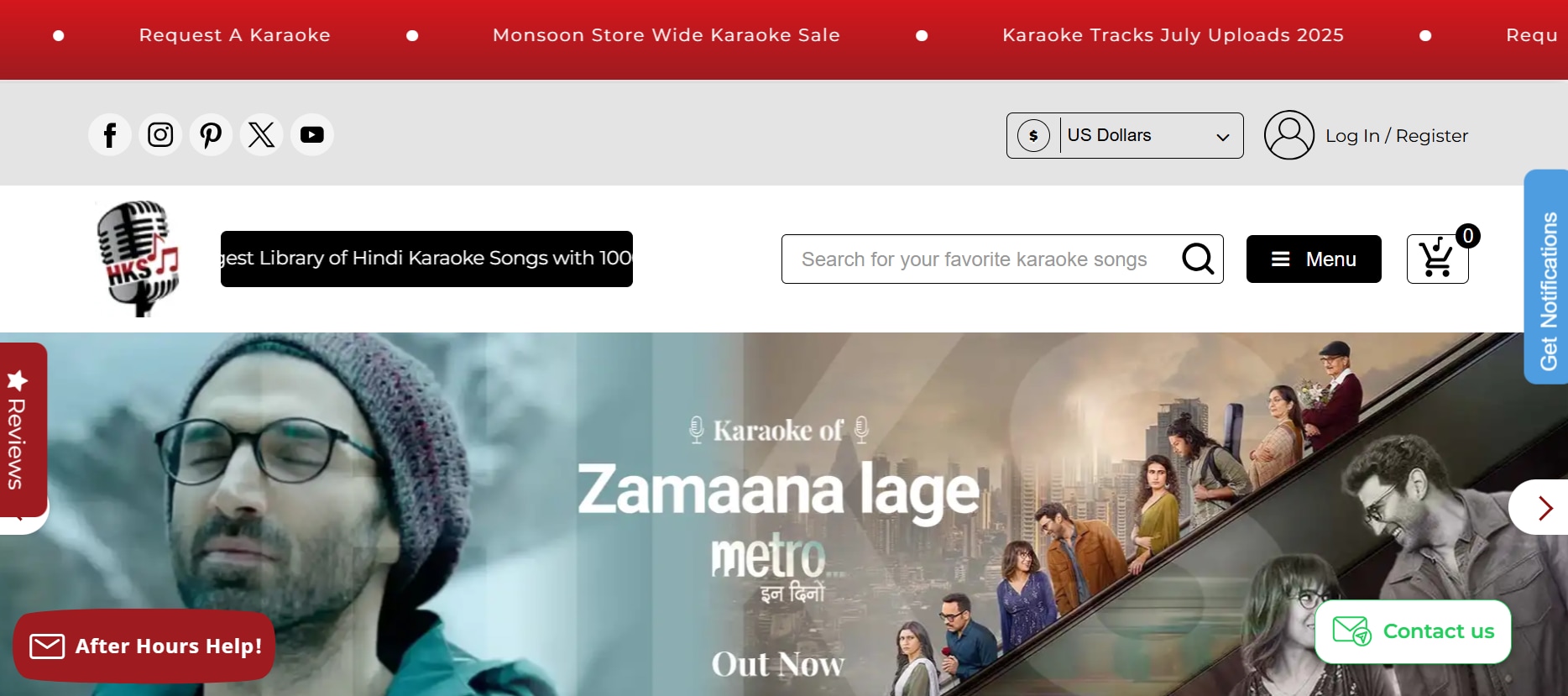
1. Hindi Karaoke Shop
Hindi Karaoke Shop serves as a popular Hindi karaoke website and offers a massive selection of Bollywood karaoke tracks spanning old classics to trending hits. You can preview samples before downloading. While most are paid, they do offer free tracks during promotions or for registered users. Quality is studio-grade and suitable for professional use. This karaoke website library is updated frequently with newly released Bollywood songs.
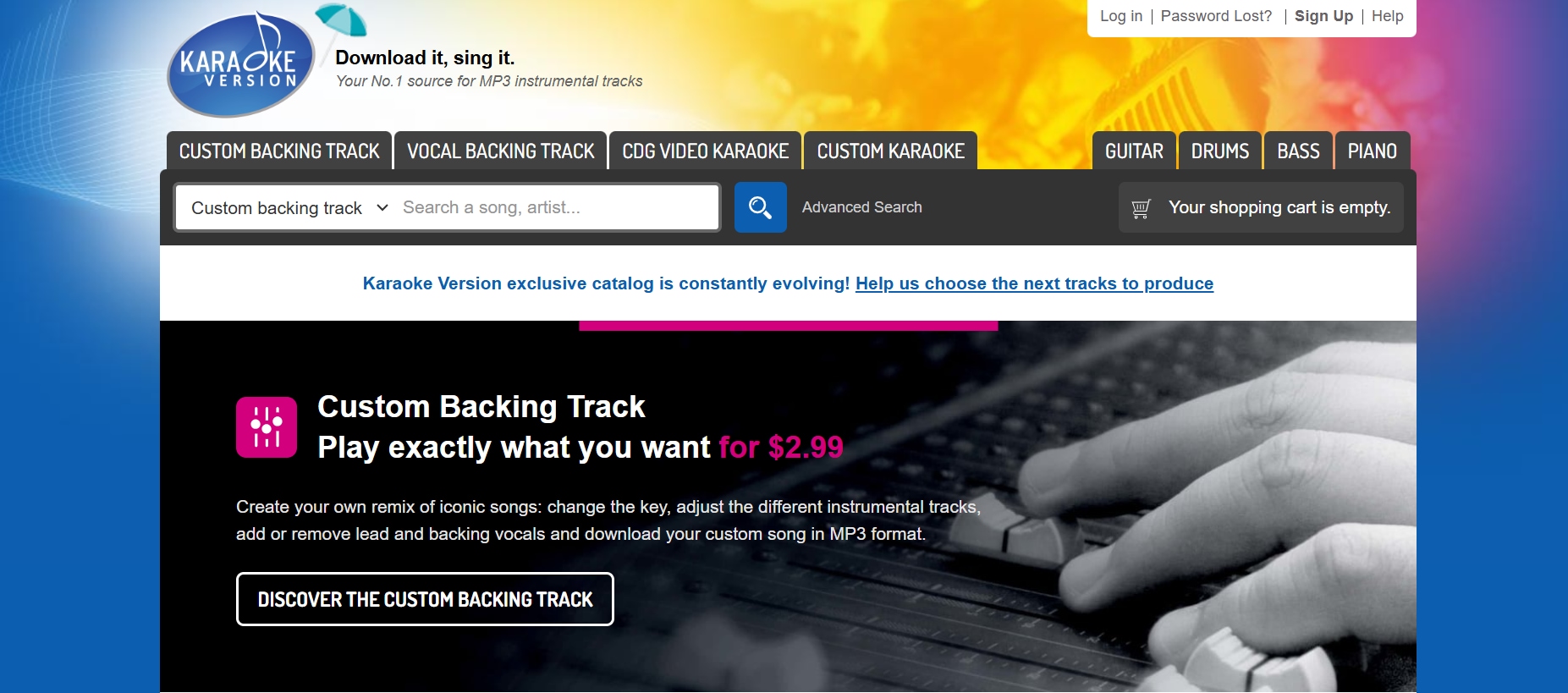
2. Karaoke Version
Though primarily known for English songs, Karaoke Version features a growing section of Hindi karaoke tracks.This bollywood karaoke website offers customizable options like changing pitch, tempo, and muting instruments. Some free tracks are available, and others are reasonably priced. The user-friendly interface helps you get started quickly. All downloads in this Hindi karaoke website come with lifetime access and no usage restrictions.
3. YouTube
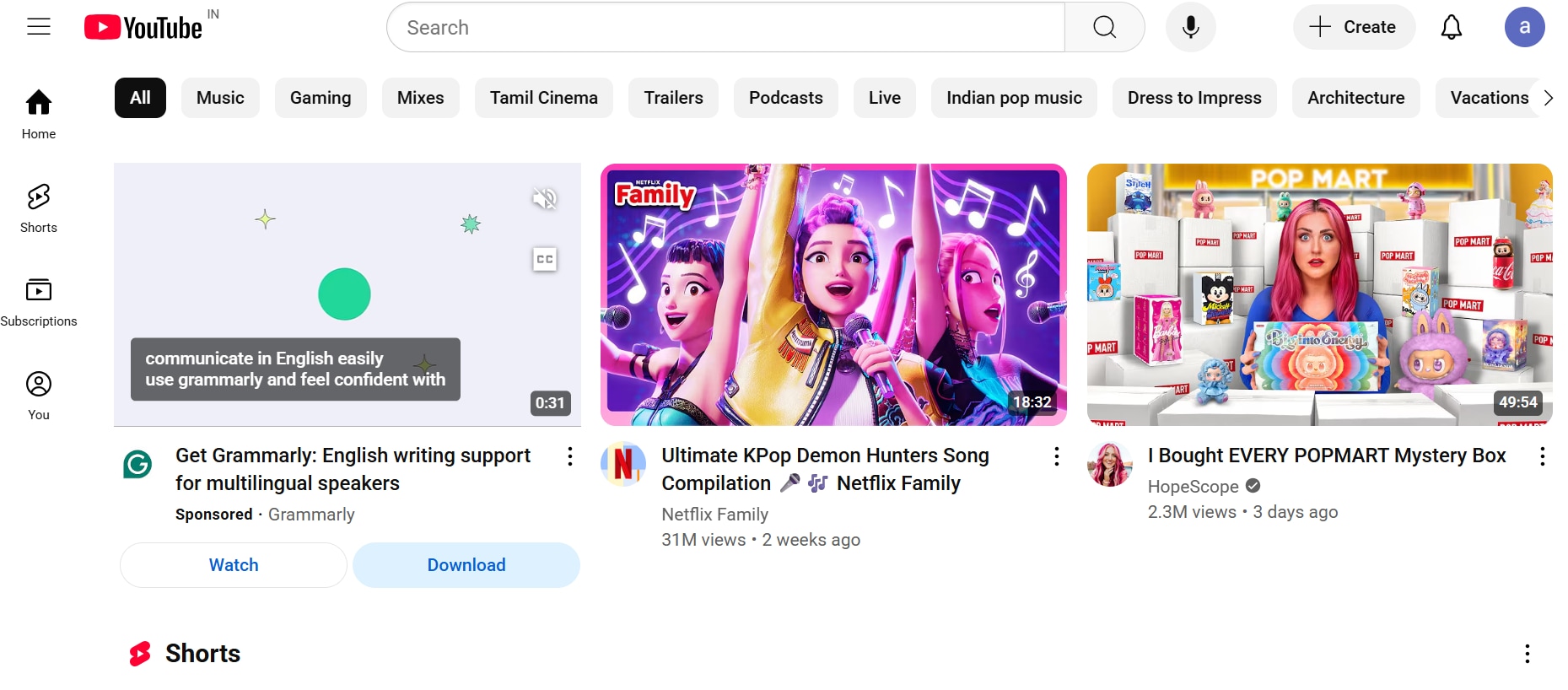
YouTubehas thousands of Hindi karaoke tracks uploaded by creators. You can search for songs with “karaoke + song name” for quick results. Use UniConverter to download and convert these into MP3 or MP4 formats for offline access. It’s a simple and flexible way to build your karaoke playlist. You can also extract just the audio to save space on your device.
4. Gaana
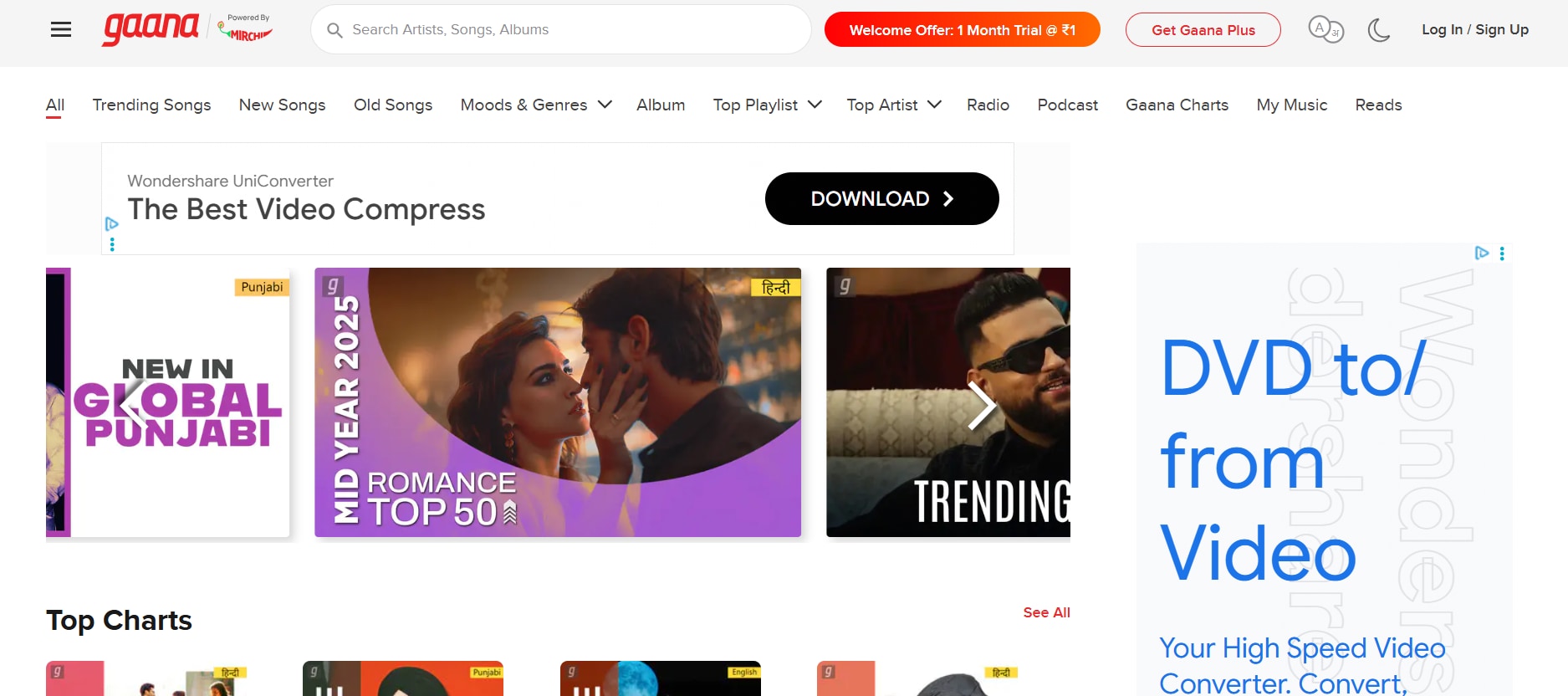
Gaana’s karaoke mode is built into its app, allowing users to sing along to real-time lyrics. Although full access requires a premium subscription, some songs are available for free with synced karaoke lyrics. It’s perfect for casual practice without needing downloads. The hindi karaoke platform also supports pitch correction and reverb effects for a better singing experience. This Hindi karaoke website’s curated playlists also make song discovery easier for beginners.
5. SingSnap
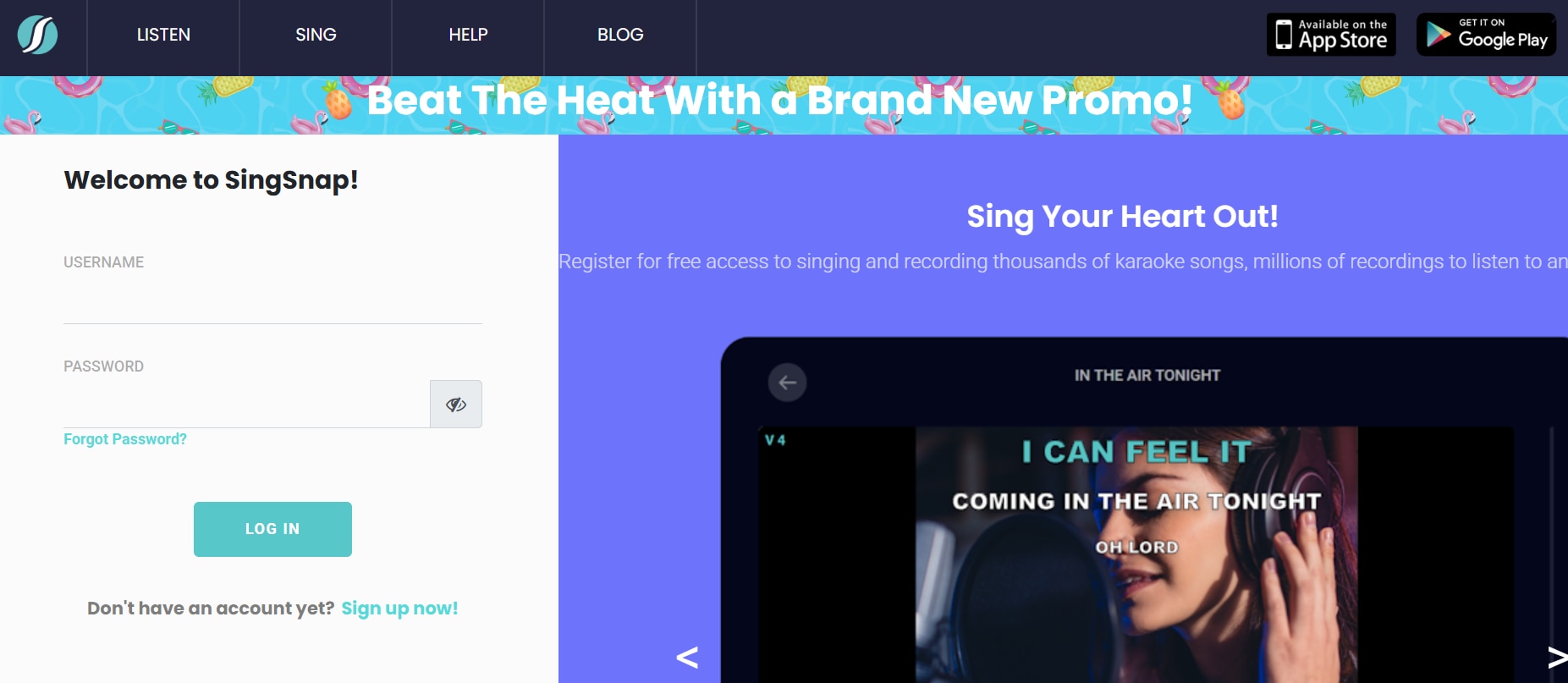
SingSnap is a karaoke singing community where users can record, share, and browse tracks. It includes a collection of Bollywood Karaoke songs, and some are available for free. You can sing live or record your voice with backing tracks. The Hindi karaoke website also features contests, user ratings, and a friendly community to help improve your skills. A built-in editor lets you tweak your recordings before sharing them.
6. Mr-Jatt.In
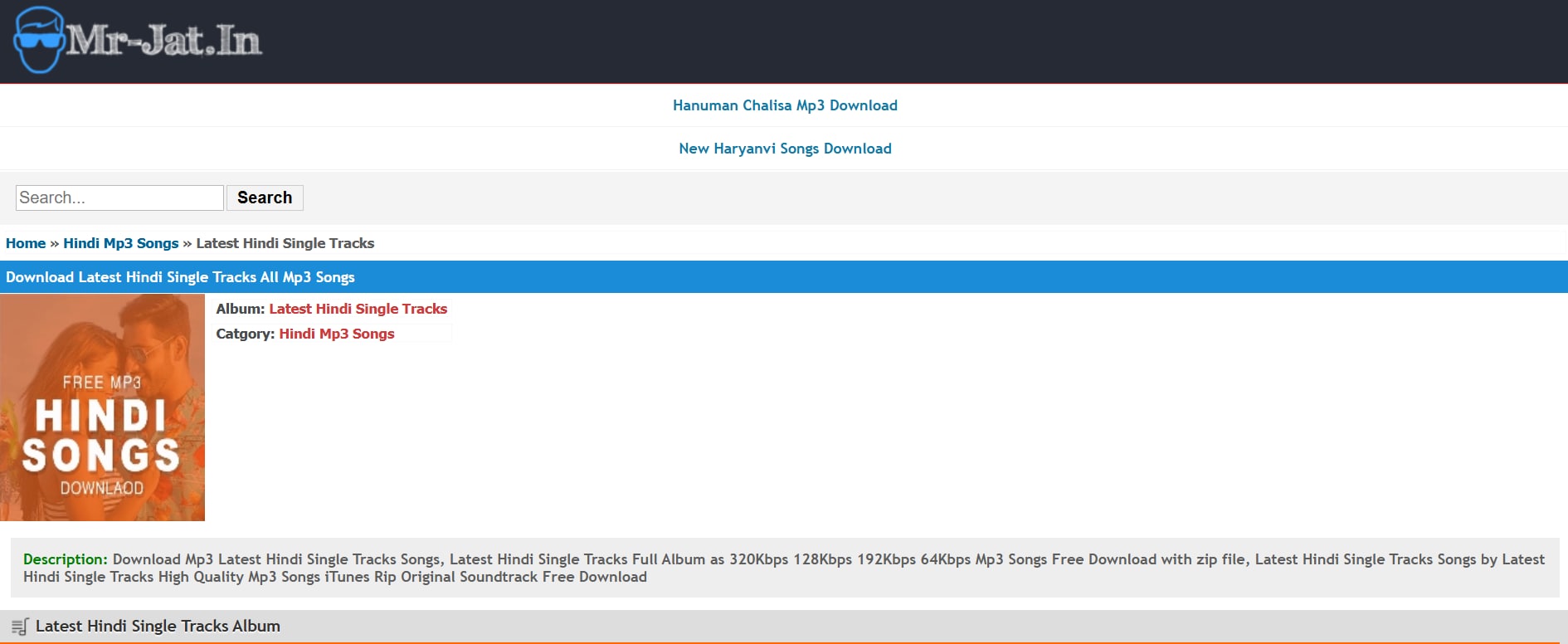
Popular for Punjabi music, Mr-Jatt also offers a small library of Hindi karaoke tracks. Most of them are based on Bollywood blockbusters and remix hits. Downloads are typically in MP3 format, and no login is required. It’s especially useful if you're looking for party songs or DJ remixes in karaoke form. Be sure to double-check file quality, as it varies across uploads.
7. Baji Karaoke
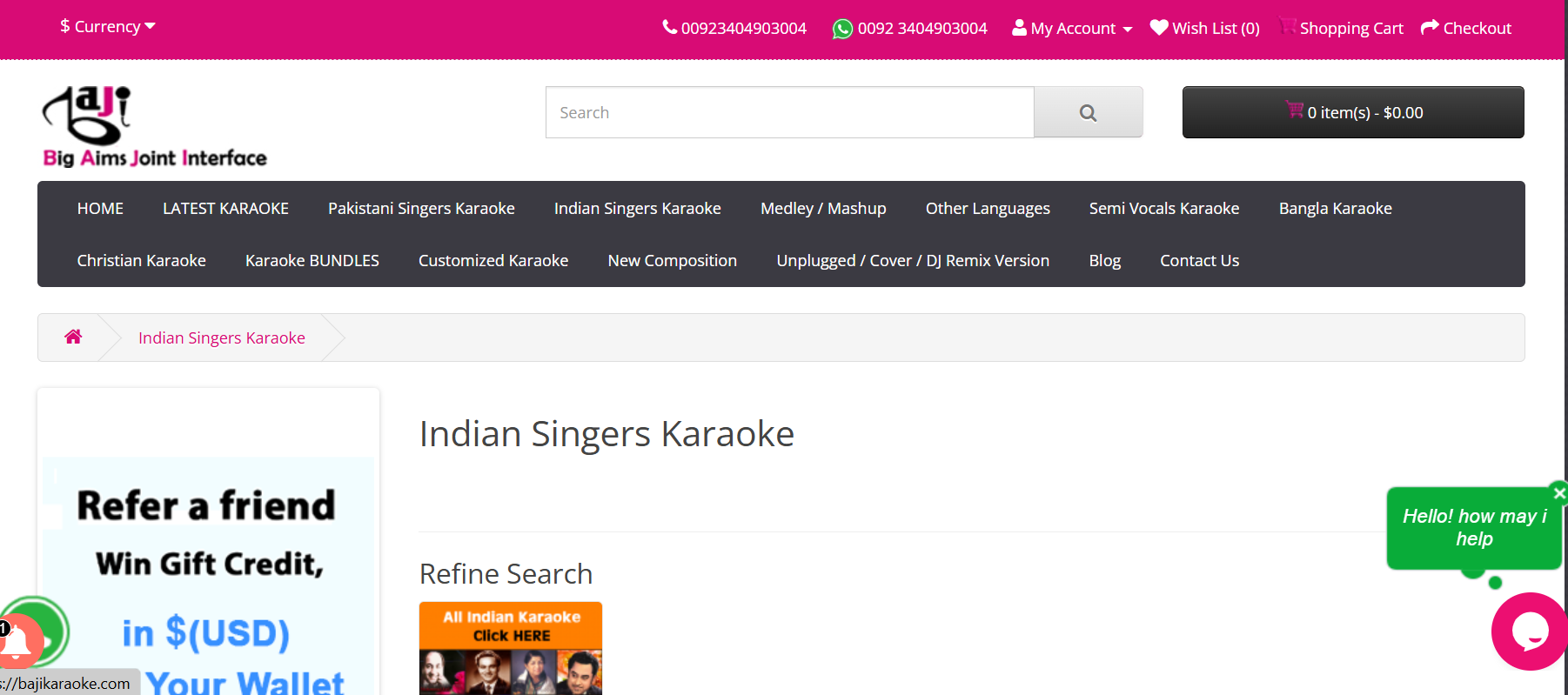
As another popular Hindi karaoke website, Baji Karaoke offers a massive library of Bollywood karaoke songs in high-quality MP3 formats, closely matching studio originals. It includes curated collections by legendary playback singers—from Kishore Kumar to Arijit Singh—so you can easily find classics and new hits. Registration is free, though premium bundles are also available. Whether you're preparing for a tribute night or a solo performance, Baji is a one-stop hub for Hindi karaoke.
8. MeraGana
MeraGana is one of the world’s largest multi-language karaoke portals, featuring Hindi, Punjabi, Tamil, Telugu, Bengali, and more. You can stream Hindi Karaoke songs online and download them for offline use—no cost attached. The Hindi karaoke website provides both lyric-supported sing-along and instrumental-only versions, perfect for singing or practicing. With its continually updated collection and mobile-friendly interface, the Hindi karaoke website suits both casual users and karaoke pros.

9. Saregama
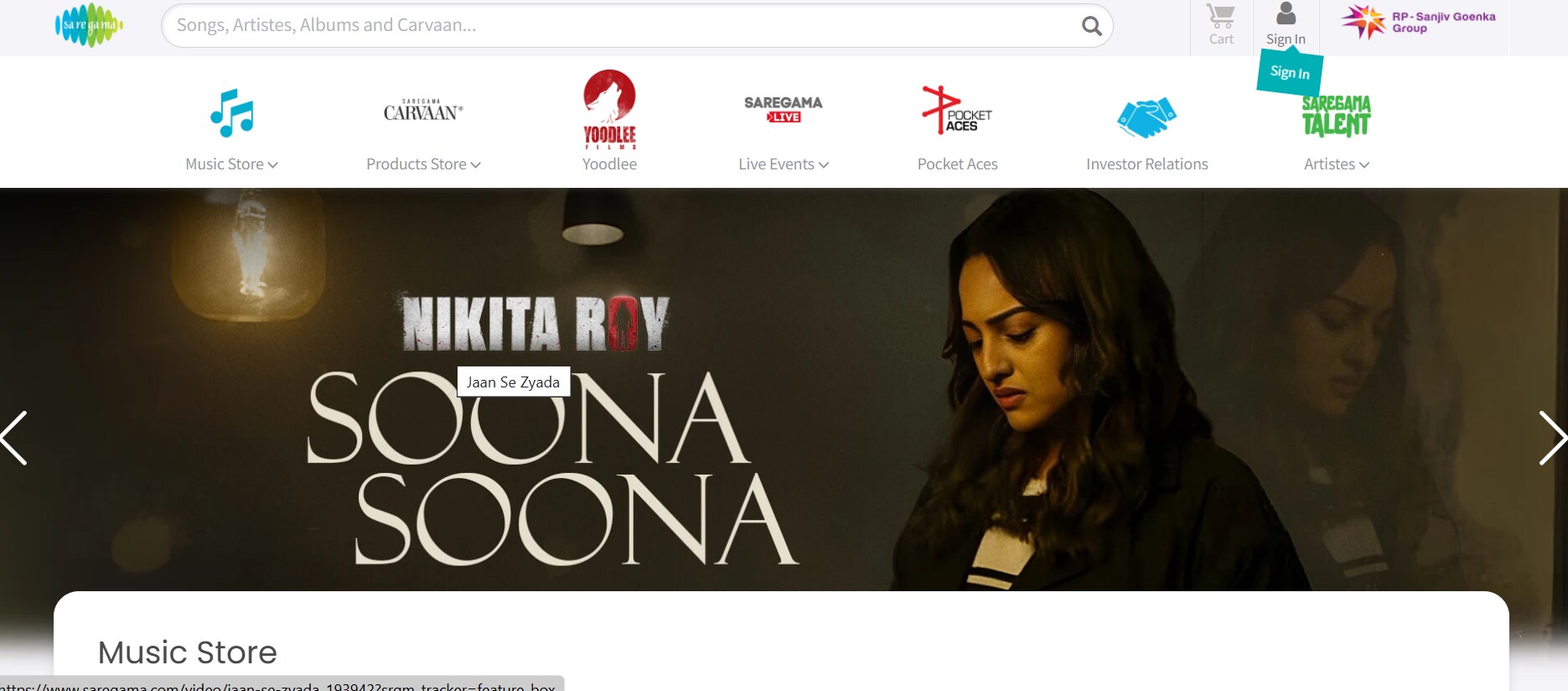
Saregama offers karaoke features through its Carvaan product and app. While most content is paid, free samples and trial songs are often available. It includes legendary classics from Lata Mangeshkar, Kishore Kumar, and more. The Hindi karaoke website is easy to navigate and designed for a smooth, plug-and-play karaoke experience. Their Bluetooth-enabled Carvaan devices can be synced for live singing sessions.
10. Smule
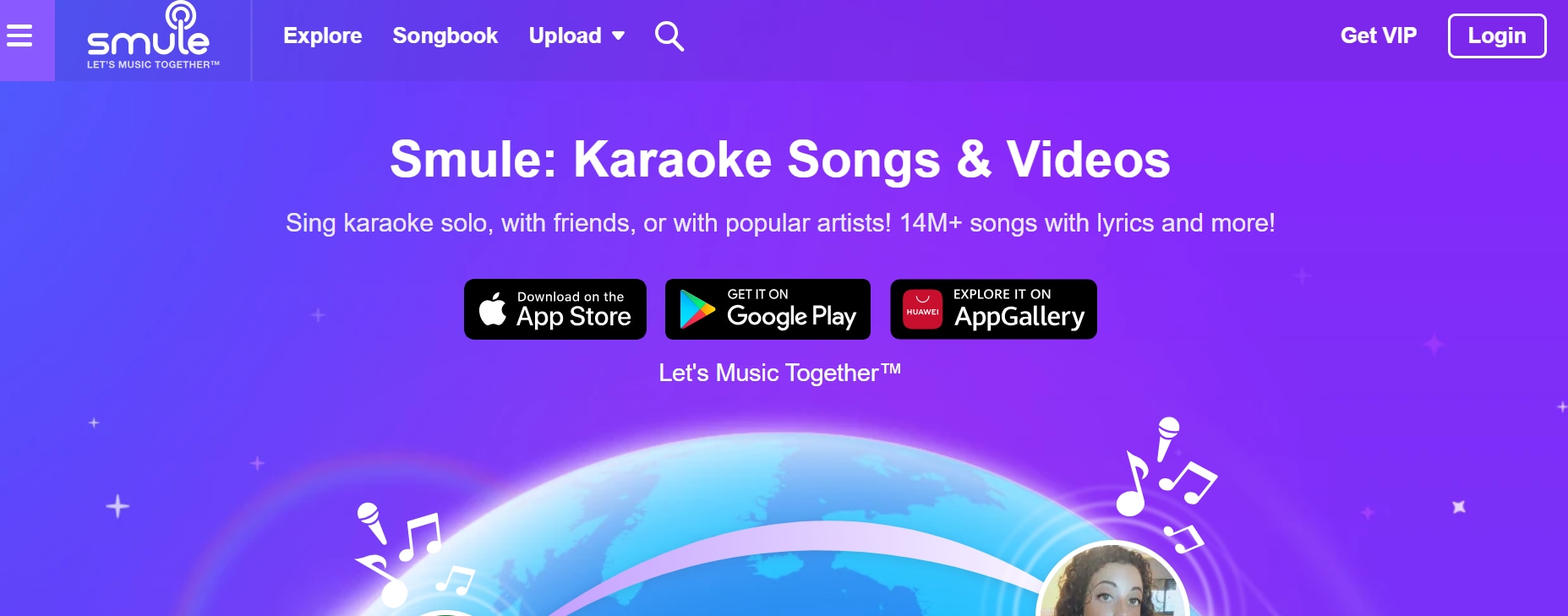
Smule is a hindi karaoke app with an active Bollywood tracklist. You can sing duets, solos, or group performances with video. While premium unlocks full access, many tracks are free to try with basic features. Its interactive filters, voice effects, and global community make singing more immersive and fun. This Hindi karaoke website also allows collaborations with users worldwide, including celebrity accounts.
Part 2: Quick Comparison of Bollywood Hindi Karaoke Song Websites
This comparison table has been created to help users evaluate and choose from various Hindi karaoke song websites based on factors like audio quality, song library size, pricing, ads density and category supported. It includes both free and paid options, along with platform-specific features that may influence your decision depending on your singing needs.
|
Platform |
Pricing |
Ads Density |
Categories Supported |
Library Size |
|
Hindi Karaoke Shop |
Paid (₹99–₹499/track) $1.19–$6.01 per track |
No ads |
Bollywood, Devotional, Regional |
Medium (curated quality selection) |
|
Karaoke Version |
Paid (~₹150–₹250/track) $1.81–$3.01 per track |
No ads |
Bollywood, Pop, Rock, Instrumentals |
Medium (decent Hindi selection) |
|
YouTube (UniConverter) |
Free (via UniConverter tool) |
High |
All genres (user-uploaded variety) |
High (varies by video availability) |
|
Gaana Karaoke |
Subscription-based (with Gaana+) |
Low (with subscription) |
Bollywood, Indie, Old classics |
Medium (limited karaoke library) |
|
SingSnap |
Freemium (full access via sub)) |
Medium to High |
Bollywood (few), English, Regional |
Low (mostly Western tracks) |
|
Mr-Jatt |
Free |
High |
Punjabi, Hindi, Haryanvi |
Medium (mostly regional focus) |
|
Baji Karaoke |
Freemium (some tracks paid) |
Medium |
Bollywood, Bhojpuri, Devotional |
Medium (decent regional collection) |
|
MeraGana |
Paid (₹399/mo or ₹2999/year) $4.81/mo or $36.13/year |
No ads |
Bollywood, Ghazals, Devotional |
Very High (10,000+ Hindi tracks) |
|
Saregama Carvaan Karaoke |
One-time device cost (~₹7000) or $84.34 |
No ads |
Bollywood (old to new), Devotional |
High (5,000+ Hindi songs preloaded) |
|
Smule |
Freemium (VIP at ₹129/mo) $1.55/mo |
Low (with VIP) |
Bollywood, Regional, Pop, Duets |
Very High (real-time community uploads) |
Part 3: How to Batch Make Local Songs Karaoke Track Yourself
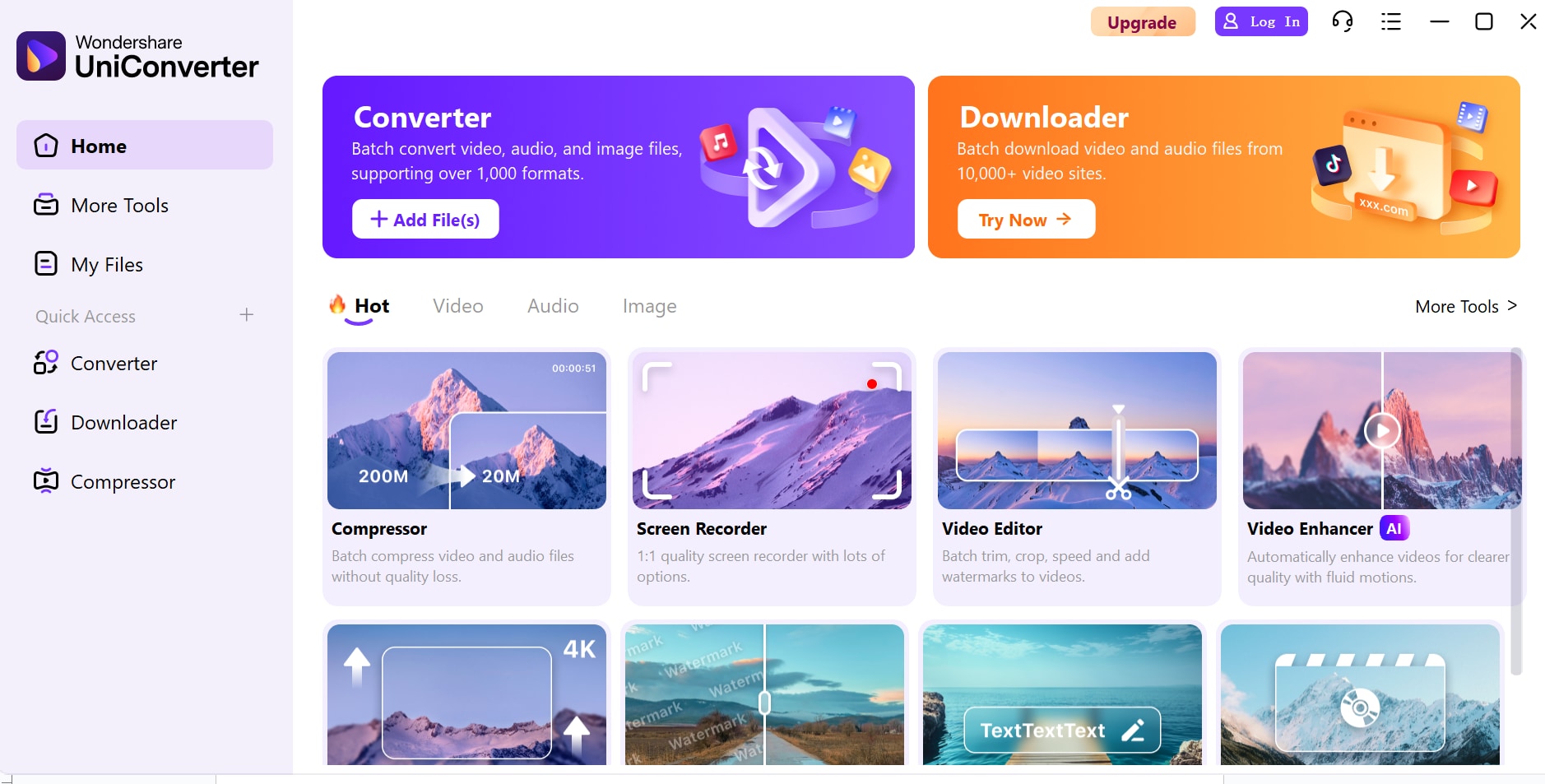
Want to sing your favorite local songs without vocals? Creating any hindi karaoke versions of your MP3 files is easier than ever—no need for expensive studios or complex software. With UniConverter Vocal Remover, you can batch-convert multiple songs into karaoke-ready tracks in just a few clicks. UniConverter by Wondershare features a built-in AI Vocal Remover that isolates vocals and instrumentals with high accuracy. It supports batch processing, making it ideal for creators, karaoke hosts, or music teachers working with a large playlist.
Steps to remove vocals from any song in minutes with UniConverter
Follow these 3 simple steps:
Step 1: Launch the Vocal Remover and add your song
Open Wondershare UniConverter on your PC and go to the Toolbox tab. Click on Vocal Remover to begin. Tap the + File icon or drag and drop one or more audio/video files you want to convert. UniConverter supports multiple formats like MP3, M4A, WAV, OGG, MP4, MOV, MKV, and AVI formats. You can upload multiple songs at once, making it perfect for batch processing your playlist.
Step 2: Start analyzing the song with AI
Once your track is uploaded, UniConverter automatically begins analyzing it using its AI-powered vocal separation engine. The tool detects vocals, beats, and instrumental layers in the background. The analysis is fast and accurate—even with complex or high-energy Bollywood, indie, or regional songs. This step requires no manual tuning, making it beginner-friendly yet pro-level in precision.
Step 3: Remove vocals and export the file(s)
After analysis, UniConverter instantly generates two separate audio tracks:
- One with vocals only
- One with instrumentals only (your karaoke-ready version)
You can preview both before saving. Click the Export button beside the track you want to keep—either to sing along with or remix. Choose your output format (MP3, WAV, etc.), select audio quality settings, and save the file directly to your device. You now have a clean, high-quality karaoke track ready to use for singing, content creation, or DJing.
Part 4: Conclusion
Creating karaoke tracks from your favorite local songs is no longer limited to professionals or advanced audio tools. With Wondershare UniConverter’s AI Vocal Remover, anyone can easily isolate vocals and instrumentals to easily make Bollywood karaoke songs in just a few steps. It supports batch processing, multiple formats, and delivers high-quality output—perfect for singers, content creators, or hobbyists.
Ready to turn your playlist into a karaoke party? Download Wondershare UniConverter now and start creating high-quality karaoke tracks in minutes—no tech skills required, just pure creativity.
FAQs
-
1. Can I remove vocals from video files as well as audio?
Yes, UniConverter allows you to upload both audio and video files. It can extract and isolate vocals or instrumentals from music videos, movie clips, or any video file containing a soundtrack. -
2. What audio formats does UniConverter’s Vocal Remover support?
UniConverter supports a wide range of formats including MP3, M4A, WAV, OGG, MP4, MOV, MKV, and AVI formats. You can input songs in most common formats and export your karaoke tracks in your preferred file type. -
3. Will the instrumental quality be good enough for live singing or recording?
Absolutely. UniConverter uses advanced AI algorithms that deliver clean, studio-grade instrumental tracks. It works well for karaoke nights, music covers, rehearsals, or even stage performances. -
4. Does UniConverter work offline once installed?
Yes, once installed on your PC or Mac, UniConverter works entirely offline. You don’t need an internet connection to process or export your vocal-removed tracks, making it safe and private. -
5. Is the vocal remover tool beginner-friendly?
Absolutely. UniConverter’s Vocal Remover is designed with a simple interface and automated AI processing—no technical expertise needed. It’s perfect for beginners as well as experienced users.

