


You watch a useful video on Facebook and want to save it to your device for later. But then you are forced to rely on unsafe third-party apps or browser plugins to download the video. Even after downloading the video, there are times when the video does not play on your device. This is where you need a Facebook to MP4 converter 720p.
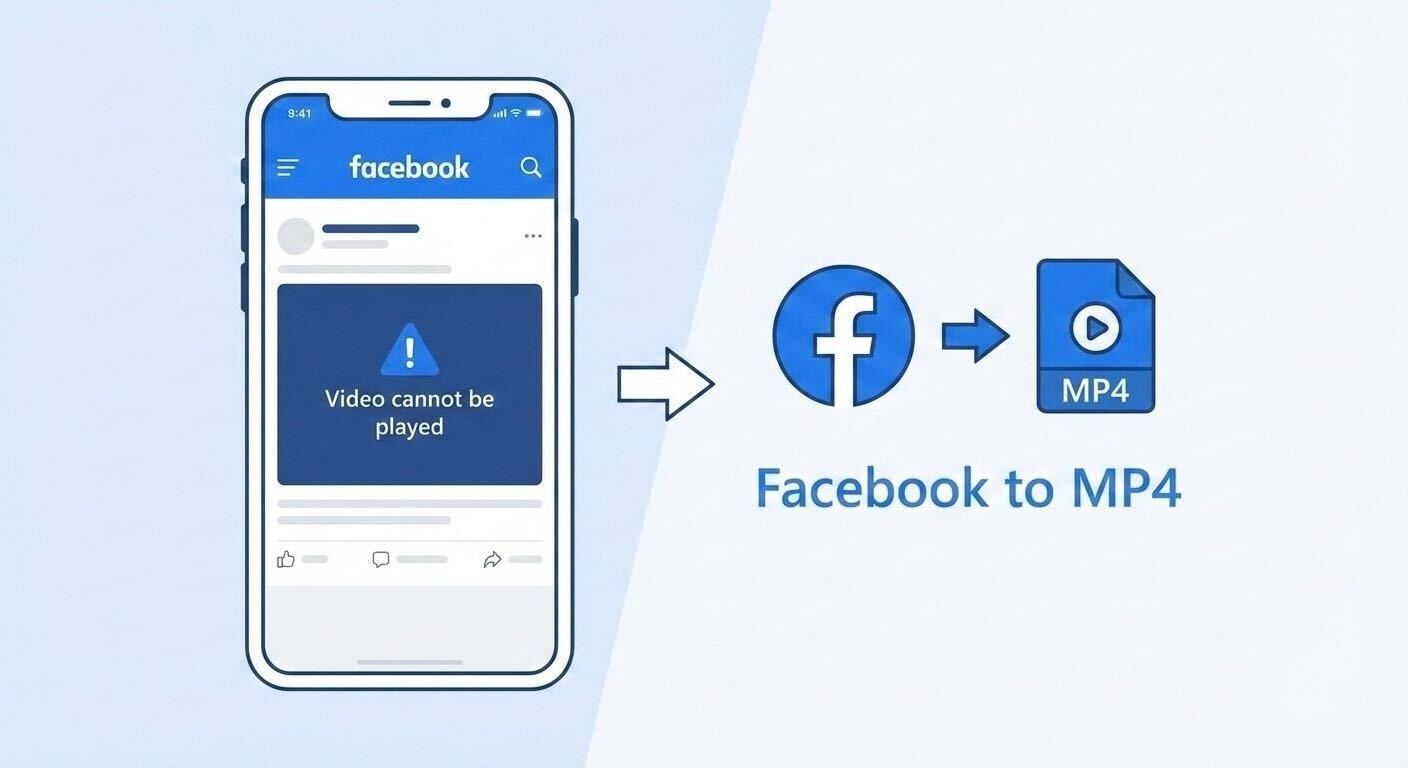
In this article, you will learn how to download Facebook videos without any playback issues and convert them to MP4. With a step-by-step guide, you will get all the required knowledge to download and play Facebook videos without any issues. You do not need any technical skills for this. What you need is the right approach!
Part 1. How to Download Facebook Videos to MP4 for Free?
Choose the MP4 profile for the next use
Results emphasize upload/select MP4/convert/download flows, with desktop software for larger or private files. Select MP4 as the output, then choose a profile for the actual destination and inspect the exported codec, resolution, frame rate, audio track, and duration. This is a transcode, not a filename change.
When it fails: if the output is rejected, compare its streams with the destination requirements and test a short file before processing the full source.
Output check: select a current MP4 profile for the destination, then inspect the exported codec, bitrate, resolution, frame rate, audio track, and duration. Conversion may re-encode the media and can change quality or file size.
Facebook does not provide you with the option to download videos directly. If you want to download a Facebook video, you need a reliable third-party tool. Certain tools work online while others have a desktop version. Let's explore the different tools and how they rank against each other.
Wondershare UniConverter
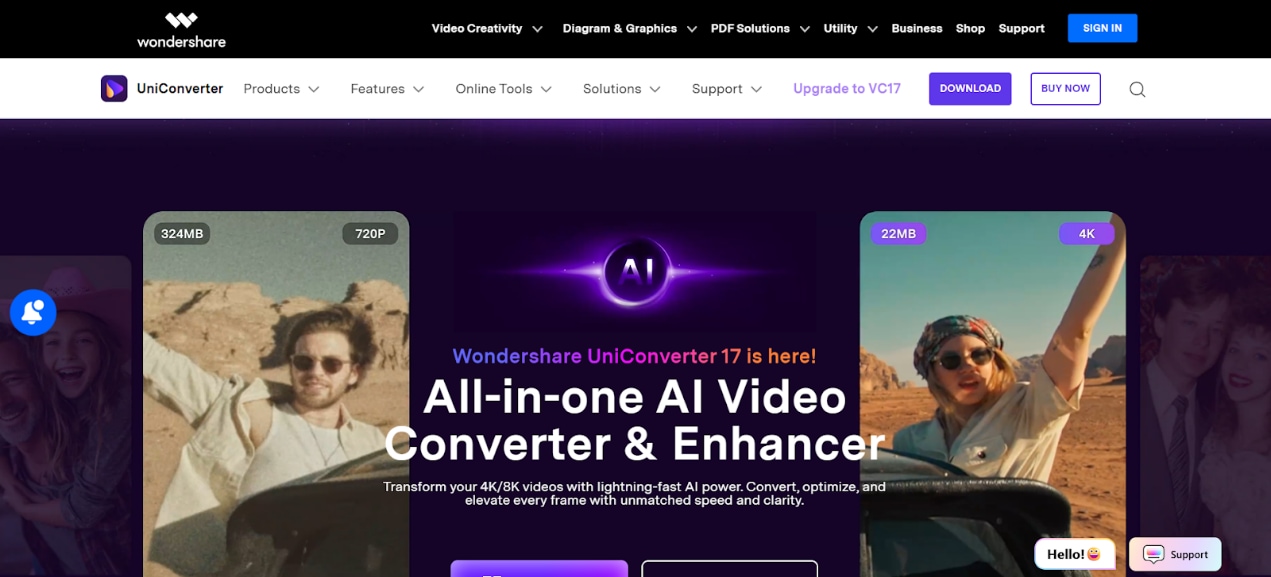
Wondershare UniConverter is a versatile media tool that lets you download Facebook videos for free. It is available in both desktop and browser versions. There are no ads or distractions. The desktop version offers a batch download feature to download multiple Facebook videos simultaneously
UniConverter preserves the quality of the video throughout the download and conversion process. Another important feature is the ability to tweak the downloaded video. This includes changing the video format, adding cuts, removing watermarks, and compressing the video.
Key Features
The batch download option lets you download multiple videos simultaneously.
Multiple video edit options to cut, burn, compress, or remove watermarks with ease.
Download videos in original quality for an enhanced viewer experience.
It can download videos from 10,000 other websites.

All-in-One Multimedia Processing Tool
4K Video Downloader
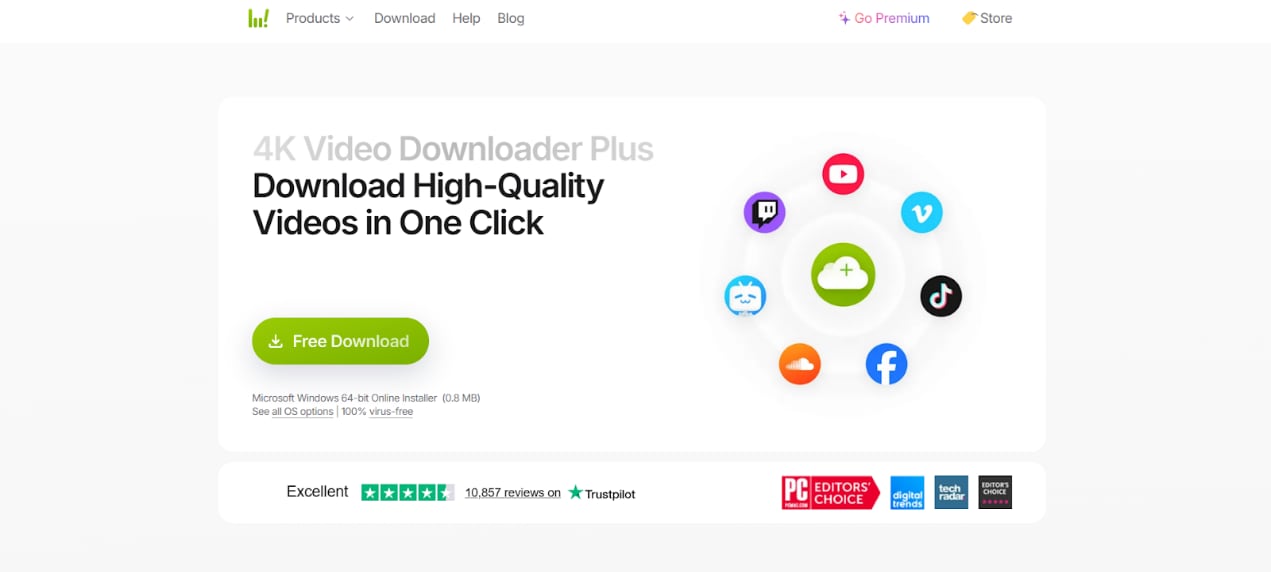
4K Video Downloader lets you download Facebook videos without losing the resolution of the file. It works effectively for downloading single videos. The interface is simple and beginner-friendly, making it easy to download videos with ease. However, 4K Video Downloader is more suitable for downloading videos alone. For converting videos, you will have to look for other tools or subscribe to the paid version.
Key Features
Supports video download without affecting the video quality.
Provides functionalities for extracting audio and subtitle files.
Works with multiple video formats.
SaveFrom.net
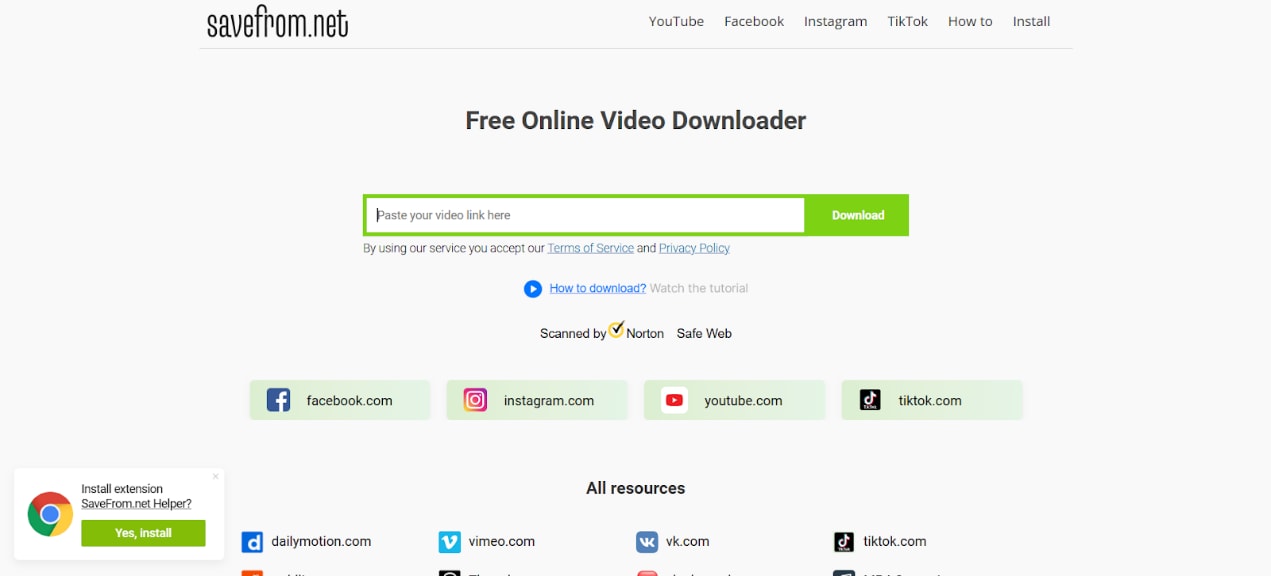
SaveFrom.net is a browser-based tool that lets you download Facebook MP4 videos quickly, right on your browser. It is useful if you are looking to download Facebook videos occasionally. However, it does not let you download every Facebook video due to site restrictions. This makes SaveFrom.net inconvenient to use at certain times.
Key Features
Works efficiently on your browser, without the need to install.
Works smoothly on your mobile browser for seamlessly downloading videos on the go.
Simple workflow with a minimum learning curve.
SnapSave
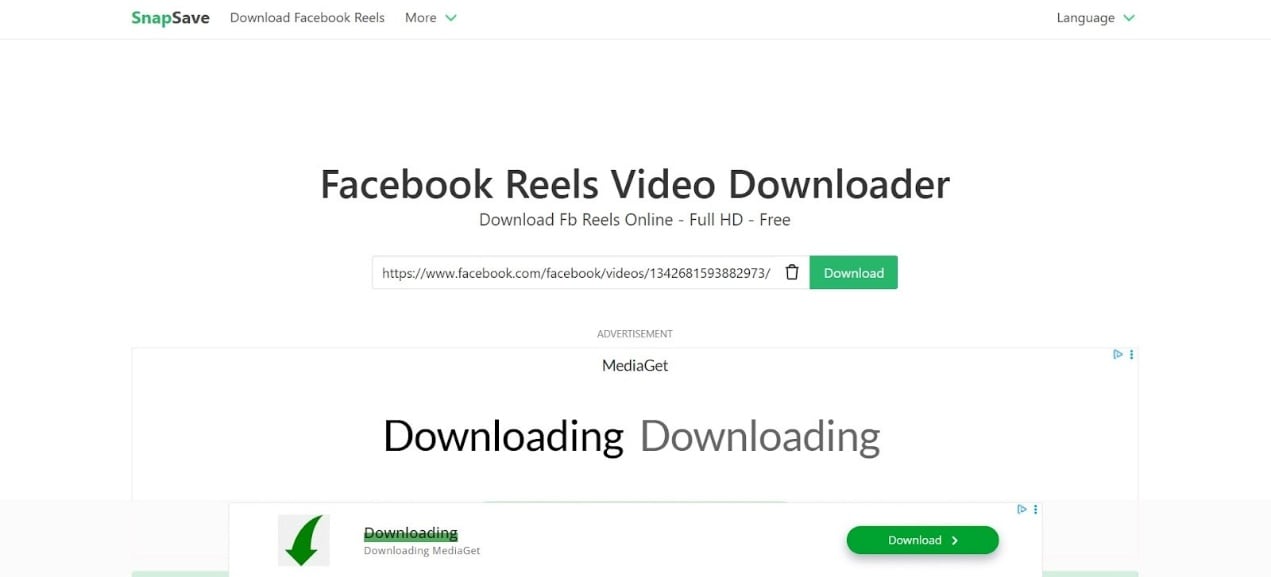
SnapSave lets you download Facebook videos directly in the MP4 720p format. It has a very simple user interface that works efficiently for quick, one-time downloads. You can download Facebook videos without losing the quality of the original video. However, the downside of this tool is the endless ads that pop up on your screen. This makes the interface confusing and, at times, irritating as well.
Key Features
SnapSave lets you download Facebook videos in MP4 format directly.
With an accessible workflow, you just have to paste links and download videos with just one click.
Provides the user with the convenience of choosing between the browser and desktop versions.
The table below will give you a better understanding of the advantages and disadvantages of the different Facebook to MP4 converter 720p tools.
| Tool | Download option | Convert to MP4 | Platform | Ads | Best for |
| Wondershare UniConverter | ✅ | ✅ | Browser + | ❎ | Suitable for batch download and conversion |
| 4K Video Downloader | ✅ | ⚠️ (limited) | Browser + Desktop | ✅ | Simple video |
| SaveFrom.net | ✅ | ❎ | Browser + Mobile | ✅ | Occasional Facebook video downloads |
| SnapSave | ✅ | ✅ | Browser only | ✅ | Suitable for Facebook video download from browsers |
Part 2. How to Use Facebook to MP4 Converter 720p?
To convert Facebook videos to MP4 in 720p, you can use the UniConverter Free Video Converter Online. With simple steps, you will be able to convert Facebook videos to MP4 that can be played on any of your devices anytime.
Method 1. Using UniConverter Online
With the UniConverter online, you can convert Facebook videos online with ease. This is convenient for users who do not want to install apps and work quickly on the browser itself.
Step 1. Open UniConverter’s online video converter on your browser. Now, click on “Add File” and upload the video that you want to convert.
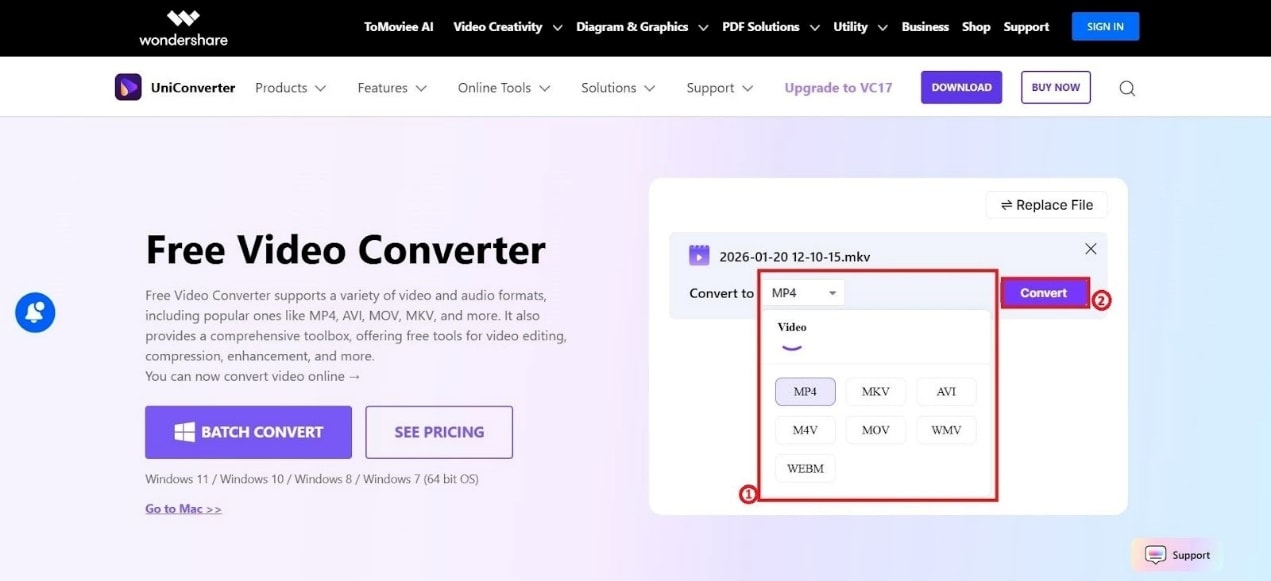
Step 2. Choose MP4 and click on “Convert.”
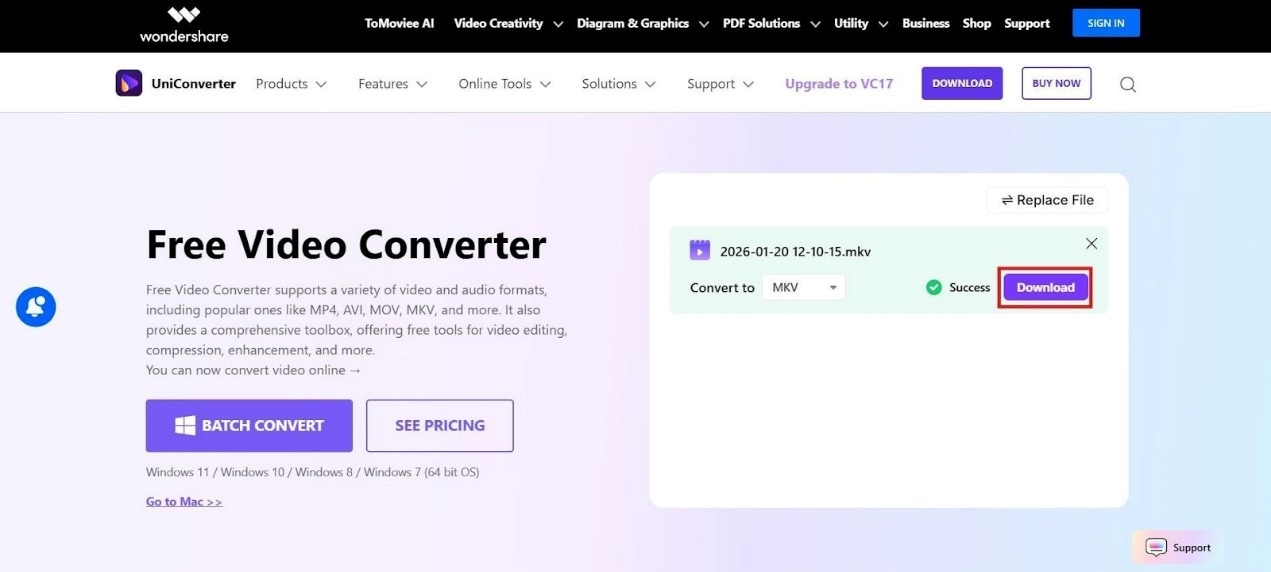
Step 3. Once the video is converted, click on “Download” to save the video to your device.
This method is suitable when you want to convert one Facebook video alone. For batch conversions, you need to use the UniConverter Desktop app for Windows PC or MacOS.
Method 2. Using Uniconverter Desktop
The UniConverter Desktop version is a reliable and simpler method to convert Facebook videos frequently. Also, you can convert multiple videos simultaneously.
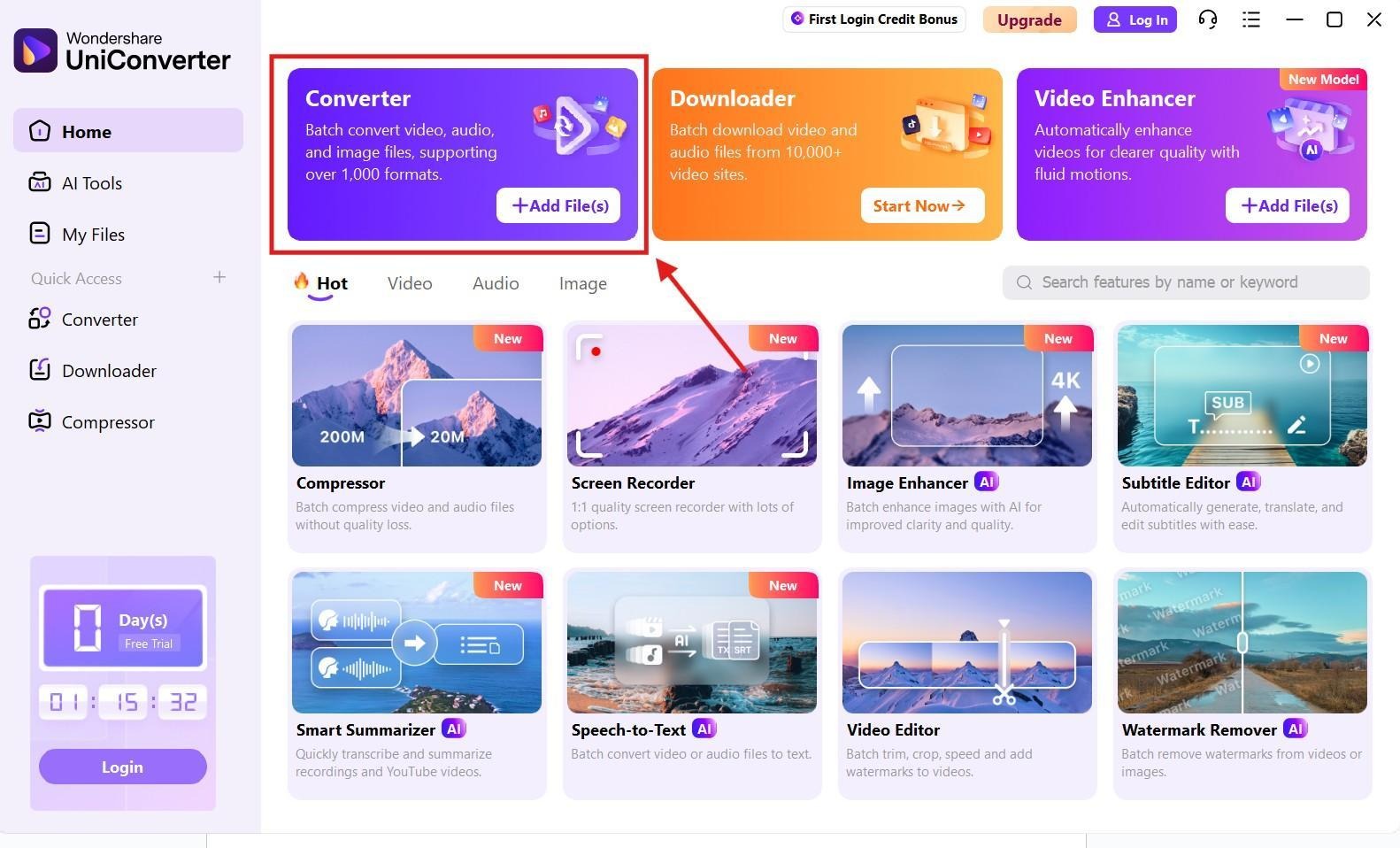
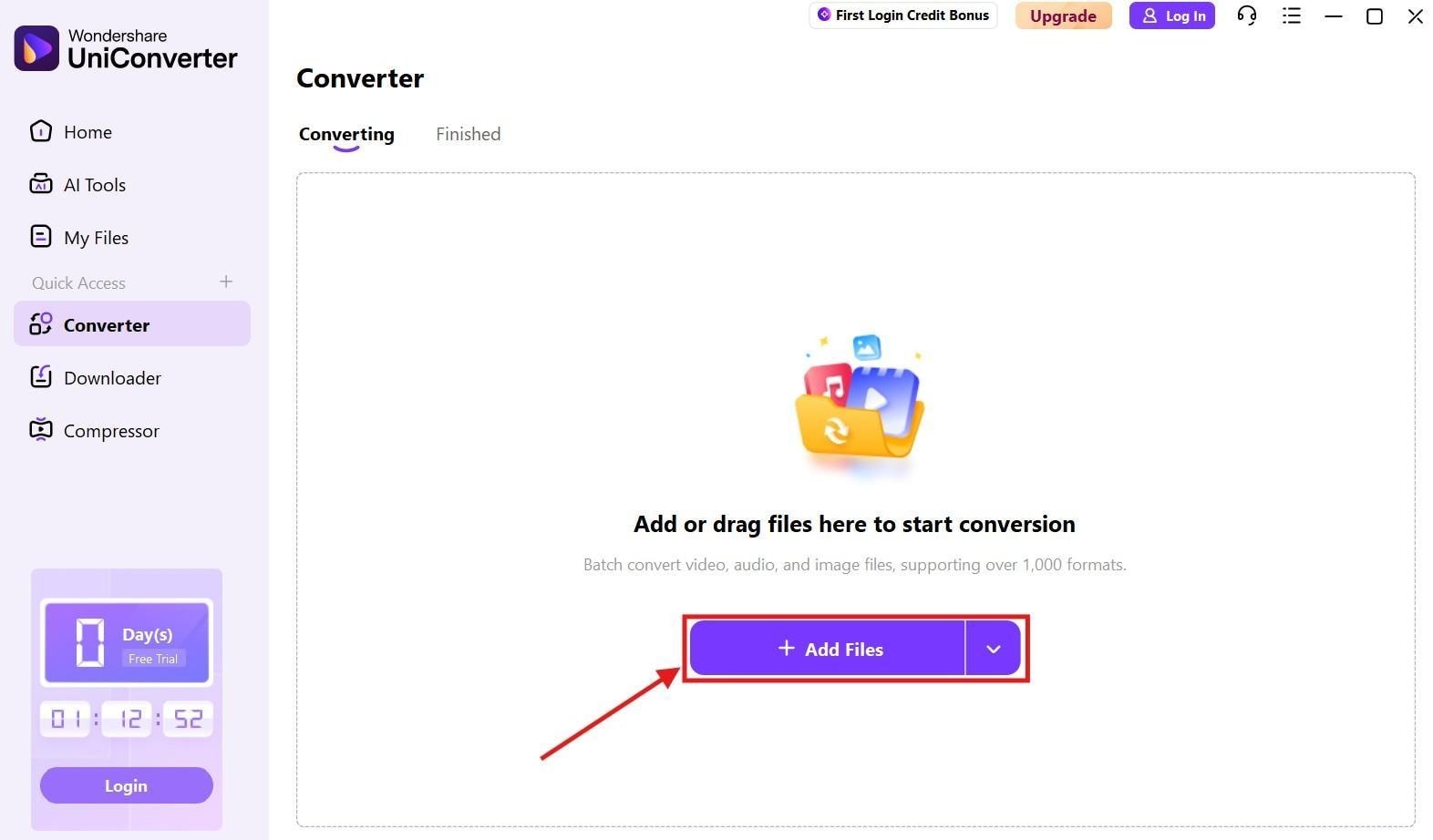
Step 1. On the UniConverter dashboard, click on “Converter.” This option is also available on the left-hand panel.
Step 2. Add the Facebook video you want to convert.
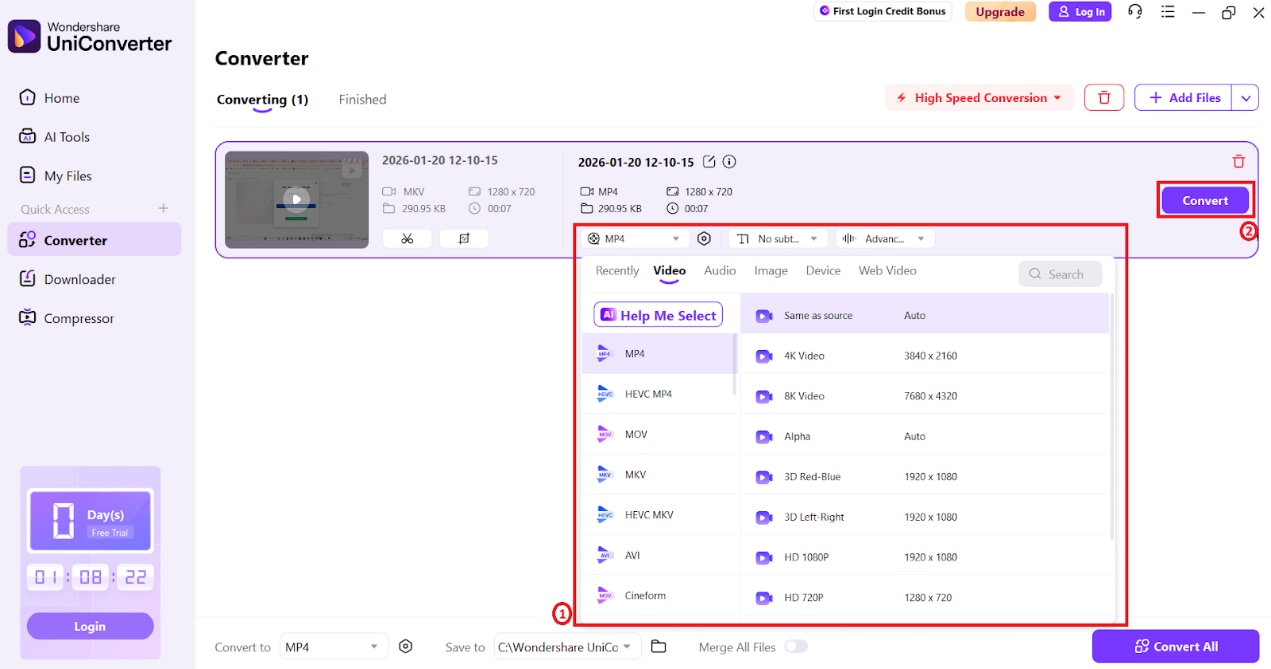
Step 3. Choose “MP4” in the “Convert to” drop-down menu and then click on convert.
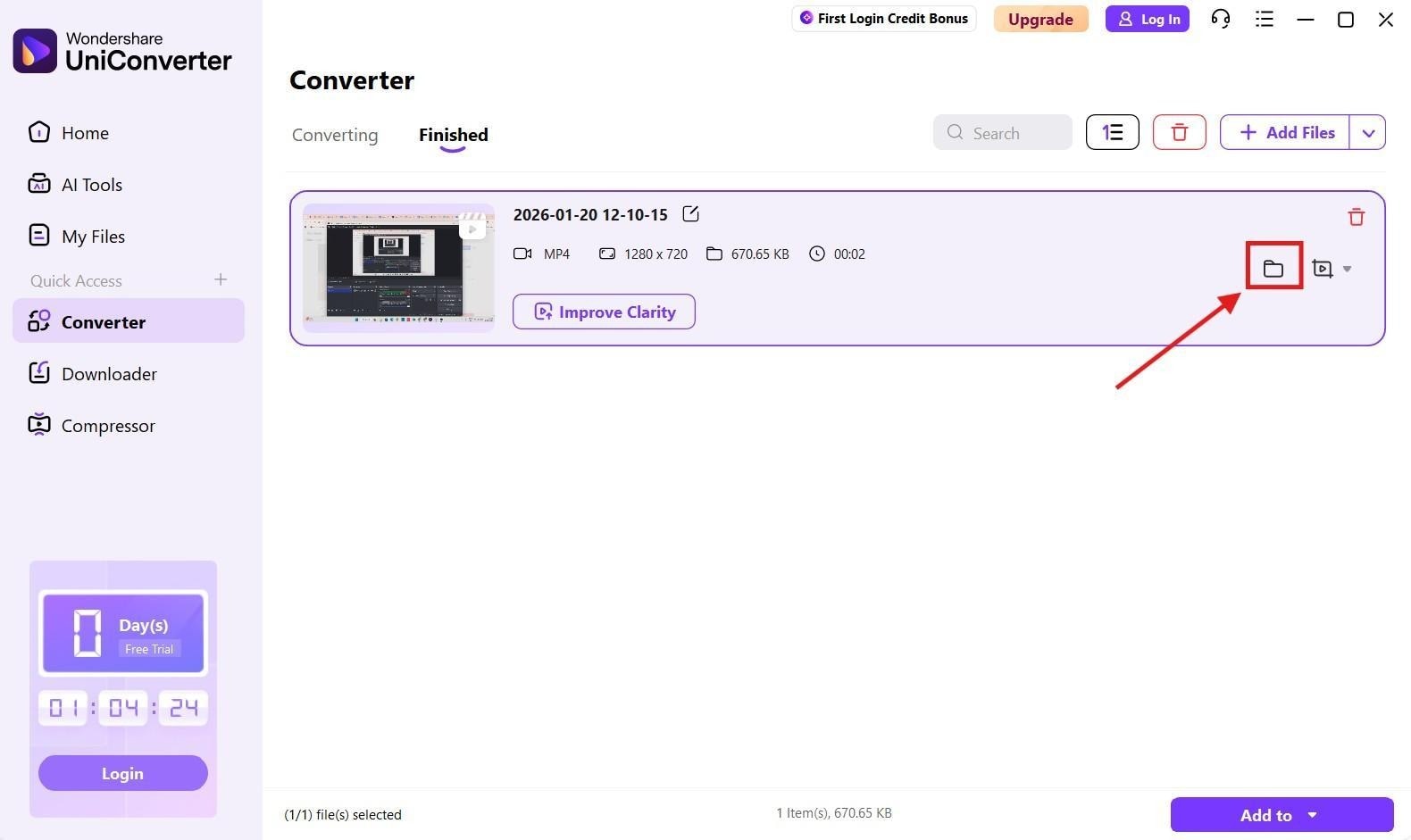
Step 4. The converted file will be saved to your device. You can click on the “Folder” icon to access your converted MP4 Facebook video stored on your device.
Part 3. Is it Legal to Use Facebook to MP4 Converter 720p?
No. It is not illegal to download Facebook videos. However, it all depends on how you use the video content. Facebook does not allow downloading videos, which can result in a violation of Facebook’s policies. You can download a Facebook video legally for personal use, learning, or as a reference. This applies if you own the content or have shared permission for the video.
There are multiple options to download Facebook videos. However, you should make sure that you follow certain regulations regarding the downloaded Facebook videos. You should not repost or redistribute videos for commercial purposes. This may result in infringing on copyright laws. To ensure that you follow Facebook’s video policies and local copyright rules, you can refer to the following best practices.
Personal Use: Downloading a Facebook video and using it for your own personal use. You should not upload the video to any social media platform.
Public Domain/Creative Commons: Facebook videos that are explicitly shared with a license to reuse by different creators. You can download those videos and share them with your friends.
Ask Permission: You can request permission for download from the creator before you download their video. This will grant you the necessary permissions to reuse the video to a certain extent.
Transform the Video Before Reuse: Replace the original content in the video with commentary or educational pointers. Although you should be aware that this does not eliminate all possible claims.
Conclusion
Converting Facebook to MP4 is an effective way to ensure that your Facebook videos play on multiple devices anytime. Because Facebook does not provide you with a download option for these videos, you will have to rely on third-party apps. The safest and easiest way to download and convert Facebook videos is by using third-party tools. Further, you need not worry about invasions of your privacy or other concerns when using reliable tools. Download and convert your favourite Facebook video right away with just a couple of clicks using Wondershare UniConverter!
Frequently Asked Questions
What settings should I use for MP4?
Choose settings for the actual destination, then verify the output codec, resolution, frame rate, audio track, and duration instead of relying on the extension.
Does conversion always reduce file size or preserve quality?
No. Size and quality depend on the source and output codec, bitrate, resolution, frame rate, duration, and encoder settings.
How do I know the conversion worked?
Open the exported file on the intended device, player, editor, or platform and confirm both video and audio playback.
UniConverter option: when the current UniConverter build supports the relevant download workflow and you have permission to use the source, save the local video first, then choose the output format or device profile needed for the next step. Verify the file after download and conversion.

