


Applying for a PAN card in India is a critical financial step, but the strict digital specifications for documents can be a major hurdle. Whether you are using the NSDL or UTIITSL portal, a simple "upload error" regarding your photo or signature dimensions can stall your application for days. You need a reliable PAN card photo resizer that ensures your images meet the exact 20-50KB limit and dimension requirements without compromising clarity.
In this guide, we will deep dive into the official specifications and review the top 10 tools to resize photo for PAN card applications, ranging from quick online editors to professional offline software like UniConverter.
Table of Contents
Part 1. The Official PAN Card Photo & Signature Requirements
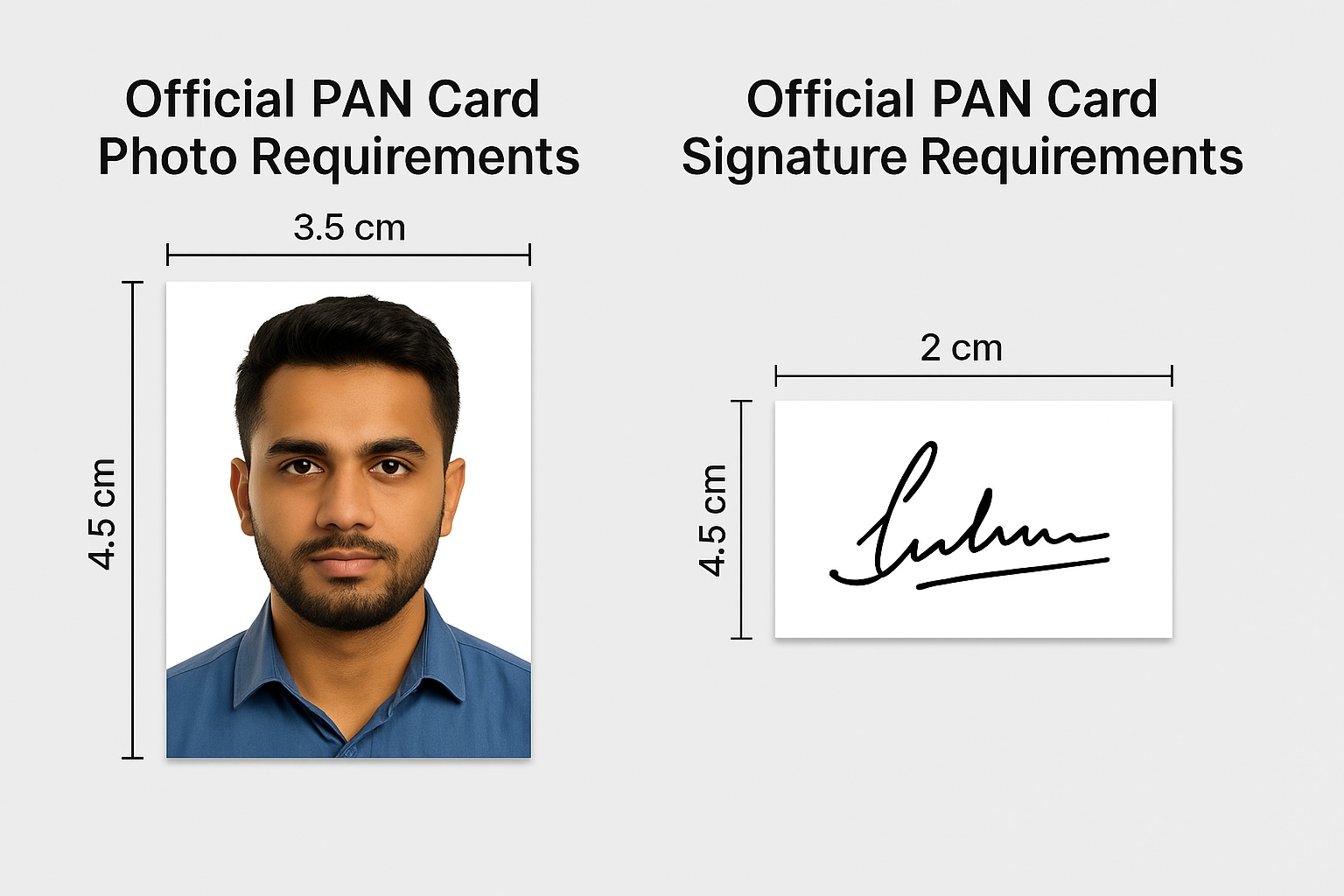
Official PAN Card Photo Size & Specificatins
Dimensions: 3.5 cm x 4.5 cm (Width x Height). In pixels, this typically translates to roughly 200 x 230 pixels (preferred by NSDL) or similar aspect ratios at 200 DPI.
File Size: Must be between 20KB to 50KB.
Format: JPEG/JPG format only.
Background: Plain White Background.
Other specs: The photo should be recent (taken within the last 6 months), front-facing, with a neutral expression. The face should cover about 70-80% of the photo.
Official PAN Card Signature Size & Specifications
Dimensions: 2 cm x 4.5 cm (Width x Height). In pixels, this is approximately 140px x 60px (often cited as 400x200 at varying DPIs, but 140x60 is a common safe target for online converters).
File Size: Must be between 10KB to 20KB.
Format: JPEG/JPG format.
Background: White.
Ink: The signature must be done in Black Ink only.
Part 2. The Best 10 Safe PAN Card Photo Online & Offline for All Devices 2025
We have tested and sorted these tools to help you find the perfect PAN card documents resizer for your device. We have categorized them by platform to help you choose the right fit for your workflow.
Group 1: Desktop Software (Maximum Privacy & Safety)
1. Wondershare UniConverter
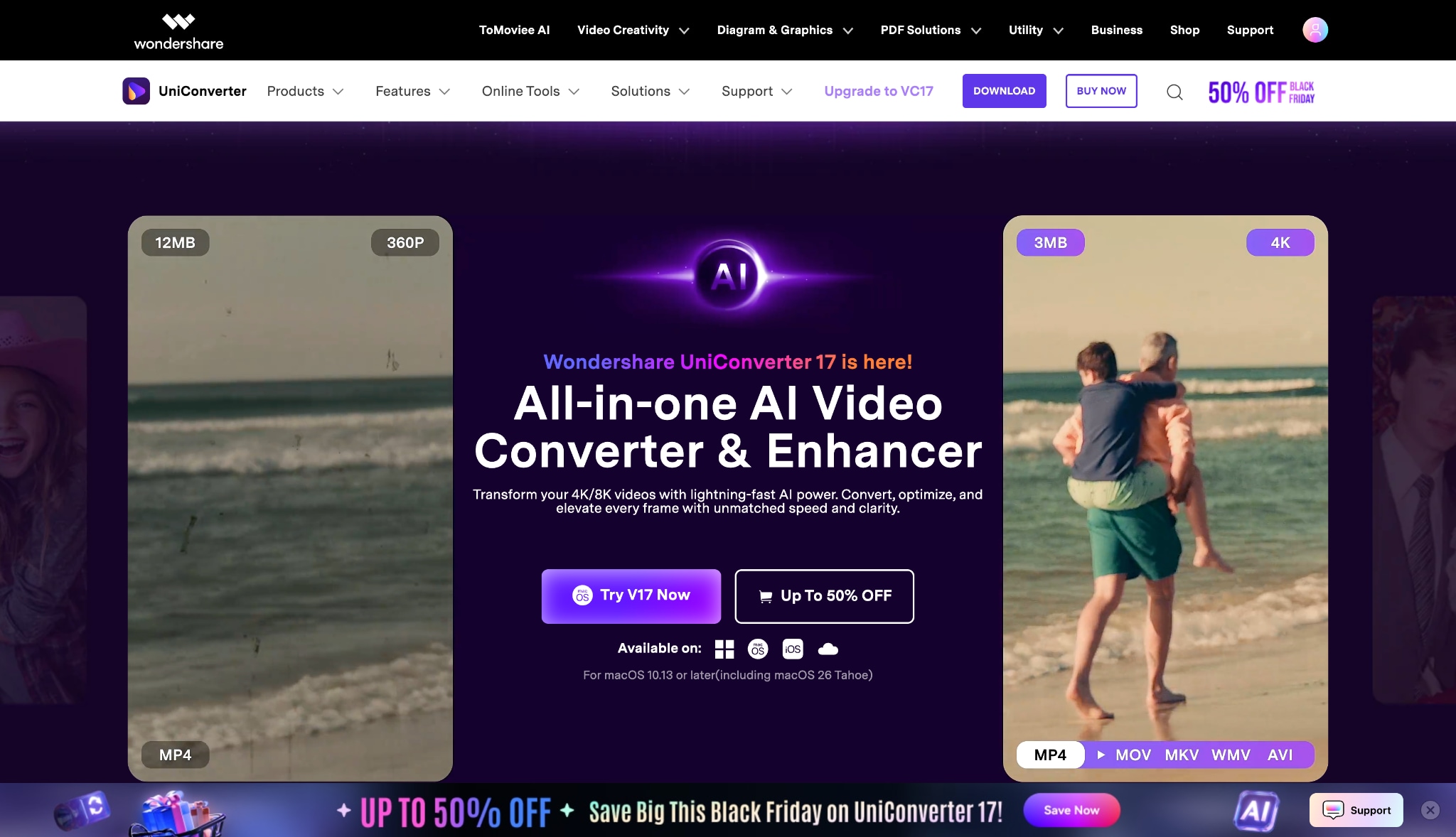
Wondershare UniConverter is the top recommendation for users who prioritize data privacy and quality. It is a comprehensive multimedia toolbox that includes a robust "Image Converter" capable of handling strict government document specifications. Unlike online tools that process your personal ID photos on external servers, UniConverter keeps everything offline on your device. It offers precise control over aspect ratios (3.5x4.5cm), strict file size compression (20-50KB), and even includes AI enhancement tools to sharpen blurry signatures or photos before resizing.
Batch Process Support: Yes (Best in Class).
Starting Price: Free Trial / Annual Plans available.
Supported Device: Windows, macOS.
Offline Support: Yes (Full).
Safety Review: 5/5

Easy to Use PAN Card Photo Resizer
Group 2: Online Browser Tools (Quick & Convenient)
2. ImResizer
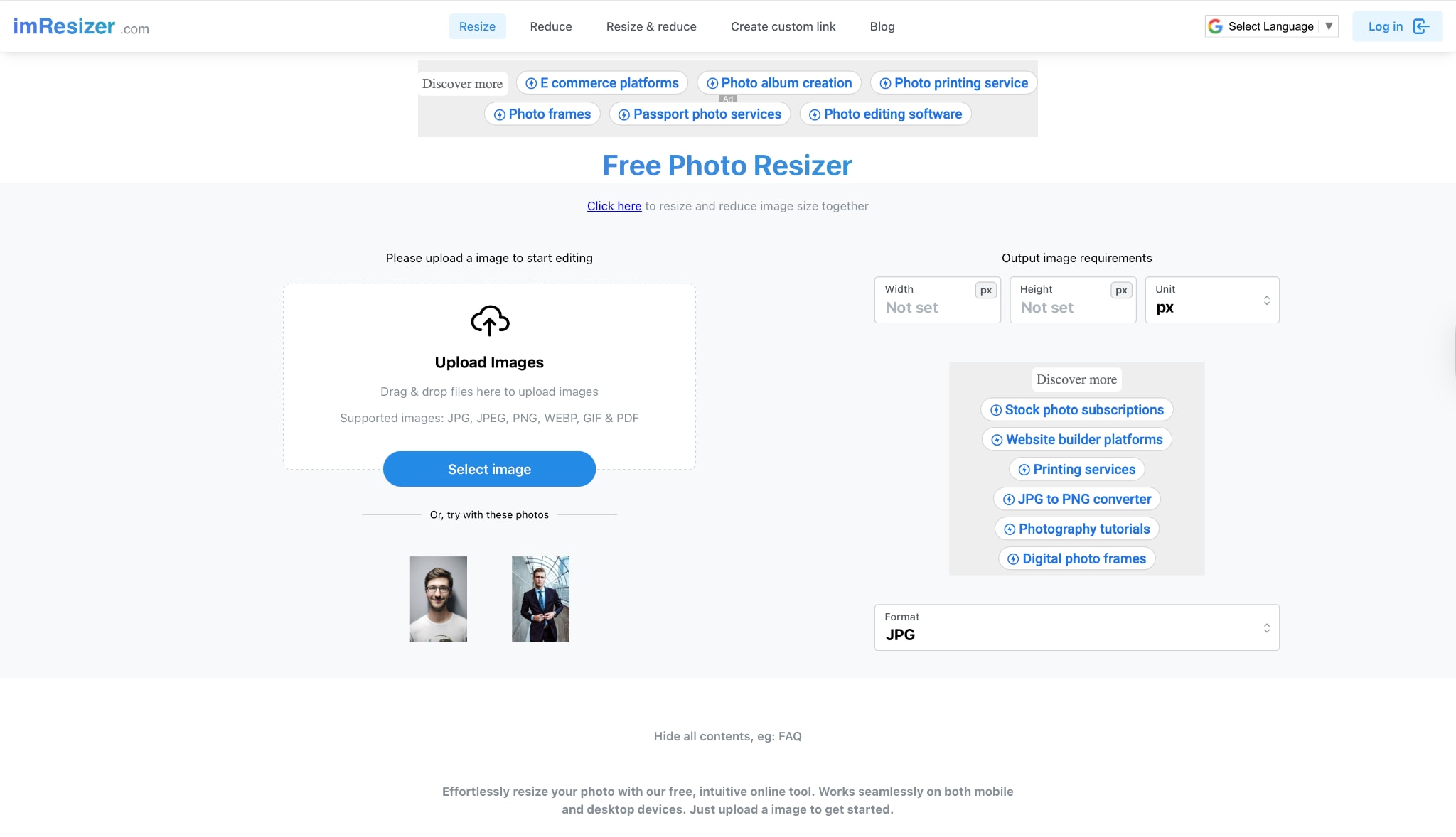
ImResizer is widely recognized in India specifically as a uti photo resize helper. It stands out because it comes with pre-loaded settings for various Indian documents, including PAN, Aadhaar, and UPSC forms. You select "PAN Card" from the list, upload your image, and the tool automatically applies the standard 3.5cm x 4.5cm crop without you needing to input dimensions manually. It is lightweight and works on any browser.
Batch Process Support: No.
Starting Price: Free.
Supported Device: All Browsers (PC/Mobile).
Offline Support: No.
Safety Review: 3.5/5
3. 11zon
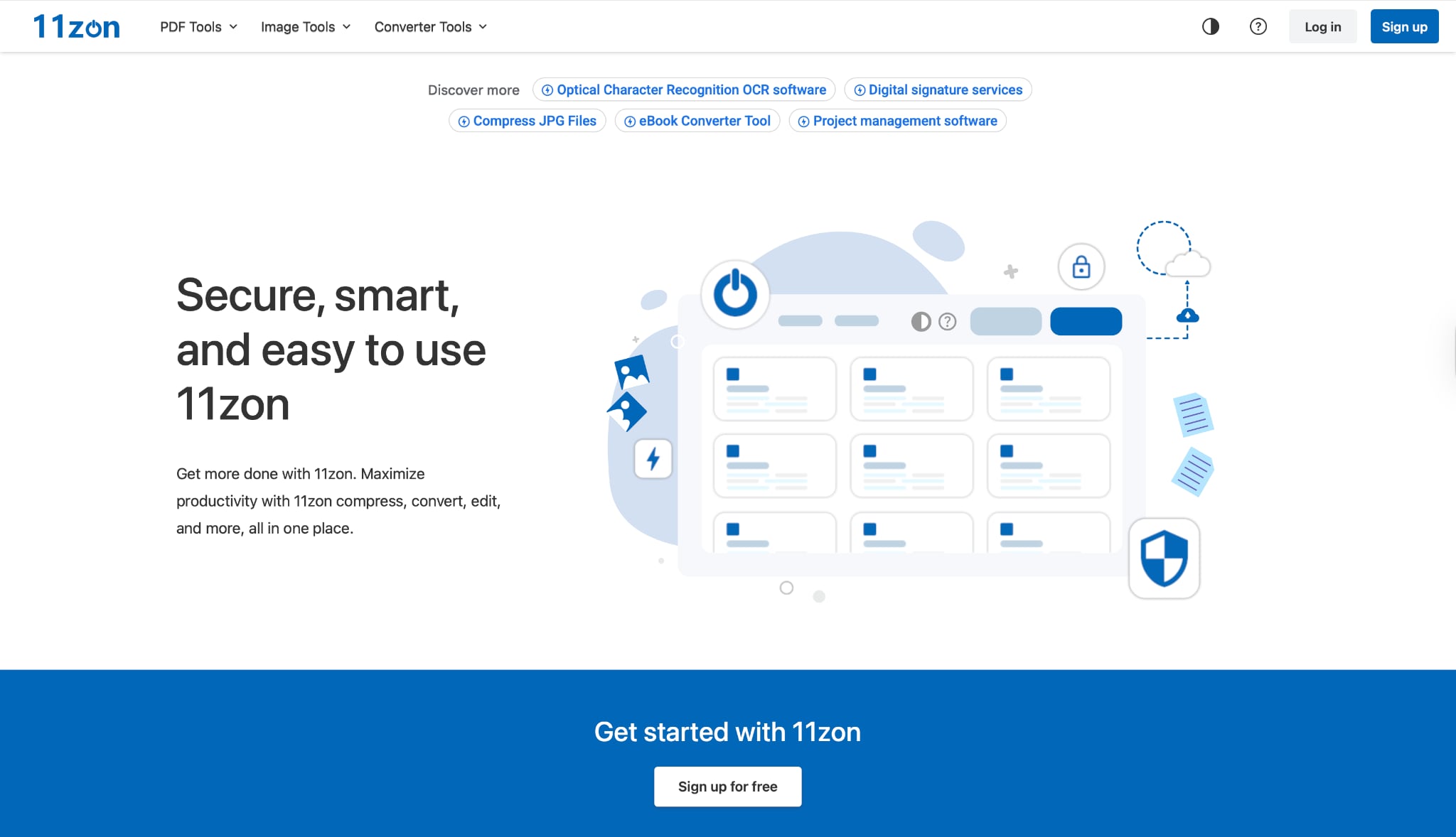
11zon is a powerful online utility that offers a dedicated photo resize for PAN Card section. It is particularly strong in image compression. If you have a high-resolution photo that is 5MB and need to bring it down to 50KB, 11zon's algorithms do a fantastic job of retaining visual quality while slashing file size. It provides a side-by-side comparison view so you can see if the compression has made the text or face too blurry before you download.
Batch Process Support: Yes.
Starting Price: Free.
Supported Device: All Browsers.
Offline Support: No.
Safety Review: 3.5/5
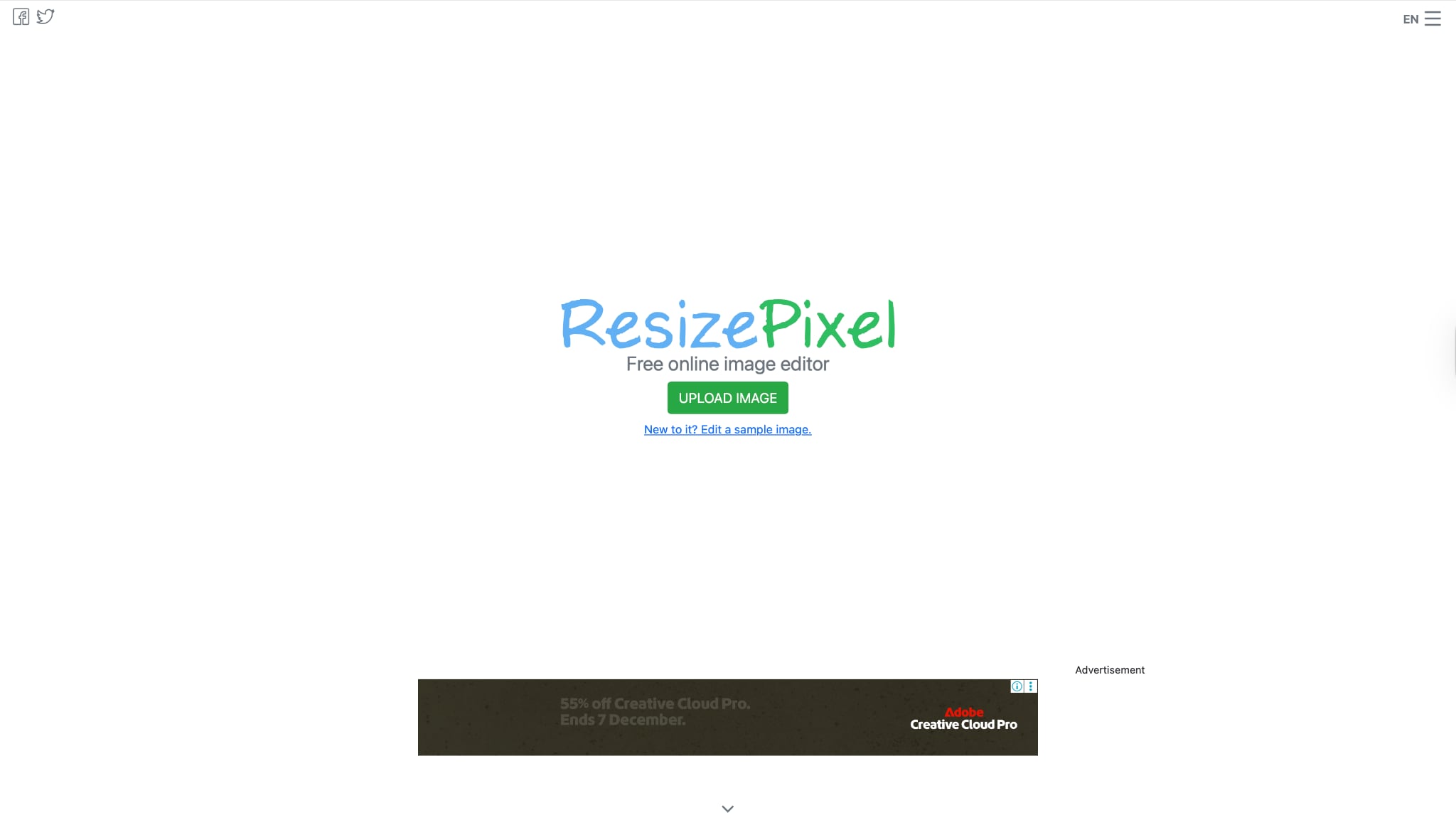
4. ResizePixel
ResizePixel is a no-nonsense, functional image resizer for PAN card needs. It is built for users who know exactly what they want: specific dimensions and specific file sizes. Its standout feature is the "Compress to KB" tool, which forces an image to stay under a certain limit (e.g., 50KB) by automatically adjusting the quality. It supports mirroring and rotating, which is helpful if your scanned signature is upside down.
Batch Process Support: No.
Starting Price: Free.
Supported Device: All Browsers.
Offline Support: No.
Safety Review: 3.5/5
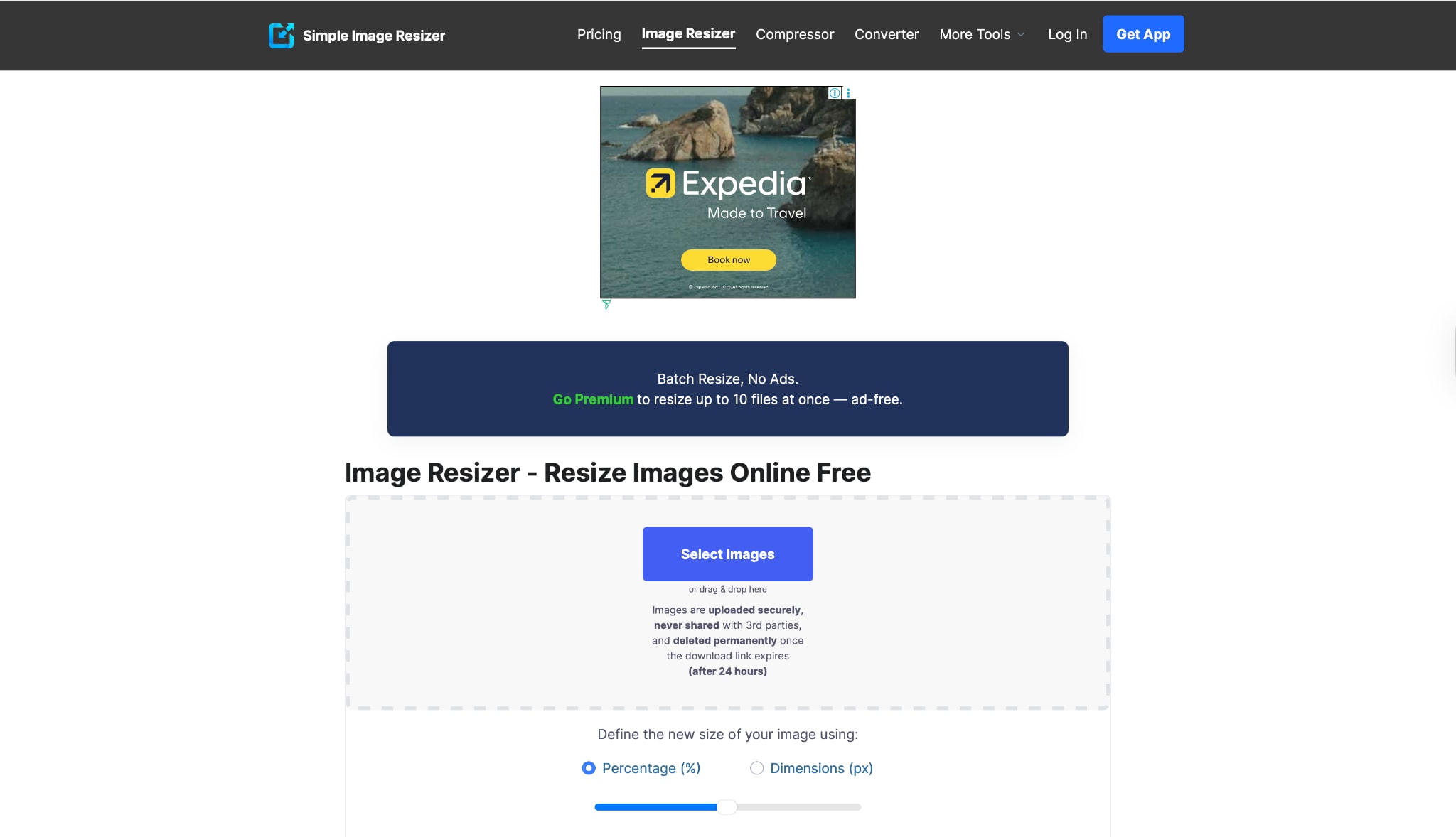
5. Simple Image Resizer
True to its name, this tool offers the most basic PAN card resize photo experience possible. It is designed for users who are not tech-savvy and need a quick fix. You upload the image, select a percentage reduction or type in the pixel dimensions (e.g., 200x230), and hit resize. It's incredibly fast because it doesn't load heavy scripts or complex editors, making it ideal for older computers or slow internet connections.
Batch Process Support: No.
Starting Price: Free.
Supported Device: All Browsers.
Offline Support: No.
Safety Review: 3/5
Easy to Use PAN Card Photo Resizer
Group 3: General Design Tools (High Quality & Editing)
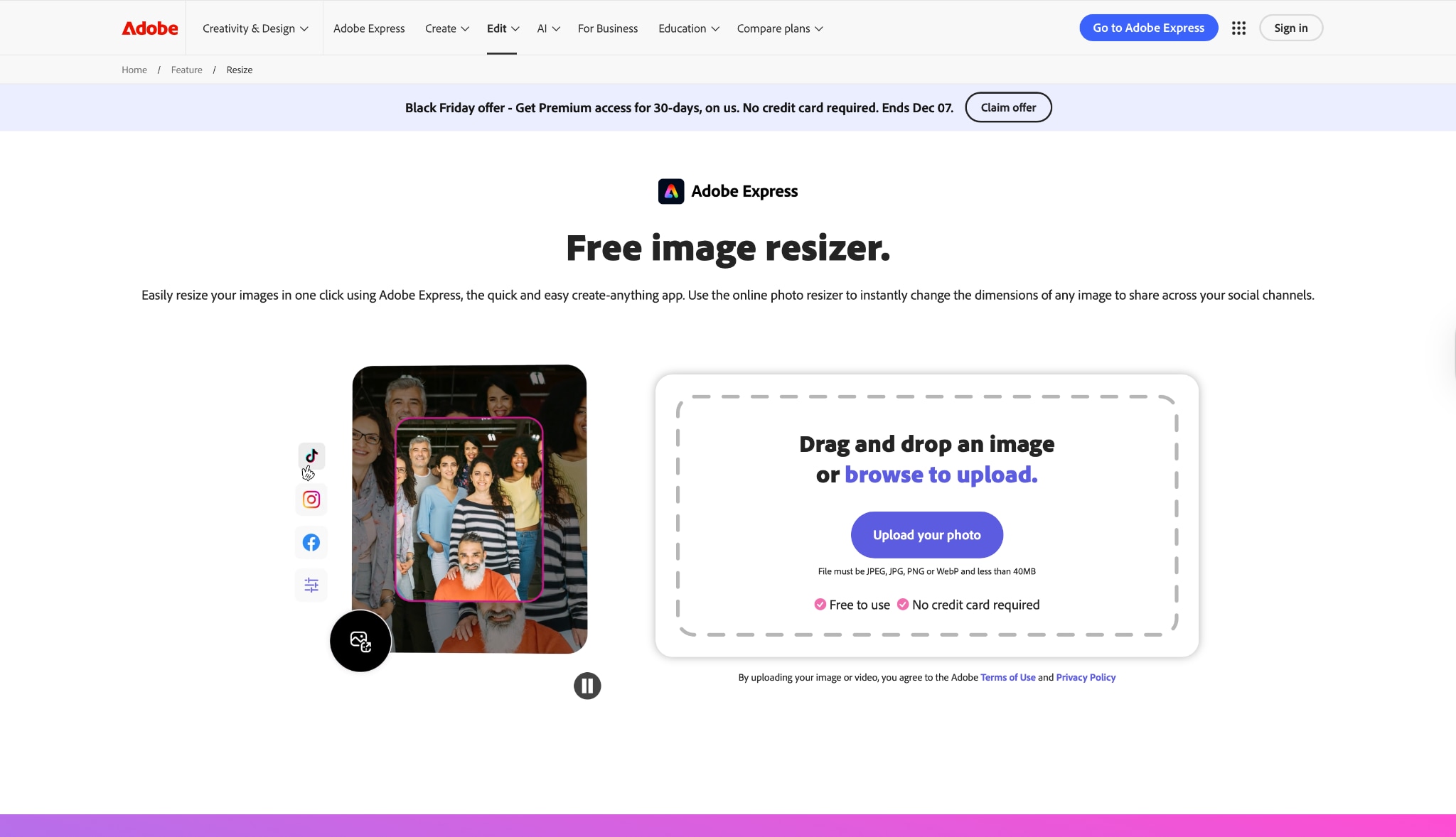
6. Adobe Express (Online)
Adobe Express is a premium online design tool that brings Photoshop-quality algorithms to the browser. While not exclusively a PAN card signature resize tool, its "Resize Image" feature is incredibly reliable. It is best for users who need to perform edits—like brightening a dark photo or increasing contrast on a faint signature—before resizing. Since it's from Adobe, the image quality retention is industry-leading, ensuring your application doesn't get rejected for blurriness.
Batch Process Support: No.
Starting Price: Free (Basic) / Premium Subscriptions.
Supported Device: All Browsers.
Offline Support: No.
Safety Review: 4.5/5
7. Canva
Canva is a favorite for easy design. For a resize image PAN card task, you can create a custom canvas sized exactly to 3.5 cm x 4.5 cm and drag your photo onto it. This ensures the dimensions are perfect. If you have the Pro version, the "Magic Eraser" and background removal tools are excellent for cleaning up messy backgrounds to meet the "plain white background" requirement of the NSDL.
Batch Process Support: No.
Starting Price: Free / Pro.
Supported Device: All Browsers / Mobile Apps.
Offline Support: No.
Safety Review: 4.5/5
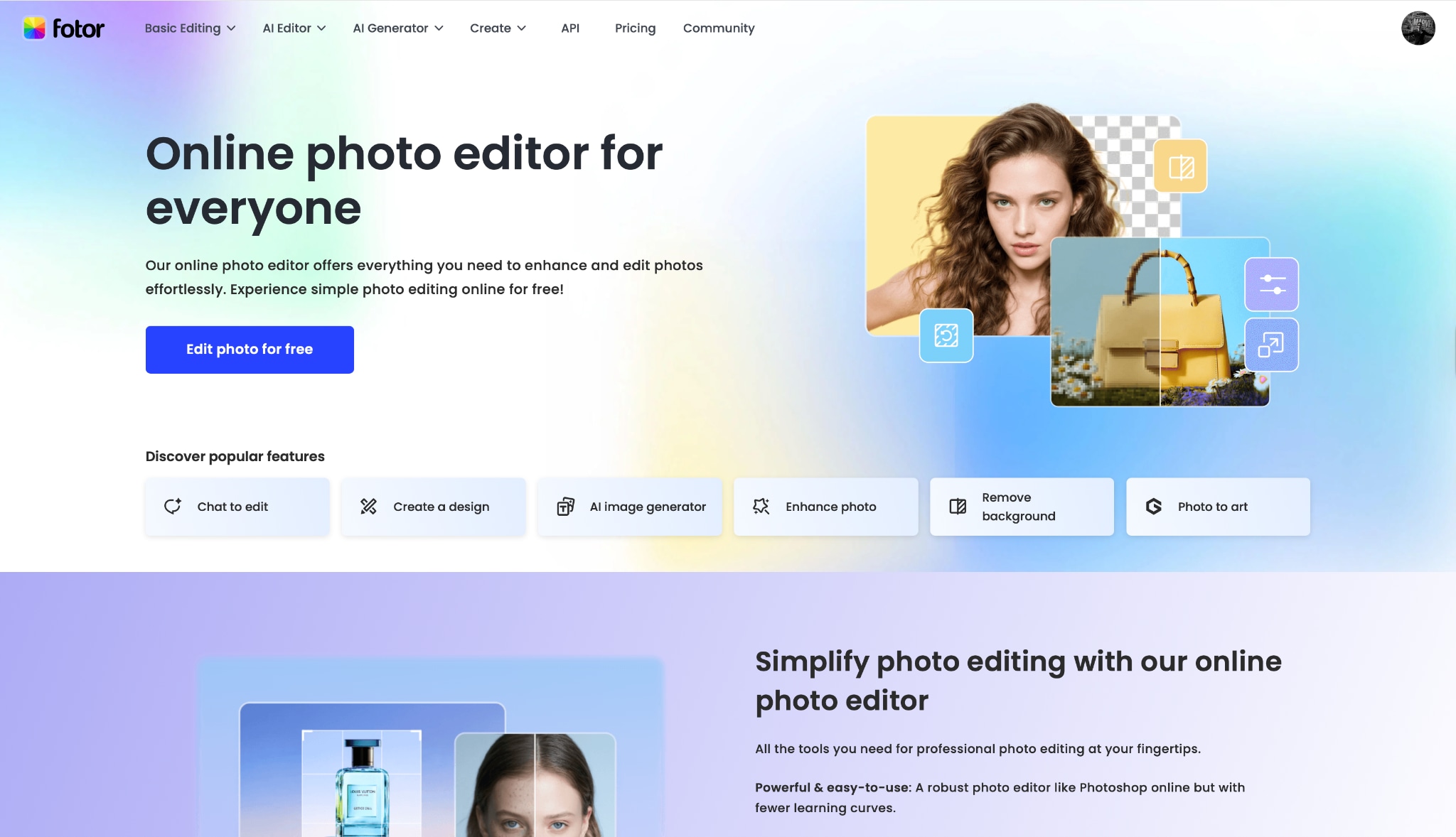
8. Fotor
Fotor is a versatile online editor that shines in photo enhancement. It is a great photo and signature resize for PAN card option if your source image is low quality. Fotor's "One-Tap Enhance" can fix lighting and color balance issues instantly. After enhancing, you can use the resize module to crop and shrink the dimensions. It strikes a good balance between a full editor and a simple resizer tool.
Batch Process Support: Yes (Paid).
Starting Price: Free / Premium.
Supported Device: All Browsers.
Offline Support: No.
Safety Review: 3.5/5
Group 4: Mobile Apps (Android/iOS)
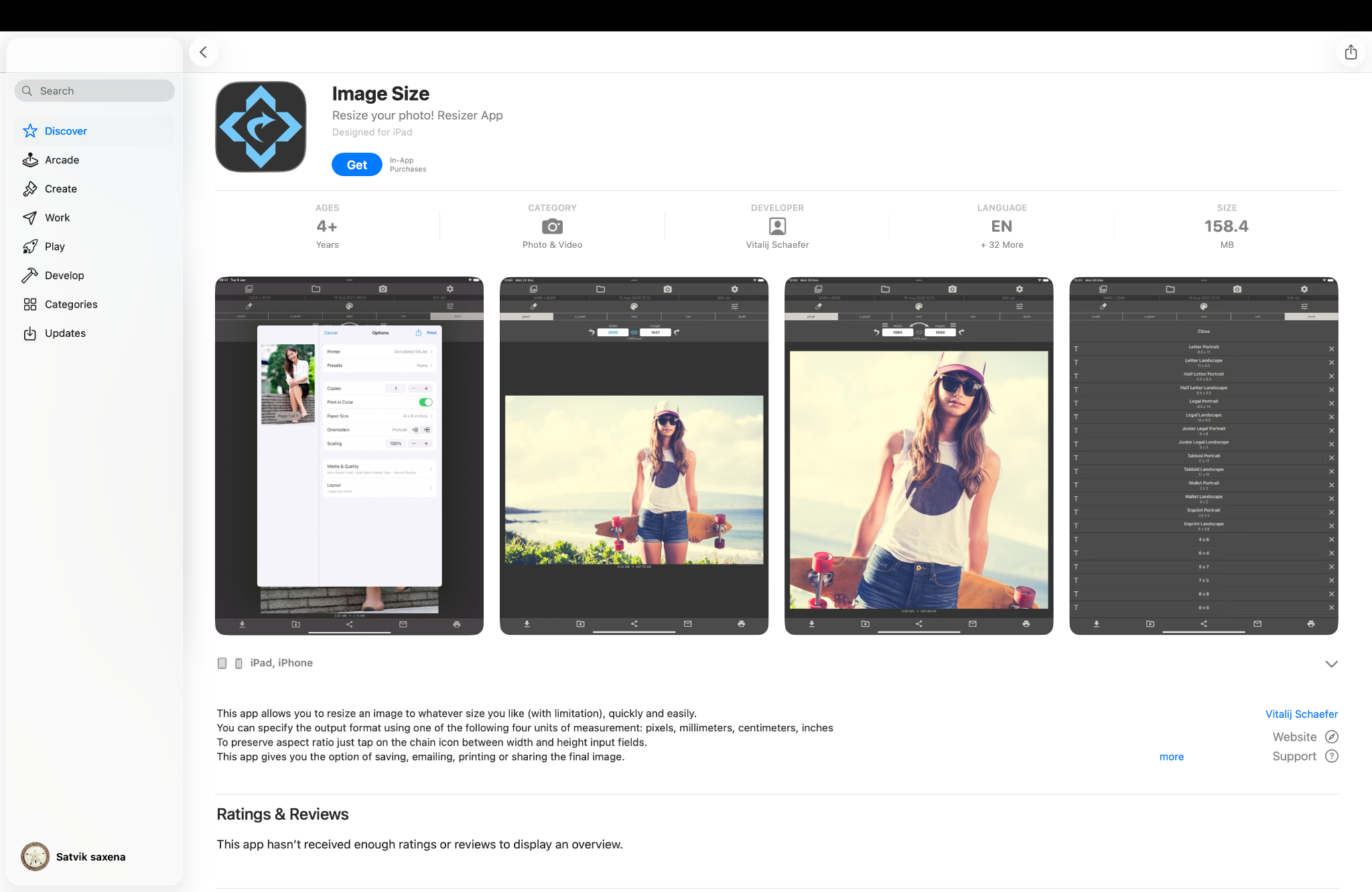
9. Image Size
For mobile users who want strict control over dimensions, Image Size is a fantastic PAN card resize photo tool. Its biggest strength is that it allows you to input output dimensions directly in centimeters or millimeters. You can type in "3.5 cm" width and "4.5 cm" height, and the app handles the pixel conversion for you. It simplifies the process by letting you crop, resize, and save to your gallery in just four steps.
Batch Process Support: No.
Starting Price: Free (In-app purchases).
Supported Device: Android, iOS.
Offline Support: Yes.
Safety Review: 4/5
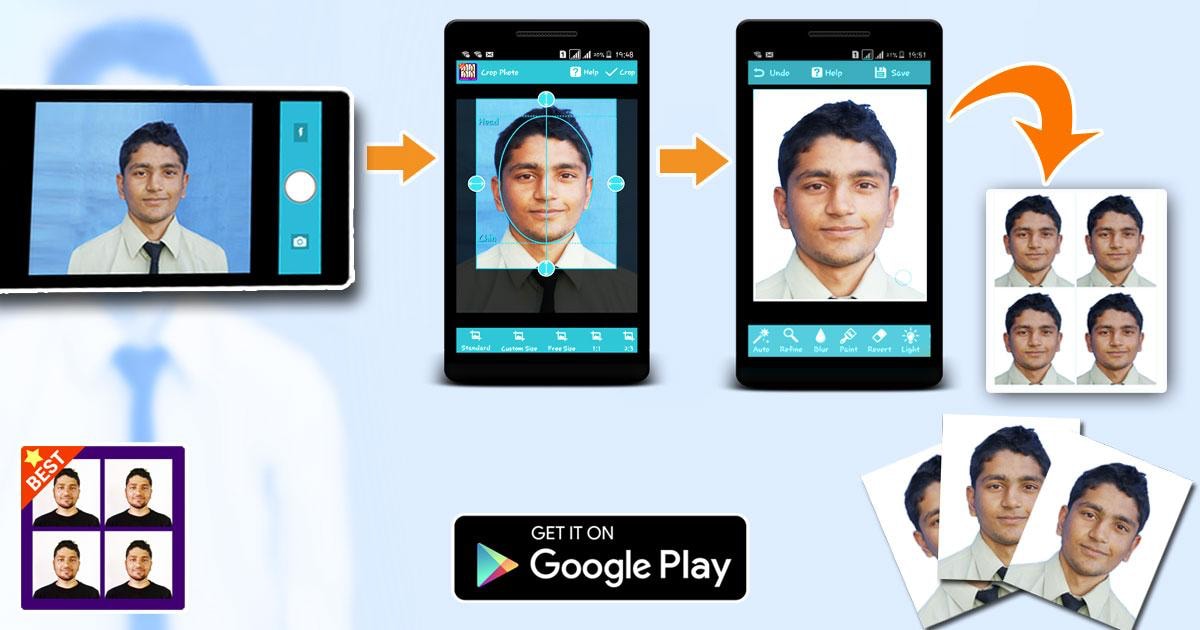
10. Passport Photo Editor
This app is specialized for official biometric documents. While primarily built for passports, it works perfectly as a PAN card resize photo tool. Its unique edge is the on-screen biometric guides (outlines of a head and shoulders) that help you align your face perfectly within the frame while taking the picture. It also includes features to change the background to white, which is a strict requirement for PAN cards.
Batch Process Support: No.
Starting Price: Free / In-app purchases.
Supported Device: Android.
Offline Support: Yes.
Safety Review: 4/5
Part 3. At-a-Glance Comparison Table for Top 10 PAN Card Photo Resizers
| App Name | Supported Format | Unique Edge | Best For |
| UniConverter | All (JPG, PNG, BMP, etc.) | Offline Privacy + AI Enhancement | Privacy & High Quality |
| ImResizer | JPG, PNG | Indian Gov Presets | Quick NSDL uploads |
| 11zon | JPG, JPEG | Visual Compression Slider | Managing KB size |
| ResizePixel | JPG, PNG, GIF | "Compress to KB" tool | Exact file sizes |
| Simple Image Resizer | JPG, PNG | Minimalist Design | Older computers |
| Adobe Express | All | Adobe Quality Engine | Professional edits |
| Canva | All | Drag-and-drop ease | Design lovers |
| Fotor | JPG, PNG | One-Tap Enhance | Fixing dull photos |
| Photo & Picture Resizer | JPG, PNG | Camera Integration | Mobile users |
| Passport Photo Editor | JPG | Biometric Guides | Face alignment |
Part 4. How to Easily Resize PAN Card Photo Offline (Safe Choice)
When dealing with identity documents like PAN cards, security is paramount. Uploading your signature or photo to random websites can be risky. We recommend using Wondershare UniConverter because it processes files offline on your secure hard drive.
Here is how to use it as a PAN card photo size converter:
Simple 3-step guide to resize your PAN card photo using UniConverter
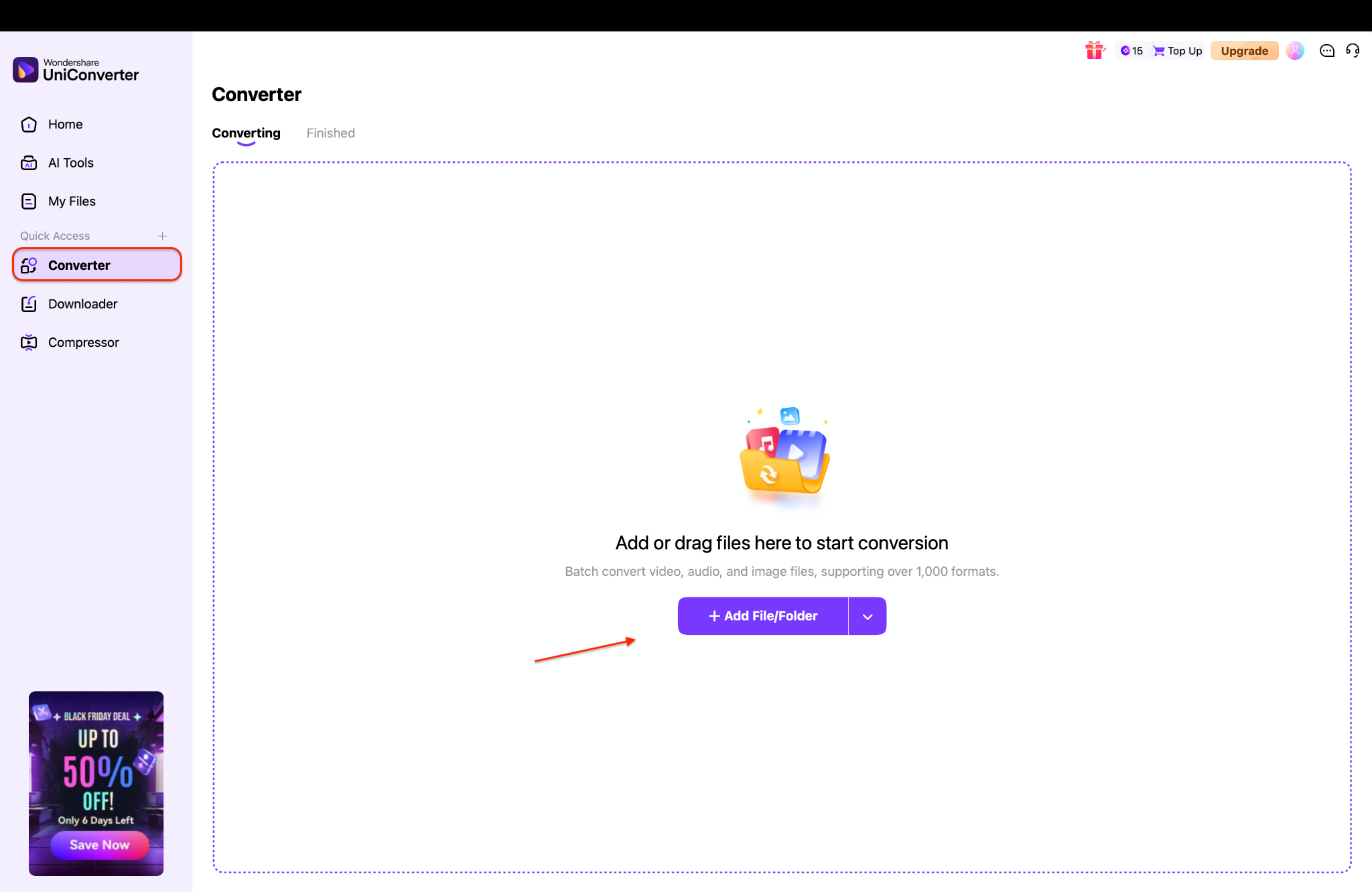
Step 1: Add your PAN photo inside UniConverter
Open UniConverter and go straight to the 'Converter' tab. You'll see the empty workspace on the screen. Click 'Add Files' to import your PAN card image. If you have more photos to fix, you can add them together or just drag them into the window.
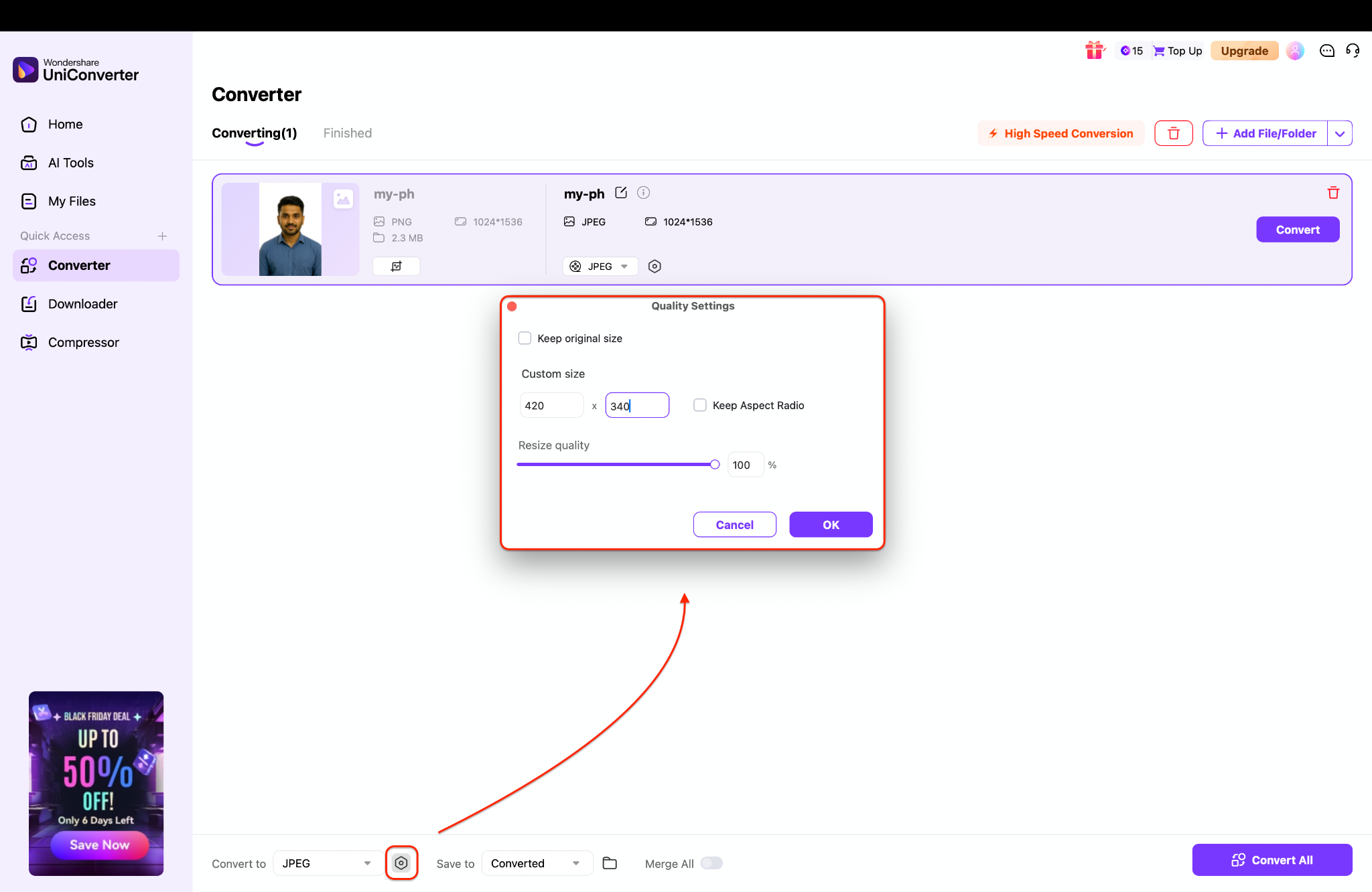
Step 2: Set the official PAN dimensions manually
Once the photo loads, hit the small settings icon next to the chosen output format. A pop-up box appears—here's where you enter the required PAN photo size. Type in 4.5 × 3.5 cm or use the pixel equivalent your workflow needs (for most editors, something close to 420 × 340 px works well). Keep the quality at 100% so the face stays sharp and clear.
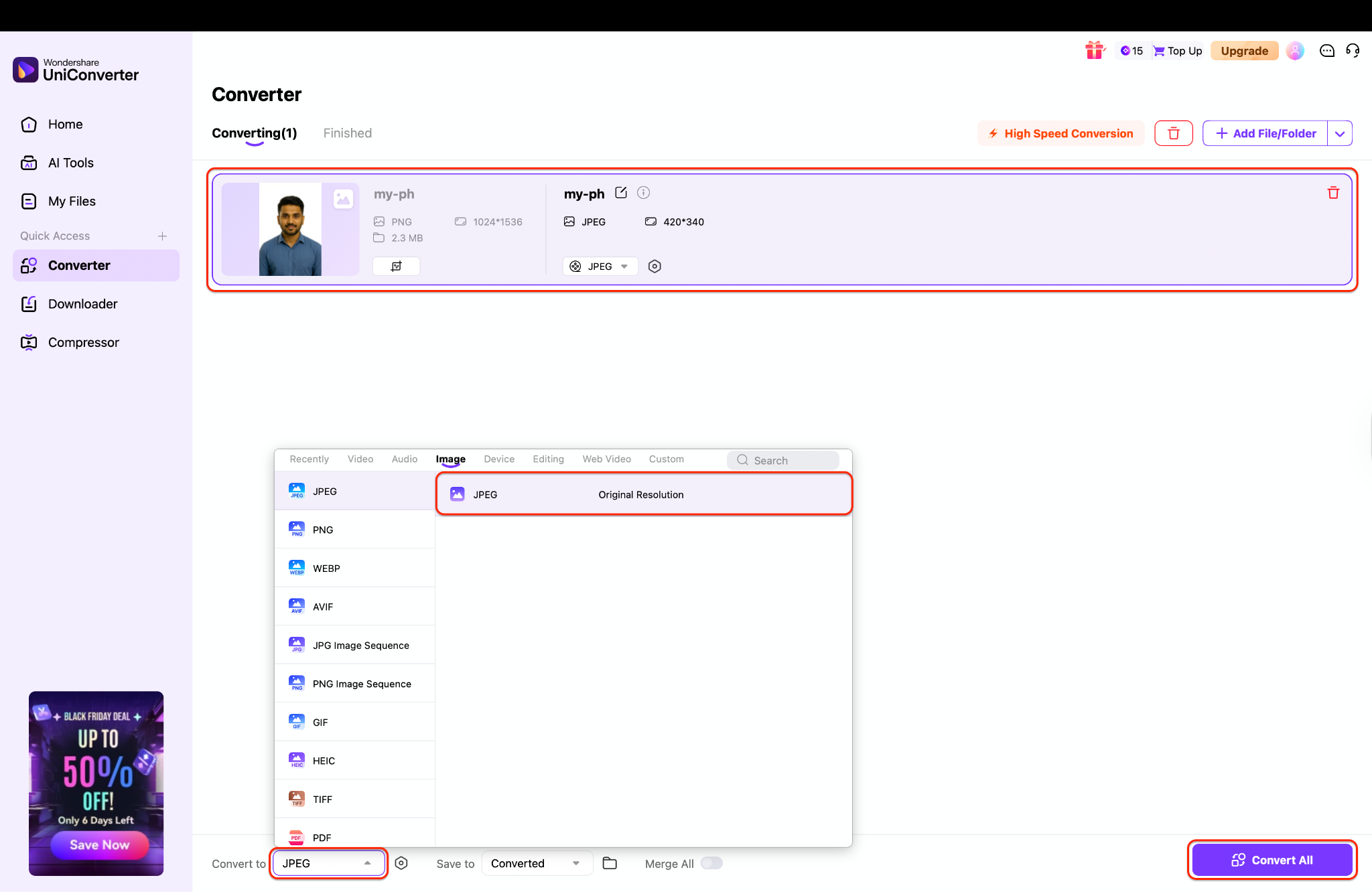
Step 3: Confirm the format and export your resized photo
At the bottom of UniConverter, select your output format like JPEG. Look right above the preview to make sure your resized dimensions are showing correctly. If everything matches the PAN card requirements, click 'Convert' or 'Convert All' to save the resized photo offline in one go.
Part 5. Common Mistakes to Avoid When PAN Card Photo Resizing
Even with a good PAN card resize tool, users often face rejection. Avoid these errors:
Mistake 1: Using a colored or off-white background.
The NSDL/UTI AI bots reject anything that isn't plain white. Do not use a wall with a pattern or shadow.
Fix: Use a background remover or take the photo against a well-lit white sheet.
Mistake 2: File size too large or too small.
If your file is 51KB, it will fail. If it is 19KB, it will fail.
Fix: Use a tool like UniConverter that lets you preview the file size before saving.
Mistake 3: Blurry or pixelated image after resizing.
When you compress a large selfie down to 20KB, it often becomes blocky and unreadable.
Fix: Before resizing, use UniConverter's AI Image Enhancer. It uses artificial intelligence to sharpen facial details and remove noise, ensuring that even when you shrink the photo, the features remain sharp and distinct.
Pro Tip: "Always save your photo as a JPG/JPEG with a quality setting of around 60-70% to hit the perfect file size without losing facial clarity."
Conclusion
Successfully applying for a PAN card hinges on getting the details right. We have explored the official specifications and reviewed the best tools to help you resize photo for a PAN card application. While online tools like ImResizer or 11zon offer quick fixes, they require uploading sensitive data to the cloud.
For the safest, most professional results, Wondershare UniConverter stands out as the superior choice. It not only keeps your data offline and secure but also offers advanced AI tools to enhance clarity and ensure your application is accepted on the first try. Whether you need to resize image PAN card formats or fix a blurry signature, UniConverter is your go-to solution. Don't risk application rejection—download UniConverter today to prepare your documents with confidence and ease!
Easy to Use PAN Card Photo Resizer
FAQs
-
1. Can I use a selfie for my PAN card photo?
No, selfies are usually rejected because the angle is not strictly front-facing, and the shoulders are often uneven. Use a helper to take a photo of you against a white wall. -
2. What is the best format for PAN card signature resize?
The only accepted format for both NSDL and UTIITSL portals is JPEG (or JPG). PNG and PDF files will not be accepted for the photo or signature upload slots. -
3. My photo is 3.5 x 4.5 cm but the file size is 100KB. How do I fix it?
You need to compress the image quality. Use a tool like UniConverter or an online compressor to lower the DPI or JPEG quality until the file size drops below 50KB. -
4. Why is my signature upload being rejected?
Common reasons include: the file is not a JPEG, the file size is outside the 10-20KB range, or the signature was signed in Blue ink (it must be Black). -
5. Is it safe to use online PAN card photo resizers?
While many are legitimate, uploading ID photos to free servers carries a privacy risk. For maximum safety, use offline software like UniConverter to handle sensitive identity documents.

