

The rise of digital content creation demands accessible, non-linear video editing software for creators on a budget. For years, the OpenShot video editor has stood out as a popular, cost-free choice for beginners and students. Recently, this open-source tool received massive performance overhauls. These updates promise a smoother experience for users tackling demanding media files. This article will explore the core 2026 features of the OpenShot video editor. We will break down recent user reviews, pros, and cons. We will also reveal the best alternative for modern creators who need more power, advanced AI automation, and lightning-fast processing to scale their workflow.
Table of Contents
Part 1. What is OpenShot Video Editor
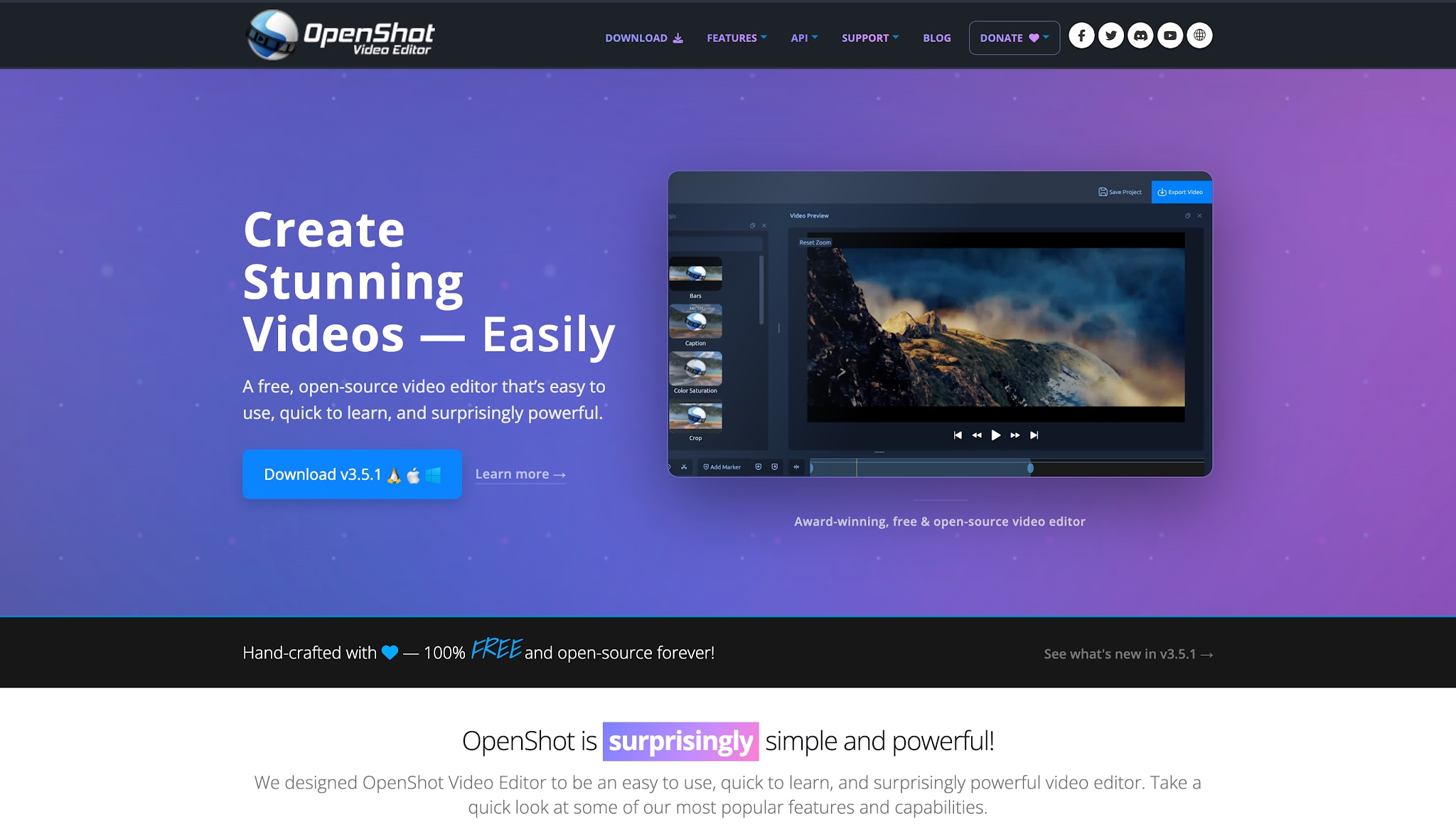
OpenShot is an award-winning, completely free non-linear video editing platform. By using non-linear editing, creators can place media anywhere on a timeline without altering the original files. It is accessible across Windows, Mac, and Linux operating systems.
Unlike freemium alternatives that severely limit functionality, OpenShot never locks essential tools behind a paywall. Its strong open-source philosophy guarantees unrestricted access from day one. Creators can instantly dive into complex video manipulation, intricate audio mixing, and high-definition exporting.
Key Highlights
The April 2026 Update (v3.5.1): One of the biggest overhauls in the software's history. Developers directly addressed community concerns about high-resolution playback lag by heavily improving speed, timeline responsiveness, and overall system stability.
Community-Driven Origins: Created by Jonathan Thomas in 2008 to provide a stable, free tool for the masses. Today, a highly dedicated global volunteer community constantly tests, debugs, and improves the core engine to keep it competitive at no cost.
Target Audience: Built specifically for beginners, students, and basic social media creators.
Why Users Choose It: It features a straightforward interface without a steep learning curve and requires zero financial investment, making it perfect for budget-conscious projects and educators teaching fundamental editing concepts.
Part 2. Core Features and Capabilities
Explore the essential editing tools and timeline capabilities that make OpenShot a highly accessible yet capable platform for beginner creators.
Optimize Preview (Proxy Workflow)
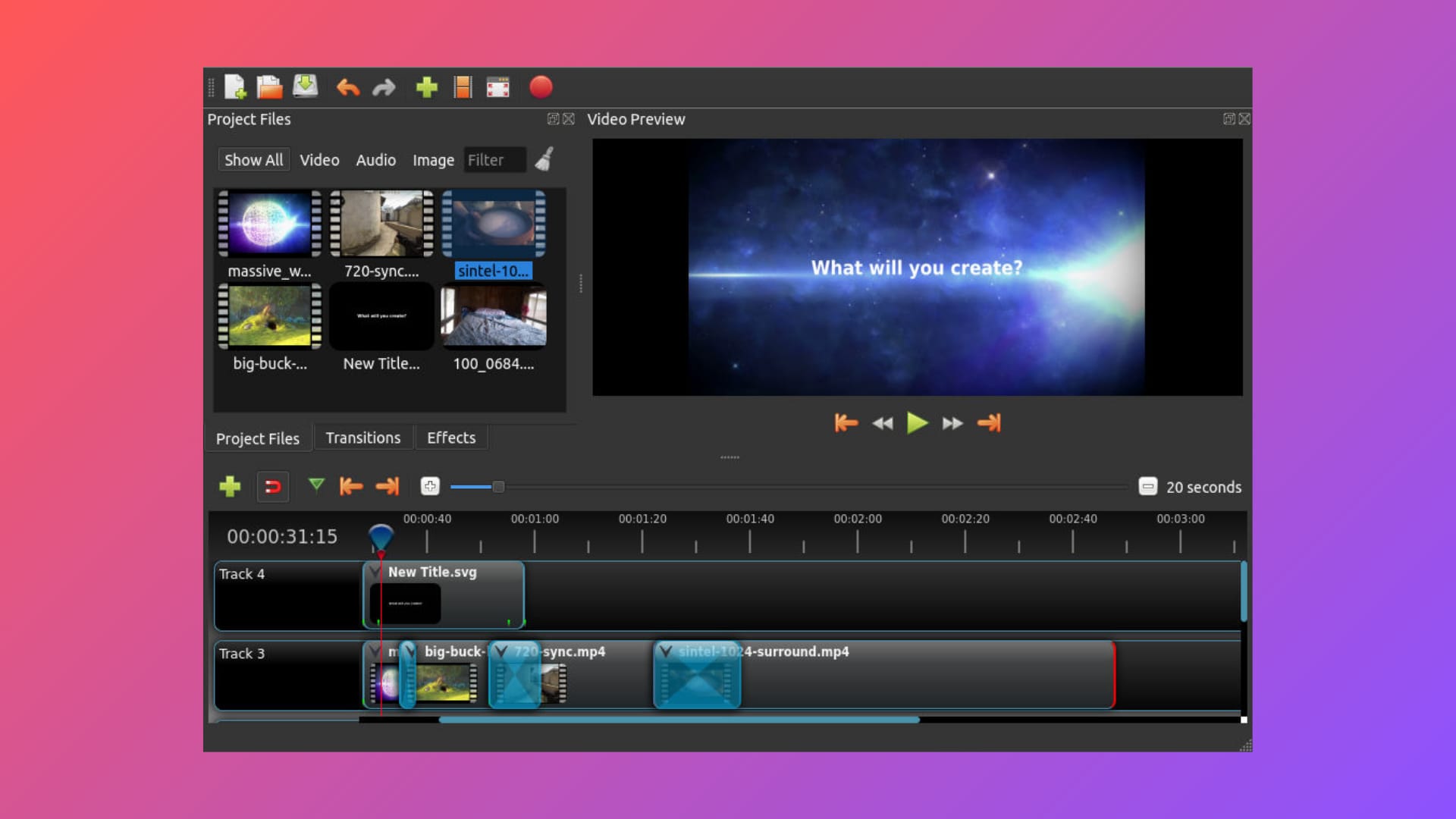
The new 2026 proxy system is a massive workflow improvement. The software automatically creates lower-resolution proxy files for your media. This ensures smooth timeline scrubbing and playback without lagging. It prevents high-resolution 4K footage from freezing your computer. When you finally export the project, the software uses your original high-quality files.
Upgraded Engine Performance
Version 3.5.1 delivers a major speed boost across the entire software. It introduces efficient CPU thread scaling to handle complex tasks. This results in much faster media importing and rendering times. The timeline now feels highly responsive during rapid clip adjustments. The system smartly adapts to your specific hardware capabilities.
Refined Audio Transitions
Audio editing received crucial upgrades in the recent patch. The OpenShot video editor now features updated audio mixing capabilities. It automatically applies equal-power cross-fades between adjoining audio clips. You can achieve smooth volume curves without tedious manual tweaking. Generating audio waveforms is now noticeably faster and more accurate.
Experimental AI Tools
The platform now incorporates basic ComfyUI integration for advanced users. This allows creators to test emerging AI workflows within the open-source platform. You can explore features like depth extraction and reference image generation. While highly experimental, these tools represent a big step forward. They bring basic machine learning concepts to a free desktop application.
Unlimited Tracks and Layers
This software retains a highly flexible and open timeline structure. Creators can stack an infinite number of video and audio tracks. You can easily layer B-roll footage, sound effects, and music. The timeline also supports endless watermarks and text overlays. This freedom encourages creative compositing without arbitrary track limits.
Part 3. Pros and Cons: An Honest Review
Evaluating media software objectively requires looking carefully at both its inherent strengths and its technical limitations. The following points accurately summarize the current state of the OpenShot video editor based on recent user feedback.
How We Test Video Editing Software
To provide an honest review of the OpenShot video editor, we installed version 3.5.1 on both high-end workstations and standard budget laptops. We imported various media types, including heavy 4K drone footage and standard 1080p clips. We tested timeline responsiveness, proxy generation speed, and overall export times. Finally, we compared these results against premium alternatives to evaluate genuine workflow efficiency.
Part 4. How Does It Compare to Market Competitors?
Understanding how OpenShot stacks up against competing video editing software clarifies where its simple workflow excels and where its technical limits begin.
Versus Other Free Tools
The OpenShot video editor wins clearly on user interface simplicity. It offers basic accessibility that rivals struggle to match. However, it falls short in the advanced non-linear feature department. Competitors like Shotcut or Kdenlive offer deeper color grading and multi-cam editing. Yet, those advanced open-source tools have incredibly steep learning curves.
The Growth Ceiling
Every digital artist eventually evaluates whether their current software meets their rapidly expanding creative needs. Basic editors definitely serve as a fantastic, low-risk starting point for learning the ropes of video production. Yet, users inevitably hit a technical growth ceiling as their production value and client demands increase. Basic open-source timelines struggle significantly when handling massive 4K or 8K media files. Furthermore, they completely miss out on modern, polished automated workflows that handle tedious tasks. Recognizing this growth ceiling helps creators know exactly when to seek more capable software solutions.
Feature Comparison Matrix: Open-Source vs. Premium AI
| Feature | The Free Open-Source Editor | Advanced Open-Source | Premium AI Competitors |
| Ease of Use | Very High | Low | High |
| Cost | 100% Free | 100% Free | Paid / Subscription |
| Timeline Tracks | Unlimited | Unlimited | Unlimited |
| Proxy Workflow | Basic (New in 2026) | Advanced | Fully Automated |
| AI Automation | Experimental | Very Limited | Highly Advanced |
| Color Grading | Basic Sliders | Professional Wheels | AI Color Match |
Transitioning Beyond Open-Source Limits
While open-source editors provide a cost-free entry point, export limitations and manual editing processes often bottleneck modern content creation. Today's creators require smart automation to scale their output. When users outgrow basic timelines, they need a platform that bridges the gap between simple editing and high-velocity performance.
Moving to a dedicated, AI-powered desktop utility streamlines this entire process. Instead of tedious manual adjustments, creators can leverage an AI Video Enhancer to automatically upscale shaky footage and an AI Subtitle Generator to instantly transcribe dialogue. Having these tools alongside an AI Background Noise Remover in a single ecosystem eliminates the need to bounce between multiple apps just to clean up audio and finish a project.
Part 5. Upgrading to a Premium Video Editing Solution
For creators frustrated by frequent crashes, slow rendering speeds, or a lack of modern format support, Wondershare UniConverter serves as a highly reliable upgrade. Transitioning to a dedicated desktop utility with an intuitive video editing tool immediately removes the daily friction of manual timeline adjustments. This one-stop multimedia processing toolbox provides a remarkably stable environment that easily manages heavy 4K video files. By integrating smart automation seamlessly, it bridges the gap between basic editing software and high-velocity performance, allowing digital artists to focus entirely on their creative vision.


All-in-One Multimedia Processing Tool

Key features of UniConverter
AI Smart Trimming: Automatically analyzes audio tracks to detect and remove silent gaps or awkward pauses, significantly reducing the time spent manually slicing footage on the timeline.
Auto-Reframe & Cropping: Intelligently tracks the primary subject in your footage and automatically reformats horizontal videos into vertical aspect ratios (like 9:16) for social media without losing the focal point.
AI Portrait & Background Removal: Seamlessly removes or replaces video backgrounds without requiring a physical green screen setup, allowing for clean, professional compositing.
Auto-Subtitle Generation: Utilizes advanced speech-to-text algorithms to instantly generate and sync accurate captions—a workflow that typically requires manual typing or third-party plugins in basic editors.
GPU-Accelerated Editing: Fully utilizes your system's hardware acceleration to ensure smooth playback, drag-and-drop responsiveness, and rapid rendering, even when editing heavy 4K or 8K project files.
Part 6. Conclusion
The OpenShot video editor remains an excellent, cost-free starting point for novices. The Version 3.5.1 update brings vital speed upgrades and proxy workflows to budget-conscious users. It handles basic cutting, audio transitions, and social media exports wonderfully. However, as your projects grow in complexity, you will eventually face performance bottlenecks.
For creators ready to move beyond basic open-source limitations, an upgrade is essential. We highly recommend exploring Wondershare UniConverter for your daily workflow. It provides the perfect balance of AI-driven automation, batch processing, and stable editing tools. Download the free trial today and experience hassle-free media creation.

