


WebM videos have gained popularity due to their high-quality video compression, making them ideal for streaming and web use. However, when it comes to sharing short, looping animations, GIFs are often the go-to format. Converting WebM to GIF enables you to easily transform high-quality video into a short, animated image without sound. In this guide, we will explore the best ways to convert WebM to GIF using both desktop software and online tools. Whether you're looking for an offline solution or a quick web-based tool, we've got you covered.
In this article

Easy to Use Versatile WebM to GIF Covnerter
Part 1: Why Converting WebM to Gif
WebM and GIF serve different purposes, but converting WebM to GIF can enhance your ability to share short, loopable animations in a widely accepted format.
Comparison between WebM and GIF
|
Feature |
WebM |
GIF |
|
Quality |
High-quality video with sound support |
Lower quality with no sound, ideal for looping |
|
File Size |
Smaller than MP4, ideal for web streaming |
Generally larger than WebM, especially for long clips |
|
Compatibility |
Supported in modern web browsers and devices |
Universally supported across platforms and apps |
|
Animation Support |
Supports full video playback with sound |
Only supports static images or short loops |
Part 2: Convet WebM to Gif on Desktop or Online , Which Should You Choose?
There are two main options for converting WebM to GIF: desktop software and online tools. Both come with their advantages and limitations. Here's a quick comparison to help you decide which method is best for you.
Comparison of Desktop Software and Online Tools
|
Feature |
Desktop Software |
Online Tools |
|
Ease of Use |
Typically user-friendly with more advanced options |
Quick and simple with minimal setup |
|
Processing Speed |
Faster conversion, especially for large files |
Depends on internet connection, can be slower |
|
Customization Options |
More control over GIF quality, size, and settings |
Limited customization features |
|
Internet Dependency |
Works offline once installed |
Requires a stable internet connection |
|
Cost |
Often requires a paid license for full features |
Usually free with some limitations |
Which Should You Choose?
Desktop Software: If you frequently work with large files, need batch processing, or require more customization, desktop tools are the better option.
Online Tools: For quick conversions and simplicity, online tools are a great choice. These are ideal for occasional use or for those who don’t want to install software.
Part 3. 5 Desktop Tools to Convet WebM to Gif
Recommend Uniconverter and other 4 desktop tools with basic features, pros and cons, step by step guide in lists here with concise User guide
1.UniConverter
UniConverter is a versatile and powerful desktop tool that allows you to convert WebM files to high-quality animated GIFs. It supports multiple formats and offers a range of customization options for optimal conversion quality. Whether you need a quick conversion or more control over the output, UniConverter delivers excellent results.

Key Features:
- Supports multiple input and output formats (WebM, MP4, MOV, etc.)
- Batch conversion for faster processing
- Customizable GIF settings (frame rate, resolution, size)
- Built-in video editor for trimming, cropping, and adding effects
- High-quality output with minimal loss
Easy to Use Versatile WebM to GIF Covnerter
Pros & Cons:
Step Guide:
Step 1
Visit the official UniConverter website, download the software, and follow the installation instructions. Once installed, open the program.

Step 2
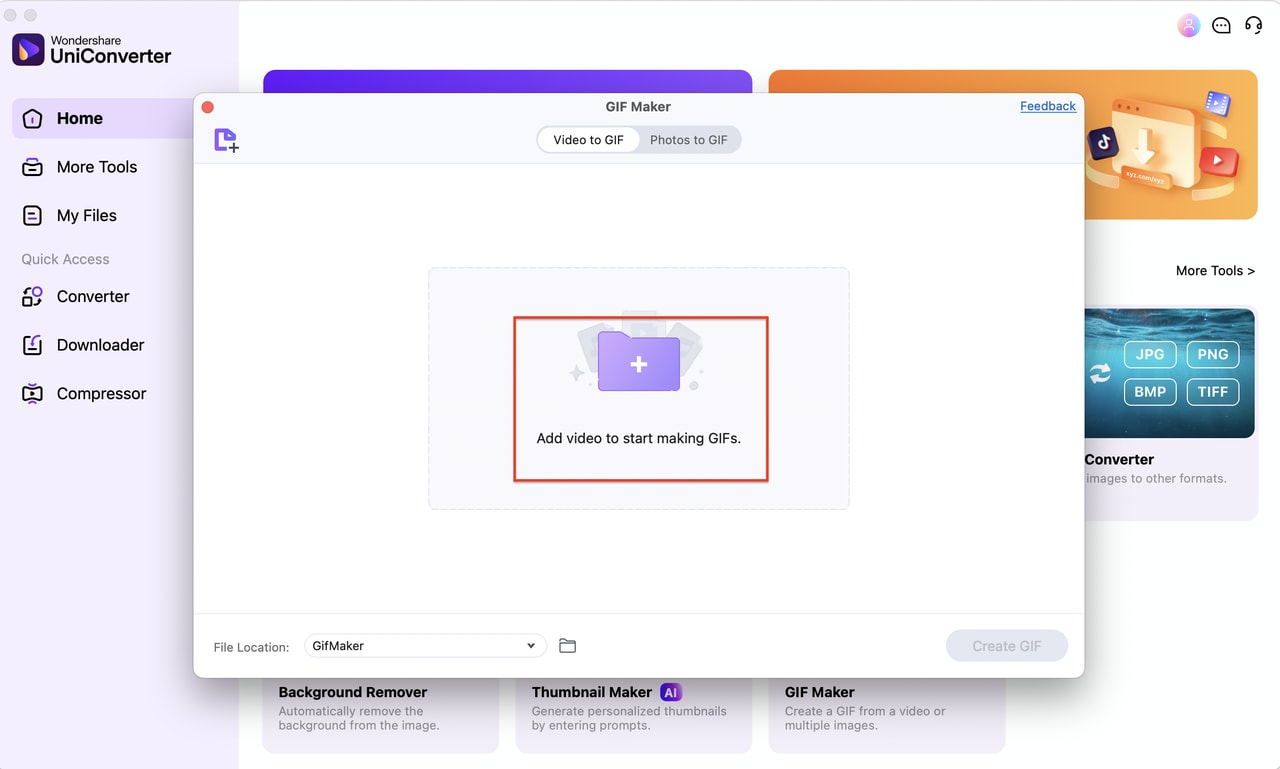
Click "Add Files" to upload the WebM video you want to convert. You can drag and drop files directly into the interface.
Step 3
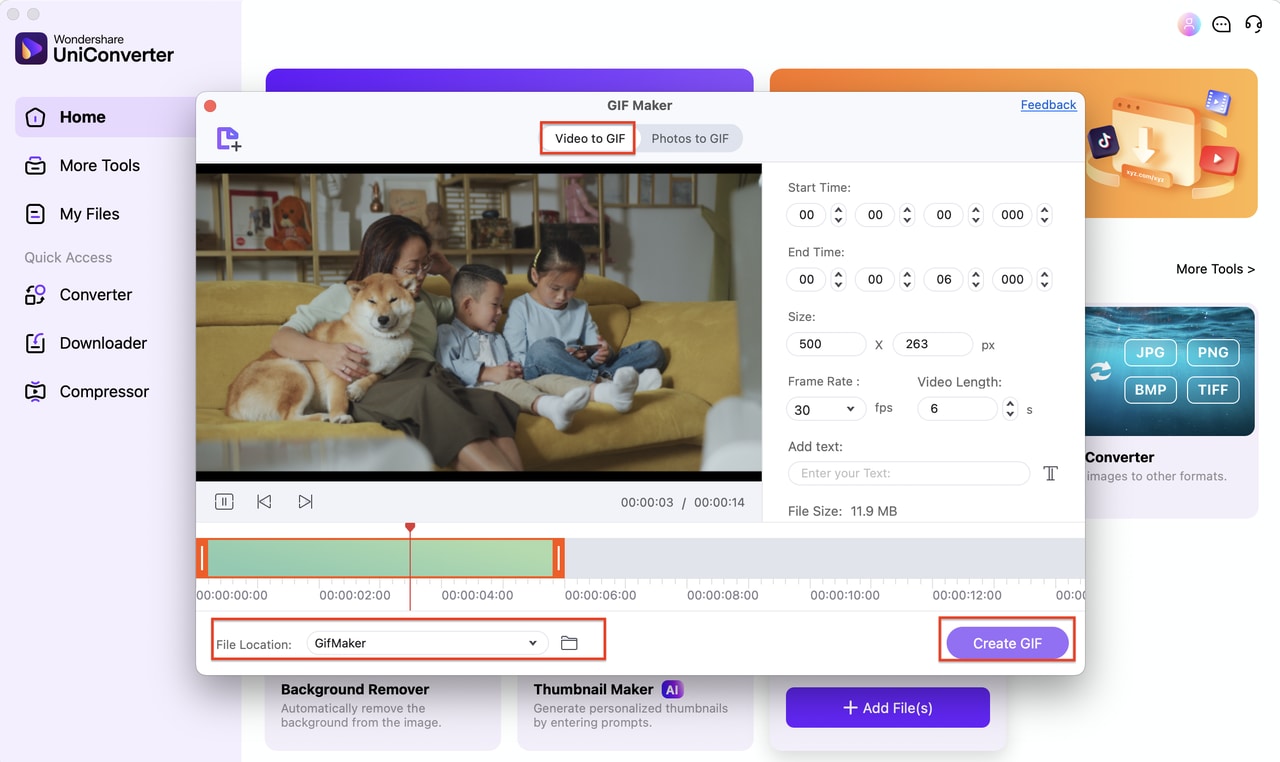
Select "GIF" as the output format from the list. Customize the settings (frame rate, resolution, etc.) as needed and click "Convert."
2. Movavi Video Converter
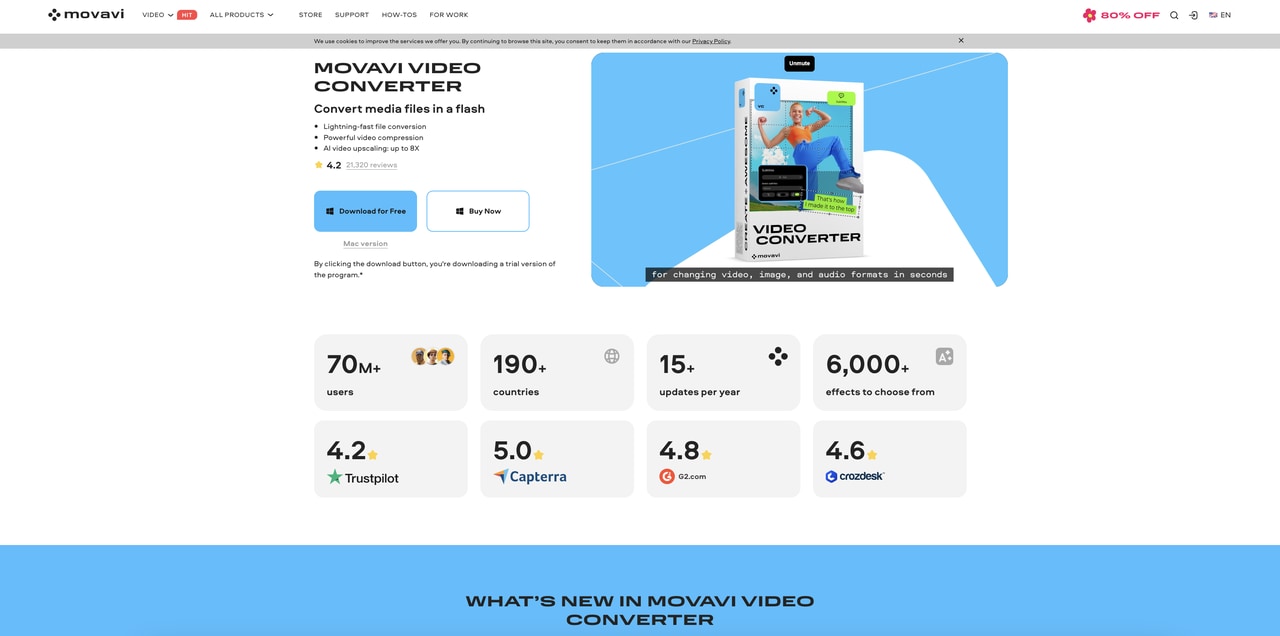
Movavi Video Converter is a powerful, easy-to-use tool that allows users to convert WebM videos to GIFs quickly. With its intuitive interface, users can customize output settings to get the best quality and create GIFs for various purposes, whether personal or professional.
Key Features:
- Fast conversion speed with minimal quality loss
- Simple drag-and-drop interface
- Customizable output settings (frame rate, resolution)
- Supports multiple video formats
- Built-in video editor for trimming and cropping
Pros & Cons:
Step Guide:
Step 1: Install Movavi Video Converter
Download and install Movavi Video Converter. After installation, launch the software.
Step 2: Add WebM Video
Click on the "Add Media" button and import your WebM file. You can drag and drop the file into the program for easier processing.
Step 3: Select GIF Format and Convert
Choose "GIF" from the output format list, adjust settings if needed, and click "Convert" to start the conversion.
3. GIMP (with Plugin)
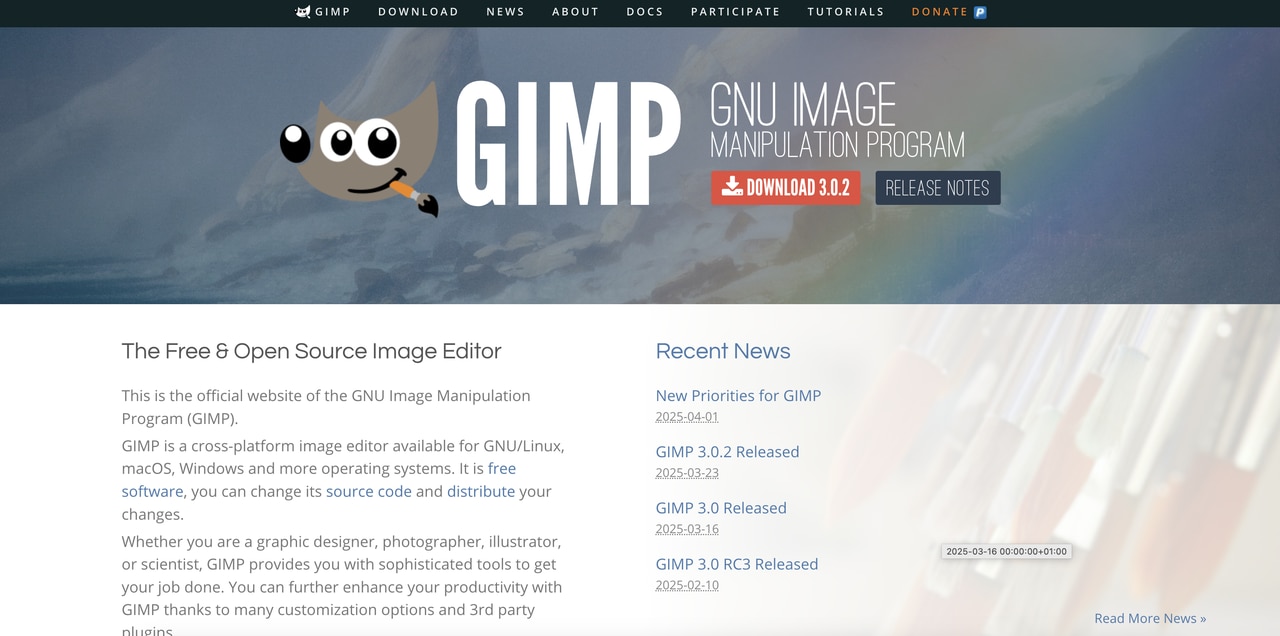
GIMP is a free and open-source image editing software that allows users to create GIFs from WebM videos. By installing a plugin (such as FFmpeg), users can convert video files into a series of frames, which can be compiled into a GIF.
Key Features:
- Frame-by-frame editing of GIFs
- Advanced video-to-frame conversion with plugins
- Highly customizable GIF settings (frame rate, delay)
- Free and open-source software
- Cross-platform compatibility (Windows, Mac, Linux)
Pros & Cons:
Step Guide:
Step 1: Install GIMP and Plugins
Download and install GIMP along with necessary plugins like FFmpeg for video-to-frame conversion.
Step 2: Convert WebM to Frames
Use the plugin to import your WebM video and convert it into frames. Import these frames into GIMP as layers.
Step 3: Adjust Frame Timing and Export GIF
Use GIMP’s animation tools to adjust frame timing and export the frames as a GIF.
4. Filmora
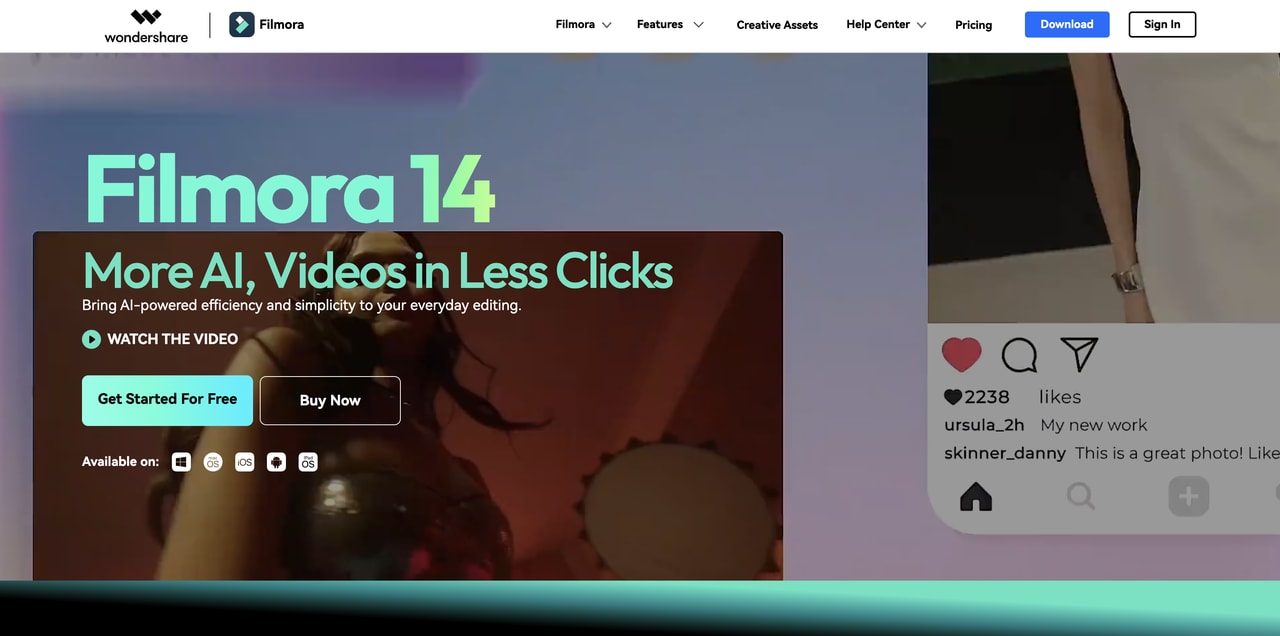
Filmora is a video editor that also supports converting WebM files to GIFs. It provides a comprehensive suite of video editing tools, making it suitable for users who want to create GIFs from WebM with advanced customization options.
Key Features:
- Video editing tools for trimming, cropping, and adding effects
- High-quality GIF export
- Supports multiple input formats (including WebM)
- Customizable GIF settings (frame rate, resolution)
- Simple drag-and-drop interface
Pros & Cons:
Step Guide:
Step 1: Install Filmora
Download and install Filmora from its official website.
Step 2: Import WebM Video
Open Filmora and drag your WebM video onto the timeline.
Step 3: Export as GIF
Choose "GIF" as the output format, adjust settings (resolution, frame rate), and click "Export" to generate your GIF.
5. Avidemux
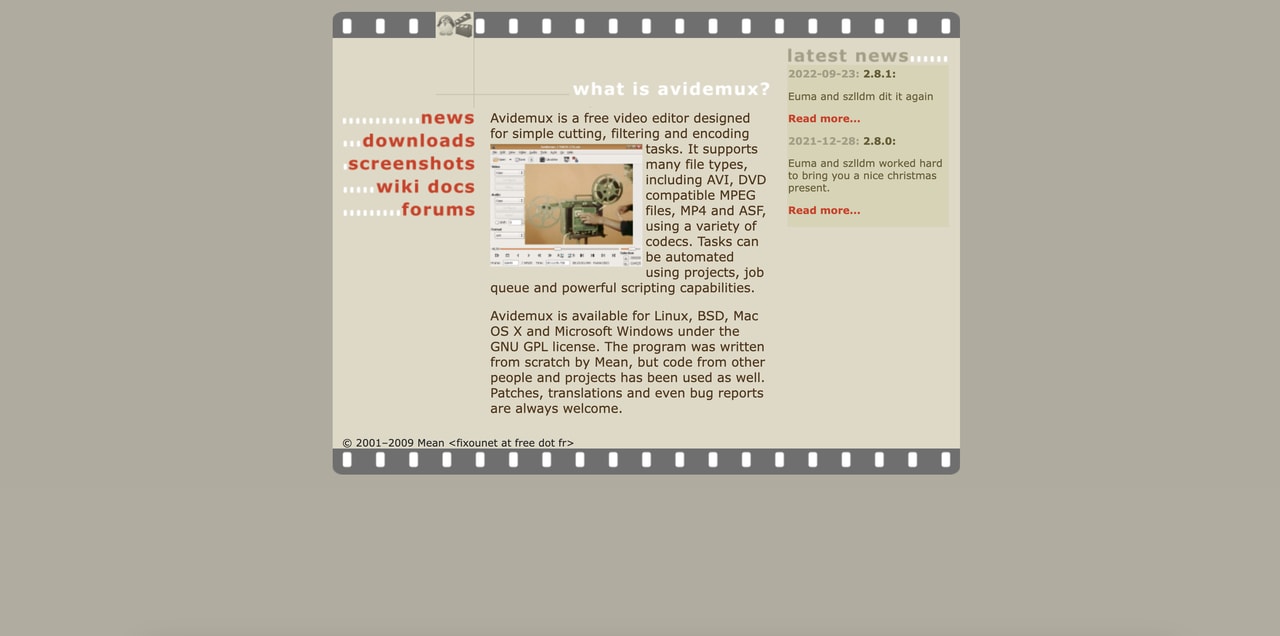
Avidemux is a free, open-source video editing software that allows for quick and efficient WebM to GIF conversion. With its simple interface and lightweight design, it’s perfect for users who want a no-fuss, straightforward tool for basic video editing and GIF creation.
Key Features:
- Supports a variety of video formats, including WebM to GIF conversion
- Basic editing features like trimming, cutting, and filtering
- Lightweight and fast
- No installation required for portable version
- Free and open-source software
Pros & Cons:
Step Guide:
Step 1: Download and Install Avidemux
Download and install Avidemux from the official website. Open the software after installation.
Step 2: Load WebM Video
Open your WebM video by selecting "Open" from the menu or dragging and dropping the file into the interface.
Step 3: Select GIF Output Format and Convert
Choose "GIF" as the output format, adjust any settings like resolution or frame rate, and click "Save" to convert and save your GIF.
Easy to Use Versatile WebM to GIF Covnerter
Part 4. 5 Online Tools to Convet WebM to Gif
If you prefer to convert WebM to GIF without installing software, online tools are a great option. Here are five reliable online tools that make it easy to convert WebM videos into high-quality GIFs quickly and for free.
1.CloudConvert
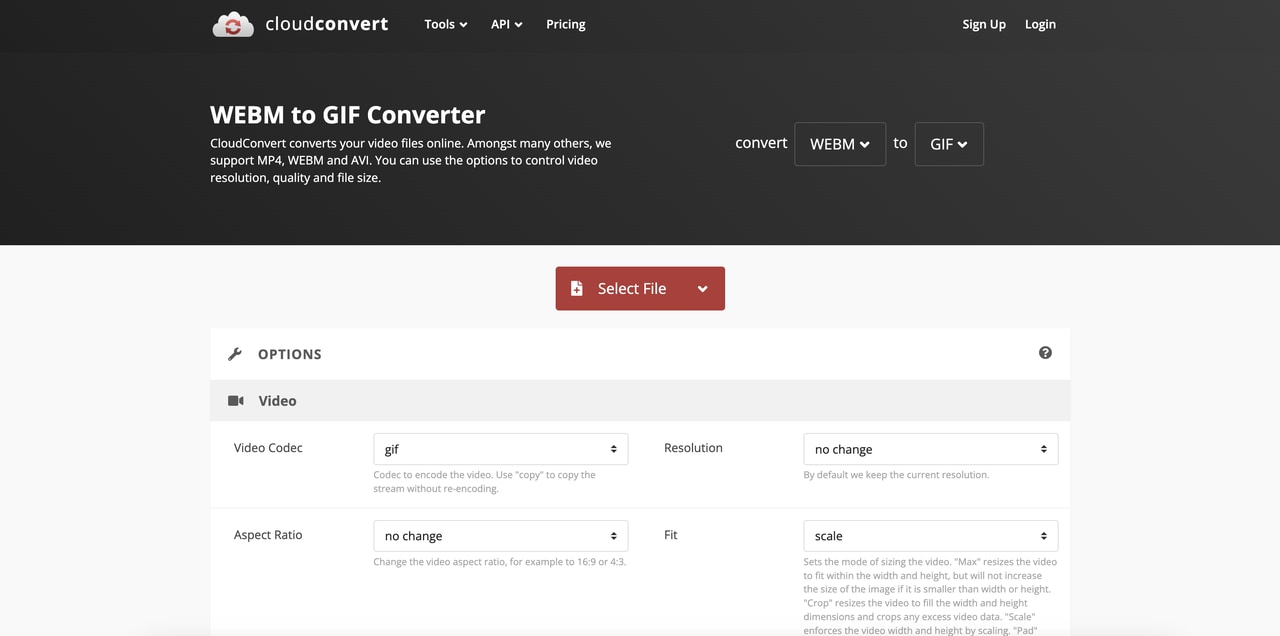
CloudConvert is an online file conversion tool that supports converting WebM to GIF with ease. Known for its user-friendly interface and cloud-based service, CloudConvert allows you to convert files without downloading any software. It also offers various customization options for video resolution, frame rate, and size.
Key Features:
- Cloud-based, no software installation required
- Supports a variety of file formats for both input and output
- Allows for batch conversion of multiple files
- Customizable settings such as resolution and frame rate
- Simple drag-and-drop interface
Pros & Cons:
Step Guide:
Step 1: Upload WebM File
Visit the CloudConvert website and click "Select Files" to upload your WebM video file from your computer or cloud storage.
Step 2: Set GIF Output Options
Choose "GIF" as the output format and adjust the resolution, frame rate, and other settings as needed.
Step 3: Convert and Download
Click "Start Conversion," and once the process is completed, download your GIF file.
2.EZGIF
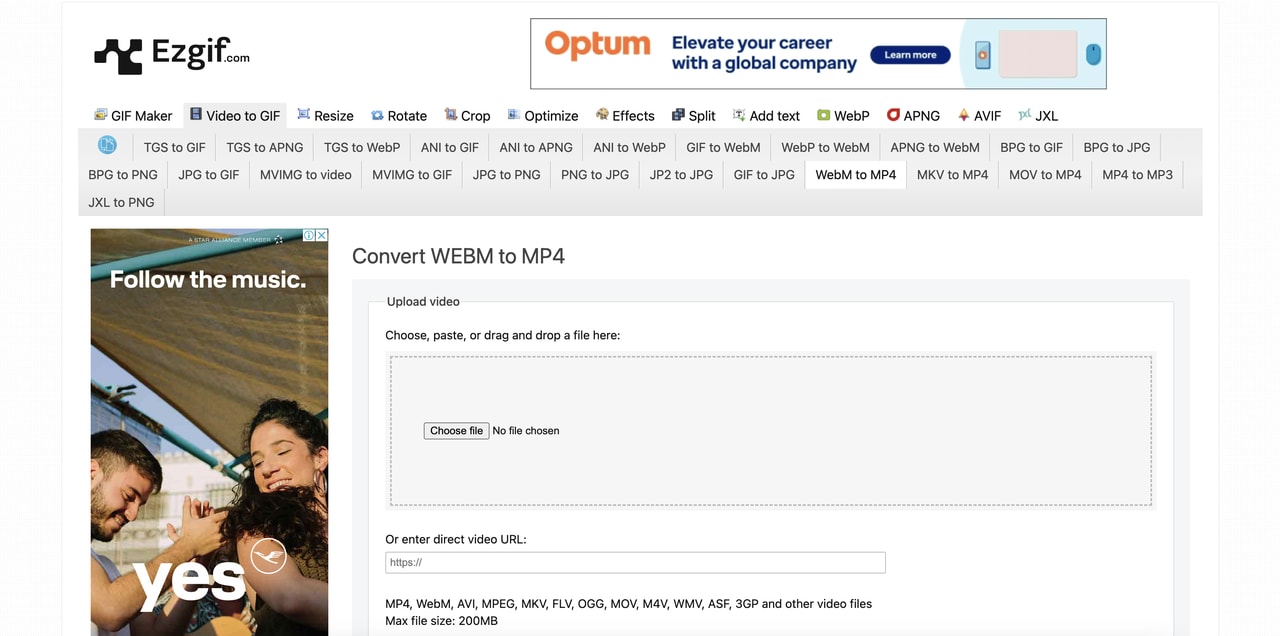
EZGIF is a popular online tool for creating and editing GIFs, including converting WebM videos into animated GIFs. It’s a simple yet effective solution for basic video-to-GIF conversions and offers additional editing features like trimming and resizing GIFs post-conversion.
Key Features:
- Convert WebM and other formats into GIF
- Edit GIFs by trimming, cropping, and resizing
- Optimize GIFs for web use
- Allows users to add effects or text to GIFs
- Free to use with no sign-up required
Pros & Cons:
Step Guide:
Step 1: Upload WebM Video
Go to the EZGIF website and upload your WebM video file using the "Choose File" button.
Step 2: Choose GIF Settings
Select GIF as the output format and adjust the start and end times, as well as the resolution and frame rate.
Step 3: Convert and Download
Click the "Convert to GIF" button. Once the process is complete, download your GIF.
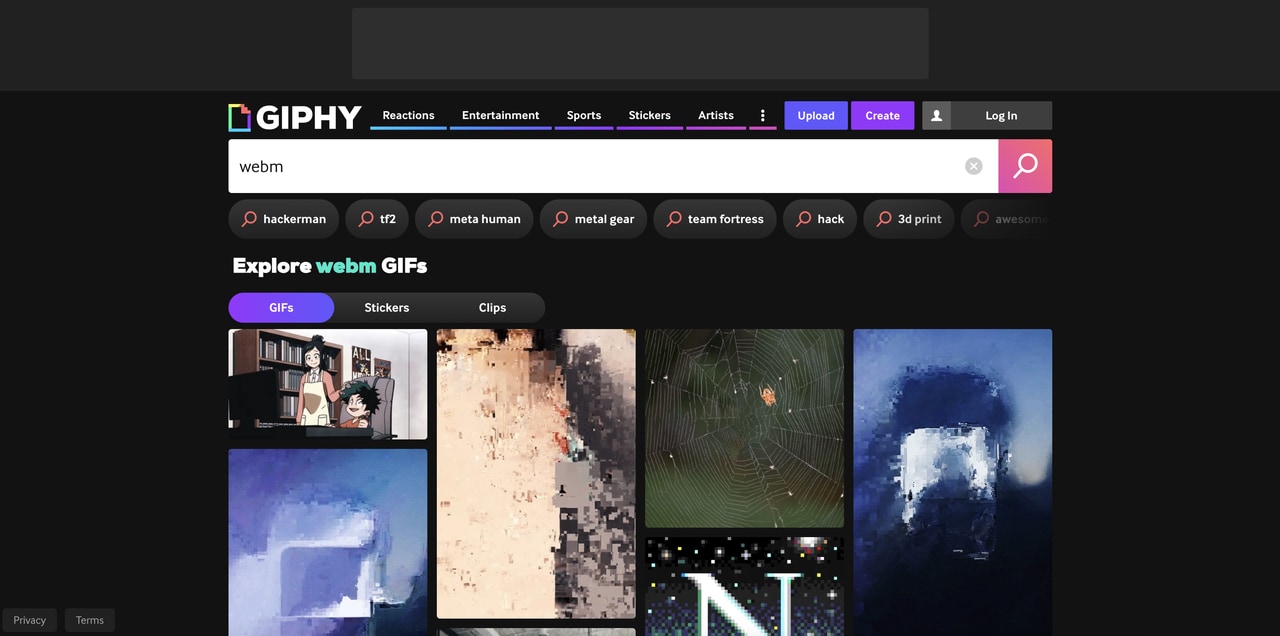
3.Giphy GIF Maker
Giphy is a leading platform for creating and sharing GIFs, and it offers an online tool to convert WebM files into GIFs. The Giphy GIF Maker provides an easy interface and various customization options for users who want to make engaging GIFs for social media or websites.
Key Features:
- Create GIFs from WebM and other video formats
- Add captions, stickers, and effects to GIFs
- Share GIFs directly on social media platforms
- Customizable video length and frame rate
- Free and accessible without account creation
Pros & Cons:
Step Guide:
Step 1: Upload WebM File
Open Giphy GIF Maker and click "Choose File" to upload your WebM video or paste the video URL.
Step 2: Edit GIF
Trim the video to select the desired segment and add captions, effects, or stickers.
Step 3: Create and Share
Click "Create GIF" to generate your GIF. You can then share it directly or download it to your device.
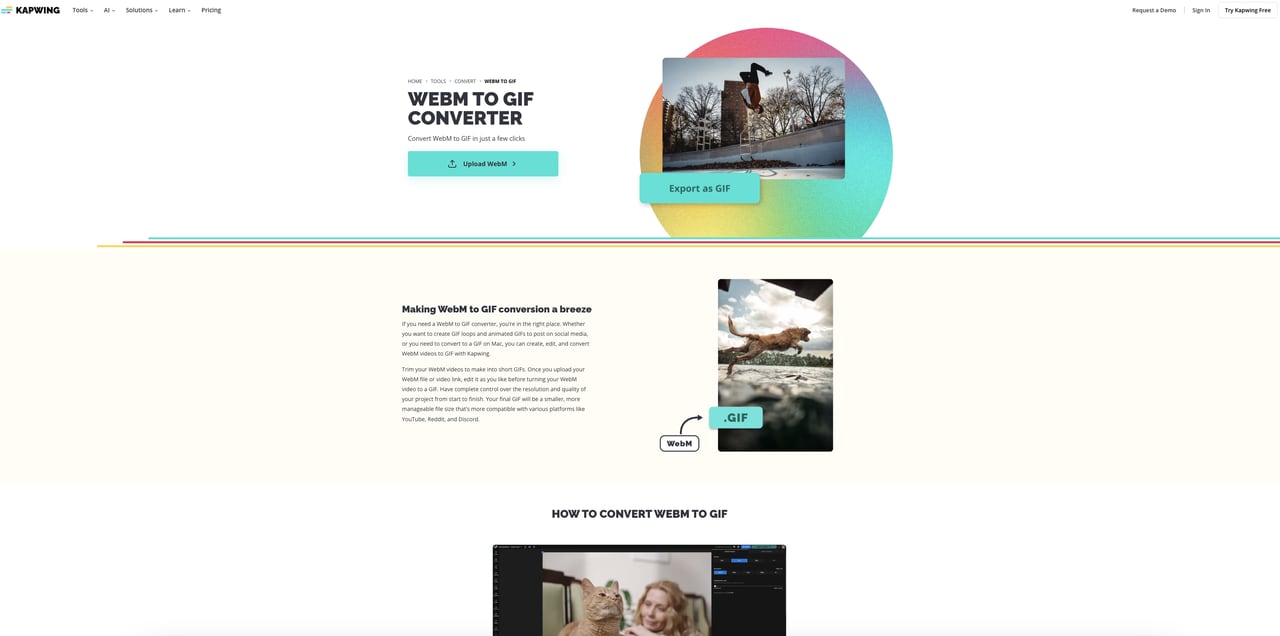
4.Kapwing
Kapwing is an online video editing platform that allows users to convert WebM files into GIFs. In addition to simple conversion, Kapwing also provides advanced editing tools to enhance GIFs, such as adding audio, text, and effects. It is particularly great for social media creators who want to customize their GIFs.
Key Features:
- Convert WebM videos to GIFs
- Add text, music, and effects to GIFs
- Trim and adjust the length of GIFs
- Free and easy to use, no account required
- Supports various video formats
Pros & Cons:
Step Guide:
Step 1: Upload WebM Video
Visit Kapwing’s website and upload your WebM video file by clicking the "Upload" button.
Step 2: Customize Your GIF
Use Kapwing’s editing tools to adjust the video length, add text, or apply effects.
Step 3: Export and Download
Once you’re satisfied with the GIF, click "Export" to save it to your device.
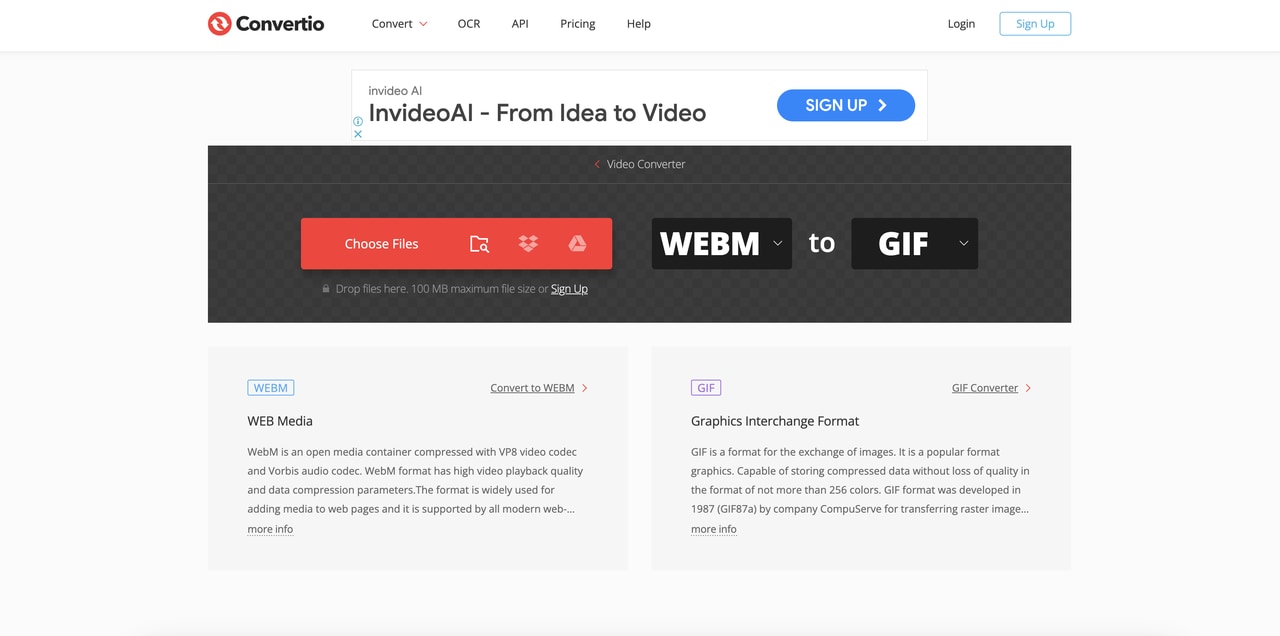
5.Convertio
Convertio is a simple online tool that supports the conversion of WebM videos to GIFs. This easy-to-use tool works directly from your browser and allows you to quickly convert files without needing to install any software.
Key Features:
- Convert WebM videos into GIFs and other formats
- Customizable settings like resolution, frame rate, and duration
- Supports cloud storage integration for easy file import
- Quick conversion process with minimal wait time
- No account registration required for basic usage
Pros & Cons:
Step Guide:
Step 1: Upload WebM Video
Visit Convertio’s website and click "Choose Files" to upload your WebM video file from your computer or cloud storage.
Step 2: Choose GIF as Output Format
Select "GIF" from the list of available output formats and adjust settings like resolution and frame rate.
Step 3: Convert and Download
Click the "Convert" button. After the conversion is finished, download your GIF.
Conclusion
In this guide, we've explored various tools and methods for converting WebM videos into GIFs, whether you're looking for desktop software or online tools. Each tool offers unique features that cater to different needs, from fast and simple conversions to highly customizable options for advanced users. Desktop tools like UniConverter provide high-quality conversion with added features like AI video enhancement and smart trim, making them perfect for batch processing and professional use. Online tools like CloudConvert, Giphy, and Kapwing offer quick, no-installation solutions, ideal for casual users and those needing immediate results. With the right tool, converting WebM to GIF is easy, efficient, and customizable to suit your needs.
Easy to Use Versatile WebM to GIF Covnerter
FAQs
-
1. How do I reduce the file size of a WebM GIF without losing quality?
To reduce the file size of a WebM GIF, you can lower the resolution, decrease the frame rate, and trim unnecessary video parts. Tools like UniConverter allow for customized output settings to ensure you balance file size and quality effectively. -
2. What are the recommended settings for creating a high-quality GIF from WebM?
For high-quality GIFs, use a frame rate of 15-20 FPS and a resolution of 480p to 720p. UniConverter provides customizable settings, allowing you to adjust the frame rate, resolution, and size to optimize the GIF without sacrificing visual quality. -
3. Can I add text or effects to my WebM to GIF conversion?
Yes, many tools, including UniConverter, allow you to add text, effects, and other customizations to your GIF. You can trim, crop, and enhance the video with built-in editing features before converting it into a GIF. -
4. Do desktop tools offer better quality conversions than online tools?
Yes, desktop tools like UniConverter generally provide better quality conversions compared to online tools. They offer more advanced customization options, batch processing, and less compression, ensuring higher-quality GIFs from WebM files.

