


The term POV has taken over social media platforms like TikTok, Instagram, and YouTube—but what does it actually mean? Short for "Point of View," POV refers to content shot from a specific perspective that puts the viewer in the shoes of the subject.
In this guide, we’ll explore the meaning of POV, various video styles, content ideas for social media, tips to make your POVs more compelling, and how to edit and stabilize them using UniConverter.
In this article
Part 1. What is POV
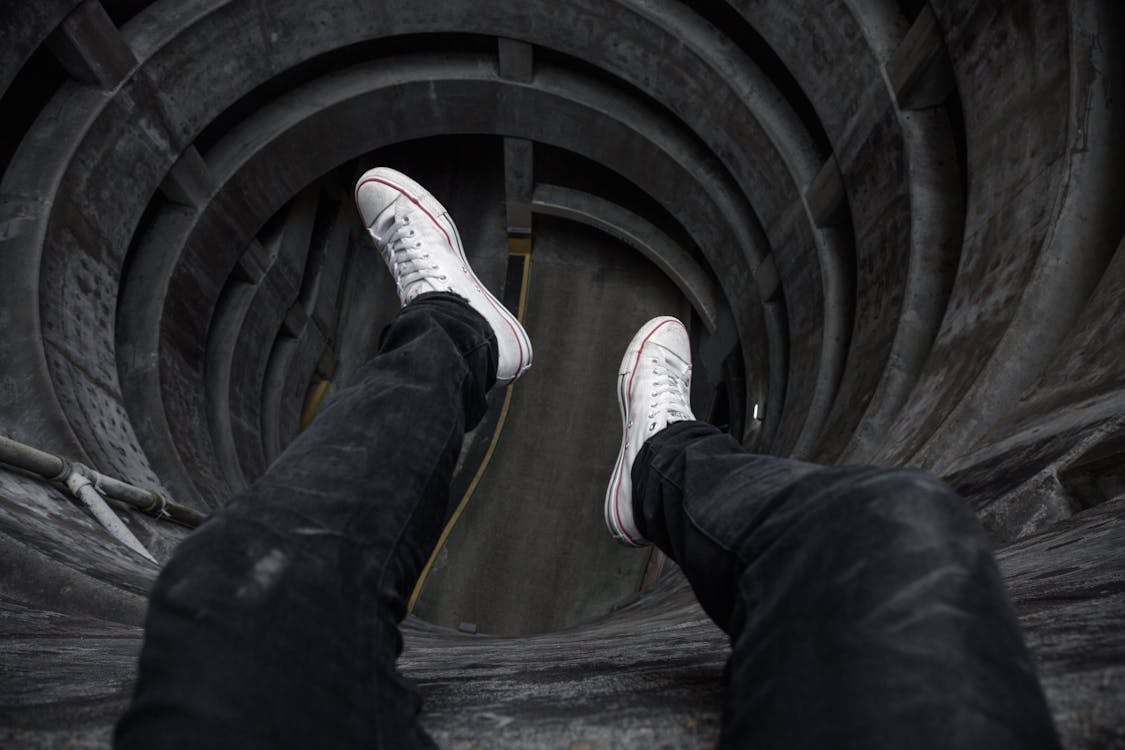
On TikTok POV, creators often start videos with captions like “POV: You just found out your crush likes you,” instantly setting a relatable scene. These POV captions for Instagram or TikTok set the emotional tone and guide the viewer into the imagined scenario. The magic lies in making the viewer feel as if they are experiencing something personal—whether it’s walking into prom, being ghosted, or working a dream job.
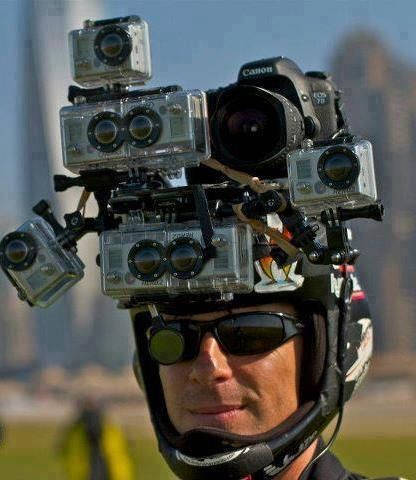
There are different visual styles for delivering POV reels or YouTube POV videos. Most POV iPhone mount creators use chest- or head-mounted camera gear to maintain perspective, ensuring that hands or body parts are visible in the frame. This technique makes POV for Instagram Reels and POV YouTube content feel authentic, giving viewers the illusion of experiencing life through someone else’s eyes.
Notably, the trend has also extended to still content like POV Instagram captions, which frame a photo with a humorous or emotional context. In this context, POV, meaning TikTok, isn't just a camera angle—it’s a storytelling format that resonates with audiences by reflecting shared experiences or feelings.
Whether you’re a content creator aiming for Instagram POV caption impact or just exploring POV TikTok creativity, understanding the basics of what POV really means is your first step. In the next section, we’ll explore the various types of POV perspectives used in visual storytelling—each with its effect and purpose.
Part 2. Different Perspectives of POV Videos

First-Person (Subjective) POV
This is the most popular format in POV TikTok videos. In first-person POV, the camera mimics what the character sees, allowing the audience to experience the moment as though they are the character. The technique works well for tutorials, storytelling, emotional scenarios, and POV reels where relatability is key. It’s often captured using an iPhone POV mount or GoPro-style gear to simulate a natural view.
Objective POV
Unlike the subjective format, Objective POV places the viewer outside of the character's experience. It captures the scene as an outsider might see it—without revealing any emotional or internal cues. This format is standard in POV for Instagram Reels that highlight reactions, commentary, or physical comedy.
Third-Person Omniscient POV
This type goes beyond the visible and explores what characters are thinking or feeling. In scripted YouTube POV or Instagram POV videos, these thoughts might be portrayed using internal monologues, split screens, or captions.
Summary Table: POV Types & Use Cases
| POV Type | Description | Best Used On | Common Use Cases |
| First-Person POV | Viewer sees exactly what the subject sees | TikTok, Instagram | Skits, ASMR, relatable life moments |
| Objective POV | Viewer watches from outside the action | Reels, YouTube Shorts | Tutorials, fashion, comedy |
| Third-Person Omniscient | Shows character thoughts and emotions | YouTube, TikTok | Storytelling, dialogue-driven, emotional content |
These perspectives allow creators to build immersive, emotional, or instructional content that resonates with different platforms and audiences.

Easy to Use Batch Video Enhancer
Part 3. Ideas to Use POV Videos in Social Media
Customer-First POV Content
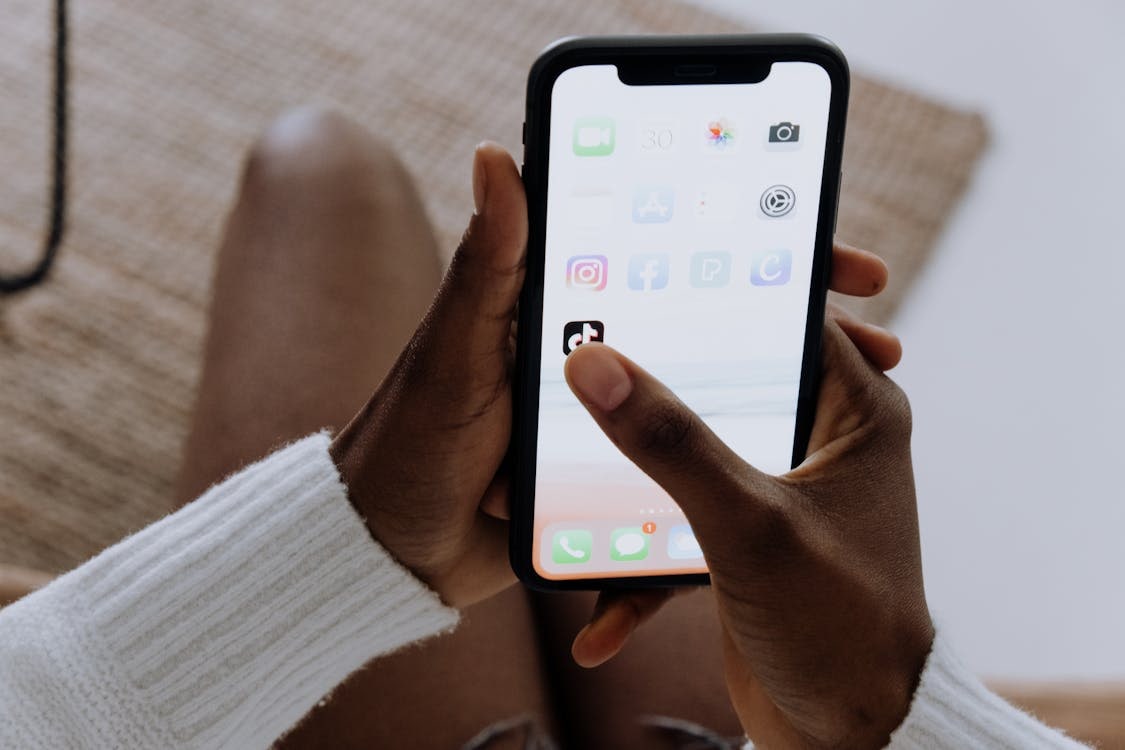
One of the most effective POV formats is putting your audience in the customer’s shoes. These POV TikTok or POV Instagram videos simulate experiences like unboxing a product, walking into a store, or using a service—building instant relatability and trust.
Unboxing and Product Experience POVs
Use an iPhone POV mount or handheld view to showcase what it's like to open, use, or review a product. This makes POV reels immersive and valuable for brands, tutorials, or lifestyle reviews.
Relatable Everyday Scenarios
Simple, real-life moments like “POV: You forgot your homework” or “POV: Your sibling eats your fries” consistently go viral. These POV TikTok ideas or POV ideas for Instagram Reels connect emotionally by reflecting everyday experiences.
ASMR and Sensory POV Content
Soft sounds, close-up visuals, and minimal dialogue are key to sensory or ASMR-style POV videos. Popular on YouTube POV channels and TikTok, this format relaxes viewers while keeping them engaged.
Tutorials and How-To Guides in POV Format
POV is perfect for step-by-step demonstrations—like cooking, makeup, or DIY projects. These POV Instagram or YouTube POV videos help viewers feel like they’re learning directly through their own eyes, making instructions more effective and memorable.
Part 4. Tips for More Engaging POV Content Use
Captions to Set the Scene
Creating engaging POV video content isn't just about choosing a captivating concept—it’s also about how you present it. One of the quickest ways to draw viewers in is by using captions to immediately set the context. A simple line like “POV: You just got the job” instantly creates a relatable scenario. These POV captions for Instagram or TikTok act as emotional hooks that frame the moment in seconds and help your audience connect instantly.
Keep Videos Short and Focused
The most successful pov TikTok and pov reels are short—ideally under 30 seconds. These quick clips focus on a single emotion, moment, or idea. Whether you're delivering excitement, humor, or nostalgia, keeping your content concise leads to better engagement. Avoid mixing multiple scenes or emotions in one video—platforms like Instagram and TikTok reward clarity and focus.
Tailor Your POV Content to the Platform
Each platform has its rhythm and audience expectations. While TikTok POV content can be raw and fast-paced, Instagram POV reels often benefit from cleaner visuals and polished edits. On the other hand, YouTube POV content allows for longer, more immersive storytelling. Knowing your platform helps shape the tone, video length, and editing style for better resonance and performance.
Stay Authentic to Build Connection
Authenticity wins. The best POV ideas for Instagram Reels or TikToks are often spontaneous, imperfect, and emotionally real. Shaky camera work, honest reactions, and unscripted moments make the content feel relatable. Successful creators focus more on emotional truth than on perfection—this is especially true for POV on top content that centers on real-life feelings and shared experiences.
Use the Right Gear to Elevate Quality
Even authentic content benefits from the right tools. A ring light improves lighting, a tripod ensures stability, and an iPhone POV mount allows for immersive, hands-free shots. However, the most essential tool is a clear, emotionally resonant concept—something that says, “This could be you.” It’s this relatability that keeps viewers watching, liking, and sharing your POV videos
Part 5. How to Batch Stabilize POV Videos for Further Editing
Why Use UniConverter?
UniConverter by Wondershare is a powerful, beginner-friendly tool designed with content creators in mind—especially those producing POV TikTok, Instagram POV, and YouTube POV videos. Here’s what makes it a standout choice for enhancing and stabilizing your content:
Level Up Your POV Edits with UniConverter Tools
POV content comes in all formats—whether from GoPros, phones, or DSLRs. UniConverter lets you convert multiple video files at once to your preferred format (like MP4 or MOV), ensuring compatibility across platforms like YouTube Shorts, TikTok, or Instagram Reels.
POV videos can get large fast—especially if you're filming in high resolution. Batch compress your videos while retaining crisp detail, making them faster to upload and easier to store or share online.
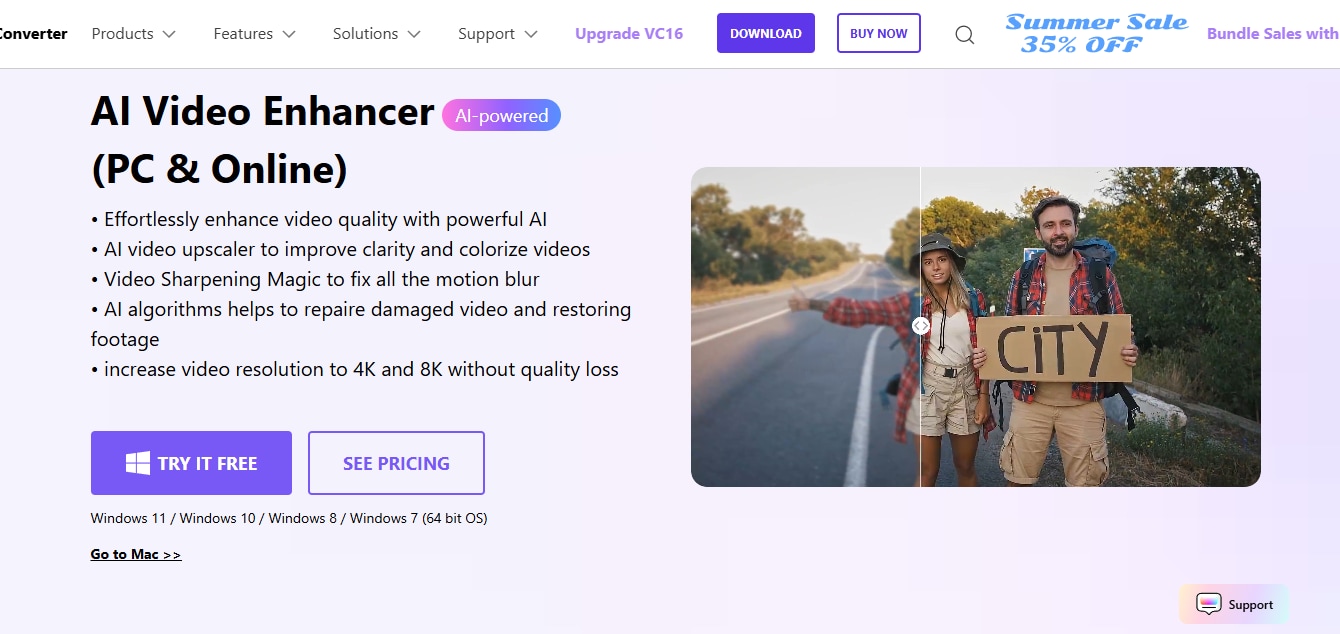
Many POV videos are shot on the go and suffer from low light or shaky frames. Use AI to automatically enhance clarity, remove grain, and upscale quality, giving your audience a smoother, more immersive viewing experience.
If you’re extracting stills from your POV footage (e.g., thumbnails or storyboards), this tool boosts detail, adjusts lighting, and improves overall photo quality with just one click—great for eye-catching visuals.
From automatic background removal to noise reduction and subtitle generation, UniConverter’s powerful AI toolbox streamlines your POV video workflow—ideal for creators aiming to polish vlogs, tutorials, or cinematic shots effortlessly.
Step-by-Step: How to Stabilize & Enhance POV Videos
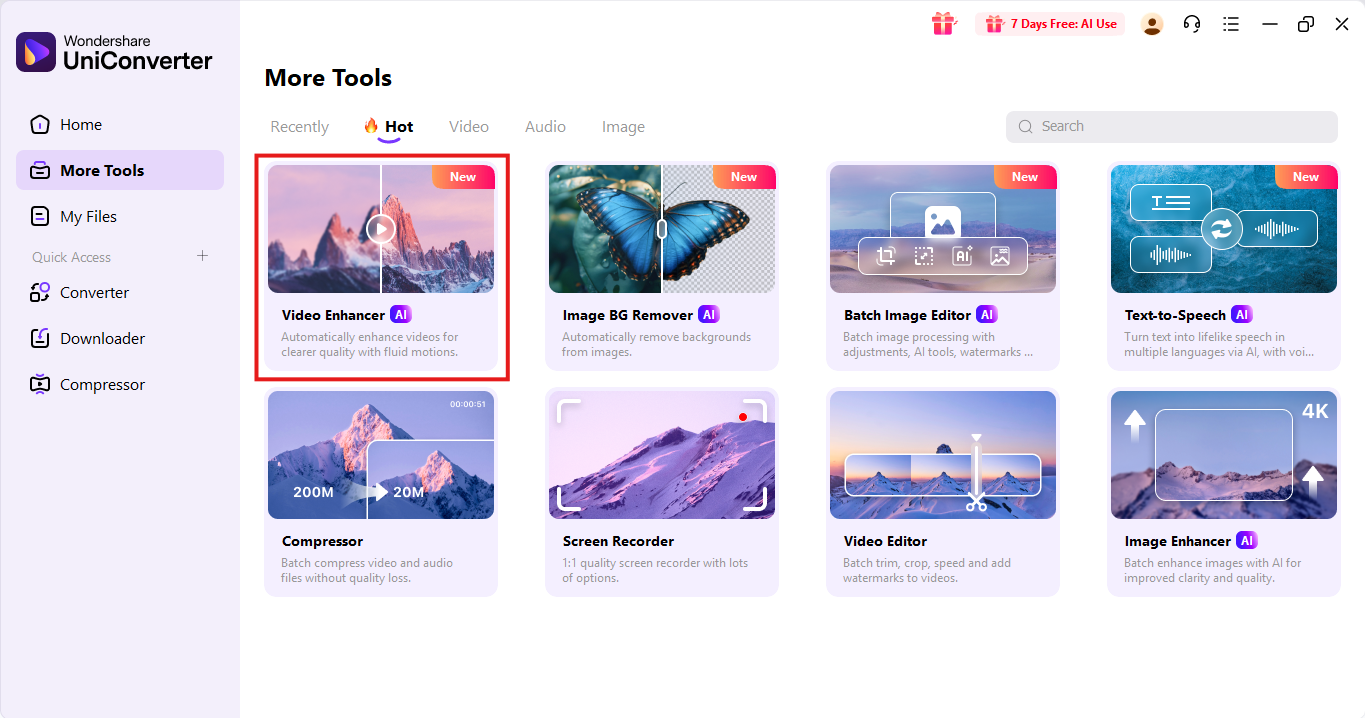
Step 1: Open UniConverter & Go to 'Video Enhancer'
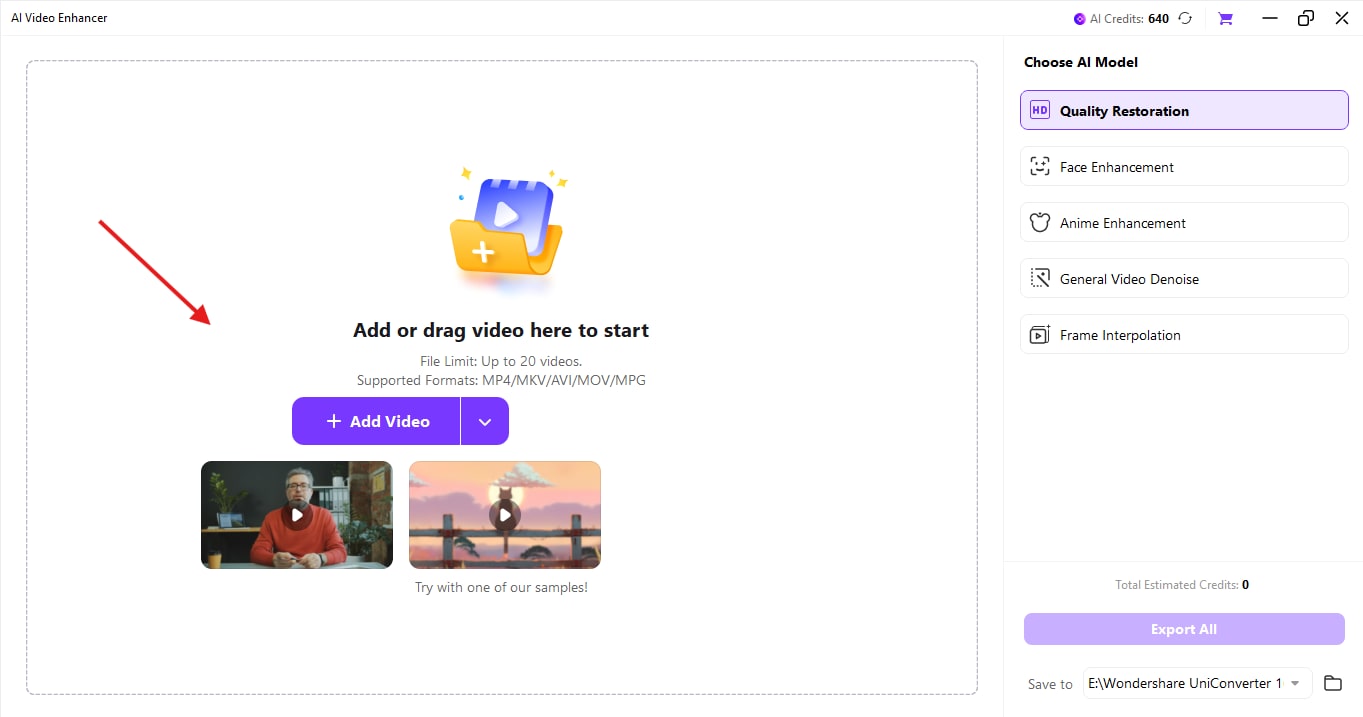
Step 2: Import Your POV Clips
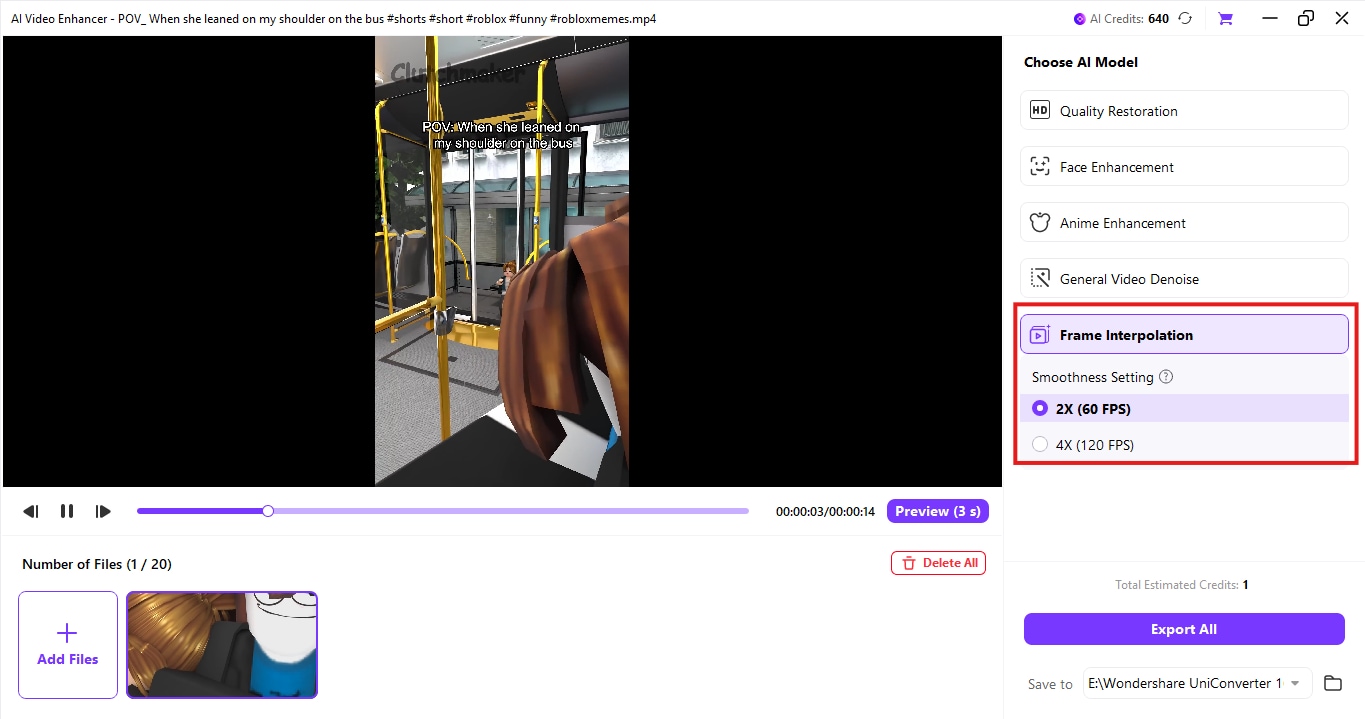
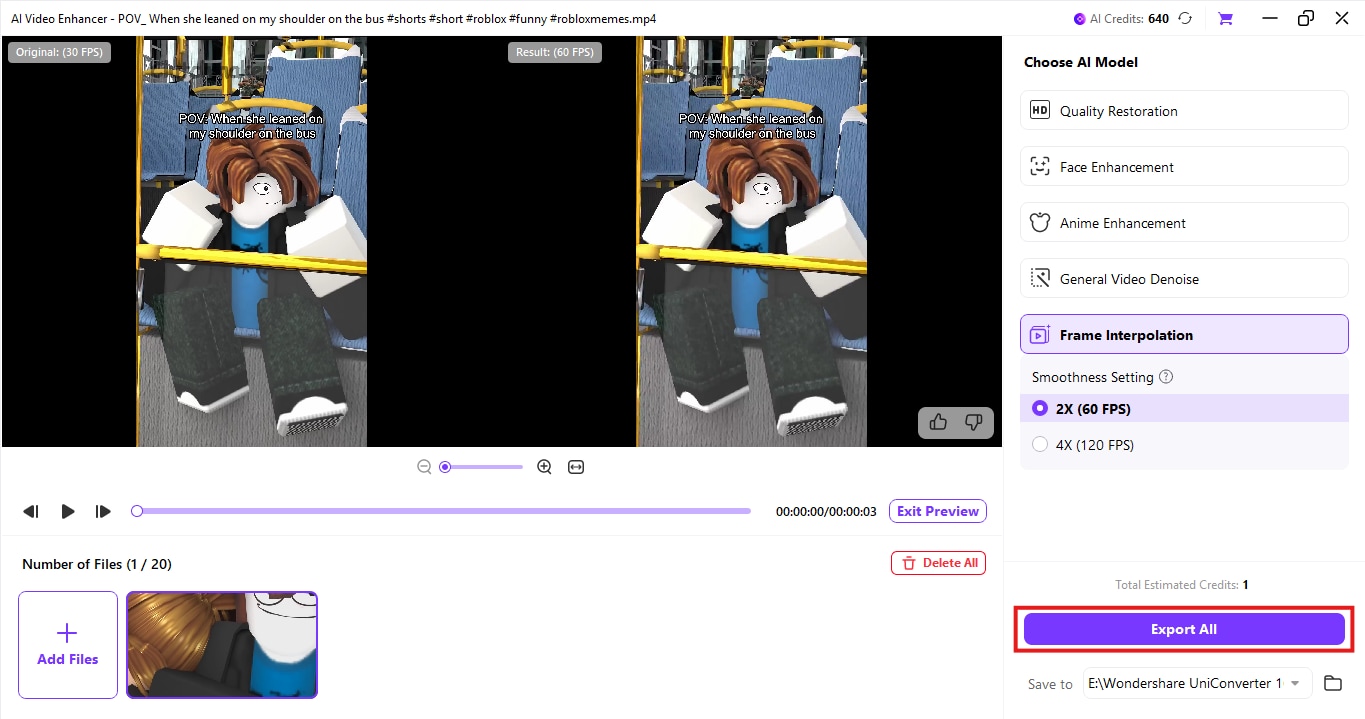
Step 3: Choose AI models which can fulfil your pov needs
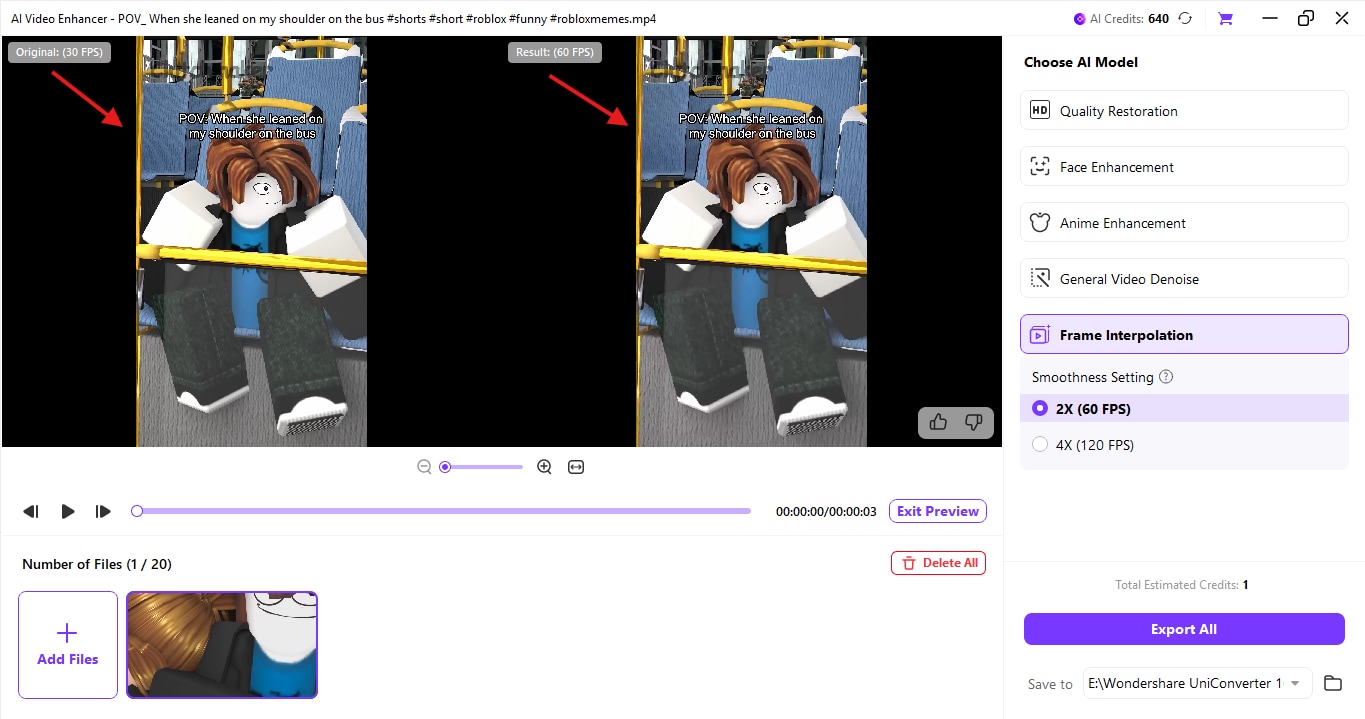
Step 4: Preview for satisfaction
Step 5: Export your finalized video or clip
Conclusion
By utilizing appropriate tools such as UniConverter's video enhancer, which includes a frame interpolation tool for batch stabilization of your POV videos, along with other features available in the same panel, you can elevate your content to a higher level. So, from skits to ASMR and tutorials, let POV video enhancer help your audience see the world from your lens and turn everyday moments into shareable, immersive content.
Easy to Use Batch Video Enhancer
FAQs
-
1. What does POV mean on TikTok or Instagram?
POV stands for “Point of View.” In social media, it refers to content where the viewer experiences the video from a specific character’s or creator’s perspective. -
2. What are some trending POV ideas for Instagram Reels?
Try relatable scenarios like “POV: You forgot your homework” or “POV: Your crush texts you first.” Combine these with strong visuals and short, focused execution. -
3. Can I stabilize shaky POV videos on my iPhone?
Yes! Use tools like UniConverter to batch stabilize and enhance your POV iPhone mount footage for smooth, professional-looking output.

