


Preparing for NEET 2025 is stressful enough without worrying about your application being rejected due to a simple photo error. Every year, thousands of students face anxiety over the strict NTA guidelines, specifically the confusion between the postcard size photo for NEET and the standard passport size photo for NEET. Are they the same? Definitely not.
This guide is your ultimate resource to understanding the exact dimensions, background requirements, and file formats. We also review the top 10 NEET photo resizer tools, including powerful offline options like Wondershare UniConverter, to ensure your upload is safe, accurate, and high-quality. Let's ensure your focus remains on your studies, not your JPEG files.
Table of Contents
Part 1. The Official NEET Photo Requirements
Understanding the NTA (National Testing Agency) rules is critical. You are required to upload two different types of photos. Mixing these up is the most common reason for form discrepancies.
What is the Exact "Post Card Size Photo for NEET"
There is massive confusion regarding this specific requirement. To be absolutely clear for your 2025 application:
Official Dimensions: 4 inches x 6 inches (approx. 10.16 cm x 15.24 cm).
Clarification: This is NOT the same as a standard Indian postcard (which varies in size) nor is it the small passport photo. It is a large, 4x6 inch photograph that must contain the same image as your passport photo.
Complete Technical Specifications
For the best chance of acceptance, your NEET photo must adhere strictly to these parameters.
| Specification | Passport Size Details | Postcard Size Details |
| Dimensions | 3.5 cm (width) x 4.5 cm (height) | 4 inches (width) x 6 inches (height) |
| File Format | JPG / JPEG | JPG / JPEG |
| File Size | 10 KB to 200 KB | 10 KB to 200 KB |
| Background | Plain White | Plain White |
| Face Coverage | 80% face visible (ears visible) | 80% face visible (ears visible) |
| Recentness | Taken on or after Jan 1, 2025 | Taken on or after Jan 1, 2025 |
Is it Passport Size or Postcard Size?
This is where students get tripped up.
NEET Passport Size Photo: This is the standard small photo (3.5 cm x 4.5 cm) used for the attendance sheet and admit card ID.
NEET Postcard Size Photo: This is the larger version (4" x 6") required for the proforma downloaded with the admit card.
Clarification: While people often use the terms interchangeably, the official postcard size photo for NEET is significantly larger than the passport version. Ensure you do not upload a 3.5x4.5 cm photo where a 4x6 inch photo is requested.
Part 2. The Best 10 NEET Photo Resizers Online & Offline for All Devices 2025
Choosing the right tool is vital. We have categorized these tools into Desktop Software (for privacy and batch processing) and Online Tools (for quick edits).
Group 1: Desktop Software (Best for Privacy & Batch Processing)
1. Wondershare UniConverter
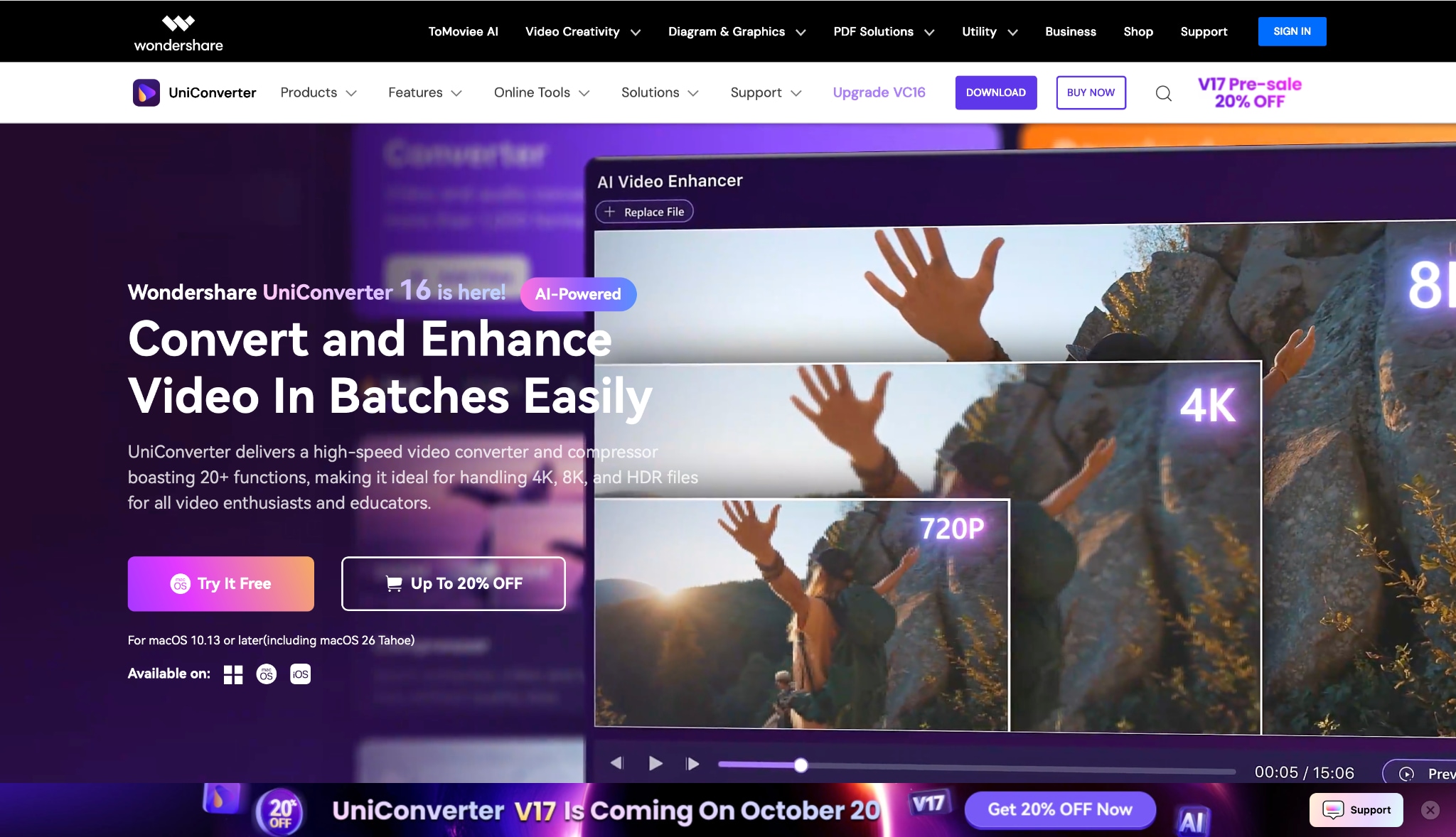
Wondershare UniConverter is widely regarded as the safest and most robust tool for students and cyber cafes handling NEET applications. Unlike online converters that upload your personal photos to a cloud server, UniConverter processes every image locally on your hard drive, guaranteeing 100% data privacy. It isn't just a resizer; it's a complete toolbox offering batch processing (resize 50+ photos at once), format conversion, and an AI Face Enhancer to fix blurry shots—perfect for ensuring your postcard size photo for NEET is crisp and clear.
Batch Process Support: Yes (Excellent).
Starting Price: Free Trial / ~$39.99 Annual.
Supported Device: Windows, macOS.
Offline Support: Yes.
Safety Review: 5/5
2. Adobe Photoshop
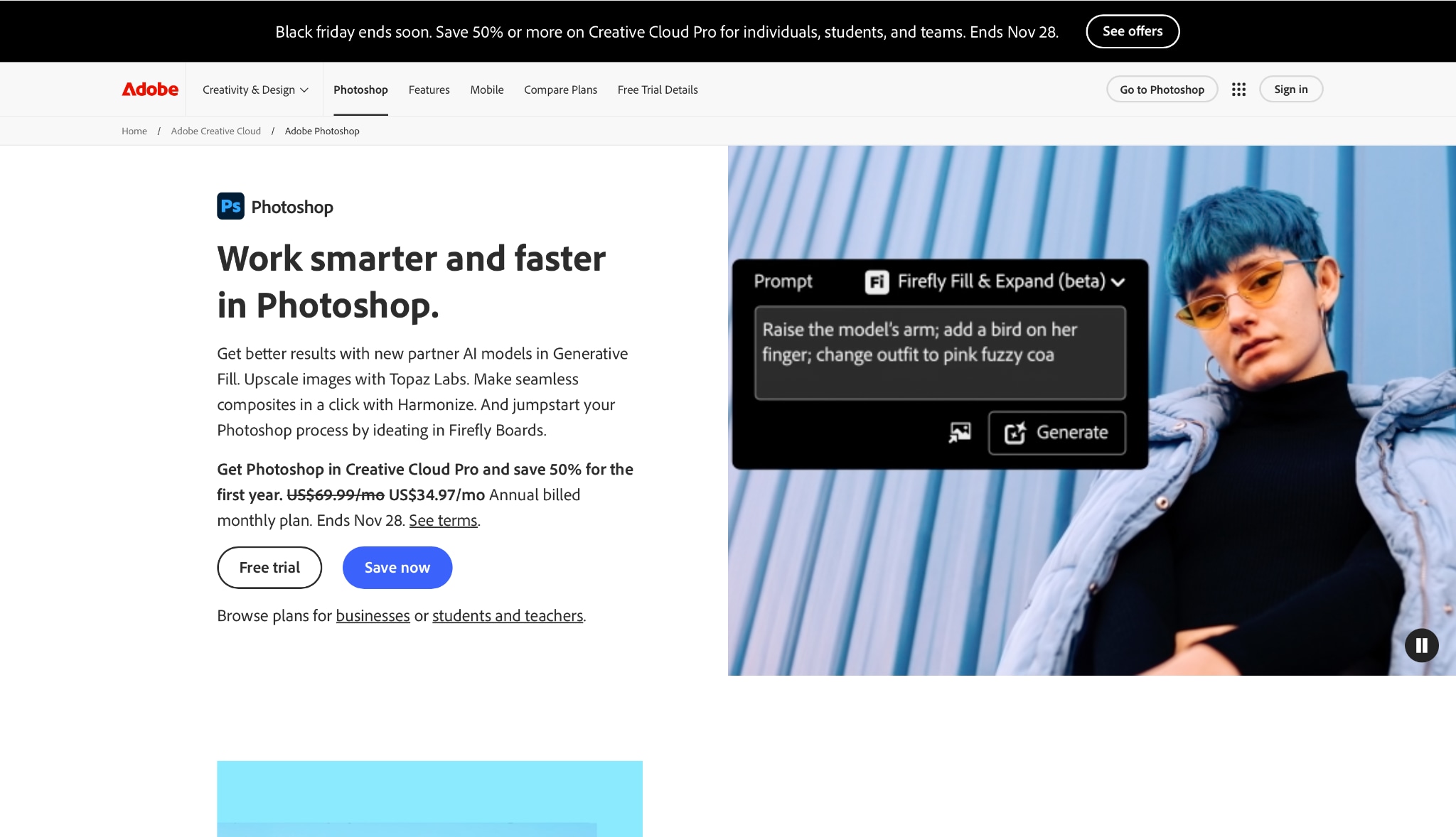
The industry standard for image manipulation, Adobe Photoshop offers pixel-perfect control over your documents. It is the preferred choice for professional studios because it allows you to set the exact DPI (300 is recommended for NEET) and manipulate backgrounds with precision. While it has a steeper learning curve, its "Actions" feature allows you to automate the resizing process for both passport and postcard sizes.
Batch Process Support: Yes.
Starting Price: ~$20.99/month.
Supported Device: Windows, macOS, iPad.
Offline Support: Yes.
Safety Review: 5/5
3. MS Paint
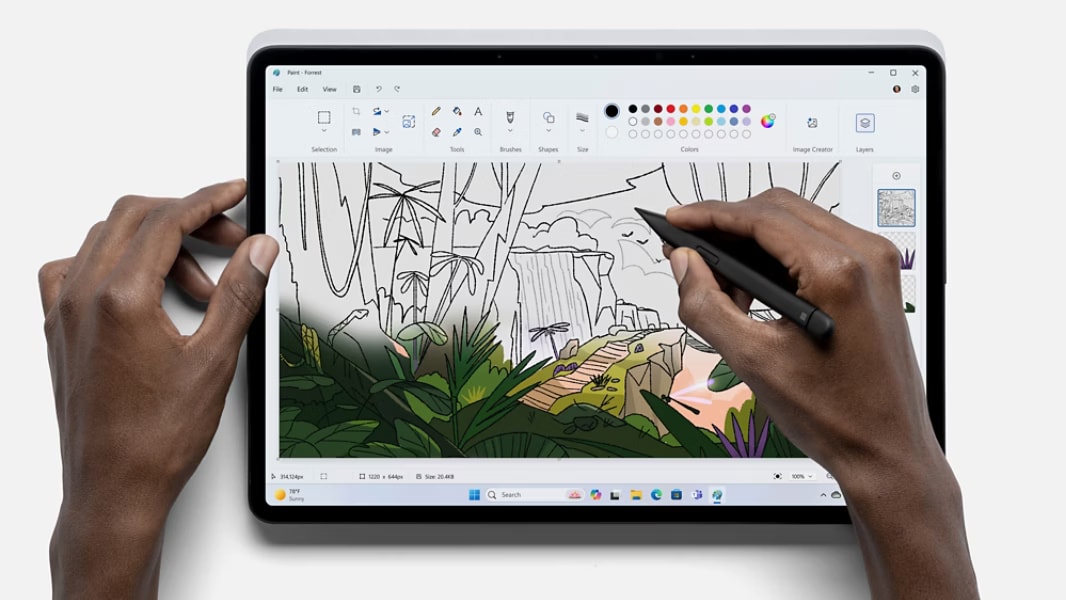
Sometimes the best tool is the one you already have. Microsoft Paint comes pre-installed on almost every Windows device, making it the most accessible and completely free option for students. It is 100% safe because it works entirely offline, meaning your personal postcard size photo for neet never leaves your computer. While it lacks advanced AI features, it is perfect for precise pixel-level resizing (use 1200x1800 pixels for 4x6 inches) without needing an internet connection.
Batch Process Support: No
Starting Price: Free
Supported Device: Windows
Offline Support: Yes
Safety Review: 5/5
Group 2: Online Tools (Best for Quick Mobile/Web Edits)
4. Adobe Express (Online)
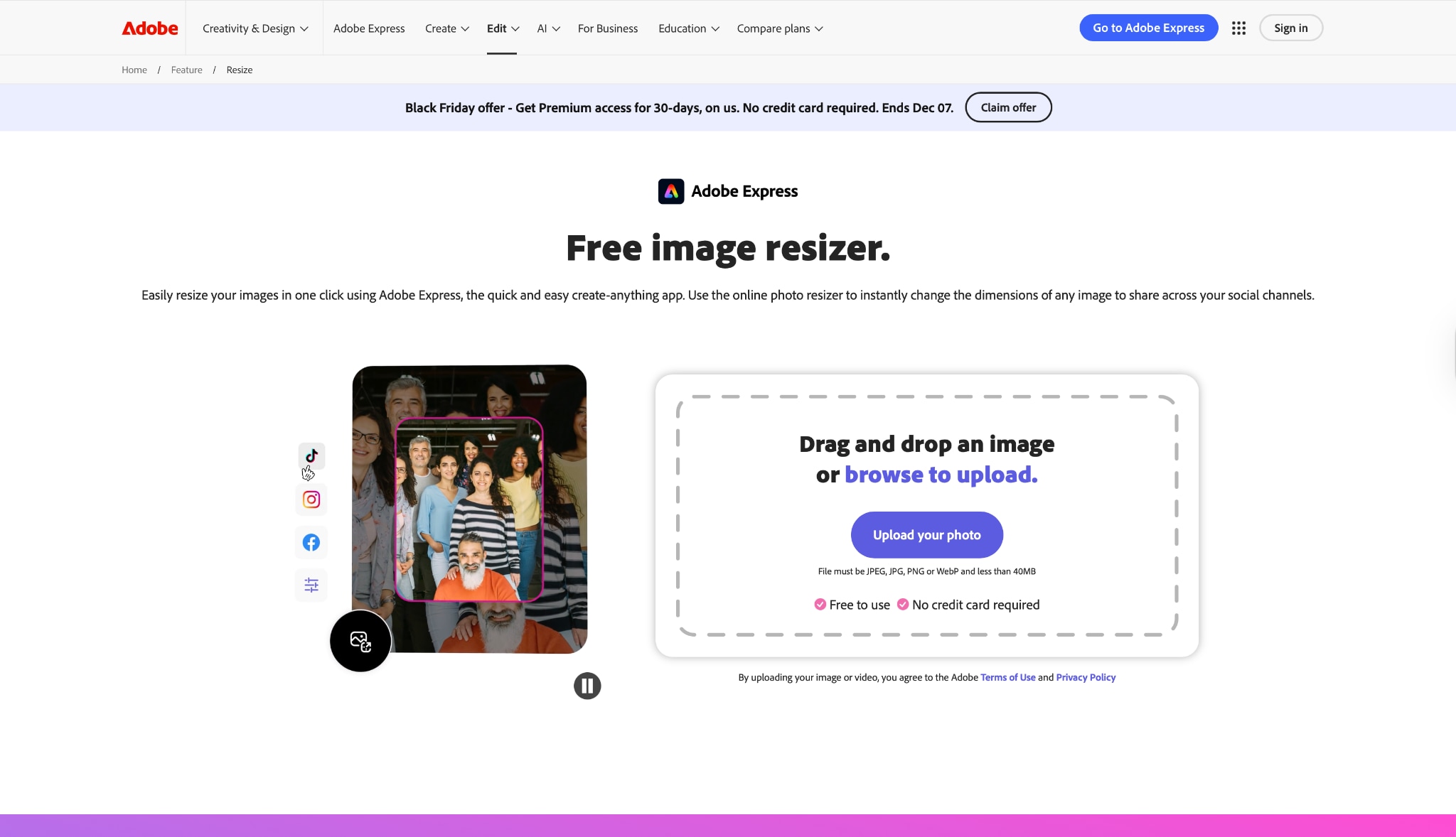
Adobe Express is a lighter, browser-based version of Adobe's powerful tools. It is incredibly user-friendly and offers specific "Custom Size" options where you can type in "4x6 inches" directly. It uses Adobe's high-quality compression algorithms, meaning your photo won't look pixelated even after reducing the file size to under 200KB.
Batch Process Support: No (Free ver) / Yes (Premium).
Starting Price: Free.
Supported Device: Web Browsers (Mobile/Desktop).
Offline Support: No.
Safety Review: 5/5
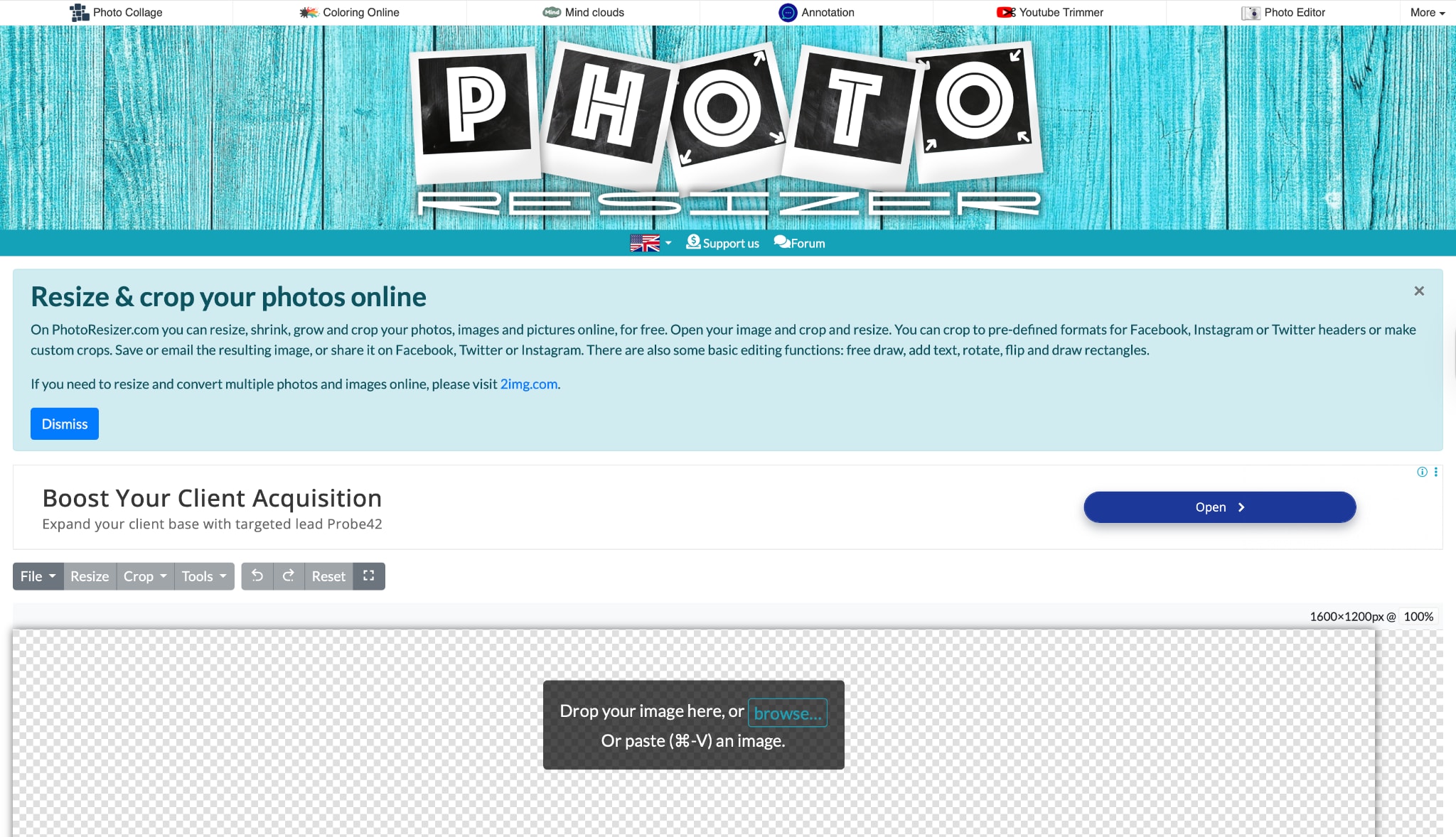
5. PhotoResizer.com
This is a straightforward utility designed for one thing: resizing images quickly. It features a very visible crop tool that allows you to square off your image or set it to the required aspect ratio before resizing. It also has basic rotation and flip tools, which are handy if you scanned your photos upside down.
Batch Process Support: No.
Starting Price: Free.
Supported Device: Web Browsers.
Offline Support: No.
Safety Review: 3/5
6. Simple Image Resizer
True to its name, this tool offers a no-nonsense approach to resizing. You can resize by percentage (e.g., 50% smaller) or by fixed dimensions. It is particularly useful if you have a photo that is perfect in quality but just slightly too large in file size for the NTA portal.
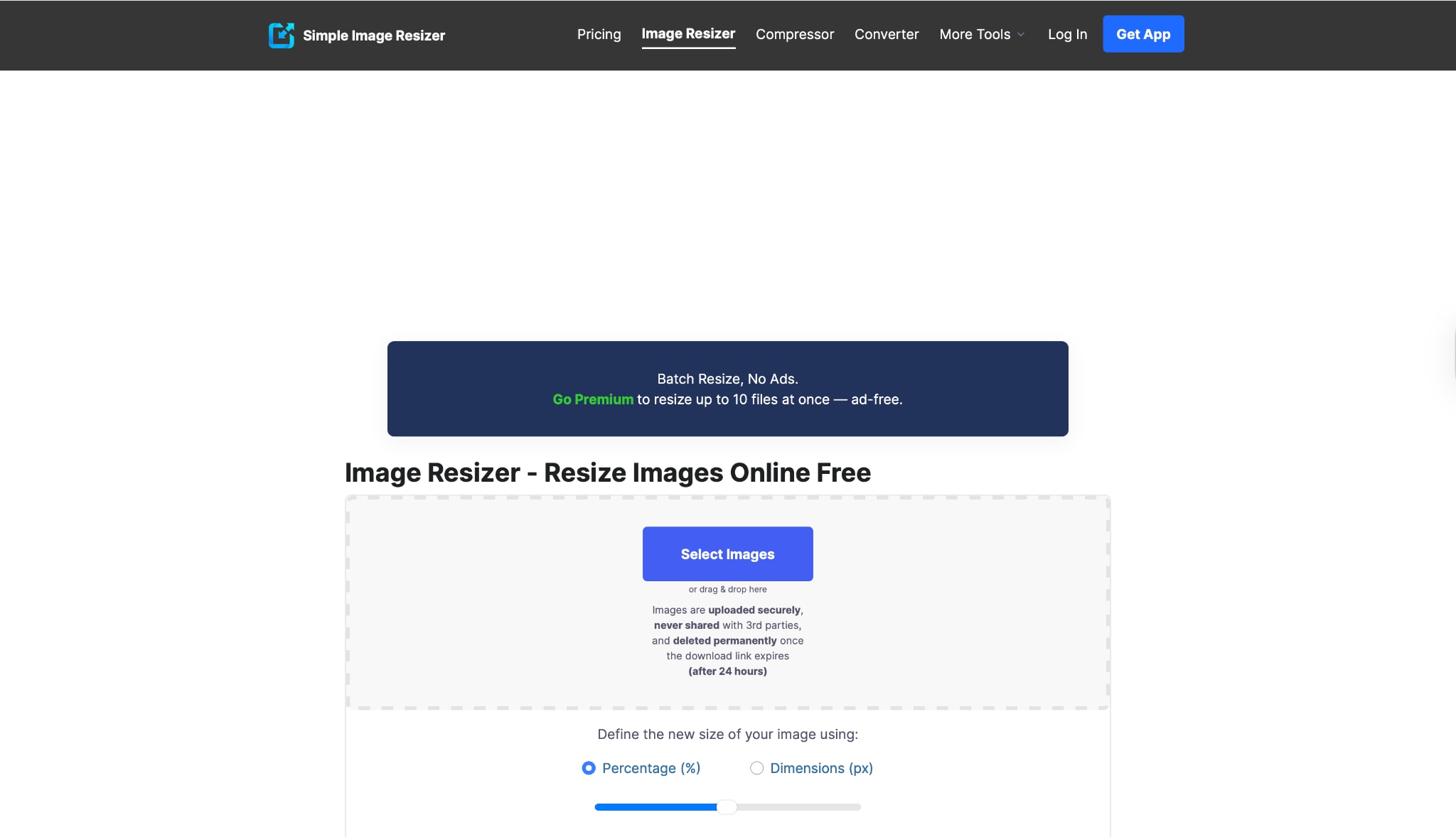
Ad-heavy interface.
Batch Process Support: No.
Starting Price: Free.
Supported Device: Web Browsers.
Offline Support: No.
Safety Review: 3/5
7.PicResize
PicResize is one of the oldest and most reliable online tools. It stands out because it allows for batch processing on the web, letting you resize multiple images at once. It also includes a "Max Filesize" feature where you can specify "200 KB," and the tool will adjust the quality to ensure the file fits the NEET requirements.
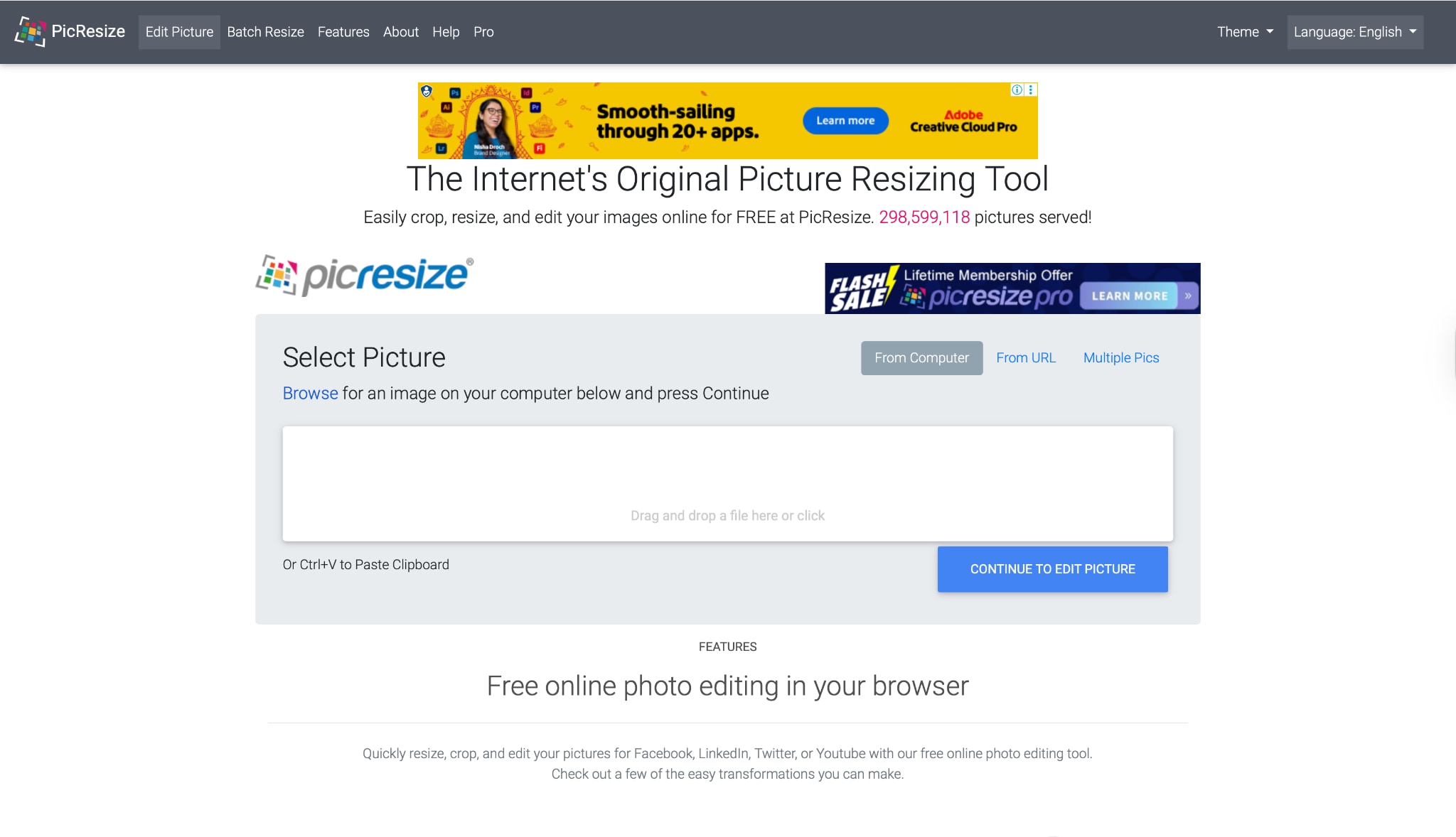
Ads can be distracting.
Batch Process Support: Yes.
Starting Price: Free / Pro available.
Supported Device: Web Browsers.
Offline Support: No.
Safety Review: 4/5
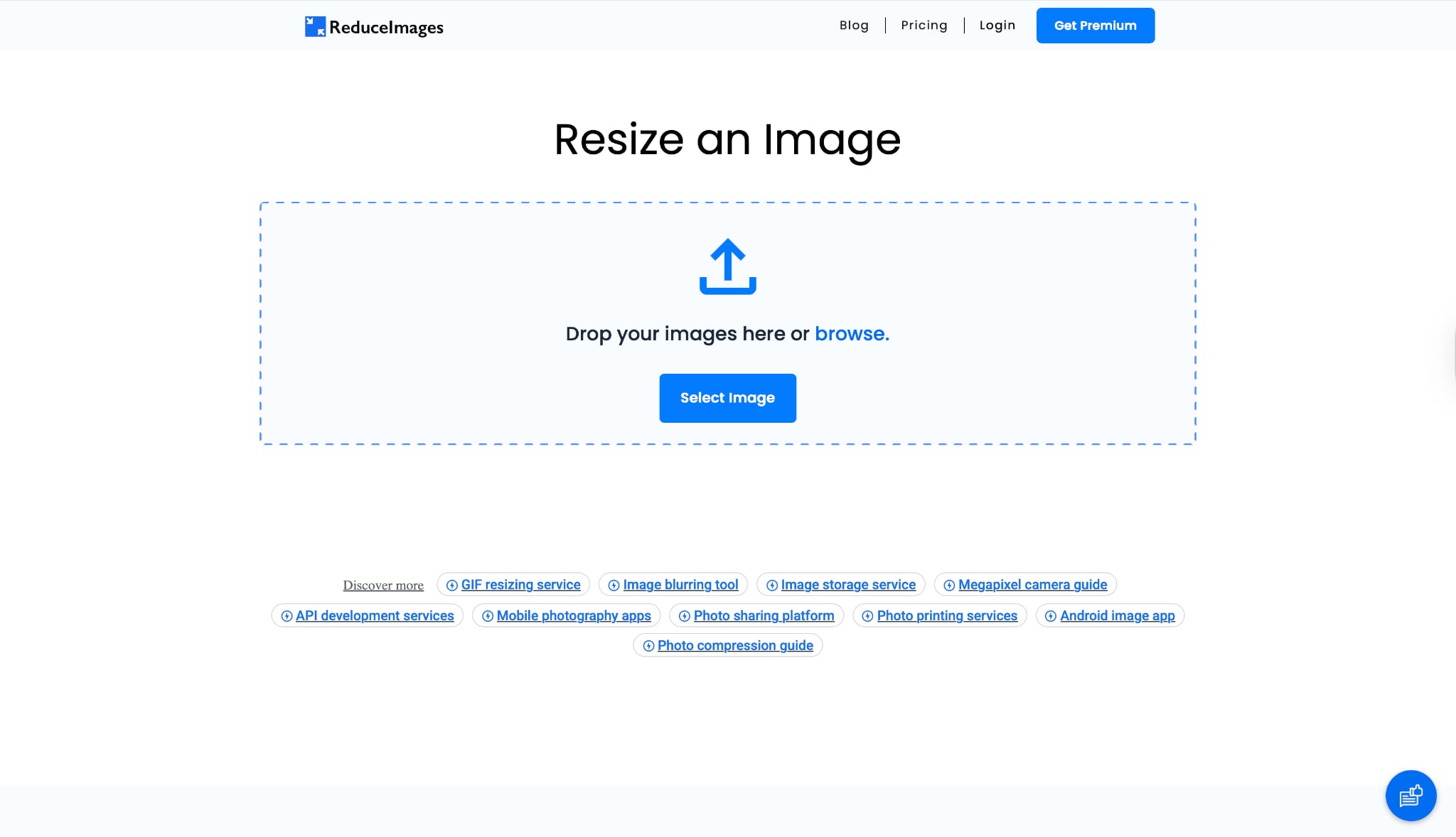
8. ReduceImages
If your main struggle is the "10 KB to 200 KB" rule rather than the dimensions, ReduceImages is the tool for you. It specializes in compression. You can select the output format (JPG is required for NEET) and the quality percentage to dial in the exact file size without changing the photo's physical dimensions if they are already correct.
Batch Process Support: No.
Starting Price: Free.
Supported Device: Web Browsers.
Offline Support: No.
Safety Review: 4/5
9. Cutout.pro
Cutout.pro is an AI-powered tool specifically designed for ID photos. Its biggest strength is the ability to automatically remove a busy background and replace it with the plain white background required by NTA. It also has presets for Indian passport sizes, which can be adapted for NEET.
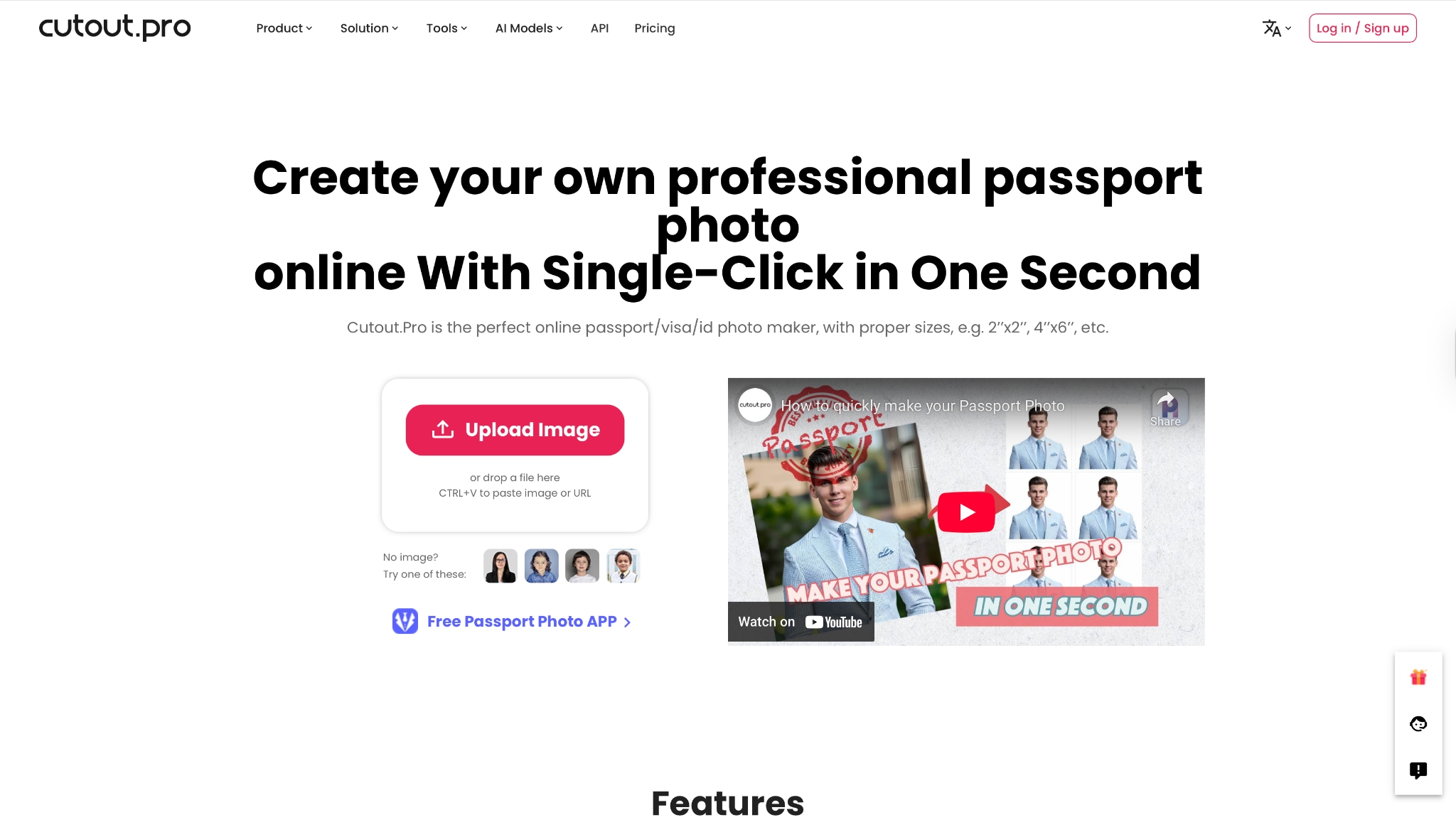
Batch Process Support: No.
Starting Price: Free / Paid Credits.
Supported Device: Web Browsers.
Offline Support: No.
Safety Review: 4/5
10. Fotor
Fotor is a comprehensive online design tool that includes a dedicated batch resizer. It is a step up from basic resizers, offering filters and touch-up tools. If your photo looks dull or dark, Fotor allows you to quickly brighten it before resizing, ensuring your face is clearly visible as per NTA rules.
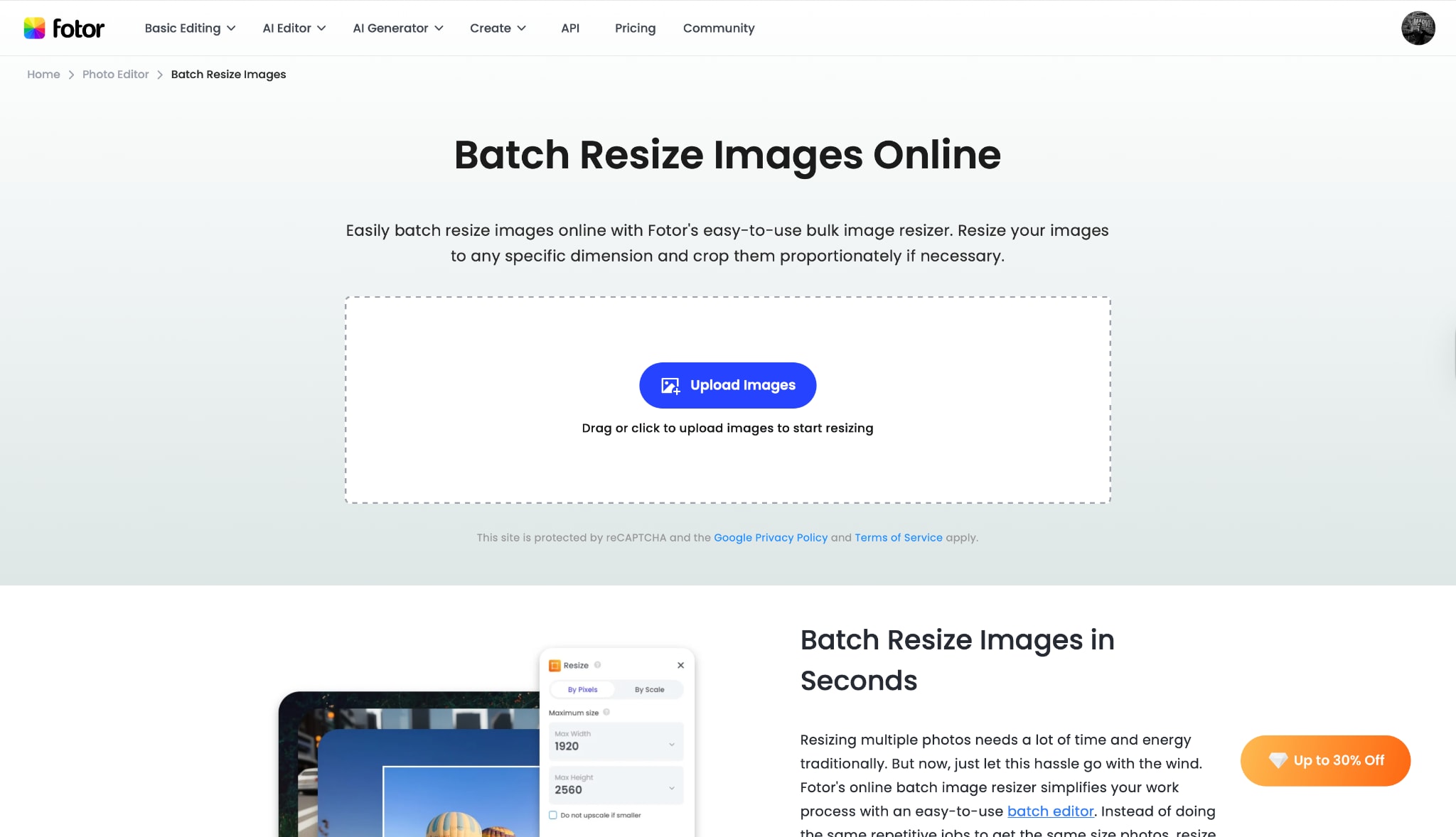
Batch Process Support: Yes.
Starting Price: Free / Pro plans.
Supported Device: Web Browsers / Mobile App.
Offline Support: No.
Safety Review: 4/5
Part 3. At-a-Glance Comparison Table for Top 10 NEET Photo Resizers
| App Name | Supported Format | Unique Edge | Best For |
| Wondershare UniConverter | JPG, PNG, BMP, TIFF, WEBP | Batch Processing + AI Face Enhancer | Safest & Highest Quality Results |
| Adobe Photoshop | PSD, JPG, PNG, RAW, TIFF | Pixel-Perfect DPI Control | Professional/Studio Edits |
| MS Paint / Preview | BMP, JPG, GIF, PNG | Pre-Installed & Offline | Quick Emergency Edits |
| Adobe Express | JPG, PNG | Cloud Sync & Templates | Easy Online Resizing |
| PhotoResizer.com | JPG, PNG, WEBP, GIF | Simple Crop & Resize | fast Browser Edits |
| Simple Image Resizer | JPG, PNG, GIF, BMP | Resize by Percentage | Reducing Size w/o Editing |
| PicResize | JPG, PNG, GIF, BMP | "Max File Size" Limiter | Hitting the <200KB Rule |
| ReduceImages | JPG, PNG, GIF, BMP | Specific Compression Quality | File Size Reduction |
| Cutout.pro | JPG, PNG | AI Background Removal | Fixing Non-White Backgrounds |
| Fotor | JPG, PNG, PDF, HEIC | Brightness/Contrast Tools | Improving Dark Photos |
Part 4. How to Easily Batch Resize NEET Photo Offline
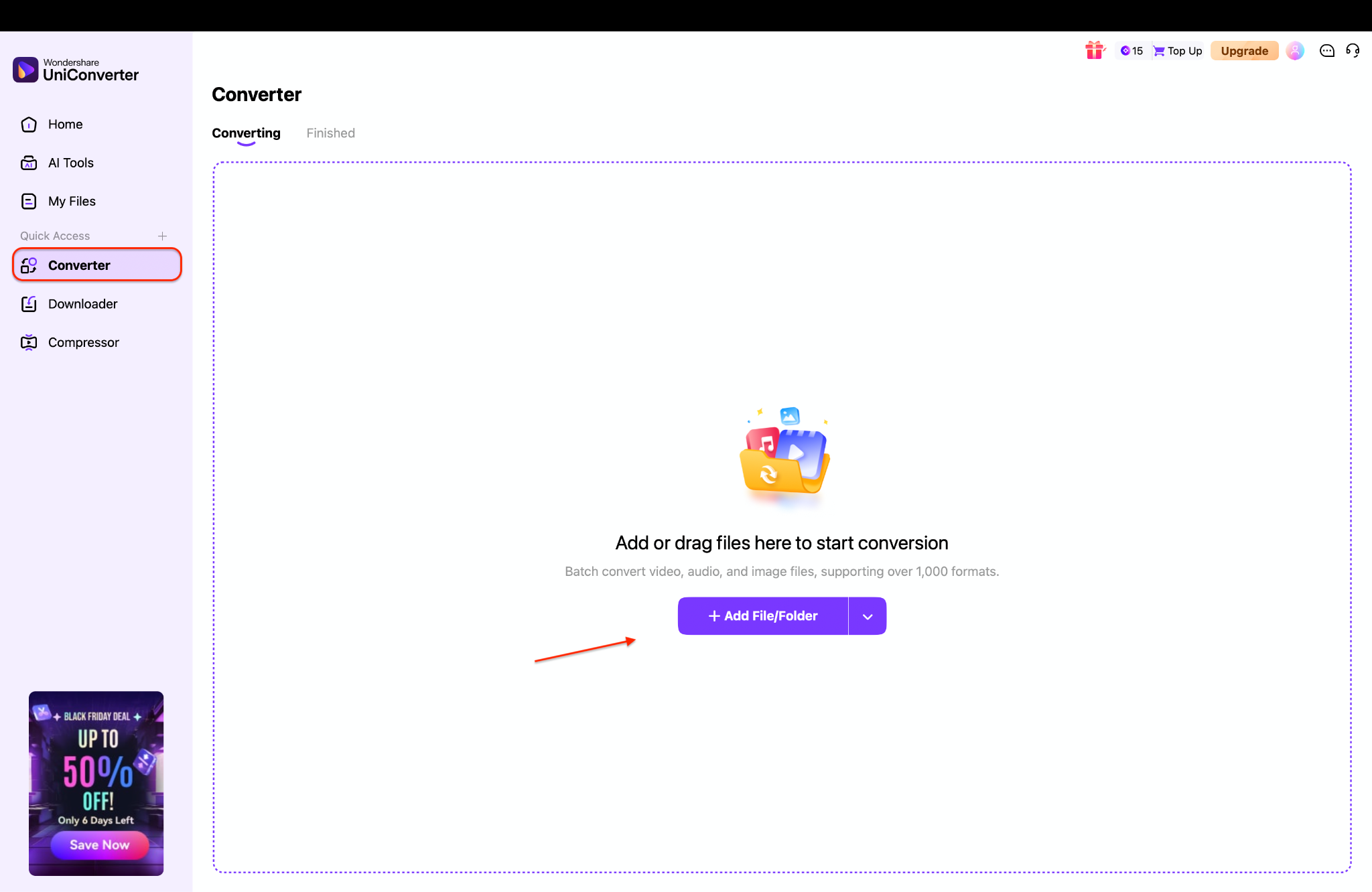
When you need to resize photos for yourself and friends, or generate both postcard size photo for NEET and passport sizes simultaneously, Wondershare UniConverter is the most efficient tool.
Simple 3 steps guide to batch resize NEET-size photos
Step 1: Add your NEET photos to UniConverter
Step 2: Set the official NEET photo dimensions
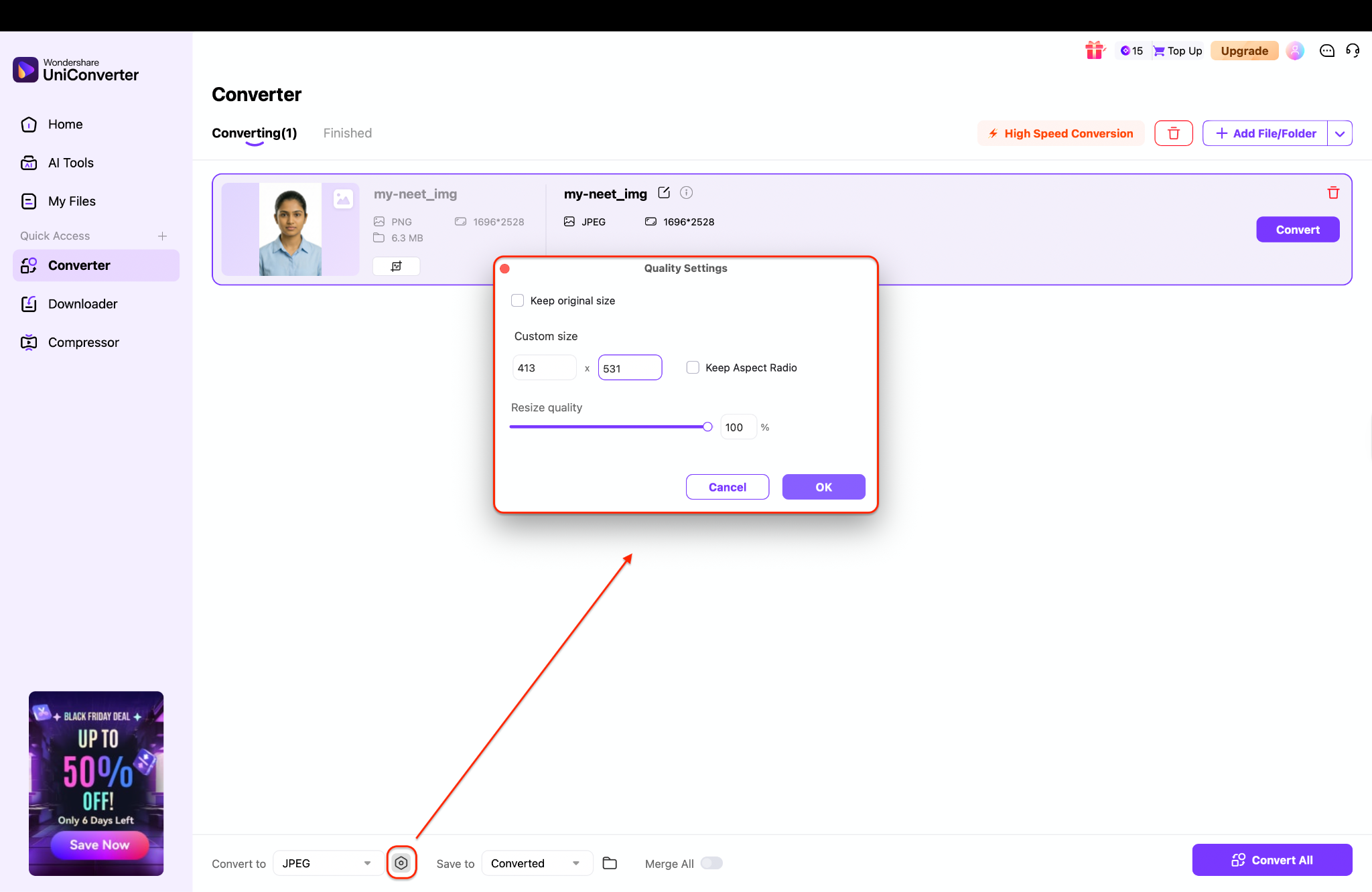
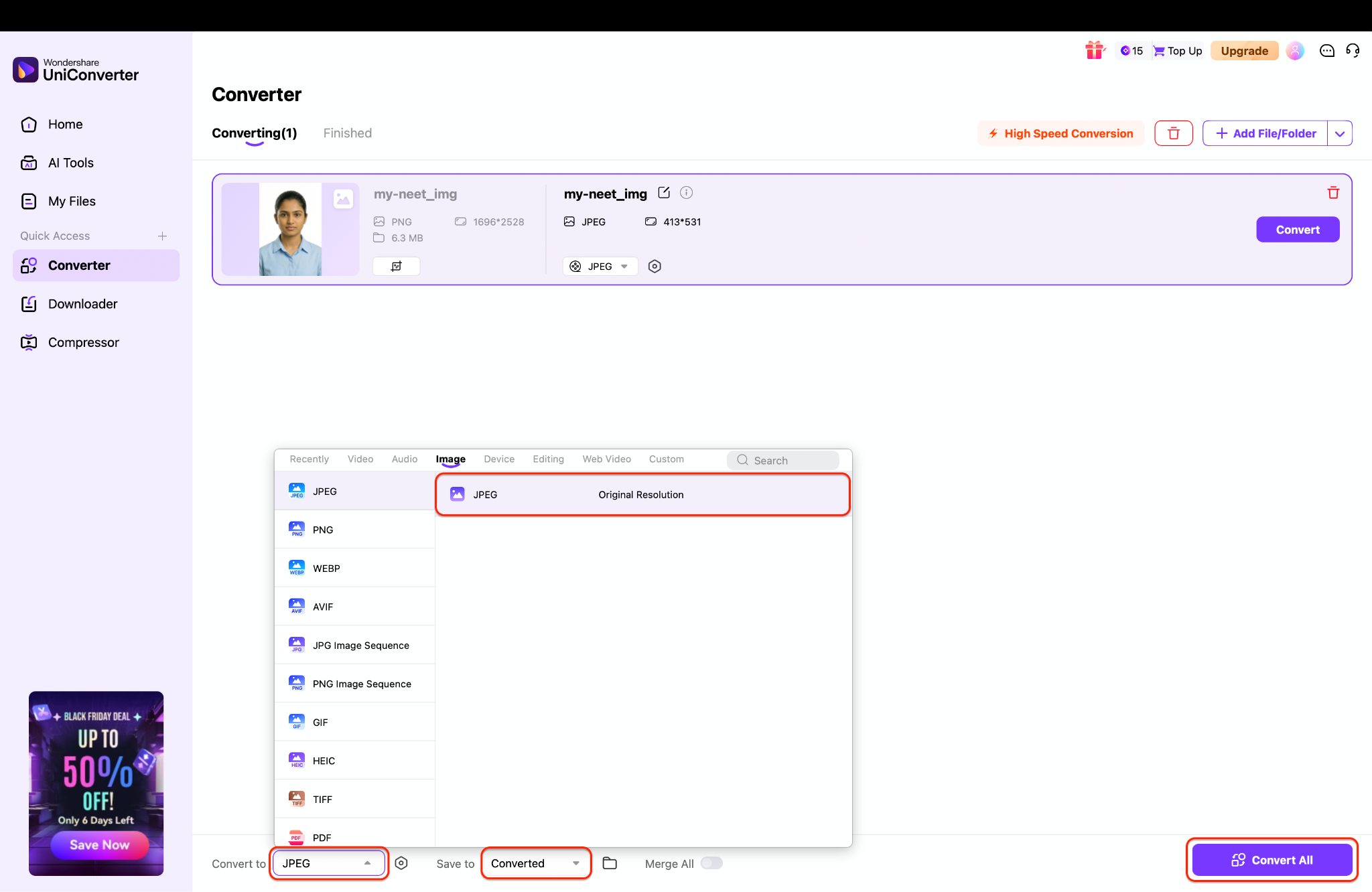
Step 3: Choose your output format and begin batch resizing
Part 5. Common Mistakes When Resizing NEET Photos
Even with the right dimensions, your NEET photo sample can be rejected for other reasons.
1. The Background Error:
NTA strictly requires a white background.
Incorrect: Light blue, cream, or complex backgrounds.
Solution: Use UniConverter's tools or a background remover to ensure it is pure white (#FFFFFF).
2. The Dimension Confusion:
Uploading a passport size (3.5x4.5cm) in the slot meant for the postcard size photo for NEET (4x6 inch).
Result: The image will be stretched or pixelated, leading to rejection.
3. Blurry or Low Resolution:
If you resize a small WhatsApp image up to a 4x6 inch postcard size, it will become blurry.
Solution: Always take the photo in high resolution. If you must upscale, use the UniConverter AI Face Enhancer model in the image enhancer toolbox to restore clarity.
Conclusion
Navigating the specifications for the postcard size photo for NEET and the standard passport photo doesn't have to be a nightmare. By adhering to the official dimensions—4x6 inches for Postcard and 3.5x4.5 cm for Passport—and ensuring a white background, you can guarantee your application sails through the verification process.
In this article, you've discovered various methods to resize your photos, from online quick-fixes to professional software. Each option has its strengths, but when it comes to the safety of your application data and the quality of your image, Wondershare UniConverter stands out as an excellent choice. Its ability to batch process, offline privacy, and AI enhancement features ensure your photo NEET uploads are pixel-perfect. Don't risk a rejected application due to a blurry or wrongly sized image. Download Wondershare UniConverter today to resize your documents with confidence and focus on acing the exam!
FAQs
-
1. What is the exact size of the postcard photo for NEET?
The official size is 4 inches x 6 inches (approx. 10.16 cm x 15.24 cm). It must have a white background and be in JPG format. -
2. Is the NEET postcard photo the same as the passport photo?
No. The image (your face/pose) should be the same, but the dimensions are different. Passport is small (3.5x4.5 cm) for the admit card; Postcard is large (4x6 inches) for the proforma. -
3. Can I convert a passport size photo to postcard size?
You can, but simply stretching it will make it blurry. It is better to use the original high-resolution file or use an AI upscaler like Wondershare UniConverter to maintain quality. -
4. What is the file size limit for NEET photos?
Both passport and postcard size photos must be between 10 KB and 200 KB. -
5. Can I take the NEET photo with my phone?
Yes, provided the lighting is good and the background is plain white. Use a NEET photo resizer afterwards to crop and resize it to the correct dimensions.

