


Resizing your digital signature to a strict 10–20 KB limit can be frustrating, especially when different government forms require different file sizes. To avoid this hassle, you can use online resizing tools to get a signature resize of 10-20 KB.
This article focuses on fast, free, and mobile‑friendly tools that work directly in the browser. Furthermore, you will also get a quick comparison table covering its main key features, making it easier for you to choose the reliable one.
In this article
- What Is 10 KB To 20 KB Signature Size
- Perfect Dimensions: 10 KB to 20 KB Signature Size in Pixels
- The Best 5 20 KB Signature Resizers Online & Offline for All Devices 2025
- At-a-Glance Comparison Table for Top 5 10 KB To 20 kb Signature Resizers
- How to Easily Batch Resize 20 KB Signature Images Offline
- Best Practices for Resizing 20 KB Signature Images
- Conclusion
- FAQs
Part 1. What Is 10 KB To 20 KB Signature Size
A 10–20 KB signature size means your digital signature file is very small in terms of storage space. It's like a tiny fixed‑size envelope made just big enough to carry your signature image. However, in technical terms, a Kilobyte (KB) is a unit of data size, and keeping a signature between 10 and 20 KB ensures the image loads quickly.
Websites and portals set this 10–20 KB signature size limit to prevent millions of uploaded files from overwhelming their servers. It helps to control storage costs and keep their systems fast and responsive for everyone. Furthermore, smaller files upload quickly over slow or mobile internet connections, reducing the risk of failed uploads.
Key Factors that Determine File Size
Before moving further, first explore the main factors that influence file size for their upload:

File Format (JPG vs PNG): JPG is usually the best choice because it uses “lossy” compression that can reduce file size while preserving clarity.
Dimensions (Pixels): The height and width of your signature image in pixels also affect file size, so head to the next section to know more about dimensions.
Complexity & Color: A simple black-and-white signature is much easier to compress than a colorful, shaded, or textured image.
Compression Quality: Lowering the quality slider slightly can drastically reduce the file size while still keeping the signature readable.
Part 2. Perfect Dimensions: 10 KB to 20 KB Signature Size in Pixels
For most scanned or drawn signatures, there is no single “perfect” pixel size. However, the safe range will be 400–600 pixels wide at 72–96 DPI to keep the image large enough. To help with your understanding, we have provided a quick breakdown of target sizes for different scenarios.
| Target File Size | Recommended Width (Pixels) | Recommended Height (optional) | Recommended Format |
| ~5 KB | 300–400 px | 60–100 px | JPG |
| ~10 KB | 400–500 px | 80–120 px | JPG |
| ~15 KB | 450–550 px | 90–130 px | JPG |
| ~20 KB | 500–600 px | 100–150 px | JPG |
| 20 KB+ (only if portal allows) | 600–700 px | 120–180 px | JPG |
These dimensions work well because the signature is wide enough for each stroke to stay sharp when zoomed. Furthermore, when you combine it with a clean black‑on‑white design and moderate JPG compression.
Part 3. The Best 5 20 KB Signature Resizers Online & Offline for All Devices 2025
Now that you understand the need for small signature files, here are the 5 best tools for a 20 KB signature size for 2025:
1. Wondershare UniConverter
Imagine a student filling out a last-minute government exam form at 11:40 p.m. However, the portal keeps rejecting the upload with the error "Signature must be under 20 KB." In this situation, we recommend UniConverter, which includes an image resizer that lets you resize pictures to your needs.
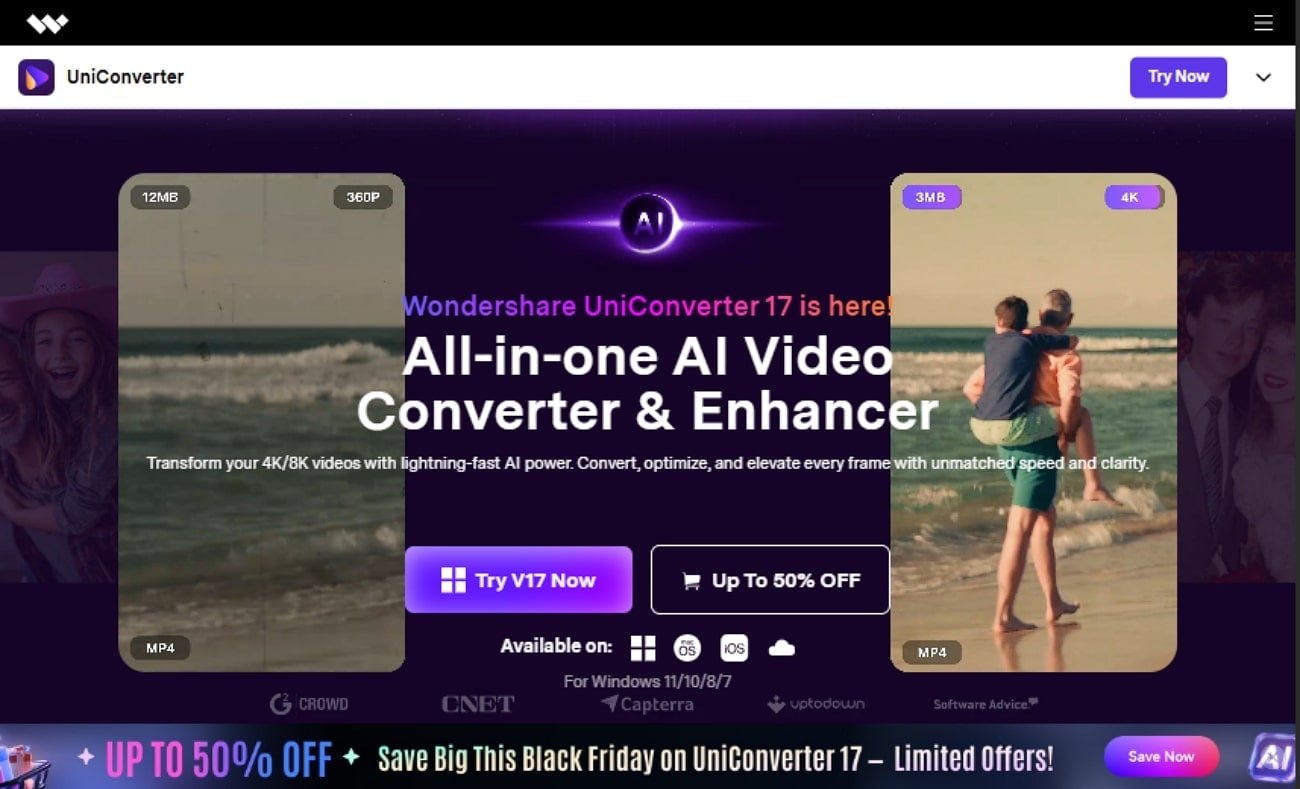
This tool lets you edit multiple images using its batch-processing system, ensuring a quick and efficient workflow. Furthermore, you can edit the images by cropping or upscaling them, making it perfect for social media platforms. Overall, it is all in one solution, to edit your confidential documents all in one place to save time.
Key Features
- Screen Recorder: UniConverter lets you record the visuals of different websites to easily edit them within this platform.
- Downloader: Users can instantly download multiple files, including audio, videos, and images, by simply adding prompts.
- Watermark Remover: It lets you remove watermarks from the images to get cleaner and more professional outcomes.
Batch Process Support: Yes
Starting Price: $9.99/month
Supported Device: Windows and macOS
Offline Support: Yes
Safety Review: 5/5

Easy to Use 10 to 20 kb Signature Resizer
2. Pi7 Image Tool
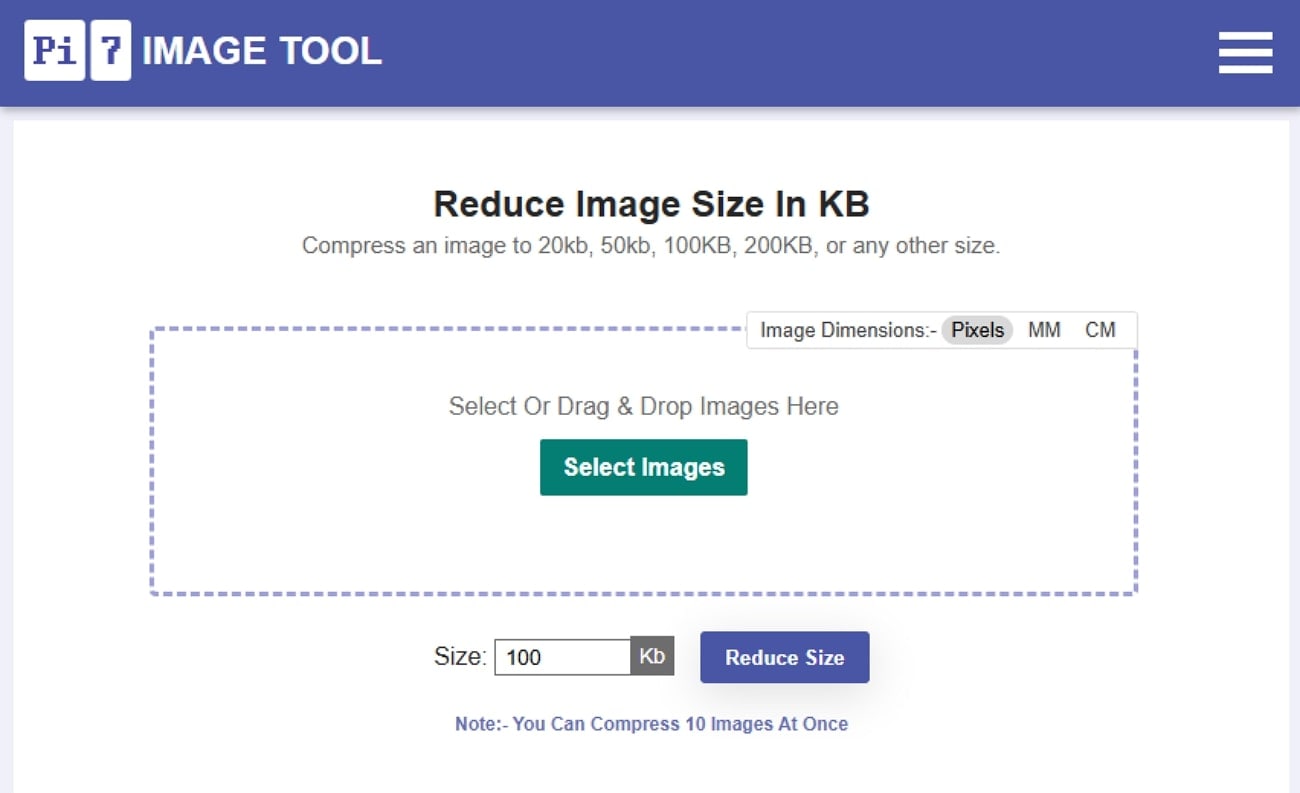
This resizing tool lets you type the exact size, like “resize signature 10 to 20 KB.” Furthermore, you can compress JPEG/PNG images to that target while maintaining quality. It provides an intuitive workflow without any technical settings or advanced menus required. Pi7 image resize tool optimizes images, making them much lighter in KB without making them blurry.
Batch Process Support: Not Available
Starting Price: Free
Supported Device: Web
Offline Support: No
Safety Review: 3/5
3. PhotoResizer
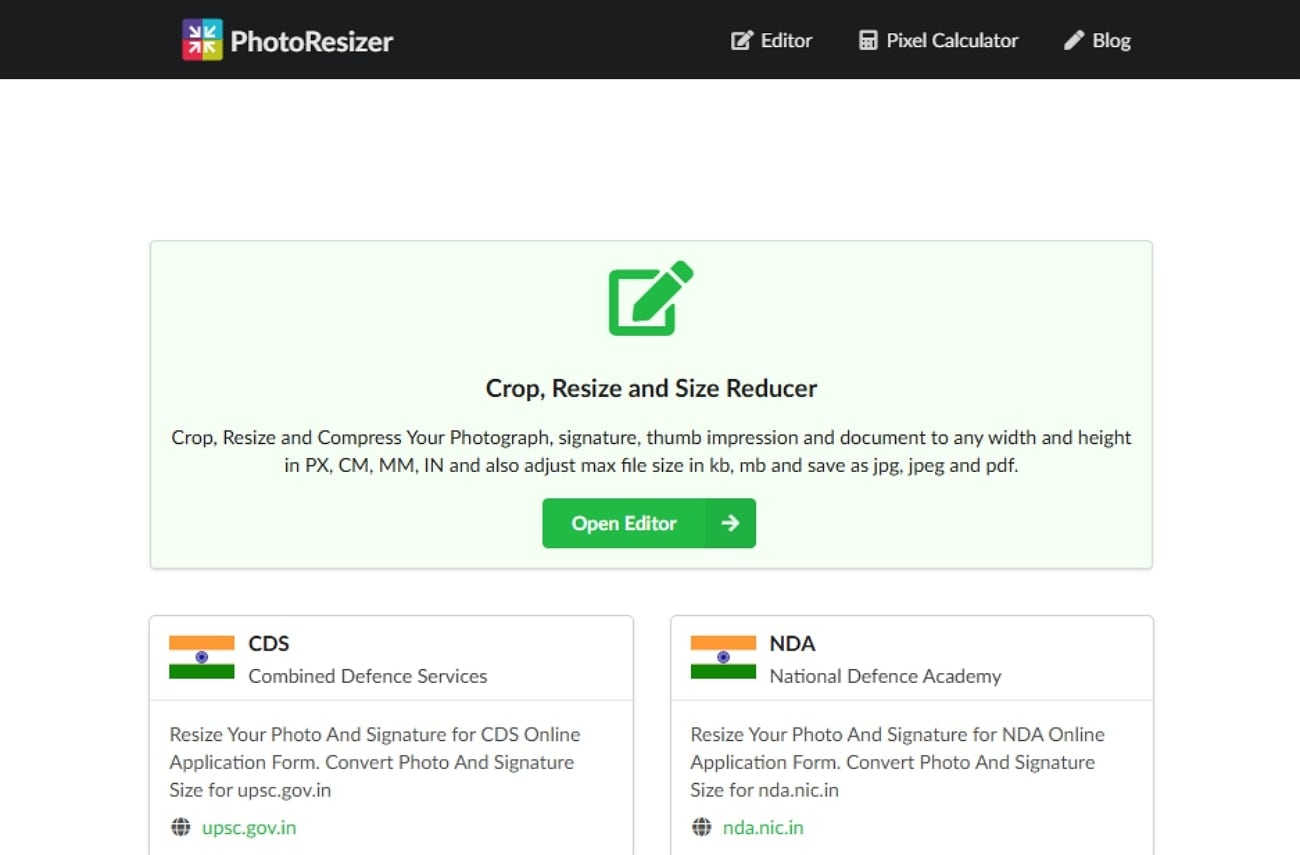
The PhotoResizer tool provides ready tools to reduce signature size to 20kb exactly for popular forms like ESIC, SBI, and OJAS. Users can compress, crop, and resize to any height, width, and height up to PX, CM, MM, and IN. Furthermore, you can set a maximum file size in KB or MB to enforce strict portal limits. It works efficiently for photographs, signatures, and thumbprints.
Batch Process Support: No
Starting Price: Free
Supported Device: Online
Offline Support: No
Safety Review: 3.5/5
4. 11Zon
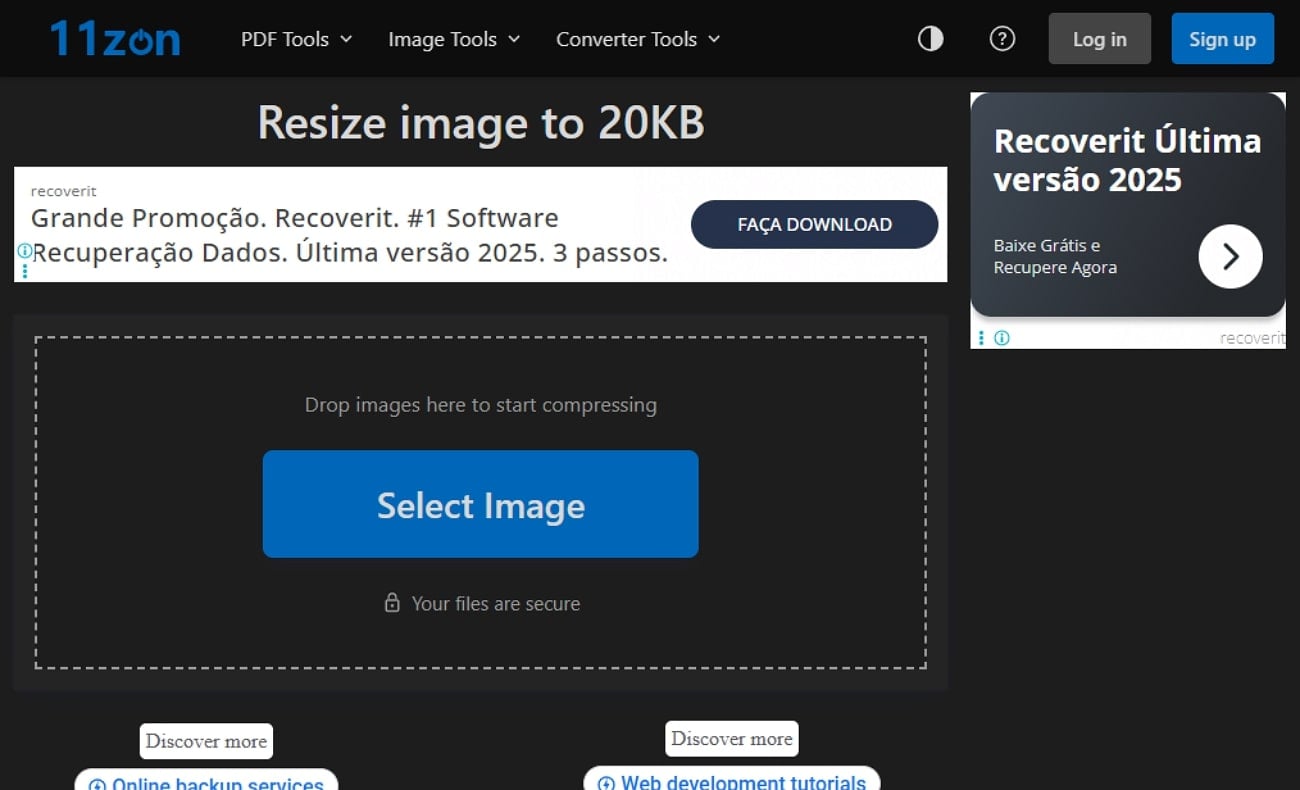
This signature compressor to 10KB tool lets you reduce the signature size to 20KB using a slider or directly by a drop-down panel. Users can even upload multiple images at once to save extra time and manual labor. Furthermore, users can also preview the resized images to ensure they didn't disturb their neatness. Overall, it optimizes files to 20 KB or less while aiming to maintain high visual quality.
Batch Process Support: Yes
Starting Price: Free
Supported Device: Online
Offline Support: No
Safety Review: 3/5
5. Veewom
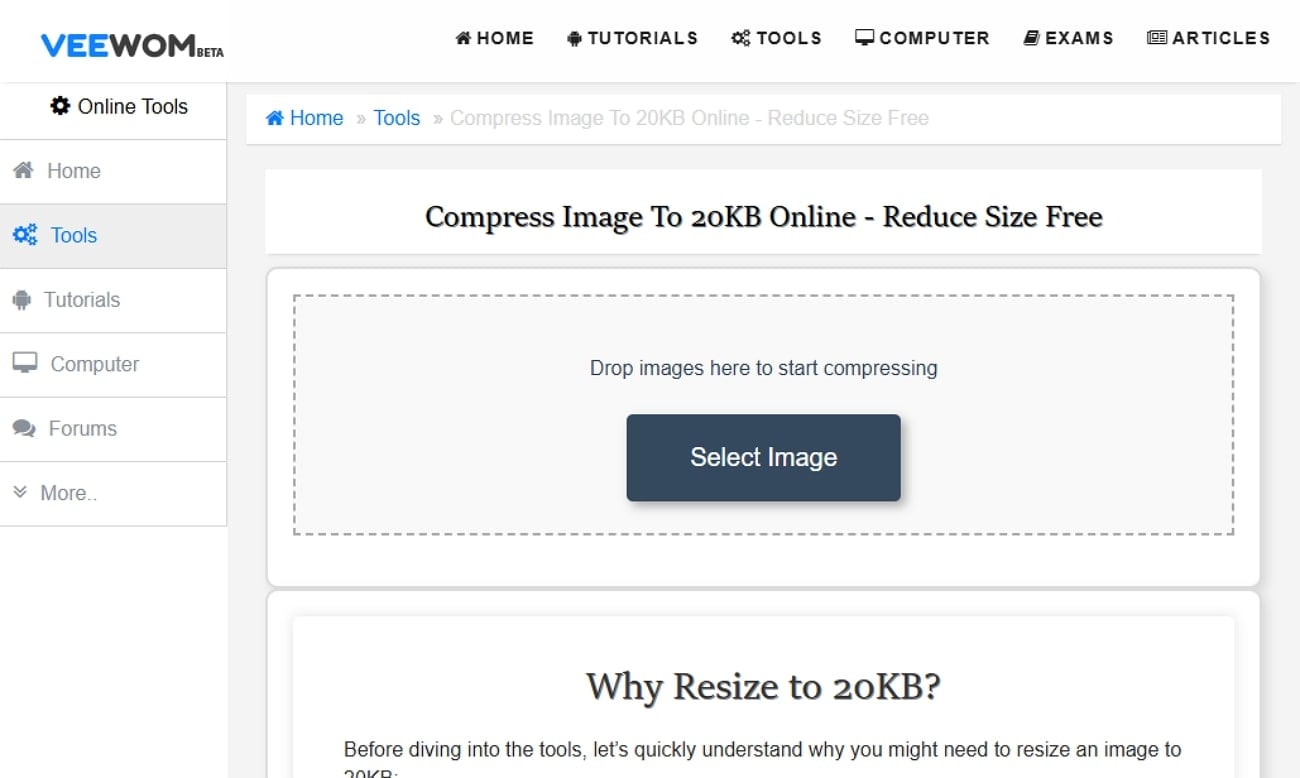
Veewom is specifically designed to shrink photos or signatures down to around 20 KB, matching typical government/exam portal limits. It lets users upload an image and select the required size, and instantly download the compressed file. Moreover, it can easily accept common web formats like JPG and JPEG to make signature photos much lighter while remaining readable.
Batch Process Support: No
Starting Price: Free
Supported Device: Online
Offline Support: No
Safety Review: 3/5
Easy to Use 10 to 20 kb Signature Resizer
Part 4. At-a-Glance Comparison Table for Top 5 10 KB To 20 kb Signature Resizers
For a clearer overview, the table below summarizes the key differences between the best resize signature 10 to 20 KB tools:
| Apps Names | Supported Format | Unique Edge | Best For |
| Wondershare UniConverter | JPG, PNG, SVG, WEBP, AVF, BMP, TIFF, and more. | Powerful offline desktop suite with batch resize + convert, and fine quality control. | To prepare many 20 KB signatures offline on Windows/Mac |
| Pi7 Image Resizer | JPG, PNG, and other common image formats | Lets you type exact KB values and quickly shrink images | Students and applicants who need portal‑ready photos with fixed limits |
| PhotoResizer.net | JPG, JPEG, PDF output formats | Exam‑focused presets for UPSC, NDA, SBI, NTA, DU, etc. | Exact format for Government/competitive exam forms |
| 11zon “Resize image to 20KB” | Common image formats include JPG, PNG | Slider + dropdown for exact 20 KB targeting. | Users who want a free, browser‑based way to resize images |
| Veewom “Resize Image to 20 KB” | Standard web image formats such as JPG/JPEG | Very minimal 20 KB‑focused page for quick compression | Fast emergency resizing when you just need a single signature |
Part 5. How to Easily Batch Resize 20 KB Signature Images Offline
Upon examining key aspects of all the discussed tools, we found UniConverter at the top. It provides advanced editing features, including an essential batch processing system. So, if you want to achieve a signature resize of 10 to 20 KB, then go read the following detailed guide:
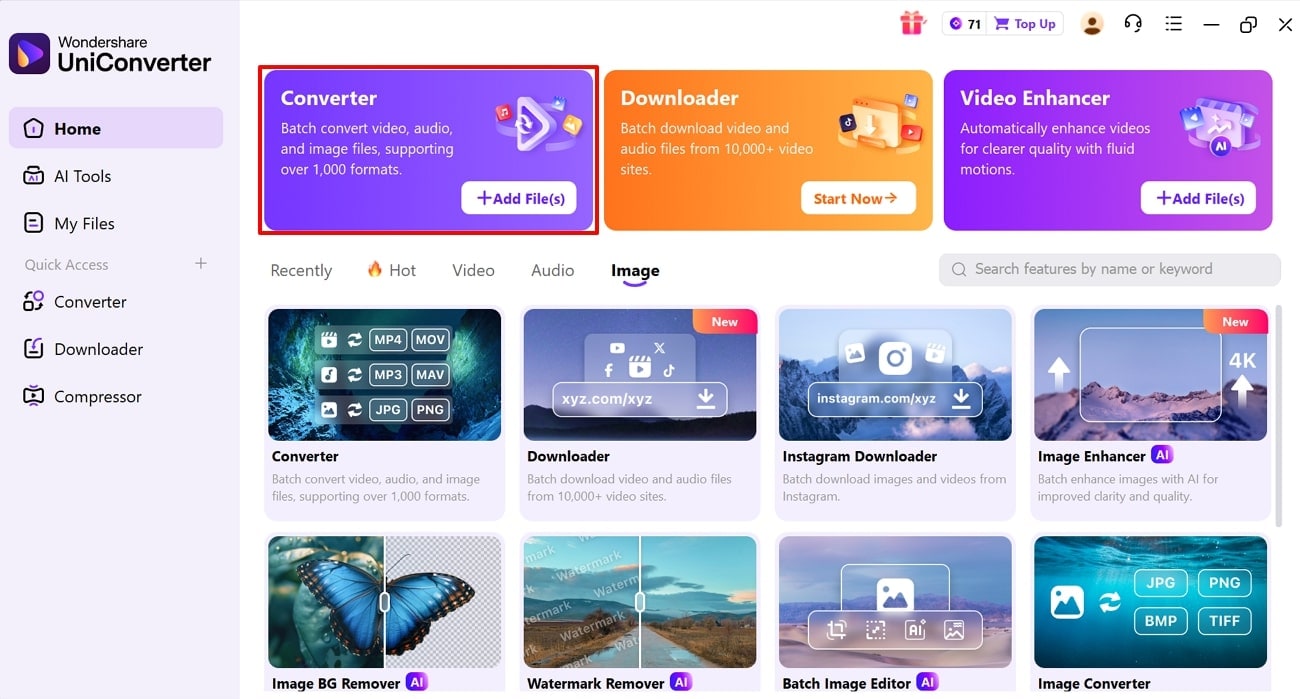
Step 1. Access the Converter Tool To Insert Desired Images
Upon entering the tool, tap on the “Converter” feature to insert multiple images from the device folder.
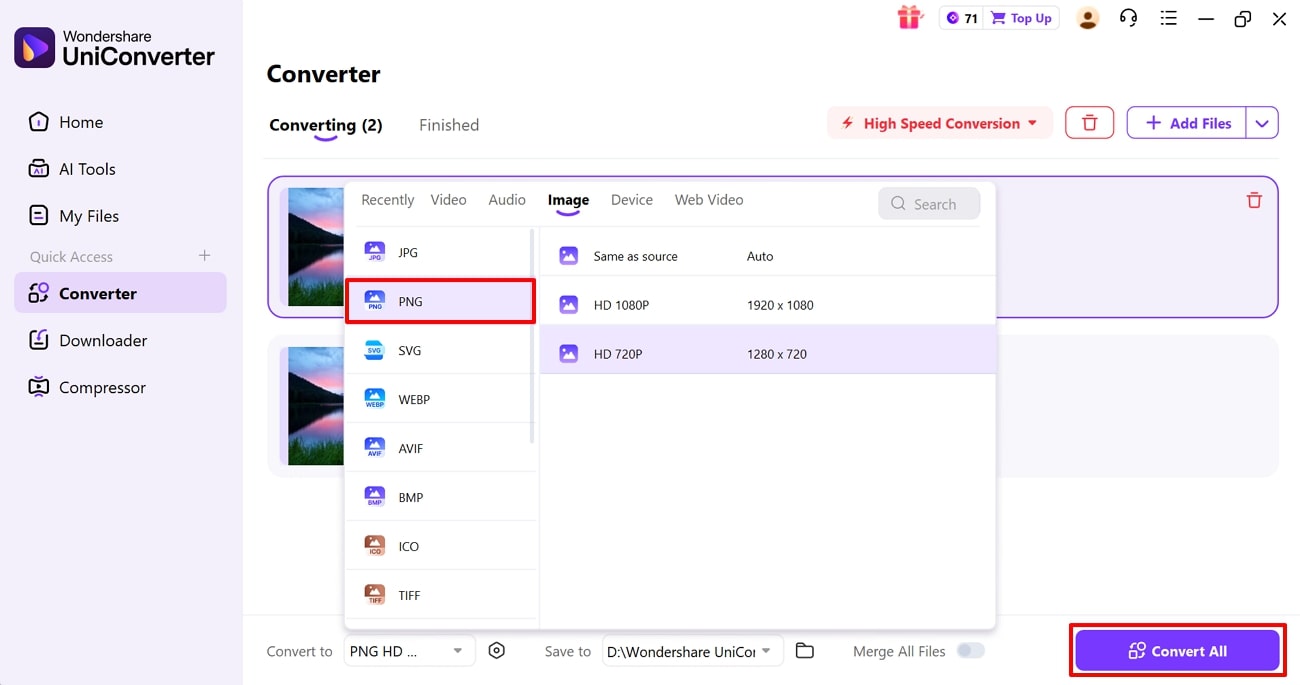
Step 2. Choose the Desired File format To Compress the Pictures
Here, choose the desired file format which features the minimum output size and hit the “Convert All” button.
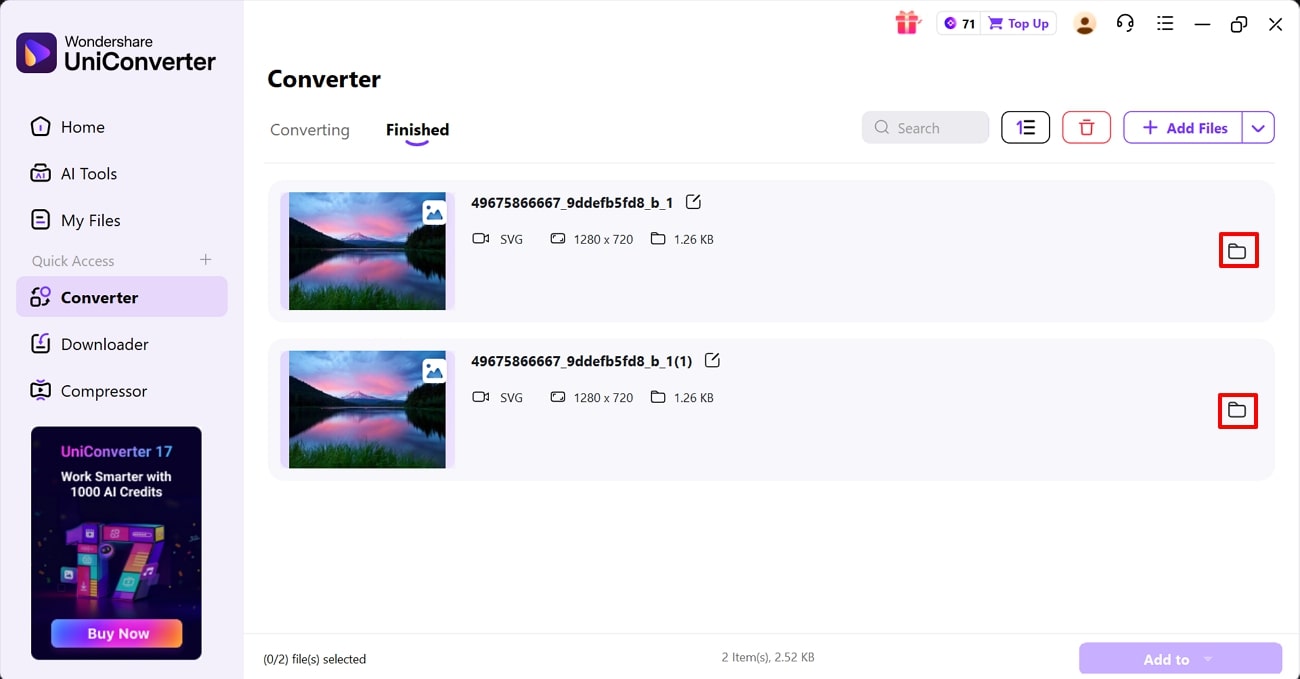
Step 3. Locate the Images in the Device Folder
Finally, your images have been converted and compressed accurately. Click on the "File" icon to easily locate them in the device folder.
Part 6. Best Practices for Resizing 20 KB Signature Images
After exploring how to achieve 20 KB signature size images, consider these best practices for the best outcomes:
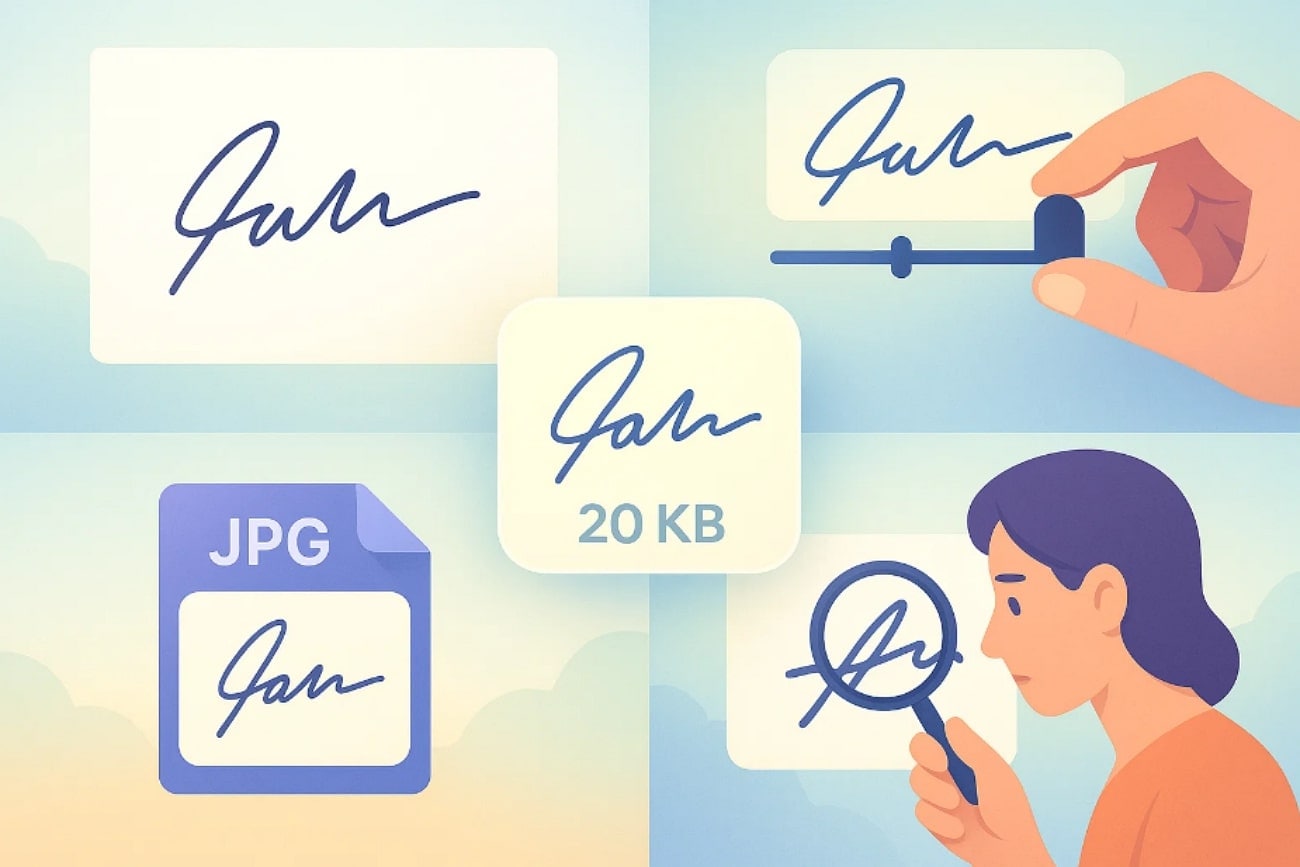
Clean, High‑quality Scan: After writing your signatures with dark ink, scan or capture the image clearly and ensure there is minimal empty background.
Adjust Quality Gradually: Lower the quality and compression of the image step-by-step until the file falls under 20 KB, making sure lines are still sharp.
Use JPG Format: Save the final signature as JPG, not PNG, and stay roughly in the 400–600 px width range to get higher-quality outcomes.
Always Preview Before Uploading: Make sure to preview the generated outcome, check whether each letter is clearly legible and not overly pixelated.
Conclusion
Summing up, now people can easily get the signature resize 10 to 20 kb by using advanced resizing tools. In this article, we have narrowed down the 5 most efficient tools along with their strengths and weaknesses. However, we recommend using UniConverter, which lets you batch convert and compress the images, making it an ideal option.
Easy to Use 10 to 20 kb Signature Resizer
Frequently Asked Questions
-
1. Which image format is best for a 10–20 KB signature?
The best format for 20 KB signature size images is JPG or JPEG, as it uses lossy compression efficiently. Many resizing tools and portals also strictly require JPG/JPEG for 10–20 KB signature uploads to ensure clearer and professional results. -
2. What pixel size should I use for a 20 KB signature?
There is no universal pixel requirement for this size, but 400–600 pixels is commonly used. Some portals—like SSC—require very specific dimensions such as 140 × 60 pixels with a 10–20 KB upload limit. -
3. How can I reduce my signature to 10–20 KB without losing clarity?
To reduce image size without sacrificing clarity, use efficient tools like Wondershare UniConverter. It supports batch processing and compresses images while maintaining maximum quality. -
4. Are online 20 KB signature resizers safe to use?
Yes, most trusted tools use HTTPS encryption and auto-delete uploaded files after a short duration, offering good safety. However, always use well-known and reputable tools to ensure your data remains secure.

