With the abundance of images people take, it’s important to keep them standing out from the rest, as some of them fall flat. They can include too much background noise or unnecessary details that might photobomb the pictures. In this case, ‘fill the frame’ photography is a simple yet powerful technique many uses to transform ordinary images into striking visuals.
Moreover, the viewer’s eye is drawn exactly to the main central piece of a portrait or street picture. Photographers who want to elevate their photography can benefit from this method and create compelling visuals for their portfolio or social media. This article will help you learn more about this fill in the frame photography and various tips on how to take these photos.
In this article
Part 1. What is Fill the Frame Composition
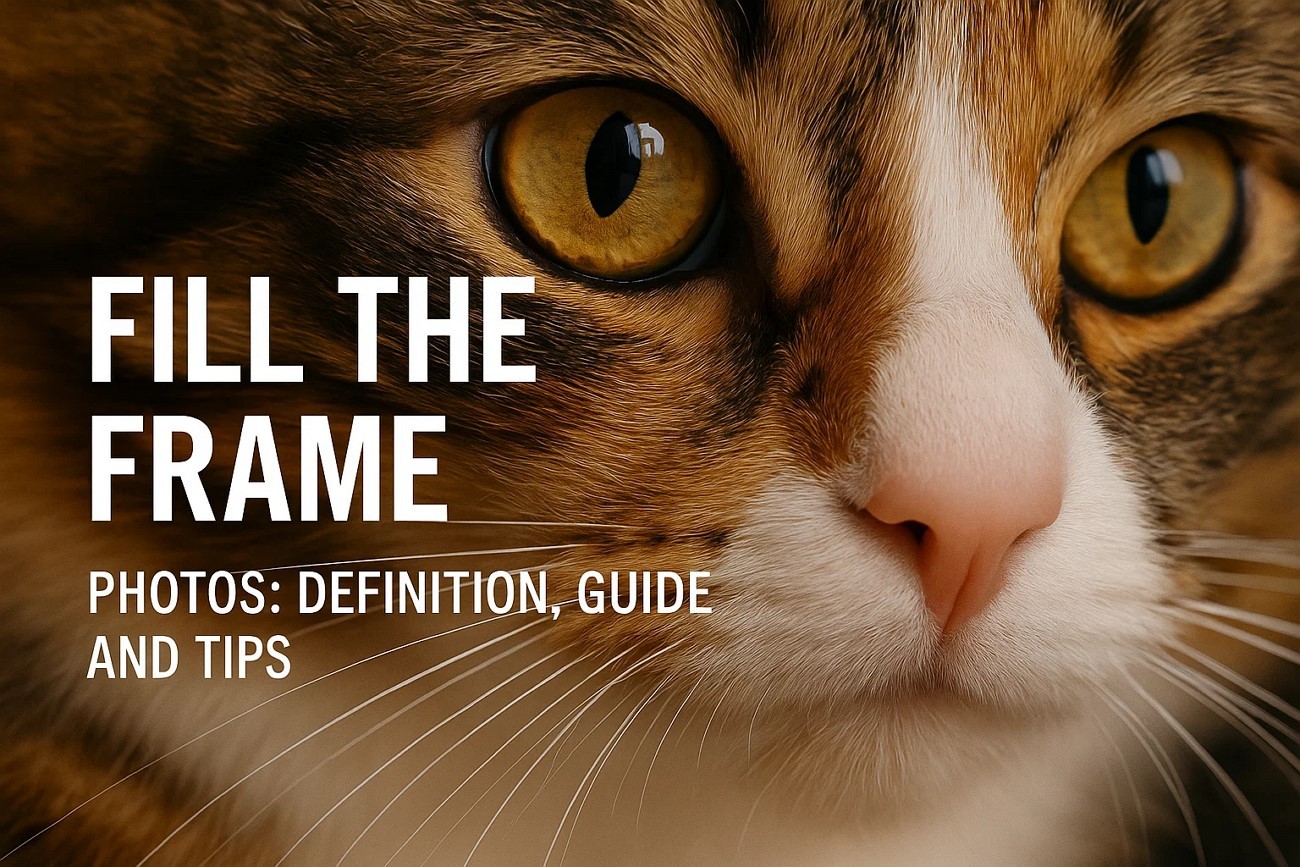
Fill the frame photography refers to any picture where your subject dominates the image, thus eliminating any background from the image. Additionally, users intentionally focus on the subject and minimize capturing any distractions so as to draw others' eyes in. The result is impactful, conveying clarity, emotions, and detail. This technique is helpful in creating intimate, bold, or detail-oriented imagery.

Example of Cases Using Fill the Frame Composition
The following are some of the real-life examples of how you can utilize full frame photography in the social world:
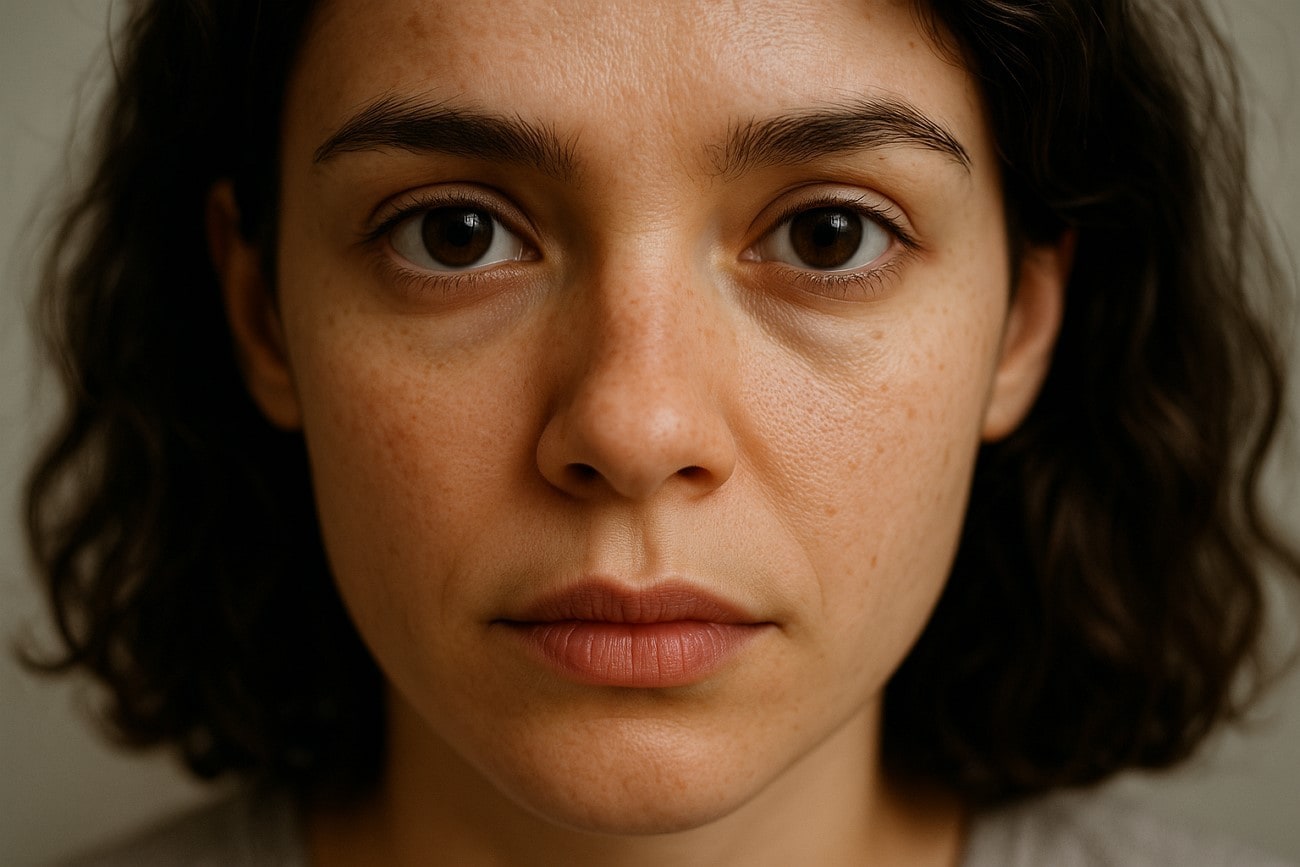
- Portrait Photoshoot: If you fill the frame with a model’s face, it adds emotional weight to the picture and creates feelings of closeness and drama.
- Street Photography: On the streets, capturing full-frame pictures of a chaotic street, filled with moments like vendors' hands, passersby's faces, and wall graffiti, tells a story.
- Macro and Detail Shots: Photographers can zoom in on a flower to capture the flower’s characteristics, like petals, insects, water droplets, and more, to highlight its beauty.
- Texture and Patterns: To capture rhythmic and visually harmonious pictures, take full pictures of architectural details, natural patterns, and repeating shapes.
Part 2. Attractiveness of the Frame Photos
If you are wondering how you can take full frame pictures and make them look visually stunning, look at the following points:
1. Capturing Great Details and Textures
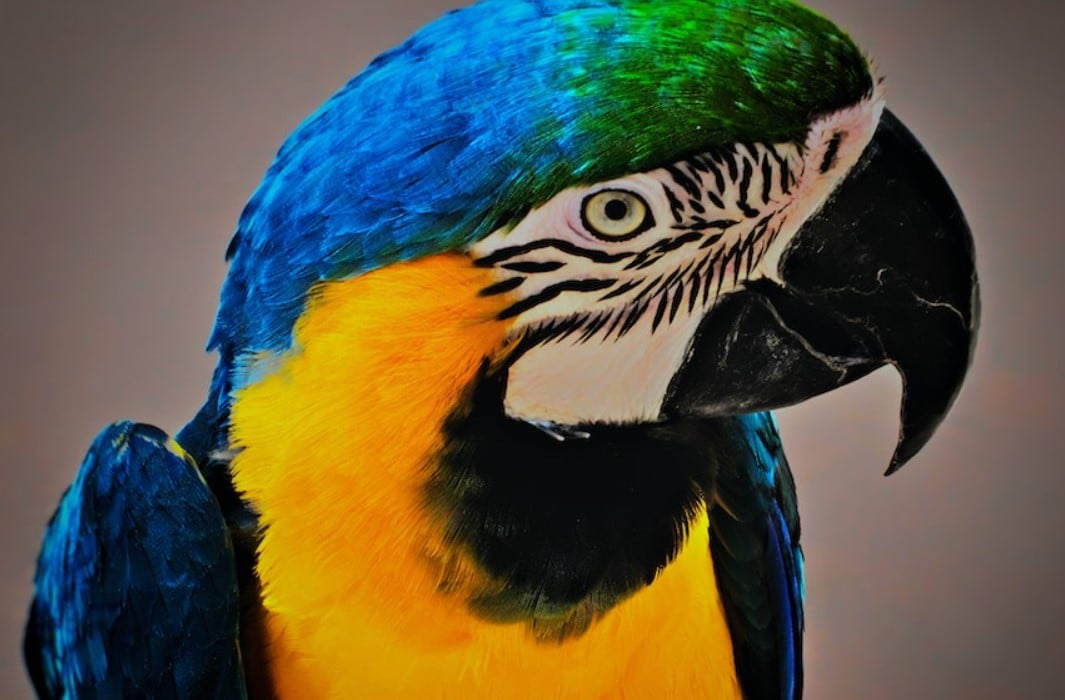
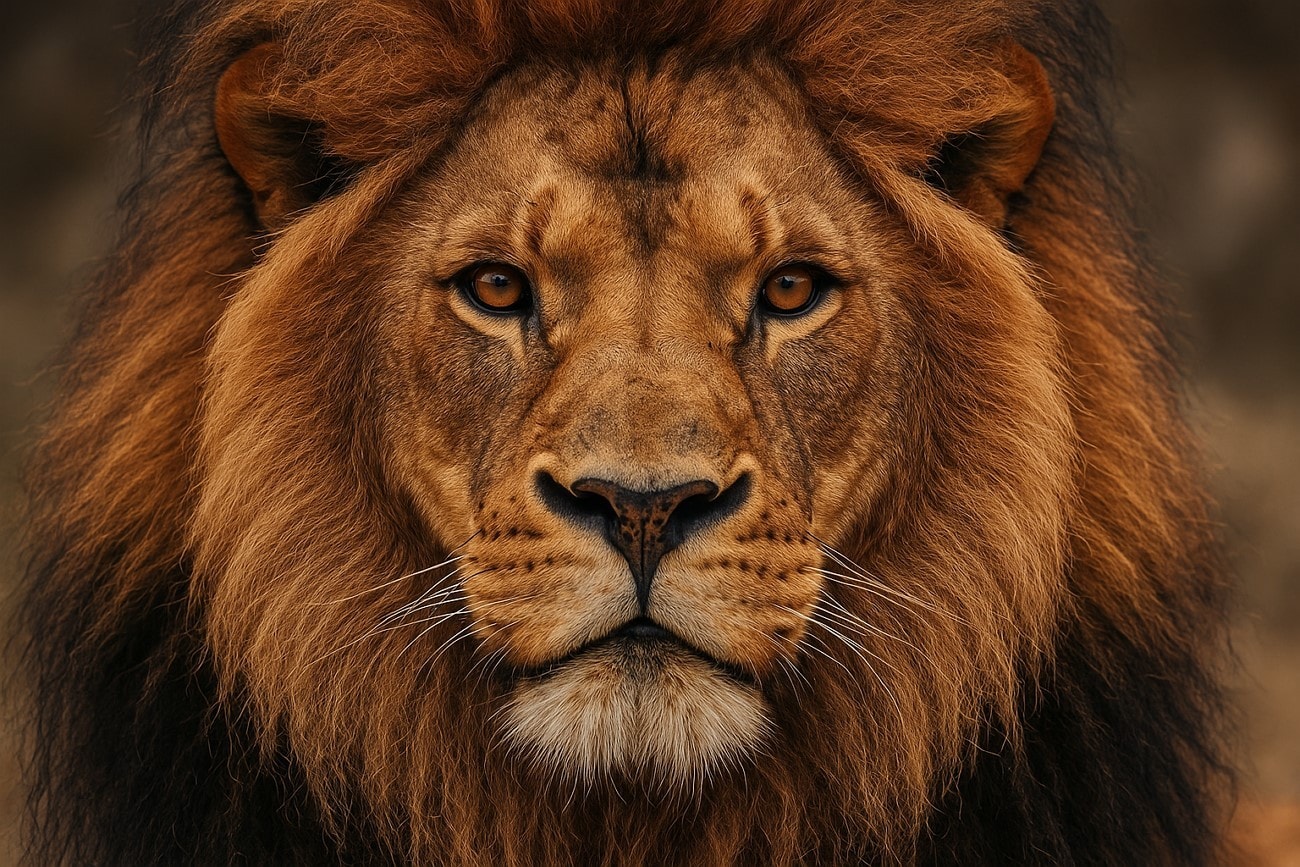
When you take a full-frame image, ensure your subject is displayed up close. This helps you see small details, such as clothing, feathers, skin, and wrinkles, vividly. These small details make the image more interesting and realistic. Moreover, these sensual designs give a sense of realism and depth, pulling viewers to explore every inch of the photo. Say, a close-up shot of an animal reveals its texture in the wild.
2. Bold and Distinct Visual Impact
The Nikon D610 photography helps you capture the story of the model, and there is no ambiguity or visual wandering in the picture. This directive approach grabs the attention of the viewers during advertisements, editorials, or social media content. With such b shots, you can captivate the audience with ease. In a product launch, focus on the product's main features to give it a larger-than-life presence.
3. Sense of Intimacy and Drama
During a photographer's session, filling the frame with the view of only a person, animal, or object reflects intimacy. These types of photography record facial expressions, eye contact, and body language, which convey a powerful message through the photos and generate intensity. A dancer's face and an actor's performance on stage generates more feeling than a photo taken from afar.

4. Simplified and Cleaner Composition
Users who want to invest in full frame photography should focus on getting cleaner and simpler compositions of pictures as well. By eliminating distractions and empty space, you have a cleaner and crisper image. This makes the shapes, the colors, and the patterns in a photo pop and shine. With a clean composition, these pictures become easier to look at and give a sense of professionalism and artistic feel.
Part 3. Tips to Consider When Taking Fill the Frame Photos
Let's explore the attractiveness of full-frame pictures in greater depth with the following fill the frame photography examples:
Inspect Edges of the Frame
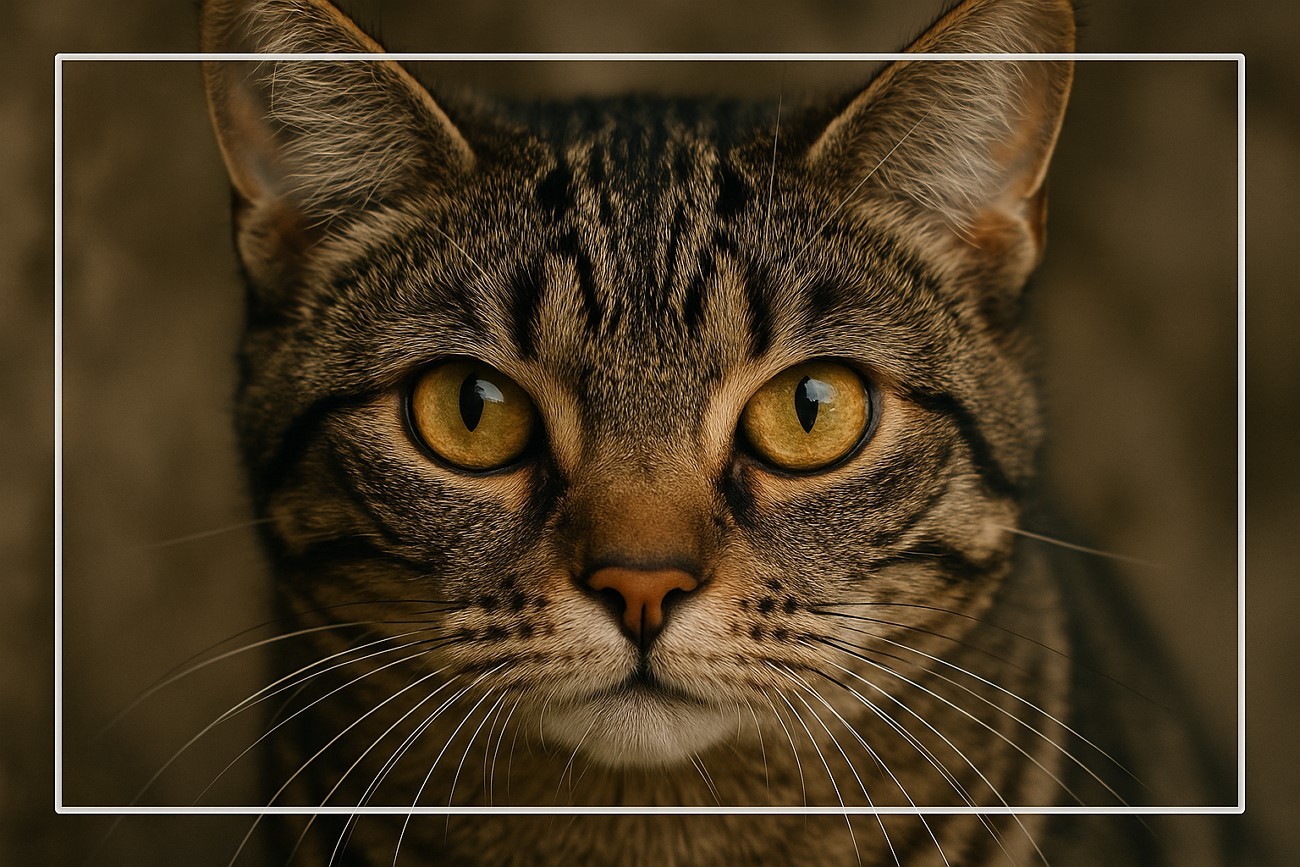
Always inspect the edges of your photo before taking the photo when you are ready to take the picture of the entire frame. In the entire picture, even a small distraction, such as trash, unattractive shadows, or unusual objects, can divert the attention of the viewer. Therefore, ensure the edges are kept visually centered and strictly on the subject to avoid unnecessary distractions.
Use Longer Focal Length
Another method of covering full frame photo is by employing a telephoto or a zoom lens if you are unable to approach the subject. When taking photos of wildlife, a longer lens will allow a concentration on the subject and create a smaller background. Employing this lens will further enhance the photo and make it more dramatic. A 200mm lens may be used by photographers to obtain dramatic shots of a lion.

Avoid Rushed Shots
If you want natural pictures, it’s not necessary to apply this fill-the-frame technique every time you shoot something. Sometimes, a bit of background context and space in shooting something adds to the story and gives it emotional depth. Moreover, if zooming in feels unnatural or removes important details, step back and take it from a different angle. The goal is visual clarity, not crowding the subject with such close-up shots.
Keep a Short Distance
Beginners can try an effective way to get full frame pictures, and that is by moving closer to the subject. Although zooming is a good option, it can distort the pictures and introduce some pixelation, so getting physically close allows you to capture more detail. It's often more effective and sharper than zooming in digitally and helps you see all the delicate details of the object or person.
Subject’s Shapes and Patterns
In a professional studio, photographers use another technique to capture full-frame images, and that is by using the lines, curves, and forms of an object. Also, these patterns and shapes make compelling compositions when they dominate the frame. This works best when you’re capturing nature, architecture, and more. It also adds visual rhythm and makes the photo more visually appealing and the frame more creative.
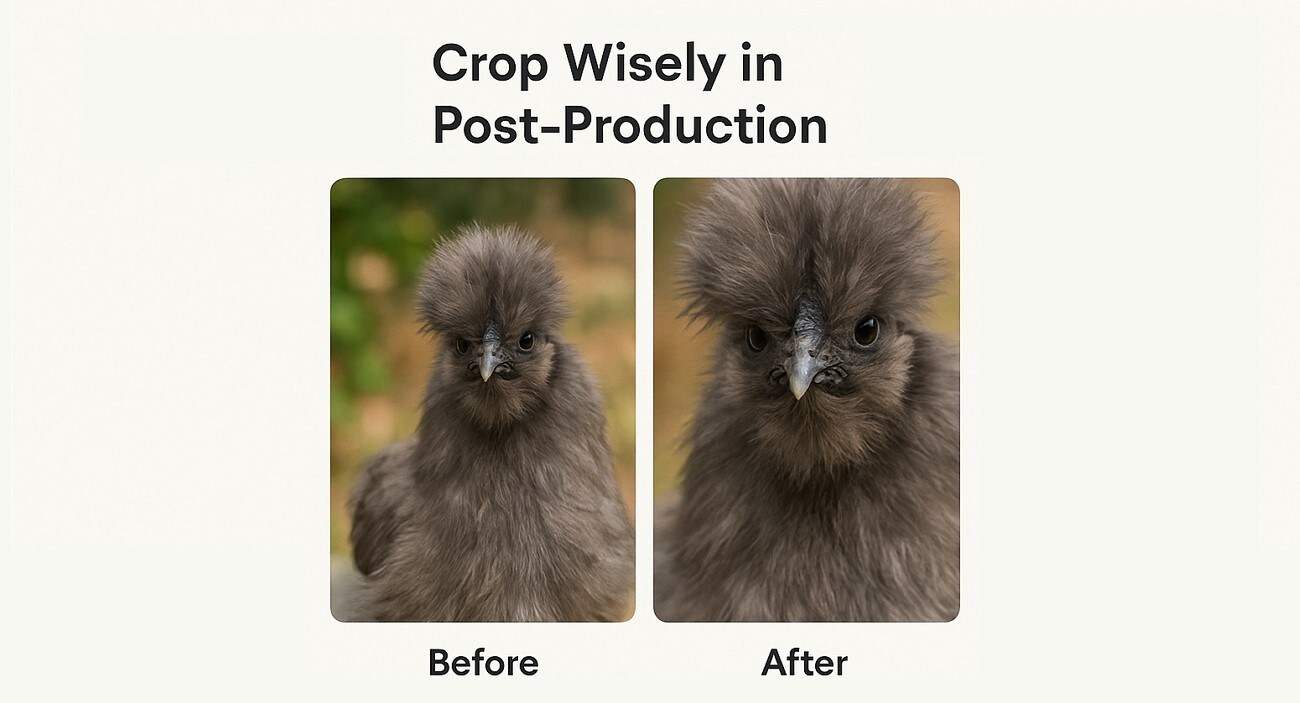
Crop Wisely in Post-Production
There are times when you can't take the perfect fill the frame composition pictures. You can crop the photo after having edited it to achieve the intended effect. You only need to avoid cropping too much because it could make the photo lose its quality and sharpness. Crop deliberately, eliminate distractions, and do not attempt to zoom in.
Utilize Live View & Grid Lines
One of the tips you can also consider is using a camera view or grid lines to get the perfect overlay of the subject and get precisely aligned photos. The grid helps maintain symmetry, centers the subject, and lets you follow the rule of thirds. Also, to ensure you're fully filling the frame, these grid lines align your eyes and help you avoid cutting off necessary parts.

Batch Image Cropper for Win and Mac
Part 4. How to Edit Fill the Frame Photos
Fill the frame photography is a great way to explore and capture nature and people in such close proximity. However, at times, you are unable to capture that perfect full-frame image, so instead of editing it on the camera, use Wondershare UniConverter. With its Image Cropper feature, you can easily resize the whole image without losing one pixel or resolution.
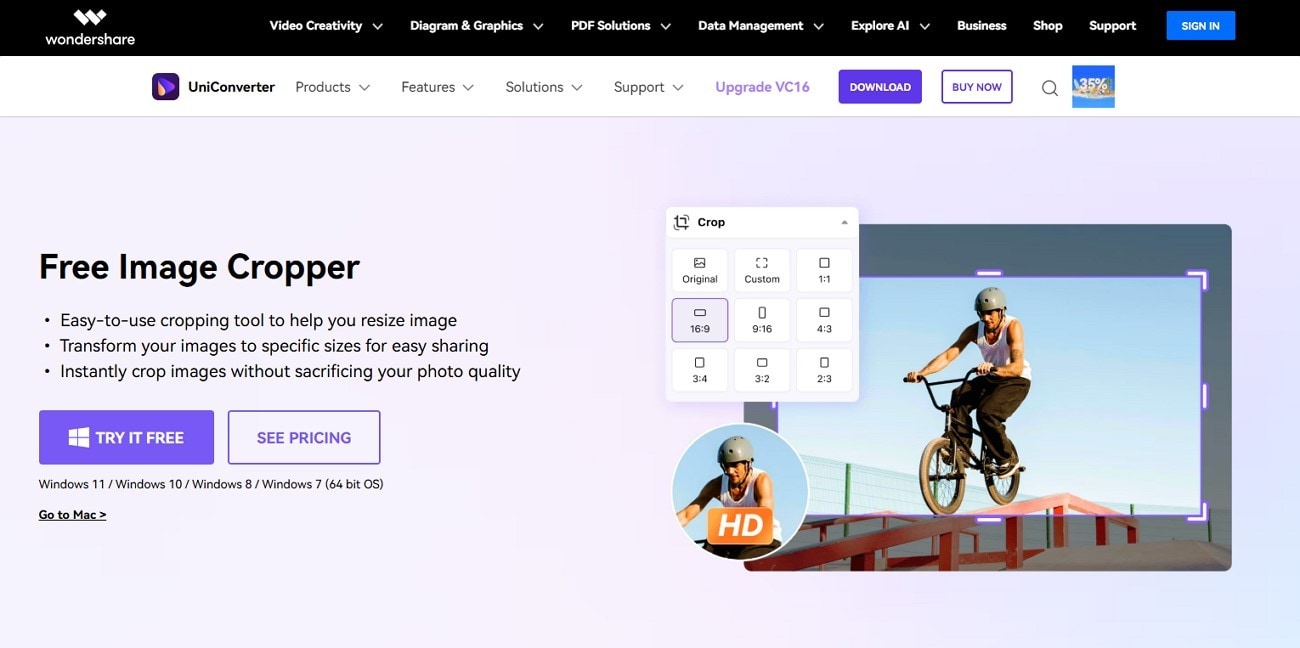
It’s beginner-friendly, lets you crop an image at any ratio, and maintains the original quality of the image. Moreover, this software is like a one-stop solution for image cropping and enhancing with no complicated adjustments and long processing time. With various aspect ratios, you can post your photos on various social media platforms with perfect fits.
Key Features
- Various aspect ratios are being offered, like 1:1, 16:9, 3:2, and a custom one to compose the image you desire.
- Once you have cropped the picture, you will be able to see the difference between the two pictures, before and after.
- Along with cropping, users can rotate and flip the picture to find the best angle of the picture with cropped edges.
- The resizer and basic adjustment options let you add a suitable background and change the brightness, contrast, and saturation of the photo.
Instructional Guide on How to Edit the Frame Photos using UniConverter
Now, follow the given steps and learn how to crop a full frame photo using the AI-powered image editor software:
Step 1. Use the Batch Image Editor and Import Image
Open the software interface, click the “+Add File(s)” under the “Batch Image Editor” option in the “Home” tab, and import a full-frame image.

Step 2. Choose a Suitable Cropping option and Apply
Now, access the left "Adjust" tab, expand the "Crop & Rotate" section, and choose an aspect ratio or adjust the edges yourself. When satisfied, hit the "Apply" button to crop the image.

Step 3. Compare and Export the Final Result
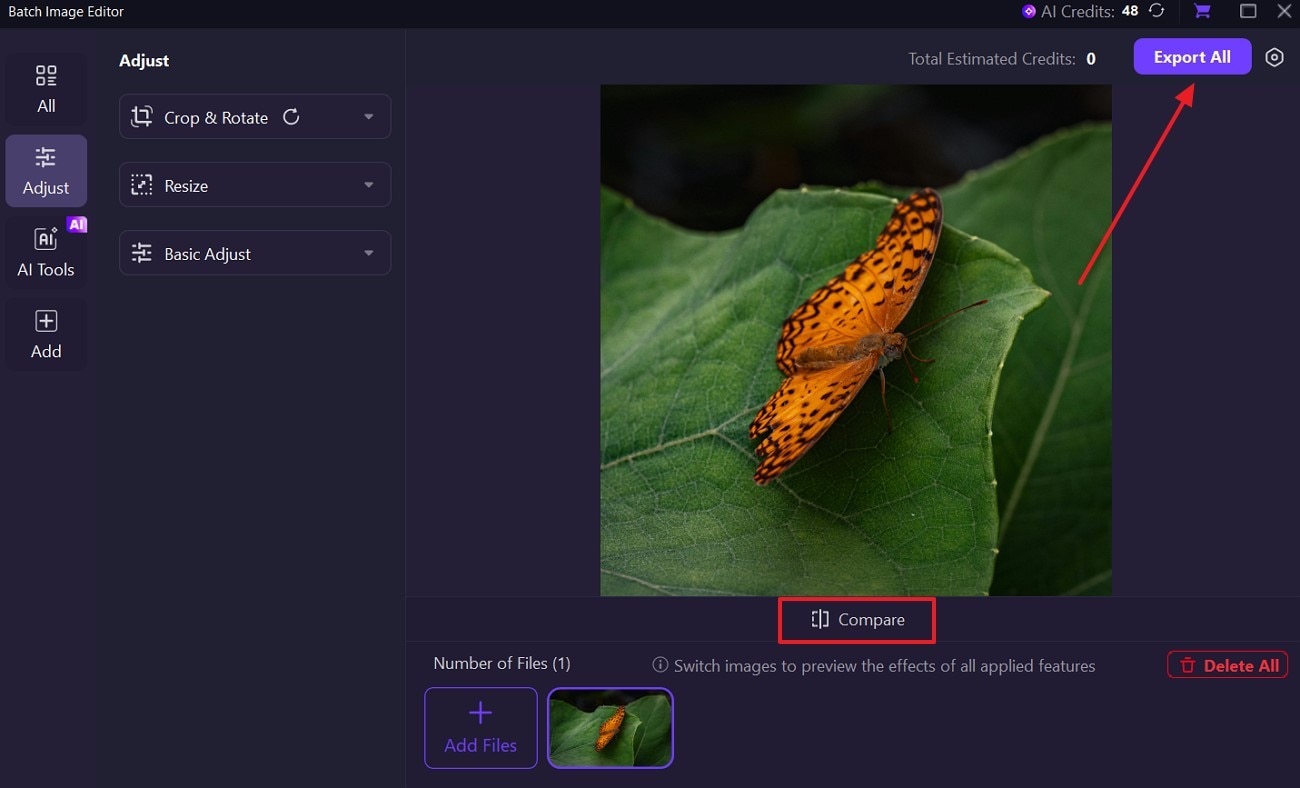
After that, press and hold the "Compare" button to see the before and after images, and hit the "Export All" button.
Conclusion
In the end, this article helped users look more into how fill the frame photography works and what tips and attractiveness details they can incorporate. Moreover, along with useful tips, the point of being unable to capture the perfect full-frame image also arises. Therefore, to get the best cropped and centered image, use Wondershare UniConverter’s image cropping feature.
Batch Image Cropper for Win and Mac
FAQs
-
1. How do I know if I’ve filled the frame correctly?
It's important to look at things, like whether the subject dominates the frame or not and if there are any unnecessary elements present around the edges. In case everything appears great, then your picture is perfectly filled in the frame. -
2. What are some subjects that work well with fill-the-frame?
Photographers can capture fill-in-the-frame images of portraits, macro photography, food, architecture, and more. The Nikon D610 photos come out as visually stunning images with intricate details. -
3. Are there any downsides to filling the frame?
If you overdo this technique, it can remove important details and background context from the image. So, use it thoughtfully, and know when to zoom in and when to step back from the model, subject, and more. -
4. What's the difference between the Frame and Close-Up photography?
While these concepts overlap with each other, the fill the frame is when you focus on a subject detail and how much area it occupies. Other than that, close-up photography doesn't fill the frame but gets really zoomed-in pictures.