


Have you ever purchased an audiobook on Audible, only to realize you can’t play it on your MP3 player, car stereo, or other non-Audible devices? One of the biggest frustrations for audiobook lovers is dealing with the AAX format and DRM restrictions that limit where and how you can enjoy your content. Instead of seamless listening, you’re stuck searching for a reliable way to convert Audible to MP3 without losing quality or wasting hours on complicated software.
That’s exactly why this guide on the 10 Best Audible to MP3 Converter Tools in 2026 (Free & Paid) was created. Whether you’re looking for a free solution, a premium tool with advanced features, or a fast and simple converter for everyday use, this article covers the top options available this year. We’ll help you understand what to look for, compare the best tools, and choose the right converter so you can enjoy your audiobooks anytime, anywhere, on any device.
In this article
Part 1: MP3 vs AAX – What’s the Difference?
Before choosing an Audible to MP3 converter, it’s important to understand the core difference between MP3 and AAX formats. While both are audio file types, they serve very different purposes—especially when it comes to compatibility and restrictions.
What Is AAX?
AAX is the proprietary audiobook format developed by Audible. It is specifically designed for audiobooks and includes built-in DRM (Digital Rights Management) protection. This DRM ensures that audiobooks purchased from Audible can only be played on authorized devices or apps, such as the Audible app or Apple devices linked to your account.
Key features of AAX
- High-quality audio with chapter markers
- Embedded DRM protection
- Limited playback compatibility
- Requires account authorization
While AAX delivers excellent sound quality and structured playback, its restrictions are the main reason users look for conversion solutions.
What Is MP3?
MP3 is one of the most widely supported audio formats in the world. It is compatible with nearly all devices, including smartphones, tablets, car stereos, smart TVs, and MP3 players. Unlike AAX, MP3 files do not have built-in DRM protection, making them far more flexible.
Key features of MP3
Universal device compatibility
Smaller file size with good audio quality
Easy file transfer and sharing
No account authorization required
MP3 vs AAX: Quick Comparison
| Feature | AAX | MP3 |
| DRM Protection | Yes | No |
| Device Compatibility | Limited (Authorized devices) | Almost all devices |
| File Size | Larger | Smaller |
| Flexibility | Restricted | Highly flexible |
| Best For | Audible app users | Universal playback |
Why Convert AAX to MP3?
If you want to:
- Play audiobooks on non-Audible devices
- Transfer files to USB drives or external players
- Avoid repeated app authorization
- Keep a backup copy of your purchases
Then converting AAX to MP3 gives you greater freedom and control over your audiobooks.
Part 2: Things to Consider Before Choosing an Audible to MP3 Converter
Choosing the right Audible to MP3 converter can make a huge difference in your listening experience. Before you download or buy any tool, here are the key factors to keep in mind:
DRM Removal Capability
Most Audible audiobooks come in AAX format with built-in DRM protection, which restricts playback to authorized apps and devices. A reliable converter must support proper DRM handling to enable smooth conversion. Without this feature, the tool may fail to process your files or produce unusable output. Always check whether the software clearly states AAX and DRM support before downloading or purchasing.
Output Audio Quality
Audio quality is one of the most important factors when converting audiobooks. A good converter should preserve the original bitrate and clarity without distortion or volume imbalance. Some tools allow you to customize bitrate settings (such as 128kbps or 256kbps) to balance file size and sound quality. Maintaining chapter information while keeping high audio quality is an added advantage.
Conversion Speed & Performance
Audiobooks are often several hours long, so slow conversion software can waste valuable time. Efficient tools use advanced acceleration technology to convert files quickly without compromising quality. High-performance converters also prevent crashes or freezing during large file processing. Choosing a stable and fast program ensures a smooth and frustration-free experience.
Ease of Use & Interface
Not everyone is technically skilled, so a simple and intuitive interface is essential. The best converters offer drag-and-drop functionality and one-click conversion options. Clear instructions and organized menus make the process easy, even for beginners. A clean dashboard saves time and reduces confusion during setup and conversion.
Batch Conversion Support
If you have multiple audiobooks, converting them one by one can be exhausting. Batch conversion allows you to process several files simultaneously, saving time and effort. This feature is especially useful for users with large Audible libraries. It improves productivity and makes managing audiobook collections much easier.
Compatibility & Supported Formats
Before choosing a converter, make sure it works with your operating system, whether Windows or macOS. Some tools also offer additional output formats like WAV, M4A, or FLAC besides MP3. Broader format support provides flexibility for different playback devices and editing needs. Ensuring compatibility prevents installation issues and guarantees seamless usage.
Part 3: Comparison Table of Audible to MP3 Converter Tools
| Tool Name | Platform | DRM Removal | Output Formats | Batch Conversion | Metadata & Chapters | Best For | Pricing |
| Wondershare Uniconverter | Windows, Mac | Yes | MP3, M4A, M4B | Yes | Preserved | High-speed & quality seekers | Paid (Free trial) |
| Pazu Audible Converter | Windows, Mac | Yes | MP3, M4A, WAV, FLAC | Yes | Preserved | Balanced performance & flexibility | Paid (Trial available) |
| UkeySoft Audible Converter | Windows, Mac | Yes | MP3, M4A, FLAC, WAV | Yes | Preserved | Advanced customization | Paid (Trial limits) |
| MuConvert Audible Converter | Windows, Mac | Yes | MP3, M4A | Yes | Preserved | Beginners & batch users | Paid (Trial available) |
| Any Audible Converter | Windows, Mac | Yes | MP3, M4A, M4B | Yes | Preserved | Fast conversions | Paid (Free trial) |
| Epubor Audible Converter | Windows, Mac | Yes | MP3, M4B | Yes | Preserved | Large libraries | Paid (Trial available) |
| OpenAudible | Windows, Mac, Linux | Yes | MP3, M4B | Yes | Preserved | Library management | Paid (Trial available) |
| inAudible | Windows, Mac | Partial (Manual) | MP3, WAV, Others | Yes | Preserved | Tech-savvy users | Free (Open-source) |
| AAXtoMP3 Script | Windows, Mac, Linux | Manual via FFmpeg | MP3, M4A, FLAC | Yes | Preserved | Advanced/CLI users | Free (Open-source) |
| Aconvert | Web-based (All OS) | Limited | MP3, WAV | Limited | Basic | One-time small files | Free (File size limits) |
Part 4: 10 Best Audible to MP3 Converter Tools in 2026
Below are the top Audible to MP3 converter tools available in 2026, ranging from full-featured desktop programs to flexible utilities.
1. Pazu Audible Converter
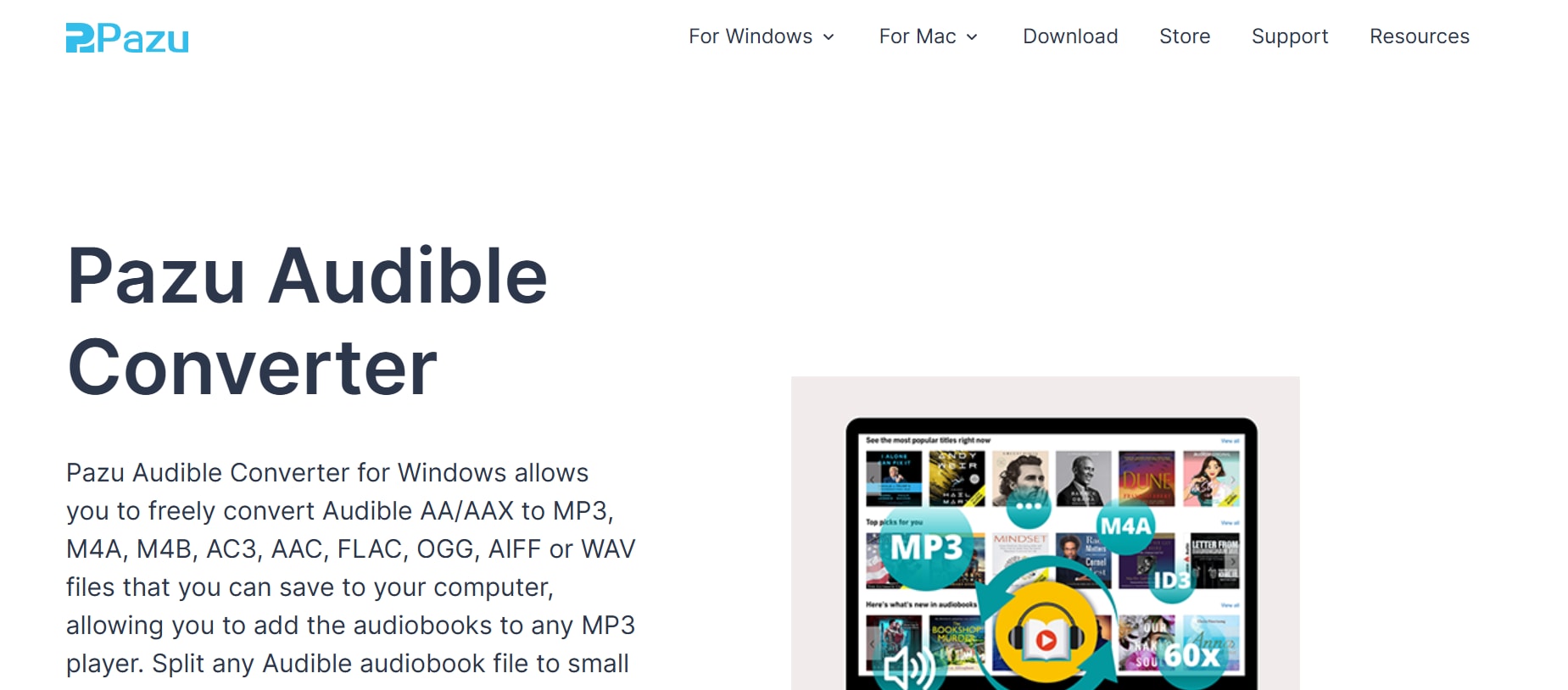
Pazu Audible Converter is a versatile desktop tool that converts Audible’s AAX and AA formats into MP3, M4A, WAV, FLAC, and other popular audio formats with impressive speed and lossless quality. It preserves chapter divisions, ID3 tags, and metadata, making it ideal for users who want well-organized audiobook libraries. The software allows you to split large audiobooks by chapter or specific time intervals for easier playback on different devices. Its intuitive drag-and-drop interface makes it accessible to beginners, while advanced output settings provide flexibility for experienced users. Compatible with both Windows and macOS, it performs DRM removal during conversion without complicated authorization steps. Overall, it strikes an excellent balance between performance, simplicity, and customization.
Features:
Converts AA/AAX to multiple formats
Lossless audio quality retention
Batch conversion support
Chapter splitting options
Metadata and ID3 preservation
Fast conversion speeds
Pros & Cons
2. UkeySoft Audible Converter
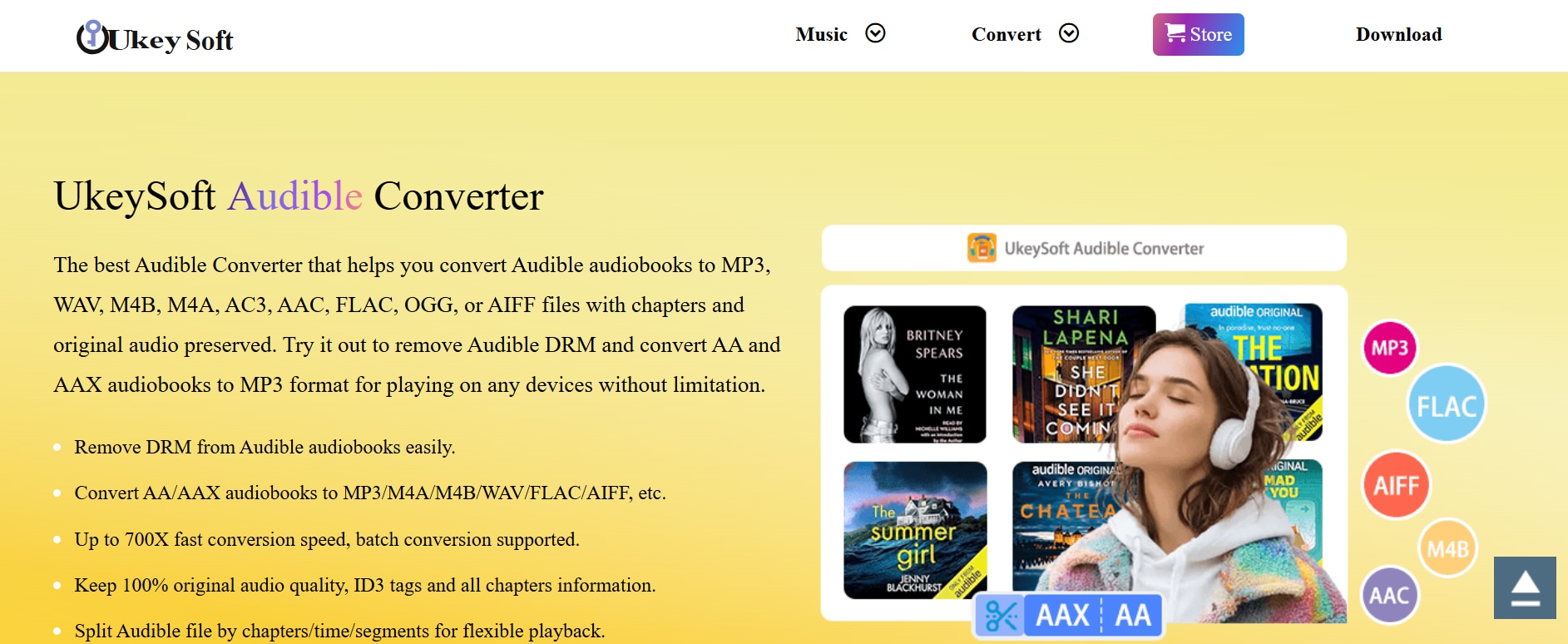
UkeySoft Audible Converter offers robust performance in converting DRM-protected audiobooks from Audible into MP3 and other popular formats while preserving original sound quality. It does not require iTunes or Audible authorization, which simplifies the setup process and saves time. The built-in ID3 tag editor allows users to customize metadata such as title, artist, genre, and cover artwork for better library organization. Users can also adjust bitrate and sample rate settings to control output quality and file size. Additionally, the audiobook splitting feature enables you to divide long files into smaller segments by chapter or time length. With broad format support and stable performance, it is an excellent option for users who prioritize quality, flexibility, and organized playback.
Features:
Removes DRM from AA/AAX files
Converts to MP3, M4A, FLAC, WAV, and more
Customizable bitrate & sample rate
ID3 tags and metadata editor
Split large audiobooks by time/chapter
No iTunes/Audible authorization needed
Pros & Cons
3. MuConvert Audible Converter
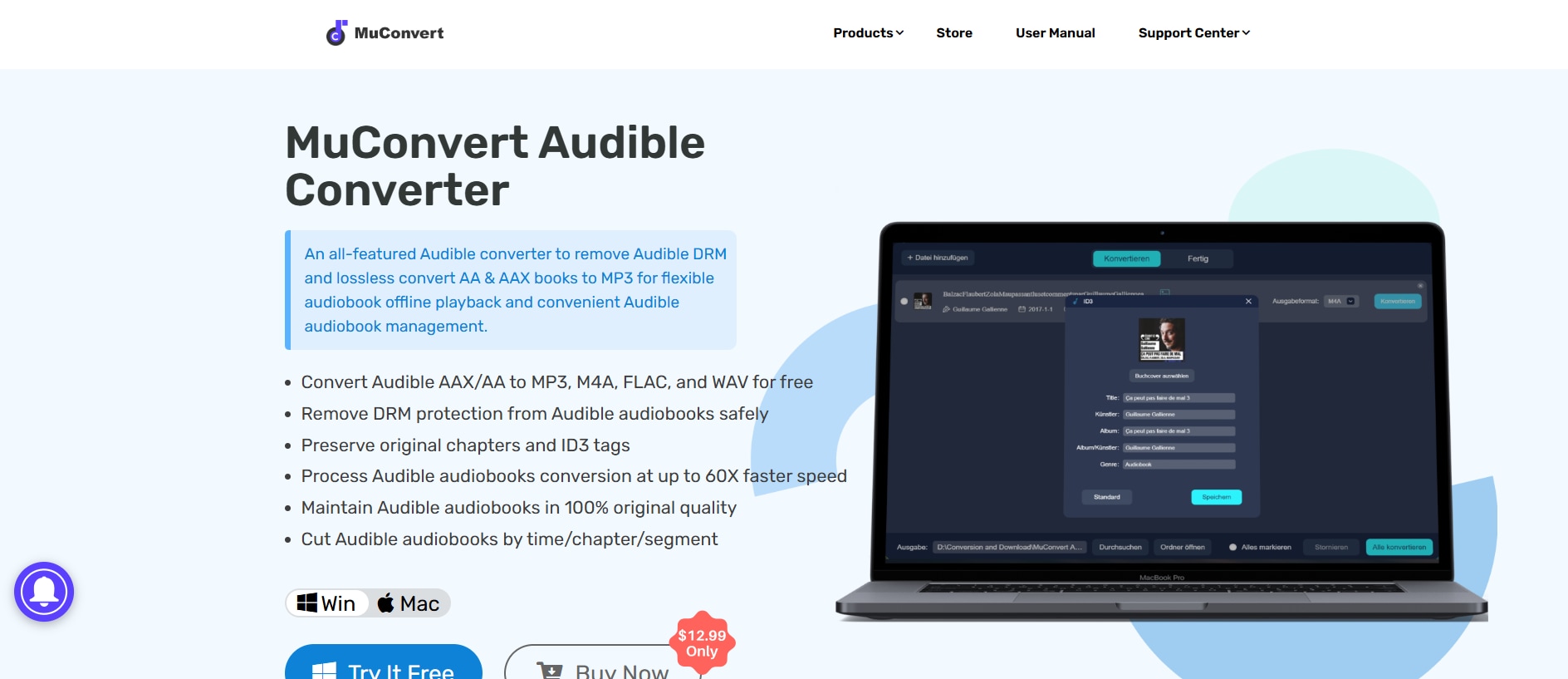
MuConvert Audible Converter is a solid choice for users who want a stable, easy-to-use converter that handles batch processing and high-speed conversions. It supports drag-and-drop file addition and processes audiobooks without requiring Audible or iTunes authorization, simplifying the setup process. The tool preserves chapter information, ID3 tags, and metadata to ensure your audiobooks remain well-organized after conversion. Regular software updates help improve performance, fix bugs, and enhance compatibility with the latest system versions. Multi-language support makes it accessible to international users across different regions. With straightforward controls and efficient performance, it is suitable for both beginners and advanced users who need reliable batch conversion.
Features:
Batch AAX to MP3 conversion
No Audible authorization needed
Preserves metadata & chapters
Drag-and-drop support
Stable performance on Win & Mac
Multi-language interface
Pros & Cons
4. Any Audible Converter
Any Audible Converter is a comprehensive tool that lets you convert both Audible and Audible Plus audiobooks into MP3, M4A, or M4B formats at speeds up to 300X faster than basic converters. It retains chapters and ID3 tags during conversion and works seamlessly on both Windows and macOS systems. The software is designed with a clean, beginner-friendly interface that simplifies the entire conversion process into just a few clicks. In addition to audiobook conversion, some versions also function as a general audio converter for selected streaming content. It supports batch processing, allowing users to convert multiple titles simultaneously without quality loss. With its combination of speed, metadata preservation, and flexible format support, it stands out as a practical choice for users who want efficiency without a complicated setup.
Features:
Converts Audible/Audible Plus to MP3/M4A/M4B
Keeps chapters & metadata
High speed conversion
Simple step-by-step use
Windows & Mac compatibility
Also handles other audio content
Pros & Cons
5. Wondershare Uniconverter
Wondershare UniConverter is a powerful all-in-one media tool that supports high-speed audio and video conversion, including converting Audible audiobooks to MP3 after proper file preparation. Known for its clean interface and fast processing engine, it allows users to convert audio files into multiple formats without quality loss. For light weight audio conversion, you can go to UniConverter online audio converter for a quick solution. But if you need batch process and audio conversion, you can Beyond simple conversion, UniConverter includes built-in editing, compression, and audio tag management tools, making it more than just a basic converter. Its batch processing feature saves time when handling multiple audiobooks at once. It can also save link as audio in bulk. For users who want a versatile multimedia solution instead of a single-purpose converter, UniConverter stands out as a flexible and feature-rich choice.

Features:
Converts audio and video files to 1,000+ formats including MP3
High-speed batch conversion
Built-in audio editor (trim, merge, adjust volume)
Audio compression without significant quality loss
Simple drag-and-drop interface
Works on Windows and macOS
Pros & Cons

Convert Audible to MP3 Without Quality Loss
6. Epubor Audible Converter
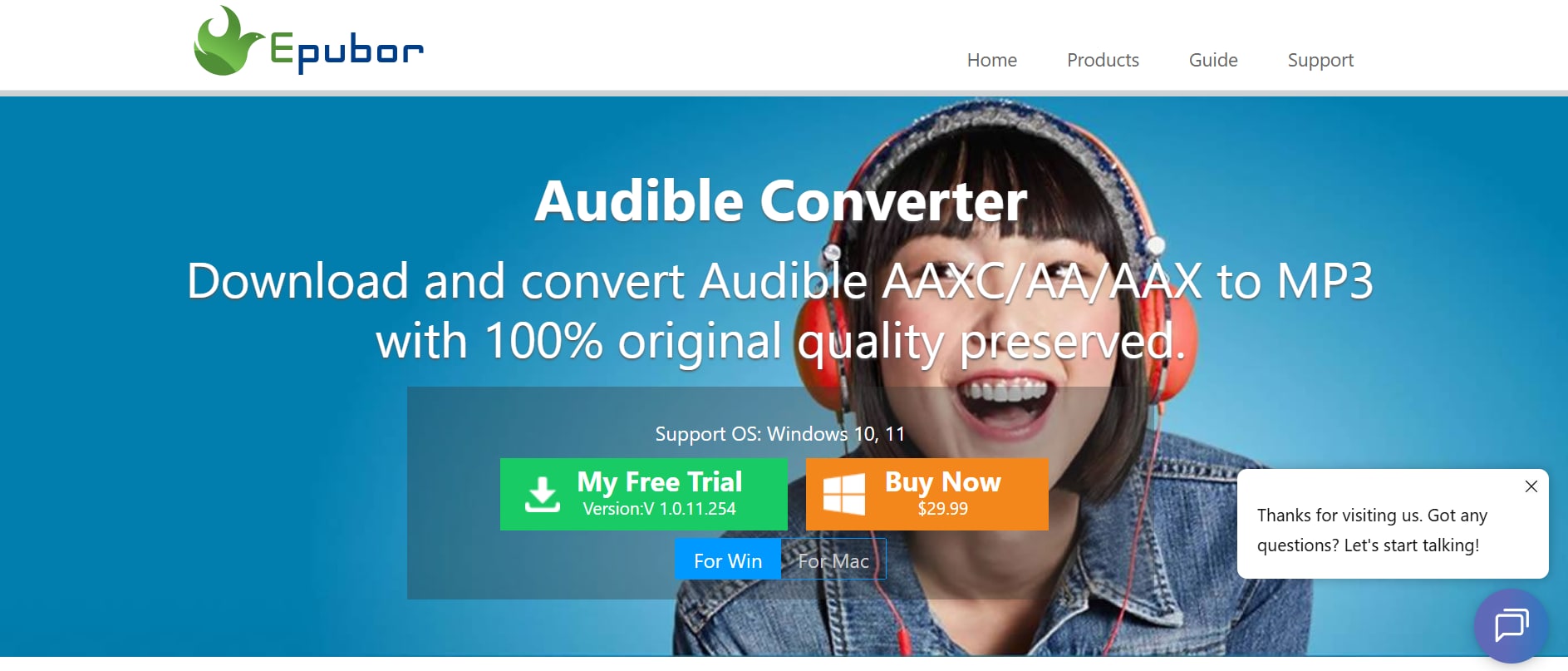
Epubor Audible Converter is a well-established desktop solution that focuses on high-speed conversion and quality retention. It converts Audible audiobooks from Audible into MP3 and other popular formats while maintaining original audio settings. Its ability to handle large batches and preserve chapter markers and metadata makes library management much easier. The software is designed with a clean and straightforward interface, allowing even beginners to complete conversions without confusion. Although some users mention the lack of advanced bitrate customization, the tool delivers stable and consistent output quality. With reliable performance on both Windows and macOS systems, it remains a dependable everyday converter for regular audiobook listeners.
Features:
High-speed AAX to MP3 conversion
Original quality retention
Batch conversion support
Keeps metadata & and chapter info
Works on multiple operating systems
Easy to navigate interface
Pros & Cons
7. OpenAudible
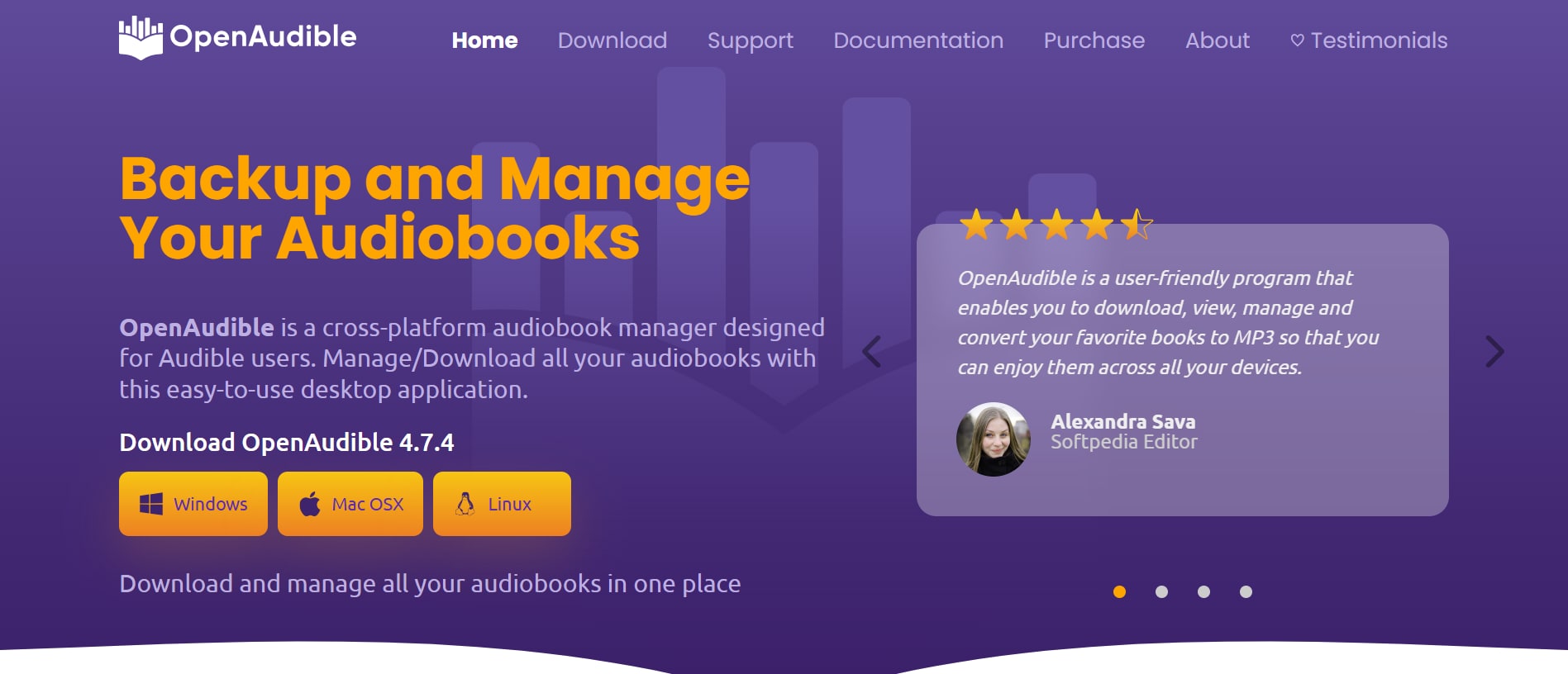
OpenAudible is a unique library-focused converter that syncs directly with your Audible account and lets you download, organize, and convert audiobooks to MP3 or M4B. It keeps chapters, cover art, and metadata intact, ensuring your audiobook collection remains well-structured after conversion. The software works smoothly across Windows, Mac, and Linux, making it one of the few truly cross-platform solutions available. Though it’s paid software, a trial version allows users to explore its core features before committing to a purchase. OpenAudible stands out for its built-in library management system, which makes browsing and organizing large audiobook collections much easier. For users with extensive Audible libraries who want a centralized download and conversion hub, it offers both convenience and efficiency in one platform.
Features:
Syncs with Audible library
Converts AAX/AA to MP3/M4B
Preserves chapter markers
Keeps metadata & cover art
Cross-platform support
Export & organize library
Pros & Cons
8. inAudible
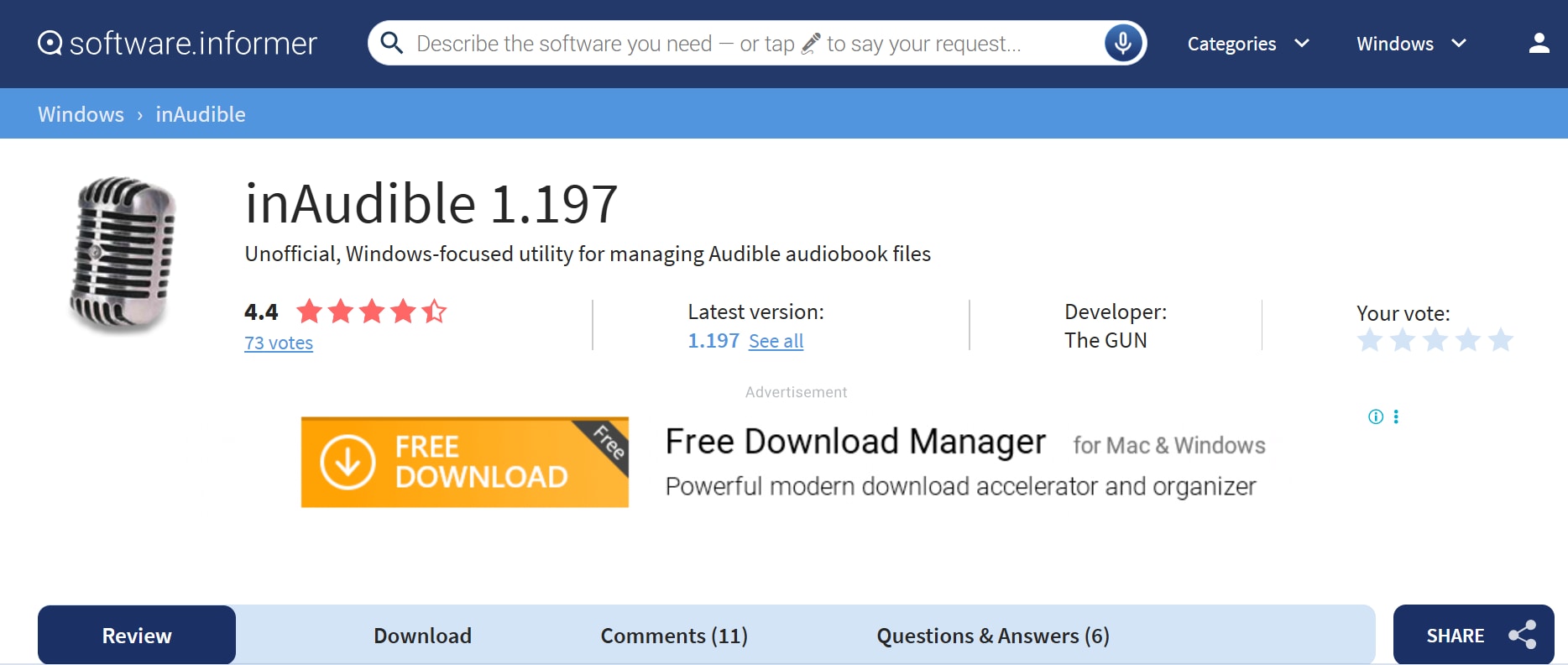
inAudible is a free tool that leverages FFmpeg to convert Audible files into MP3, WAV, or other formats while preserving chapter information. It’s open-source and flexible, but requires some technical comfort, as it often involves additional tools and command-line steps. Still, it’s a powerful choice for tech-savvy users who want a zero-cost solution with advanced customization and high control. The software allows users to fine-tune bitrate and output settings to maintain high audio quality. It also supports batch conversion, which is useful for processing multiple audiobooks at once. However, since it is not officially supported or regularly updated, users may need to rely on community forums for troubleshooting and setup guidance.
Features:
Converts AAX/AA to MP3/WAV/others
Keeps chapter markers
Supports batch conversion
Free and open-source
Uses FFmpeg backend
Works on Windows & Mac
Pros & Cons
9. Libation (Open-Source Script)
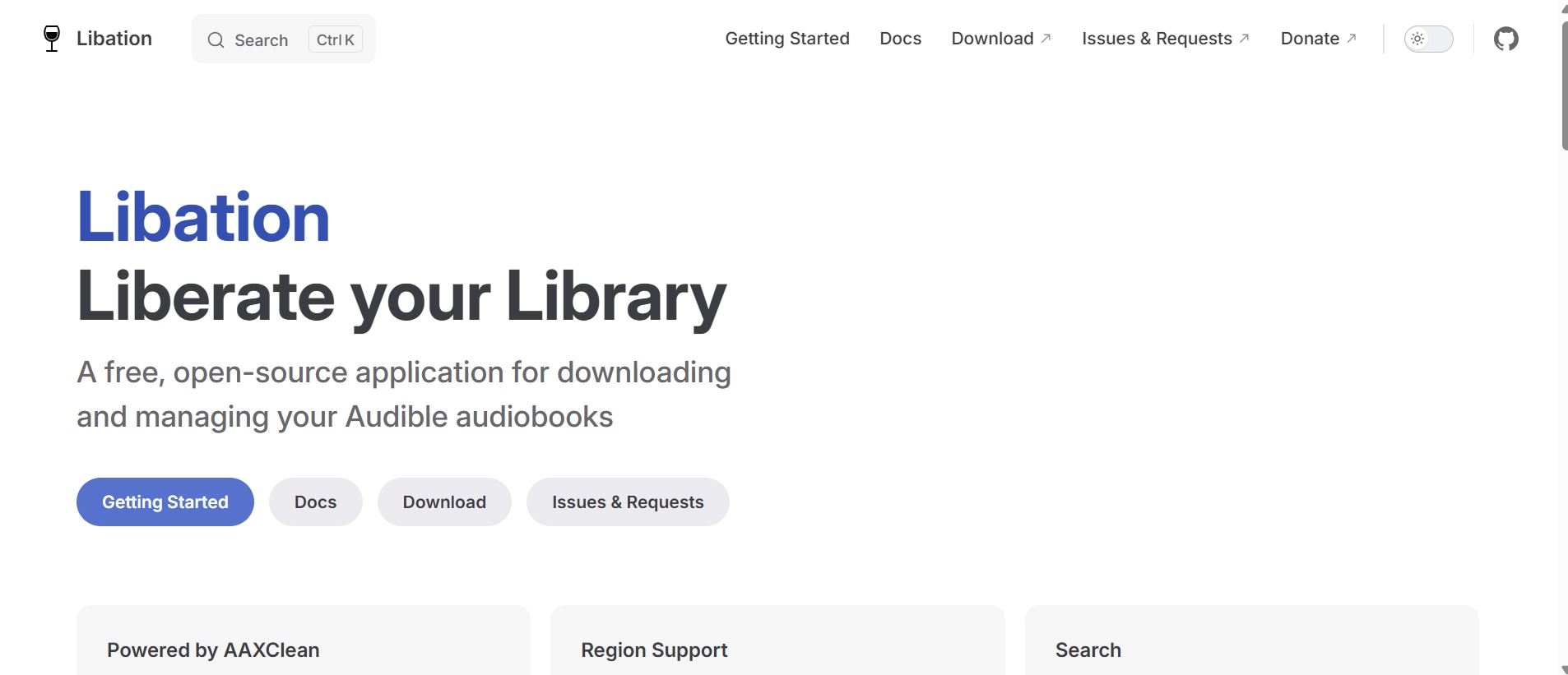
Libation is a free, open-source Audible audiobook downloader and converter designed to help users manage and convert their purchased Audible library. Unlike simple scripts, Libation offers a graphical interface while still providing powerful conversion capabilities under the hood. It can convert Audible AAX files into DRM-free formats like M4B and MP3, making playback possible on multiple devices. The tool automatically organizes audiobooks, preserves metadata, and supports chapter retention for a better listening experience. It is lightweight and regularly updated by its open-source community. While it’s more user-friendly than command-line scripts, initial configuration and account setup may require some attention for first-time users.
.
Features:
Free and open-source software
Converts AAX to MP3/M4B
Preserves chapters and metadata
Built-in Audible library management
DRM removal support for owned content
Cross-platform compatibility
Pros & Cons
10. Aconvert
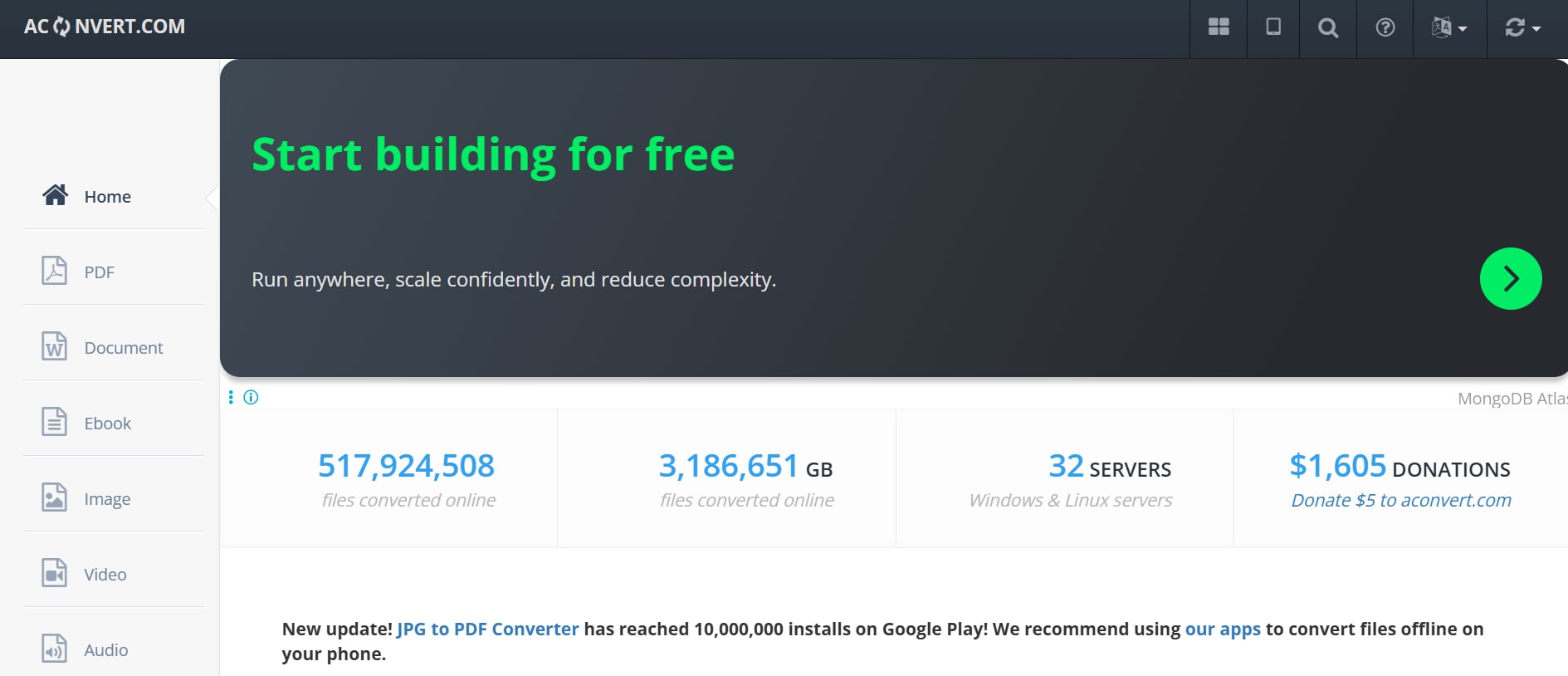
For quick, one-off conversions without installing software, online tools like Aconvert.com offer simple AAX to MP3 conversion through your browser. These services let you upload local files or connect cloud storage and choose bitrates. They’re ideal for occasional use, though they may struggle with large DRM-protected audiobooks and often have file size limits. Since everything runs in the browser, you don’t need to worry about software compatibility with Windows or macOS. However, upload and download speeds depend heavily on your internet connection, which can make large audiobook conversions time-consuming. Additionally, users should be cautious when uploading copyrighted or sensitive files to online platforms, as privacy and security policies vary between services.
Features:
Web-based AAX to MP3 conversion
Upload from local or cloud storage
Bitrate and sample rate choices
No installation required
Works on any OS with browser
Multiple format support
Pros & Cons
Part 5: Common Issues When Converting Audible to MP3 (And Fixes)
Converting audiobooks from Audible to MP3 is usually straightforward, but users may occasionally face technical problems. Below are the most common issues—and practical solutions to fix them quickly.
Authorization Errors
Problem: The converter fails to recognize your Audible account or shows an authorization error when importing AAX files.
Fix:
- Make sure you are logged into the correct Audible account.
- Re-download the audiobook from your library.
- Re-authorize your account within the converter (if required).
- Update the software to the latest version to avoid compatibility issues.
DRM Removal Failure
Problem: The tool cannot remove DRM protection, resulting in conversion failure.
Fix:
Ensure the software officially supports AAX DRM removal.
Check whether the audiobook is fully downloaded (not a partial file).
Restart the converter and try re-importing the file.
Use updated software versions, as DRM systems occasionally change.
Poor Audio Quality After Conversion
Problem: The MP3 file sounds distorted, compressed, or lower in quality than the original audiobook.
Fix:
Adjust the bitrate settings (use 192kbps or 256kbps for better quality).
Avoid converting multiple times, as re-encoding reduces quality.
Choose “lossless” or “original quality” mode if available.
Missing Chapters or Metadata
Problem: Chapter markers, cover art, or ID3 tags disappear after conversion.
Fix:
Enable the “Preserve Chapters” option in settings.
Choose a format like M4B if chapter retention is critical.
Use converters with built-in ID3 tag support.
Slow Conversion Speed
Problem: The audiobook takes too long to convert, especially large files.
Fix:
Close unnecessary background applications.
Enable hardware acceleration (if supported).
Use batch conversion only when system resources allow it.
Ensure your system meets the minimum software requirements.
File Not Playing on Device
Problem: The converted MP3 does not play on your MP3 player, car stereo, or phone.
Fix:
Confirm the file format is MP3 (not M4A or another format).
Try lowering the bitrate for older devices.
Re-transfer the file using a proper USB cable or media manager.
Conclusion
Converting audiobooks from Audible to MP3 allows you to enjoy your purchases on any device without being restricted by the AAX format or DRM limitations. In this guide, we compared MP3 vs AAX, discussed important factors to consider before choosing a converter, and reviewed the 10 best Audible to MP3 converter tools in 2026. We also covered common conversion issues and practical fixes to ensure a smooth experience.
For users seeking an all-in-one media solution, Wondershare UniConverter offers reliable audio conversion along with additional editing and compression features. With the right converter, you can unlock greater flexibility and listen to your audiobooks anytime, anywhere.
FAQs
-
1. Is it legal to convert Audible to MP3?
Converting Audible audiobooks for personal use may be allowed in some regions, but laws vary by country. You should only convert audiobooks that you have legally purchased. Sharing or distributing converted files can violate copyright laws and platform terms of service. Always review your local regulations before proceeding. -
2. Will converting AAX to MP3 reduce audio quality?
Not necessarily. Most modern converters can maintain high audio quality when you choose a higher bitrate such as 192kbps or 256kbps. Very low bitrate settings may reduce clarity due to heavier compression. For best results, select the highest or original-quality option available. -
3. Can I keep chapter markers after converting to MP3?
The MP3 format offers limited support for chapter markers compared to M4B. Some advanced converters try to preserve chapters, but results may vary. If keeping chapter structure is important, converting to M4B is usually a better option. -
4. What is the easiest way to convert Audible to MP3?
Using a desktop converter with a simple interface and one-click processing is typically the easiest method. Tools like Wondershare UniConverter provide fast audio conversion, multiple format support, and additional features such as compression and editing. -
5. Why is my Audible file not converting?
Conversion problems can occur due to incomplete downloads, outdated software, DRM updates, or authorization issues. Ensure the audiobook is fully downloaded and your converter is updated. Restarting the program or re-importing the file often resolves minor technical errors.

