
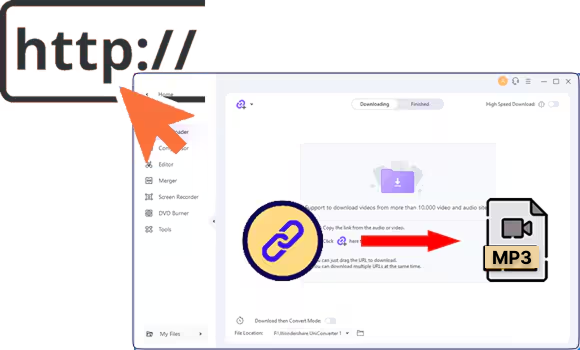

Finding a track on SoundCloud you can't get anywhere else can be frustrating, especially when you want to enjoy it offline. Streaming is convenient, but losing access without an internet connection or risking lower-quality audio can be annoying. That's where a reliable SoundCloud downloader 320kbps comes in handy.
This guide walks through 8 free download options across desktop, online, and mobile platforms, comparing features, speed, and audio quality. You'll also learn how to verify high-quality SoundCloud to MP3 320kpbs files, ensure free download safety, and understand legal considerations. By the end, choosing the right tool for high-quality offline listening will be straightforward.

SoundCloud to MP3 Converter
In this article
- Part 1: Can you really download SoundCloud songs at 320kbps?
- Part 2: Best SoundCloud to MP3 downloaders with 320kbps support
- Part 3: Compare SoundCloud to MP3 320kbps converters by quality, batch support, and safety
- Part 4: How to Download SoundCloud to MP3 at 320kbps: Step-by-Step Tutorials
- Part 5: Is Downloading from SoundCloud Legal? Copyright & Ethics Guide
- FAQs about SoundCloud Downloader 320kbps
- Conclusion: Choosing Your Ideal SoundCloud Downloader
Can you really download SoundCloud songs at 320kbps?
What audio quality does SoundCloud actually stream?
SoundCloud audio quality depends on both the streaming bitrate and the original file uploaded by the artist. Knowing what each level offers helps you set realistic expectations for downloads.
- Free users: Streams are limited to 128kbps MP3, which is compressed and may lose subtle details.
- SoundCloud Go+: Premium subscribers enjoy 256 kbps AAC, roughly equivalent to a high-quality 320 kbps MP3.
- "320kbps downloads" can be Misleading: Some tools simply upsample lower-bitrate streams, creating larger files without improving actual sound.
- Artist Upload Quality Matters: Even with high-bitrate streaming, low-quality uploads won't improve; the original mastering defines clarity.
What Does 320kbps Really Mean?
When a track is labeled 320kbps, it tells you about its audio bitrate, which is the amount of data used per second of music. A higher bitrate usually means better MP3 quality and more accurate audio fidelity.
| Bitrate | File Size | Frequency Range | Typical Use Cases |
| 128kbps | Small | 20Hz - 16kHz | Streaming, casual listening, and low-storage devices |
| 256kbps | Medium | 20Hz - 20kHz | Most downloads, decent quality for everyday use |
| 320kbps | Large | 20Hz - 20kHz | High-quality audio, audiophile listening, and professional projects |
How to Verify Your Downloaded Audio Quality?
You can use tools like Spek or Audacity to analyze the file's spectrum and verify audio quality. Spectrum analysis shows the range of frequencies present in your audio and helps identify if any high frequencies are missing. A properly encoded 320kbps MP3 should maintain frequencies up to 20kHz without noticeable drop-offs.
Best SoundCloud to MP3 downloaders with 320kbps support
Best Desktop SoundCloud Downloaders (Windows & Mac)
Desktop downloaders give you serious advantages. You get batch playlist support, complete metadata like artist names and album art, zero ads, and speeds that are faster than online options.
Most of these tools need installation and come with paid versions, though free trials are available. If you're someone who downloads playlists often, curates DJ sets, or wants to keep your favorite tracks organized with full details, a desktop tool is your best move.
Wondershare UniConverter: Best All-In-One Media & SoundCloud Downloader
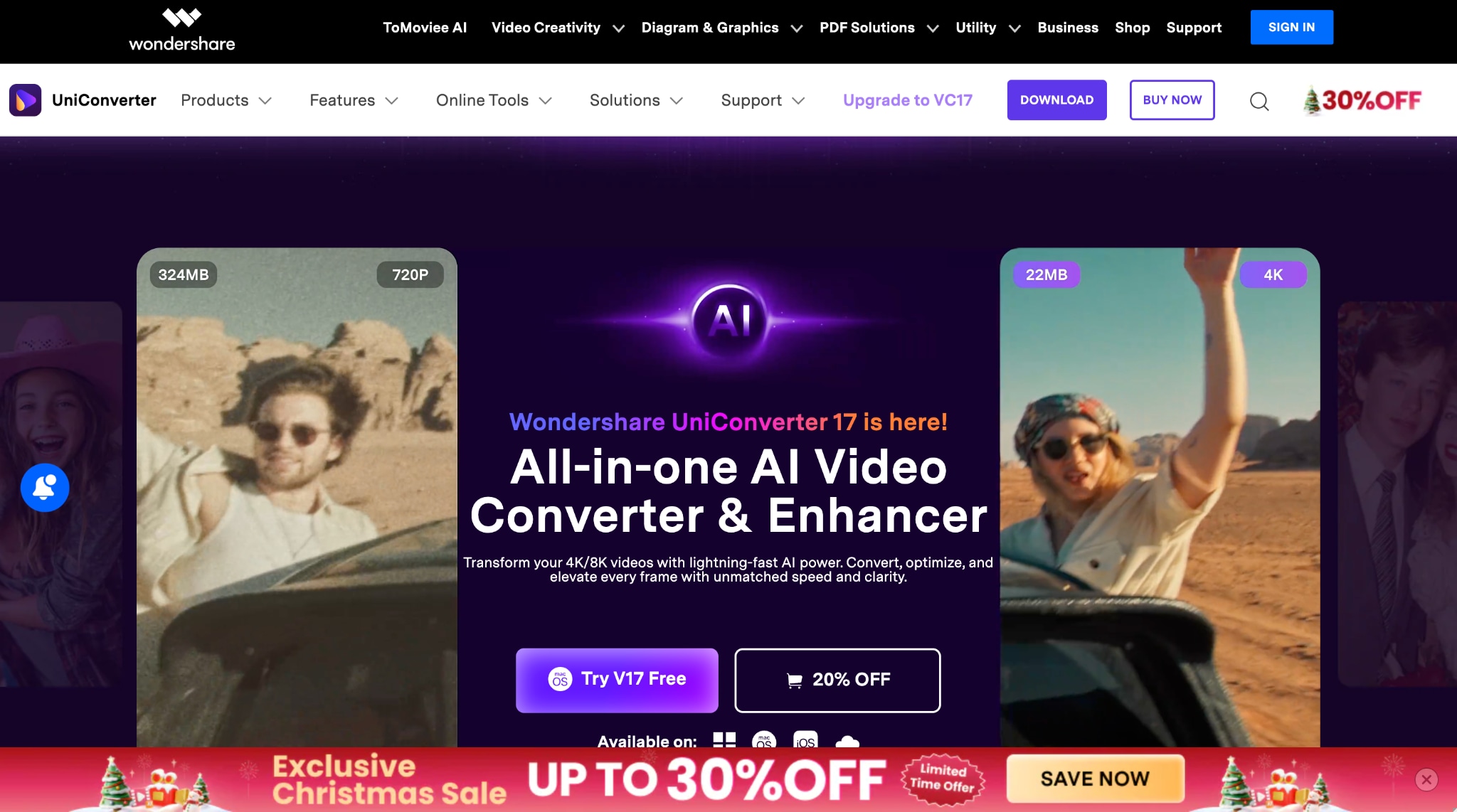
Wondershare UniConverter is a full-scale media solution built for users who want speed, quality, and flexibility in one platform. It goes beyond basic downloading by combining SoundCloud playlist 320kbps downloads, high-speed conversion, compression, editing, and recording into a single desktop application.
UniConverter supports over 1,000 formats and GPU-accelerated performance. UniConverter handles everything from single tracks to large playlists without slowing you down. It also preserves metadata, artwork, and audio quality up to 320kbps, making it a dependable choice for anyone managing music, video, and mixed media libraries regularly.
SoundCloud to MP3 Converter
Key Features
- Batch download entire SoundCloud playlists, albums, and tracks in one go
- MP3, AAC, WAV, and FLAC formats with up to 320kbps output quality
- 30X faster conversion with GPU acceleration
- You get an MP3 cutter, vocal remover, and noise reduction features in one place.
Best For: The tool is the right fit for those who manage mixed media libraries and want video editing, audio conversion, and streaming downloads all in one application.
Safety Rating: ★★★★★ | Official Wondershare software downloaded only from videoconverter.wondershare.com with no malware risk. No data collection beyond account registration.
NoteBurner Music One: Best for Multi-Platform Streaming
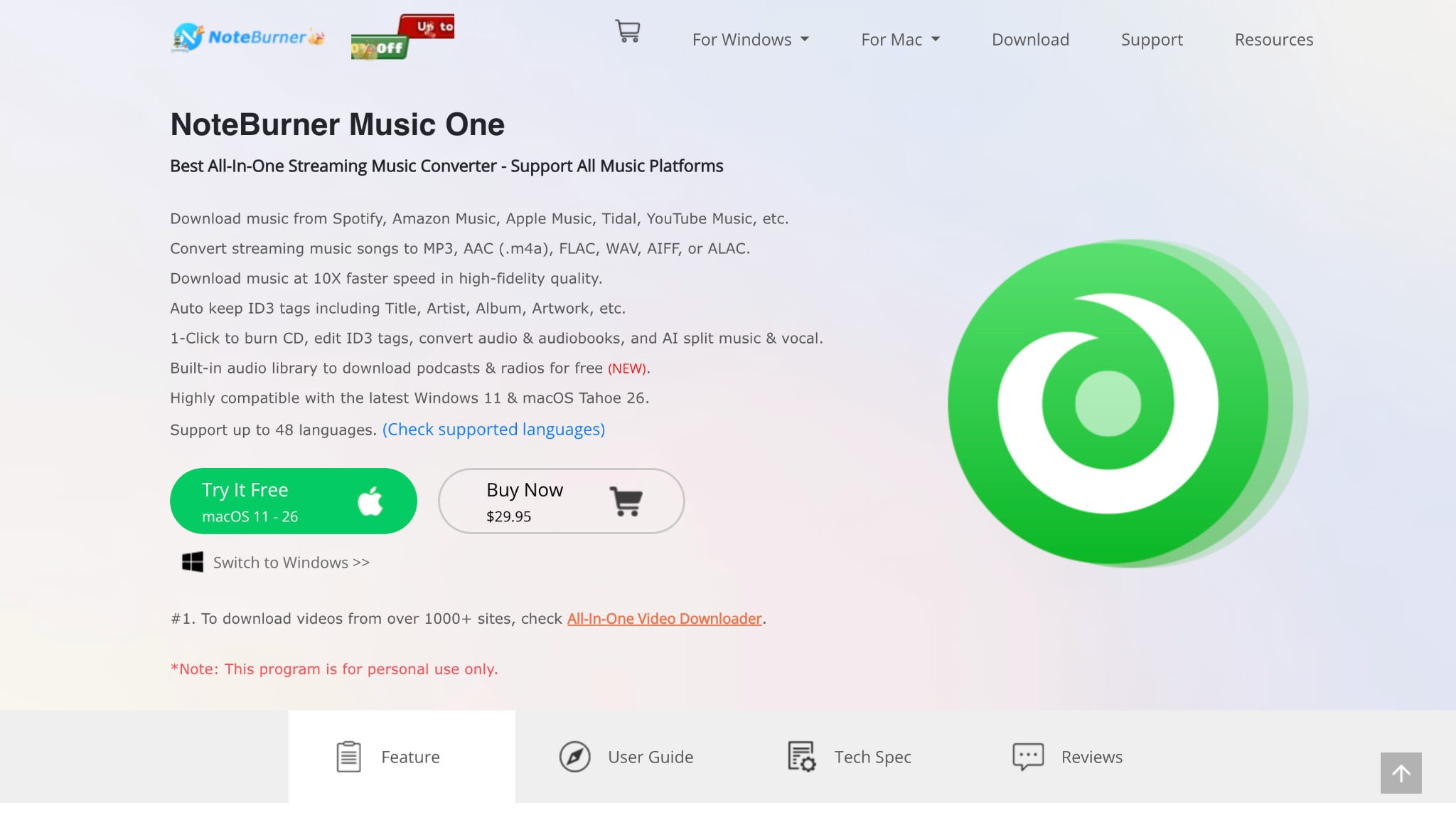
NoteBurner Music One converts SoundCloud alongside Spotify, Apple Music, Amazon Music, Tidal, YouTube Music, and Deezer within one application. The tool records audio during playback and converts it to multiple formats while maintaining 320 kbps quality.
Key Features
- Saves ID3 tags, including lyrics, artist credits, album art, and track numbers
- Output formats: MP3, AAC, FLAC, WAV, AIFF, and ALAC up to 320kbps
- Maintains original playlist structure from each streaming service
- Built-in tools for format conversion, CD burning, and ID3 tag editing
Best For: Choose this if you're downloading from multiple streaming services and want everything in one tool without managing separate applications.
Safety Rating: ★★★★☆ | Safe when downloaded from official noteburner.com. However, Spotify and similar services detect and ban accounts using this tool; use with caution on subscription services with strict terms of service.
Sidify All-In-One Music Converter: Best for Audio Quality & Metadata
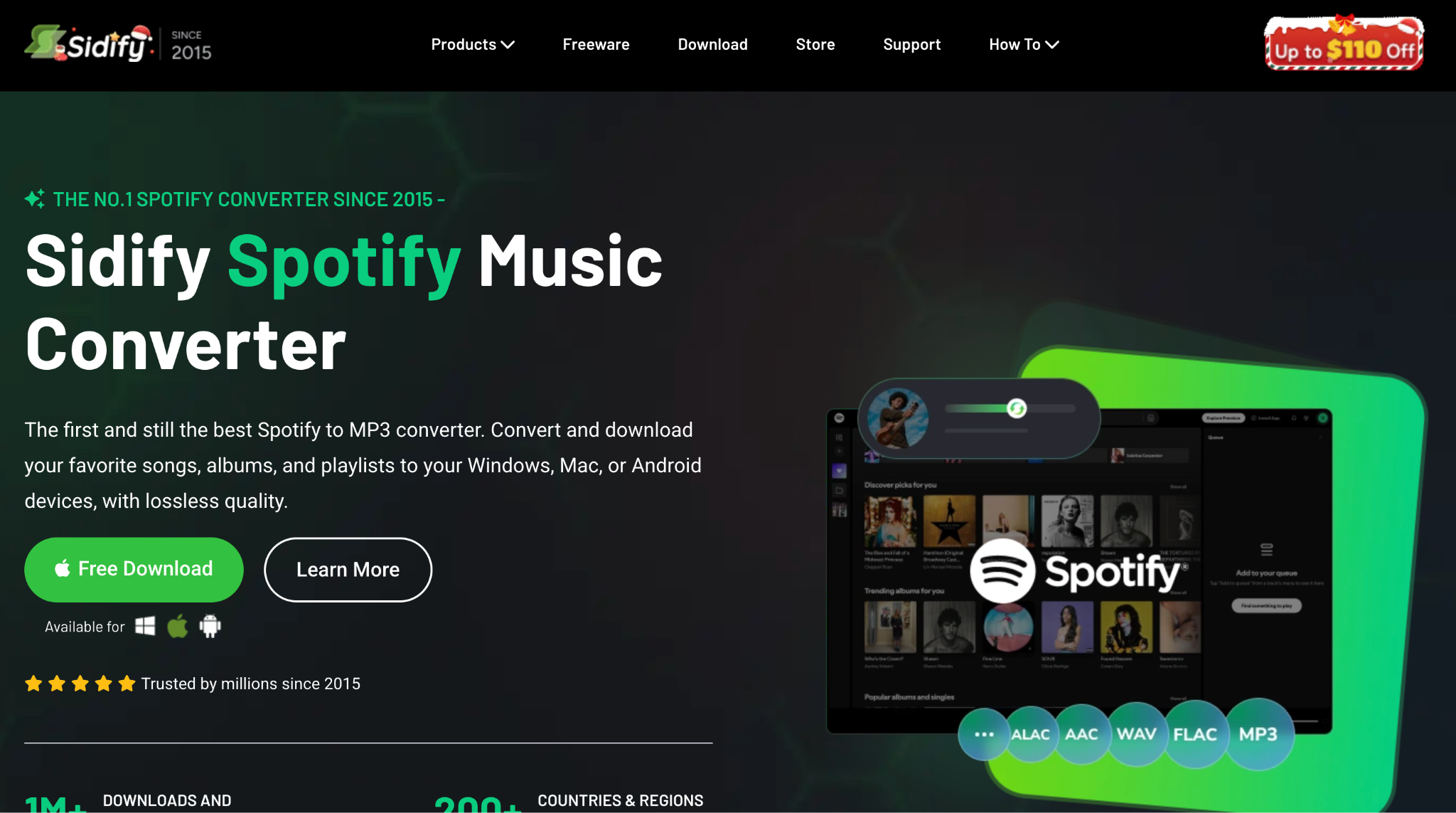
Sidify All-In-One Music Converter is built for audio-focused listeners who care about sound quality and keeping complete metadata. The tool works in two recording modes (app recording and web player download), so it remains compatible even when the API changes.
Key Features
- Dual recording modes ensure reliability
- Batch download with embedded SoundCloud web player (no app switching)
- Output quality up to 320kbps MP3, plus lossless formats (FLAC, WAV, AIFF, ALAC)
- Complete ID3 tag preservation with artwork, lyrics, track numbers, disc numbers
Best For: The tool is the right choice if you are an audiophile or professional audio engineer wanting lossless quality, complete metadata, and reliable batch processing.
Safety Rating: ★★★★★ | Official Sidify software with zero malware, spyware, or ad components. Downloads verified only from sidify.com with 24/7 customer support.
yt-dlp: Best for Technical Users & Automation
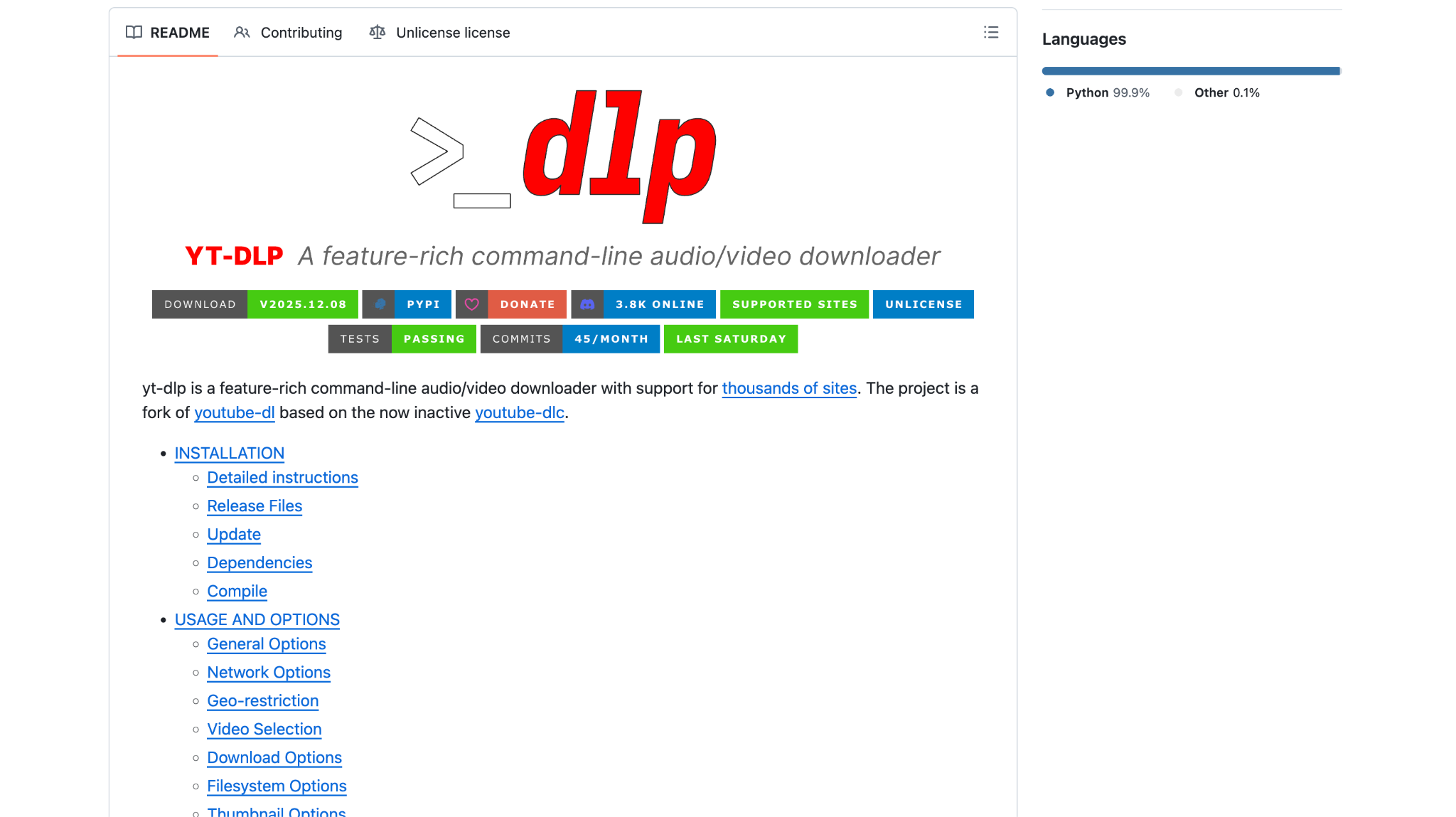
yt-dlp is the open-source, command-line tool for advanced users comfortable with terminal workflows. This free, community-maintained fork supports 1,000+ sites, including SoundCloud, with complete code transparency and zero proprietary restrictions. If you want granular control over format selection, yt-dlp delivers capabilities that graphical tools can't match.
Key Features
- Completely free with open-source code, anyone can review and verify
- Command-line customization for exact bitrates, formats, output folders, and file naming
- Batch download entire SoundCloud playlists with automated metadata embedding
- Audio-only extraction in MP3, M4A, WAV, and OGG formats
Best For: The tool is ideal if you're a developer or technical power user building automation workflows who values complete control and transparency.
Safety Rating: ★★★★★ | Open-source GitHub repository with transparent code verified by community security researchers. Installation direct from github.com/yt-dlp/yt-dlp ensures authenticity.
Best Free Online SoundCloud to MP3 Converters
Online converters work straight from your browser on any device, desktop, mobile, or tablet. You don't need to register or create an account. But here's what to expect: single-track downloads only, limited metadata preservation, variable quality output, and pop-up ads. Use an ad-blocker and watch for pop-ups.
SoundCloudAud: Best Online Option for Playlists
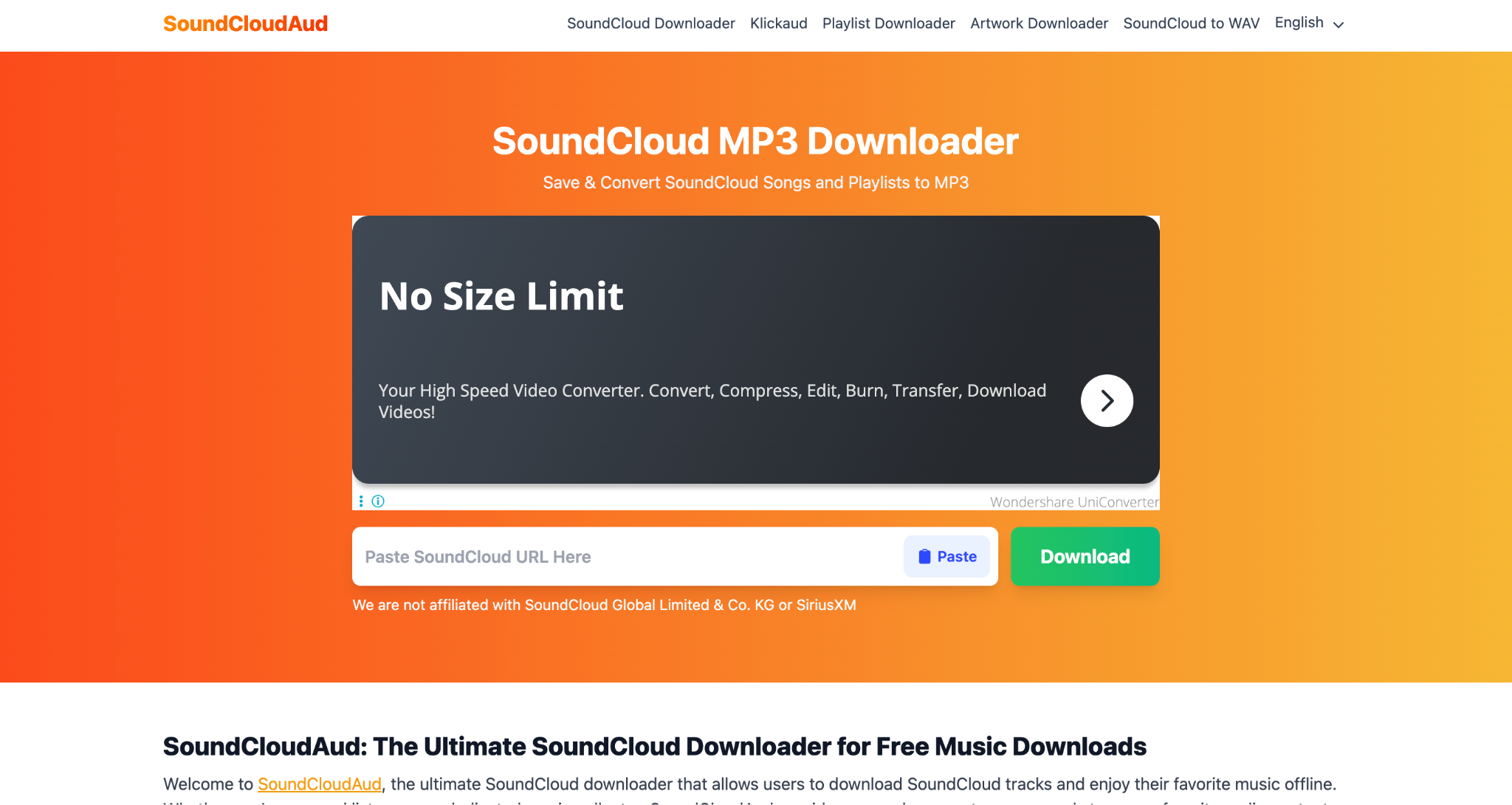
SoundCloudAud stands out because you can download entire playlists into a single ZIP file, which saves you from managing tons of individual files. The tool supports tracks at 128 kbps, 192 kbps, and 320 kbps, so you can choose the quality before converting. No registration needed, and you get a clean interface.
Key Features
- Download complete playlists as single ZIP files
- Quality options: 128kbps, 192kbps, and 320kbps MP3 selection
- Unlimited downloads without registration, login, or hidden costs
- Batch processing for multiple tracks simultaneously
Best For: Choose this if you're downloading complete playlists for offline listening and want consolidated file management without registering.
Safety Rating: ★★★★☆ | Claimed malware-free with no intrusive advertisement networks. Security databases verify a clean status, though independent verification is less extensive than that offered by paid alternatives.
KlickAud: Best for Fast One-Click Downloads
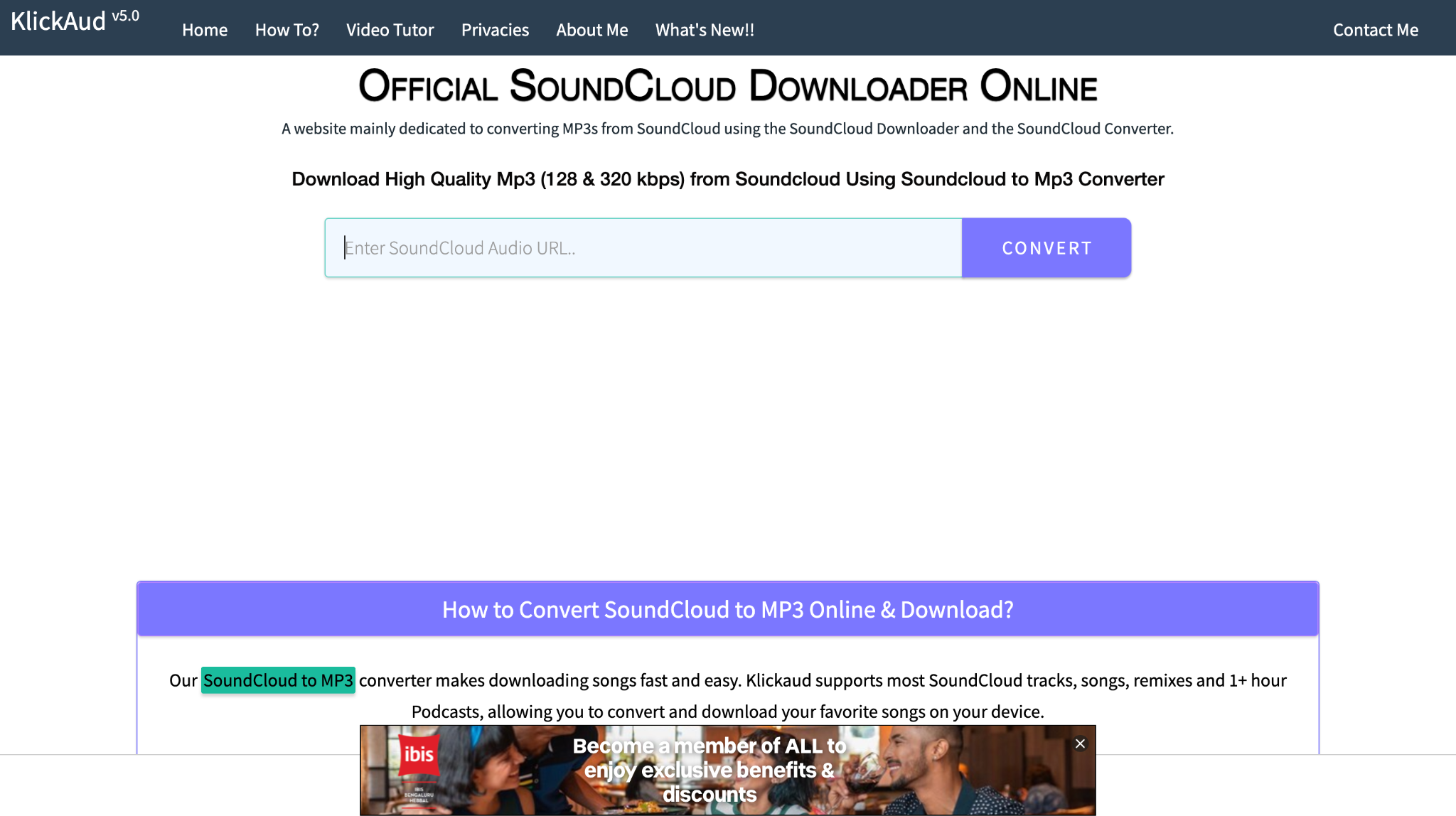
KlickAud keeps things simple: copy the link, paste it, and download. No complicated settings to fiddle with. Supporting individual tracks and playlists up to 3+ hours, including podcasts, KlickAud stays lightweight and loads fast. Version 5.0 claims 100% compatibility with SoundCloud links, including shortened URLs.
Key Features
- Single-click interface with ultra-simple copy-paste-download workflow
- High-quality MP3 output at 128kbps and 320kbps options
- Podcast support extending to 3+ hours without timing out
- 100% link compatibility, including shortened and shared playlist links
Best For: The tool is best for those who grab occasional tracks and want absolutely minimal friction without complicated settings.
Safety Rating: ★★★★☆ | Transparent security credentials build confidence. Domain migration (Klickaud.co to Klickaud.org) received clarification regarding a legitimate DMCA filing.
MusicVerter: Best Online Option for DJs
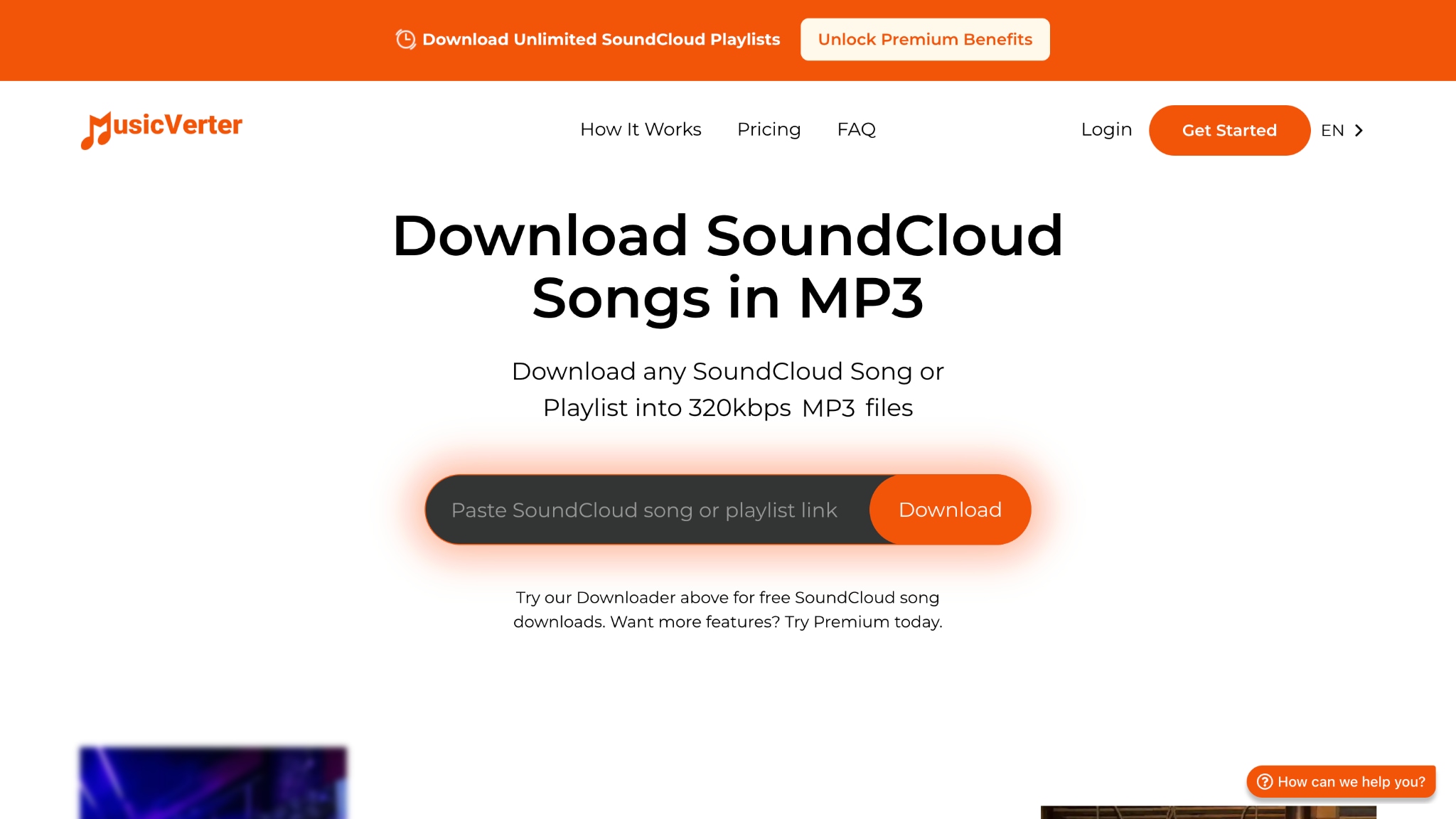
MusicVerter targets DJs and music creators with a freemium model, letting you download unlimited individual tracks while keeping playlists behind premium tiers. The platform supports straight web conversion with built-in community profiles. MusicVerter emphasizes compatibility with Spotify, Apple Music, and professional audio platforms.
Key Features
- Unlimited single SoundCloud song downloads at 320kbps MP3 on the free tier
- Multiple output formats: MP3, AAC, WAV, FLAC with embedded file information
- Support for SoundCloud Go+ premium track downloads (Premium tier)
- Community DJ profile integration showcasing talent to 100,000+ users monthly
Best For: The tool is an ideal choice if you're building a DJ performance library and might expand to playlist downloads later through paid tiers.
Safety Rating: ★★★★☆ | DMCA-compliant platform with documented legal structure. Creator transparency regarding copyright protection establishes legitimacy, though independent security verification is more limited.
SoundCloud MP3: Budget Alternative for Experienced Users
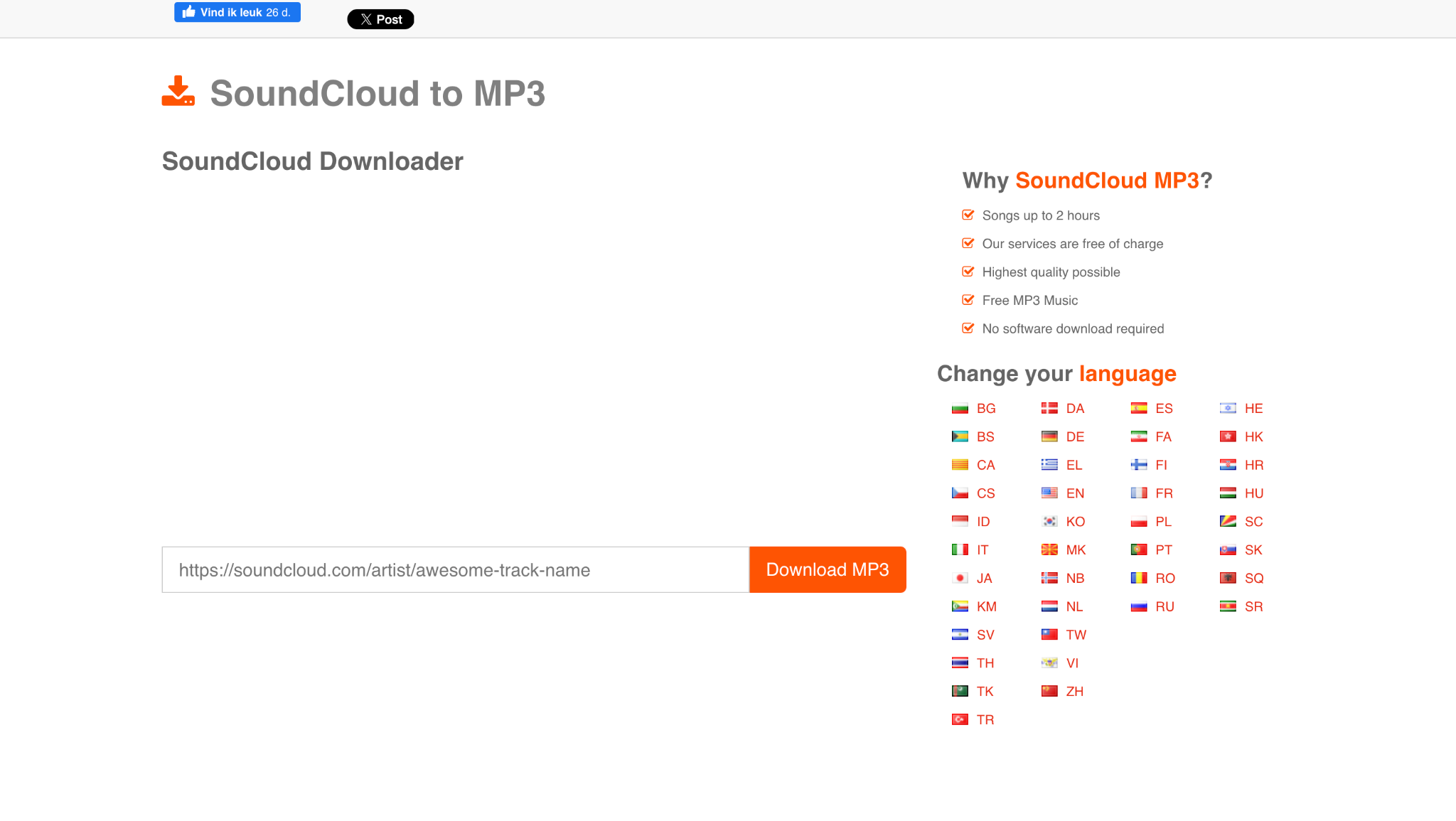
SoundCloud MP3 offers unlimited downloads without registration. You do not need to create an account, and your downloads are not stored on the service after processing, keeping your activity private. With fast processing and support for 320 kbps MP3 files, it appeals to users who value privacy and simplicity. Supporting 320 kbps MP3s with fast processing, it appeals to privacy-conscious users.
Key Features
- Completely anonymous operation with zero data tracking
- Unlimited downloads without session caps or registration requirements
- 320kbps MP3 quality output with quick conversion
- Simple interface requiring only URL paste and single-button downloading
Best For: Ideal for experienced users who are comfortable evaluating security risks independently and prioritizing absolute anonymity over verified trustworthiness.
Safety Rating: ★★★☆☆ | Limited independent verification compared to KlickAud's VirusTotal certification. Only recommended for experienced users comfortable with security uncertainty.
Compare SoundCloud to MP3 320kbps converters by quality, batch support, and safety
The table below compares the most popular SoundCloud downloaders across pricing, speed, audio quality, batch support, and safety, helping you quickly identify the most reliable option for consistent 320kbps downloads.
How We Tested SoundCloud 320kbps Downloaders
For this guide, we evaluated SoundCloud to MP3 downloaders based on audio quality, download reliability, metadata handling, and how practical each tool is for users who want higher-quality offline listening.
Audio quality
We checked whether the downloaded MP3 output actually remains clear and useful, rather than simply labeling lower-quality audio as 320kbps.
Download reliability
We reviewed whether each tool consistently handles tracks or playlists without frequent failures, broken links, or unstable processing.
Metadata & organization
We compared whether the tools preserve useful track details such as artist names, titles, and artwork for easier music library management.
Offline listening value
We also considered batch support, workflow simplicity, and whether the final files are practical for repeat listening across devices.
This page gives extra weight to genuine audio quality and reliable output, since users searching for a SoundCloud 320kbps downloader usually care most about keeping tracks offline without obvious quality compromise.
| Tool | Platform | Output Quality | Batch | Metadata | Safety | Best For | Price |
| UniConverter | Desktop | 320kbps | ✅ | ✅ | ★★★★★ | Mixed media management | Freemium |
| NoteBurner | Desktop | 320kbps | ✅ | ✅ | ★★★★☆ | Multi-platform streaming | Buy: $29.95 |
| Sidify All-In-One Music Converter | Desktop | 320kbps | ✅ | ✅ | ★★★★★ | Audio quality focus | Monthly Subscription: $29.95/monthYearly Subscription: $79.90Lifetime: $149.90 |
| yt-dlp | Desktop | 320kbps | ✅ | ✅ | ★★★★★ | Technical automation | Free |
| SoundCloudAud | Online | 320kbps | ❌ | ✅ | ★★★★☆ | Online playlists | Free |
| KlickAud | Online | 320kbps | ❌ | ✅ | ★★★★☆ | Quick single tracks | Free |
| MusicVerter | Online | 320kbps | ❌ | ✅ | ★★★★☆ | DJ workflows | Premium: $13/month |
| SoundCloud MP3 | Online | 320kbps | ❌ | ❌ | ★★★☆☆ | Experienced users | Free |
How to Download SoundCloud to MP3 320kbps: Step-by-Step Tutorials
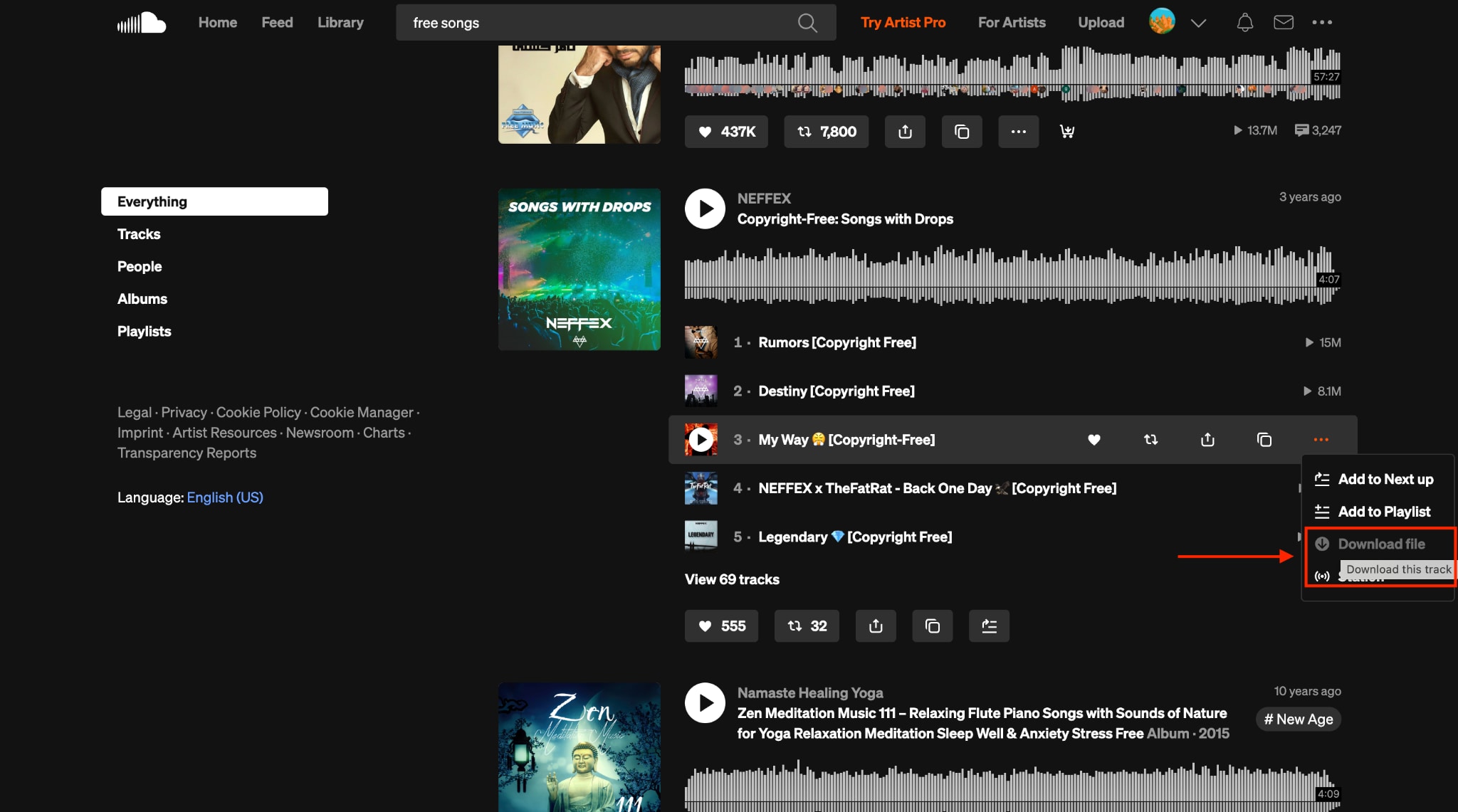
Method 1: Using Official SoundCloud Download Button (When Available)
Follow these steps to download free music from SoundCloud when the download button is visible, and the music is copyright-free:
Step 1: Visit the official website of SoundCloud and search for songs.
Step 2: Hover over any song, click the three dots, and click "Download File."
Method 2: Desktop Software Tutorial (Using UniConverter)
Here is the step-by-step guide to use SoundCloud Downloader 320kbps for pc/Mac and get audio in MP3:
SoundCloud to MP3 Converter
Step 1: On the UniConverter’s dashboard, click on "Downloader."
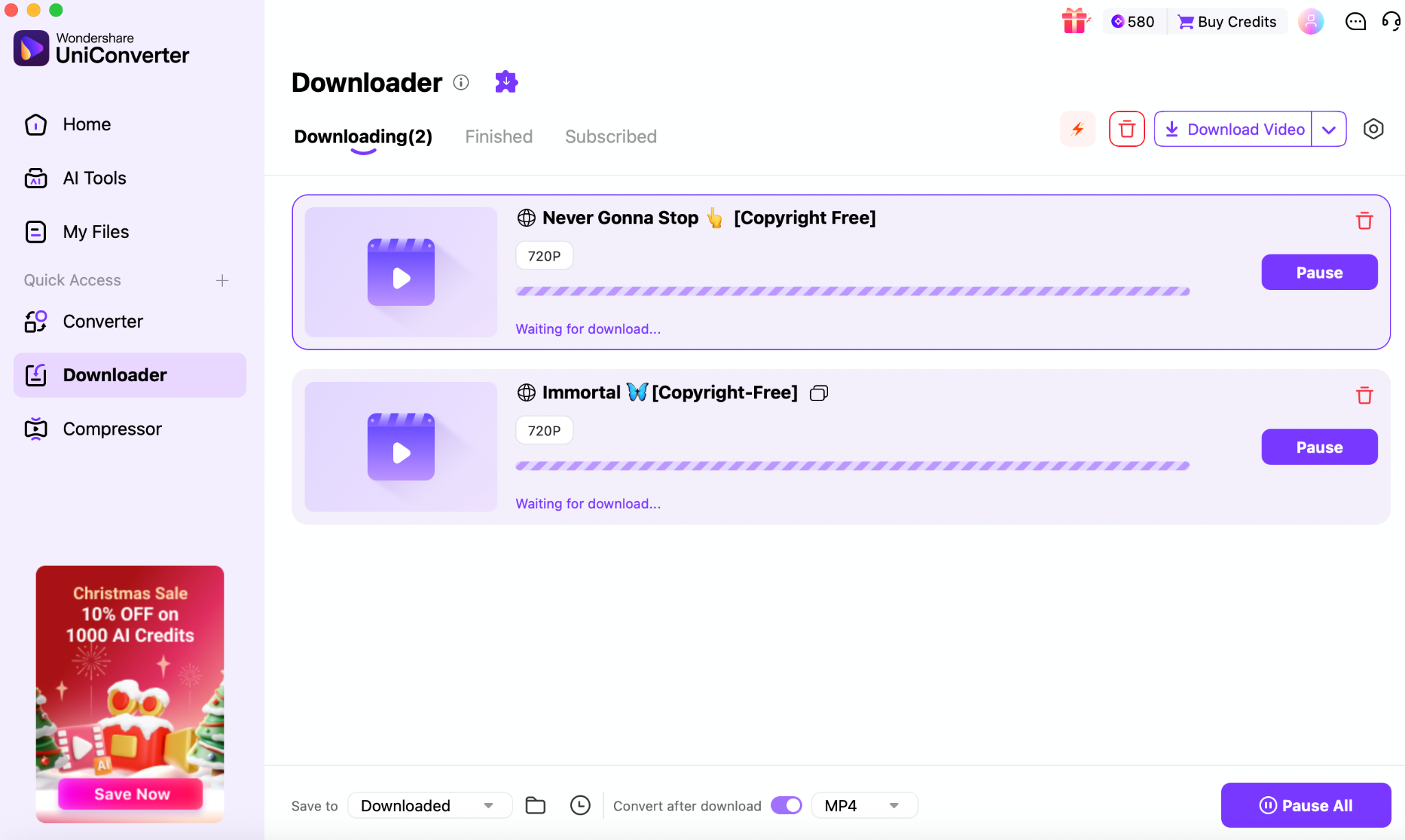
Step 2: Paste the link you copied from SoundCloud, or paste multiple links to download multiple files in a batch.
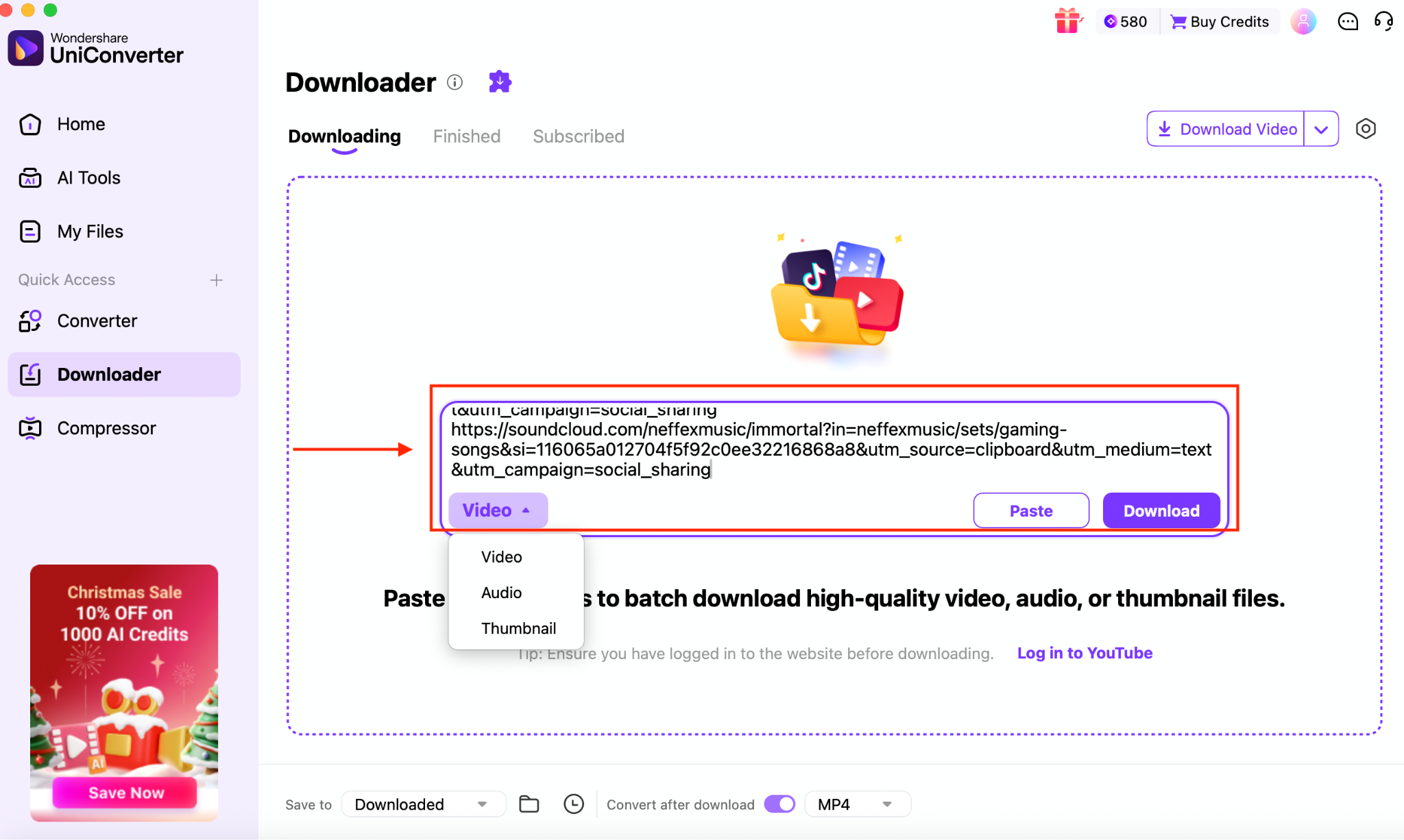
Step 3: Click on Convert after download, navigate to Audio, choose MP3, and choose high quality.
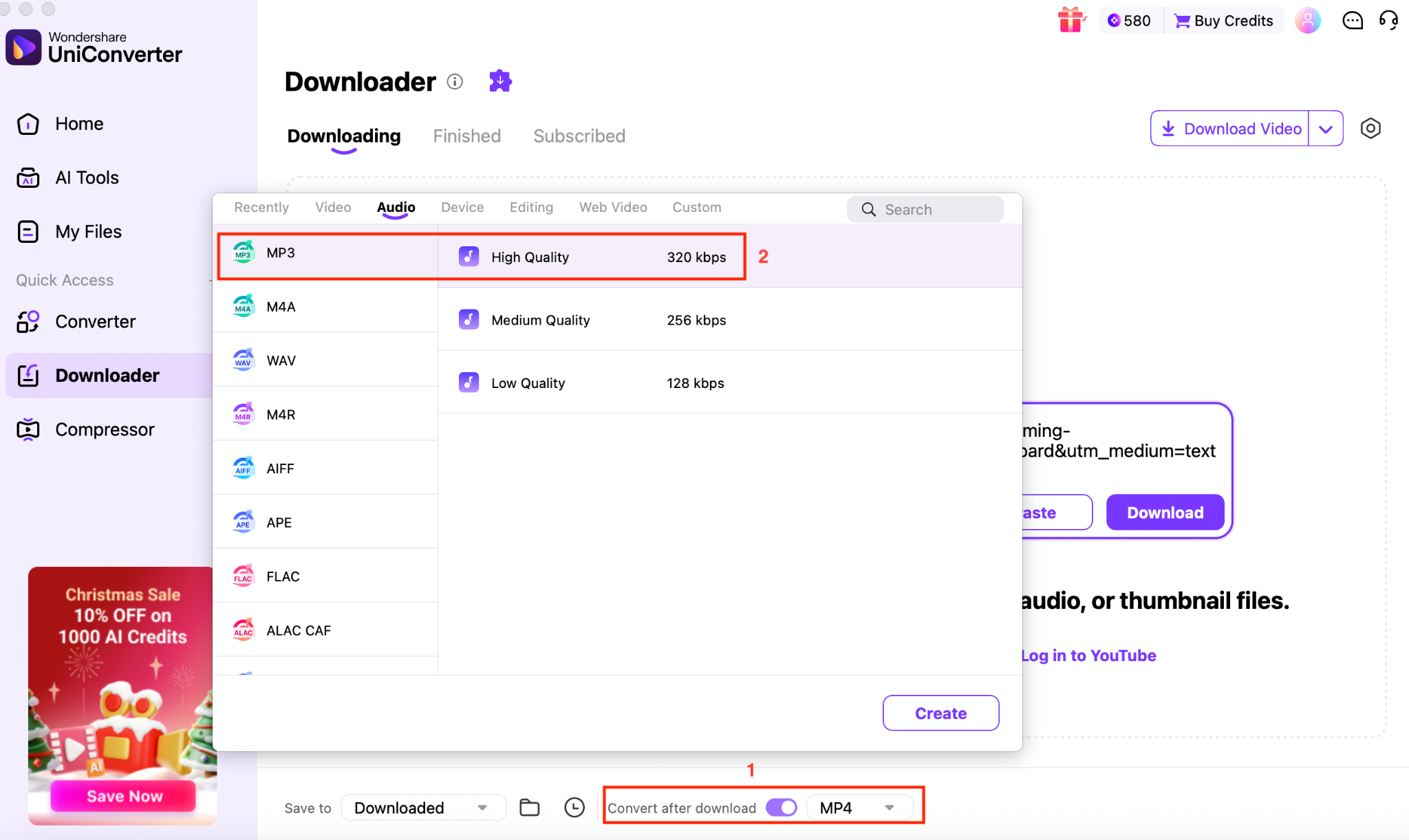
Step 4: Click the "Download" button, and your copyright-free SoundCloud music will be saved within a few seconds.
Method 3: Online Converter Tutorial (Using SoundCloudAud)
To download SoundCloud to MP3 320kps, follow these simple steps:
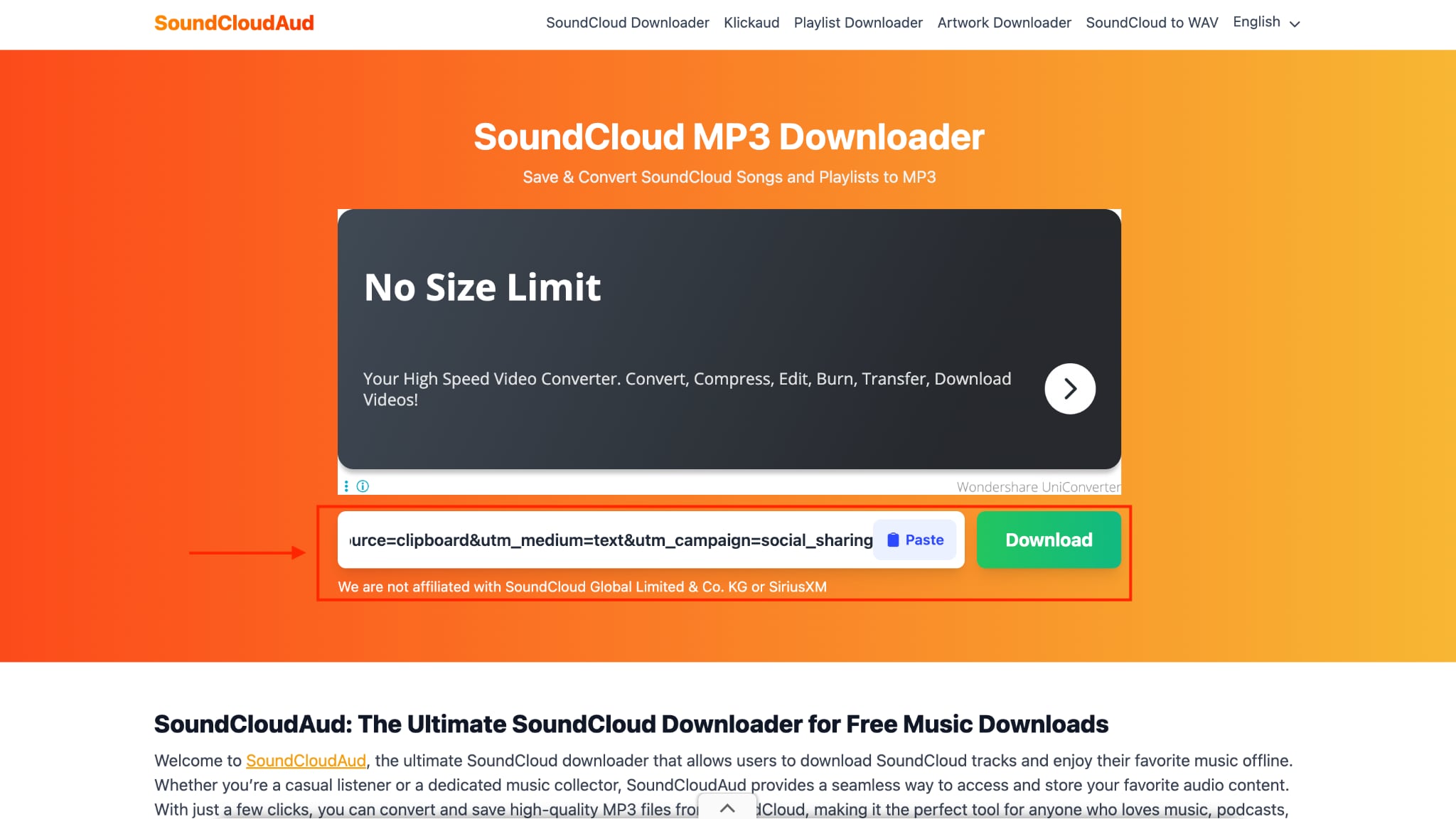
Step 1: Visit the official SoundCloudAud website, paste the link, and click "Download."
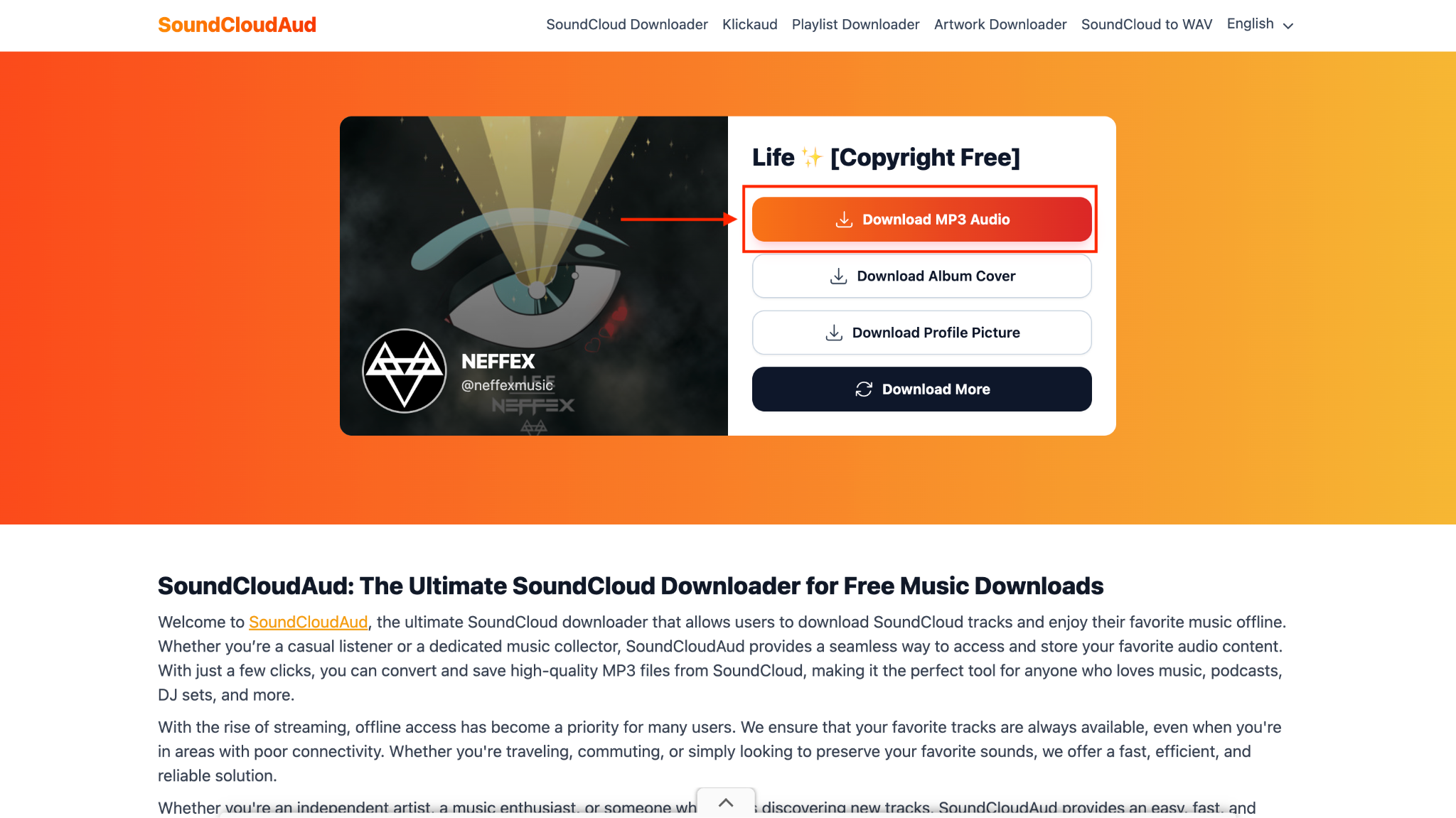
Step 2: Click on "Download MP3 Audio" to save the music.
Is Downloading from SoundCloud Legal? Copyright & Ethics Guide
Downloading from SoundCloud is legal only when the track is explicitly marked for download by the creator or shared under a license such as Creative Commons that permits offline use. Downloading copyrighted music without permission, especially for redistribution or commercial use, violates copyright laws in most countries and may breach SoundCloud's terms of service.
From an ethical standpoint, respecting artists' rights by streaming legally or purchasing tracks ensures creators are fairly supported for their work.
FAQs about SoundCloud Downloader 320kbps
-
Can I download 320 kbps audio from SoundCloud
Yes, but only if the original track was uploaded in high bitrate by the creator. A SoundCloud MP3 download at 320 kbps is not possible when the source file is of lower quality, as converters cannot upscale audio without loss. -
What's the best free SoundCloud downloader
There is no truly free tool that consistently delivers reliable high-bitrate output without limitations. Wondershare UniConverter is often preferred because it clearly shows output settings and avoids misleading bitrate claims common in many free tools. -
Is using a SoundCloud downloader safe
Yes, if you use reputable software and avoid browser-based tools filled with intrusive ads or redirects. Wondershare UniConverter is considered safer because it runs as a desktop application and does not require you to log in to your SoundCloud account. -
Why do some SoundCloud downloaders claim 320kbps but deliver poor quality
This happens when tools re-encode low-bitrate streams and label them as SoundCloud MP3 320 kbps, even though the audio data remains compressed. Wondershare UniConverter helps prevent this by preserving the original stream quality instead of artificially inflating bitrate numbers. -
Can I download entire SoundCloud playlists at once
Yes, but only with advanced desktop tools that support batch processing. A dedicated SoundCloud converter 320 kbps, like Wondershare UniConverter, allows playlist downloads while maintaining consistent audio settings across all tracks.
Conclusion: Choosing Your Ideal SoundCloud Downloader
Choosing the right Soundcloud downloader 320kbps depends on how often you download, the level of quality you expect, and how much control you want. If you regularly save playlists, care about metadata, and want consistent results, desktop tools clearly give you the most reliable experience.
For occasional downloads, online converters can work, but they come with trade-offs in quality and safety. No matter which option you choose, always verify the source quality and respect copyright rules so you enjoy high-quality offline listening without unnecessary risk.

