


In the digital age, your desktop isn't just a tool—it’s a canvas. Selecting the rightwallpaper website can dramatically enhance your workspace, reflect your personality, or boost productivity. Whether you're looking for high-resolution images, themed designs, or artistic styles, choosing the right source is crucial. With so many wallpaper websites available, it’s easy to feel overwhelmed.
This guide aims to simplify your search for the best wallpaper website for PC by presenting the top 10 platforms—both free and paid—along with a detailed comparison, image enhancement tips, and expert FAQs. Let’s explore the best places to make your screen truly yours.
In this article
Part 1. Best 10 Wallpaper Websites for PC 2025
Finding the best wallpaper website for PC is essential to give your desktop a fresh and personalized look. With hundreds of wallpaper websites online, ranging from anime wallpaper website collections to HD photography libraries, it's essential to identify which platforms are genuinely worth your time. Whether you're searching for live wallpaper for website, clean, minimalist options, or stunning HD images for website use, we’ve curated the top 10 platforms—both free and paid—that stand out in 2025.
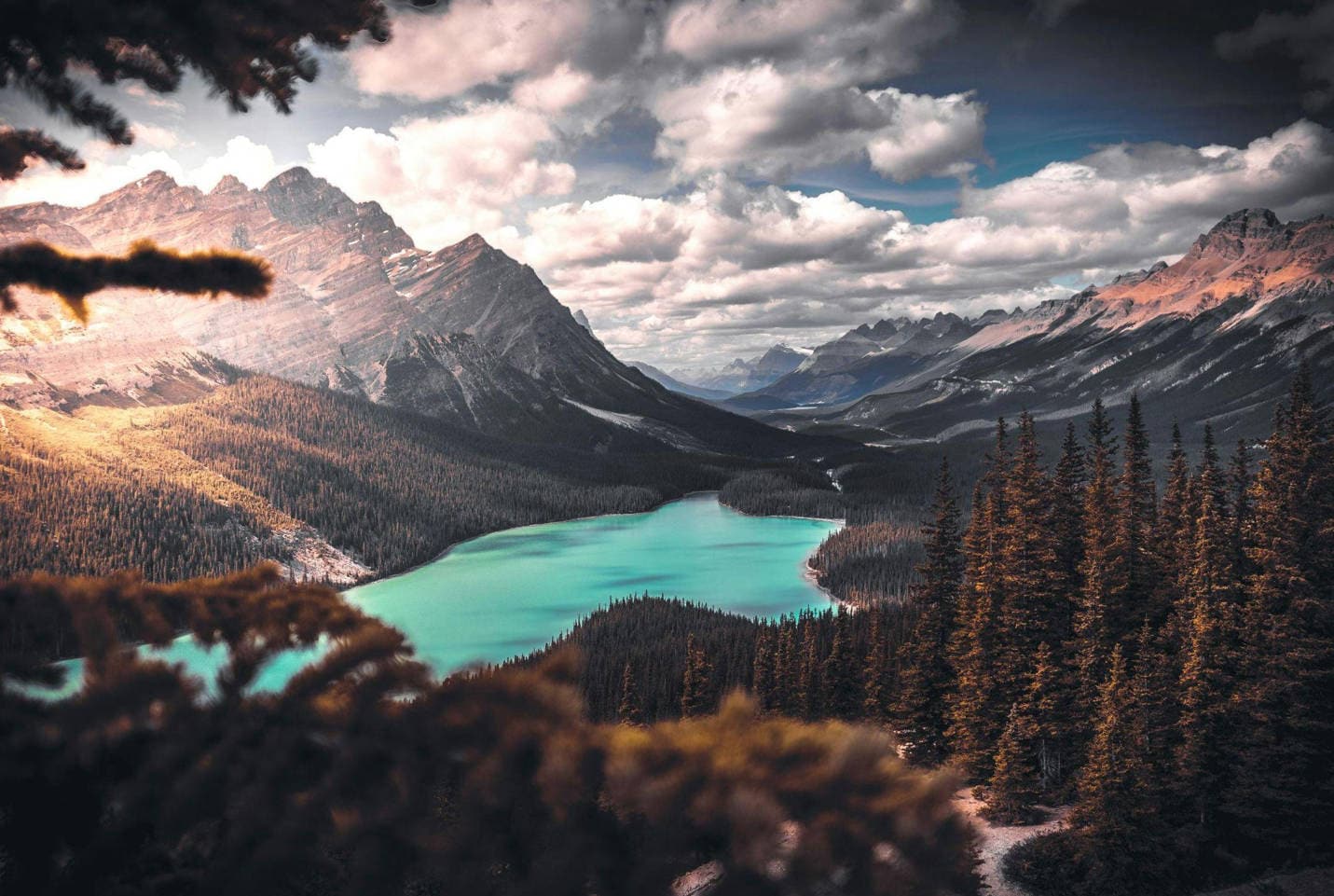
From the biggest wallpaper sites to niche cool wallpaper sites, every PC wallpaper website listed here has been tested for quality, usability, and variety. Each entry includes a homepage snapshot, along with pros and cons to help you choose the best wallpaper websites for PC and your unique taste.
1. Unsplash
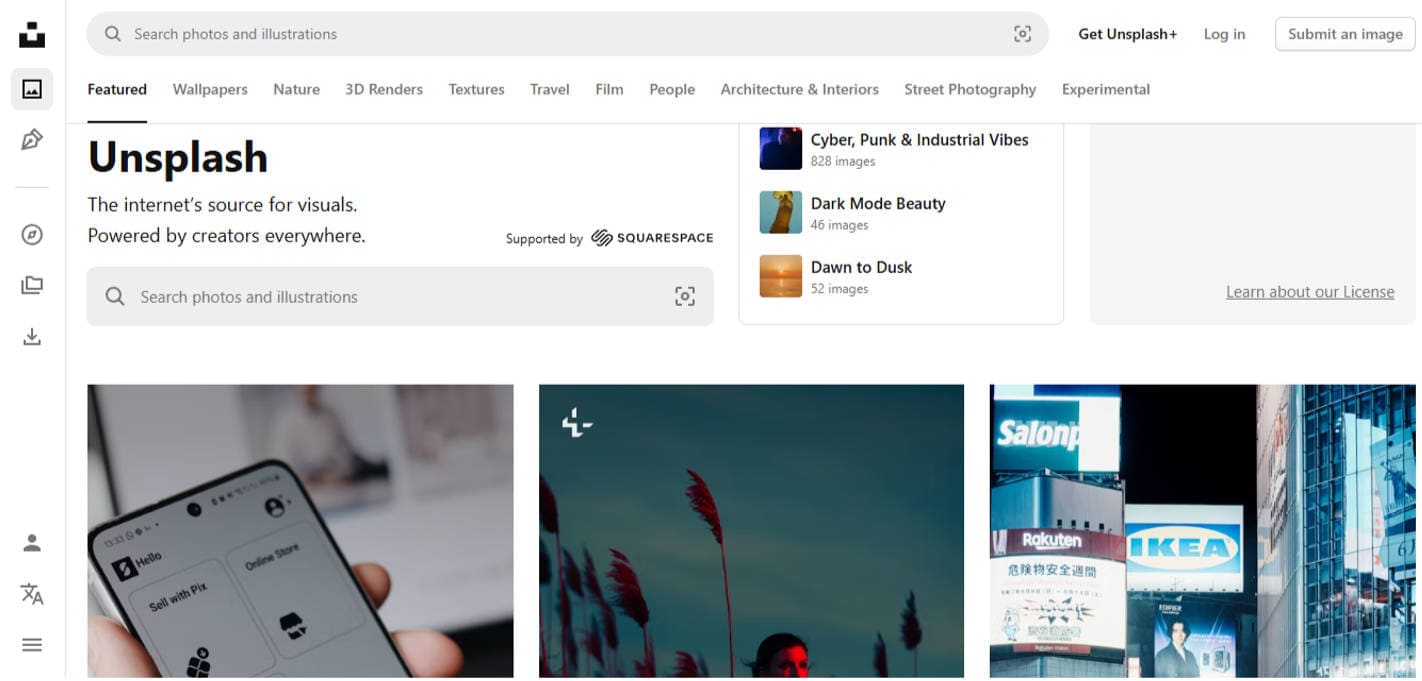
Unsplash is a go-to source for free, high-resolution photography that designers, bloggers, and creatives widely use. It offers an impressive variety of images, all free to use—even commercially.
Pros & Cons
2. WallpaperAccess
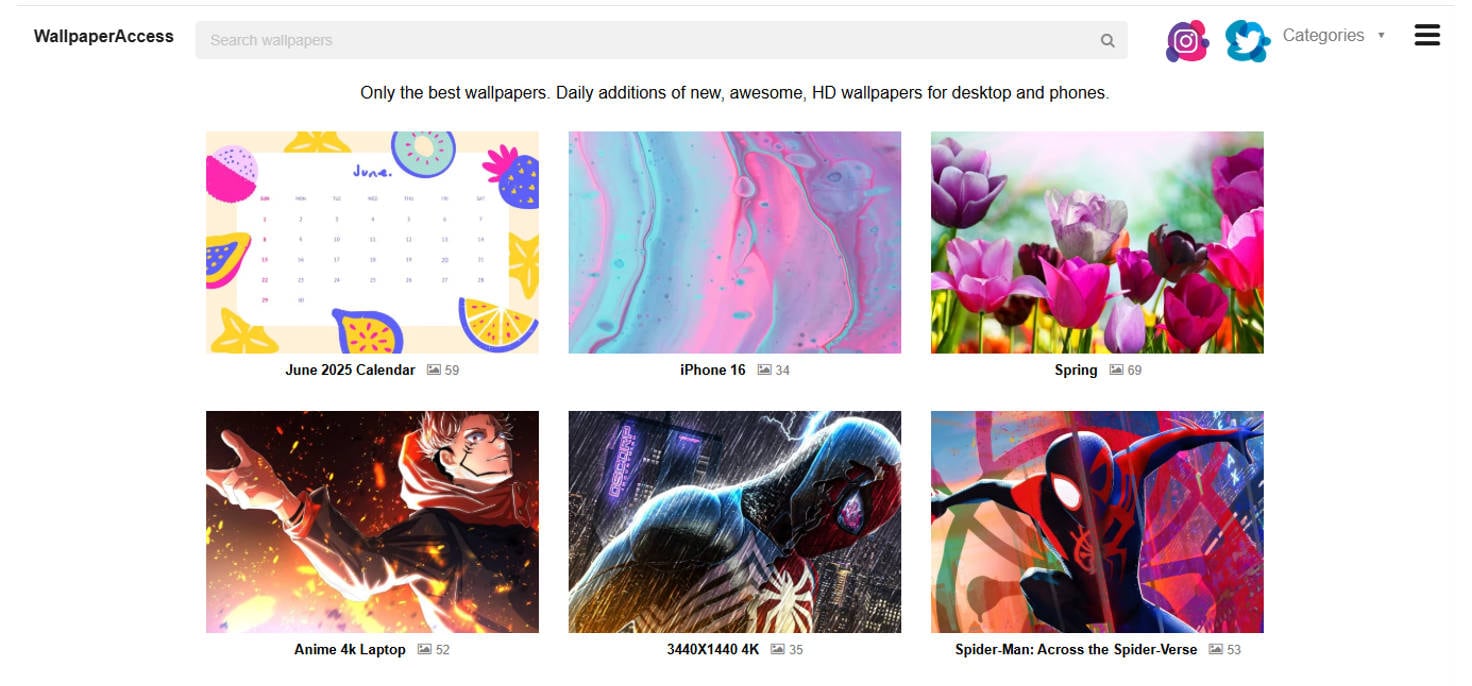
WallpaperAccess is a wallpaper-centric site featuring thousands of categorized images, with daily updates and easy downloads for both desktop and mobile.
Pros & Cons
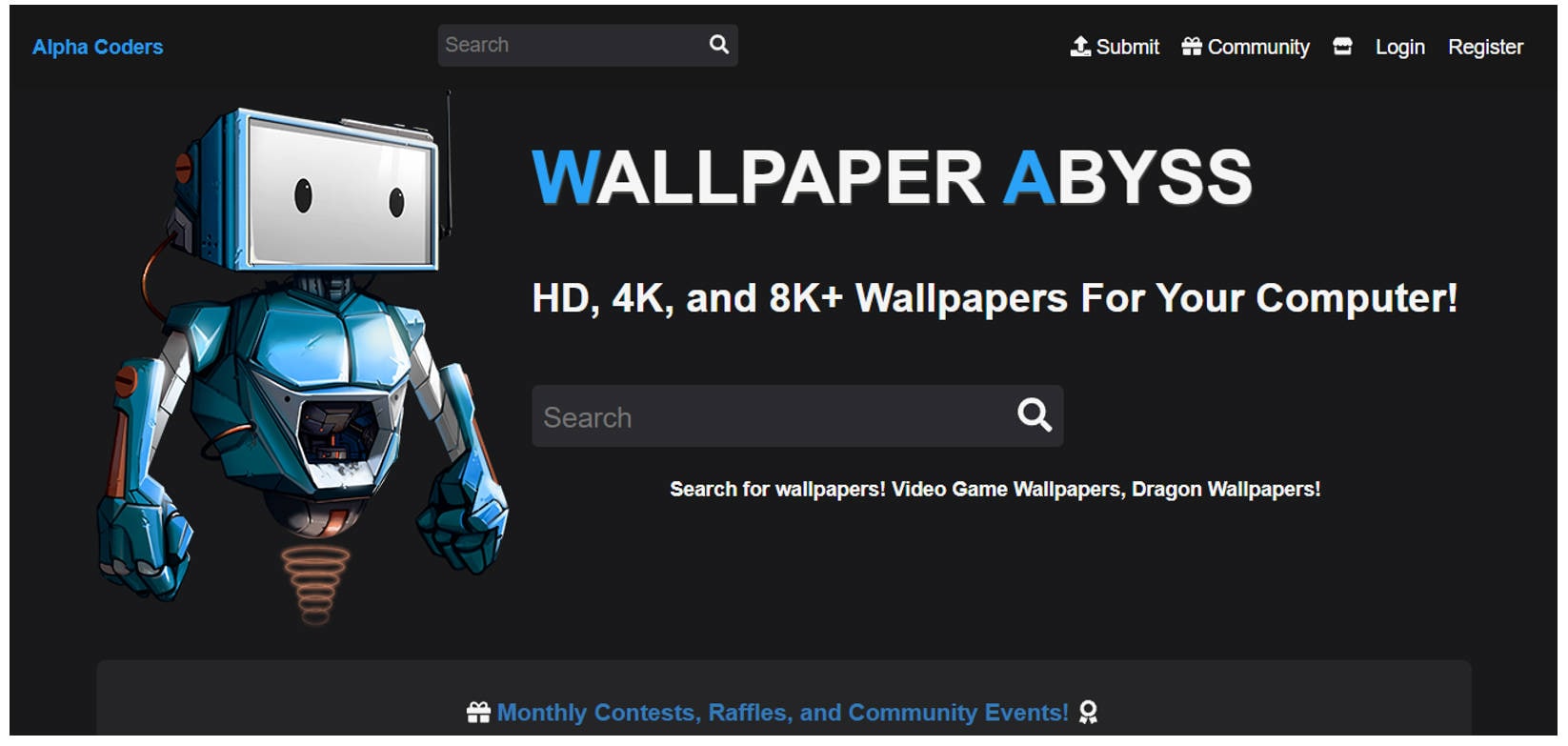
3. Wallpaper Abyss (Alpha Coders)
Wallpaper Abyss, part of Alpha Coders, is a fan-favorite destination for animated, fantasy, gaming, and movie-themed wallpapers with one of the most extensive archives online.
Pros & Cons

Easy to Use Batch Photo Upscaler for Desktop Wallpaper
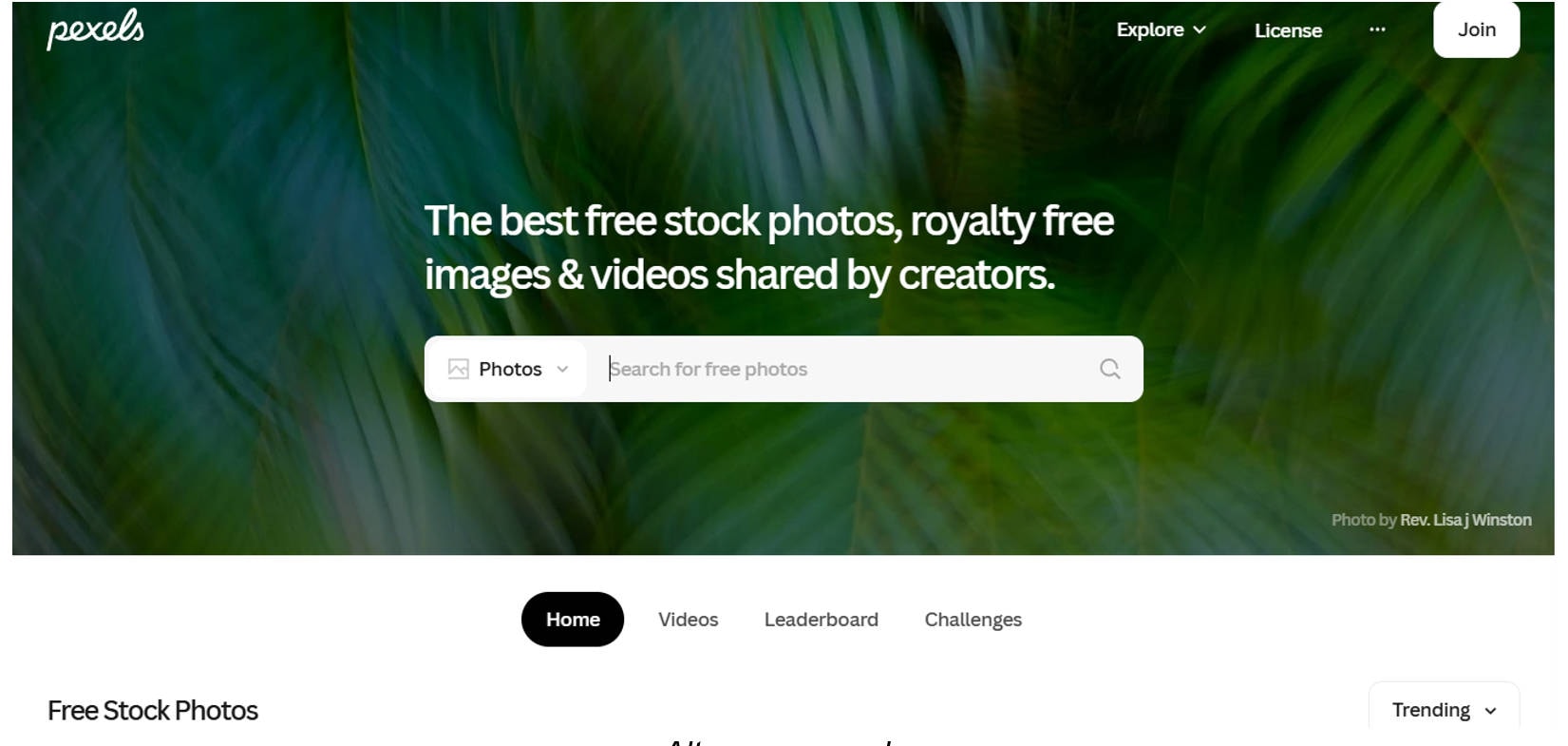
4. Pexels
Pexels is a royalty-free stock photo and video platform with a clean interface and professional-grade content. It's ideal for simple, elegant wallpapers that stand out.
Pros & Cons
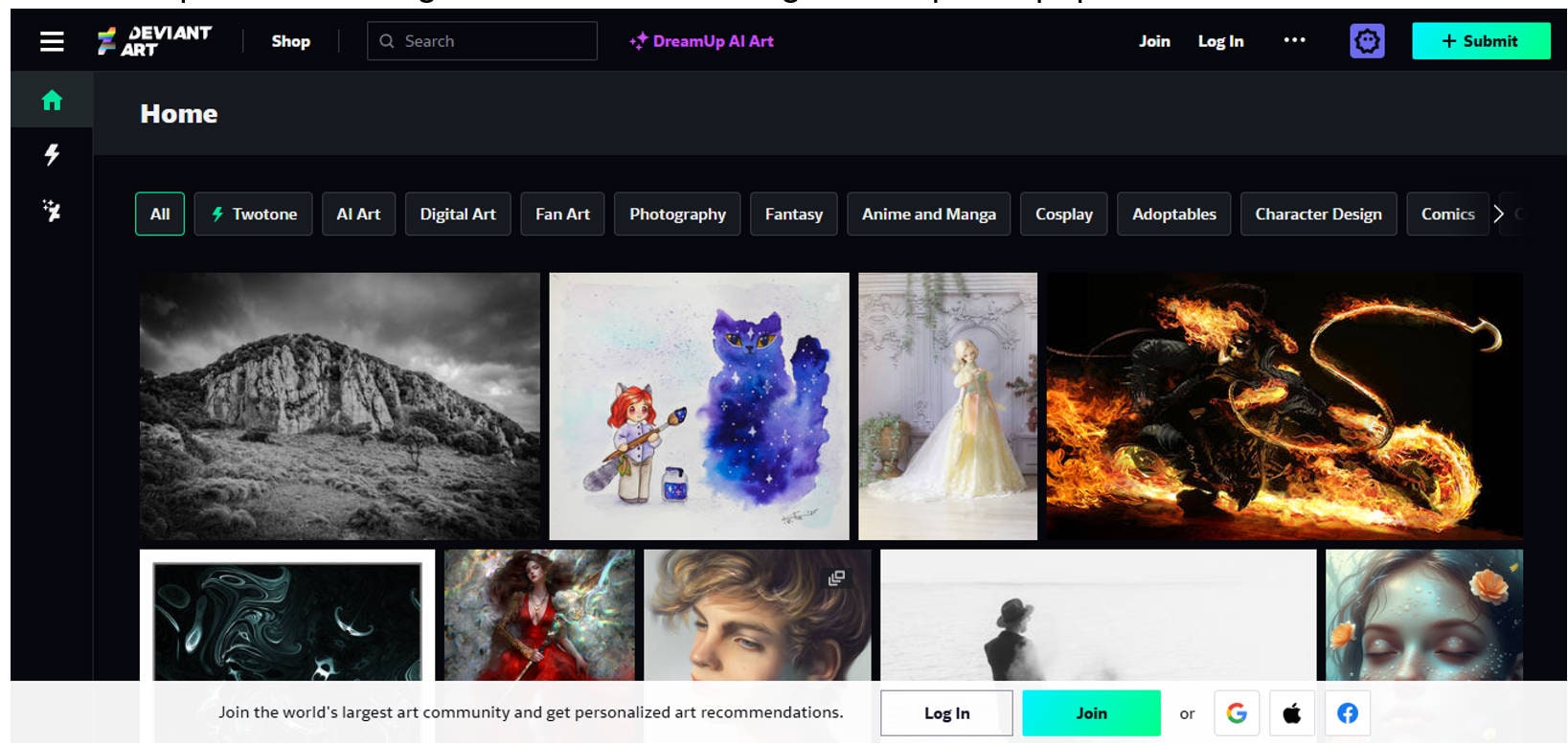
5. DeviantArt
DeviantArt is a unique community-driven platform where artists upload original art. It’s a wonderful place for finding niche, artistic, and high-concept wallpaper themes.
Pros & Cons
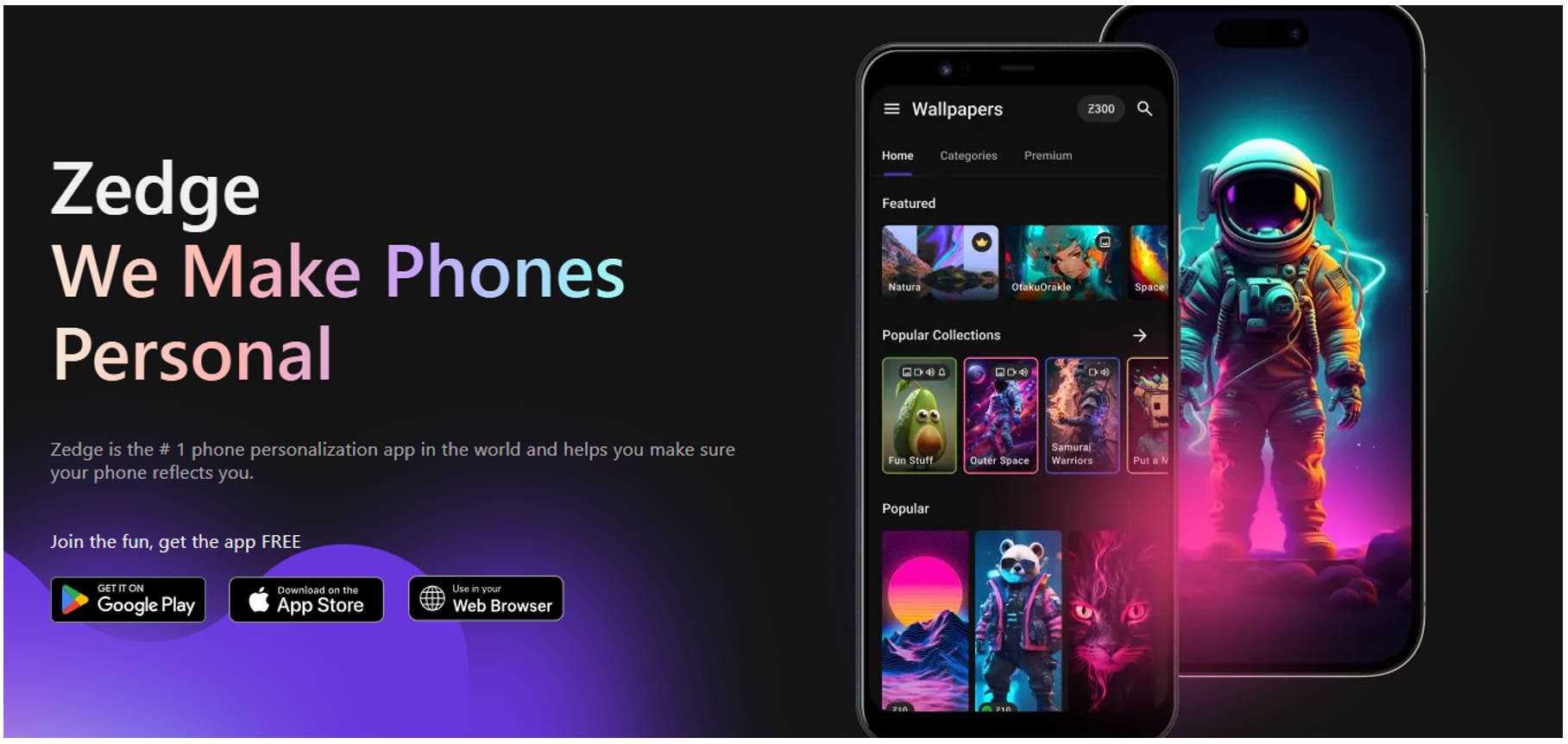
6. Zedge
Zedge is a multimedia platform offering wallpapers, ringtones, and icons for smartphones and desktops. Its variety and app integration make it ideal for mobile users.
Pros & Cons
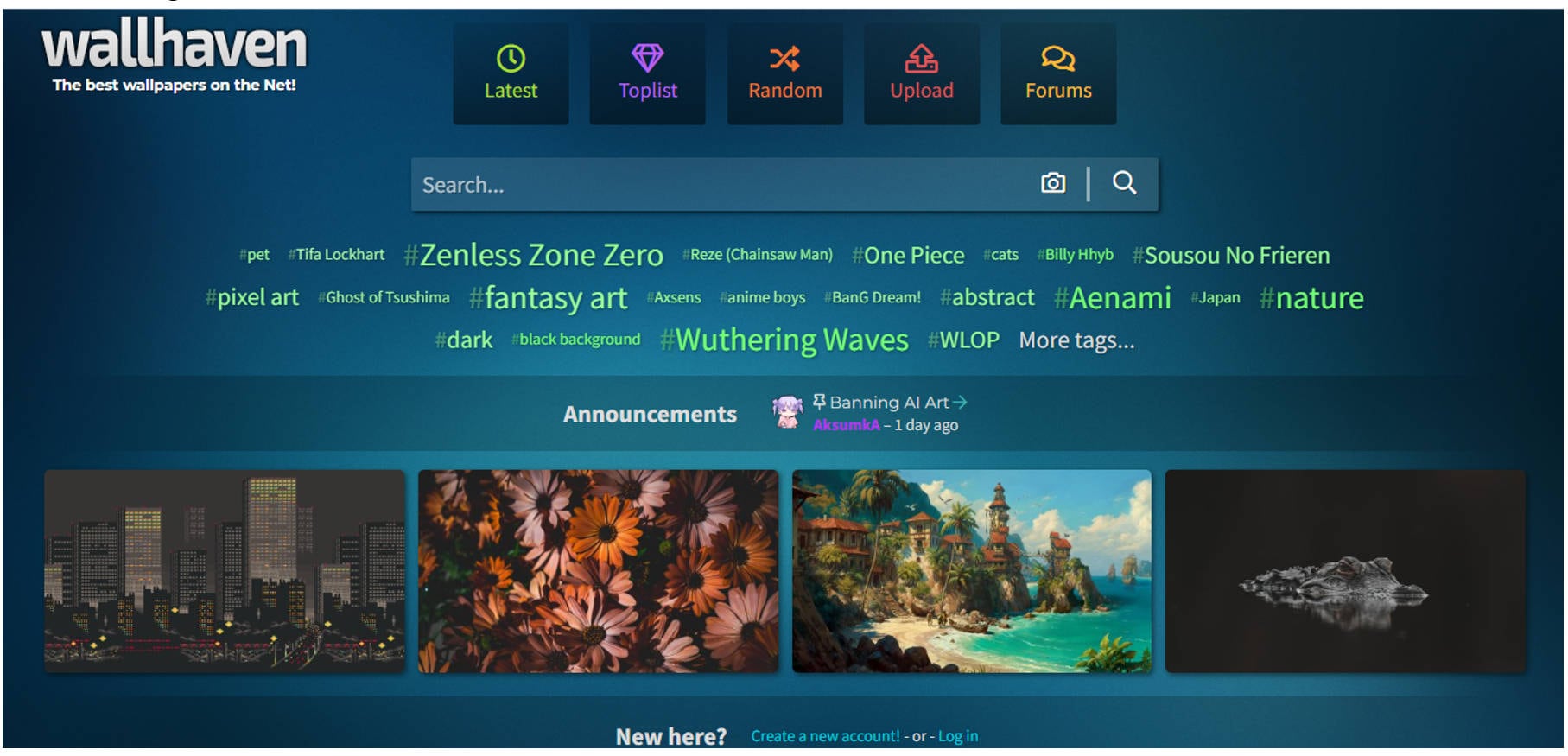
7. Wallhaven
Wallhaven is a favorite among high-resolution wallpaper enthusiasts. It’s known for its powerful search engine and massive collection of user-submitted art.
Pros & Cons
Easy to Use Batch Photo Upscaler for Desktop Wallpaper
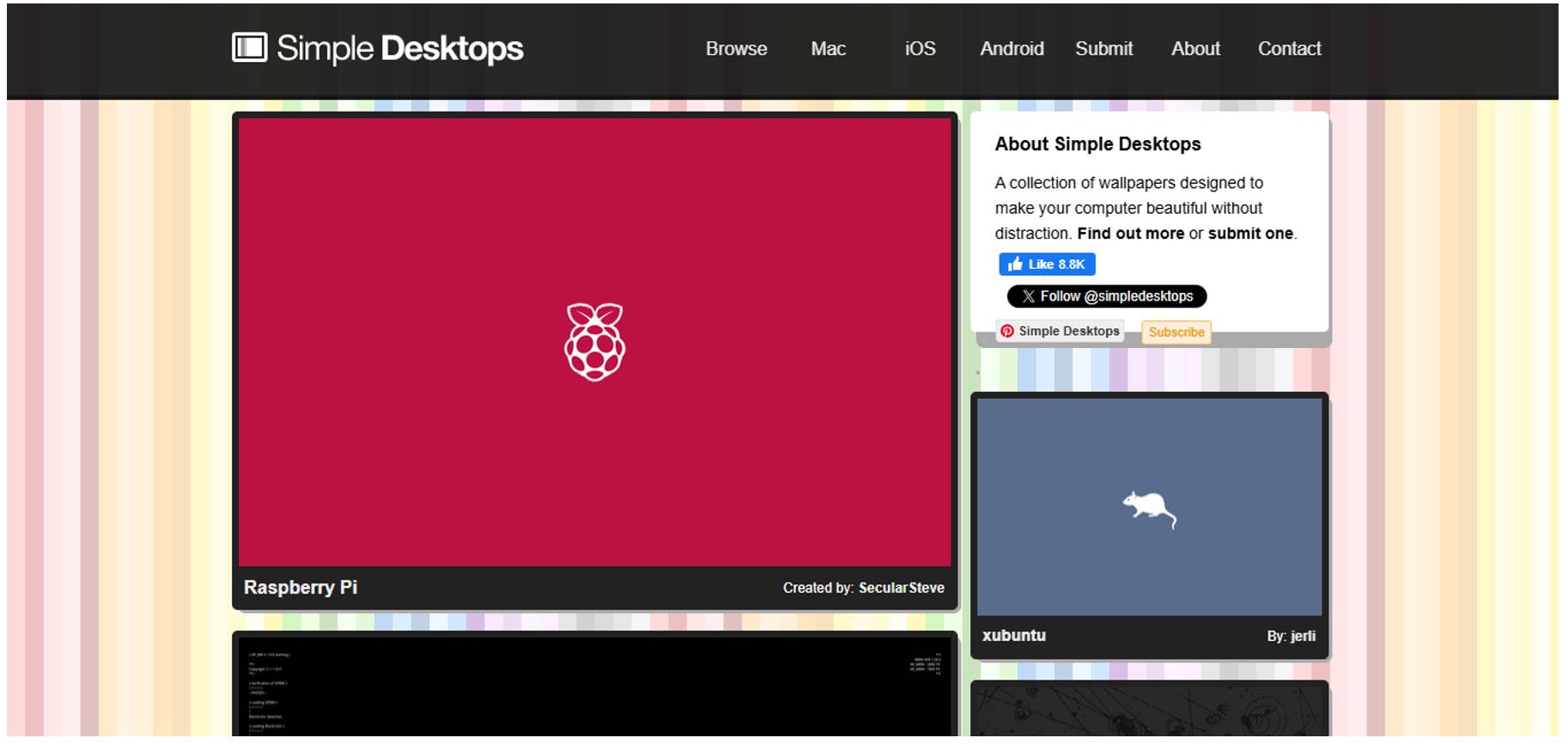
8. Simple Desktops
Simple Desktops is designed for users who prefer minimalist, distraction-free wallpapers. It's perfect for clean workspace setups and creative environments.
Pros & Cons
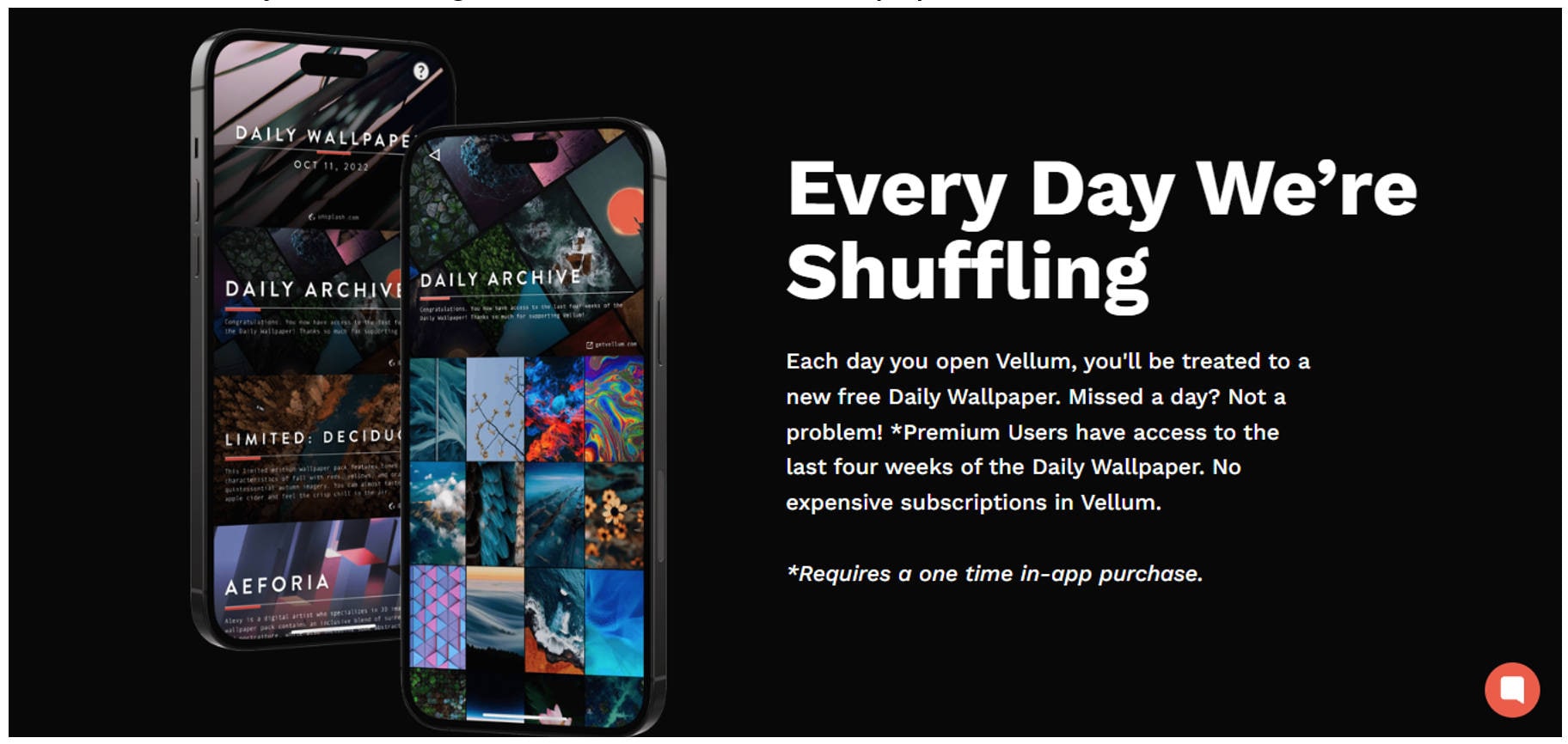
9. Vellum (Mac/Windows App)
Vellum is a premium wallpaper app for Mac and Windows and is coming soon for Android users. It delivers a daily dose of high-resolution, curated wallpapers tailored for modern screens.
Pros & Cons
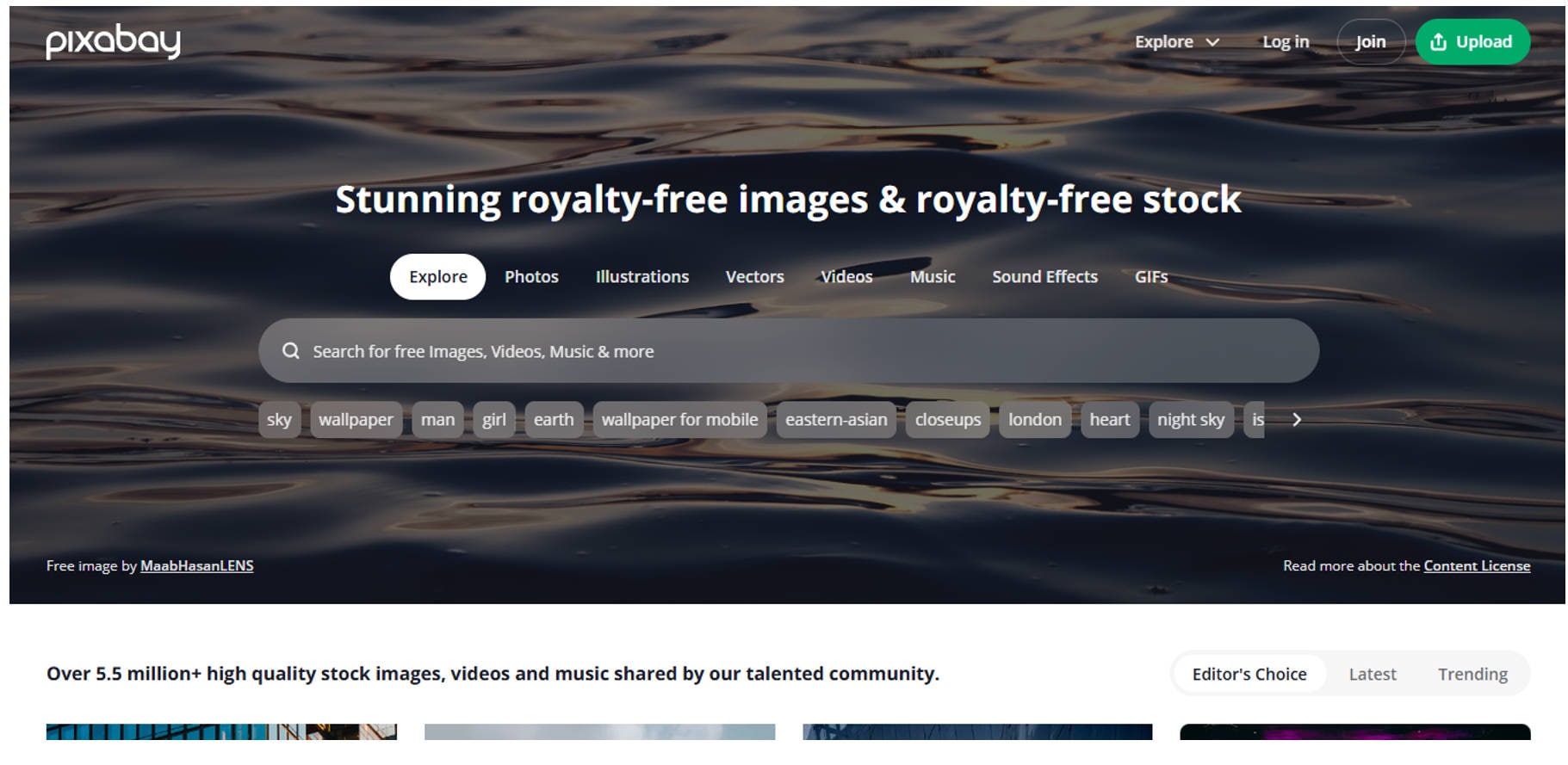
10. Pixabay
Pixabay is widely recognized as one of the best free wallpaper website options for users who need high-quality visuals without copyright concerns. In addition to wallpapers, it hosts a massive library of stock photos, vector graphics, and even videos—making it perfect for both personal and creative projects.
Pros & Cons
Part 2. Quick Comparison of Wallpaper Websites Listed
Are you in search of the finest wallpaper websites to revitalize your screen or enhance your design elements? This curated list features top free wallpaper websites offering everything from HD images for website use to stunning visuals for your desktop wallpaper website or PC wallpaper site. Some of these double as excellent sources of wallpaper for website designs, giving designers access to fresh HD visuals:
|
Website |
Image Quality |
Categories |
Price |
Updates |
Copyright |
|
Unsplash |
High-Res, Free |
Moderate |
Free |
Regular |
Free, No credit needed |
|
WallpaperAccess |
Large Collection |
Broad |
Free |
Daily |
Personal use only |
|
Wallpaper Abyss |
User-Generated, HD |
Wide |
Free |
Daily |
Mixed (check license) |
|
Pexels |
Stock Photos, HD |
Moderate |
Free |
Weekly |
Royalty-free |
|
DeviantArt |
Fan Art, Custom |
Very High |
Free & Paid |
Daily |
Varies by artist |
|
Zedge |
Wallpapers + Audio |
Medium |
Free & Paid |
Weekly |
Mostly personal use |
|
Wallhaven |
4K & Ultrawide |
Extensive |
Free |
Daily |
Mixed, check tags |
|
Simple Desktops |
Clean, Minimal HD |
Low |
Free |
Rare |
Personal use only |
|
Vellum |
Curated, 4K |
Moderate |
Paid (app) |
Daily |
App-only license |
|
Pixabay |
Free Stock Images |
Moderate |
Free |
Occasional |
Royalty-free |
Part 3. How to Resize and Improve Ultra Clear Wallpaper for Your PC
Finding the perfect wallpaper is only half the journey—making sure it fits your screen flawlessly and looks ultra-clear is equally essential. Whether you downloaded it from a free wallpaper website or one of the best wallpaper websites for PC, proper resizing and enhancement ensure a polished, professional look on any monitor.
Here’s how to resize and improve wallpaper quality using Wondershare UniConverter’s built-in image editor and AI enhancer:
Step 1: Download and Launch UniConverter
Visit the official UniConverter website and install the latest version of the software. Open the app and select the Image Enhancer feature from the dashboard.
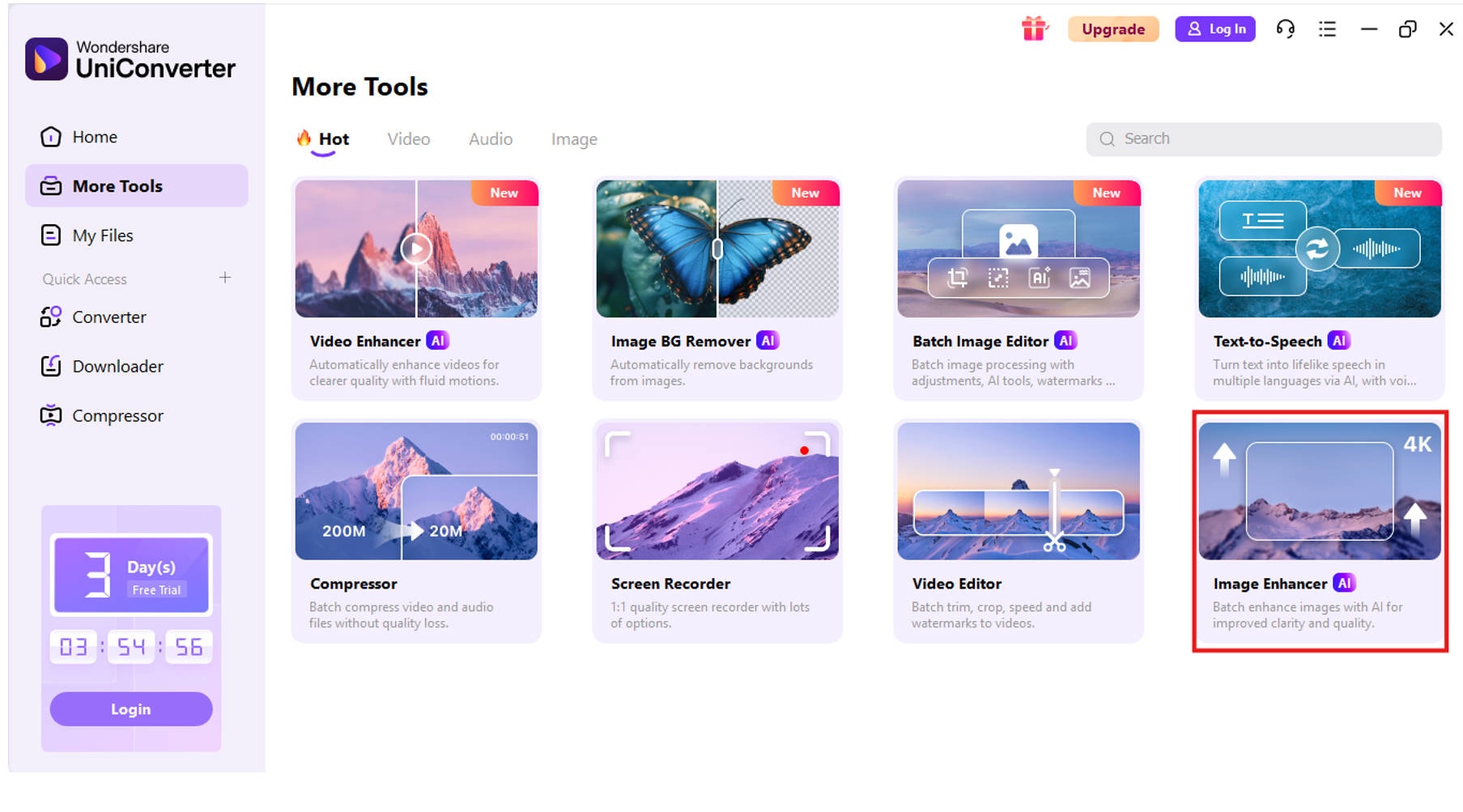
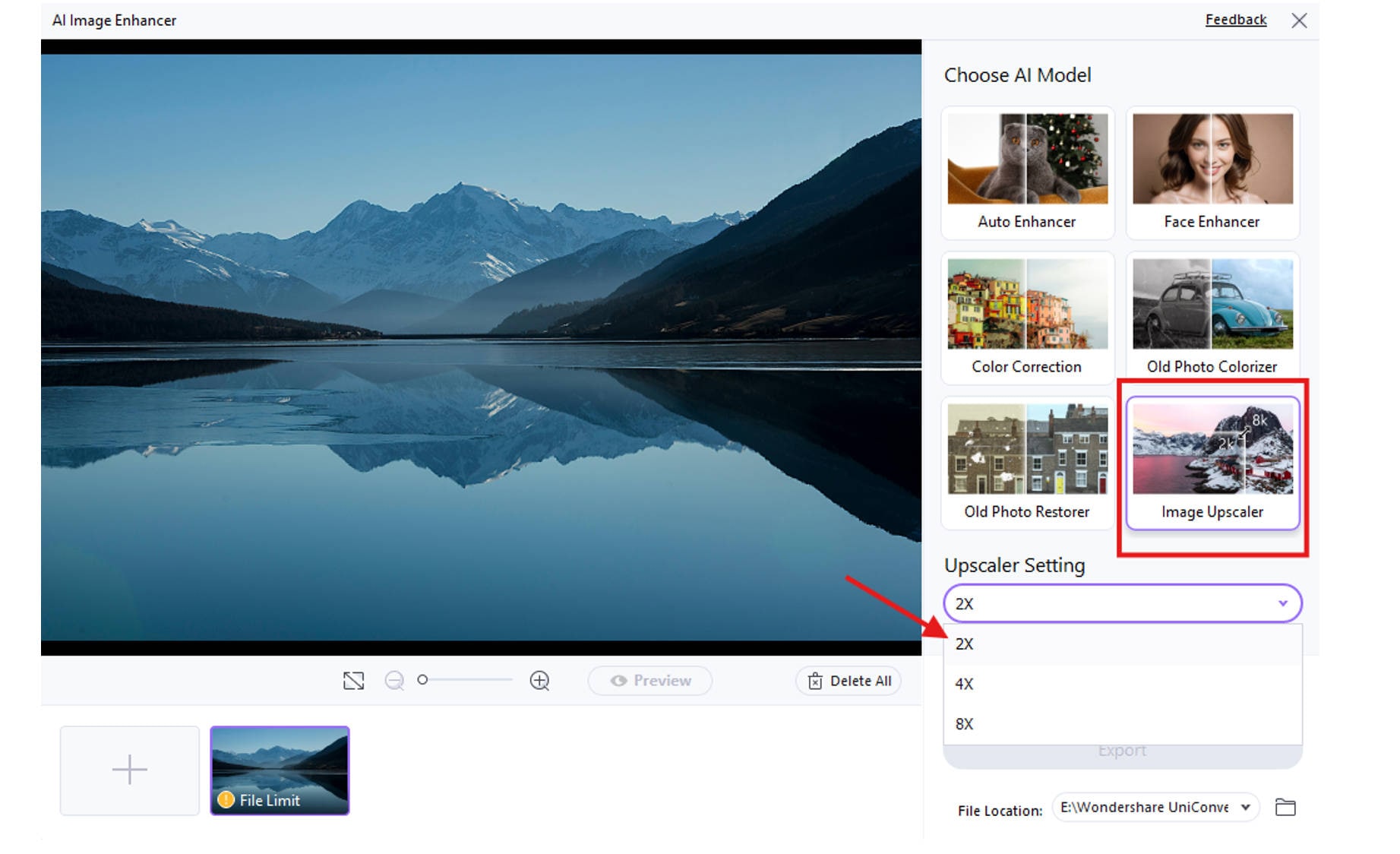
Step 2: Upload and Resize Wallpaper with Image Upscaler
Click “Add Image” to upload your downloaded wallpaper. Under the Image Upscaler section, choose a resolution that matches your monitor—for example, use 2x for Full HD, 4x for 2K, or 8x for 4K. You can also set custom dimensions. After adjusting the size, click Apply and then Export to save your perfectly resized wallpaper.
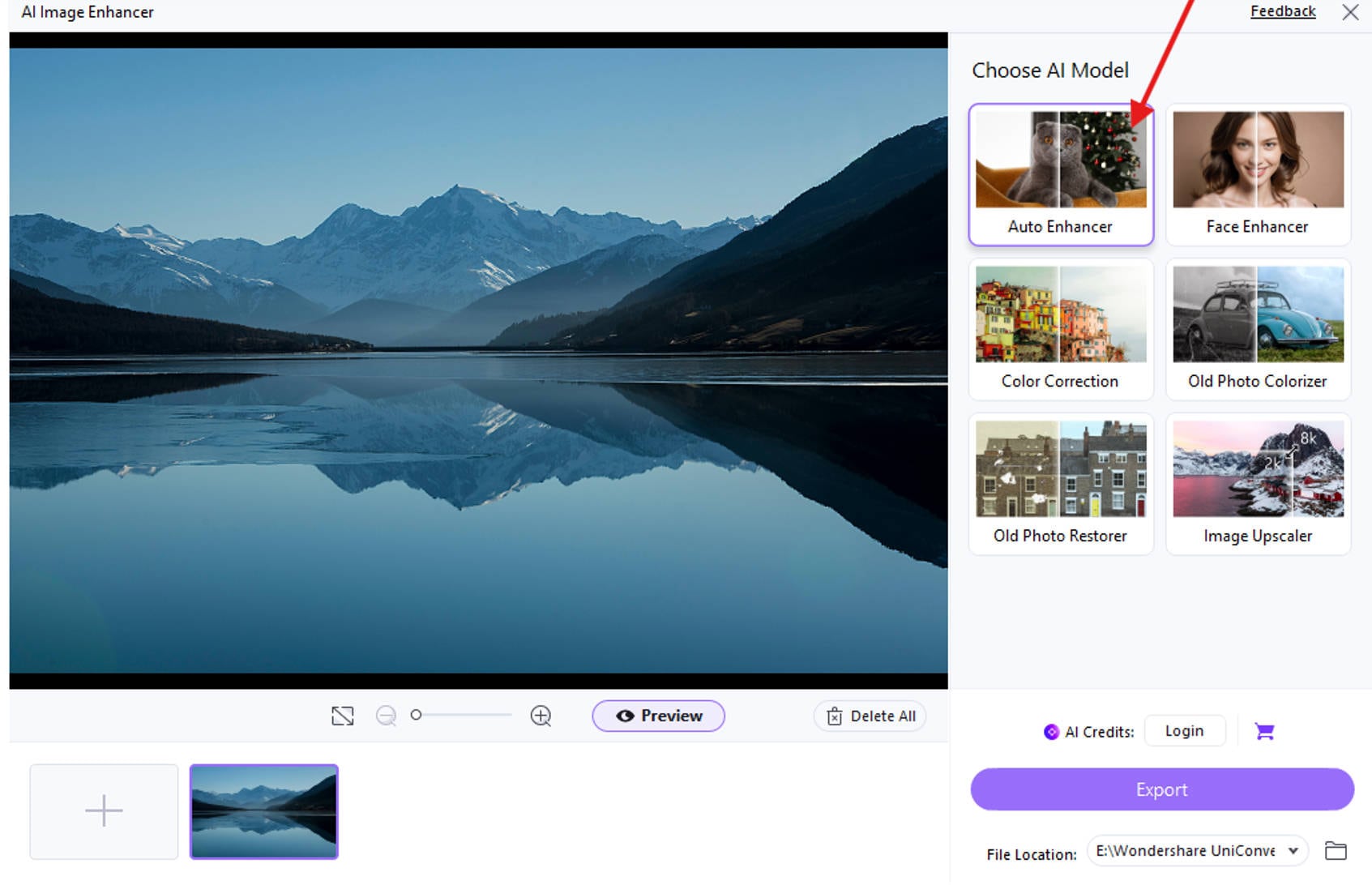
Step 3: Enhance Image Clarity with Image Enhancer (Optional)
Navigate to the AI Image Enhancer tool. Upload the resized wallpaper. Choose enhancement settings like Face Enhancer, Old Photo Colorizer, or Color Correction to improve clarity, contrast, and detail.
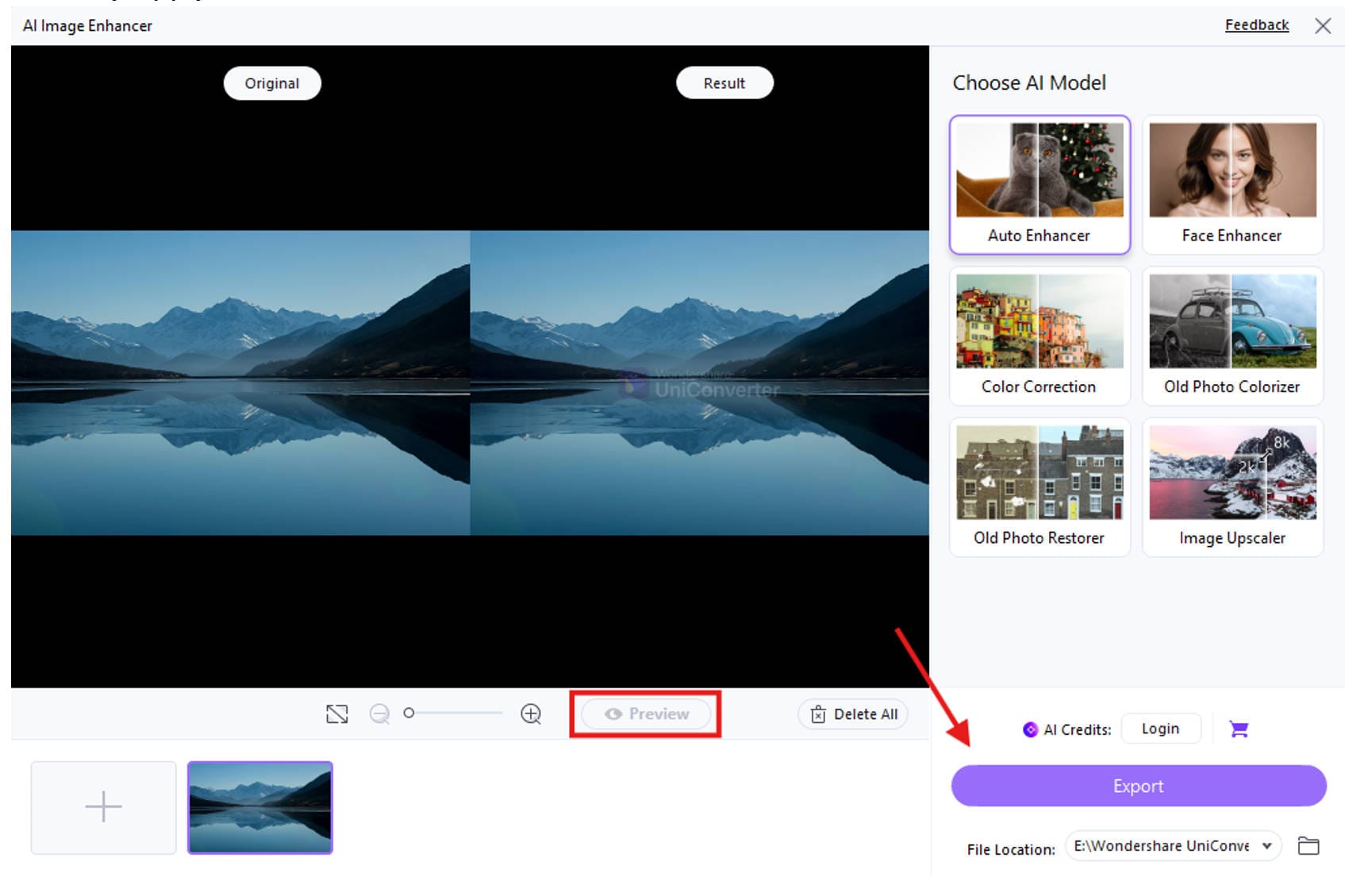
Step 4: Preview and export
Preview the changes and click Export once you’re satisfied with the results. Find the enhanced image file in your saved folder. Right-click on it and select “Set as desktop background” to instantly apply it.
This process helps turn any image—whether from a PC wallpaper site, HD wallpaper site, or even an anime wallpaper website—into a crisp, vibrant, and screen-optimized background that enhances your desktop’s aesthetic. It is also helpful in optimizing wallpapers sourced from any desktop wallpaper website or website for free wallpapers, especially if the resolution is low or the quality is blurry.
Conclusion
Choosing the best wallpaper website for PC in 2025 doesn’t need to be overwhelming. From artistic platforms like DeviantArt to resource hubs like WallpaperAccess, each wallpaper site free or paid, serves a unique purpose. Whether you're browsing the top free wallpaper sites, selecting HD images for website, or improving wallpapers using Uniconverter, there's a solution for everyone.
Use this guide to find the best desktop wallpaper website that fits your style and resolution requirements. With this resource, you’ll confidently explore the best computer wallpaper sites offering everything from creative artwork to dynamic visuals.
Easy to Use Batch Photo Upscaler for Desktop Wallpaper
FAQs
-
1. What is the best free wallpaper website for PC?
Two of the best free wallpaper websites for PC are WallpaperAccess and Unsplash. WallpaperAccess offers high-resolution images across categories like nature, anime, and tech, while Unsplash is ideal for professional, minimal, and aesthetic HD images for website or desktop use. -
2. Can I legally use wallpapers from these sites?
Yes, most of these free wallpaper websites provide royalty-free or license-friendly content. However, it's essential to check each wallpaper’s licensing terms, especially on platforms like DeviantArt, where usage rights may vary by the artist or require attribution. -
3. How often do these websites update their wallpapers?
Websites such as Wallhaven, DeviantArt, and Wallpaper Abyss update their content daily, with fresh HD wallpapers added regularly. These top free wallpaper sites often feature trending themes, seasonal designs, and new user submissions to keep the library fresh and diverse. -
4. Are these wallpaper websites suitable for dual-monitor setups?
Absolutely! Sites like Wallhaven and Wallpaper Abyss are among the best desktop wallpaper websites for multi-screen or ultrawide displays. They offer a wide range of dual-monitor wallpapers in high resolutions such as 2K and 4K—perfect for gaming or productivity. -
5. Can I find anime wallpapers on these sites?
Yes, if you're looking for an anime wallpaper website, platforms like DeviantArt and Wallpaper Abyss are fantastic. They offer a massive selection of anime-themed wallpapers, including fan art, official posters, and stylized scenes, all in various resolutions.

