


A music mashup maker helps combine two or more tracks into a single, synchronized file. For content creators, DJs, and casual users, a song mashup maker is a quick way to blend vocals, instrumentals, or background scores without relying on advanced production tools.
But most online free music mashup makers come with limited export time, audio watermarks, or even missing beat-sync controls. Additionally, many song mashup makers also lack essential controls, such as pitch correction, fade-in/out, or waveform editing.
And this is where this guide will be invaluable. We have tested 20+ tools and curated a list of 10 reliable online music mashup makers that are free to use in 2026. Moreover, we will provide a way for you to extract background music from any video using Wondershare UniConverter.
💡 Quick Answer
The best free music mashup maker depends on what you need. For fast browser-based mashups, try Media.io or AudioCleaner. For creative stem control and AI remix, use Fadr. For simple audio merging, Clideo or Audio Joiner are the easiest options. For AI mashup maker free with text prompts, try Vondy or MixAudio.
In this article
Part 1. What are the best free online music mashup makers in 2026
Online music mashup tools have replaced bulky desktop software, which all came with a learning curve and required heavy machine setups. The AI-powered free music mashup makers help merge songs, remix stems, and blend instrumentals. Here are the top ten online free music mashup makers that you can try to remix your songs.
Quick Guide: Best Music Mashup Maker by Use Case
1. Media.io
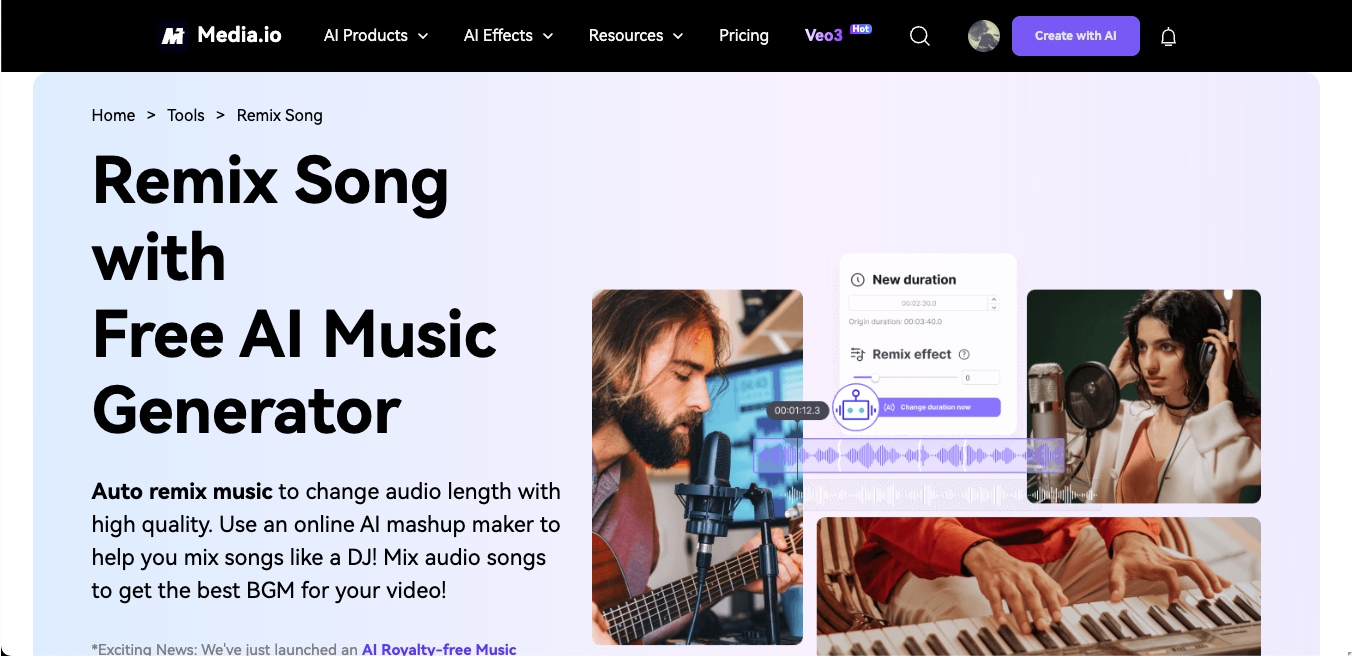
Media.io is an easy-to-use, AI-powered music mashup maker that works directly in the browser. It allows you to auto-remix any song by adjusting the length, syncing beats, or rearranging segments. Media.io is designed for users who want quick results across multiple file types, including MP3, M4A, MP4, OGG, and more.
Key Features
- It supports remixing of both audio and video formats (MP3, AU, MP4, etc.)
- It offers 100+ DJ-style remix sound effects
- It automatically adjusts audio length to fit video clips
- It features built-in AI detection to split and rearrange music segments
2 . AudioCleaner
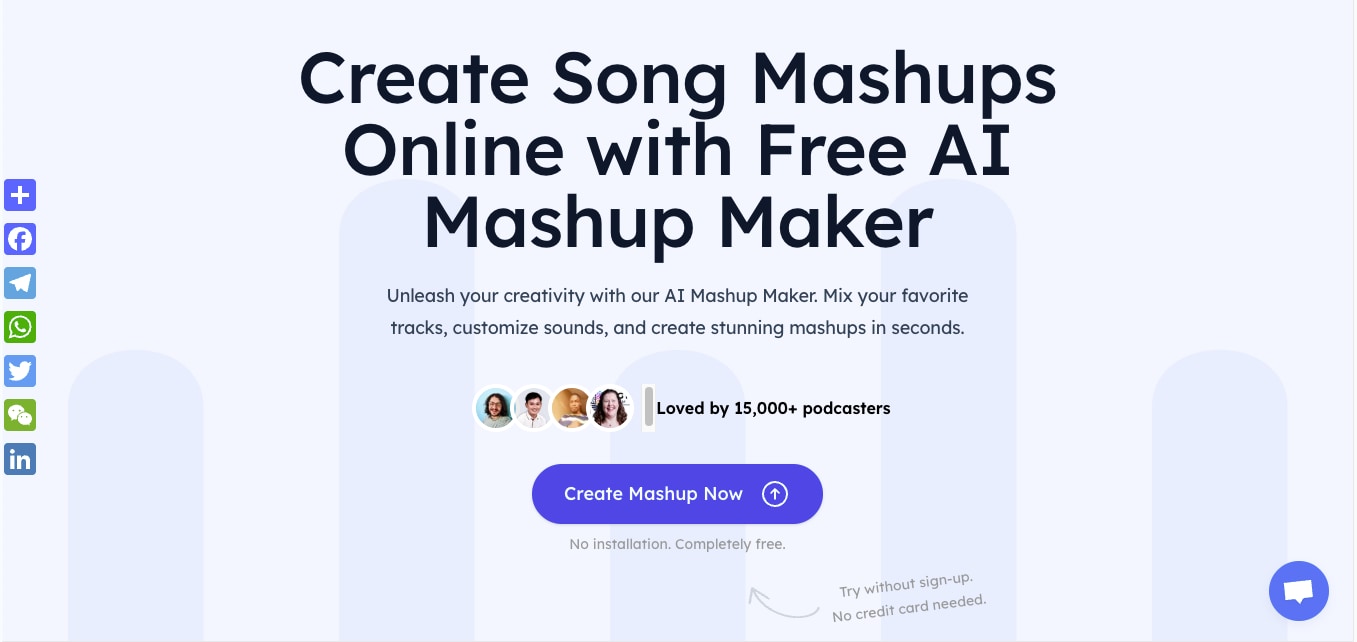
AudioCleaner is designed for users who want fast mashup results with minimal steps. It is built for podcasters and short-form video creators who simply want drag-and-drop uploads and require a tool that can automatically handle vocal-instrumental separation. The platform works well for short clips and remix snippets and requires no installation or account signup.
Key Features
- Built-in AI detects and aligns vocals and instrumentals for mashups
- Supports multiple formats including MP3, MP4, OGG, and WAV
- Offers exclusive mashup effects for genre blending
- Auto-adjusts audio duration to match video clips
3. Rave
https://rave.dj/mix
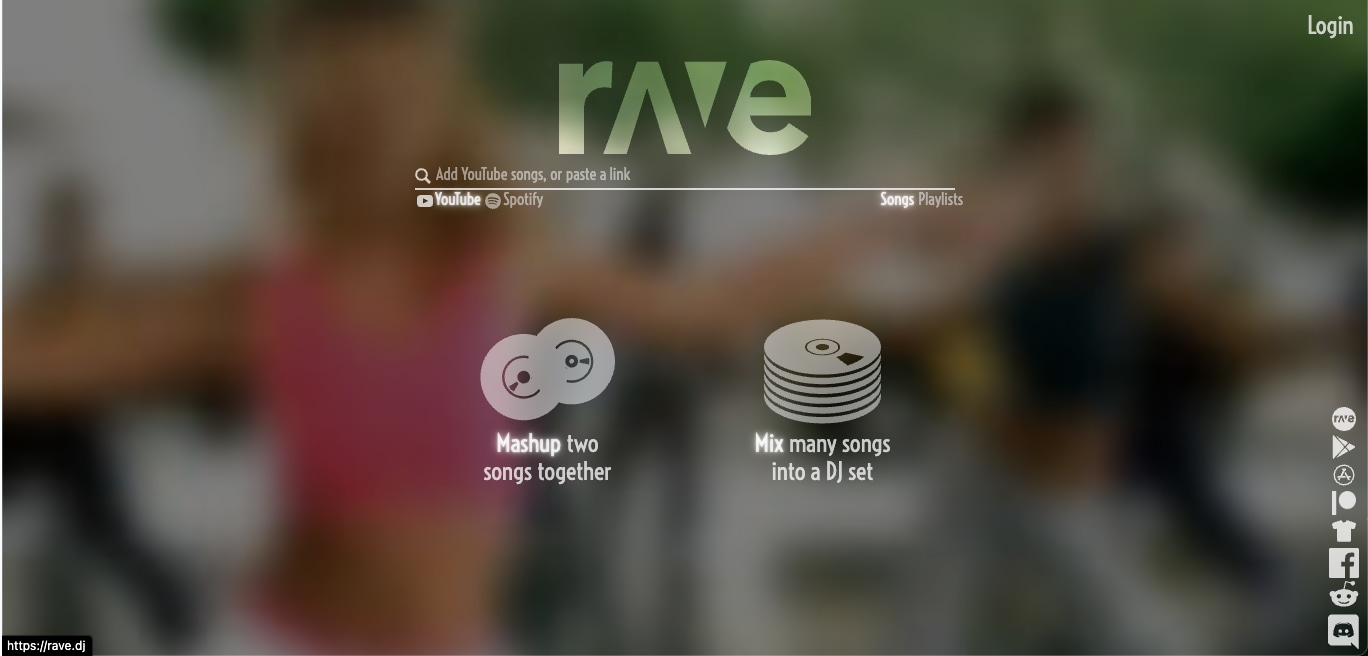
Rave allows users to generate mashups or full DJ sets directly from YouTube and Spotify links. The idea behind this tool is straightforward. You can paste two songs, and the tool blends them using its internal AI. Although the interface looks sleek, its performance can be inconsistent. It’s better suited for experiments than polished outputs.
Key Features
- Mix songs from YouTube or Spotify directly using links
- Choose between a two-song mashup or a multitrack DJ set
- No file uploads required
- Automatically generates a video of the mashup
4. Fadr
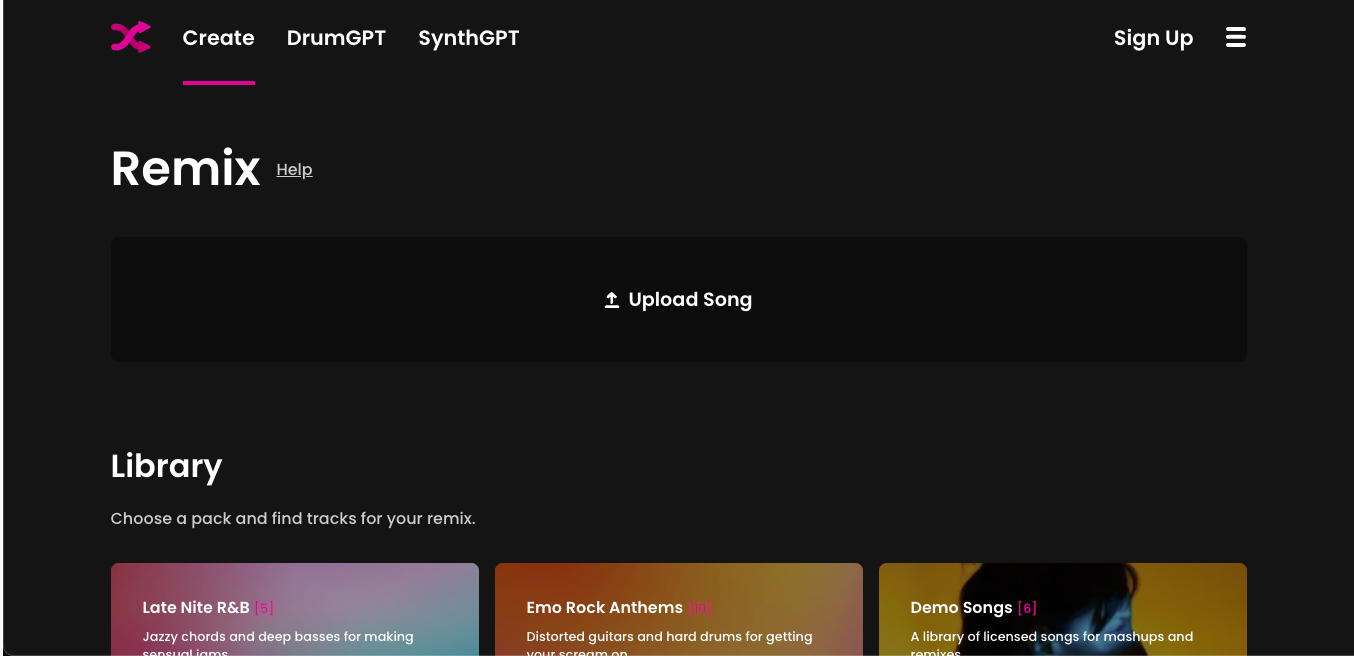
Fadr is a creative remix platform that blends AI and manual control. It offers tools such as Stems for isolating vocals and instruments, Remix for full-song reworks, and DrumGPT/SynthGPT for generating custom loops using text. Users can upload tracks or remixes from pre-built genre packs, such as trap, synthwave, and emo rock. The interface feels more refined than basic mashup tools and is geared toward creators seeking flexibility without a DAW.
Key Features
- Stem separation for vocals and 15+ instrument types
- Pre-made genre packs like Synthwave, Trap, and R&B for quick remixing
- Tempo and key selection for precise mashup control
- Includes DrumGPT and SynthGPT for AI-generated instruments
5. Clideo
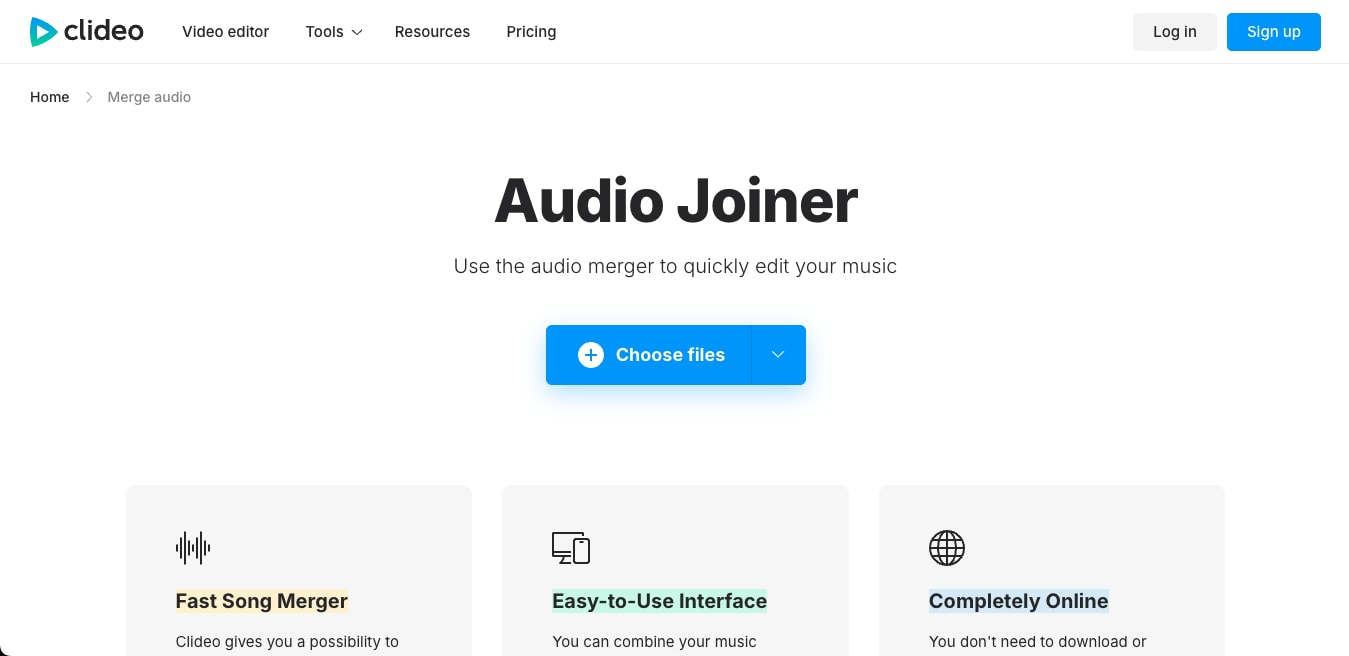
Clideo provides a straightforward online tool for merging audio files. Unlike Media.io or even Fadr, it doesn’t focus on creative remixing but excels at joining multiple tracks into one. It supports most audio formats and allows users to add crossfade effects and convert files.
Key Features
- Merge multiple audio files in one go
- Supports MP3, WAV, WMA, OGG, and more
- Includes crossfade effects for smooth transitions
- Allows direct export to Google Drive or Dropbox
6. MixAudio
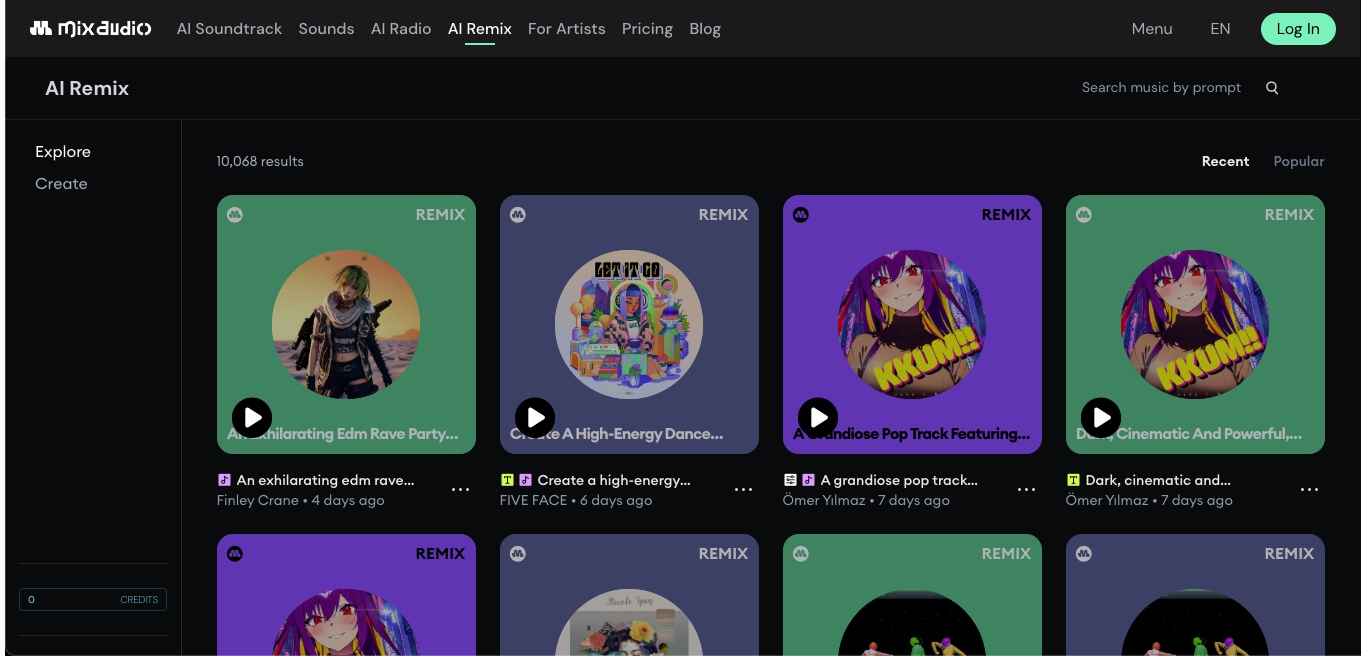
MixAudio uses a multimodal AI system to generate royalty-free music using text prompts, audio samples, and images. This online music mashup maker is designed for creators who want to create remixes from mood descriptions or remix stems with creative input. The platform also hosts an “AI Remix” section where thousands of user-generated remixes can be browsed, downloaded, or customized.
Key Features
- Generate music using text, audio, and image prompts
- Access to 10,000+ AI remixes created by others
- Royalty-free music generation for content creators
- Prompt Genius tool for remix customization
7. YouDJ
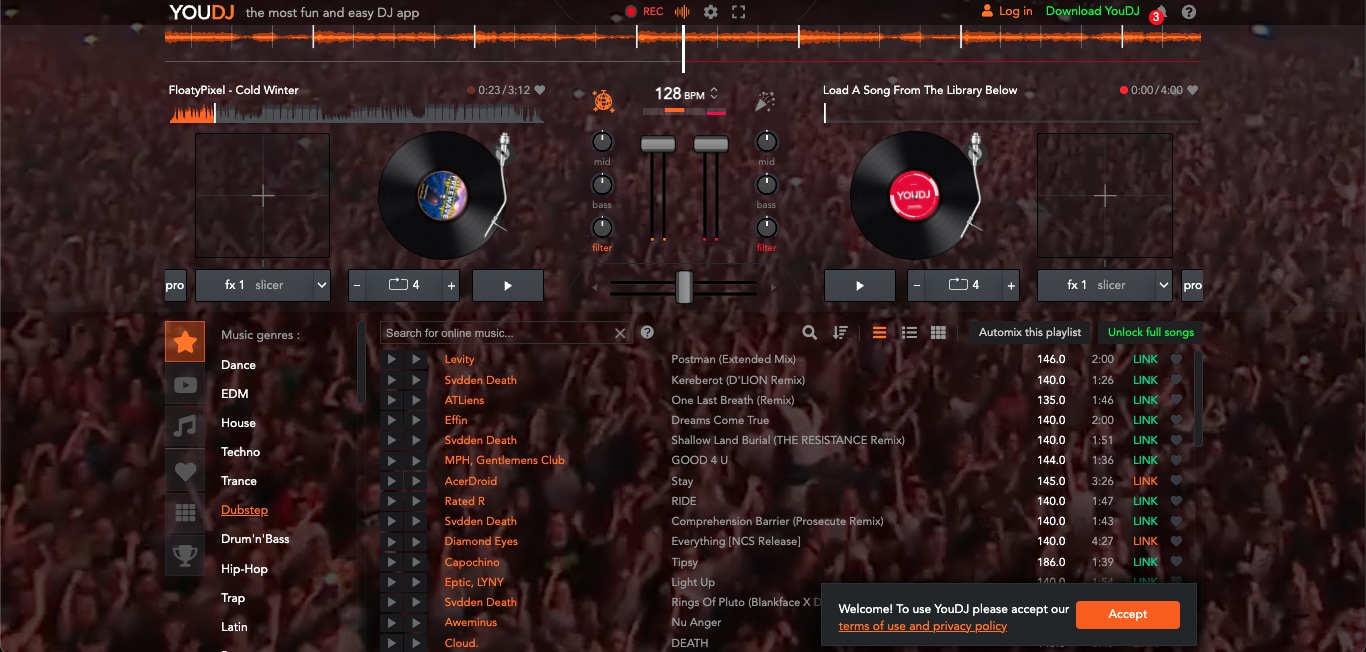
YouDJ simulates a traditional DJ deck within your browser, allowing users to mix two songs live using faders, effects, filters, and BPM controls. It offers preloaded tracks, genre-based playlists, and a visual waveform to sync transitions. This isn’t a typical drag-and-drop song mashup maker. Instead, it's an interactive mixer built for hands-on DJs who want to experiment in real-time.
Key Features
- Dual-deck mixer interface with FX and filters
- Automix playlist feature for quick setups
- Genre-wise song suggestions and built-in music library
- Progressive DJ skill tracking (from Baby DJ to Superstar)
8. Audio Joiner
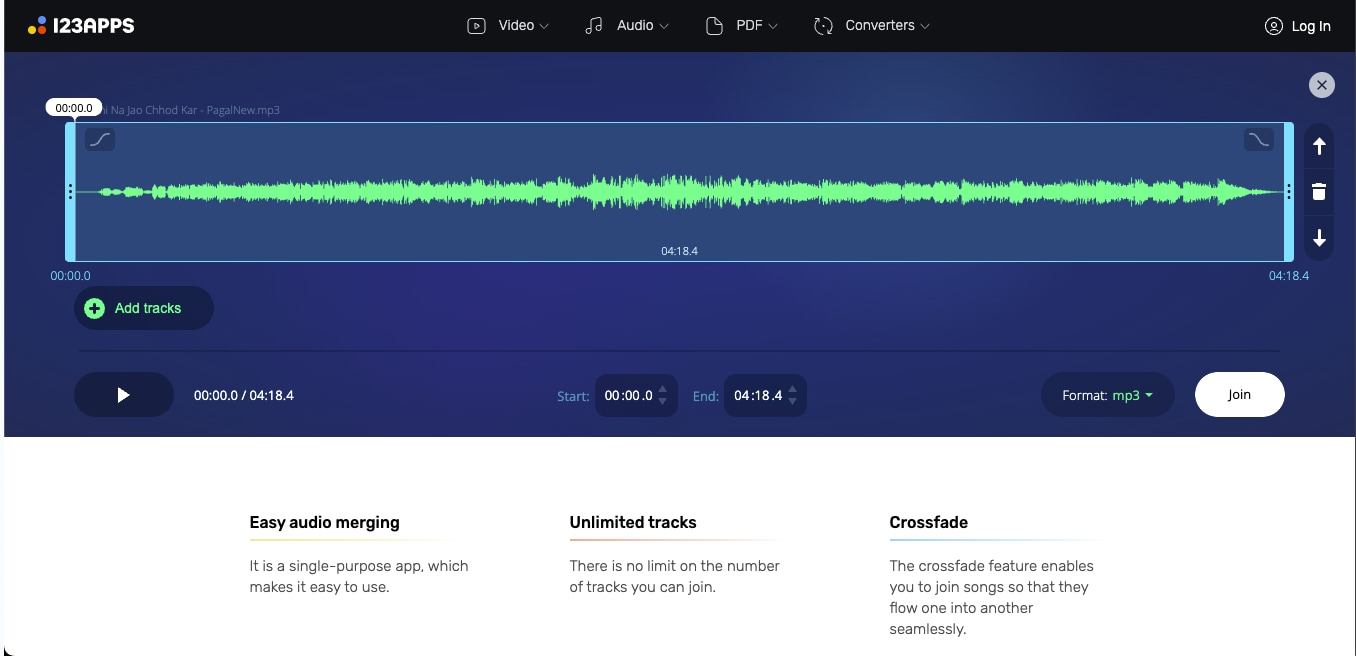
Audio Joiner is a free, web-based song mashup maker that allows you to merge multiple audio files without the need for installation. Whether you are combining MP3s, WAVs, or M4As, it supports over 300 audio formats and converts them to MP3 for easier handling. With its intuitive interface, you can trim, rearrange, and crossfade tracks directly in your browser.
Key Features
- No limit on the number of files you can merge at once
- Smoothly blends the end of one track into the next
- Fine-tune start/end points using sliders or arrow keys
- Export merged files as MP3, WAV, M4A, or FLAC
9. Vondy
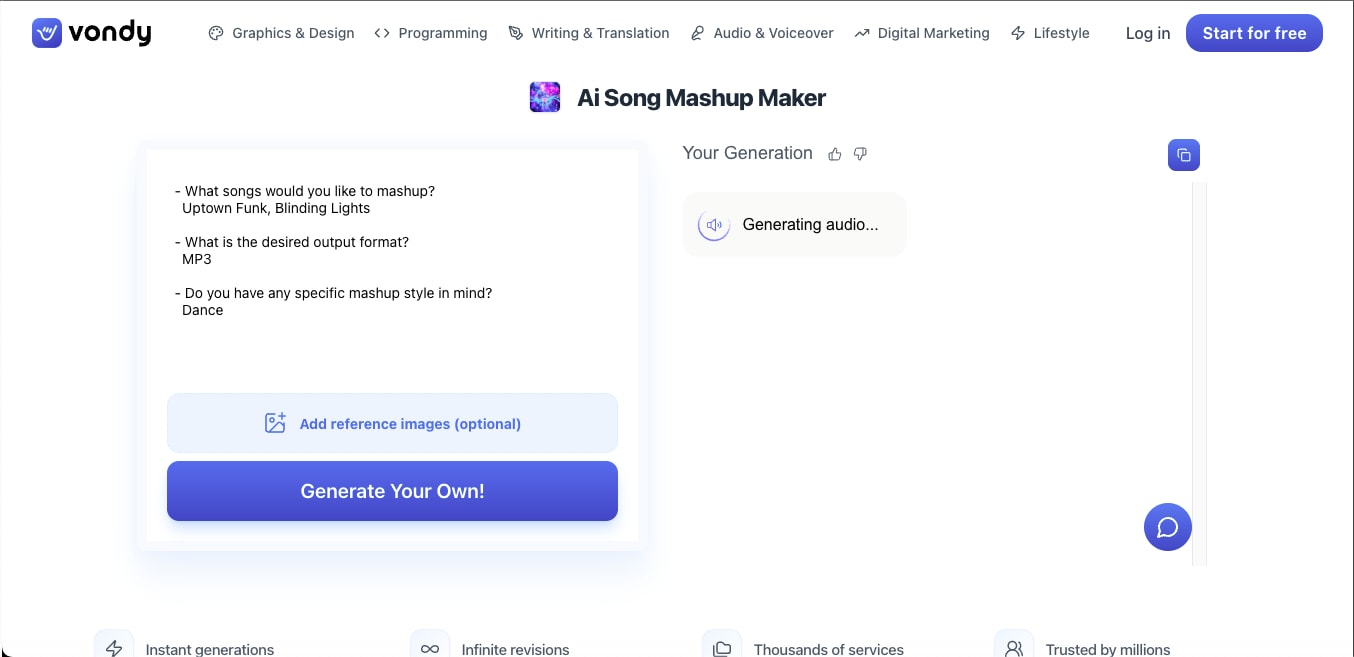
Vondy offers an AI-powered music mashup maker designed for creators who want fast and smooth results without the need for complex software. You can upload multiple tracks, select a style, and let the tool handle the mashup in seconds. It’s web-based and doesn’t require audio editing experience, making it accessible to casual creators, social media editors, and digital marketers.
Key Features
- Instant AI-generated mashups with multiple input tracks
- A simple three-step workflow for creation and download
- Includes remix, mixer, and AI song combiner tools
- Supports infinite revisions with customizable format and style
10. Veed
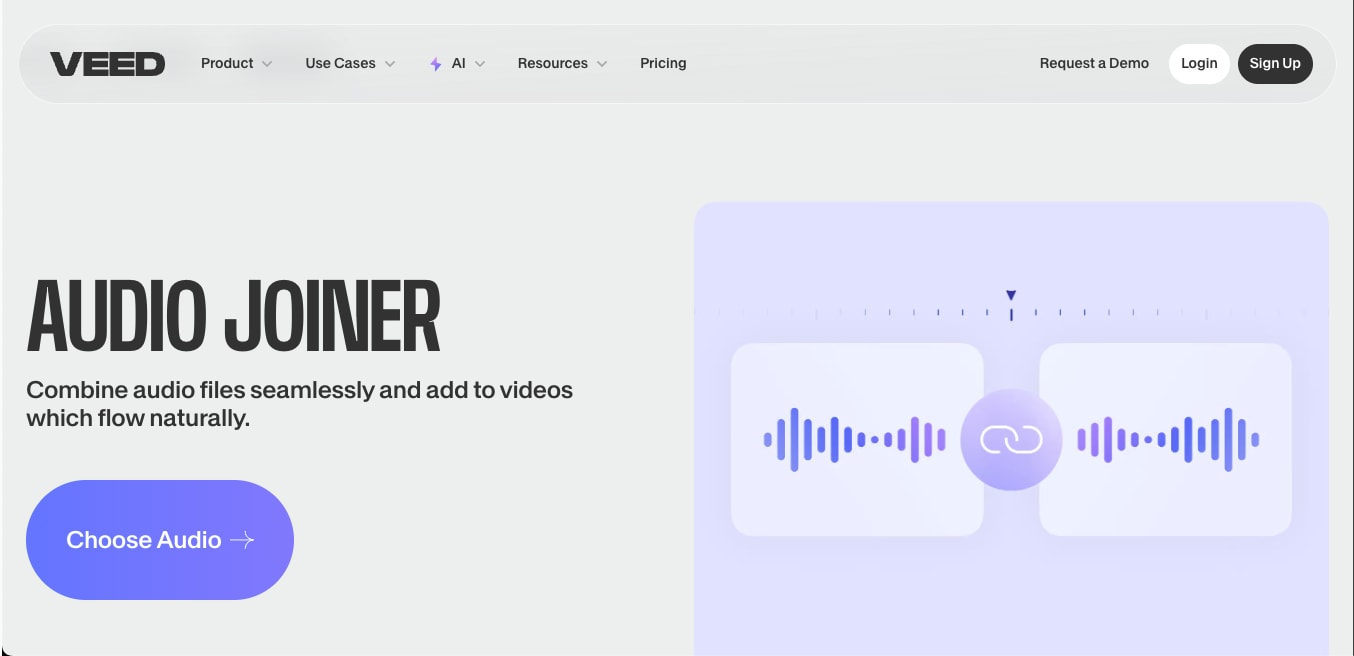
Veed is a versatile online video editing platform that recently expanded into AI audio and music generation tools, including mashup creation. While it’s best known for its intuitive video editing, its AI-powered music features enable users to mix tracks, generate mashups, and apply automated enhancements without requiring technical skills.
Key Features
- Automatically blends selected audio tracks for fast mashups
- Sync generated mashups directly with video timelines
- Add voiceovers or subtitles with minimal effort
- Make changes and hear results instantly before exporting
Quick Comparison: Best Free Music Mashup Maker by Feature
Not sure which song mashup maker fits your needs? This comparison table breaks down the features that matter most — so you can pick the right free music mashup maker without trying each one.
Part 2. Tips for Popular Music Mashups
Creating a viral music mashup isn't just about blending two tracks. A strong vocal mashup will need a consistent rhythm, emotional flow, and sonic clarity. Here are practical tips to help you get it right:
Compatibility
Harmonic compatibility is crucial. Use tools like Media.io or Fadr to ensure both tracks sit well together without clashing.
sync BPM
Use tempo-stretching tools to sync BPMs. Keeping both tracks within 5 BPM of each other helps maintain energy without warping vocals or beats unnaturally.
Constrast Combination
Pair a popular hit with a lesser-known or unexpected track. The contrast keeps listeners curious while the familiar hook keeps them hooked.
Kill the Low Bass
Avoid muddy mixes by removing bass frequencies from one track. Let only one song (preferably the more melodic one) carry the low-end.
Match Similar Sections
For smooth transitions.Try to match similar sections, like syncing both choruses or intro beats. It creates narrative cohesion and flow.
Part 3: How to extract vocals or background music before making a mashup
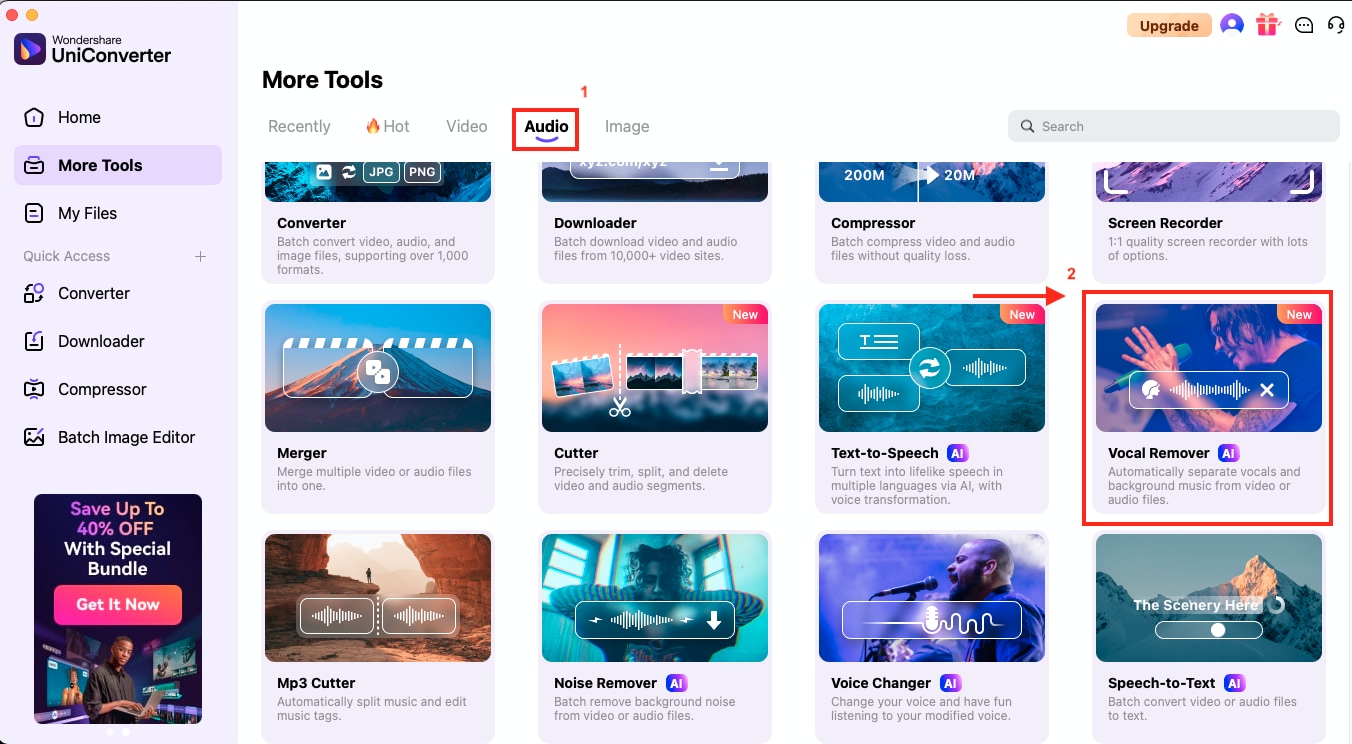
Need to quickly isolate vocals or background music from a bunch of files? You can always try Wondershare UniConverter's Vocal Remover feature, which can separate stems from both video and audio files. UniConverter is ideal for mashup artists, podcasters, or remixers who want clean vocal or instrumental layers to work with.
How to Use Wondershare UniConverter to Extract Soundtracks from Media
Step 1: From the UniConverter dashboard, switch to the “Audio” tab and click on “Vocal Remover.”
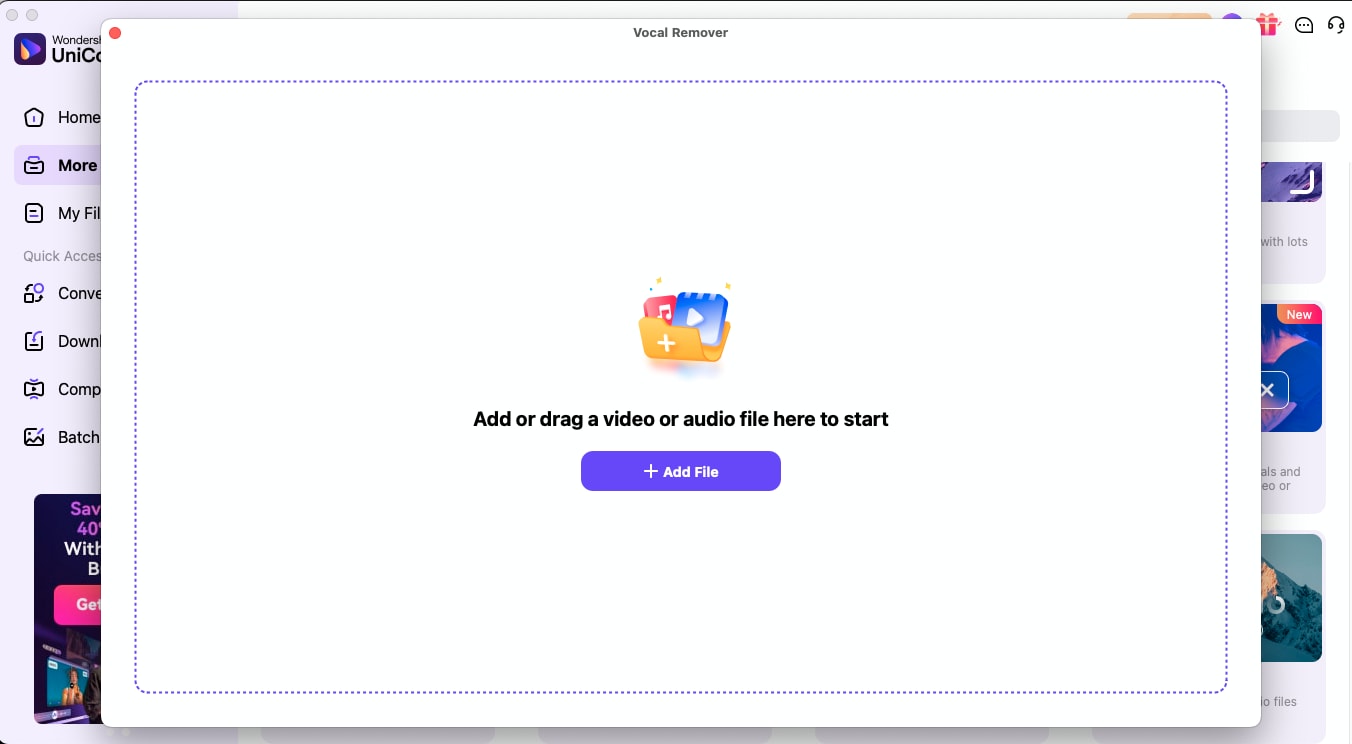
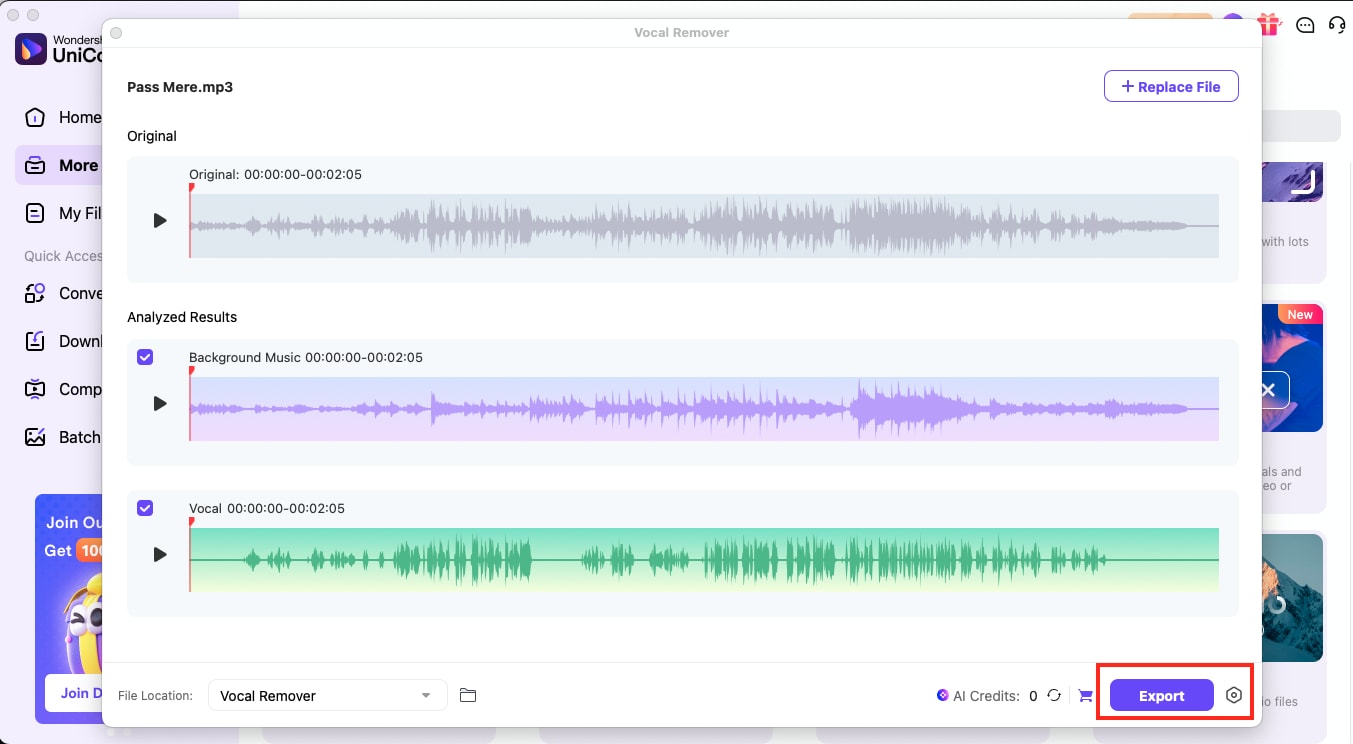
Step 2: Upload your media file. Once the file is loaded, UniConverter will automatically begin AI-based analysis to detect and separate the audio layers.
Step 3: After a few seconds, you will see two tracks: one for background music and another for vocals. Simply select the tracks you want and hit “Export.” You can repeat this for multiple files, making it an efficient batch-processing tool for audio creators.

All-in-One Multimedia Processing Tool
Conclusion
Making a mashup doesn’t have to be complex or time-consuming. With the right approach, such as matching BPM, removing low-end clashing, balancing vocal intensity, and utilizing the right music mashup maker, you can create clean, engaging audio in minutes.
If you're experimenting with acapella tracks, stems, or instrumentals, a tool like UniConverter can help simplify the backend work. Instead of jumping between multiple apps, you can remove vocals, trim audio clips, adjust timing, and export tracks: all in one place.
Part 5. Frequently Asked Questions
1. Can I share my mashup songs online without getting copyrighted?
Sharing mashups that contain copyrighted music on platforms like YouTube, TikTok, or Spotify can result in claims or takedowns. To avoid issues, use royalty-free or creative commons tracks, or tools like MixAudio that generate original AI music. Some platforms also offer Content ID whitelisting, but this varies by label and region. If your mashup is purely for personal use or offline listening, copyright risk is significantly lower.
2. How do I match two songs with different tempos for a mashup?
When two songs have different BPMs, use a tempo-stretching or time-stretching feature to align them. Tools like Fadr and YouDJ let you manually adjust tempo without changing pitch. For best results, keep both tracks within 5 BPM of each other. If the gap is larger, consider trimming one song to just the chorus or verse that naturally fits the other track's rhythm. Media.io and AudioCleaner handle this automatically with their AI beat sync.
3. What is stem separation and why does it matter for mashups?
Stem separation is the process of splitting a full song into individual layers — such as vocals, drums, bass, and other instruments. This matters for mashups because it lets you isolate just the vocals from one song and layer them over the instrumental of another without frequency clashing. Fadr supports separation of 15+ stem types, while Media.io and AudioCleaner offer basic vocal and instrumental splitting. For extracting stems from video files, UniConverter's Vocal Remover uses AI-based analysis to separate layers automatically.
4. Why does my mashup sound muddy or distorted?
A muddy mashup usually happens when both tracks occupy the same low-frequency range. To fix this, remove the bass from one track using an EQ tool so only one song carries the low end. Also check that both songs are in compatible musical keys — clashing keys create dissonance even when the BPM is synced. Fadr offers key detection and EQ controls, while AudioCleaner auto-removes overlapping frequencies. If the audio quality itself is poor, make sure the source files are at least 320kbps MP3 or lossless formats like WAV or FLAC.
5. Can I use these free mashup makers on my phone?
Yes, most of the tools listed in this guide work on mobile browsers. Media.io, Clideo, Audio Joiner, Vondy, and AudioCleaner are fully responsive and run on both iPhone and Android without installing an app. Fadr and Rave also work on mobile, though the experience is better on a larger screen due to their more complex interfaces. YouDJ requires a desktop browser for the full DJ deck experience. If you need to extract or edit audio files on your phone first, UniConverter's mobile app supports vocal removal and audio conversion on both iOS and Android.

